




Introduction to #slack
David Peris Navarro
Department of Biosciences, UiO
14th April 2020
Based on Muchamad Ishaq Z slides
What is Slack?
• Slack is a messaging app for teams.
• Is available across a range of devices and platforms
• Works with other apps too, including Skype for video calls
Getting to know Slack
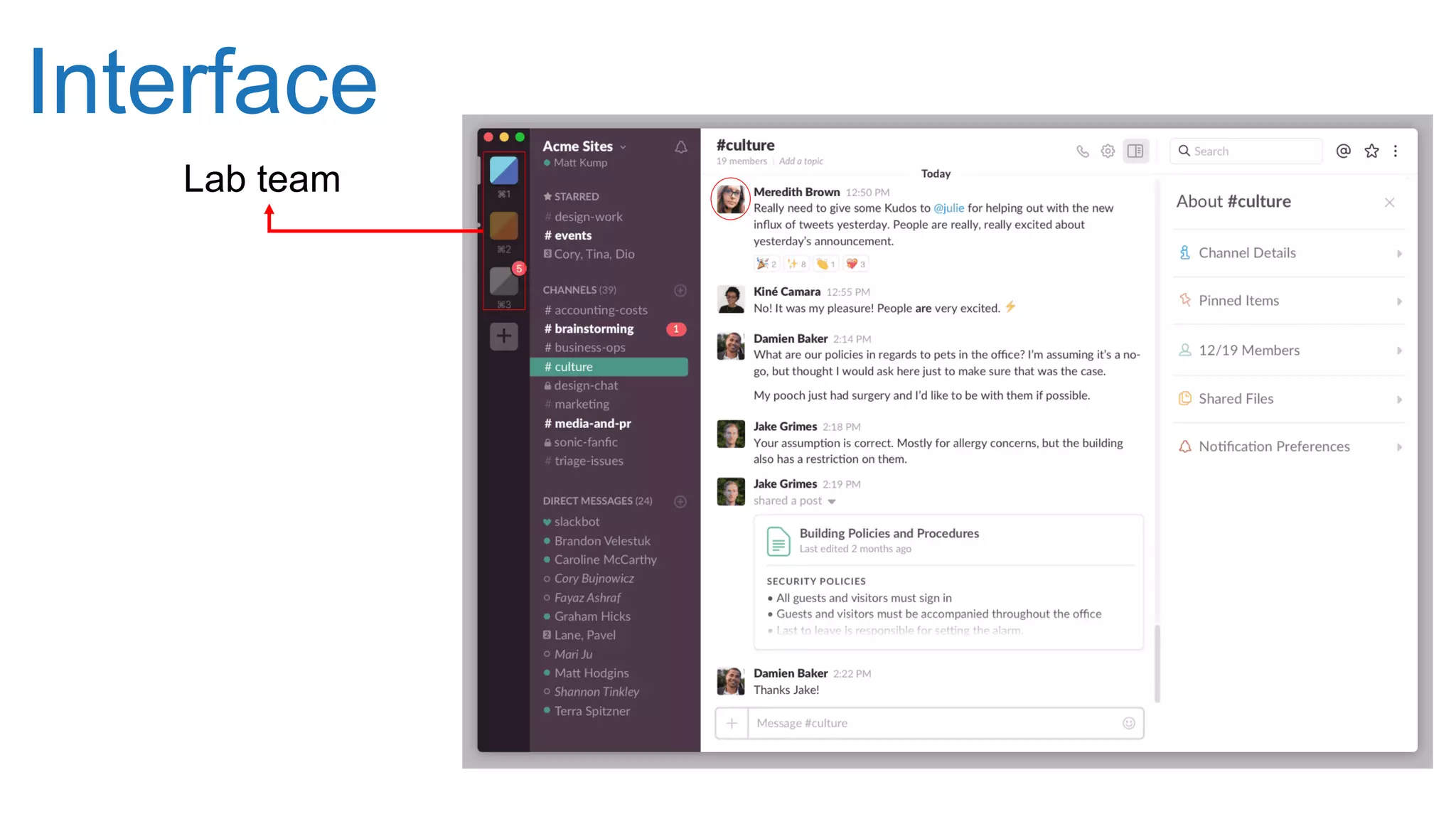
Interface
Lab team
Interface
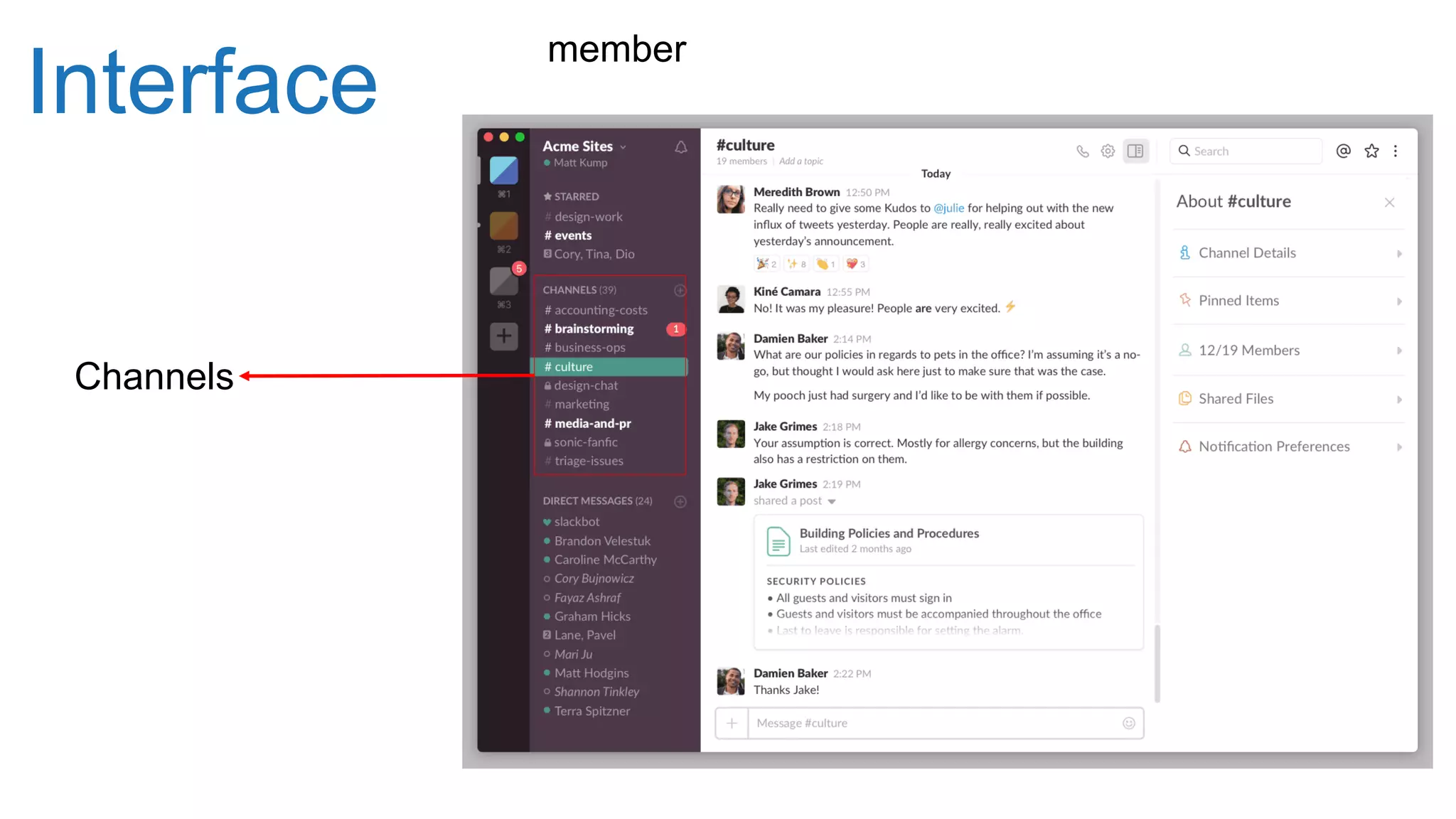
Channels
member
Channels
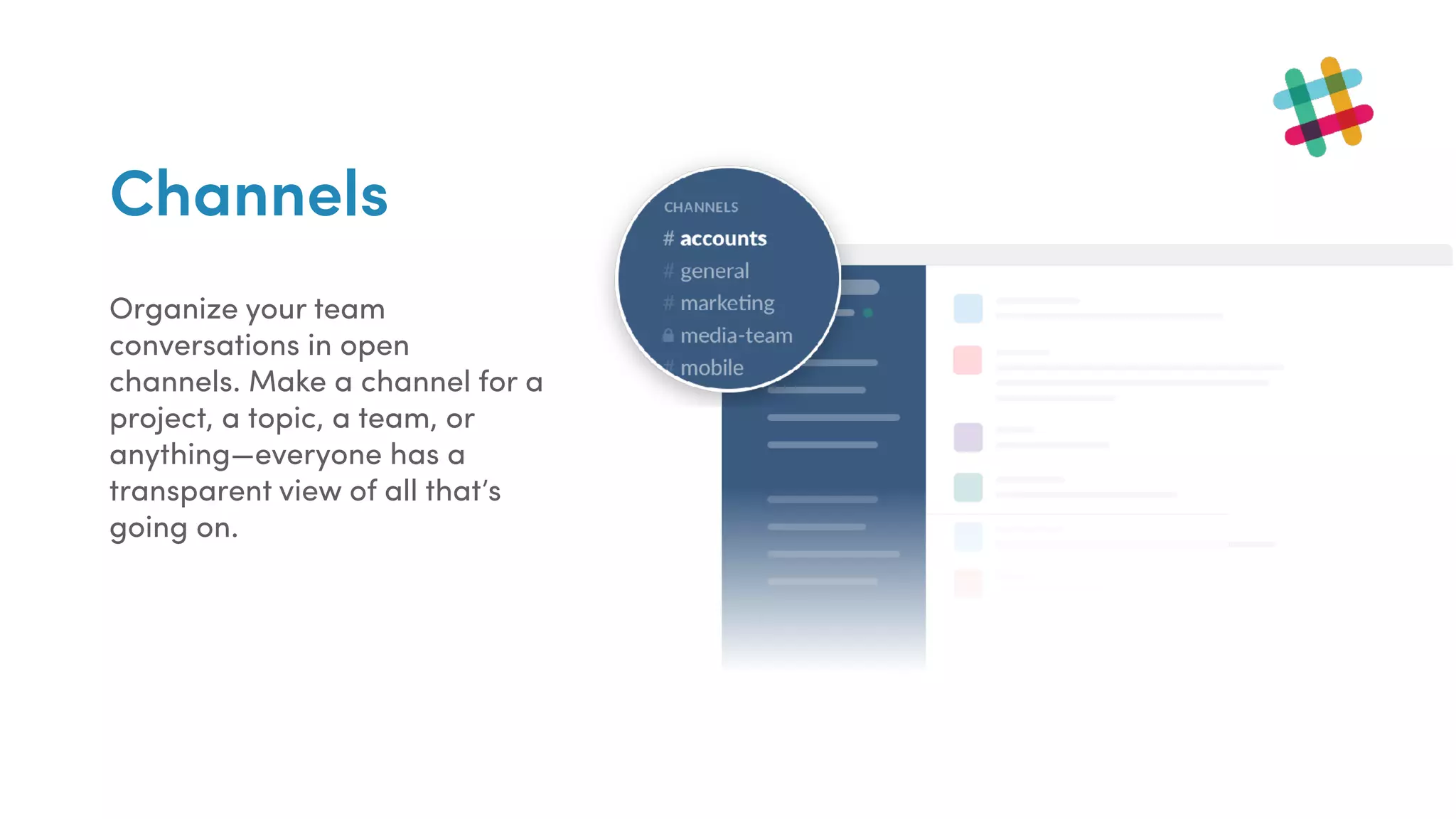
Organize your team
conversations in open
channels. Make a channel for a
project, a topic, a team, or
anything—everyone has a
transparent view of all that’s
going on.
Private Channels
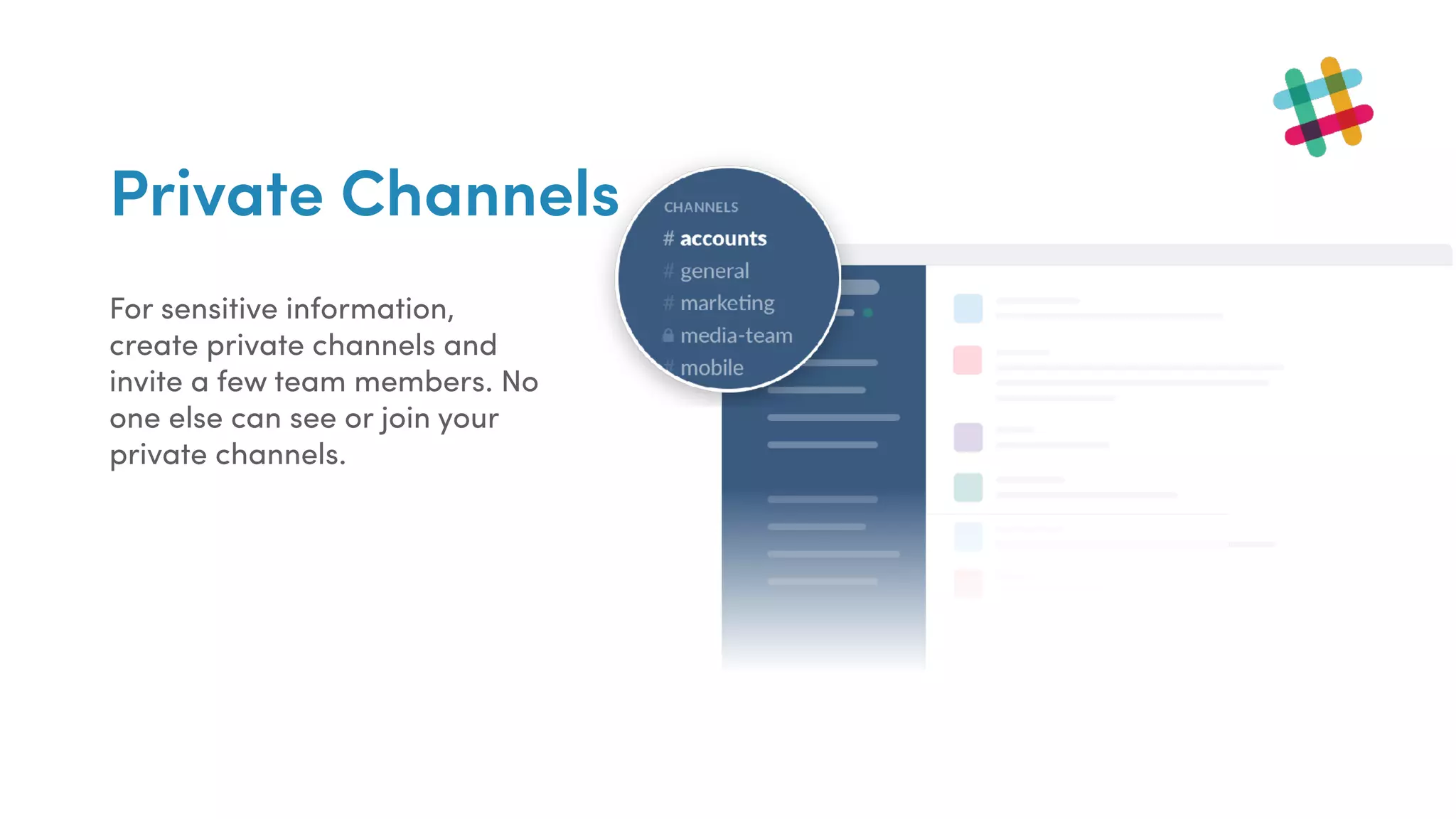
For sensitive information,
create private channels and
invite a few team members. No
one else can see or join your
private channels.
Interface
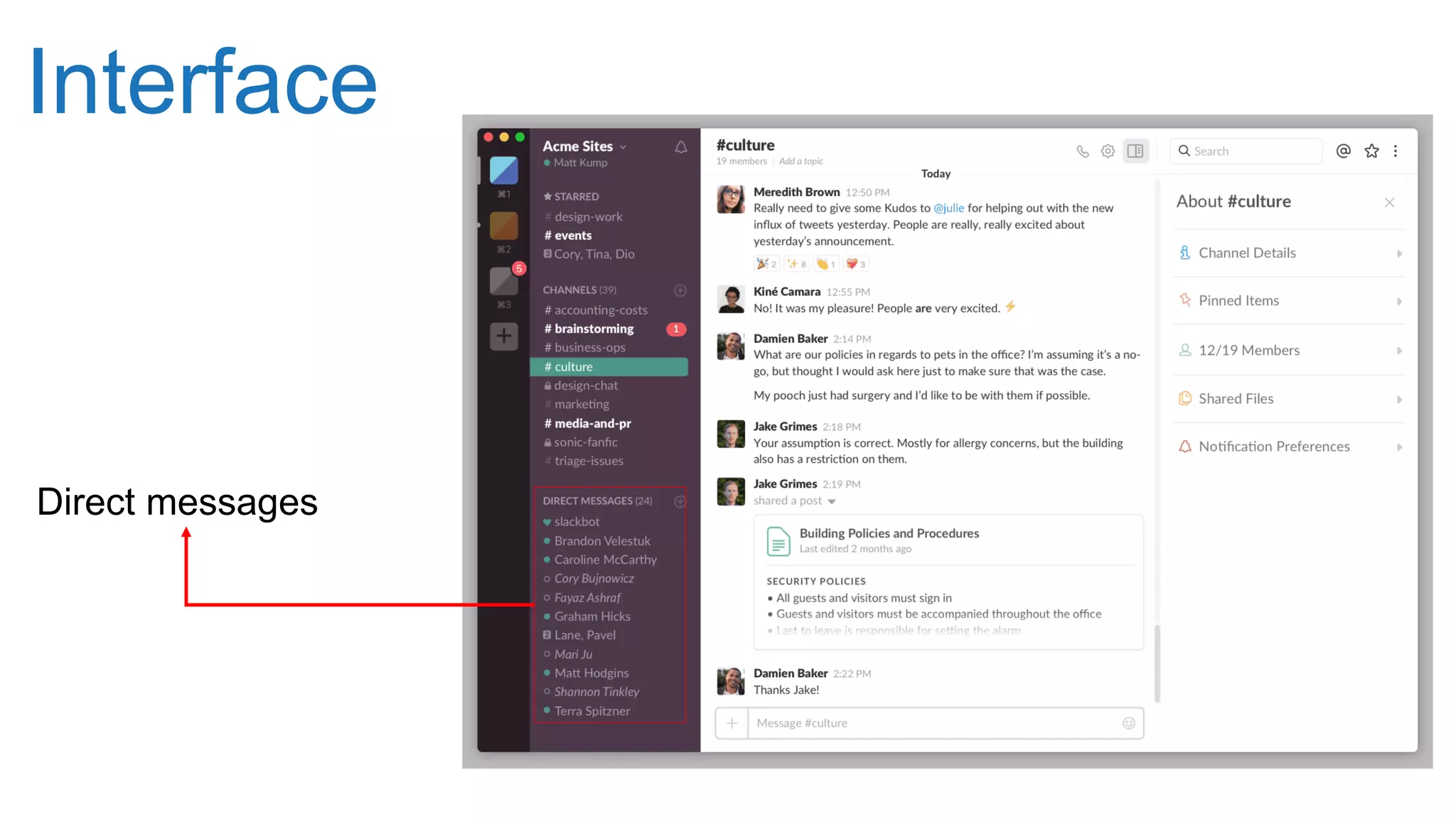
Direct messages
Direct Message
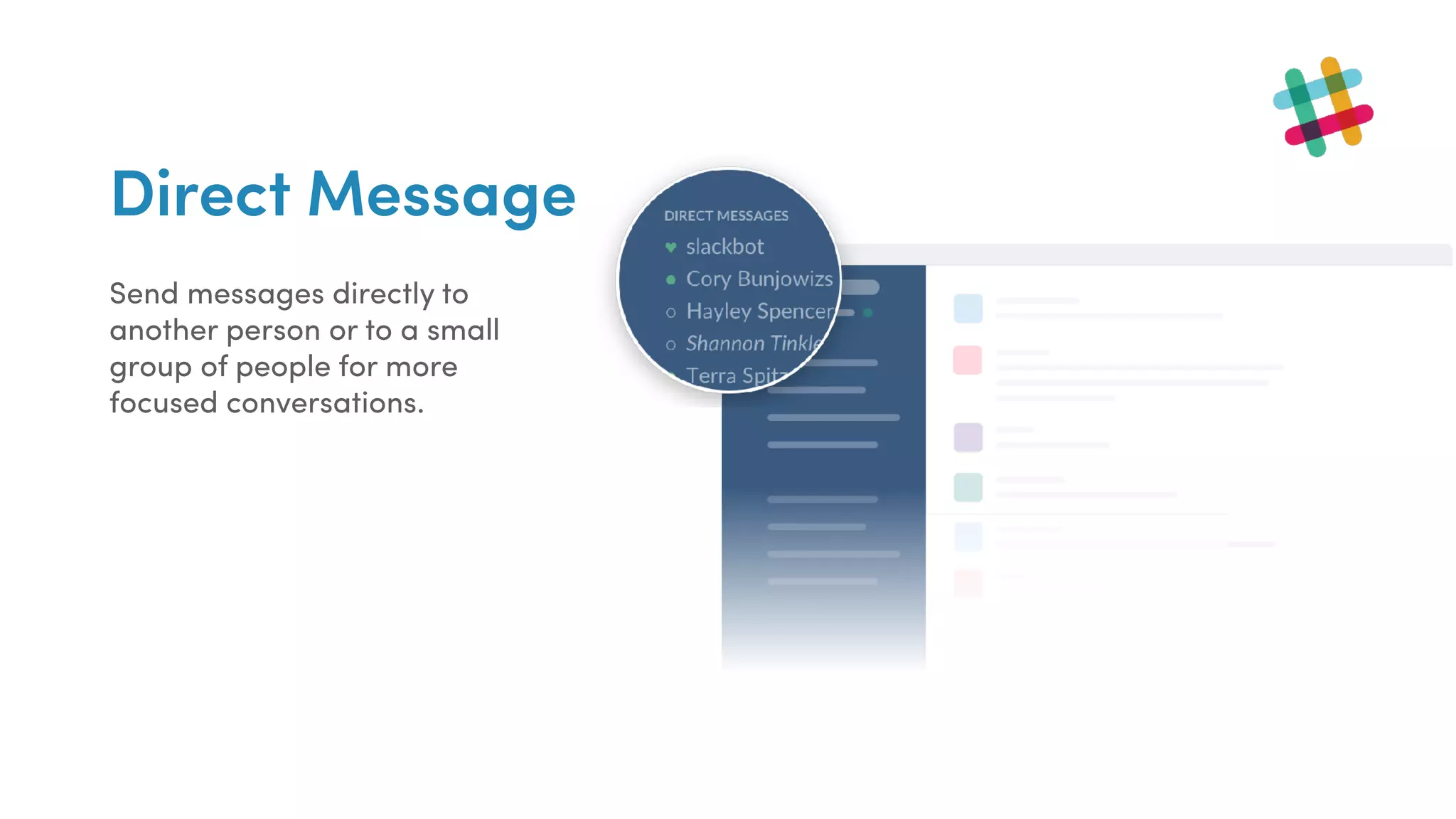
Send messages directly to
another person or to a small
group of people for more
focused conversations.
Interface
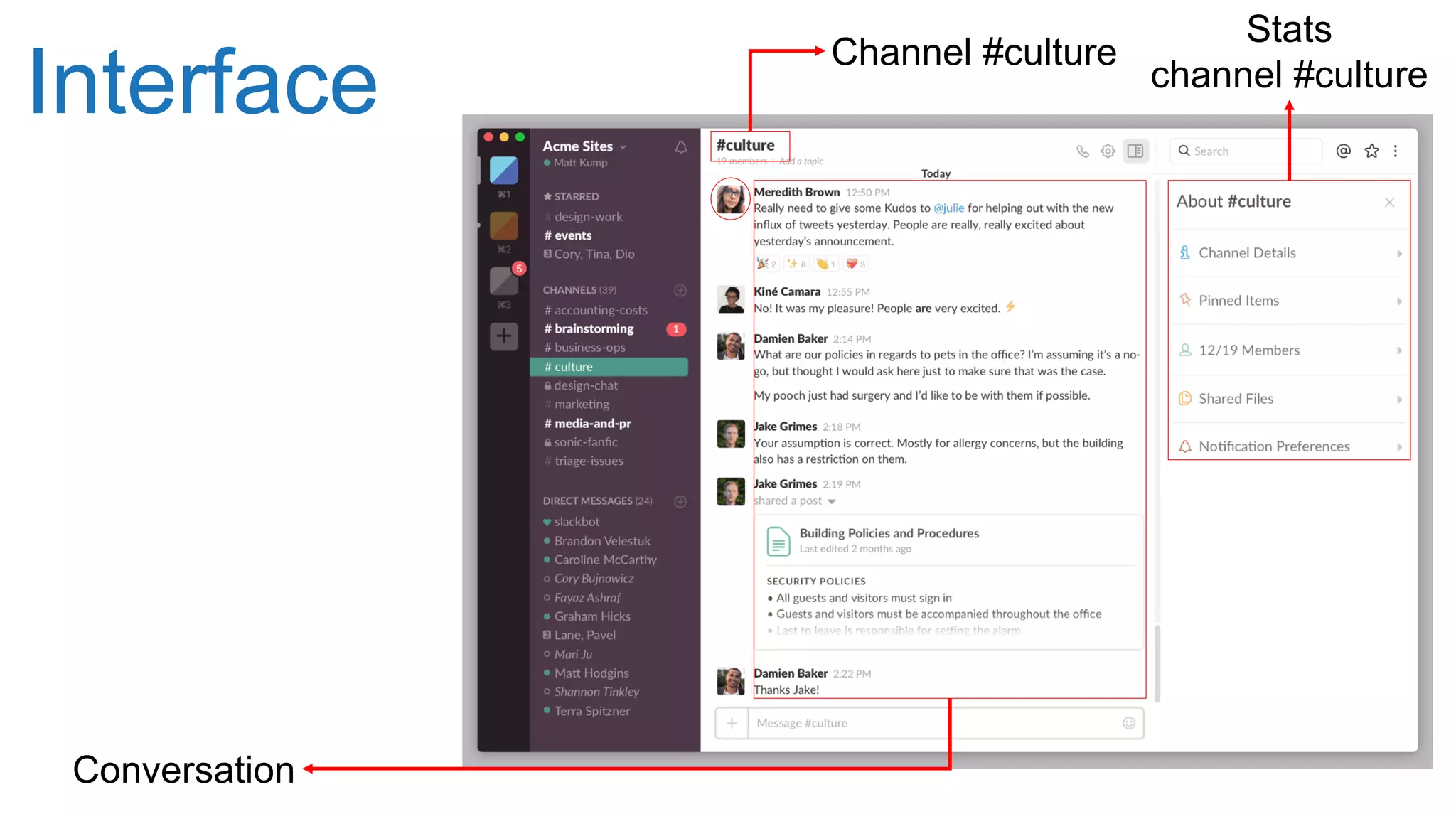
Channel #culture
Stats
channel #culture
Conversation
Calls
Take a conversation from typing to face-
to-face by starting a voice or video call in
any Channel or Direct Message. Make
one-on-one or group calls right from Slack
without needing to open another app or
share invite links.
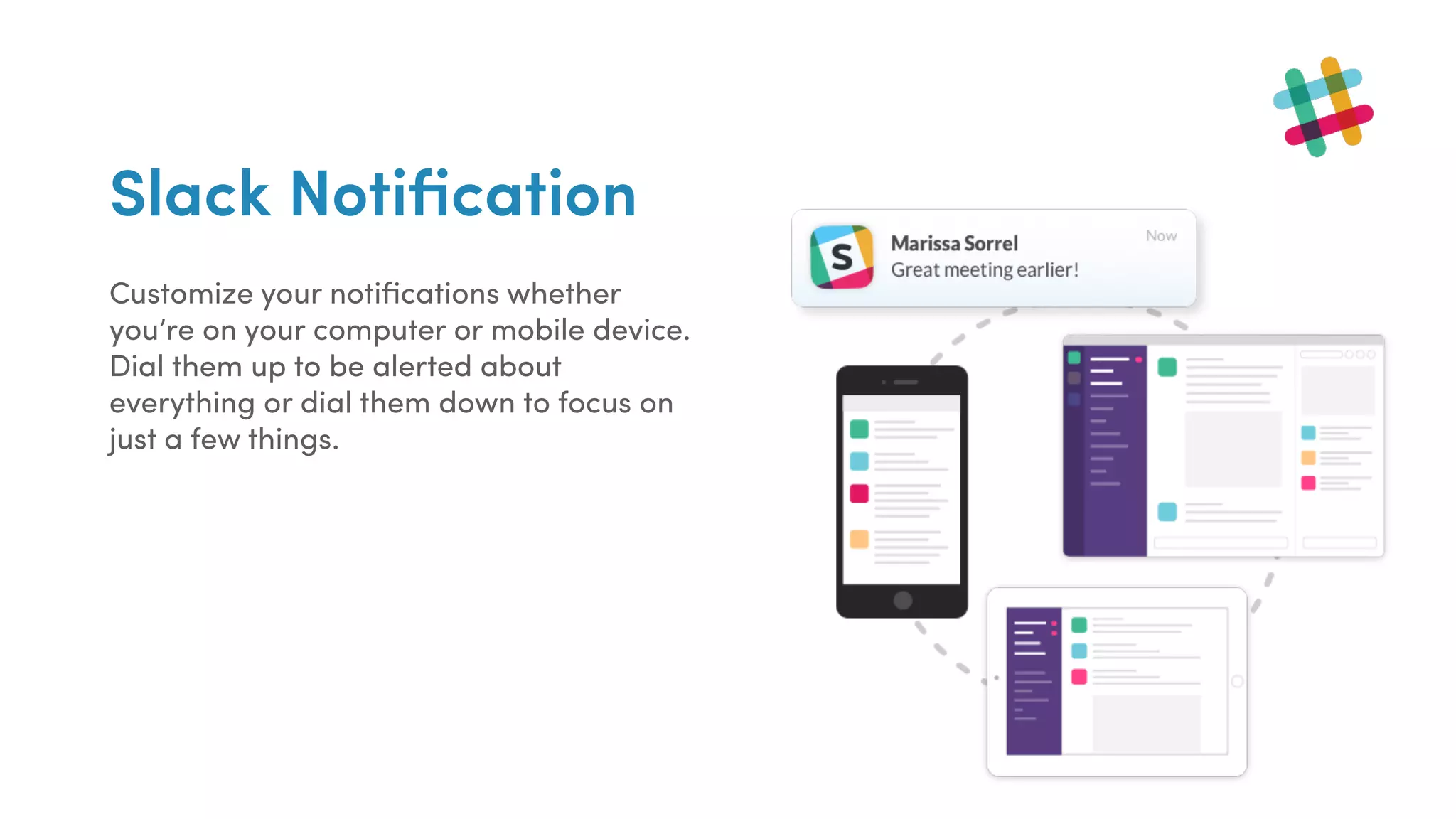
Slack Notification
Customize your notifications whether
you’re on your computer or mobile device.
Dial them up to be alerted about
everything or dial them down to focus on
just a few things.
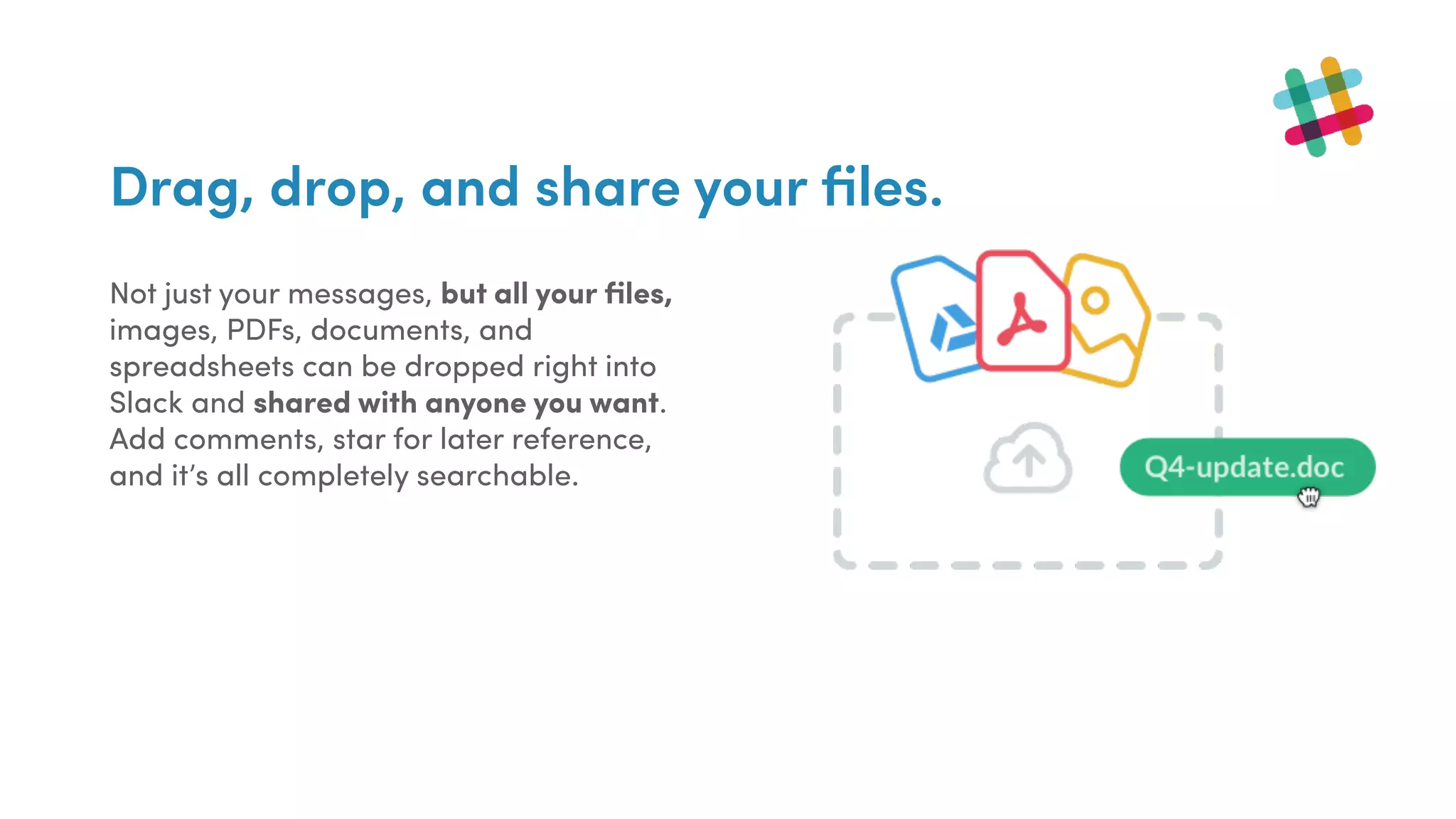
Drag, drop, and share your files.
Not just your messages, but all your files,
images, PDFs, documents, and
spreadsheets can be dropped right into
Slack and shared with anyone you want.
Add comments, star for later reference,
and it’s all completely searchable.
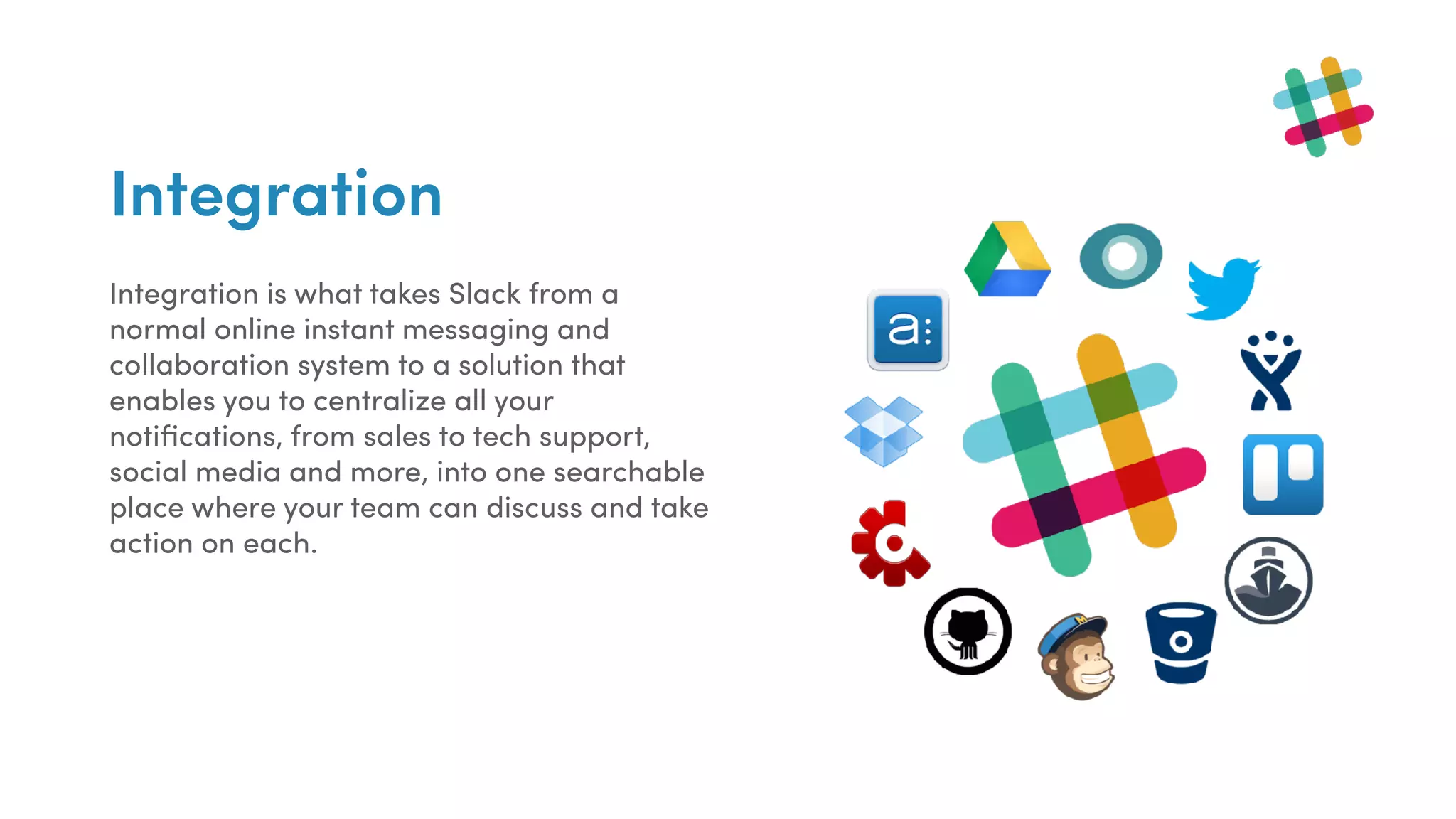
Integration
Integration is what takes Slack from a
normal online instant messaging and
collaboration system to a solution that
enables you to centralize all your
notifications, from sales to tech support,
social media and more, into one searchable
place where your team can discuss and take
action on each.
SlackBot
SlackBot: personal assistant and helpful bot
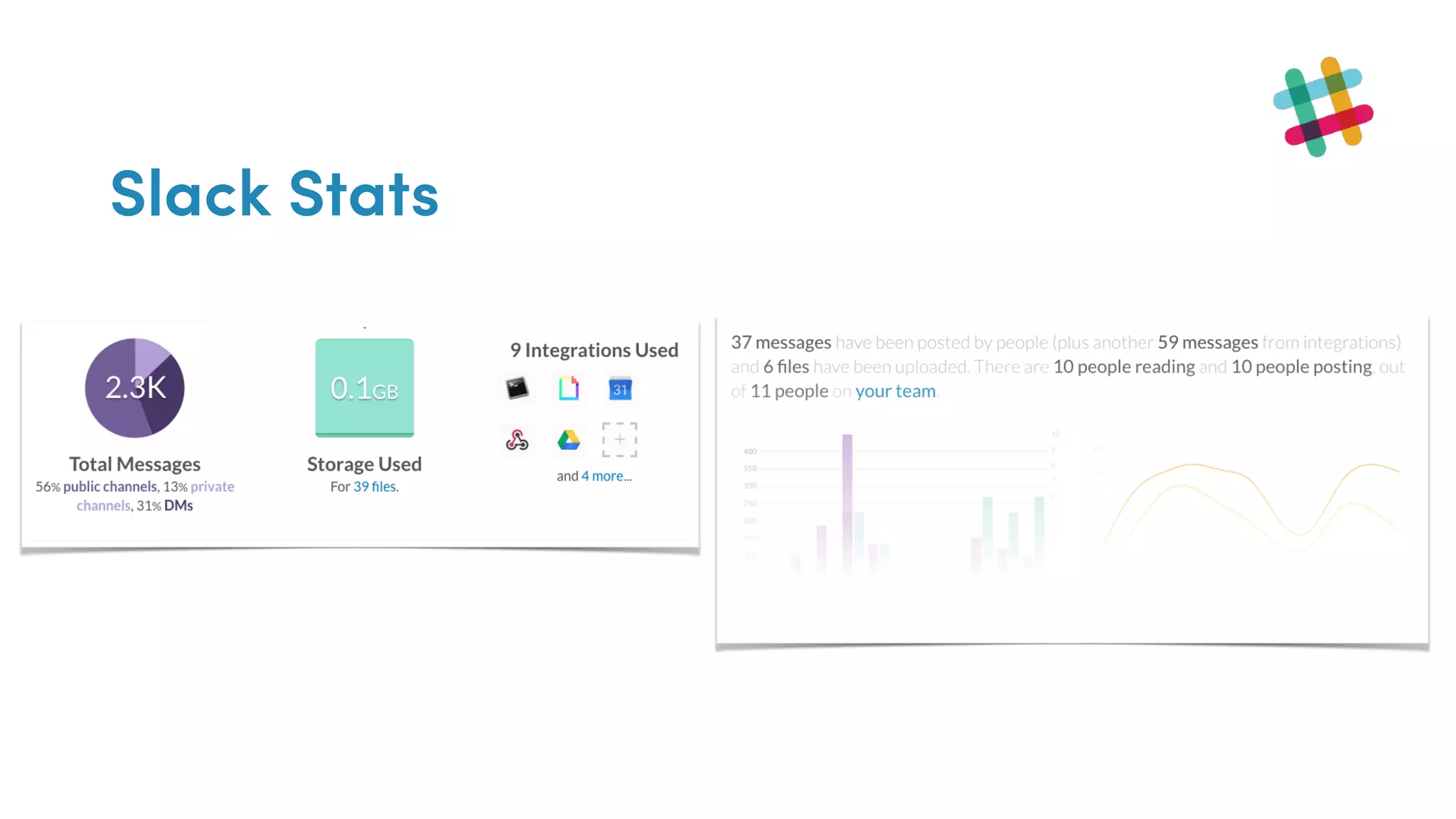
Slack Stats
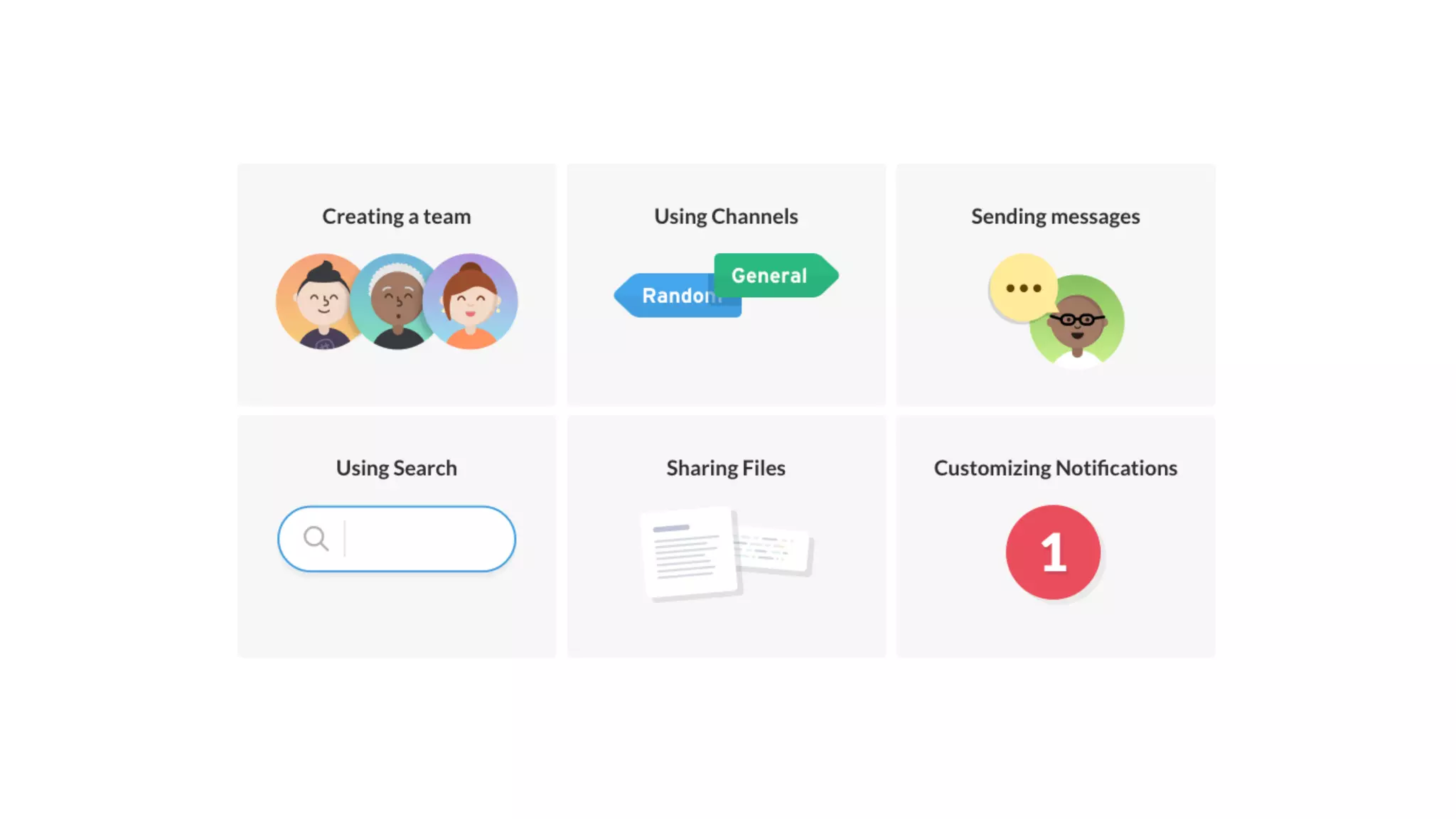
Working within Slack
Conclusion
#slack is an interesting app. Used with responsibility can improve communication among members
working in a similar field or project
Helping documents
Tutorial: https://standuply.com/how-to-use-slack
Best apps for slack: https://zapier.com/blog/best-free-slack-apps/
Slack for scientists: https://www.youtube.com/watch?v=t1t9U9KNqXY
Thank you.

Introduction to Slack