HOW TO FULLY
   TAKE ADVANTAGE
   OF

Nikki Little, Social Media Strategist at Identity
Macomb-OU INCubator
April 5, 2012
WHAT WE’LL DISCUSS:
 Why LinkedIn? Overview and stats

 Getting started

 Important elements of personal profile

 How to enhance networking

 Important elements of company page

 What NOT to do on LinkedIn
WHY LINKEDIN?
http://www.flickr.com/photos/29492436@N00/3942063039/


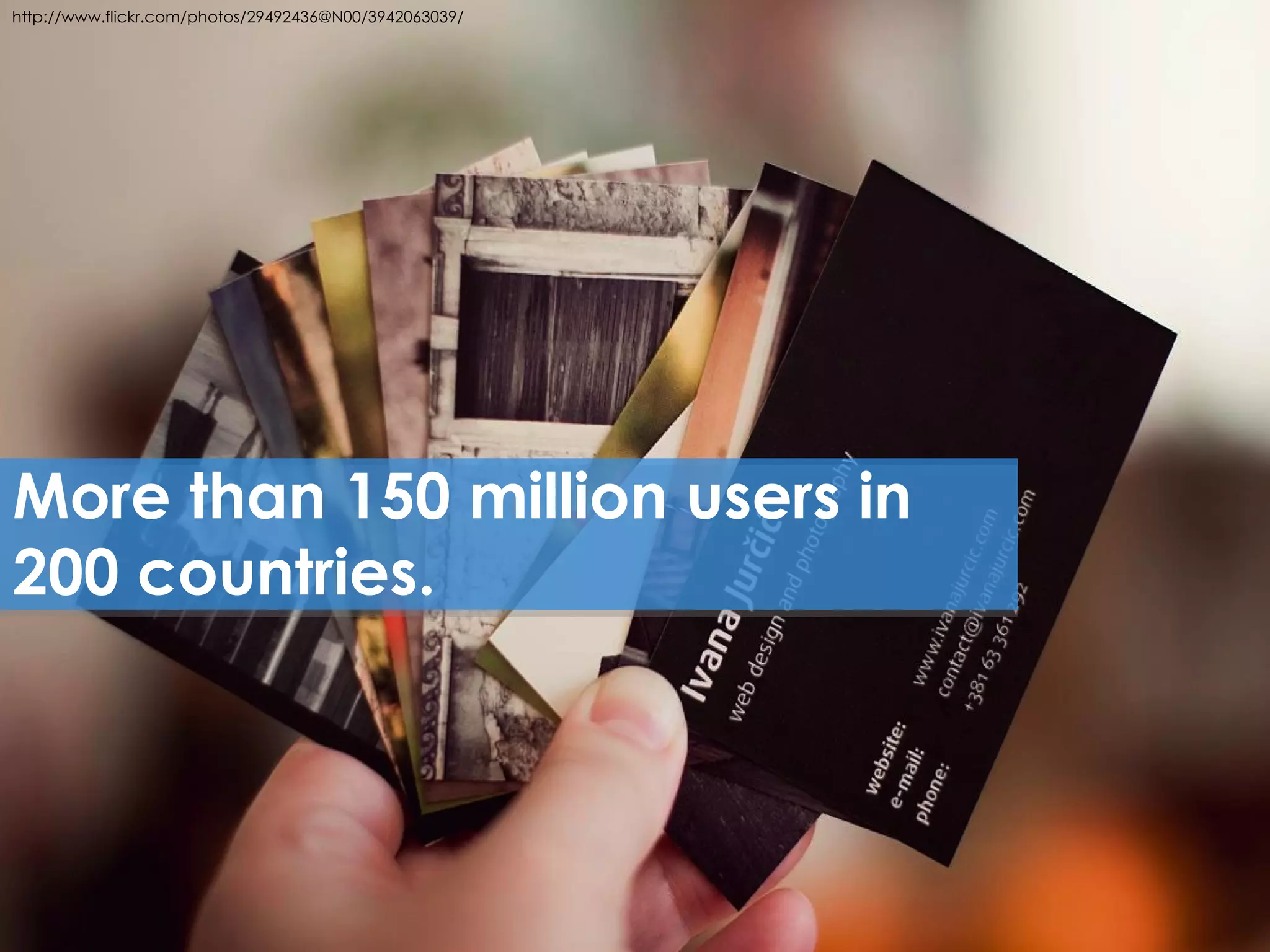
More than 150 million users in
200 countries.


     4
http://www.flickr.com/photos/29492436@N00/3942063039/   http://www.flickr.com/photos/38851430@N07/3612876698/


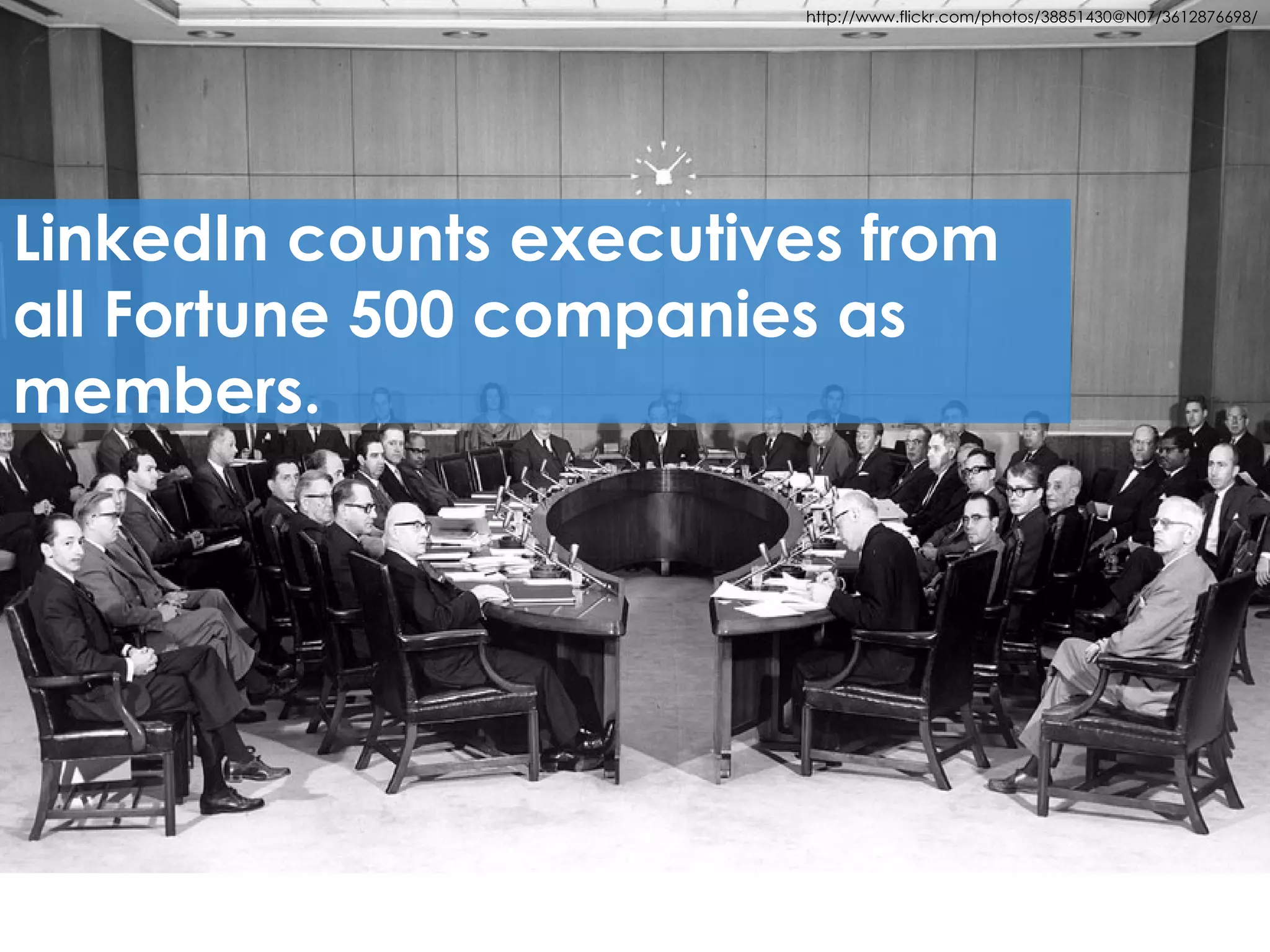
LinkedIn counts executives from
all Fortune 500 companies as
members.


     5
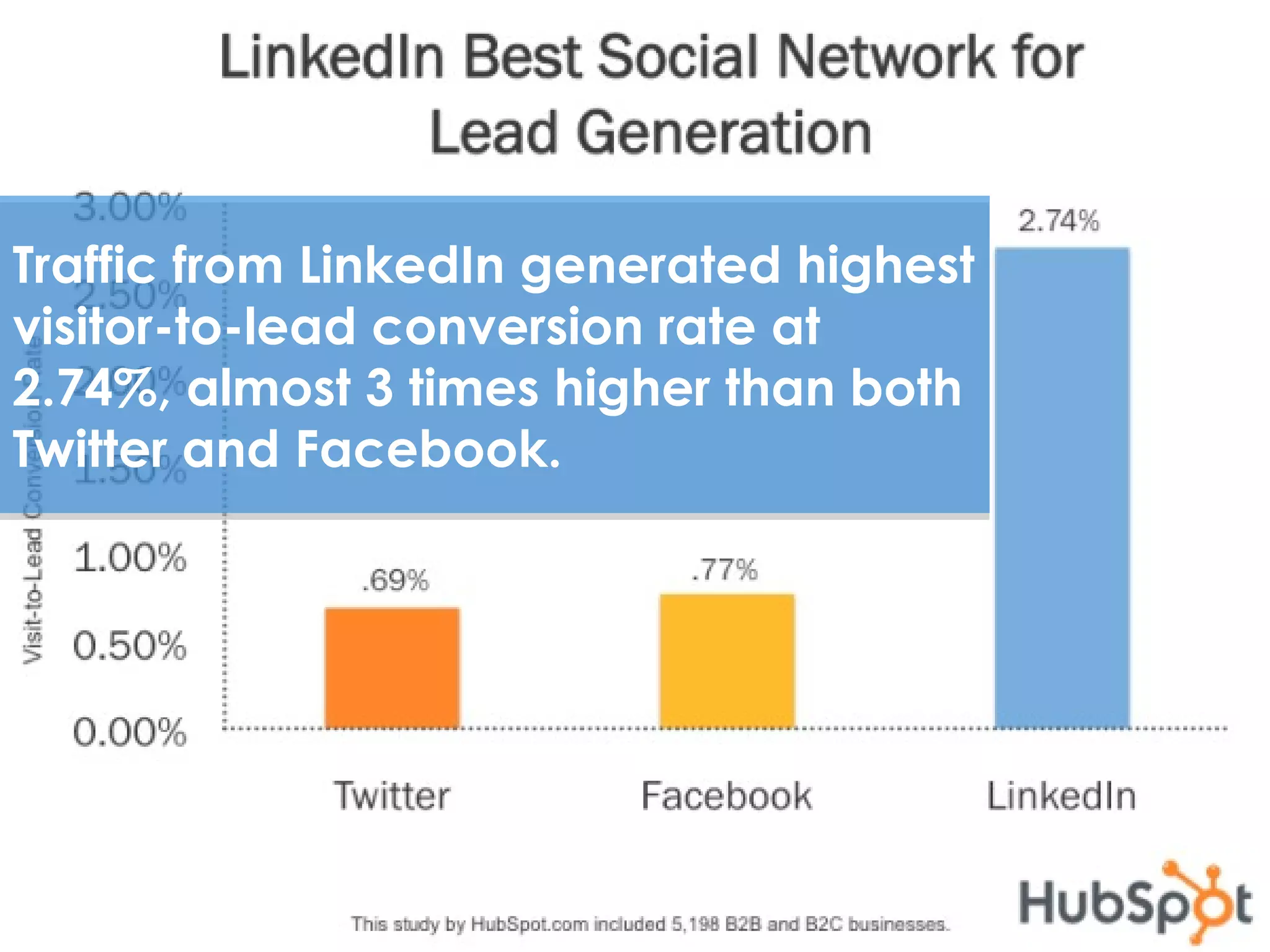
Traffic from LinkedIn generated highest
visitor-to-lead conversion rate at
2.74%, almost 3 times higher than both
Twitter and Facebook.


 6
http://thenextweb.com/socialmedia/2012/02/25/43-of-all-linkedin-users-are-in-
                                              the-us-ibm-is-the-company-with-the-most-followers/


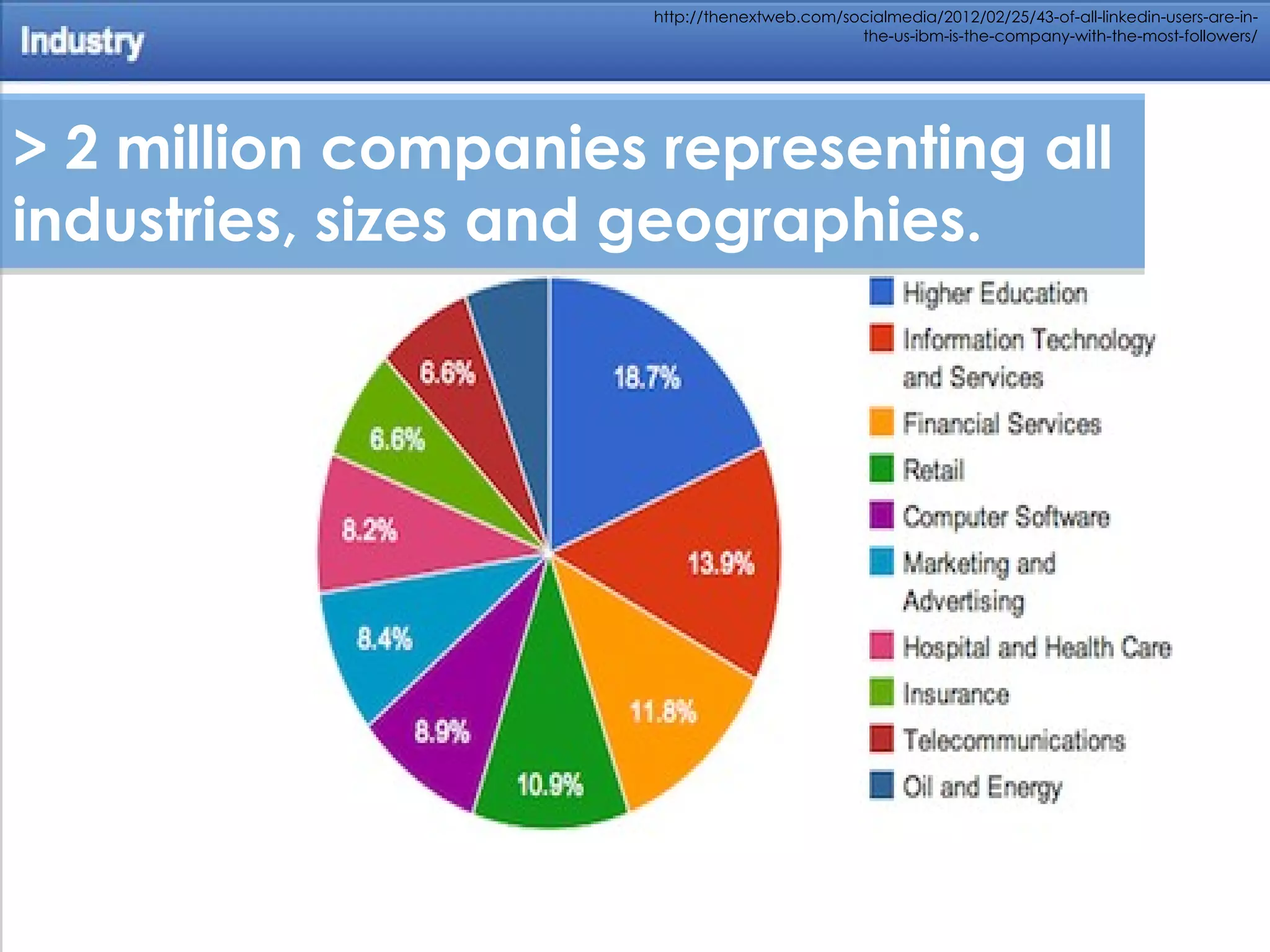
> 2 million companies representing all
industries, sizes and geographies.


 7
REASONS TO USE LINKEDIN:
 Digital resume and stamp of approval

 Networking opportunities

 Showcase industry expertise

 Find a job

 Recruit new employees

 Market yourself and your business

 Generate sales leads
WHAT YOU NEED
TO GET STARTED
THE KEY INGREDIENTS
 An email address


 Photo (headshot – 4 MB limit)


 Updated resume
http://www.flickr.com/photos/generated/501445202


LinkedIn will help you put
the profile pieces together.
LINKEDIN RESOURCES

 LinkedIn Learning Center –

 http://learn.linkedin.com/


 LinkedIn Blog –

 http://blog.linkedin.com/
10 MOST
IMPORTANT
PROFILE
ELEMENTS
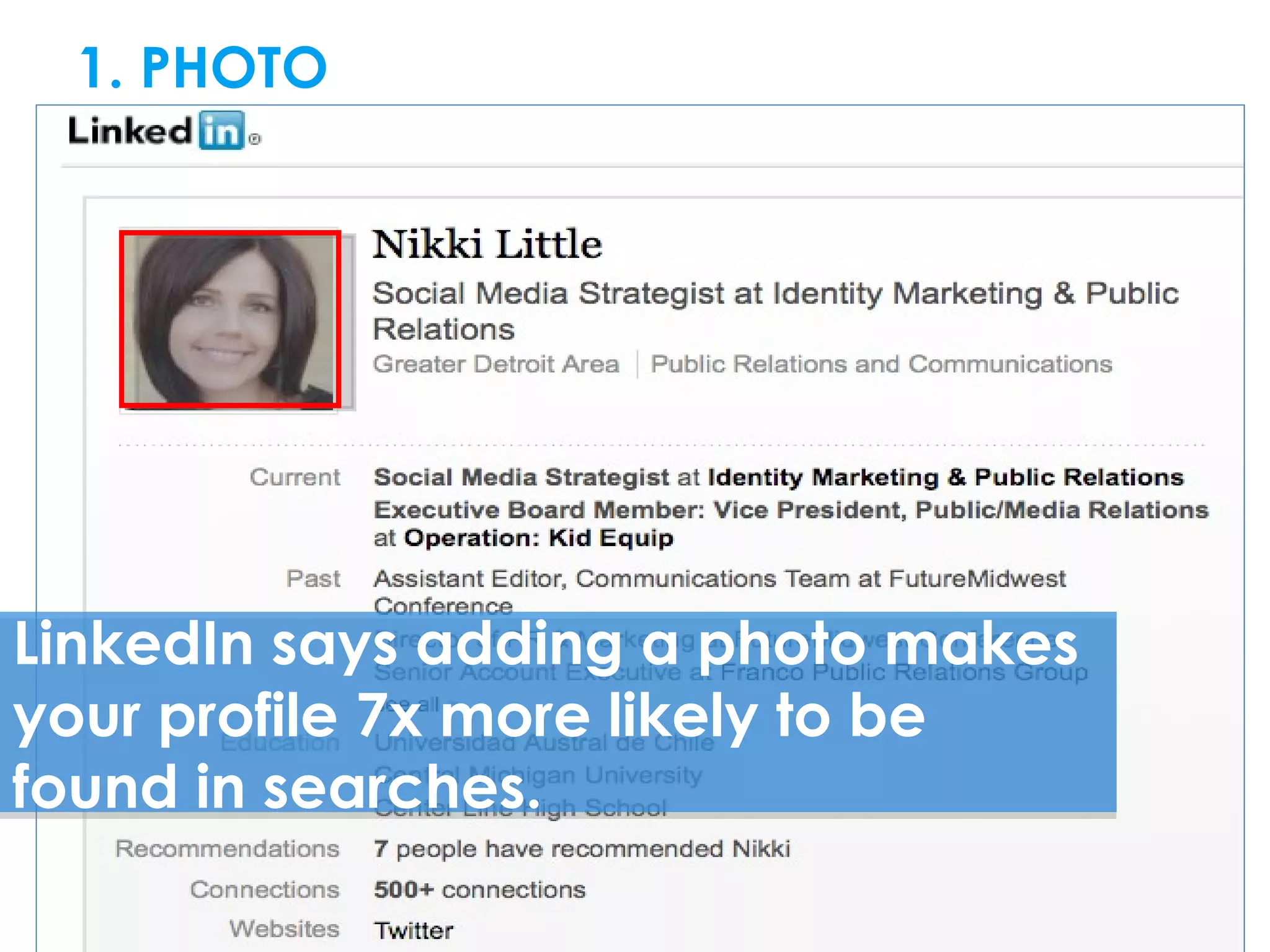
1. PHOTODIN RESOURCES


LinkedIn says adding a photo makes
your profile 7x more likely to be
found in searches.
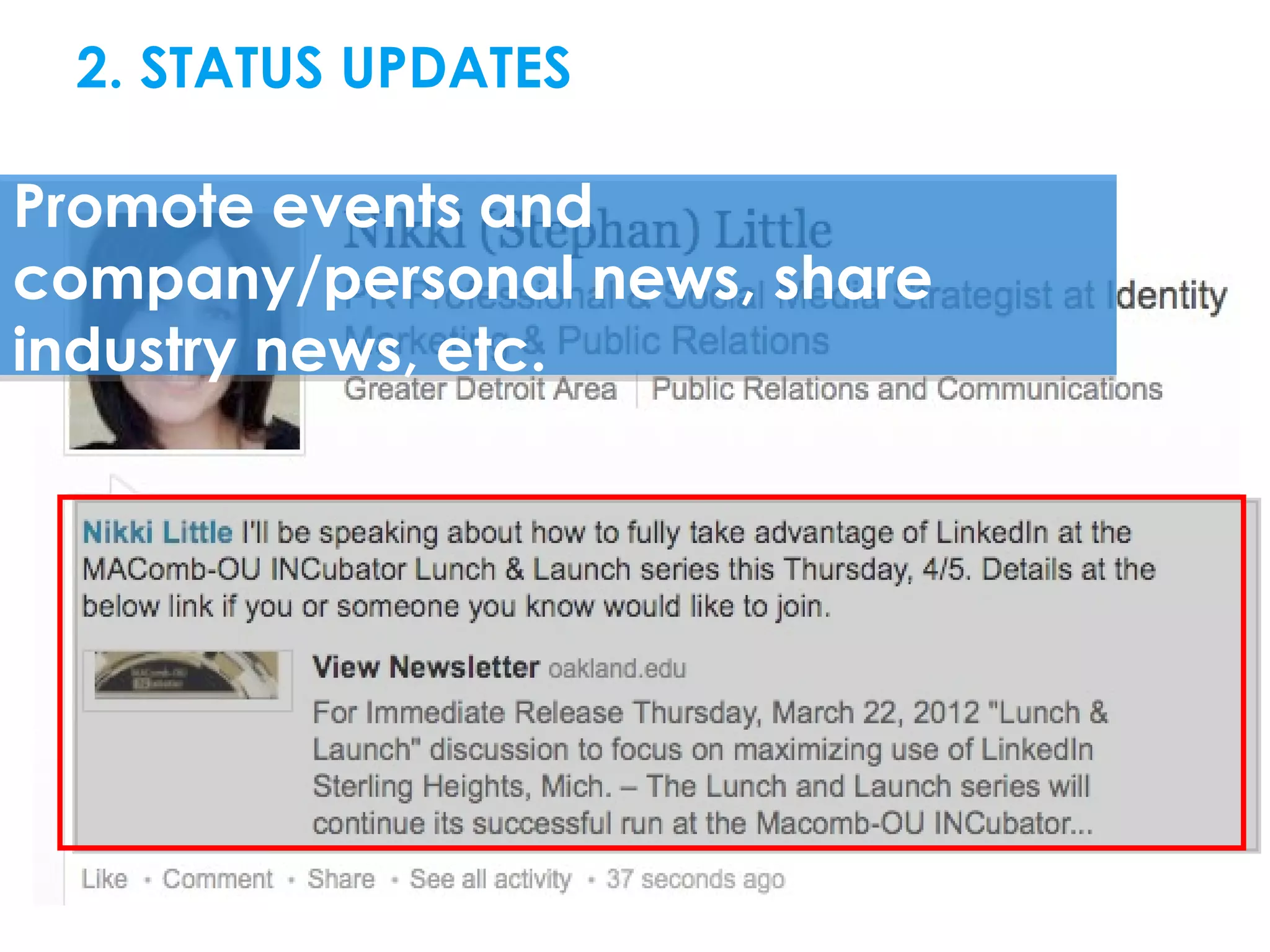
2. STATUS UPDATESDIN RESOURCES

Promote events and
company/personal news, share
industry news, etc.
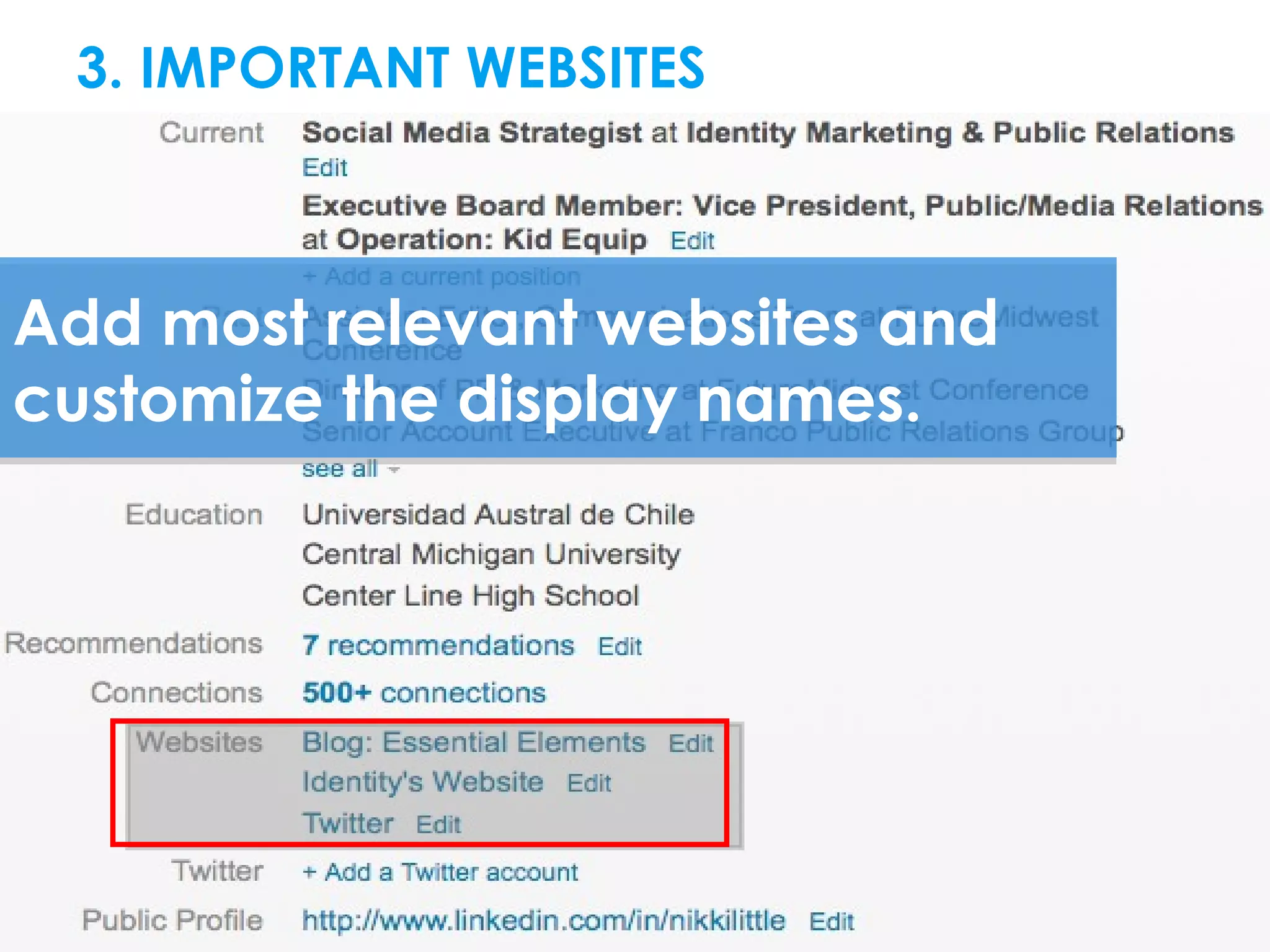
3. IMPORTANT WEBSITESRESOURCES


Add most relevant websites and
customize the display names.
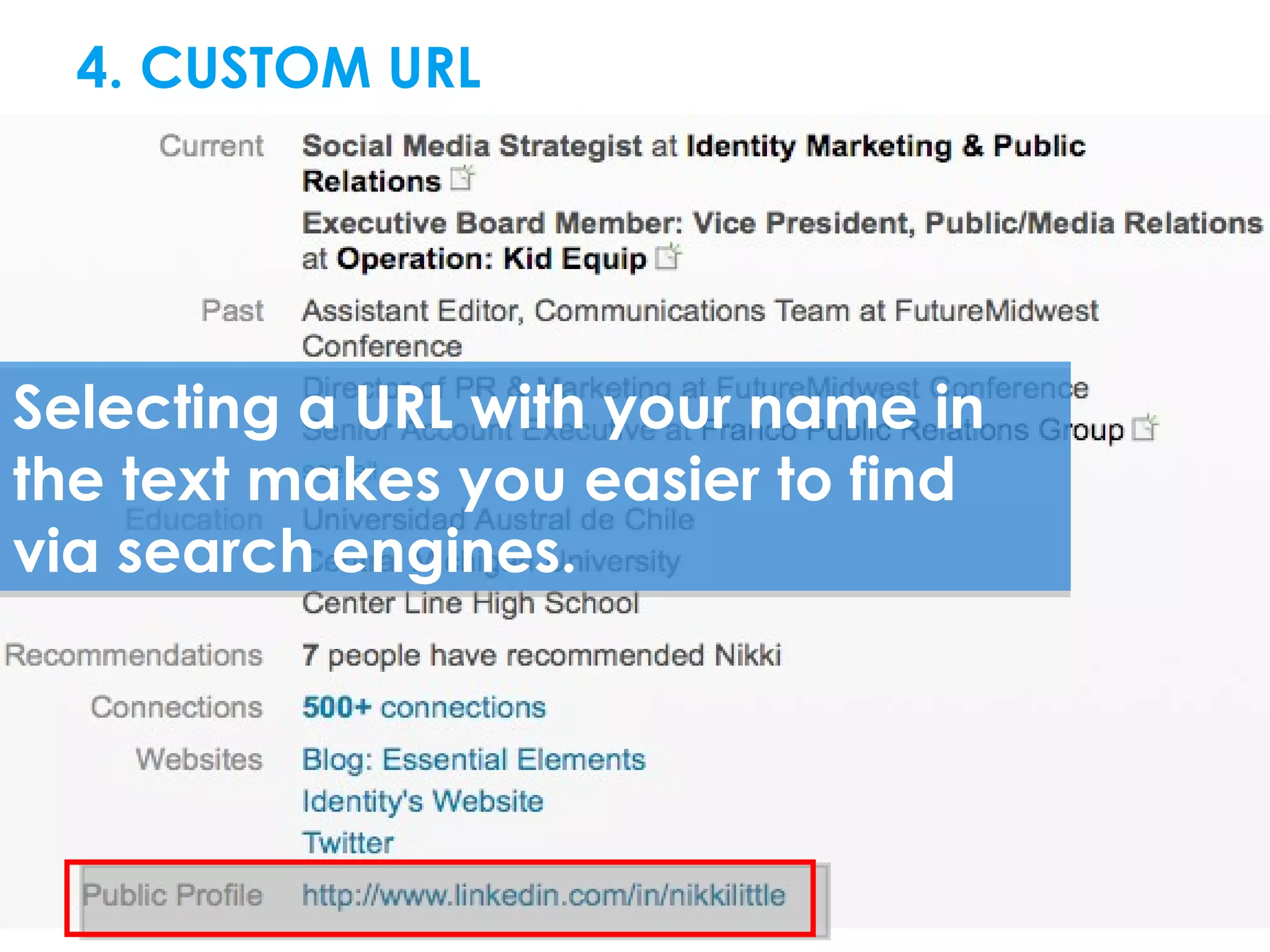
4. CUSTOM URLDIN RESOURCES


Selecting a URL with your name in
the text makes you easier to find
via search engines.
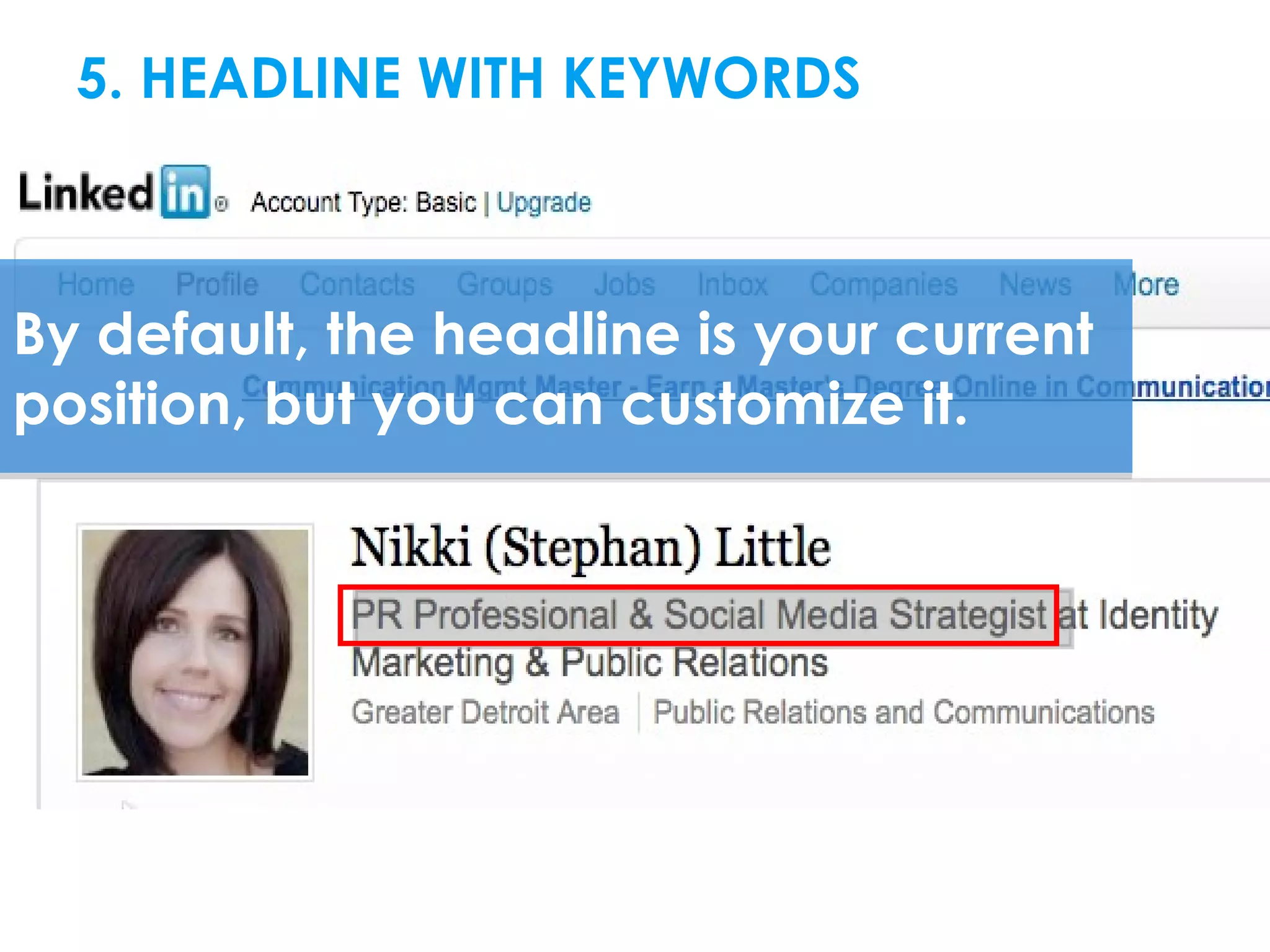
5. HEADLINE WITH KEYWORDSRESOURCES


By default, the headline is your current
position, but you can customize it.
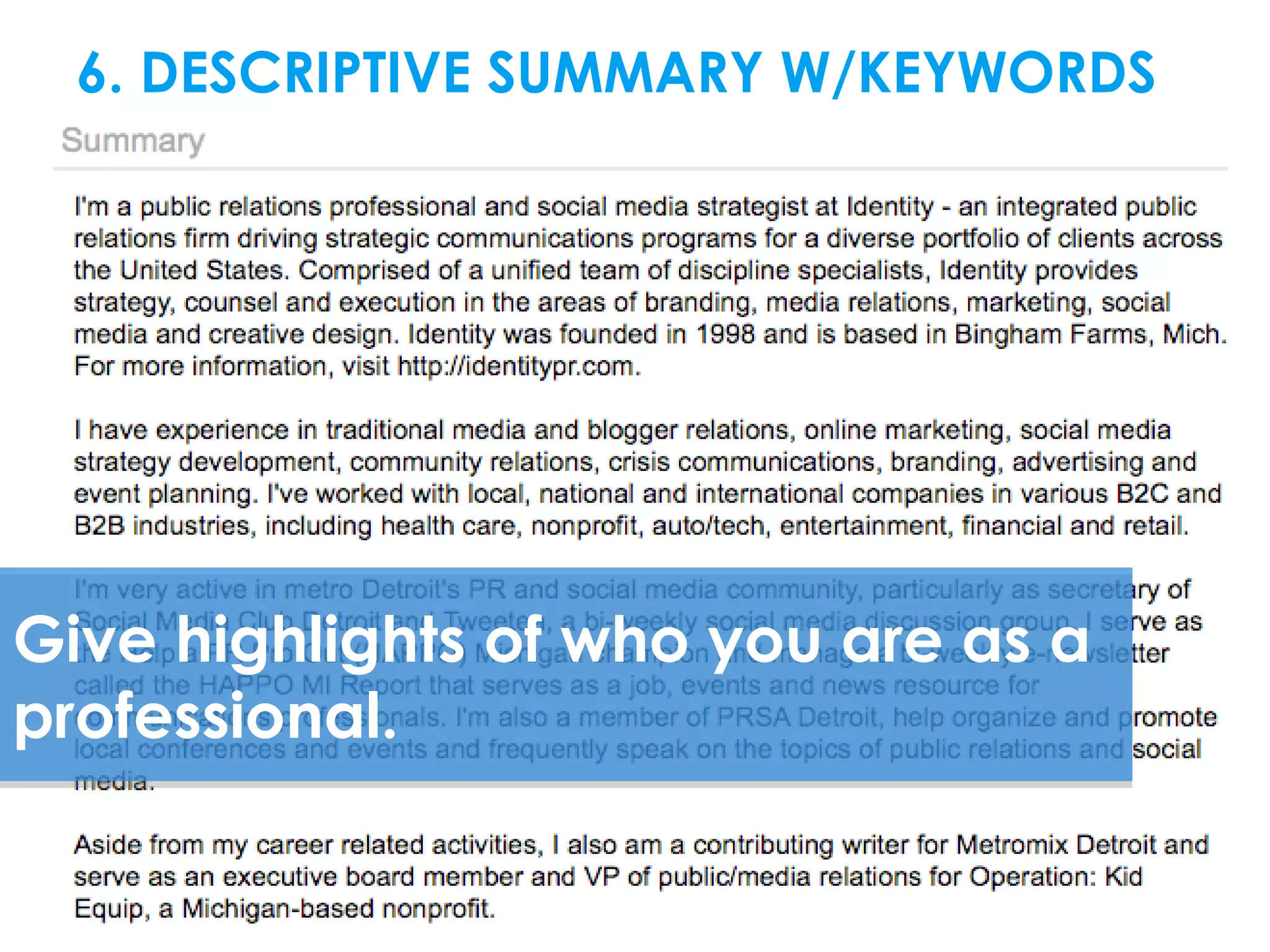
6. DESCRIPTIVE SUMMARY W/KEYWORDS


Give highlights of who you are as a
professional.
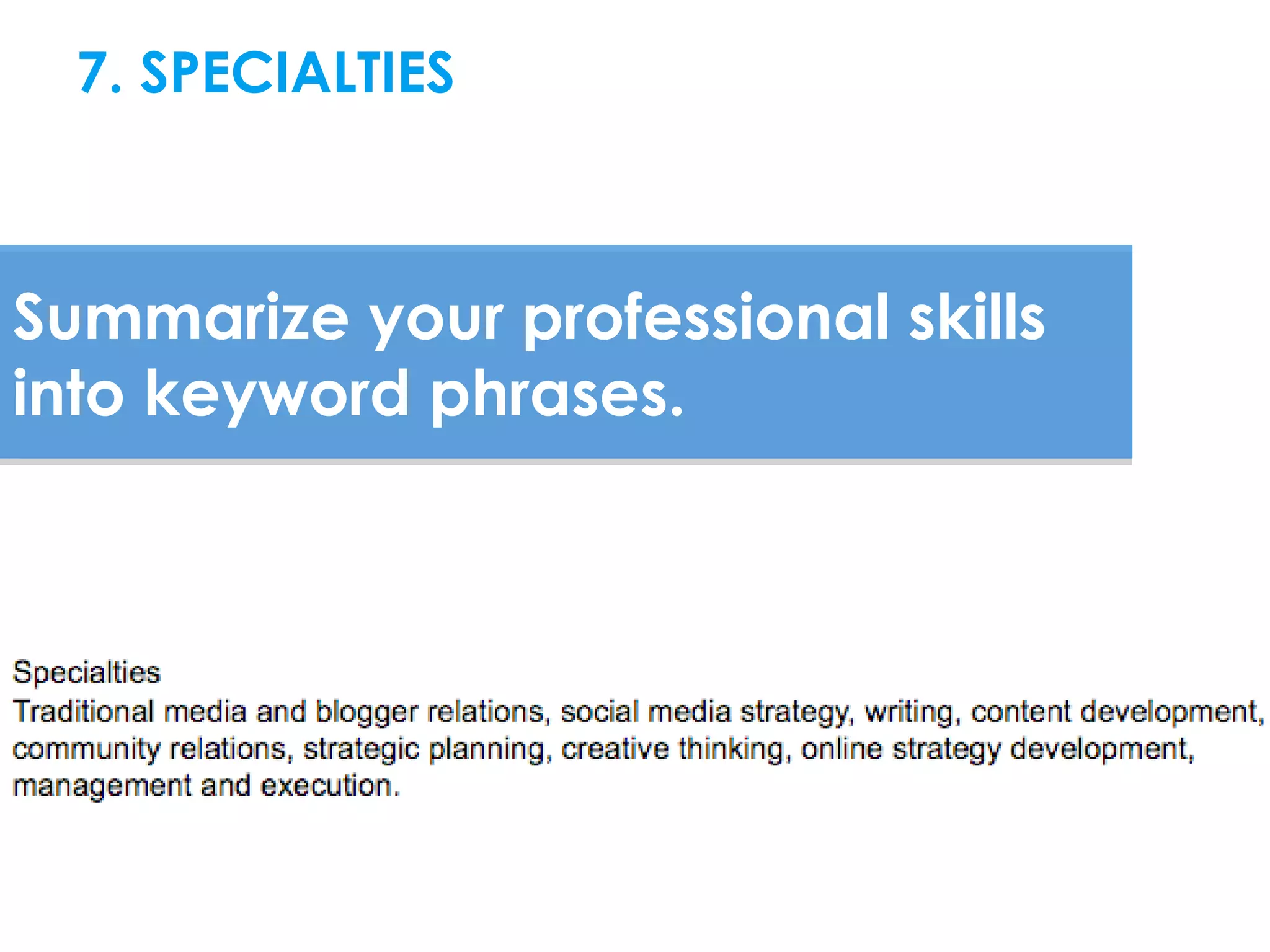
7. SPECIALTIES


Summarize your professional skills
into keyword phrases.
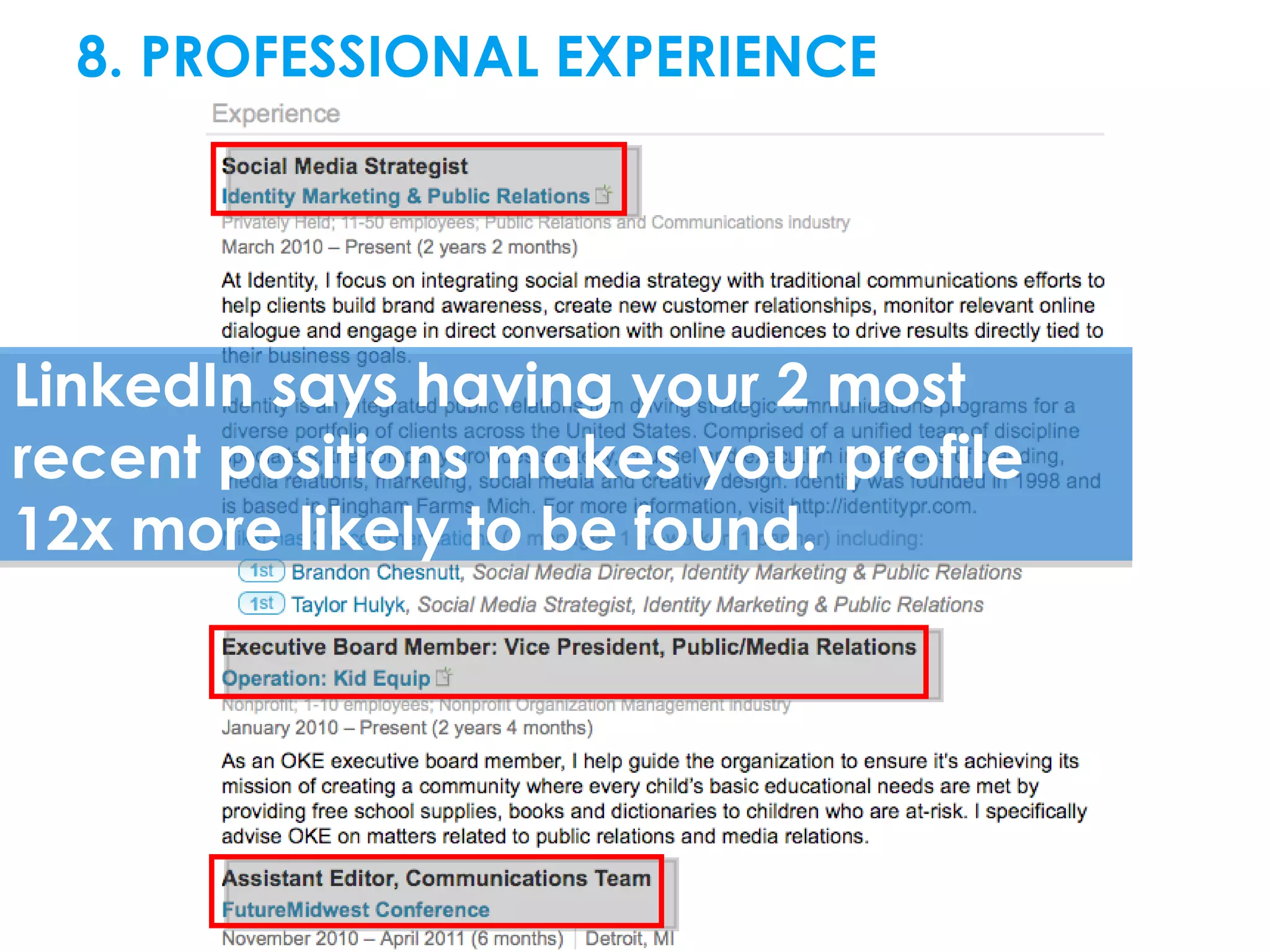
8. PROFESSIONAL EXPERIENCE


LinkedIn says having your 2 most
recent positions makes your profile
12x more likely to be found.
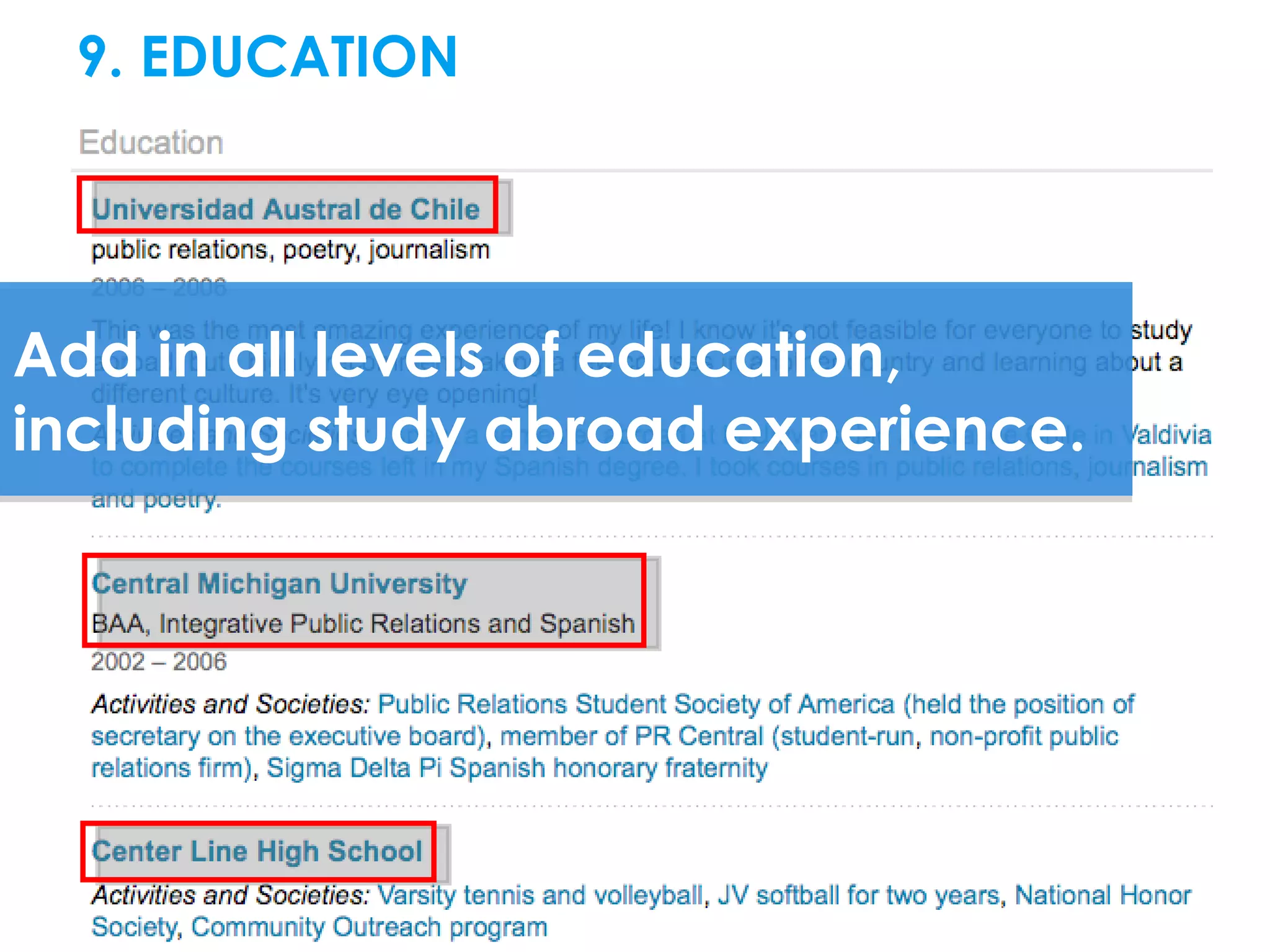
9. EDUCATION


Add in all levels of education,
including study abroad experience.
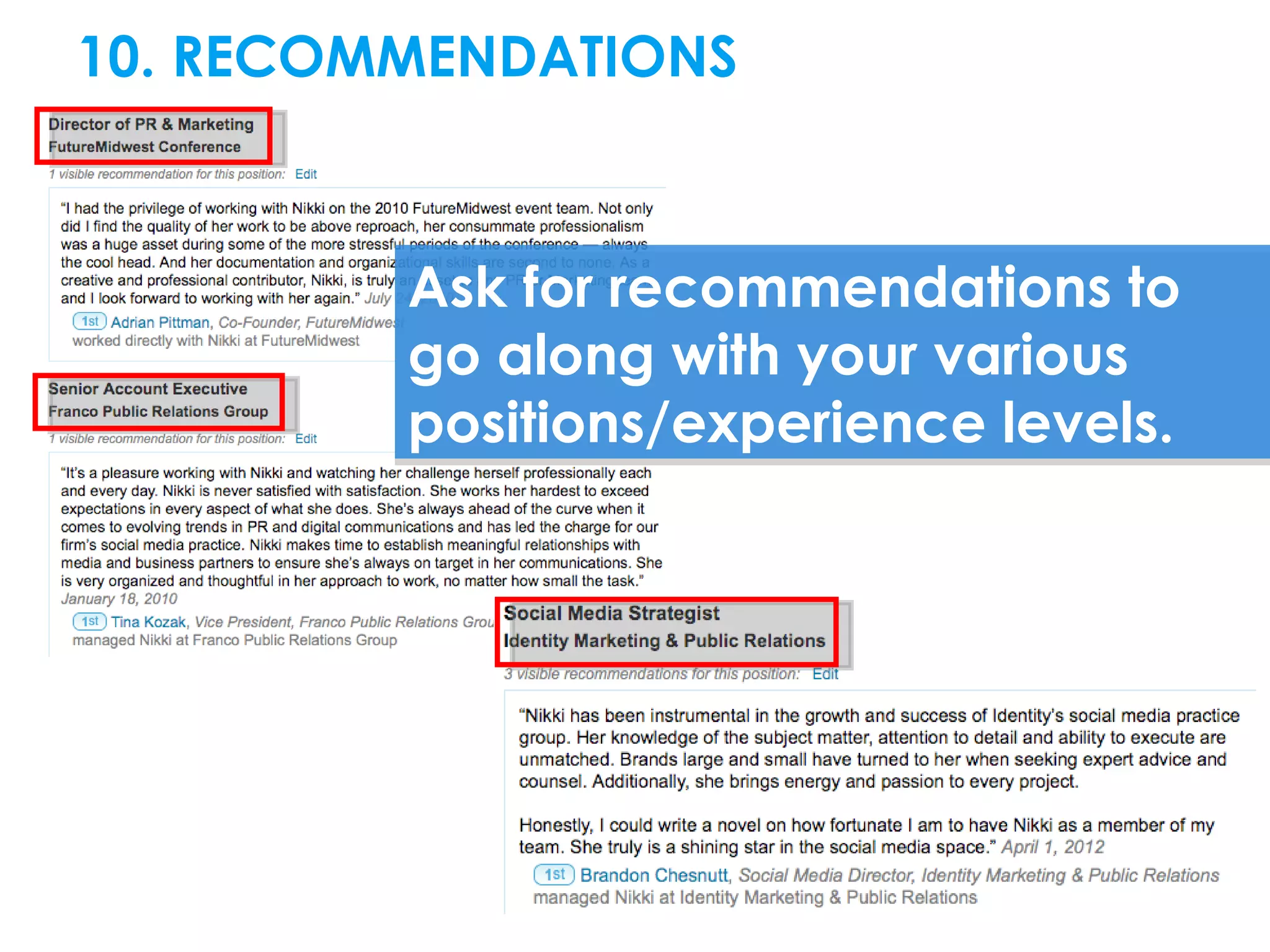
10. RECOMMENDATIONS


         Ask for recommendations to
         go along with your various
         positions/experience levels.
ENHANCE YOUR PROFILE BY ADDING:
 Skills and expertise

 Interests

 Contact interests

 Applications: Reading List by Amazon, Blog RSS
  feed, SlideShare presentations
 Events

 Honors, awards, certifications

 Languages

 Various other options under “Add Sections”
MAKE IT EASY FOR PEOPLE TO FIND YOU:

 LinkedIn member plugin or link to
 profile on website or blog
 Business cards

 Email signatures

 Link to profile on other social
 sharing sites
7 WAYS TO
ENHANCE
NETWORKING
http://www.flickr.com/photos/39046851@N08/4052765588/


1. Connect with people you meet, and
always add context to your invitation
to connect.
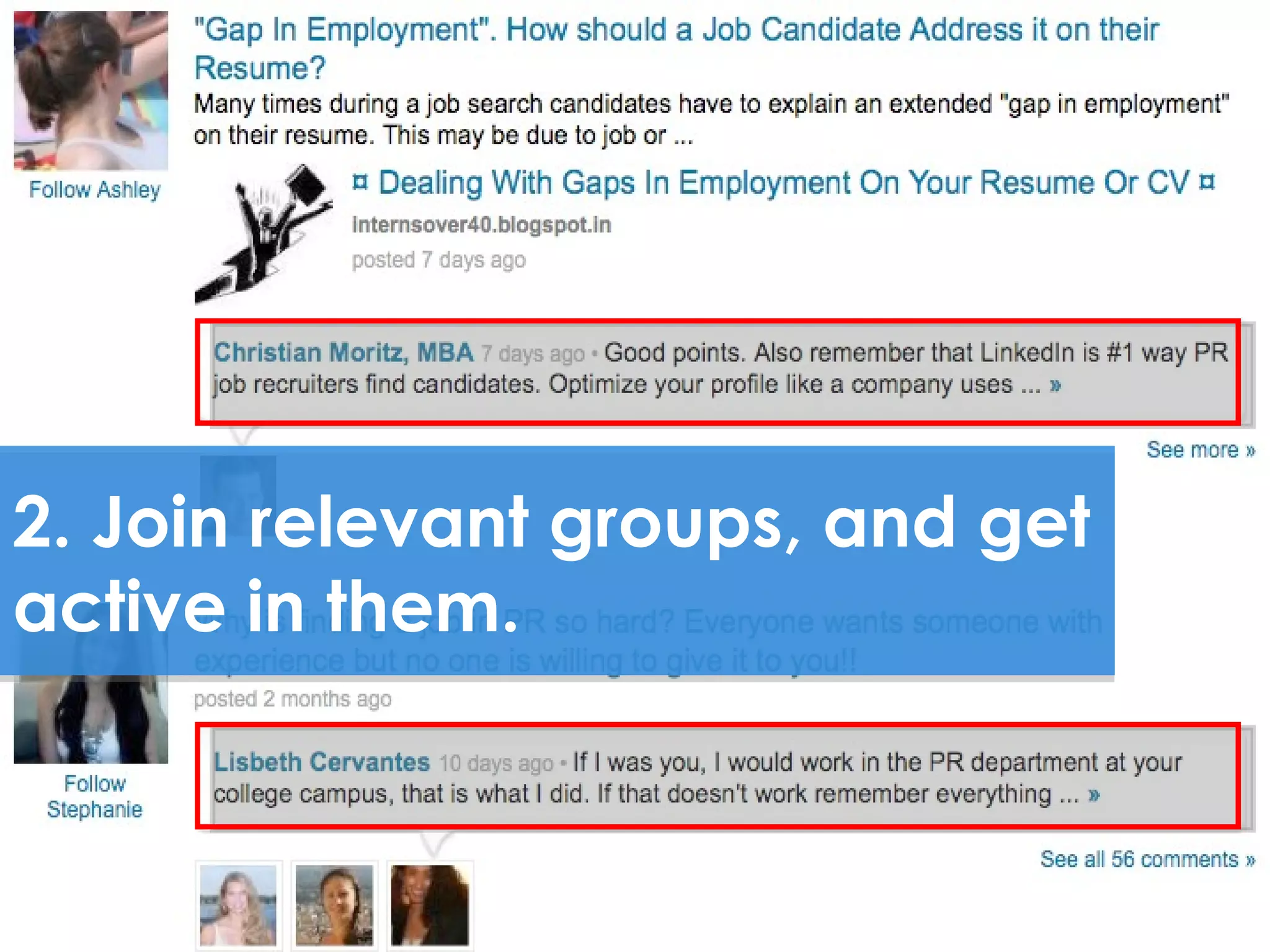
2. Join relevant groups, and get
active in them.
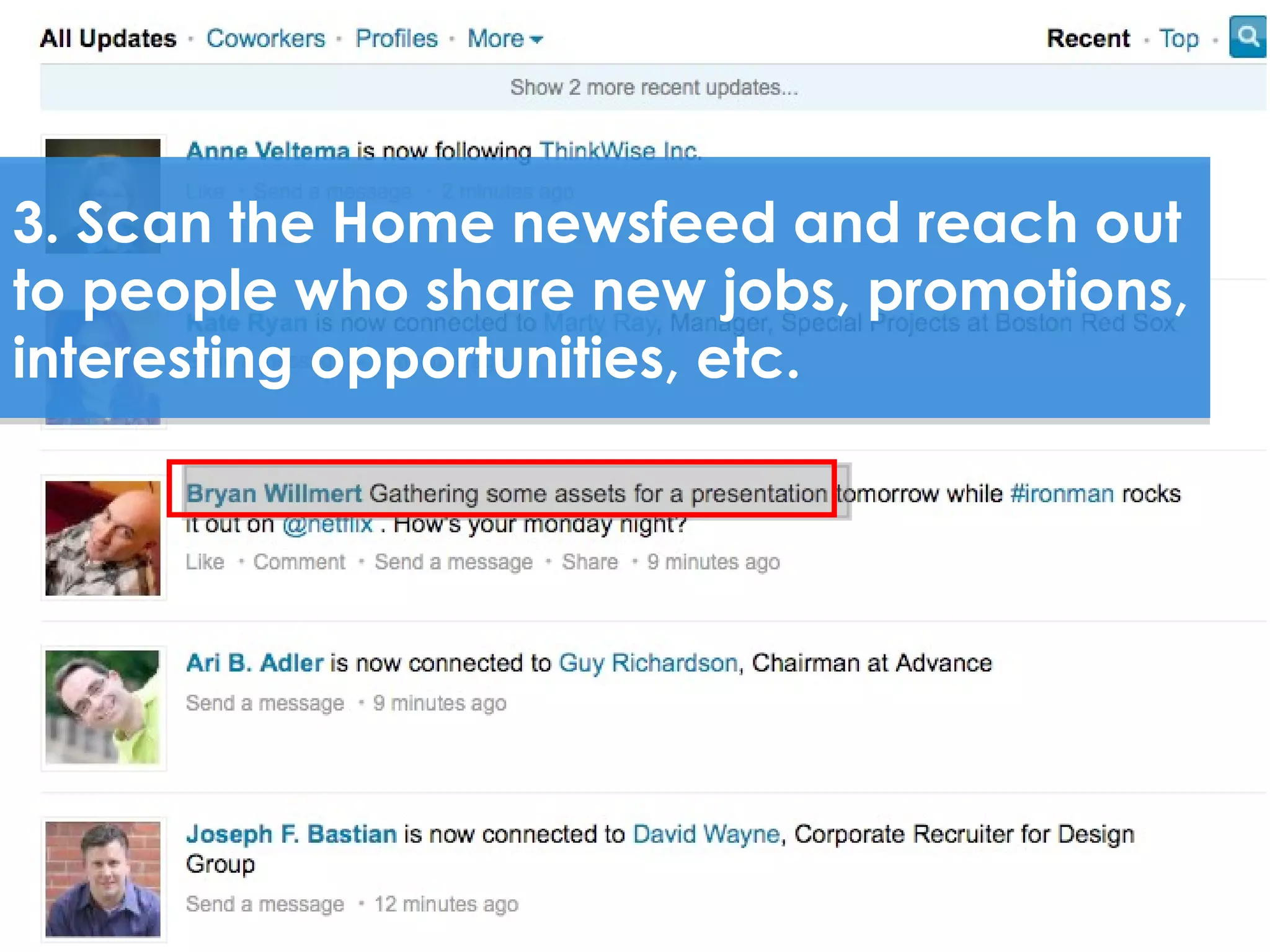
3. Scan the Home newsfeed and reach out
to people who share new jobs, promotions,
interesting opportunities, etc.
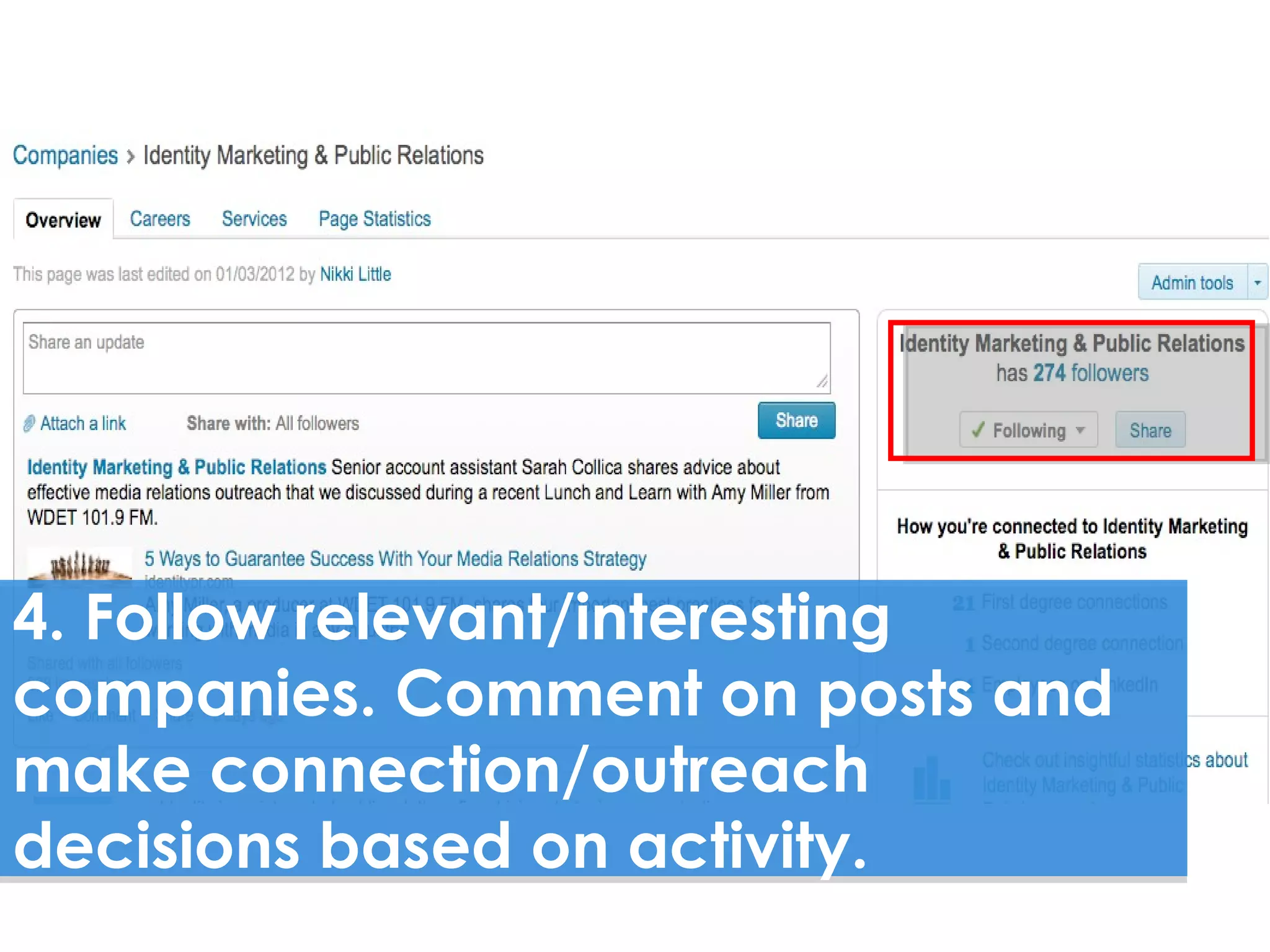
4. Follow relevant/interesting
companies. Comment on posts and
make connection/outreach
decisions based on activity.
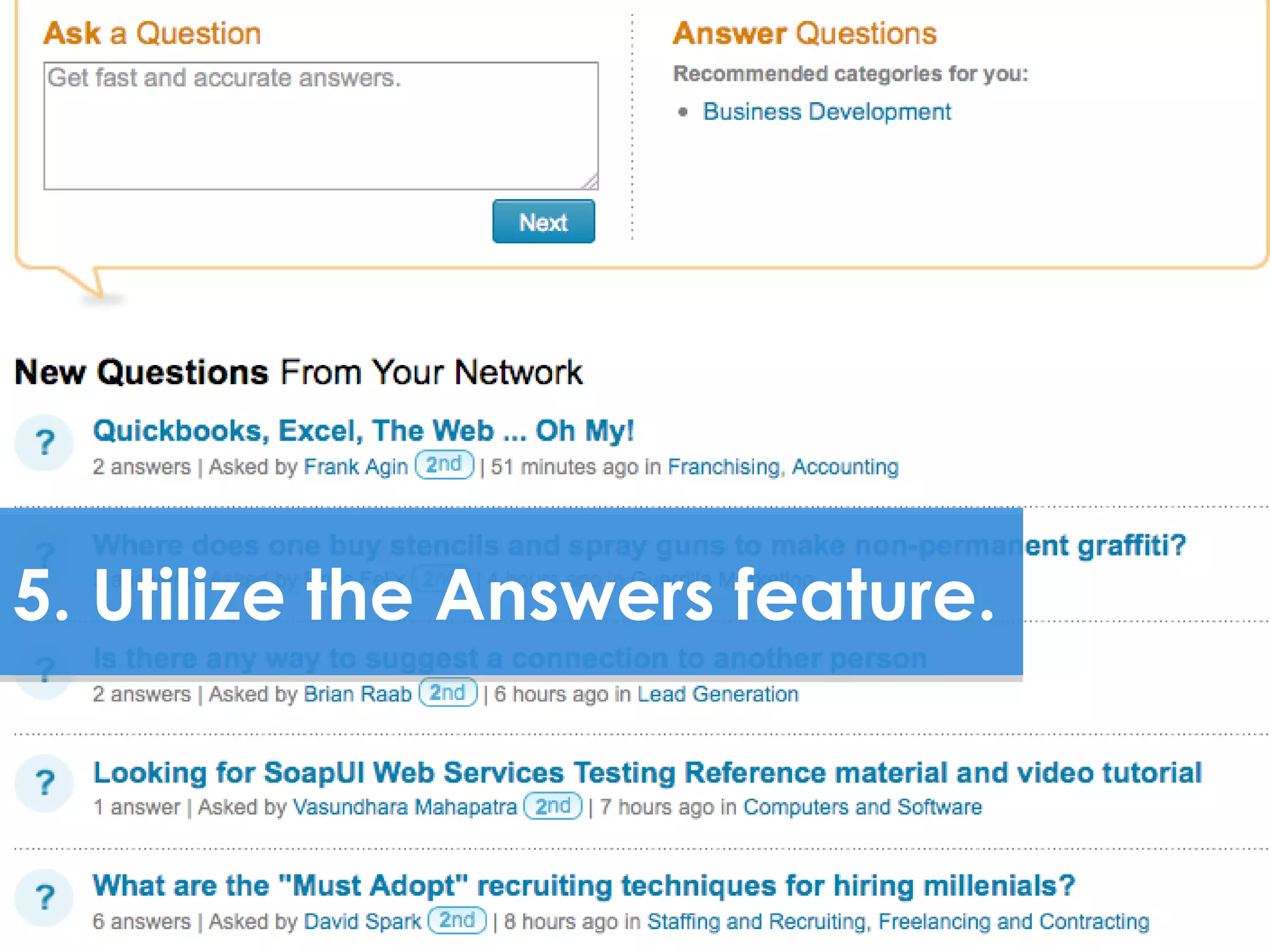
5. Utilize the Answers feature.
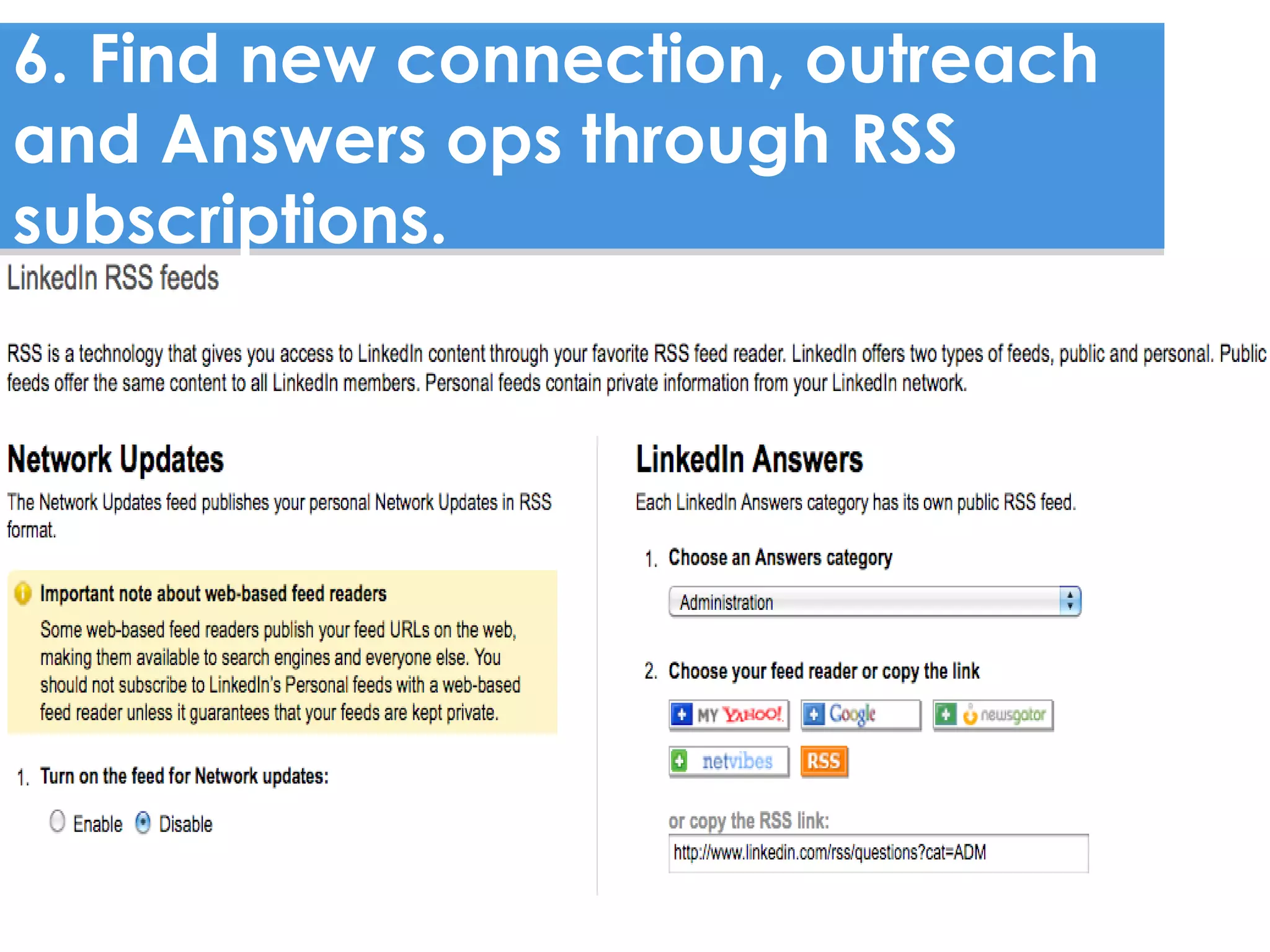
6. Find new connection, outreach
and Answers ops through RSS
subscriptions.
http://www.flickr.com/photos/51035609331@N01/5070827/


7. Create a list of people you want to
keep tabs on, then find opportunities
to reach out on LinkedIn or in
person.
BETTER
UNDERSTAND
& VISUALIZE YOUR
RELATIONSHIPS
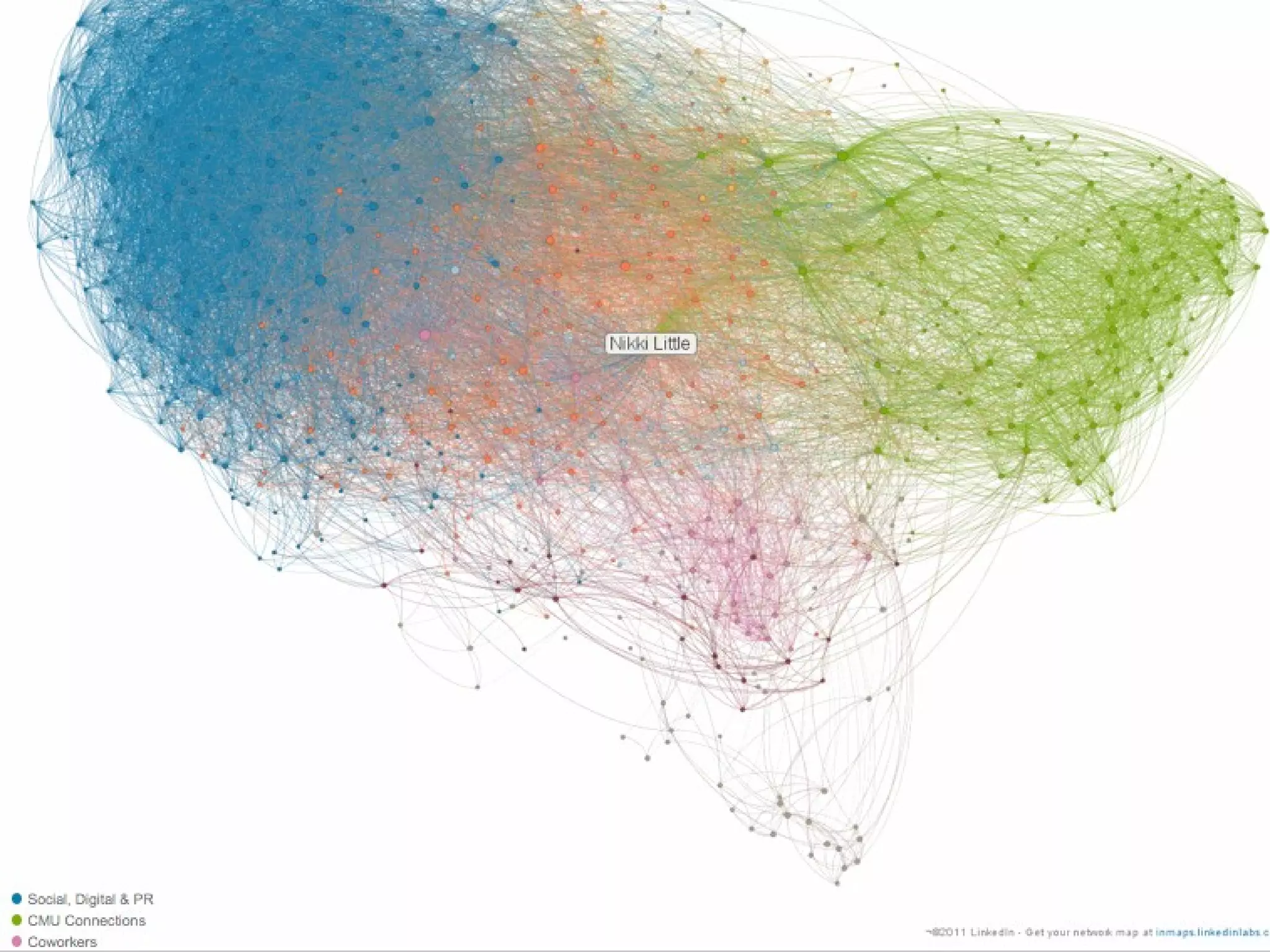
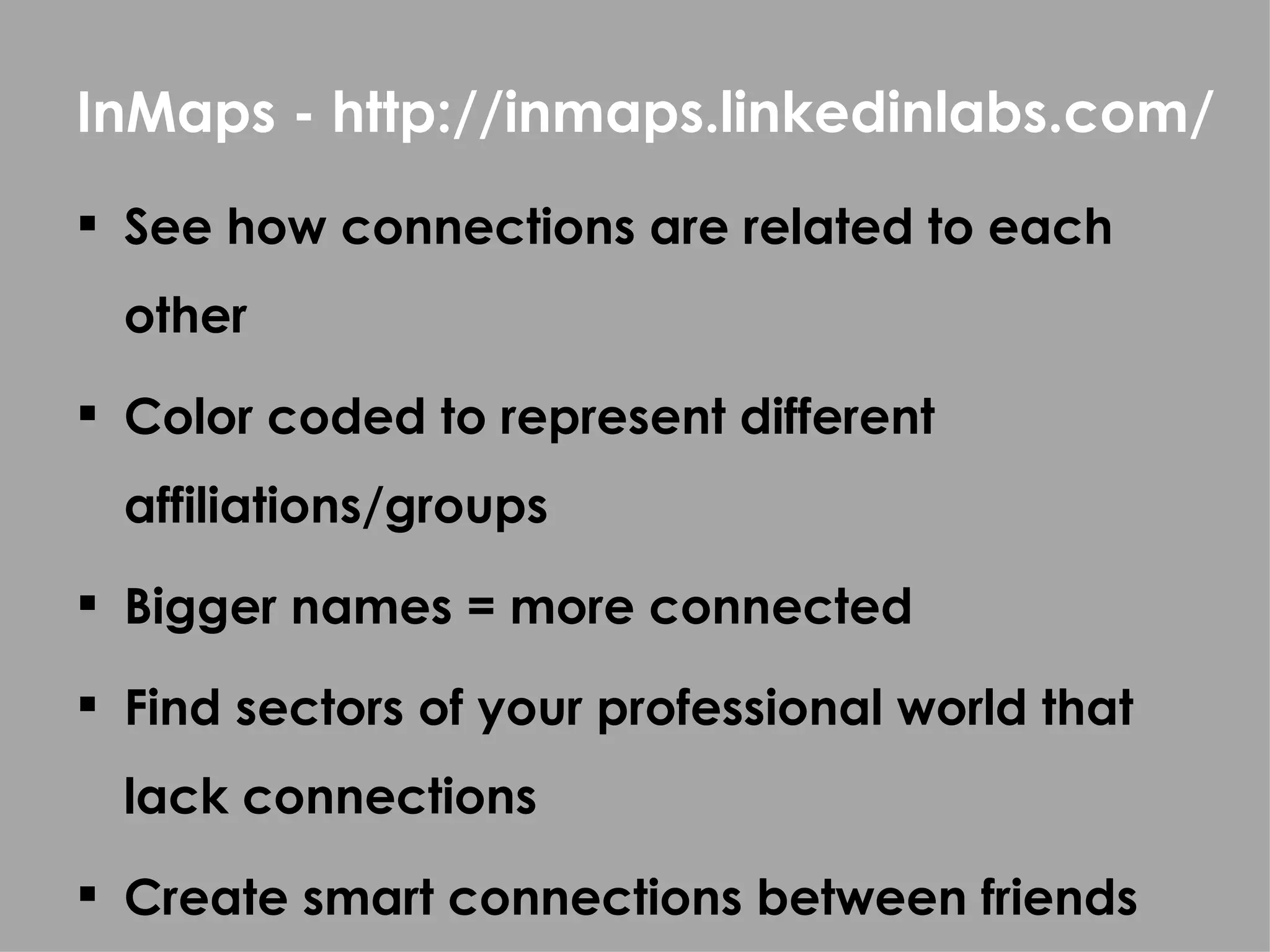
InMaps - http://inmaps.linkedinlabs.com/
 See how connections are related to each
  other
 Color coded to represent different
  affiliations/groups
 Bigger names = more connected
 Find sectors of your professional world that
  lack connections
 Create smart connections between friends
YOUR
COMPANY
PRESENCE
IMPORTANT COMPANY PROFILE ELEMENTS:

 Logo and company description

 Products/services
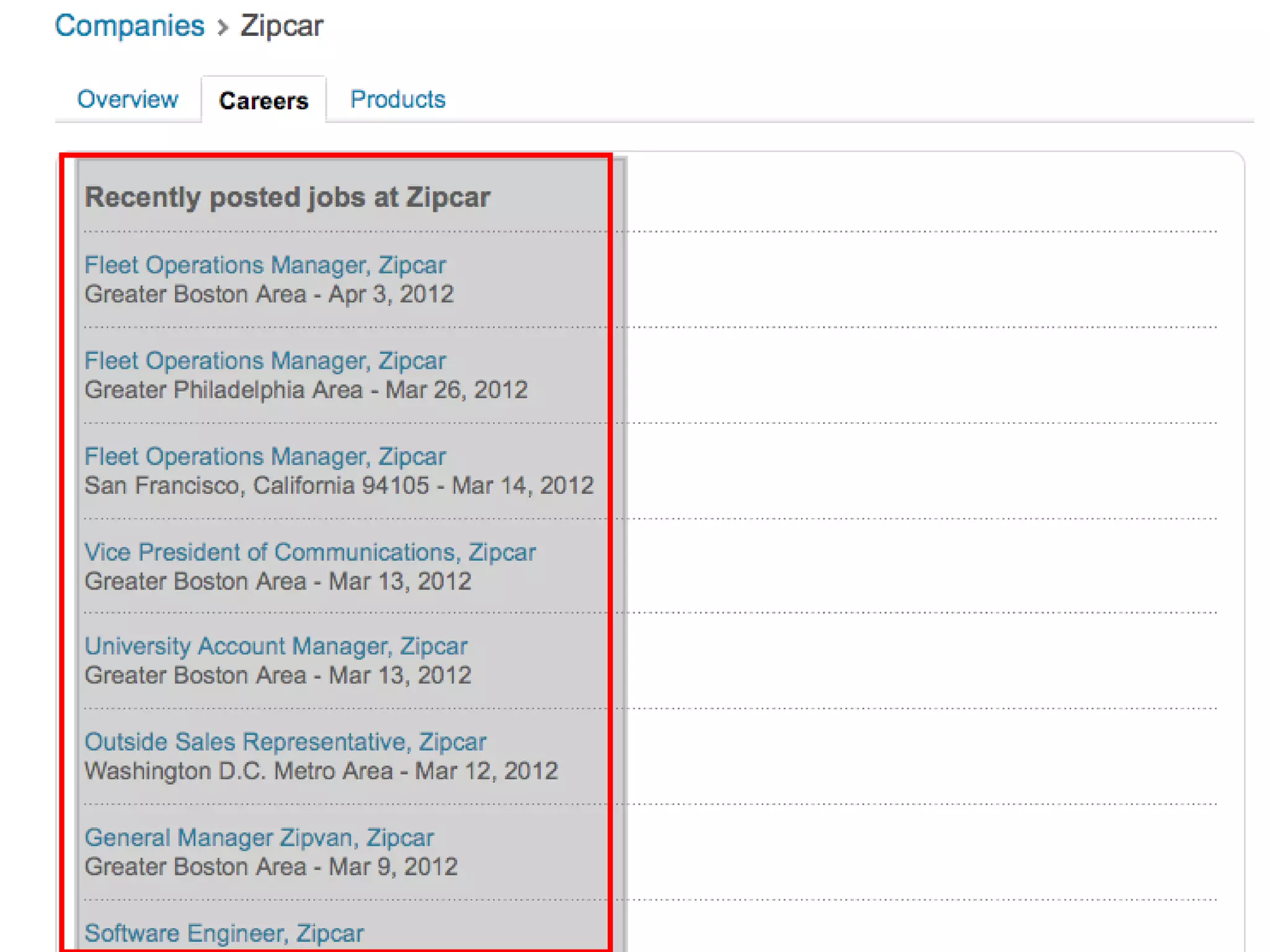
 Career opportunities
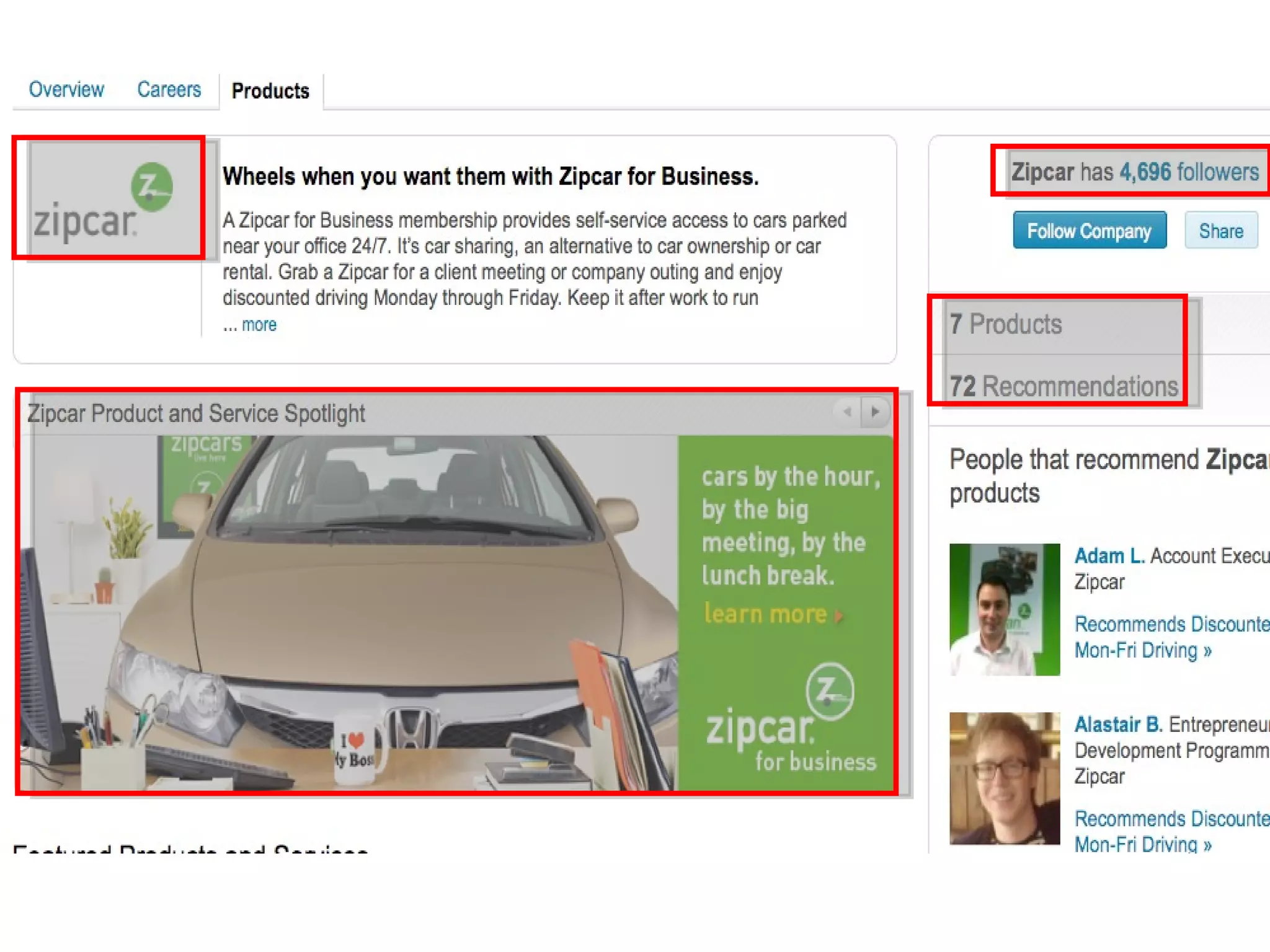
 Recommendations

 Status updates

 Blog RSS

 Page statistics (pageviews, demographics,
  unique visits, products/services clicks)
3 THINGS TO
AVOID DOING
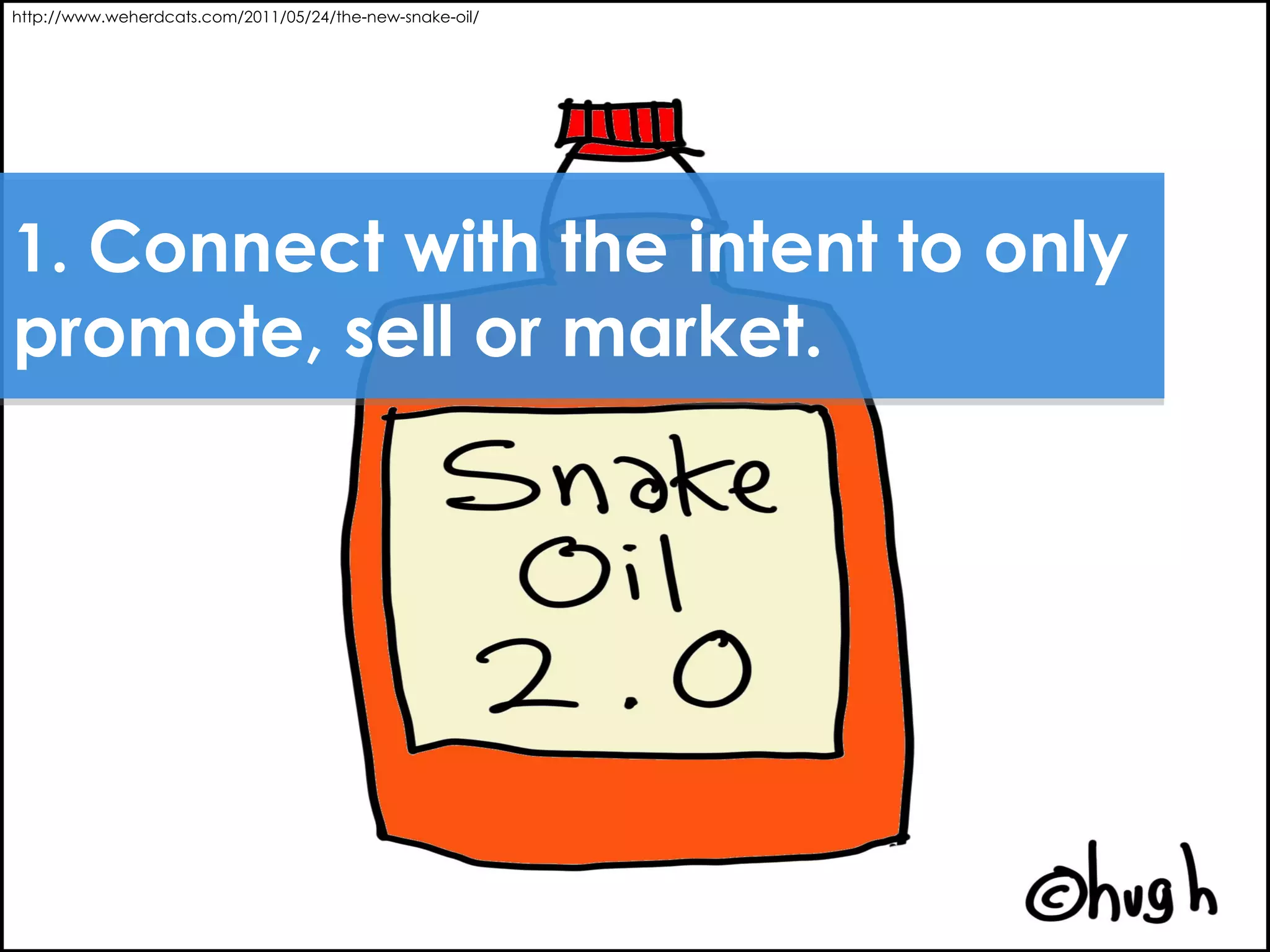
http://www.weherdcats.com/2011/05/24/the-new-snake-oil/


1. Connect with the intent to only
promote, sell or market.
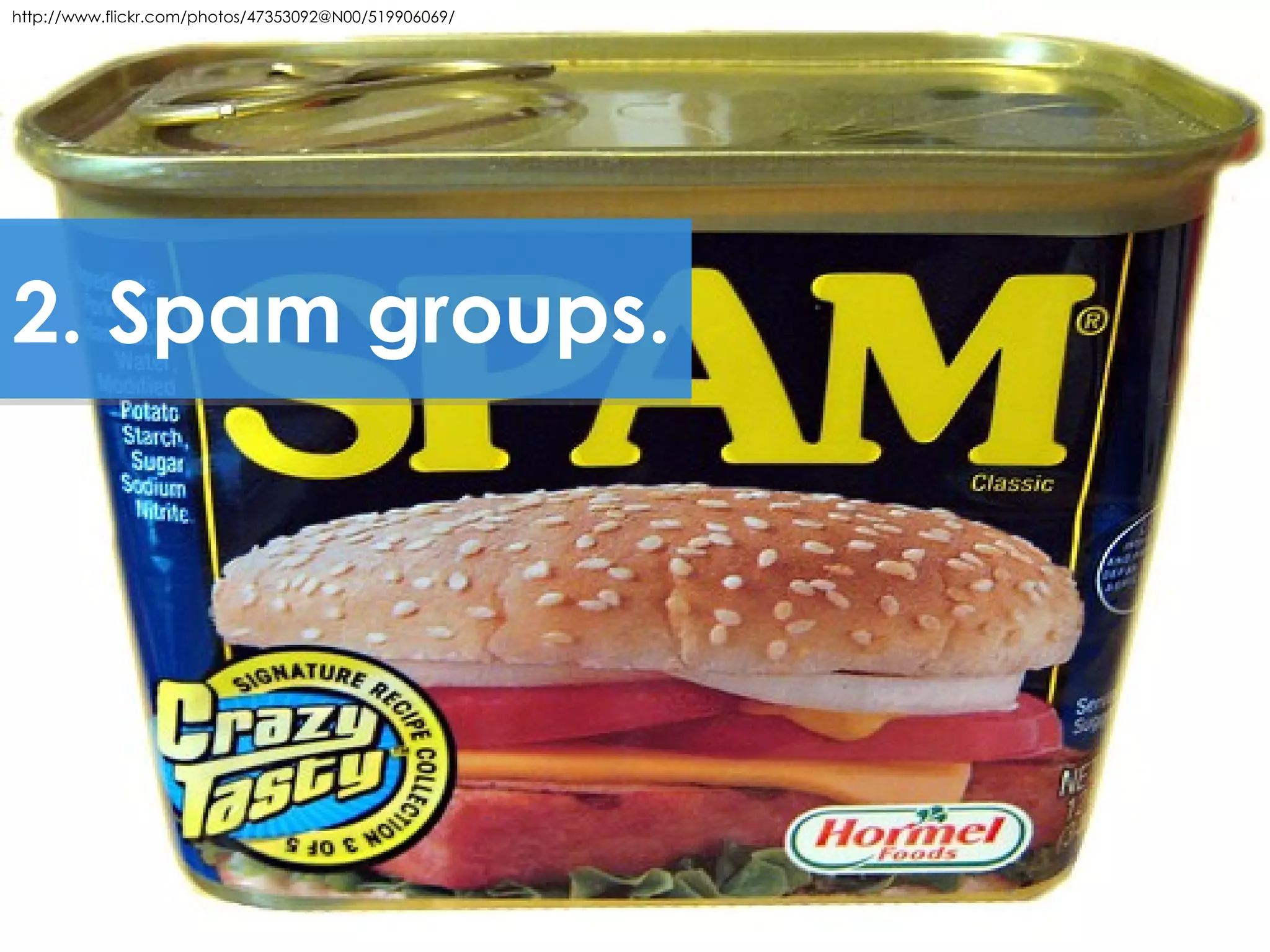
http://www.flickr.com/photos/47353092@N00/519906069/


2. Spam groups.
http://bit.ly/Hbo8sc


3. Connect, but
never interact.
QUESTIONS &
DISCUSSION
THANK YOU!
Email: nlittle@identitypr.com

LinkedIn: http://www.linkedin.com/in/nikkilittle

Twitter: http://twitter.com/nikki_little

Blog: http://nikkilittle.com

Identity: http://identitypr.com
Sources:

•http://press.linkedin.com/node/1104


•http://blog.hubspot.com/blog/tabid/6307/bid/30030/LinkedIn-277-More-Effec

•LinkedIn

How to Fully Take Advantage of LinkedIn

Editor's Notes

  • #38 spam groups (relevant or irrelevant), have goal to connect with as many people as possible but never interact with them
  • #40 CHECK IF PRODUCT SPOTLIGHT IS PAID
  • #42 spam groups (relevant or irrelevant), have goal to connect with as many people as possible but never interact with them