10 Easy Ways to Take Your
Website from Good to Great


       October 1, 2012
House Rules
• Interrupt me
  – No, really. It’s OK.
• Ask questions
• Something specific?
  – I’ll stick around after
• Copious note takers can
  relax:
  – slideshare.net/sietsema
  – hello@teachtofishdigital.co
    m
  – @sietsema
                                  2
Sorry.
More like:
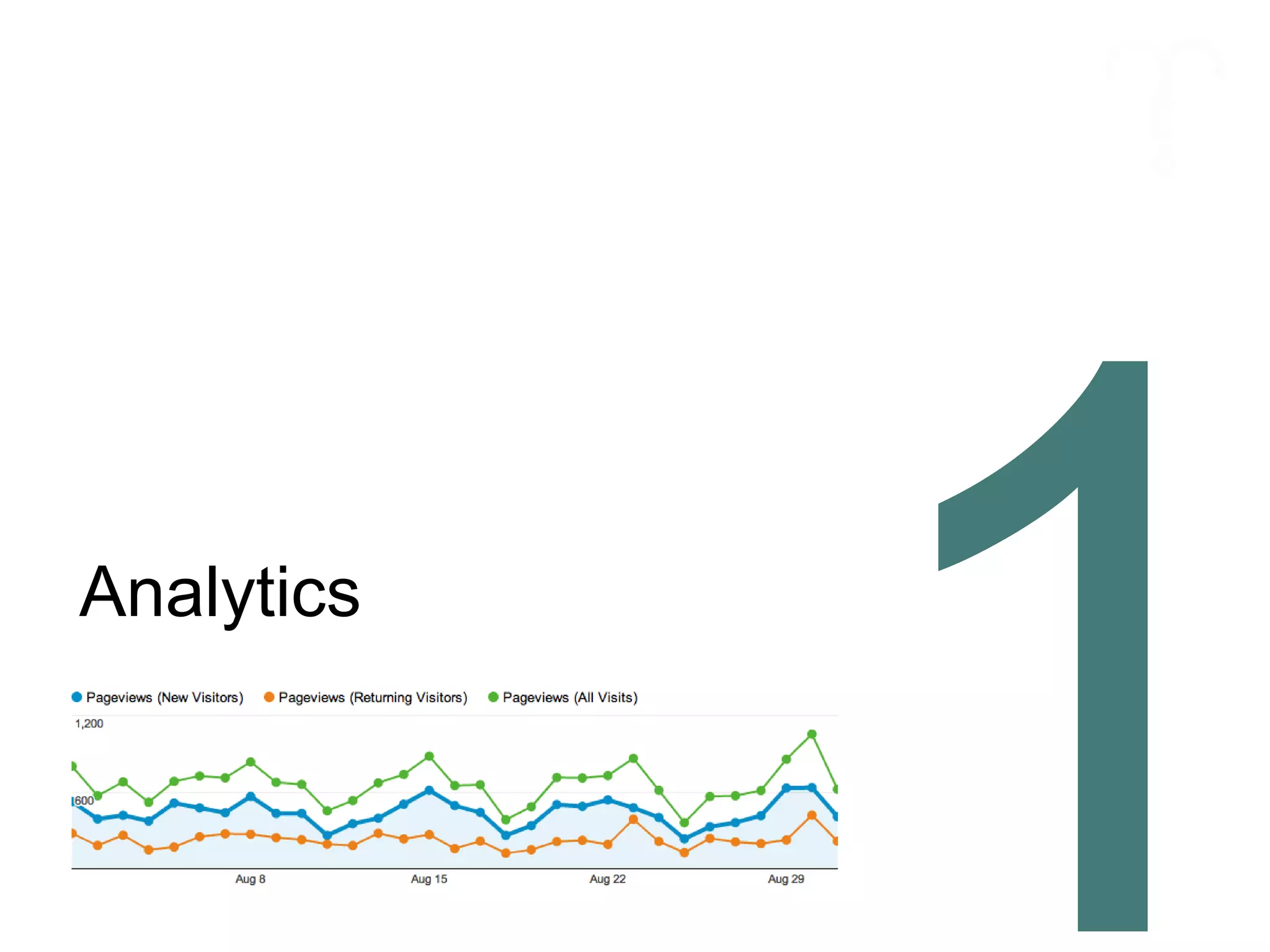
Analytics
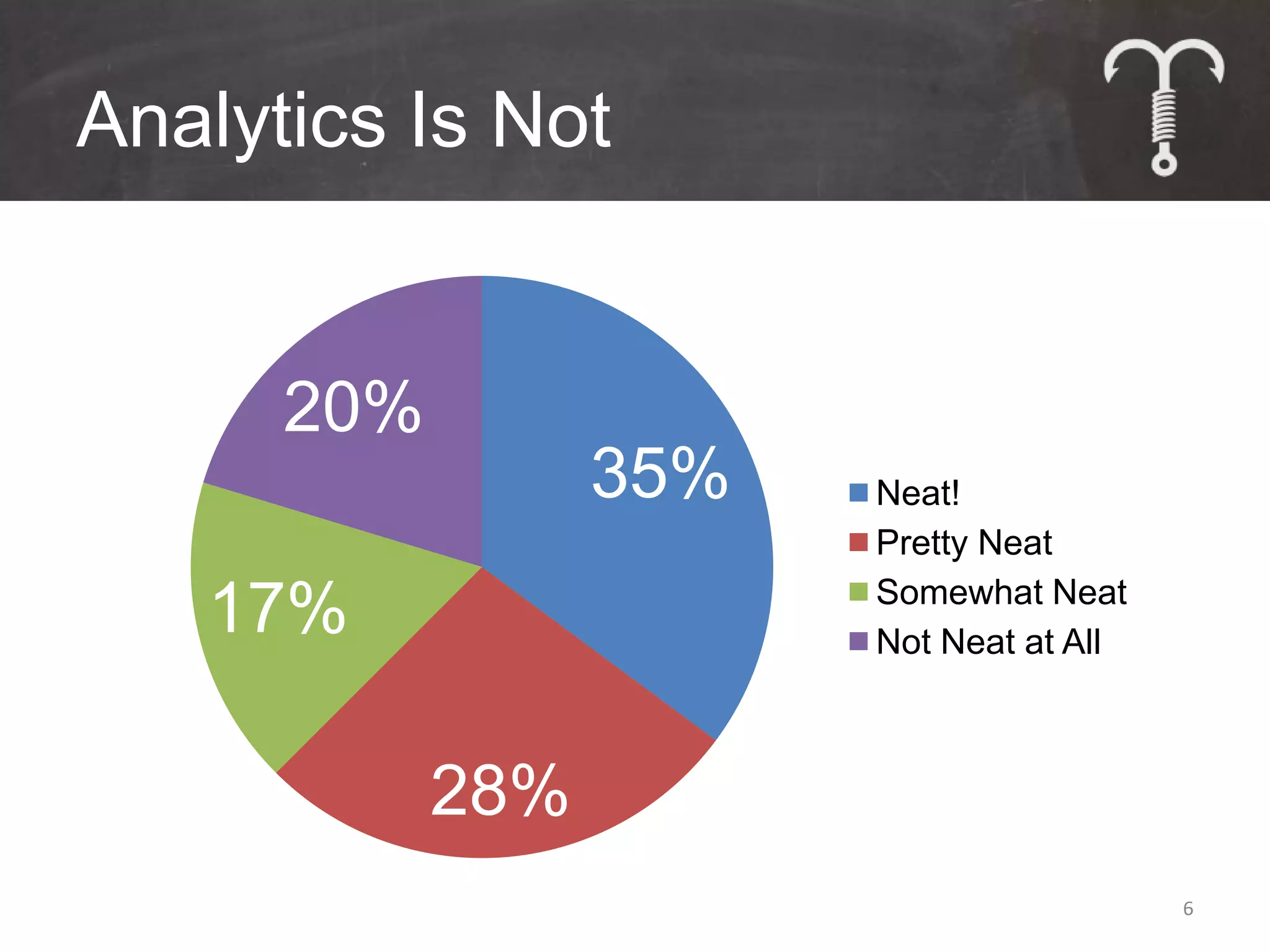
Analytics Is Not


      20%
                  35%   Neat!
                        Pretty Neat
                        Somewhat Neat
   17%                  Not Neat at All


            28%
                                          6
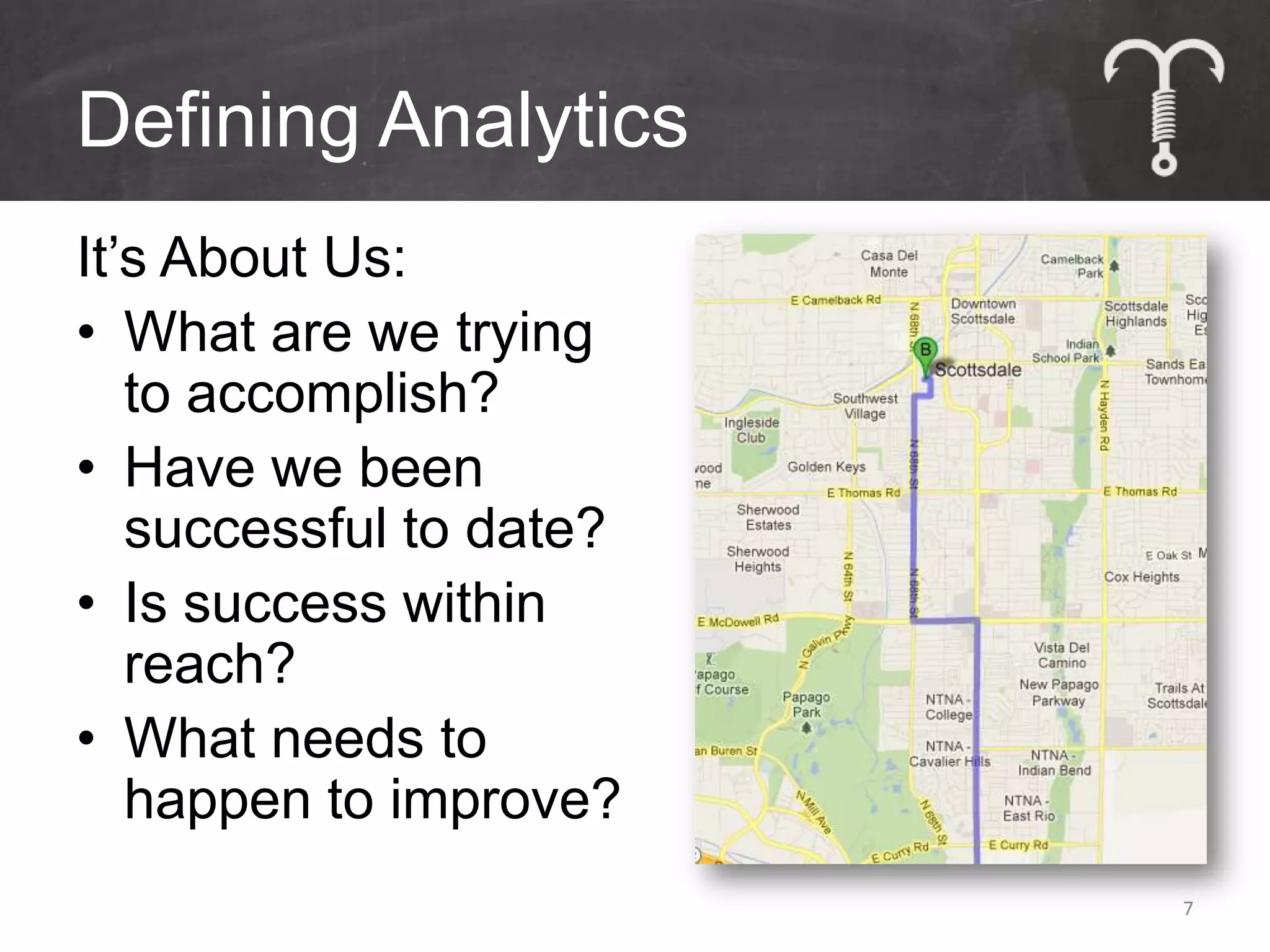
Defining Analytics
It’s About Us:
• What are we trying
   to accomplish?
• Have we been
   successful to date?
• Is success within
   reach?
• What needs to
   happen to improve?
                         7
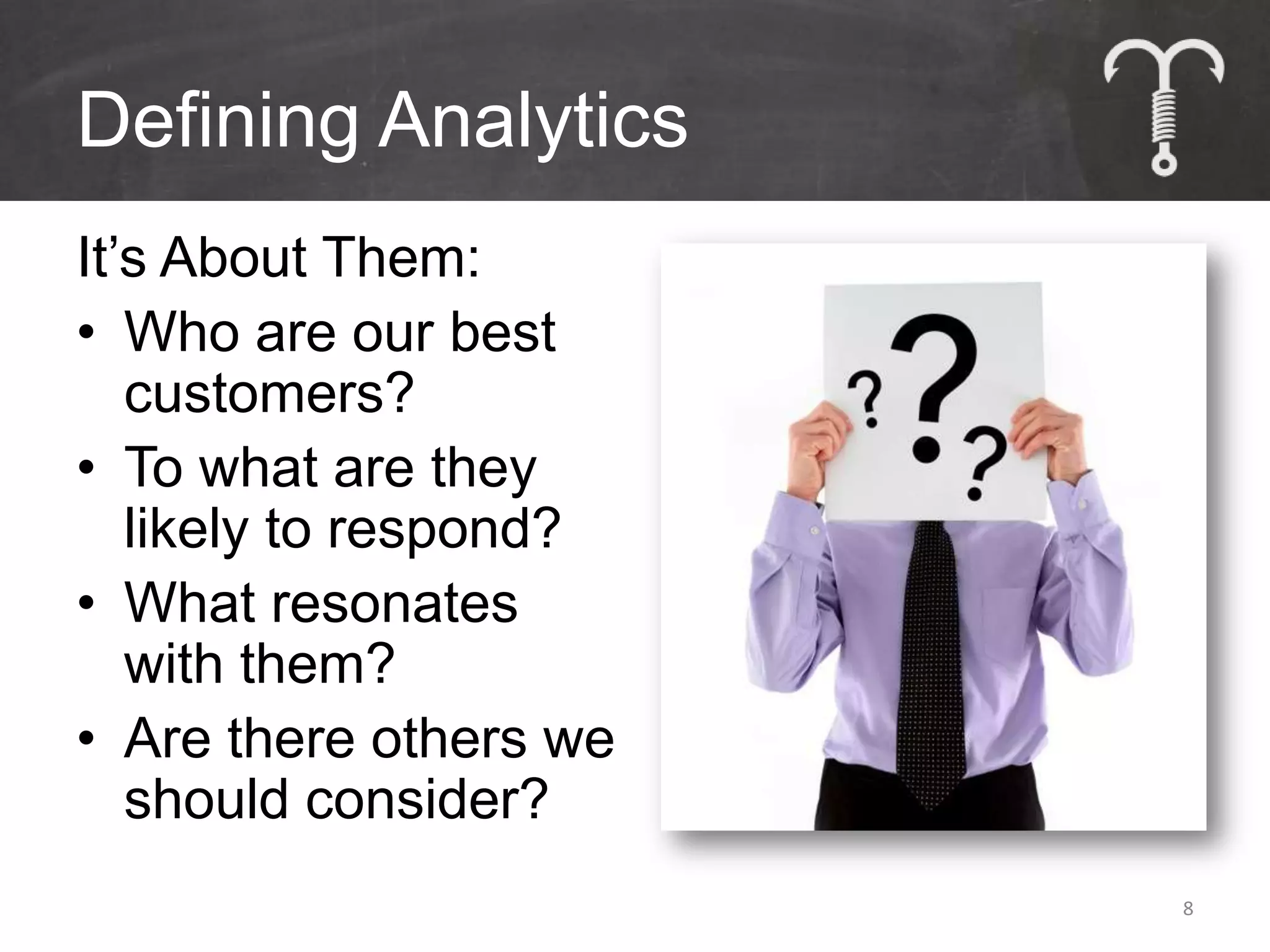
Defining Analytics
It’s About Them:
• Who are our best
   customers?
• To what are they
   likely to respond?
• What resonates
   with them?
• Are there others we
   should consider?
                        8
The Only Two Questions:


          Why?

       So What?
10
11
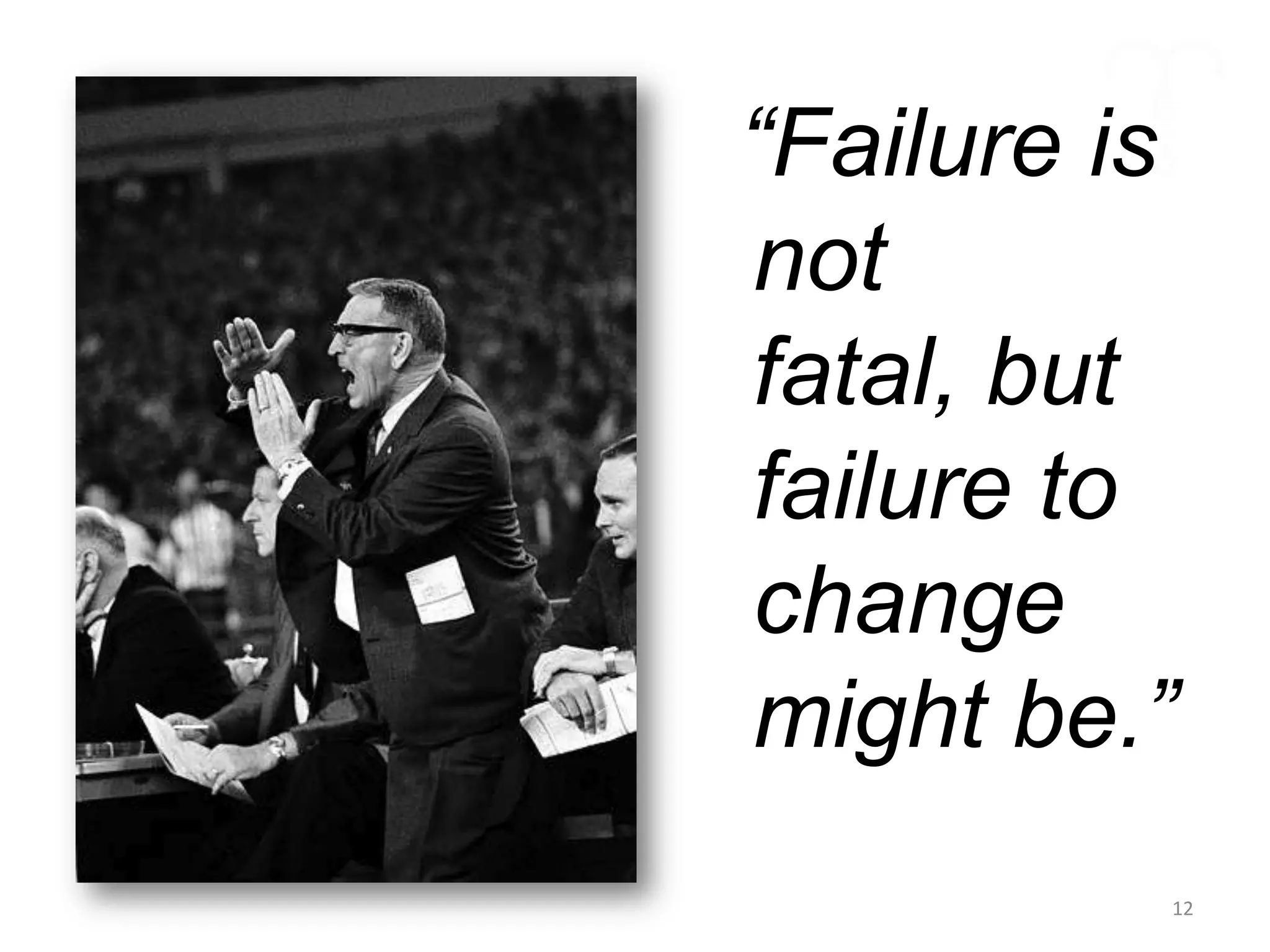
“Failure is
not
fatal, but
failure to
change
might be.”
          12
Way Finding
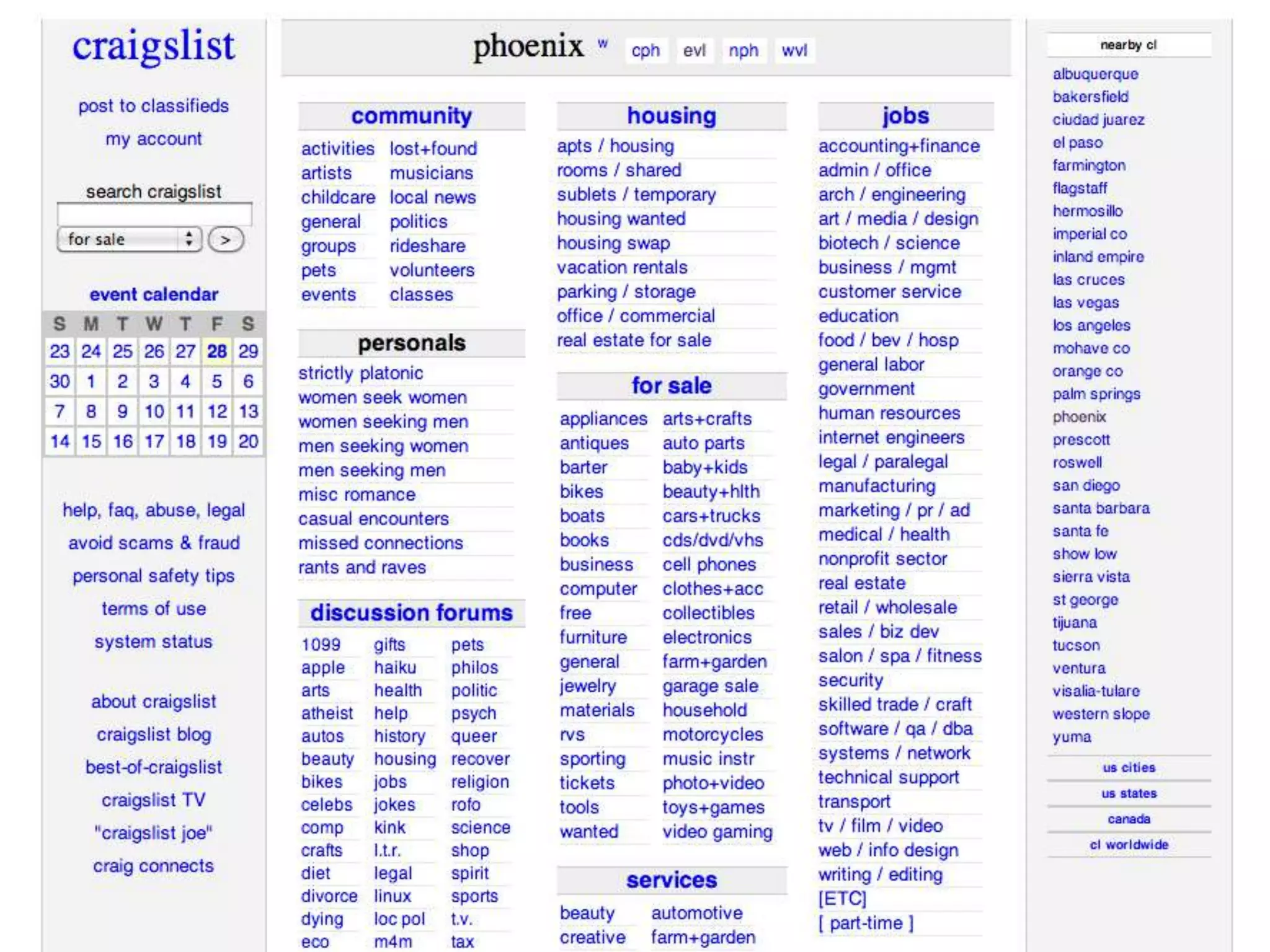
Patience on the
Web
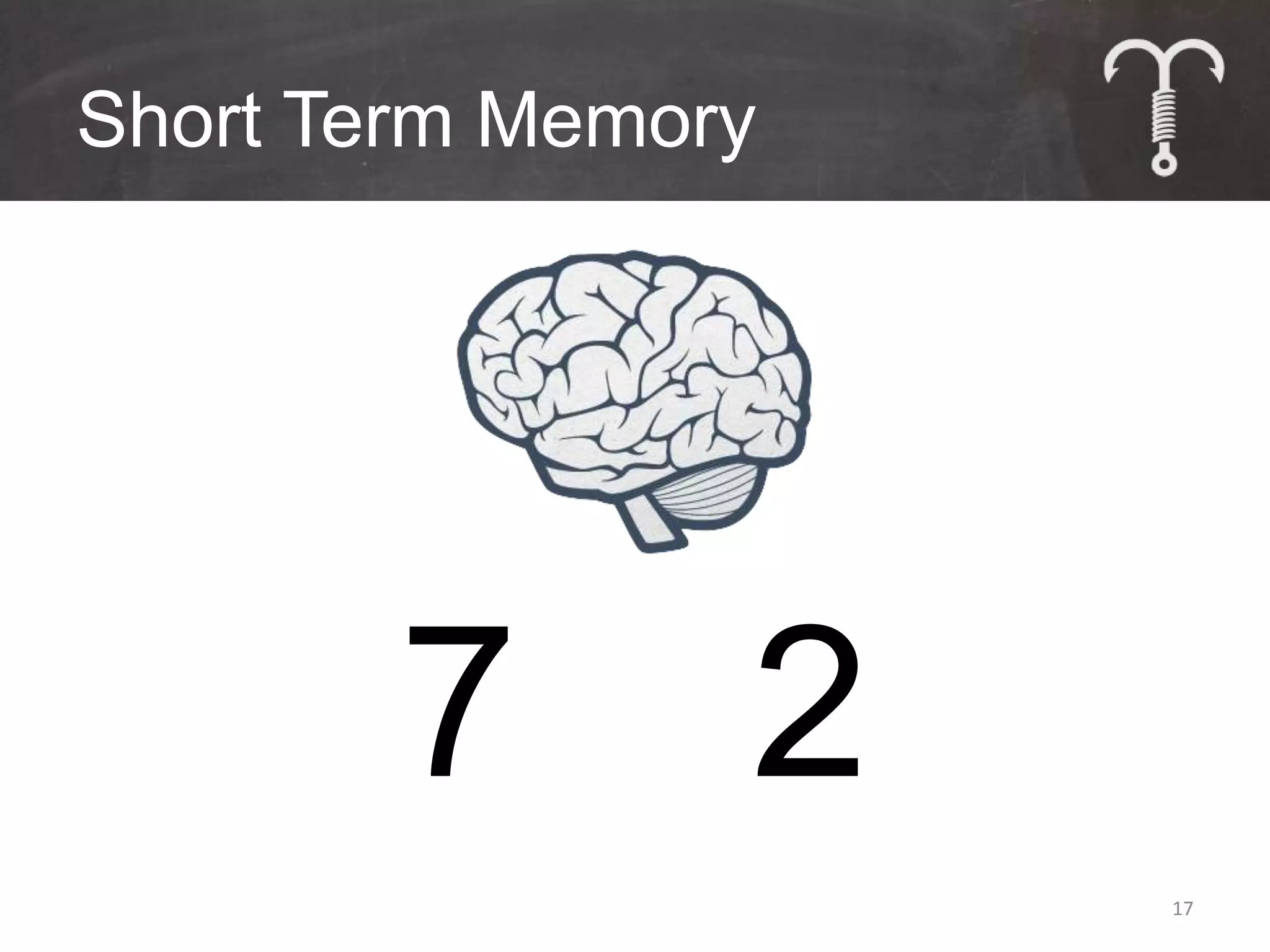
Short Term Memory


        7       2
                    17
Tips for Way Finding
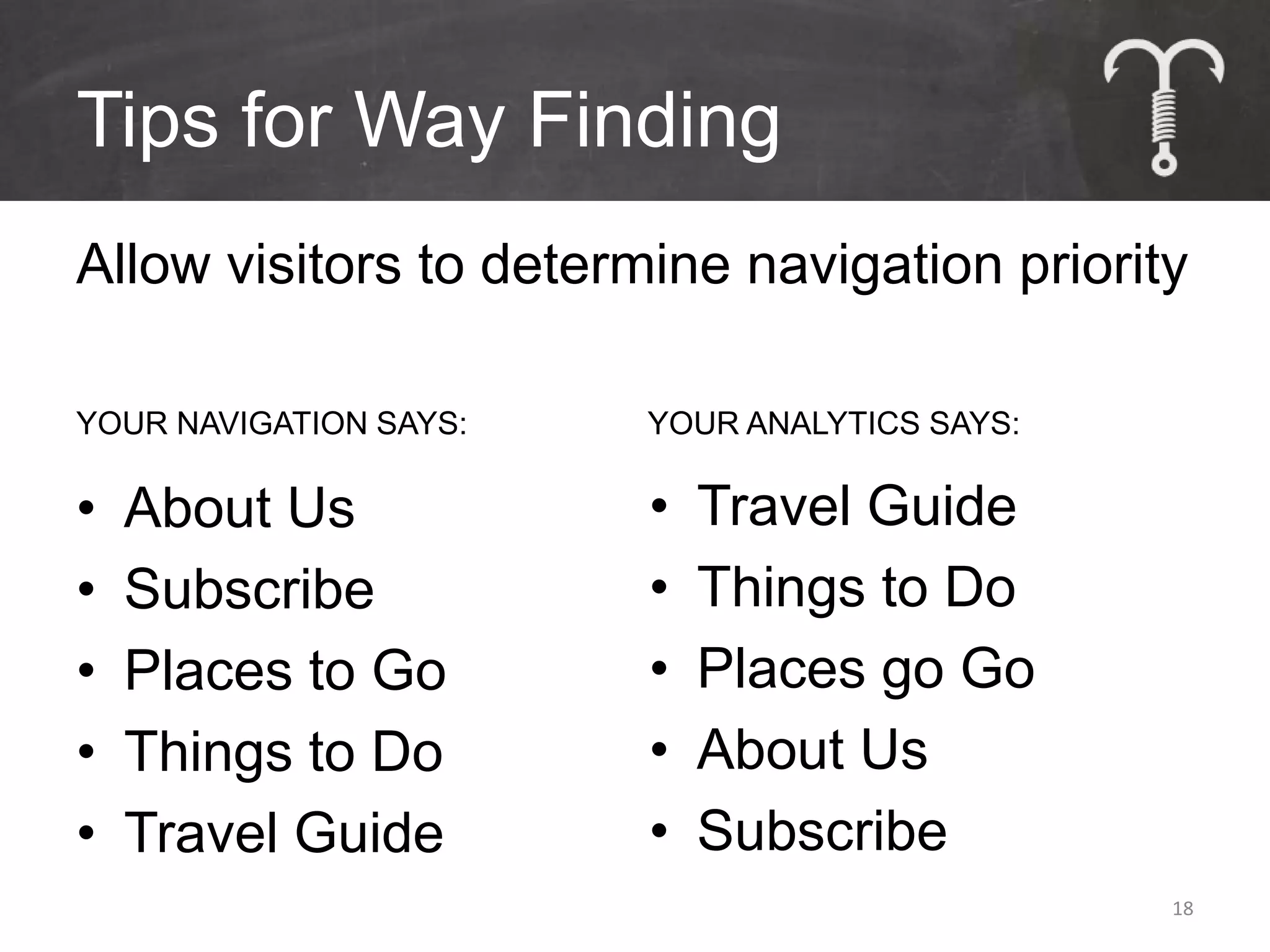
Allow visitors to determine navigation priority
YOUR NAVIGATION SAYS:   YOUR ANALYTICS SAYS:

•   About Us            •   Travel Guide
•   Subscribe           •   Things to Do
•   Places to Go        •   Places go Go
•   Things to Do        •   About Us
•   Travel Guide        •   Subscribe
                                               18
Tips for Way Finding
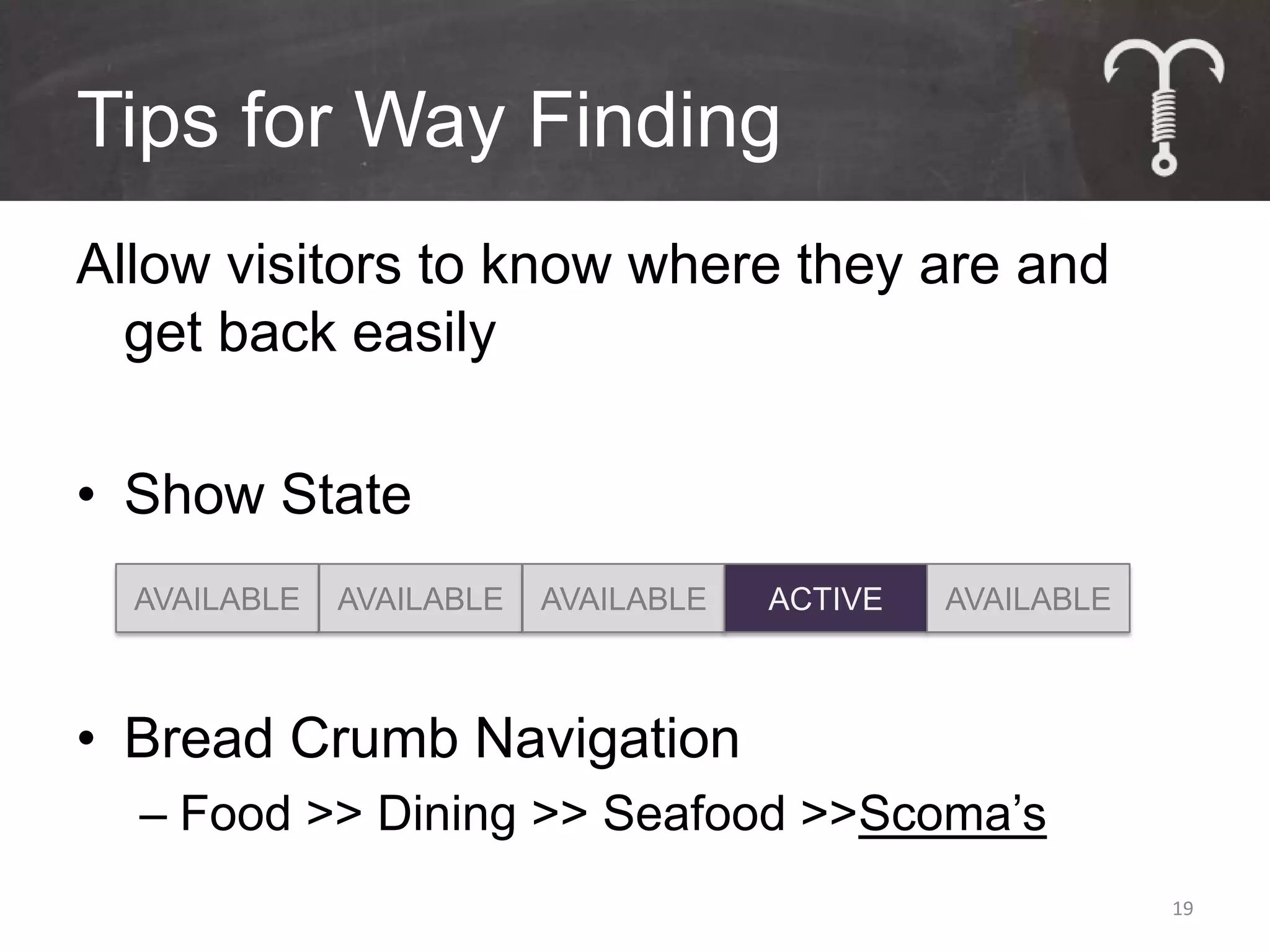
Allow visitors to know where they are and
  get back easily

• Show State
  AVAILABLE   AVAILABLE   AVAILABLE   ACTIVE   AVAILABLE


• Bread Crumb Navigation
  – Food >> Dining >> Seafood >>Scoma’s
                                                           19
Tips for Way Finding
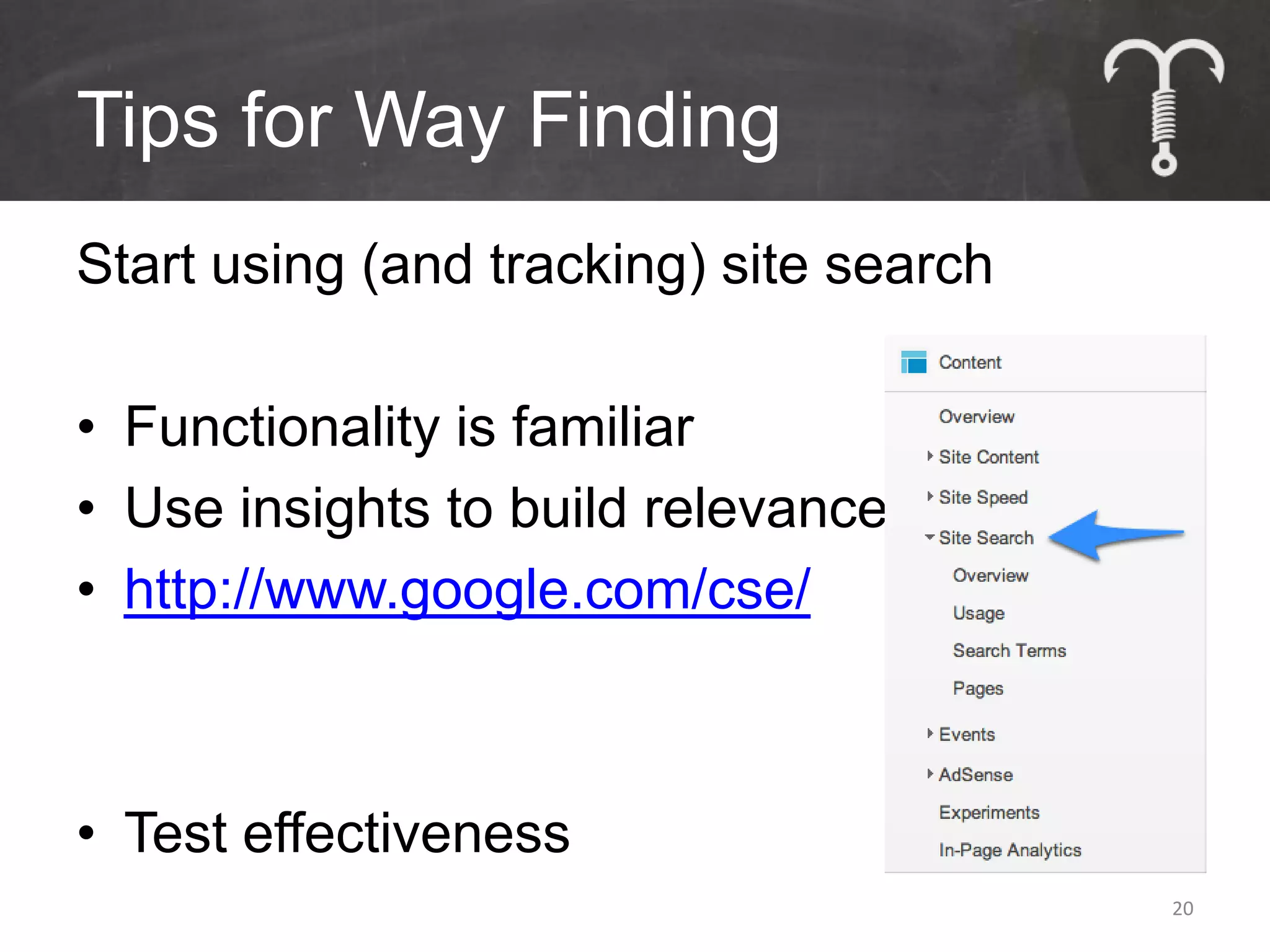
Start using (and tracking) site search

• Functionality is familiar
• Use insights to build relevance
• http://www.google.com/cse/


• Test effectiveness
                                         20
Tips for Way Finding
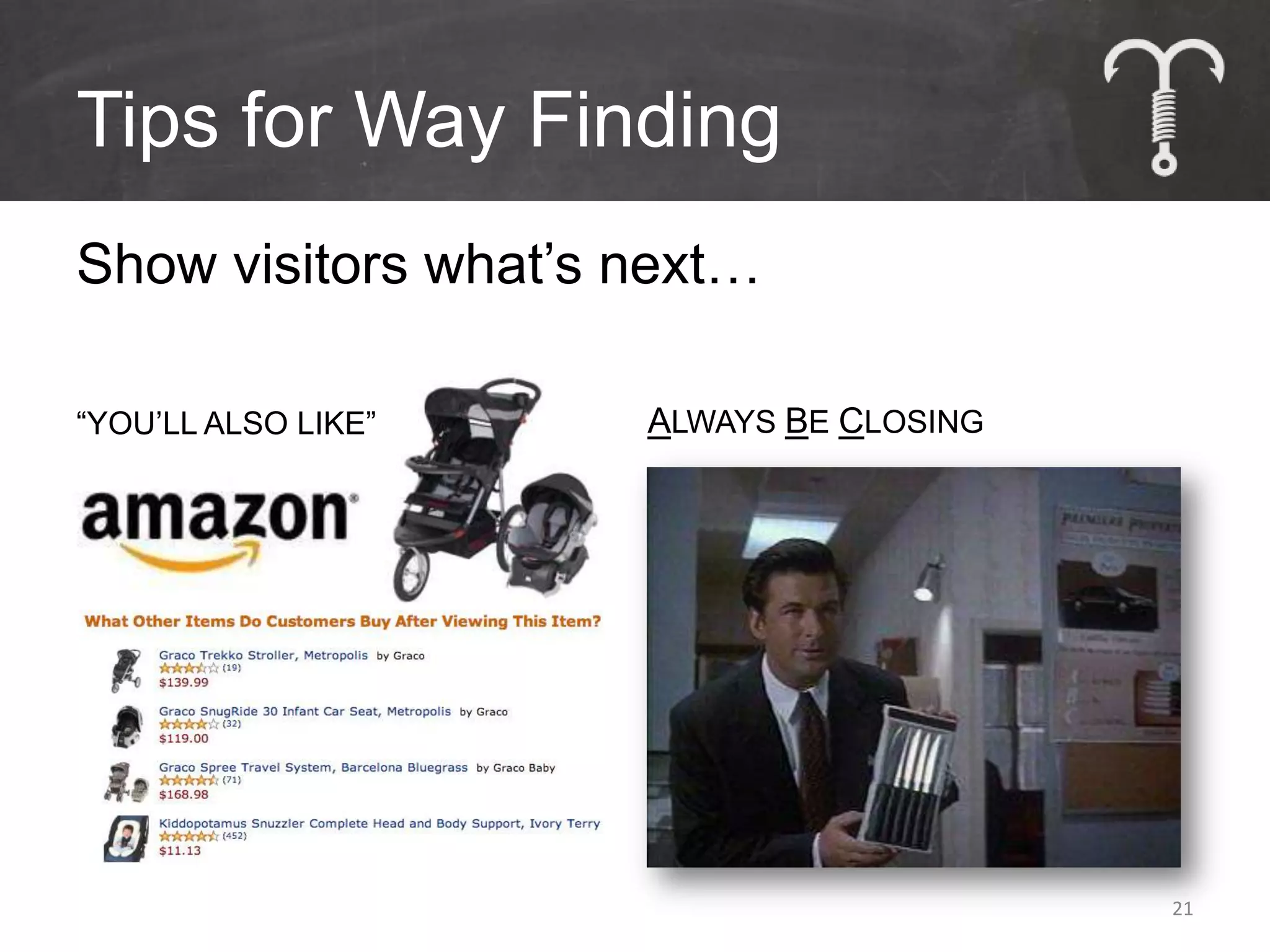
Show visitors what’s next…

“YOU’LL ALSO LIKE”   ALWAYS BE CLOSING


                                         21
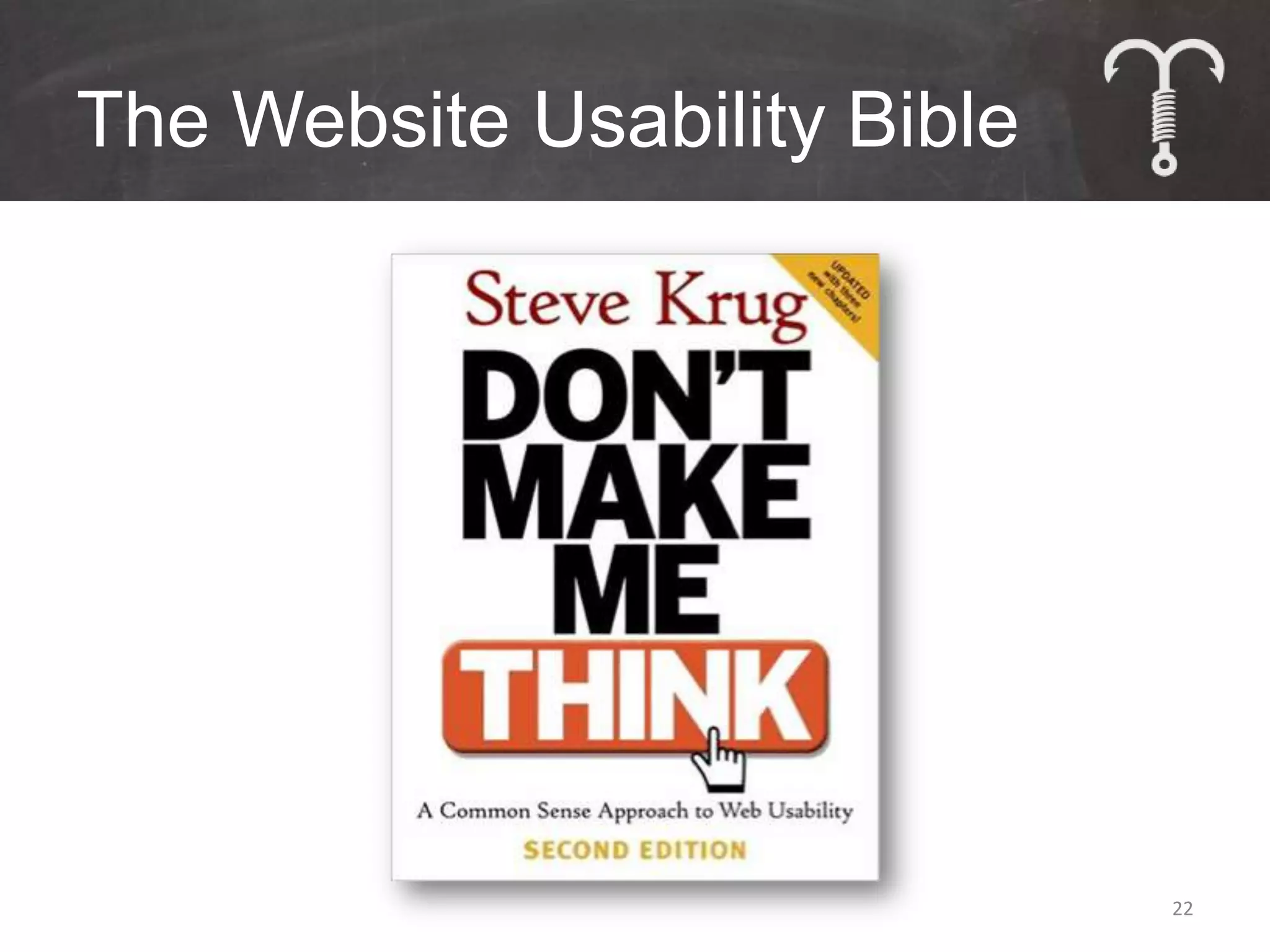
The Website Usability Bible


                              22
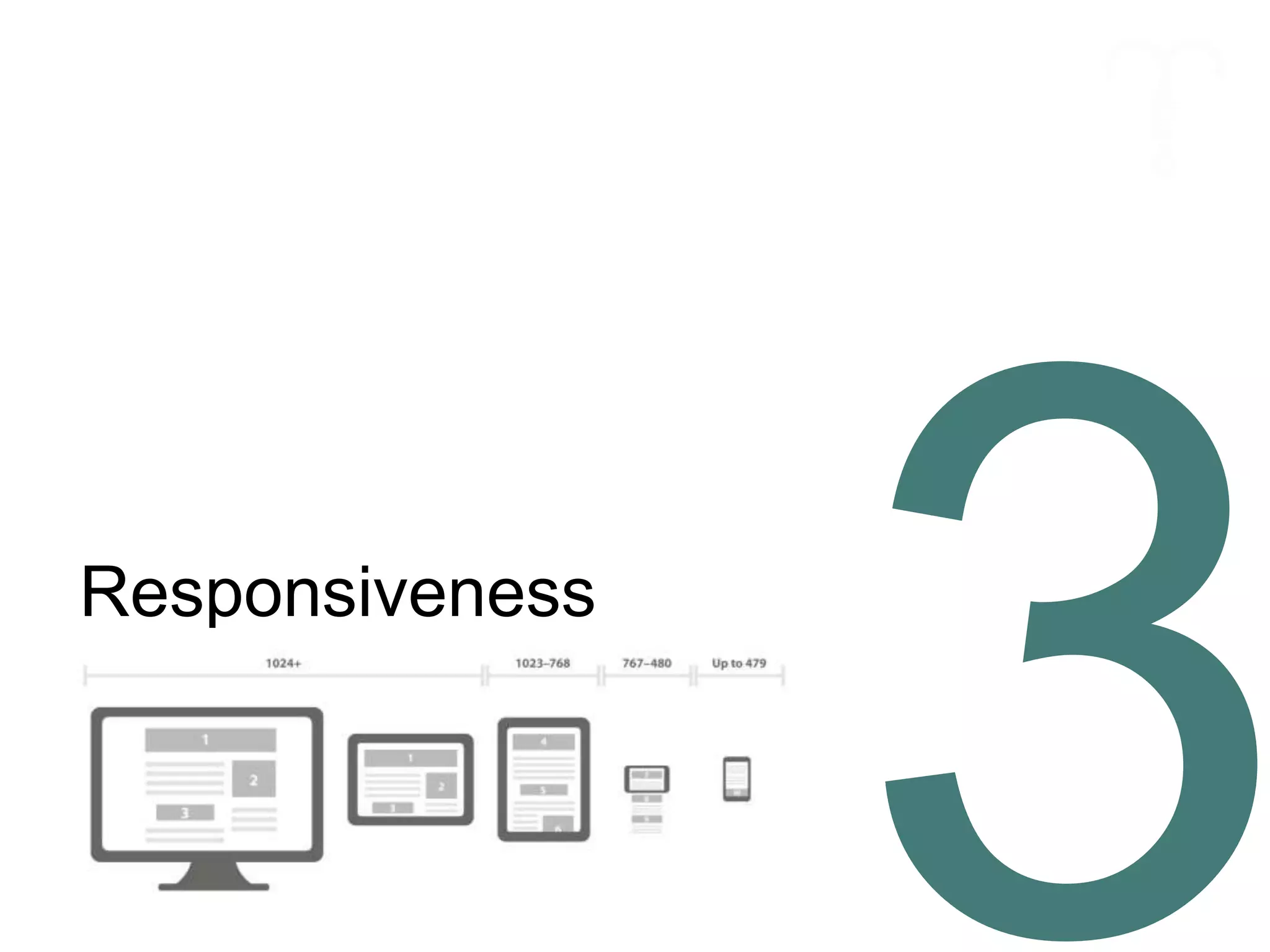
Responsiveness
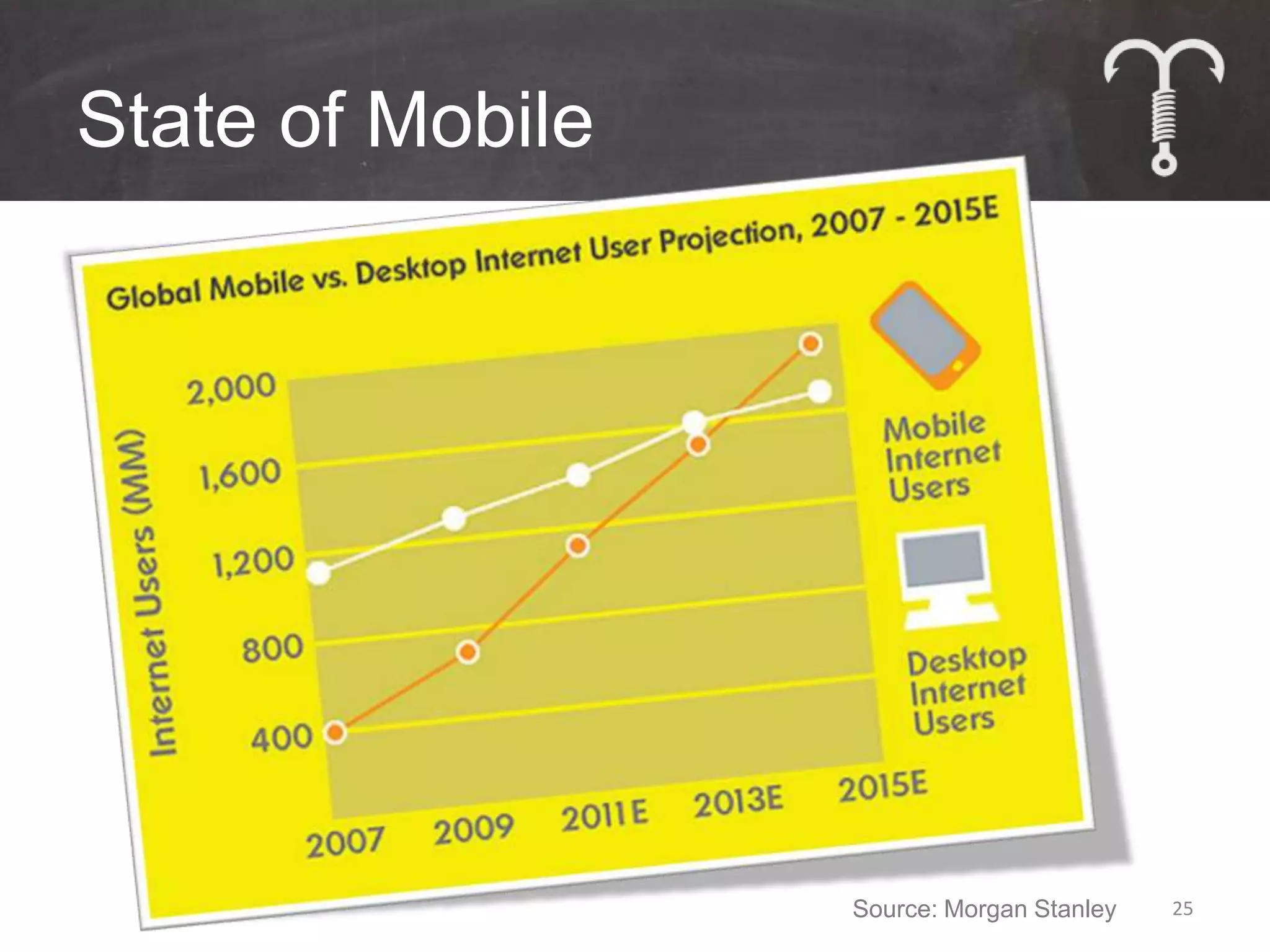
State of Mobile


                  Source: Morgan Stanley   25
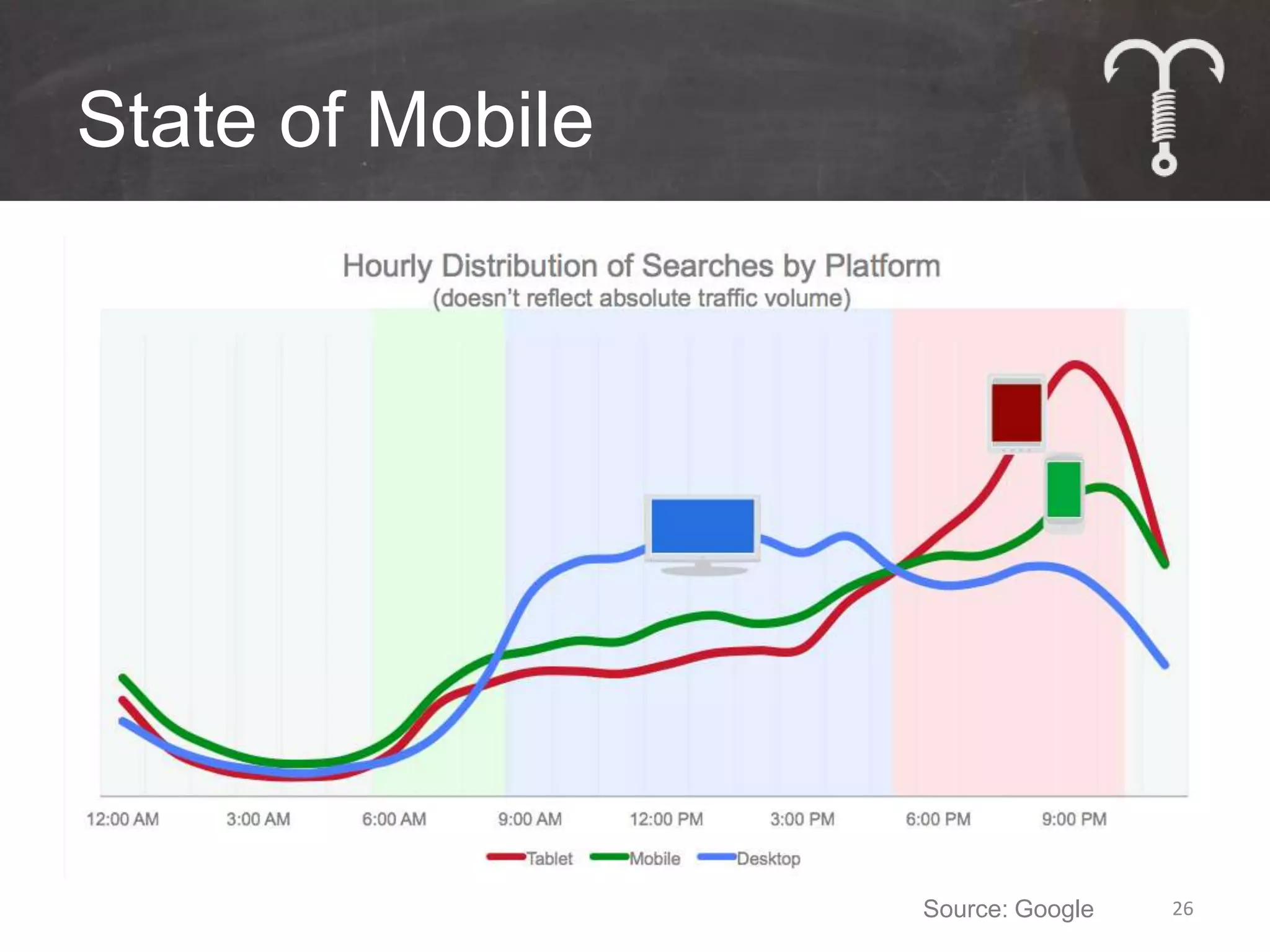
State of Mobile


                  Source: Google   26
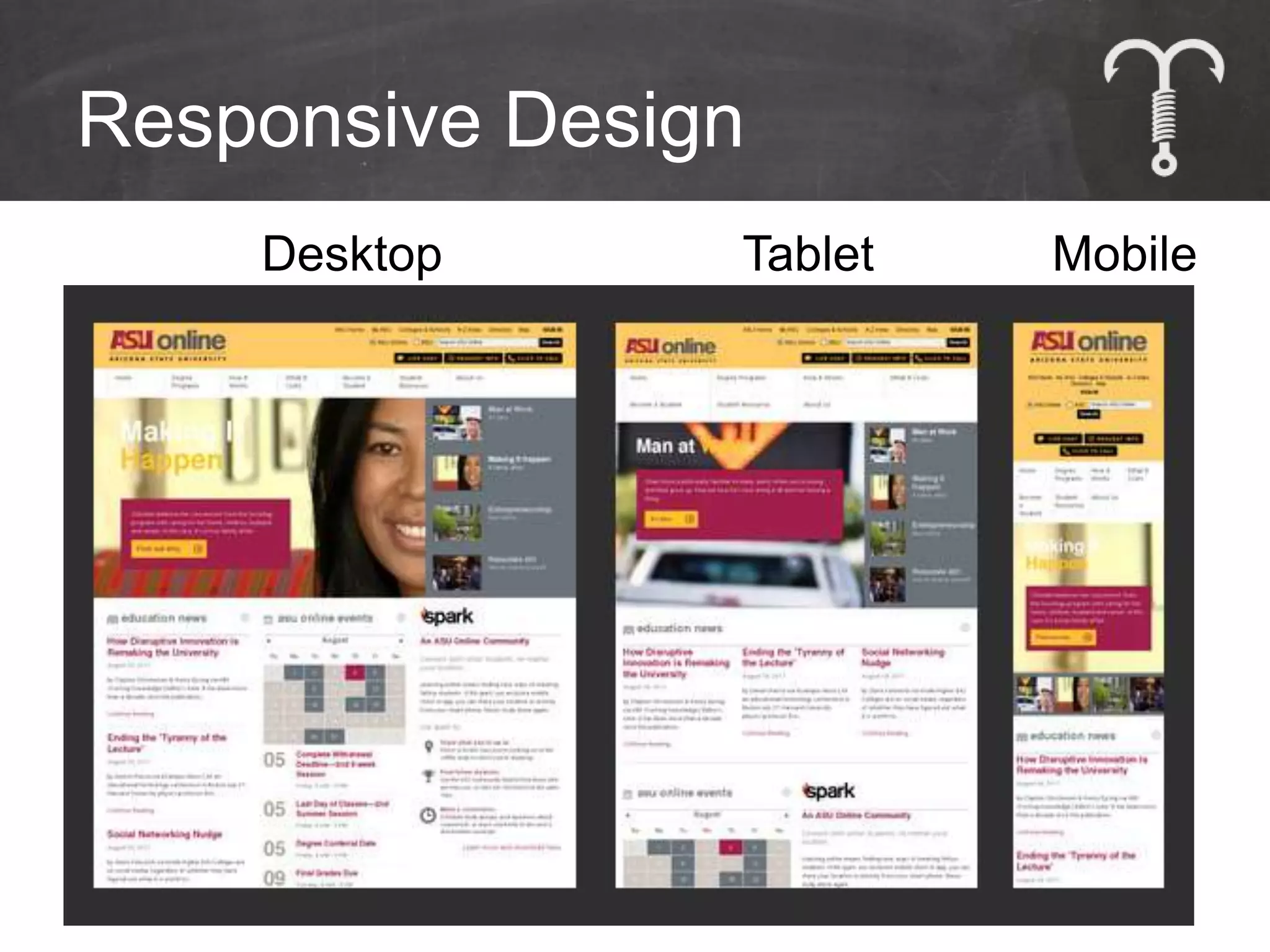
Responsive Design
    Desktop     Tablet   Mobile


                             27
You Have Options
Responsive Design
• 1 Web Address,
  No Duplication
• Site morphs based on device

PRO
• Easy & cheap to maintain
CON
• Less focus on mobile experience
                                    28
You Have Options
Dynamic Serving
• 1 Web Address,
  No Duplication
• Content/experience changes based on
  device

PRO
• Better mobile experience
CON
• Technical complexity
• Higher maintenance cost               29
You Have Options
Parallel Mobile Site
• 2 Separate Sites:
  1 Mobile, 1 Desktop

PRO
• Easy implementation
CON
• Must make content updates twice
• Content duplication risk
                                    30
SEO
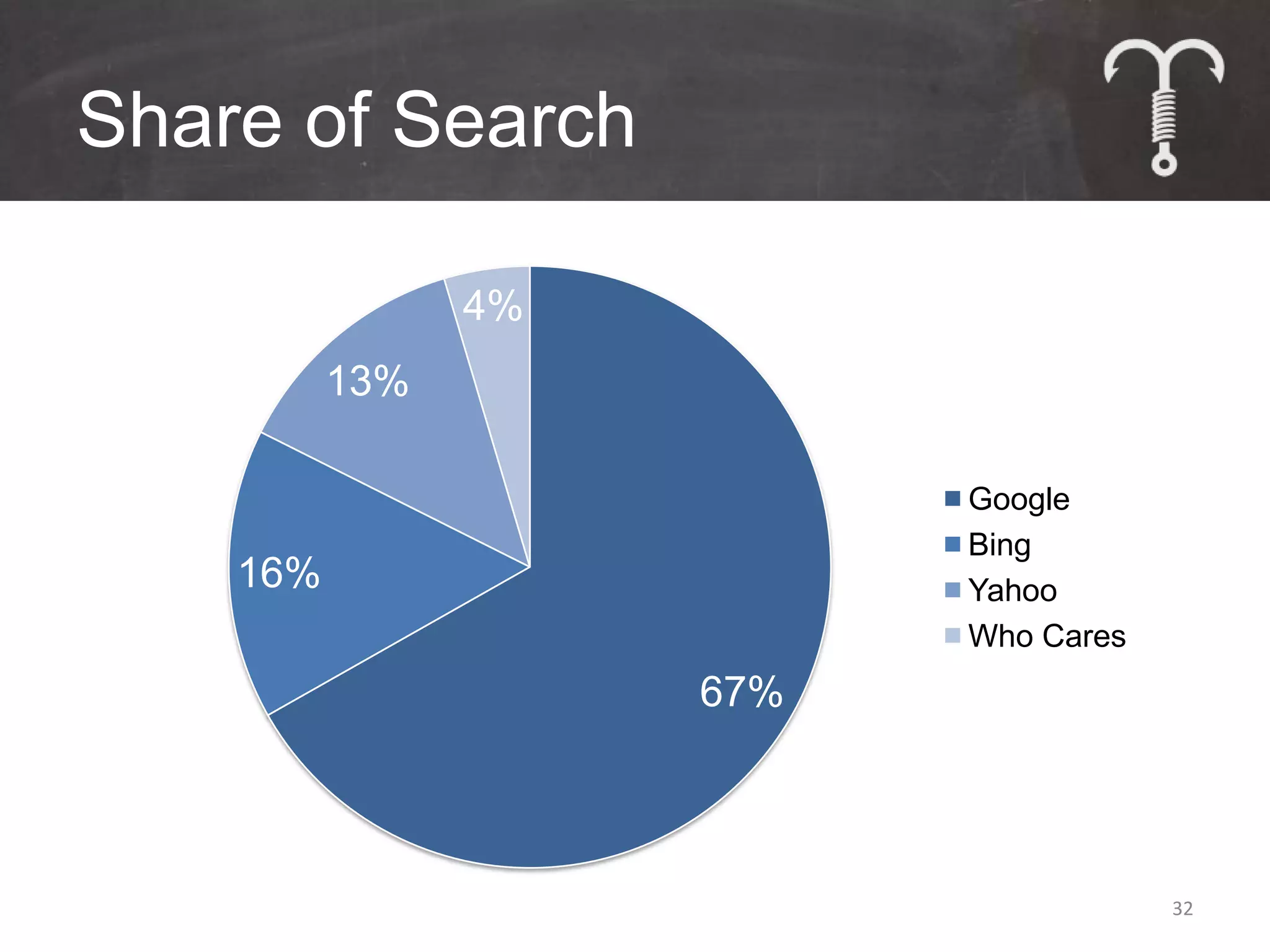
Share of Search

                4%
          13%

                           Google
                           Bing
    16%                    Yahoo
                           Who Cares
                     67%


                                       32
How Organic Search Works


                           33
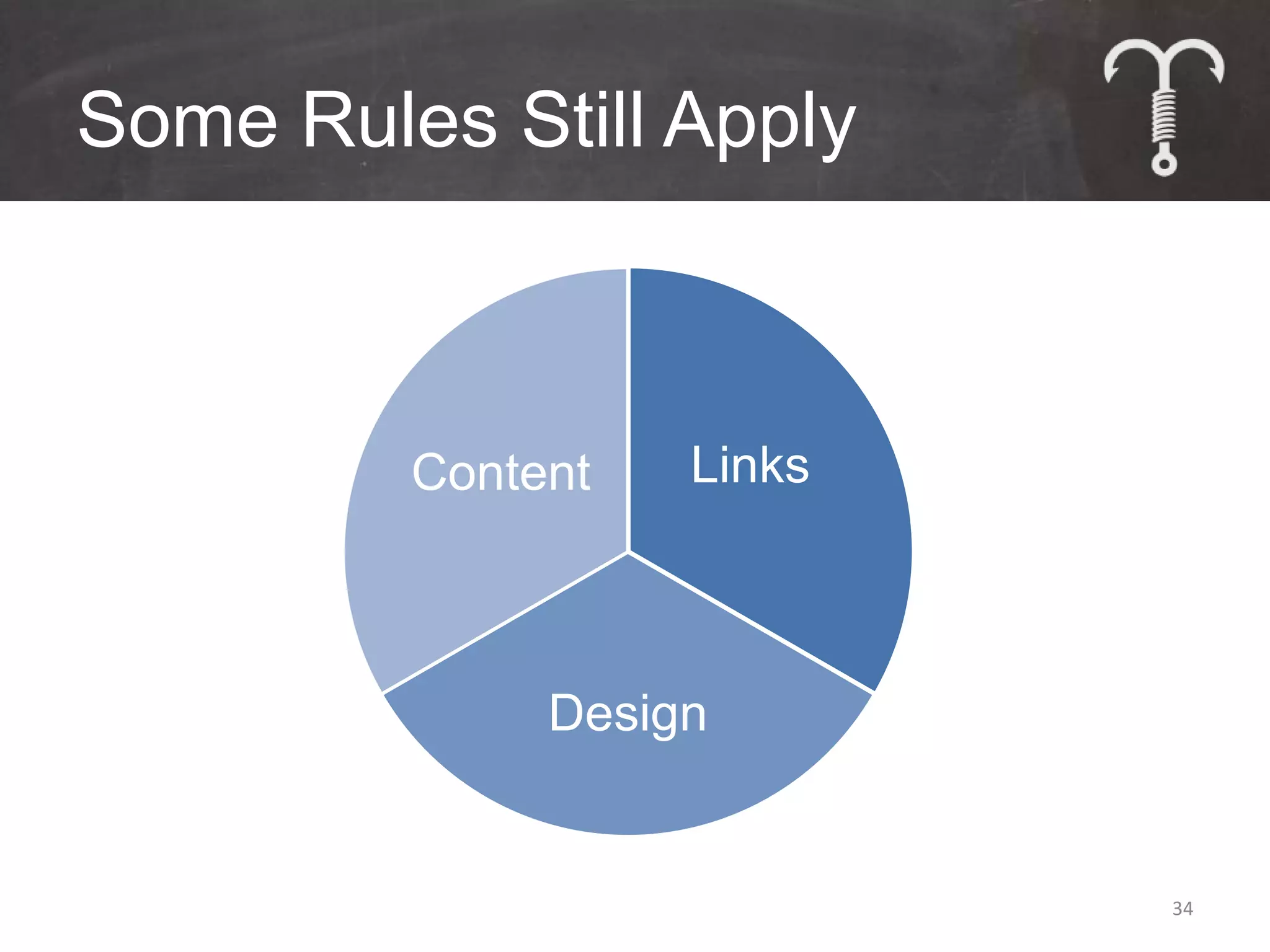
Some Rules Still Apply


         Content   Links


              Design


                           34
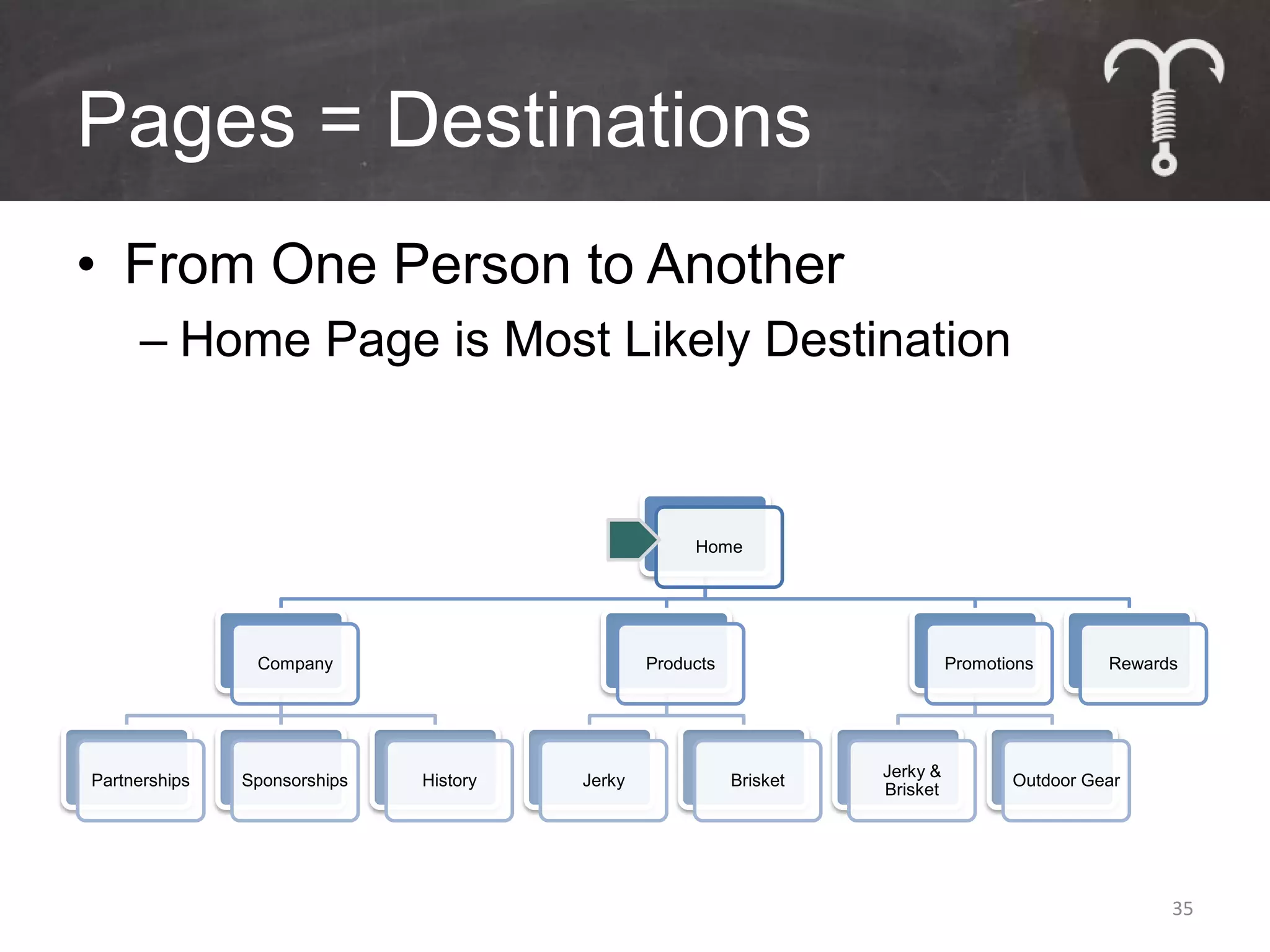
Pages = Destinations
• From One Person to Another
     – Home Page is Most Likely Destination

                                                     Home


                Company                         Products                       Promotions       Rewards


                                                                     Jerky &
Partnerships   Sponsorships   History   Jerky              Brisket                    Outdoor Gear
                                                                     Brisket


                                                                                                      35
Pages = Destinations
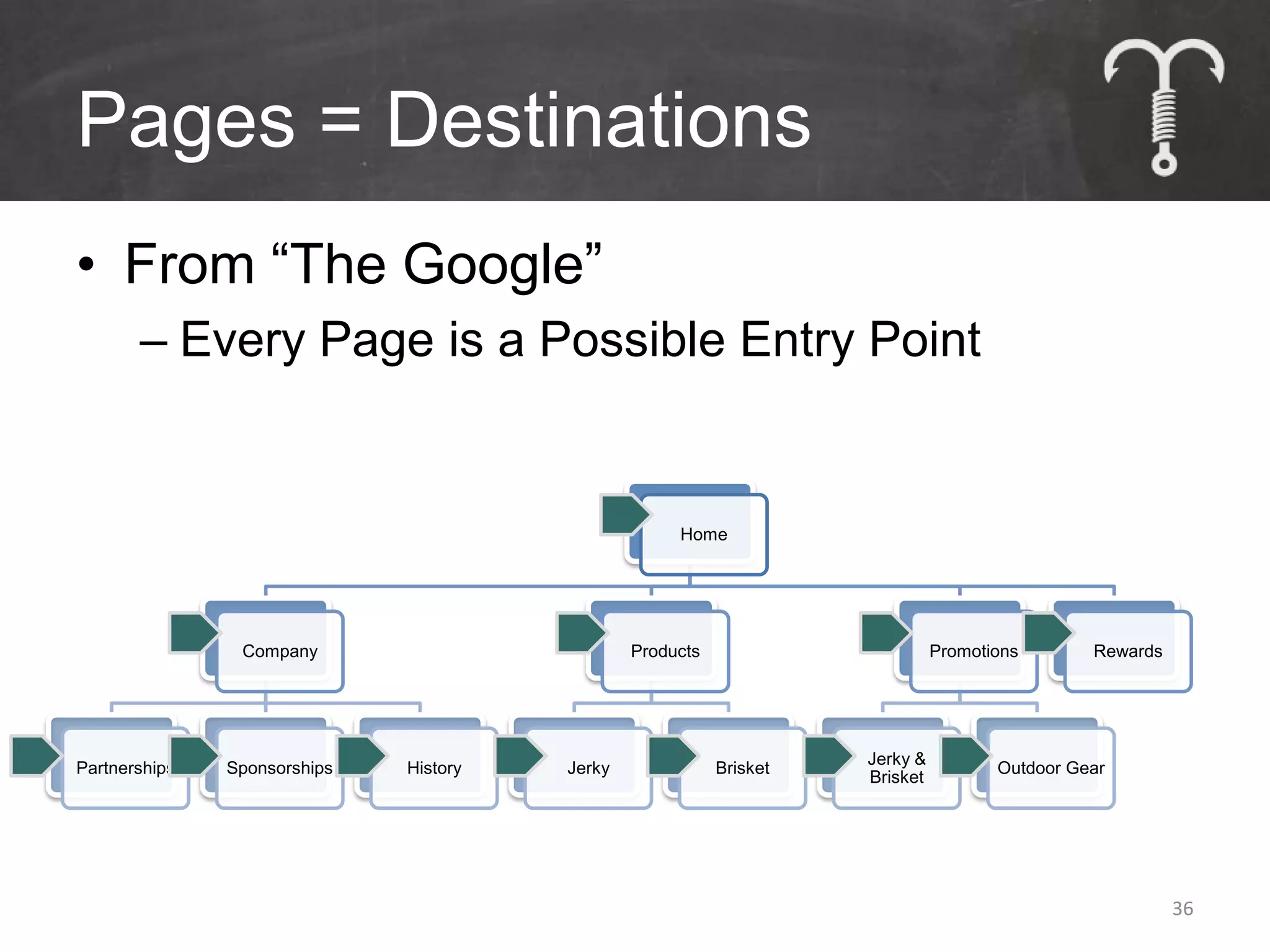
• From “The Google”
       – Every Page is a Possible Entry Point


                                                     Home


                Company                         Products                       Promotions       Rewards


                                                                     Jerky &
Partnerships   Sponsorships   History   Jerky              Brisket                    Outdoor Gear
                                                                     Brisket


                                                                                                          36
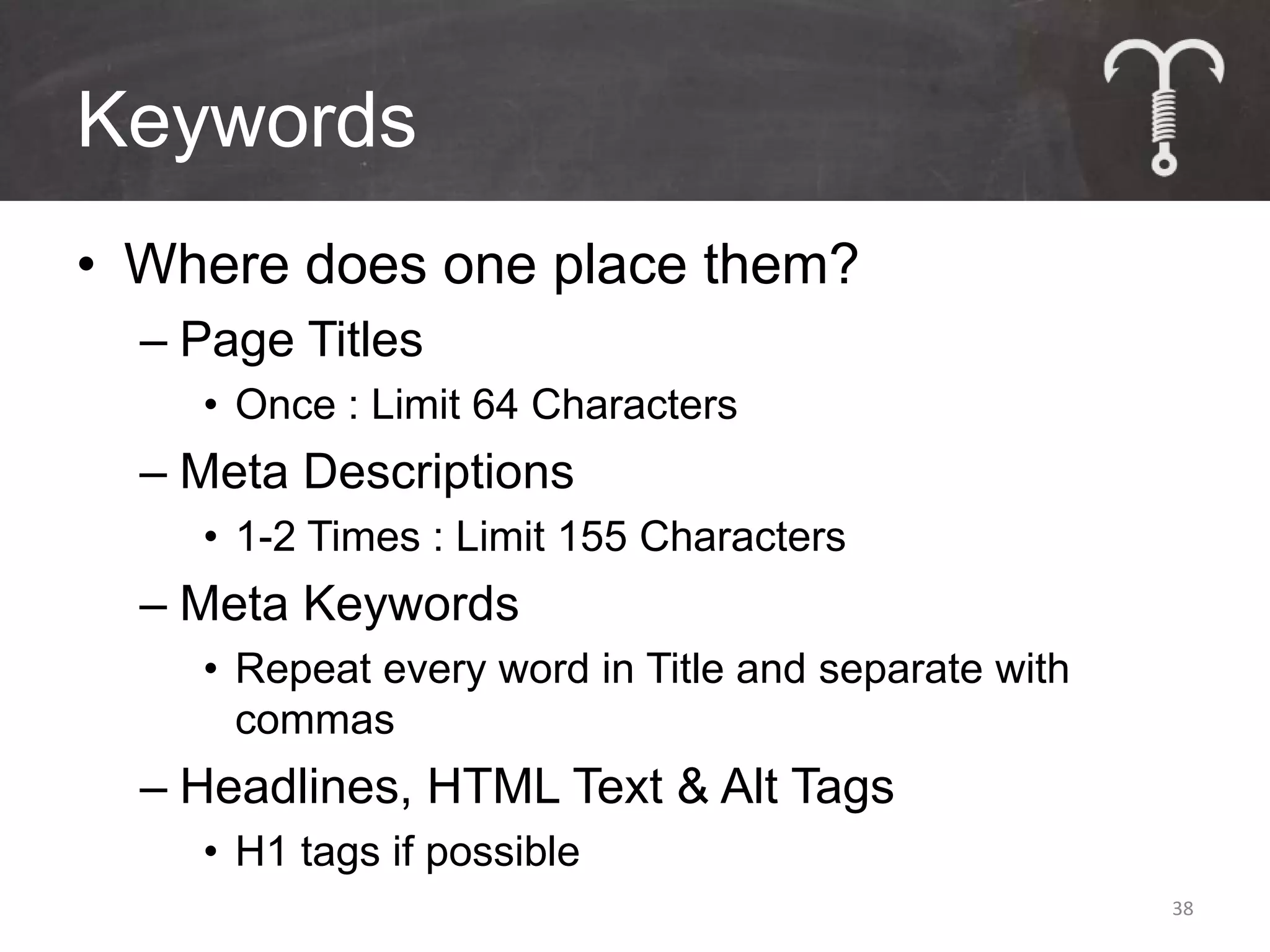
Tools of the Trade
• Find Keywords
  – “google keyword tool”


• Implement Keywords


                            37
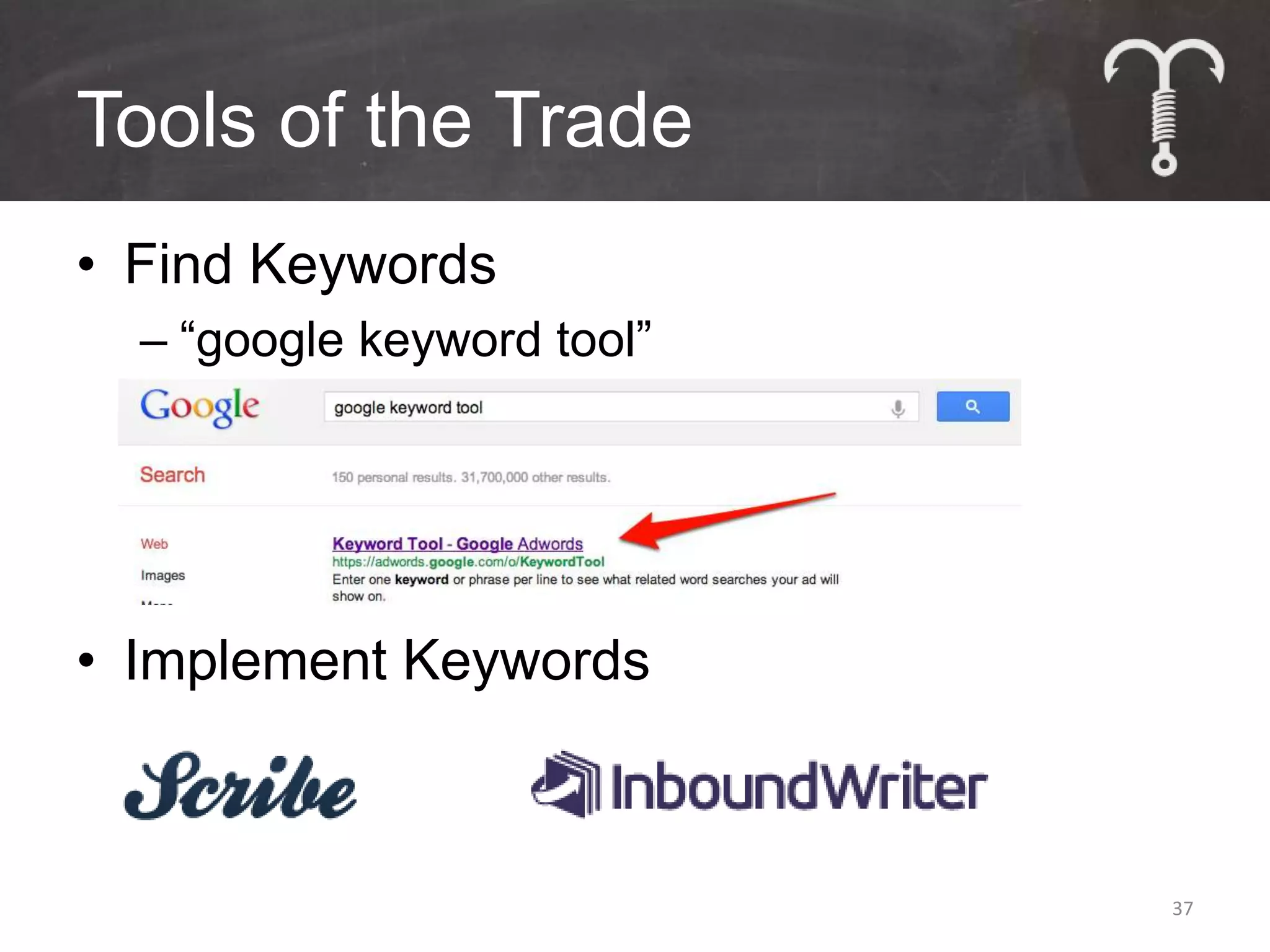
Keywords
• Where does one place them?
  – Page Titles
    • Once : Limit 64 Characters
  – Meta Descriptions
    • 1-2 Times : Limit 155 Characters
  – Meta Keywords
    • Repeat every word in Title and separate with
      commas
  – Headlines, HTML Text & Alt Tags
    • H1 tags if possible
                                                     38
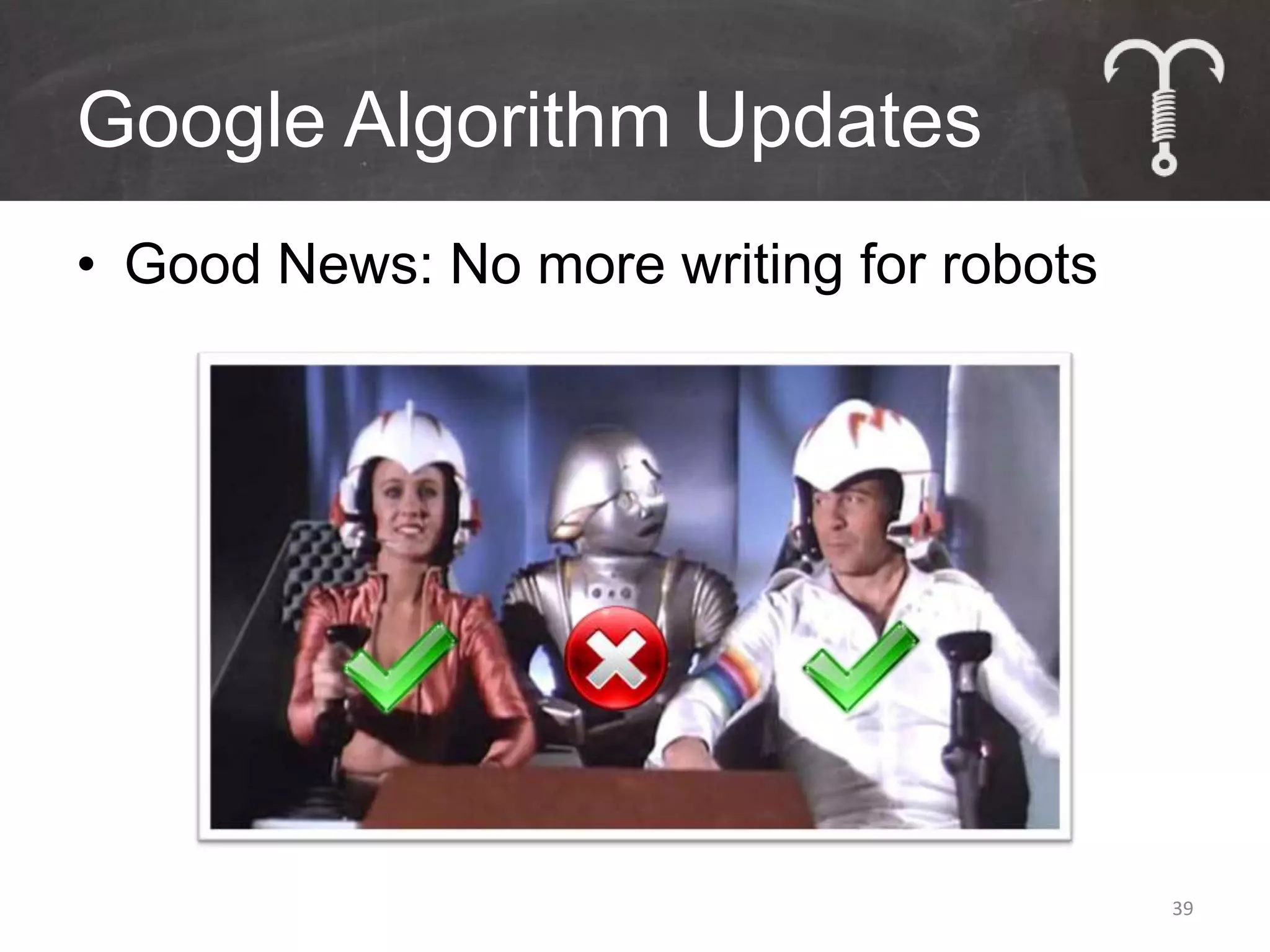
Google Algorithm Updates
• Good News: No more writing for robots


                                          39
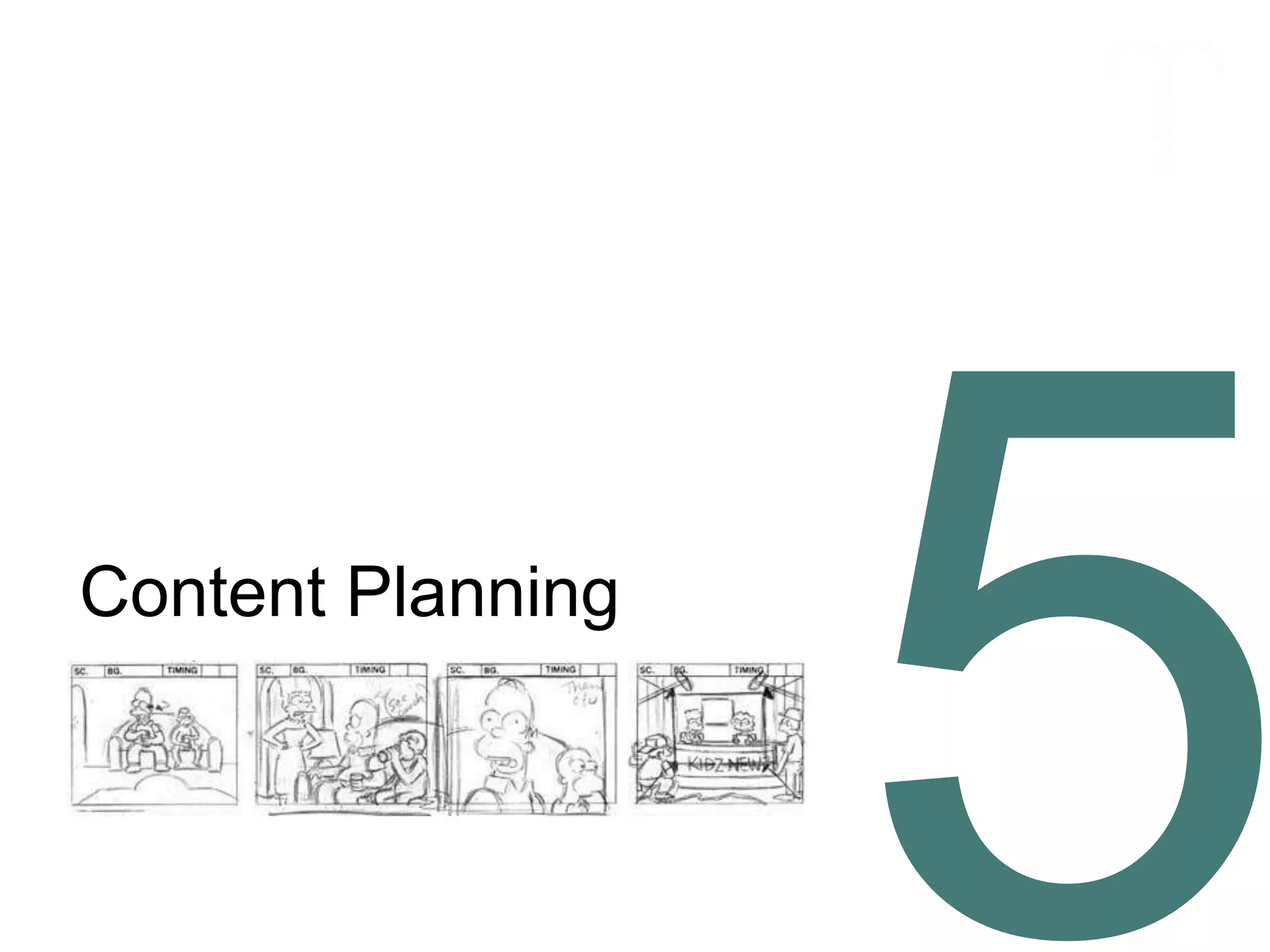
Content Planning
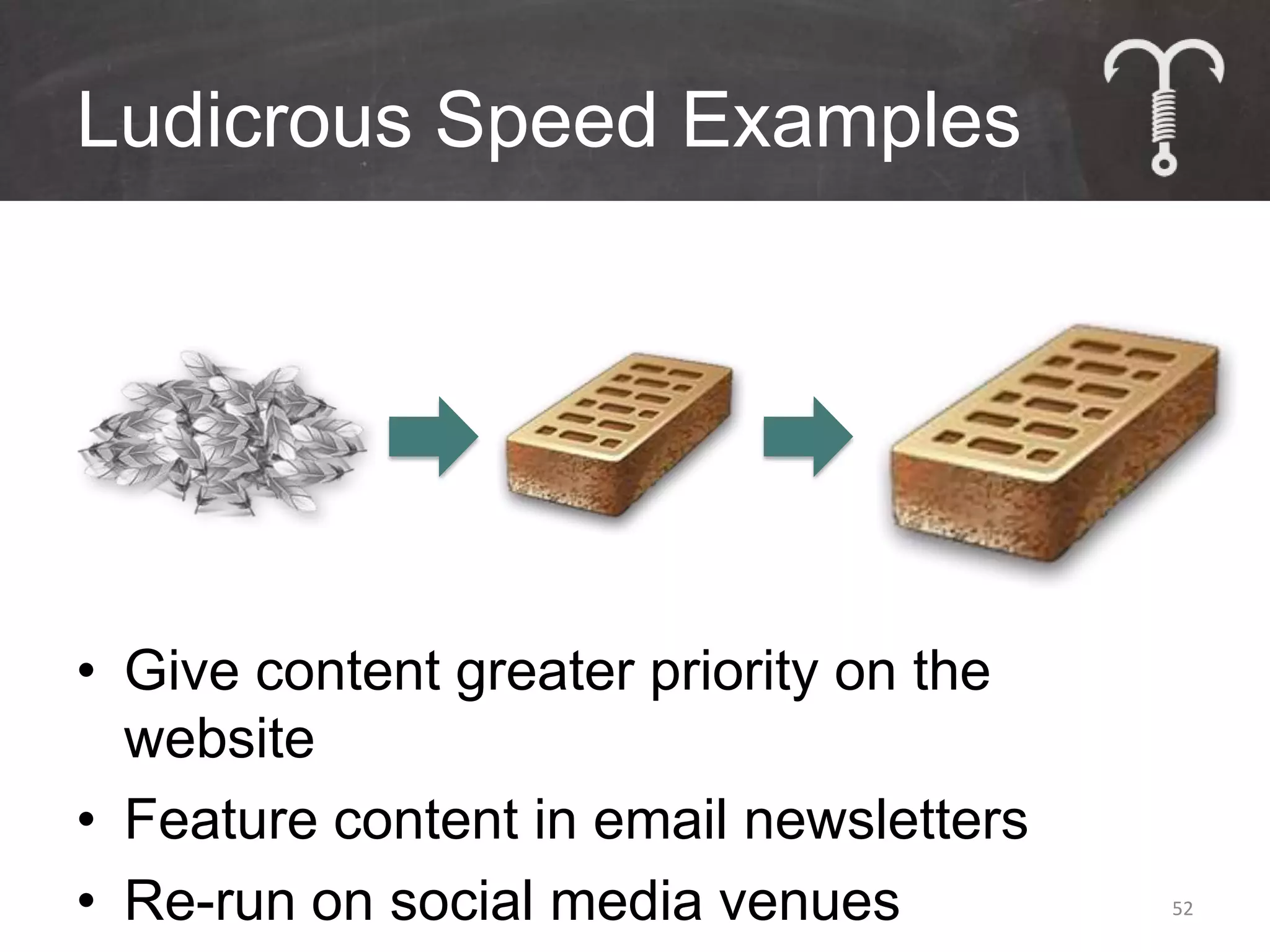
Bricks vs. Feathers
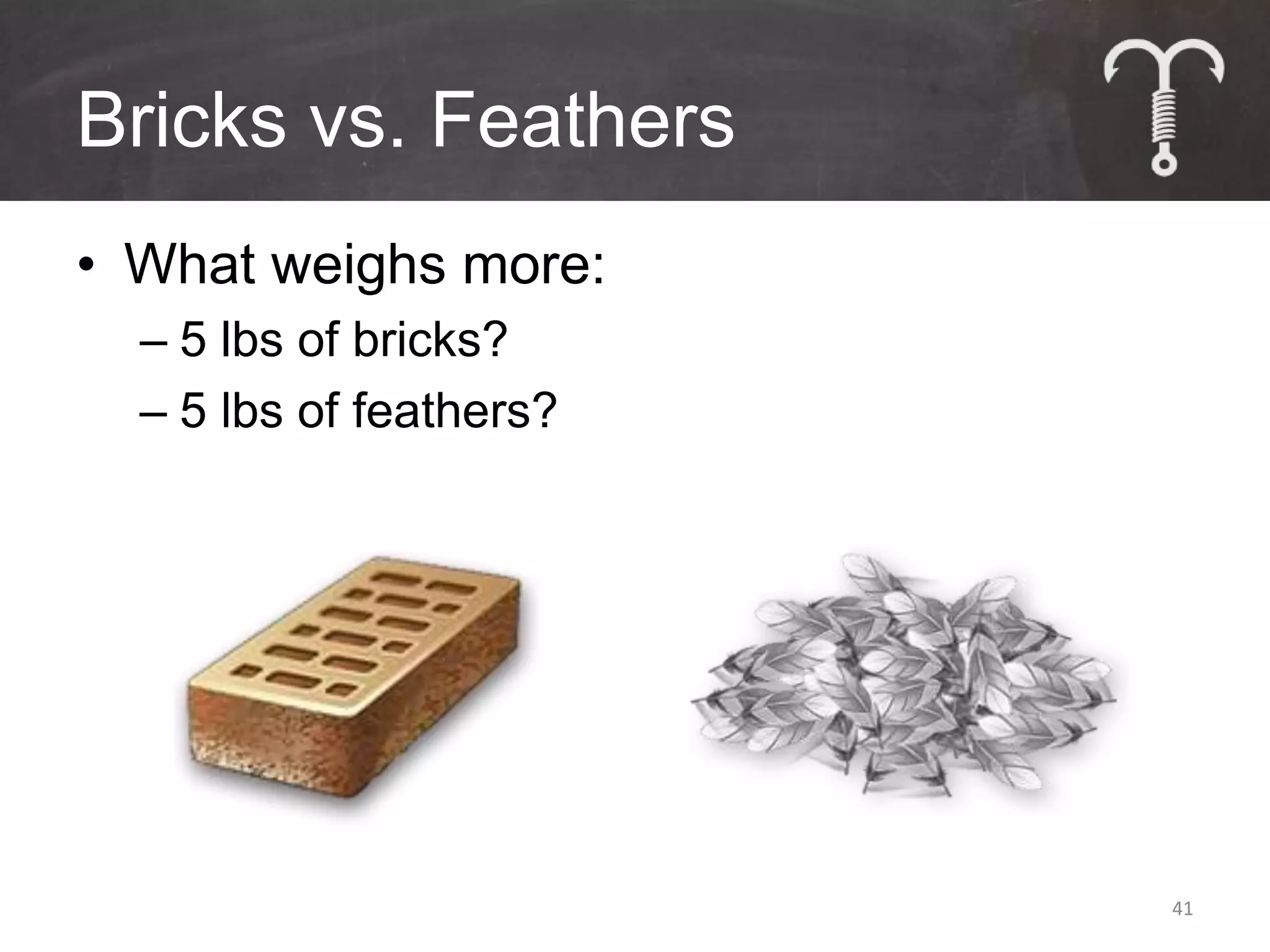
• What weighs more:
  – 5 lbs of bricks?
  – 5 lbs of feathers?


                         41
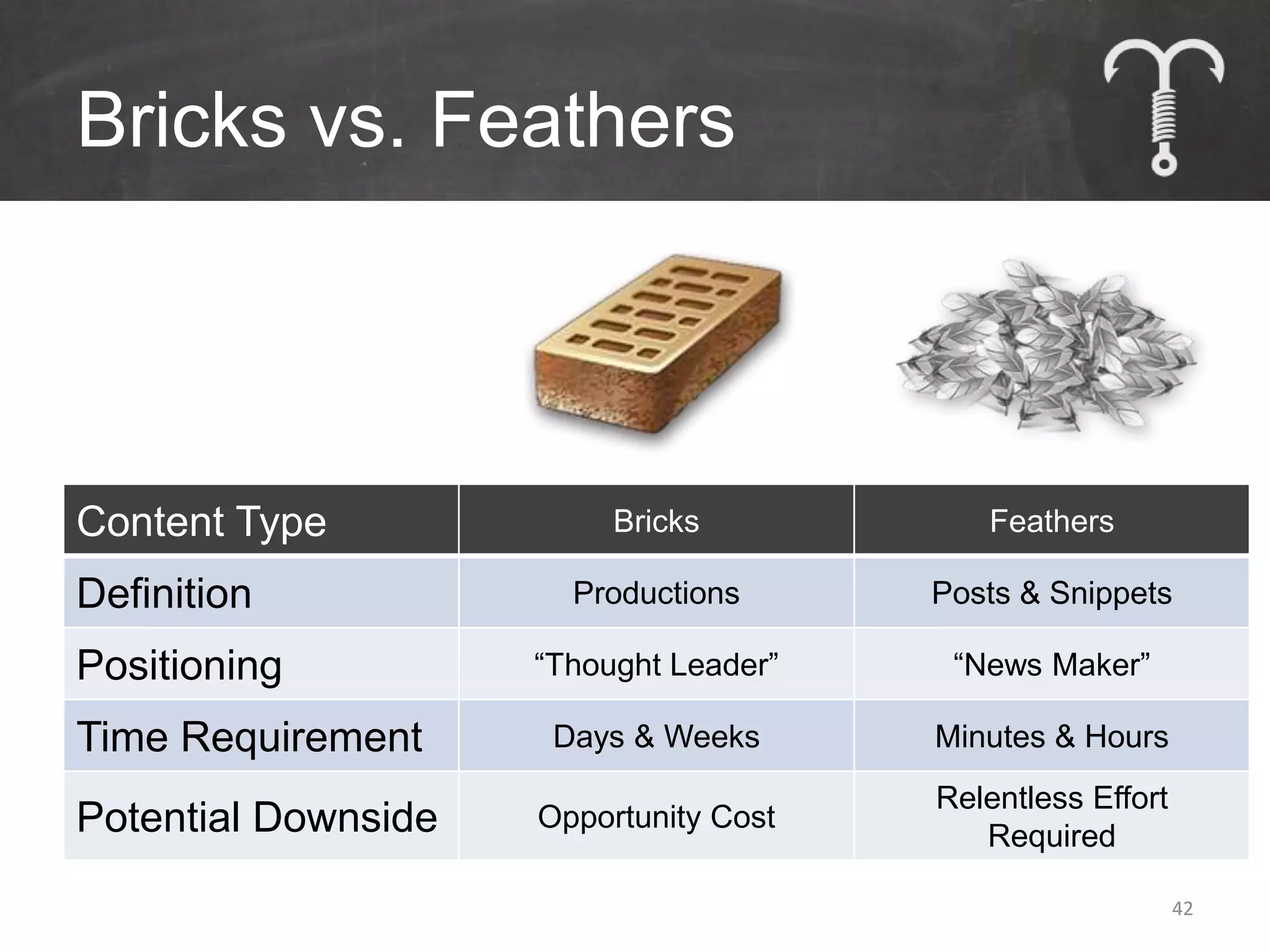
Bricks vs. Feathers


Content Type              Bricks           Feathers

Definition             Productions      Posts & Snippets

Positioning          “Thought Leader”    “News Maker”

Time Requirement      Days & Weeks      Minutes & Hours
                                        Relentless Effort
Potential Downside   Opportunity Cost
                                           Required

                                                            42
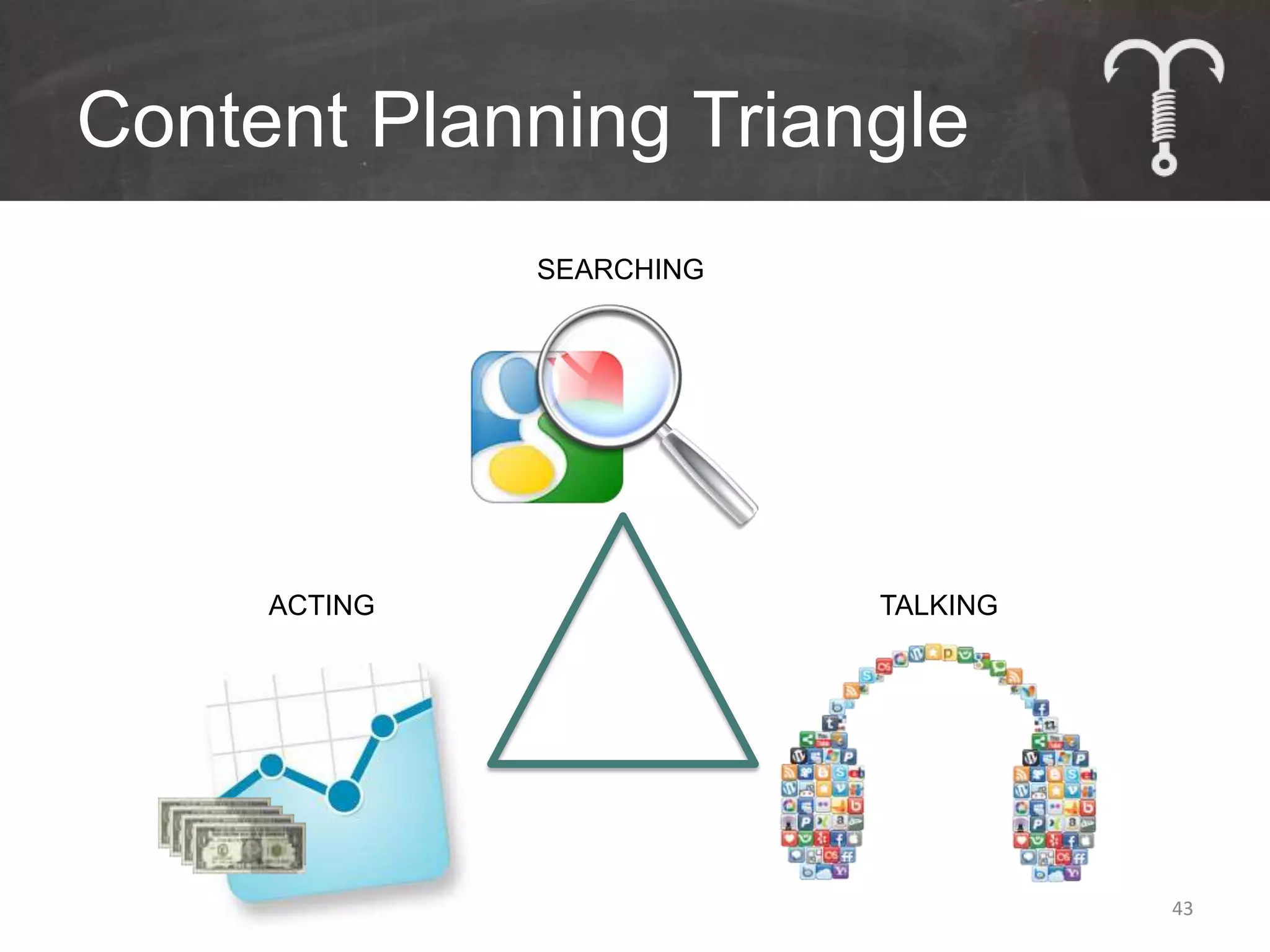
Content Planning Triangle
              SEARCHING


     ACTING               TALKING


                                    43
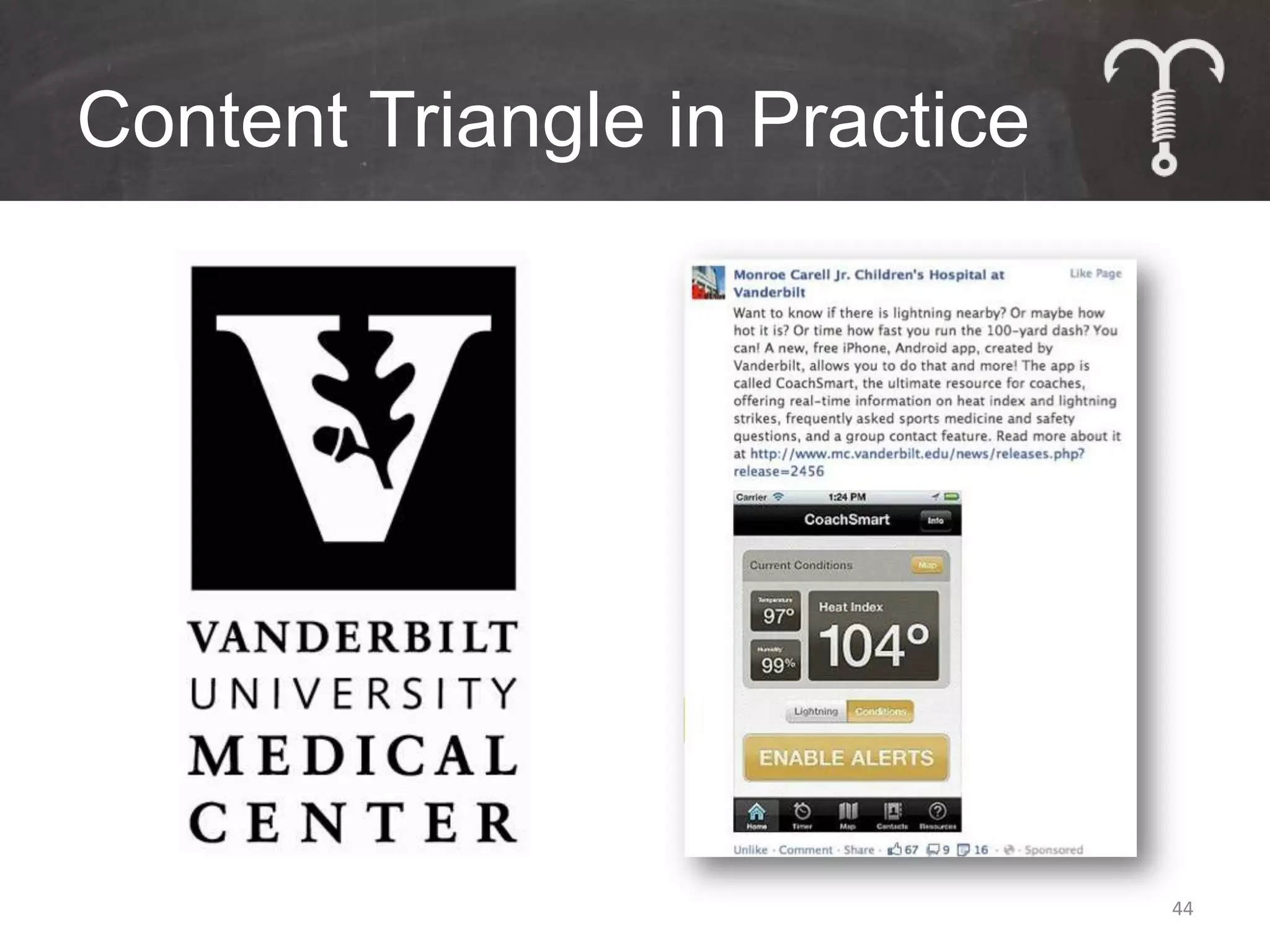
Content Triangle in Practice


                               44
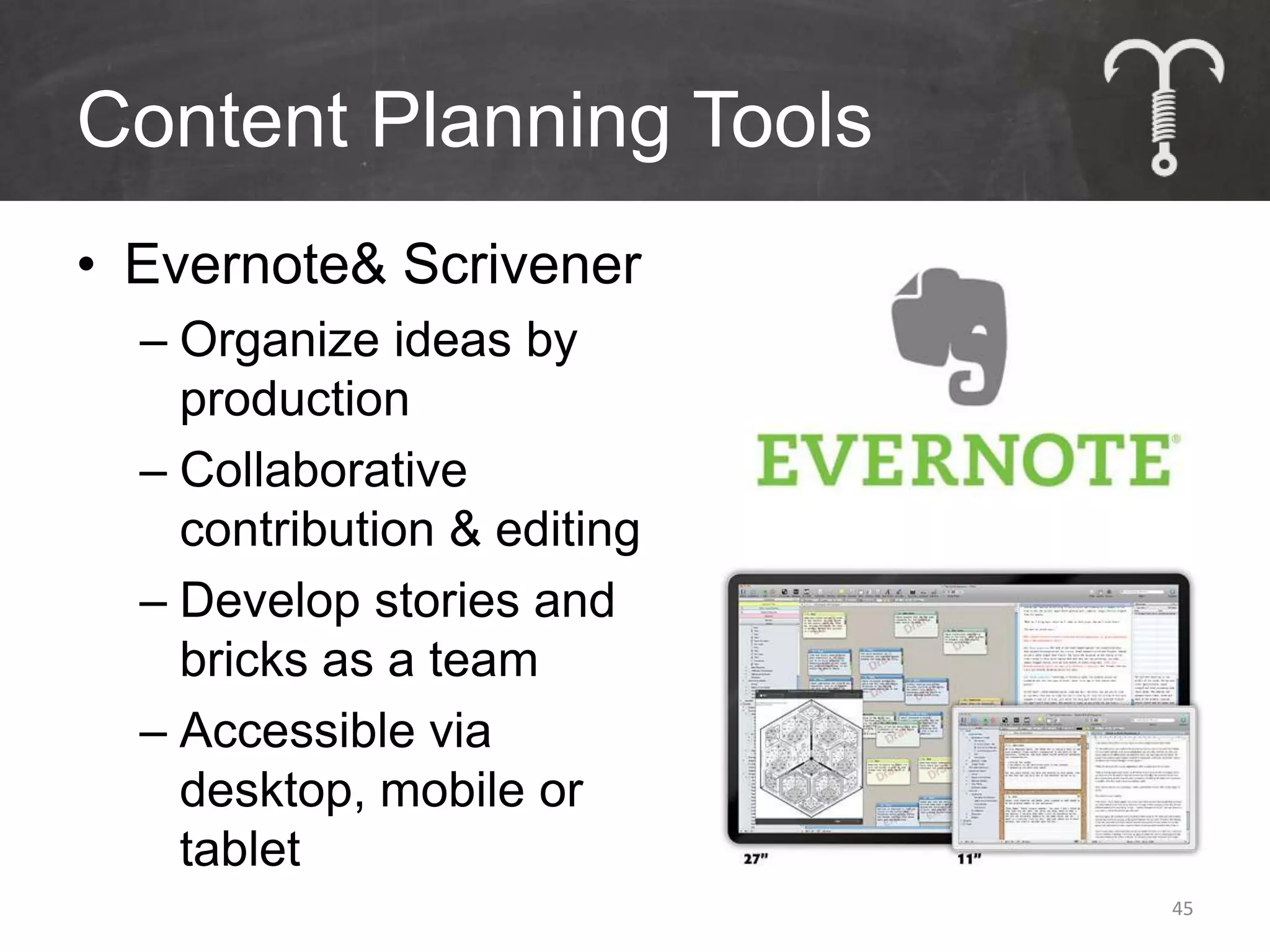
Content Planning Tools
• Evernote& Scrivener
  – Organize ideas by
    production
  – Collaborative
    contribution & editing
  – Develop stories and
    bricks as a team
  – Accessible via
    desktop, mobile or
    tablet
                             45
Content Planning Tools
• Create a content editorial calendar
  – Manage multiple content
    types, campaigns, people
  – Collaborate to create new
    content & brainstorm
    promotion plans


                                        46
Content for Hire
                   • Plan and schedule
                     content
                   • Find writers and
                     artists to create
                     new compelling
                     material
                   • Transact and edit
                   • Build a team of
                     content producers
                     for ongoing projects
                                        47
Content Promotion
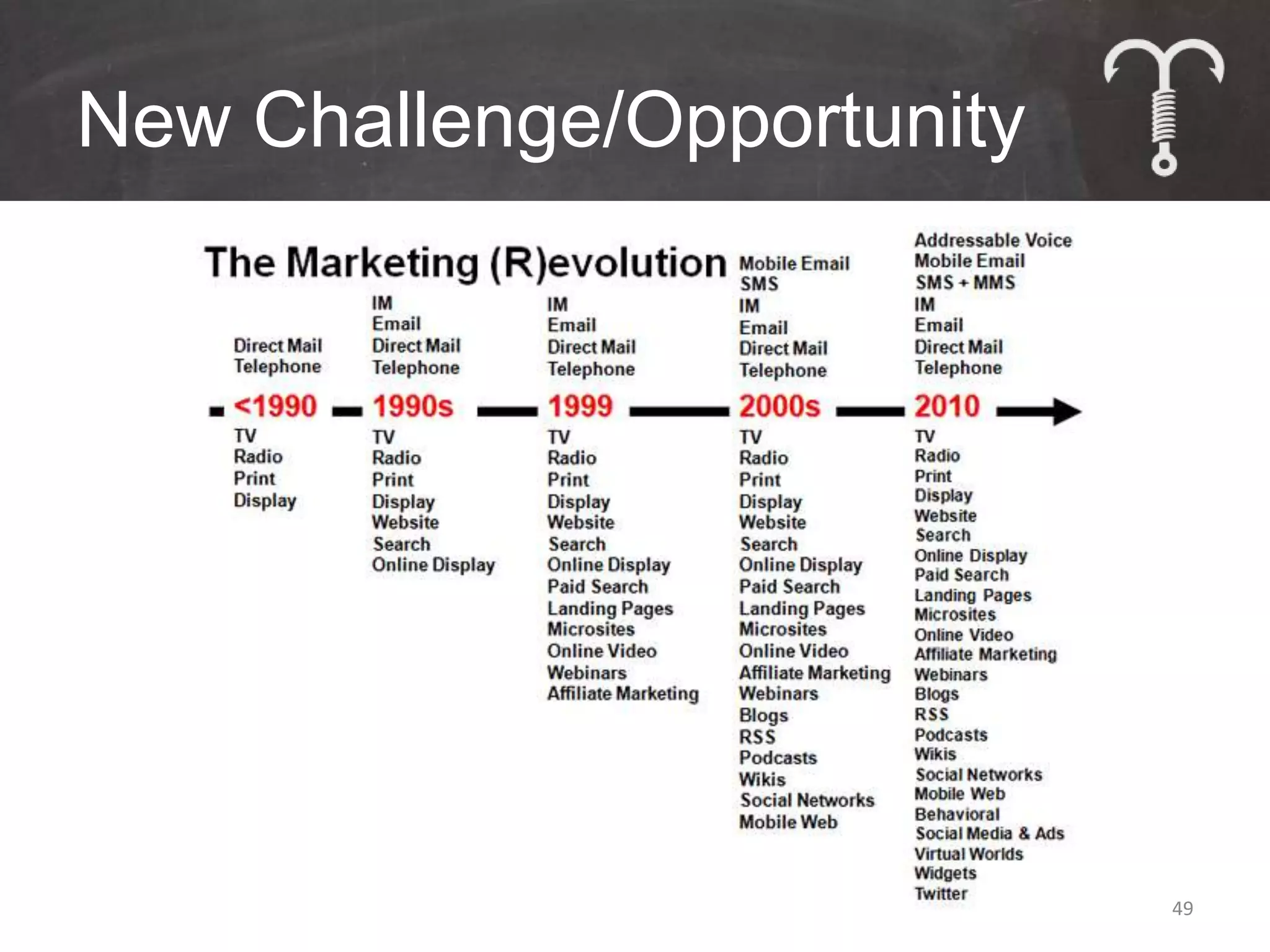
New Challenge/Opportunity


                            49
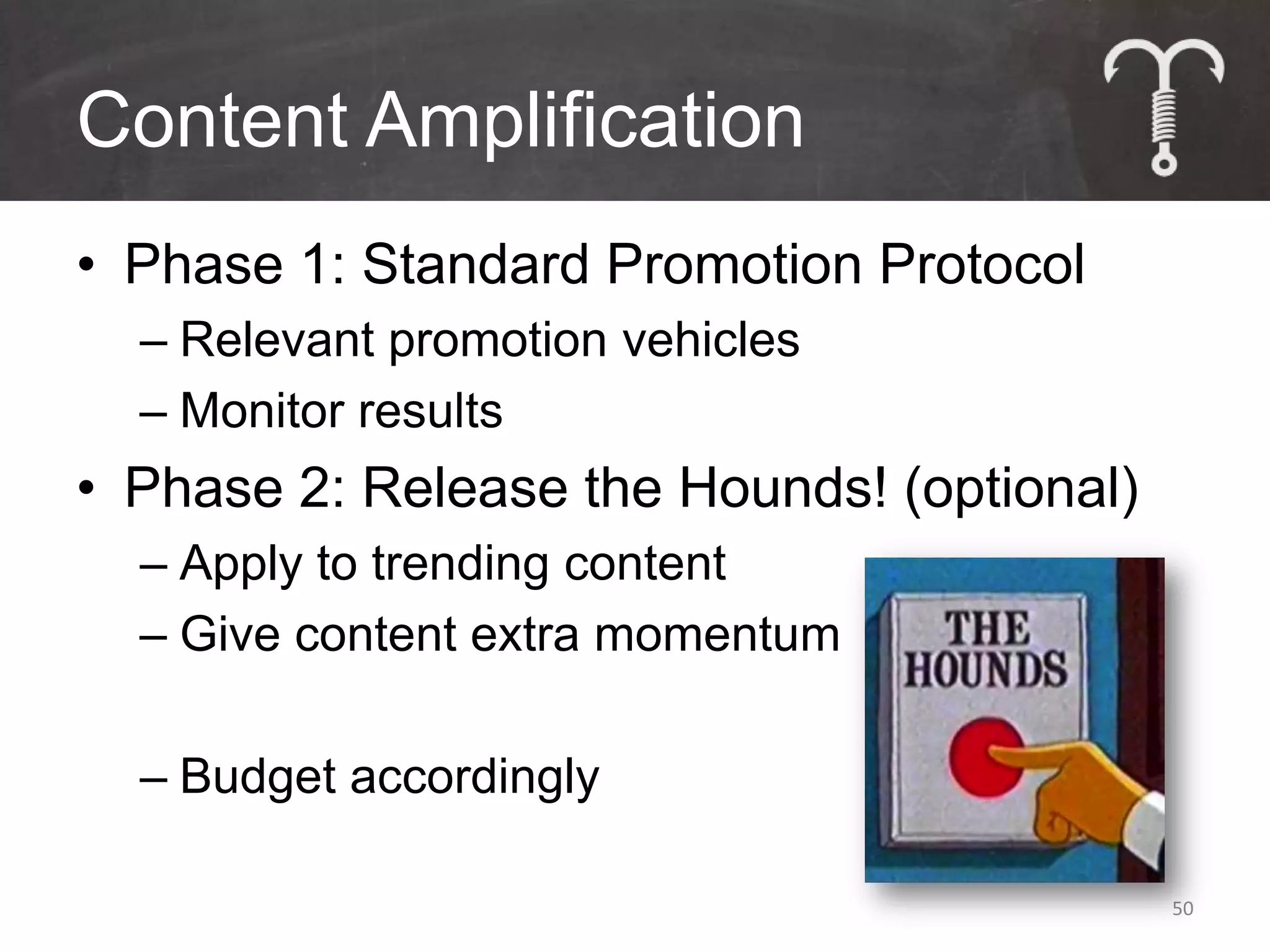
Content Amplification
• Phase 1: Standard Promotion Protocol
  – Relevant promotion vehicles
  – Monitor results
• Phase 2: Release the Hounds! (optional)
  – Apply to trending content
  – Give content extra momentum

  – Budget accordingly

                                            50
51
Ludicrous Speed Examples


• Give content greater priority on the
  website
• Feature content in email newsletters
• Re-run on social media venues          52
More Ludicrous Speed
Examples
• Call on fans, partners & influencers to
  share


• Promote via display ads


• Guest blog
• Employ social advertising                 53
Social
She’ll love you
                  55
back
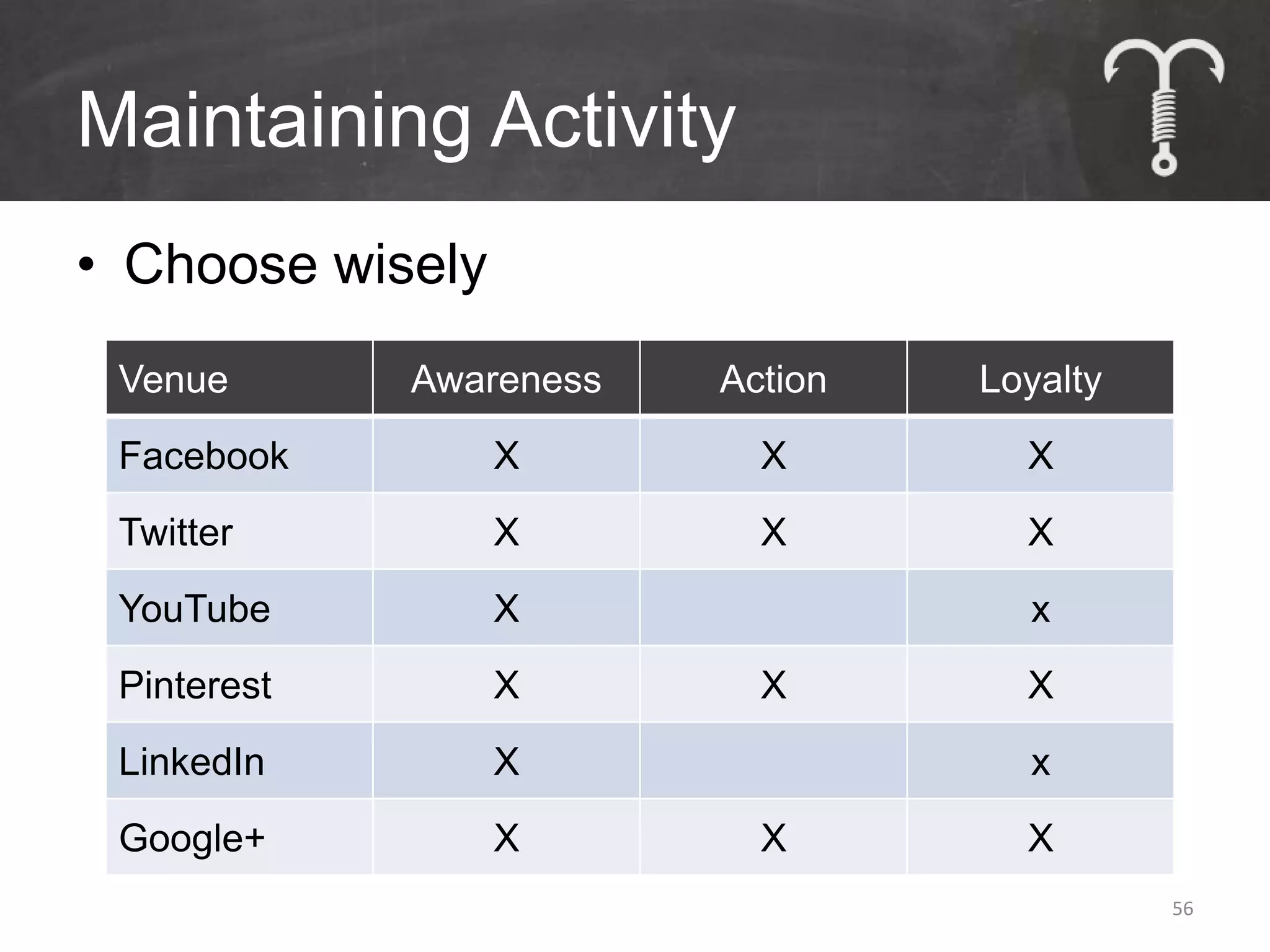
Maintaining Activity
• Choose wisely
 Venue       Awareness   Action   Loyalty
 Facebook         X        X        X
 Twitter          X        X        X
 YouTube          X                 x
 Pinterest        X        X        X
 LinkedIn         X                 x
 Google+          X        X        X
                                            56
Maintaining Activity
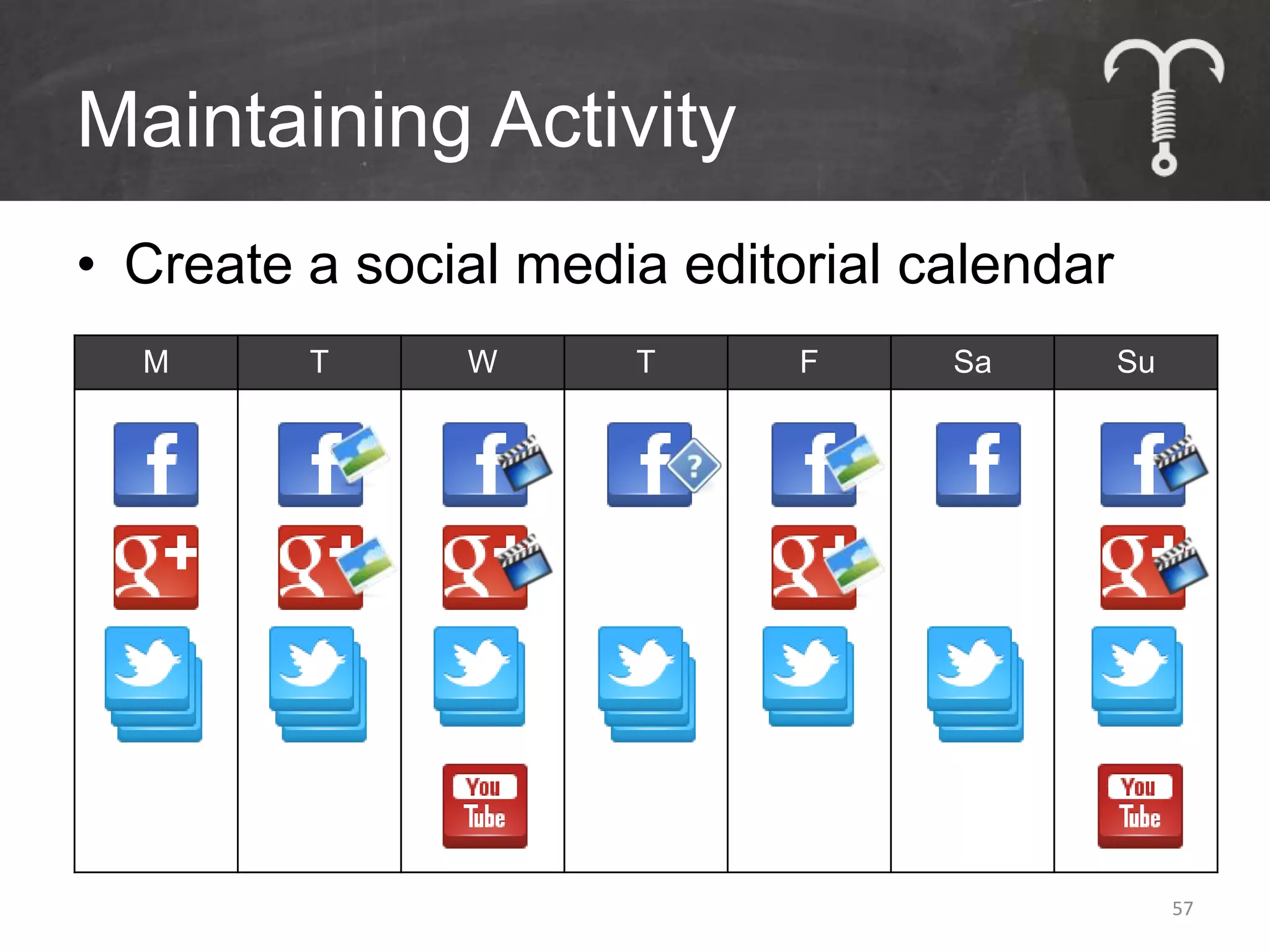
• Create a social media editorial calendar
  M      T     W      T      F     Sa        Su


                                                  57
Work Smarter, Not Harder
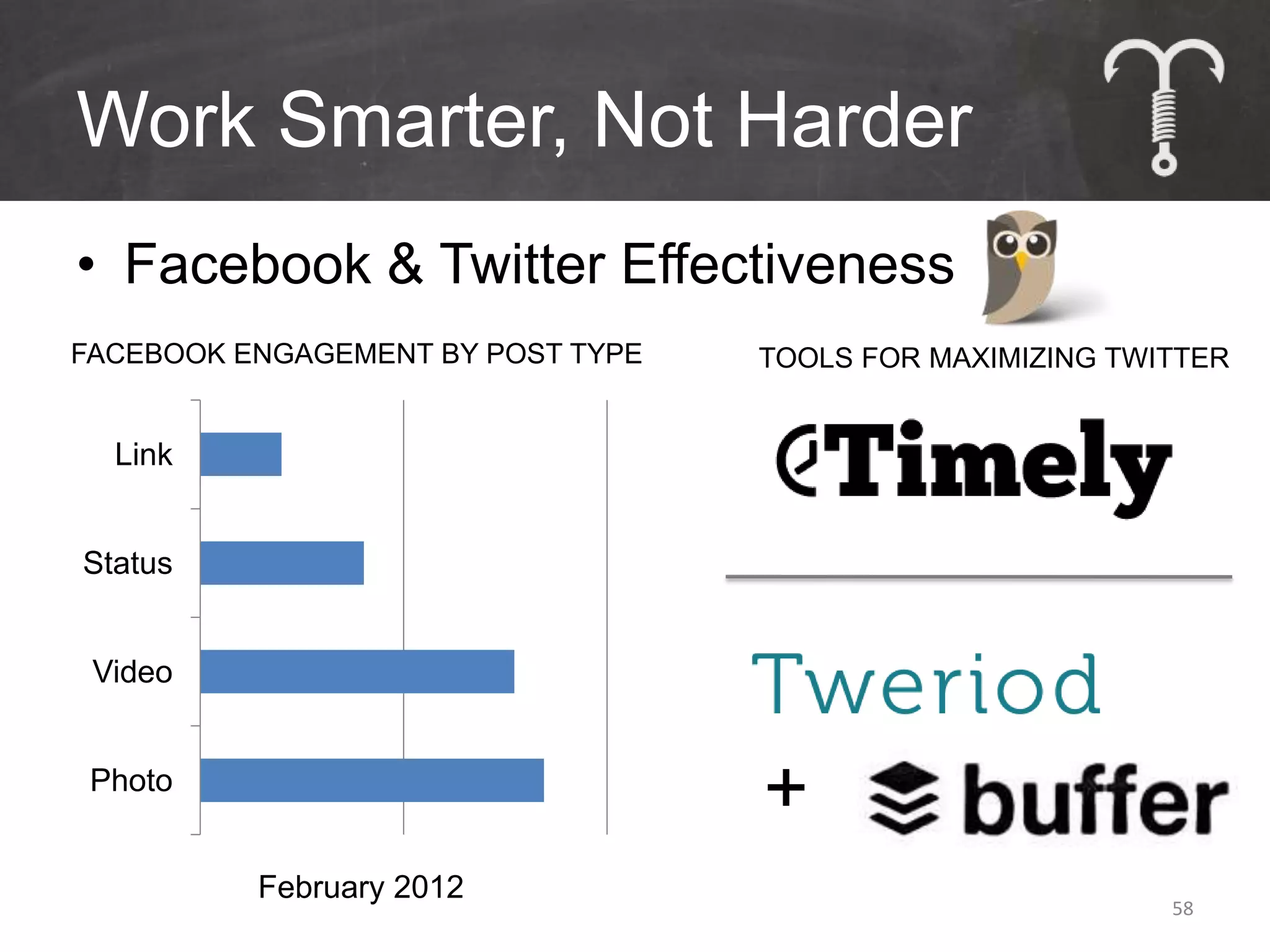
• Facebook & Twitter Effectiveness
FACEBOOK ENGAGEMENT BY POST TYPE   TOOLS FOR MAXIMIZING TWITTER


  Link


Status


 Video


 Photo
                                   +
          February 2012
                                                           58
Allow Visitors to Share
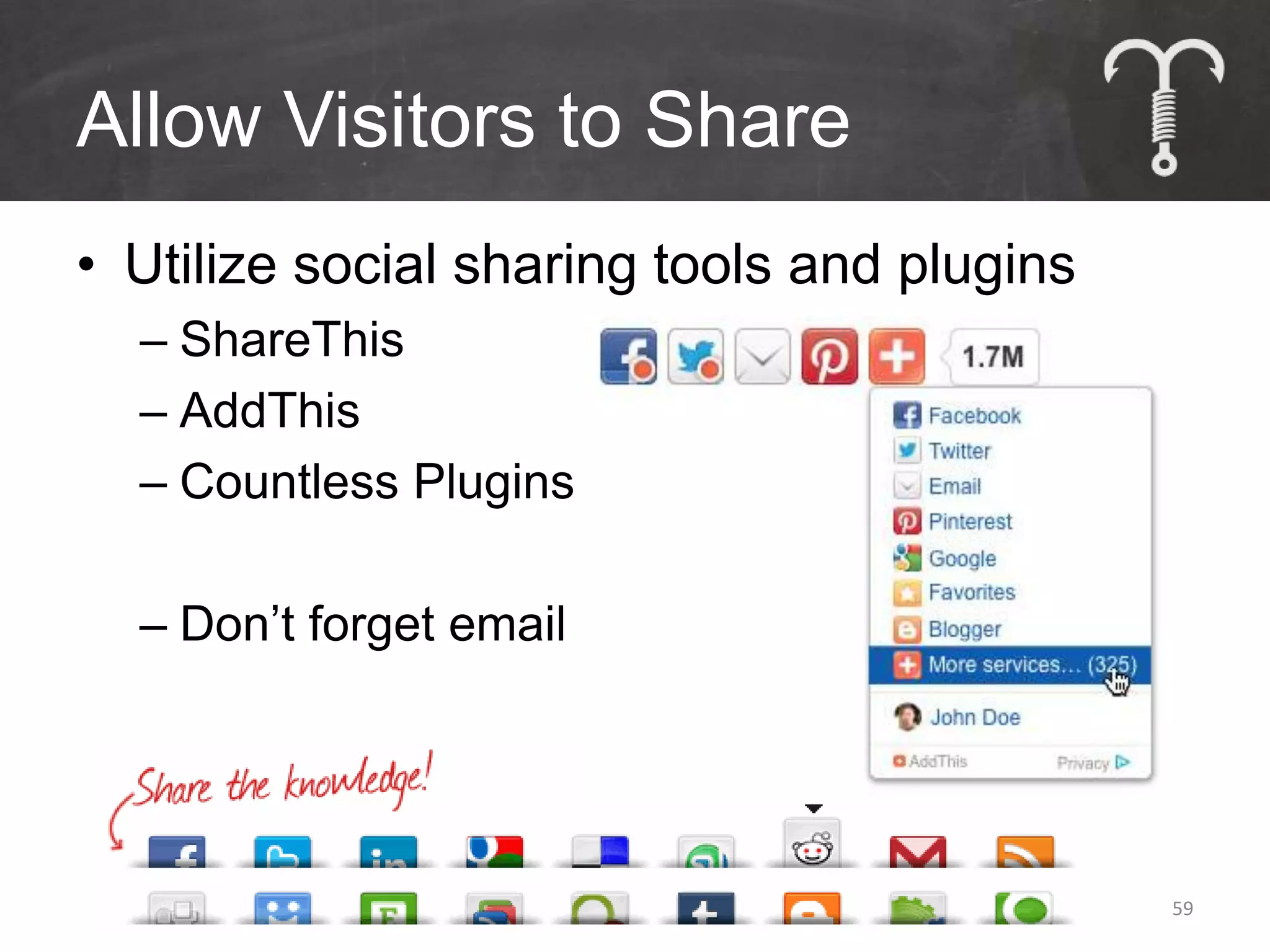
• Utilize social sharing tools and plugins
  – ShareThis
  – AddThis
  – Countless Plugins

  – Don’t forget email


                                             59
Maintaining Activity
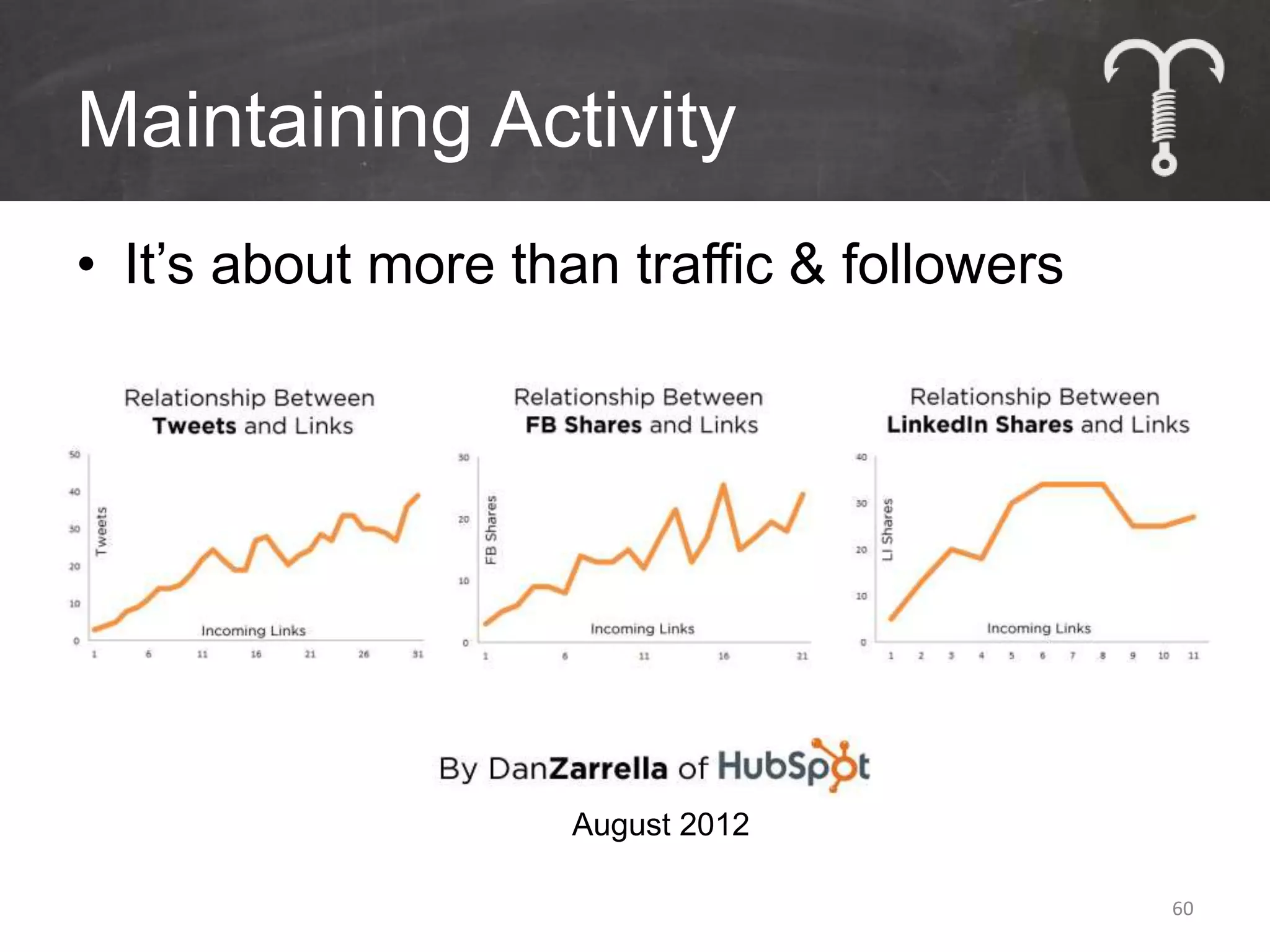
• It’s about more than traffic & followers


                     August 2012

                                             60
Video
Why Video is Important
• People remember:


                         62
Why Video is Important
• The top search engines:

  #1                    #2


                             63
Keywords for Google Search
• Where does one place them?
  – Page Titles
    • Once : Limit 64 Characters
  – Meta Descriptions
    • 1-2 Times : Limit 155 Characters
  – Meta Keywords
    • Repeat every word in Title and separate with
      commas


                                                     64
Keywords for Video Search
• Where does one place them?
  – Video Titles
     • Use Keyword Once
  – Video Descriptions
     • Provide keyword-rich text
     • Link to back to website & relevant content
  – Video Tags
     • Use every keyword in tags
     • No limit, but keep it relevant
  – Use YouTube Keyword Tool - http://goo.gl/g7mU
                                                    65
Video Content Options & Tips
•   Webcasts
•   Interviews
•   Customer/Reader Responses
•   Tours or Demonstrations

• Tips
    –   Create a series
    –   Use consistent open and close elements
    –   Include real people  be human
    –   Include YouTube Annotations
    –   Embed on the website
                                                 66
Email Automation
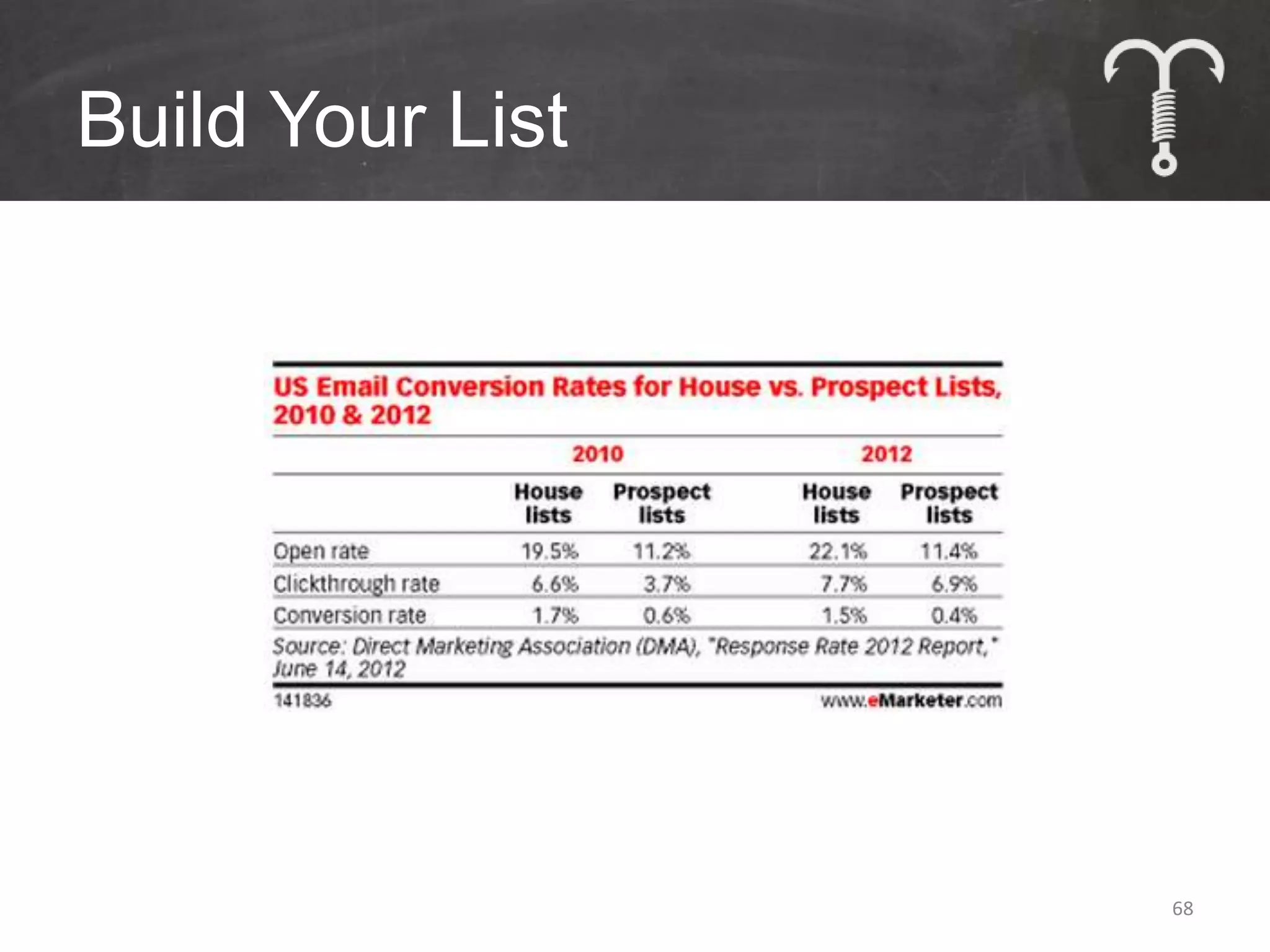
Build Your List


                  68
Immediate Gratification


                          69
Welcome Emails
• Special time when everything is new

• Ask to be whitelisted

• Offer a special incentive

• Set expectations

• Collect additional data
                                        70
Be Relevant


              71
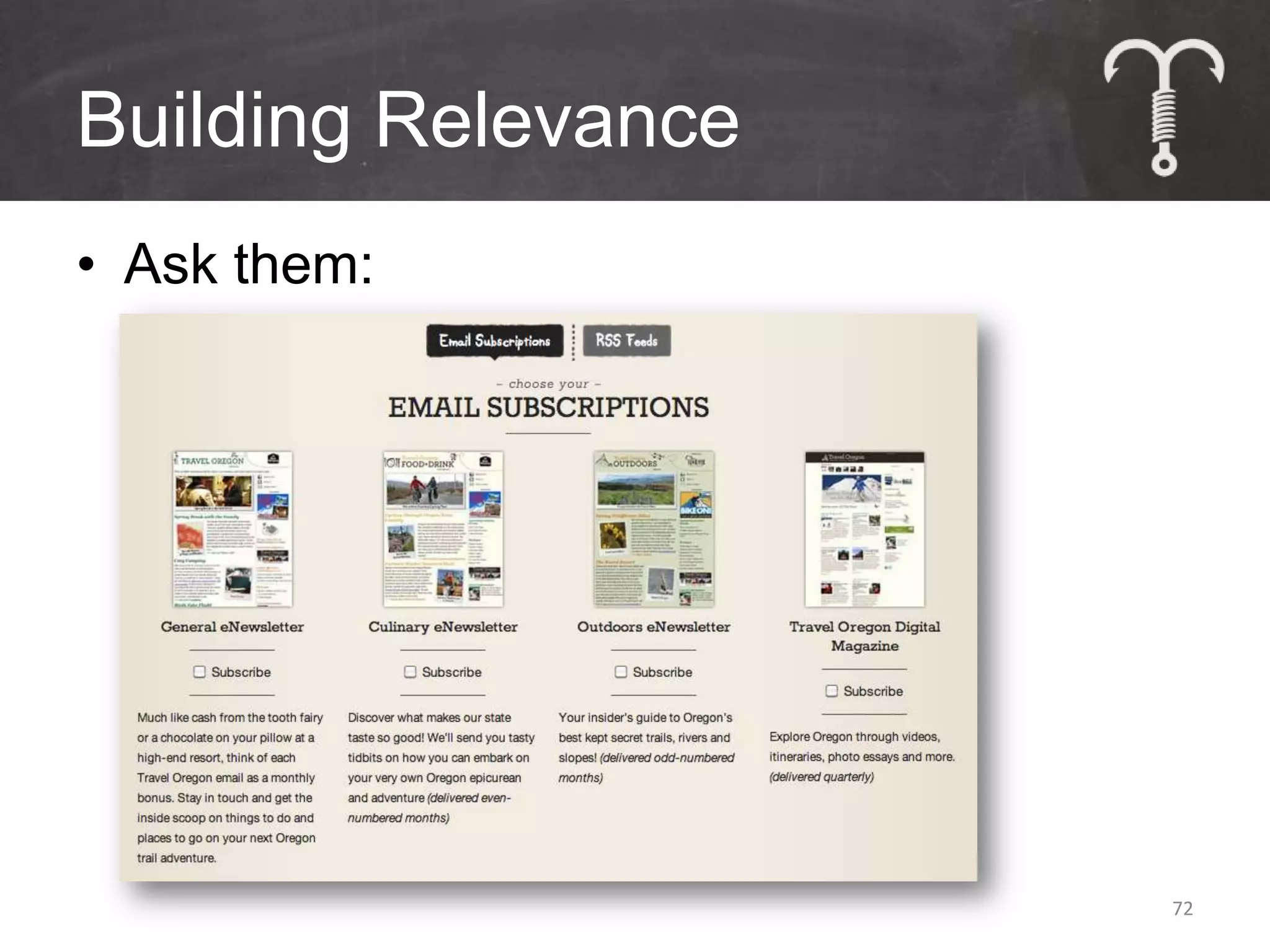
Building Relevance
• Ask them:


                     72
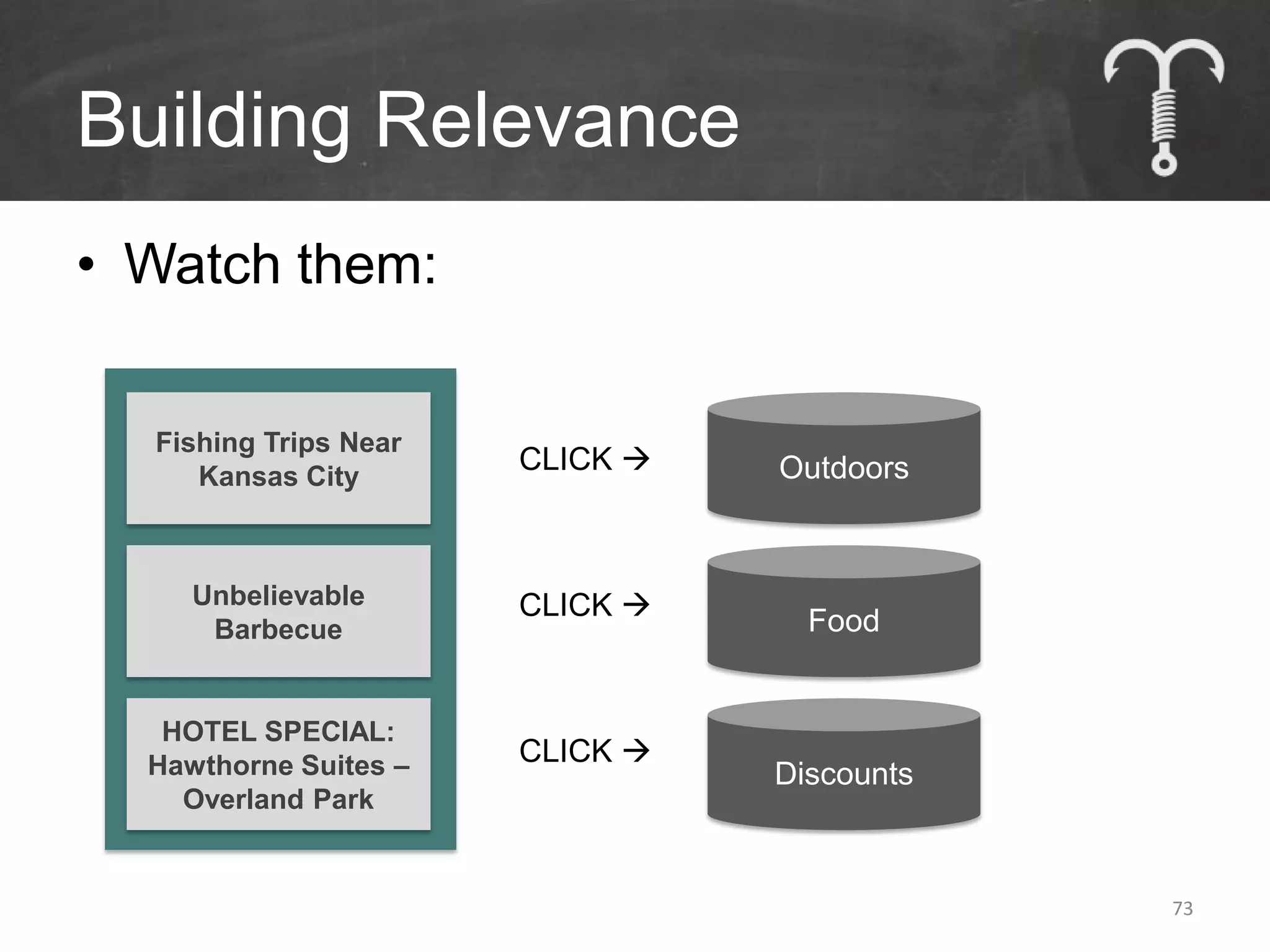
Building Relevance
• Watch them:

  Fishing Trips Near
                       CLICK    Outdoors
     Kansas City


     Unbelievable      CLICK 
      Barbecue                     Food


   HOTEL SPECIAL:
  Hawthorne Suites –   CLICK 
                                 Discounts
    Overland Park


                                             73
Experiments
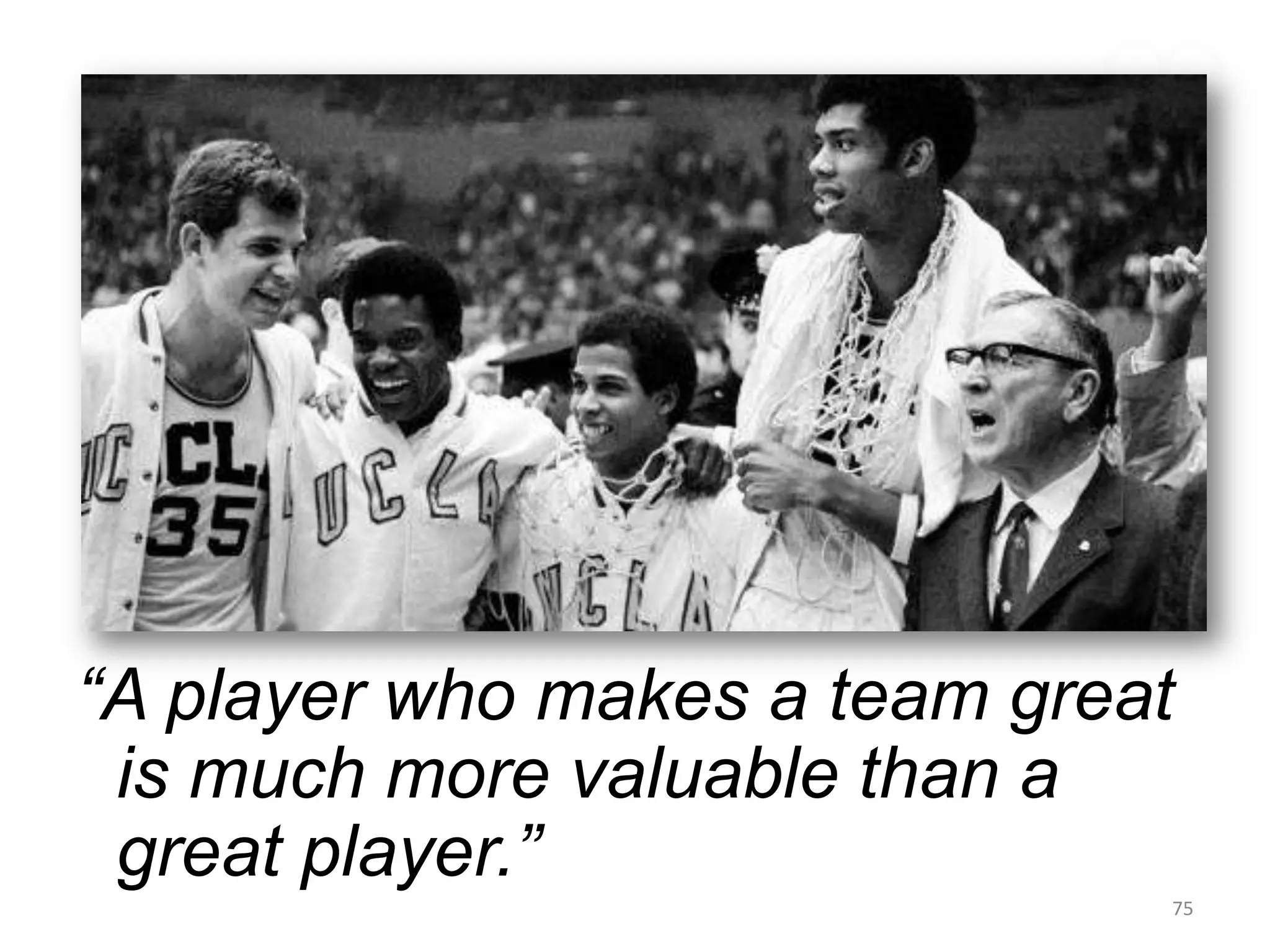
“A player who makes a team great
 is much more valuable than a
 great player.”
                               75
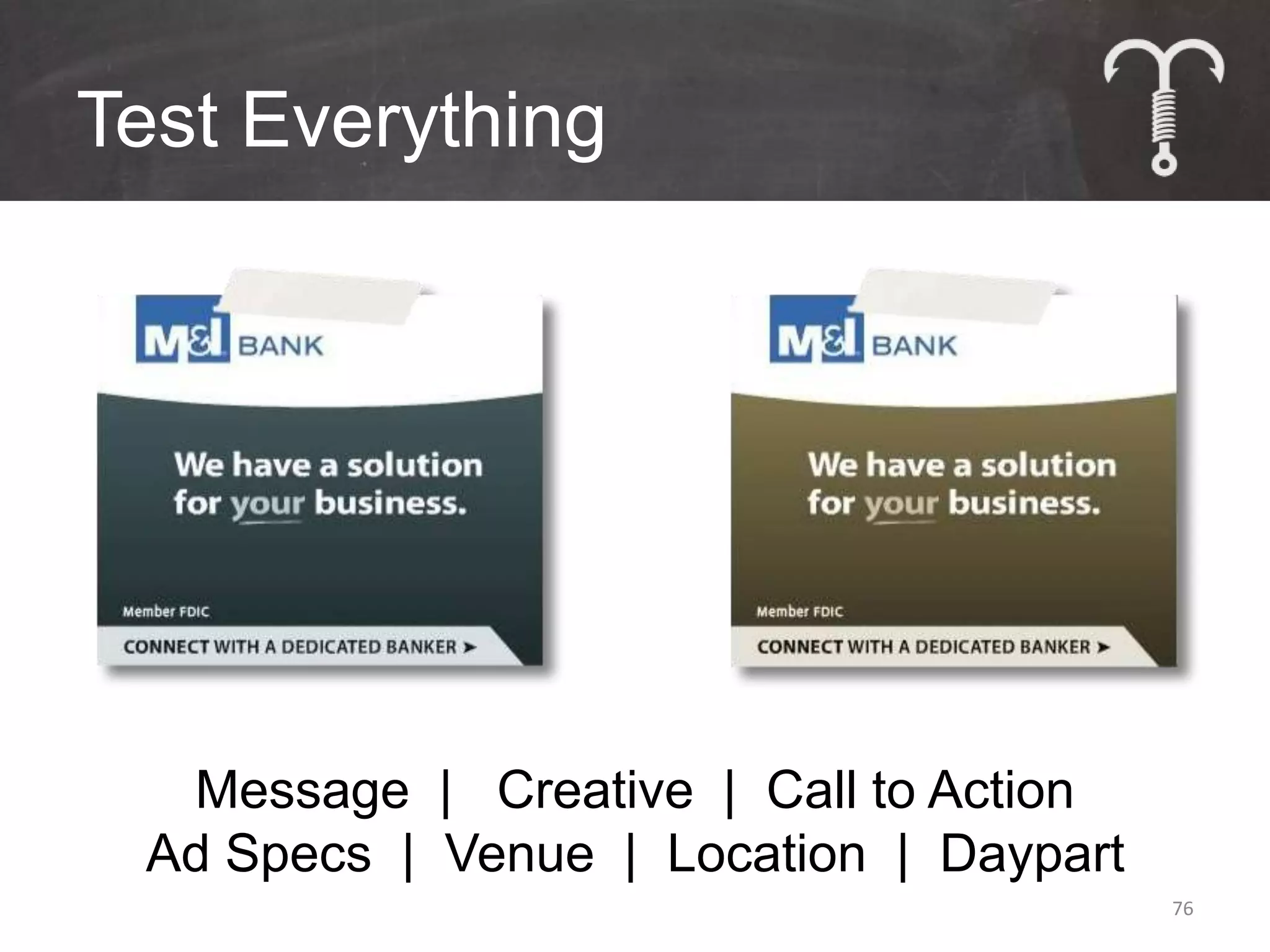
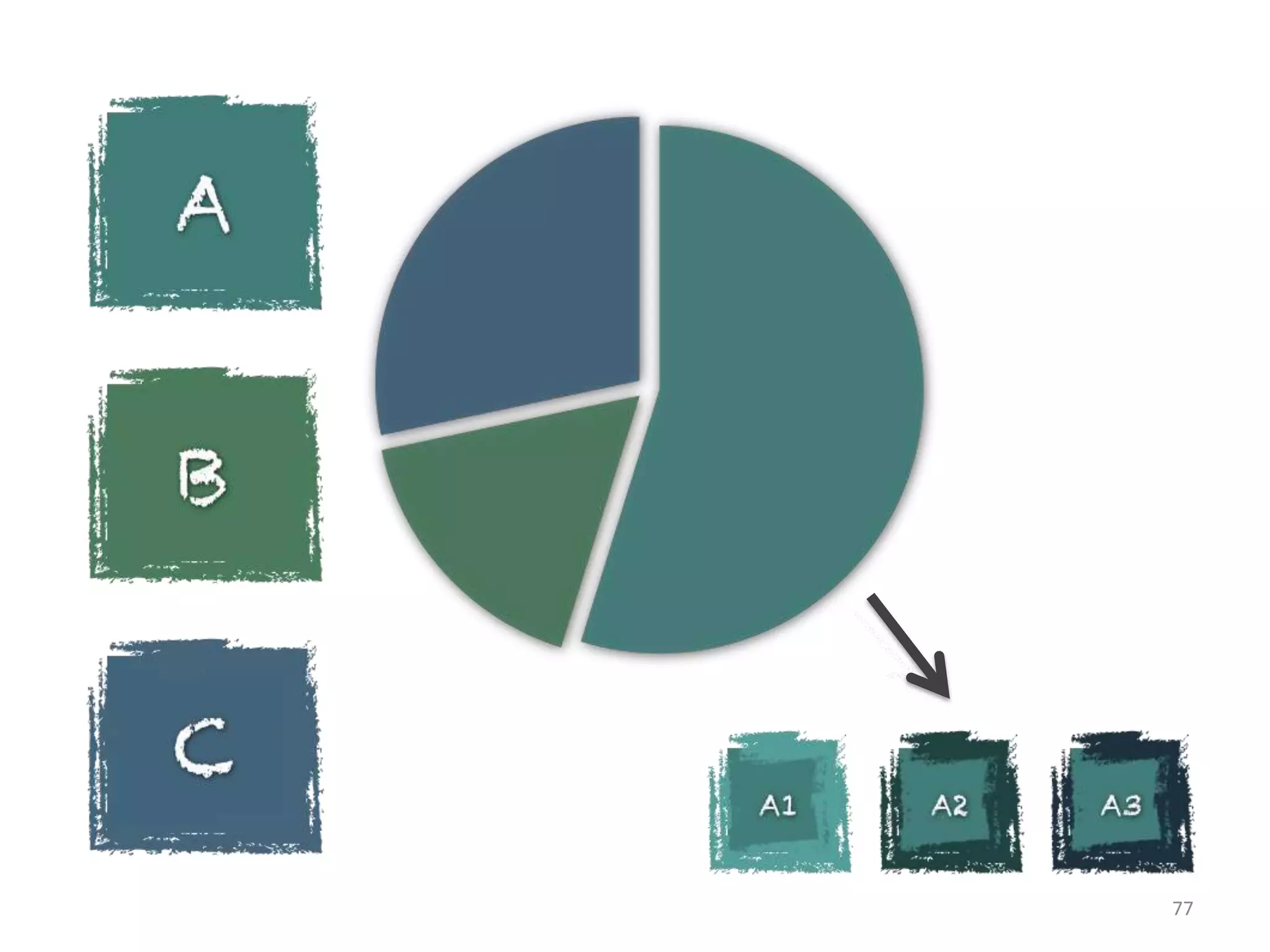
Test Everything


  Message | Creative | Call to Action
 Ad Specs | Venue | Location | Daypart
                                         76
77
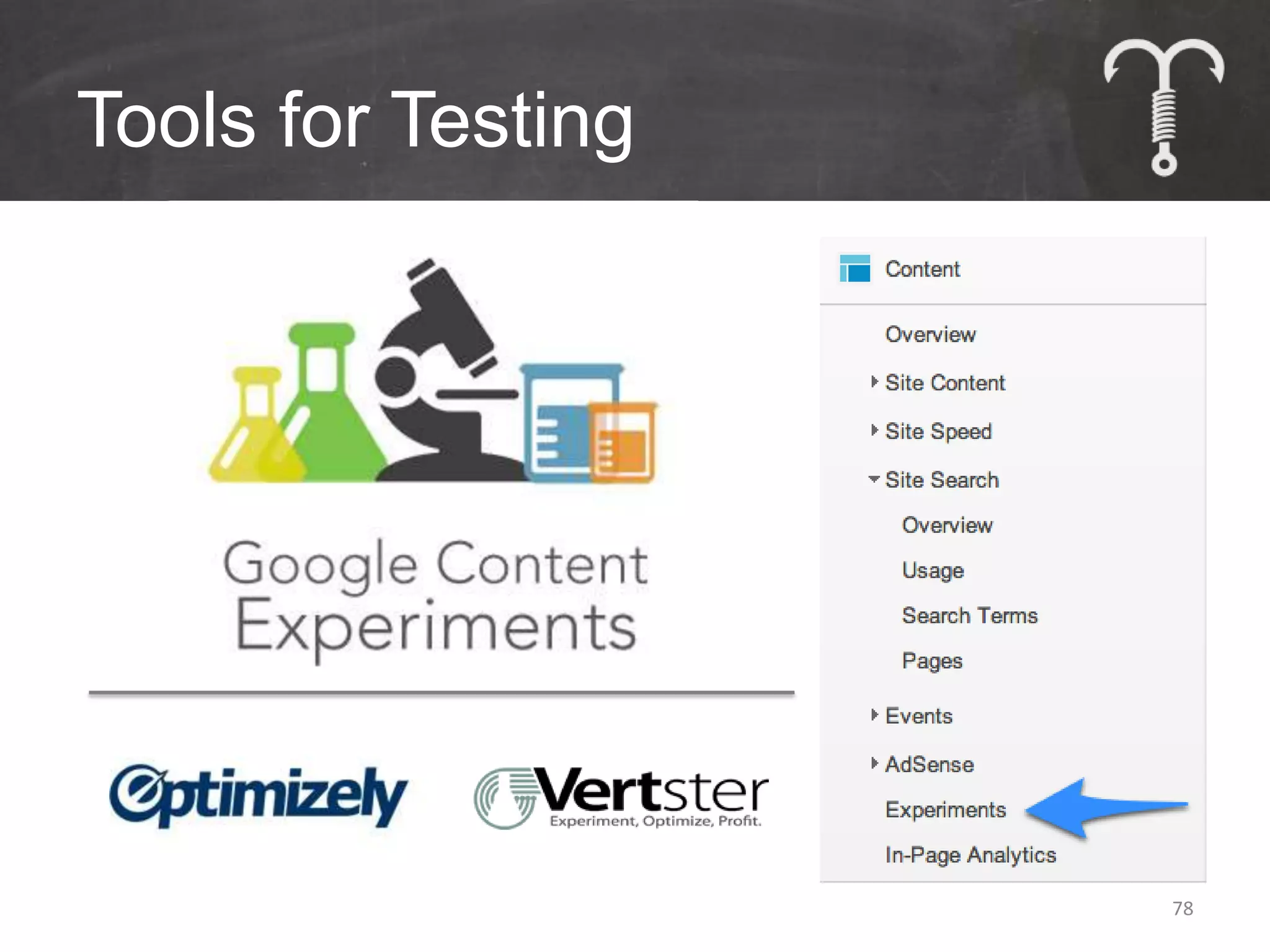
Tools for Testing


                    78
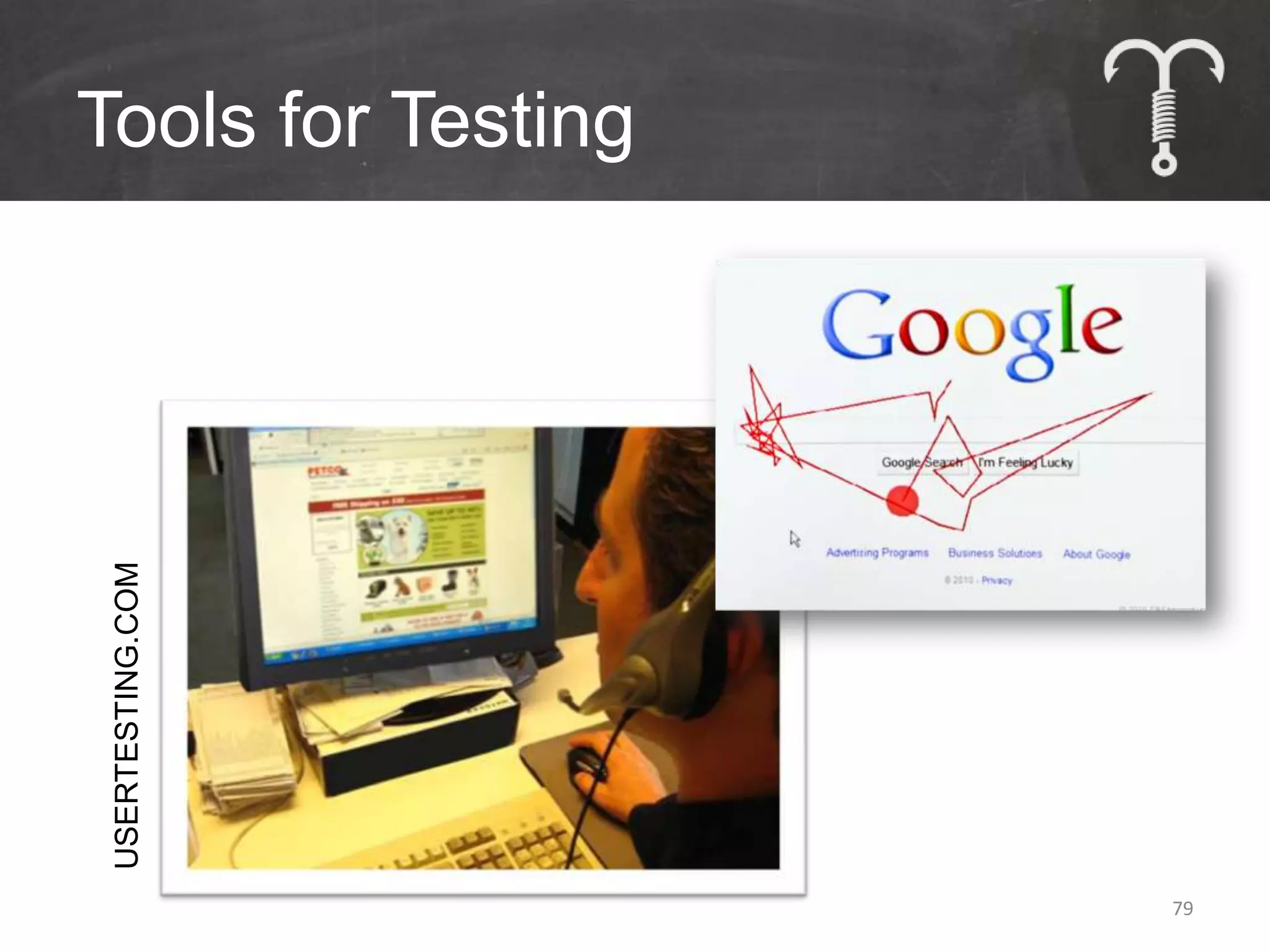
Tools for Testing
 USERTESTING.COM


                    79
Questions?


• Chris Sietsema
• Chris@TeachtoFishDigital.com
• 480.389.5435

• slideshare.net/sietsema

                                 80

10 Easy Ways to Take Your Website from Good to Great

  • 1.
    10 Easy Waysto Take Your Website from Good to Great October 1, 2012
  • 2.
    House Rules • Interruptme – No, really. It’s OK. • Ask questions • Something specific? – I’ll stick around after • Copious note takers can relax: – slideshare.net/sietsema – hello@teachtofishdigital.co m – @sietsema 2
  • 3.
  • 4.
  • 5.
  • 6.
    Analytics Is Not 20% 35% Neat! Pretty Neat Somewhat Neat 17% Not Neat at All 28% 6
  • 7.
    Defining Analytics It’s AboutUs: • What are we trying to accomplish? • Have we been successful to date? • Is success within reach? • What needs to happen to improve? 7
  • 8.
    Defining Analytics It’s AboutThem: • Who are our best customers? • To what are they likely to respond? • What resonates with them? • Are there others we should consider? 8
  • 9.
    The Only TwoQuestions: Why? So What?
  • 10.
  • 11.
  • 12.
    “Failure is not fatal, but failureto change might be.” 12
  • 14.
  • 16.
  • 17.
  • 18.
    Tips for WayFinding Allow visitors to determine navigation priority YOUR NAVIGATION SAYS: YOUR ANALYTICS SAYS: • About Us • Travel Guide • Subscribe • Things to Do • Places to Go • Places go Go • Things to Do • About Us • Travel Guide • Subscribe 18
  • 19.
    Tips for WayFinding Allow visitors to know where they are and get back easily • Show State AVAILABLE AVAILABLE AVAILABLE ACTIVE AVAILABLE • Bread Crumb Navigation – Food >> Dining >> Seafood >>Scoma’s 19
  • 20.
    Tips for WayFinding Start using (and tracking) site search • Functionality is familiar • Use insights to build relevance • http://www.google.com/cse/ • Test effectiveness 20
  • 21.
    Tips for WayFinding Show visitors what’s next… “YOU’LL ALSO LIKE” ALWAYS BE CLOSING 21
  • 22.
  • 23.
  • 25.
    State of Mobile Source: Morgan Stanley 25
  • 26.
    State of Mobile Source: Google 26
  • 27.
    Responsive Design Desktop Tablet Mobile 27
  • 28.
    You Have Options ResponsiveDesign • 1 Web Address, No Duplication • Site morphs based on device PRO • Easy & cheap to maintain CON • Less focus on mobile experience 28
  • 29.
    You Have Options DynamicServing • 1 Web Address, No Duplication • Content/experience changes based on device PRO • Better mobile experience CON • Technical complexity • Higher maintenance cost 29
  • 30.
    You Have Options ParallelMobile Site • 2 Separate Sites: 1 Mobile, 1 Desktop PRO • Easy implementation CON • Must make content updates twice • Content duplication risk 30
  • 31.
  • 32.
    Share of Search 4% 13% Google Bing 16% Yahoo Who Cares 67% 32
  • 33.
  • 34.
    Some Rules StillApply Content Links Design 34
  • 35.
    Pages = Destinations •From One Person to Another – Home Page is Most Likely Destination Home Company Products Promotions Rewards Jerky & Partnerships Sponsorships History Jerky Brisket Outdoor Gear Brisket 35
  • 36.
    Pages = Destinations •From “The Google” – Every Page is a Possible Entry Point Home Company Products Promotions Rewards Jerky & Partnerships Sponsorships History Jerky Brisket Outdoor Gear Brisket 36
  • 37.
    Tools of theTrade • Find Keywords – “google keyword tool” • Implement Keywords 37
  • 38.
    Keywords • Where doesone place them? – Page Titles • Once : Limit 64 Characters – Meta Descriptions • 1-2 Times : Limit 155 Characters – Meta Keywords • Repeat every word in Title and separate with commas – Headlines, HTML Text & Alt Tags • H1 tags if possible 38
  • 39.
    Google Algorithm Updates •Good News: No more writing for robots 39
  • 40.
  • 41.
    Bricks vs. Feathers •What weighs more: – 5 lbs of bricks? – 5 lbs of feathers? 41
  • 42.
    Bricks vs. Feathers ContentType Bricks Feathers Definition Productions Posts & Snippets Positioning “Thought Leader” “News Maker” Time Requirement Days & Weeks Minutes & Hours Relentless Effort Potential Downside Opportunity Cost Required 42
  • 43.
    Content Planning Triangle SEARCHING ACTING TALKING 43
  • 44.
  • 45.
    Content Planning Tools •Evernote& Scrivener – Organize ideas by production – Collaborative contribution & editing – Develop stories and bricks as a team – Accessible via desktop, mobile or tablet 45
  • 46.
    Content Planning Tools •Create a content editorial calendar – Manage multiple content types, campaigns, people – Collaborate to create new content & brainstorm promotion plans 46
  • 47.
    Content for Hire • Plan and schedule content • Find writers and artists to create new compelling material • Transact and edit • Build a team of content producers for ongoing projects 47
  • 48.
  • 49.
  • 50.
    Content Amplification • Phase1: Standard Promotion Protocol – Relevant promotion vehicles – Monitor results • Phase 2: Release the Hounds! (optional) – Apply to trending content – Give content extra momentum – Budget accordingly 50
  • 51.
  • 52.
    Ludicrous Speed Examples •Give content greater priority on the website • Feature content in email newsletters • Re-run on social media venues 52
  • 53.
    More Ludicrous Speed Examples •Call on fans, partners & influencers to share • Promote via display ads • Guest blog • Employ social advertising 53
  • 54.
  • 55.
  • 56.
    Maintaining Activity • Choosewisely Venue Awareness Action Loyalty Facebook X X X Twitter X X X YouTube X x Pinterest X X X LinkedIn X x Google+ X X X 56
  • 57.
    Maintaining Activity • Createa social media editorial calendar M T W T F Sa Su 57
  • 58.
    Work Smarter, NotHarder • Facebook & Twitter Effectiveness FACEBOOK ENGAGEMENT BY POST TYPE TOOLS FOR MAXIMIZING TWITTER Link Status Video Photo + February 2012 58
  • 59.
    Allow Visitors toShare • Utilize social sharing tools and plugins – ShareThis – AddThis – Countless Plugins – Don’t forget email 59
  • 60.
    Maintaining Activity • It’sabout more than traffic & followers August 2012 60
  • 61.
  • 62.
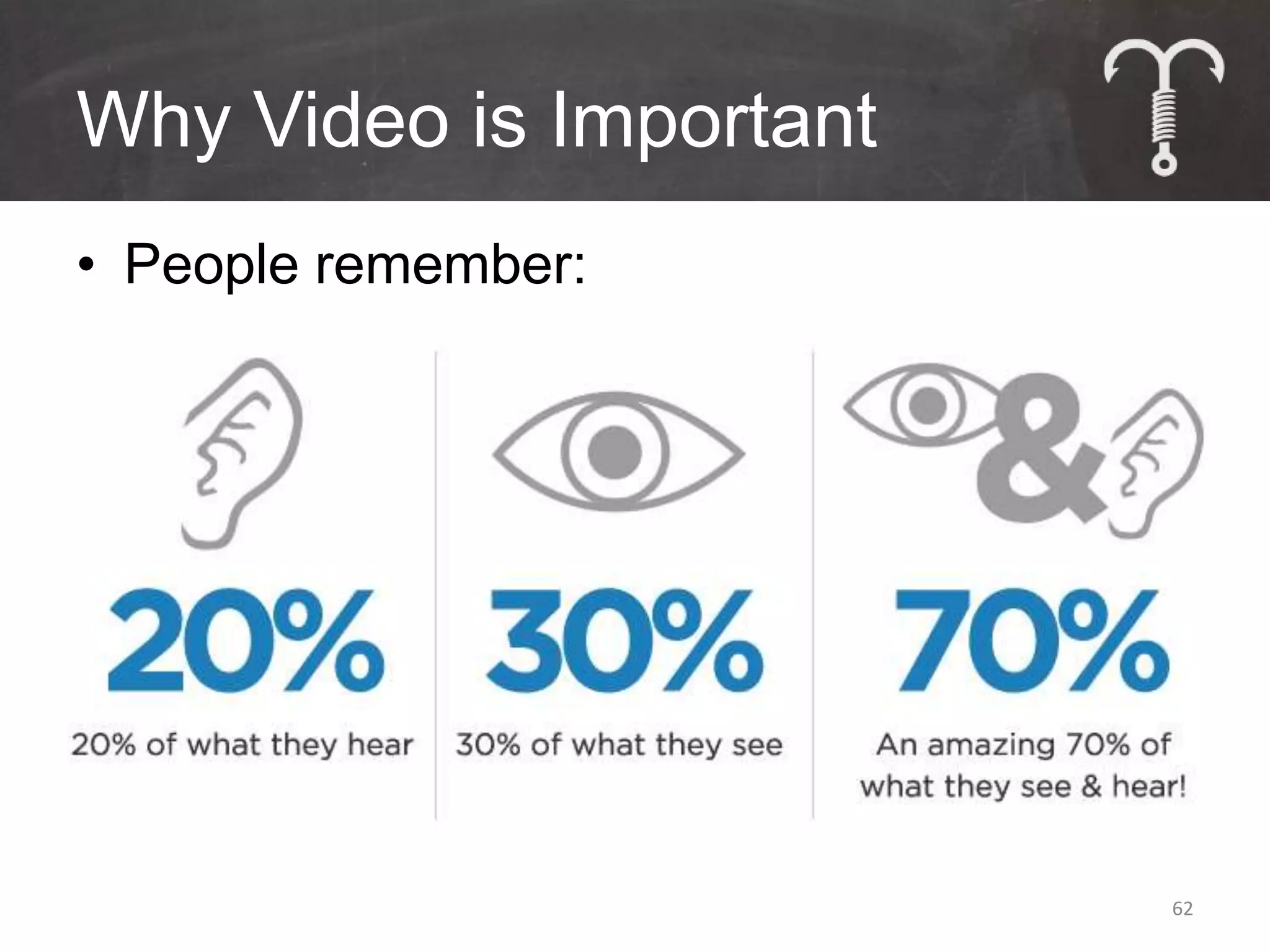
    Why Video isImportant • People remember: 62
  • 63.
    Why Video isImportant • The top search engines: #1 #2 63
  • 64.
    Keywords for GoogleSearch • Where does one place them? – Page Titles • Once : Limit 64 Characters – Meta Descriptions • 1-2 Times : Limit 155 Characters – Meta Keywords • Repeat every word in Title and separate with commas 64
  • 65.
    Keywords for VideoSearch • Where does one place them? – Video Titles • Use Keyword Once – Video Descriptions • Provide keyword-rich text • Link to back to website & relevant content – Video Tags • Use every keyword in tags • No limit, but keep it relevant – Use YouTube Keyword Tool - http://goo.gl/g7mU 65
  • 66.
    Video Content Options& Tips • Webcasts • Interviews • Customer/Reader Responses • Tours or Demonstrations • Tips – Create a series – Use consistent open and close elements – Include real people  be human – Include YouTube Annotations – Embed on the website 66
  • 67.
  • 68.
  • 69.
  • 70.
    Welcome Emails • Specialtime when everything is new • Ask to be whitelisted • Offer a special incentive • Set expectations • Collect additional data 70
  • 71.
  • 72.
  • 73.
    Building Relevance • Watchthem: Fishing Trips Near CLICK  Outdoors Kansas City Unbelievable CLICK  Barbecue Food HOTEL SPECIAL: Hawthorne Suites – CLICK  Discounts Overland Park 73
  • 74.
  • 75.
    “A player whomakes a team great is much more valuable than a great player.” 75
  • 76.
    Test Everything Message | Creative | Call to Action Ad Specs | Venue | Location | Daypart 76
  • 77.
  • 78.
  • 79.
    Tools for Testing USERTESTING.COM 79
  • 80.
    Questions? • Chris Sietsema •Chris@TeachtoFishDigital.com • 480.389.5435 • slideshare.net/sietsema 80

Editor's Notes

  • #38 Alex & Chad
  • #59 http://www.emarketer.com/Article.aspx?R=1009296