LINKEDIN FOR PUBLIC SERVANTS
American Society of Public Administration 2017Annual Conference
Ashley Watts, M.Ed.
Employer Relations Coordinator
Georgia State University
TodayWe’ll Cover
Why use
LinkedIn?
Getting
your profile
started.
Profile
optimization.
Tips and
tricks for the
job search.
Using the
advanced
search
features.
Why Use LinkedIn?
1. Build your professional
network.
2. Check out career paths/
possibilities.
3. Prepare for interviews.
4. Get referrals and
references.
5. Find job opportunities.
6. Gain connections with
conference attendees.
7. Share professional updates
with others.
8. Extend your resume.
9. Join a group.
10. Research a company.
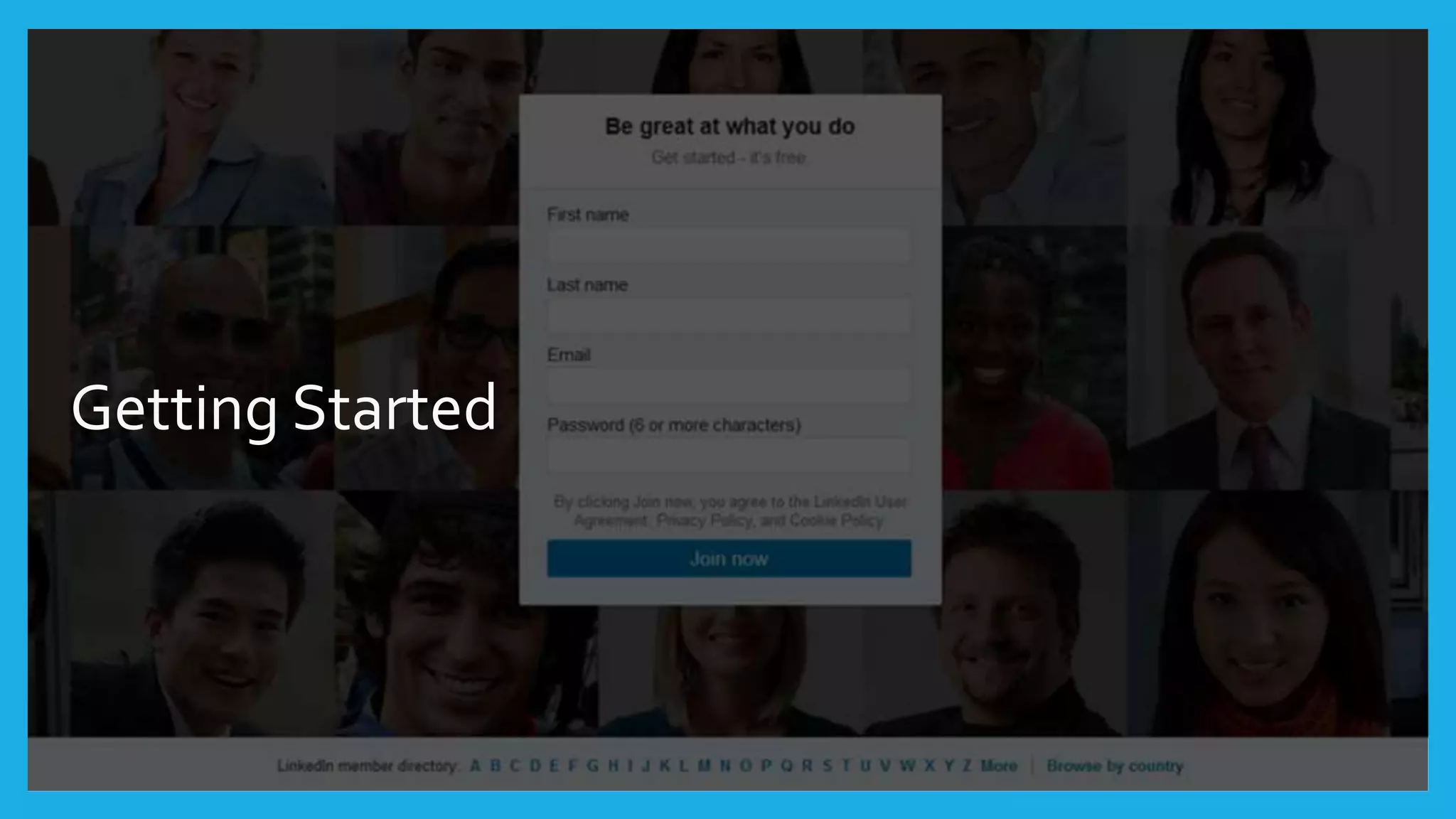
Getting Started
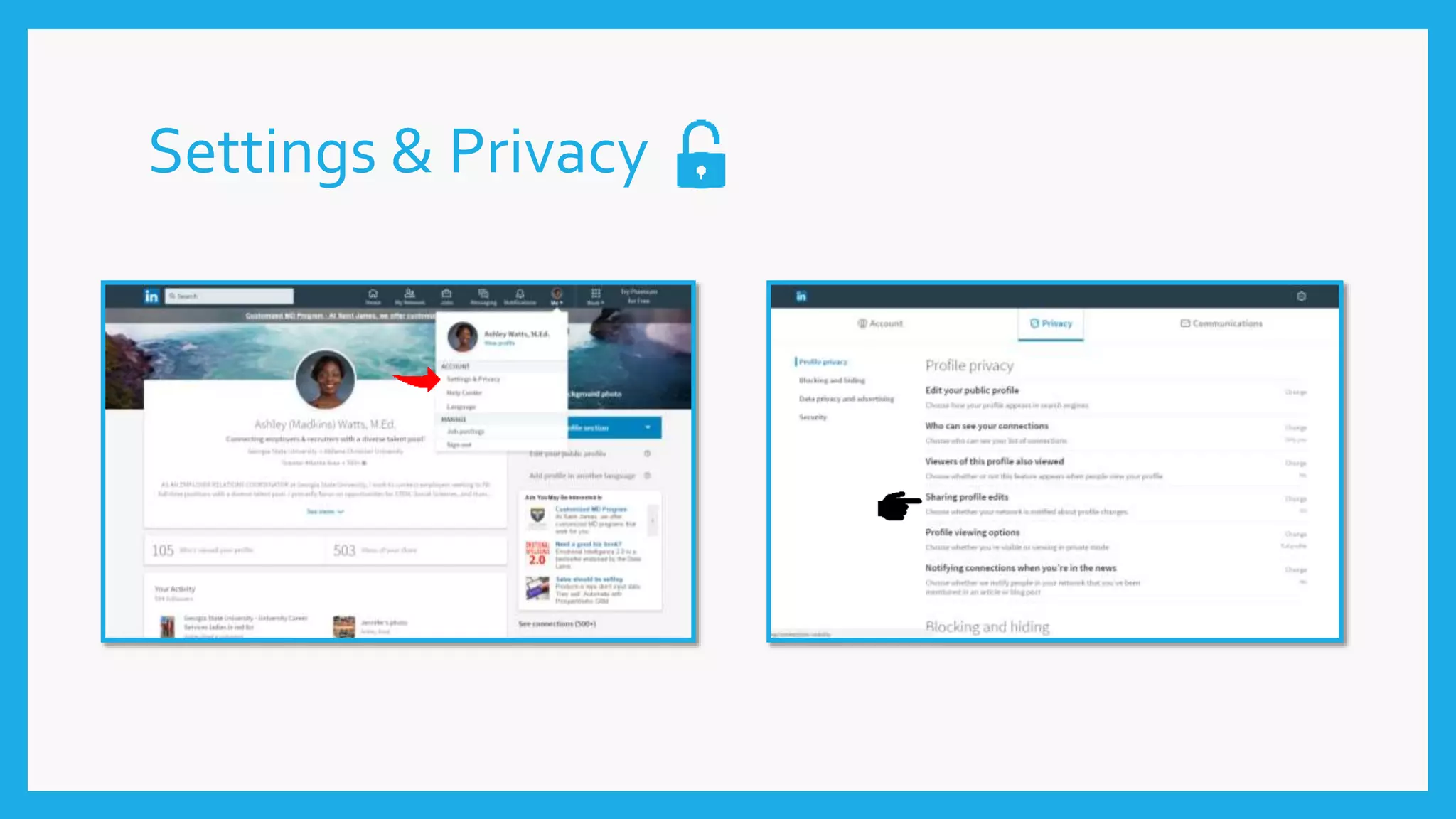
Settings & Privacy
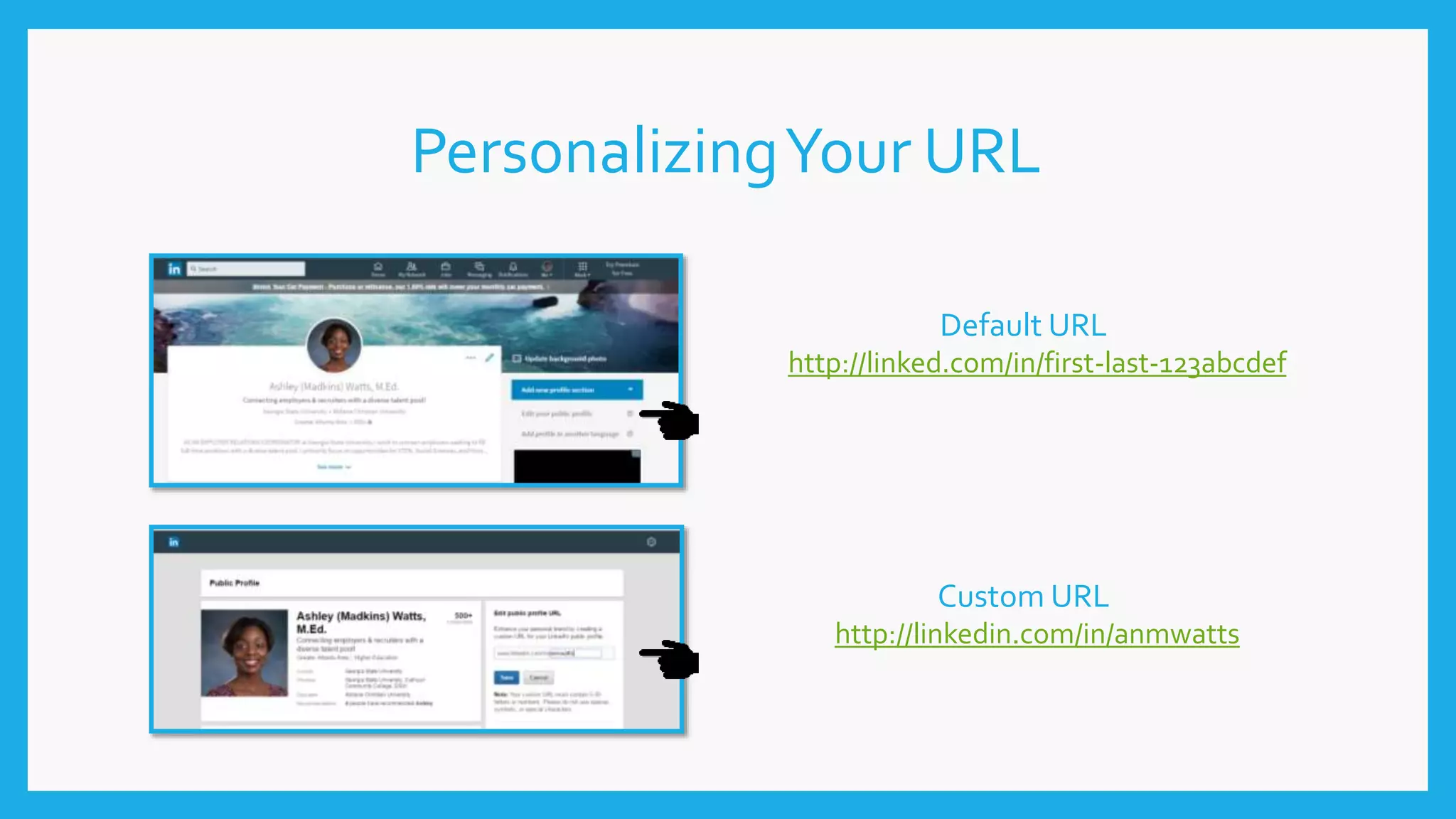
PersonalizingYour URL
Default URL
http://linked.com/in/first-last-123abcdef
Custom URL
http://linkedin.com/in/anmwatts
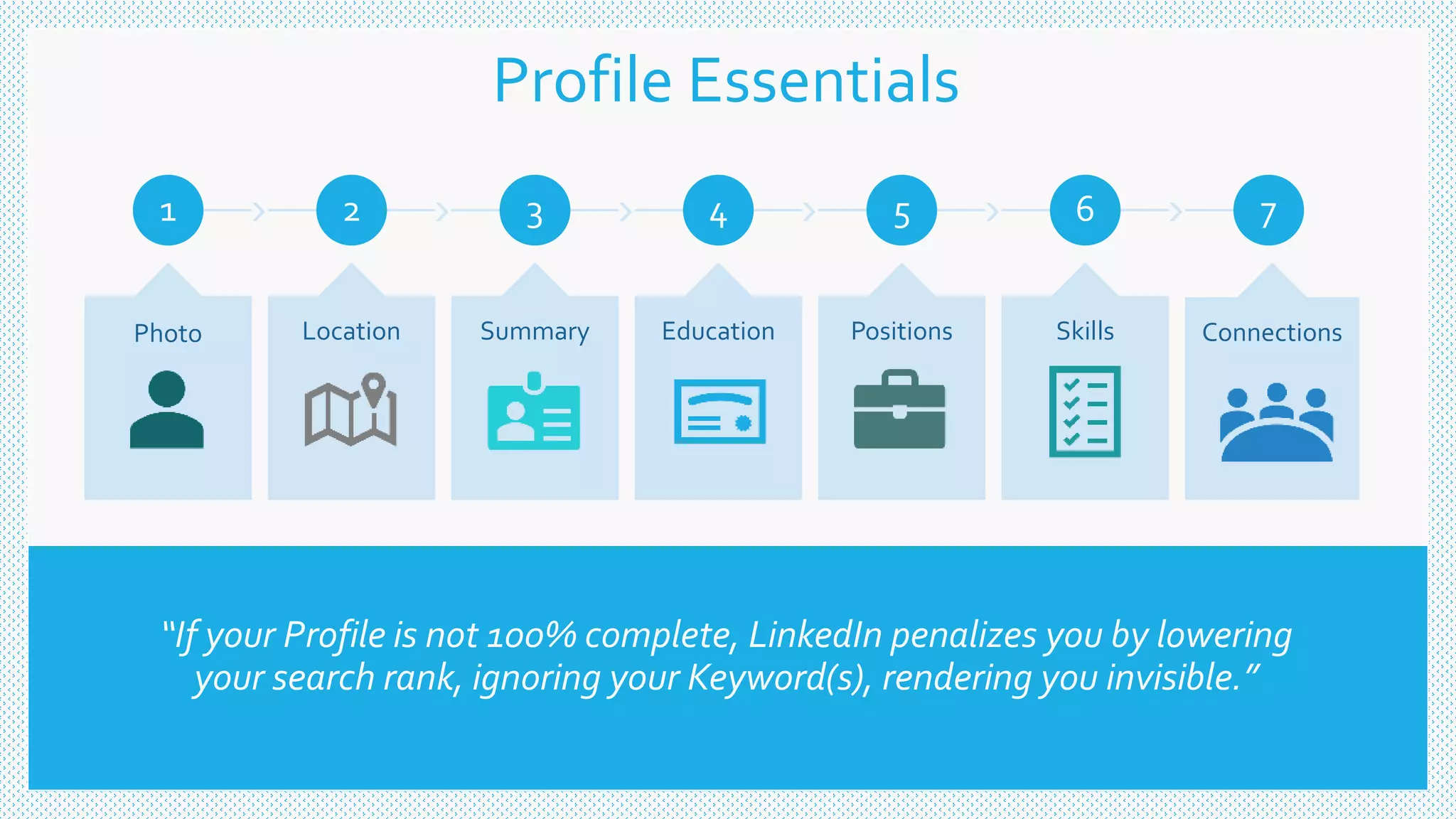
“If your Profile is not 100% complete, LinkedIn penalizes you by lowering
your search rank, ignoring your Keyword(s), rendering you invisible.”
1
Photo
2
Location
3
Summary
4
Education
5
Positions
6
Skills
7
Connections
Profile Essentials
JUST DO IT.
MORE SAVING.
MORE DOING.
I’M LOVIN’ IT.
YOU’RE IN GOOD
HANDS.
Branding
Yourself
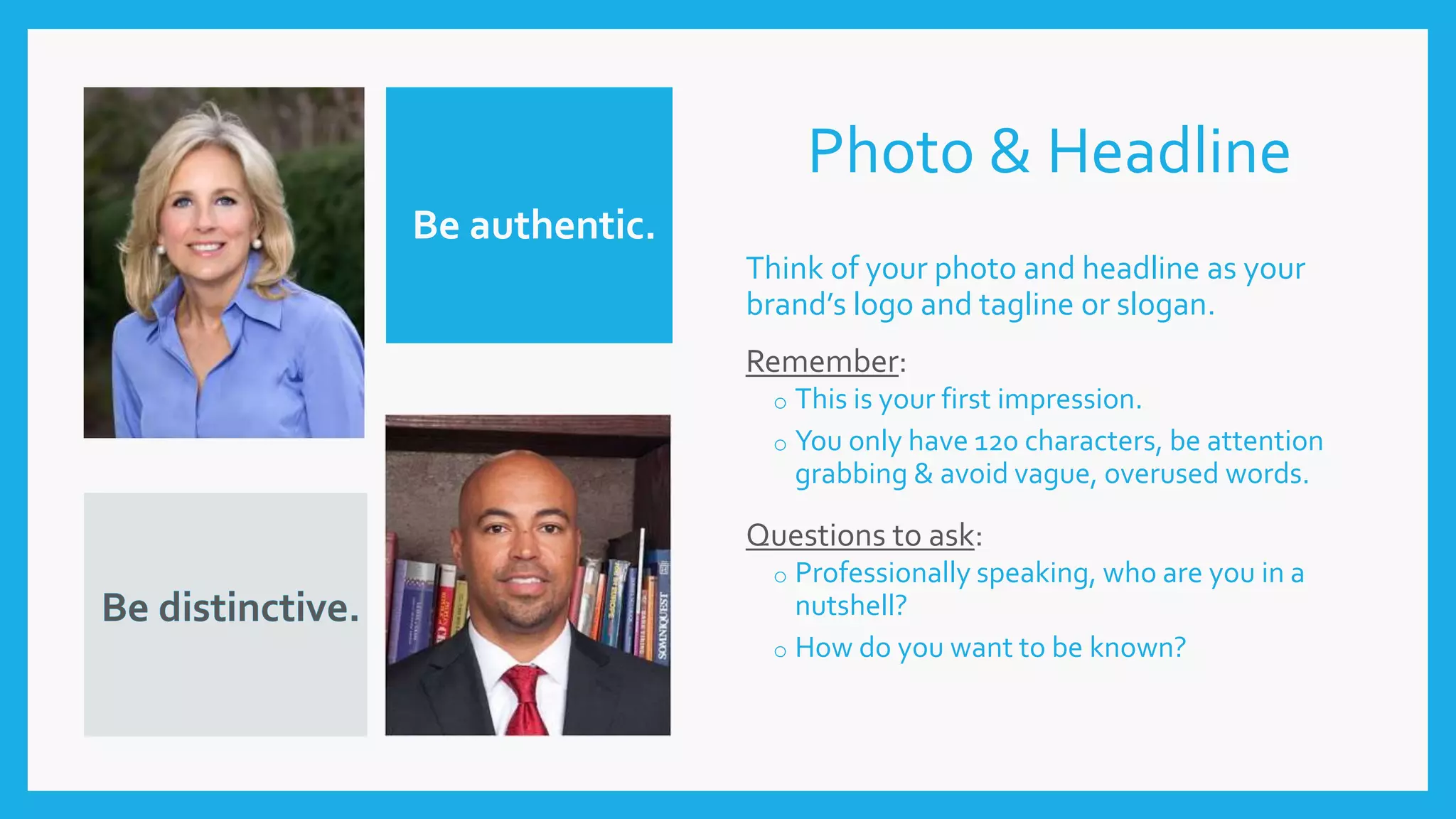
Photo & Headline
Think of your photo and headline as your
brand’s logo and tagline or slogan.
Remember:
o This is your first impression.
o You only have 120 characters, be attention
grabbing & avoid vague, overused words.
Questions to ask:
o Professionally speaking, who are you in a
nutshell?
o How do you want to be known?
Be authentic.
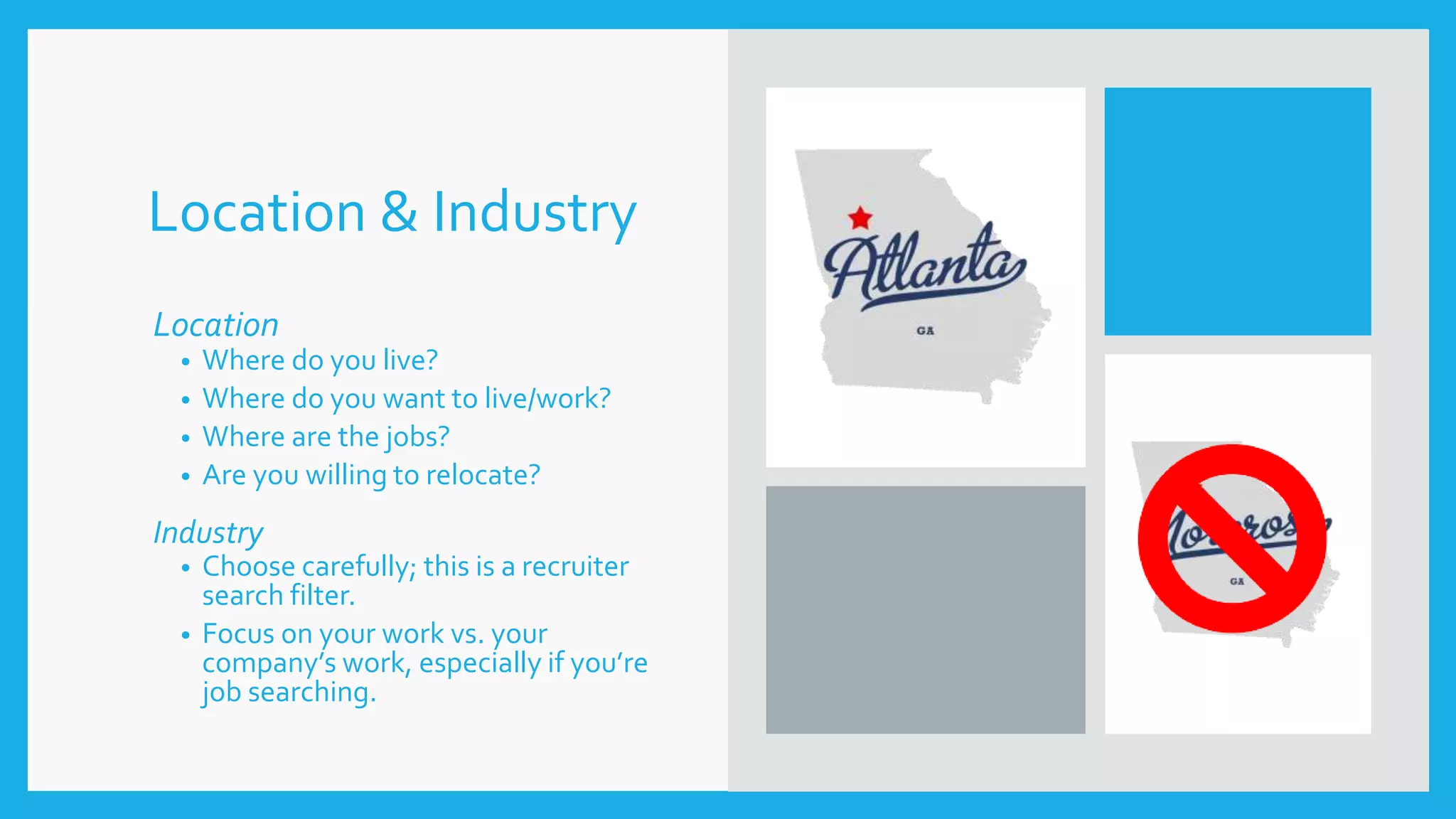
Location & Industry
Location
• Where do you live?
• Where do you want to live/work?
• Where are the jobs?
• Are you willing to relocate?
Industry
• Choose carefully; this is a recruiter
search filter.
• Focus on your work vs. your
company’s work, especially if you’re
job searching.
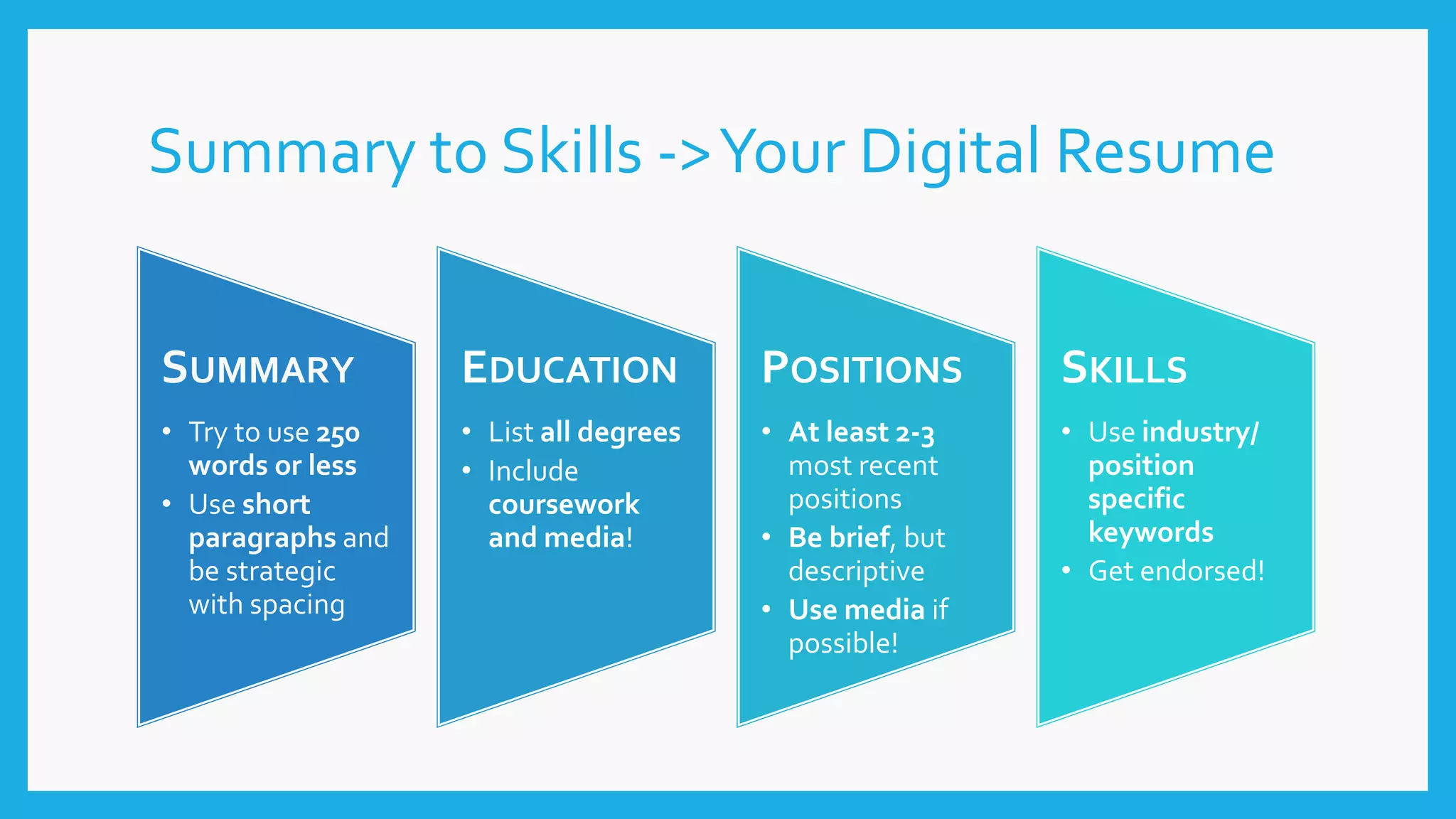
Summary to Skills ->Your Digital Resume
SUMMARY
• Try to use 250
words or less
• Use short
paragraphs and
be strategic
with spacing
EDUCATION
• List all degrees
• Include
coursework
and media!
POSITIONS
• At least 2-3
most recent
positions
• Be brief, but
descriptive
• Use media if
possible!
SKILLS
• Use industry/
position
specific
keywords
• Get endorsed!
ADDITIONAL SECTIONS
• Certifications – Members with
certifications get 5x more profile
views according to LinkedIn
• Organizations – Dates of
involvement and positions held
• Languages – Allows languages
spoken and proficiency level
• Articles– Share your knowledge,
expertise, and/or experience with
others.
• Volunteer Experience,
Honors/Awards, Projects
TIPS FOR POSTING ARTICLES
• Write about topics that matter to you.
• Focus on engagement, not view.
Target to have Likes + Shares +
Comments/Views = 10% +
• Useful is more important than original.
• Don’t be afraid to include a few actual
facts.
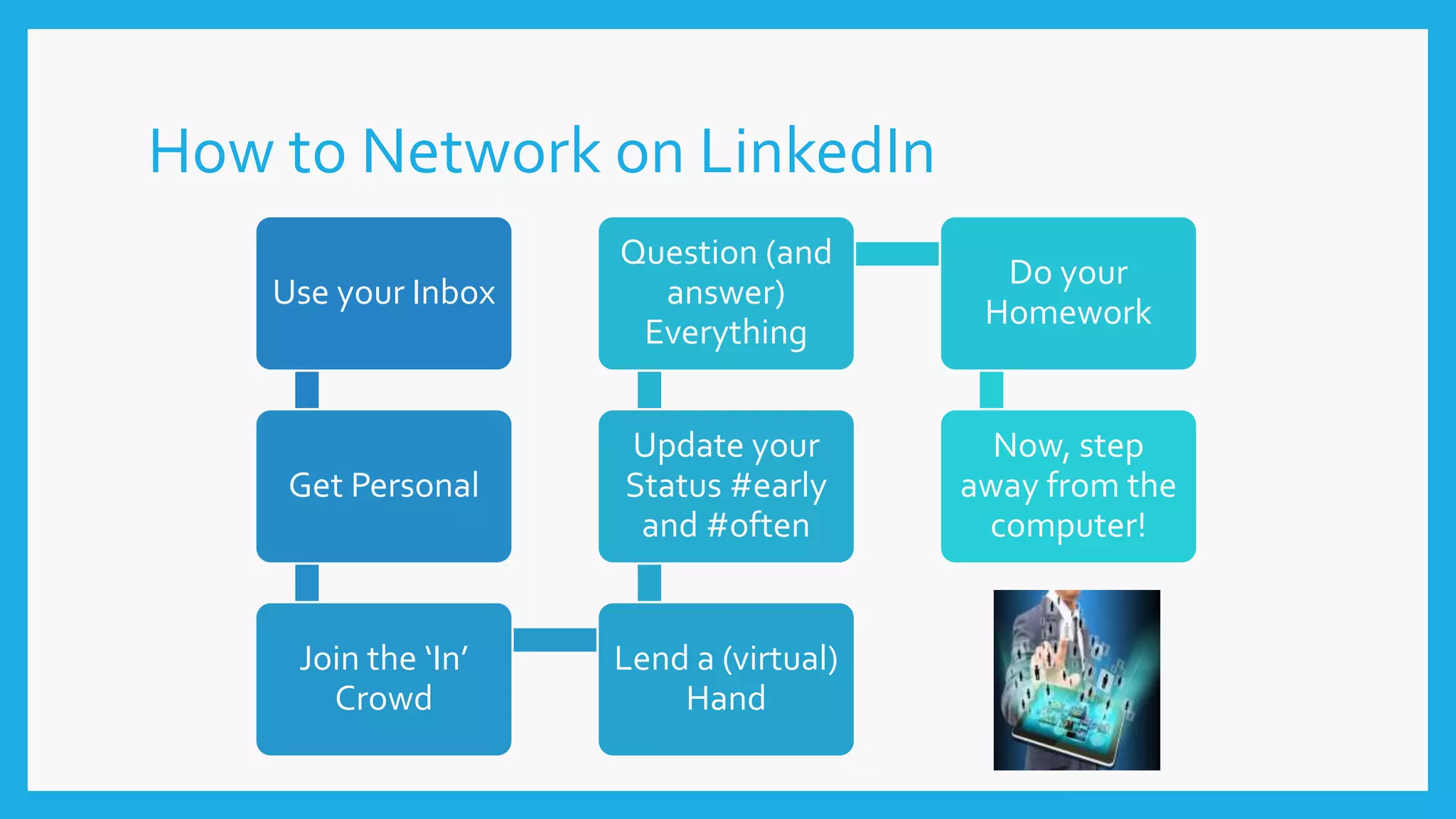
How to Network on LinkedIn
Use your Inbox
Get Personal
Join the ‘In’
Crowd
Lend a (virtual)
Hand
Update your
Status #early
and #often
Question (and
answer)
Everything
Do your
Homework
Now, step
away from the
computer!
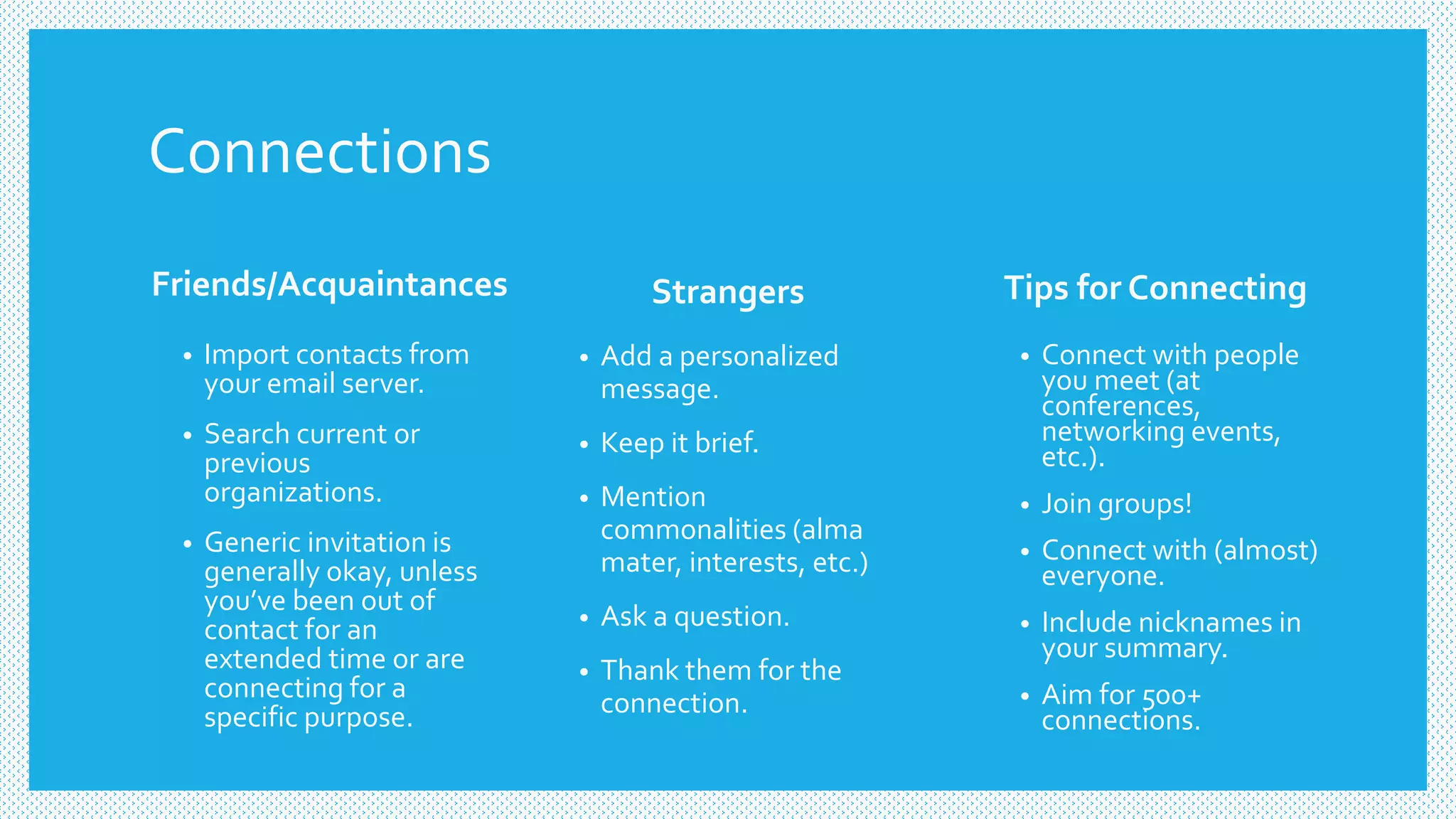
Connections
Friends/Acquaintances Strangers
• Add a personalized
message.
• Keep it brief.
• Mention
commonalities (alma
mater, interests, etc.)
• Ask a question.
• Thank them for the
connection.
• Import contacts from
your email server.
• Search current or
previous
organizations.
• Generic invitation is
generally okay, unless
you’ve been out of
contact for an
extended time or are
connecting for a
specific purpose.
Tips for Connecting
• Connect with people
you meet (at
conferences,
networking events,
etc.).
• Join groups!
• Connect with (almost)
everyone.
• Include nicknames in
your summary.
• Aim for 500+
connections.
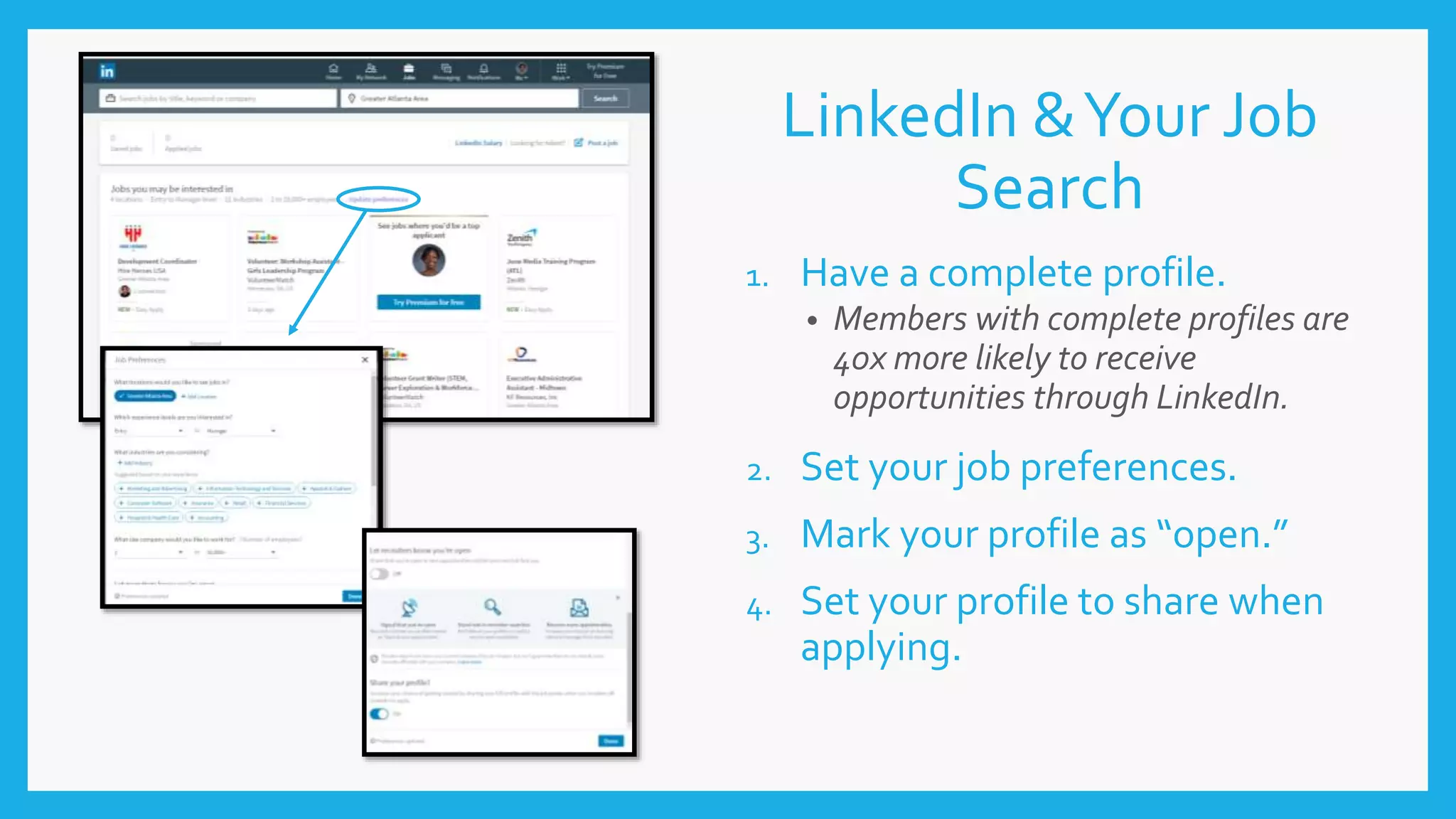
LinkedIn &Your Job
Search
1. Have a complete profile.
• Members with complete profiles are
40x more likely to receive
opportunities through LinkedIn.
2. Set your job preferences.
3. Mark your profile as “open.”
4. Set your profile to share when
applying.
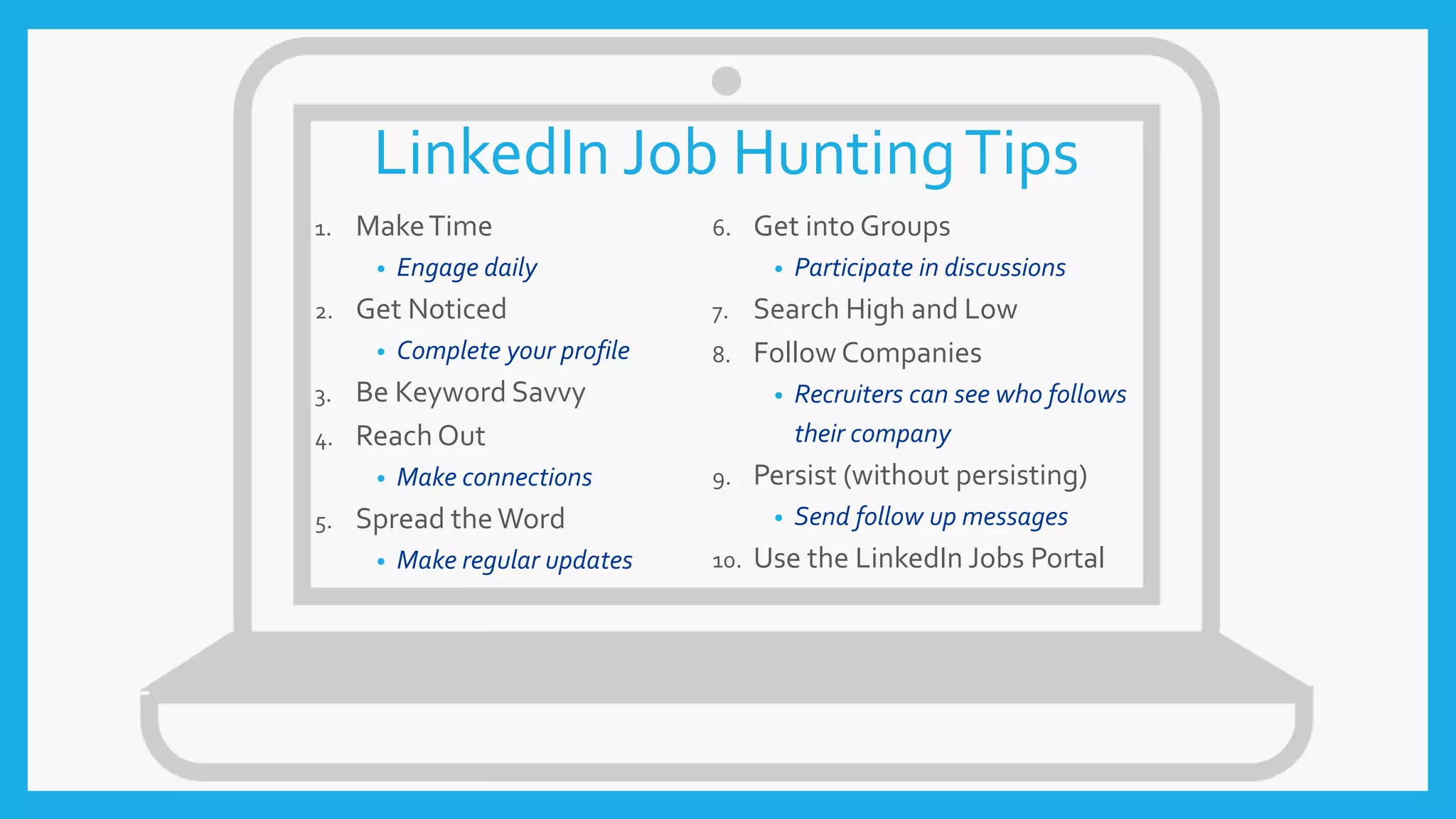
LinkedIn Job HuntingTips
1. MakeTime
• Engage daily
2. Get Noticed
• Complete your profile
3. Be Keyword Savvy
4. Reach Out
• Make connections
5. Spread theWord
• Make regular updates
6. Get into Groups
• Participate in discussions
7. Search High and Low
8. Follow Companies
• Recruiters can see who follows
their company
9. Persist (without persisting)
• Send follow up messages
10. Use the LinkedIn Jobs Portal
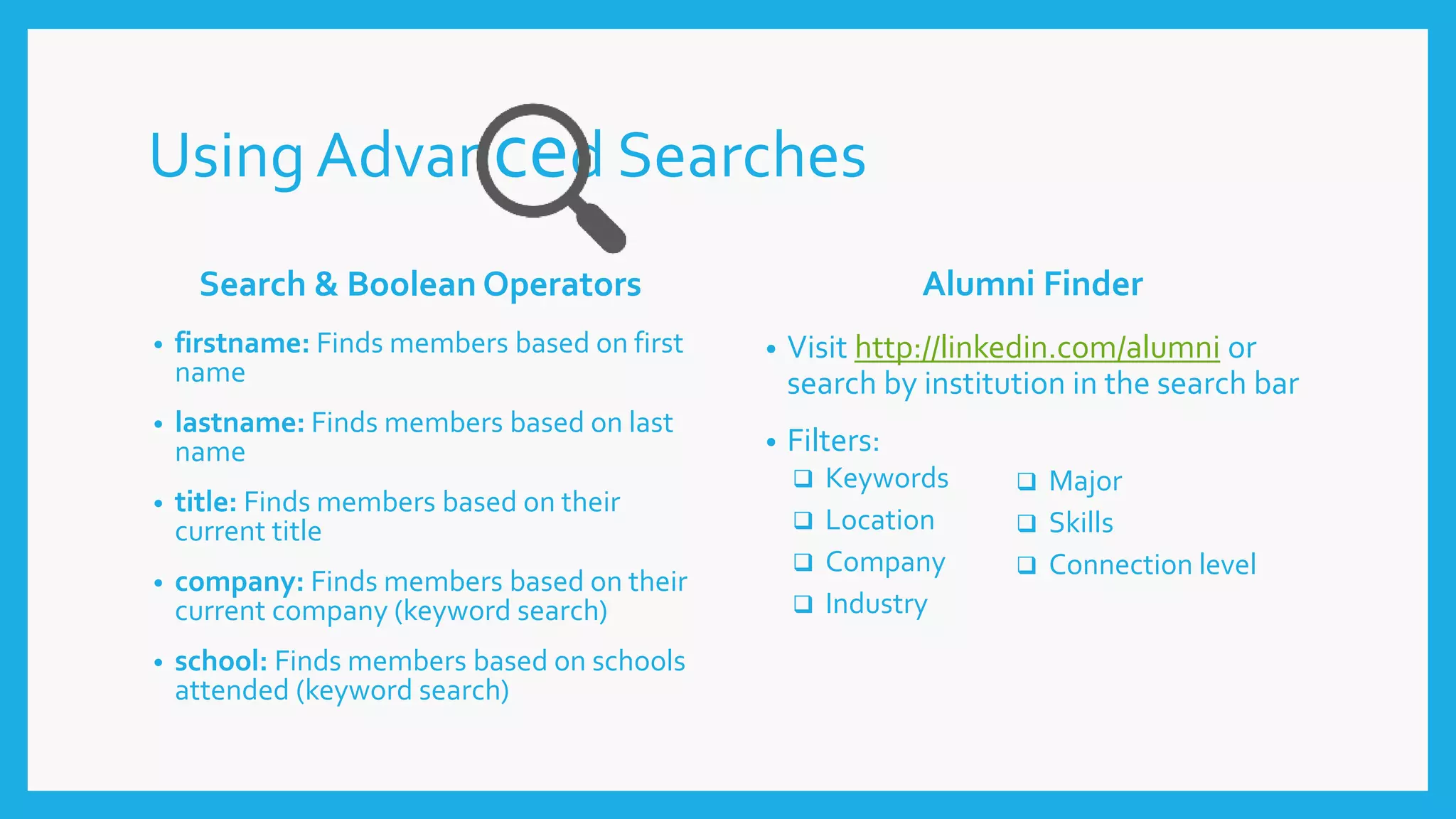
Using Advanced Searches
Search & Boolean Operators
• firstname: Finds members based on first
name
• lastname: Finds members based on last
name
• title: Finds members based on their
current title
• company: Finds members based on their
current company (keyword search)
• school: Finds members based on schools
attended (keyword search)
Alumni Finder
• Visit http://linkedin.com/alumni or
search by institution in the search bar
• Filters:
 Keywords
 Location
 Company
 Industry
 Major
 Skills
 Connection level
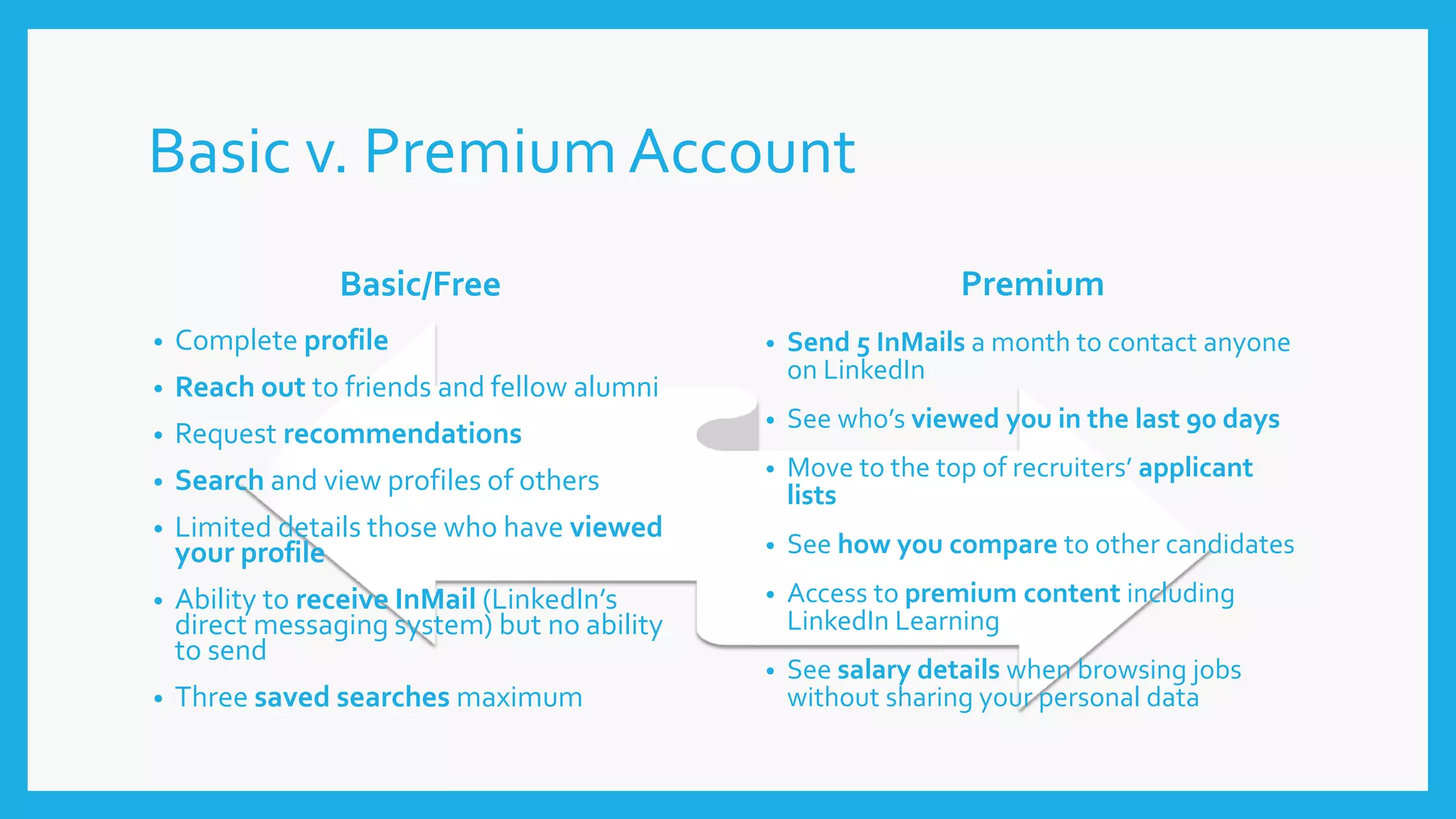
Basic v. Premium Account
Basic/Free
• Complete profile
• Reach out to friends and fellow alumni
• Request recommendations
• Search and view profiles of others
• Limited details those who have viewed
your profile
• Ability to receive InMail (LinkedIn’s
direct messaging system) but no ability
to send
• Three saved searches maximum
Premium
• Send 5 InMails a month to contact anyone
on LinkedIn
• See who’s viewed you in the last 90 days
• Move to the top of recruiters’ applicant
lists
• See how you compare to other candidates
• Access to premium content including
LinkedIn Learning
• See salary details when browsing jobs
without sharing your personal data
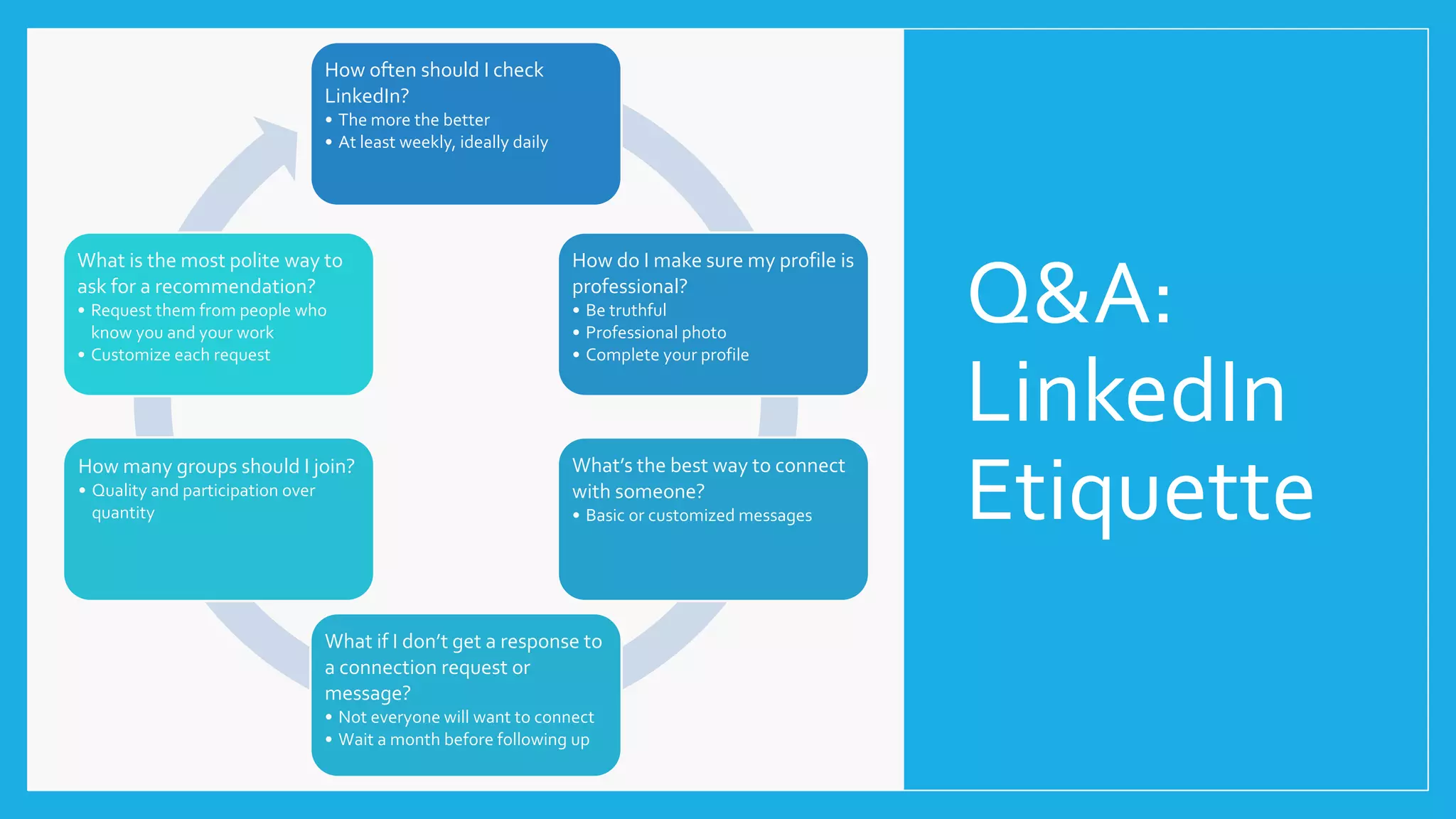
Q&A:
LinkedIn
Etiquette
How often should I check
LinkedIn?
• The more the better
• At least weekly, ideally daily
How do I make sure my profile is
professional?
• Be truthful
• Professional photo
• Complete your profile
What’s the best way to connect
with someone?
• Basic or customized messages
What if I don’t get a response to
a connection request or
message?
• Not everyone will want to connect
• Wait a month before following up
How many groups should I join?
• Quality and participation over
quantity
What is the most polite way to
ask for a recommendation?
• Request them from people who
know you and your work
• Customize each request
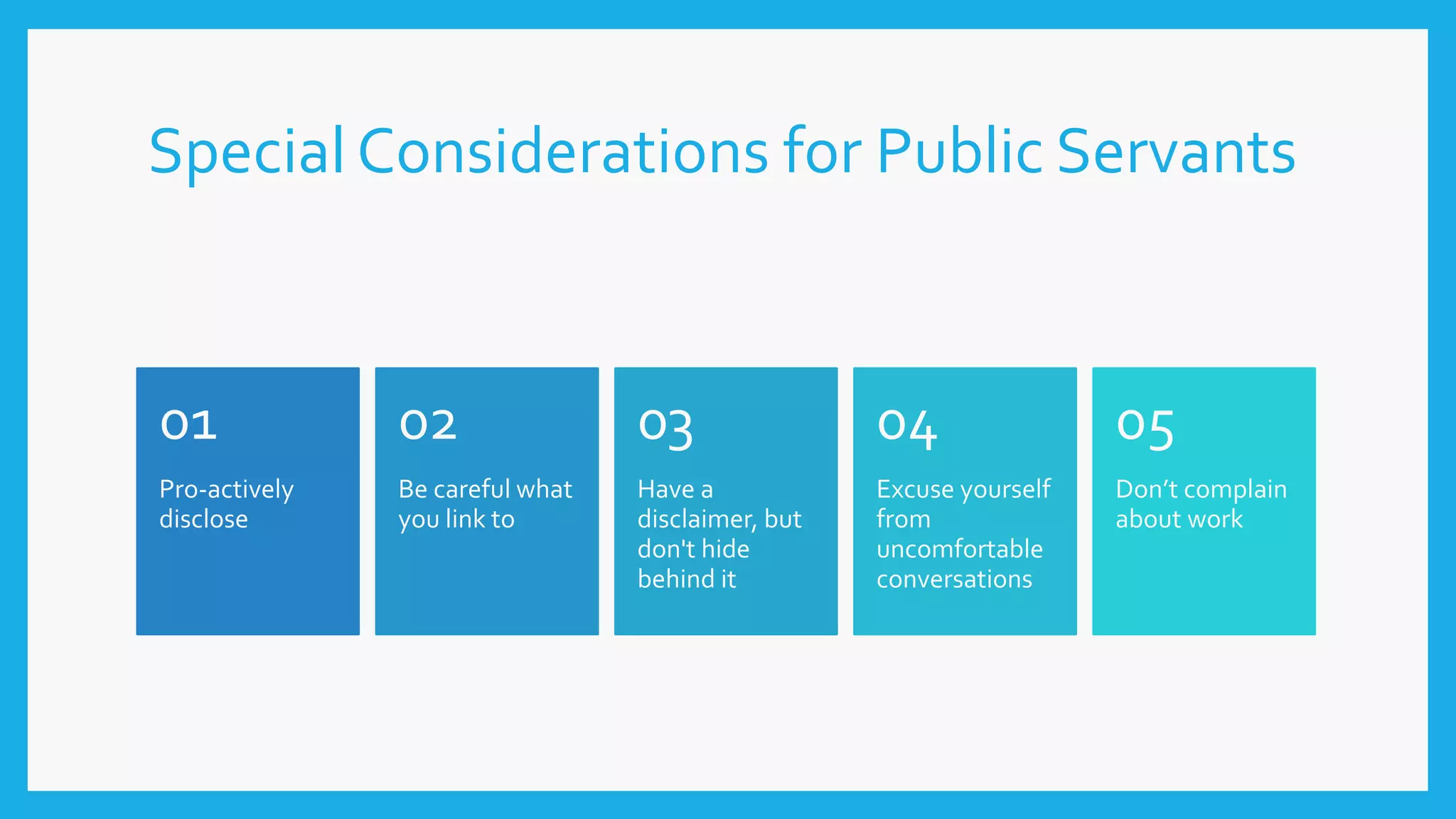
Special Considerations for Public Servants
Pro-actively
disclose
01
Be careful what
you link to
02
Have a
disclaimer, but
don't hide
behind it
03
Excuse yourself
from
uncomfortable
conversations
04
Don’t complain
about work
05
Connect with me!
linkedin.com/in/anmwatts
Get the presentation!
slideshare.net/awatts8808
References
Aoun, C. (Presenter). (2017, March 27). How to be a LinkedInAll Star.Workshop at Georgia State University,Atlanta.
Arruda,W. (2015, September 02). 22 LinkedIn Secrets LinkedInWon'tTellYou. Retrieved March 20, 2017, from
https://www.forbes.com/sites/williamarruda/2014/03/04/22-linkedin-secrets-linkedin-wont-tell-you/print/
The Career Center – Florida State University (n.d.). Building a LinkedIn Presence. Retrieved November 5, 2011 from
http://www.career.fsu.edu/IMAGES/PDFS/Guides/BuildingLinkedInPresence.pdf
Collamer, N. (2017, March 07). 7 LinkedInTipsTo BuildYour Personal Brand. Retrieved from
https://www.forbes.com/sites/nextavenue/2017/03/07/7-linkedin-tips-to-build-your-personal-brand/#62fe8ff84058
Flink, D. (2017, January 19). How to Make the Most of the New LinkedIn Search. Retrieved from
https://blog.linkedin.com/2017/january/19/how-to-make-the-most-of-the-new-linkedin-search
Foote, A. (2017, March 06). 3 StunninglyGood LinkedIn Profile SUMMARIES. Retrieved from https://www.linkedinsights.com/3-
stunningly-good-linkedin-profile-summaries/
Foote, A. (2015, December 11). 3 StunninglyOriginal LinkedIn HEADLINES. Retrieved from https://www.linkedinsights.com/3-
stunningly-original-linkedin-headlines/
Franco,V. (2016, September 13). ShouldYou Pay For LinkedIn? EvaluatingThe Perks Of A Paid Membership. Retrieved from
https://www.forbes.com/sites/forbescoachescouncil/2016/09/13/should-you-pay-for-linkedin-evaluating-the-perks-of-a-paid-
membership/2/#441f7ecb547c
Kasanoff, B. (2017, January 24). Ride AlongAs LinkedIn Employees Get SomeTipsAbout PublishingOn LinkedIn. Retrieved from
https://www.forbes.com/sites/brucekasanoff/2017/01/24/ride-along-as-linkedin-employees-get-some-tips-about-publishing-
on-linkedin/#565e96031f19
Helpful Sites
• Lynda.com - Up and Running with LinkedIn: http://www.lynda.com/LinkedIn-
tutorials/Up-Running-LinkedIn/383249-2.html
• The PurdueOnlineWriting Lab (OWL): https://owl.english.purdue.edu/
• LinkedIn Blog: https://blog.linkedin.com/
• LinkedIn Help Center: https://help.linkedin.com/

Linkedin for Public Servants

  • 1.
    LINKEDIN FOR PUBLICSERVANTS American Society of Public Administration 2017Annual Conference Ashley Watts, M.Ed. Employer Relations Coordinator Georgia State University
  • 2.
    TodayWe’ll Cover Why use LinkedIn? Getting yourprofile started. Profile optimization. Tips and tricks for the job search. Using the advanced search features.
  • 3.
    Why Use LinkedIn? 1.Build your professional network. 2. Check out career paths/ possibilities. 3. Prepare for interviews. 4. Get referrals and references. 5. Find job opportunities. 6. Gain connections with conference attendees. 7. Share professional updates with others. 8. Extend your resume. 9. Join a group. 10. Research a company.
  • 4.
  • 5.
  • 6.
  • 7.
    “If your Profileis not 100% complete, LinkedIn penalizes you by lowering your search rank, ignoring your Keyword(s), rendering you invisible.” 1 Photo 2 Location 3 Summary 4 Education 5 Positions 6 Skills 7 Connections Profile Essentials
  • 8.
    JUST DO IT. MORESAVING. MORE DOING. I’M LOVIN’ IT. YOU’RE IN GOOD HANDS. Branding Yourself
  • 9.
    Photo & Headline Thinkof your photo and headline as your brand’s logo and tagline or slogan. Remember: o This is your first impression. o You only have 120 characters, be attention grabbing & avoid vague, overused words. Questions to ask: o Professionally speaking, who are you in a nutshell? o How do you want to be known? Be authentic.
  • 10.
    Location & Industry Location •Where do you live? • Where do you want to live/work? • Where are the jobs? • Are you willing to relocate? Industry • Choose carefully; this is a recruiter search filter. • Focus on your work vs. your company’s work, especially if you’re job searching.
  • 11.
    Summary to Skills->Your Digital Resume SUMMARY • Try to use 250 words or less • Use short paragraphs and be strategic with spacing EDUCATION • List all degrees • Include coursework and media! POSITIONS • At least 2-3 most recent positions • Be brief, but descriptive • Use media if possible! SKILLS • Use industry/ position specific keywords • Get endorsed!
  • 12.
    ADDITIONAL SECTIONS • Certifications– Members with certifications get 5x more profile views according to LinkedIn • Organizations – Dates of involvement and positions held • Languages – Allows languages spoken and proficiency level • Articles– Share your knowledge, expertise, and/or experience with others. • Volunteer Experience, Honors/Awards, Projects TIPS FOR POSTING ARTICLES • Write about topics that matter to you. • Focus on engagement, not view. Target to have Likes + Shares + Comments/Views = 10% + • Useful is more important than original. • Don’t be afraid to include a few actual facts.
  • 13.
    How to Networkon LinkedIn Use your Inbox Get Personal Join the ‘In’ Crowd Lend a (virtual) Hand Update your Status #early and #often Question (and answer) Everything Do your Homework Now, step away from the computer!
  • 14.
    Connections Friends/Acquaintances Strangers • Adda personalized message. • Keep it brief. • Mention commonalities (alma mater, interests, etc.) • Ask a question. • Thank them for the connection. • Import contacts from your email server. • Search current or previous organizations. • Generic invitation is generally okay, unless you’ve been out of contact for an extended time or are connecting for a specific purpose. Tips for Connecting • Connect with people you meet (at conferences, networking events, etc.). • Join groups! • Connect with (almost) everyone. • Include nicknames in your summary. • Aim for 500+ connections.
  • 15.
    LinkedIn &Your Job Search 1.Have a complete profile. • Members with complete profiles are 40x more likely to receive opportunities through LinkedIn. 2. Set your job preferences. 3. Mark your profile as “open.” 4. Set your profile to share when applying.
  • 16.
    LinkedIn Job HuntingTips 1.MakeTime • Engage daily 2. Get Noticed • Complete your profile 3. Be Keyword Savvy 4. Reach Out • Make connections 5. Spread theWord • Make regular updates 6. Get into Groups • Participate in discussions 7. Search High and Low 8. Follow Companies • Recruiters can see who follows their company 9. Persist (without persisting) • Send follow up messages 10. Use the LinkedIn Jobs Portal
  • 17.
    Using Advanced Searches Search& Boolean Operators • firstname: Finds members based on first name • lastname: Finds members based on last name • title: Finds members based on their current title • company: Finds members based on their current company (keyword search) • school: Finds members based on schools attended (keyword search) Alumni Finder • Visit http://linkedin.com/alumni or search by institution in the search bar • Filters:  Keywords  Location  Company  Industry  Major  Skills  Connection level
  • 18.
    Basic v. PremiumAccount Basic/Free • Complete profile • Reach out to friends and fellow alumni • Request recommendations • Search and view profiles of others • Limited details those who have viewed your profile • Ability to receive InMail (LinkedIn’s direct messaging system) but no ability to send • Three saved searches maximum Premium • Send 5 InMails a month to contact anyone on LinkedIn • See who’s viewed you in the last 90 days • Move to the top of recruiters’ applicant lists • See how you compare to other candidates • Access to premium content including LinkedIn Learning • See salary details when browsing jobs without sharing your personal data
  • 19.
    Q&A: LinkedIn Etiquette How often shouldI check LinkedIn? • The more the better • At least weekly, ideally daily How do I make sure my profile is professional? • Be truthful • Professional photo • Complete your profile What’s the best way to connect with someone? • Basic or customized messages What if I don’t get a response to a connection request or message? • Not everyone will want to connect • Wait a month before following up How many groups should I join? • Quality and participation over quantity What is the most polite way to ask for a recommendation? • Request them from people who know you and your work • Customize each request
  • 20.
    Special Considerations forPublic Servants Pro-actively disclose 01 Be careful what you link to 02 Have a disclaimer, but don't hide behind it 03 Excuse yourself from uncomfortable conversations 04 Don’t complain about work 05
  • 21.
    Connect with me! linkedin.com/in/anmwatts Getthe presentation! slideshare.net/awatts8808
  • 22.
    References Aoun, C. (Presenter).(2017, March 27). How to be a LinkedInAll Star.Workshop at Georgia State University,Atlanta. Arruda,W. (2015, September 02). 22 LinkedIn Secrets LinkedInWon'tTellYou. Retrieved March 20, 2017, from https://www.forbes.com/sites/williamarruda/2014/03/04/22-linkedin-secrets-linkedin-wont-tell-you/print/ The Career Center – Florida State University (n.d.). Building a LinkedIn Presence. Retrieved November 5, 2011 from http://www.career.fsu.edu/IMAGES/PDFS/Guides/BuildingLinkedInPresence.pdf Collamer, N. (2017, March 07). 7 LinkedInTipsTo BuildYour Personal Brand. Retrieved from https://www.forbes.com/sites/nextavenue/2017/03/07/7-linkedin-tips-to-build-your-personal-brand/#62fe8ff84058 Flink, D. (2017, January 19). How to Make the Most of the New LinkedIn Search. Retrieved from https://blog.linkedin.com/2017/january/19/how-to-make-the-most-of-the-new-linkedin-search Foote, A. (2017, March 06). 3 StunninglyGood LinkedIn Profile SUMMARIES. Retrieved from https://www.linkedinsights.com/3- stunningly-good-linkedin-profile-summaries/ Foote, A. (2015, December 11). 3 StunninglyOriginal LinkedIn HEADLINES. Retrieved from https://www.linkedinsights.com/3- stunningly-original-linkedin-headlines/ Franco,V. (2016, September 13). ShouldYou Pay For LinkedIn? EvaluatingThe Perks Of A Paid Membership. Retrieved from https://www.forbes.com/sites/forbescoachescouncil/2016/09/13/should-you-pay-for-linkedin-evaluating-the-perks-of-a-paid- membership/2/#441f7ecb547c Kasanoff, B. (2017, January 24). Ride AlongAs LinkedIn Employees Get SomeTipsAbout PublishingOn LinkedIn. Retrieved from https://www.forbes.com/sites/brucekasanoff/2017/01/24/ride-along-as-linkedin-employees-get-some-tips-about-publishing- on-linkedin/#565e96031f19
  • 23.
    Helpful Sites • Lynda.com- Up and Running with LinkedIn: http://www.lynda.com/LinkedIn- tutorials/Up-Running-LinkedIn/383249-2.html • The PurdueOnlineWriting Lab (OWL): https://owl.english.purdue.edu/ • LinkedIn Blog: https://blog.linkedin.com/ • LinkedIn Help Center: https://help.linkedin.com/

Editor's Notes

  • #4 Learn Grow Connect Build your professional network. It’s never too early to start building a network with people in your career area. Start by linking to classmates who are in your major. While they are friends and classmates now, in the future they become business referrals. Ask professors who are in LinkedIn to write a recommendation for you. Linking to professors ensure that you will stay connected to them after you graduate. This could be beneficial. Check out career paths. Find people who are in LinkedIn who are already employed in your desired profession. Check out their profiles to see what they have done to become successful. See if you can incorporate something from their career path into yours. Prepare for interviews. When you have a job or internship interview, review the profile of the person who will interview you. Having this background knowledge during the interview will help impress the interviewer. Get referrals. Networking is all about who you know and who those people know. If there is someone in LinkedIn that you would like to meet, ask a mutual acquaintance to for an introduction. Land internships or jobs while in school. Is there a company that you would like to work for or an internship that interests you? LinkedIn can help you find a common connection to someone at that place of business. Gain connections from conference attendees. When you meet new acquaintances at a conference that you attend as a student, chances are you do not have a business card to share. Nor do other students. LinkedIn is the perfect place to maintain a connection to those people once you have returned back to school. Share updates with others. When you update your LinkedIn profile or experiences, your network is automatically informed about these changes. You don’t have to send out individual e-mails to everybody. A nice side benefit is that this automatic notification brings you to their attention and awareness. Then, you will be on their mind when they learn about job possibilities that fit your qualifications. Extend your resume. Many companies prefer receiving one-page resumes. That’s not room for a lot of information. LinkedIn provides a place to have more in-depth information than what a short resume can ever hope to provide. Put your LinkedIn profile URL on your resume (and business cards). Future employers can then find more information about you in LinkedIn. Join a group. LinkedIn automatically shows you groups you may like to join based on the information in your profile. As a member of the group, you have access to thought leaders and experts in your industry. Read their posts to glean information about the industry and to gain their insights about current trends. Post thoughtful comments so group members can get to know you. Group connections are helpful during a job search. Research a company. LinkedIn provides information about different companies. This information helps you determine whether or not you would like working for that company. It also shows how many current job openings that company has and how many people in your network are employed there. Search for jobs. And last but not least, use LinkedIn to help you find a job. When you click on the Jobs link, it shows jobs that are compatible to your profile. You can also search for additional job openings. While having access to jobs posted in LinkedIn is great, LinkedIn has a unique feature that is not available on other job websites. LinkedIn tells you how many people in your network or group who works at the company. Those people can help you get the job that you are interested in.
  • #5 Before you ever connect with anyone, there are some things you want to do…
  • #8 LinkedIn “All Star” Profile Requirements; “complete profile”
  • #10 According to a 2016 LinkedIn survey, your profile is 21 times more likely to be viewed if you have a LinkedIn photo. That’s why Long says: “If you can afford a professional photographer, it is usually the best investment you can make in your personal brand and self confidence.” Headline: Be specific about who you are and what you do. For example, instead of using a generic title like “Marketing Rep,” use Marketing Executive/Growth Strategy/Channel Development. Incorporate relevant keywords. To find the most impactful ones, look at job descriptions for positions you’d love and check out LinkedIn groups to find industry appropriate terminology. Avoid using “unemployed” in your headline. Instead, use strategic keywords that convey your value statement. For example, Marketing Leader/Sales Generation Specialist. Don’t Forget Your Headline! Here’s the deal: you are boring…..by default. Yep, LinkedIn forces you to think conventionally by automatically inserting your (boringly functional and unremarkable) job Title in your prominent and most widely seen Headline space. This is a problem if you think about yourself in branding terms. If you are the brand, your Headline is your brand’s slogan. Now ask yourself are you proud of your slogan? Is it what you’re all about? Does it actually achieve anything? If the answer to those questions is no – there is something you can and should do about it. Come up with something unique, something so stunningly original that makes people think, smile or better still, act. Here are 3 of the best ‘stunningly original’ LinkedIn Headlines I’ve seen in a long while.
  • #11 https://university.linkedin.com/content/dam/university/global/en_US/site/pdf/TipSheet_BuildingYourBrand.pdf
  • #12 One Chance – First Impression The Summary remains one of the most important sections on your LinkedIn Profile. Why? Because it’s the only area on the Profile where you get to define yourself from scratch, with a blank sheet, unencumbered by dates, labels or other text boxes. Because it’s the first thing people read whether they’ve decided to click on your Photo/Headline or if they’ve actively searched on your name. Because it’s personal – it’s where people look to find out what makes you tick. Are you in command of your narrative? Does your Summary do you justice? Or have you just copied & pasted your 5 year old resume as a temporary measure? How long is temporary? Tell Me Your Story A Summary is precisely that – a short version of why you do what you do, in your own words. If you can come across as authentic; convince everyone that what you do is also who you are, you’re golden. It’s not enough these days to let your experience speak for itself. You need to be your own Brand Ambassador and you need to ensure that your professional online prospectus is unique, engaging and well written. Write it in the 1st person. Writing a Summary about yourself in the 3rd person is a theatrical gimmick which never worked. It doesn’t make you more polished, it makes you seem aloof, out of touch and stuffy. Your Summary is your chance to not only say what you’re good at, it’s also your opportunity to stand out from the crowd, to differentiate yourself, in a remarkable and memorable way. Buzz Words Are So 2017 The following words, in this order, were identified as the top 10 most overused LinkedIn Profile Buzz Words in 2017: ’specialized’ ’leadership’ ‘passionate’ ‘strategic’ ‘experienced’ ‘focused’ ‘expert’ ‘certified’ ‘creative’ and ‘excellent’. What they all have in common, apart from being ‘tired’, is that they are all what we’d generally expect an employee to be, from time to time. Banish the beige work speak. Lose the lemming language. There are over 1 Million words in the English Language. Plenty of choice. Less Is More We’re all busy. We click, speed read and move on. A summary that is too wordy and uses all 2000 characters just because you can is not going to win you admirers or customers. I want you to show me, the reader, some consideration. Be considerate with time and I’ll reward you with mine. If you knew I had 10 seconds to read your Summary, what would you write? If what you write is interesting, original or makes me ponder – you may have just bought yourself another 10 seconds. According to a 2016 LinkedIn study, users who display five or more skills are messaged 31 times more and viewed 17 times more than those who do not!
  • #13 “41% of the professionals surveyed stated that when they are evaluating candidates, they consider volunteer work equally as valuable as paid work experience.” (Doyle)
  • #14 https://university.linkedin.com/content/dam/university/global/en_US/site/pdf/TipSheet_NetworkingonLinkedIn.pdf
  • #17 http://www.career.fsu.edu/IMAGES/PDFS/Guides/BuildingLinkedInPresence.pdf
  • #20 http://www.career.fsu.edu/IMAGES/PDFS/Guides/BuildingLinkedInPresence.pdf
  • #21 1. Pro-actively disclose Generally speaking it is good practice to tell your employer (or prospective employer) of any activity that is at the periphery of but related to your official activities. For public servants I think that runs the gamut from blogging about related issues on sites like this one, to sharing links with colleagues on Twitter, or participating in discussion groups on Govloop or LinkedIn. I am of the opinion that proactive disclosure of online activities is less important when those activities are far removed from your professional life. I doubt the powers that oversee the machinery of government care if in addition to your day job you happen to run a local food, exercise, lolcat blog. Finally, don't go running to the very top of the organization to disclose your activities, simply disclose them to the closest logical individual up the food chain from yourself. 2. Be careful what you link to This is where I see the most confusion. I've seen a number of people on Twitter link to their department or agency right under a bio that reads "all views my own". My advice is to not link to any official government website on any of your social media unless you are acting as an official spokesperson for the organization. Also, and this one is overlooked often, don't provide a link to your social media (e.g. your Twitter) in your official organizational email footer. The implication is that your use of the service is as official as the position you occupy, your phone number and mailing address, when in fact you cannot conduct official business in that channel (especially with external stakeholders). The same goes for your avatar, don't use anything with government logos in it (like a photo of your ID badge) it conflates you with the department or agency for whom you work. 3. Have a disclaimer, but don't hide behind it There was a number of blog posts and Twitter chatter in the last few weeks about the subject of disclaimers. Here's my take: a disclaimer doesn't absolve you from being an idiot. Much like you can't claim ignorance if you break the law an online disclaimer isn't a shield. It doesn't protect you or your employer, it only creates a small modicum of distance between the two by telling people that you are not authorized to act as an official spokesperson for your organization. 4. Excuse yourself from conversations that you feel uncomfortable about During the last election one of the federal political parties responded to one of my tweets about open data. The conversation quickly turned partisan. My reaction was to simply tweet that given my role and responsibilities as a professional and non-partisan public servant I was unwilling to engage any further; an explanation that was readily accepted by the party in question. If you are pressed even after you excuse yourself, just stay silent, let anyone watching it play out draw their own conclusions. I 5. Don't bitch about work Venting may feel good now, and a status update is so easy that its often we get caught up in the moment, but there aren't any private places online where you can complain about your employer. Good rule of thumb: don't say anything online that you don't have the wherewithal to say in person because you will be held accountable by someone somewhere down the line. Like mom said, it's always better to be safe than sorry.
  • #22 If time allows to answer three most commonly asked questions: Tell me about yourself. Why should we hire you? What are your greatest strengths (or weaknesses)?