Done by: Mariam saeed Alkaabi   ID: 200903478
OUTLINE
• The introduction of Google docs.
•Definition of Google docs.
• Poster about Google docs.
 A Video about Google Docs.
• How to use Google docs?
• who can use it?


• How to join Google docs?
• How to save and share files ?
• share and collaborate

• Positives of Google docs.
• Negatives of Google docs.

• same examples
• Quiz
• Bibliography
The introduction of Google docs

 Google Docs originated from two separate products, Writely and
  Google Spreadsheets. Writely was a web-based word processor created
  by the software company Up startle and launched in August 2005.

 Spreadsheets, launched as Google Labs Spreadsheets on June 6,
  2006,[4] originated from the acquisition of the XL2Web product by
  2Web Technologies.

 Writely's original features included a collaborative text editing suite
  and access controls. Menus, keyboard shortcuts, and dialog boxes are
  similar to what users may expect in a desktop word processor such as
  Microsoft Word or OpenOffice.org Writer.
Definition of Google docs

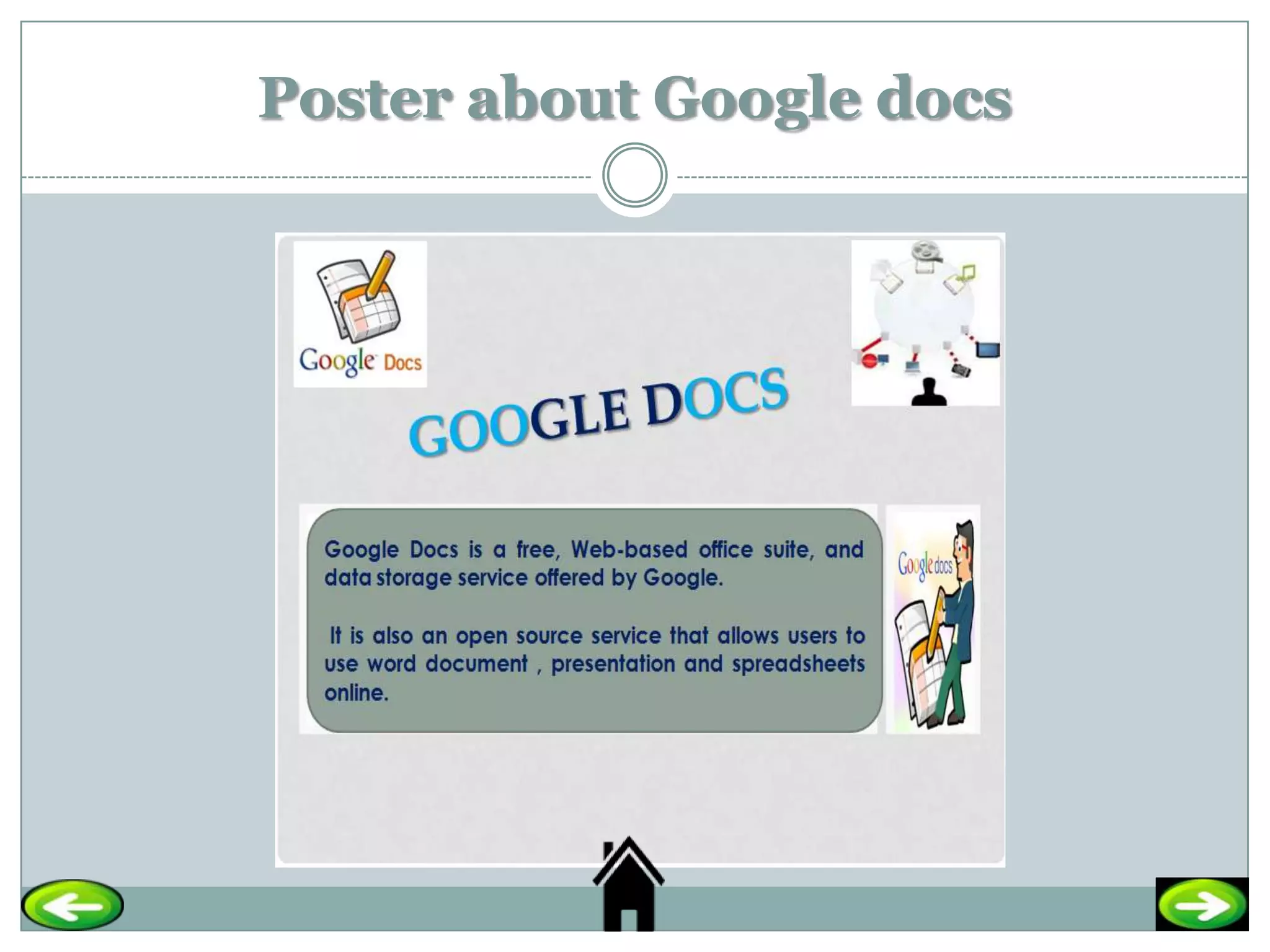
    Google Docs is a free, Web-based office suite, and data storage
    service offered by Google.

   It is also an open source service that allows users to use word document ,
    presentation and spreadsheets online.

    It provides the opportunity for sharing files and making instantaneous
    changes.
Poster about Google docs
A Video about Google Docs.


http://www.youtube.com/watch?v=eRqUE6IHTEA
How to use Google docs?


 To use Google docs you have the following requirements:


 Computer(basically any computer will be enough, even the oldest ones).
 Internet connection.
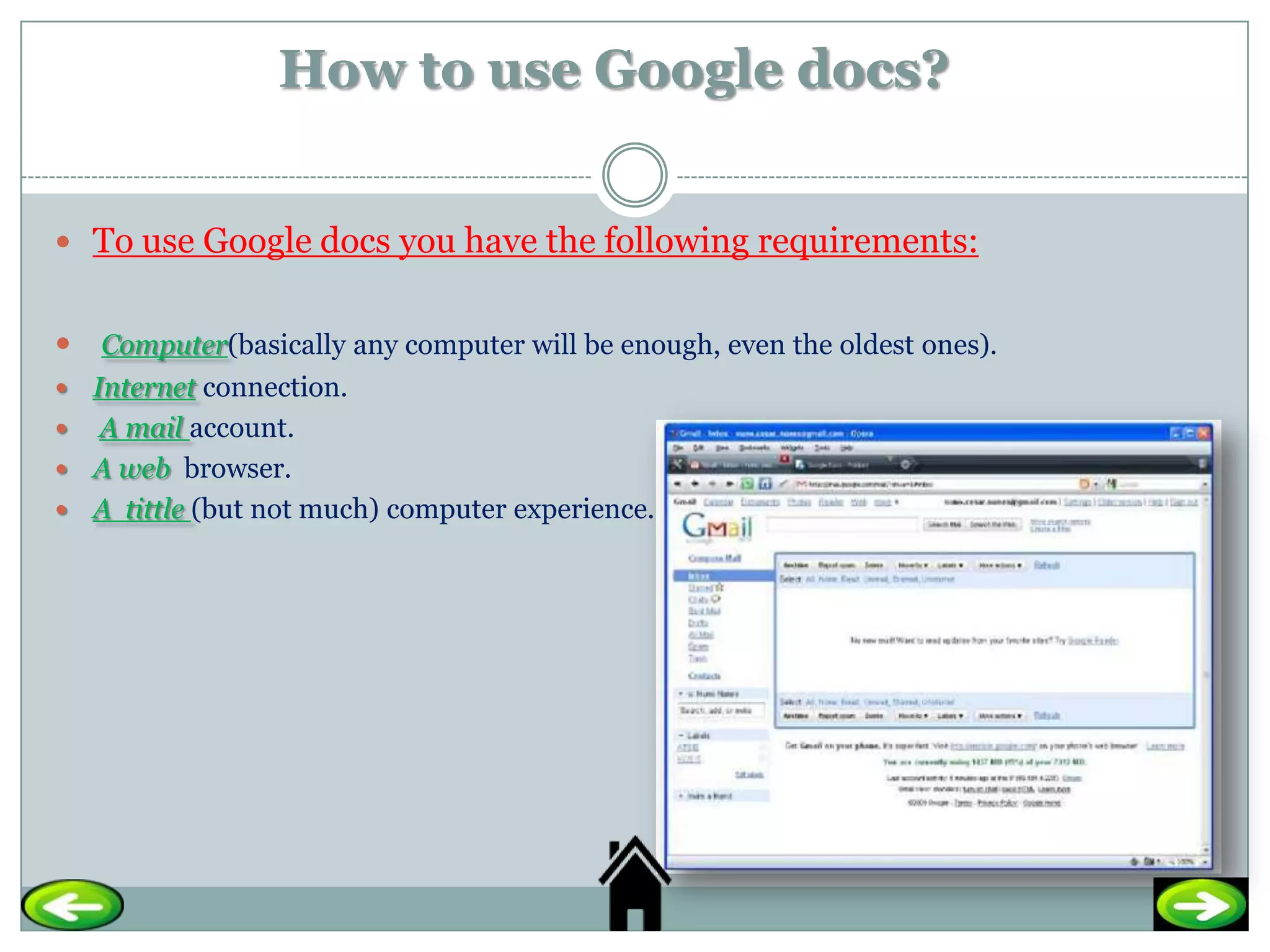
 A mail account.
 A web browser.
 A tittle (but not much) computer experience.
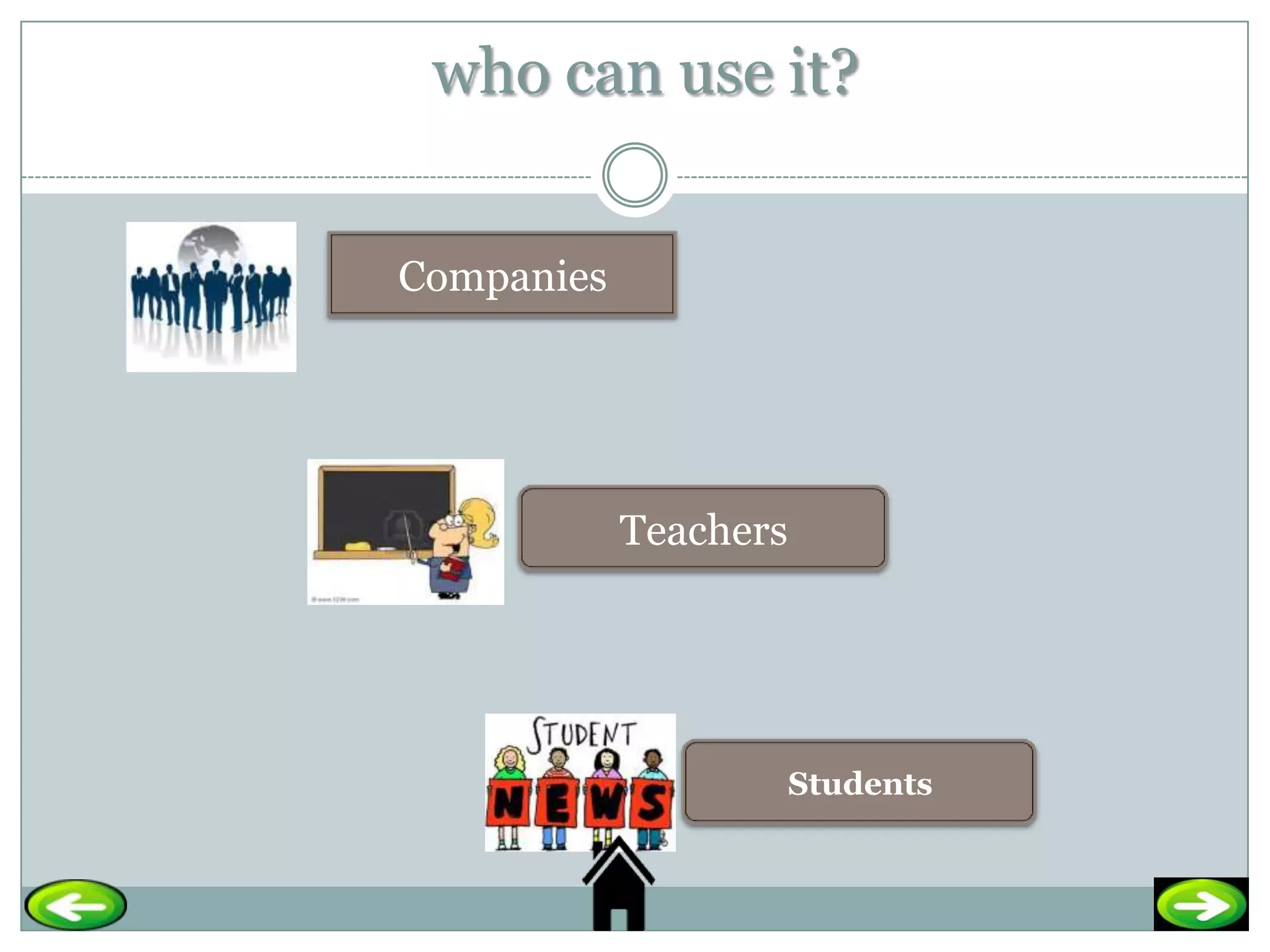
who can use it?


Companies


            Teachers


                       Students
How to join it ?

 Follow the following link; http://docs.google.com/


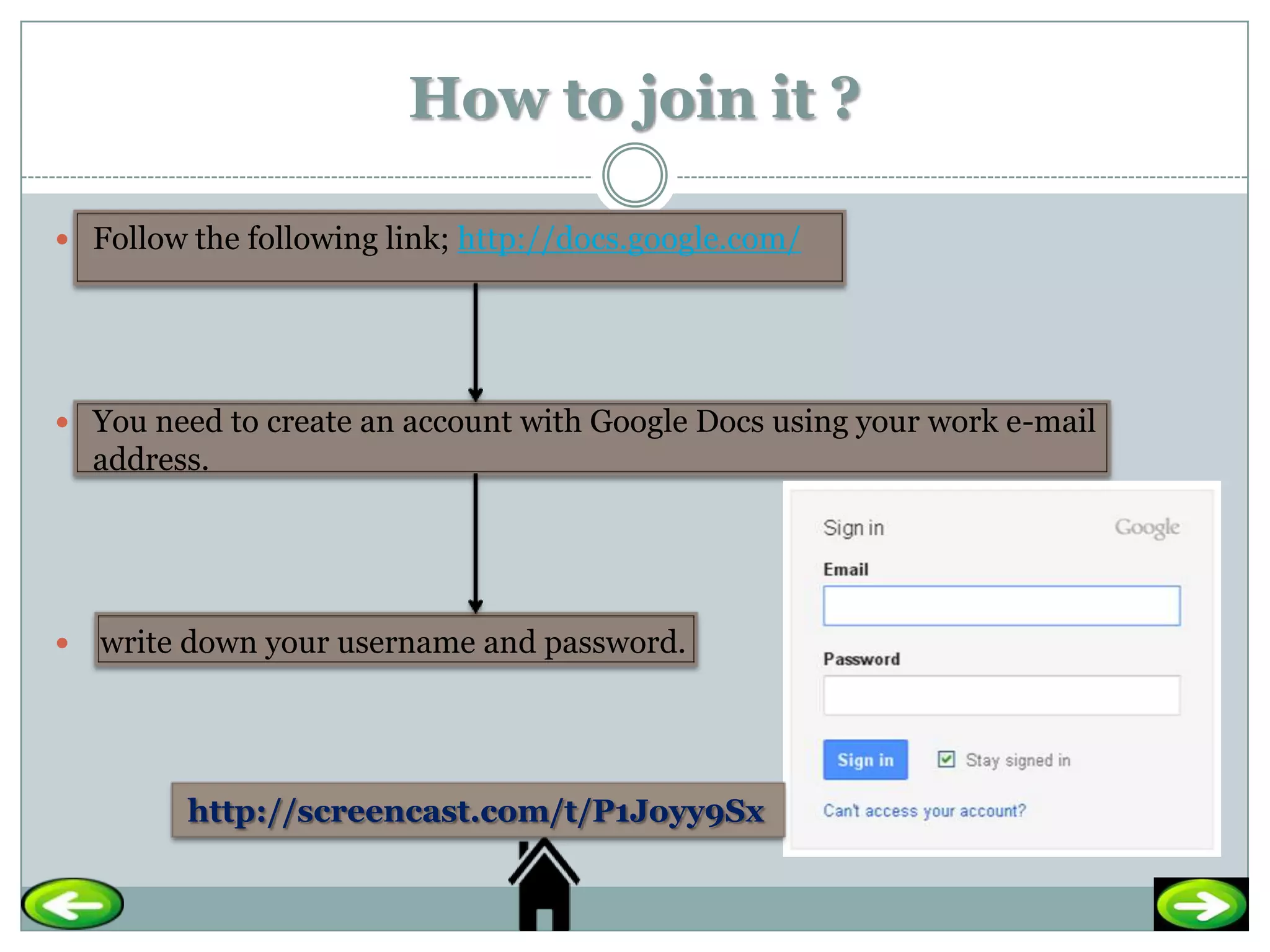
 You need to create an account with Google Docs using your work e-mail
    address.


   write down your username and password.


          http://screencast.com/t/P1Joyy9Sx
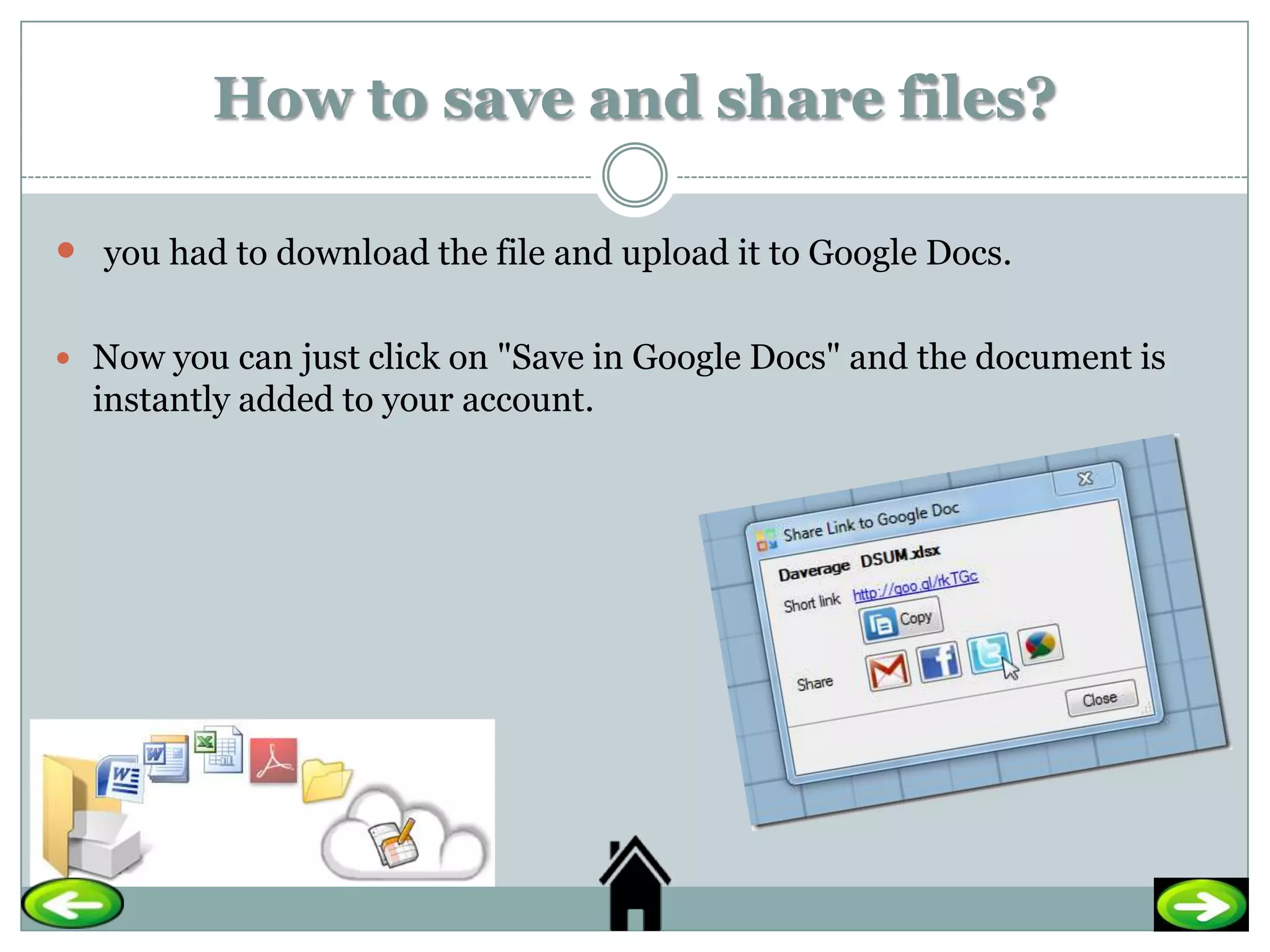
How to save and share files?

 you had to download the file and upload it to Google Docs.

 Now you can just click on "Save in Google Docs" and the document is
  instantly added to your account.
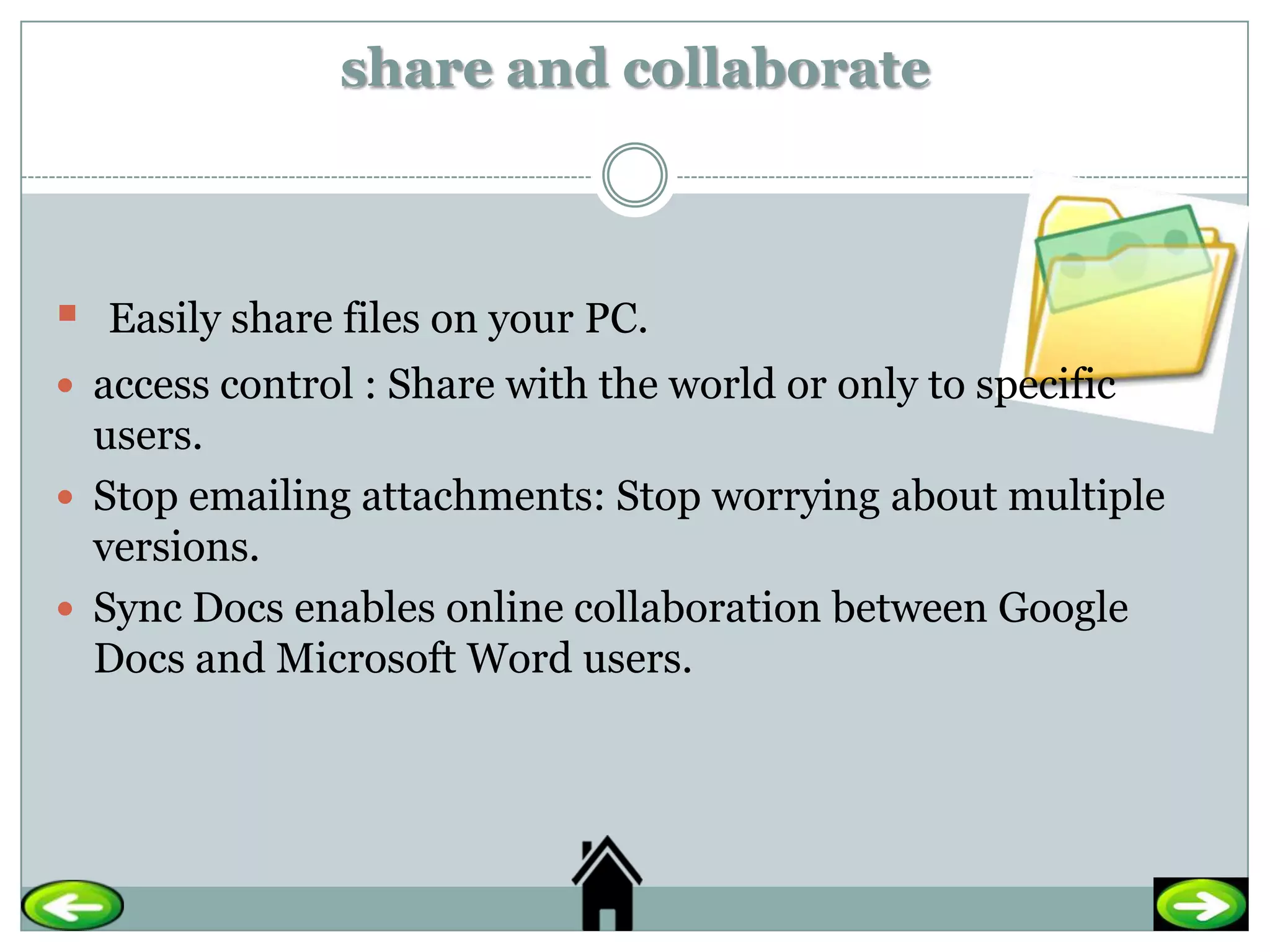
share and collaborate


   Easily share files on your PC.
 access control : Share with the world or only to specific
  users.
 Stop emailing attachments: Stop worrying about multiple
  versions.
 Sync Docs enables online collaboration between Google
  Docs and Microsoft Word users.
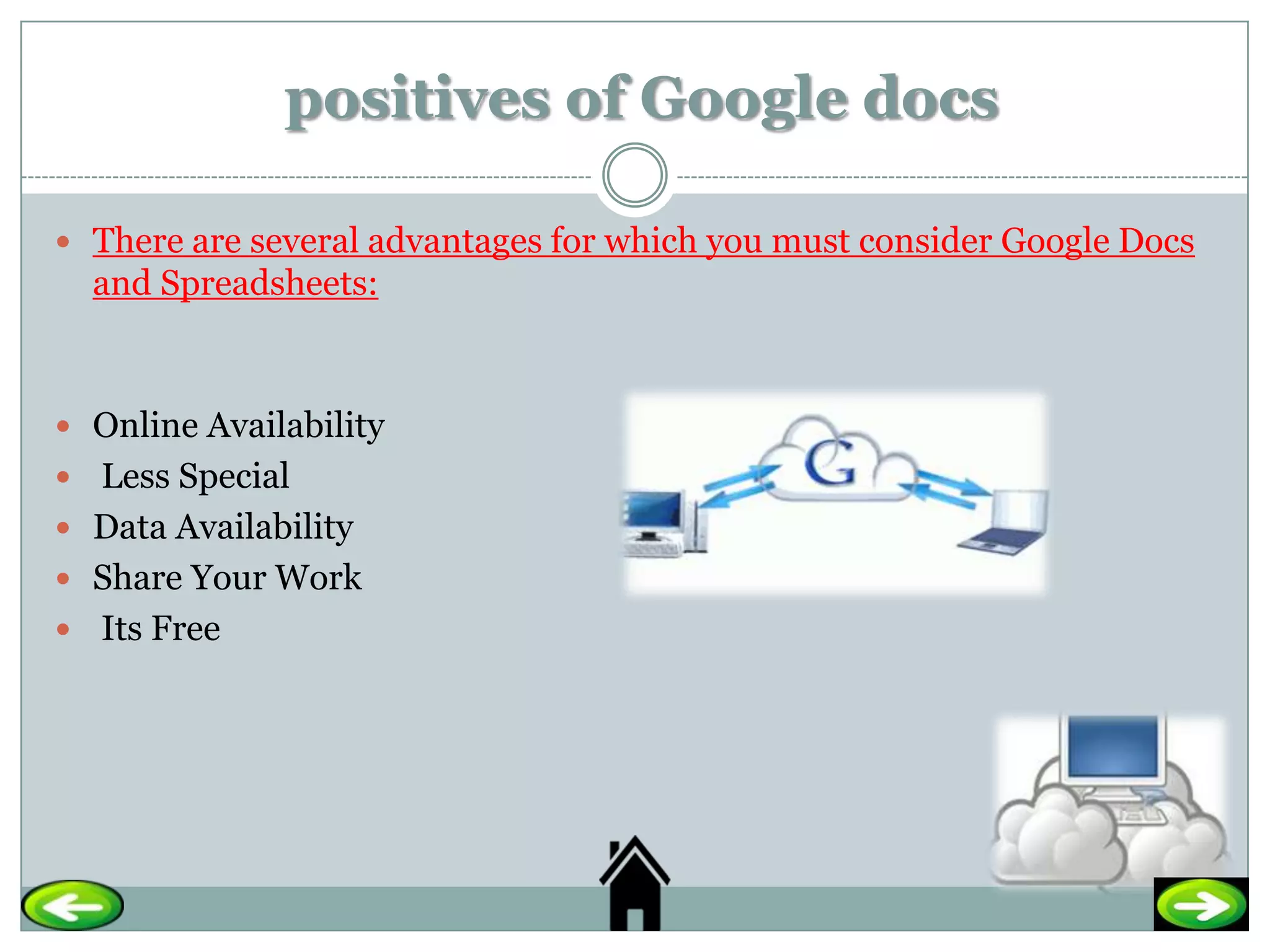
positives of Google docs

 There are several advantages for which you must consider Google Docs
  and Spreadsheets:


 Online Availability
 Less Special
 Data Availability
 Share Your Work
 Its Free
Negatives of Google docs

 There are several advantages for which you must consider Google Docs:


   you need to be online to access your files.

   you don't get the advanced features of a dedicated desktop office suite.
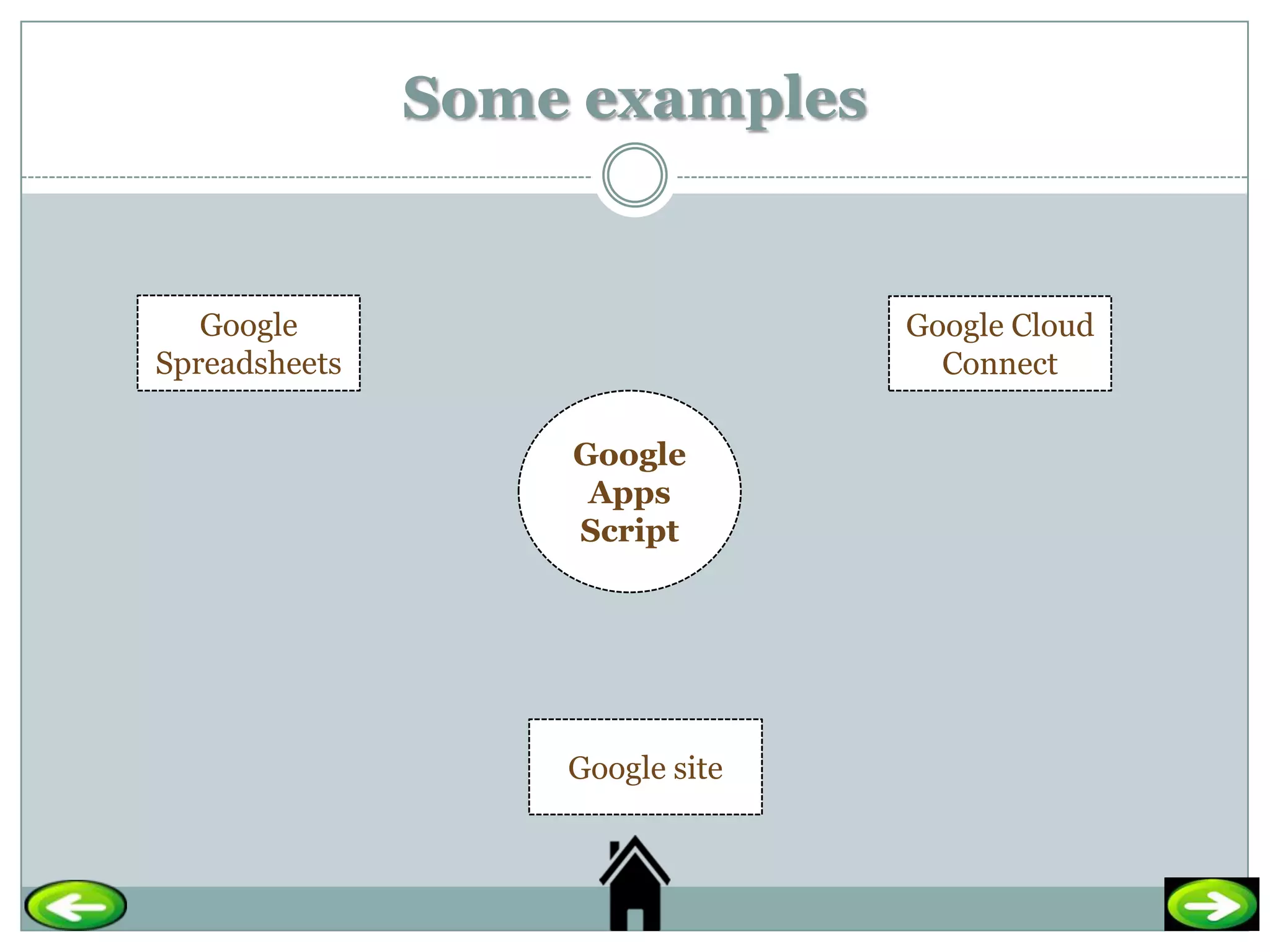
Some examples


   Google                        Google Cloud
Spreadsheets                       Connect

                   Google
                    Apps
                   Script


                   Google site
Quiz

 What is the definition of Google docs ?
----------------------------------------------------------------
-------------
 what are the negatives and positives of Google docs?
----------------------------------------------------------------
----------------------------------------------------------------
---------------------------------------
• who can use Google docs?
• --------------------------------------------
Bibliography

1) http://en.wikipedia.org/wiki/Google_Docs.
2) http://www.slideshare.net/nuno.nunes/step-by-step-to-create-a-form-based-
    on-google-docs.
3) http://www.don.ac.uk/elearning/pdf/google_docs_join.pdf.

Google docs m

  • 1.
    Done by: Mariamsaeed Alkaabi ID: 200903478
  • 2.
    OUTLINE • The introductionof Google docs. •Definition of Google docs. • Poster about Google docs. A Video about Google Docs. • How to use Google docs? • who can use it? • How to join Google docs? • How to save and share files ? • share and collaborate • Positives of Google docs. • Negatives of Google docs. • same examples • Quiz • Bibliography
  • 3.
    The introduction ofGoogle docs  Google Docs originated from two separate products, Writely and Google Spreadsheets. Writely was a web-based word processor created by the software company Up startle and launched in August 2005.  Spreadsheets, launched as Google Labs Spreadsheets on June 6, 2006,[4] originated from the acquisition of the XL2Web product by 2Web Technologies.  Writely's original features included a collaborative text editing suite and access controls. Menus, keyboard shortcuts, and dialog boxes are similar to what users may expect in a desktop word processor such as Microsoft Word or OpenOffice.org Writer.
  • 4.
    Definition of Googledocs  Google Docs is a free, Web-based office suite, and data storage service offered by Google.  It is also an open source service that allows users to use word document , presentation and spreadsheets online.  It provides the opportunity for sharing files and making instantaneous changes.
  • 5.
  • 6.
    A Video aboutGoogle Docs. http://www.youtube.com/watch?v=eRqUE6IHTEA
  • 7.
    How to useGoogle docs?  To use Google docs you have the following requirements:  Computer(basically any computer will be enough, even the oldest ones).  Internet connection.  A mail account.  A web browser.  A tittle (but not much) computer experience.
  • 8.
    who can useit? Companies Teachers Students
  • 9.
    How to joinit ?  Follow the following link; http://docs.google.com/  You need to create an account with Google Docs using your work e-mail address.  write down your username and password. http://screencast.com/t/P1Joyy9Sx
  • 10.
    How to saveand share files?  you had to download the file and upload it to Google Docs.  Now you can just click on "Save in Google Docs" and the document is instantly added to your account.
  • 11.
    share and collaborate  Easily share files on your PC.  access control : Share with the world or only to specific users.  Stop emailing attachments: Stop worrying about multiple versions.  Sync Docs enables online collaboration between Google Docs and Microsoft Word users.
  • 12.
    positives of Googledocs  There are several advantages for which you must consider Google Docs and Spreadsheets:  Online Availability  Less Special  Data Availability  Share Your Work  Its Free
  • 13.
    Negatives of Googledocs  There are several advantages for which you must consider Google Docs:  you need to be online to access your files.  you don't get the advanced features of a dedicated desktop office suite.
  • 14.
    Some examples Google Google Cloud Spreadsheets Connect Google Apps Script Google site
  • 15.
    Quiz  What isthe definition of Google docs ? ---------------------------------------------------------------- -------------  what are the negatives and positives of Google docs? ---------------------------------------------------------------- ---------------------------------------------------------------- --------------------------------------- • who can use Google docs? • --------------------------------------------
  • 16.