Brenda Craige ODCTE-K20 Center Partnership University of Oklahoma
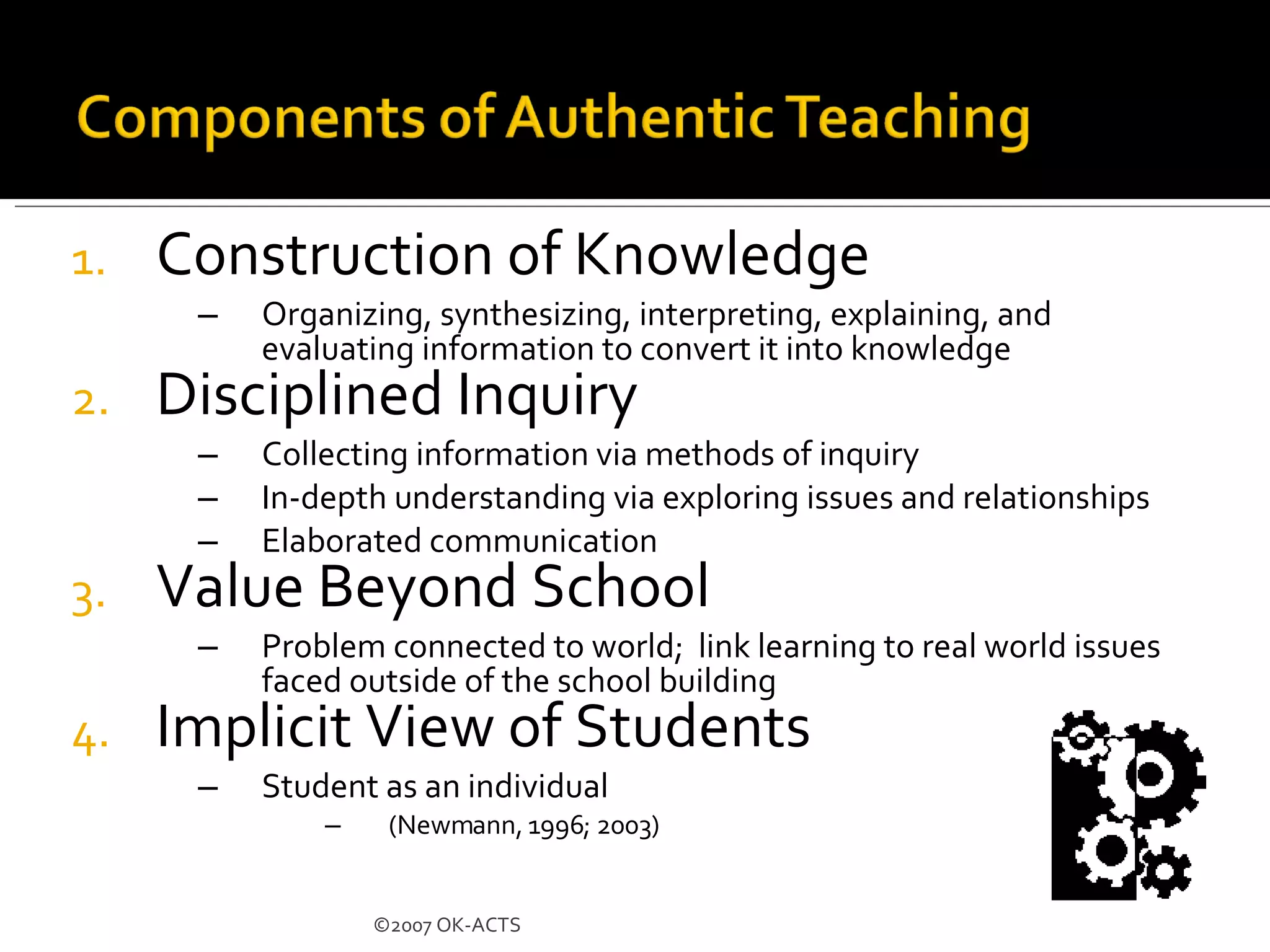
Construction of Knowledge Organizing, synthesizing, interpreting, explaining, and evaluating information to convert it into knowledge Disciplined Inquiry Collecting information via methods of inquiry In-depth understanding via exploring issues and relationships Elaborated communication Value Beyond School Problem connected to world;  link learning to real world issues faced outside of the school building Implicit View of Students Student as an individual (Newmann, 1996; 2003)  ©2007 OK-ACTS
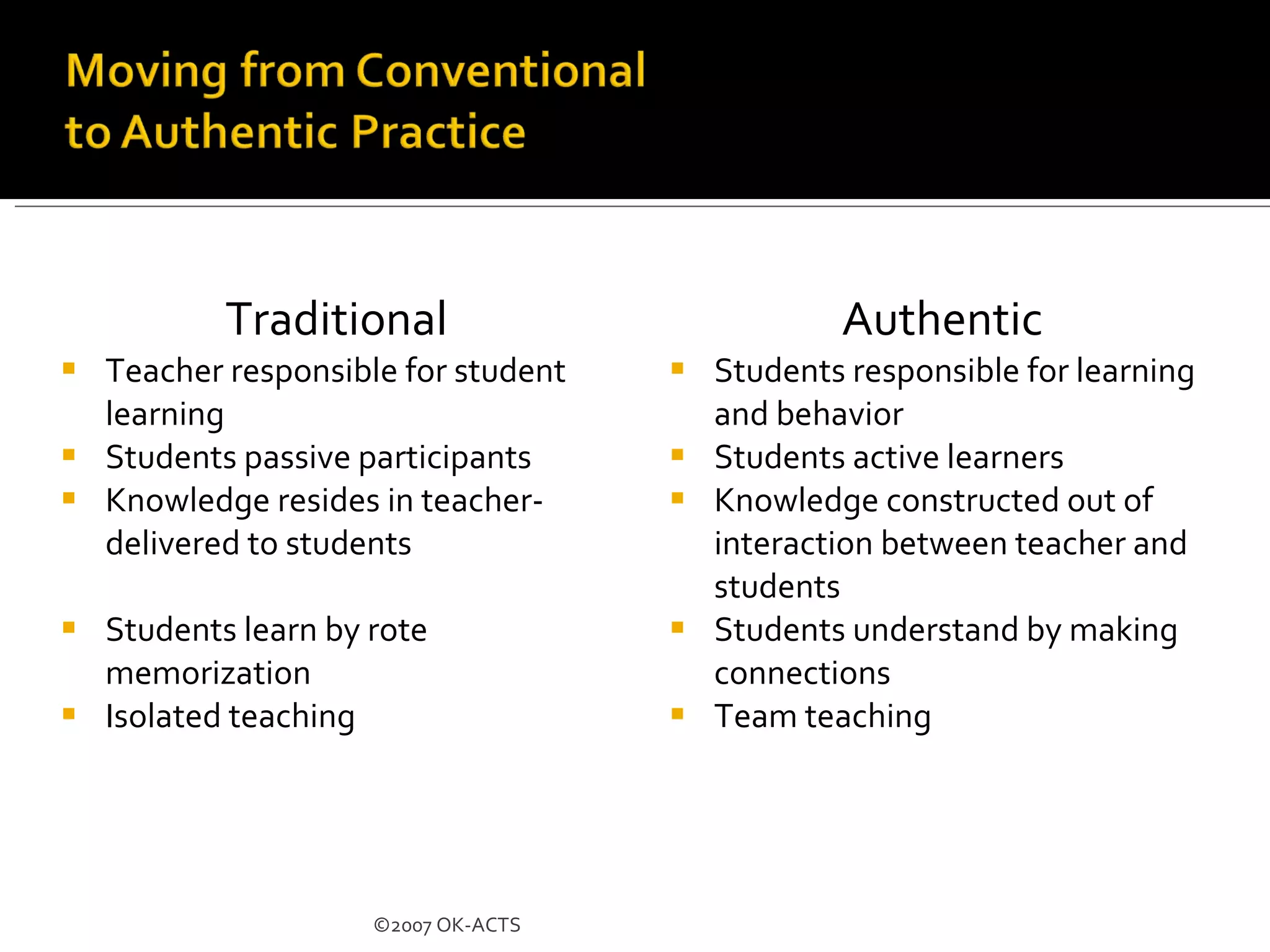
Traditional Teacher responsible for student learning Students passive participants Knowledge resides in teacher-delivered to students Students learn by rote memorization Isolated teaching Authentic Students responsible for learning and behavior Students active learners Knowledge constructed out of interaction between teacher and students Students understand by making connections Team teaching ©2007 OK-ACTS
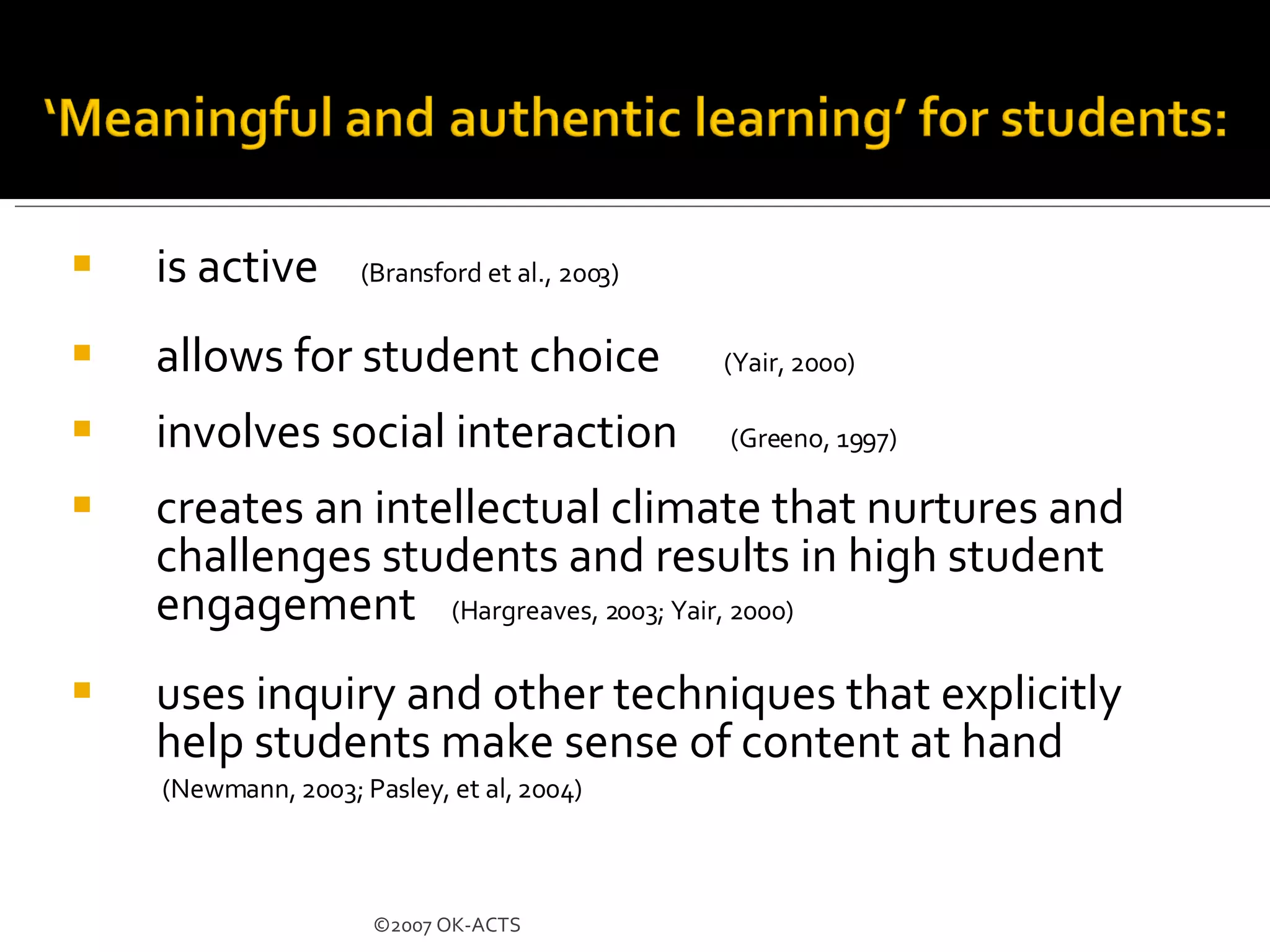
is active  (Bransford et al., 2003)   allows for student choice  (Yair, 2000) involves social interaction  (Greeno, 1997) creates an intellectual climate that nurtures and challenges students and results in high student engagement  (Hargreaves, 2003; Yair, 2000)   uses inquiry and other techniques that explicitly help students make sense of content at hand (Newmann, 2003; Pasley, et al, 2004) ©2007 OK-ACTS
Baker, Gearhart & Herman (1999) Found technology use improved higher-order thinking skills and problem-solving skills Sivin-Kachla (1998) Analyzed 219 research studies Found technology use improved achievement for all students in all grades Wenglinsky (1999) Found technology use brought gains in academic achievement and positively influenced social environment of school National Governors Association (1999) & Barnett (2003) West Virginia and Florida studies found computer use increased standardized test scores
Our students have changed radically. Today’s students are no longer the people our educational system was designed to teach.  … today’s students think and process information fundamentally differently from their predecessors.  it is very likely that our students’ brains have physically changed – and are different from ours – as a result of how they grew up. But whether or not this is literally true, we can say with certainty that their thinking patterns have changed .  Digital Natives, Digital Immigrants  By Marc Prensky  www.marcprensky.com
 
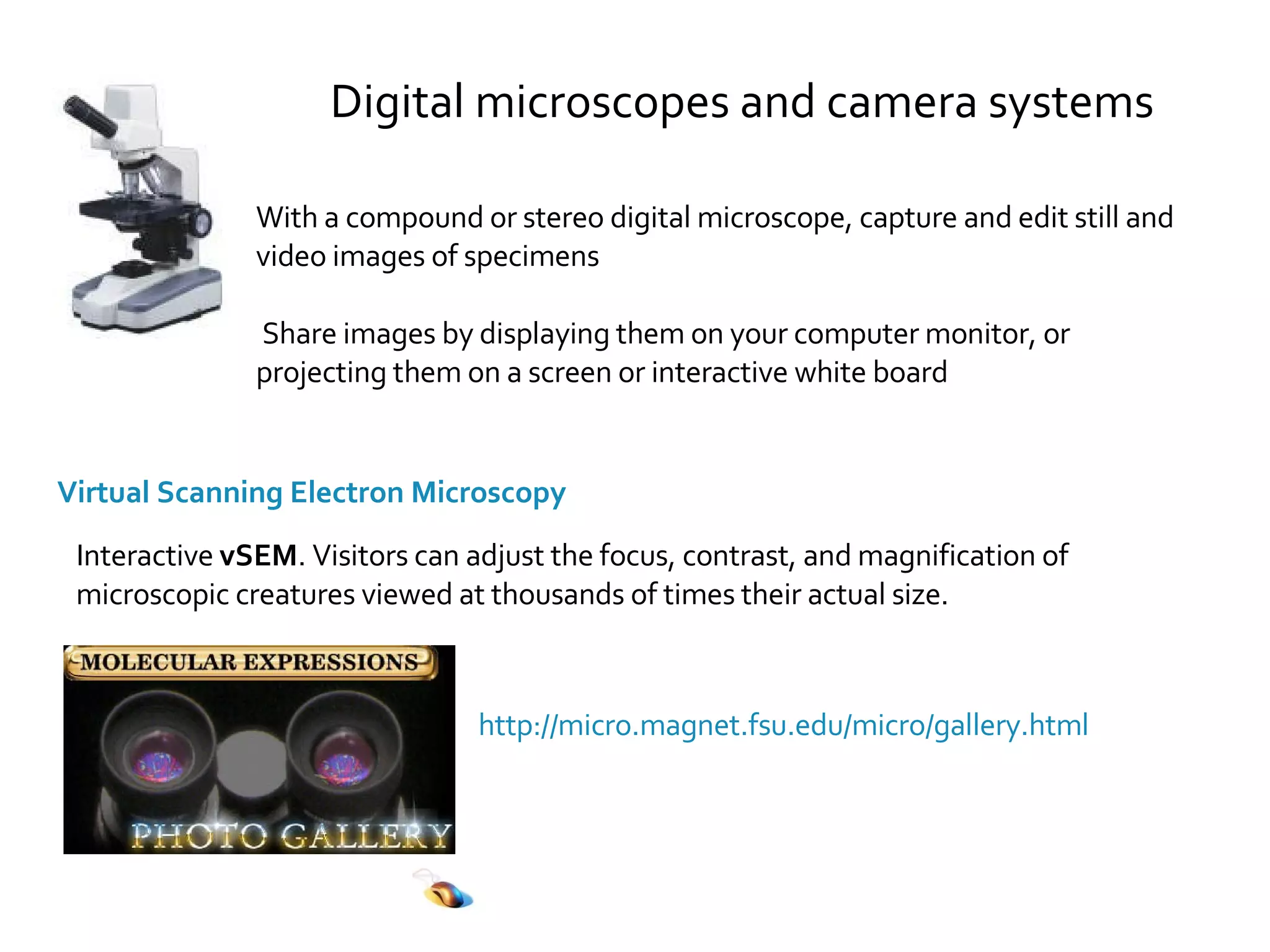
With a compound or stereo digital microscope, capture and edit still and  video images of specimens Share images by displaying them on your computer monitor, or projecting them on a screen or interactive white board Virtual Scanning Electron Microscopy Interactive  vSEM . Visitors can adjust the focus, contrast, and magnification of microscopic creatures viewed at thousands of times their actual size. http://micro.magnet.fsu.edu/micro/gallery.html Digital microscopes and camera systems
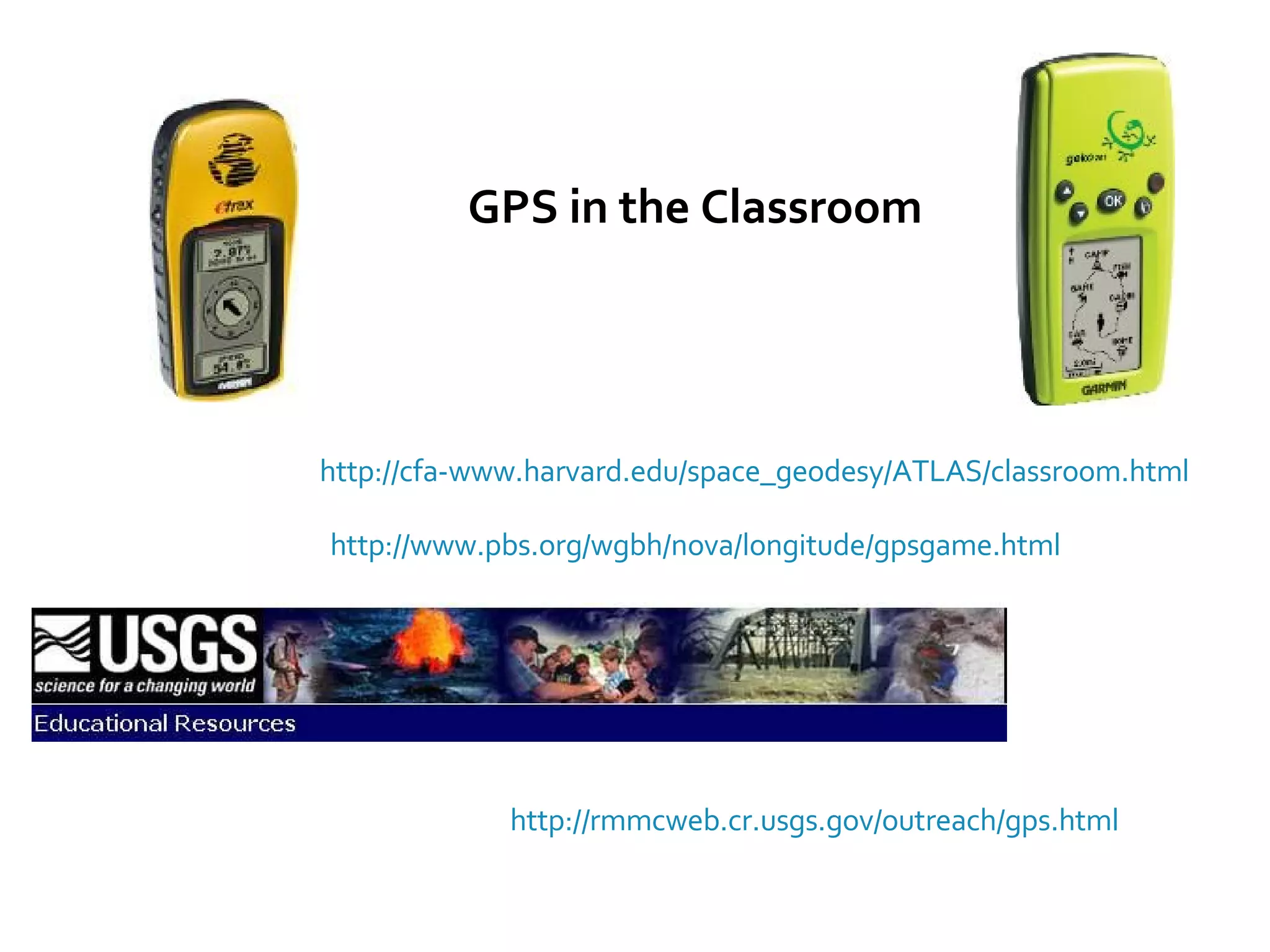
GPS in the Classroom http://cfa-www.harvard.edu/space_geodesy/ATLAS/classroom.html http://rmmcweb.cr.usgs.gov/outreach/gps.html http://www.pbs.org/wgbh/nova/longitude/gpsgame.html
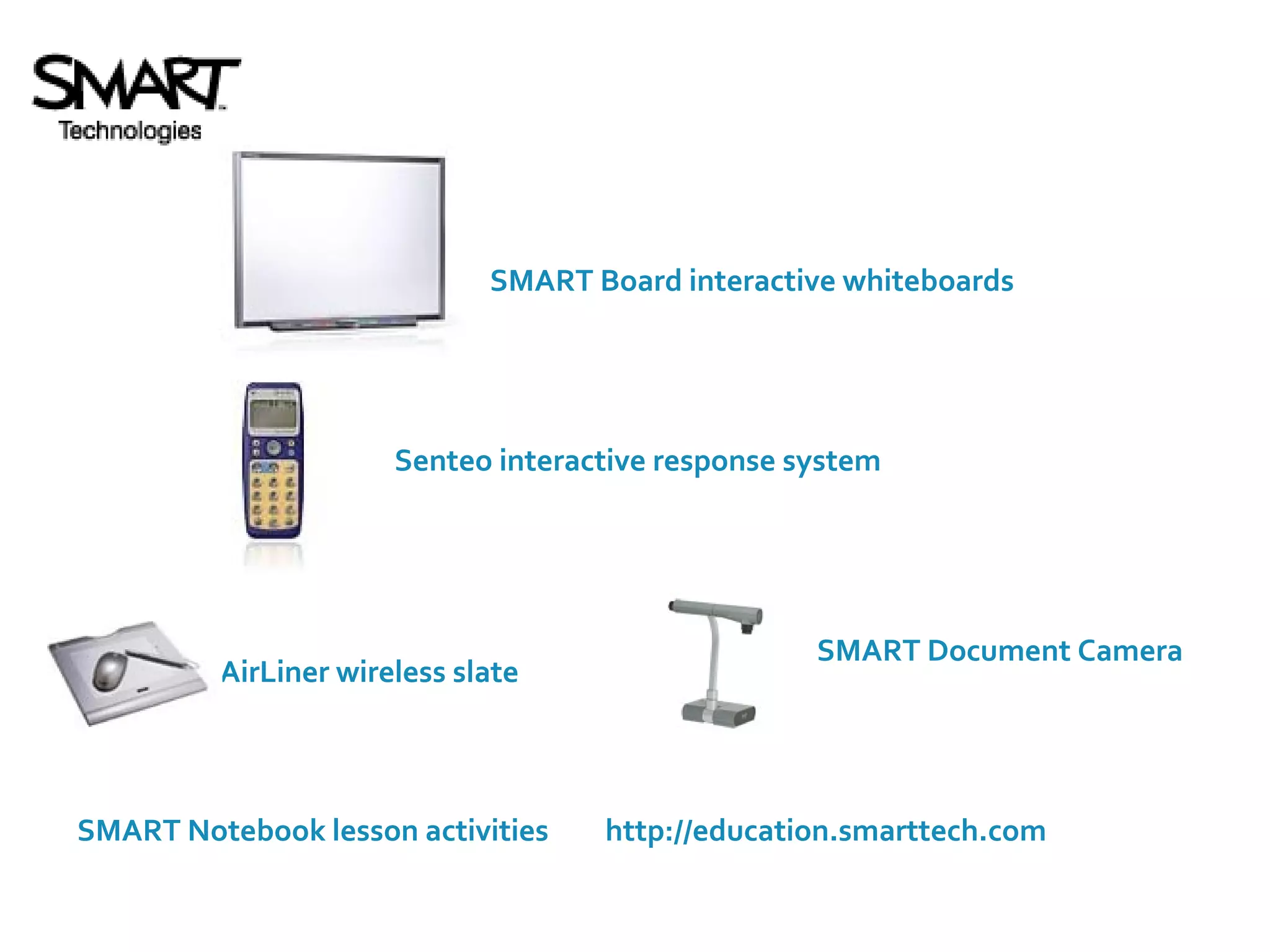
http://education.smarttech.com SMART Notebook lesson activities Senteo interactive response system SMART Board interactive whiteboards AirLiner wireless slate SMART Document Camera
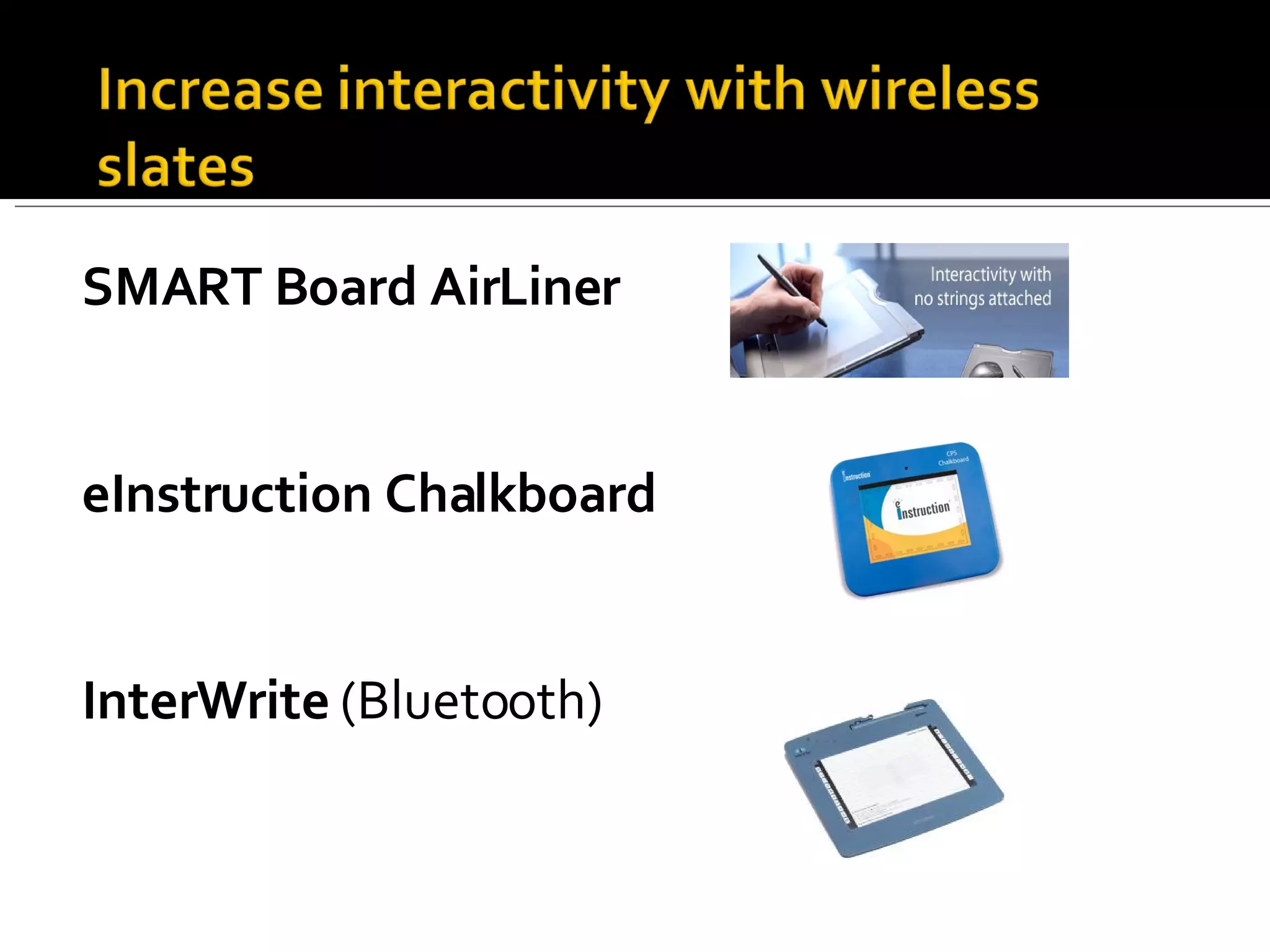
SMART Board AirLiner eInstruction Chalkboard InterWrite  (Bluetooth)
Digital still Cameras Get several for student projects (low cost, < $200) iPhoto (free), Picasa (free), Pixella (free), Adobe Photoshop Elements, PhotoStory Extra media cards, batteries, cases, straps Digital Video cameras Sony, Canon – HD Video Editing PC/Mac Station MovieMaker (free) iMovie (free), Adobe Premiere Elements (low cost) Web cams Student connections to classrooms, resources around the globe
Virtual Field Trips NASA ,  museums ,  zoos ,  aquariums ,  science labs ,  universities ,  medical facilities AT&T Knowledge Network directory of videoconference adventures Connections with classrooms around the state, country, world interactive classroom projects with other schools, anywhere Collaboration connections
The K20 Center Star Schools Project includes the development of a Massive Multiplayer Online Game (MMOG) that embeds a series of scenarios to students in developing and applying basic skills and knowledge in math, reading, science and social studies to solve complex problems.  www.k20center.org For additional information on student engagement and digital game-based learning, contact Scott Wilson at 405.325.2608 or scott.wilson@ou.edu.
The theory being explored is that student learning will improve for two primary reasons: The technology and the games and simulations will be designed to increase student engagement in research-based learning strategies (Marzano, Gaddy, & Dean, 2000), which leads to more learning.    The technology will also permit teachers to quickly and frequently check on student learning progress through customized reports provided via the game platform, assisting teachers to adjust and improve instruction to support student learning.
NSDL  is the Nation's online library for education and research in Science, Technology, Engineering, Mathematics. Subject Gateways:  Biology, Chemistry, Computational Science, Engineering, Physics & Astronomy http://nsdl.org/
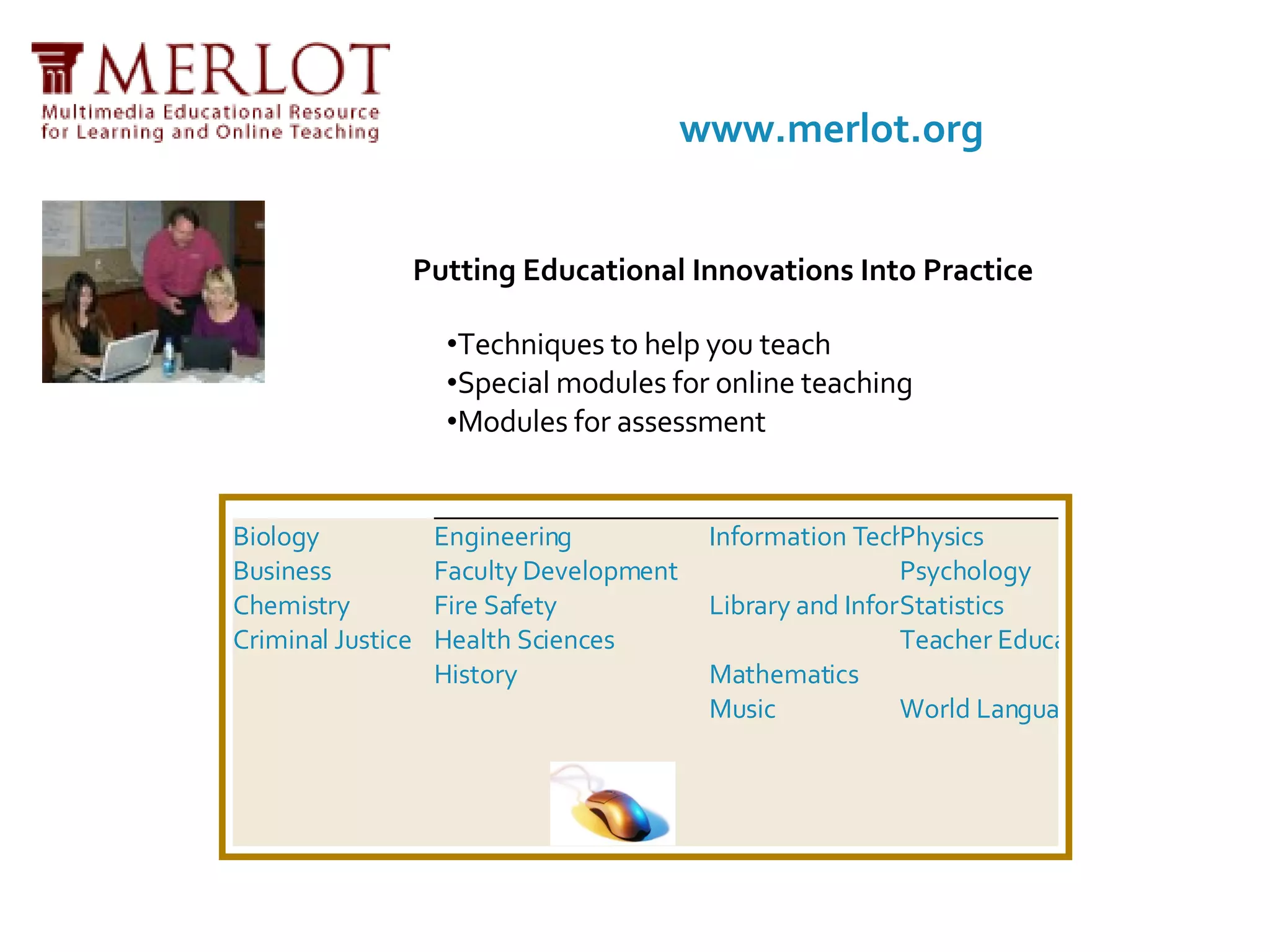
Putting Educational Innovations Into Practice Techniques to help you teach  Special modules for online teaching  Modules for assessment  www.merlot.org Biology Business Chemistry Criminal Justice Engineering Faculty Development Fire Safety Health Sciences History Information Technology Library and Information Services Mathematics Music Physics Psychology Statistics Teacher Education World Languages
http://webquest.org/ An inquiry-oriented lesson format in which most or all the information that learners work with comes from the web Developed by  Bernie Dodge  at San Diego State University in February, 1995 with early input from SDSU/Pacific Bell Fellow  Tom March,  the  Educational Technology  staff at San Diego Unified School District, and waves of participants each summer at the  Teach the Teachers Consortium .
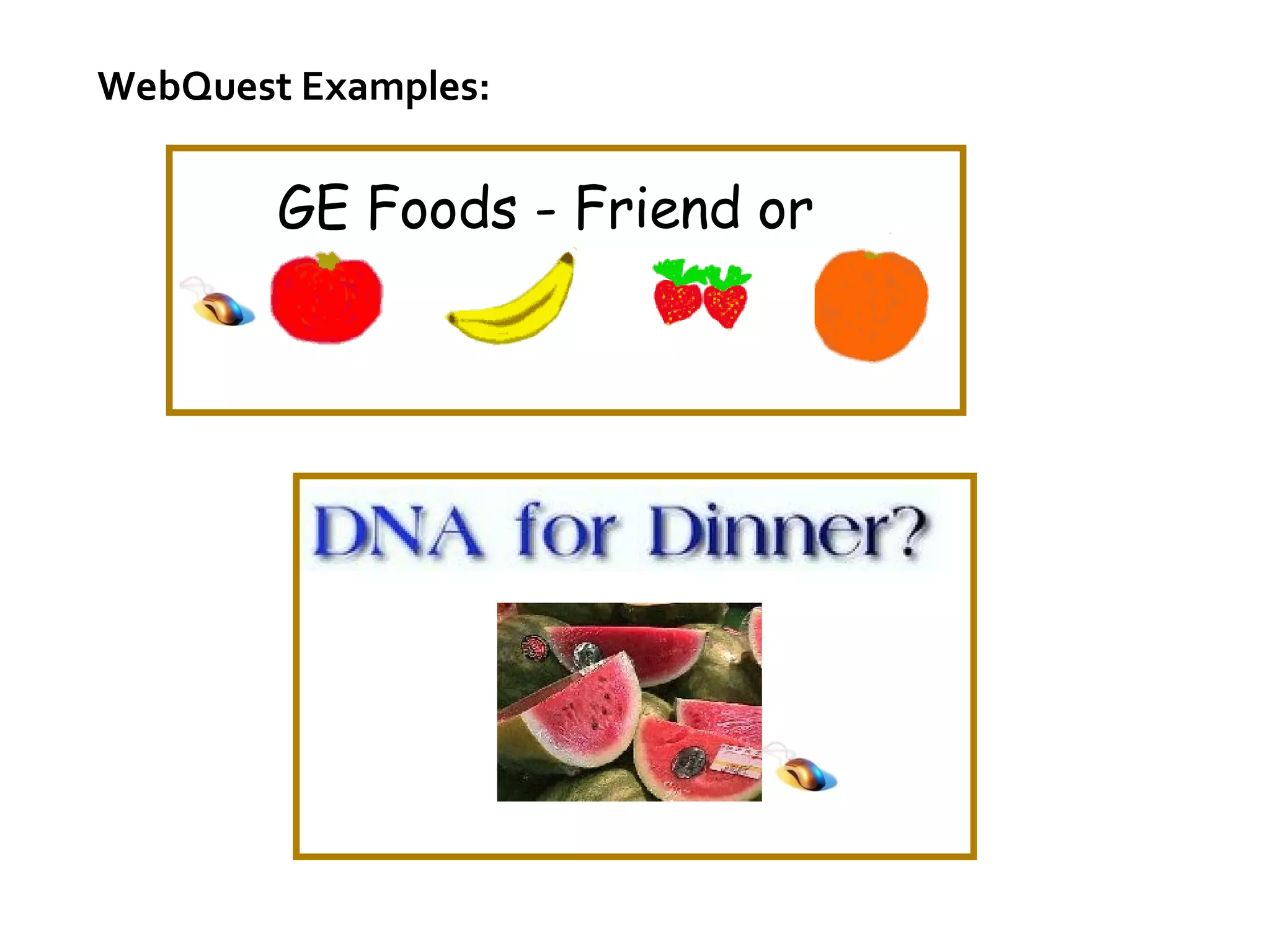
WebQuest Examples: GE Foods - Friend or Foe?
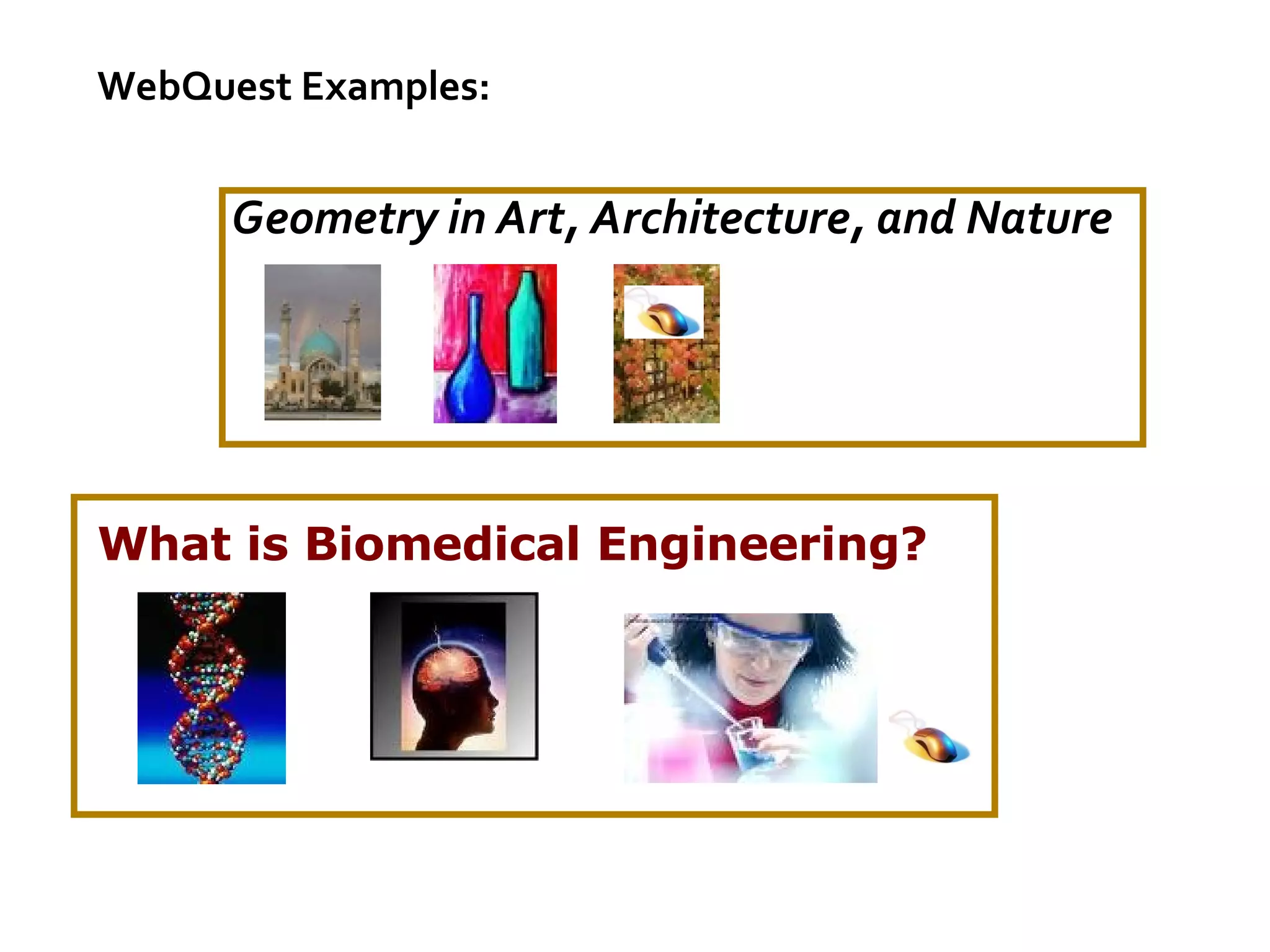
What is Biomedical Engineering?   WebQuest Examples: Geometry in Art, Architecture, and Nature
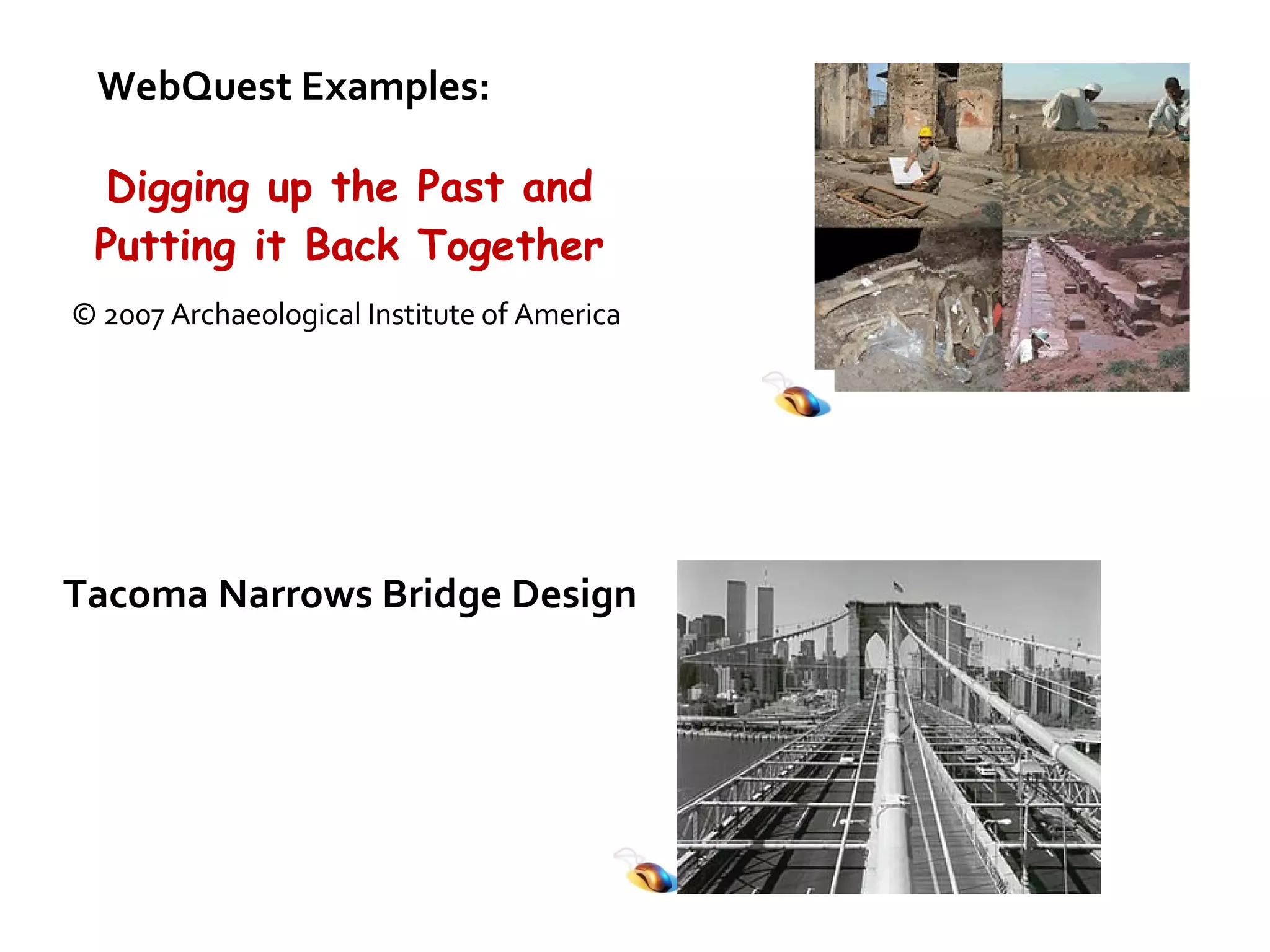
Tacoma Narrows Bridge Design WebQuest Examples: Digging up the Past and Putting it Back Together © 2007 Archaeological Institute of America
Other interesting technology tools for education: http://www.google.com/educators/p_sketchup.html SketchUp is a great tool for easily teaching kids to construct 3D models of buildings, trees, cars, and the like. You can use it as a stand-alone tool, or in conjunction with Google Earth and the 3D Warehouse.  Also check out Google Earth, Google Sky, and Google Maps. http://highschoolace.com/ace/ace.cfm    Biology     Chemistry     Earth Science     English     Foreign Languages     Math     Physics     U.S. History     World History Subject Guides:
http://www.apple.com/education/digitalauthoring/podcasting.html Podcasting in Education Jing Project – Online video capturing and sharing http://www.jingproject.com/ http://www.learner.org/ http://technologypd.pbwiki.com/Skype+in+Education
Contact Information: Brenda Craige [email_address] University of Oklahoma K20 Center of Educational and Community Renewal www.k20center.org Access this presentation at: http://tinyurl.com/6jkv77

Authentic Technology Integration Stem Classrooms

  • 1.
    Brenda Craige ODCTE-K20Center Partnership University of Oklahoma
  • 2.
    Construction of KnowledgeOrganizing, synthesizing, interpreting, explaining, and evaluating information to convert it into knowledge Disciplined Inquiry Collecting information via methods of inquiry In-depth understanding via exploring issues and relationships Elaborated communication Value Beyond School Problem connected to world; link learning to real world issues faced outside of the school building Implicit View of Students Student as an individual (Newmann, 1996; 2003) ©2007 OK-ACTS
  • 3.
    Traditional Teacher responsiblefor student learning Students passive participants Knowledge resides in teacher-delivered to students Students learn by rote memorization Isolated teaching Authentic Students responsible for learning and behavior Students active learners Knowledge constructed out of interaction between teacher and students Students understand by making connections Team teaching ©2007 OK-ACTS
  • 4.
    is active (Bransford et al., 2003) allows for student choice (Yair, 2000) involves social interaction (Greeno, 1997) creates an intellectual climate that nurtures and challenges students and results in high student engagement (Hargreaves, 2003; Yair, 2000) uses inquiry and other techniques that explicitly help students make sense of content at hand (Newmann, 2003; Pasley, et al, 2004) ©2007 OK-ACTS
  • 5.
    Baker, Gearhart &Herman (1999) Found technology use improved higher-order thinking skills and problem-solving skills Sivin-Kachla (1998) Analyzed 219 research studies Found technology use improved achievement for all students in all grades Wenglinsky (1999) Found technology use brought gains in academic achievement and positively influenced social environment of school National Governors Association (1999) & Barnett (2003) West Virginia and Florida studies found computer use increased standardized test scores
  • 6.
    Our students havechanged radically. Today’s students are no longer the people our educational system was designed to teach. … today’s students think and process information fundamentally differently from their predecessors. it is very likely that our students’ brains have physically changed – and are different from ours – as a result of how they grew up. But whether or not this is literally true, we can say with certainty that their thinking patterns have changed . Digital Natives, Digital Immigrants By Marc Prensky www.marcprensky.com
  • 7.
  • 8.
    With a compoundor stereo digital microscope, capture and edit still and video images of specimens Share images by displaying them on your computer monitor, or projecting them on a screen or interactive white board Virtual Scanning Electron Microscopy Interactive vSEM . Visitors can adjust the focus, contrast, and magnification of microscopic creatures viewed at thousands of times their actual size. http://micro.magnet.fsu.edu/micro/gallery.html Digital microscopes and camera systems
  • 9.
    GPS in theClassroom http://cfa-www.harvard.edu/space_geodesy/ATLAS/classroom.html http://rmmcweb.cr.usgs.gov/outreach/gps.html http://www.pbs.org/wgbh/nova/longitude/gpsgame.html
  • 10.
    http://education.smarttech.com SMART Notebooklesson activities Senteo interactive response system SMART Board interactive whiteboards AirLiner wireless slate SMART Document Camera
  • 11.
    SMART Board AirLinereInstruction Chalkboard InterWrite (Bluetooth)
  • 12.
    Digital still CamerasGet several for student projects (low cost, < $200) iPhoto (free), Picasa (free), Pixella (free), Adobe Photoshop Elements, PhotoStory Extra media cards, batteries, cases, straps Digital Video cameras Sony, Canon – HD Video Editing PC/Mac Station MovieMaker (free) iMovie (free), Adobe Premiere Elements (low cost) Web cams Student connections to classrooms, resources around the globe
  • 13.
    Virtual Field TripsNASA , museums , zoos , aquariums , science labs , universities , medical facilities AT&T Knowledge Network directory of videoconference adventures Connections with classrooms around the state, country, world interactive classroom projects with other schools, anywhere Collaboration connections
  • 14.
    The K20 CenterStar Schools Project includes the development of a Massive Multiplayer Online Game (MMOG) that embeds a series of scenarios to students in developing and applying basic skills and knowledge in math, reading, science and social studies to solve complex problems. www.k20center.org For additional information on student engagement and digital game-based learning, contact Scott Wilson at 405.325.2608 or scott.wilson@ou.edu.
  • 15.
    The theory beingexplored is that student learning will improve for two primary reasons: The technology and the games and simulations will be designed to increase student engagement in research-based learning strategies (Marzano, Gaddy, & Dean, 2000), which leads to more learning.   The technology will also permit teachers to quickly and frequently check on student learning progress through customized reports provided via the game platform, assisting teachers to adjust and improve instruction to support student learning.
  • 16.
    NSDL isthe Nation's online library for education and research in Science, Technology, Engineering, Mathematics. Subject Gateways: Biology, Chemistry, Computational Science, Engineering, Physics & Astronomy http://nsdl.org/
  • 17.
    Putting Educational InnovationsInto Practice Techniques to help you teach Special modules for online teaching Modules for assessment www.merlot.org Biology Business Chemistry Criminal Justice Engineering Faculty Development Fire Safety Health Sciences History Information Technology Library and Information Services Mathematics Music Physics Psychology Statistics Teacher Education World Languages
  • 18.
    http://webquest.org/ An inquiry-orientedlesson format in which most or all the information that learners work with comes from the web Developed by Bernie Dodge at San Diego State University in February, 1995 with early input from SDSU/Pacific Bell Fellow Tom March, the Educational Technology staff at San Diego Unified School District, and waves of participants each summer at the Teach the Teachers Consortium .
  • 19.
    WebQuest Examples: GEFoods - Friend or Foe?
  • 20.
    What is BiomedicalEngineering? WebQuest Examples: Geometry in Art, Architecture, and Nature
  • 21.
    Tacoma Narrows BridgeDesign WebQuest Examples: Digging up the Past and Putting it Back Together © 2007 Archaeological Institute of America
  • 22.
    Other interesting technologytools for education: http://www.google.com/educators/p_sketchup.html SketchUp is a great tool for easily teaching kids to construct 3D models of buildings, trees, cars, and the like. You can use it as a stand-alone tool, or in conjunction with Google Earth and the 3D Warehouse. Also check out Google Earth, Google Sky, and Google Maps. http://highschoolace.com/ace/ace.cfm Biology    Chemistry    Earth Science    English    Foreign Languages    Math    Physics    U.S. History    World History Subject Guides:
  • 23.
    http://www.apple.com/education/digitalauthoring/podcasting.html Podcasting inEducation Jing Project – Online video capturing and sharing http://www.jingproject.com/ http://www.learner.org/ http://technologypd.pbwiki.com/Skype+in+Education
  • 24.
    Contact Information: BrendaCraige [email_address] University of Oklahoma K20 Center of Educational and Community Renewal www.k20center.org Access this presentation at: http://tinyurl.com/6jkv77