B. Dilling October 8 th  & 23 rd , 2008
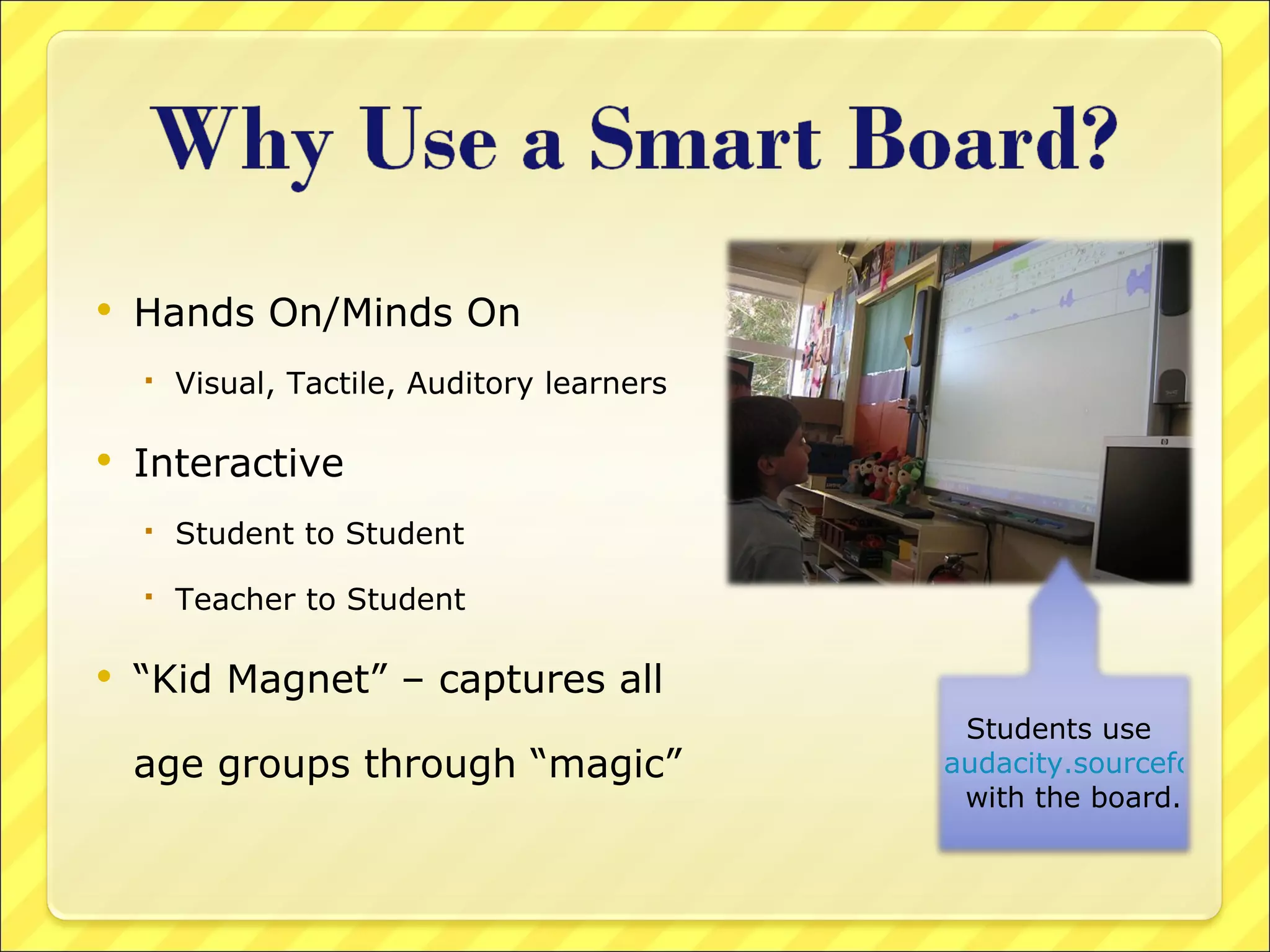
Hands On/Minds On Visual, Tactile, Auditory learners Interactive Student to Student Teacher to Student “ Kid Magnet” – captures all age groups through “magic” Students use  audacity.sourceforge.net/   with the board.
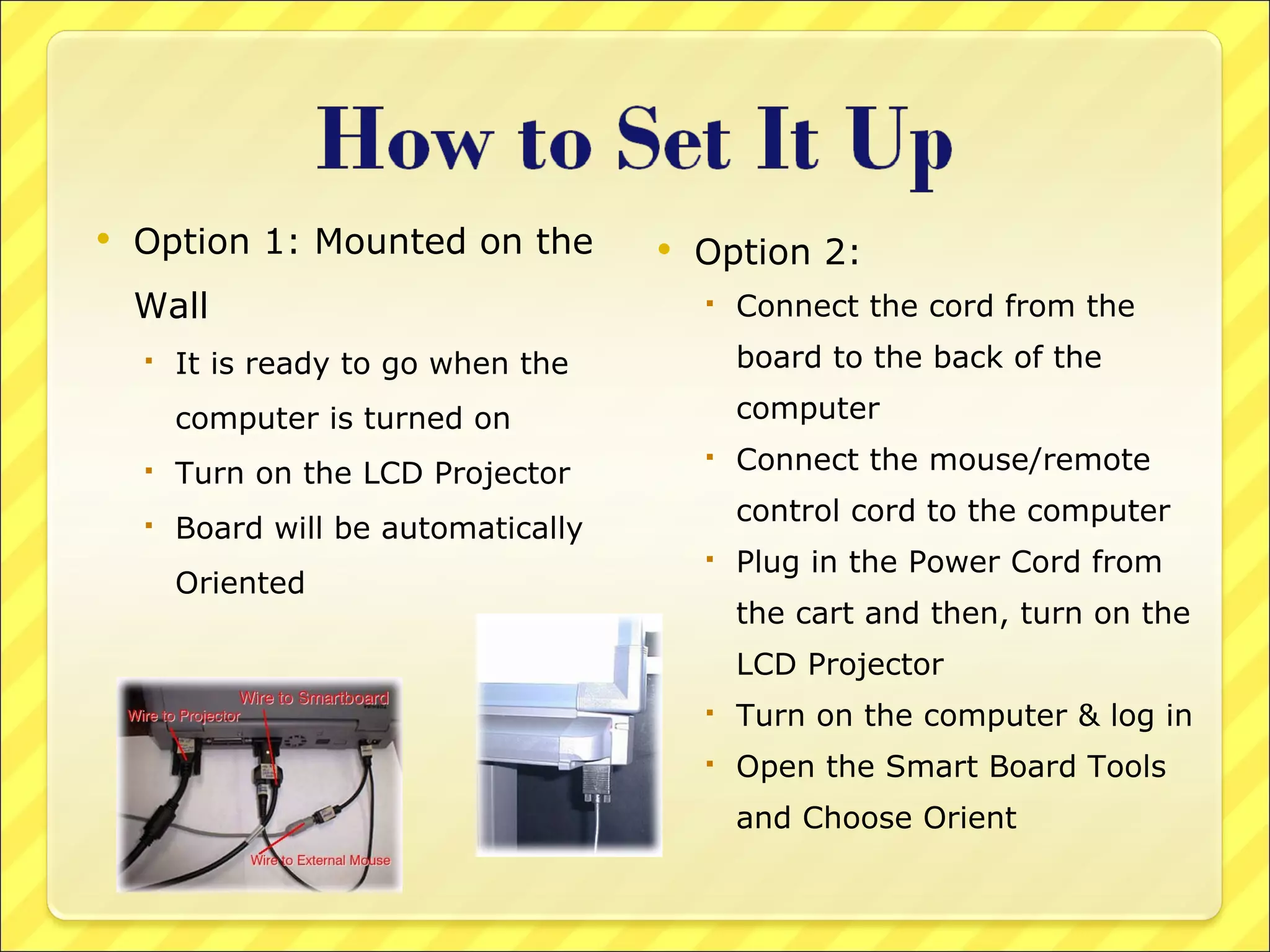
Option 1: Mounted on the Wall It is ready to go when the computer is turned on Turn on the LCD Projector Board will be automatically Oriented Option 2:  Connect the cord from the board to the back of the computer Connect the mouse/remote control cord to the computer Plug in the Power Cord from the cart and then, turn on the LCD Projector Turn on the computer & log in Open the Smart Board Tools and Choose Orient
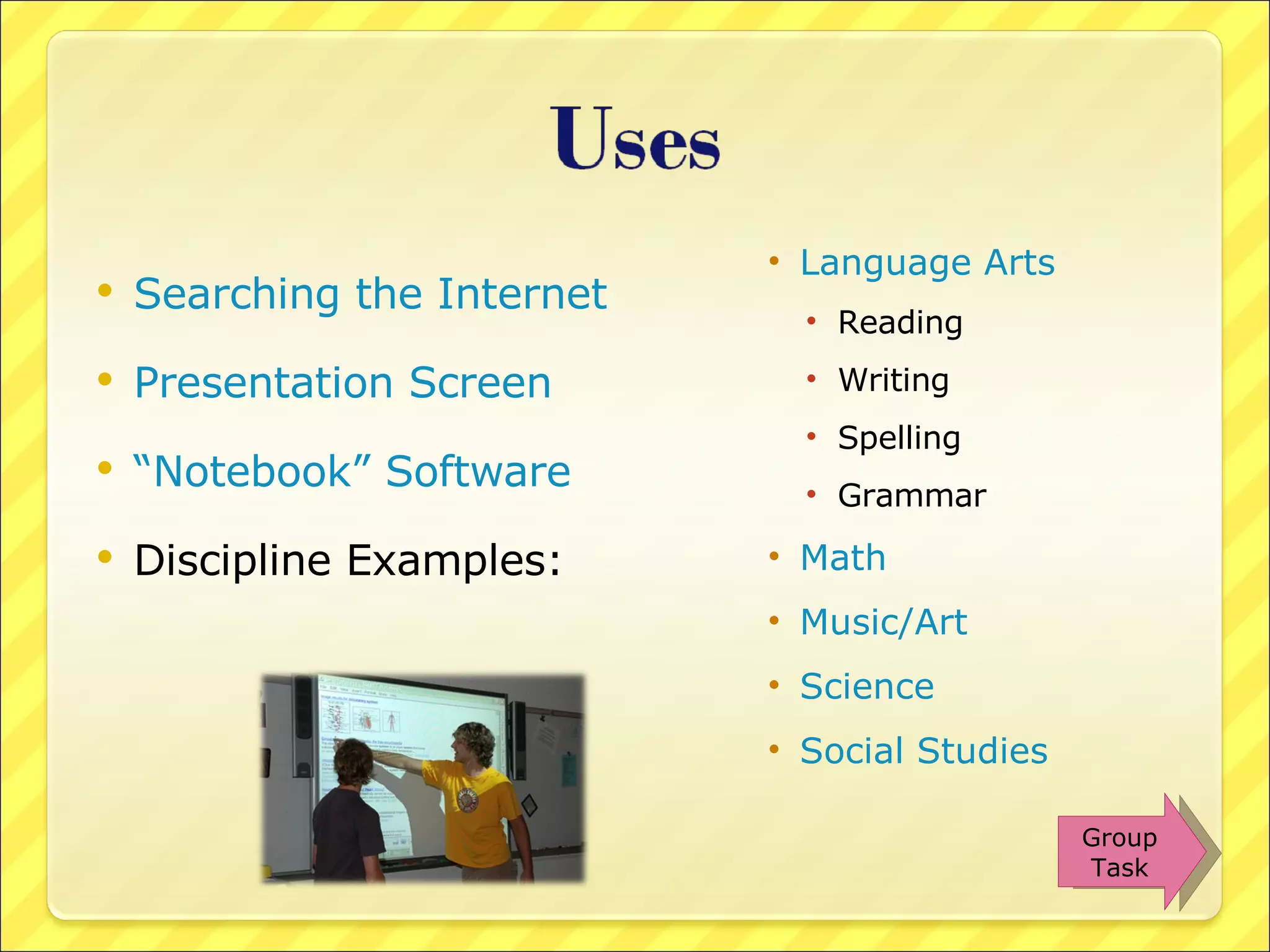
Searching the Internet Presentation Screen “Notebook” Software Discipline Examples: Language Arts Reading Writing Spelling Grammar Math Music/Art Science Social Studies Group Task
Visit websites as a large group Virtual Field Trips www.theteachersguide.com/virtualtours.html www.educationworld.com/a_tech/tech/tech071.shtml Webquests San Diego Webquest Directory www.webquest.org/index.php   Online puzzles/games www.funbrain.com www.arcademicbrainbuilder.com www.jigzone.com/   Web 2.0 Sites www.go2web20.net www.web20guru.us http://eduwikius.wikispaces.com/ www.wordle.net www.webspiration.com Uses
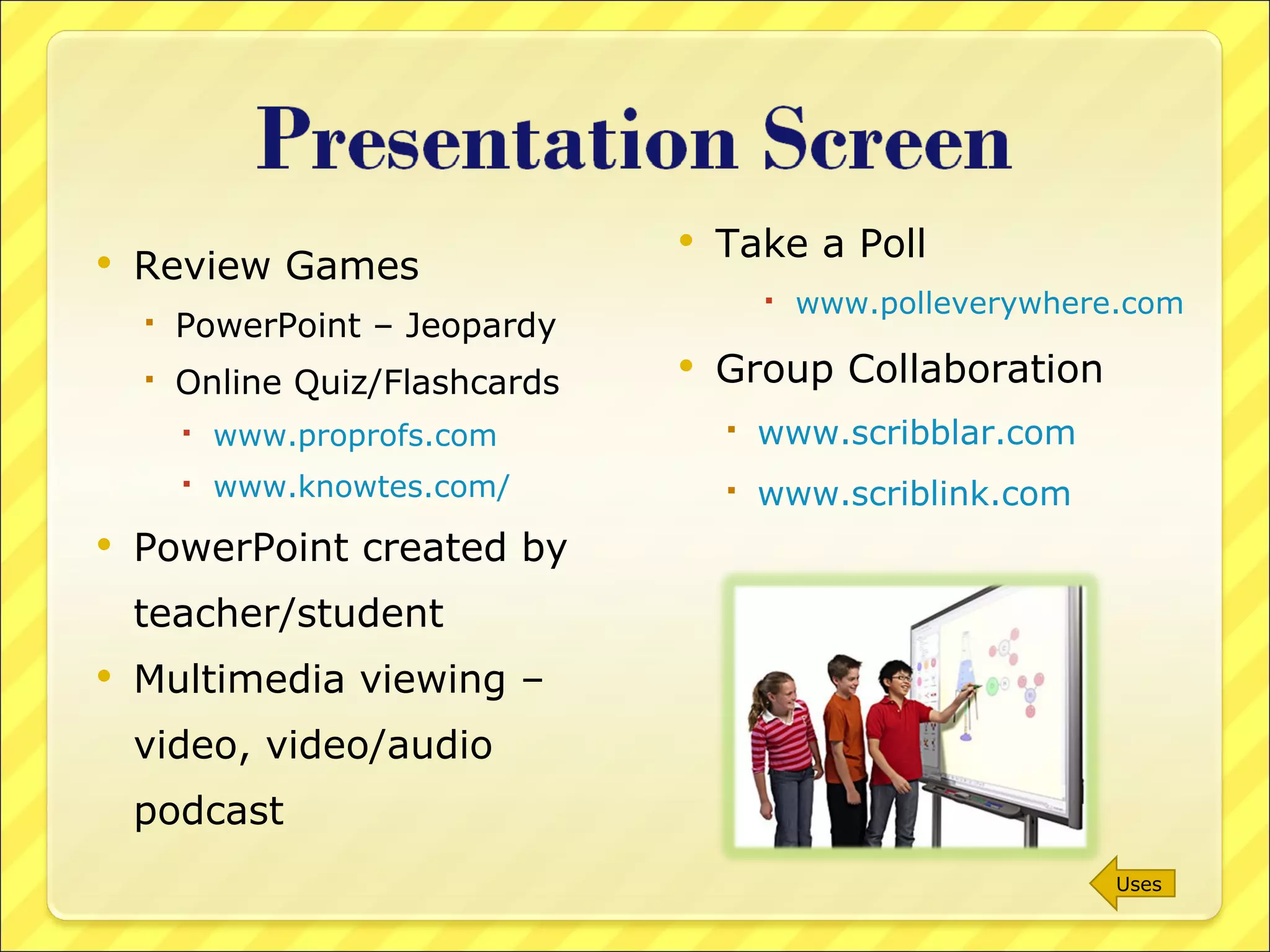
Review Games PowerPoint – Jeopardy Online Quiz/Flashcards  www.proprofs.com www.knowtes.com/ PowerPoint created by teacher/student Multimedia viewing – video, video/audio podcast Take a Poll www.polleverywhere.com Group Collaboration www.scribblar.com www.scriblink.com   Uses
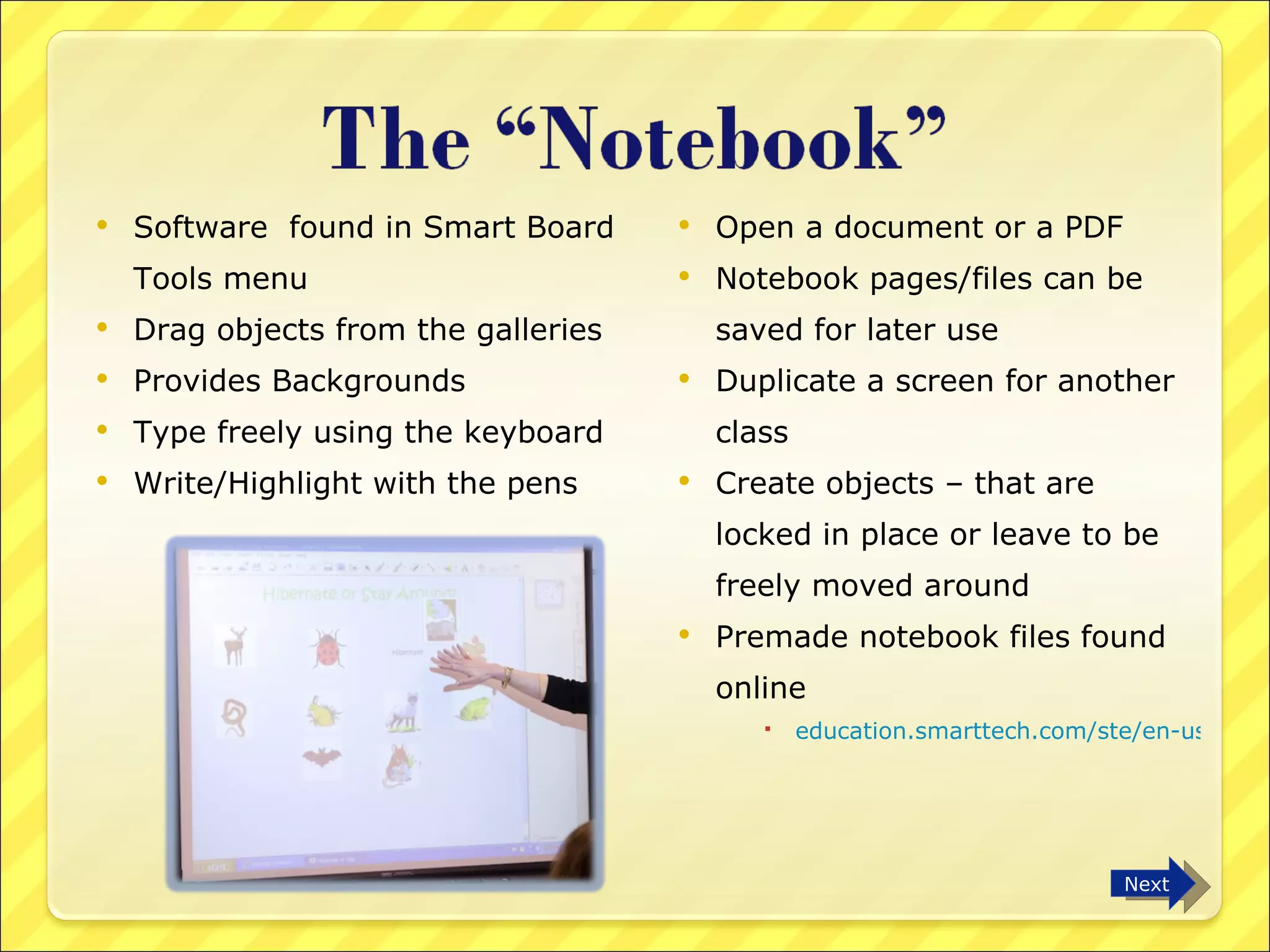
Software  found in Smart Board Tools menu Drag objects from the galleries Provides Backgrounds Type freely using the keyboard  Write/Highlight with the pens Open a document or a PDF  Notebook pages/files can be saved for later use Duplicate a screen for another class Create objects – that are locked in place or leave to be freely moved around Premade notebook files found online education.smarttech.com/ste/en-us/   Next
Plain white screen or insert a background from the gallery Notebook paper Clocks Graph paper/dots Music sheets Maps Move through various screens Format font; insert drawing objects Clone, delete, select vs. select all, flip, rotate Background color Pen colors, width Highlighting Uses
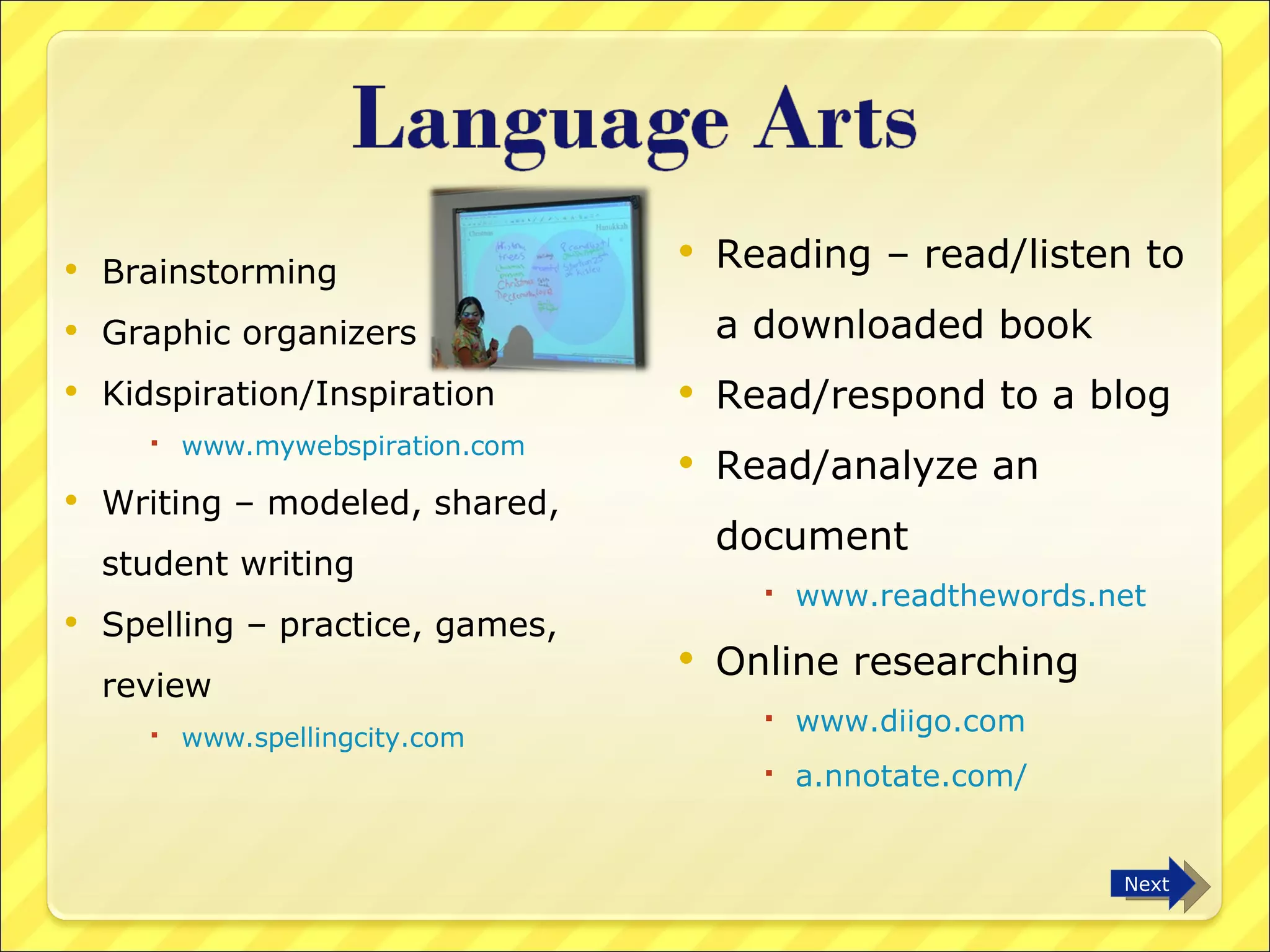
Brainstorming Graphic organizers Kidspiration/Inspiration www.mywebspiration.com Writing – modeled, shared, student writing Spelling – practice, games, review www.spellingcity.com Reading – read/listen to a downloaded book Read/respond to a blog Read/analyze an  document www.readthewords.net Online researching www.diigo.com   a.nnotate.com/   Next
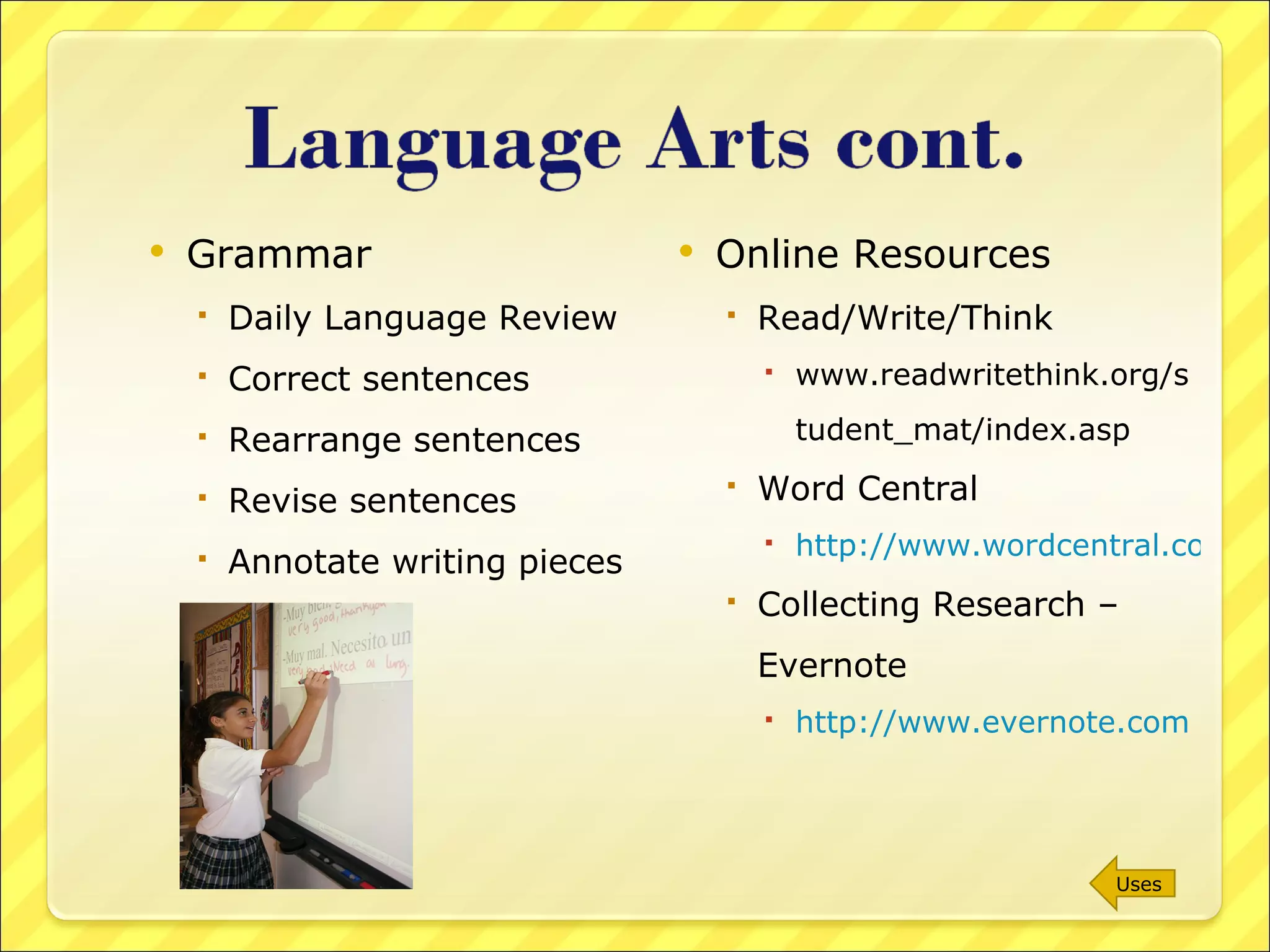
Grammar Daily Language Review Correct sentences Rearrange sentences Revise sentences Annotate writing pieces Online Resources Read/Write/Think  www.readwritethink.org/student_mat/index.asp Word Central http://www.wordcentral.com/index.html Collecting Research – Evernote http://www.evernote.com   Uses
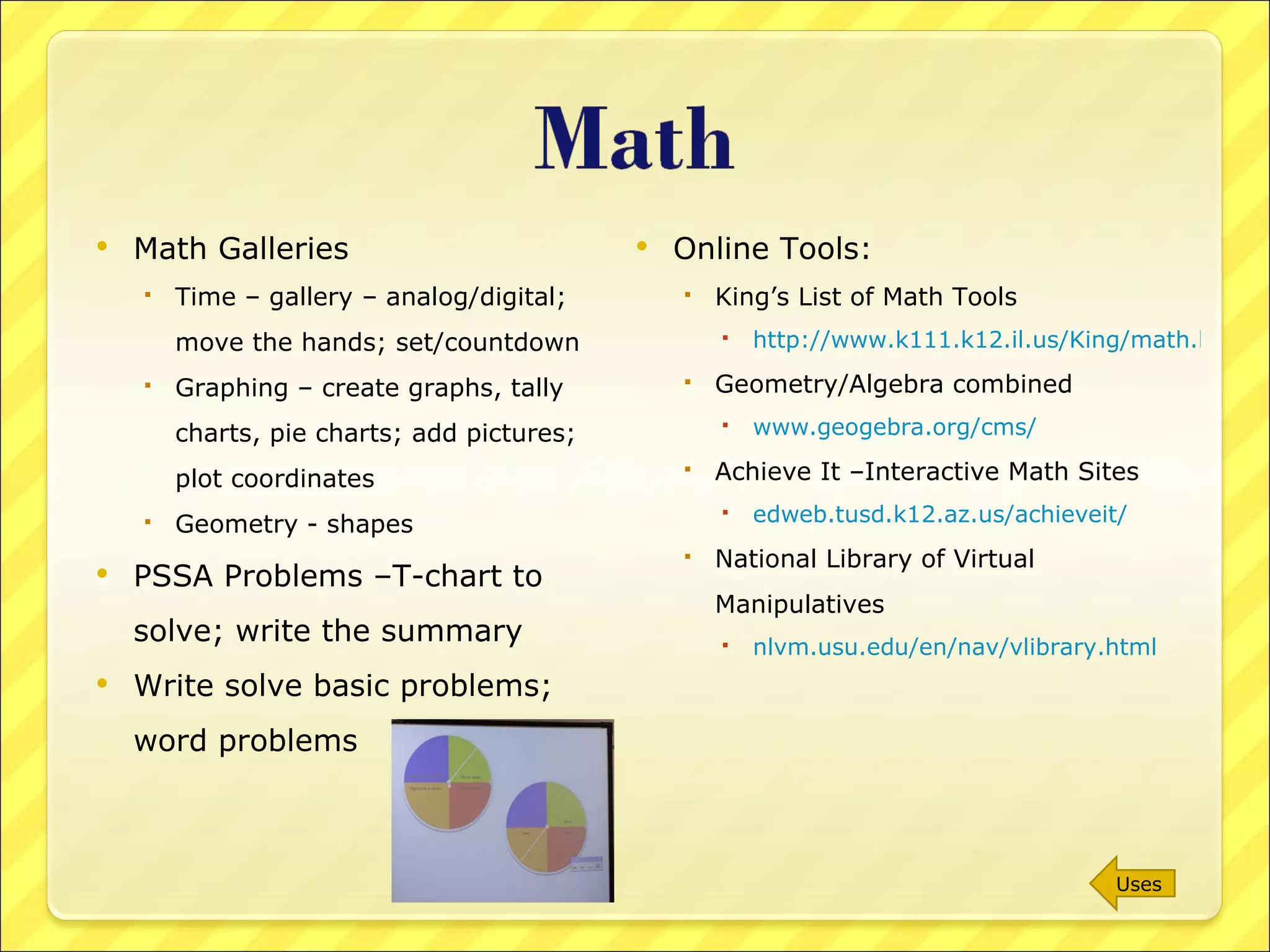
Math Galleries Time – gallery – analog/digital; move the hands; set/countdown Graphing – create graphs, tally charts, pie charts; add pictures; plot coordinates Geometry - shapes PSSA Problems –T-chart to solve; write the summary Write solve basic problems; word problems Online Tools: King’s List of Math Tools http://www.k111.k12.il.us/King/math.htm Geometry/Algebra combined  www.geogebra.org/cms/ Achieve It –Interactive Math Sites  edweb.tusd.k12.az.us/achieveit/ National Library of Virtual Manipulatives nlvm.usu.edu/en/nav/vlibrary.html   Uses
Music Gallery Sheet music; notes Add instruments Online : Create a Jam www.jamglue.com/ Primary Music www.kids-space.org/HPT/menu.html Sing Online www.karaokeparty.com/en   White Drawing Space Drawing Tools Objects/colors/positions Online Tools: Splashup www.splashup.com/   National Gallery of Art www.nga.gov/kids/kids.htm   Offtype www.offtype.net/   Google SketchUp sketchup.google.com/   Glogster www.glogster.com   Uses
Steps in the Scientific Process Record Data/results Labeling diagrams Food webs – design Online experiments/ demonstrations Science Gallery Online Tools: Physics Simulations phet.colorado.edu/simulations/index.php?cat=Featured_Sims Sci Link – find/contact scientists www.scilink.com/start.action Science Videos www.learnerstv.com/ Visible/Interactive Human Body http://www.visiblebody.com/   Uses
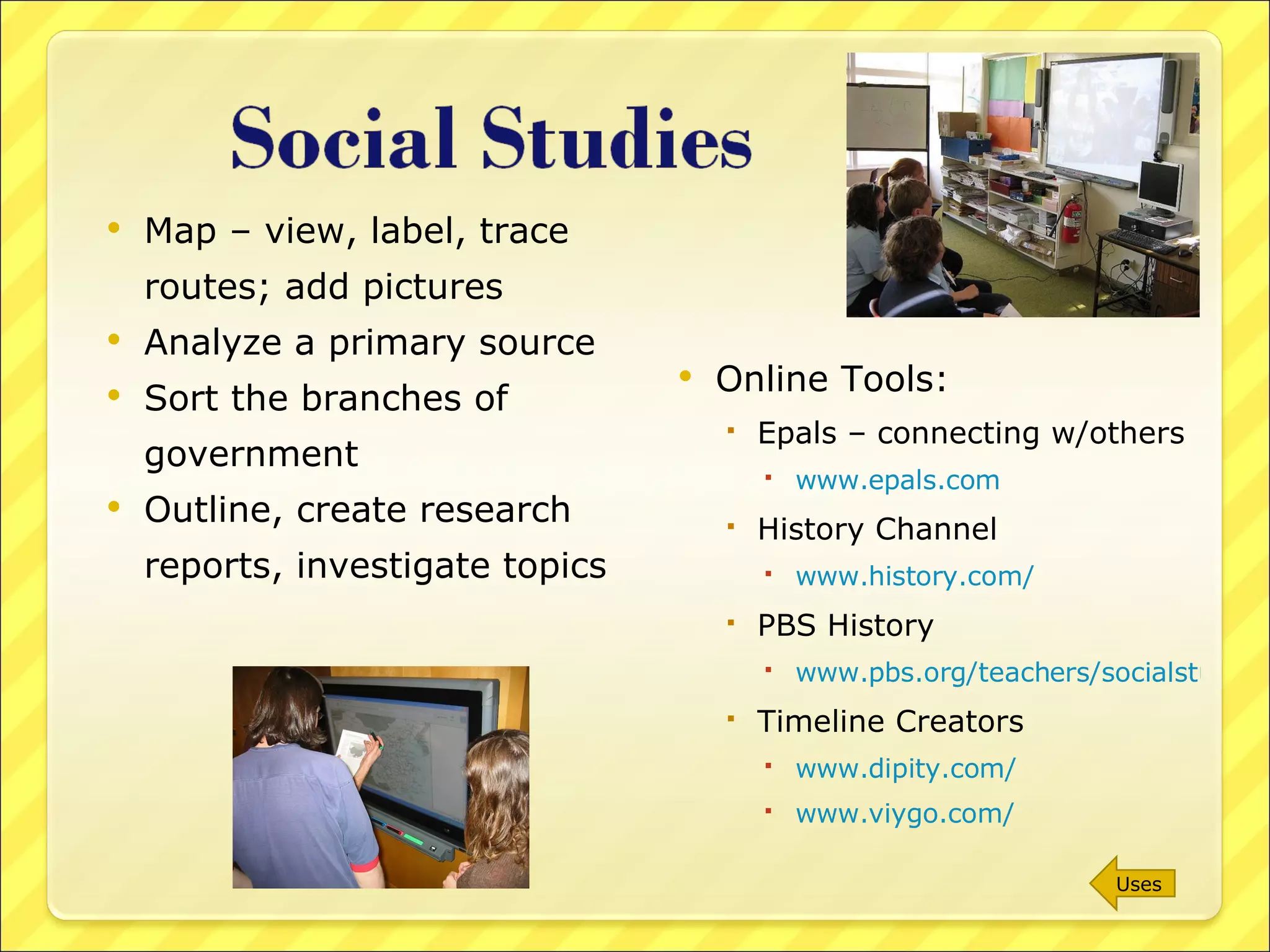
Map – view, label, trace routes; add pictures Analyze a primary source Sort the branches of government Outline, create research reports, investigate topics Online Tools: Epals – connecting w/others www.epals.com History Channel www.history.com/   PBS History www.pbs.org/teachers/socialstudies/ Timeline Creators www.dipity.com/ www.viygo.com/ Uses
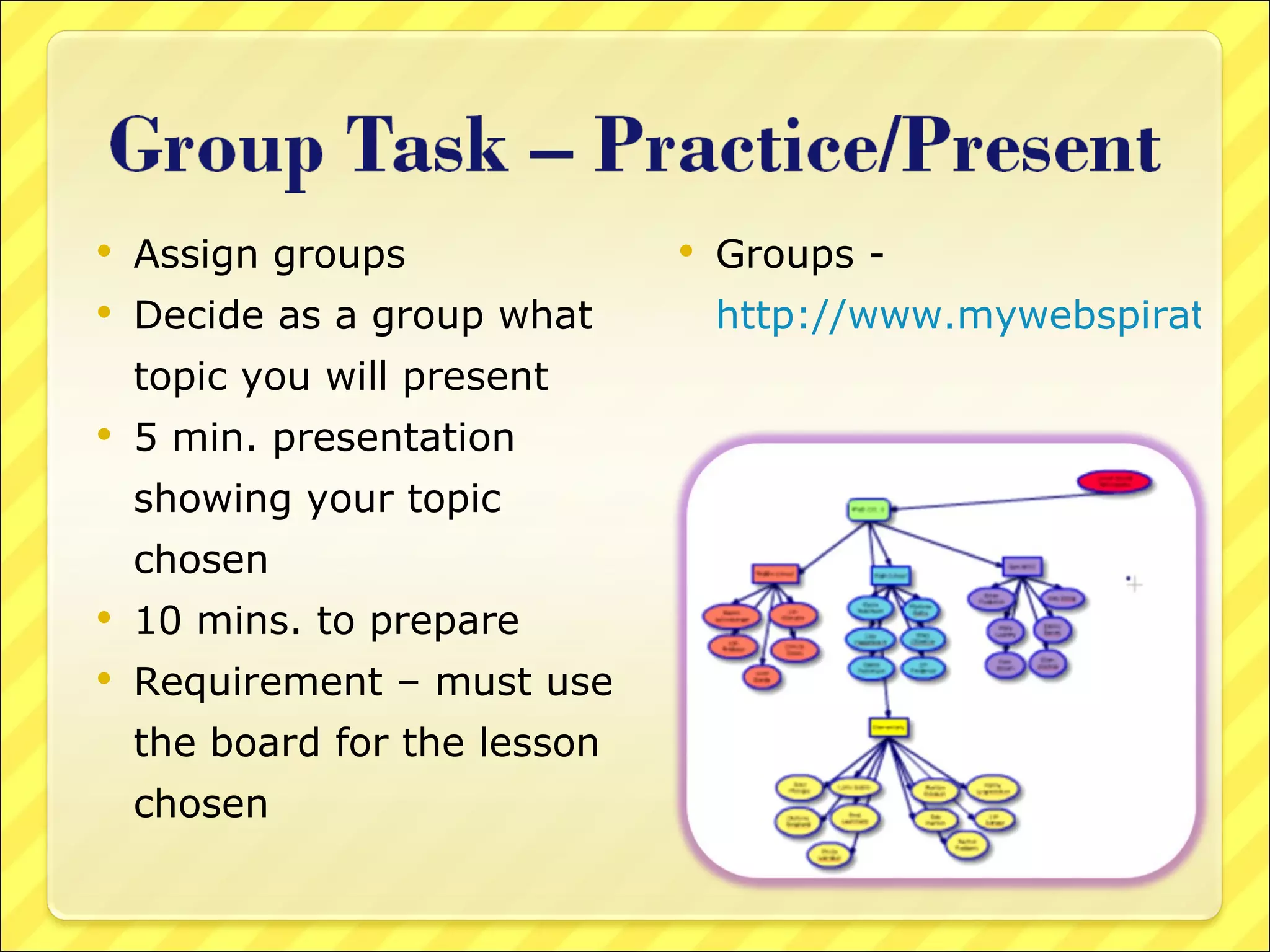
Assign groups Decide as a group what topic you will present 5 min. presentation showing your topic chosen 10 mins. to prepare Requirement – must use the board for the lesson chosen Groups -  http://www.mywebspiration.com/go/8675
Please feel free to contact me to help you setup the smart board for use To help plan/prepare a lesson Find/organize materials Presentation Online www.slideshare.net Smartboard: Embedded into Teaching & Learning Please visit my technology wikispace to complete a short evaluation of this technology session bdillingtechcoach.wikispaces.com  Elem Tech Coach Smart Board Usage page

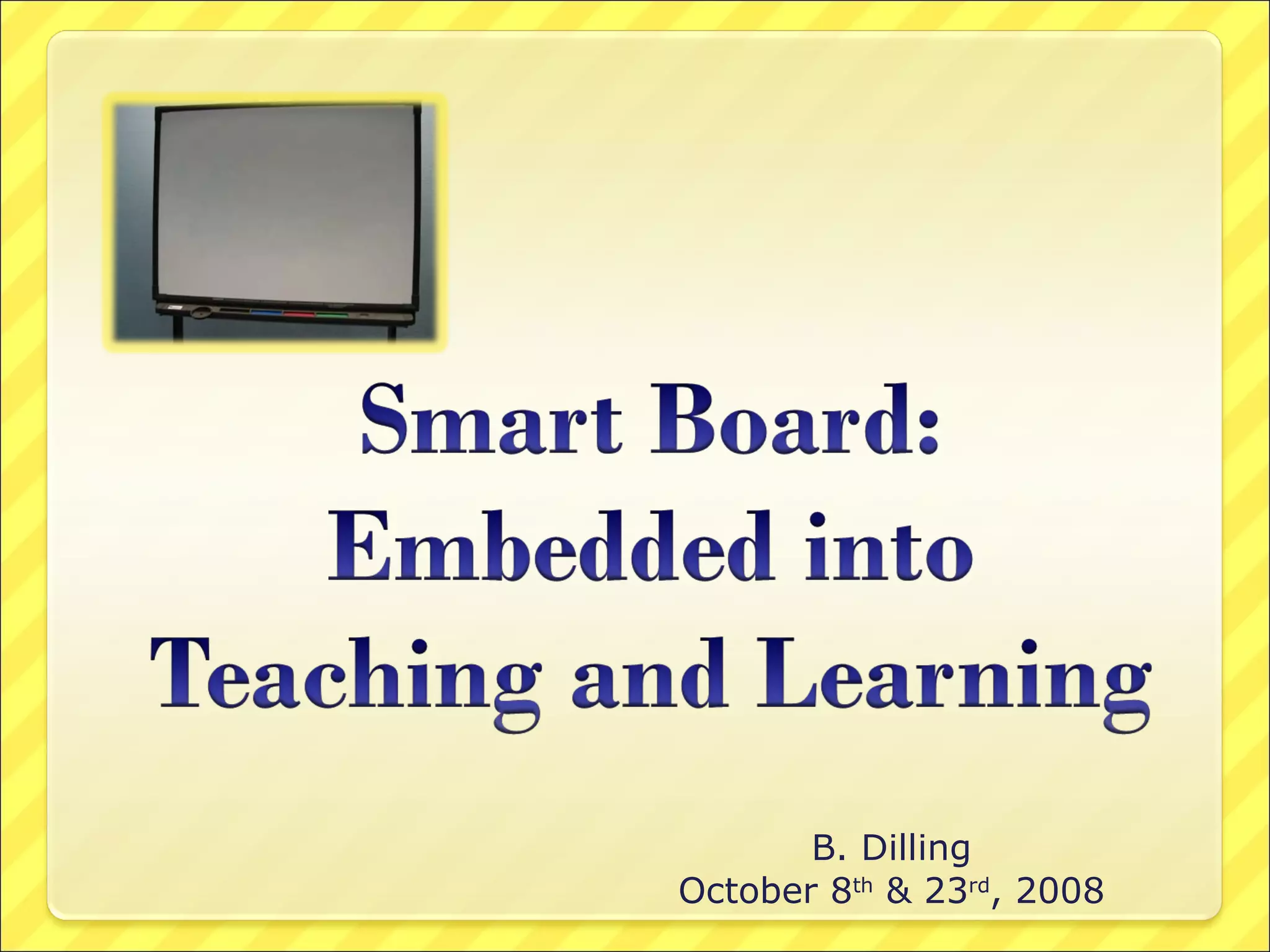
Smart Board Embedded Into Teaching And Learning

  • 1.
    B. Dilling October8 th & 23 rd , 2008
  • 2.
    Hands On/Minds OnVisual, Tactile, Auditory learners Interactive Student to Student Teacher to Student “ Kid Magnet” – captures all age groups through “magic” Students use audacity.sourceforge.net/ with the board.
  • 3.
    Option 1: Mountedon the Wall It is ready to go when the computer is turned on Turn on the LCD Projector Board will be automatically Oriented Option 2: Connect the cord from the board to the back of the computer Connect the mouse/remote control cord to the computer Plug in the Power Cord from the cart and then, turn on the LCD Projector Turn on the computer & log in Open the Smart Board Tools and Choose Orient
  • 4.
    Searching the InternetPresentation Screen “Notebook” Software Discipline Examples: Language Arts Reading Writing Spelling Grammar Math Music/Art Science Social Studies Group Task
  • 5.
    Visit websites asa large group Virtual Field Trips www.theteachersguide.com/virtualtours.html www.educationworld.com/a_tech/tech/tech071.shtml Webquests San Diego Webquest Directory www.webquest.org/index.php Online puzzles/games www.funbrain.com www.arcademicbrainbuilder.com www.jigzone.com/ Web 2.0 Sites www.go2web20.net www.web20guru.us http://eduwikius.wikispaces.com/ www.wordle.net www.webspiration.com Uses
  • 6.
    Review Games PowerPoint– Jeopardy Online Quiz/Flashcards www.proprofs.com www.knowtes.com/ PowerPoint created by teacher/student Multimedia viewing – video, video/audio podcast Take a Poll www.polleverywhere.com Group Collaboration www.scribblar.com www.scriblink.com Uses
  • 7.
    Software foundin Smart Board Tools menu Drag objects from the galleries Provides Backgrounds Type freely using the keyboard Write/Highlight with the pens Open a document or a PDF Notebook pages/files can be saved for later use Duplicate a screen for another class Create objects – that are locked in place or leave to be freely moved around Premade notebook files found online education.smarttech.com/ste/en-us/ Next
  • 8.
    Plain white screenor insert a background from the gallery Notebook paper Clocks Graph paper/dots Music sheets Maps Move through various screens Format font; insert drawing objects Clone, delete, select vs. select all, flip, rotate Background color Pen colors, width Highlighting Uses
  • 9.
    Brainstorming Graphic organizersKidspiration/Inspiration www.mywebspiration.com Writing – modeled, shared, student writing Spelling – practice, games, review www.spellingcity.com Reading – read/listen to a downloaded book Read/respond to a blog Read/analyze an document www.readthewords.net Online researching www.diigo.com a.nnotate.com/ Next
  • 10.
    Grammar Daily LanguageReview Correct sentences Rearrange sentences Revise sentences Annotate writing pieces Online Resources Read/Write/Think www.readwritethink.org/student_mat/index.asp Word Central http://www.wordcentral.com/index.html Collecting Research – Evernote http://www.evernote.com Uses
  • 11.
    Math Galleries Time– gallery – analog/digital; move the hands; set/countdown Graphing – create graphs, tally charts, pie charts; add pictures; plot coordinates Geometry - shapes PSSA Problems –T-chart to solve; write the summary Write solve basic problems; word problems Online Tools: King’s List of Math Tools http://www.k111.k12.il.us/King/math.htm Geometry/Algebra combined www.geogebra.org/cms/ Achieve It –Interactive Math Sites edweb.tusd.k12.az.us/achieveit/ National Library of Virtual Manipulatives nlvm.usu.edu/en/nav/vlibrary.html Uses
  • 12.
    Music Gallery Sheetmusic; notes Add instruments Online : Create a Jam www.jamglue.com/ Primary Music www.kids-space.org/HPT/menu.html Sing Online www.karaokeparty.com/en White Drawing Space Drawing Tools Objects/colors/positions Online Tools: Splashup www.splashup.com/ National Gallery of Art www.nga.gov/kids/kids.htm Offtype www.offtype.net/ Google SketchUp sketchup.google.com/ Glogster www.glogster.com Uses
  • 13.
    Steps in theScientific Process Record Data/results Labeling diagrams Food webs – design Online experiments/ demonstrations Science Gallery Online Tools: Physics Simulations phet.colorado.edu/simulations/index.php?cat=Featured_Sims Sci Link – find/contact scientists www.scilink.com/start.action Science Videos www.learnerstv.com/ Visible/Interactive Human Body http://www.visiblebody.com/ Uses
  • 14.
    Map – view,label, trace routes; add pictures Analyze a primary source Sort the branches of government Outline, create research reports, investigate topics Online Tools: Epals – connecting w/others www.epals.com History Channel www.history.com/ PBS History www.pbs.org/teachers/socialstudies/ Timeline Creators www.dipity.com/ www.viygo.com/ Uses
  • 15.
    Assign groups Decideas a group what topic you will present 5 min. presentation showing your topic chosen 10 mins. to prepare Requirement – must use the board for the lesson chosen Groups - http://www.mywebspiration.com/go/8675
  • 16.
    Please feel freeto contact me to help you setup the smart board for use To help plan/prepare a lesson Find/organize materials Presentation Online www.slideshare.net Smartboard: Embedded into Teaching & Learning Please visit my technology wikispace to complete a short evaluation of this technology session bdillingtechcoach.wikispaces.com Elem Tech Coach Smart Board Usage page