Just Use !
Valeria L. Hunter
4 November 2015
Agenda
• What is Google?
• Google products
• Your Google products
• Settings and privacy
• Popular Google products
• References for additional information
What is Google?
• Search Engine
• E-mail host
• Browser
• Navigation system
• File storage
• Scholarly research
• Library
• Translator
• Video repository
• Website host
• Blog host
• Advertising sales
• Phone
• Social Media host
• Photo album
• Television
• Web analytics
• Keeper of the universe
Google Products List1
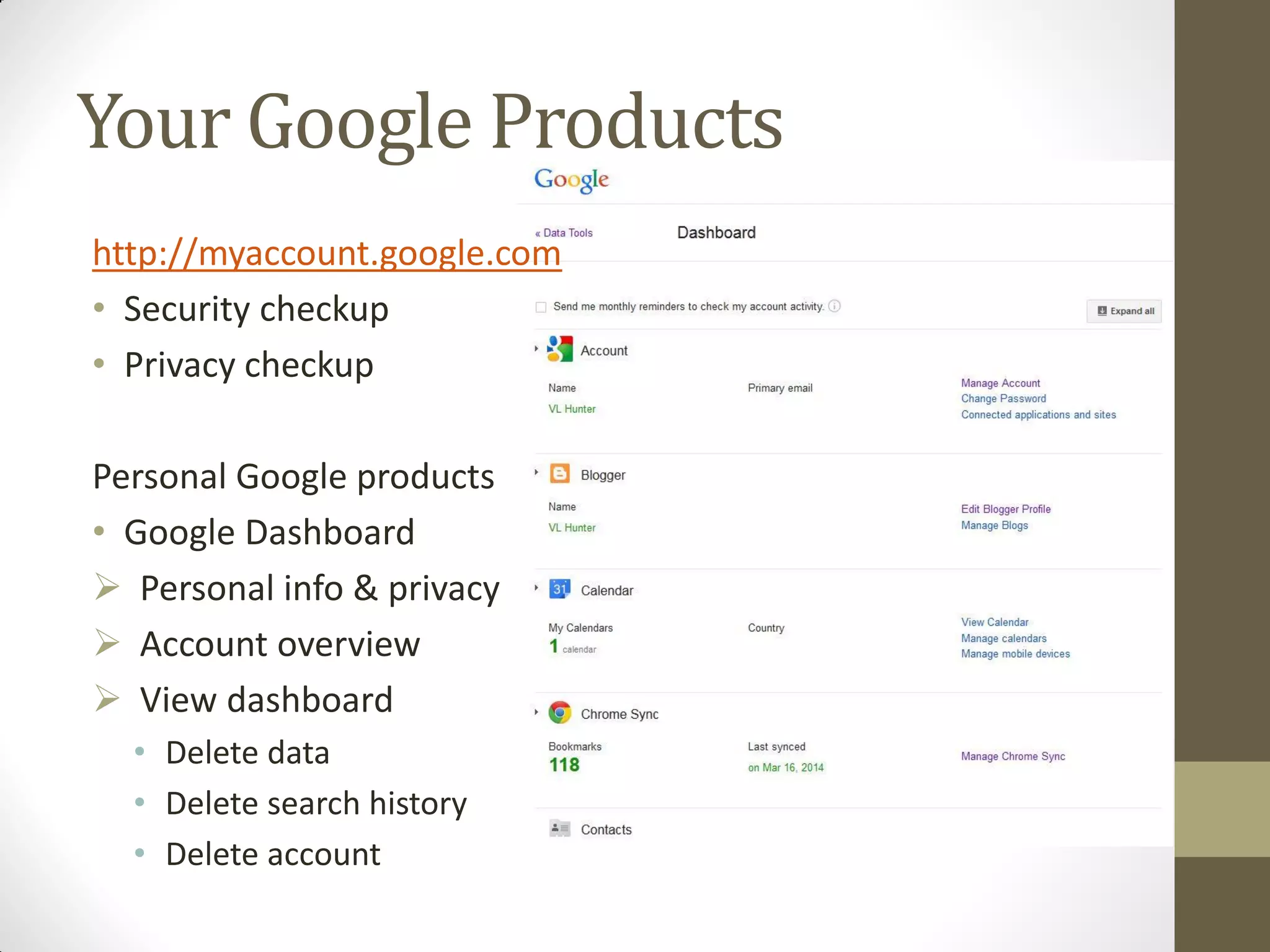
Your Google Products
http://myaccount.google.com
• Security checkup
• Privacy checkup
Personal Google products
• Google Dashboard
 Personal info & privacy
 Account overview
 View dashboard
• Delete data
• Delete search history
• Delete account
Popular Google Products
Top Ten Google Products2
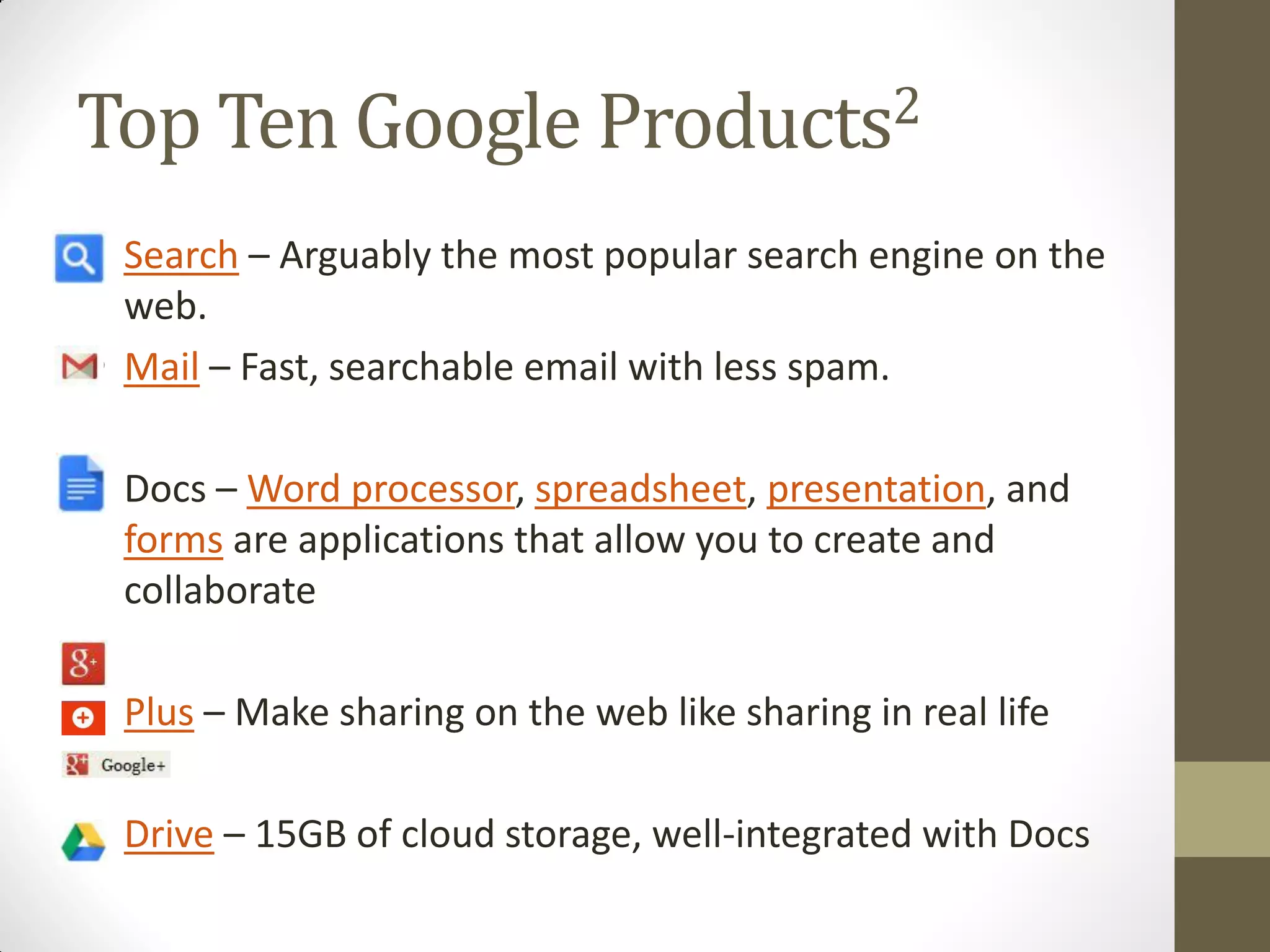
• Search – Arguably the most popular search engine on the
web.
• Mail – Fast, searchable email with less spam.
• Docs – Word processor, spreadsheet, presentation, and
forms are applications that allow you to create and
collaborate
• Plus – Make sharing on the web like sharing in real life
• Drive – 15GB of cloud storage, well-integrated with Docs
Top Ten Google Products2
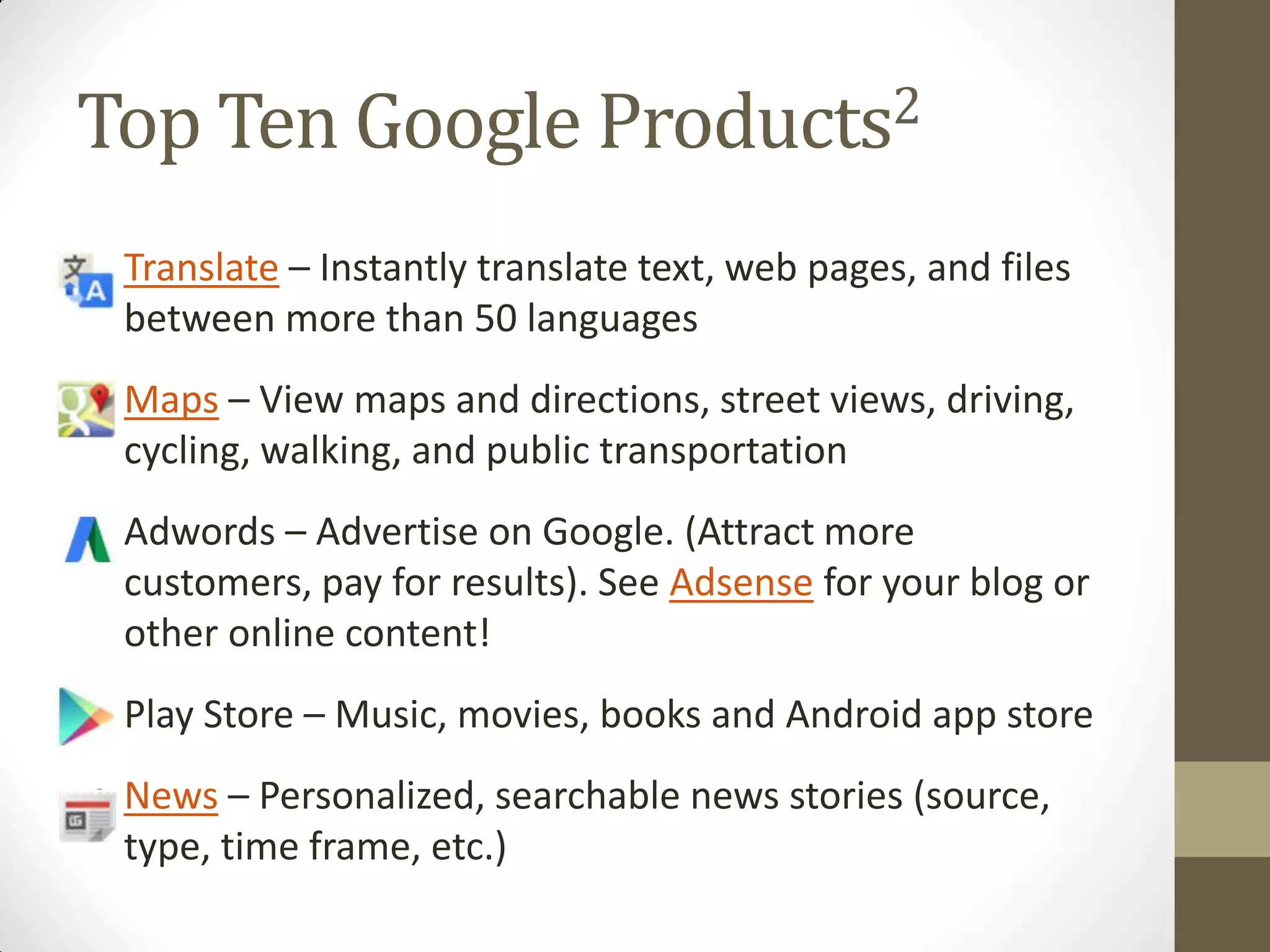
• Translate – Instantly translate text, web pages, and files
between more than 50 languages
• Maps – View maps and directions, street views, driving,
cycling, walking, and public transportation
• Adwords – Advertise on Google. (Attract more
customers, pay for results). See Adsense for your blog or
other online content!
• Play Store – Music, movies, books and Android app store
• News – Personalized, searchable news stories (source,
type, time frame, etc.)
Tips
• Google Chrome:
• Access the Google Chrome browser when using Google web-
based products.
• This results in the most optimized experience.
• Google Account:
• Many products require a Google account.
• Even products that don’t require a Google account may be
optimized if you log-in.
• Stay current with your Google Account
• Perform the security check-up.
• Perform the privacy check-up.
Additional Useful Google Products
My Favorite Google Products
Professional
• Voice – Get your own
phone number
• Drive – 15GB Storage
with collaboration
capability
• Hangouts – Google’s
answer to Skype. Video
calls over wifi or home
network and available on
mobile devices.
Personal
• Blogger – Create a blog
(competitor alert, I use
Wordpress for my
professional website and
blog)
• YouTube – Videos from
everywhere (none by
me)
• Photos – Automated
Cloud storage of photos
from my mobile device
REFERENCES
Thanks for your attention!
References
1. Google (2015). Google - Products. [ONLINE] Available at:
http://www.google.com/about/products/. [Last Accessed 1
November 2015].
2. Mohan, Mahesh (2014). Over 151 Google Products And
Services You Probably Don’t Know. [ONLINE] Available at:
http://www.minterest.org/google-products-services-you-
probably-dont-know/. [Last Accessed 1 November 2015].
3. Stratton, Jess (2015). Google Drive Essential Training.
Lynda.com [ONLINE] Available at:
http://www.lynda.com/Google-Apps-tutorials/Google-Drive-
Essential-Training/371931-2.html?org=ippl.info

Just Use Google Nov-2015

  • 1.
    Just Use ! ValeriaL. Hunter 4 November 2015
  • 2.
    Agenda • What isGoogle? • Google products • Your Google products • Settings and privacy • Popular Google products • References for additional information
  • 3.
    What is Google? •Search Engine • E-mail host • Browser • Navigation system • File storage • Scholarly research • Library • Translator • Video repository • Website host • Blog host • Advertising sales • Phone • Social Media host • Photo album • Television • Web analytics • Keeper of the universe Google Products List1
  • 4.
    Your Google Products http://myaccount.google.com •Security checkup • Privacy checkup Personal Google products • Google Dashboard  Personal info & privacy  Account overview  View dashboard • Delete data • Delete search history • Delete account
  • 5.
  • 6.
    Top Ten GoogleProducts2 • Search – Arguably the most popular search engine on the web. • Mail – Fast, searchable email with less spam. • Docs – Word processor, spreadsheet, presentation, and forms are applications that allow you to create and collaborate • Plus – Make sharing on the web like sharing in real life • Drive – 15GB of cloud storage, well-integrated with Docs
  • 7.
    Top Ten GoogleProducts2 • Translate – Instantly translate text, web pages, and files between more than 50 languages • Maps – View maps and directions, street views, driving, cycling, walking, and public transportation • Adwords – Advertise on Google. (Attract more customers, pay for results). See Adsense for your blog or other online content! • Play Store – Music, movies, books and Android app store • News – Personalized, searchable news stories (source, type, time frame, etc.)
  • 8.
    Tips • Google Chrome: •Access the Google Chrome browser when using Google web- based products. • This results in the most optimized experience. • Google Account: • Many products require a Google account. • Even products that don’t require a Google account may be optimized if you log-in. • Stay current with your Google Account • Perform the security check-up. • Perform the privacy check-up.
  • 9.
  • 10.
    My Favorite GoogleProducts Professional • Voice – Get your own phone number • Drive – 15GB Storage with collaboration capability • Hangouts – Google’s answer to Skype. Video calls over wifi or home network and available on mobile devices. Personal • Blogger – Create a blog (competitor alert, I use Wordpress for my professional website and blog) • YouTube – Videos from everywhere (none by me) • Photos – Automated Cloud storage of photos from my mobile device
  • 11.
  • 12.
    References 1. Google (2015).Google - Products. [ONLINE] Available at: http://www.google.com/about/products/. [Last Accessed 1 November 2015]. 2. Mohan, Mahesh (2014). Over 151 Google Products And Services You Probably Don’t Know. [ONLINE] Available at: http://www.minterest.org/google-products-services-you- probably-dont-know/. [Last Accessed 1 November 2015]. 3. Stratton, Jess (2015). Google Drive Essential Training. Lynda.com [ONLINE] Available at: http://www.lynda.com/Google-Apps-tutorials/Google-Drive- Essential-Training/371931-2.html?org=ippl.info