











HOW TO FIND A JOB ONLINE
IN 10 SIMPLE STEPS
By Mohammad Hijazi
@mhijazi
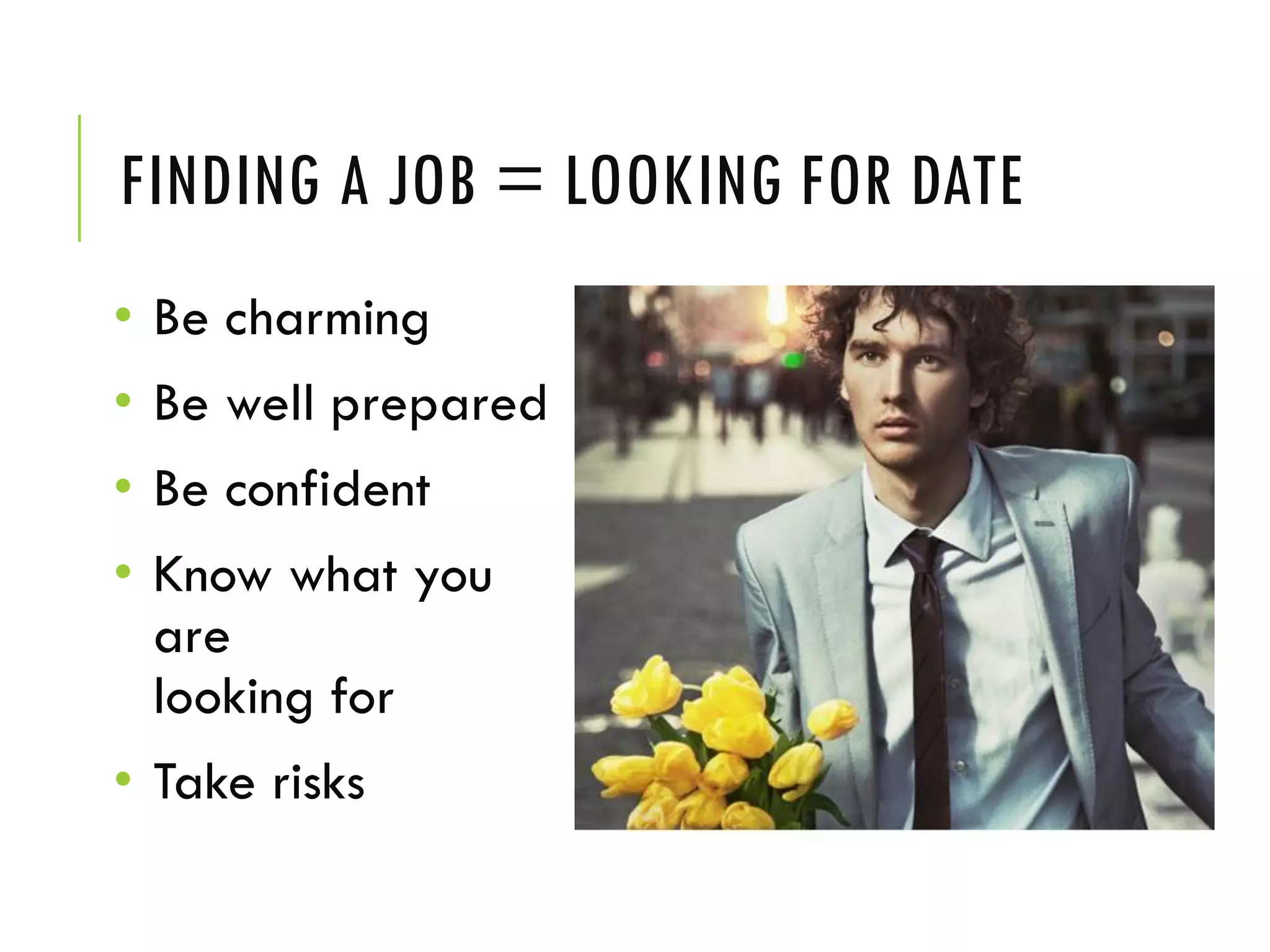
FINDING A JOB = LOOKING FOR DATE
• Be charming
• Be well prepared
• Be confident
• Know what you
are
looking for
• Take risks
BEFORE LINKEDIN! Some preperations
STEP 1: EMAIL ADDRESS
Make sure you have a professional email address:
 yourname@gmail.com
 yourname@outlook.com
 Firstinitial.lastname@yahoo.com
 username@college.edu
 BEST: buy your own domain! hello@name.com
NOT:
 pinkprincess@hotmail.com
 sexybeast69@aol.com
 puppy_loveXOXO@msn.com
 haifawehbeoffical1@hotmail.com
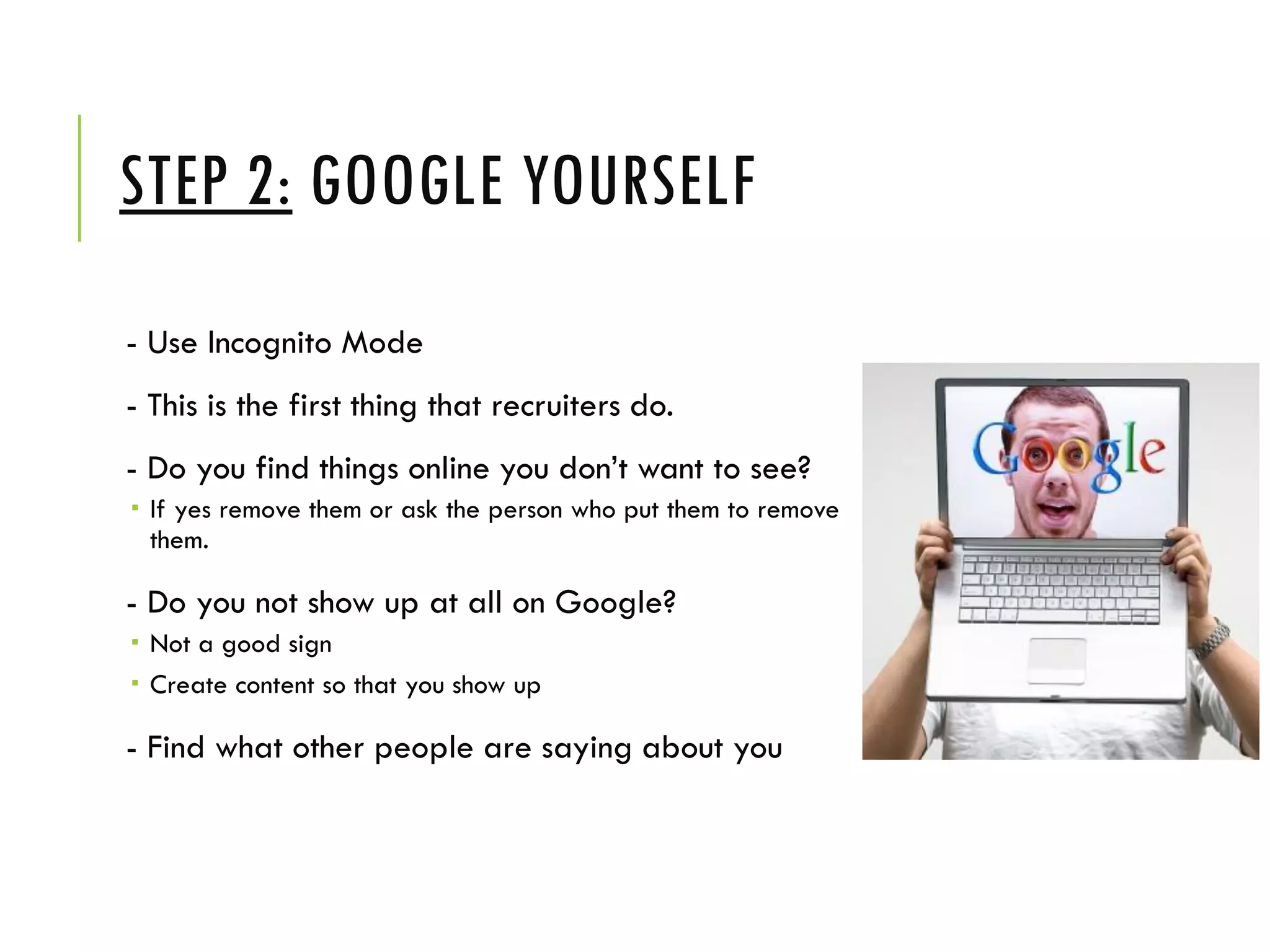
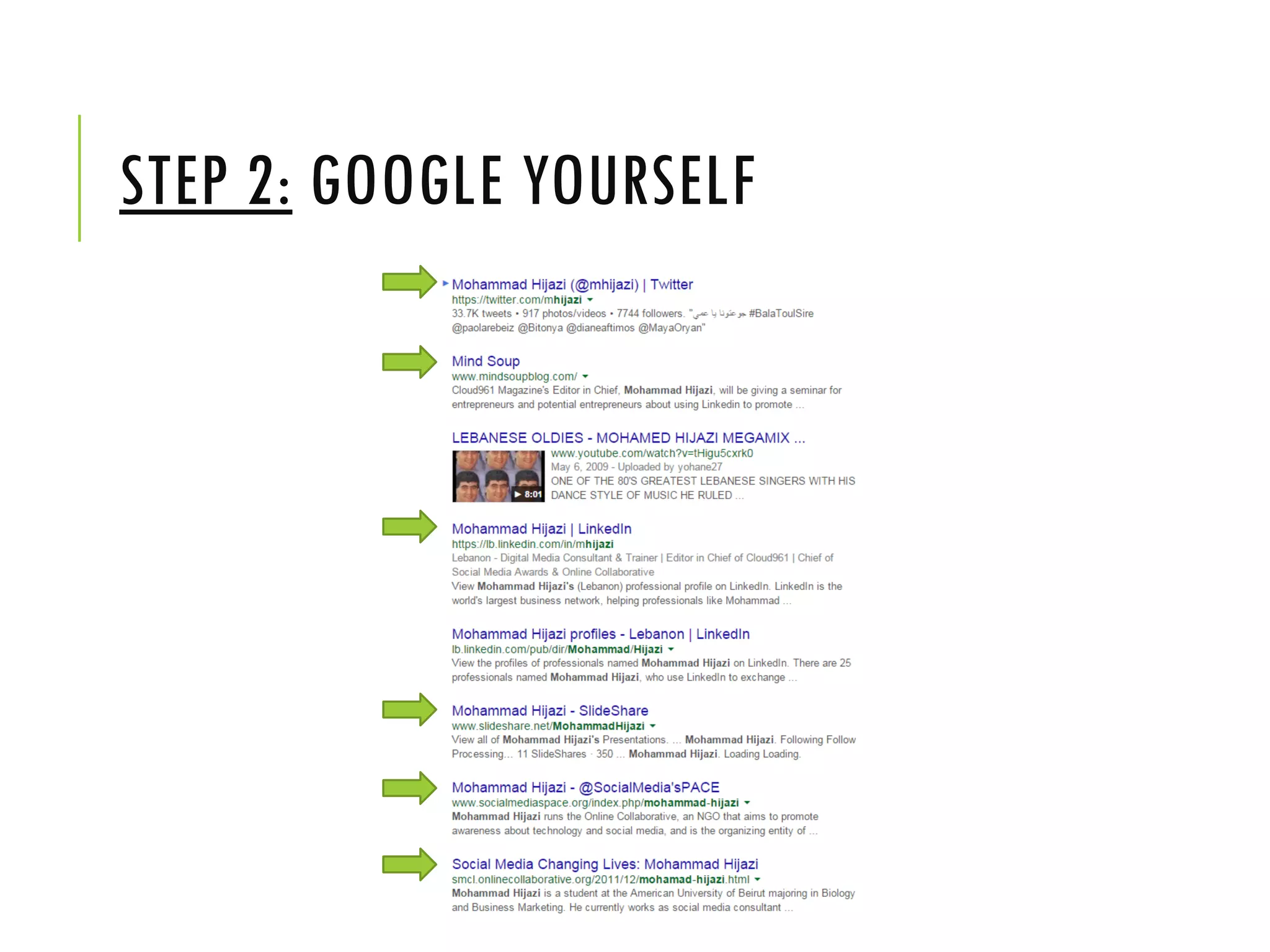
STEP 2: GOOGLE YOURSELF
- Use Incognito Mode
- This is the first thing that recruiters do.
- Do you find things online you don’t want to see?
 If yes remove them or ask the person who put them to remove
them.
- Do you not show up at all on Google?
 Not a good sign
 Create content so that you show up
- Find what other people are saying about you
STEP 2: GOOGLE YOURSELF
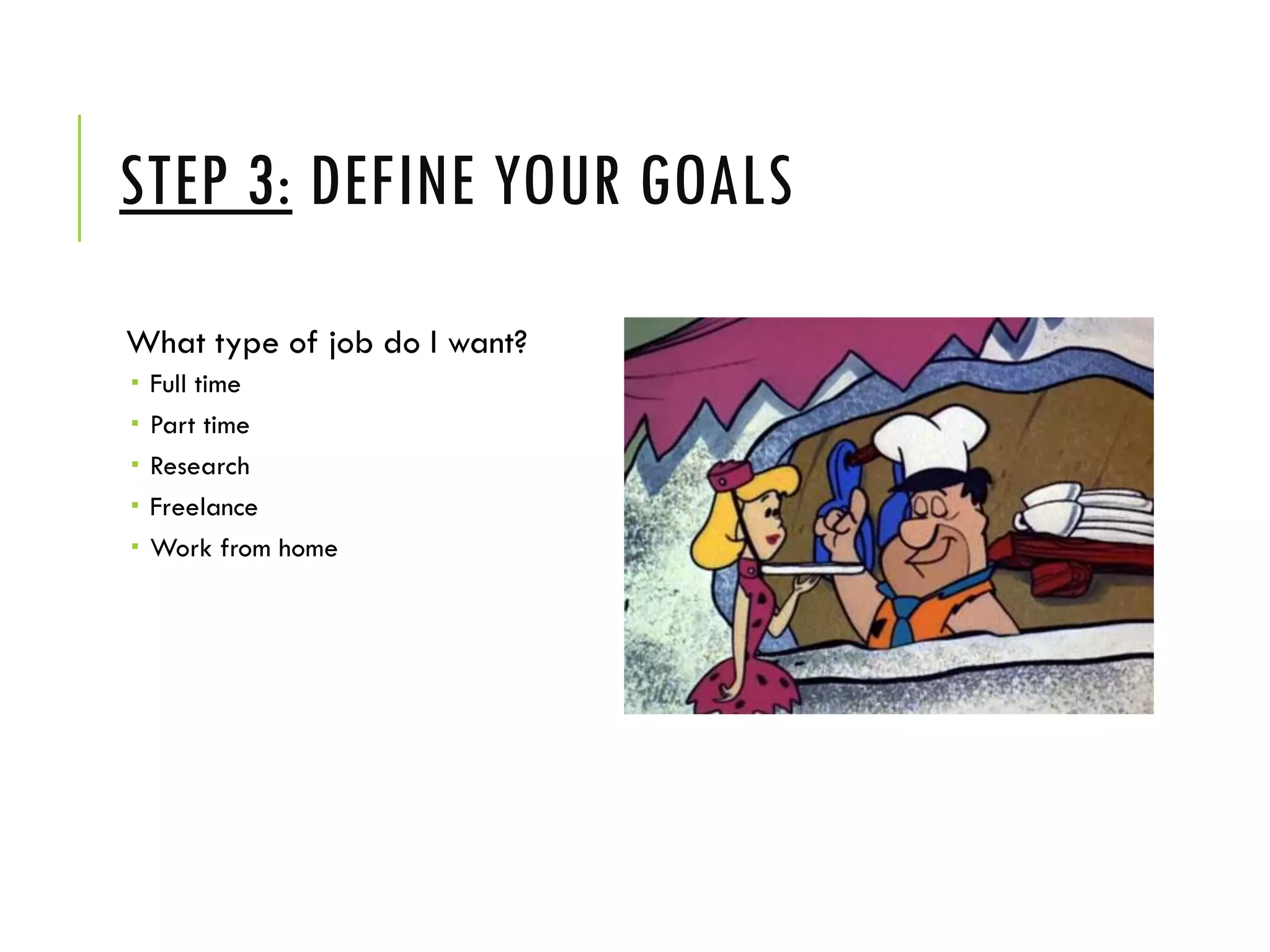
STEP 3: DEFINE YOUR GOALS
What type of job do I want?
 Full time
 Part time
 Research
 Freelance
 Work from home
STEP 3: DEFINE YOUR GOALS
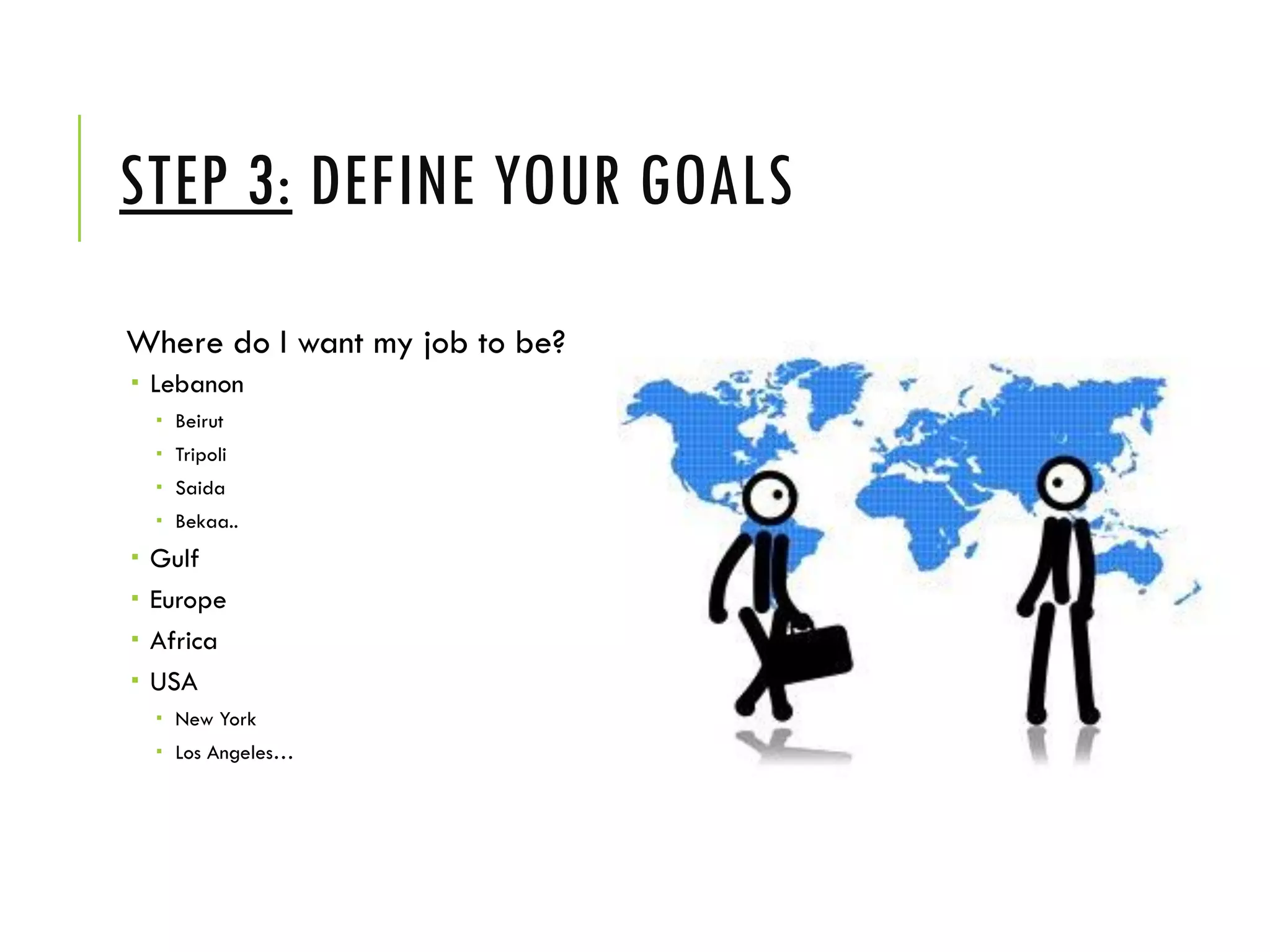
Where do I want my job to be?
 Lebanon
 Beirut
 Tripoli
 Saida
 Bekaa..
 Gulf
 Europe
 Africa
 USA
 New York
 Los Angeles…
STEP 3: DEFINE YOUR GOALS
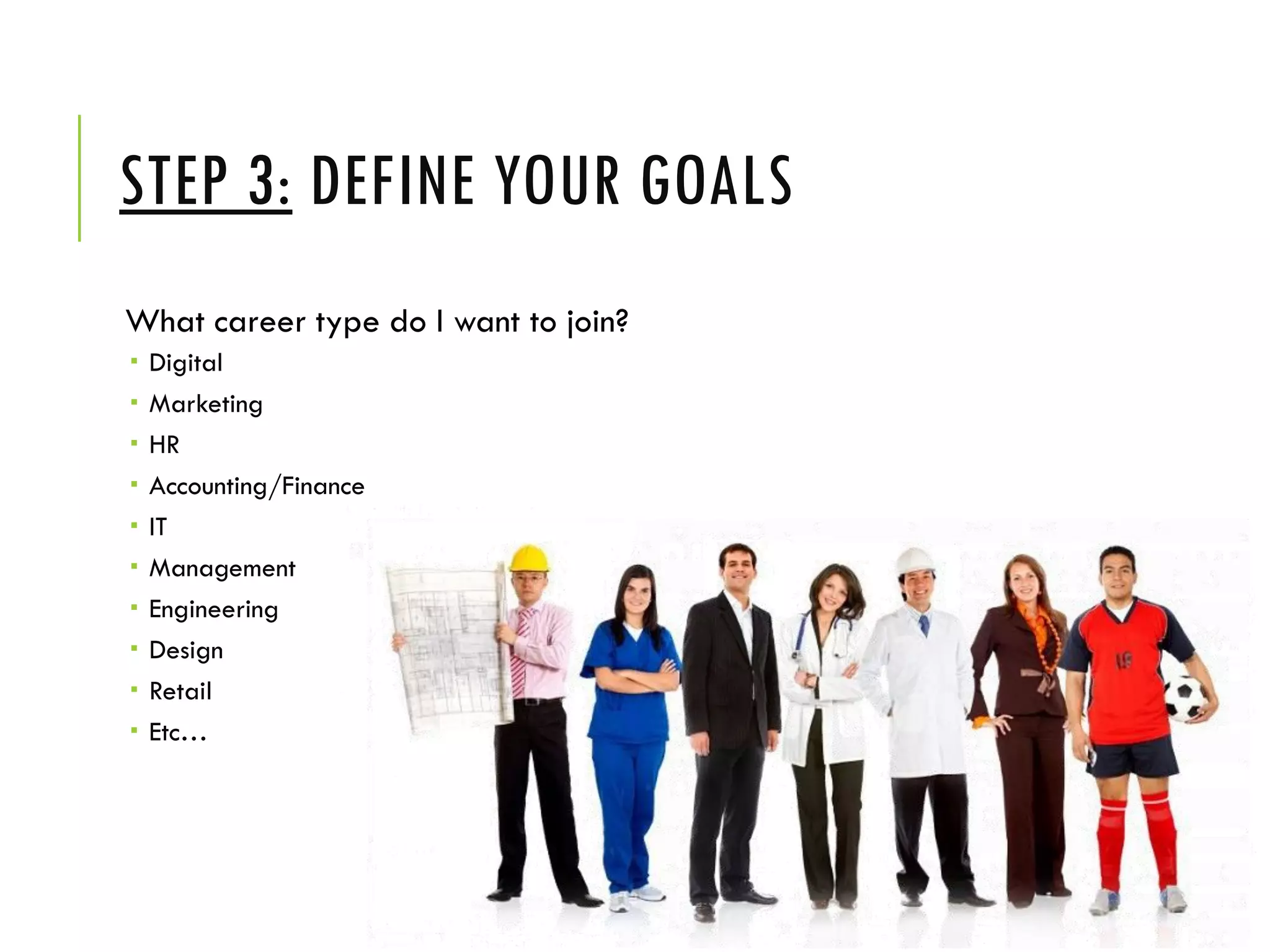
What career type do I want to join?
 Digital
 Marketing
 HR
 Accounting/Finance
 IT
 Management
 Engineering
 Design
 Retail
 Etc…
STEP 3: DEFINE YOUR GOALS
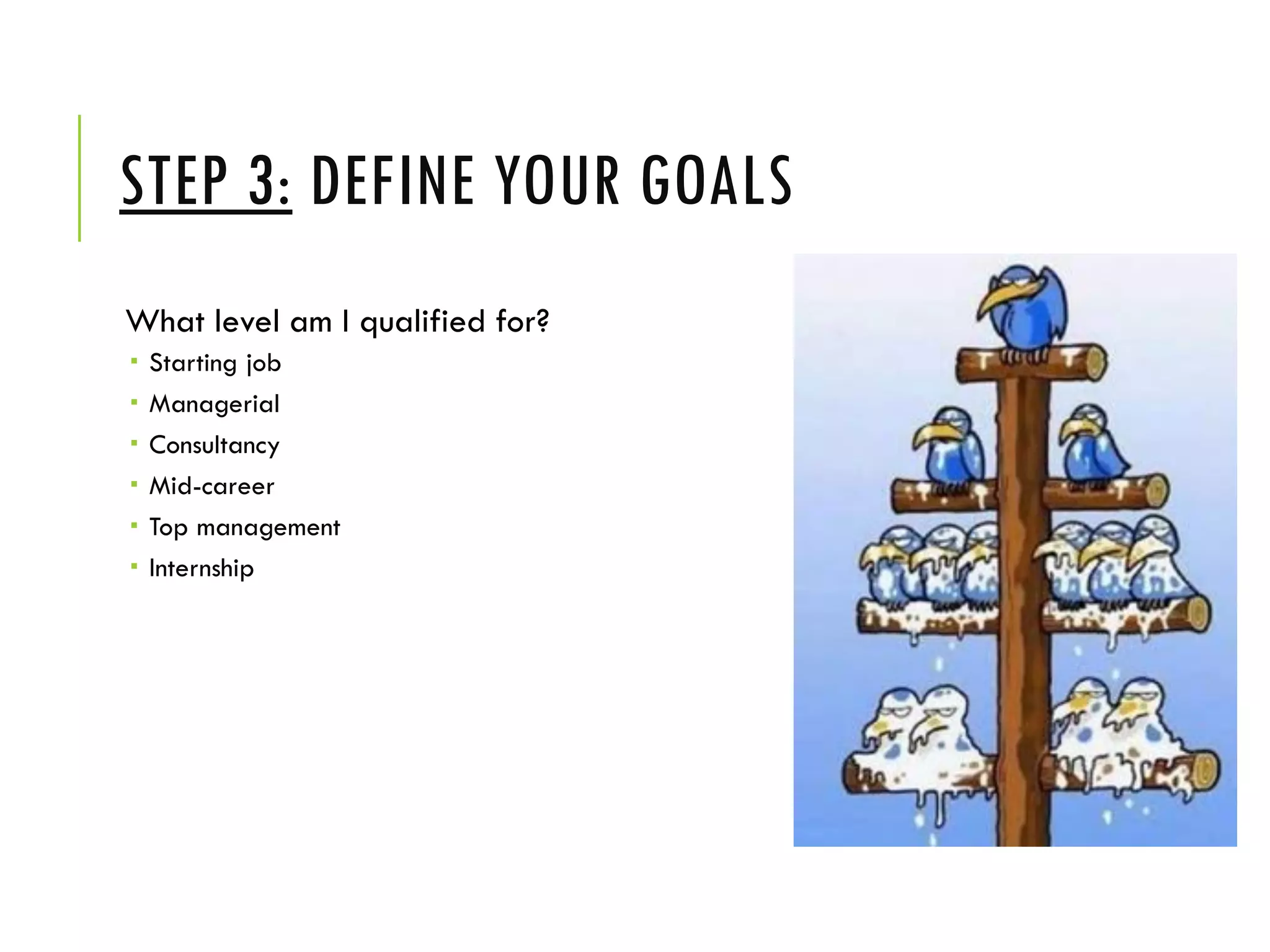
What level am I qualified for?
 Starting job
 Managerial
 Consultancy
 Mid-career
 Top management
 Internship
STEP 3: DEFINE YOUR GOALS
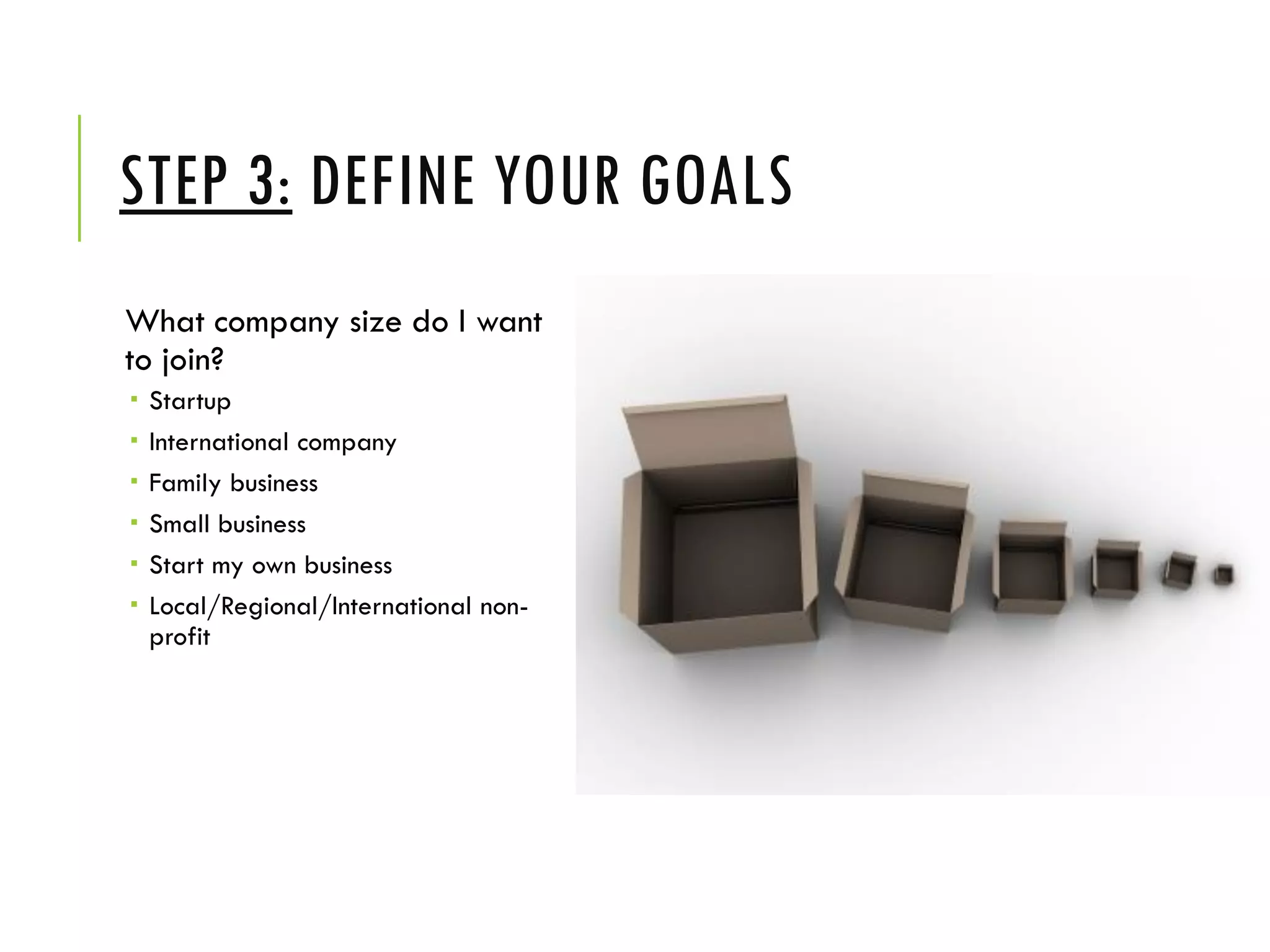
What company size do I want
to join?
 Startup
 International company
 Family business
 Small business
 Start my own business
 Local/Regional/International non-
profit
STEP 4: HAVE YOUR CV READY
- Check for errors
- Customize the CV to suit your
goals
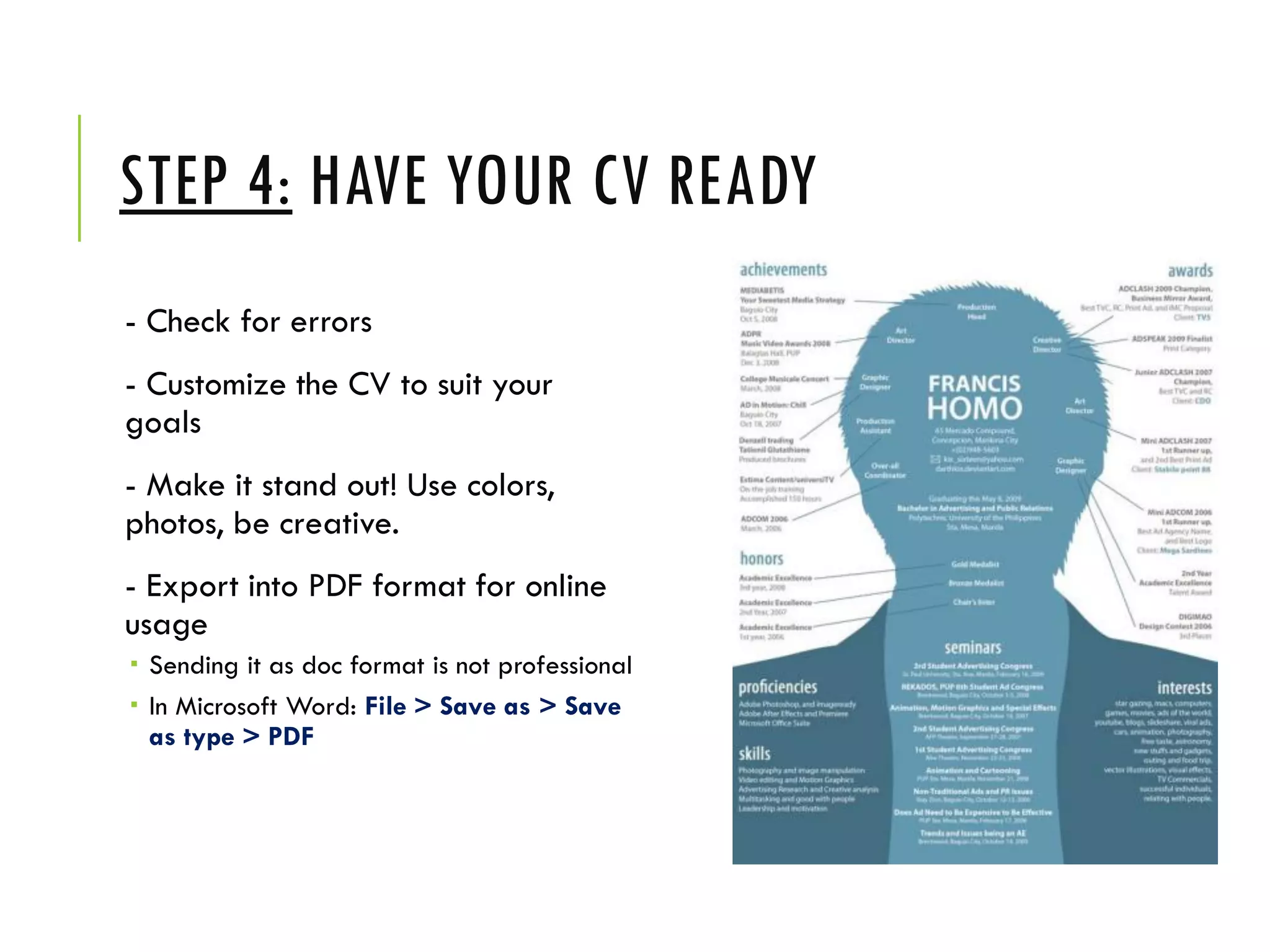
- Make it stand out! Use colors,
photos, be creative.
- Export into PDF format for online
usage
 Sending it as doc format is not professional
 In Microsoft Word: File > Save as > Save
as type > PDF
STEP 5: OPTIMIZE YOUR PERSONAL
SOCIAL NETWORKS
Facebook
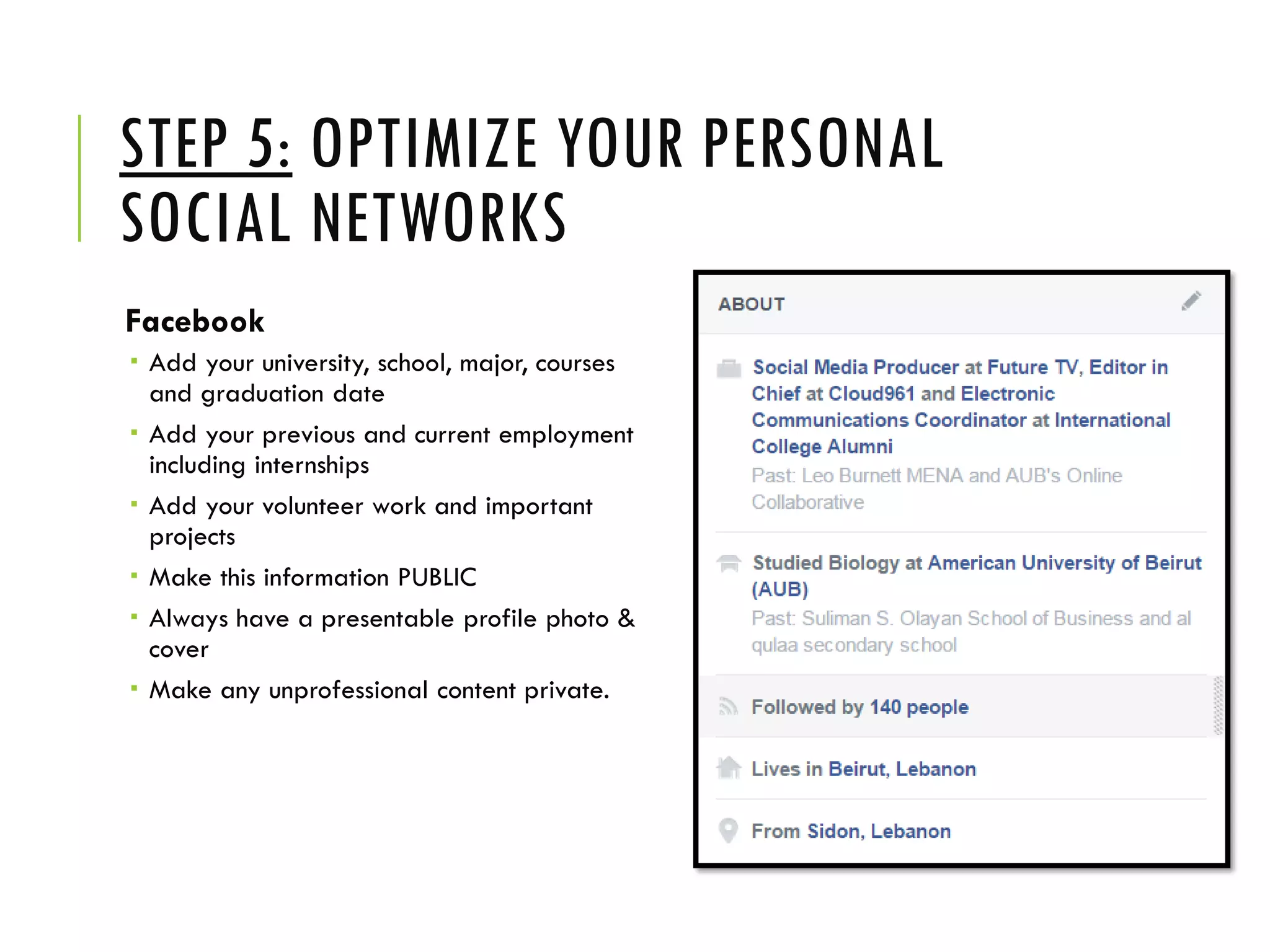
 Add your university, school, major, courses
and graduation date
 Add your previous and current employment
including internships
 Add your volunteer work and important
projects
 Make this information PUBLIC
 Always have a presentable profile photo &
cover
 Make any unprofessional content private.
STEP 5: OPTIMIZE YOUR PERSONAL
SOCIAL NETWORKS
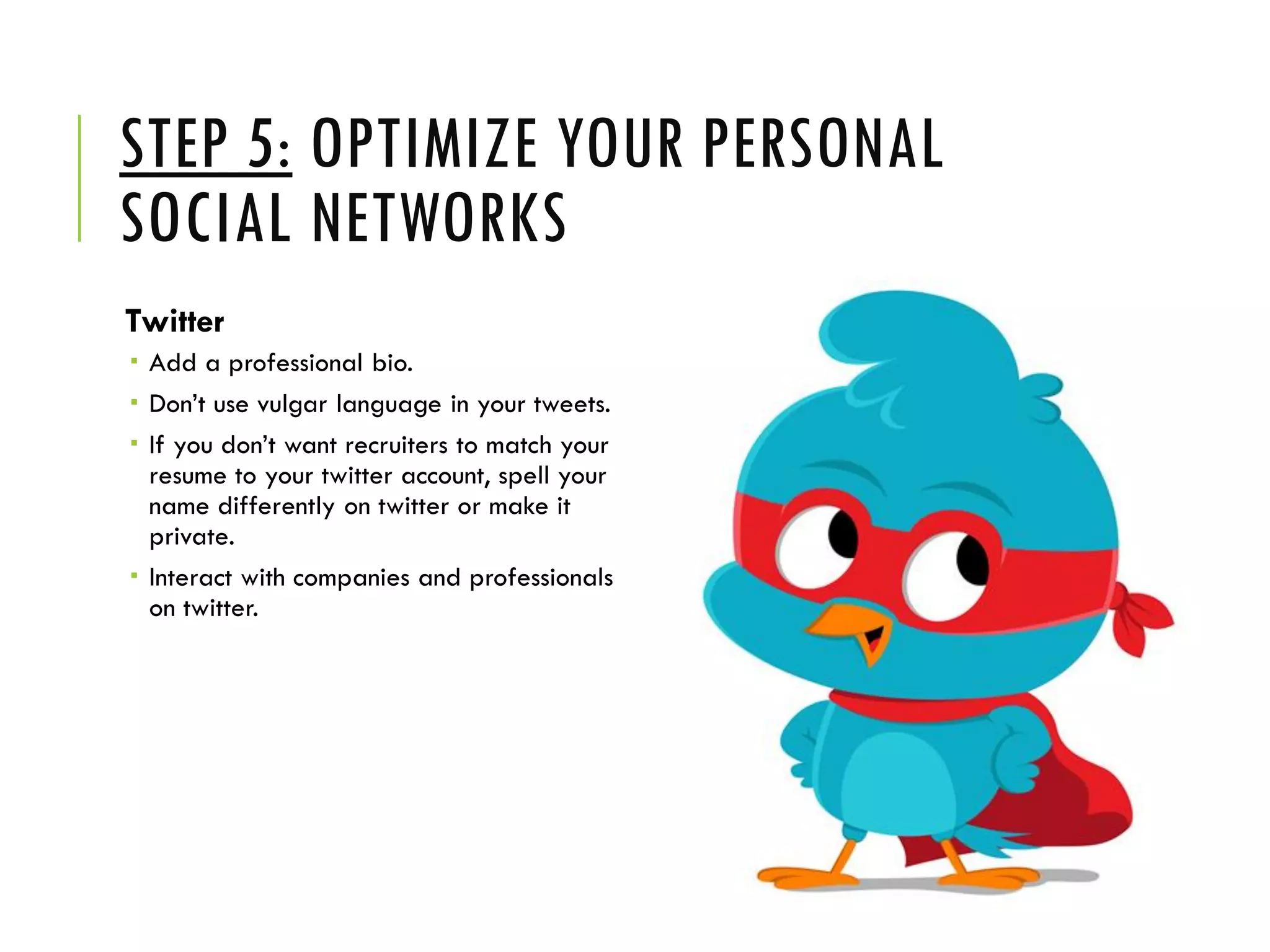
Twitter
 Add a professional bio.
 Don’t use vulgar language in your tweets.
 If you don’t want recruiters to match your
resume to your twitter account, spell your
name differently on twitter or make it
private.
 Interact with companies and professionals
on twitter.
STEP 5: OPTIMIZE YOUR PERSONAL
SOCIAL NETWORKS
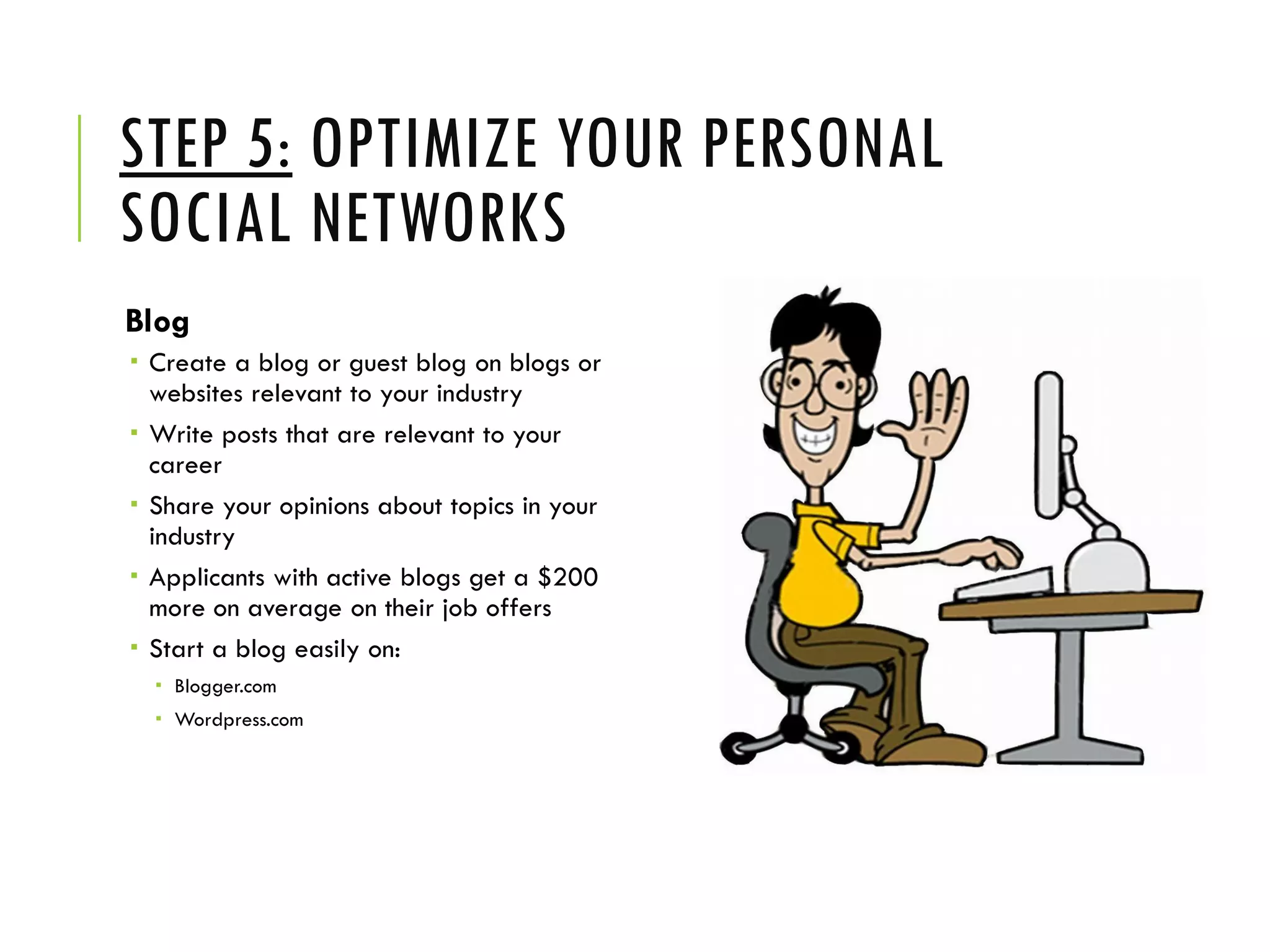
Blog
 Create a blog or guest blog on blogs or
websites relevant to your industry
 Write posts that are relevant to your
career
 Share your opinions about topics in your
industry
 Applicants with active blogs get a $200
more on average on their job offers
 Start a blog easily on:
 Blogger.com
 Wordpress.com
STEP 6: SET-UP A LINKEDIN
PROFILE
Linkedin.com
BASIC REASONS TO USE LINKEDIN
- Manage your professional profile and brand
- Network and meet professionals
- Share your expertise and knowledge
- Learn from others
- Uncover opportunities
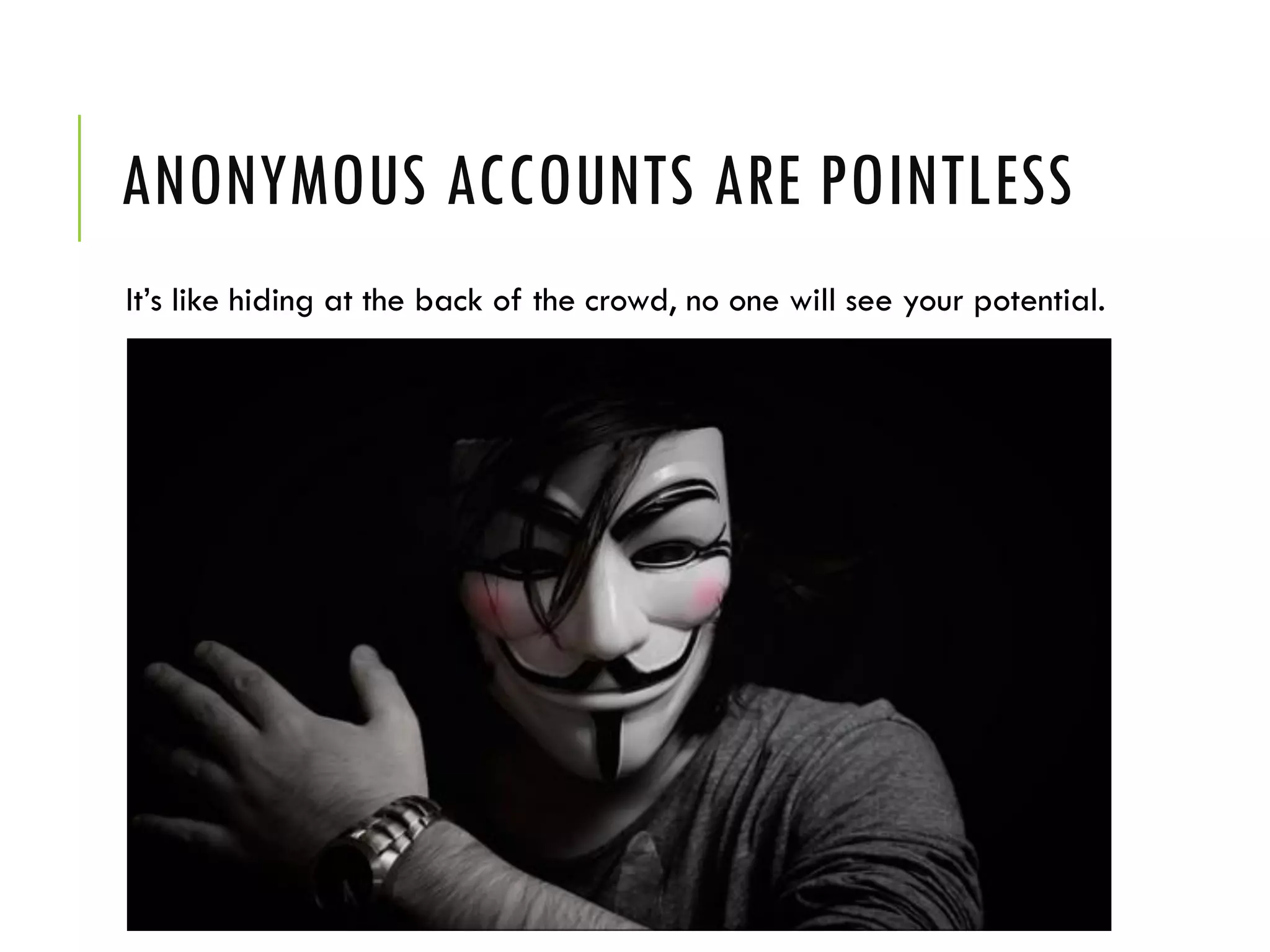
ANONYMOUS ACCOUNTS ARE POINTLESS
It’s like hiding at the back of the crowd, no one will see your potential.
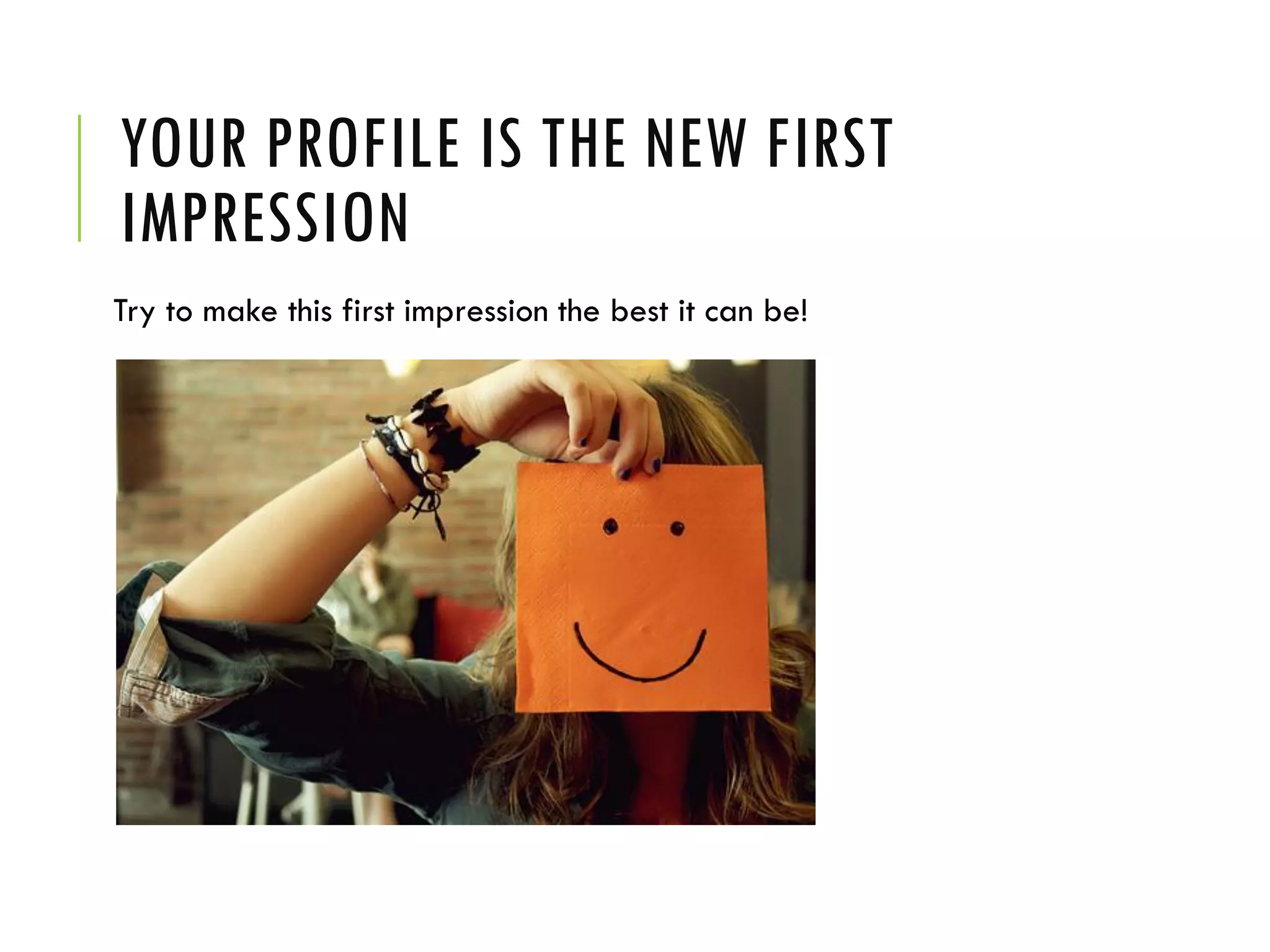
YOUR PROFILE IS THE NEW FIRST
IMPRESSION
Try to make this first impression the best it can be!
HAVE AN AVATAR
A photo of you in color, head and shoulders only, keep the
background simple.
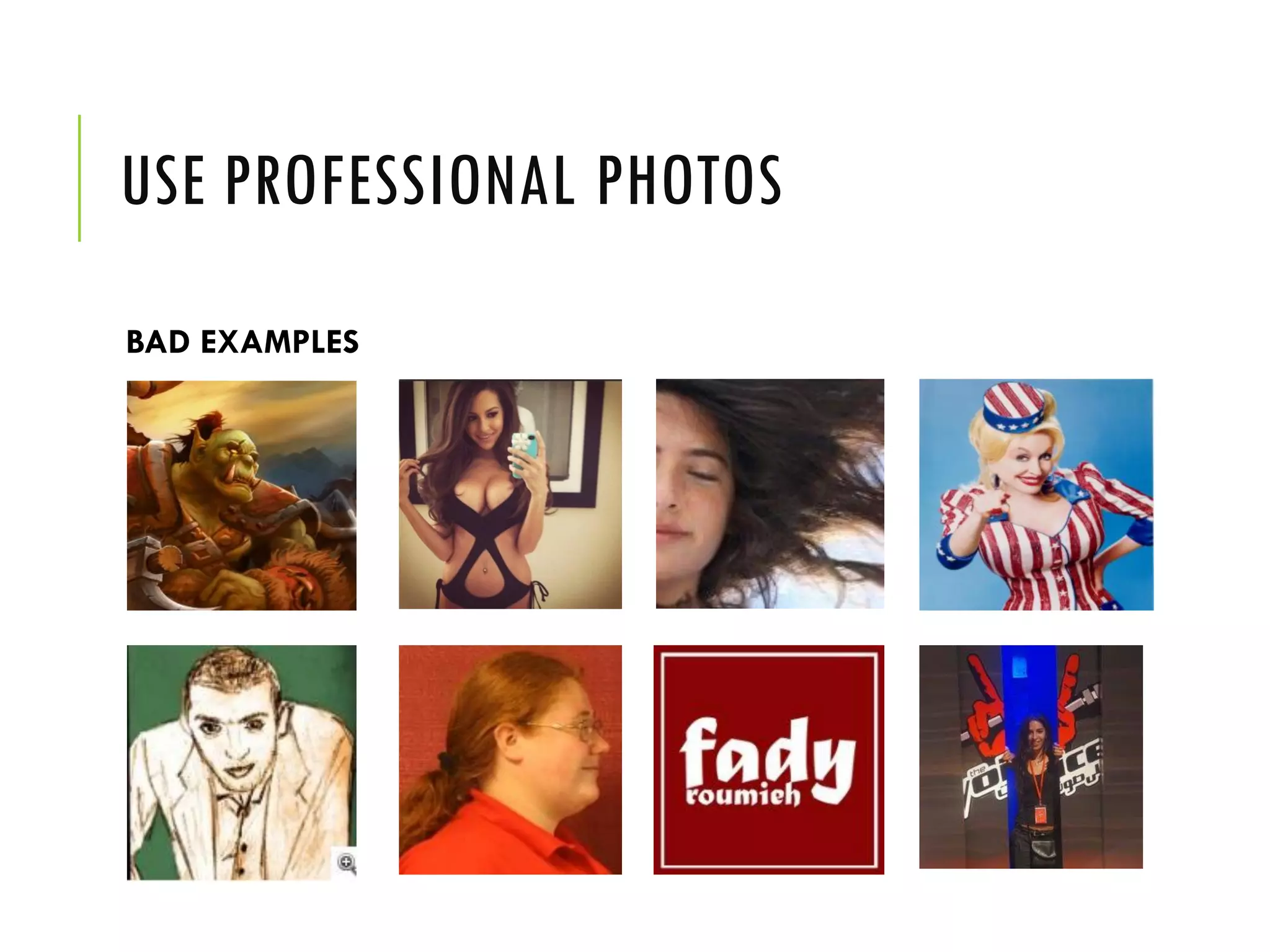
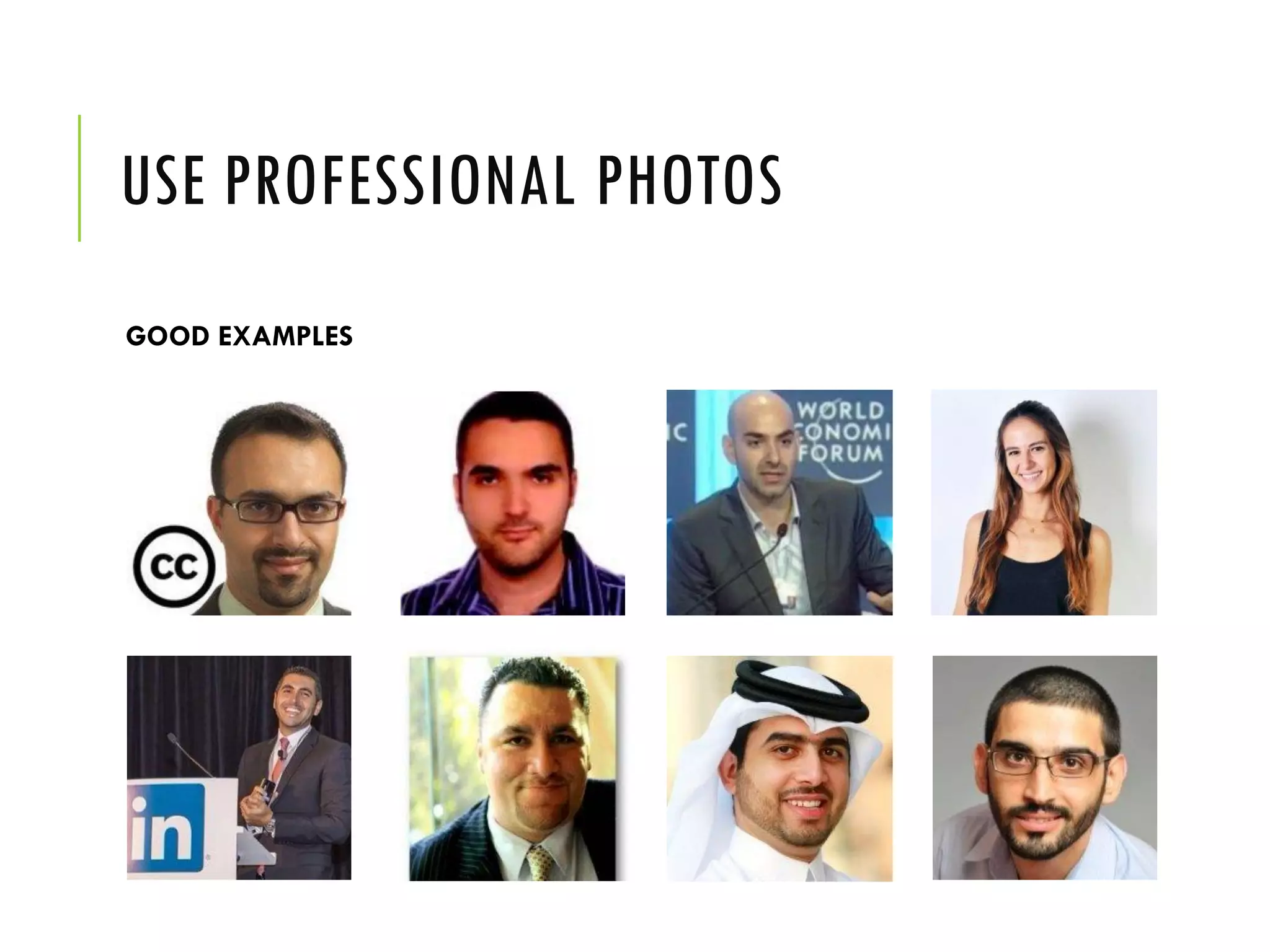
USE PROFESSIONAL PHOTOS
BAD EXAMPLES
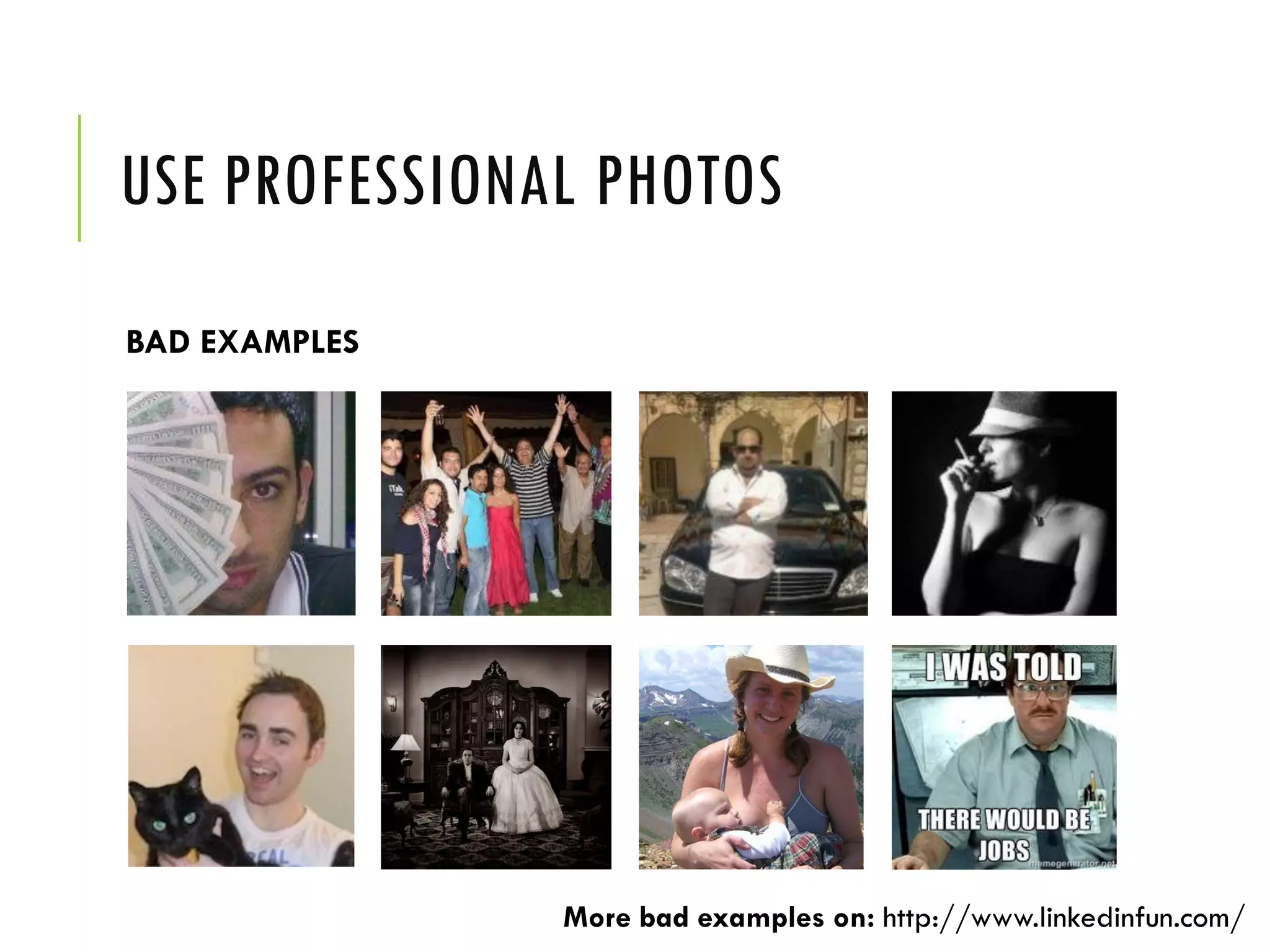
USE PROFESSIONAL PHOTOS
BAD EXAMPLES
More bad examples on: http://www.linkedinfun.com/
USE PROFESSIONAL PHOTOS
GOOD EXAMPLES
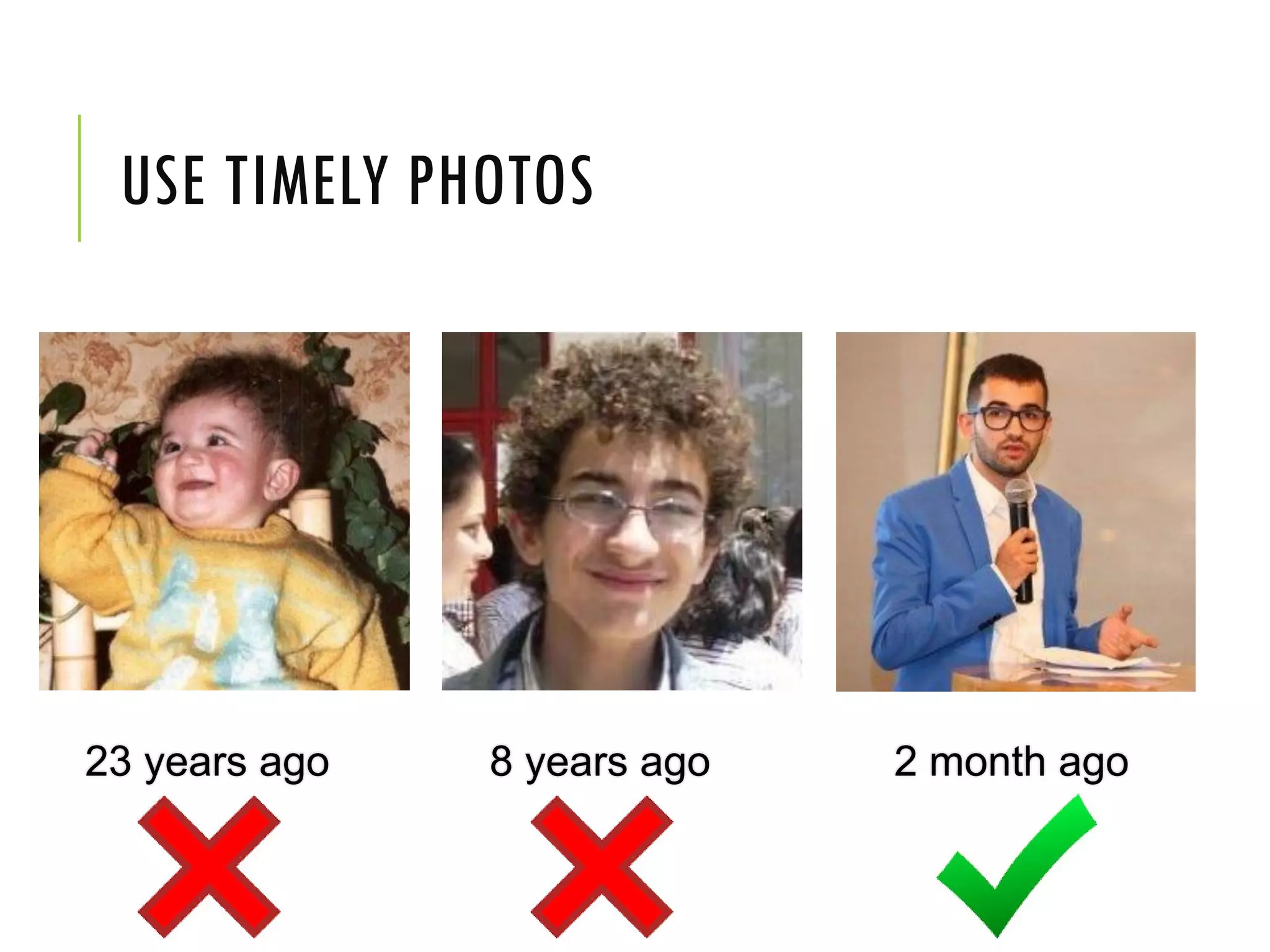
USE TIMELY PHOTOS
23 years ago 8 years ago 2 month ago
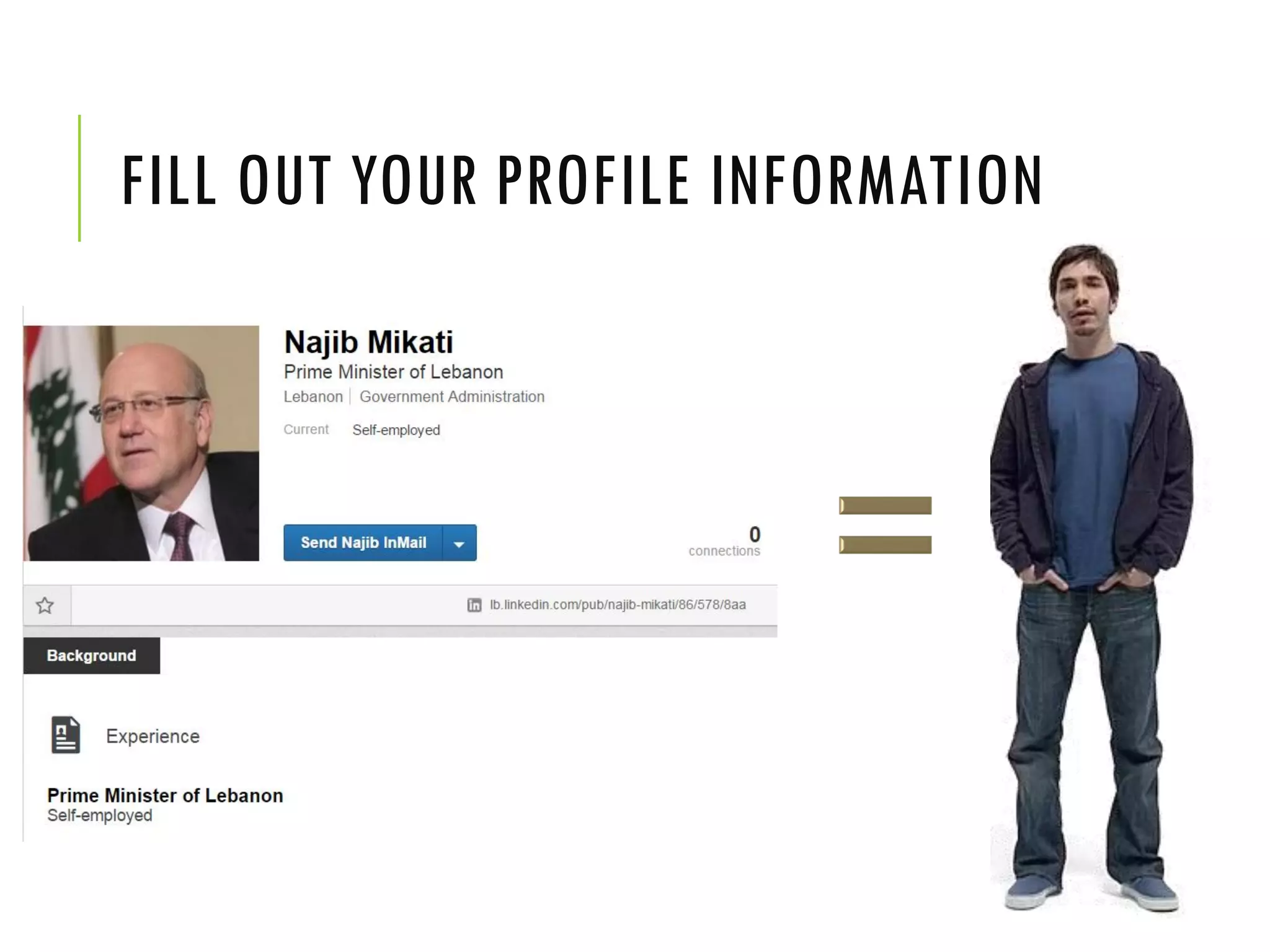
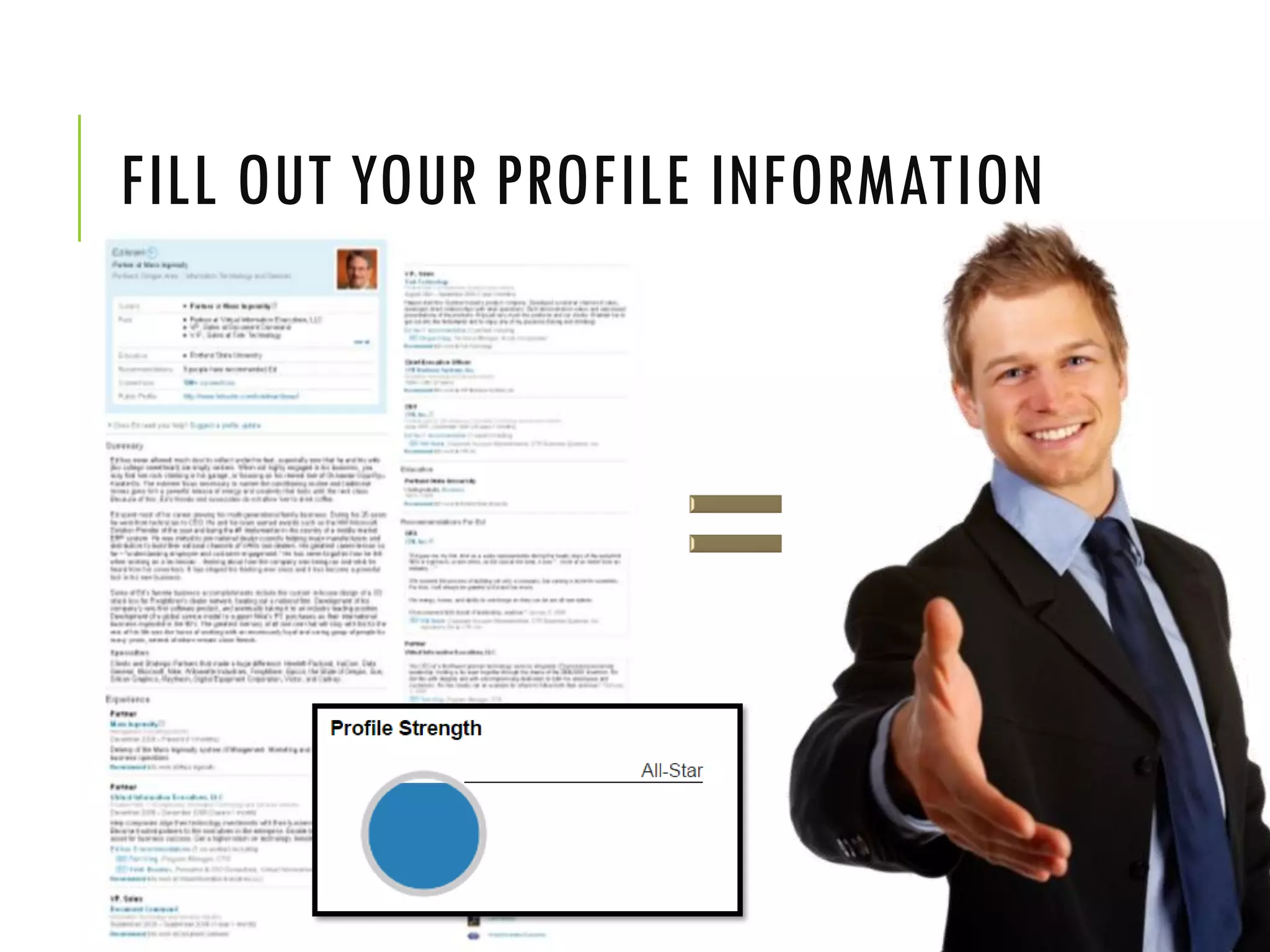
FILL OUT YOUR PROFILE INFORMATION
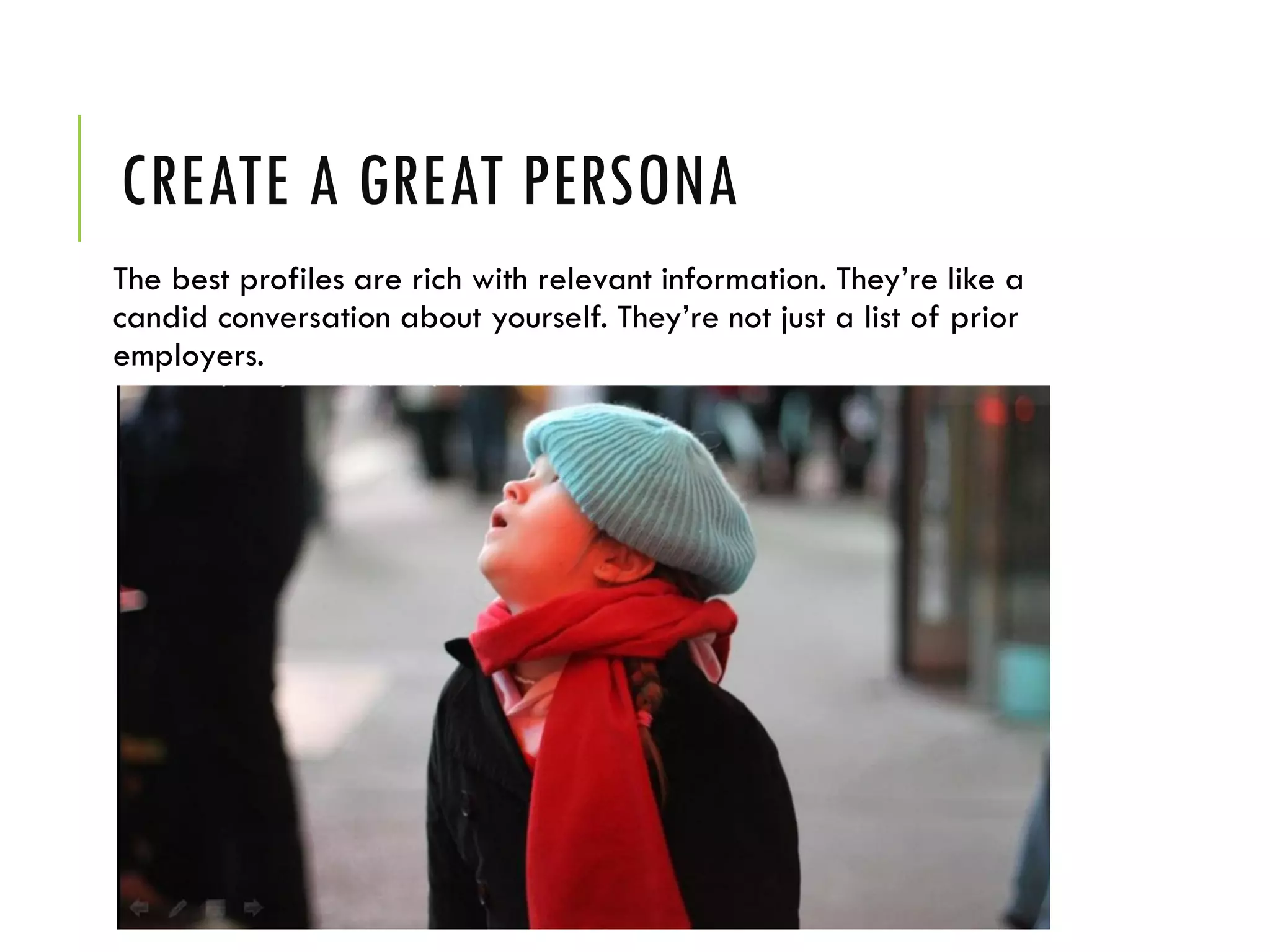
CREATE A GREAT PERSONA
The best profiles are rich with relevant information. They’re like a
candid conversation about yourself. They’re not just a list of prior
employers.
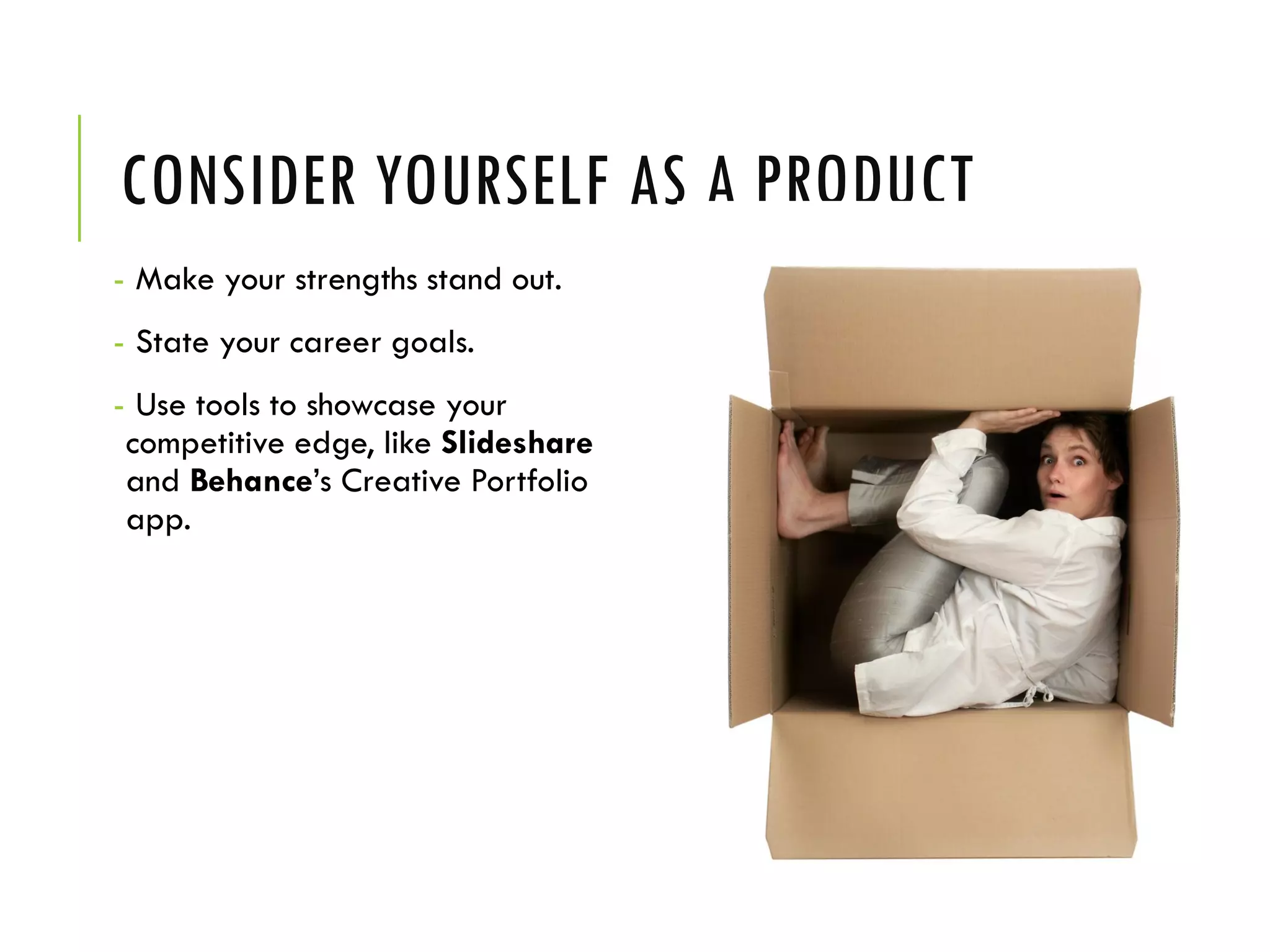
CONSIDER YOURSELF AS A PRODUCT
- Make your strengths stand out.
- State your career goals.
- Use tools to showcase your
competitive edge, like Slideshare
and Behance’s Creative Portfolio
app.
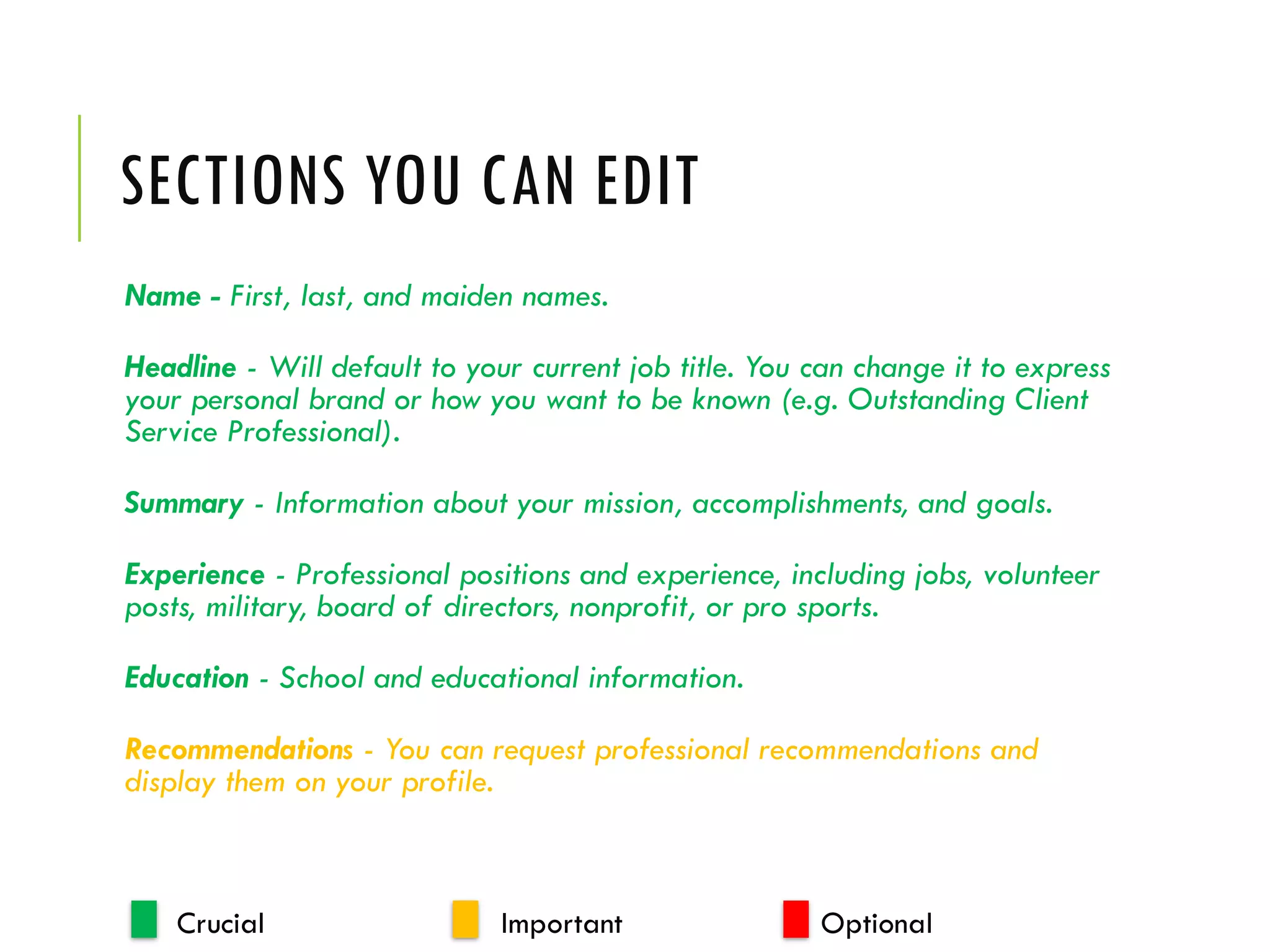
SECTIONS YOU CAN EDIT
Name - First, last, and maiden names.
Headline - Will default to your current job title. You can change it to express
your personal brand or how you want to be known (e.g. Outstanding Client
Service Professional).
Summary - Information about your mission, accomplishments, and goals.
Experience - Professional positions and experience, including jobs, volunteer
posts, military, board of directors, nonprofit, or pro sports.
Education - School and educational information.
Recommendations - You can request professional recommendations and
display them on your profile.
Crucial Important Optional
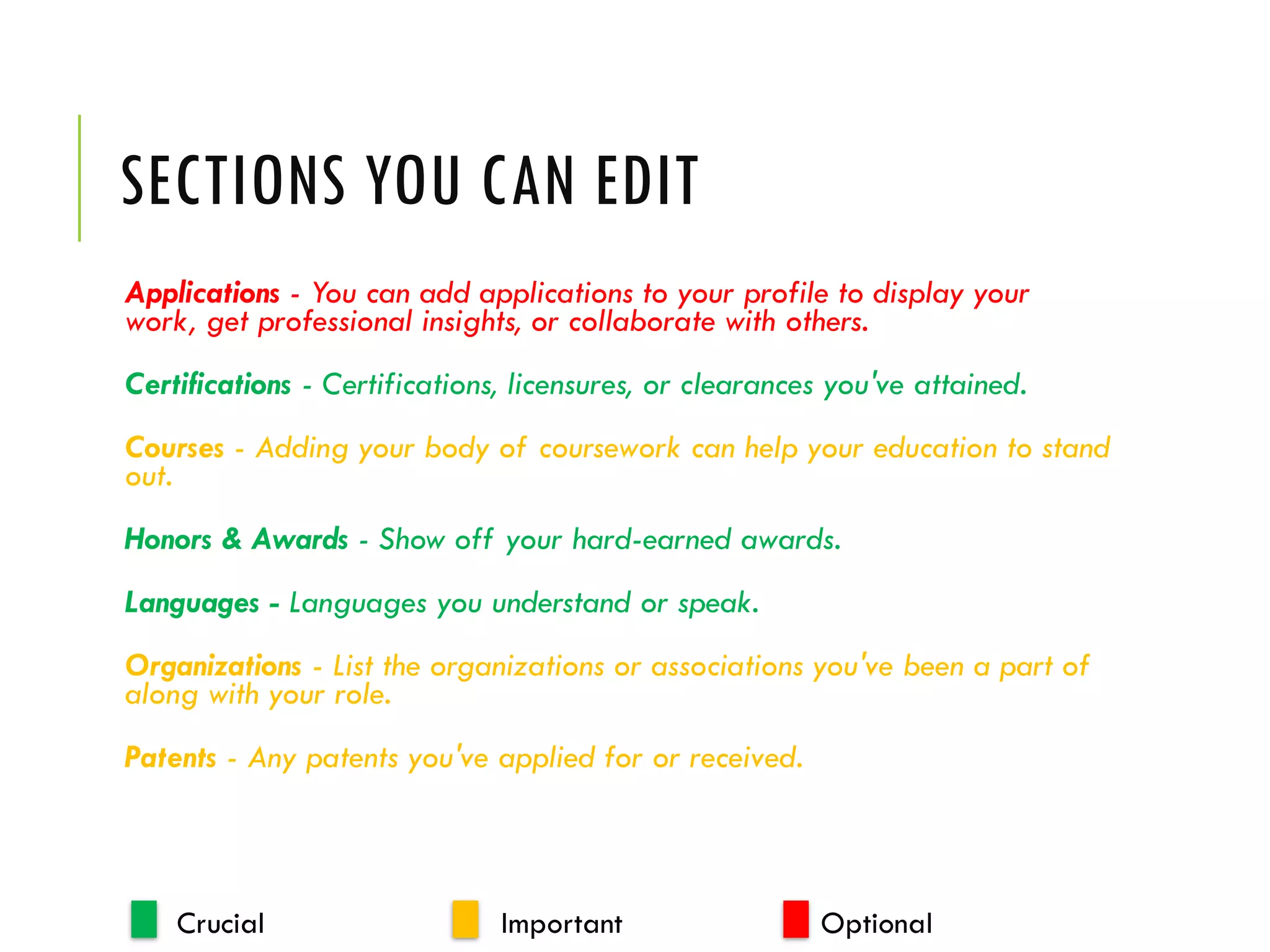
SECTIONS YOU CAN EDIT
Applications - You can add applications to your profile to display your
work, get professional insights, or collaborate with others.
Certifications - Certifications, licensures, or clearances you've attained.
Courses - Adding your body of coursework can help your education to stand
out.
Honors & Awards - Show off your hard-earned awards.
Languages - Languages you understand or speak.
Organizations - List the organizations or associations you've been a part of
along with your role.
Patents - Any patents you've applied for or received.
Crucial Important Optional
SECTIONS YOU CAN EDIT
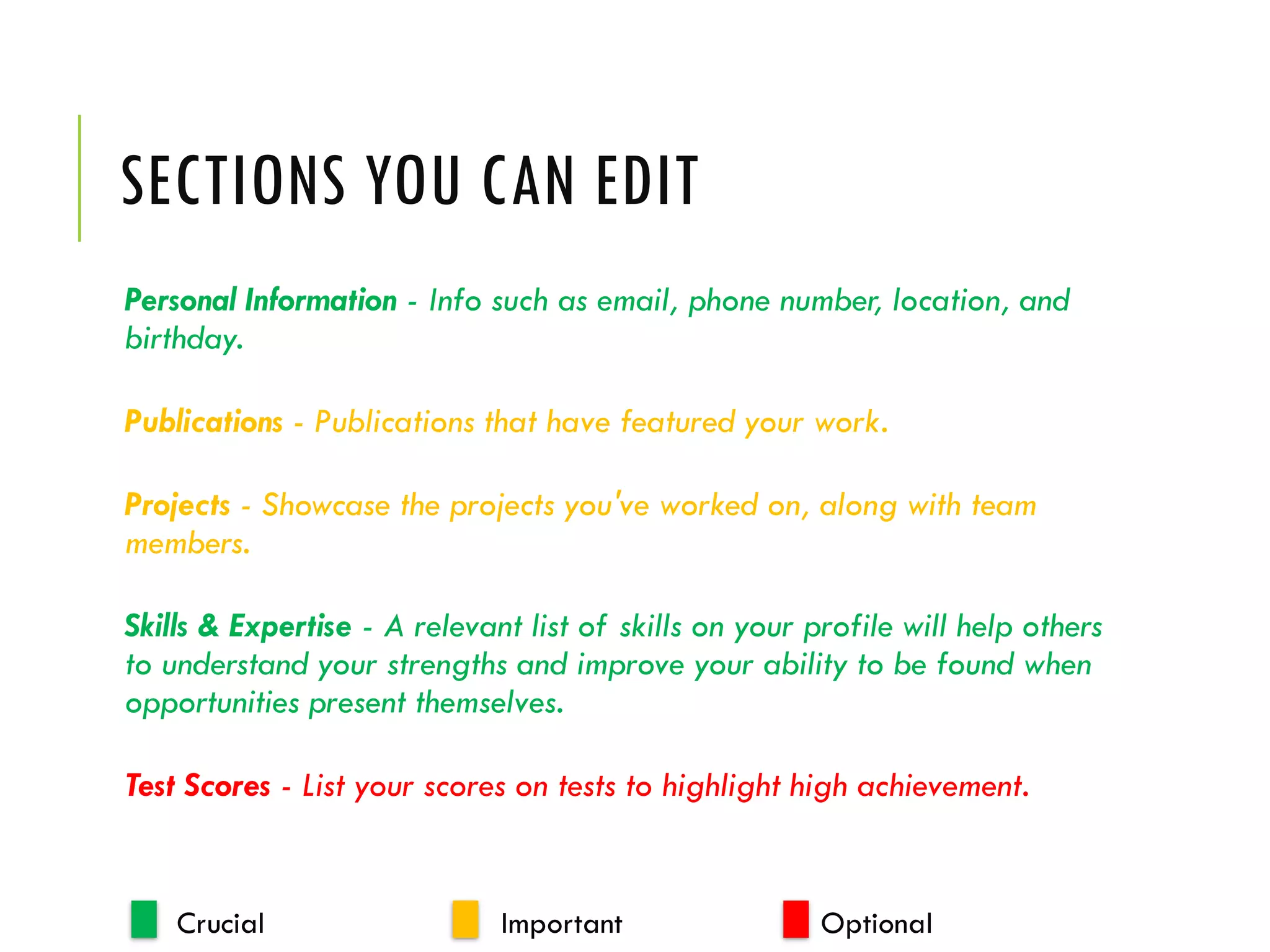
Personal Information - Info such as email, phone number, location, and
birthday.
Publications - Publications that have featured your work.
Projects - Showcase the projects you've worked on, along with team
members.
Skills & Expertise - A relevant list of skills on your profile will help others
to understand your strengths and improve your ability to be found when
opportunities present themselves.
Test Scores - List your scores on tests to highlight high achievement.
Crucial Important Optional
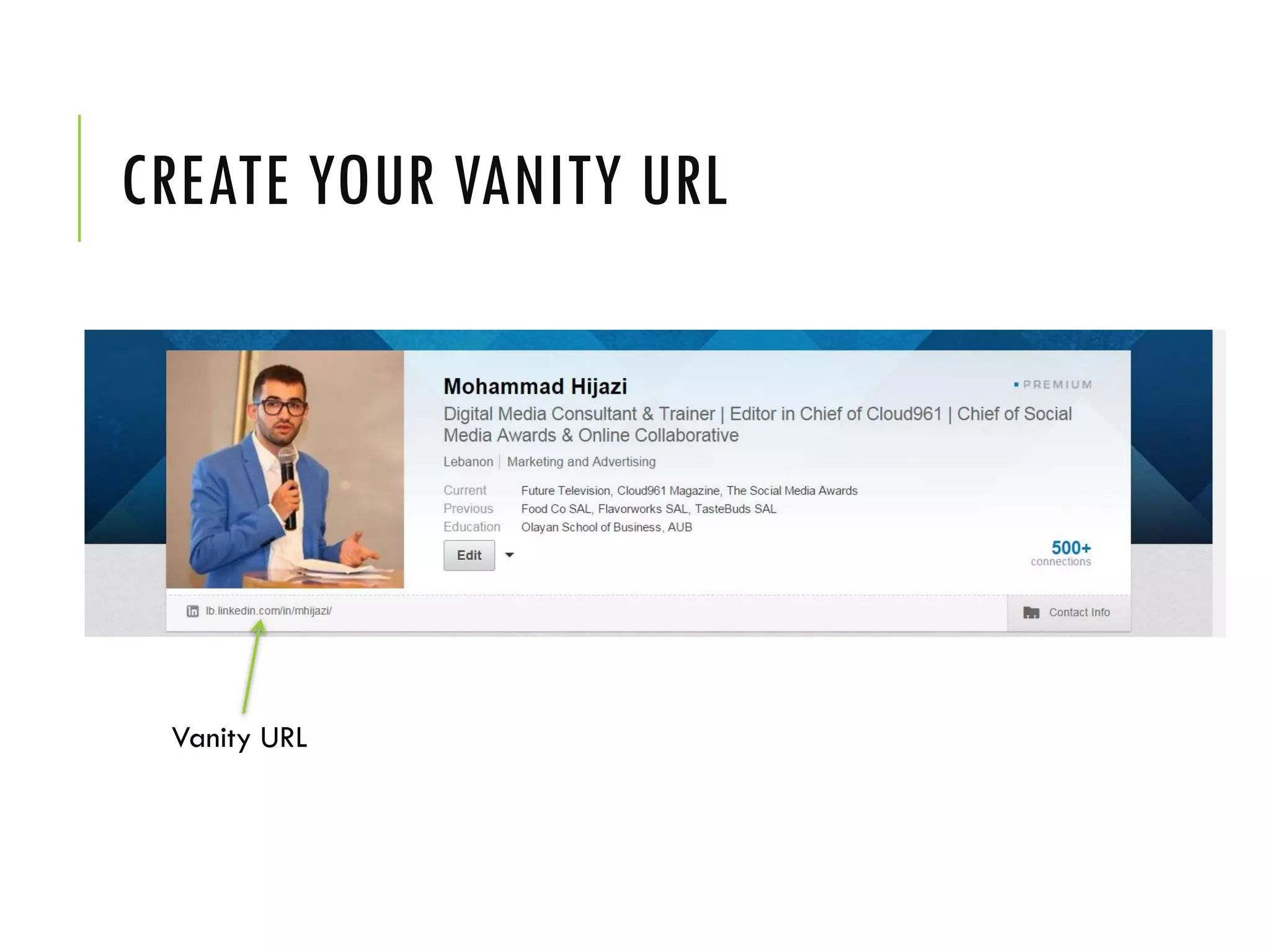
CREATE YOUR VANITY URL
Vanity URL
GET DISCOVERED BEYOND LINKEDIN
• If you leave comments on business websites or professional blogs,
enter your Linkedin public profile URL in the website section.
• Add your URL to your professional Twitter bio.
• Add the URL to your business cards and resume.
• Make it part of your “about me” on your blog or website.
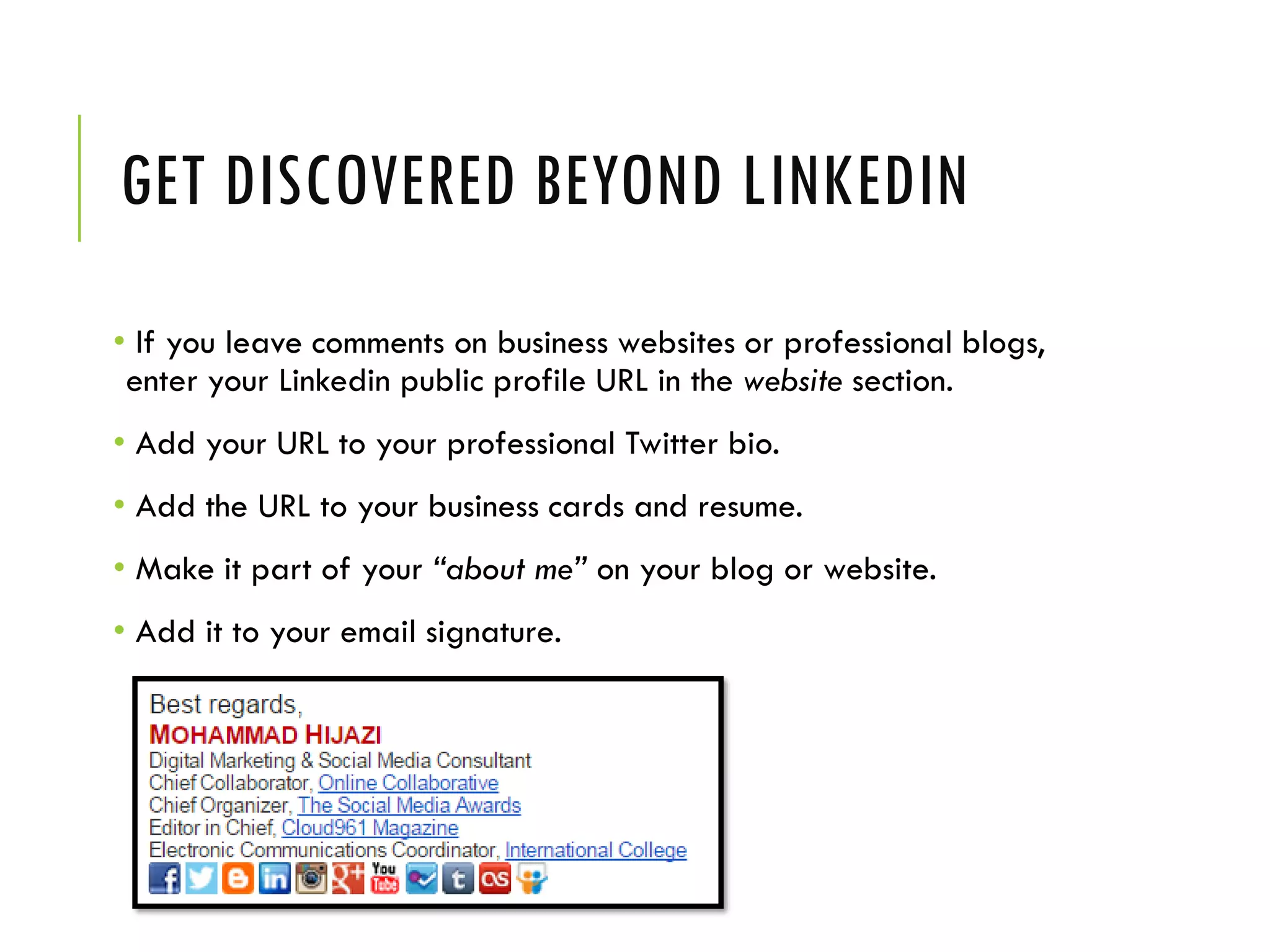
• Add it to your email signature.
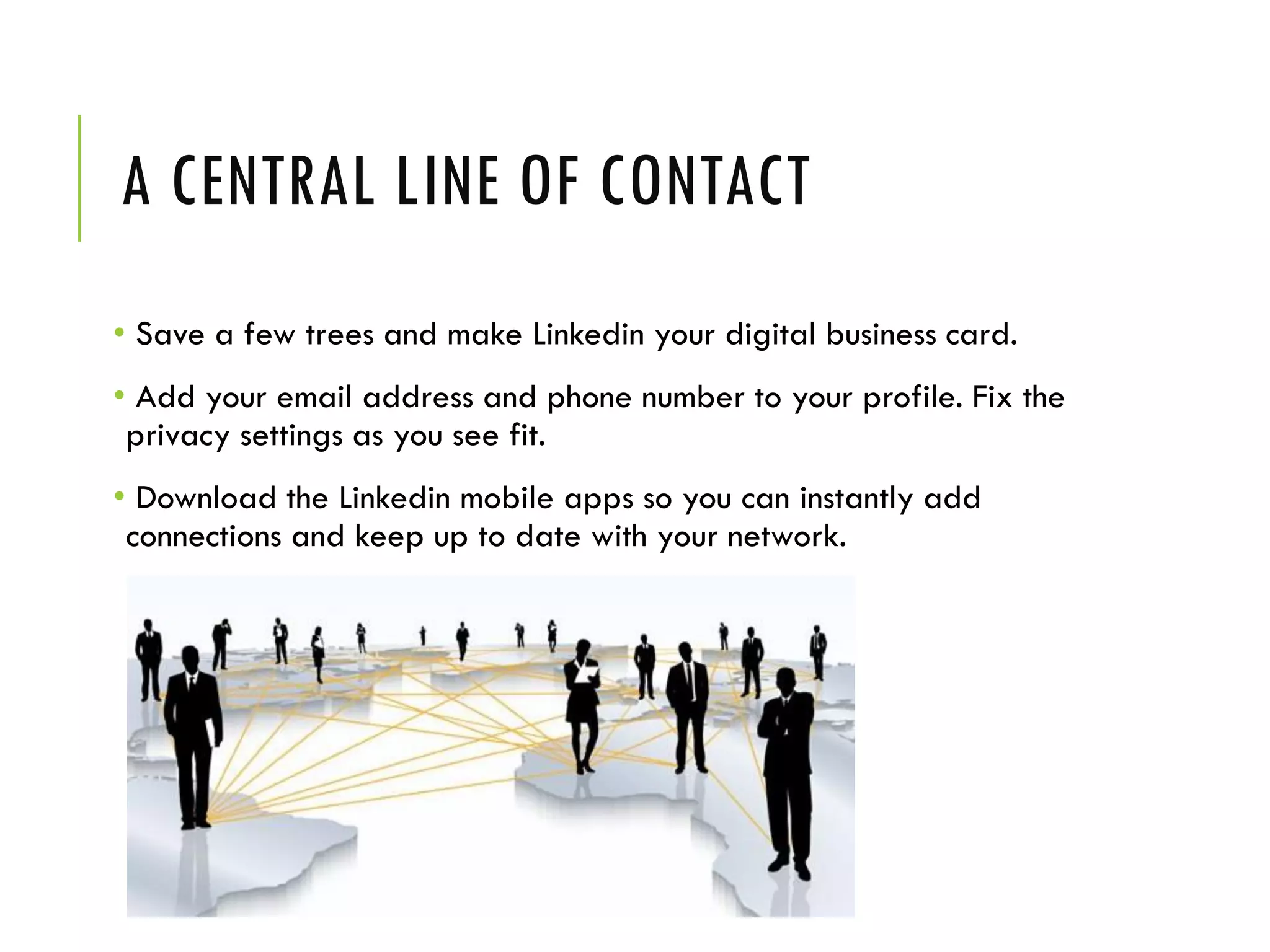
A CENTRAL LINE OF CONTACT
• Save a few trees and make Linkedin your digital business card.
• Add your email address and phone number to your profile. Fix the
privacy settings as you see fit.
• Download the Linkedin mobile apps so you can instantly add
connections and keep up to date with your network.
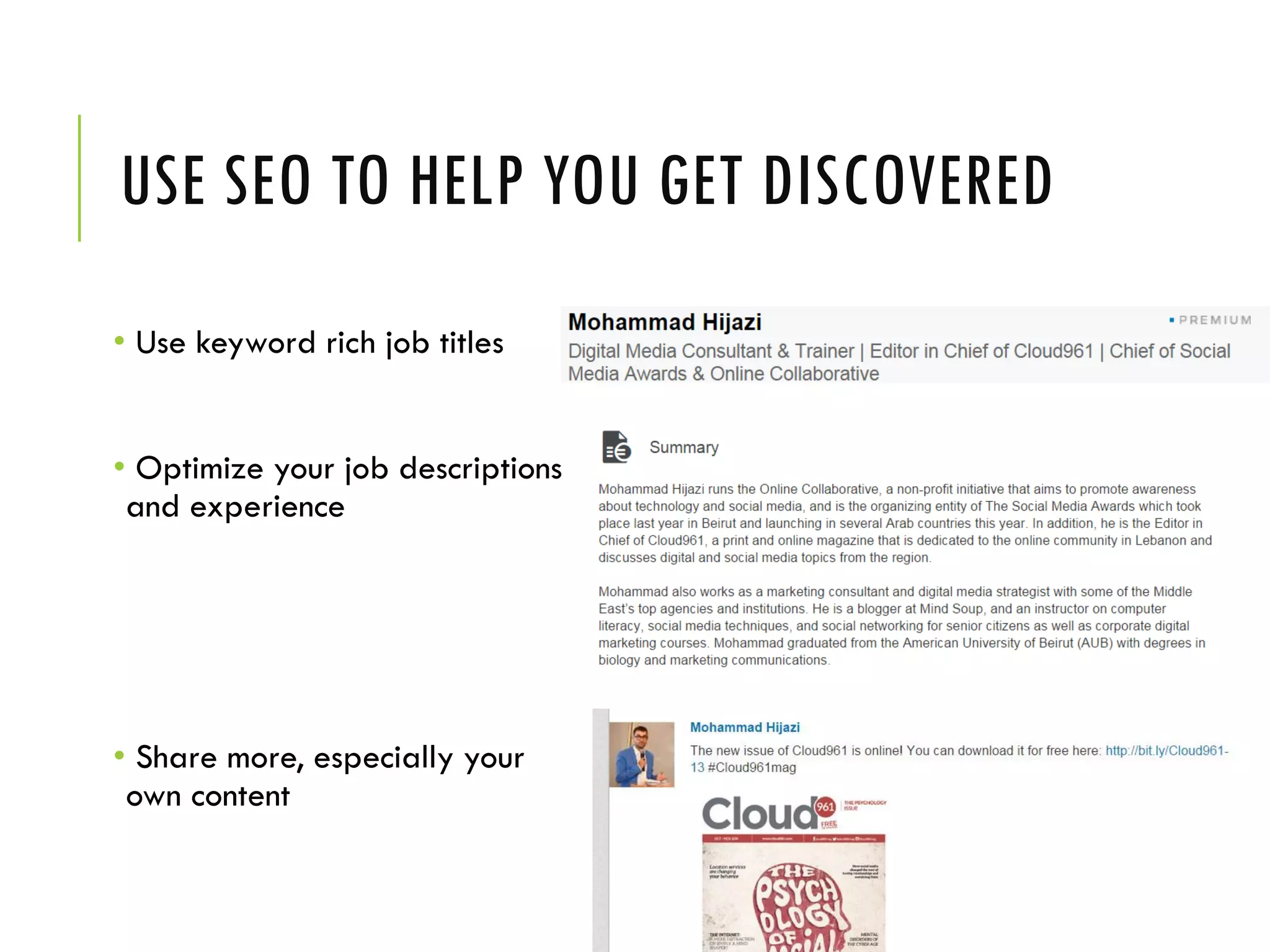
USE SEO TO HELP YOU GET DISCOVERED
• Use keyword rich job titles
• Optimize your job descriptions
and experience
• Share more, especially your
own content
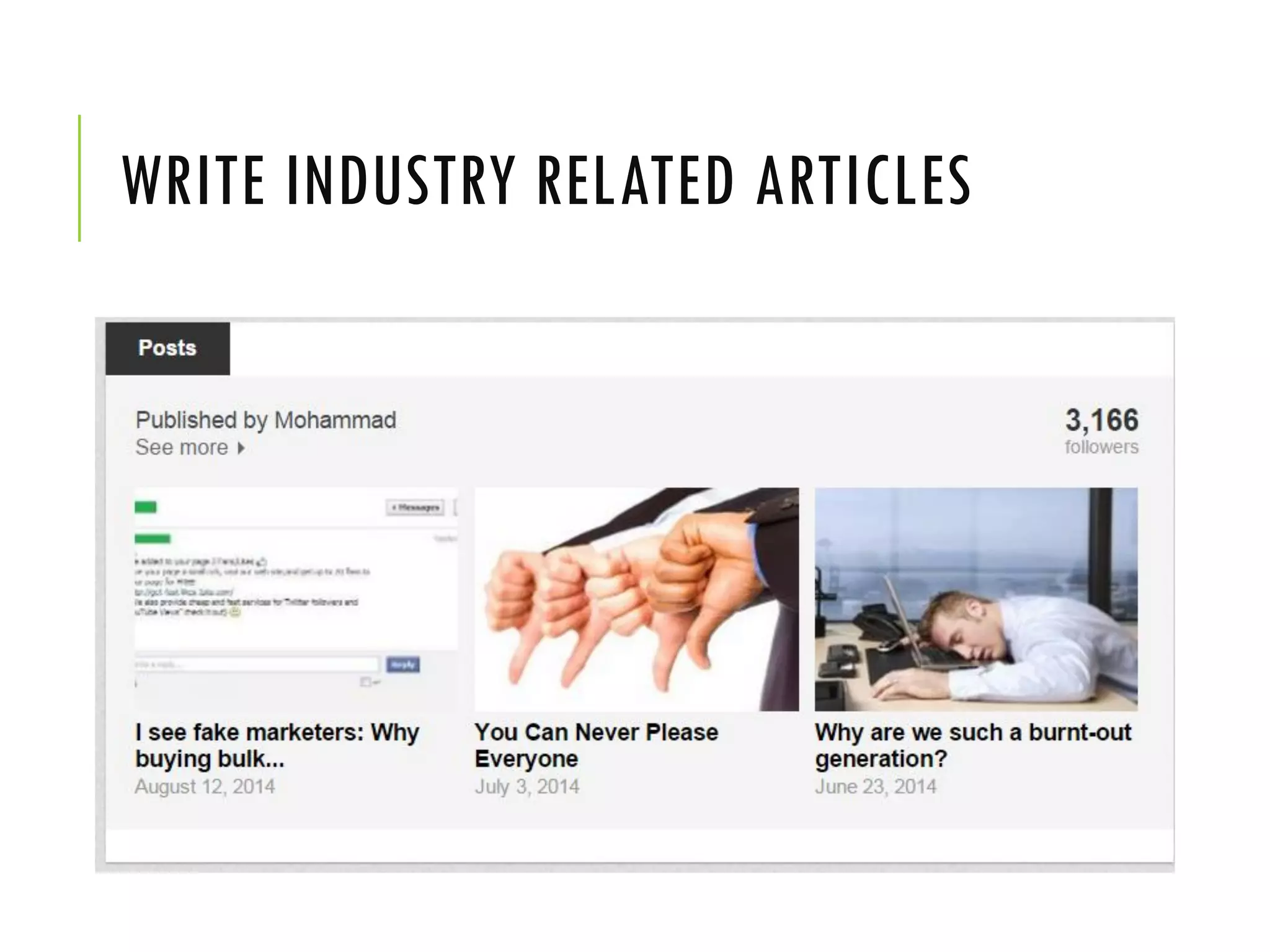
WRITE INDUSTRY RELATED ARTICLES
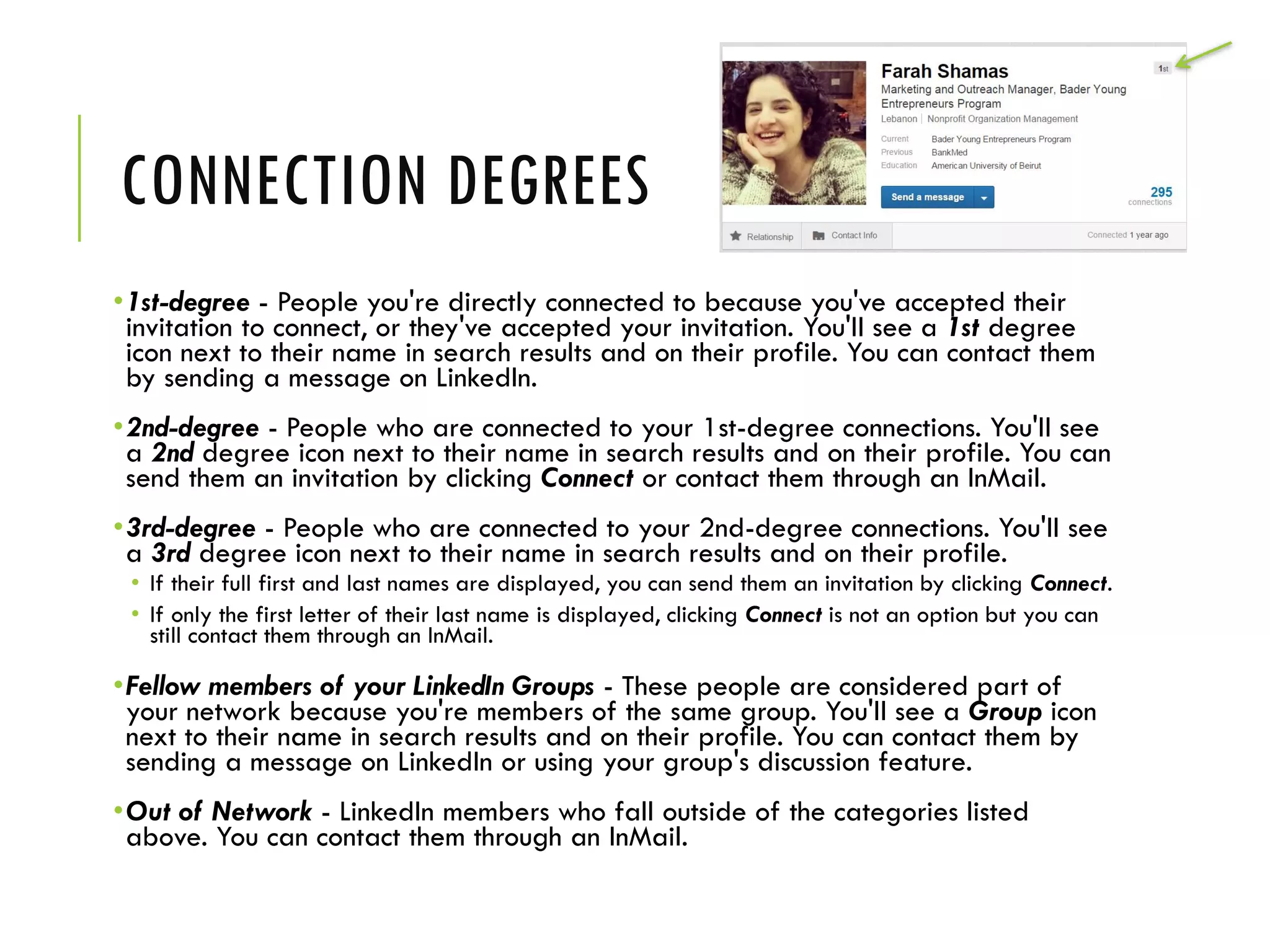
CONNECTION DEGREES
•1st-degree - People you're directly connected to because you've accepted their
invitation to connect, or they've accepted your invitation. You'll see a 1st degree
icon next to their name in search results and on their profile. You can contact them
by sending a message on LinkedIn.
•2nd-degree - People who are connected to your 1st-degree connections. You'll see
a 2nd degree icon next to their name in search results and on their profile. You can
send them an invitation by clicking Connect or contact them through an InMail.
•3rd-degree - People who are connected to your 2nd-degree connections. You'll see
a 3rd degree icon next to their name in search results and on their profile.
• If their full first and last names are displayed, you can send them an invitation by clicking Connect.
• If only the first letter of their last name is displayed, clicking Connect is not an option but you can
still contact them through an InMail.
•Fellow members of your LinkedIn Groups - These people are considered part of
your network because you're members of the same group. You'll see a Group icon
next to their name in search results and on their profile. You can contact them by
sending a message on LinkedIn or using your group's discussion feature.
•Out of Network - LinkedIn members who fall outside of the categories listed
above. You can contact them through an InMail.
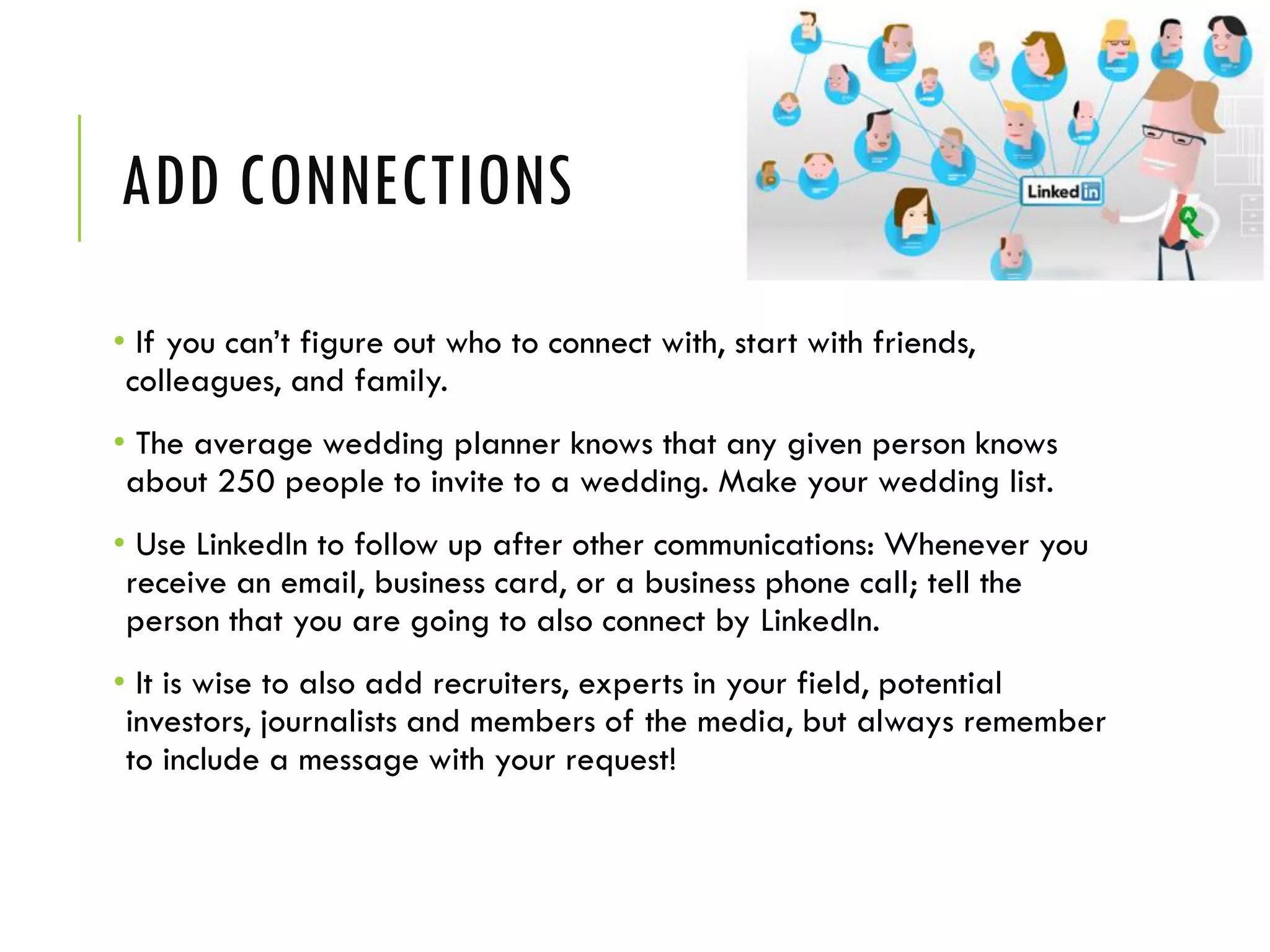
ADD CONNECTIONS
• If you can’t figure out who to connect with, start with friends,
colleagues, and family.
• The average wedding planner knows that any given person knows
about 250 people to invite to a wedding. Make your wedding list.
• Use LinkedIn to follow up after other communications: Whenever you
receive an email, business card, or a business phone call; tell the
person that you are going to also connect by LinkedIn.
• It is wise to also add recruiters, experts in your field, potential
investors, journalists and members of the media, but always remember
to include a message with your request!
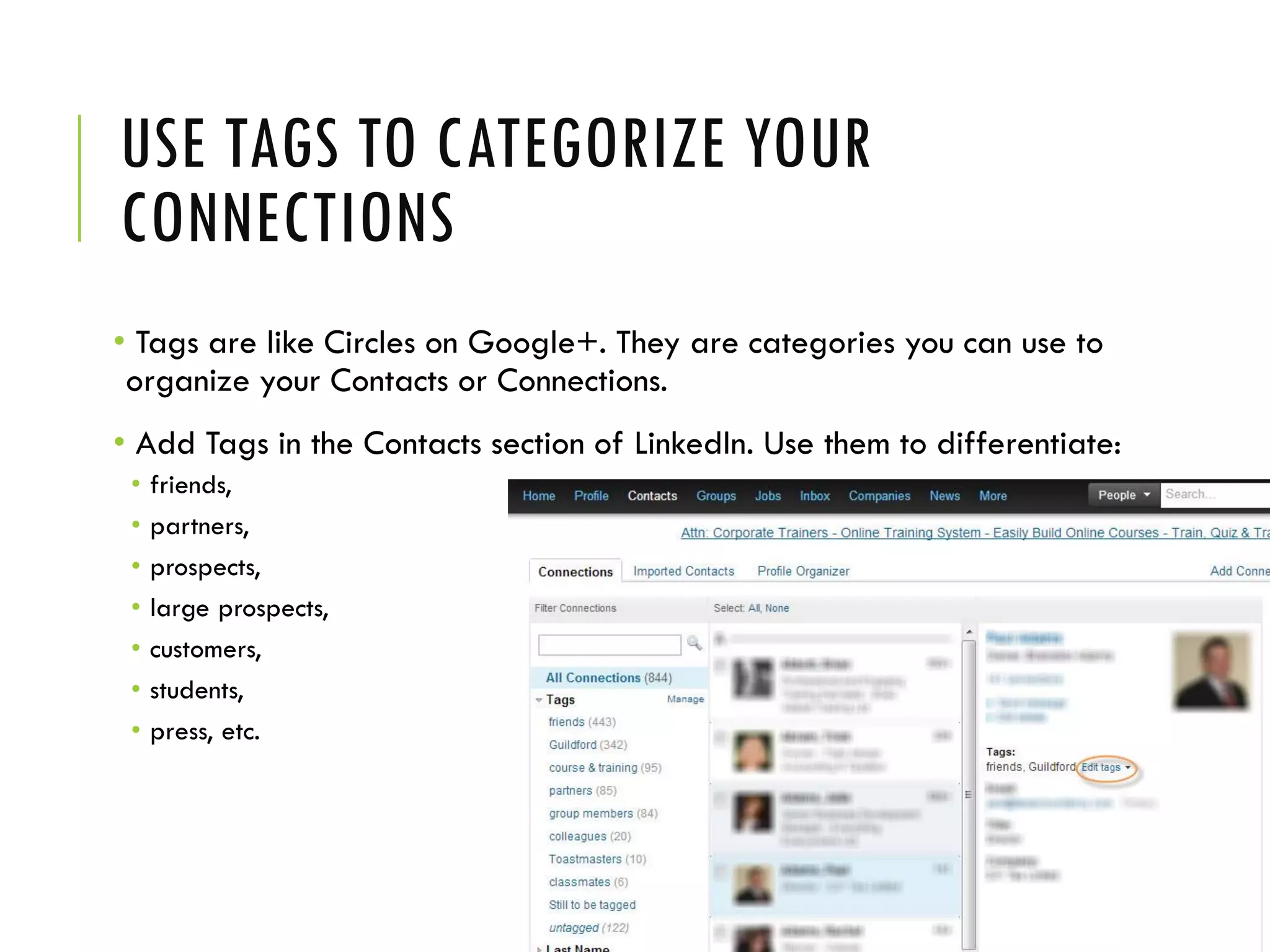
USE TAGS TO CATEGORIZE YOUR
CONNECTIONS
• Tags are like Circles on Google+. They are categories you can use to
organize your Contacts or Connections.
• Add Tags in the Contacts section of LinkedIn. Use them to differentiate:
• friends,
• partners,
• prospects,
• large prospects,
• customers,
• students,
• press, etc.
MAKE SURE YOUR PROFILE IS PUBLIC
• If you're hoping to get business from your LinkedIn profile, than you
want to make sure that anyone can view it, whether they're logged in
or not.
• Click on your profile image in the upper right corner of the screen to
access your account menu, and click on Privacy & Settings. Here you
can:
• Make sure EVERYONE can view your activity feed.
• Turn on or off your activity broadcasts
• Select what others can see when you view their profile (image, name and headline
recommended)
• Enable Open Profile if you're a Premium member
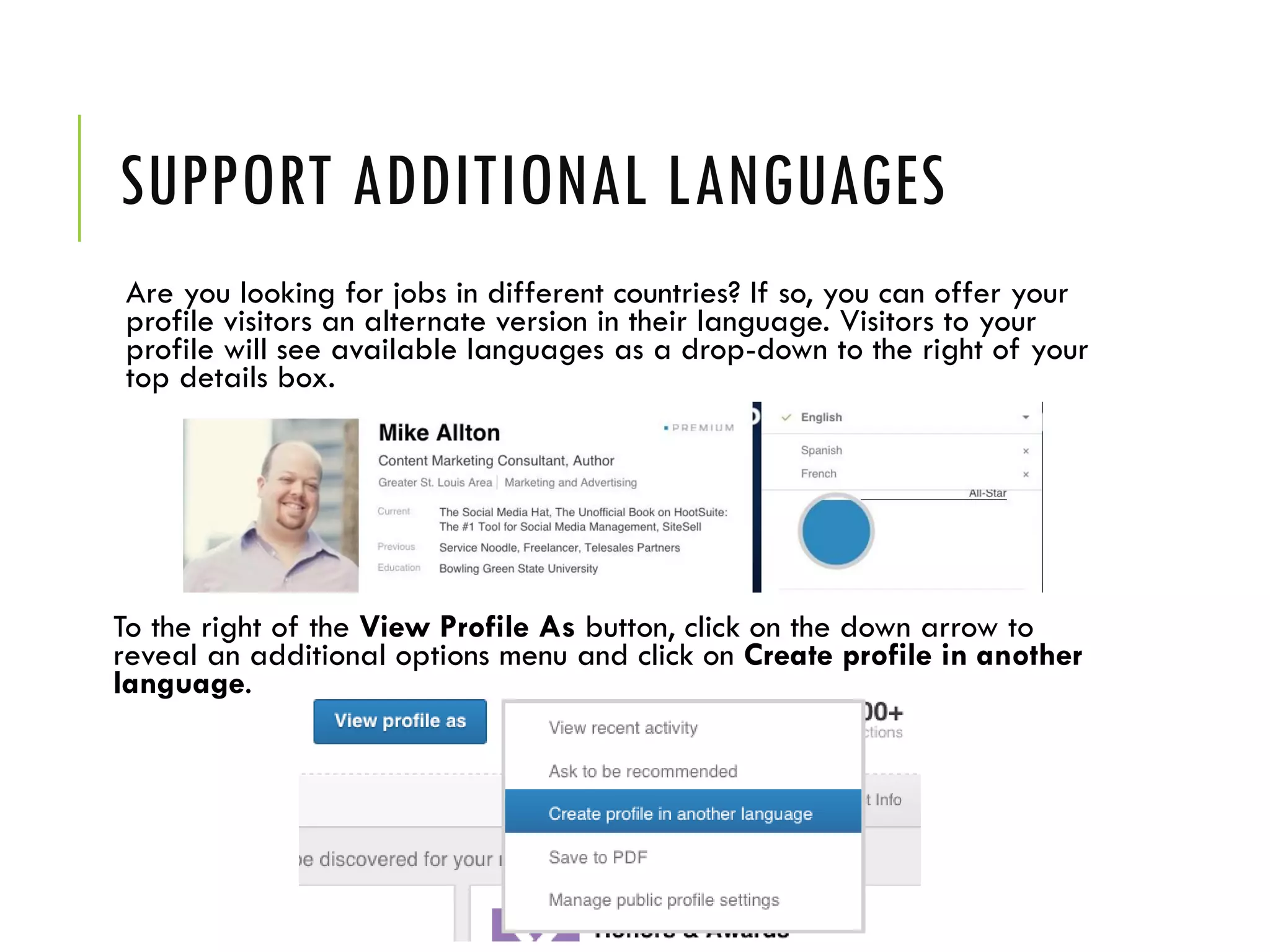
SUPPORT ADDITIONAL LANGUAGES
Are you looking for jobs in different countries? If so, you can offer your
profile visitors an alternate version in their language. Visitors to your
profile will see available languages as a drop-down to the right of your
top details box.
To the right of the View Profile As button, click on the down arrow to
reveal an additional options menu and click on Create profile in another
language.
DO NOT BE THIS STUPID! Things you need to avoid!
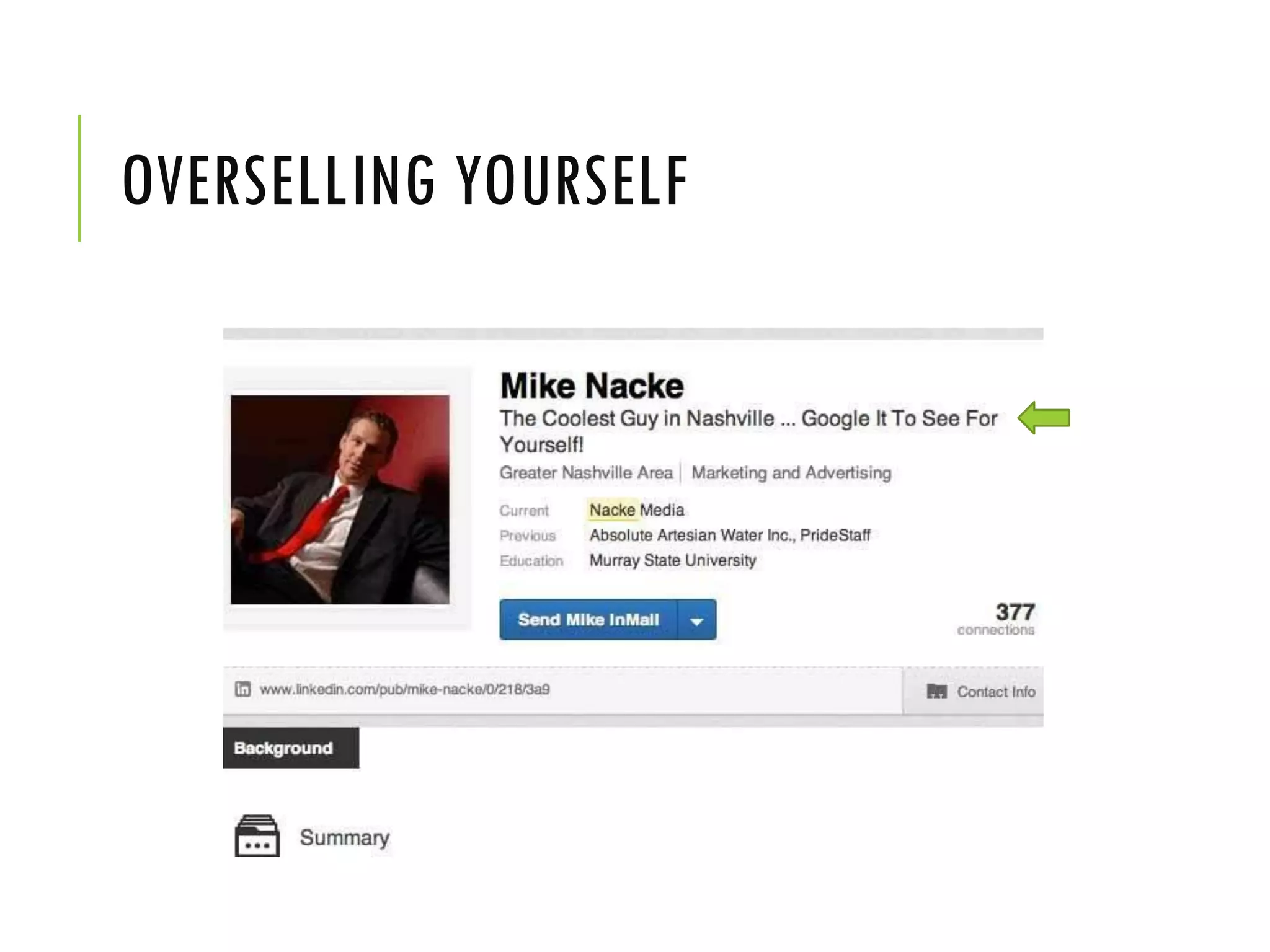
OVERSELLING YOURSELF
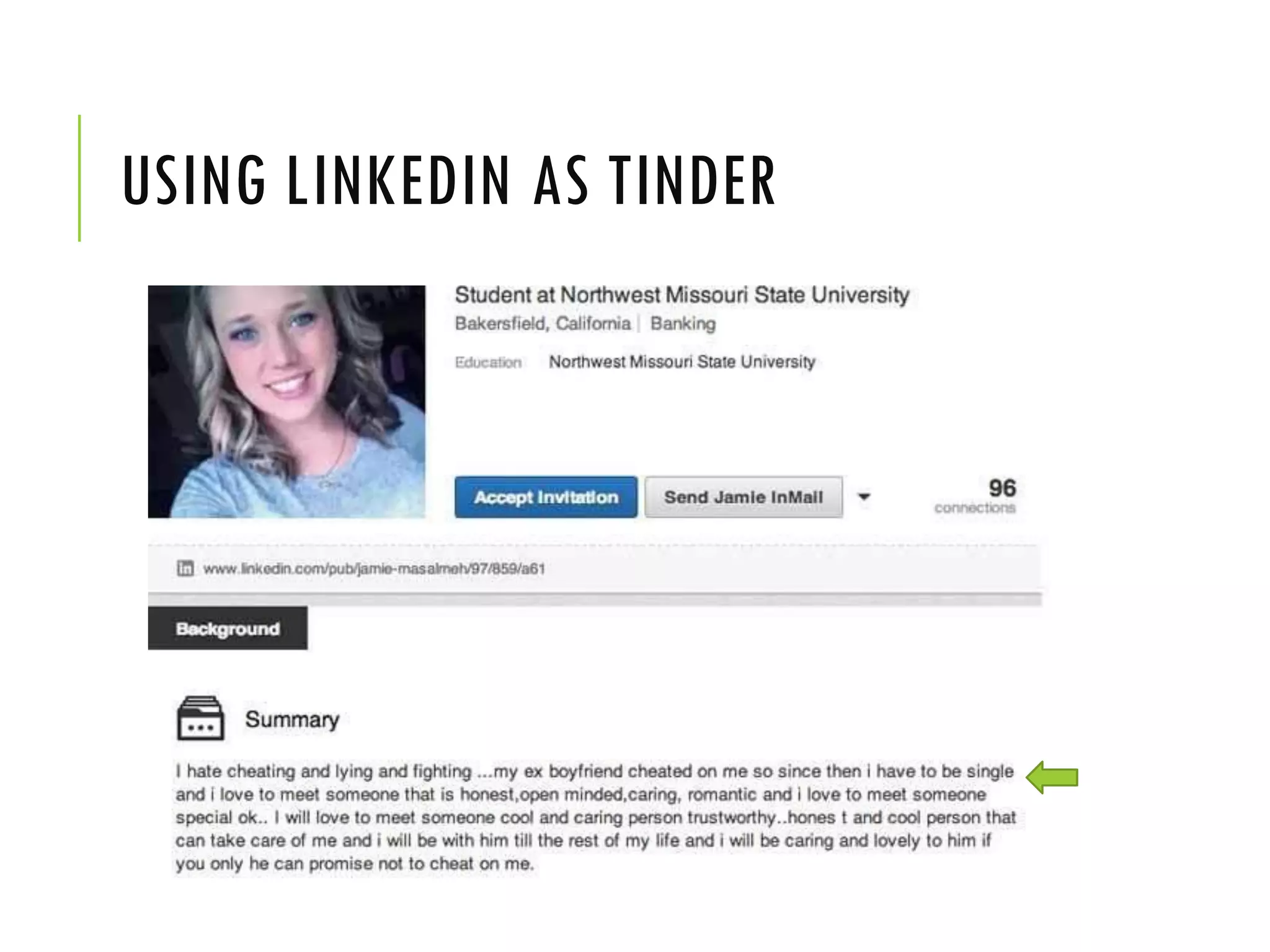
USING LINKEDIN AS TINDER
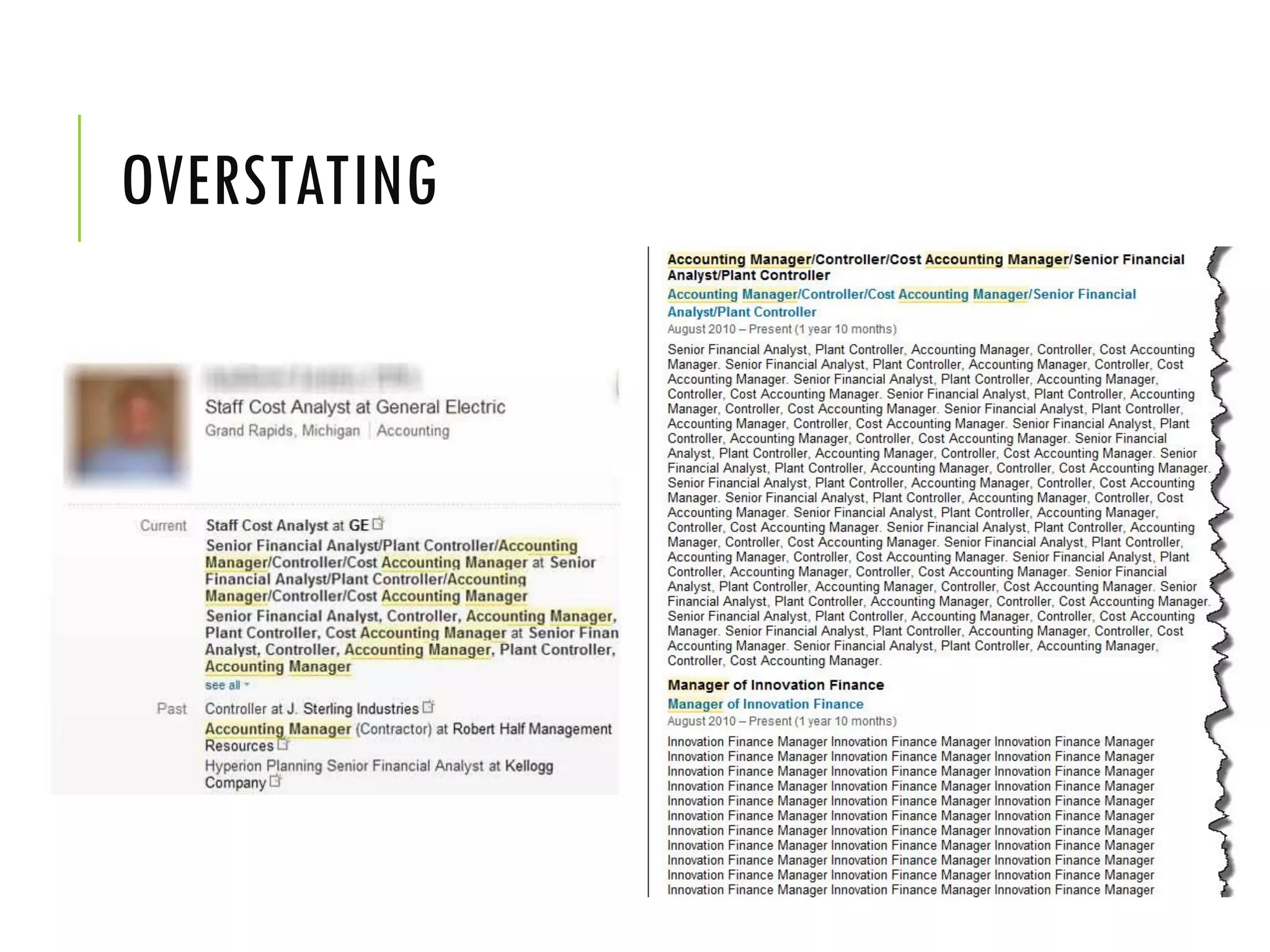
OVERSTATING
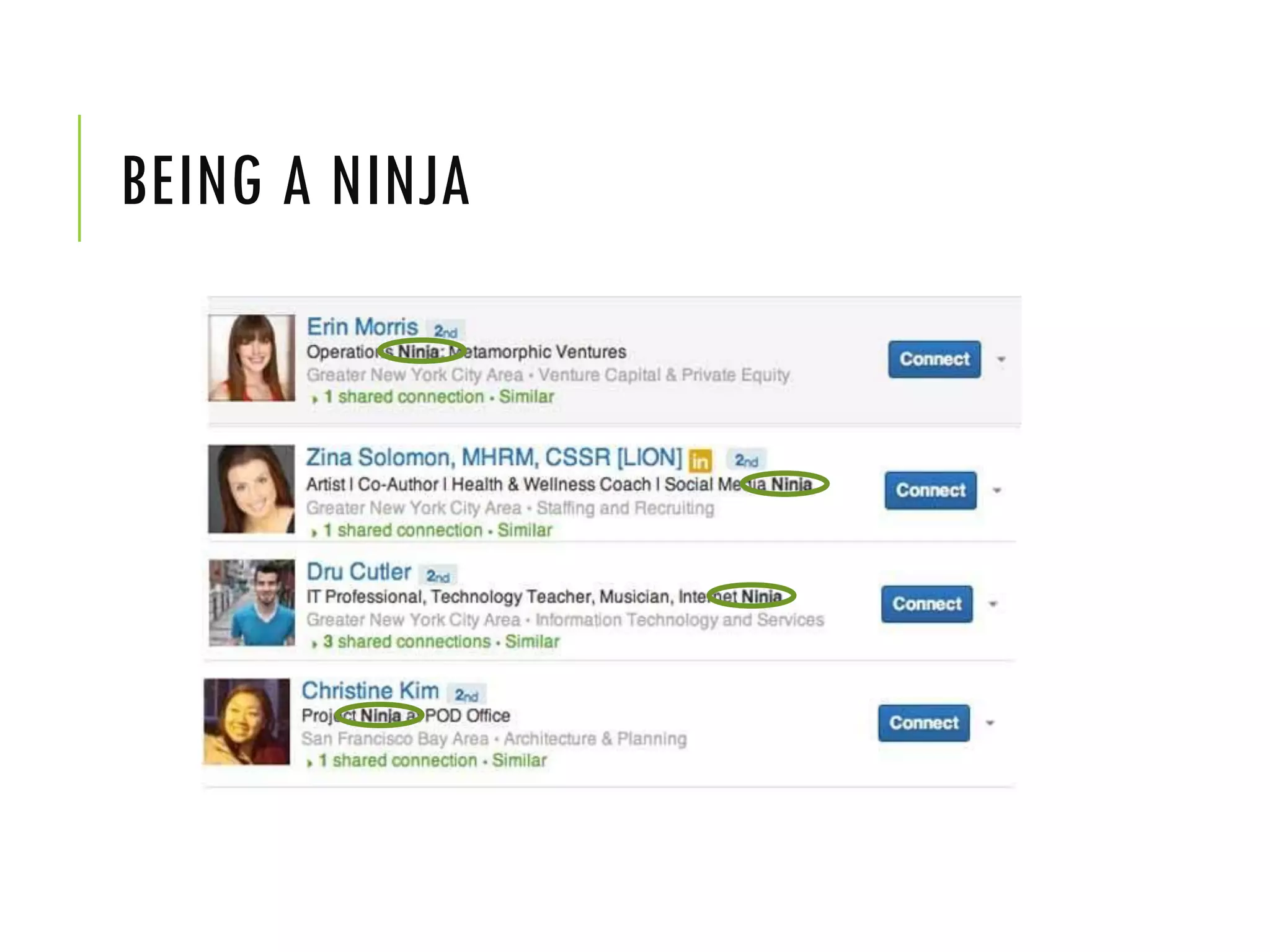
BEING A NINJA
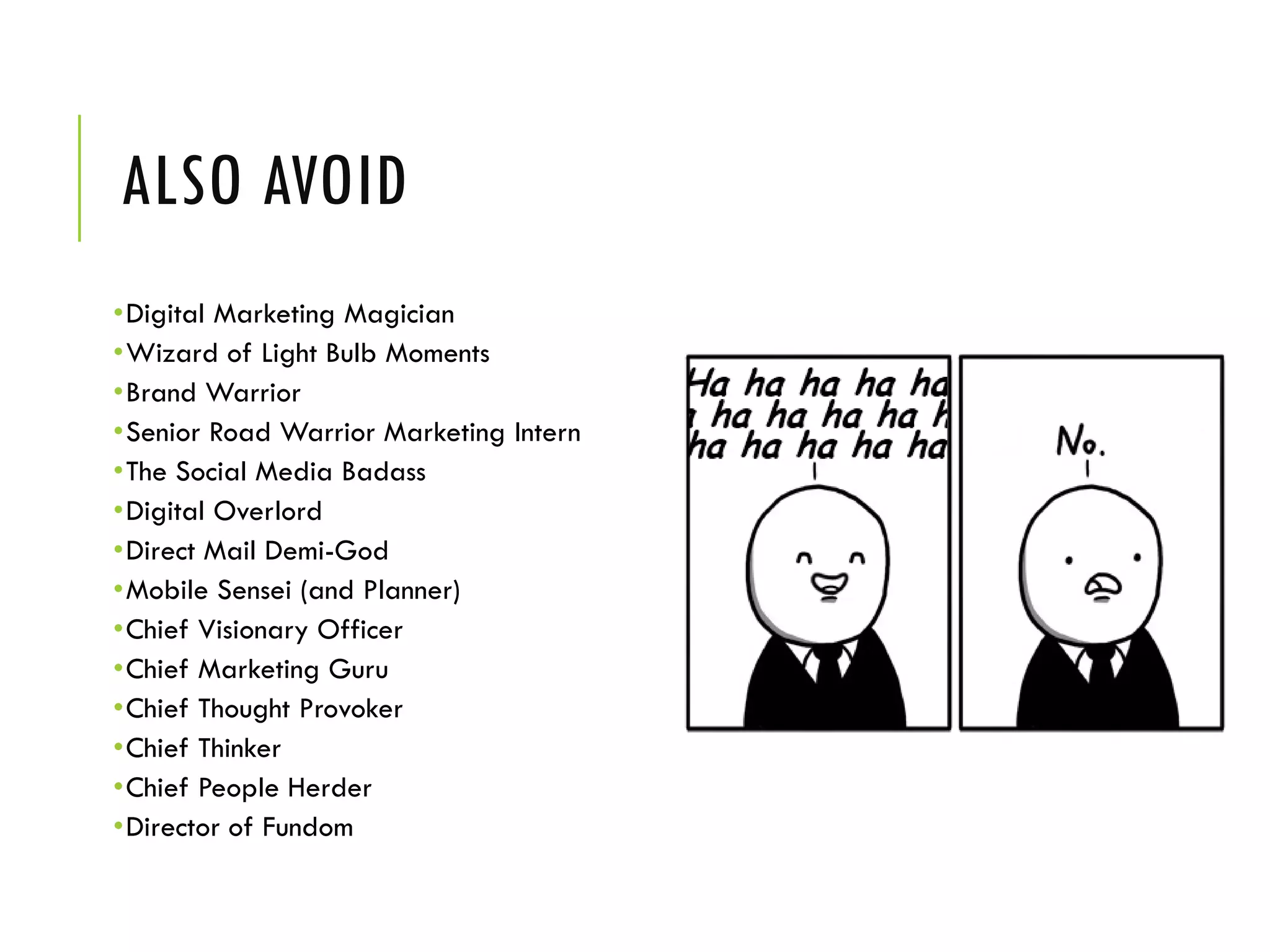
ALSO AVOID
•Digital Marketing Magician
•Wizard of Light Bulb Moments
•Brand Warrior
•Senior Road Warrior Marketing Intern
•The Social Media Badass
•Digital Overlord
•Direct Mail Demi-God
•Mobile Sensei (and Planner)
•Chief Visionary Officer
•Chief Marketing Guru
•Chief Thought Provoker
•Chief Thinker
•Chief People Herder
•Director of Fundom
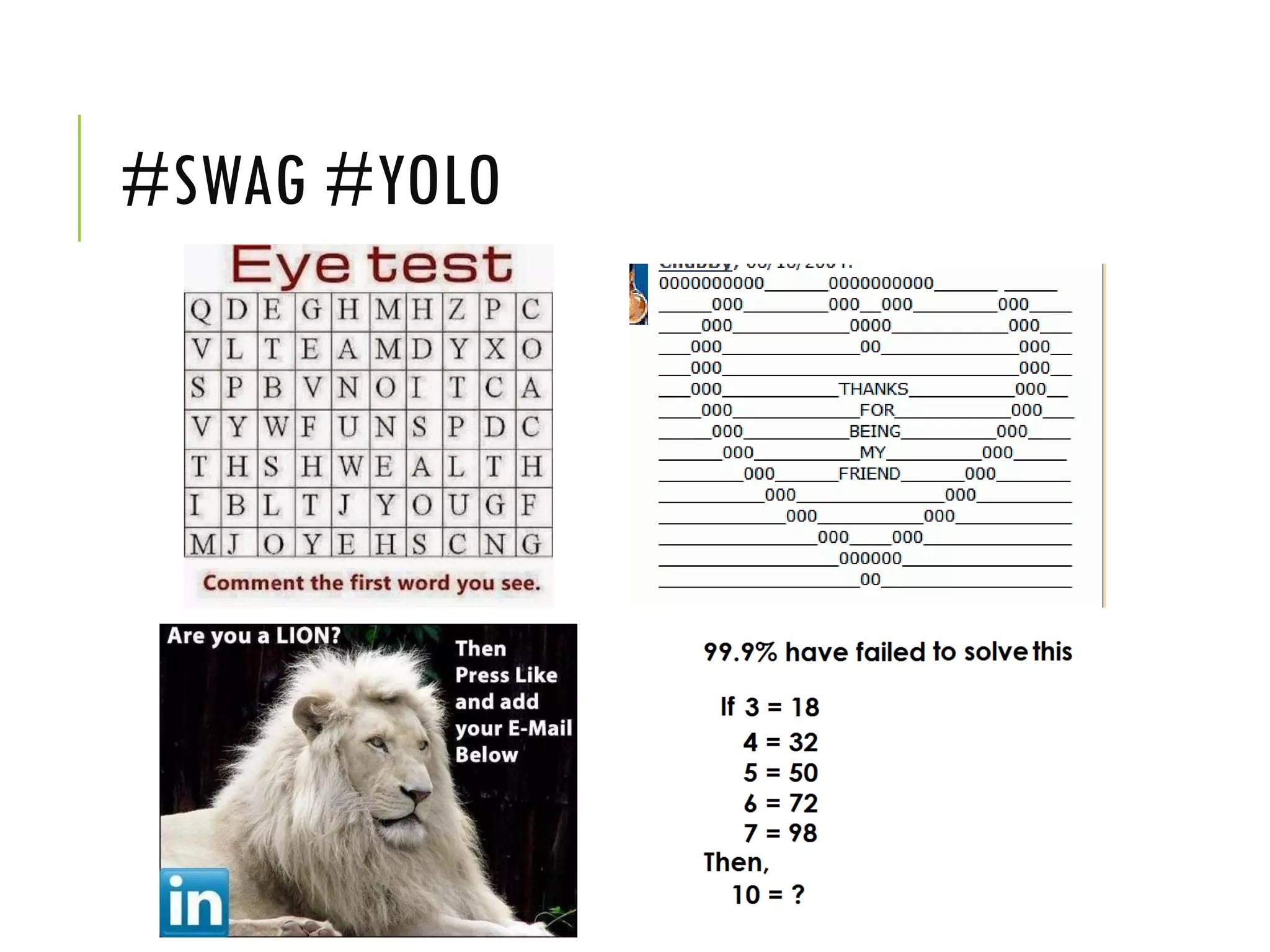
#SWAG #YOLO
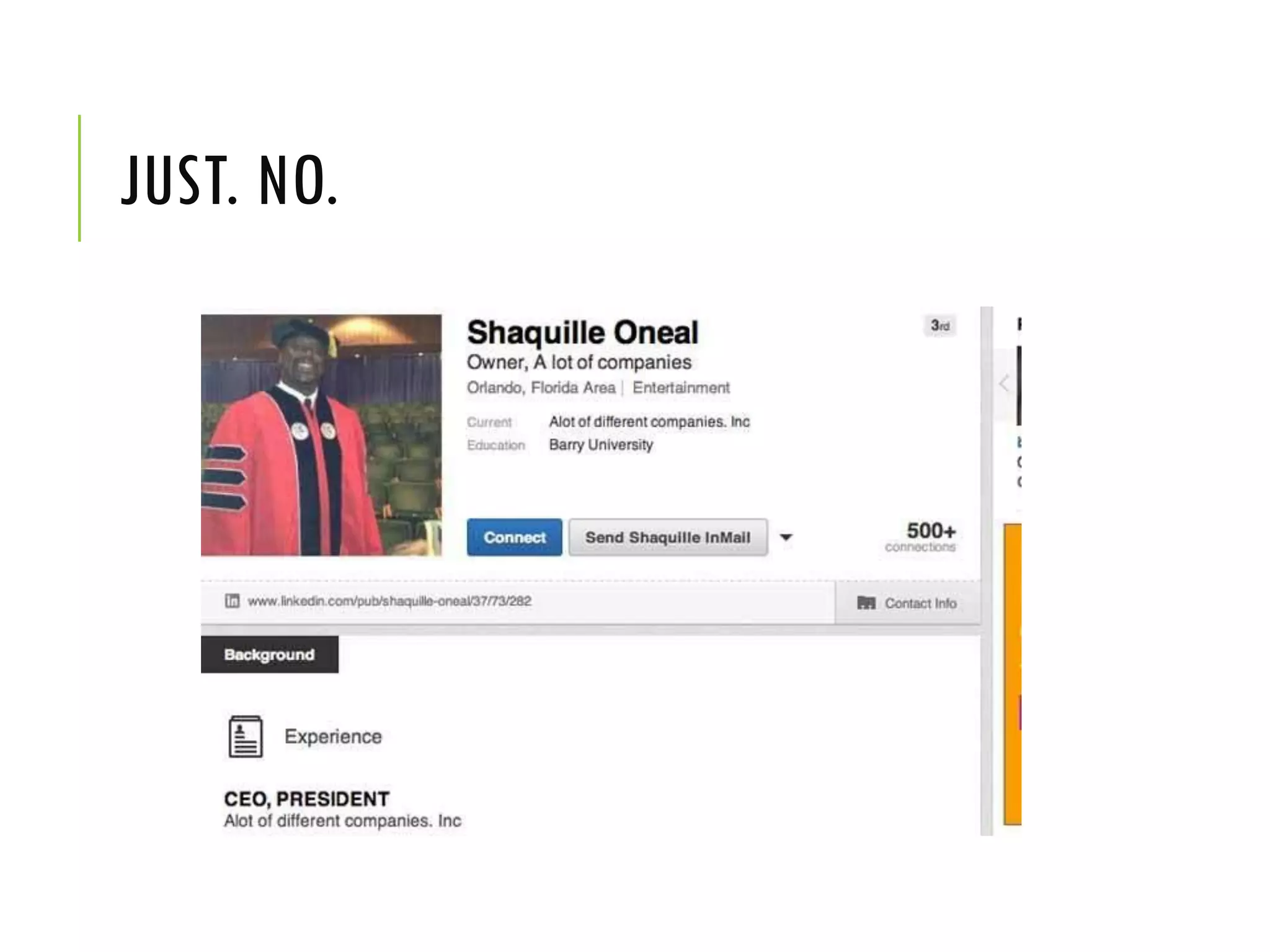
JUST. NO.
STEP 7: WRITE YOUR
BIO/INTRO
NEVER LEAVE IT BLANK
• Never leave the Summary section
blank!! A blank Summary means that
the first thing an employer sees is
your Experience section. Your profile
will then be like a resume without a
Summary statement at the top, or like
a term paper without an introduction.
How will recruiters and hiring
managers know where to focus or
what to concentrate on in
your LinkedIn profile if you do not
point them in the right direction?
IDENTIFY YOUR PURPOSE
• Why are you writing this bio? Who will
read it?
• You need to take some time to think about
your readers and what you want them to
think about you.
• State your profile objective clearly: are you
looking for investors, partners, to share your
ideas, a job, etc…
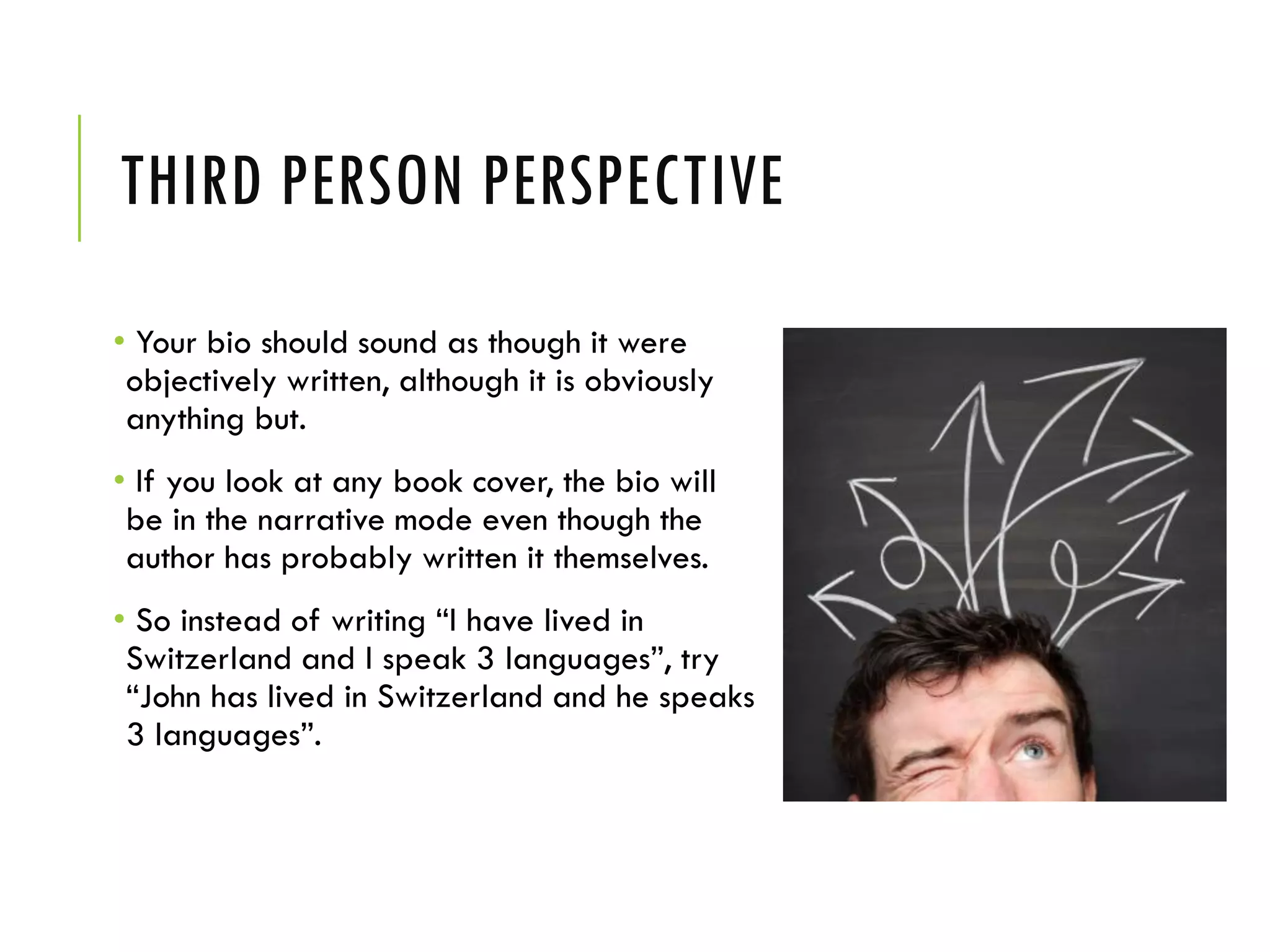
THIRD PERSON PERSPECTIVE
• Your bio should sound as though it were
objectively written, although it is obviously
anything but.
• If you look at any book cover, the bio will
be in the narrative mode even though the
author has probably written it themselves.
• So instead of writing “I have lived in
Switzerland and I speak 3 languages”, try
“John has lived in Switzerland and he speaks
3 languages”.
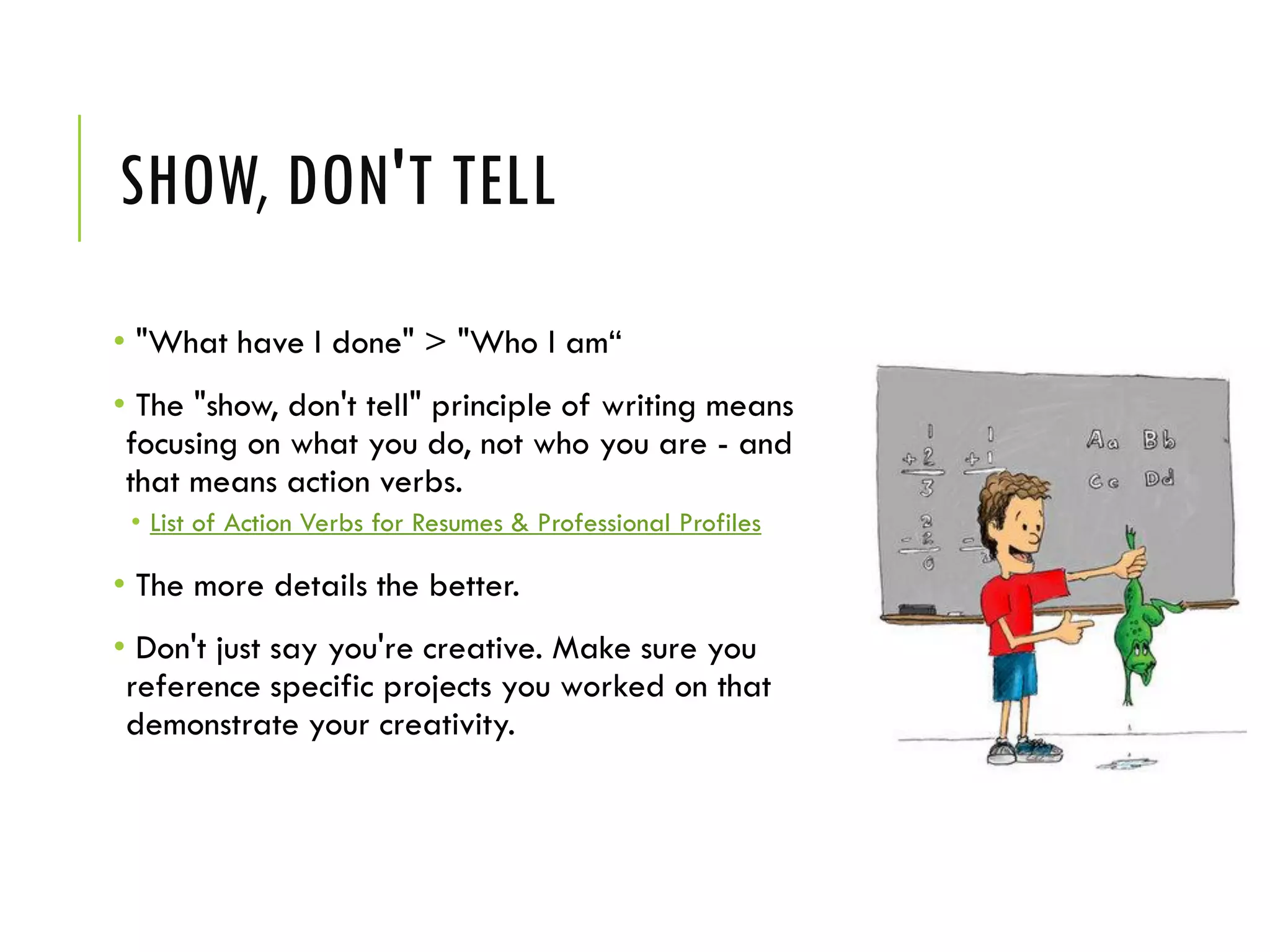
SHOW, DON'T TELL
• "What have I done" > "Who I am“
• The "show, don't tell" principle of writing means
focusing on what you do, not who you are - and
that means action verbs.
• List of Action Verbs for Resumes & Professional Profiles
• The more details the better.
• Don't just say you're creative. Make sure you
reference specific projects you worked on that
demonstrate your creativity.
TAILOR YOUR KEYWORDS SPECIFICALLY
TO YOUR AUDIENCE
• Your bio should position you as an
expert in your field who serves a
specific audience.
• Tell stories. Share your
accomplishments. Everyone likes a
good story. If you can grab some
attention with something about
yourself that we wouldn’t know from
your resume bullets, you’re heading in
the right direction.
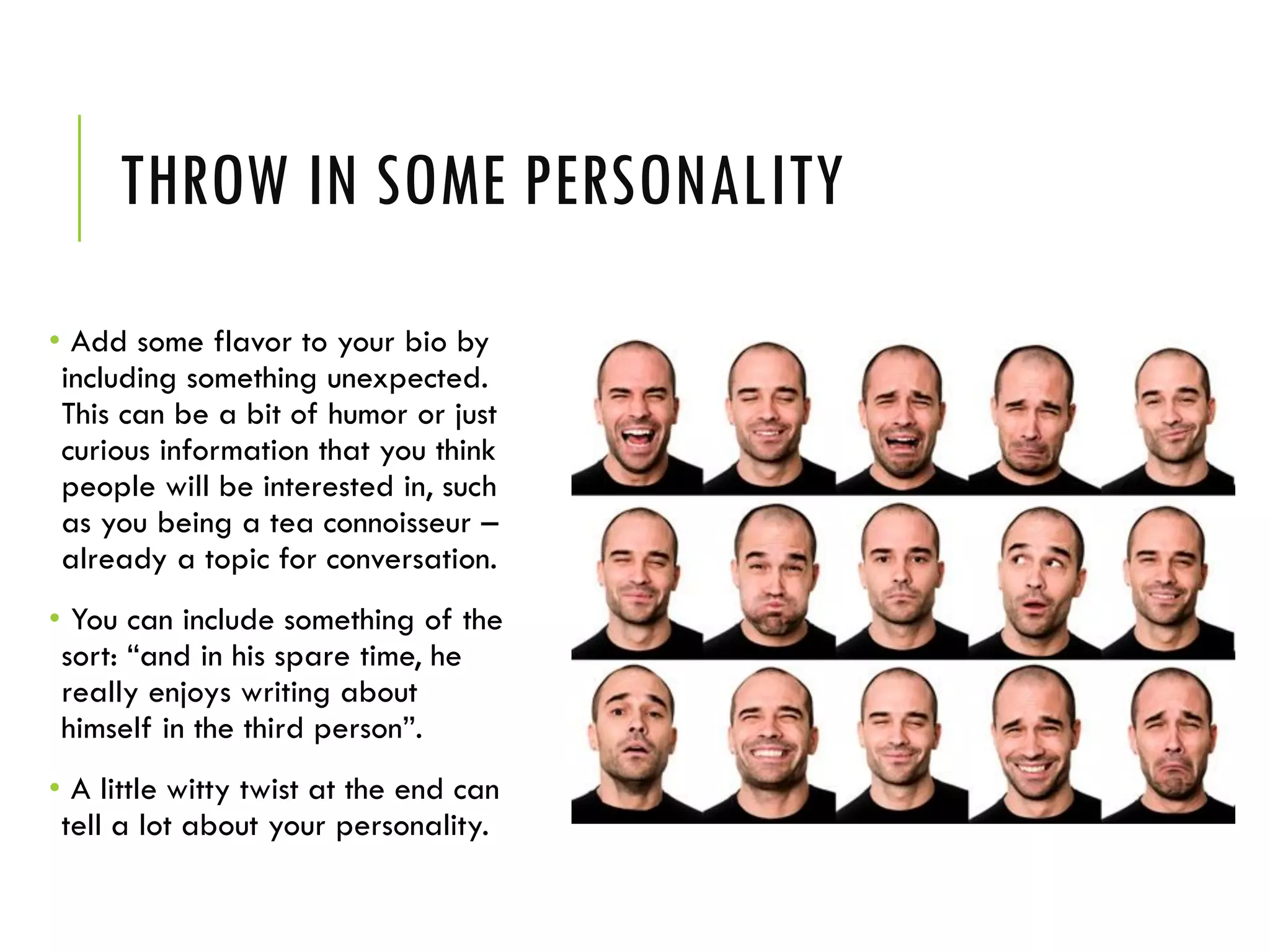
THROW IN SOME PERSONALITY
• Add some flavor to your bio by
including something unexpected.
This can be a bit of humor or just
curious information that you think
people will be interested in, such
as you being a tea connoisseur –
already a topic for conversation.
• You can include something of the
sort: “and in his spare time, he
really enjoys writing about
himself in the third person”.
• A little witty twist at the end can
tell a lot about your personality.
STRUCTURE IT WELL
• Use all 2,000 characters. If you do not take
advantage of this opportunity to write 2,000
characters about yourself, you are missing out on
essential keyword optimization. Although the
MOST important spots for keywords are your
Headline, Specialties and Job Titles, your
Summary section counts too.
• Break it up (with Headers, Sub-Headers and
Graphics)! Don’t expect anyone to read a big
block of text with no graphic interest. Make it
visually easy to read.
• Include your contact information. Make it easy
for people to find you. If you’re comfortable,
include your phone number and e-mail.
AVOID BUZZWORDS & CLICHÉS
Avoid these statements:
• I’m a team player
• I have great communication skills
• I have a proven track-record.
• I’m a problem solver.
• I assisted in X task.
• I have a strong work ethic.
• I’m self-motivated.
• I’m accustomed to a fast-paced enviroment.
STEP 8: NETWORKING
FREELY GIVE AND RECEIVE
RECOMMENDATIONS
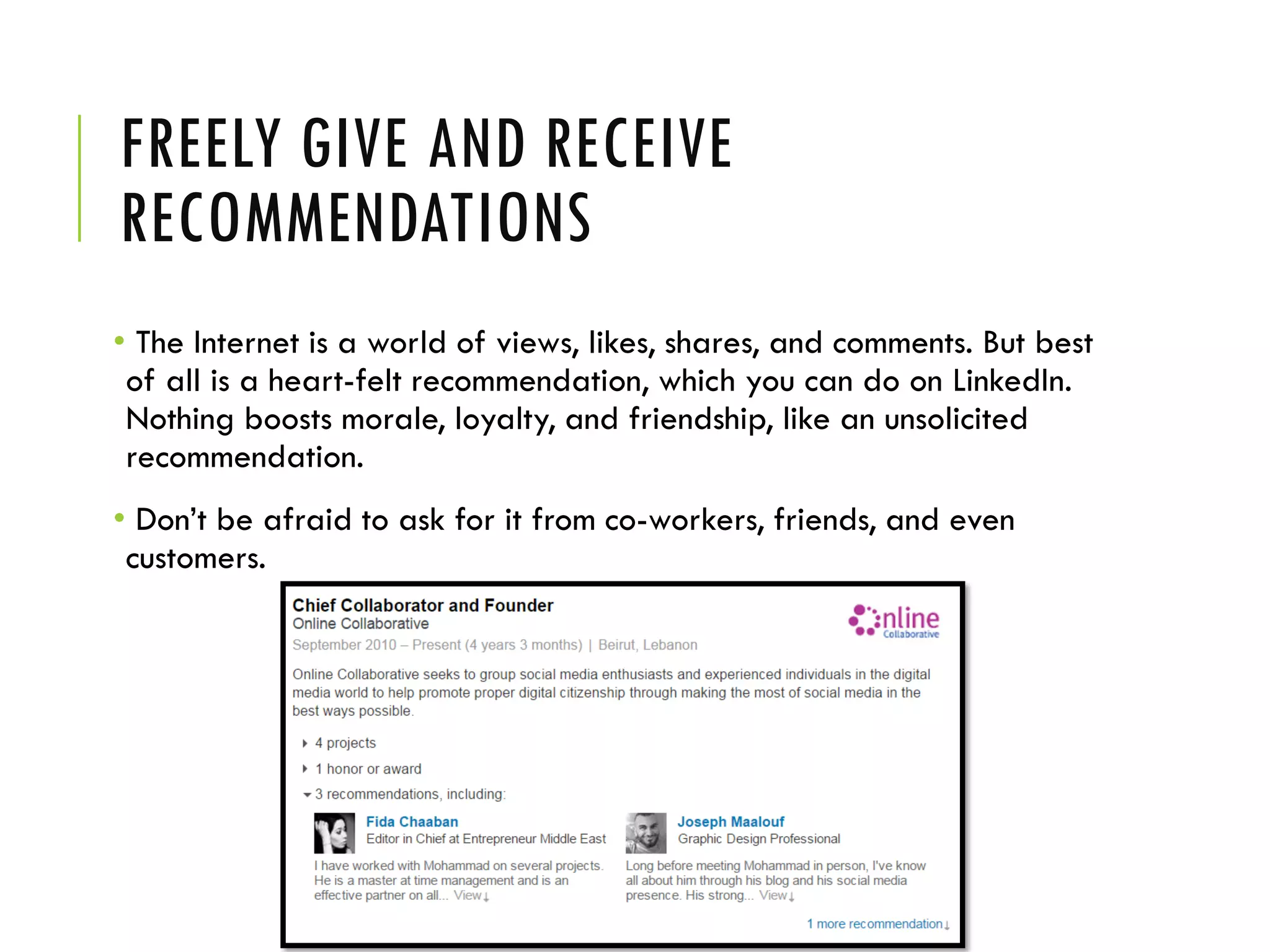
• The Internet is a world of views, likes, shares, and comments. But best
of all is a heart-felt recommendation, which you can do on LinkedIn.
Nothing boosts morale, loyalty, and friendship, like an unsolicited
recommendation.
• Don’t be afraid to ask for it from co-workers, friends, and even
customers.
GIVE ENDORSMANTS
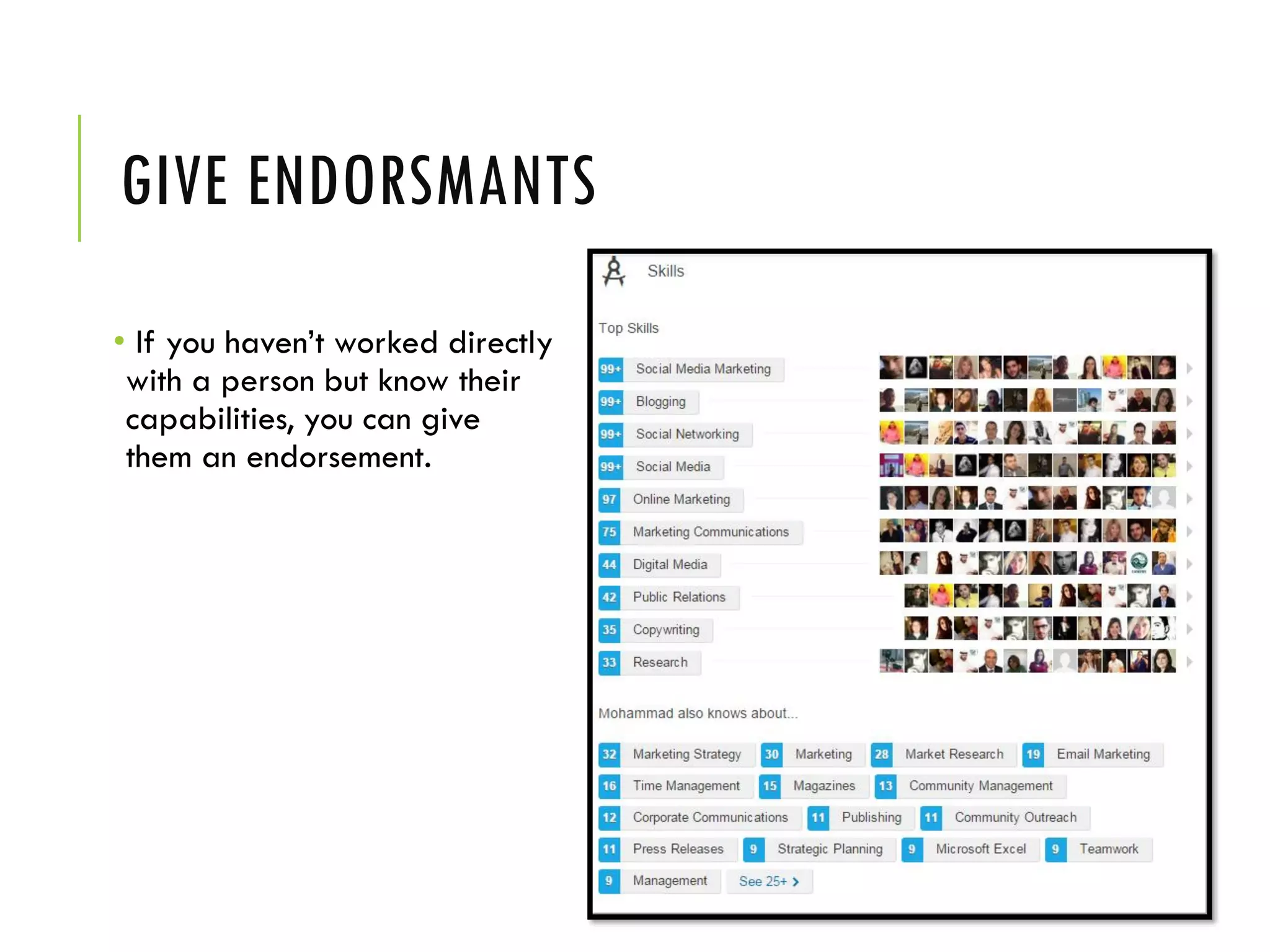
• If you haven’t worked directly
with a person but know their
capabilities, you can give
them an endorsement.
CONNECT TO GROUPS
• Even users with robust profiles aren't
taking full advantage of LinkedIn's
groups. Groups are where experts,
insiders and customers are. Groups is
where you will find people you want
to know and, more importantly,
where people you care about can
find you.
• If you can't find a group that fits
what you do or includes the people
you want, start one. Not only will that
solve the problem, it's a great way to
demonstrate issue and market
leadership.
GROUPS FOR ENTREPRENEURS
Top 60 LinkedIn Groups for Job Seekers and Recruiters
https://jobmob.co.il/blog/top-linkedin-groups-job-seekers-recruiters/
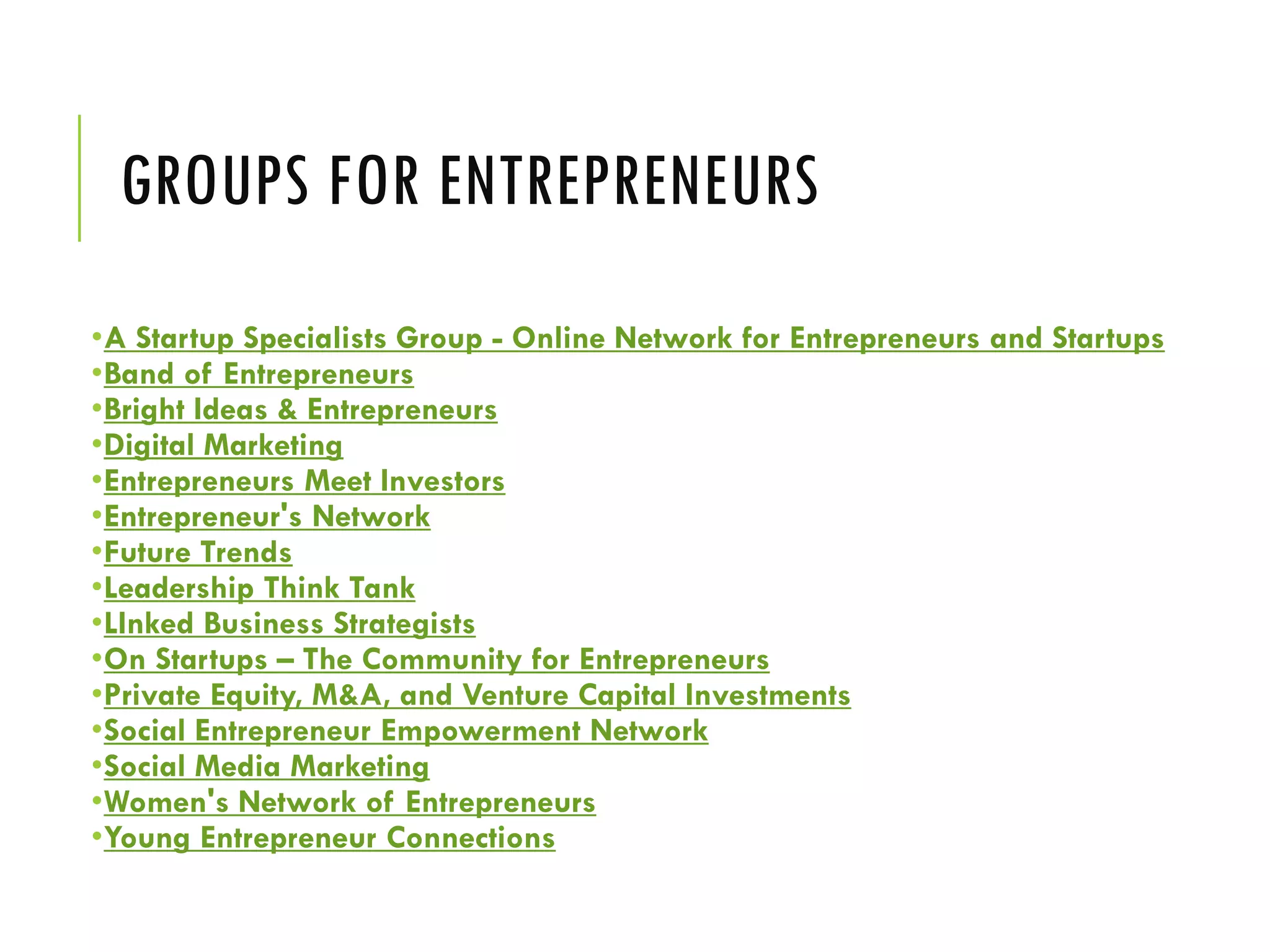
GROUPS FOR ENTREPRENEURS
•A Startup Specialists Group - Online Network for Entrepreneurs and Startups
•Band of Entrepreneurs
•Bright Ideas & Entrepreneurs
•Digital Marketing
•Entrepreneurs Meet Investors
•Entrepreneur's Network
•Future Trends
•Leadership Think Tank
•LInked Business Strategists
•On Startups – The Community for Entrepreneurs
•Private Equity, M&A, and Venture Capital Investments
•Social Entrepreneur Empowerment Network
•Social Media Marketing
•Women's Network of Entrepreneurs
•Young Entrepreneur Connections
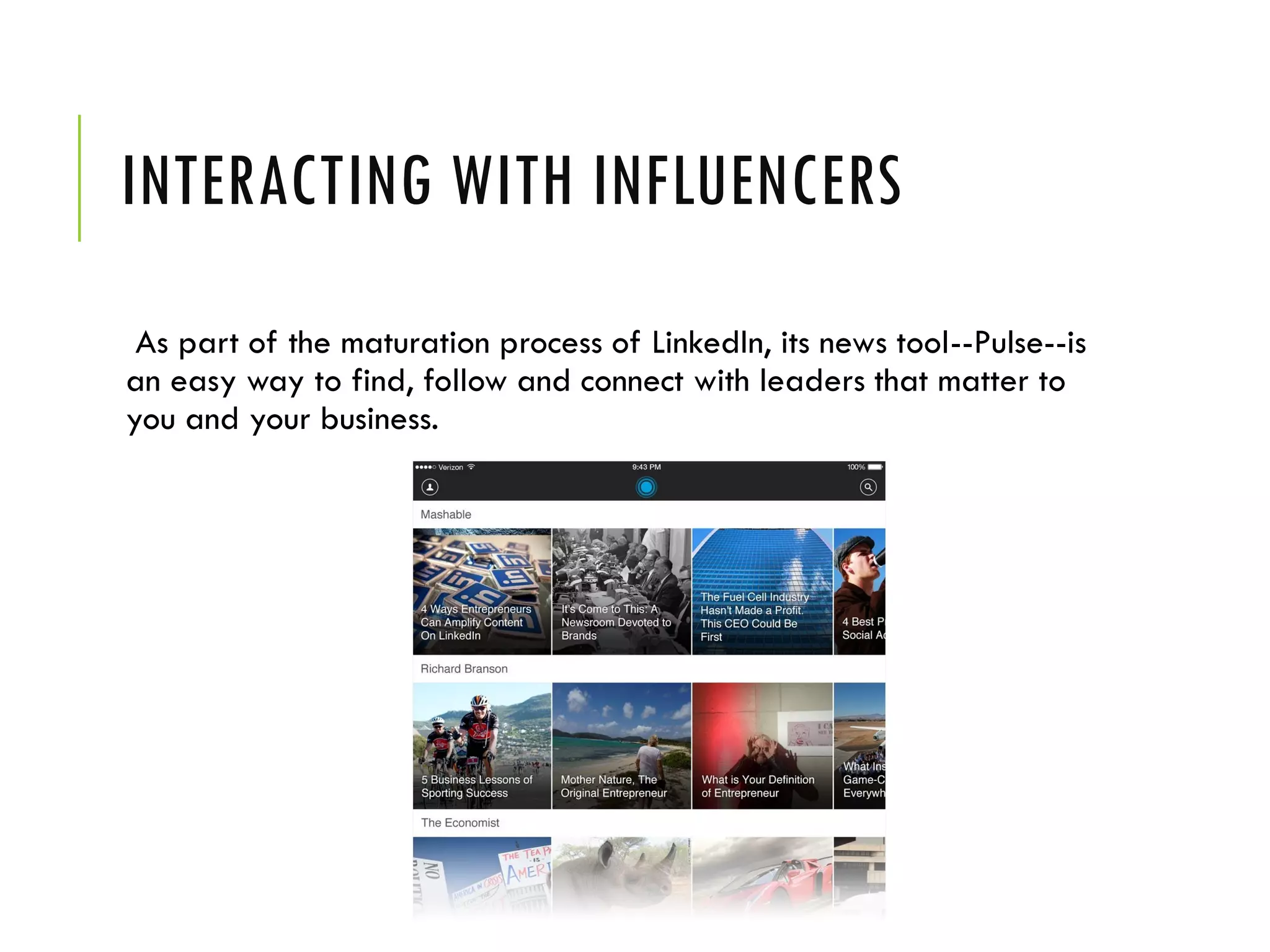
INTERACTING WITH INFLUENCERS
As part of the maturation process of LinkedIn, its news tool--Pulse--is
an easy way to find, follow and connect with leaders that matter to
you and your business.
STEP 8: FIND AND APPLY FOR
A JOB
Where to find jobs online?
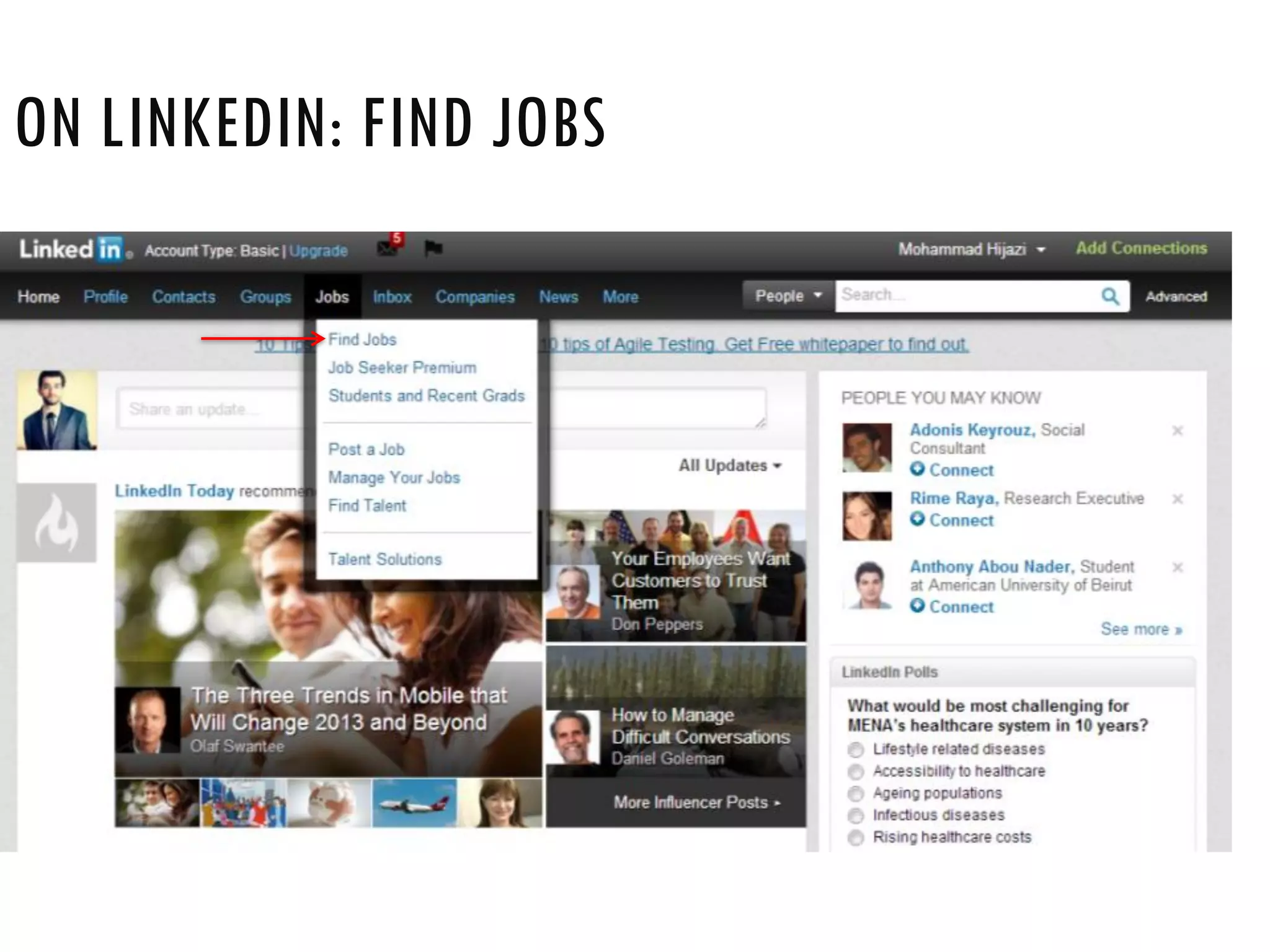
ON LINKEDIN: FIND JOBS
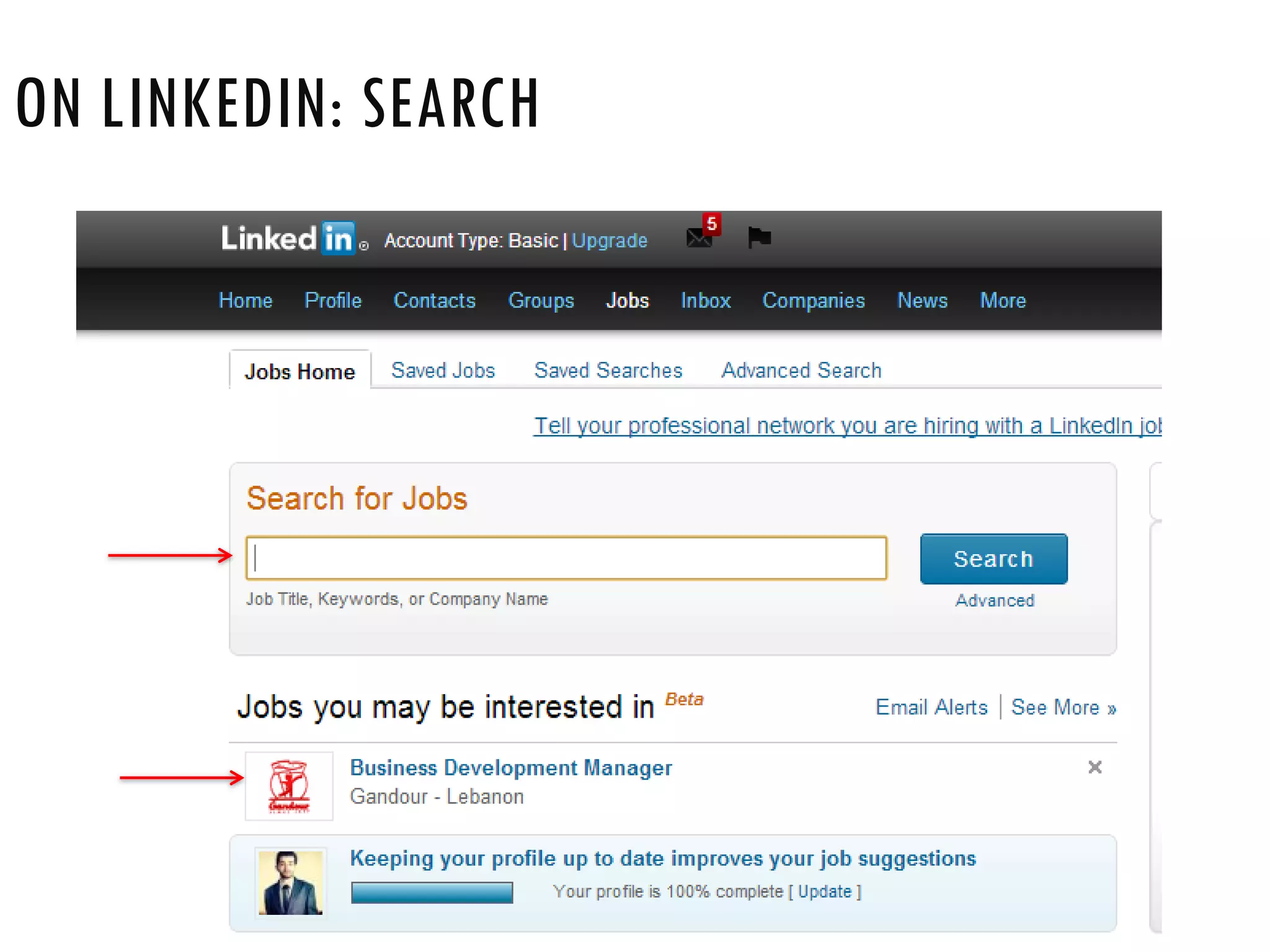
ON LINKEDIN: SEARCH
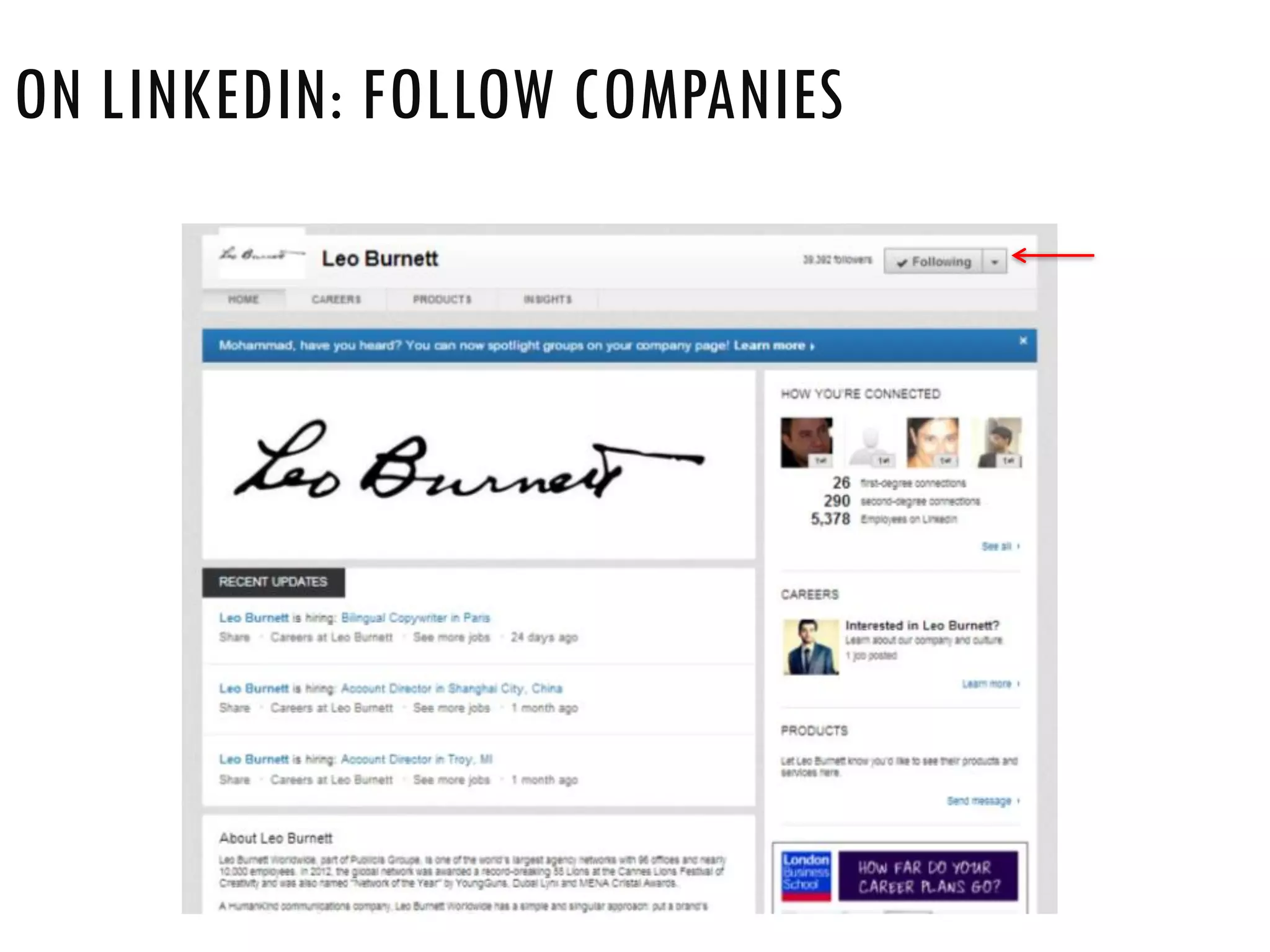
ON LINKEDIN: FOLLOW COMPANIES
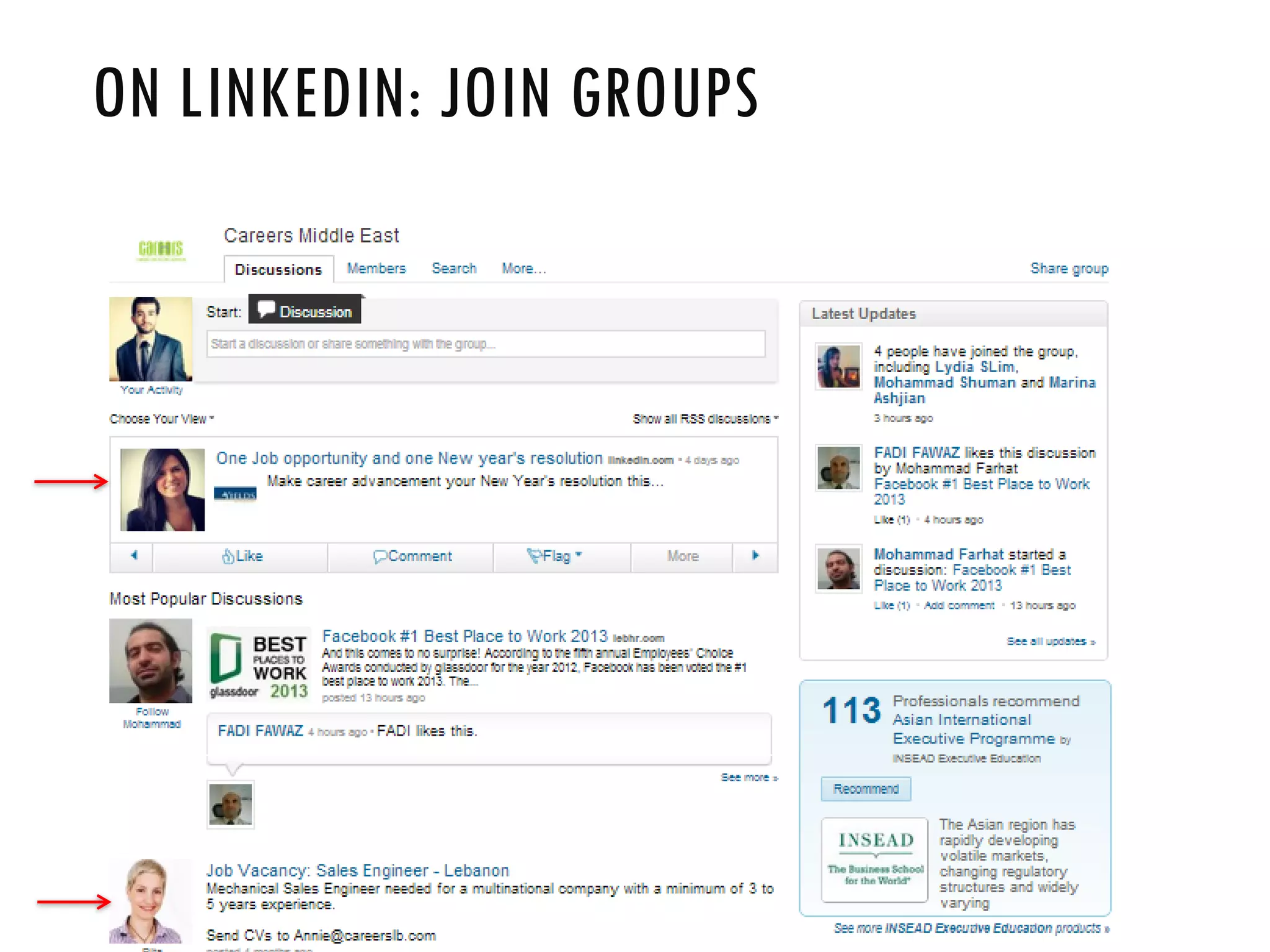
ON LINKEDIN: JOIN GROUPS
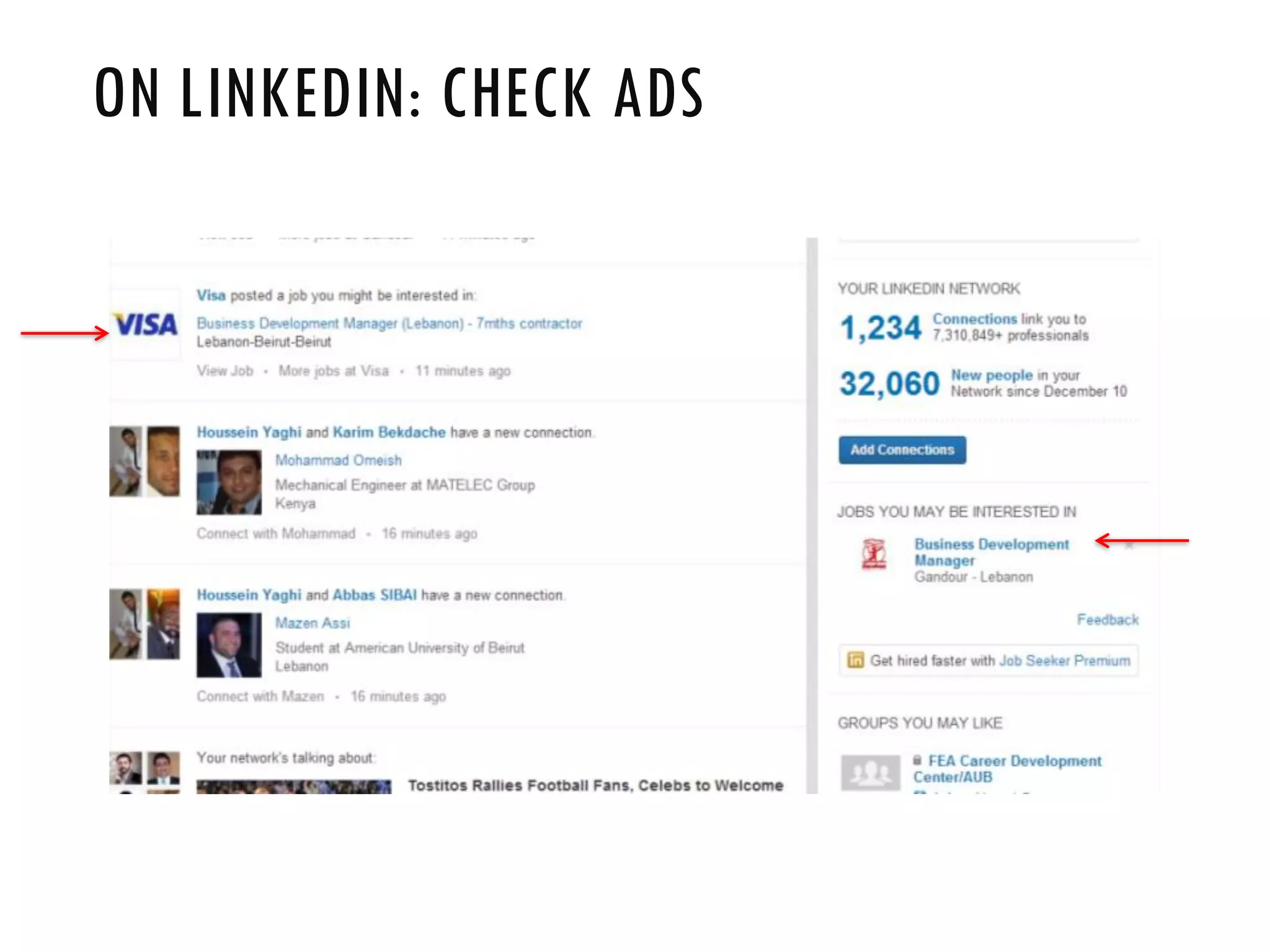
ON LINKEDIN: CHECK ADS
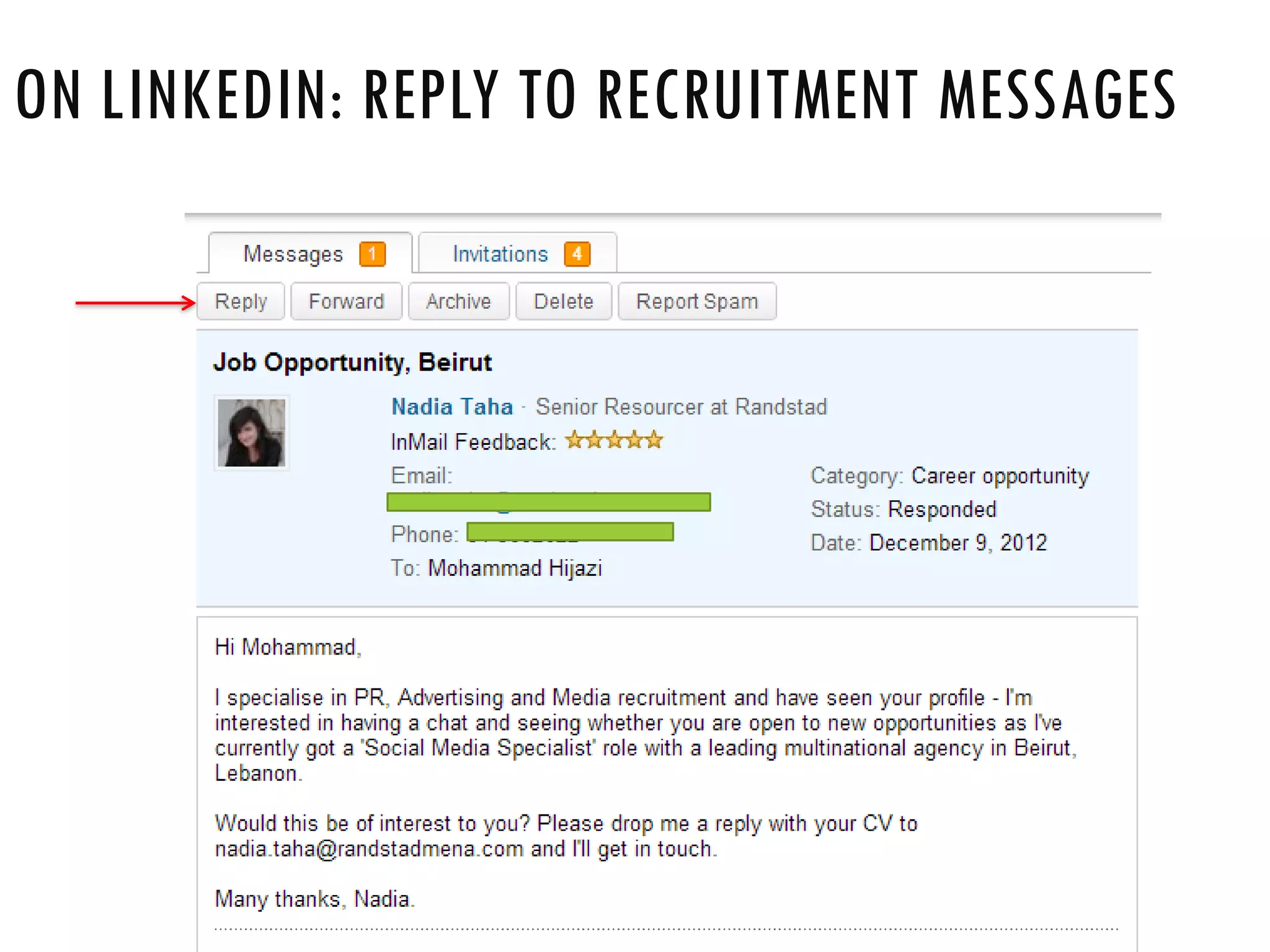
ON LINKEDIN: REPLY TO RECRUITMENT MESSAGES
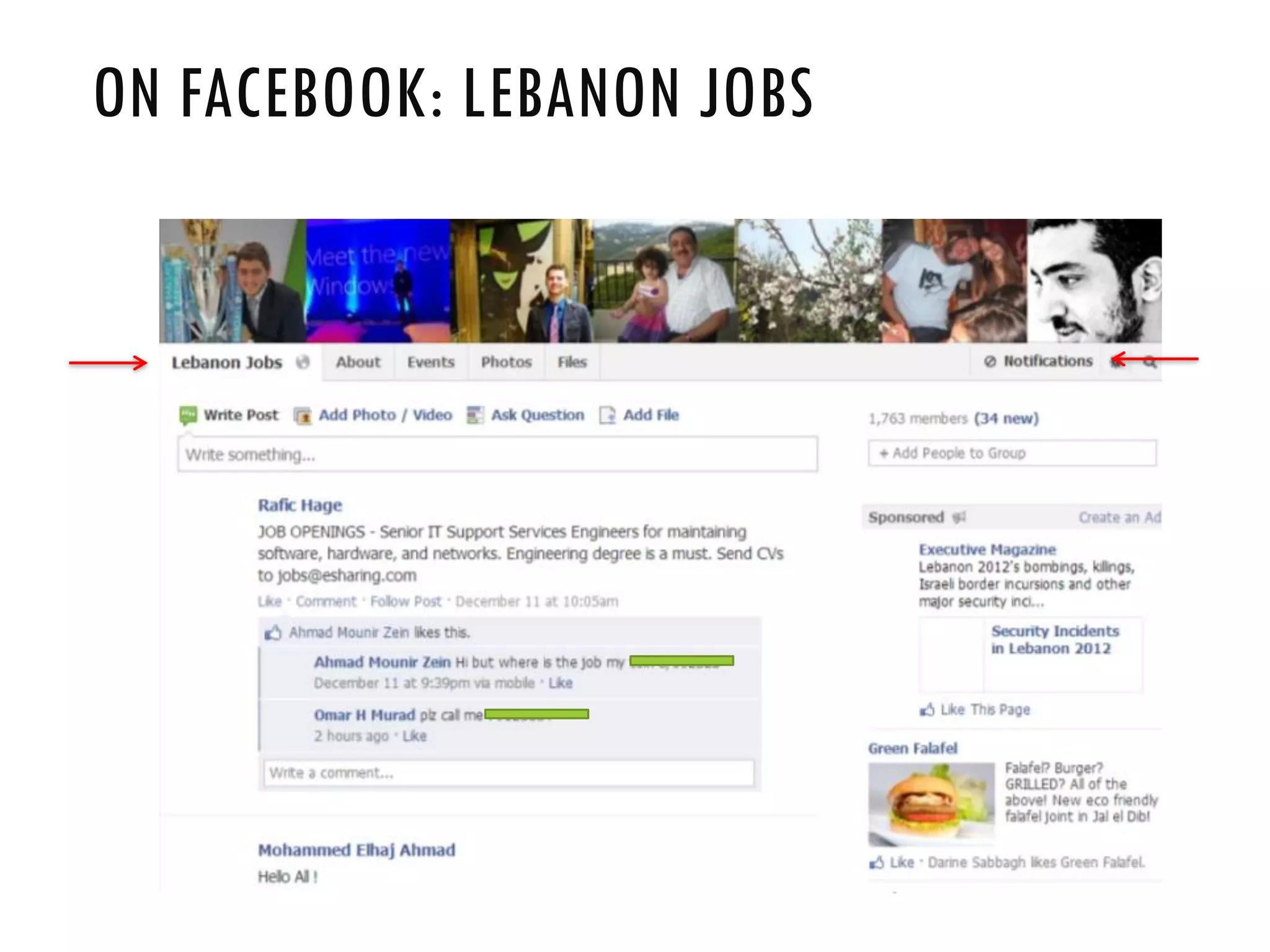
ON FACEBOOK: LEBANON JOBS
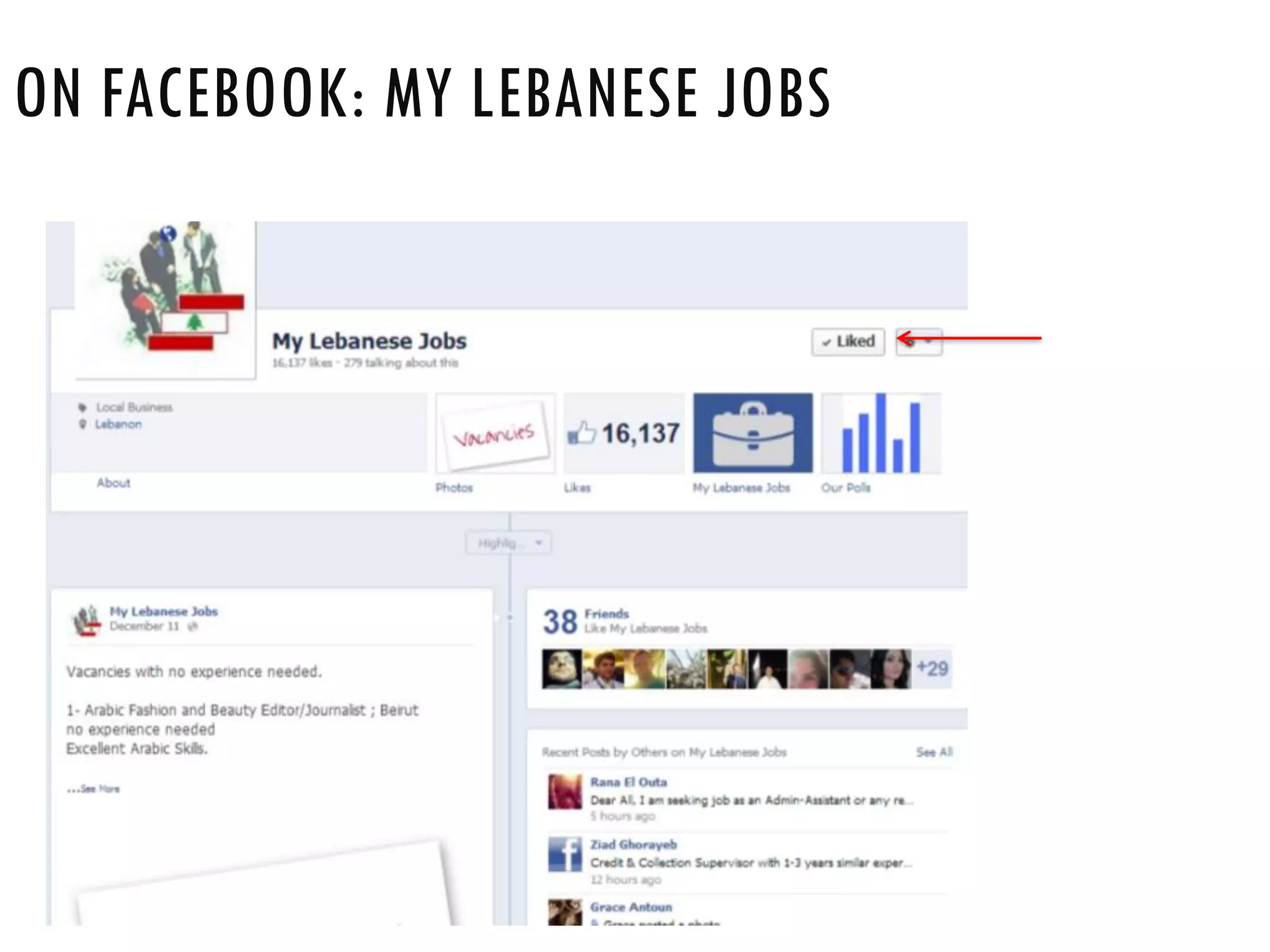
ON FACEBOOK: MY LEBANESE JOBS
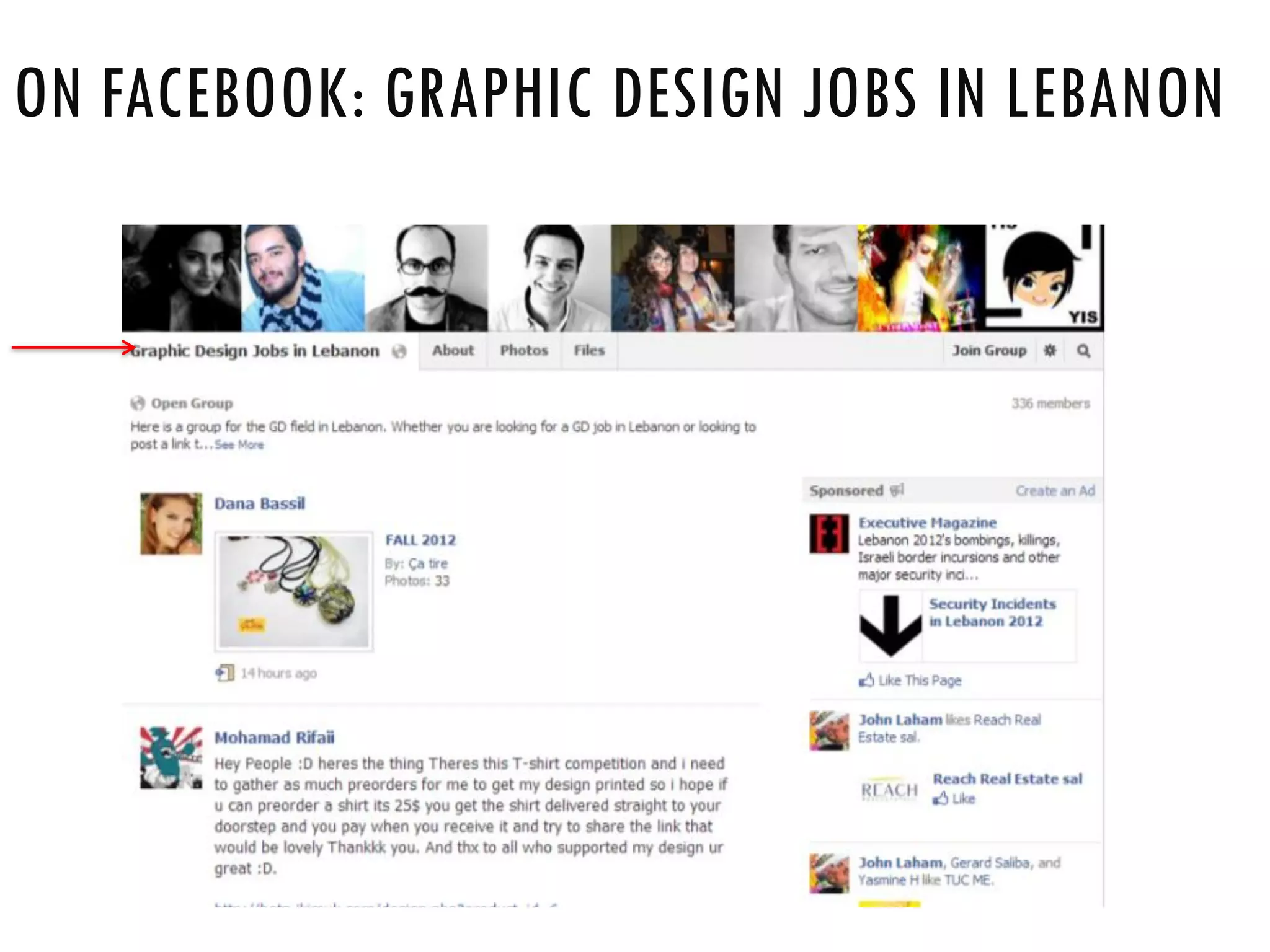
ON FACEBOOK: GRAPHIC DESIGN JOBS IN LEBANON
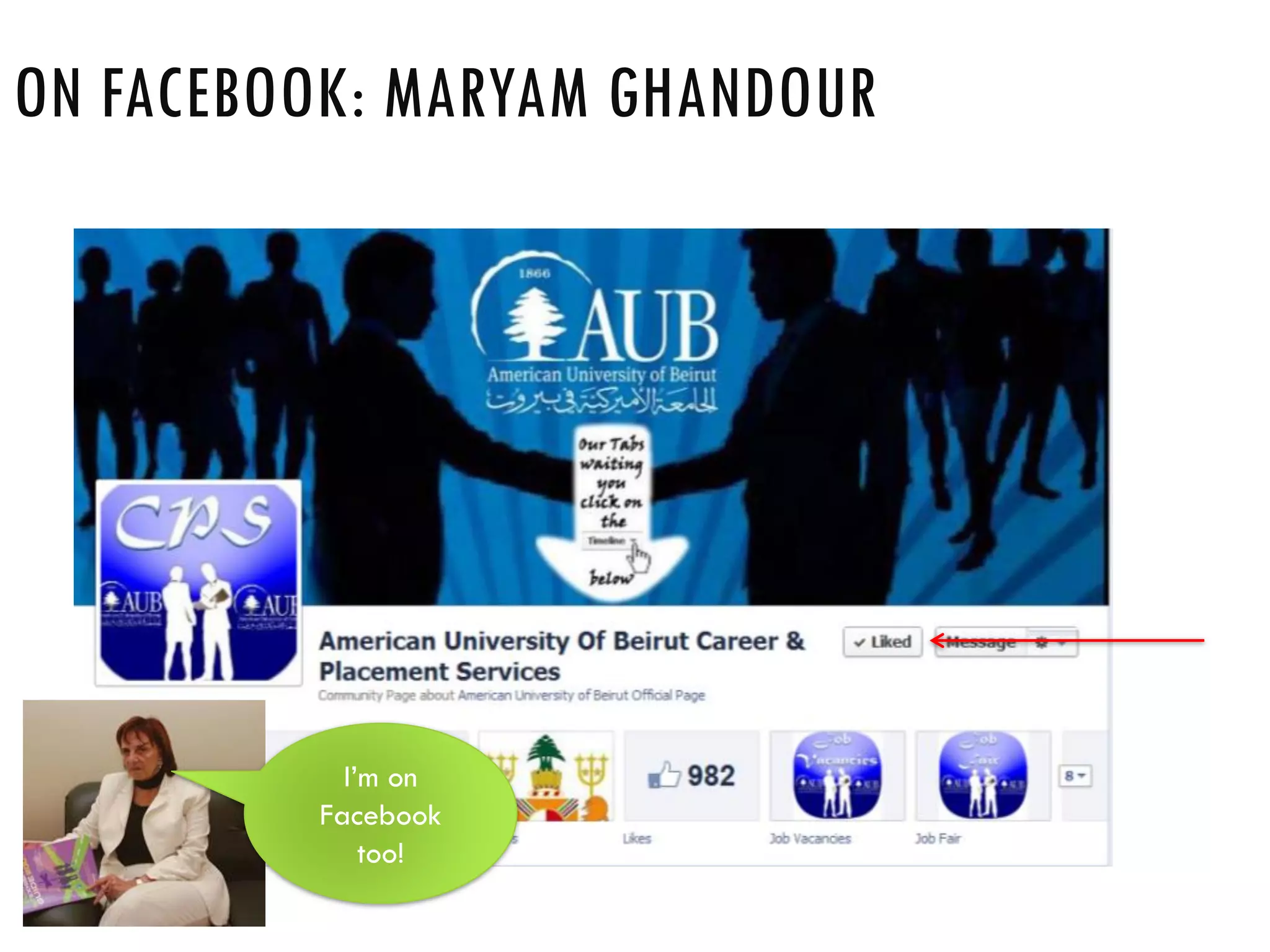
ON FACEBOOK: MARYAM GHANDOUR
I’m on
Facebook
too!
ON FACEBOOK: LIU - CAREER DEVELOPMENT & JOB
OPPORTUNITIES
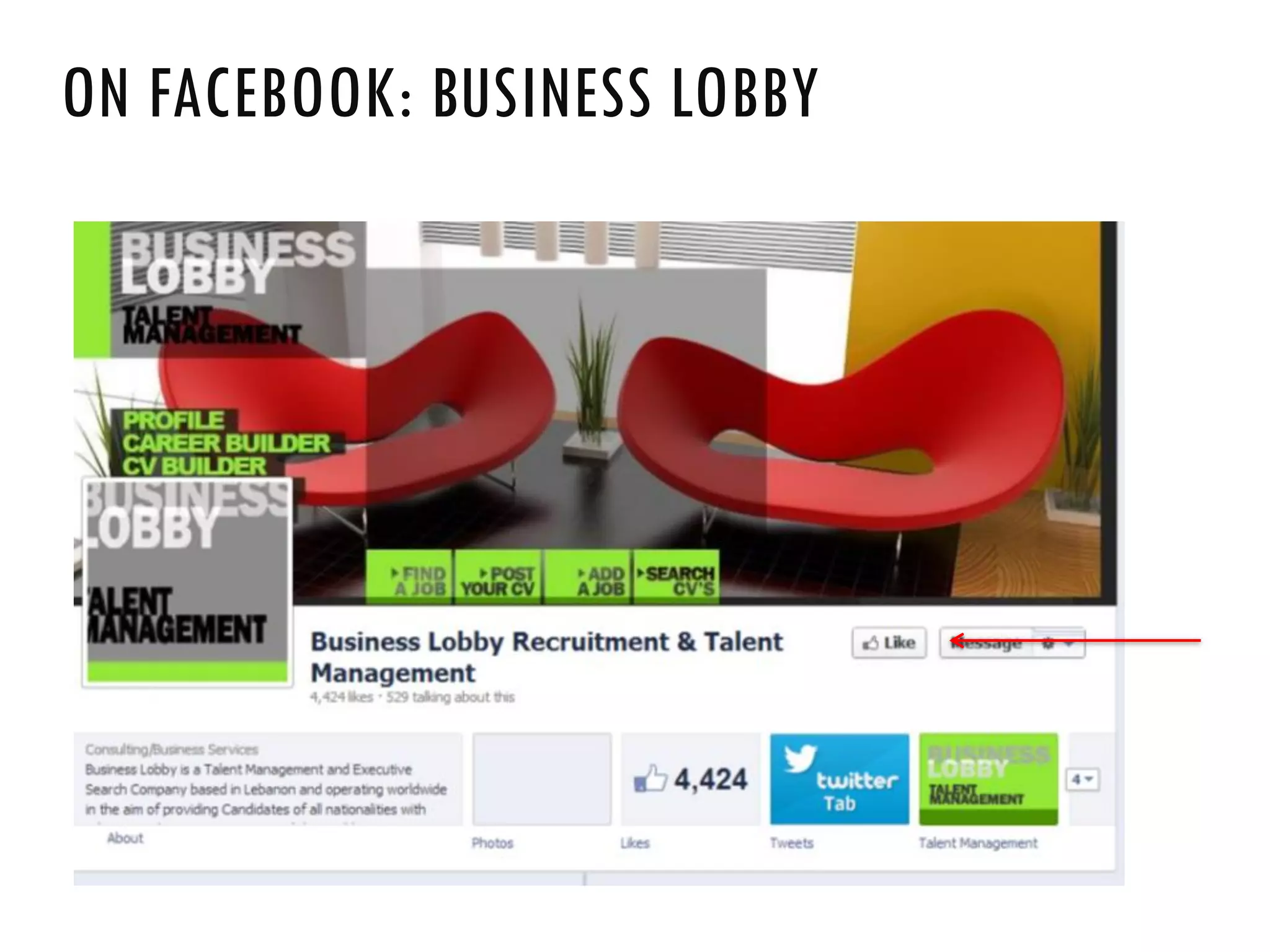
ON FACEBOOK: BUSINESS LOBBY
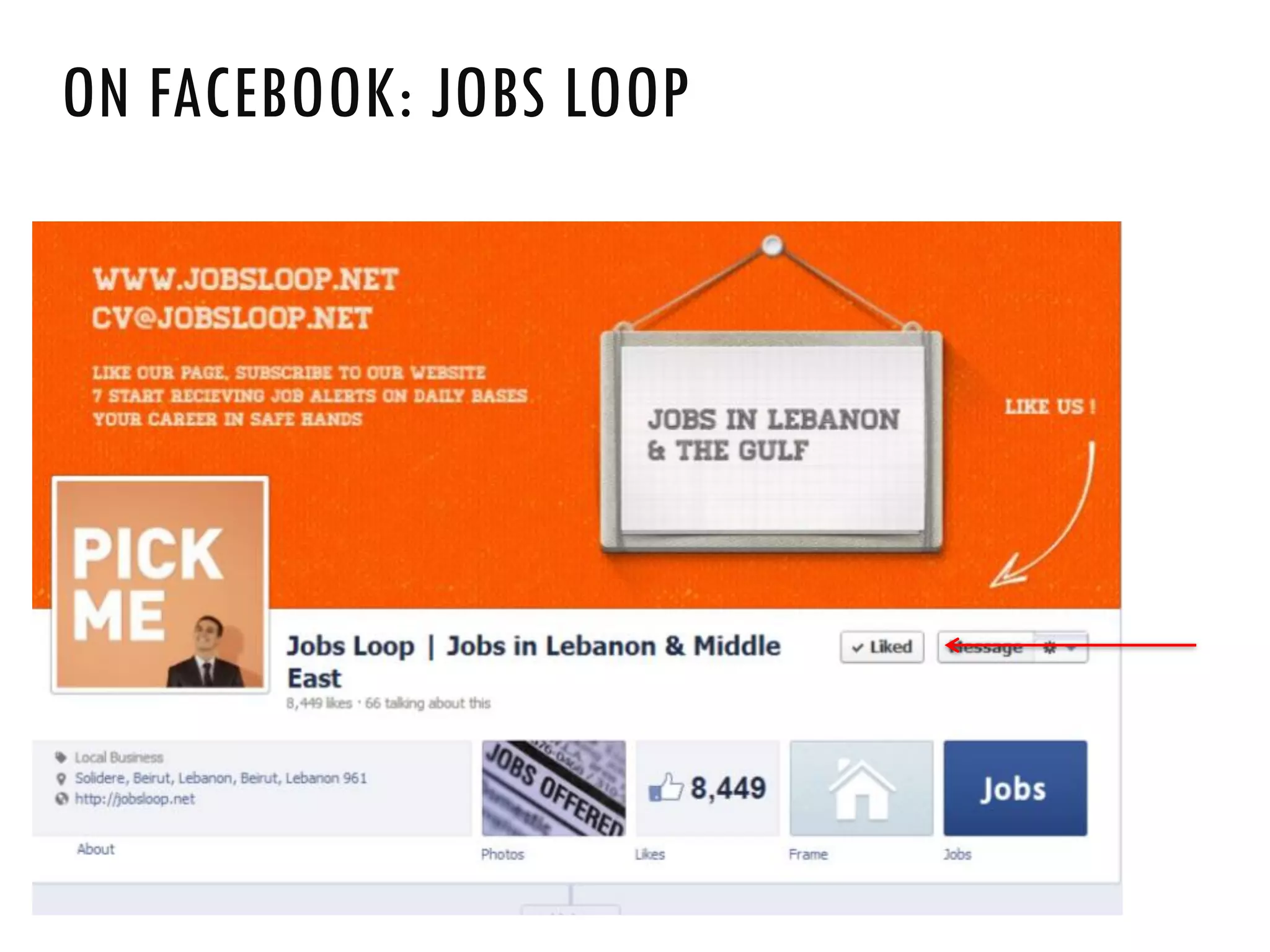
ON FACEBOOK: JOBS LOOP
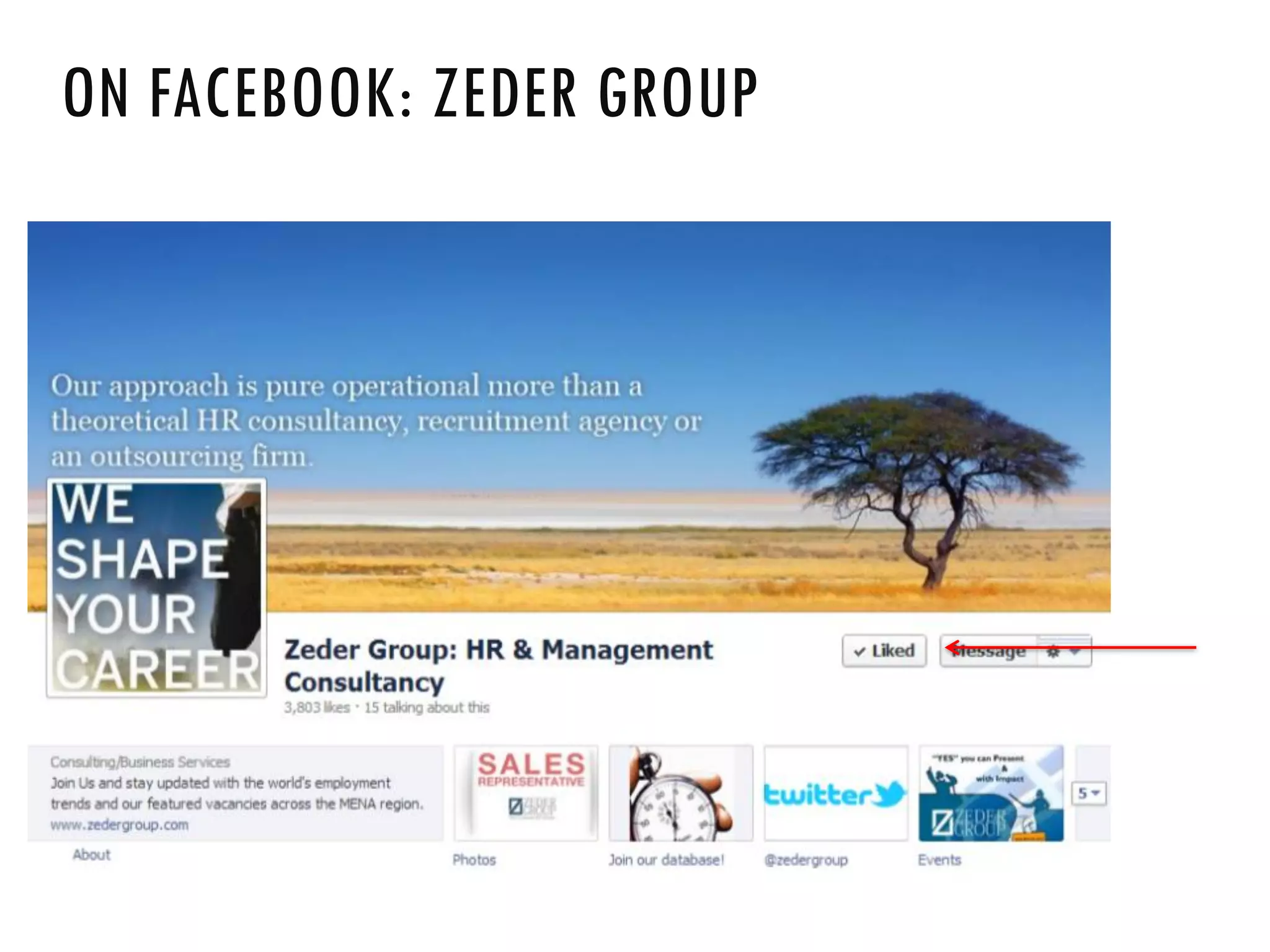
ON FACEBOOK: ZEDER GROUP
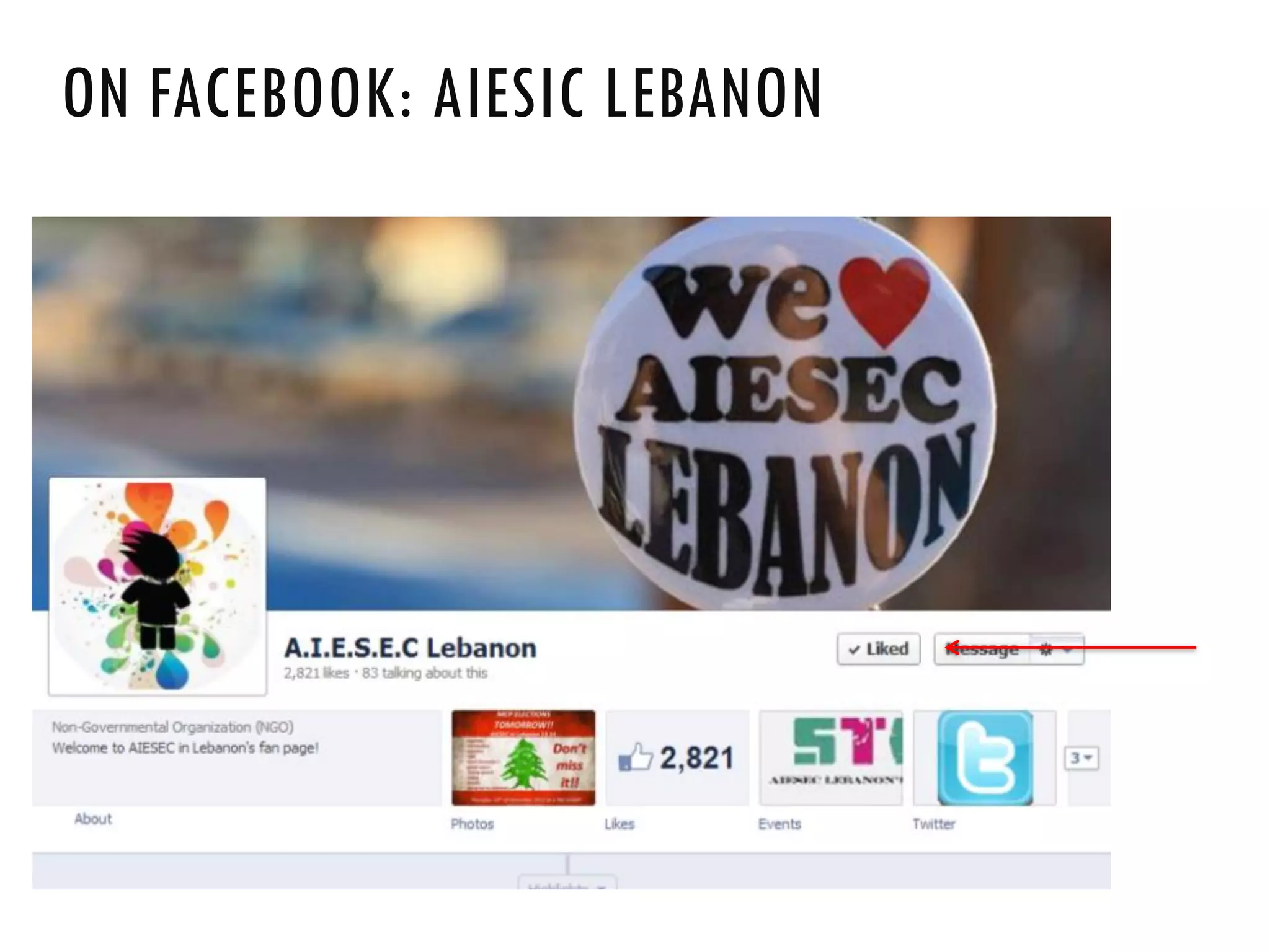
ON FACEBOOK: AIESIC LEBANON
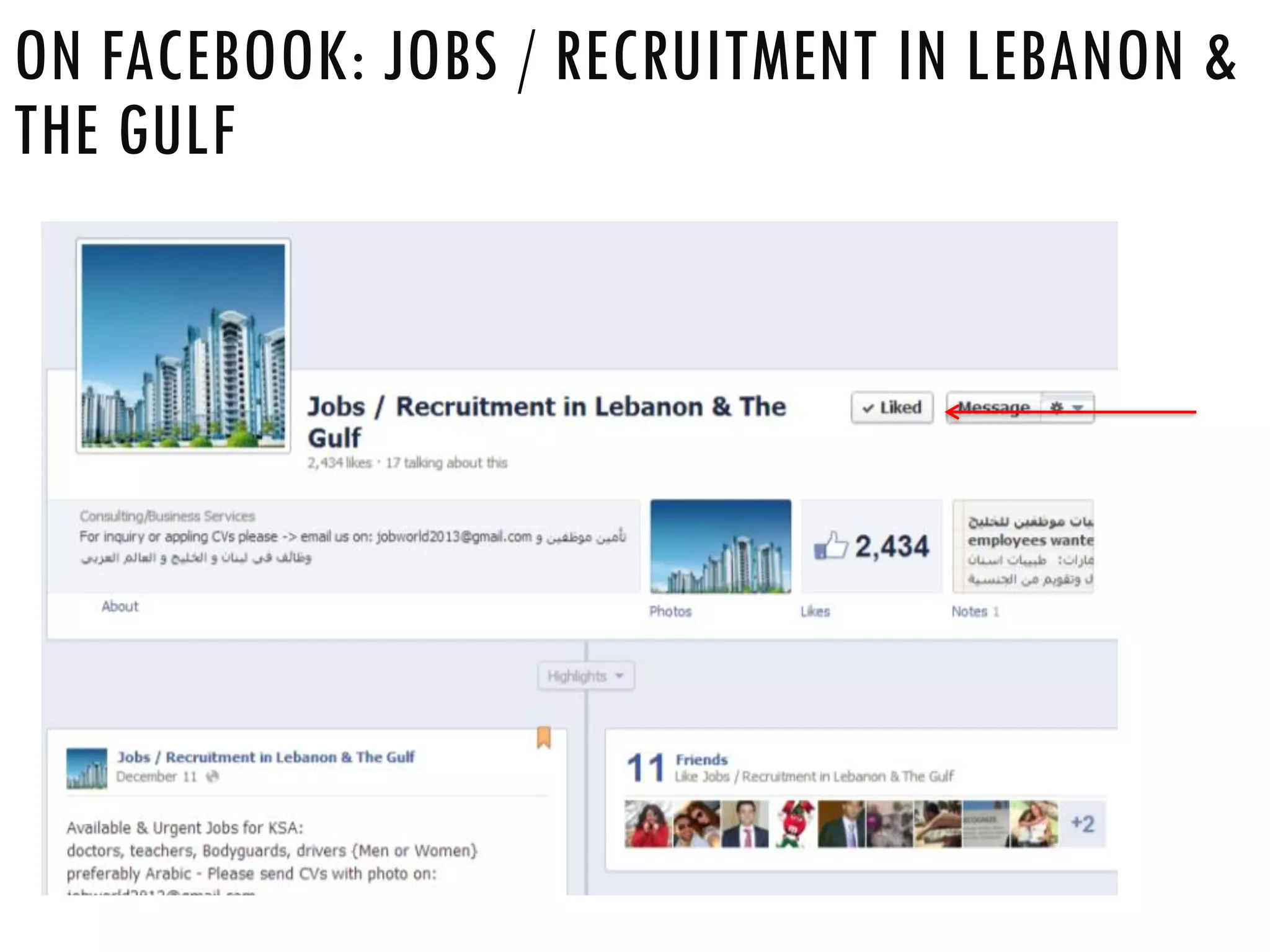
ON FACEBOOK: JOBS / RECRUITMENT IN LEBANON &
THE GULF
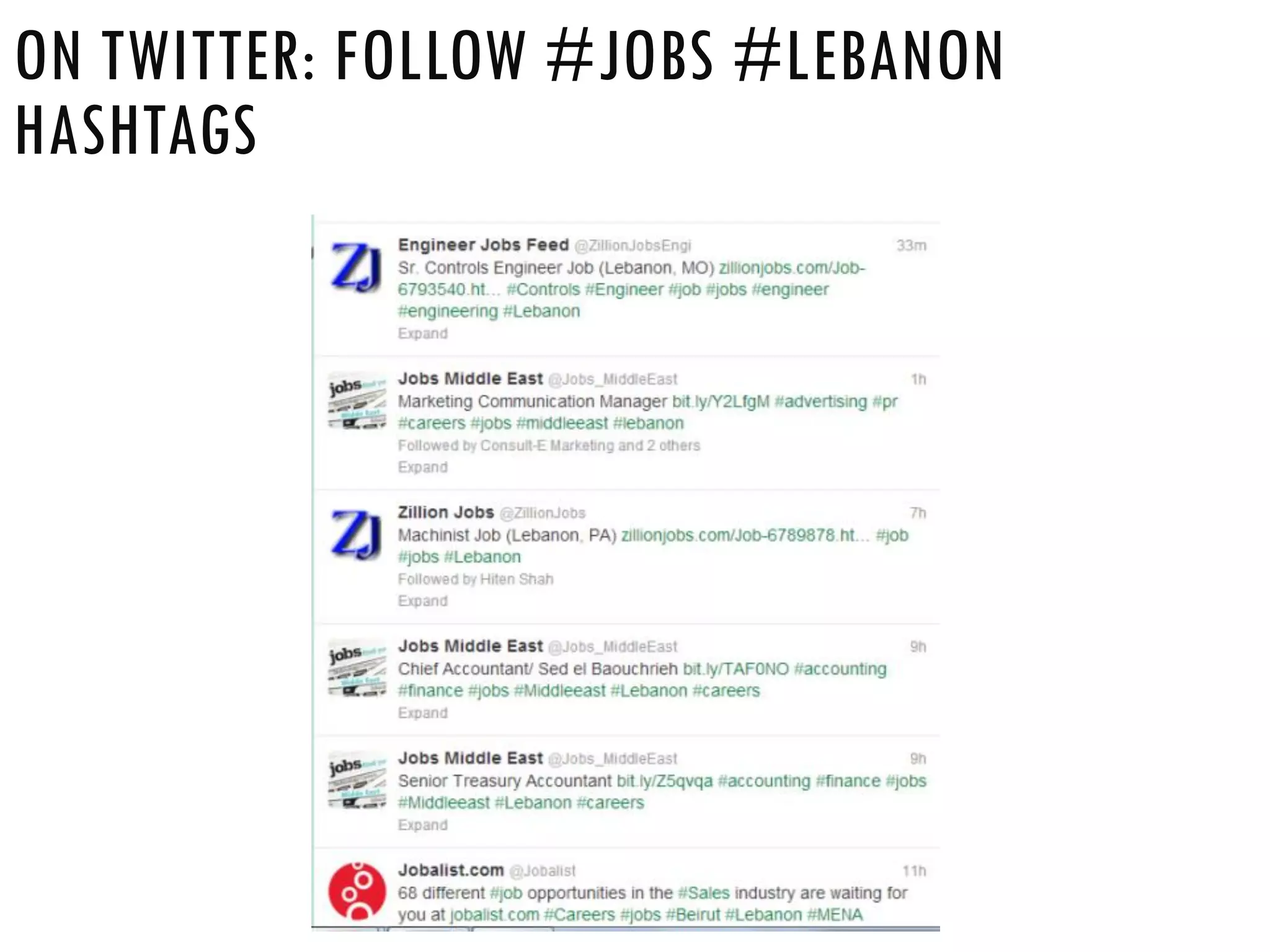
ON TWITTER: FOLLOW #JOBS #LEBANON
HASHTAGS
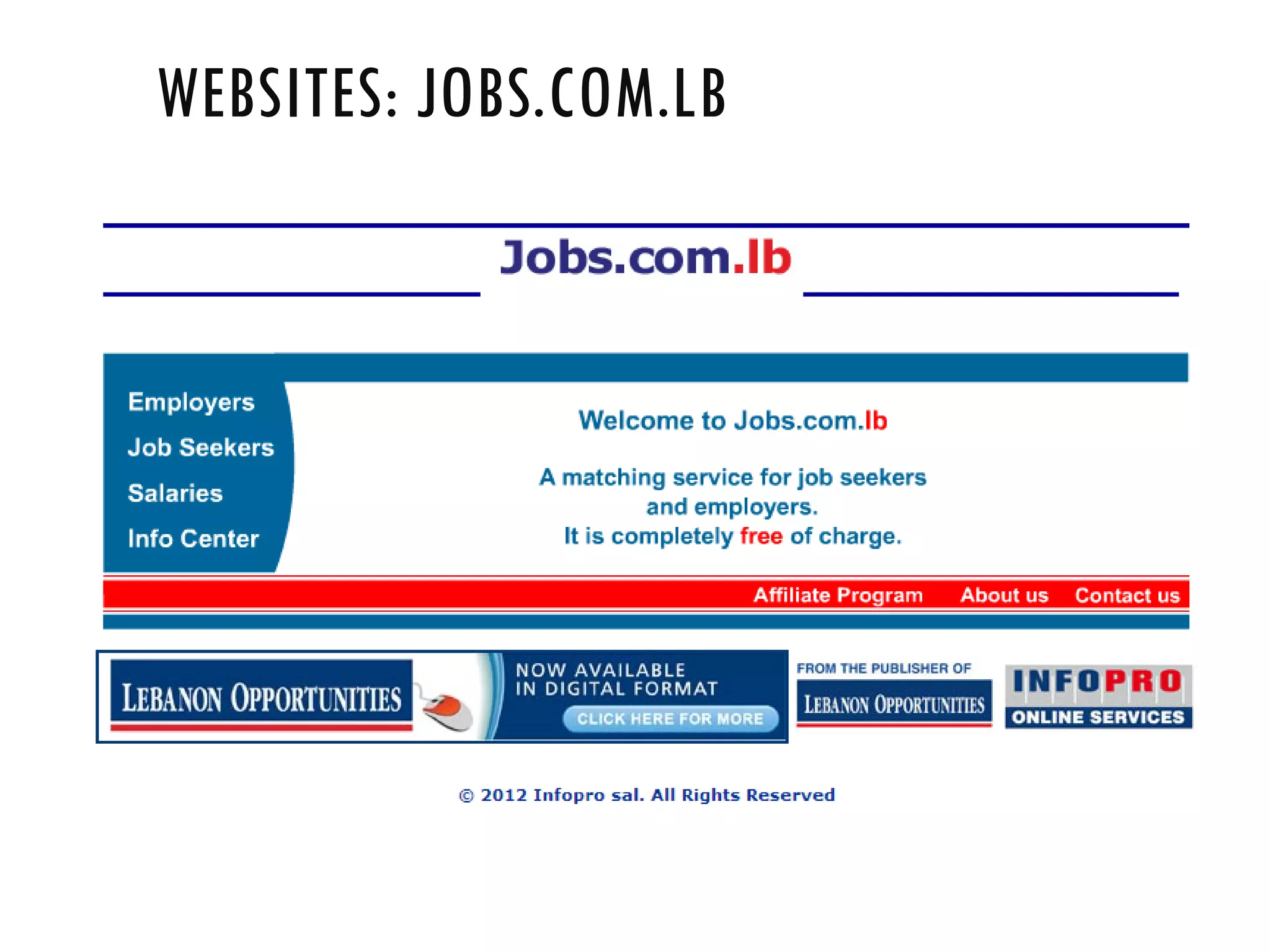
WEBSITES: JOBS.COM.LB
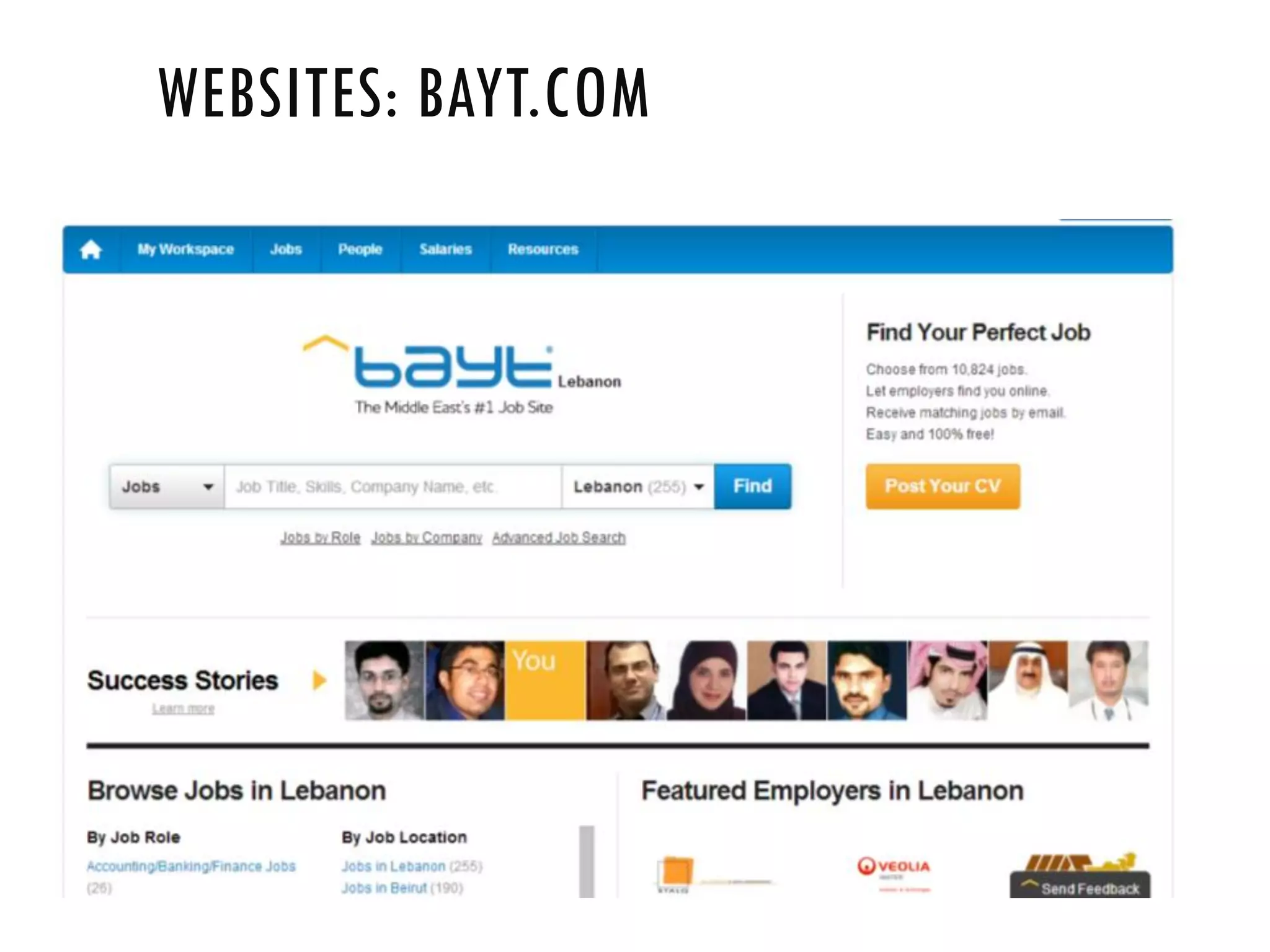
WEBSITES: BAYT.COM
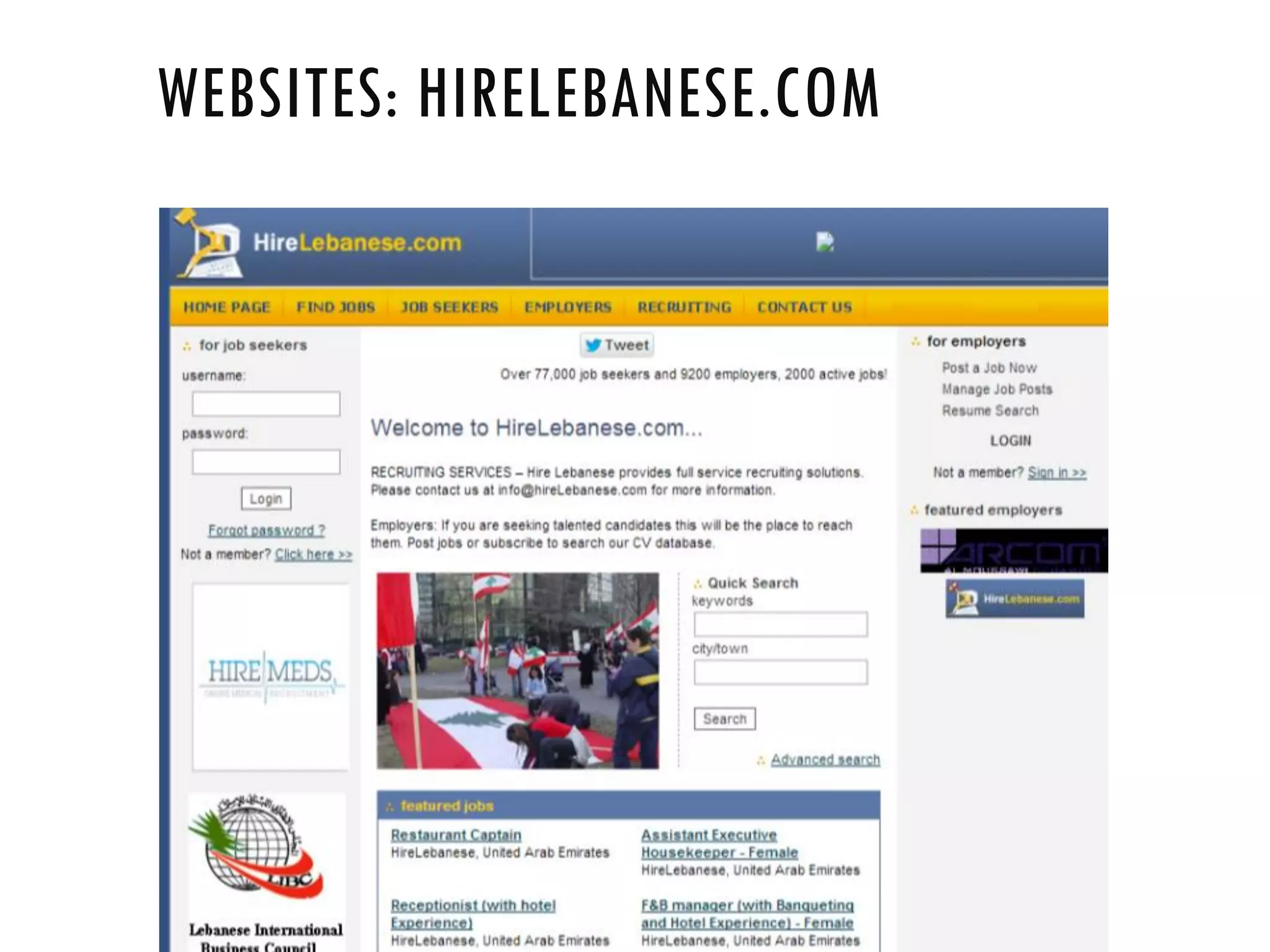
WEBSITES: HIRELEBANESE.COM
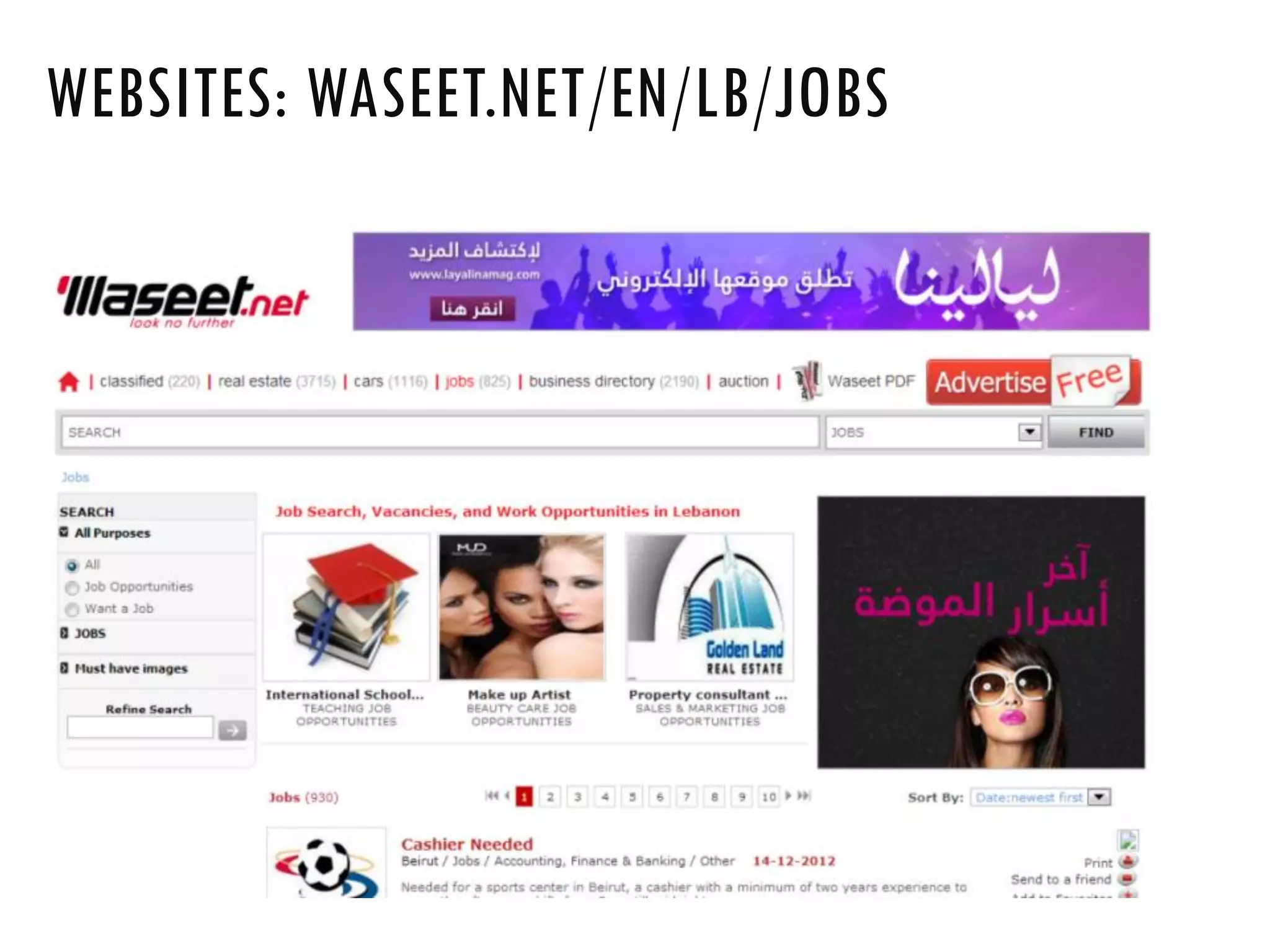
WEBSITES: WASEET.NET/EN/LB/JOBS
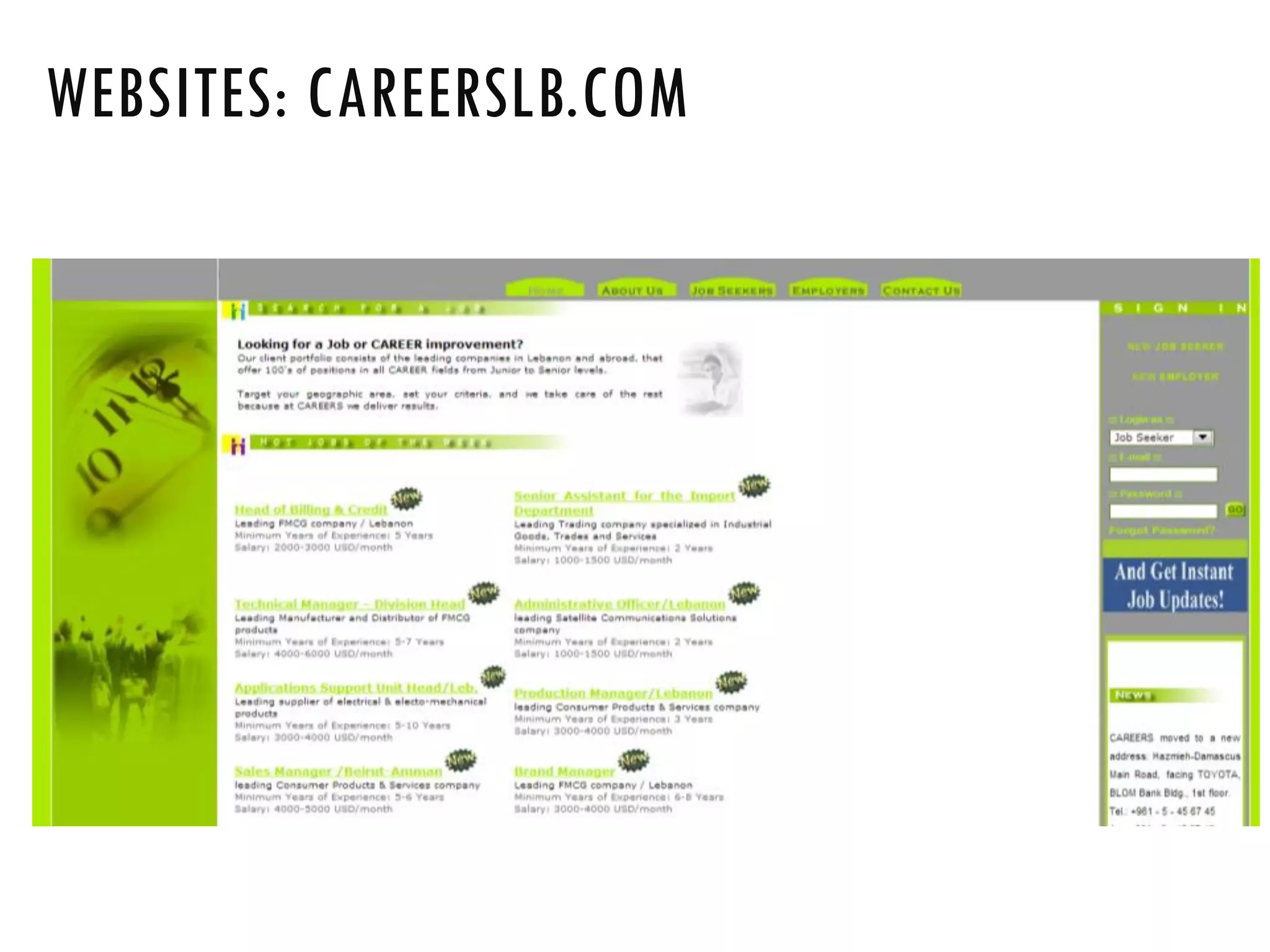
WEBSITES: CAREERSLB.COM
•Google Jobs: http://www.google.com/about/jobs/
•Facebook Careers: https://www.facebook.com/careers/
•P&G Jobs: http://www.pg.com/en_US/careers/index.shtml
•Microsoft Careers: https://careers.microsoft.com
•Azadea Careers: http://www.azadeacareers.com
•Ernst & Young: www.ey.com/Careers
•GE Lebanon: www.ge.com/lb/careers/index.html
WEBSITES: FOLLOW COMPANIES IN YOUR
INDUSTRY
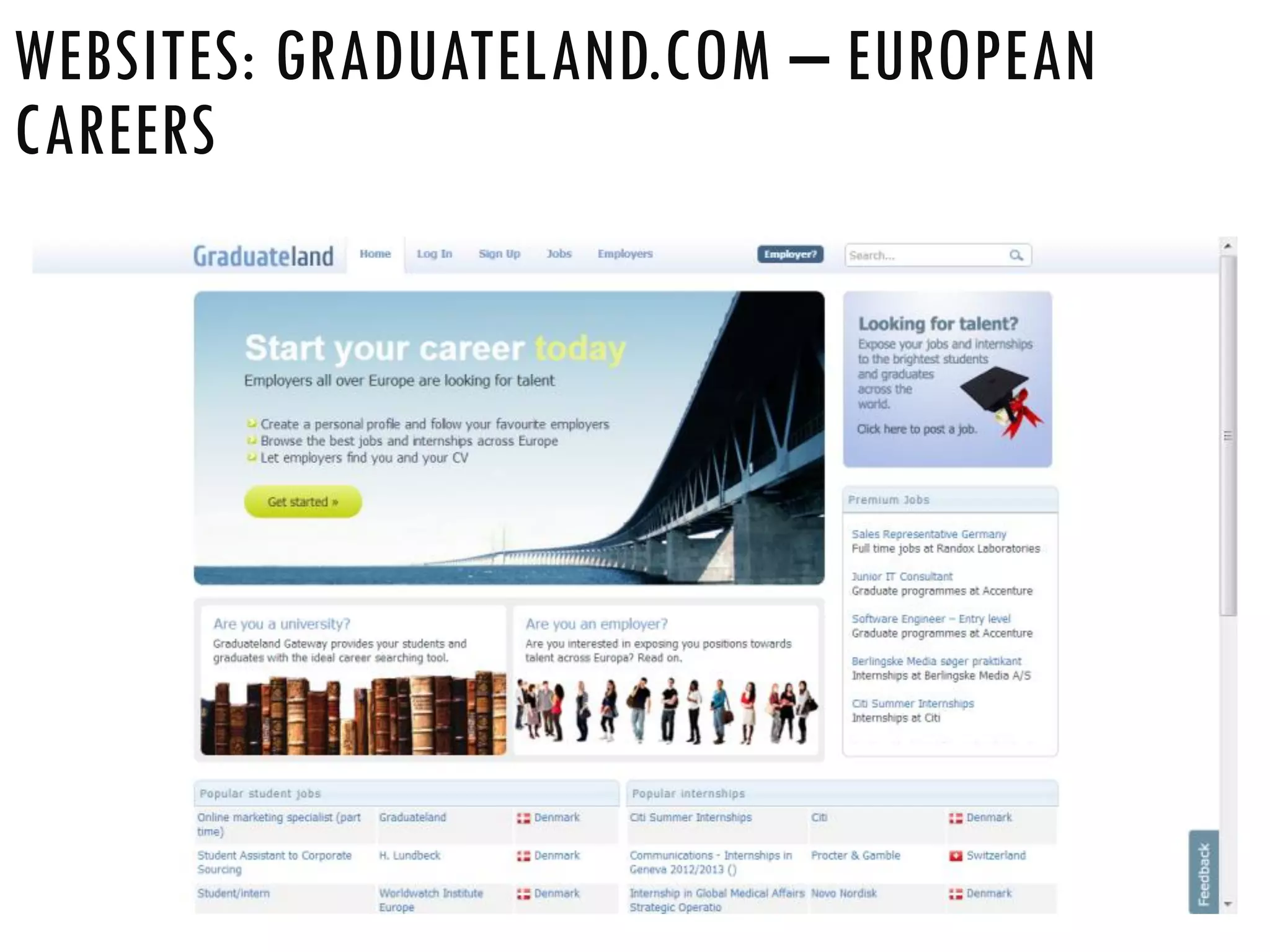
WEBSITES: GRADUATELAND.COM – EUROPEAN
CAREERS
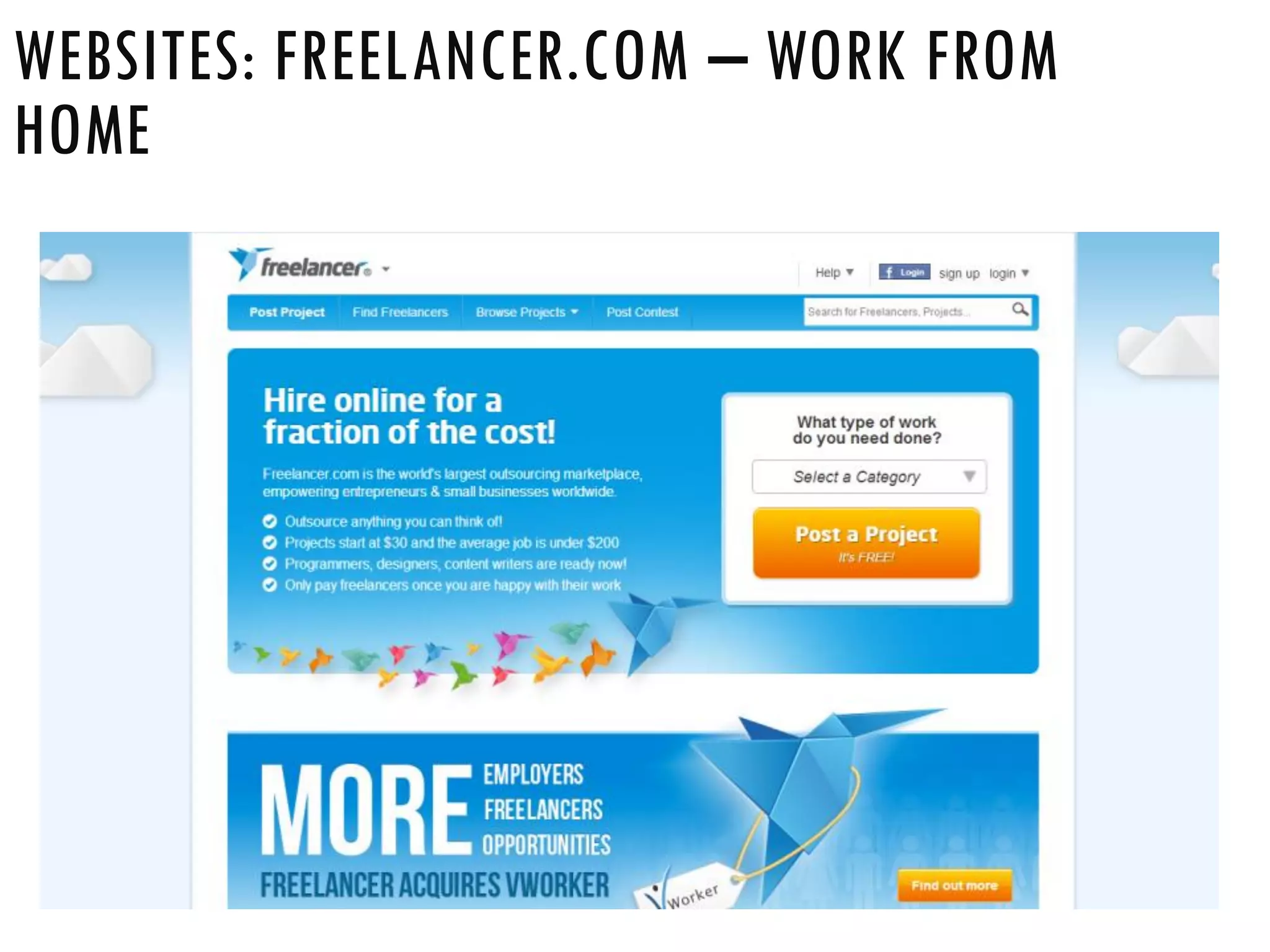
WEBSITES: FREELANCER.COM – WORK FROM
HOME
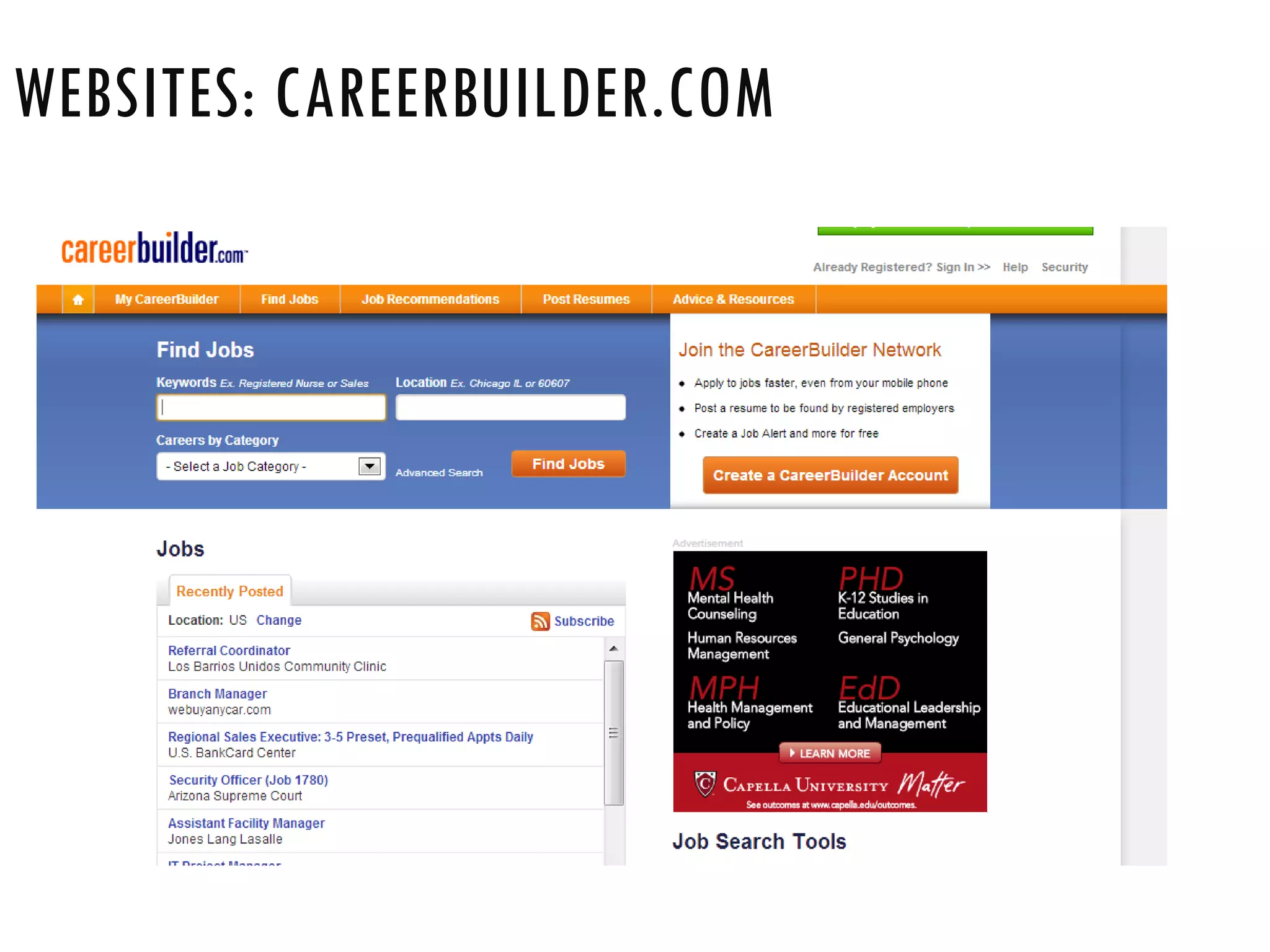
WEBSITES: CAREERBUILDER.COM
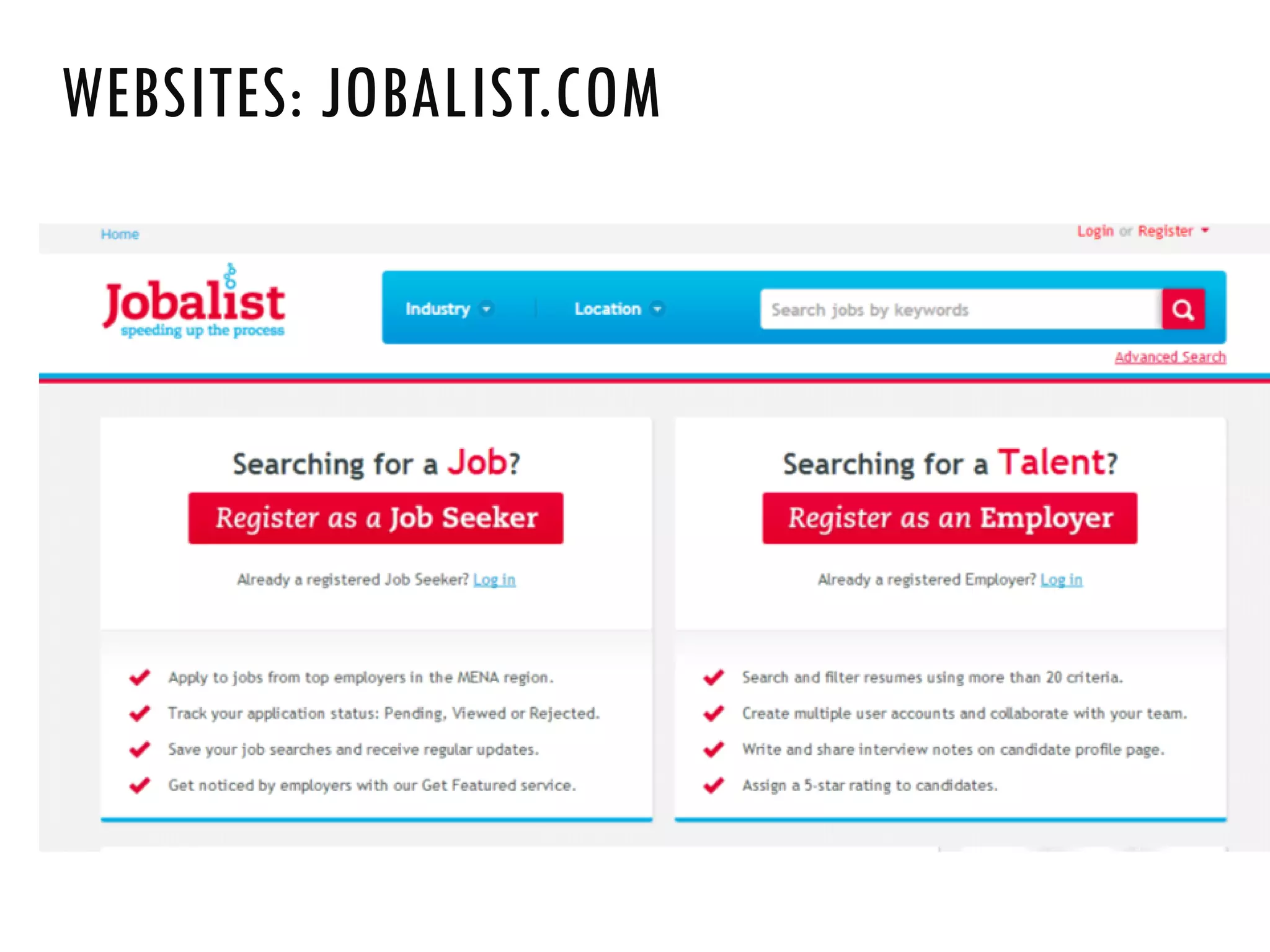
WEBSITES: JOBALIST.COM
STEP 9: CONDUCTING AN
ONLINE INTERVIEW
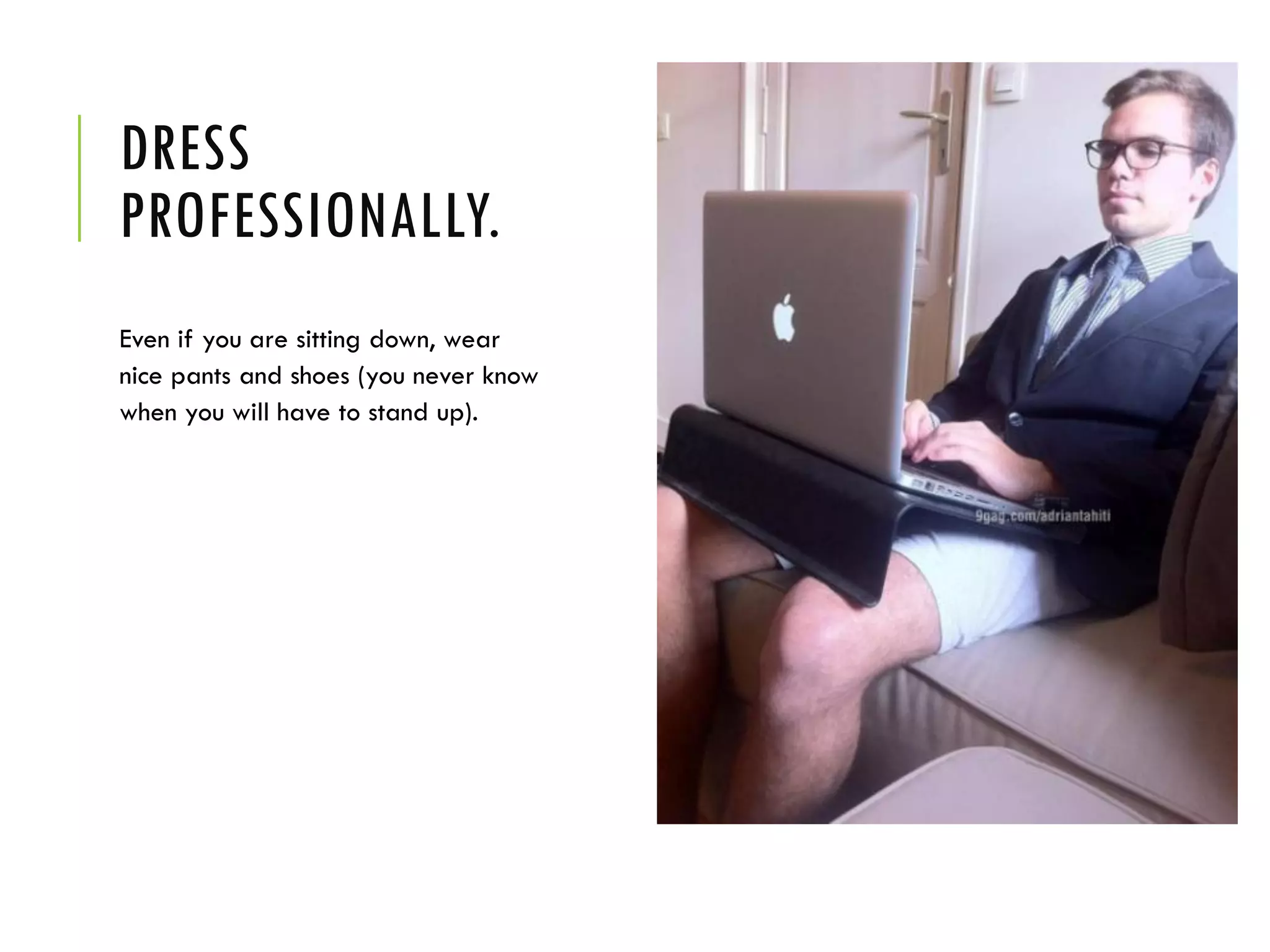
DRESS
PROFESSIONALLY.
Even if you are sitting down, wear
nice pants and shoes (you never know
when you will have to stand up).
CLEAR YOUR
WORKSPACE
and any clutter that is behind you so it
doesn't show up on the screen.
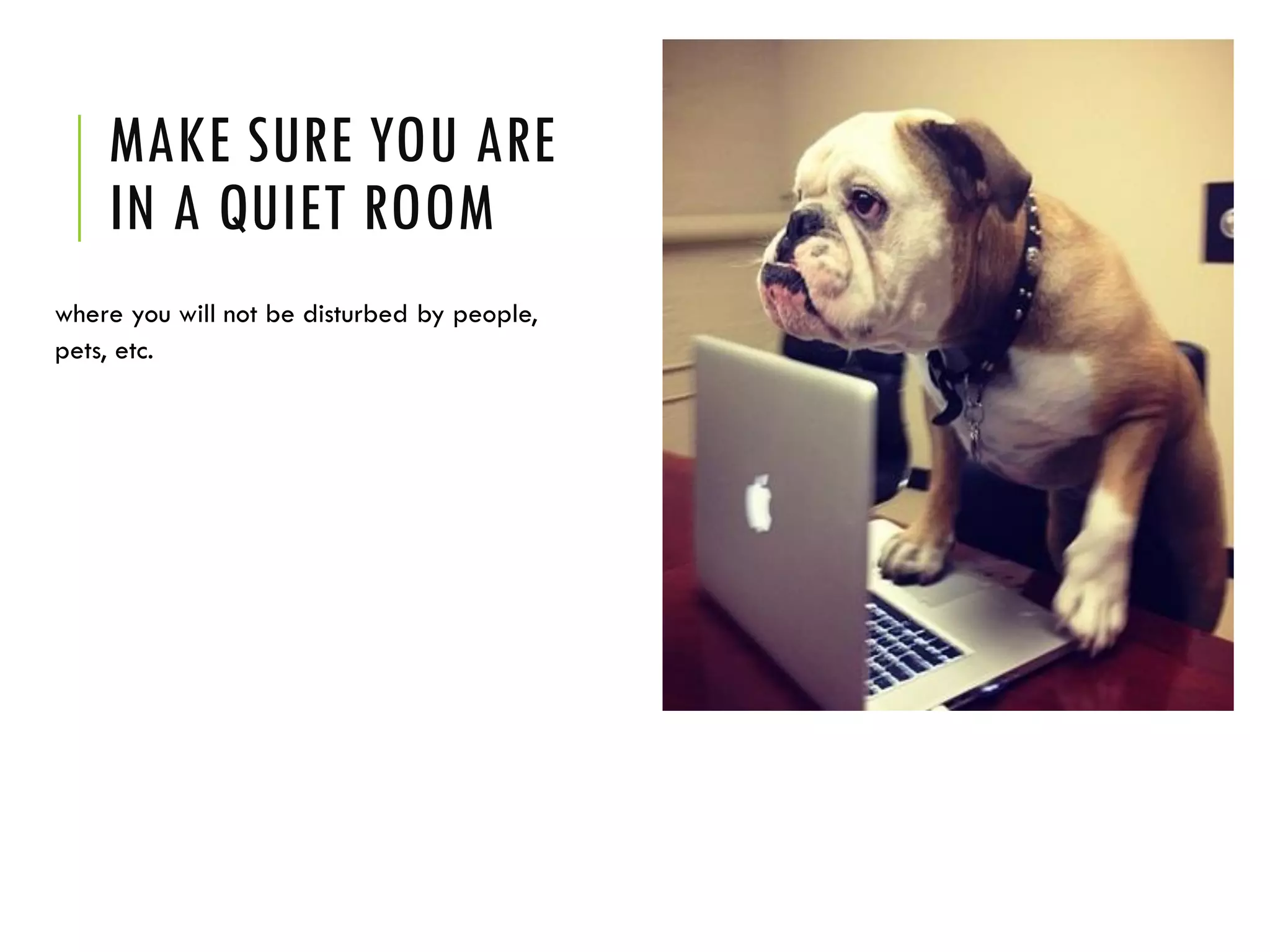
MAKE SURE YOU ARE
IN A QUIET ROOM
where you will not be disturbed by people,
pets, etc.
HAVE A PIECE OF
PAPER AND
PEN READY
so you are not scrambling to find them
later.
HAVE A COPY OF
YOUR RESUME IN
SIGHT
in case you have to refer to dates or
details.
PRACTICE
• Practice using your web cam equipment
before the interview so you are sure
everything is in working order.
• Write a script if necessary.
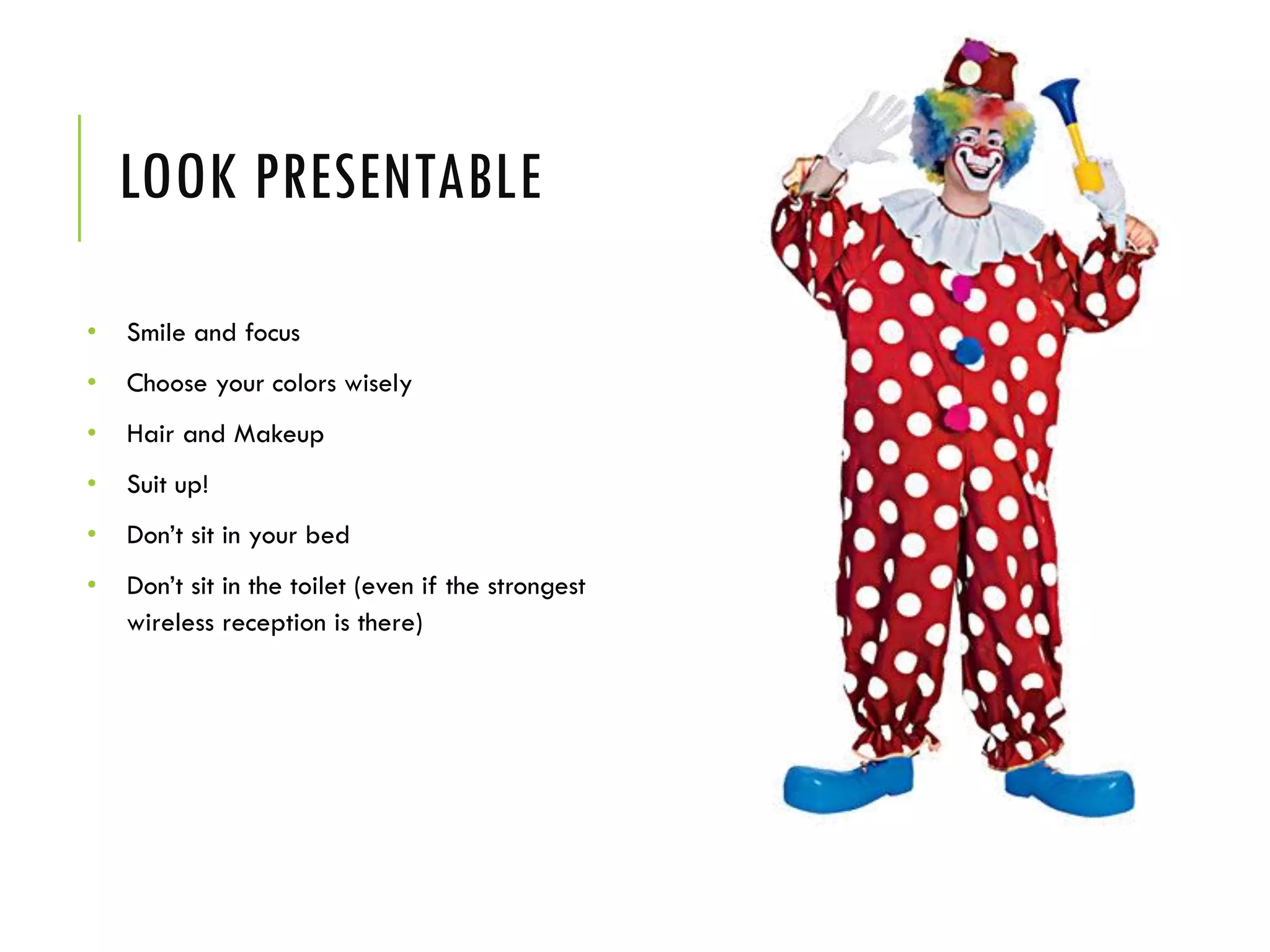
LOOK PRESENTABLE
• Smile and focus
• Choose your colors wisely
• Hair and Makeup
• Suit up!
• Don’t sit in your bed
• Don’t sit in the toilet (even if the strongest
wireless reception is there)
FOLLOW UP
After the interview, send the interviewer an email that includes:
 A thank you note for taking time to conduct the interview
 Your contact information
 Any references you mentioned in the interview
 If you decide that you do not like the offer or don’t want the job, recommend
someone else.
 Stay in contact later on, the recruiter might be a valuable asset for you in the future.
THANK YOU Tweet me: @mhijazi

Finding a job online in 10 simple steps

  • 1.
    HOW TO FINDA JOB ONLINE IN 10 SIMPLE STEPS By Mohammad Hijazi @mhijazi
  • 2.
    FINDING A JOB= LOOKING FOR DATE • Be charming • Be well prepared • Be confident • Know what you are looking for • Take risks
  • 3.
  • 4.
    STEP 1: EMAILADDRESS Make sure you have a professional email address:  yourname@gmail.com  yourname@outlook.com  Firstinitial.lastname@yahoo.com  username@college.edu  BEST: buy your own domain! hello@name.com NOT:  pinkprincess@hotmail.com  sexybeast69@aol.com  puppy_loveXOXO@msn.com  haifawehbeoffical1@hotmail.com
  • 5.
    STEP 2: GOOGLEYOURSELF - Use Incognito Mode - This is the first thing that recruiters do. - Do you find things online you don’t want to see?  If yes remove them or ask the person who put them to remove them. - Do you not show up at all on Google?  Not a good sign  Create content so that you show up - Find what other people are saying about you
  • 6.
  • 7.
    STEP 3: DEFINEYOUR GOALS What type of job do I want?  Full time  Part time  Research  Freelance  Work from home
  • 8.
    STEP 3: DEFINEYOUR GOALS Where do I want my job to be?  Lebanon  Beirut  Tripoli  Saida  Bekaa..  Gulf  Europe  Africa  USA  New York  Los Angeles…
  • 9.
    STEP 3: DEFINEYOUR GOALS What career type do I want to join?  Digital  Marketing  HR  Accounting/Finance  IT  Management  Engineering  Design  Retail  Etc…
  • 10.
    STEP 3: DEFINEYOUR GOALS What level am I qualified for?  Starting job  Managerial  Consultancy  Mid-career  Top management  Internship
  • 11.
    STEP 3: DEFINEYOUR GOALS What company size do I want to join?  Startup  International company  Family business  Small business  Start my own business  Local/Regional/International non- profit
  • 12.
    STEP 4: HAVEYOUR CV READY - Check for errors - Customize the CV to suit your goals - Make it stand out! Use colors, photos, be creative. - Export into PDF format for online usage  Sending it as doc format is not professional  In Microsoft Word: File > Save as > Save as type > PDF
  • 13.
    STEP 5: OPTIMIZEYOUR PERSONAL SOCIAL NETWORKS Facebook  Add your university, school, major, courses and graduation date  Add your previous and current employment including internships  Add your volunteer work and important projects  Make this information PUBLIC  Always have a presentable profile photo & cover  Make any unprofessional content private.
  • 14.
    STEP 5: OPTIMIZEYOUR PERSONAL SOCIAL NETWORKS Twitter  Add a professional bio.  Don’t use vulgar language in your tweets.  If you don’t want recruiters to match your resume to your twitter account, spell your name differently on twitter or make it private.  Interact with companies and professionals on twitter.
  • 15.
    STEP 5: OPTIMIZEYOUR PERSONAL SOCIAL NETWORKS Blog  Create a blog or guest blog on blogs or websites relevant to your industry  Write posts that are relevant to your career  Share your opinions about topics in your industry  Applicants with active blogs get a $200 more on average on their job offers  Start a blog easily on:  Blogger.com  Wordpress.com
  • 16.
    STEP 6: SET-UPA LINKEDIN PROFILE Linkedin.com
  • 17.
    BASIC REASONS TOUSE LINKEDIN - Manage your professional profile and brand - Network and meet professionals - Share your expertise and knowledge - Learn from others - Uncover opportunities
  • 18.
    ANONYMOUS ACCOUNTS AREPOINTLESS It’s like hiding at the back of the crowd, no one will see your potential.
  • 19.
    YOUR PROFILE ISTHE NEW FIRST IMPRESSION Try to make this first impression the best it can be!
  • 20.
    HAVE AN AVATAR Aphoto of you in color, head and shoulders only, keep the background simple.
  • 21.
  • 22.
    USE PROFESSIONAL PHOTOS BADEXAMPLES More bad examples on: http://www.linkedinfun.com/
  • 23.
  • 24.
    USE TIMELY PHOTOS 23years ago 8 years ago 2 month ago
  • 25.
    FILL OUT YOURPROFILE INFORMATION
  • 26.
    FILL OUT YOURPROFILE INFORMATION
  • 27.
    CREATE A GREATPERSONA The best profiles are rich with relevant information. They’re like a candid conversation about yourself. They’re not just a list of prior employers.
  • 28.
    CONSIDER YOURSELF ASA PRODUCT - Make your strengths stand out. - State your career goals. - Use tools to showcase your competitive edge, like Slideshare and Behance’s Creative Portfolio app.
  • 29.
    SECTIONS YOU CANEDIT Name - First, last, and maiden names. Headline - Will default to your current job title. You can change it to express your personal brand or how you want to be known (e.g. Outstanding Client Service Professional). Summary - Information about your mission, accomplishments, and goals. Experience - Professional positions and experience, including jobs, volunteer posts, military, board of directors, nonprofit, or pro sports. Education - School and educational information. Recommendations - You can request professional recommendations and display them on your profile. Crucial Important Optional
  • 30.
    SECTIONS YOU CANEDIT Applications - You can add applications to your profile to display your work, get professional insights, or collaborate with others. Certifications - Certifications, licensures, or clearances you've attained. Courses - Adding your body of coursework can help your education to stand out. Honors & Awards - Show off your hard-earned awards. Languages - Languages you understand or speak. Organizations - List the organizations or associations you've been a part of along with your role. Patents - Any patents you've applied for or received. Crucial Important Optional
  • 31.
    SECTIONS YOU CANEDIT Personal Information - Info such as email, phone number, location, and birthday. Publications - Publications that have featured your work. Projects - Showcase the projects you've worked on, along with team members. Skills & Expertise - A relevant list of skills on your profile will help others to understand your strengths and improve your ability to be found when opportunities present themselves. Test Scores - List your scores on tests to highlight high achievement. Crucial Important Optional
  • 32.
    CREATE YOUR VANITYURL Vanity URL
  • 33.
    GET DISCOVERED BEYONDLINKEDIN • If you leave comments on business websites or professional blogs, enter your Linkedin public profile URL in the website section. • Add your URL to your professional Twitter bio. • Add the URL to your business cards and resume. • Make it part of your “about me” on your blog or website. • Add it to your email signature.
  • 34.
    A CENTRAL LINEOF CONTACT • Save a few trees and make Linkedin your digital business card. • Add your email address and phone number to your profile. Fix the privacy settings as you see fit. • Download the Linkedin mobile apps so you can instantly add connections and keep up to date with your network.
  • 35.
    USE SEO TOHELP YOU GET DISCOVERED • Use keyword rich job titles • Optimize your job descriptions and experience • Share more, especially your own content
  • 36.
  • 37.
    CONNECTION DEGREES •1st-degree -People you're directly connected to because you've accepted their invitation to connect, or they've accepted your invitation. You'll see a 1st degree icon next to their name in search results and on their profile. You can contact them by sending a message on LinkedIn. •2nd-degree - People who are connected to your 1st-degree connections. You'll see a 2nd degree icon next to their name in search results and on their profile. You can send them an invitation by clicking Connect or contact them through an InMail. •3rd-degree - People who are connected to your 2nd-degree connections. You'll see a 3rd degree icon next to their name in search results and on their profile. • If their full first and last names are displayed, you can send them an invitation by clicking Connect. • If only the first letter of their last name is displayed, clicking Connect is not an option but you can still contact them through an InMail. •Fellow members of your LinkedIn Groups - These people are considered part of your network because you're members of the same group. You'll see a Group icon next to their name in search results and on their profile. You can contact them by sending a message on LinkedIn or using your group's discussion feature. •Out of Network - LinkedIn members who fall outside of the categories listed above. You can contact them through an InMail.
  • 38.
    ADD CONNECTIONS • Ifyou can’t figure out who to connect with, start with friends, colleagues, and family. • The average wedding planner knows that any given person knows about 250 people to invite to a wedding. Make your wedding list. • Use LinkedIn to follow up after other communications: Whenever you receive an email, business card, or a business phone call; tell the person that you are going to also connect by LinkedIn. • It is wise to also add recruiters, experts in your field, potential investors, journalists and members of the media, but always remember to include a message with your request!
  • 39.
    USE TAGS TOCATEGORIZE YOUR CONNECTIONS • Tags are like Circles on Google+. They are categories you can use to organize your Contacts or Connections. • Add Tags in the Contacts section of LinkedIn. Use them to differentiate: • friends, • partners, • prospects, • large prospects, • customers, • students, • press, etc.
  • 40.
    MAKE SURE YOURPROFILE IS PUBLIC • If you're hoping to get business from your LinkedIn profile, than you want to make sure that anyone can view it, whether they're logged in or not. • Click on your profile image in the upper right corner of the screen to access your account menu, and click on Privacy & Settings. Here you can: • Make sure EVERYONE can view your activity feed. • Turn on or off your activity broadcasts • Select what others can see when you view their profile (image, name and headline recommended) • Enable Open Profile if you're a Premium member
  • 41.
    SUPPORT ADDITIONAL LANGUAGES Areyou looking for jobs in different countries? If so, you can offer your profile visitors an alternate version in their language. Visitors to your profile will see available languages as a drop-down to the right of your top details box. To the right of the View Profile As button, click on the down arrow to reveal an additional options menu and click on Create profile in another language.
  • 42.
    DO NOT BETHIS STUPID! Things you need to avoid!
  • 43.
  • 44.
  • 45.
  • 46.
  • 47.
    ALSO AVOID •Digital MarketingMagician •Wizard of Light Bulb Moments •Brand Warrior •Senior Road Warrior Marketing Intern •The Social Media Badass •Digital Overlord •Direct Mail Demi-God •Mobile Sensei (and Planner) •Chief Visionary Officer •Chief Marketing Guru •Chief Thought Provoker •Chief Thinker •Chief People Herder •Director of Fundom
  • 48.
  • 49.
  • 50.
    STEP 7: WRITEYOUR BIO/INTRO
  • 51.
    NEVER LEAVE ITBLANK • Never leave the Summary section blank!! A blank Summary means that the first thing an employer sees is your Experience section. Your profile will then be like a resume without a Summary statement at the top, or like a term paper without an introduction. How will recruiters and hiring managers know where to focus or what to concentrate on in your LinkedIn profile if you do not point them in the right direction?
  • 52.
    IDENTIFY YOUR PURPOSE •Why are you writing this bio? Who will read it? • You need to take some time to think about your readers and what you want them to think about you. • State your profile objective clearly: are you looking for investors, partners, to share your ideas, a job, etc…
  • 53.
    THIRD PERSON PERSPECTIVE •Your bio should sound as though it were objectively written, although it is obviously anything but. • If you look at any book cover, the bio will be in the narrative mode even though the author has probably written it themselves. • So instead of writing “I have lived in Switzerland and I speak 3 languages”, try “John has lived in Switzerland and he speaks 3 languages”.
  • 54.
    SHOW, DON'T TELL •"What have I done" > "Who I am“ • The "show, don't tell" principle of writing means focusing on what you do, not who you are - and that means action verbs. • List of Action Verbs for Resumes & Professional Profiles • The more details the better. • Don't just say you're creative. Make sure you reference specific projects you worked on that demonstrate your creativity.
  • 55.
    TAILOR YOUR KEYWORDSSPECIFICALLY TO YOUR AUDIENCE • Your bio should position you as an expert in your field who serves a specific audience. • Tell stories. Share your accomplishments. Everyone likes a good story. If you can grab some attention with something about yourself that we wouldn’t know from your resume bullets, you’re heading in the right direction.
  • 56.
    THROW IN SOMEPERSONALITY • Add some flavor to your bio by including something unexpected. This can be a bit of humor or just curious information that you think people will be interested in, such as you being a tea connoisseur – already a topic for conversation. • You can include something of the sort: “and in his spare time, he really enjoys writing about himself in the third person”. • A little witty twist at the end can tell a lot about your personality.
  • 57.
    STRUCTURE IT WELL •Use all 2,000 characters. If you do not take advantage of this opportunity to write 2,000 characters about yourself, you are missing out on essential keyword optimization. Although the MOST important spots for keywords are your Headline, Specialties and Job Titles, your Summary section counts too. • Break it up (with Headers, Sub-Headers and Graphics)! Don’t expect anyone to read a big block of text with no graphic interest. Make it visually easy to read. • Include your contact information. Make it easy for people to find you. If you’re comfortable, include your phone number and e-mail.
  • 58.
    AVOID BUZZWORDS &CLICHÉS Avoid these statements: • I’m a team player • I have great communication skills • I have a proven track-record. • I’m a problem solver. • I assisted in X task. • I have a strong work ethic. • I’m self-motivated. • I’m accustomed to a fast-paced enviroment.
  • 59.
  • 60.
    FREELY GIVE ANDRECEIVE RECOMMENDATIONS • The Internet is a world of views, likes, shares, and comments. But best of all is a heart-felt recommendation, which you can do on LinkedIn. Nothing boosts morale, loyalty, and friendship, like an unsolicited recommendation. • Don’t be afraid to ask for it from co-workers, friends, and even customers.
  • 61.
    GIVE ENDORSMANTS • Ifyou haven’t worked directly with a person but know their capabilities, you can give them an endorsement.
  • 62.
    CONNECT TO GROUPS •Even users with robust profiles aren't taking full advantage of LinkedIn's groups. Groups are where experts, insiders and customers are. Groups is where you will find people you want to know and, more importantly, where people you care about can find you. • If you can't find a group that fits what you do or includes the people you want, start one. Not only will that solve the problem, it's a great way to demonstrate issue and market leadership.
  • 63.
    GROUPS FOR ENTREPRENEURS Top60 LinkedIn Groups for Job Seekers and Recruiters https://jobmob.co.il/blog/top-linkedin-groups-job-seekers-recruiters/
  • 64.
    GROUPS FOR ENTREPRENEURS •AStartup Specialists Group - Online Network for Entrepreneurs and Startups •Band of Entrepreneurs •Bright Ideas & Entrepreneurs •Digital Marketing •Entrepreneurs Meet Investors •Entrepreneur's Network •Future Trends •Leadership Think Tank •LInked Business Strategists •On Startups – The Community for Entrepreneurs •Private Equity, M&A, and Venture Capital Investments •Social Entrepreneur Empowerment Network •Social Media Marketing •Women's Network of Entrepreneurs •Young Entrepreneur Connections
  • 65.
    INTERACTING WITH INFLUENCERS Aspart of the maturation process of LinkedIn, its news tool--Pulse--is an easy way to find, follow and connect with leaders that matter to you and your business.
  • 66.
    STEP 8: FINDAND APPLY FOR A JOB Where to find jobs online?
  • 67.
  • 68.
  • 69.
  • 70.
  • 71.
  • 72.
    ON LINKEDIN: REPLYTO RECRUITMENT MESSAGES
  • 73.
  • 74.
    ON FACEBOOK: MYLEBANESE JOBS
  • 75.
    ON FACEBOOK: GRAPHICDESIGN JOBS IN LEBANON
  • 76.
    ON FACEBOOK: MARYAMGHANDOUR I’m on Facebook too!
  • 77.
    ON FACEBOOK: LIU- CAREER DEVELOPMENT & JOB OPPORTUNITIES
  • 78.
  • 79.
  • 80.
  • 81.
  • 82.
    ON FACEBOOK: JOBS/ RECRUITMENT IN LEBANON & THE GULF
  • 83.
    ON TWITTER: FOLLOW#JOBS #LEBANON HASHTAGS
  • 84.
  • 85.
  • 86.
  • 87.
  • 88.
  • 89.
    •Google Jobs: http://www.google.com/about/jobs/ •FacebookCareers: https://www.facebook.com/careers/ •P&G Jobs: http://www.pg.com/en_US/careers/index.shtml •Microsoft Careers: https://careers.microsoft.com •Azadea Careers: http://www.azadeacareers.com •Ernst & Young: www.ey.com/Careers •GE Lebanon: www.ge.com/lb/careers/index.html WEBSITES: FOLLOW COMPANIES IN YOUR INDUSTRY
  • 90.
  • 91.
  • 92.
  • 93.
  • 94.
    STEP 9: CONDUCTINGAN ONLINE INTERVIEW
  • 95.
    DRESS PROFESSIONALLY. Even if youare sitting down, wear nice pants and shoes (you never know when you will have to stand up).
  • 96.
    CLEAR YOUR WORKSPACE and anyclutter that is behind you so it doesn't show up on the screen.
  • 97.
    MAKE SURE YOUARE IN A QUIET ROOM where you will not be disturbed by people, pets, etc.
  • 98.
    HAVE A PIECEOF PAPER AND PEN READY so you are not scrambling to find them later.
  • 99.
    HAVE A COPYOF YOUR RESUME IN SIGHT in case you have to refer to dates or details.
  • 100.
    PRACTICE • Practice usingyour web cam equipment before the interview so you are sure everything is in working order. • Write a script if necessary.
  • 101.
    LOOK PRESENTABLE • Smileand focus • Choose your colors wisely • Hair and Makeup • Suit up! • Don’t sit in your bed • Don’t sit in the toilet (even if the strongest wireless reception is there)
  • 102.
    FOLLOW UP After theinterview, send the interviewer an email that includes:  A thank you note for taking time to conduct the interview  Your contact information  Any references you mentioned in the interview  If you decide that you do not like the offer or don’t want the job, recommend someone else.  Stay in contact later on, the recruiter might be a valuable asset for you in the future.
  • 104.
    THANK YOU Tweetme: @mhijazi