Digital Toolbox for  21st Century Learners
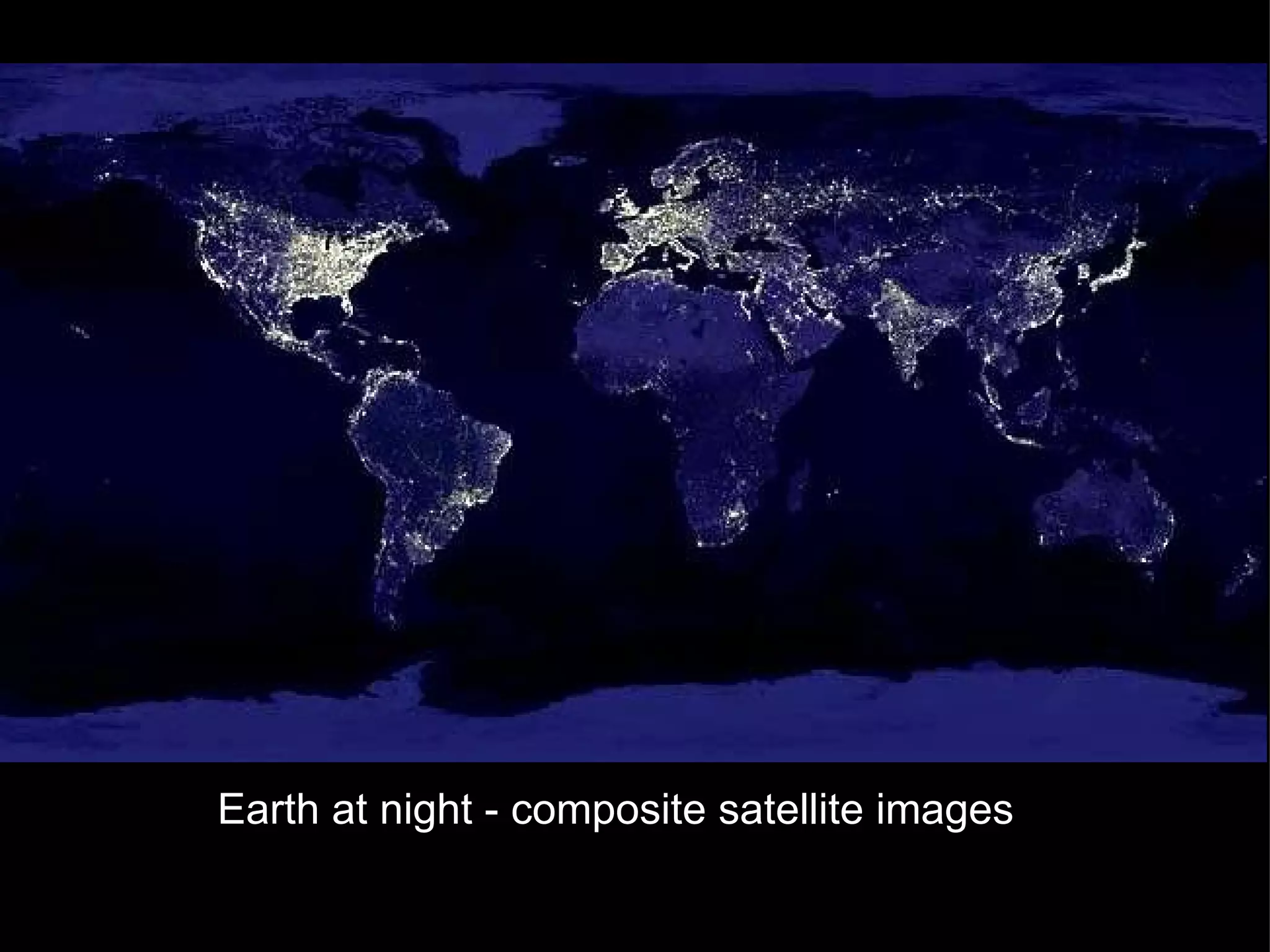
Where are 21st  Earth at night - composite satellite images
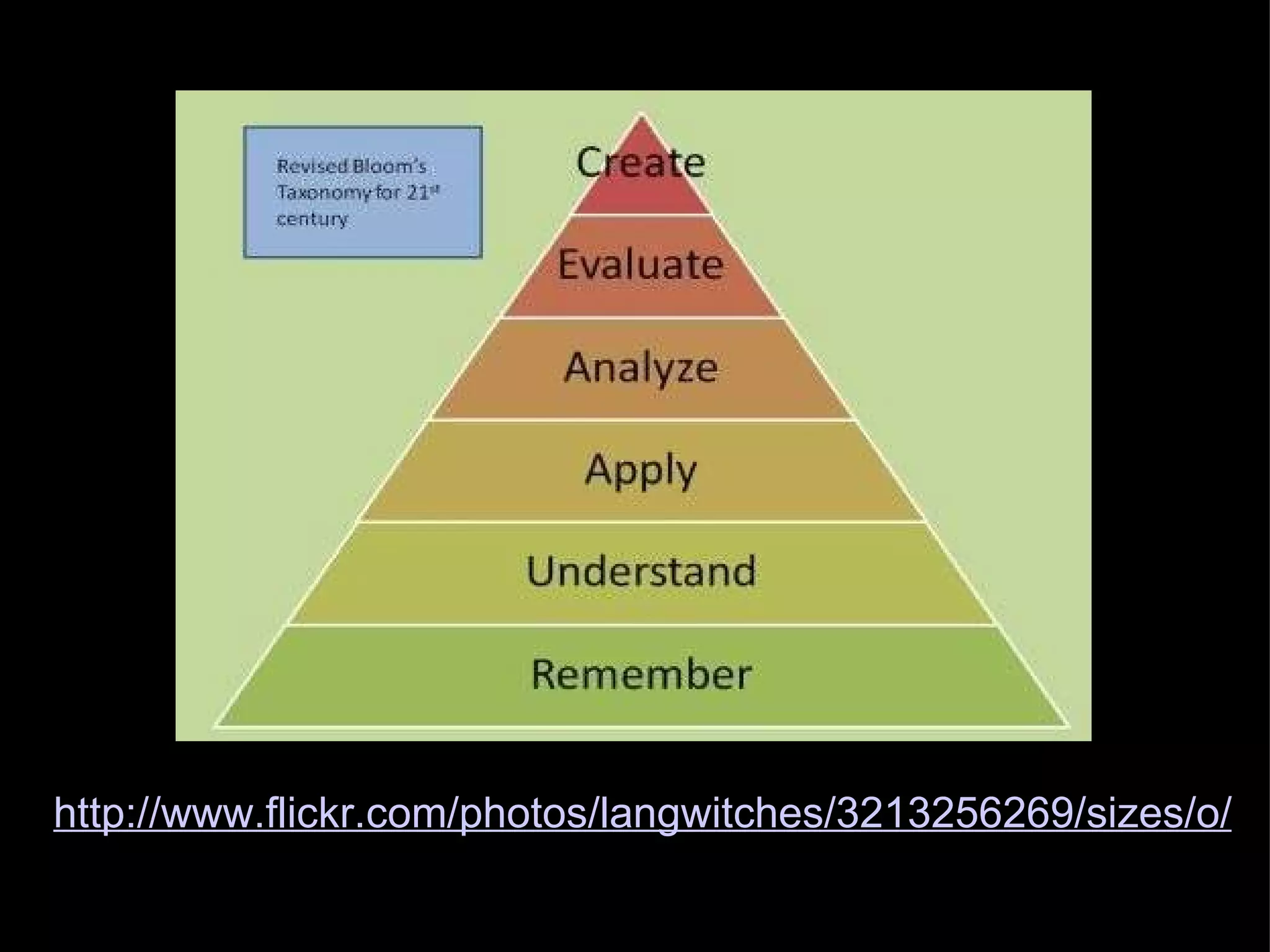
http://www.flickr.com/photos/langwitches/3213256269/sizes/o/
Constructing Knowledge.....
Remembering and Understanding
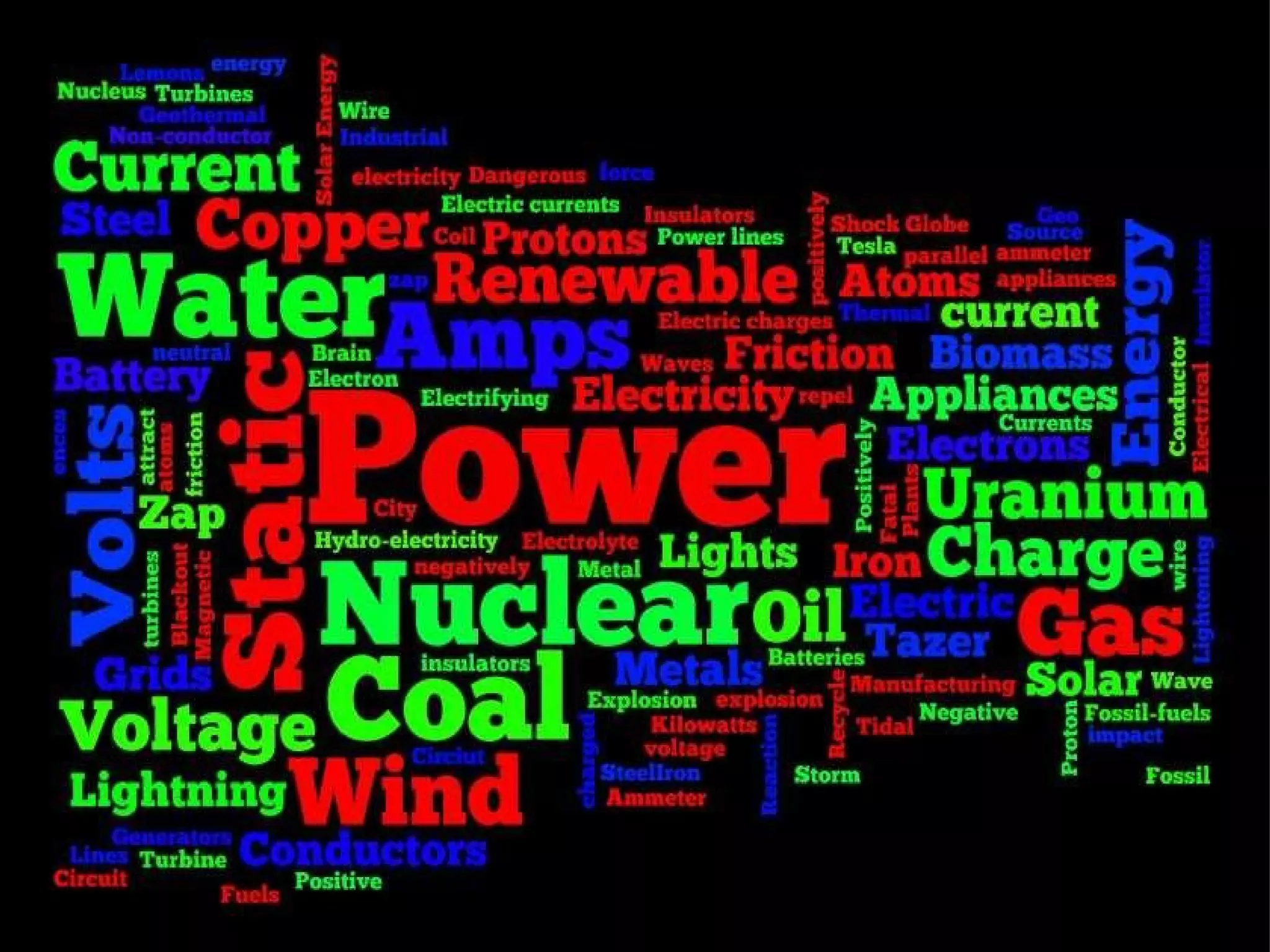
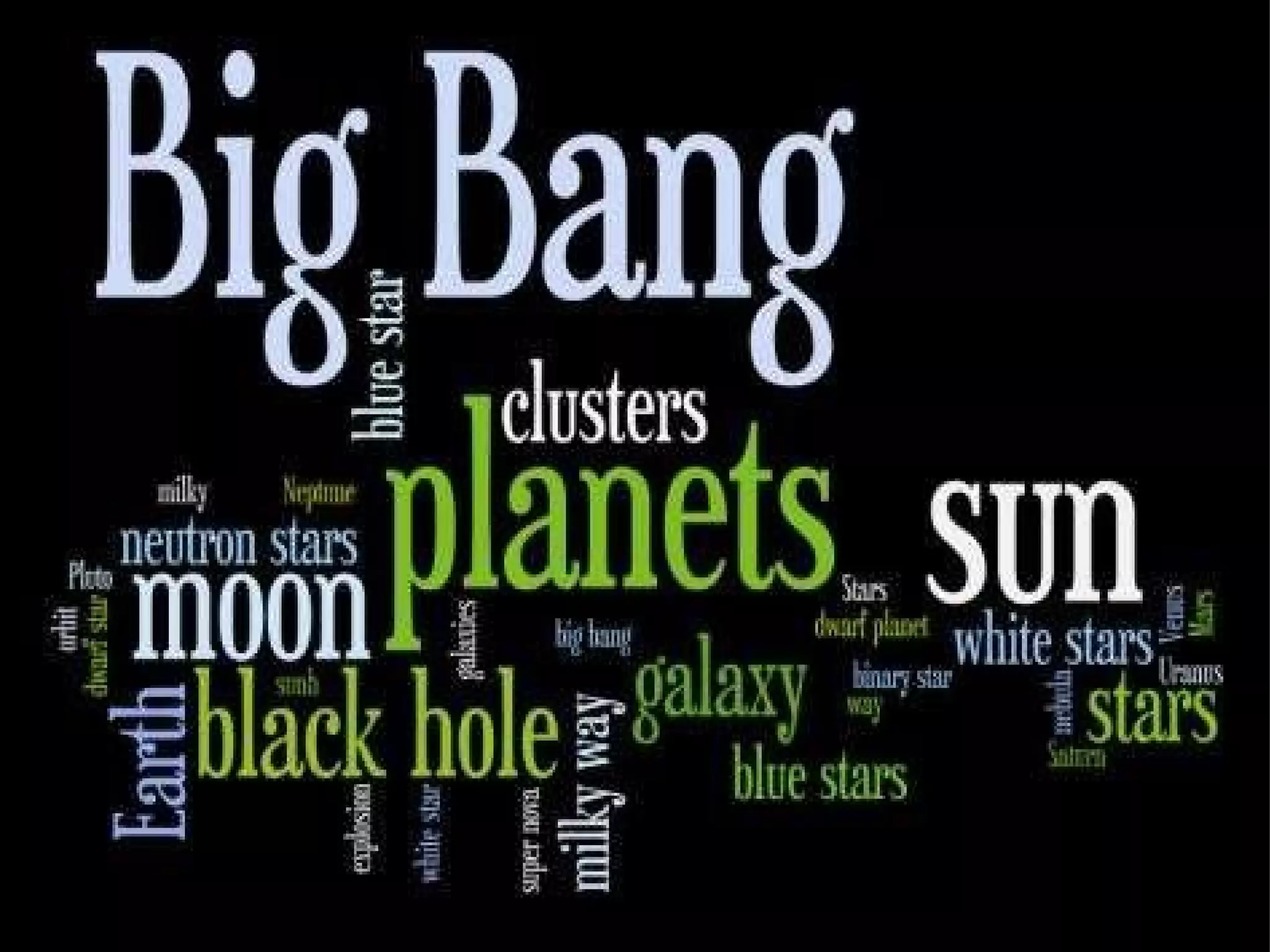
Remembering and Understanding Delicious  or  Diigo  for bookmarking sites   Wallwisher, Tagxedo  and  Wordle  for brainstorming what students already know about a topic or what topics they would like to do next.   Bubl.us  or  Freemind  for creating mindmaps to introduce, summarize or revise a topic. FlashcardsDB   is an on-line program for searching and creating flashcards Twitter and Tweetdeck for sharing knowledge and links  
 
Applying  and  Analysing
 
 
Experiments, including collecting data, graphing and interpretation. Excel or "Create a Graph"   http://nces.ed.gov/nceskids/createagraph/default.aspx CAST Science  writer at  http://sciencewriter.cast.org/ Tables for comparing  data and collecting information  Google squared  http://www.google.com/squared Applying and Analysing
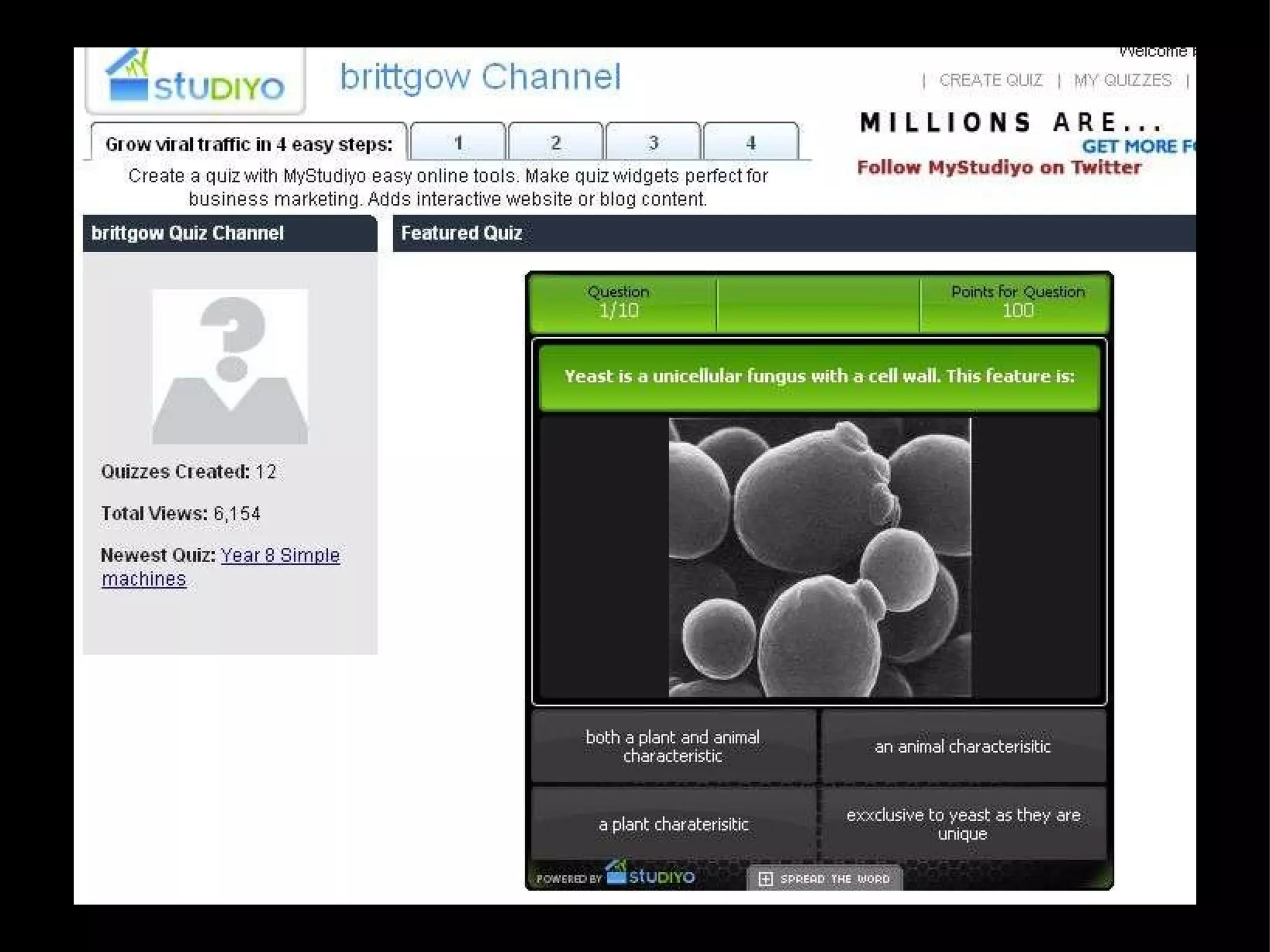
Applying and Analysing - Quizzes Students create their own quizzes using  Powerpoint  by hyperlinking correct and incorrect answers to different slides.  "Who Wants to be a Millionaire"  template MyStudiyo  is an on-line program for creating multiple choice or true/false quizzes
 
Evaluating  and  Creating
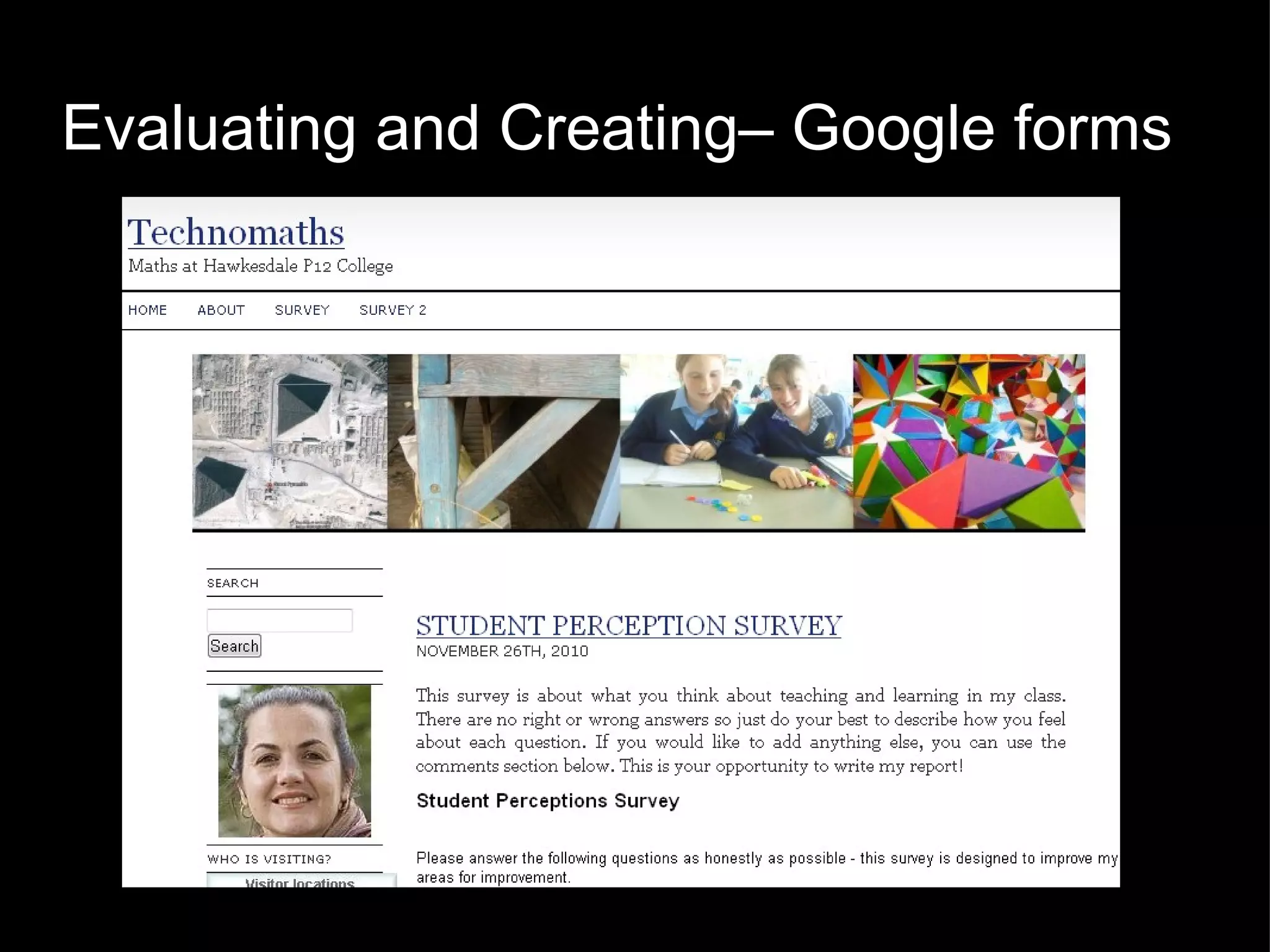
Evaluating and Creating– Google forms
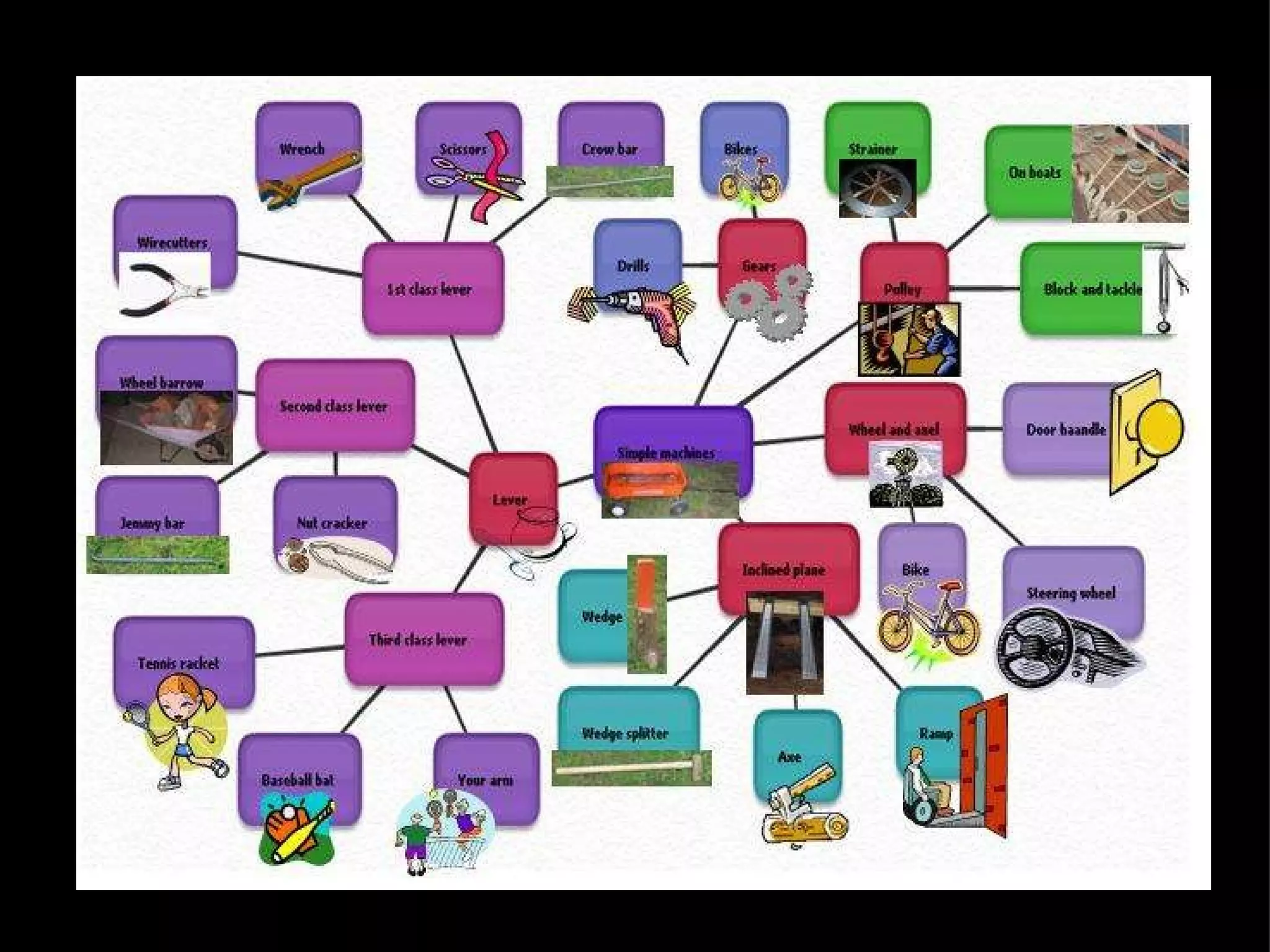
Creating and Evaluating -  Slideshows, Photostory and Animoto Mash-ups of images, text and audio to create digital stories: "How to make Paper from Grass" Endangered Species Project Life cycle analysis of a material (eg, glass, soap, aluminium) Simple machines, Forces Biography of a famous scientist Discoveries and Inventions
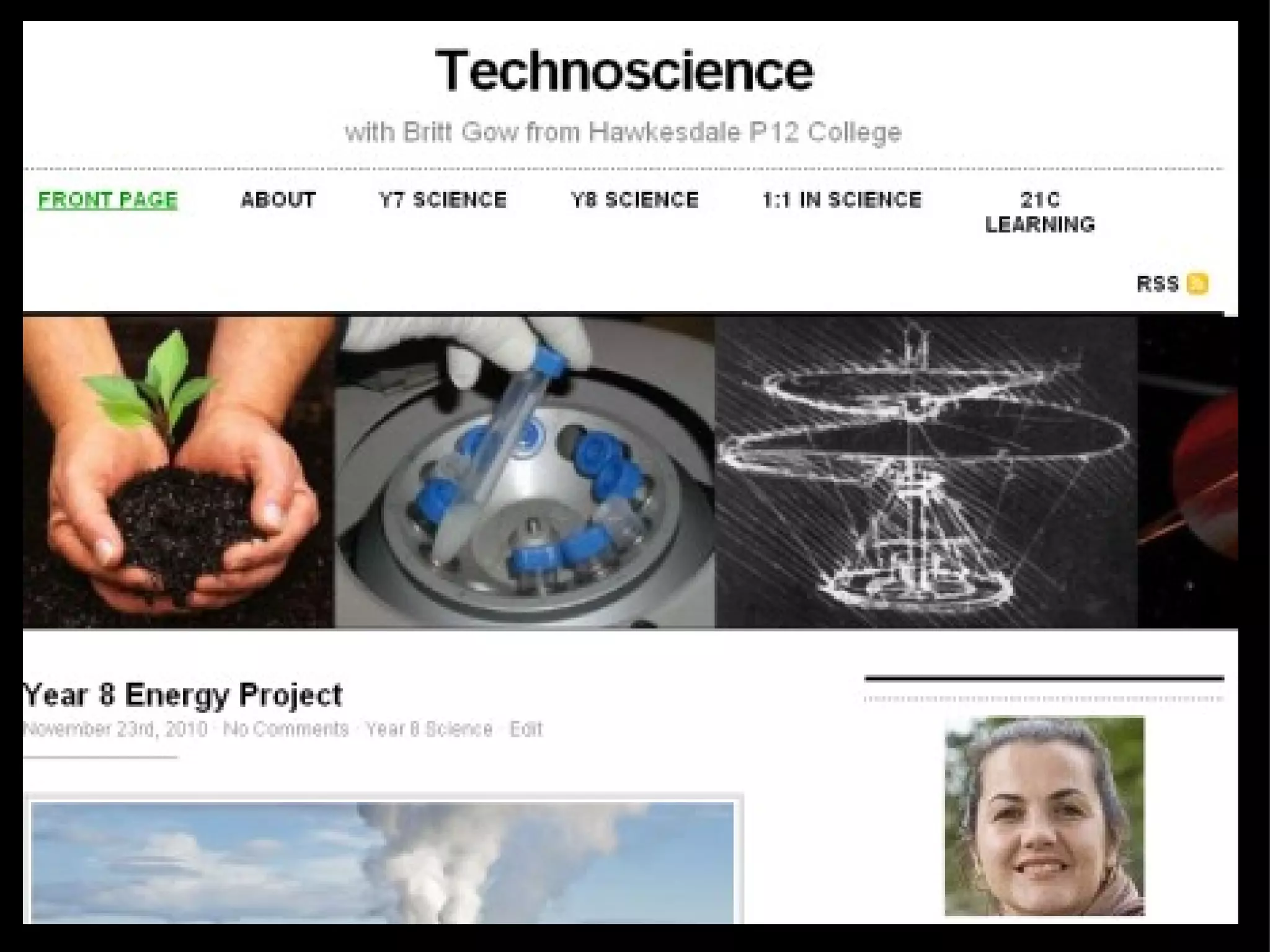
Creating and Evaluating - Blogs and Wikis Students post comments on teacher blog - what they have learnt, what they enjoyed or what could be improved. eg. Technoscience Students write their own posts, with images of their work for teacher and others to comment on. Eg. globalstudent and ultranet Students add their findings to a wiki and compare their results, discuss their work and explore the pages of other students. Eg. On-Line Science Fair
 
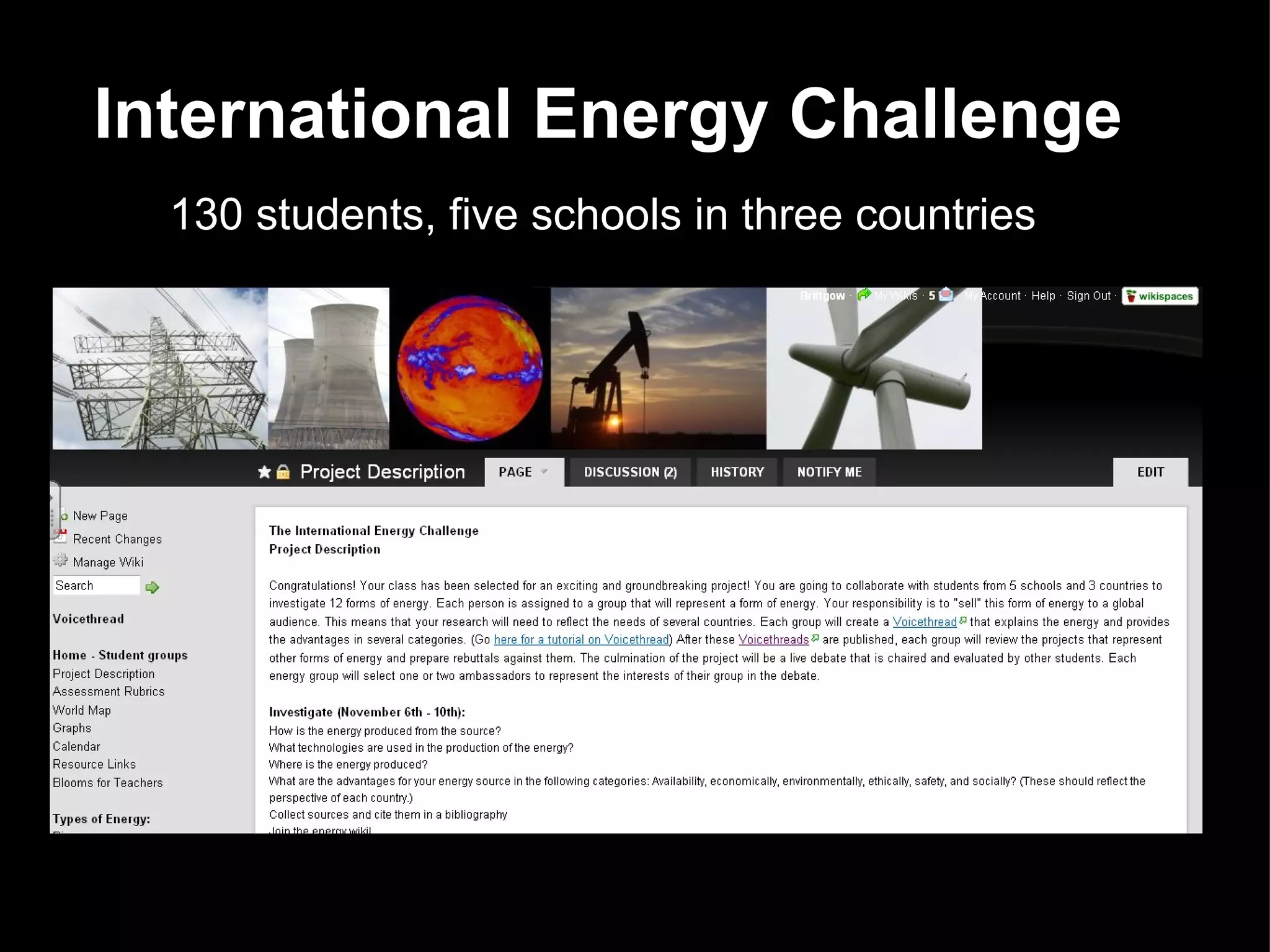
International Energy Challenge 130 students, five schools in three countries
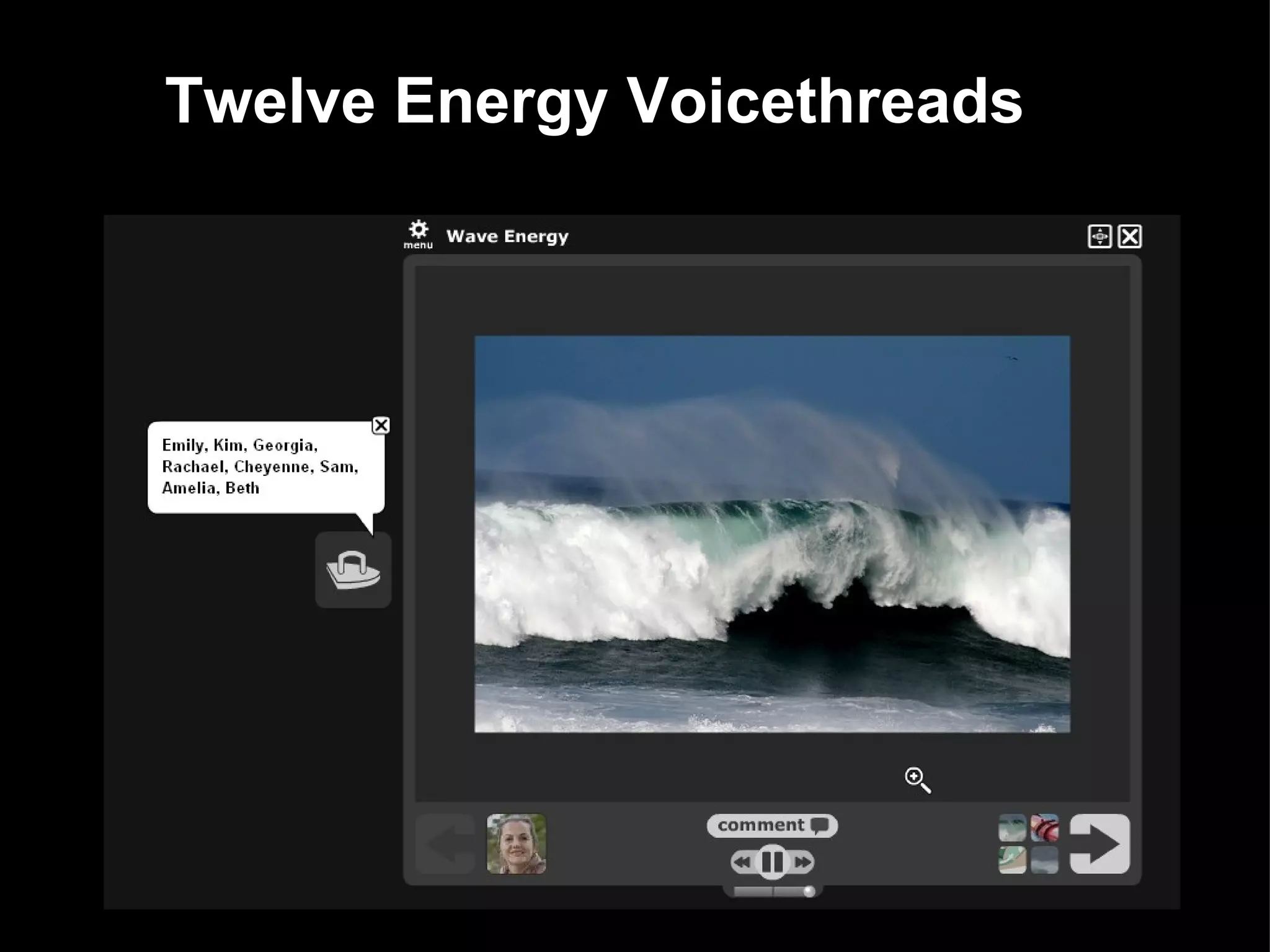
Twelve Energy Voicethreads
Creating and Evaluating - Audio   Recording (using Audacity or Voice recorder on iPods) for reluctant writers Predict - Observe - Explain To add to slideshows explaining equipment, materials, procedures and results. Mock (or real) interviews of famous scientists, threatened species or other experts (astronomers, geologists, zoologists).
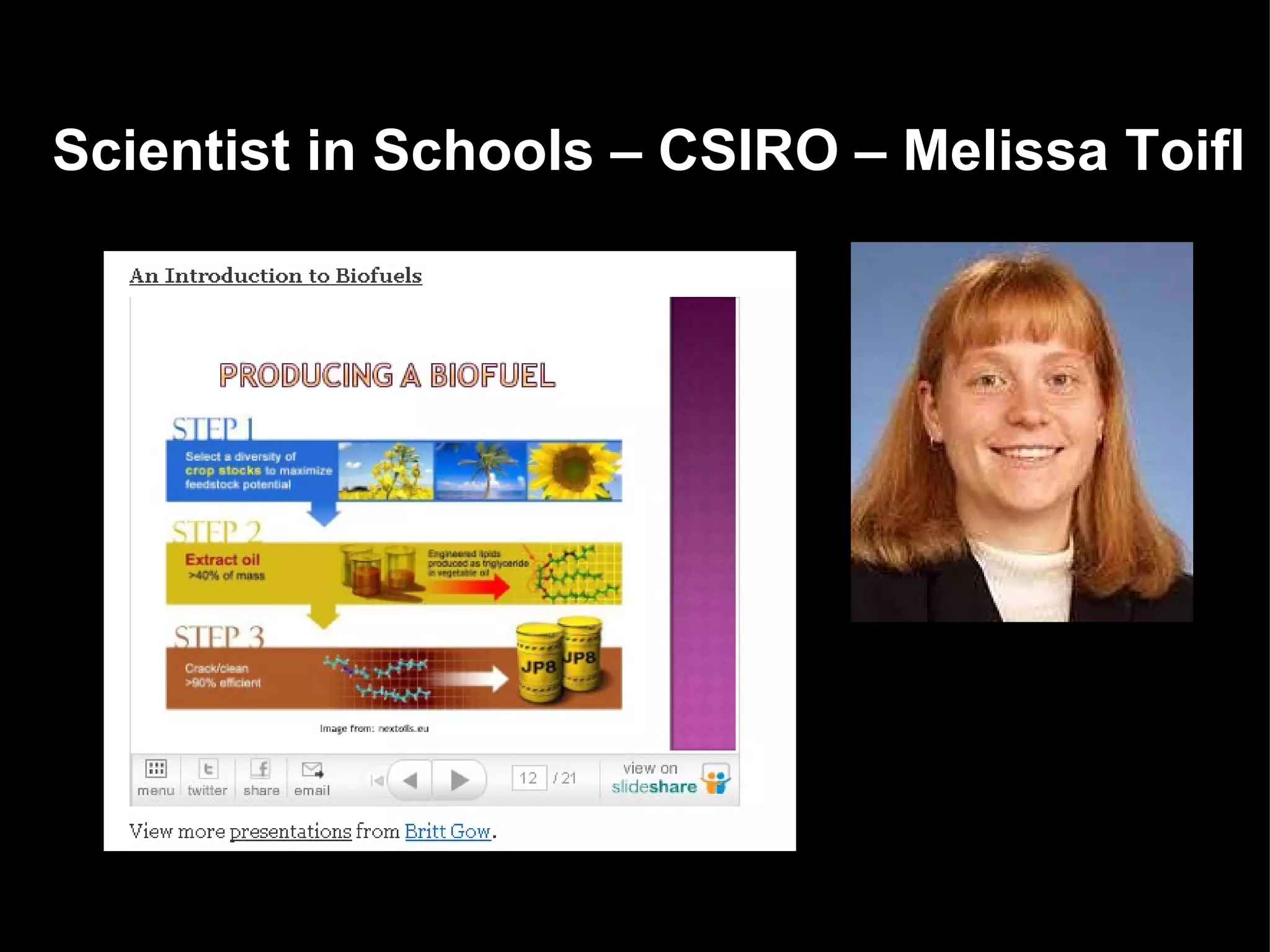
Scientist in Schools – CSIRO – Melissa Toifl
Creating and Evaluating - Video Flip video to record presentations, experiments, dissections, role plays, interviews and mock TV programs. Use Video tools - YouTube, TeacherTube, Vimeo and Viddex to embed in blogs and wikis for student evaluative comments    Use the 3,2,1 rule - 3 positive encouragements, 2 questions and 1 suggestion for improvement.   
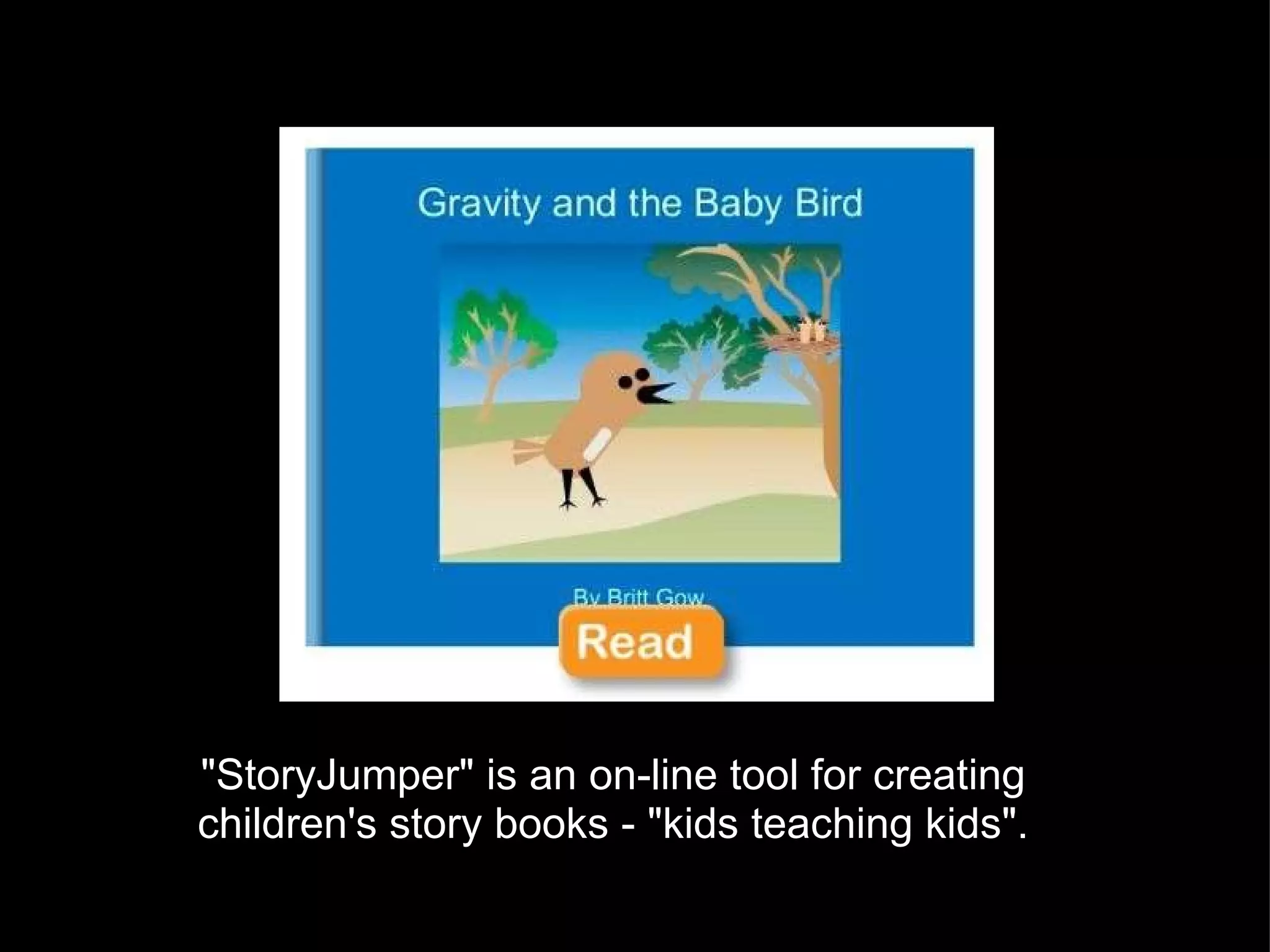
"StoryJumper" is an on-line tool for creating children's story books - "kids teaching kids".
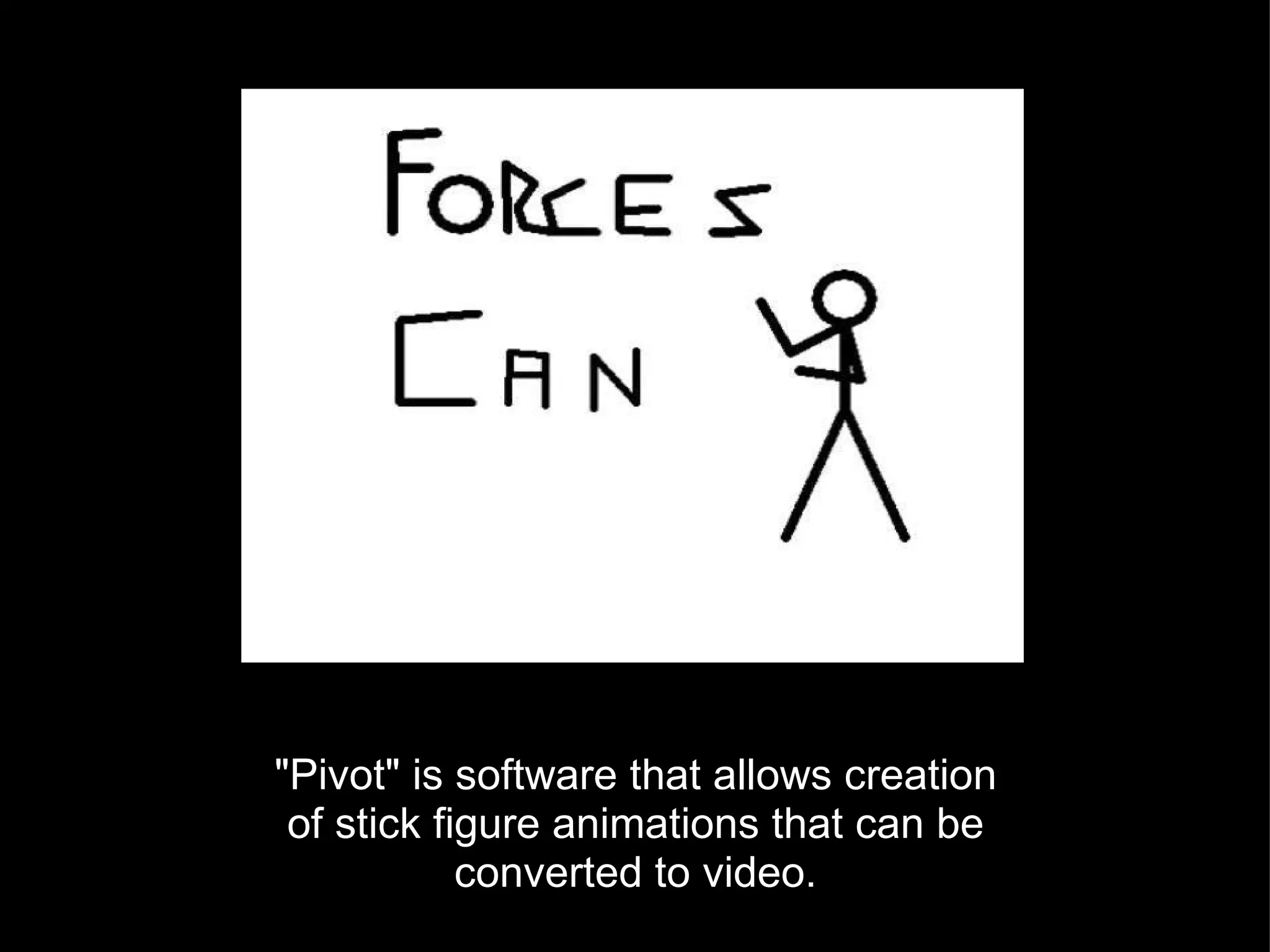
"Pivot" is software that allows creation of stick figure animations that can be converted to video.
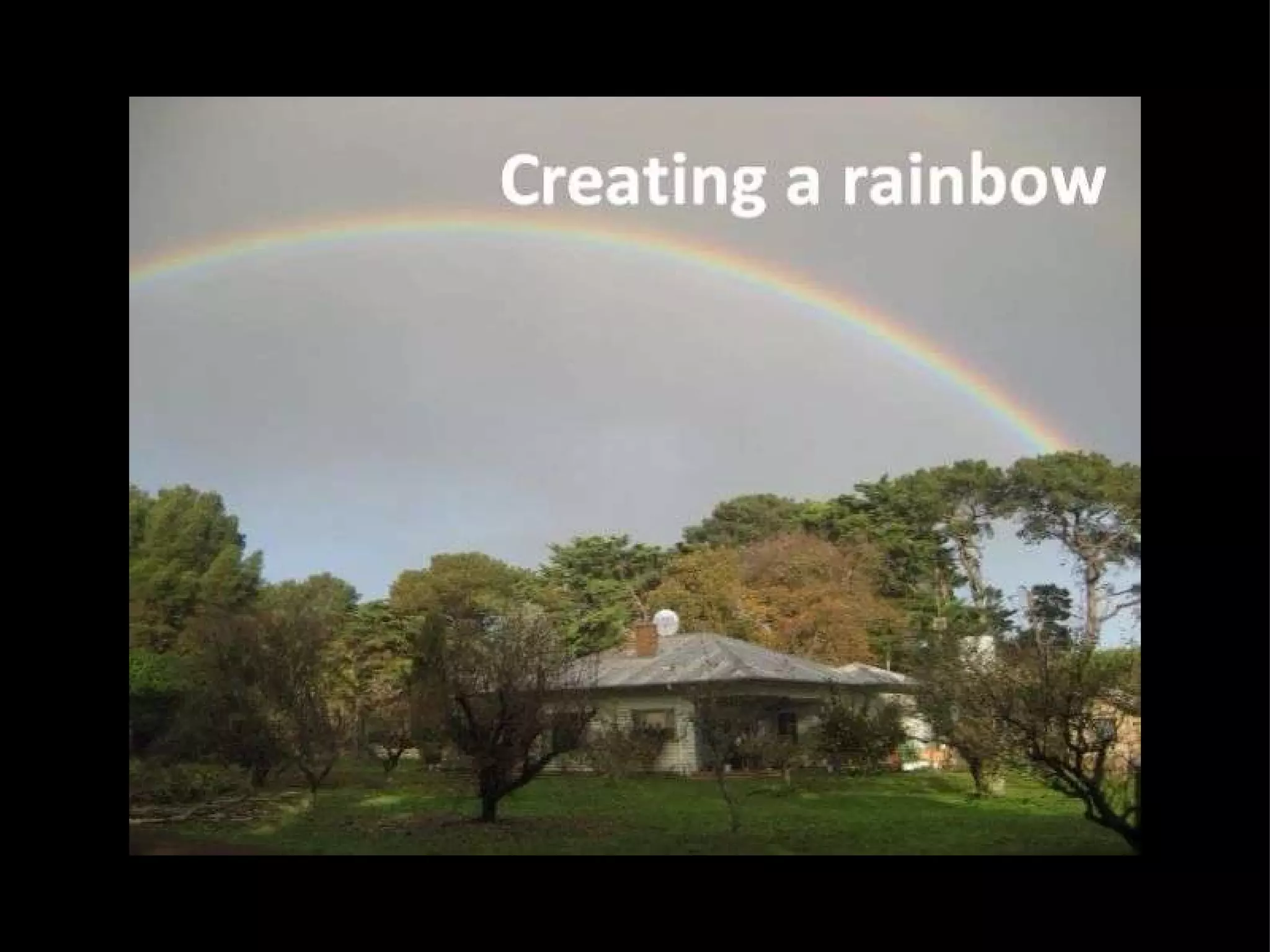
Creating and Evaluating - Video Create "60 second science" videos to explain a science concept. http://www.60secondscience.net/ Use Photostory, Windows Moviemaker, Voicethread, Kahootz, Pivot, MonkeyJam or other animation software. "How to Make a Rainbow"; "How a Wind Turbine Works" and "Life and Death of a Star".
 

Digital Toolbox for 21st Century Learners

  • 1.
    Digital Toolbox for 21st Century Learners
  • 2.
    Where are 21st Earth at night - composite satellite images
  • 3.
  • 4.
  • 5.
  • 6.
    Remembering and UnderstandingDelicious or Diigo for bookmarking sites   Wallwisher, Tagxedo  and Wordle  for brainstorming what students already know about a topic or what topics they would like to do next.   Bubl.us or Freemind for creating mindmaps to introduce, summarize or revise a topic. FlashcardsDB   is an on-line program for searching and creating flashcards Twitter and Tweetdeck for sharing knowledge and links  
  • 7.
  • 8.
  • 9.
  • 10.
  • 11.
    Experiments, including collectingdata, graphing and interpretation. Excel or "Create a Graph"   http://nces.ed.gov/nceskids/createagraph/default.aspx CAST Science  writer at  http://sciencewriter.cast.org/ Tables for comparing  data and collecting information  Google squared  http://www.google.com/squared Applying and Analysing
  • 12.
    Applying and Analysing- Quizzes Students create their own quizzes using Powerpoint by hyperlinking correct and incorrect answers to different slides.  "Who Wants to be a Millionaire"  template MyStudiyo is an on-line program for creating multiple choice or true/false quizzes
  • 13.
  • 14.
  • 15.
  • 16.
    Creating and Evaluating-  Slideshows, Photostory and Animoto Mash-ups of images, text and audio to create digital stories: "How to make Paper from Grass" Endangered Species Project Life cycle analysis of a material (eg, glass, soap, aluminium) Simple machines, Forces Biography of a famous scientist Discoveries and Inventions
  • 17.
    Creating and Evaluating- Blogs and Wikis Students post comments on teacher blog - what they have learnt, what they enjoyed or what could be improved. eg. Technoscience Students write their own posts, with images of their work for teacher and others to comment on. Eg. globalstudent and ultranet Students add their findings to a wiki and compare their results, discuss their work and explore the pages of other students. Eg. On-Line Science Fair
  • 18.
  • 19.
    International Energy Challenge130 students, five schools in three countries
  • 20.
  • 21.
    Creating and Evaluating- Audio   Recording (using Audacity or Voice recorder on iPods) for reluctant writers Predict - Observe - Explain To add to slideshows explaining equipment, materials, procedures and results. Mock (or real) interviews of famous scientists, threatened species or other experts (astronomers, geologists, zoologists).
  • 22.
    Scientist in Schools– CSIRO – Melissa Toifl
  • 23.
    Creating and Evaluating- Video Flip video to record presentations, experiments, dissections, role plays, interviews and mock TV programs. Use Video tools - YouTube, TeacherTube, Vimeo and Viddex to embed in blogs and wikis for student evaluative comments    Use the 3,2,1 rule - 3 positive encouragements, 2 questions and 1 suggestion for improvement.   
  • 24.
    "StoryJumper" is anon-line tool for creating children's story books - "kids teaching kids".
  • 25.
    "Pivot" is softwarethat allows creation of stick figure animations that can be converted to video.
  • 26.
    Creating and Evaluating- Video Create "60 second science" videos to explain a science concept. http://www.60secondscience.net/ Use Photostory, Windows Moviemaker, Voicethread, Kahootz, Pivot, MonkeyJam or other animation software. "How to Make a Rainbow"; "How a Wind Turbine Works" and "Life and Death of a Star".
  • 27.