



4-4-2019 ©2019 Shally Steckerl. All rights reserved. http://shally.carrd.co
HOUSEKEEPING
You are in listen-only mode.
You can hear us, but we can’t
hear you.
ASK QUESTIONS
Don’t be shy!
Use the questions panel in
your side bar to talk to
Ronnie.
SHARE
We’re LIVE.
Use the #rdaily hashtag to
share on social media.
WE’RE RECORDING
You will receive a copy of this slide
deck & recording after the webinar.
Keep an eye on your inbox.
THE PLAN
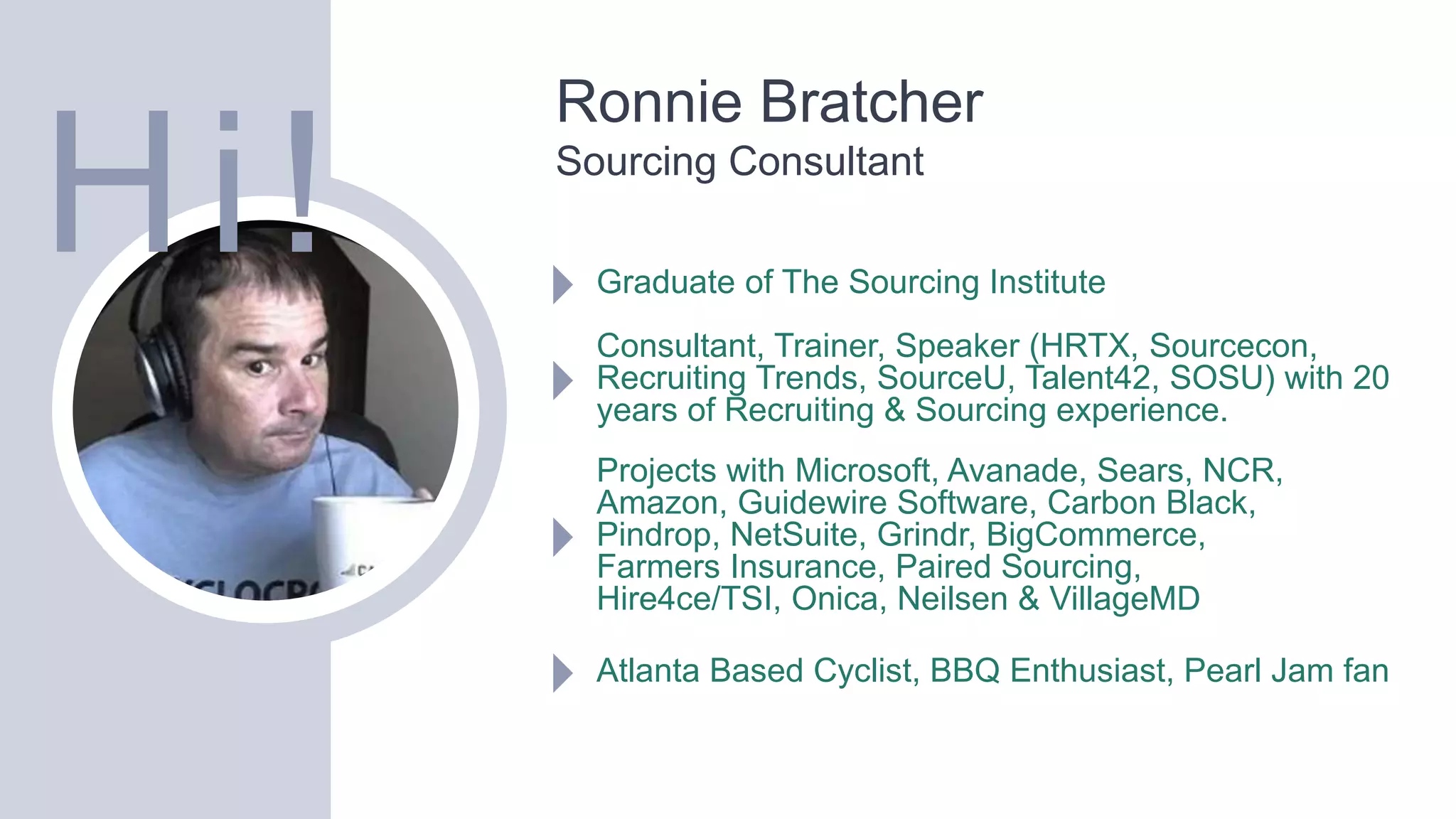
Ronnie Bratcher
Sourcing Consultant
Graduate of The Sourcing Institute
Consultant, Trainer, Speaker (HRTX, Sourcecon,
Recruiting Trends, SourceU, Talent42, SOSU) with 20
years of Recruiting & Sourcing experience.
Projects with Microsoft, Avanade, Sears, NCR,
Amazon, Guidewire Software, Carbon Black,
Pindrop, NetSuite, Grindr, BigCommerce,
Farmers Insurance, Paired Sourcing,
Hire4ce/TSI, Onica, Neilsen & VillageMD
Atlanta Based Cyclist, BBQ Enthusiast, Pearl Jam fan
Hi!
Exploring other Search Engines
Objectives
Introduce you to alternative search engines not named Google
that produce potential different results
Learn the syntax and techniques to use with these
alternative search engines
Experiment with natural language search
Real time hands on learning
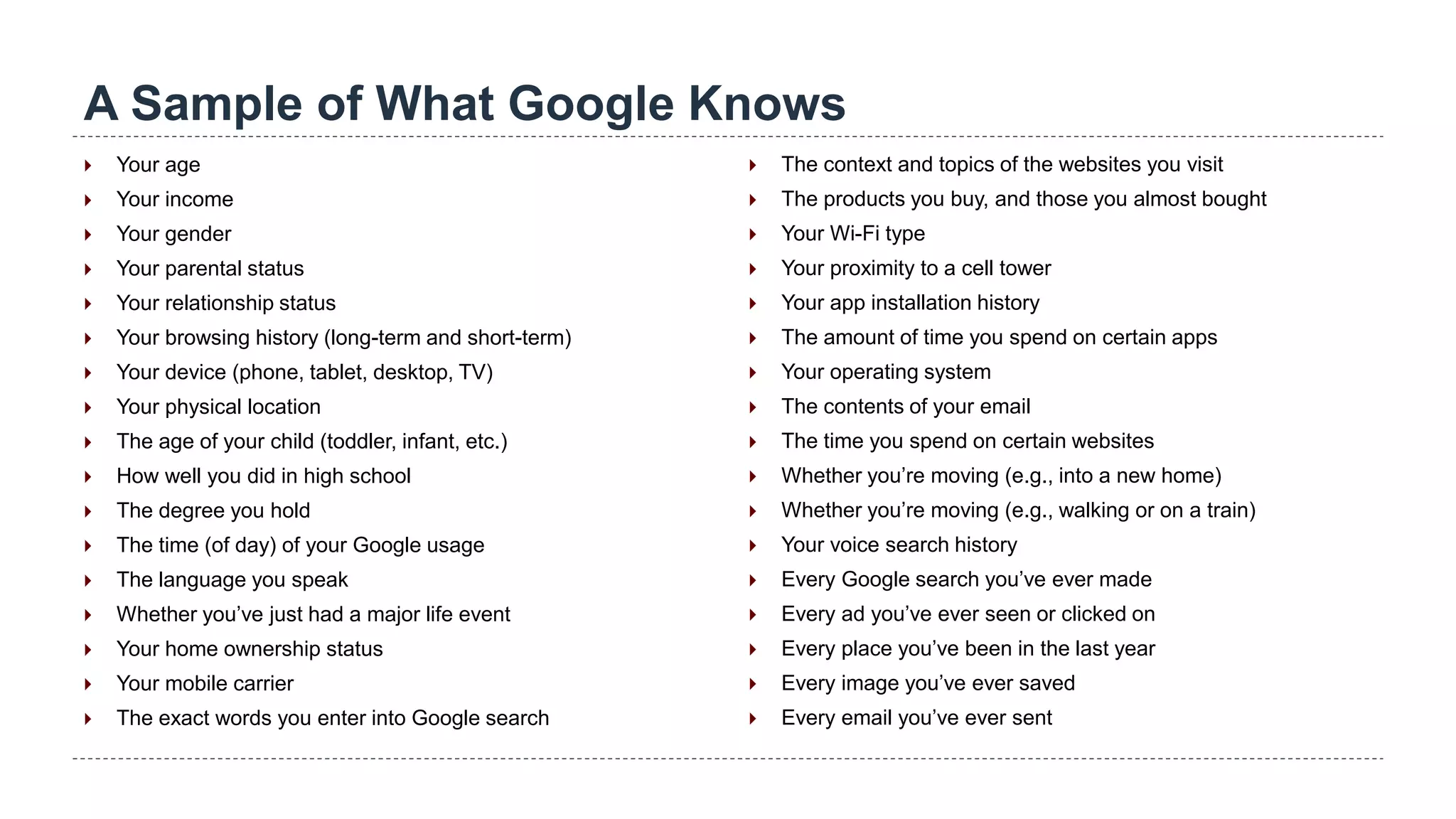
A Sample of What Google Knows
 Your age
 Your income
 Your gender
 Your parental status
 Your relationship status
 Your browsing history (long-term and short-term)
 Your device (phone, tablet, desktop, TV)
 Your physical location
 The age of your child (toddler, infant, etc.)
 How well you did in high school
 The degree you hold
 The time (of day) of your Google usage
 The language you speak
 Whether you’ve just had a major life event
 Your home ownership status
 Your mobile carrier
 The exact words you enter into Google search
 The context and topics of the websites you visit
 The products you buy, and those you almost bought
 Your Wi-Fi type
 Your proximity to a cell tower
 Your app installation history
 The amount of time you spend on certain apps
 Your operating system
 The contents of your email
 The time you spend on certain websites
 Whether you’re moving (e.g., into a new home)
 Whether you’re moving (e.g., walking or on a train)
 Your voice search history
 Every Google search you’ve ever made
 Every ad you’ve ever seen or clicked on
 Every place you’ve been in the last year
 Every image you’ve ever saved
 Every email you’ve ever sent
Search Engines
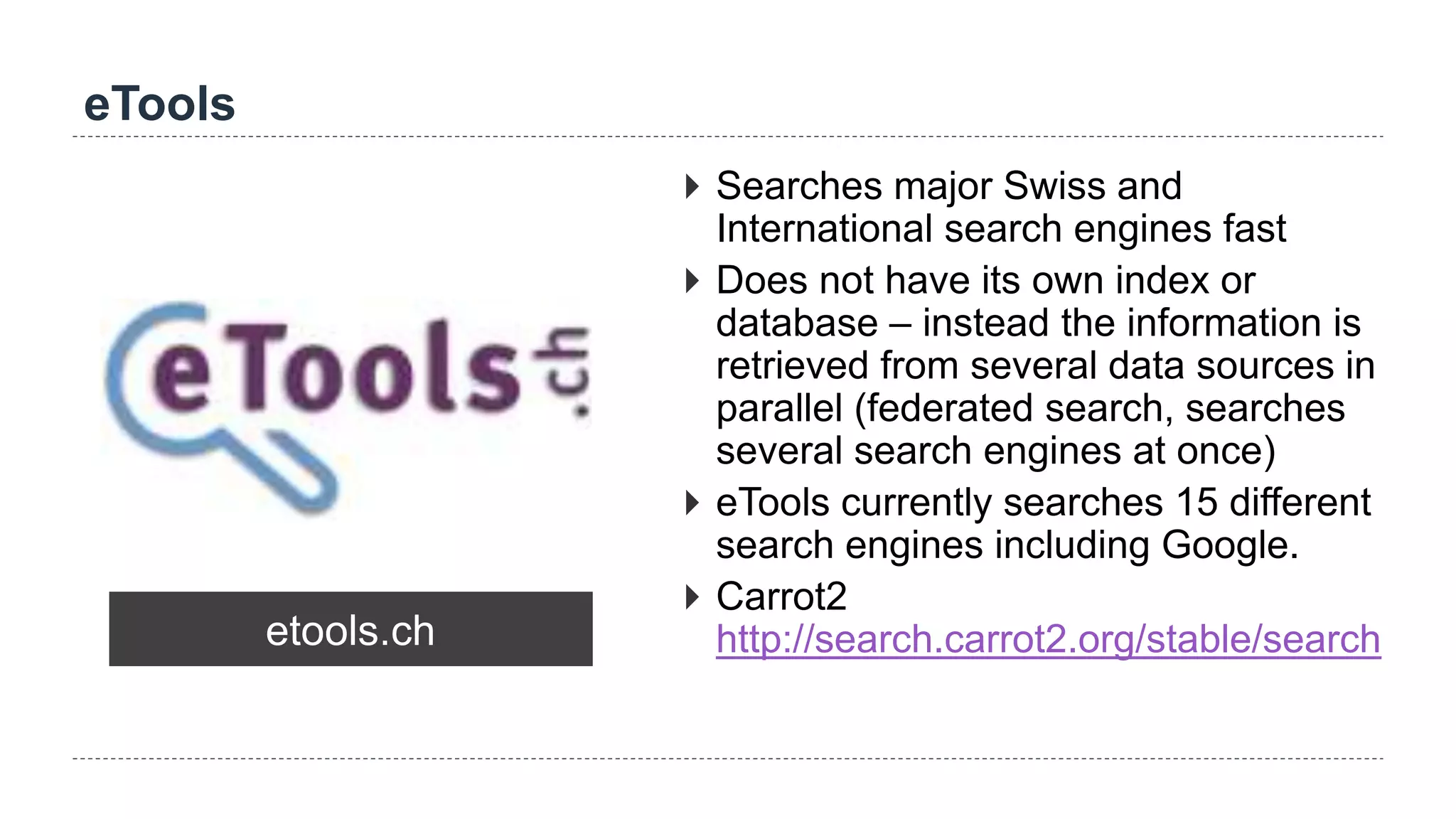
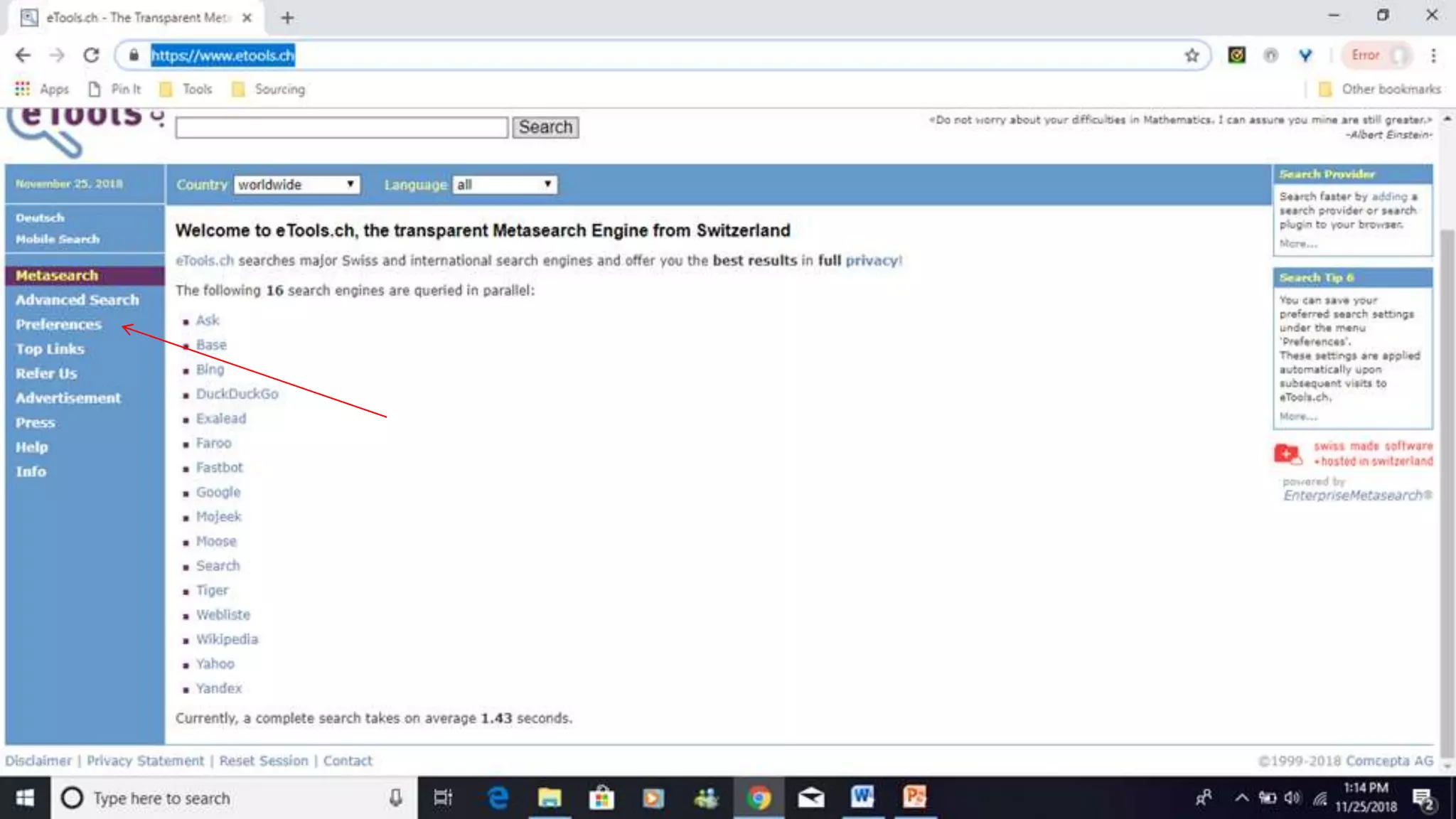
eTools
etools.ch
 Searches major Swiss and
International search engines fast
 Does not have its own index or
database – instead the information is
retrieved from several data sources in
parallel (federated search, searches
several search engines at once)
 eTools currently searches 15 different
search engines including Google.
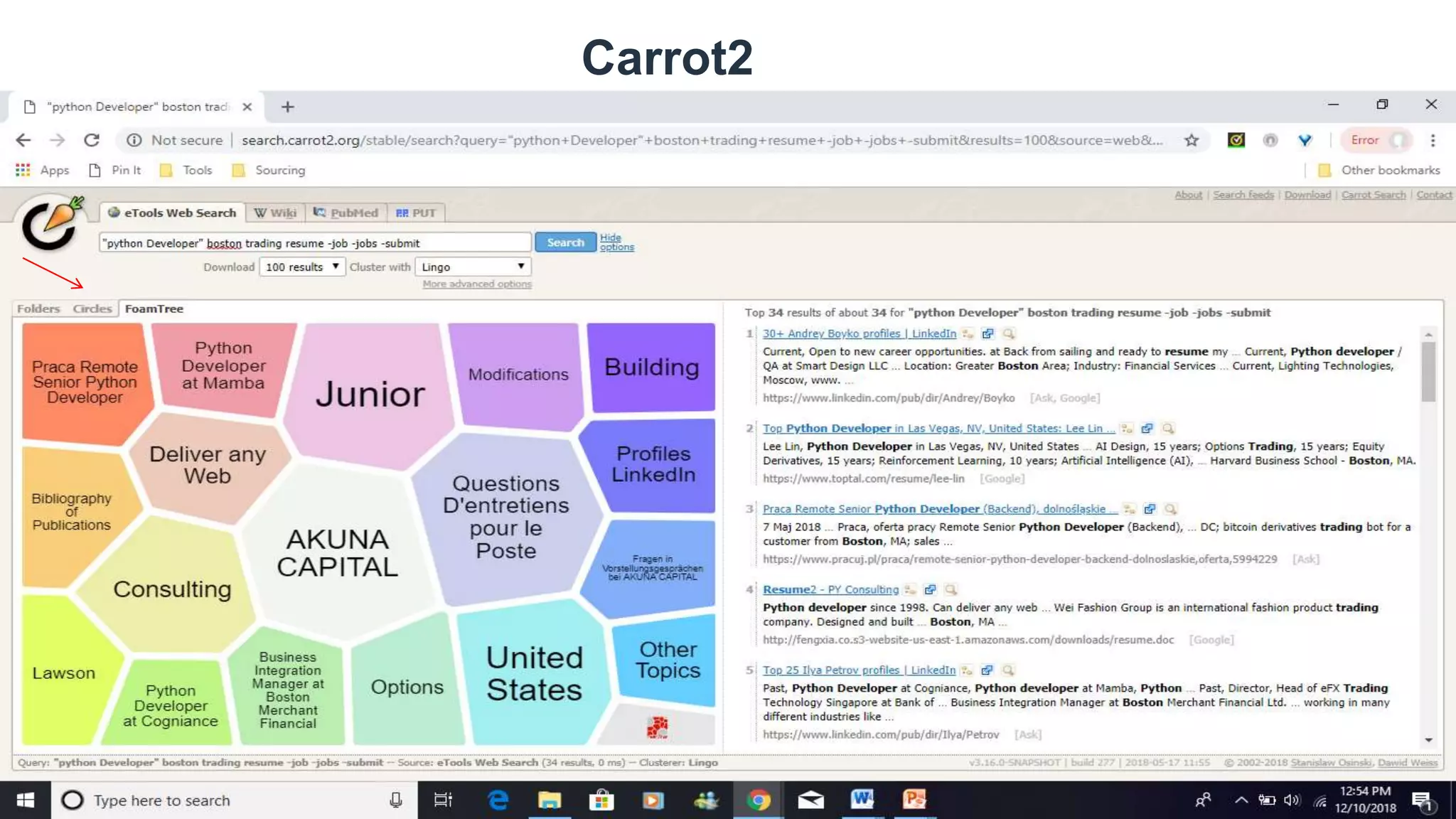
 Carrot2
http://search.carrot2.org/stable/search
Carrot2
Peekier
peekier.com
 Peekier is a new way to search the
web. Peek through search results fast
and securely on a search engine that
respects your privacy.
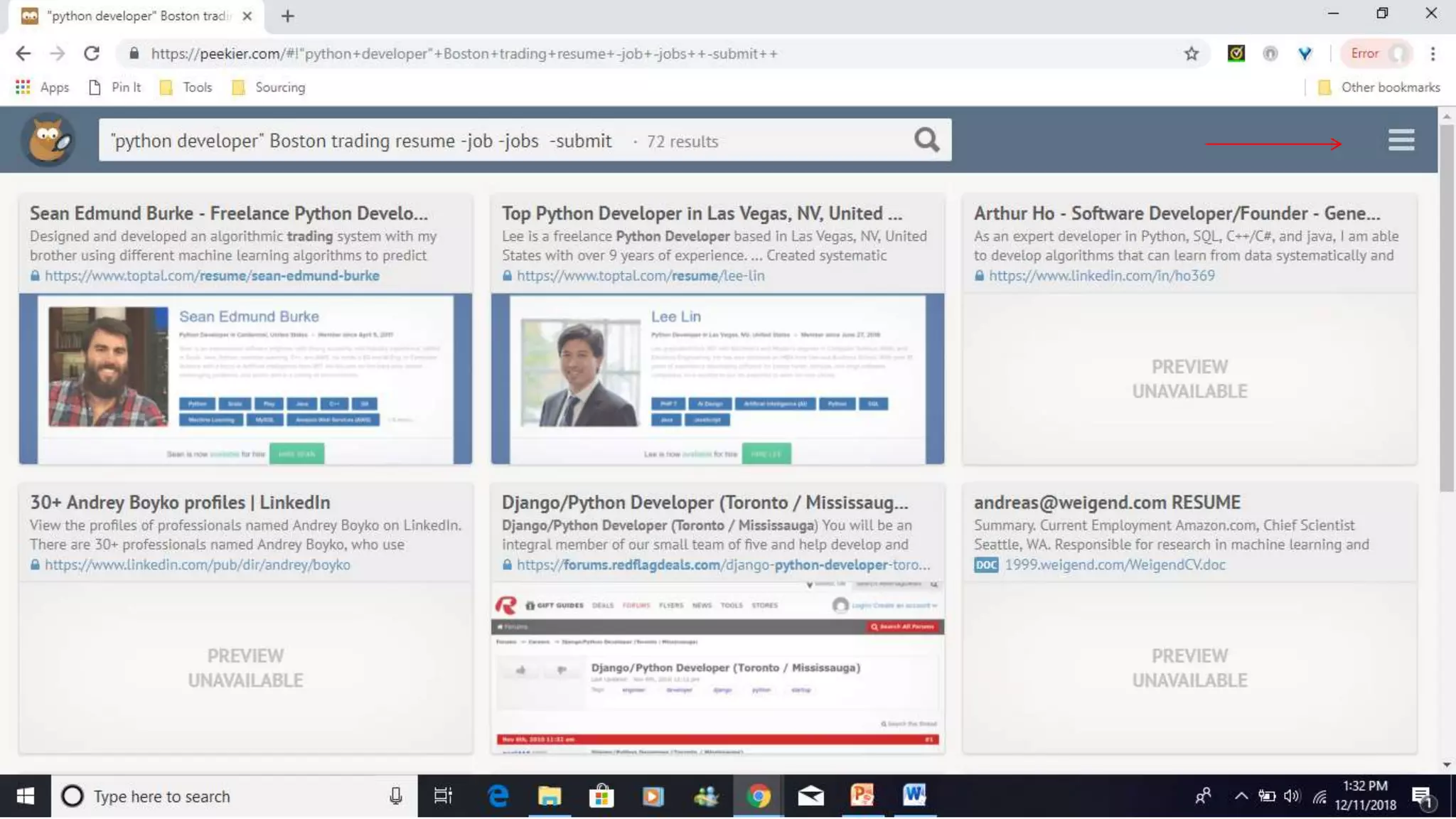
 Peekier shows you a website preview
of the search results. You can then
decide if the information displayed on
the website interests you or not before
clicking on the link.
 Visual productivity
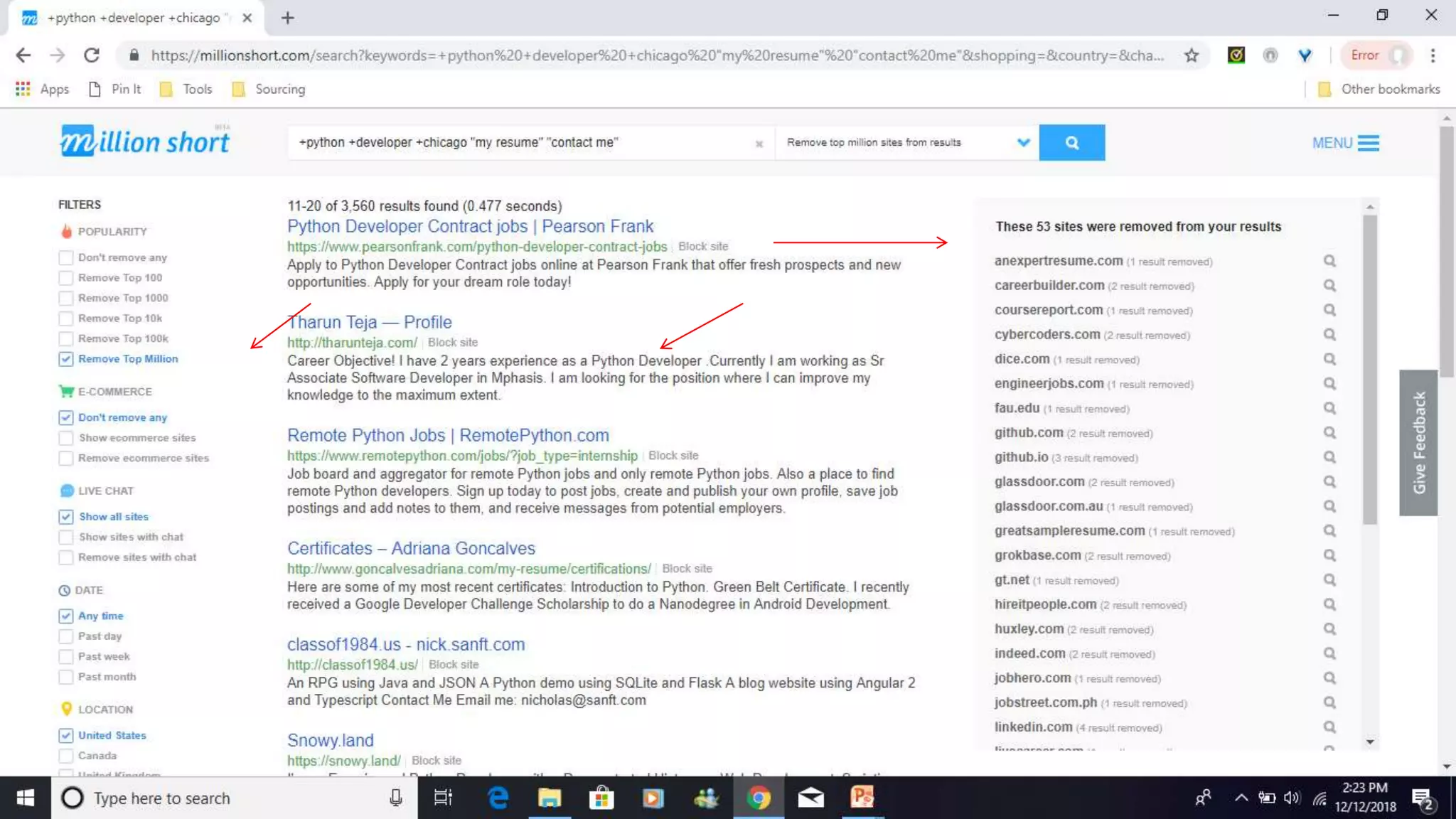
Millionshort
millionshort.com
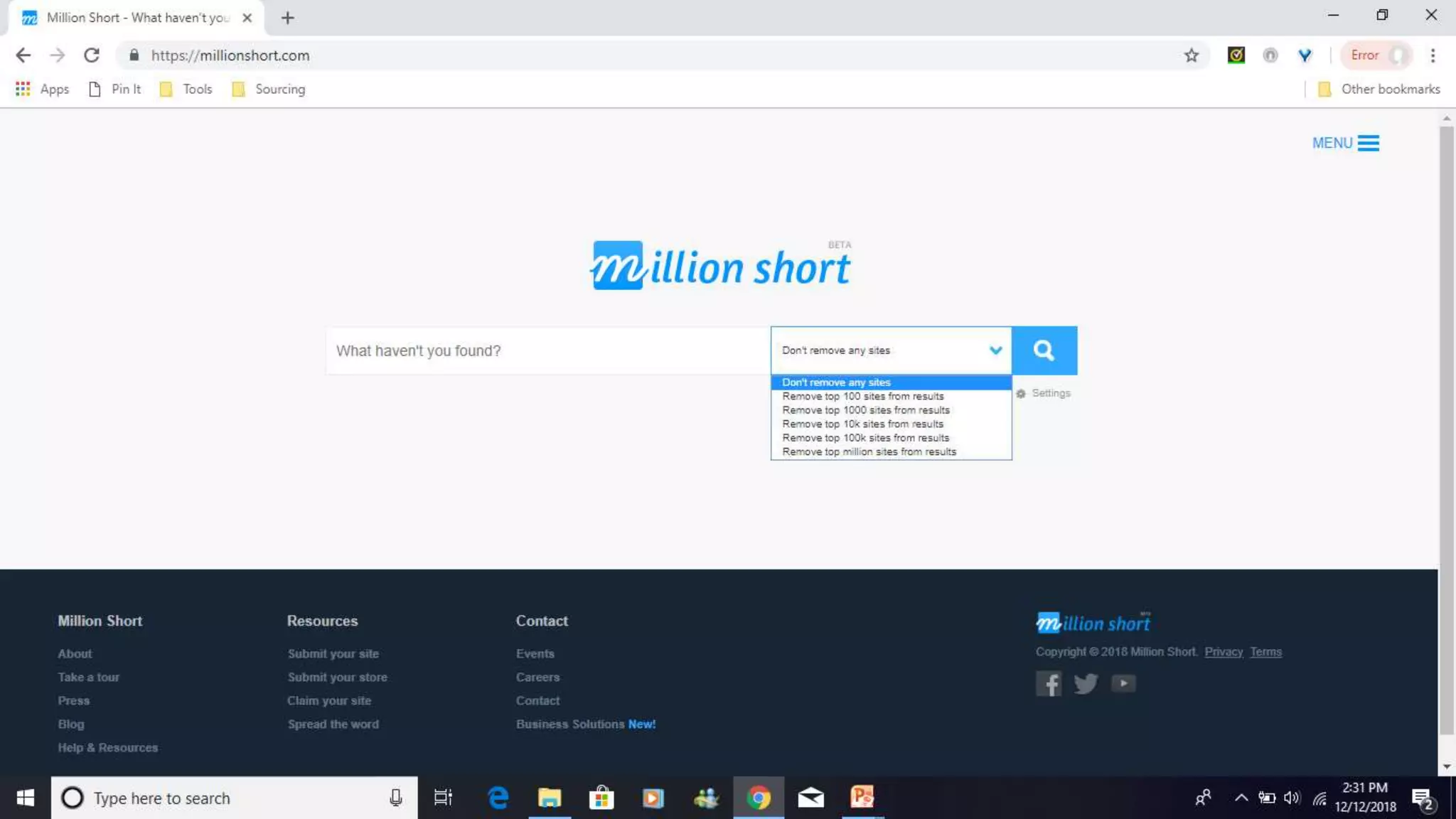
 The search engine, which brands itself
as “more of a discovery
engine,”[allows users to filter the top
million websites on the internet out of
their search, yielding in a unique set of
results and placing an emphasis on
content discovery.
 Mobile and Chrome extension
capability
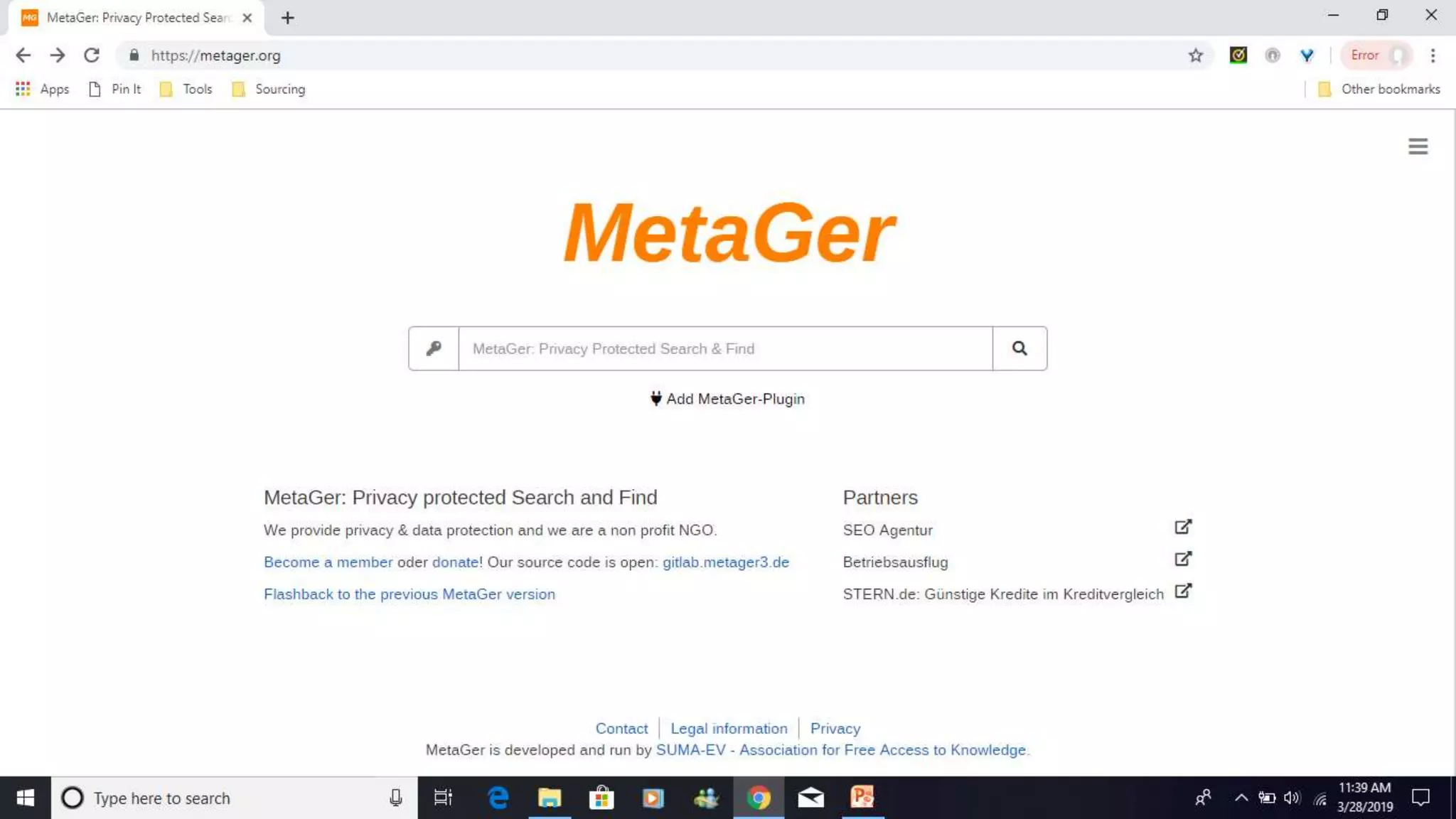
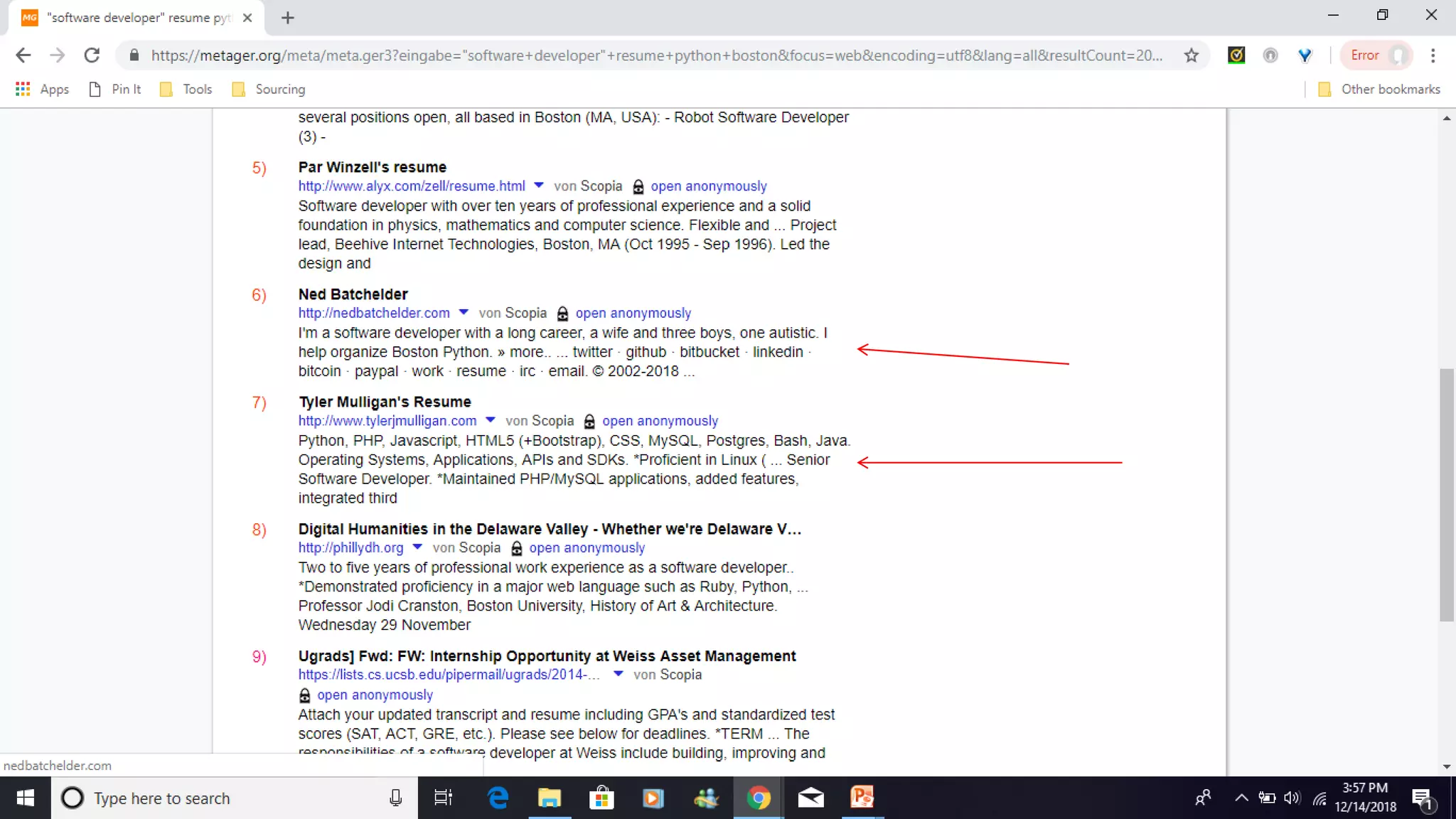
Metager
metager.de/en
 MetaGer is a metasearch
engine focused on protecting users'
privacy. Based in Germany
 Search queries are relayed to as
many as 50 search engines.
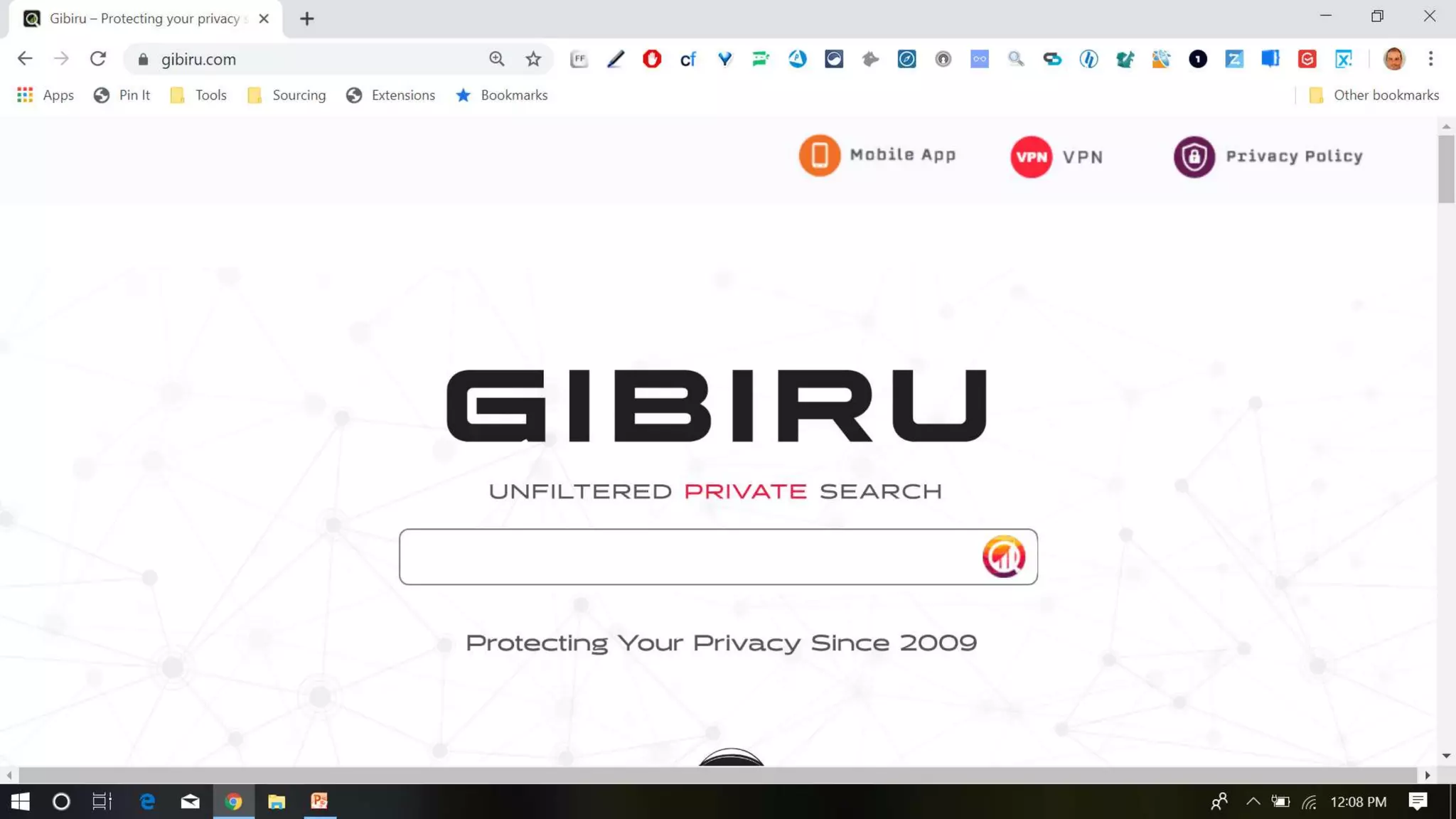
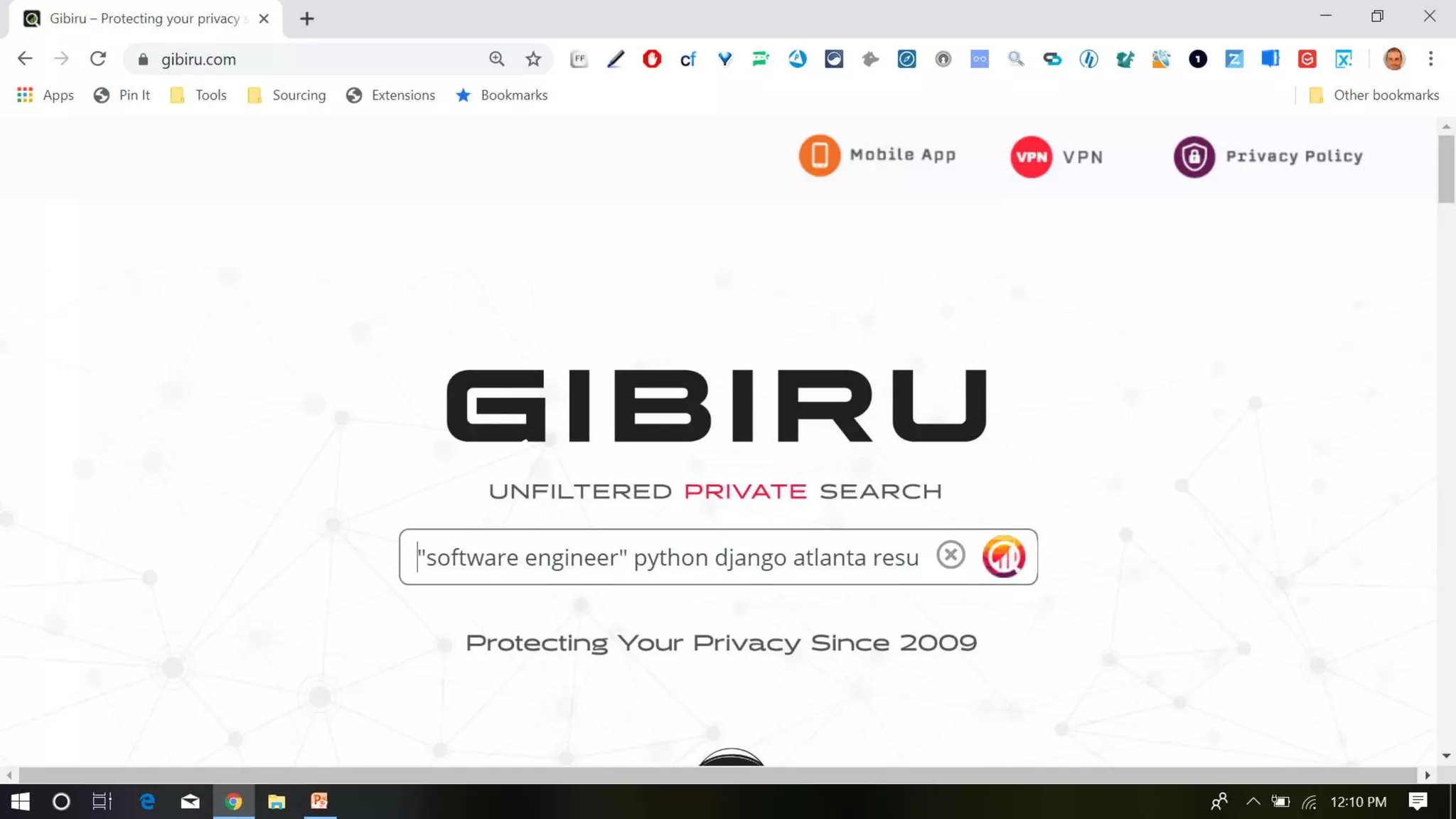
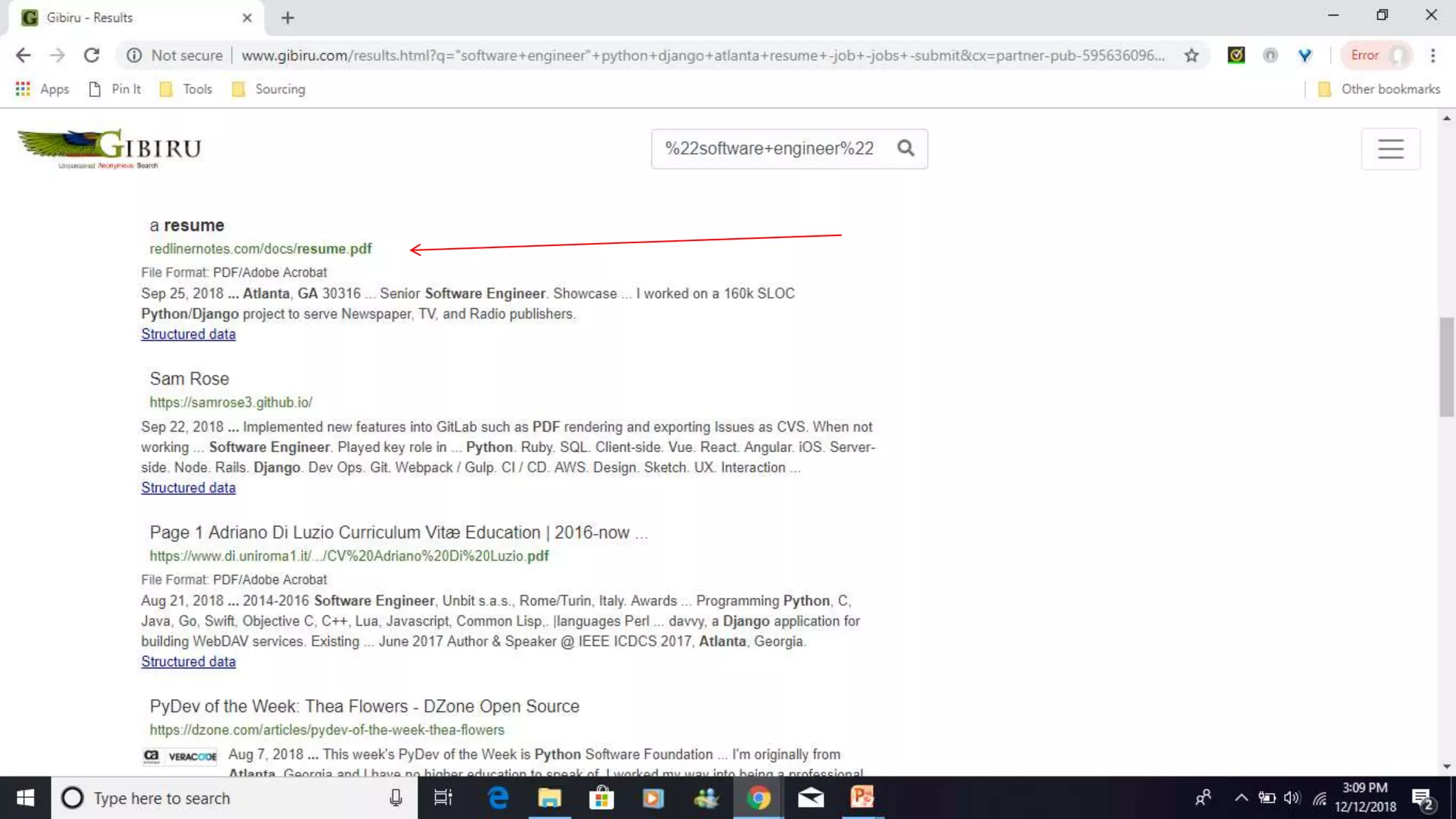
Gibiru
gibiru.com
 Gibiru is the latest addition to the
slowly growing group of anonymous
search engines, all of which
promise to put your privacy before
their profits.
 Gibiru claims to allow its users to
search in private, stating that the
site does not use your IP address
or cookie data
4-4-2019 ©2019 Shally Steckerl. All rights reserved. http://shally.carrd.co
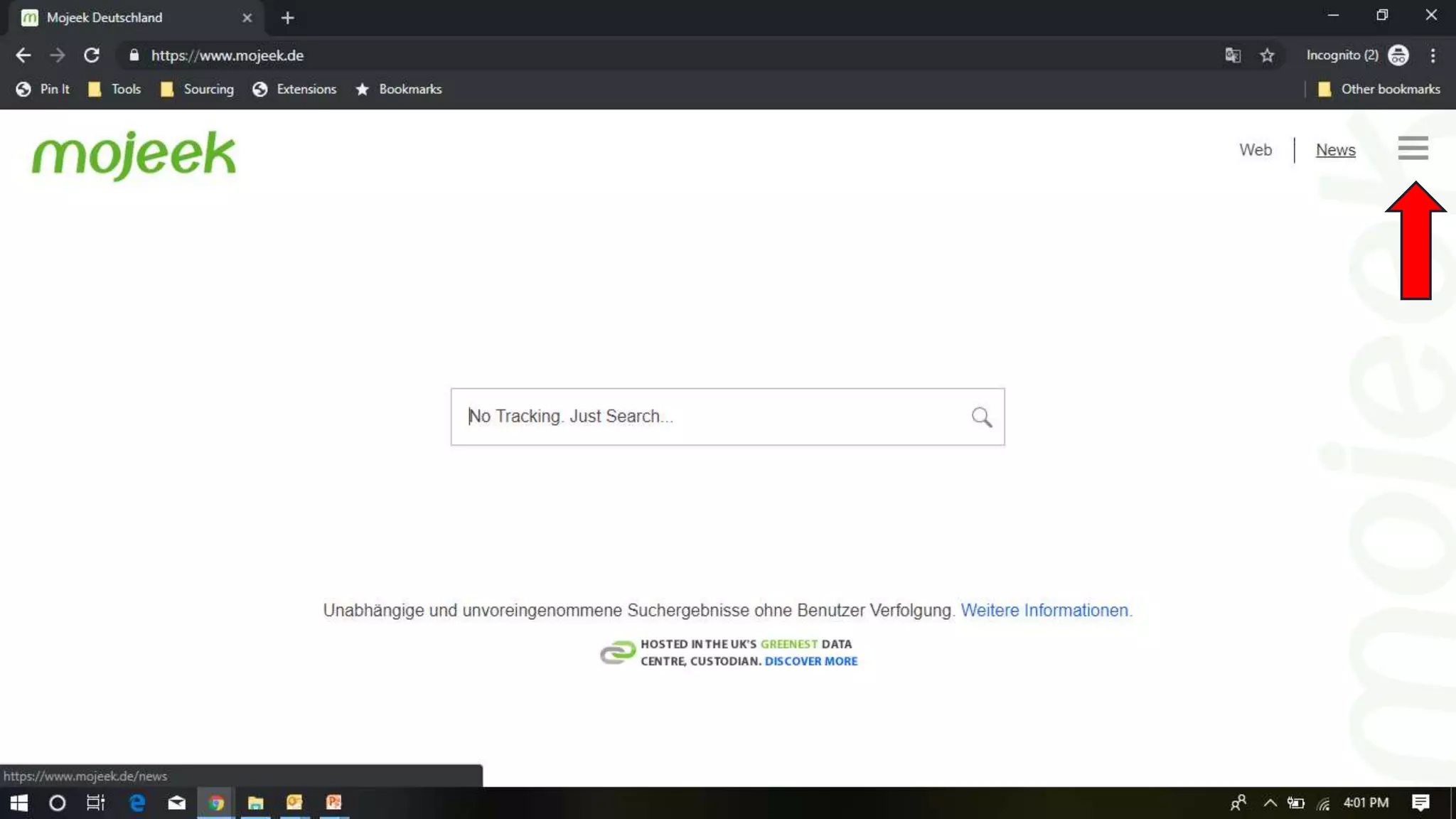
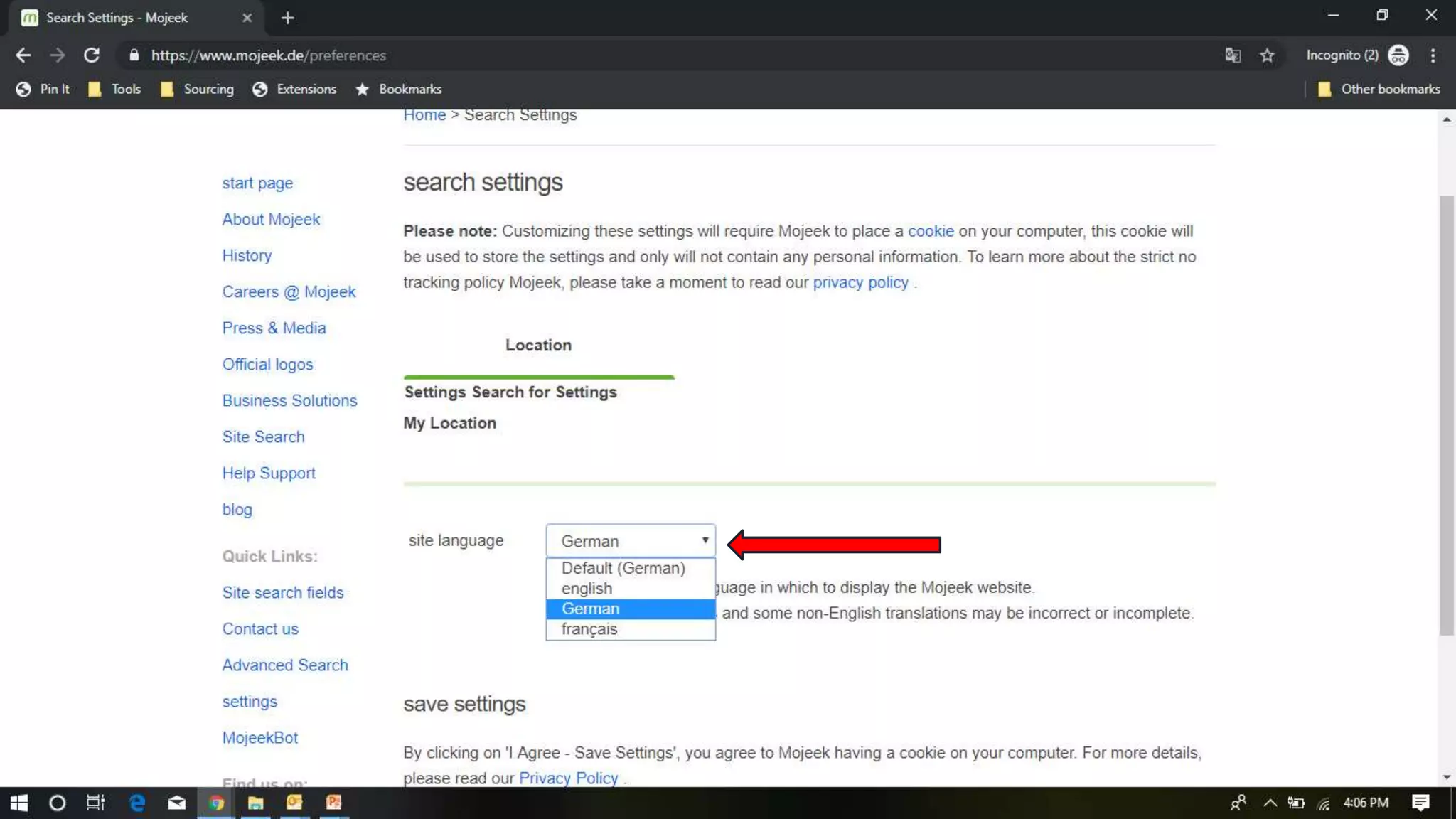
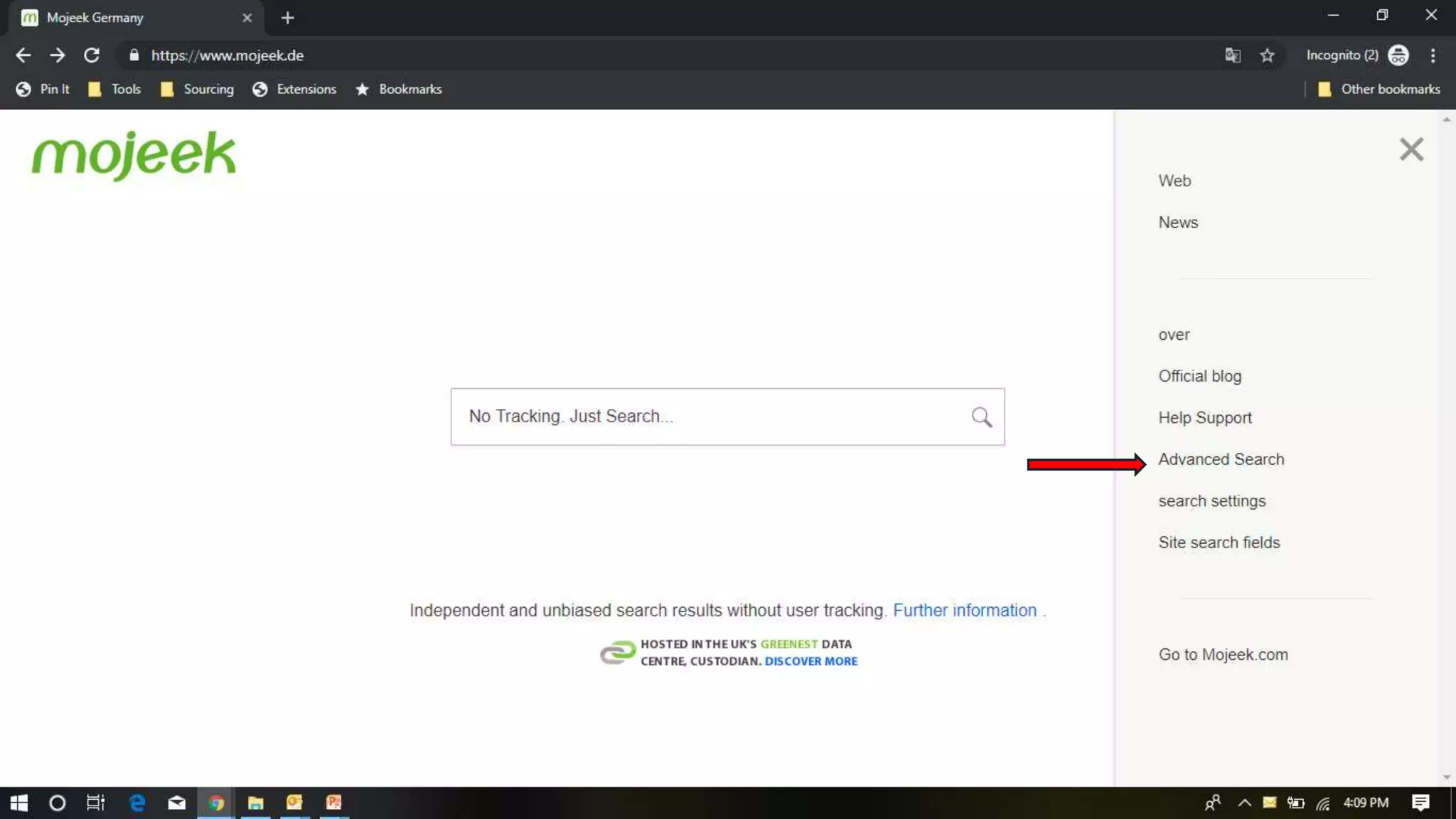
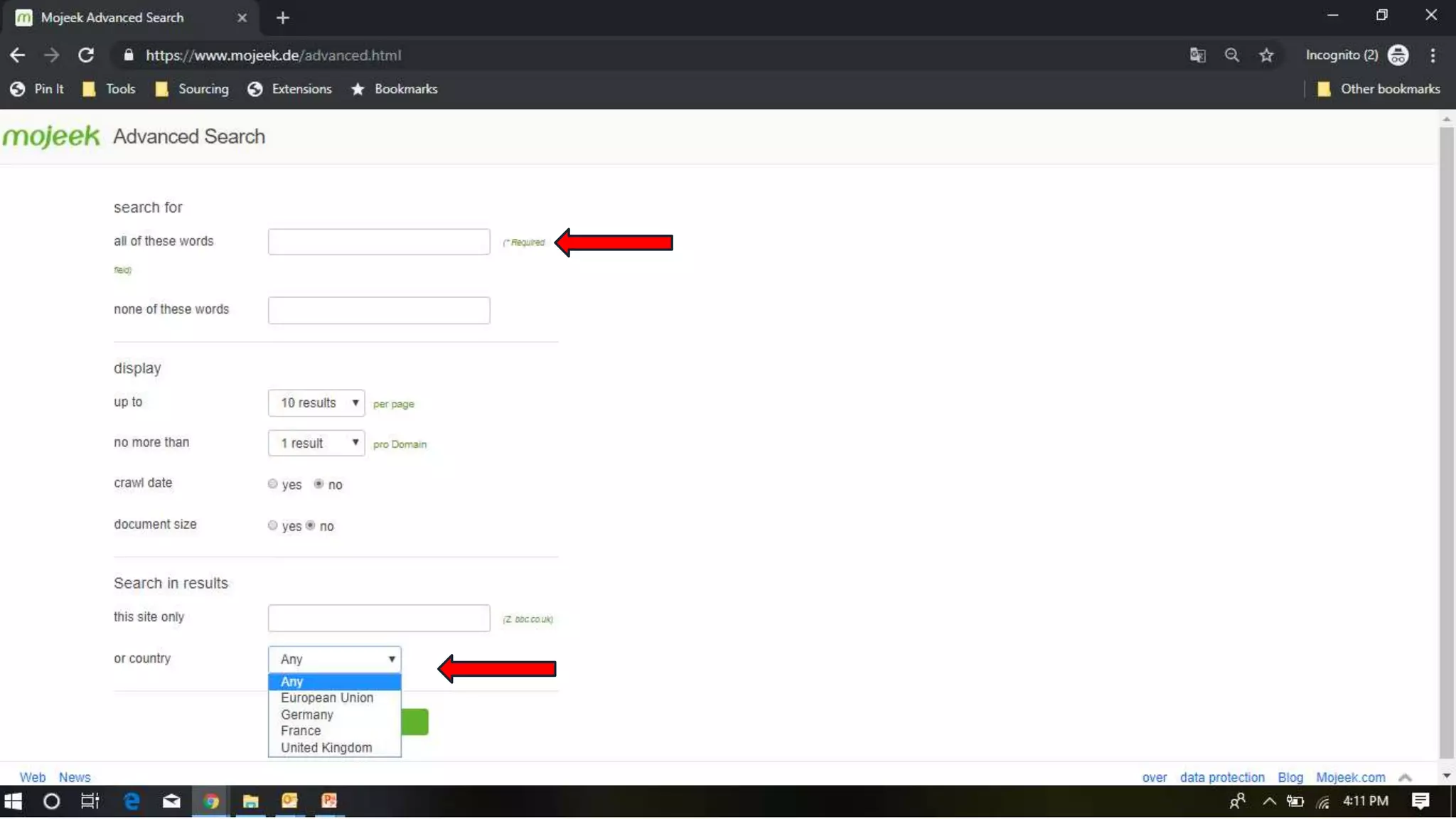
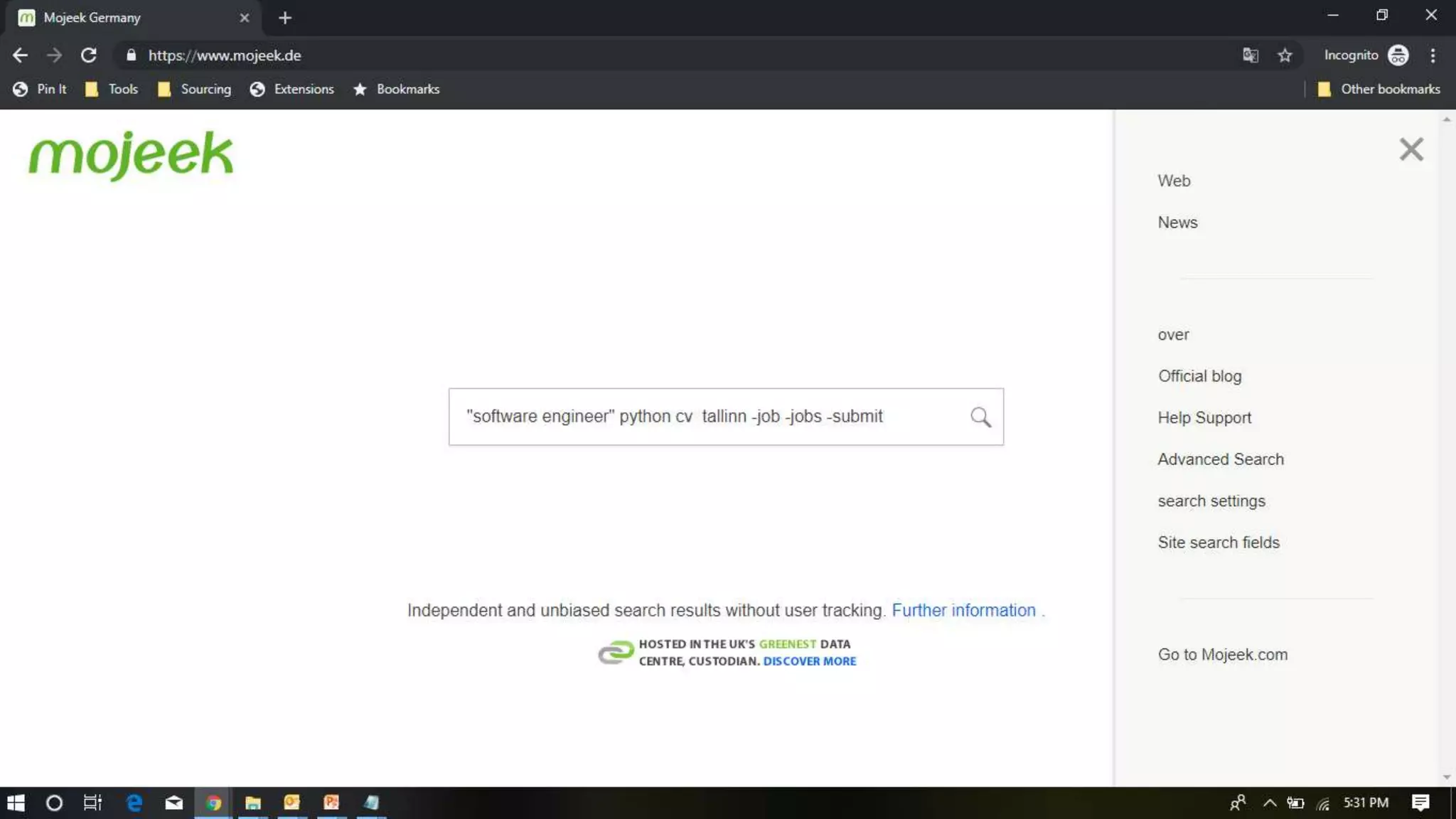
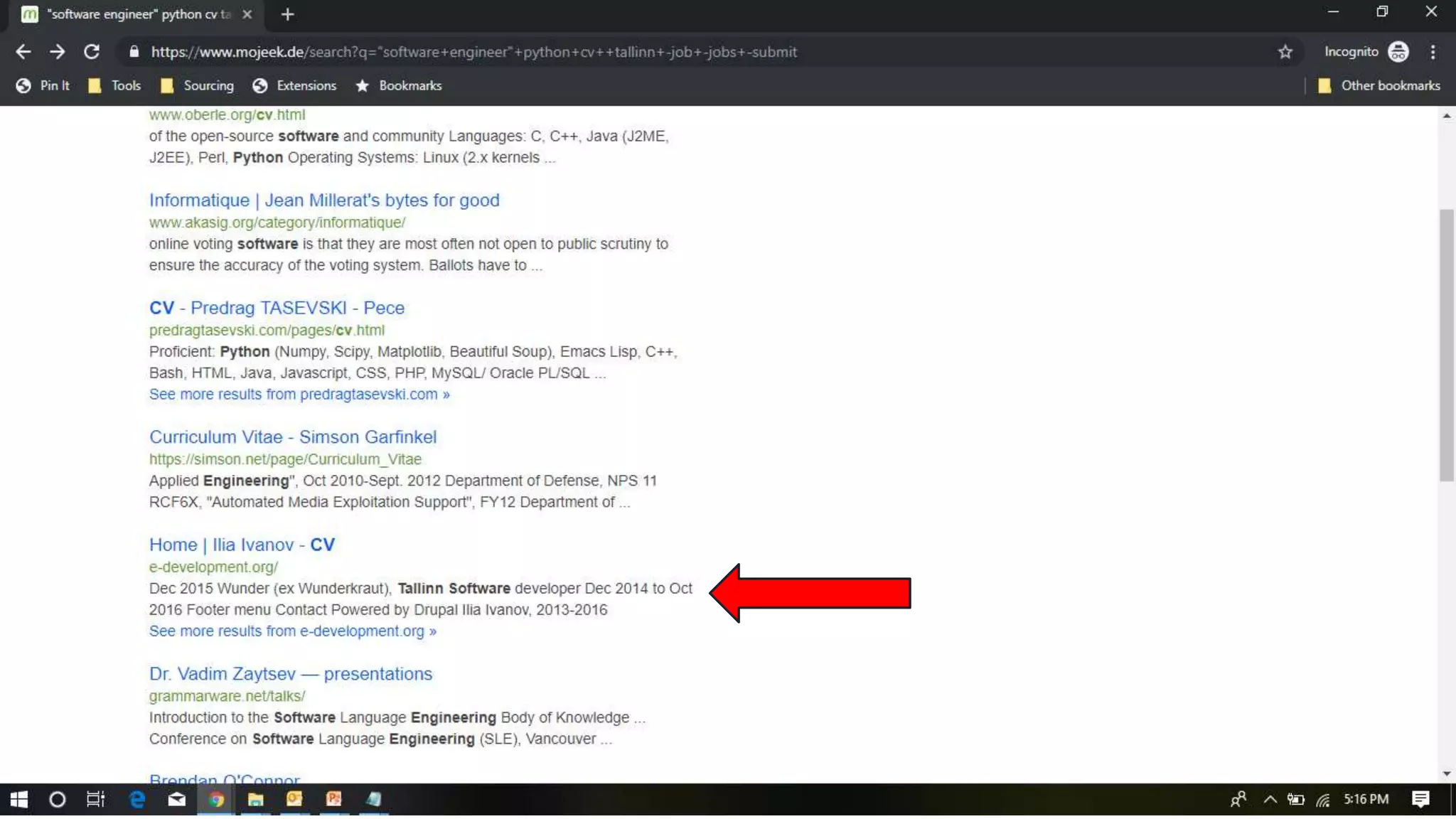
Mojeek
https://www.mojeek.com/
 Mojeek is a crawler-based search engine that provides independent search
results using its own index of web pages, rather than using results from other
search engines. Mojeek's search results are considered to be more unbiased,
which may better represent the information available.
 Mojeek is a search engine which has a no tracking privacy policy, meaning it
does not include any personally identifiable information, or associate previous
search history with any particular user, and therefore does not track users.
Source:Wikipedia
4-4-2019 ©2019 Shally Steckerl. All rights reserved. http://shally.carrd.co
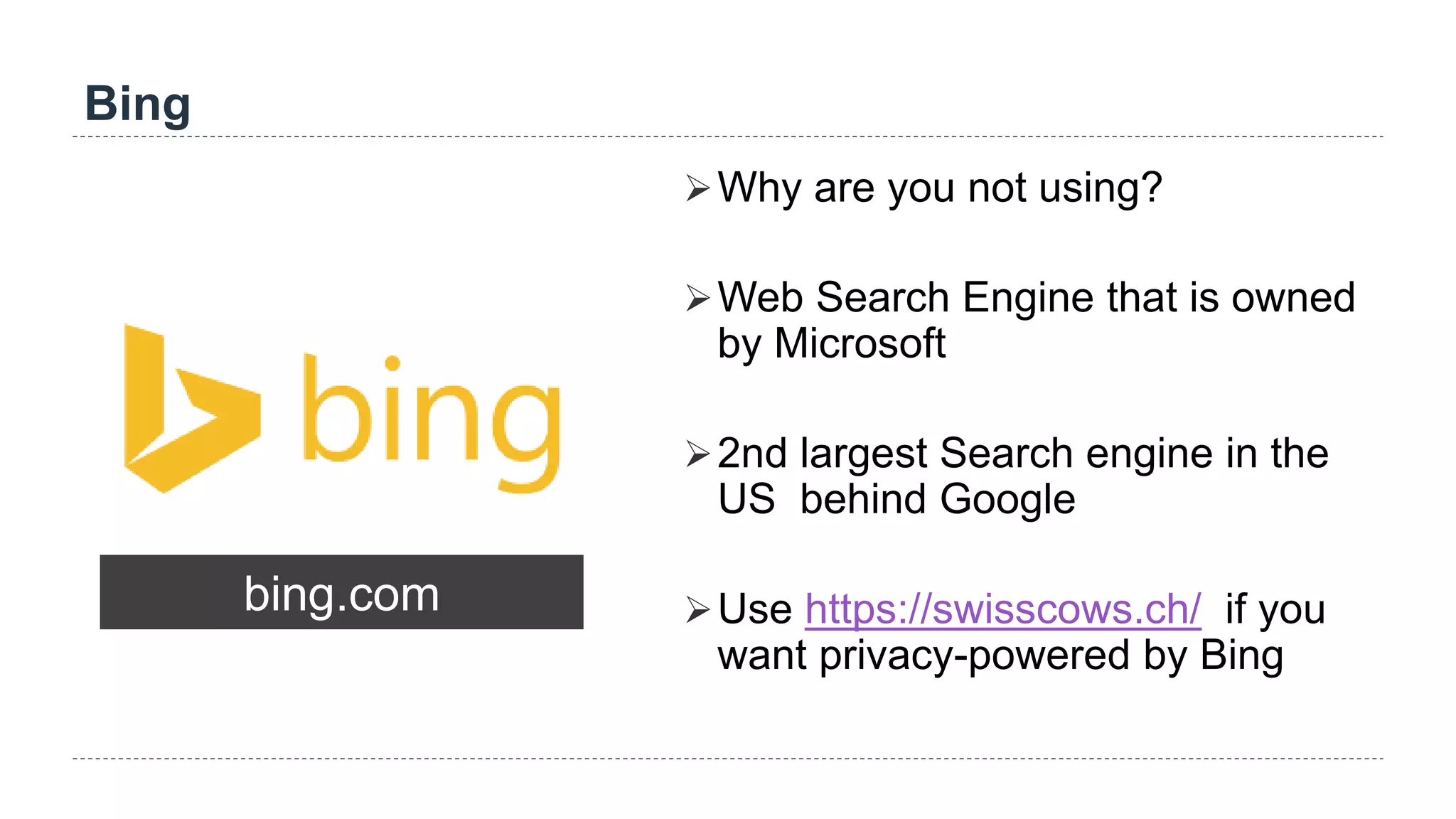
Bing
bing.com
Why are you not using?
Web Search Engine that is owned
by Microsoft
2nd largest Search engine in the
US behind Google
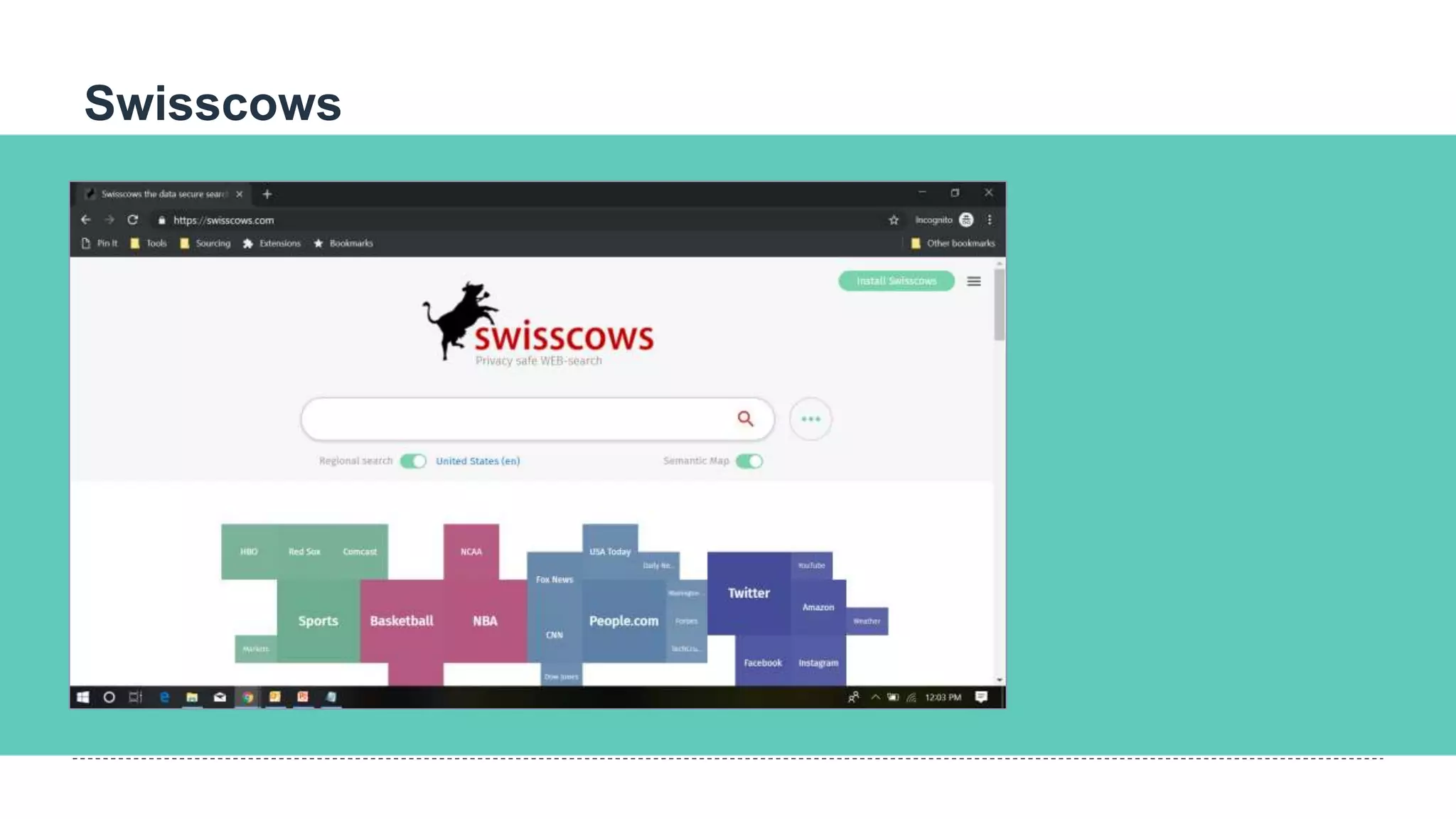
Use https://swisscows.ch/ if you
want privacy-powered by Bing
Swisscows
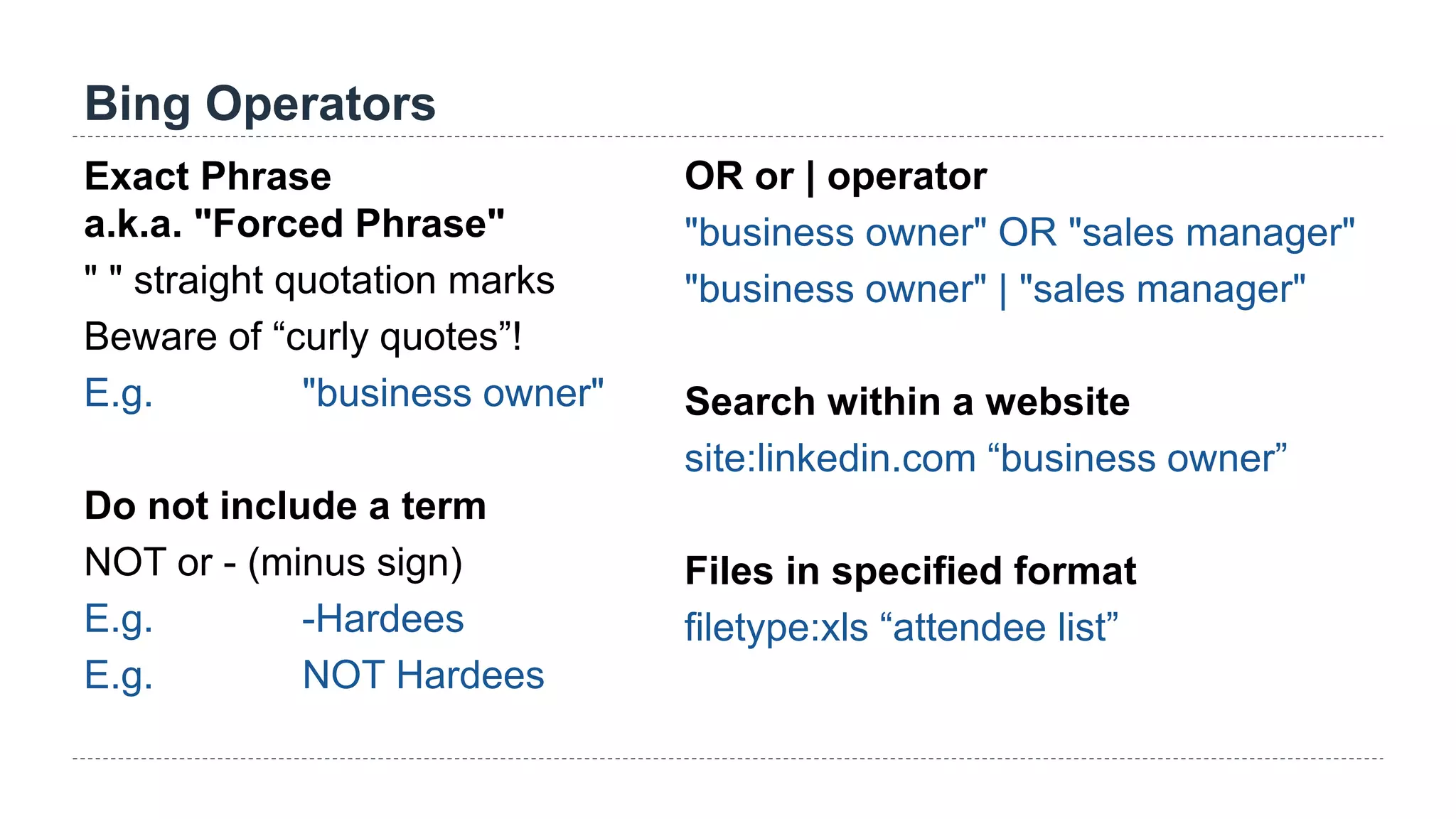
Bing Operators
Exact Phrase
a.k.a. "Forced Phrase"
" " straight quotation marks
Beware of “curly quotes”!
E.g. "business owner"
Do not include a term
NOT or - (minus sign)
E.g. -Hardees
E.g. NOT Hardees
OR or | operator
"business owner" OR "sales manager"
"business owner" | "sales manager"
Search within a website
site:linkedin.com “business owner”
Files in specified format
filetype:xls “attendee list”
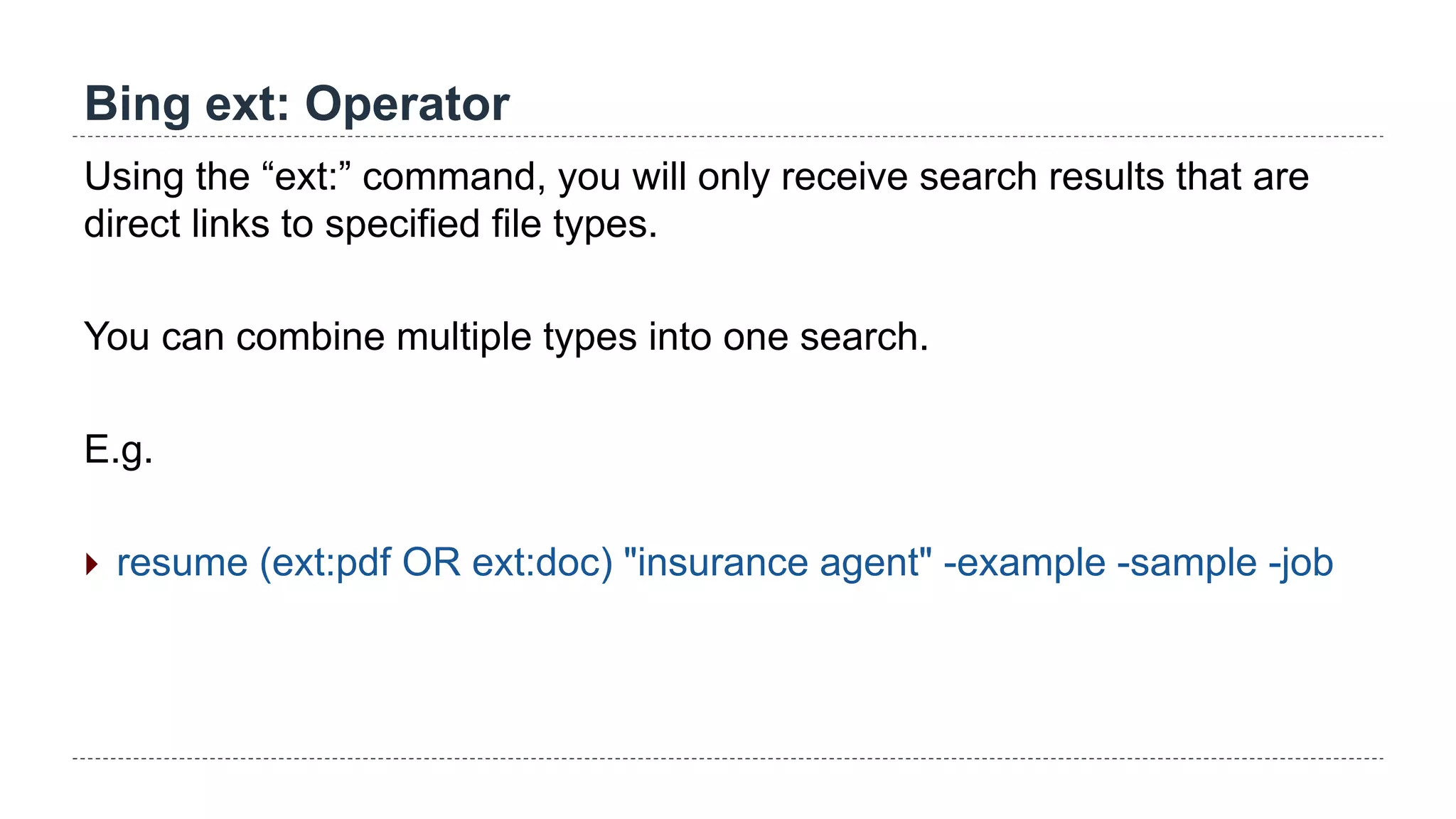
Bing ext: Operator
Using the “ext:” command, you will only receive search results that are
direct links to specified file types.
You can combine multiple types into one search.
E.g.
 resume (ext:pdf OR ext:doc) "insurance agent" -example -sample -job
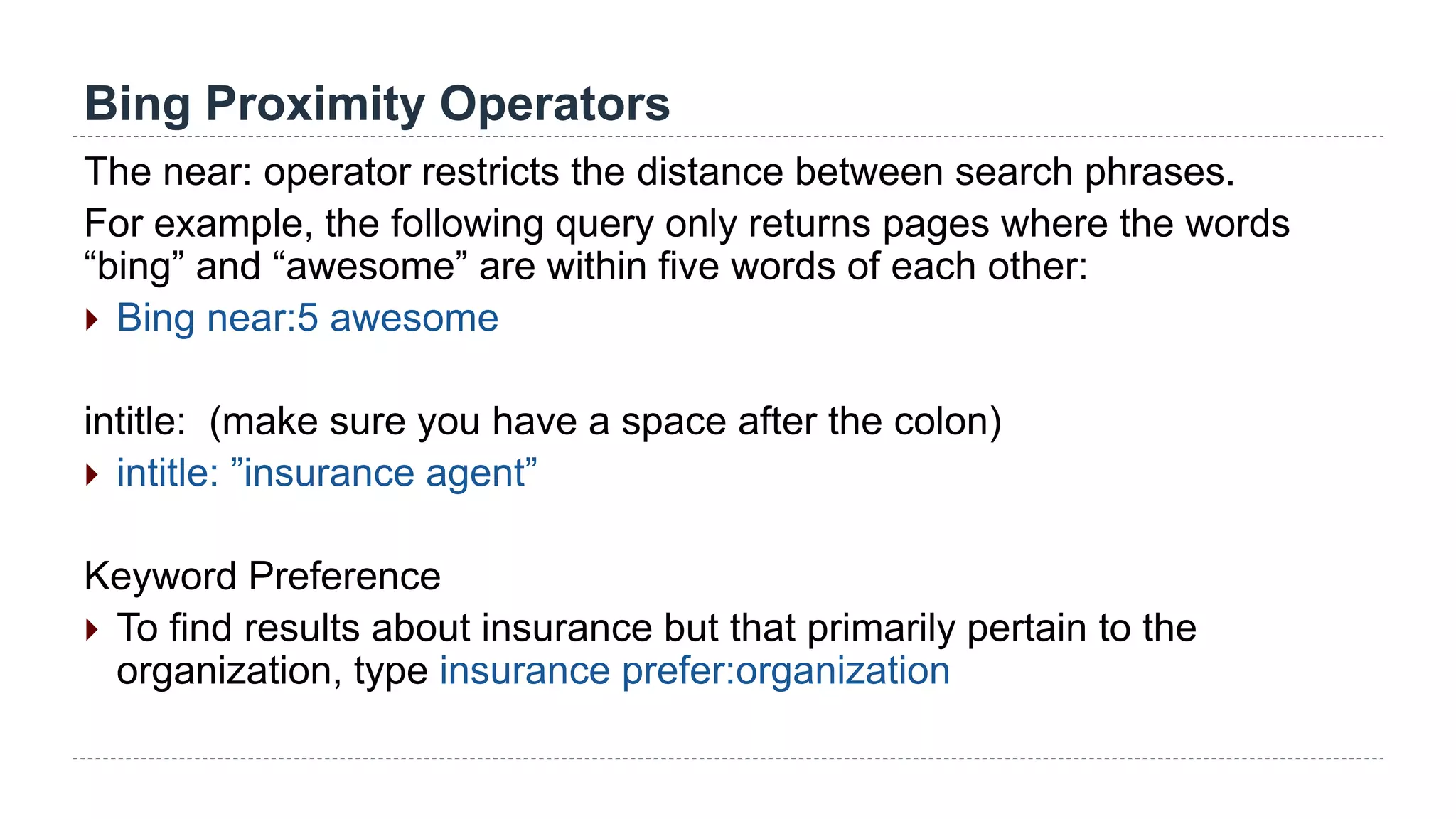
Bing Proximity Operators
The near: operator restricts the distance between search phrases.
For example, the following query only returns pages where the words
“bing” and “awesome” are within five words of each other:
 Bing near:5 awesome
intitle: (make sure you have a space after the colon)
 intitle: ”insurance agent”
Keyword Preference
 To find results about insurance but that primarily pertain to the
organization, type insurance prefer:organization
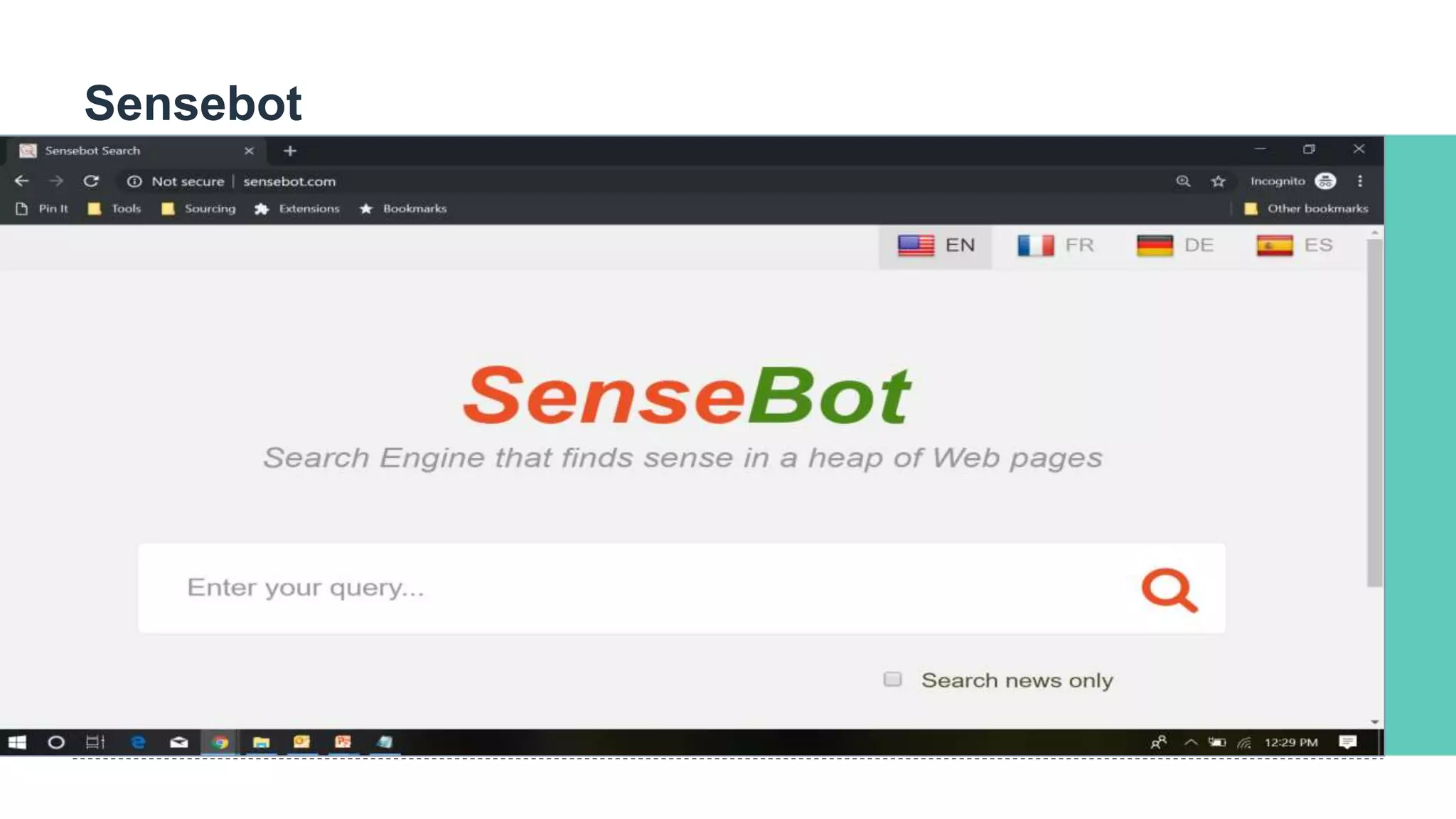
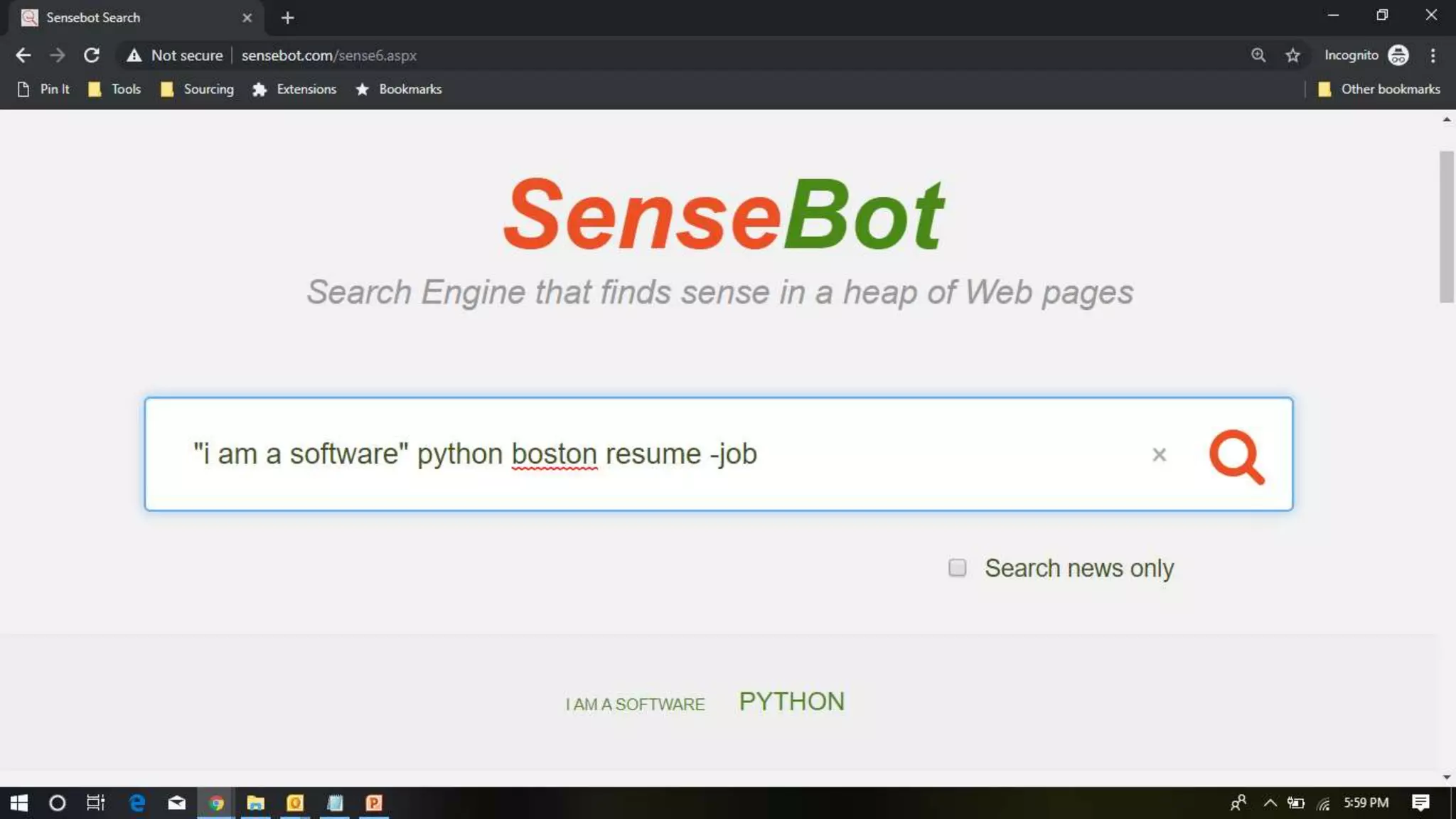
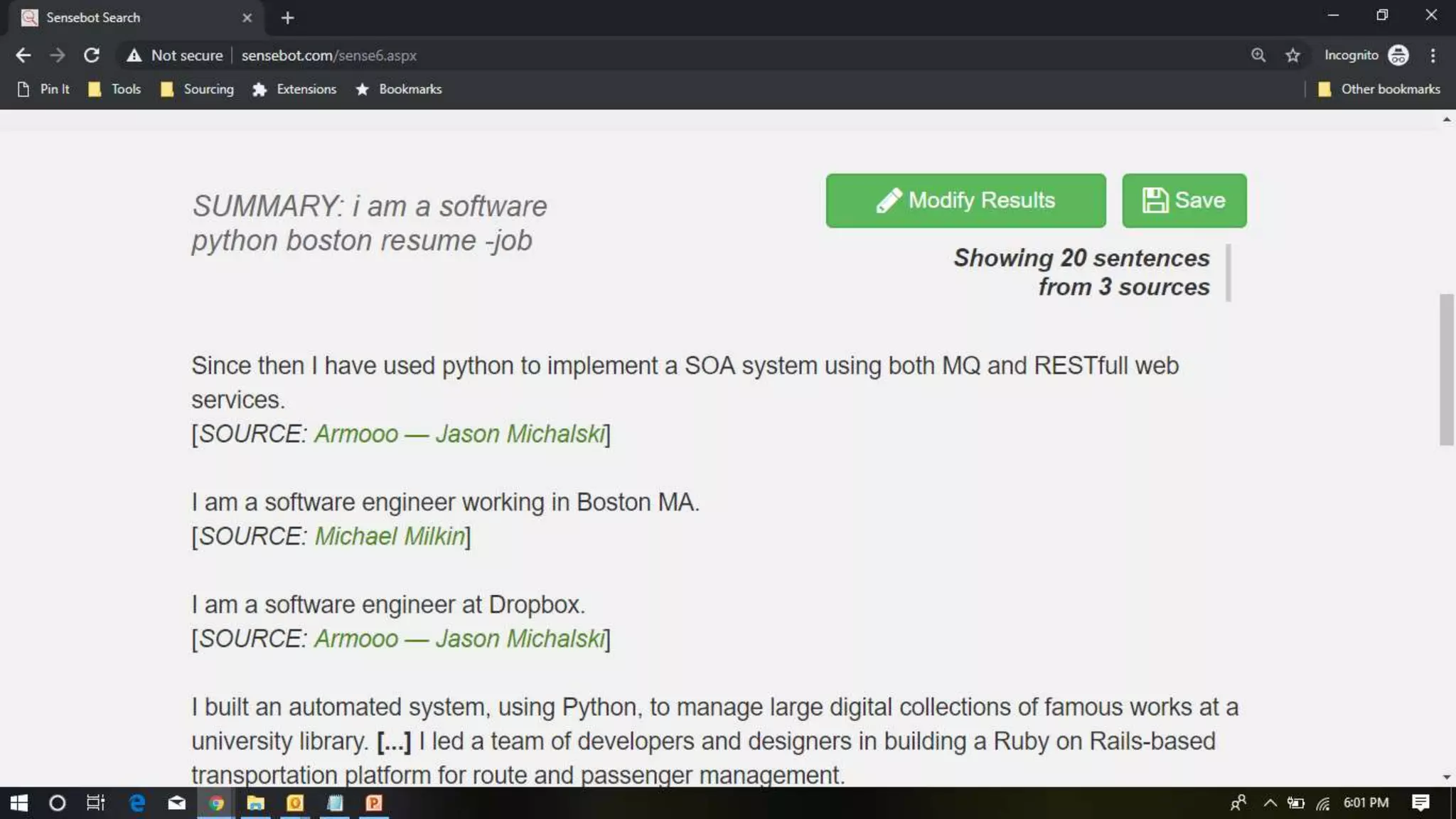
Sensebot
DuckDuckGo
DuckDuckGo.com
 Search engine that emphasizes
protecting searchers' privacy and
avoiding the filter bubble of
personalized search results
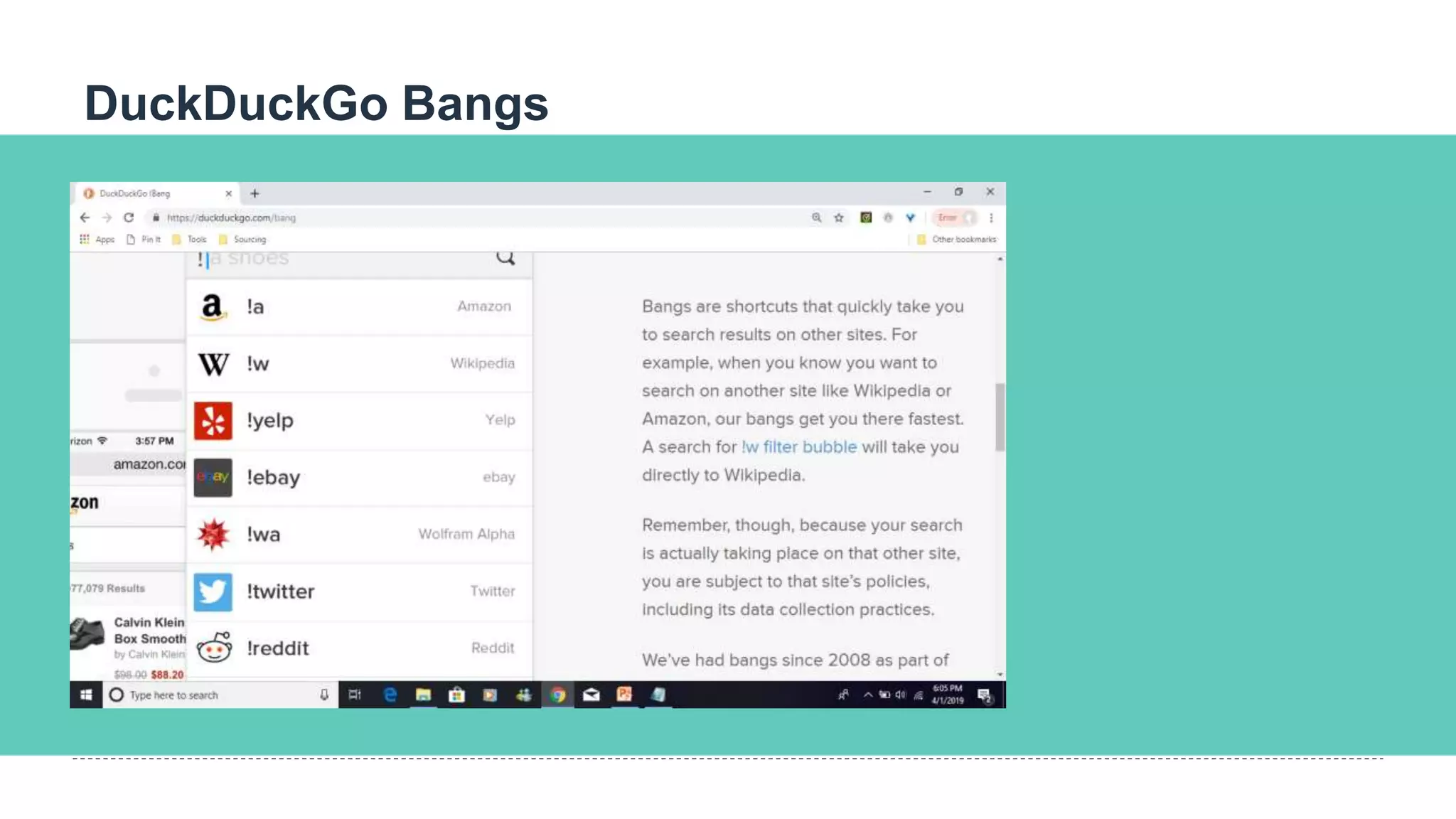
 Use “Bangs” (special shortcuts)
 12,345 Bangs and counting…
https://duckduckgo.com/bang?c=Rese
arch
DuckDuckGo Bangs
Connectwith us!
+1 (888) 804-7950 TheSourcingInstitute.com 265 Mitchell Rd. #745, Norcross, GA
30071
The powerto find exceptionalpeople.
@sourcinginst
SourcingInst
CyberSleuths
Sourcing Institute
‣ World classstructuredadultlearning and certification for
Recruitersand Sourcers
‣ Designed aroundreallife tasks
‣ Customlearning path,learn only whatyou need
‣ Graduatesfrequentlybenefitfromexpanded
responsibilities,increasedinfluence,recognition
4-4-2019 ©2019 Shally Steckerl. All rights reserved. http://shally.carrd.co
#WGS17
QUESTIONS?
Thank You
Ronnie Bratcher
@ronniebratcher
ronnie@hire4ce.com
ronnie@aretealliance.com
+1 (888) 804-7950
www.ronniebratcher.com
https://www.linkedin.com/in/ronniebratcher/

10 search engines every recruiter should be using and how

  • 1.
    4-4-2019 ©2019 ShallySteckerl. All rights reserved. http://shally.carrd.co
  • 2.
    HOUSEKEEPING You are inlisten-only mode. You can hear us, but we can’t hear you. ASK QUESTIONS Don’t be shy! Use the questions panel in your side bar to talk to Ronnie. SHARE We’re LIVE. Use the #rdaily hashtag to share on social media. WE’RE RECORDING You will receive a copy of this slide deck & recording after the webinar. Keep an eye on your inbox. THE PLAN
  • 3.
    Ronnie Bratcher Sourcing Consultant Graduateof The Sourcing Institute Consultant, Trainer, Speaker (HRTX, Sourcecon, Recruiting Trends, SourceU, Talent42, SOSU) with 20 years of Recruiting & Sourcing experience. Projects with Microsoft, Avanade, Sears, NCR, Amazon, Guidewire Software, Carbon Black, Pindrop, NetSuite, Grindr, BigCommerce, Farmers Insurance, Paired Sourcing, Hire4ce/TSI, Onica, Neilsen & VillageMD Atlanta Based Cyclist, BBQ Enthusiast, Pearl Jam fan Hi!
  • 4.
  • 5.
    Objectives Introduce you toalternative search engines not named Google that produce potential different results Learn the syntax and techniques to use with these alternative search engines Experiment with natural language search Real time hands on learning
  • 8.
    A Sample ofWhat Google Knows  Your age  Your income  Your gender  Your parental status  Your relationship status  Your browsing history (long-term and short-term)  Your device (phone, tablet, desktop, TV)  Your physical location  The age of your child (toddler, infant, etc.)  How well you did in high school  The degree you hold  The time (of day) of your Google usage  The language you speak  Whether you’ve just had a major life event  Your home ownership status  Your mobile carrier  The exact words you enter into Google search  The context and topics of the websites you visit  The products you buy, and those you almost bought  Your Wi-Fi type  Your proximity to a cell tower  Your app installation history  The amount of time you spend on certain apps  Your operating system  The contents of your email  The time you spend on certain websites  Whether you’re moving (e.g., into a new home)  Whether you’re moving (e.g., walking or on a train)  Your voice search history  Every Google search you’ve ever made  Every ad you’ve ever seen or clicked on  Every place you’ve been in the last year  Every image you’ve ever saved  Every email you’ve ever sent
  • 9.
  • 10.
    eTools etools.ch  Searches majorSwiss and International search engines fast  Does not have its own index or database – instead the information is retrieved from several data sources in parallel (federated search, searches several search engines at once)  eTools currently searches 15 different search engines including Google.  Carrot2 http://search.carrot2.org/stable/search
  • 14.
  • 15.
    Peekier peekier.com  Peekier isa new way to search the web. Peek through search results fast and securely on a search engine that respects your privacy.  Peekier shows you a website preview of the search results. You can then decide if the information displayed on the website interests you or not before clicking on the link.  Visual productivity
  • 17.
    Millionshort millionshort.com  The searchengine, which brands itself as “more of a discovery engine,”[allows users to filter the top million websites on the internet out of their search, yielding in a unique set of results and placing an emphasis on content discovery.  Mobile and Chrome extension capability
  • 20.
    Metager metager.de/en  MetaGer isa metasearch engine focused on protecting users' privacy. Based in Germany  Search queries are relayed to as many as 50 search engines.
  • 24.
    Gibiru gibiru.com  Gibiru isthe latest addition to the slowly growing group of anonymous search engines, all of which promise to put your privacy before their profits.  Gibiru claims to allow its users to search in private, stating that the site does not use your IP address or cookie data
  • 26.
    4-4-2019 ©2019 ShallySteckerl. All rights reserved. http://shally.carrd.co
  • 28.
    Mojeek https://www.mojeek.com/  Mojeek isa crawler-based search engine that provides independent search results using its own index of web pages, rather than using results from other search engines. Mojeek's search results are considered to be more unbiased, which may better represent the information available.  Mojeek is a search engine which has a no tracking privacy policy, meaning it does not include any personally identifiable information, or associate previous search history with any particular user, and therefore does not track users. Source:Wikipedia
  • 33.
    4-4-2019 ©2019 ShallySteckerl. All rights reserved. http://shally.carrd.co
  • 34.
    4-4-2019 ©2019 ShallySteckerl. All rights reserved. http://shally.carrd.co
  • 35.
    4-4-2019 ©2019 ShallySteckerl. All rights reserved. http://shally.carrd.co
  • 36.
    4-4-2019 ©2019 ShallySteckerl. All rights reserved. http://shally.carrd.co
  • 37.
    Bing bing.com Why are younot using? Web Search Engine that is owned by Microsoft 2nd largest Search engine in the US behind Google Use https://swisscows.ch/ if you want privacy-powered by Bing
  • 39.
  • 40.
    Bing Operators Exact Phrase a.k.a."Forced Phrase" " " straight quotation marks Beware of “curly quotes”! E.g. "business owner" Do not include a term NOT or - (minus sign) E.g. -Hardees E.g. NOT Hardees OR or | operator "business owner" OR "sales manager" "business owner" | "sales manager" Search within a website site:linkedin.com “business owner” Files in specified format filetype:xls “attendee list”
  • 41.
    Bing ext: Operator Usingthe “ext:” command, you will only receive search results that are direct links to specified file types. You can combine multiple types into one search. E.g.  resume (ext:pdf OR ext:doc) "insurance agent" -example -sample -job
  • 42.
    Bing Proximity Operators Thenear: operator restricts the distance between search phrases. For example, the following query only returns pages where the words “bing” and “awesome” are within five words of each other:  Bing near:5 awesome intitle: (make sure you have a space after the colon)  intitle: ”insurance agent” Keyword Preference  To find results about insurance but that primarily pertain to the organization, type insurance prefer:organization
  • 43.
  • 46.
    DuckDuckGo DuckDuckGo.com  Search enginethat emphasizes protecting searchers' privacy and avoiding the filter bubble of personalized search results  Use “Bangs” (special shortcuts)  12,345 Bangs and counting… https://duckduckgo.com/bang?c=Rese arch
  • 48.
  • 51.
    Connectwith us! +1 (888)804-7950 TheSourcingInstitute.com 265 Mitchell Rd. #745, Norcross, GA 30071 The powerto find exceptionalpeople. @sourcinginst SourcingInst CyberSleuths Sourcing Institute ‣ World classstructuredadultlearning and certification for Recruitersand Sourcers ‣ Designed aroundreallife tasks ‣ Customlearning path,learn only whatyou need ‣ Graduatesfrequentlybenefitfromexpanded responsibilities,increasedinfluence,recognition 4-4-2019 ©2019 Shally Steckerl. All rights reserved. http://shally.carrd.co
  • 52.
  • 53.
    Thank You Ronnie Bratcher @ronniebratcher ronnie@hire4ce.com ronnie@aretealliance.com +1(888) 804-7950 www.ronniebratcher.com https://www.linkedin.com/in/ronniebratcher/

Editor's Notes

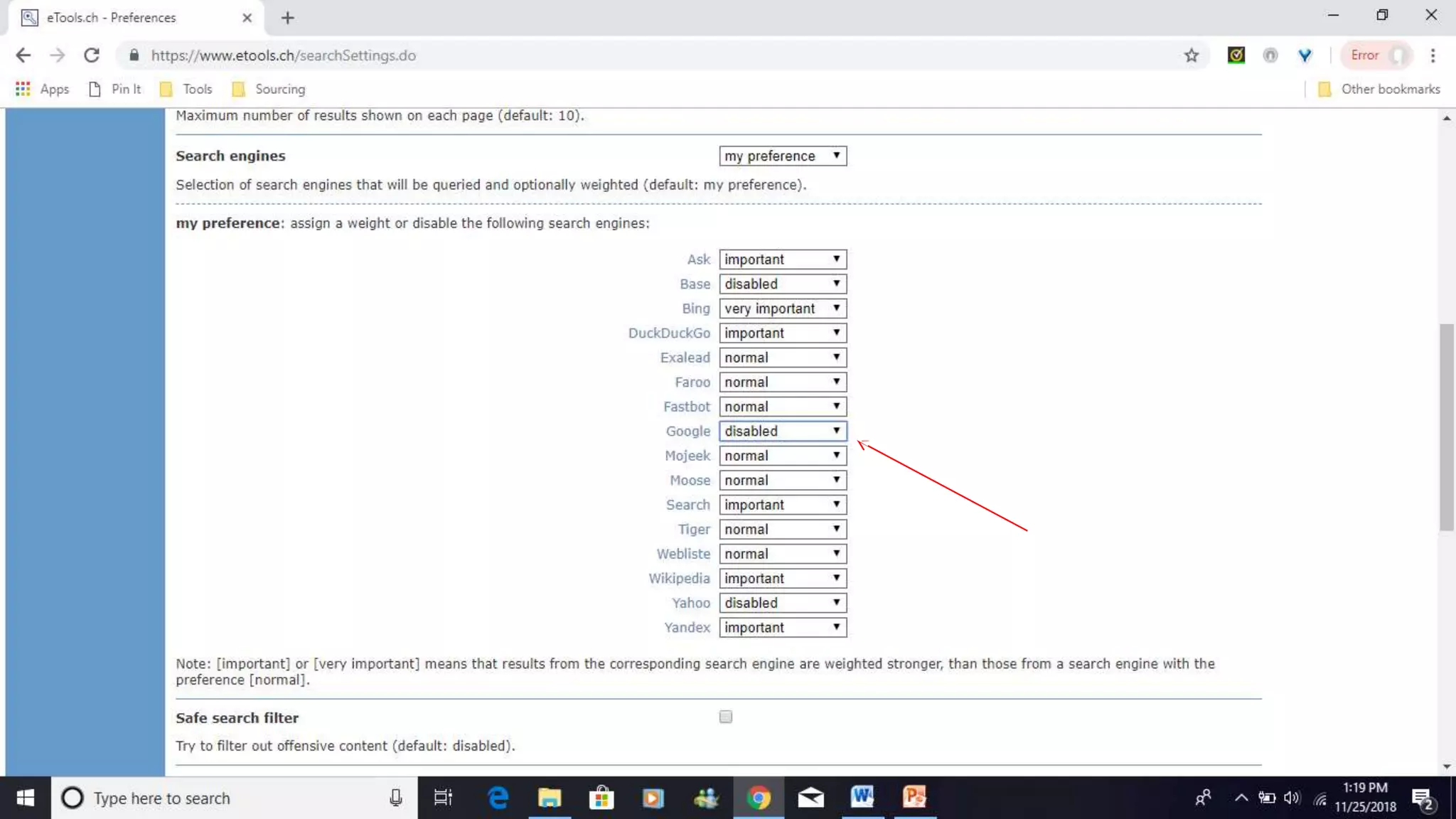
  • #12 But since I want to get away from Google, I can turn it off! Click on the preference tab, then scroll down to my preferences and you will see the search engine list. At this point you can rank the importance of the engine. As you can see I disabled Google. Click on Save Preferences at the bottom of page after you select your rankings.
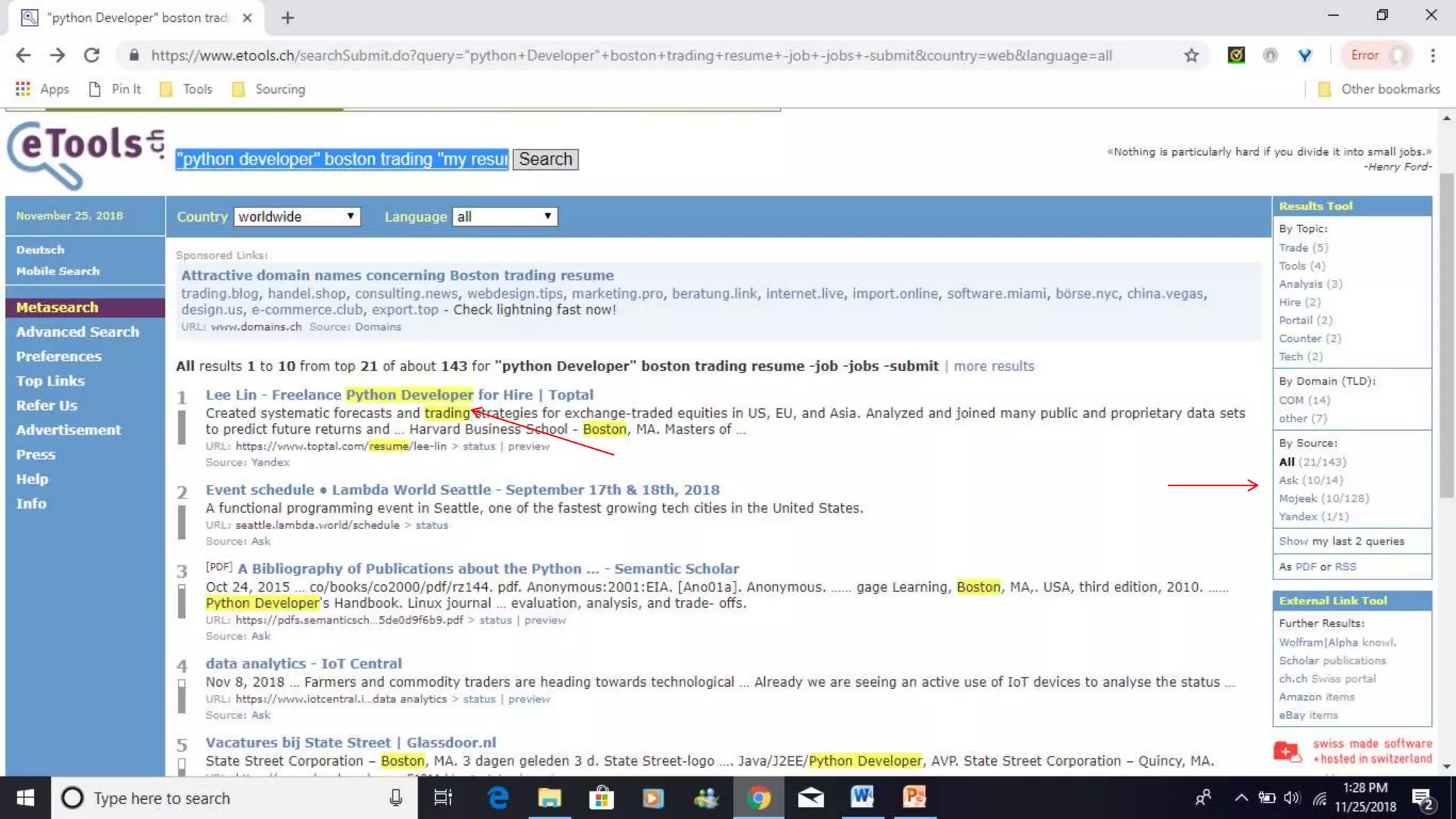
  • #14 For searching, I typically just use Natural Language Search for this engine. Here is a simple example using "python developer" Boston trading "my resume" -job -jobs -submit (so I am looking for a python developer who possibly lives in Boston mention their resume and not wanting to retrieve job ads). As you can see the engine highlights the key words for quick research and on the right the tool shows you where the results were pulled from. So you can drill down further if you want and just click on those to narrow your search.
  • #17 "python developer" Boston trading resume -job -jobs -submit You also can change layout (how many boxes you want to see) by clicking on the 3 bars in upper right hand corner
  • #20 +python +developer +chicago "my resume" "contact me“ +python +software +developer +chicago "my resume" "contact me" -job
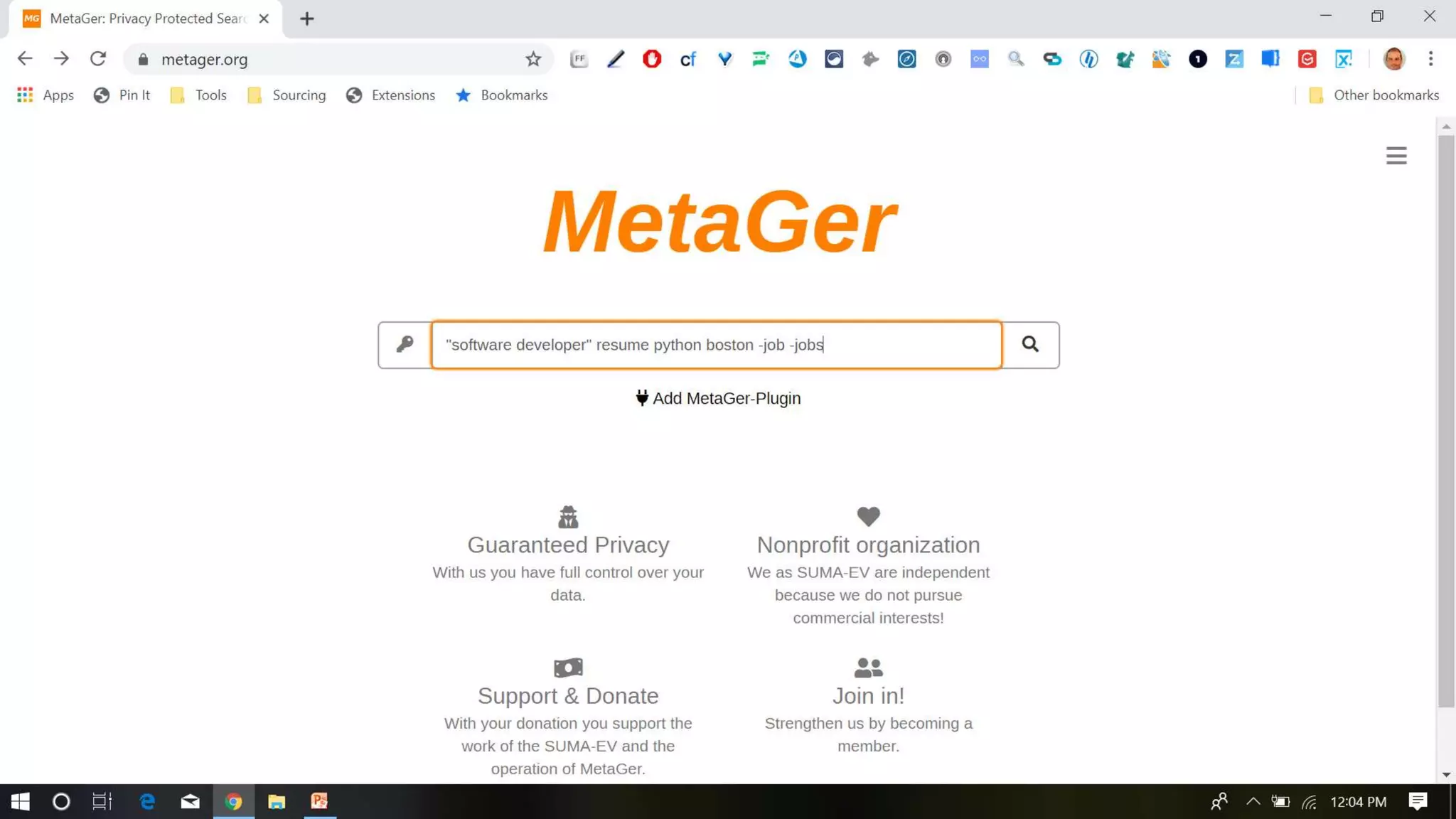
  • #24 "software developer" resume python boston
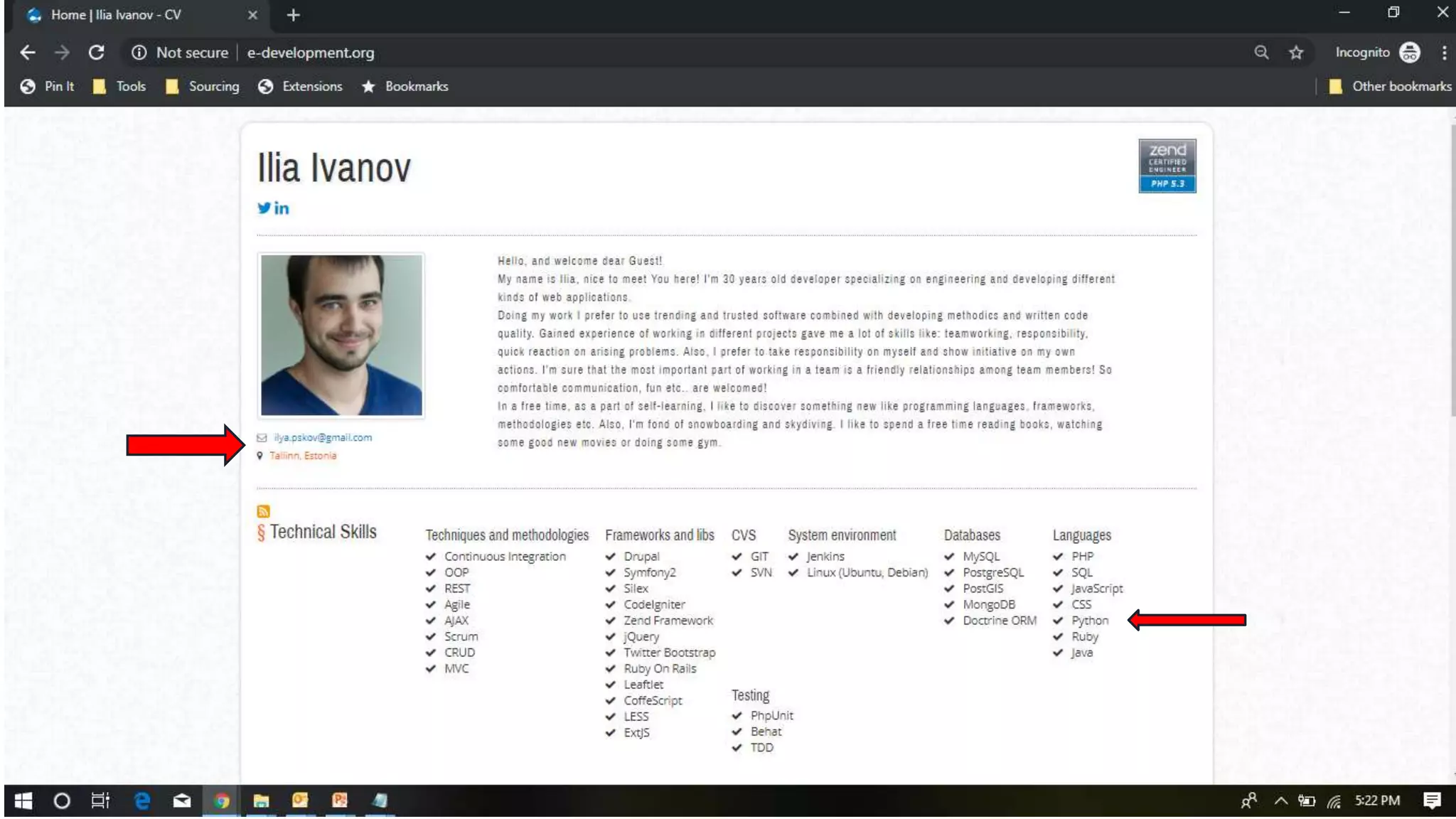
  • #28 "software engineer" python django atlanta resume -job -jobs -submit
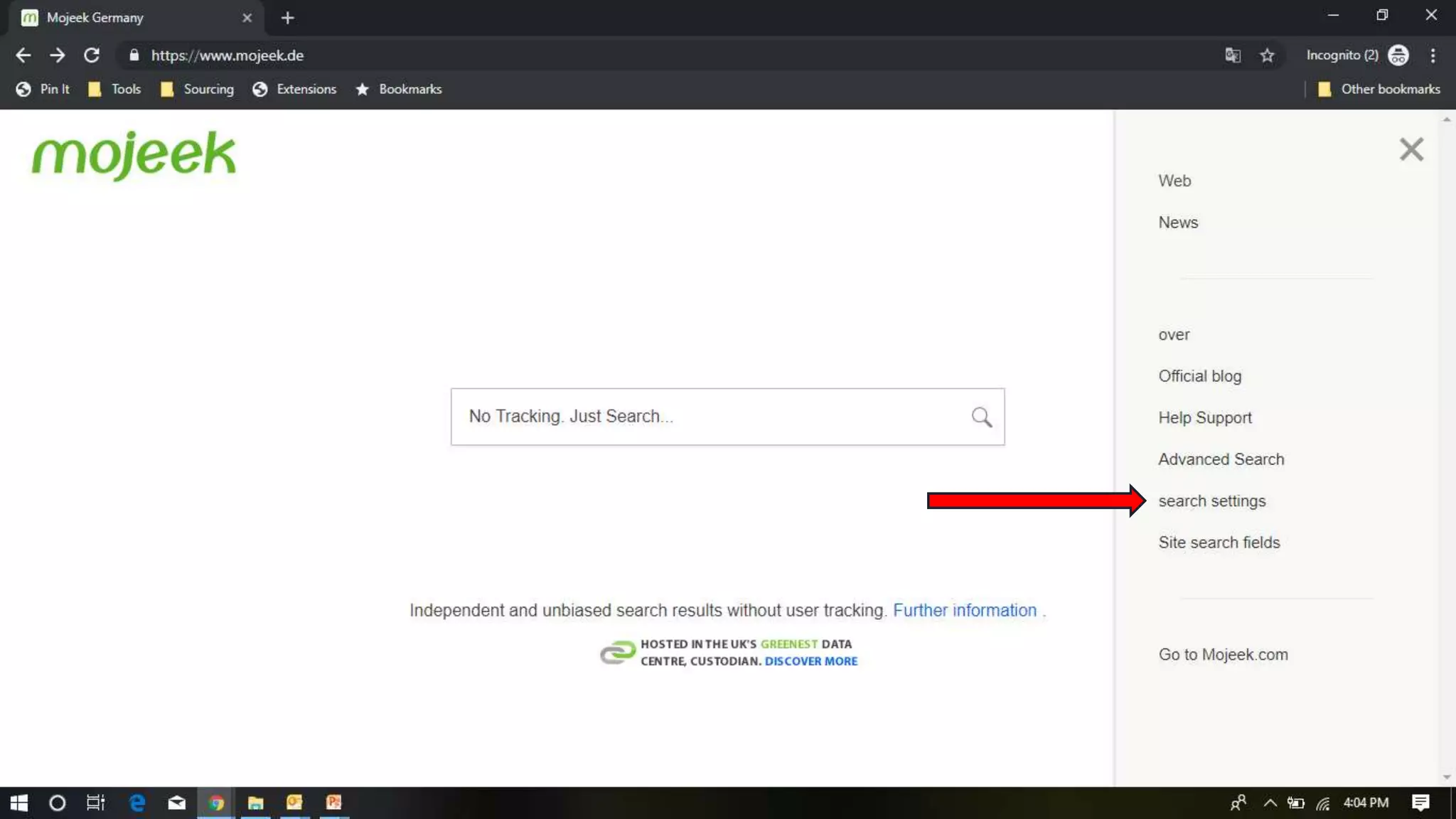
  • #32 Again, since I want to get away from Google, I can turn it off! In the upper right hand corner, click on the preferences tab, and then click on the engines tab. From here, you can allow or disallow which search engines you want to use. As you can see, I turned the Google off (grey is off, light blue is on). Click save on the bottom of the page.
  • #33 Again, for searching, I typically just use Natural Language Search for this engine. Let’s use this example again: "python developer" Boston trading "my resume" -job -jobs -submit The results tell you which search engine it pulled from and the other cool thing you can do is download the results into a csv, json or rss file
  • #45 "i am a software" python boston resume -job
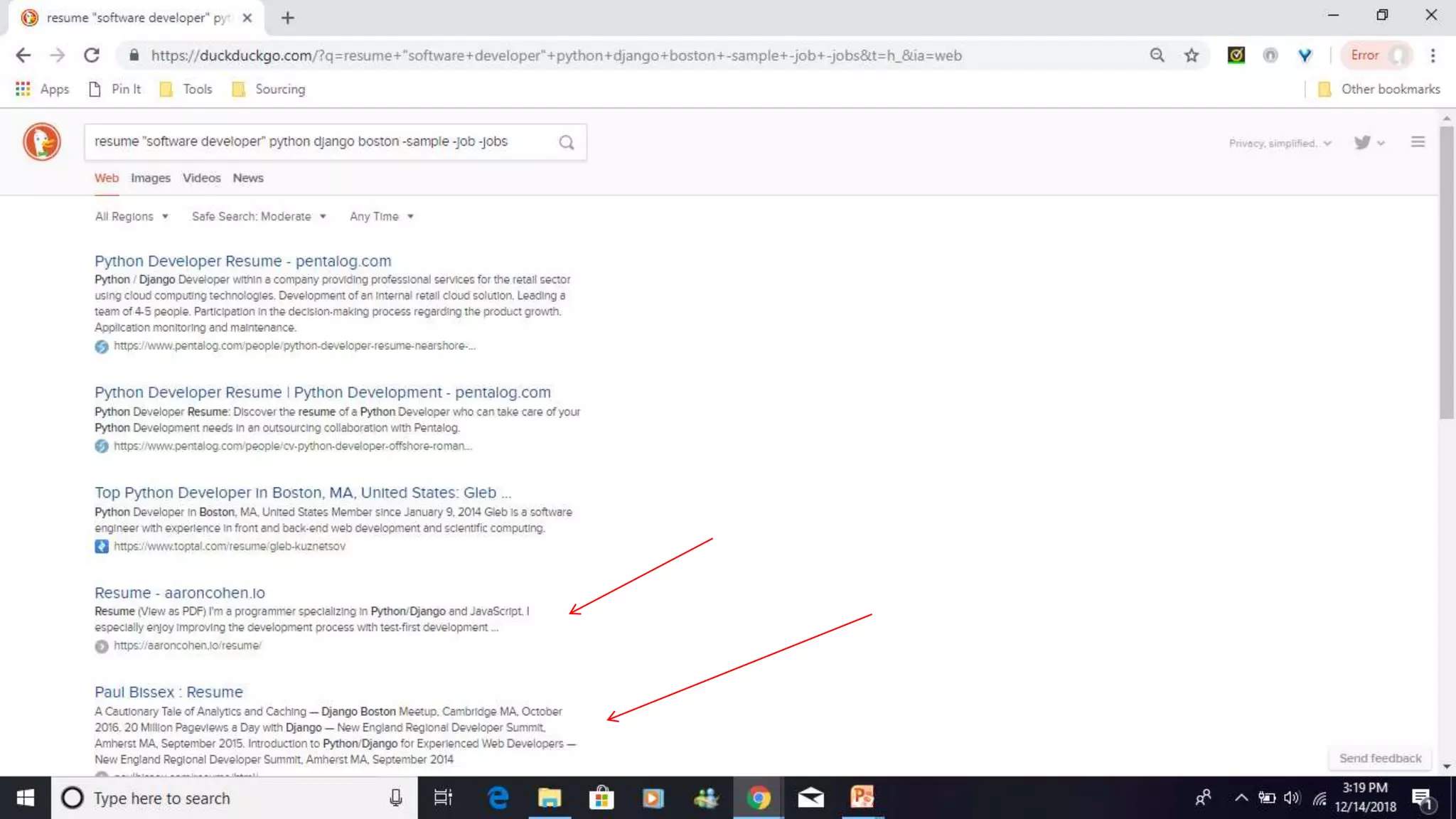
  • #48 resume "software developer" python django boston -sample -job –jobs inurl:resume "software developer" python django boston
  • #49 https://duckduckgo.com/bang
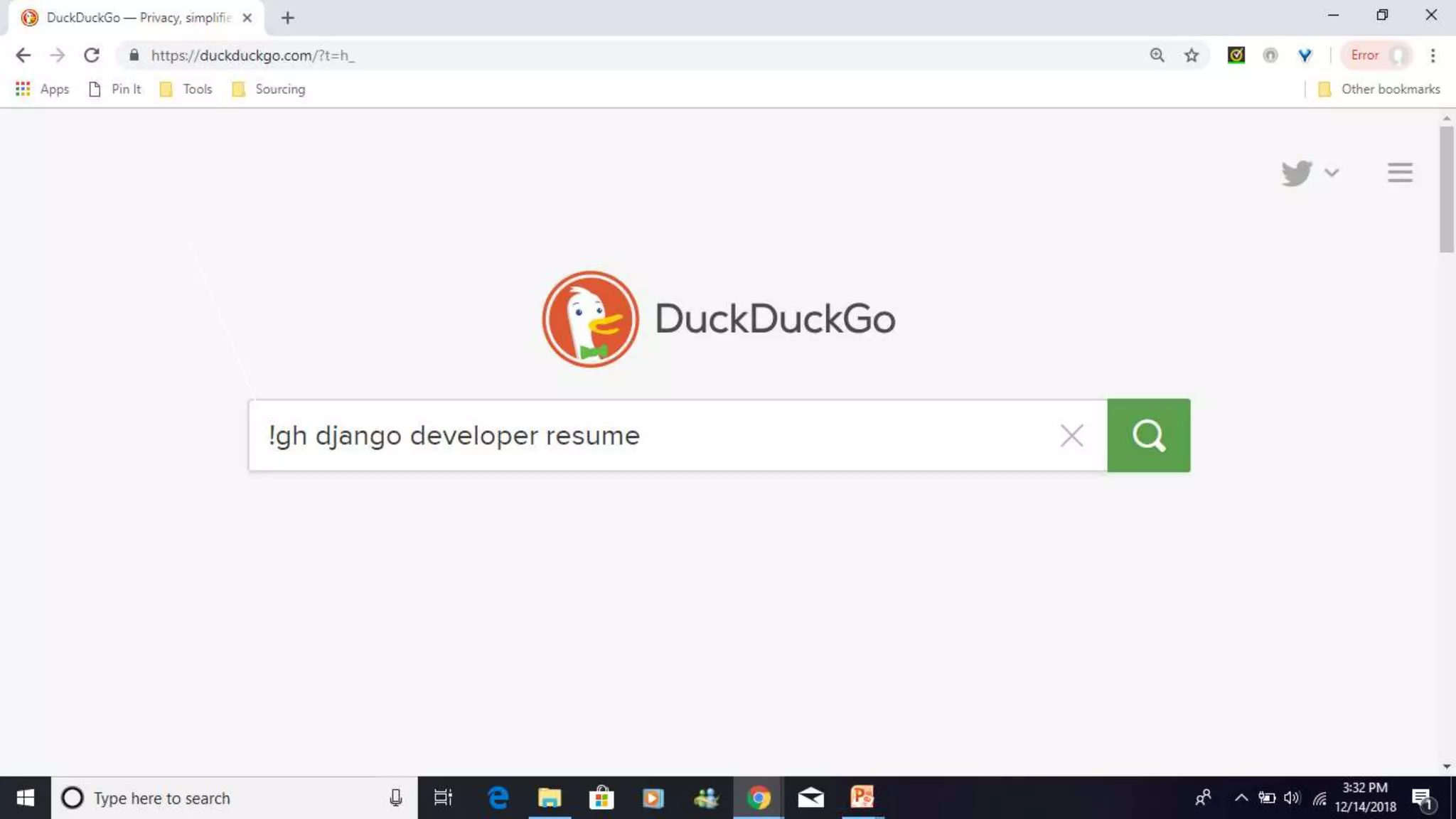
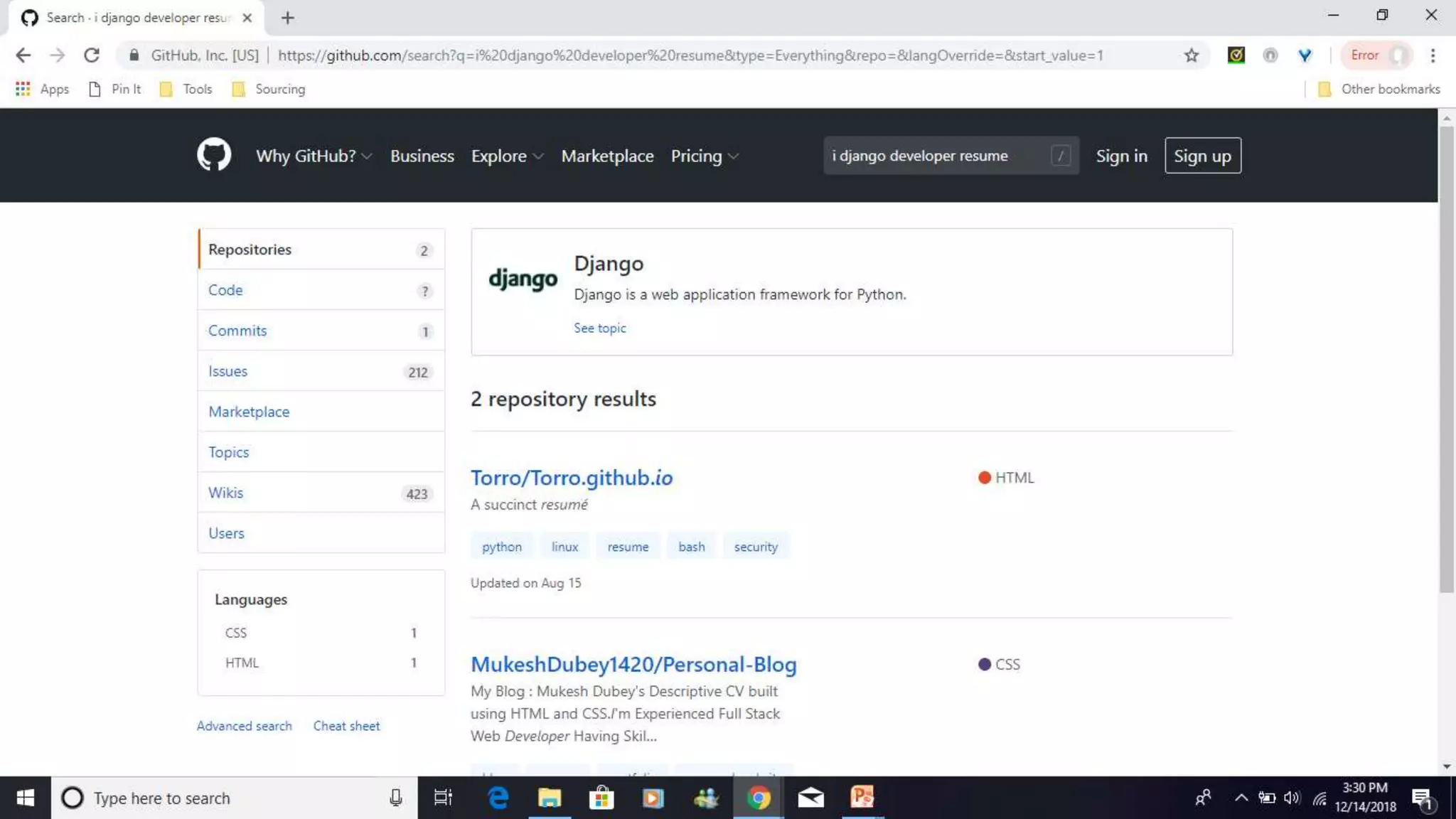
  • #50 !gh django developer resume