Why and what we do research on
teaching with technology
Main Ideas
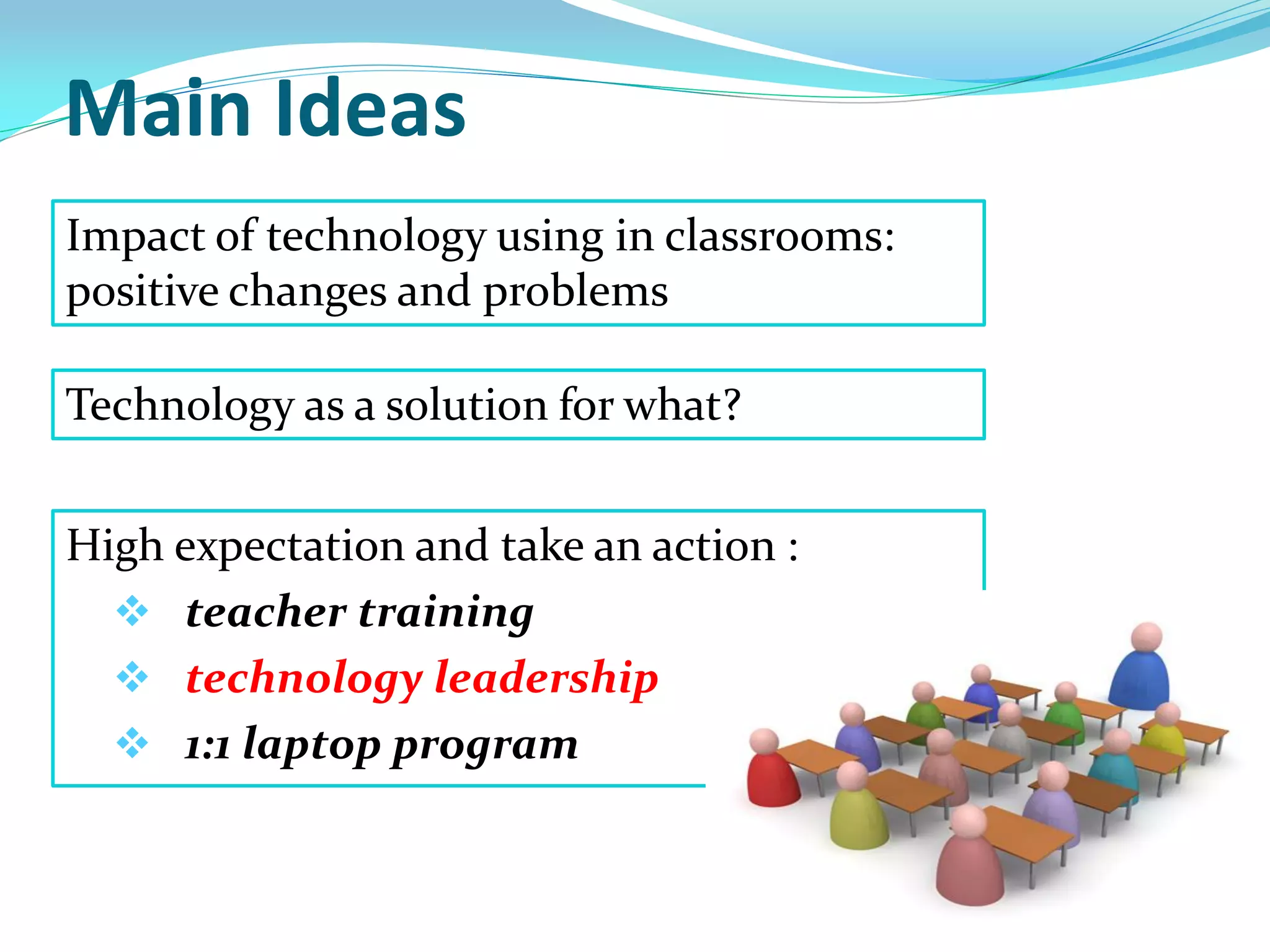
High expectation and take an action :
 teacher training
 technology leadership
 1:1 laptop program
Impact of technology using in classrooms:
positive changes and problems
Technology as a solution for what?
Warm-up:
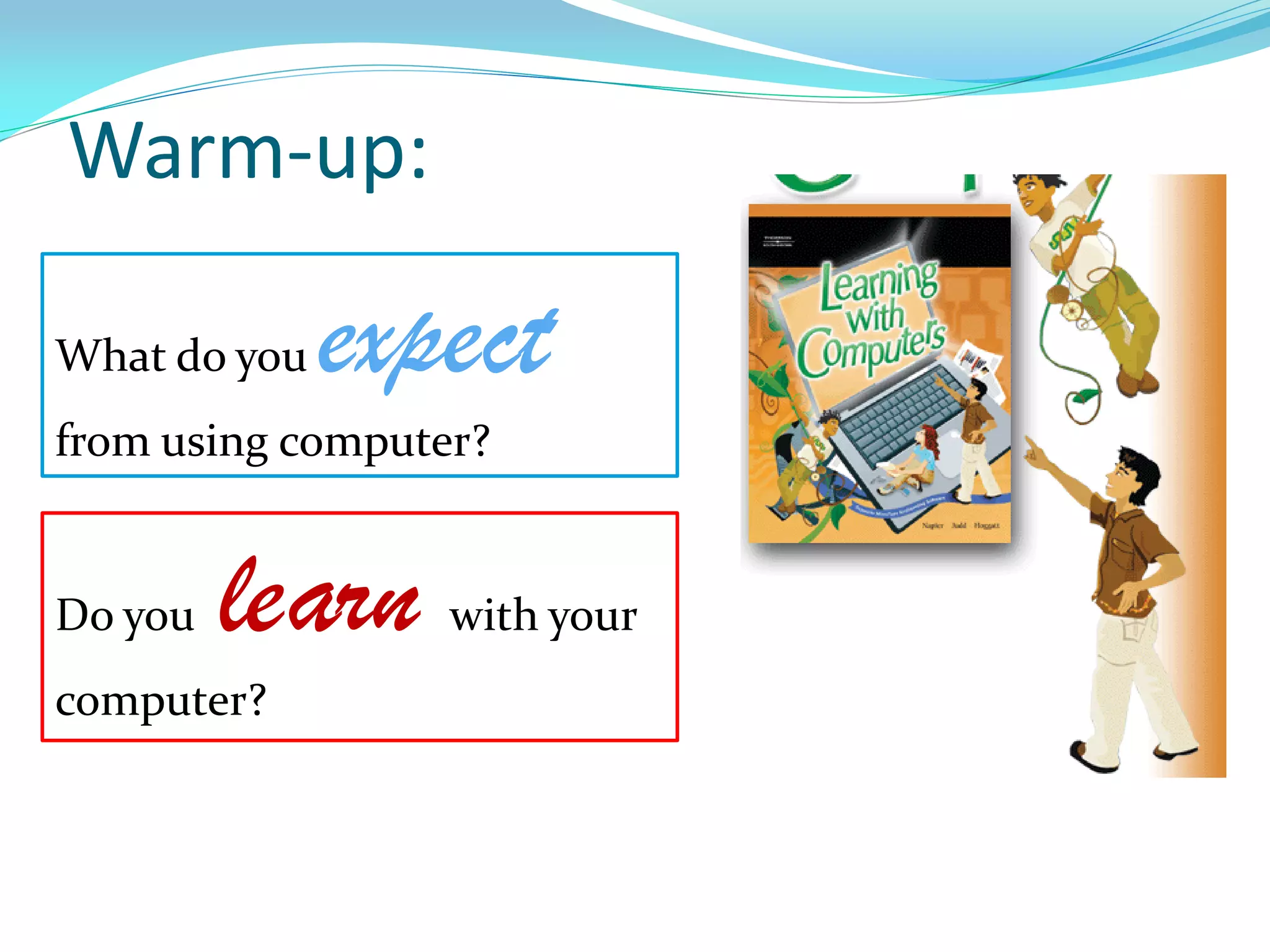
Do you learn with your
computer?
What do you expect
from using computer?
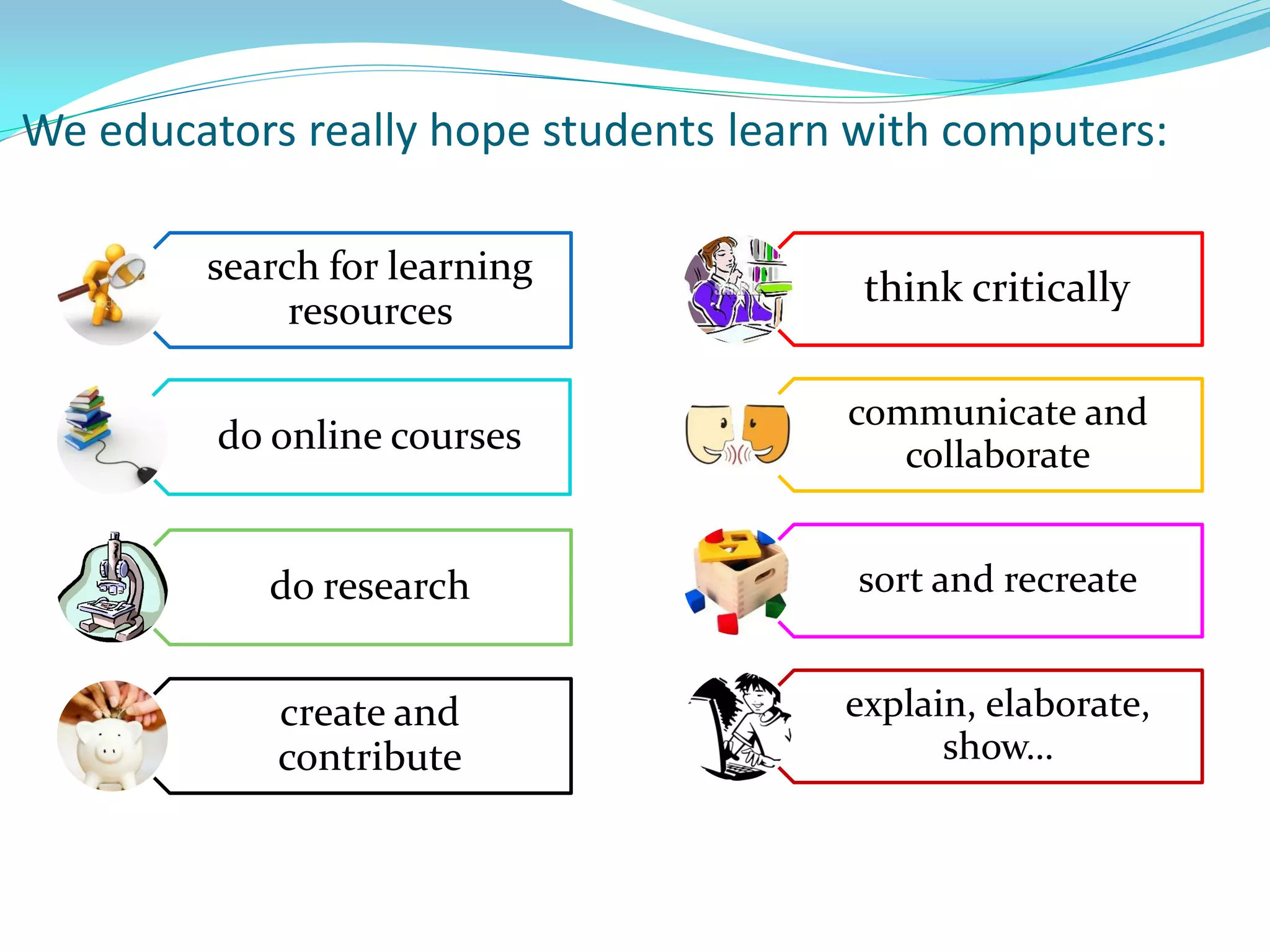
We educators really hope students learn with computers:
search for learning
resources
do online courses
do research
create and
contribute
think critically
communicate and
collaborate
sort and recreate
explain, elaborate,
show…
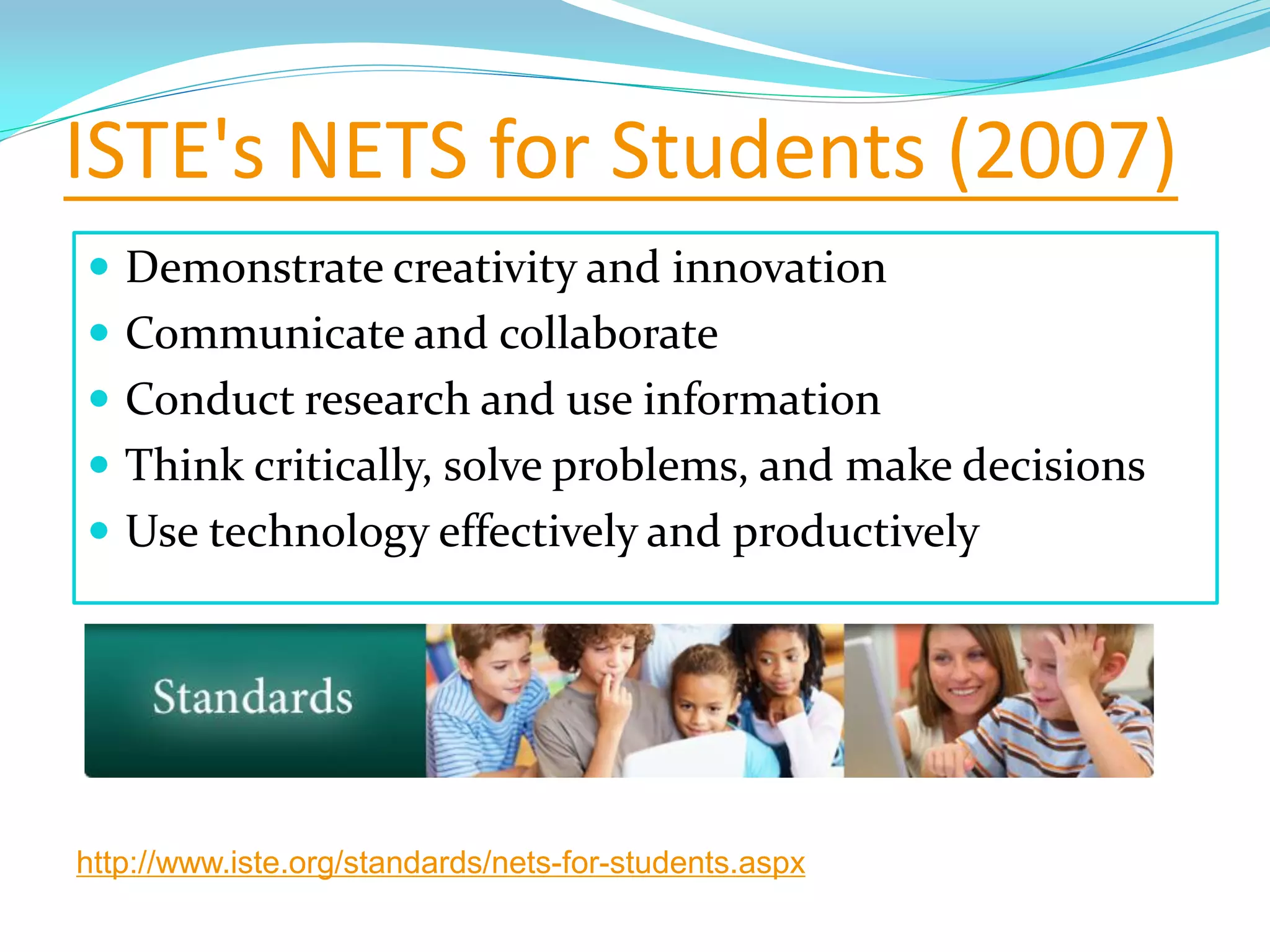
ISTE's NETS for Students (2007)
 Demonstrate creativity and innovation
 Communicate and collaborate
 Conduct research and use information
 Think critically, solve problems, and make decisions
 Use technology effectively and productively
http://www.iste.org/standards/nets-for-students.aspx
What we must do in schools:
http://subversiveinfluence.com/2008/11/a-pathetic-prophetic-response-to-obama-victory/
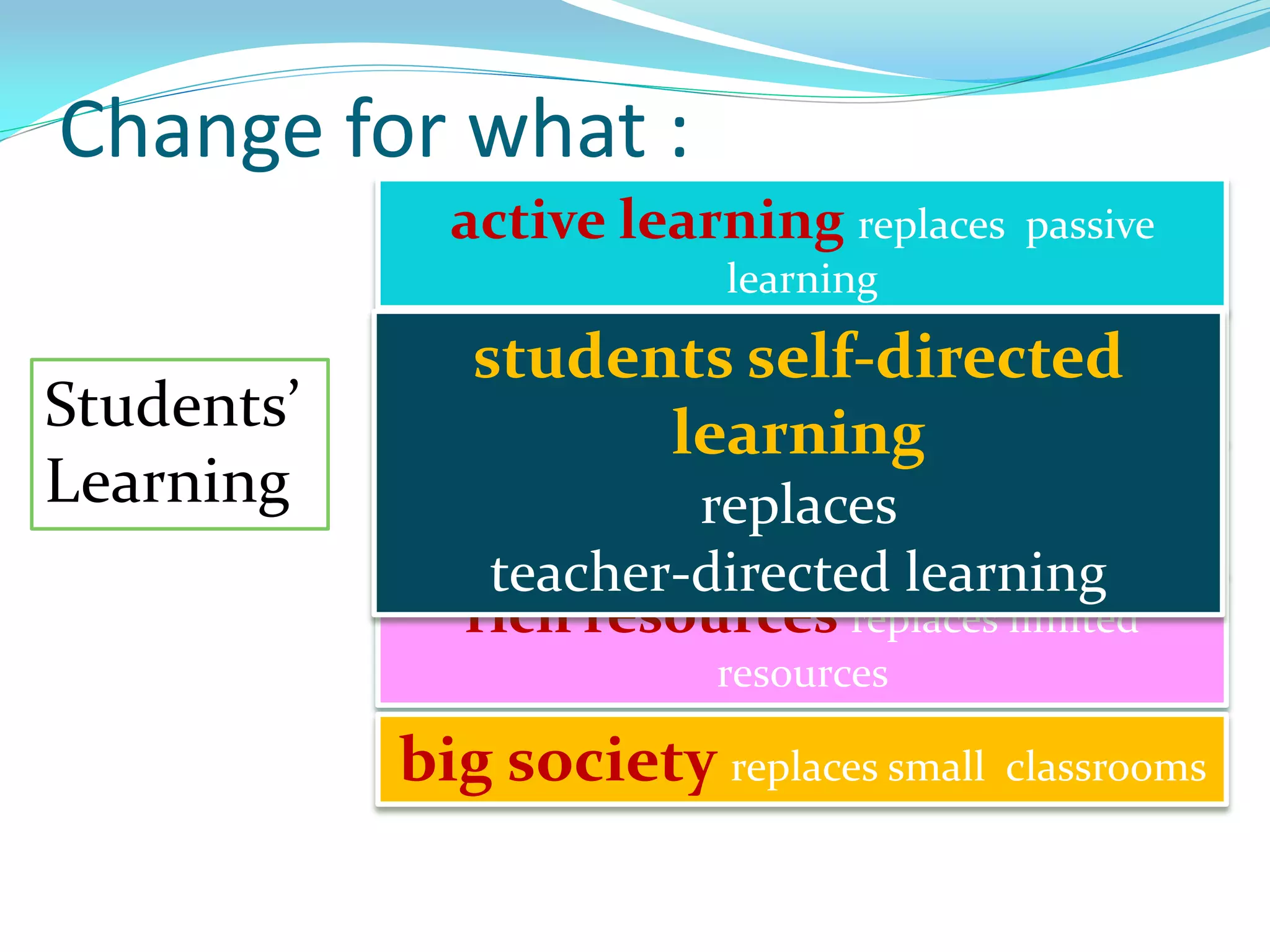
Change for what :
Students’
Learning
active learning replaces passive
learning
high order thinking replaces
superficial thinking
project-based learning replaces
recalling
rich resources replaces limited
resources
big society replaces small classrooms
students self-directed
learning
replaces
teacher-directed learning
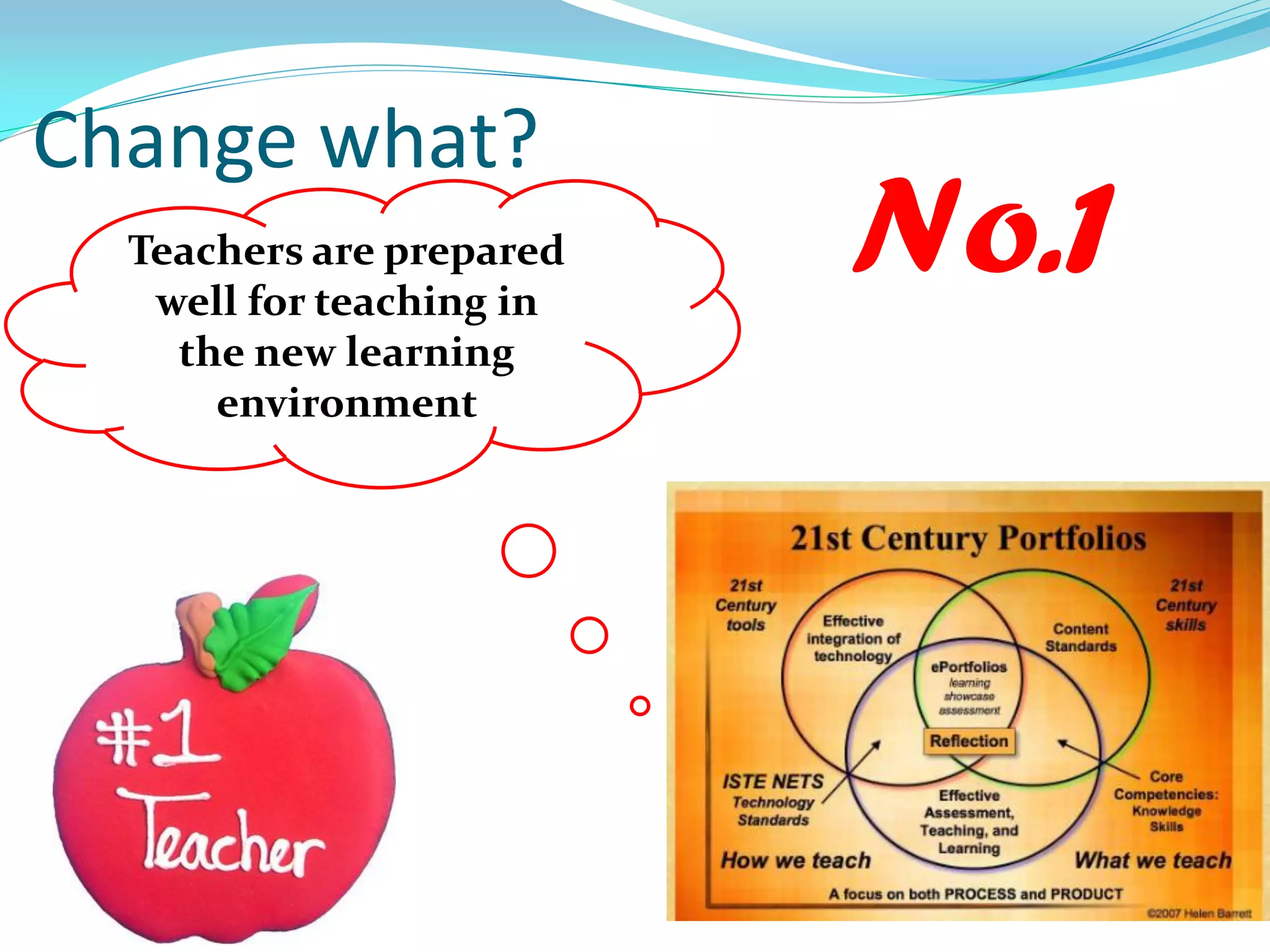
Change what?
Teachers are prepared
well for teaching in
the new learning
environment
No.1
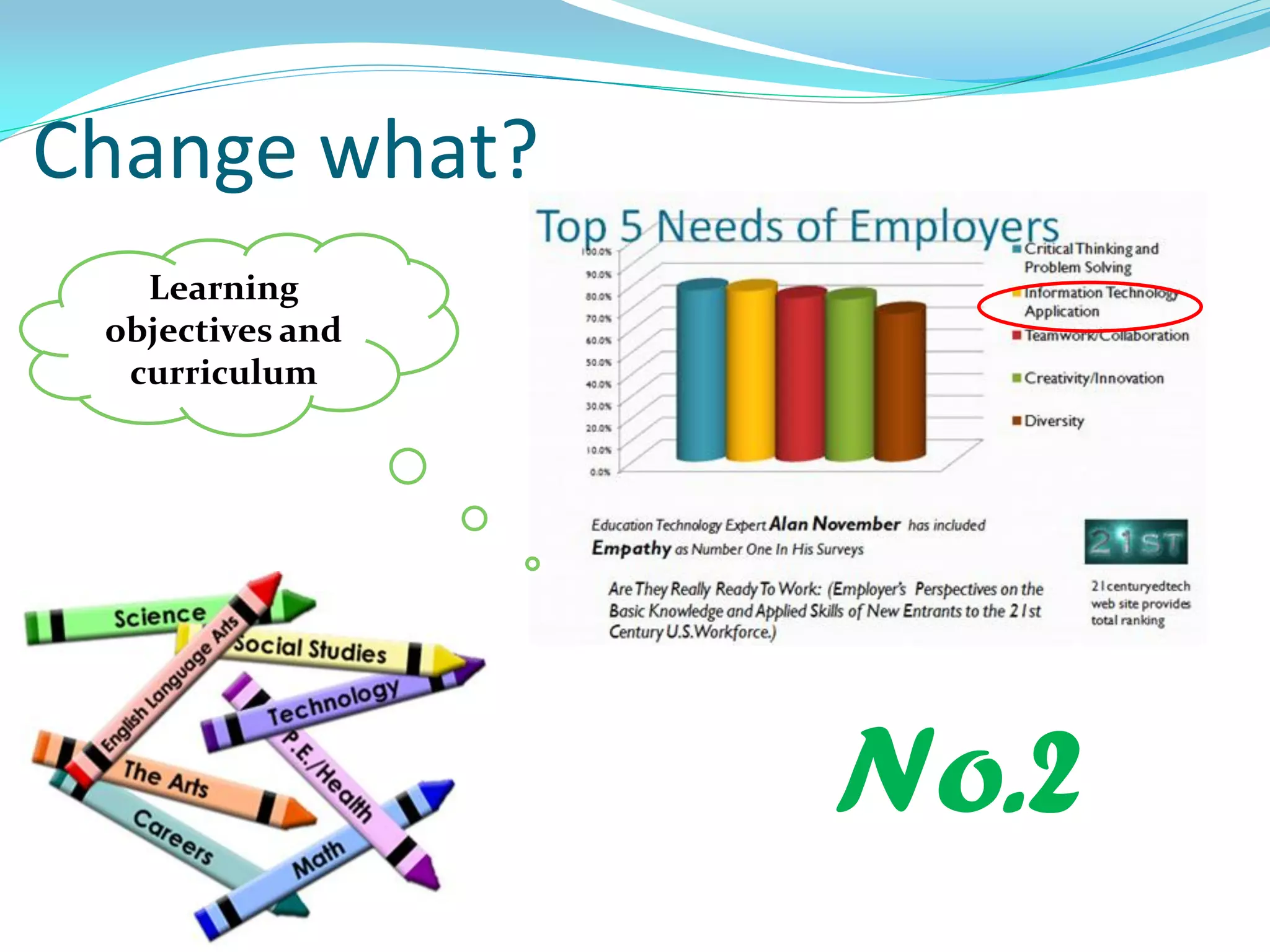
Change what?
Learning
objectives and
curriculum
No.2
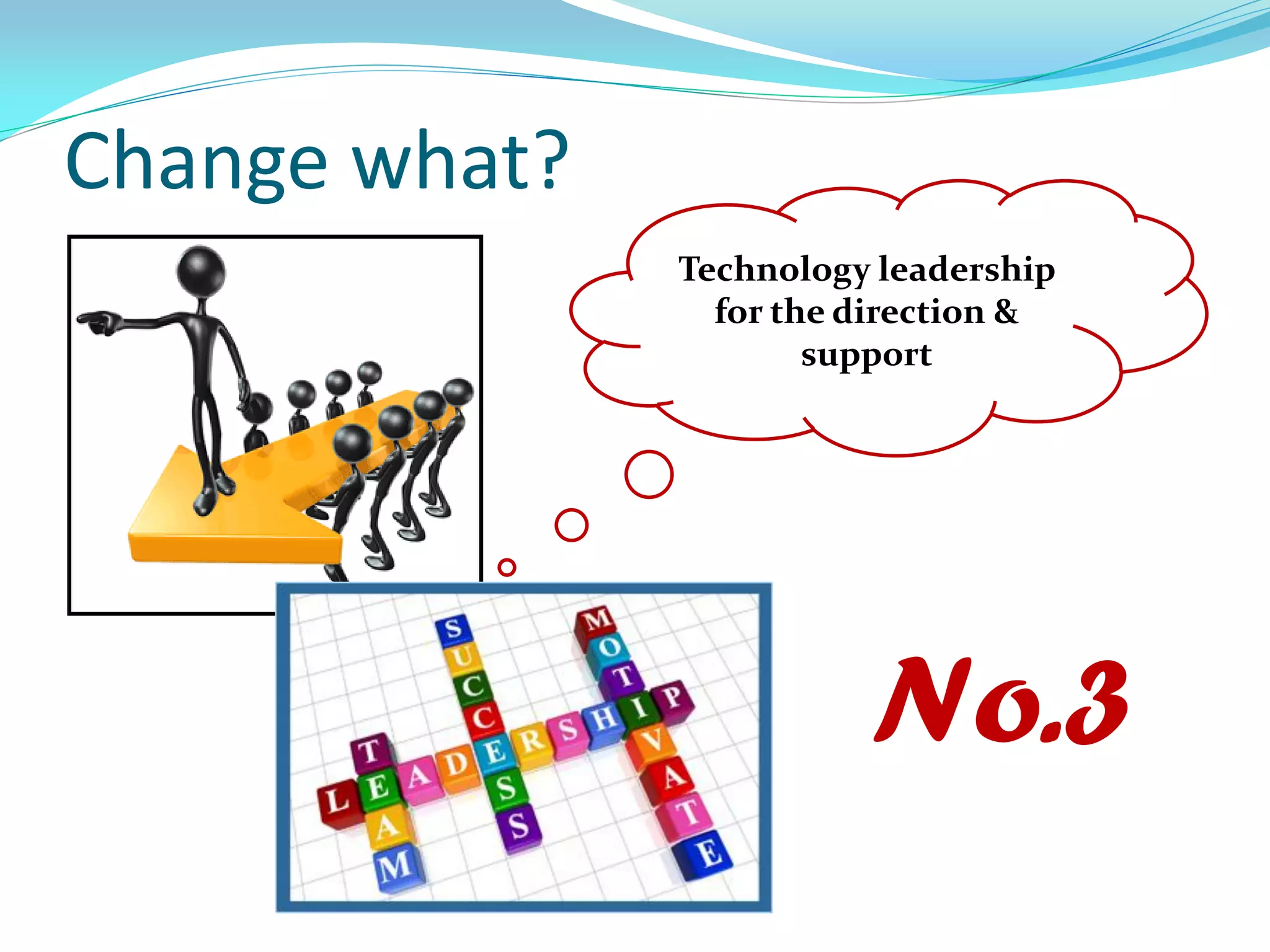
Change what?
Technology leadership
for the direction &
support
No.3
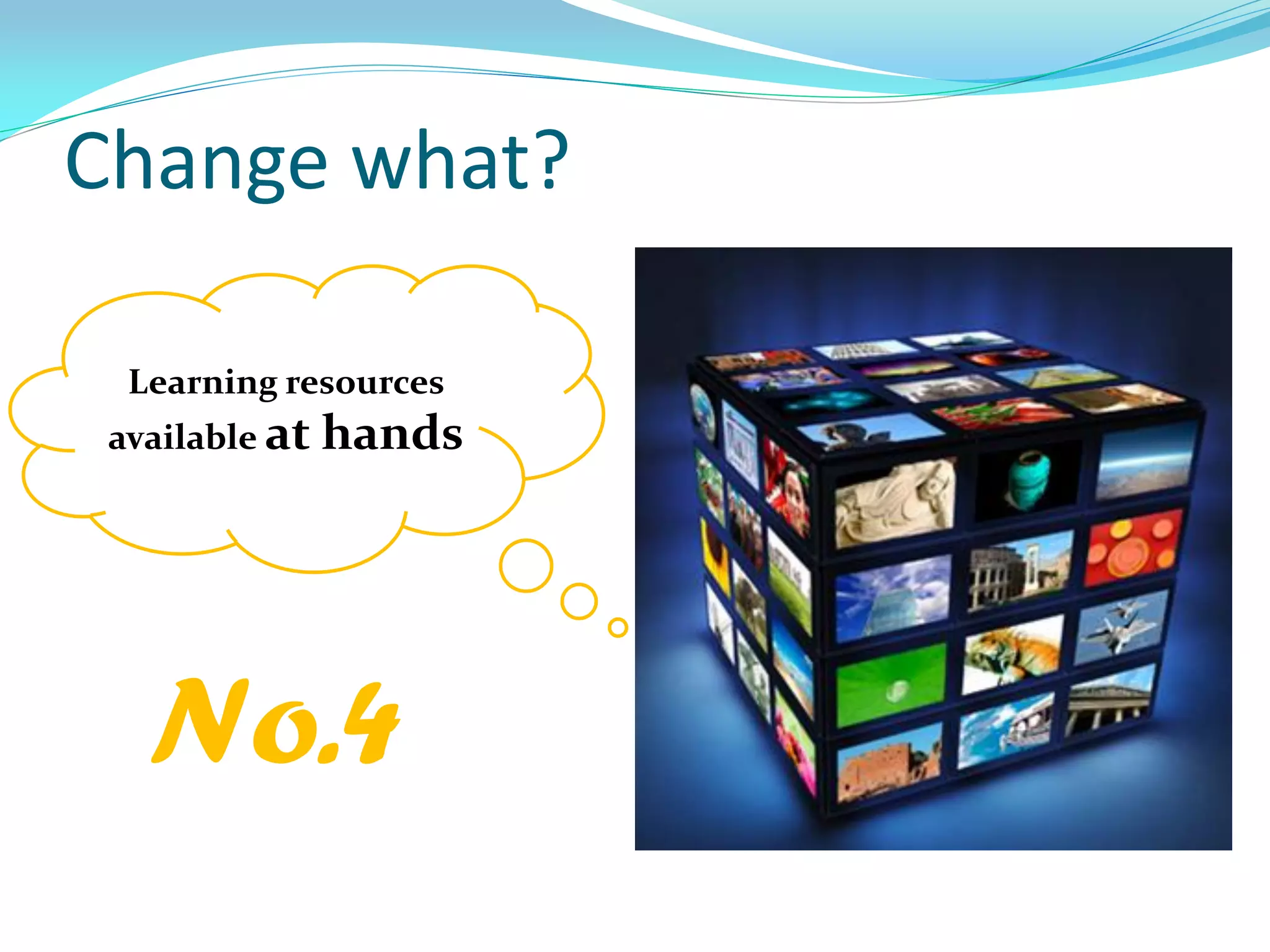
Change what?
Learning resources
available at hands
No.4
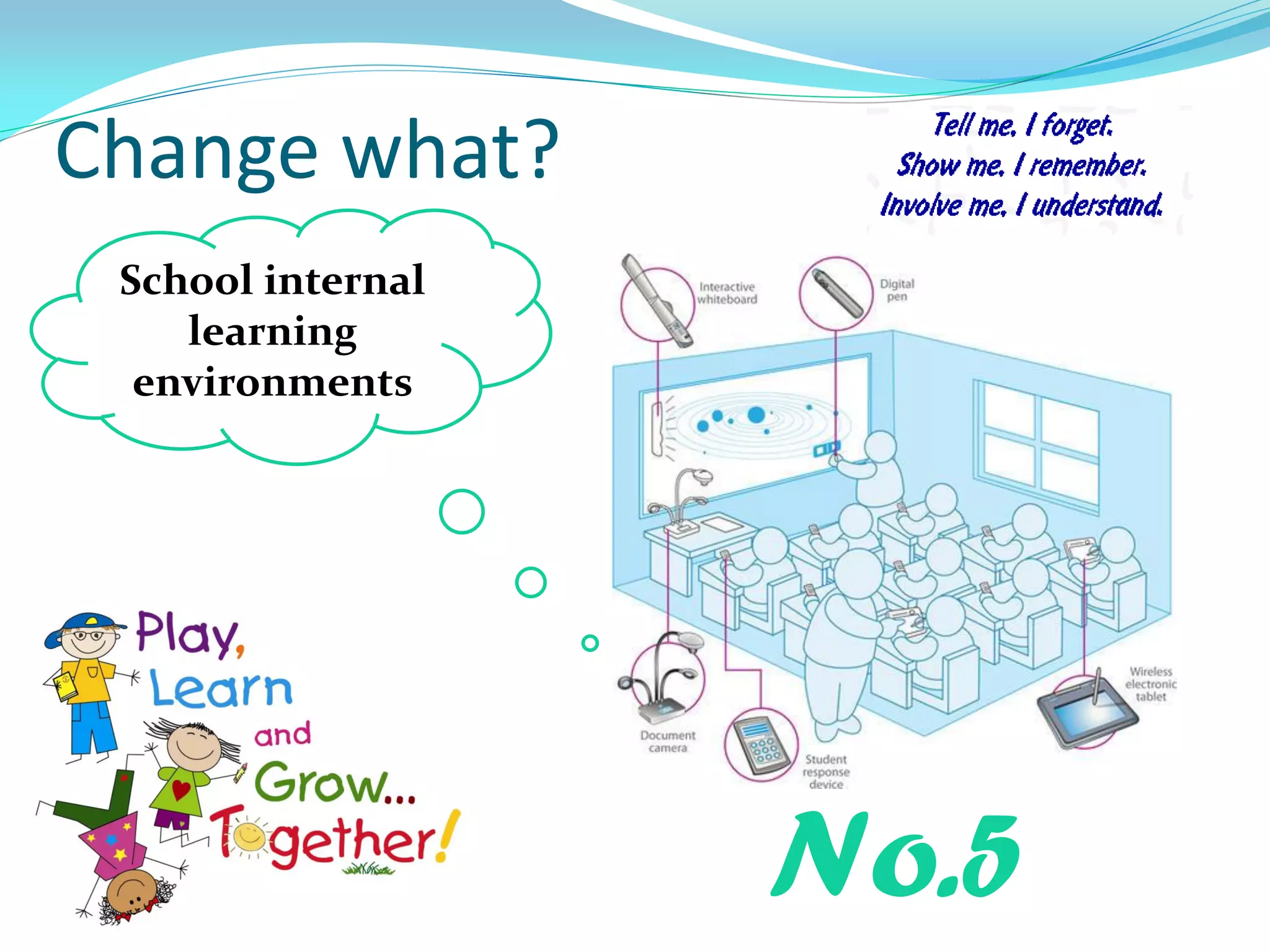
Change what?
School internal
learning
environments
No.5
Change what?
School
Society
No.6
Schools as a
part of the
whole learning
society
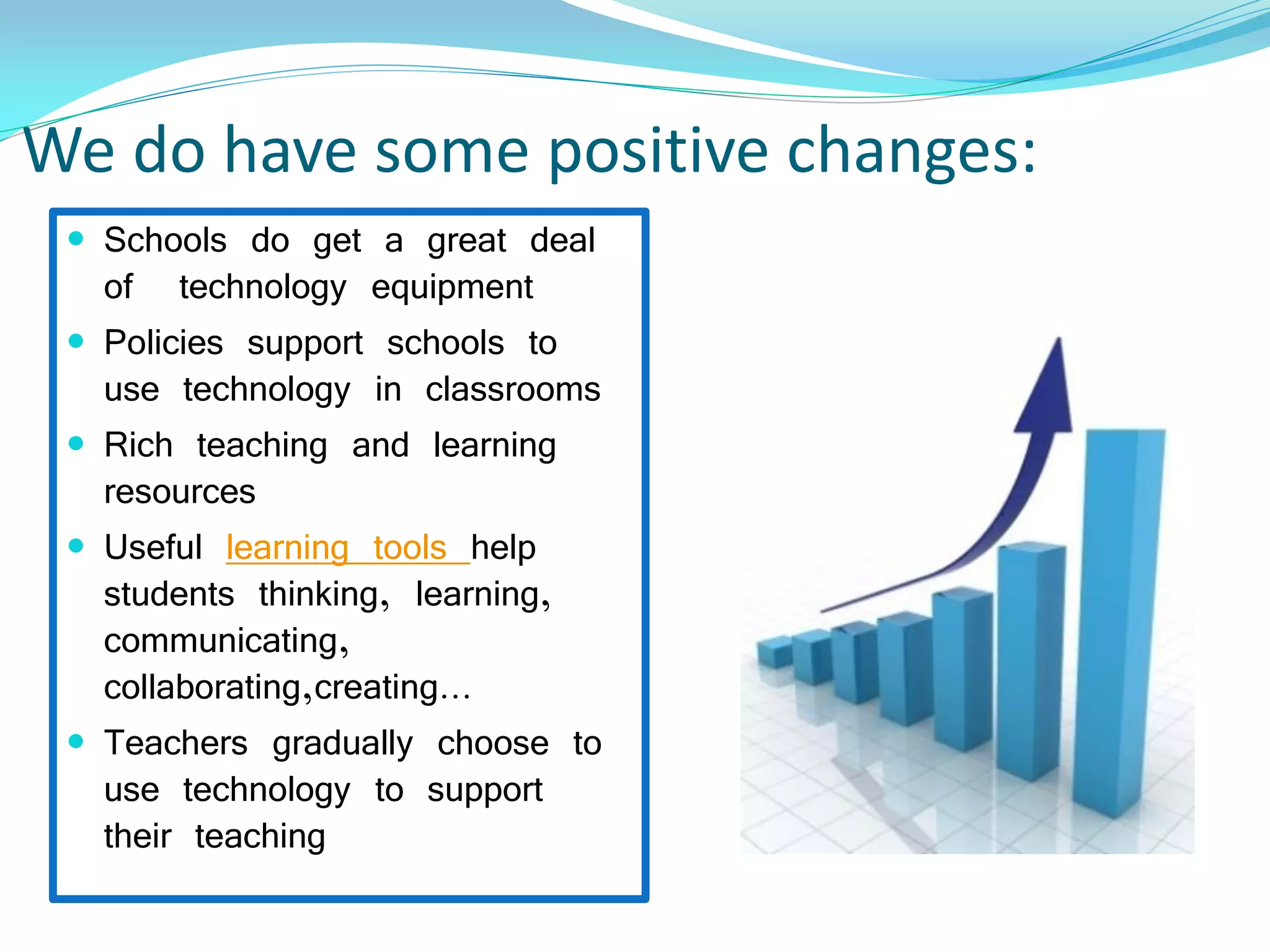
We do have some positive changes:
 Schools do get a great deal
of technology equipment
 Policies support schools to
use technology in classrooms
 Rich teaching and learning
resources
 Useful learning tools help
students thinking, learning,
communicating,
collaborating,creating…
 Teachers gradually choose to
use technology to support
their teaching
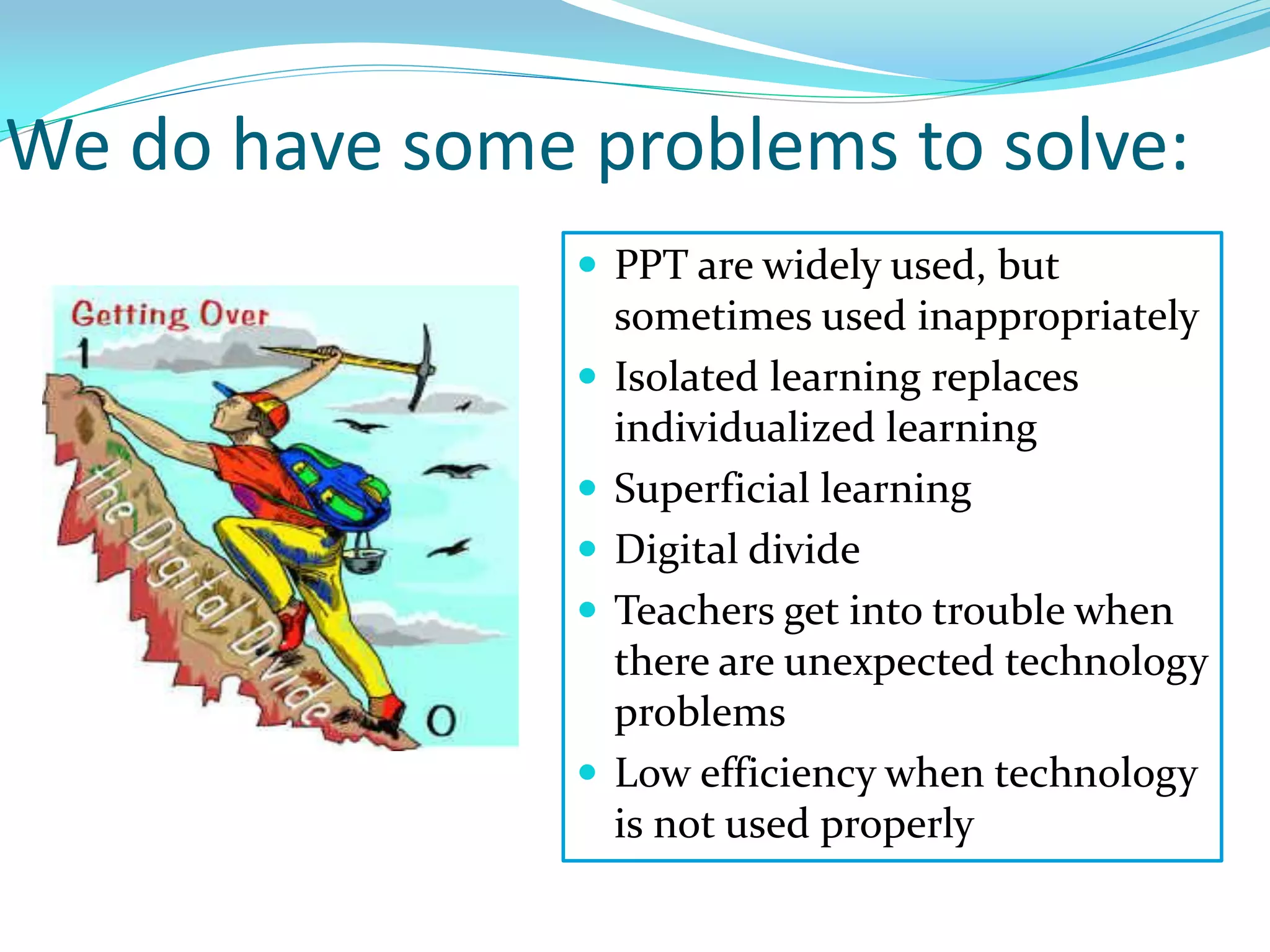
We do have some problems to solve:
 PPT are widely used, but
sometimes used inappropriately
 Isolated learning replaces
individualized learning
 Superficial learning
 Digital divide
 Teachers get into trouble when
there are unexpected technology
problems
 Low efficiency when technology
is not used properly
We have to do more on:
Enhancing learning
by using Technology
in schools
We have to clarify:
Teaching with technology
Teaching + Technology
or
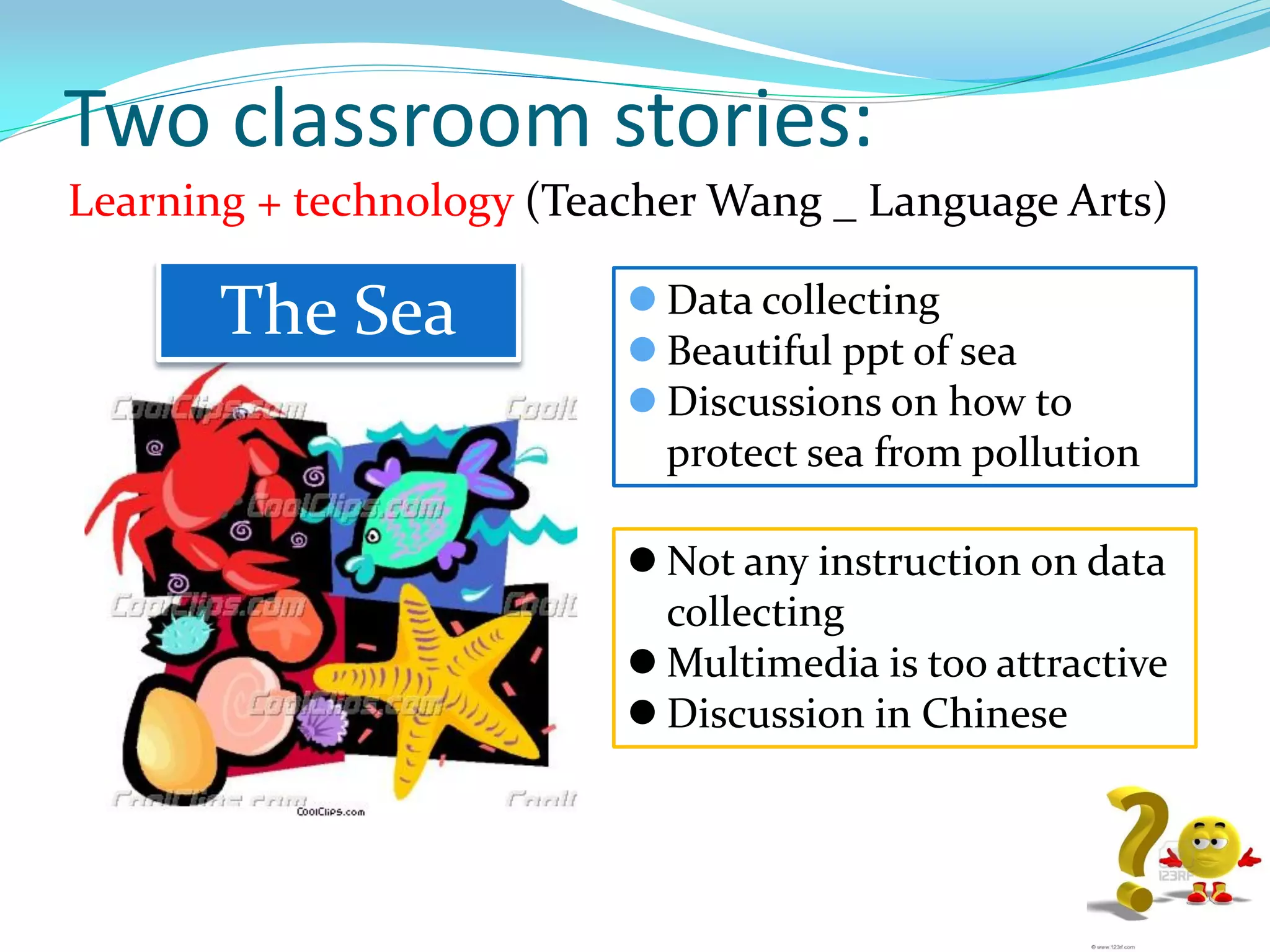
Two classroom stories:
Learning + technology (Teacher Wang _ Language Arts)
 Data collecting
 Beautiful ppt of sea
 Discussions on how to
protect sea from pollution
The Sea
 Not any instruction on data
collecting
 Multimedia is too attractive
 Discussion in Chinese
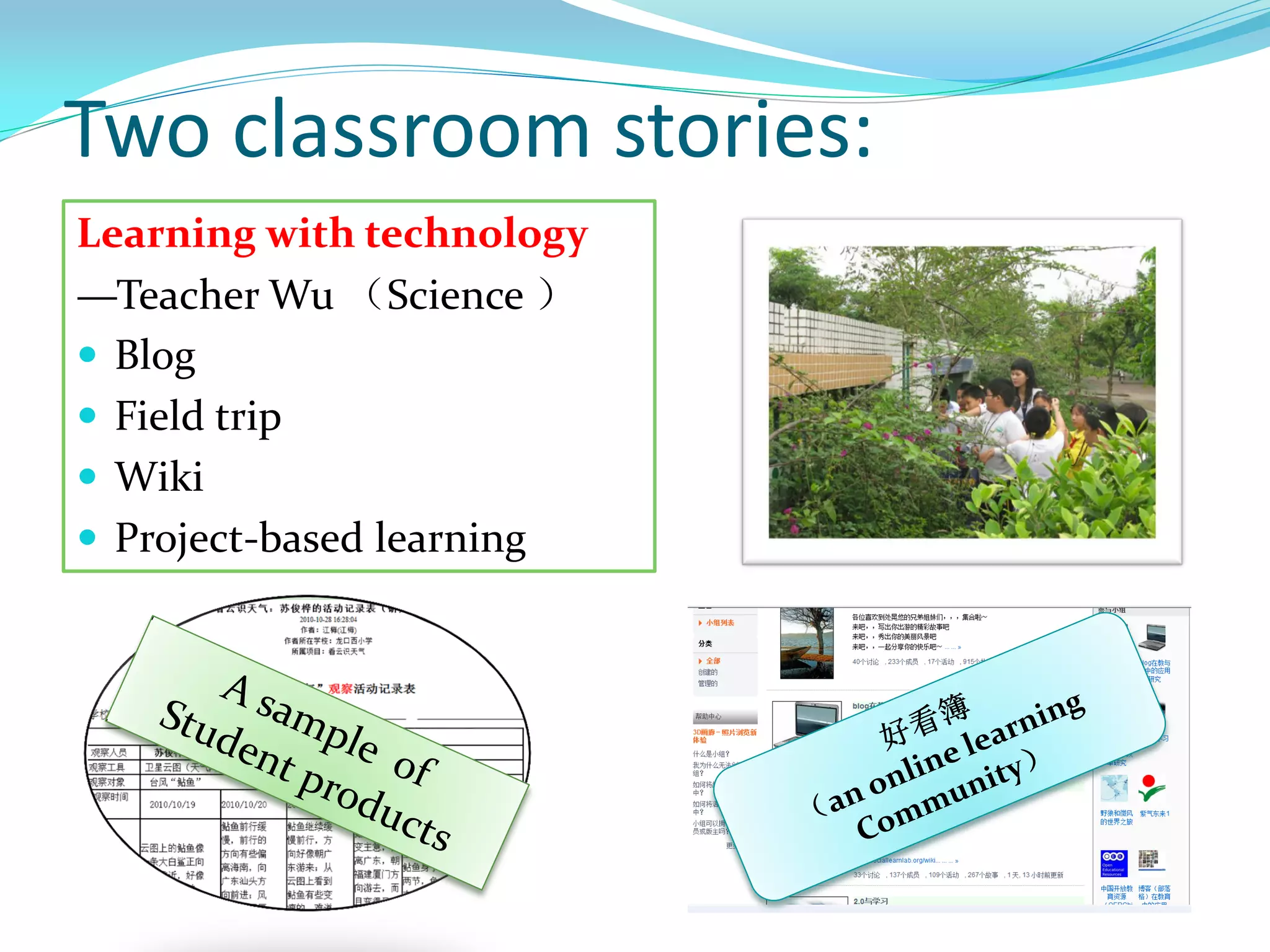
Two classroom stories:
Learning with technology
—Teacher Wu (Science )
 Blog
 Field trip
 Wiki
 Project-based learning
We share the same ideas:
Whether computers are used well depends the
pedagogical knowledge and skills of teachers
who design their use in the classrooms.
----p4, Eileen M. Coppola
Coppola, E. M. (2004). Powering Up: Learning to Teach Well with Technology.
New York: Teachers College Press
We have to find out:
Technology as a solution
for what?
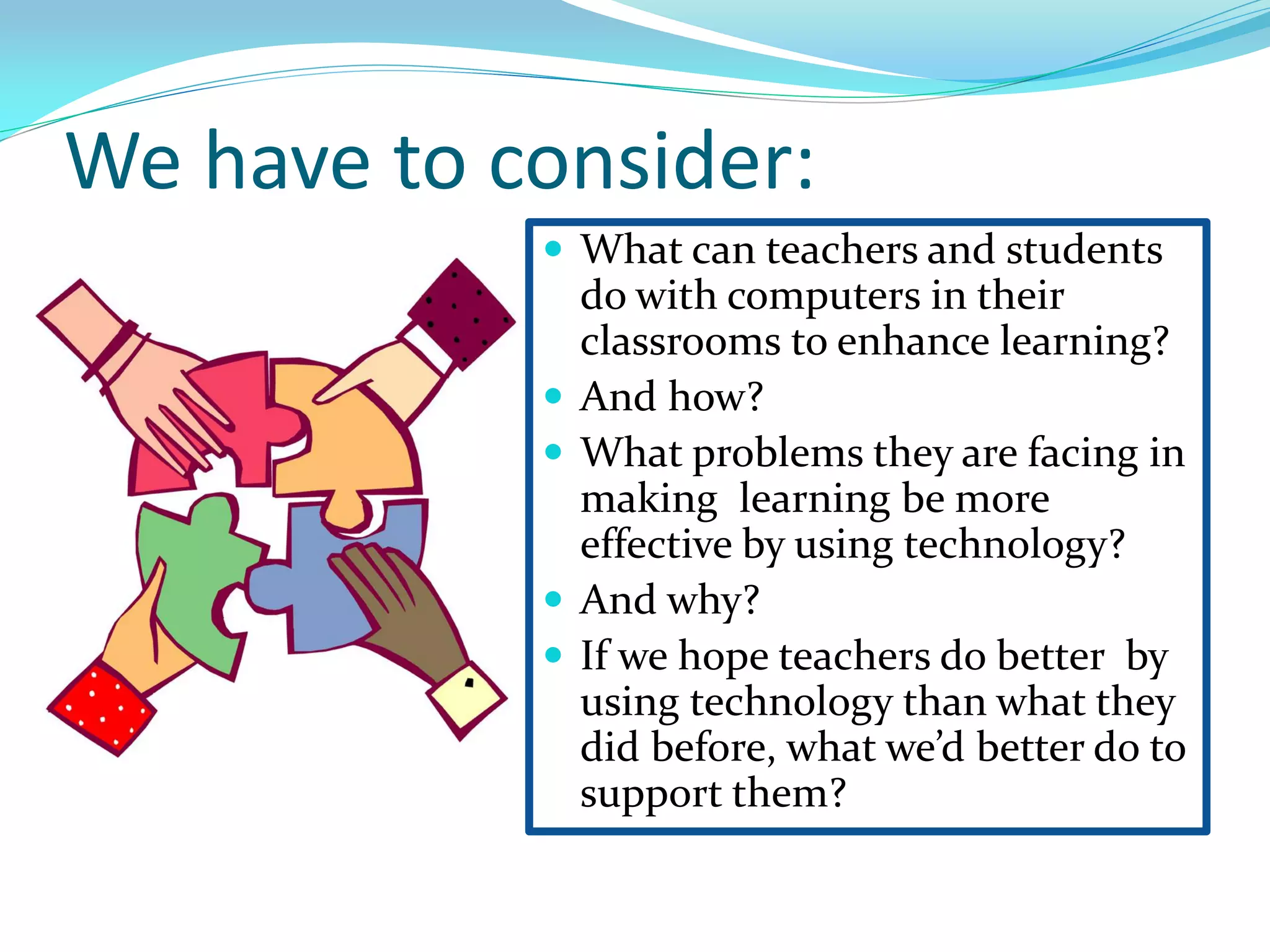
We have to consider:
 What can teachers and students
do with computers in their
classrooms to enhance learning?
 And how?
 What problems they are facing in
making learning be more
effective by using technology?
 And why?
 If we hope teachers do better by
using technology than what they
did before, what we’d better do to
support them?
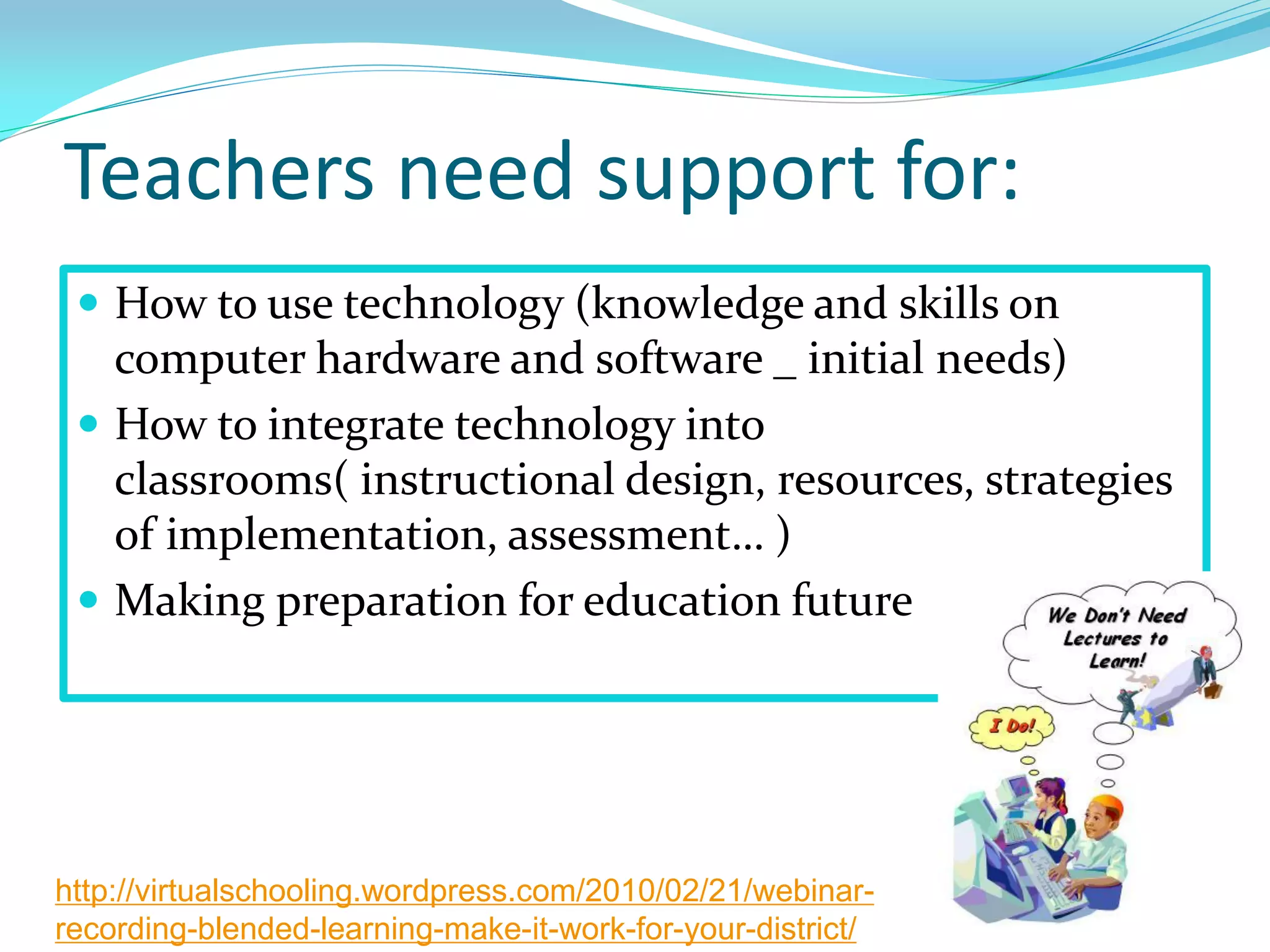
Teachers need support for:
 How to use technology (knowledge and skills on
computer hardware and software _ initial needs)
 How to integrate technology into
classrooms( instructional design, resources, strategies
of implementation, assessment… )
 Making preparation for education future
http://virtualschooling.wordpress.com/2010/02/21/webinar-
recording-blended-learning-make-it-work-for-your-district/
The programs I mainly have participated in :
 teacher training:
Intel® Teach Essentials Course
 technology leadership : Principal
technology leadership Forum
 prepare for the future: 1:1laptop
program in K-12 schools
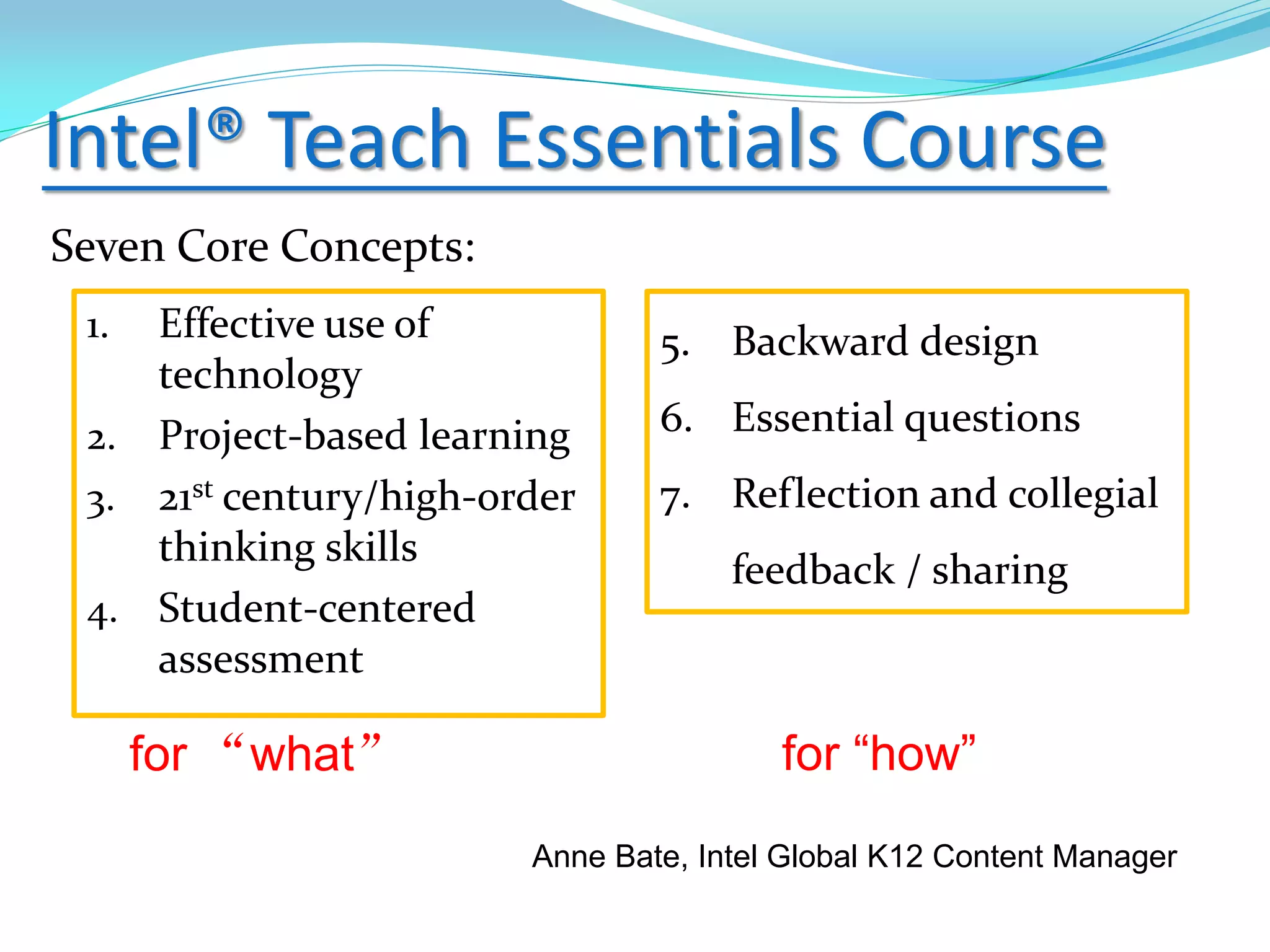
Intel® Teach Essentials Course
Seven Core Concepts:
1. Effective use of
technology
2. Project-based learning
3. 21st century/high-order
thinking skills
4. Student-centered
assessment
5. Backward design
6. Essential questions
7. Reflection and collegial
feedback / sharing
for “what” for “how”
Anne Bate, Intel Global K12 Content Manager
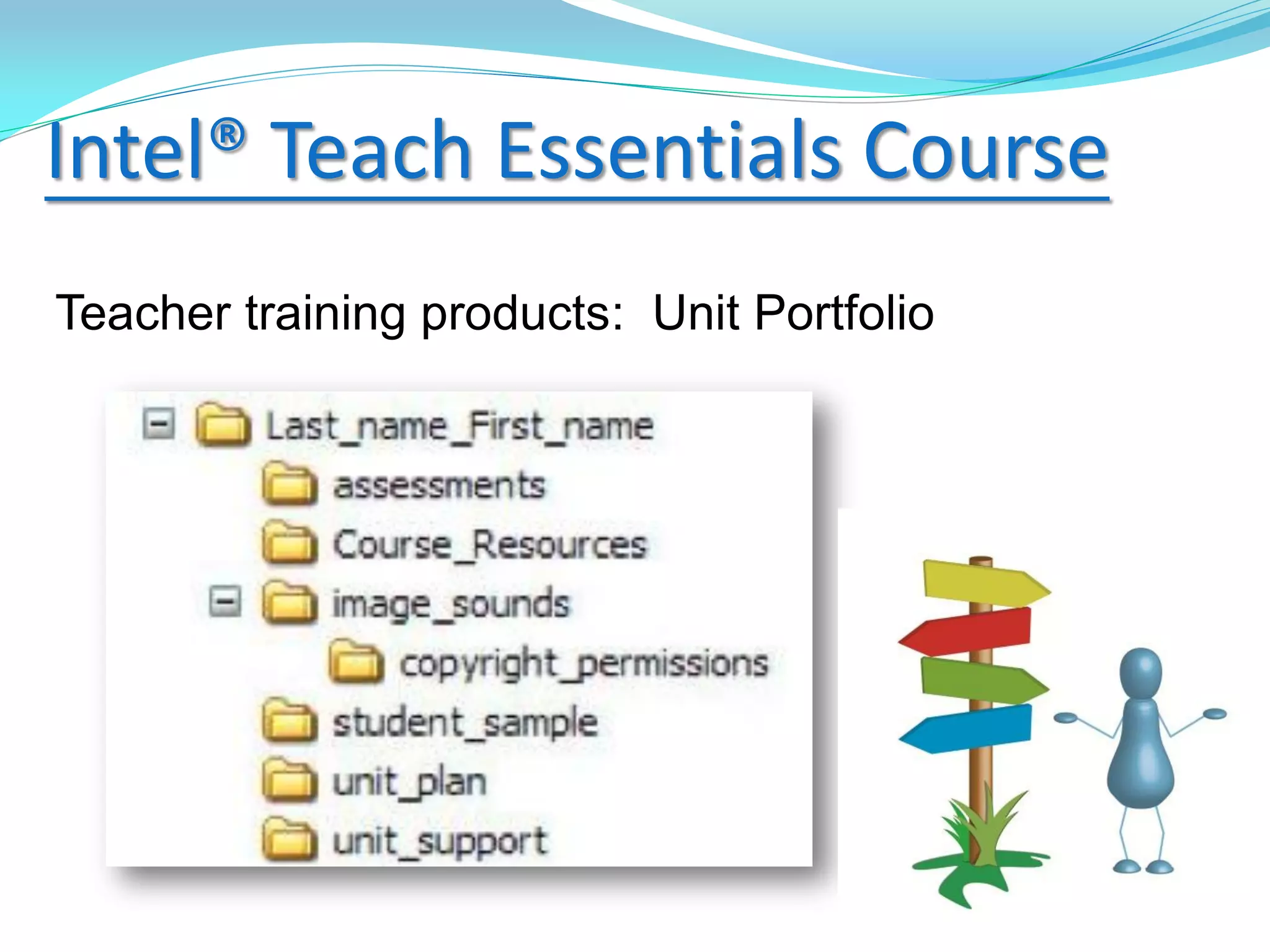
Intel® Teach Essentials Course
Teacher training products: Unit Portfolio
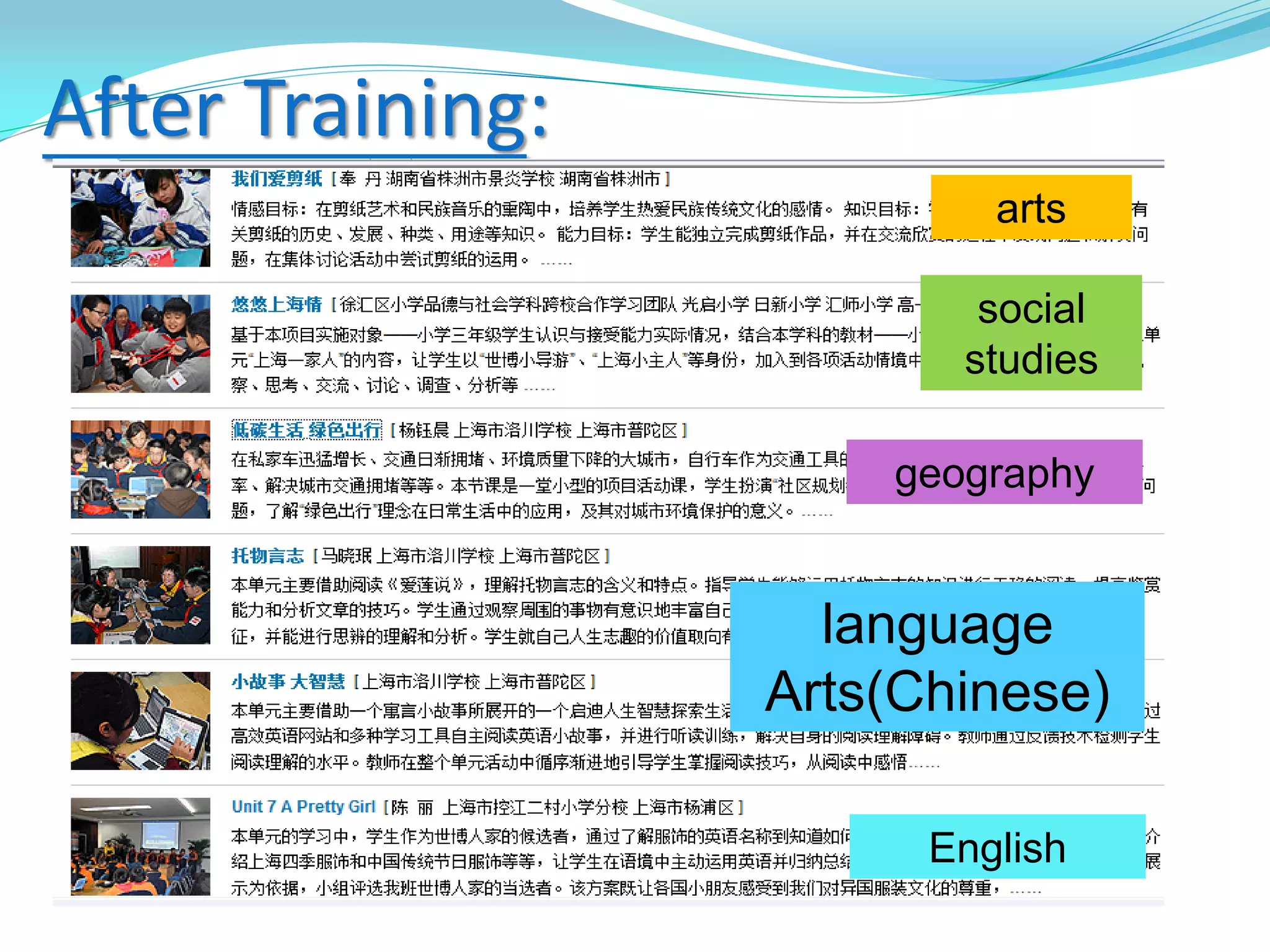
After Training:
arts
social
studies
geography
language
Arts(Chinese)
English
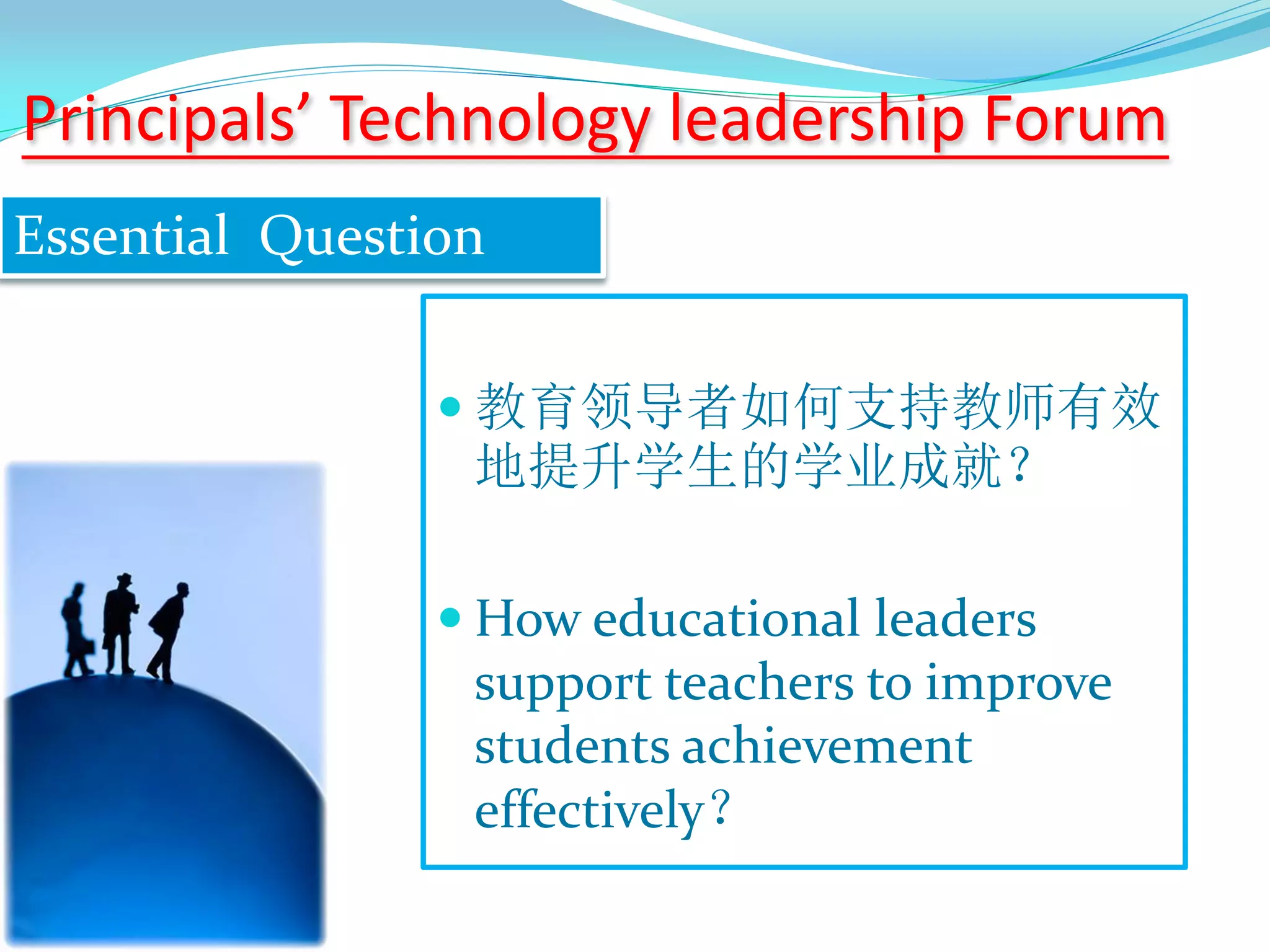
 教育领导者如何支持教师有效
地提升学生的学业成就?
 How educational leaders
support teachers to improve
students achievement
effectively?
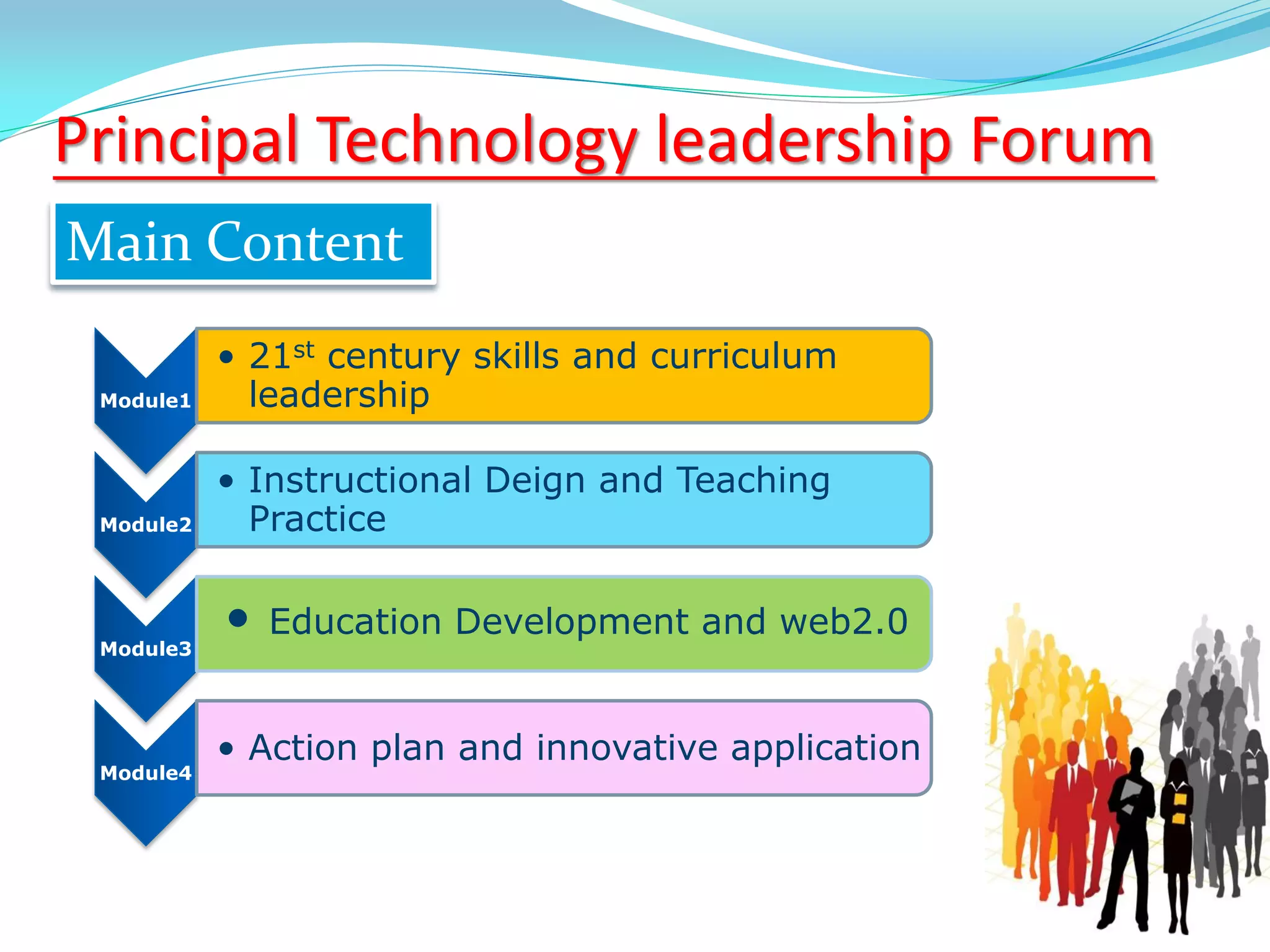
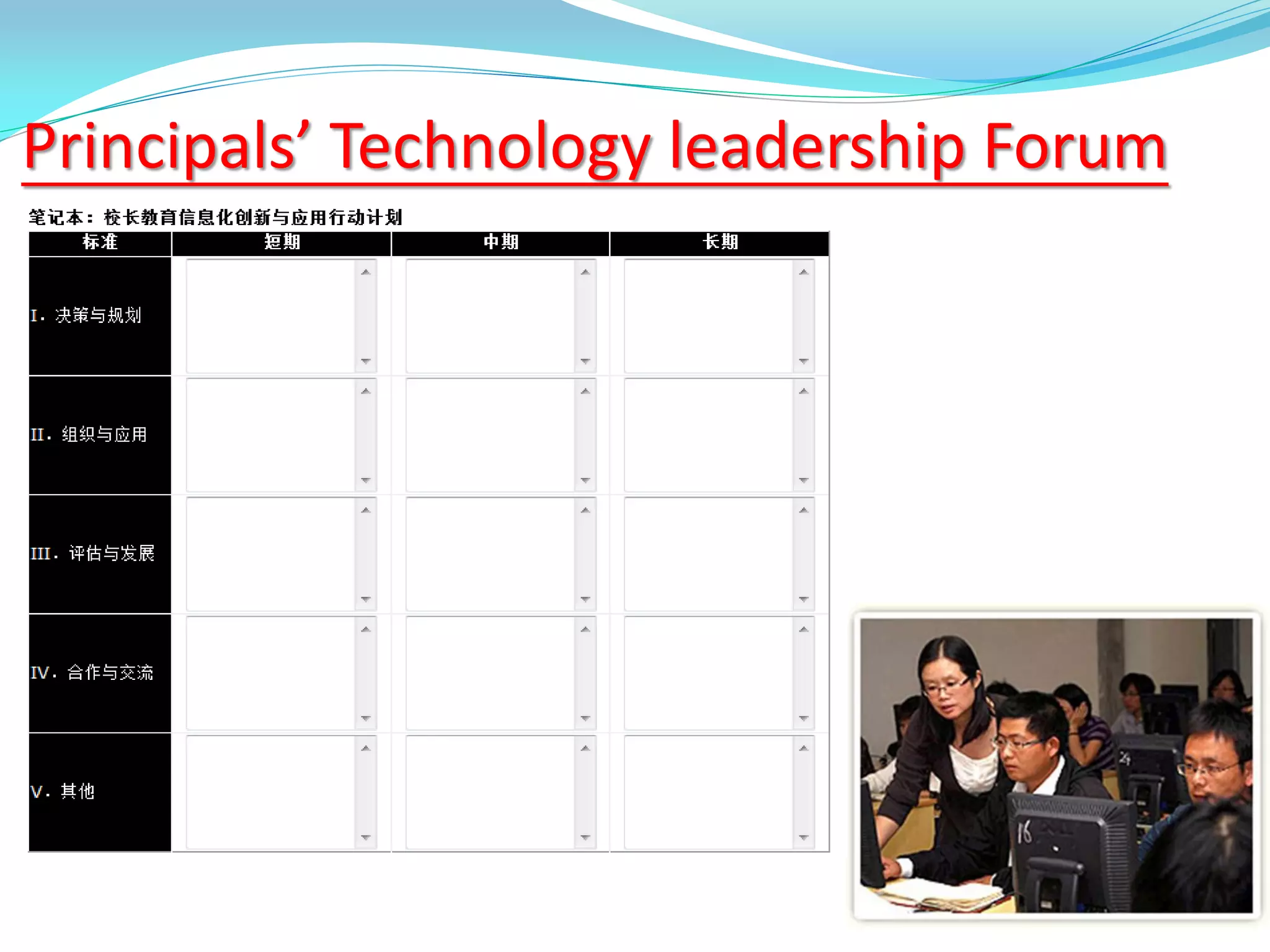
Principals’ Technology leadership Forum
Essential Question
Module1
• 21st century skills and curriculum
leadership
Module2
• Instructional Deign and Teaching
Practice
Module3
• Education Development and web2.0
Module4
• Action plan and innovative application
Main Content
Principal Technology leadership Forum
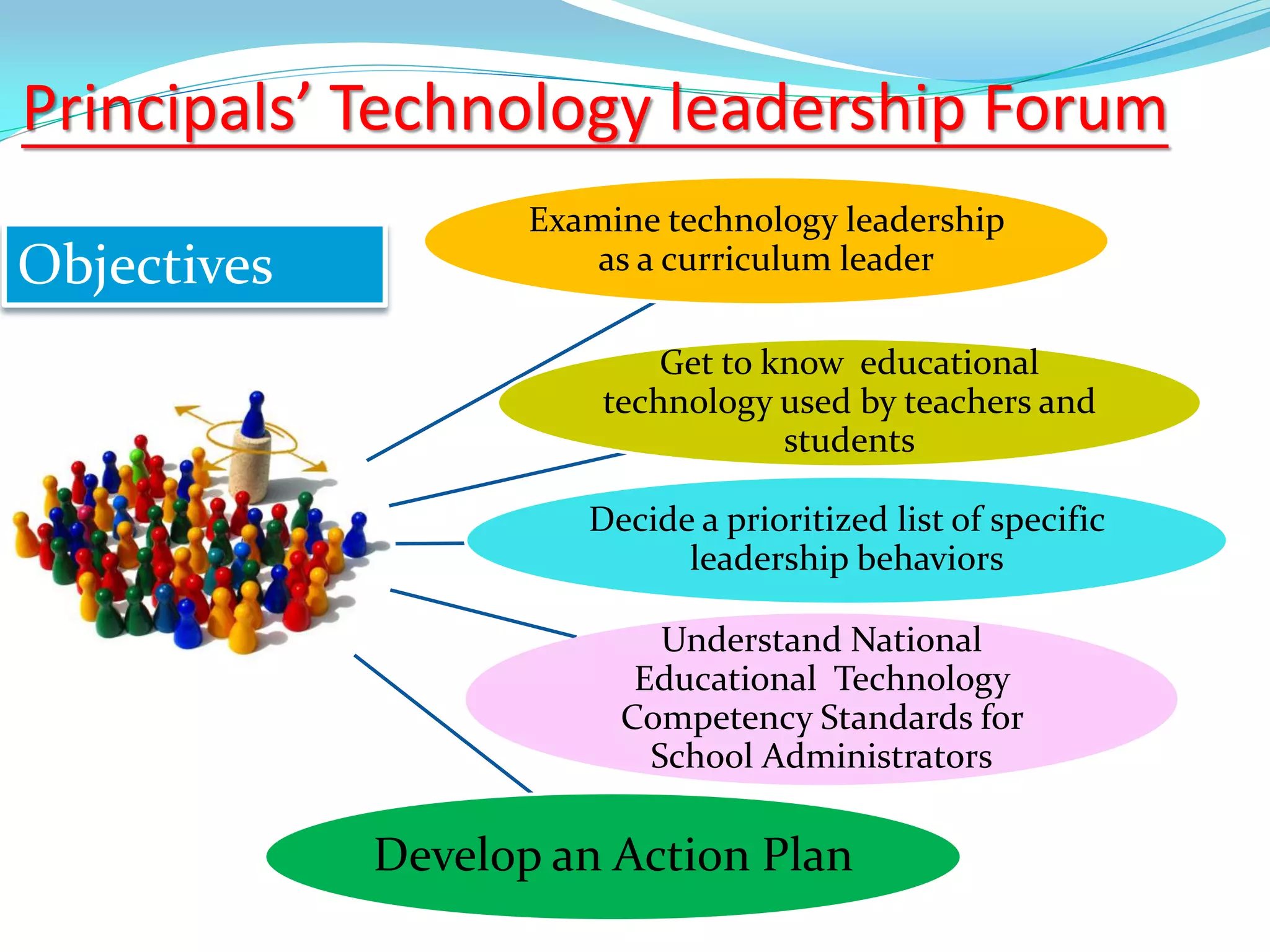
Principals’ Technology leadership Forum
Objectives
Examine technology leadership
as a curriculum leader
Get to know educational
technology used by teachers and
students
Decide a prioritized list of specific
leadership behaviors
Understand National
Educational Technology
Competency Standards for
School Administrators
Develop an Action Plan
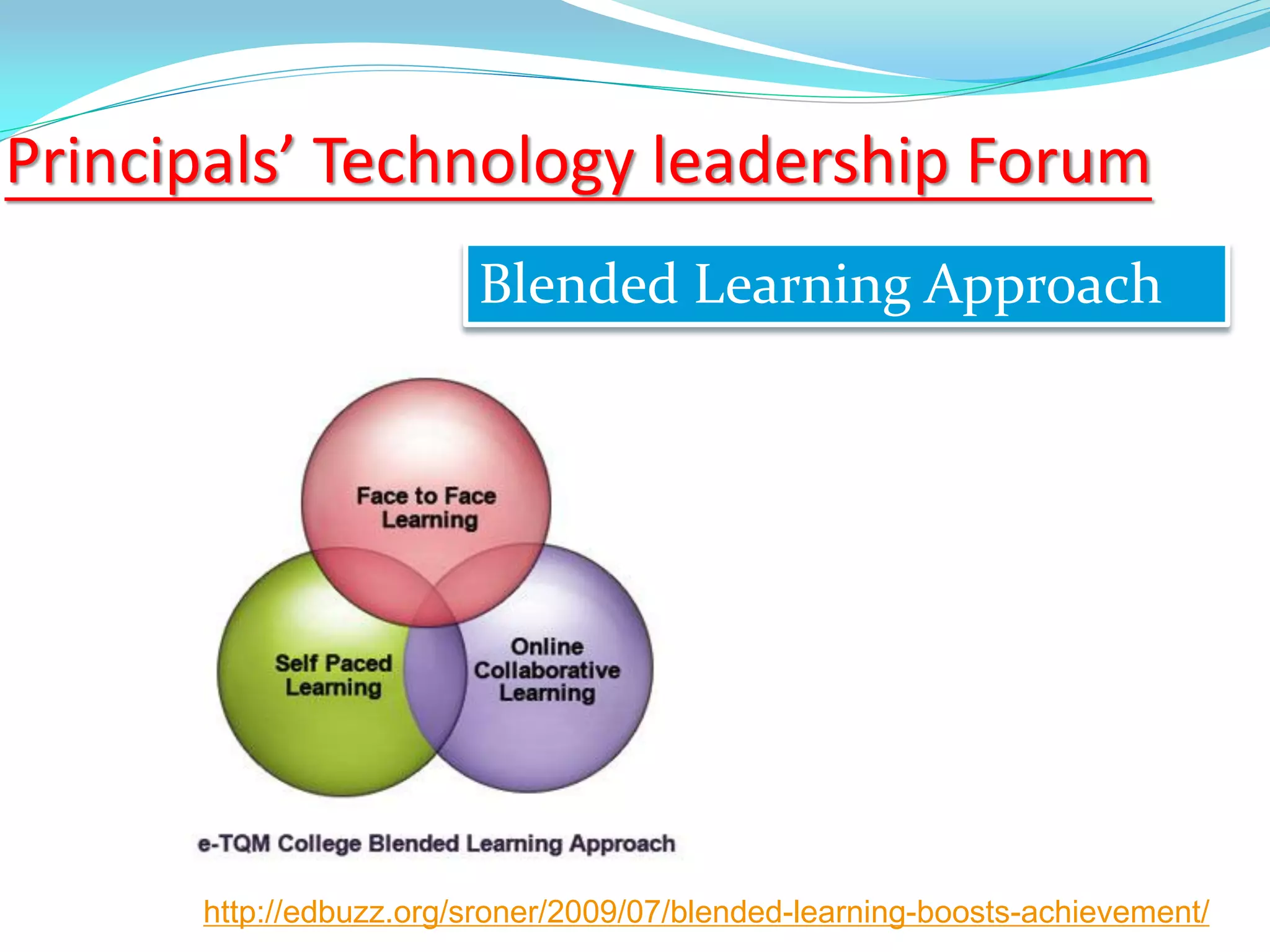
Principals’ Technology leadership Forum
Blended Learning Approach
http://edbuzz.org/sroner/2009/07/blended-learning-boosts-achievement/
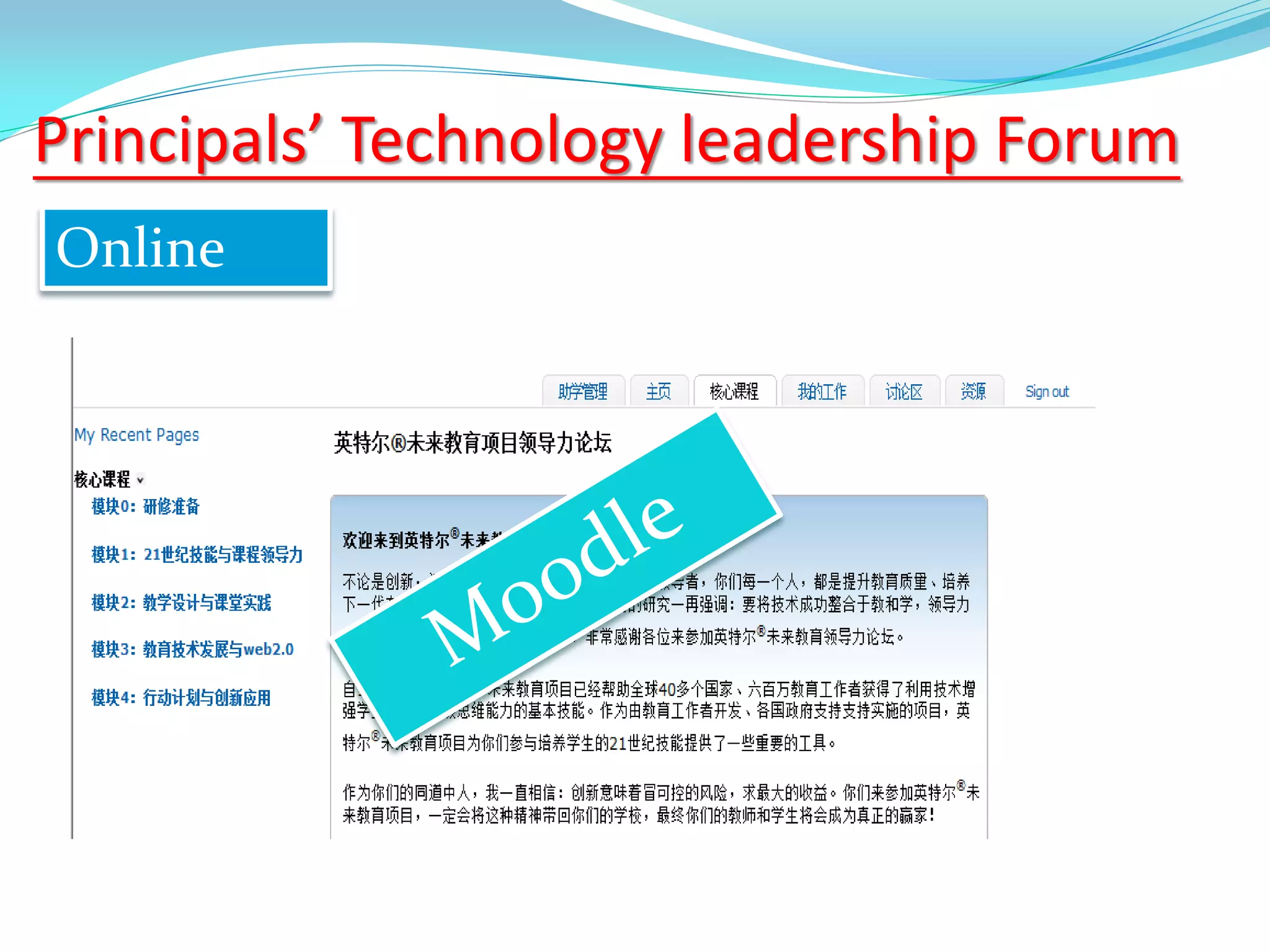
Principals’ Technology leadership Forum
Online
Principals’ Technology leadership Forum
The ideas and skills are helpful
Experiencing promotes deeper
understanding
Action plan will be implemented
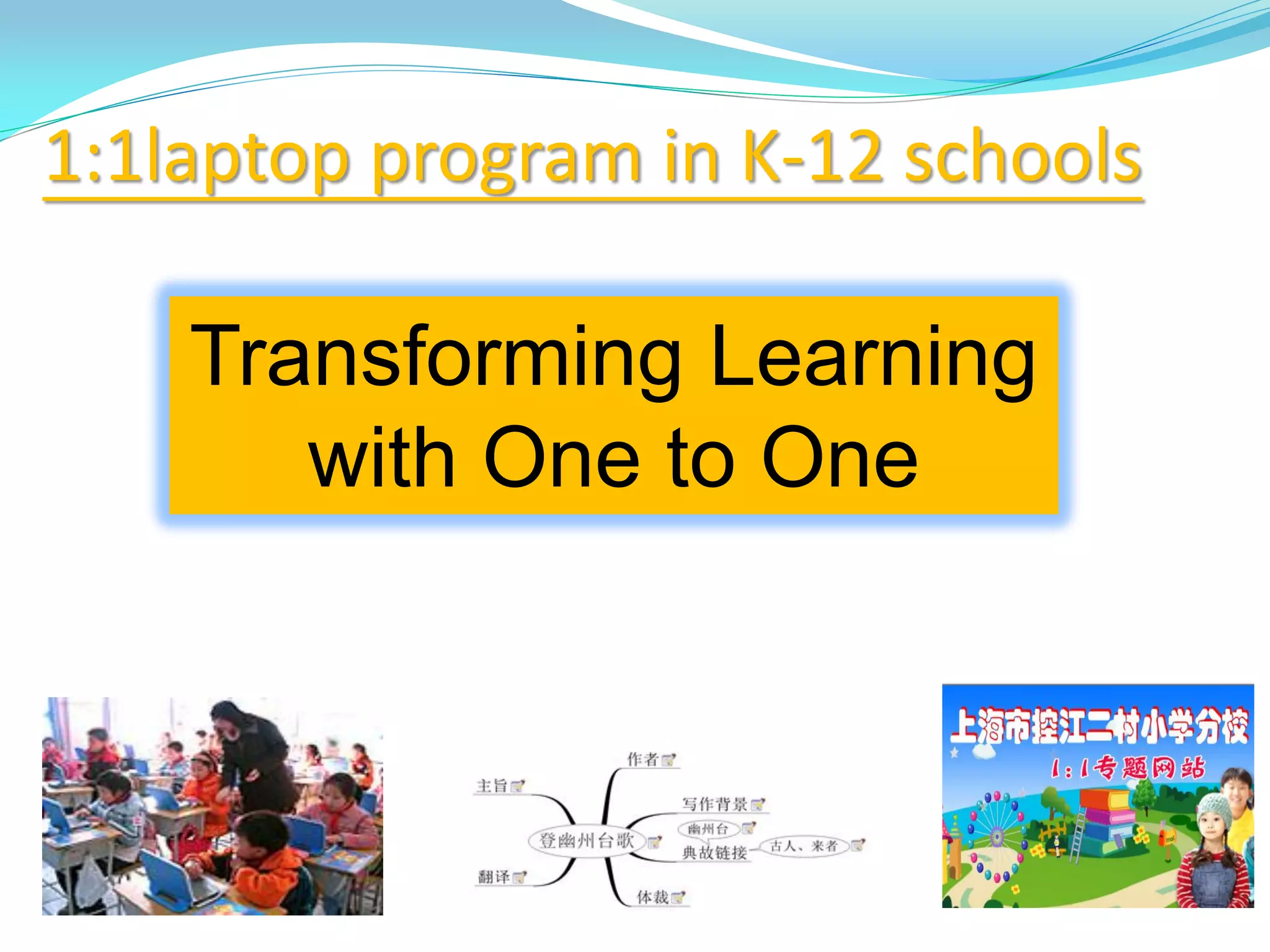
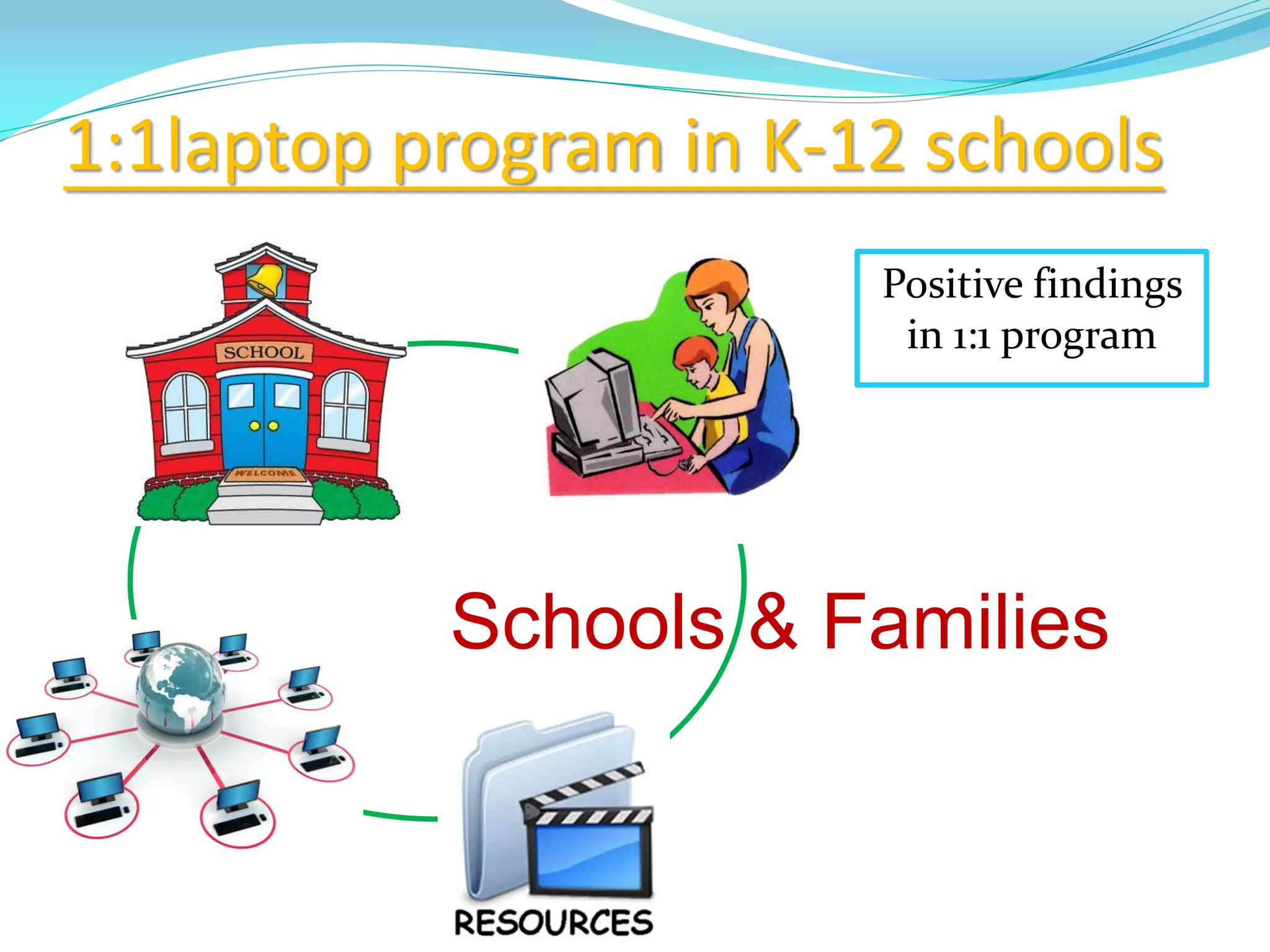
1:1laptop program in K-12 schools
Transforming Learning
with One to One
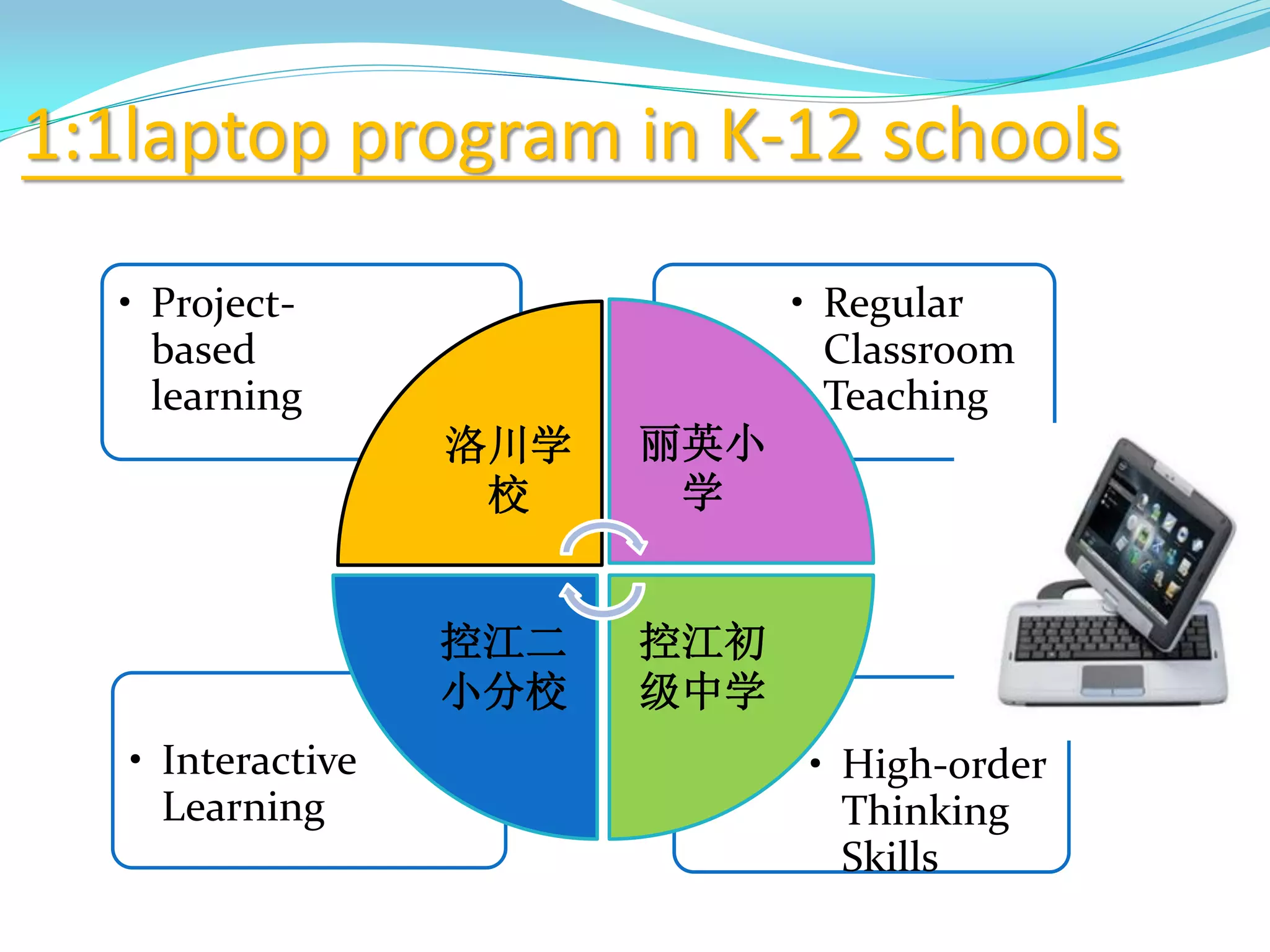
• High-order
Thinking
Skills
• Interactive
Learning
• Regular
Classroom
Teaching
• Project-
based
learning
洛川学
校
丽英小
学
控江初
级中学
控江二
小分校
1:1laptop program in K-12 schools
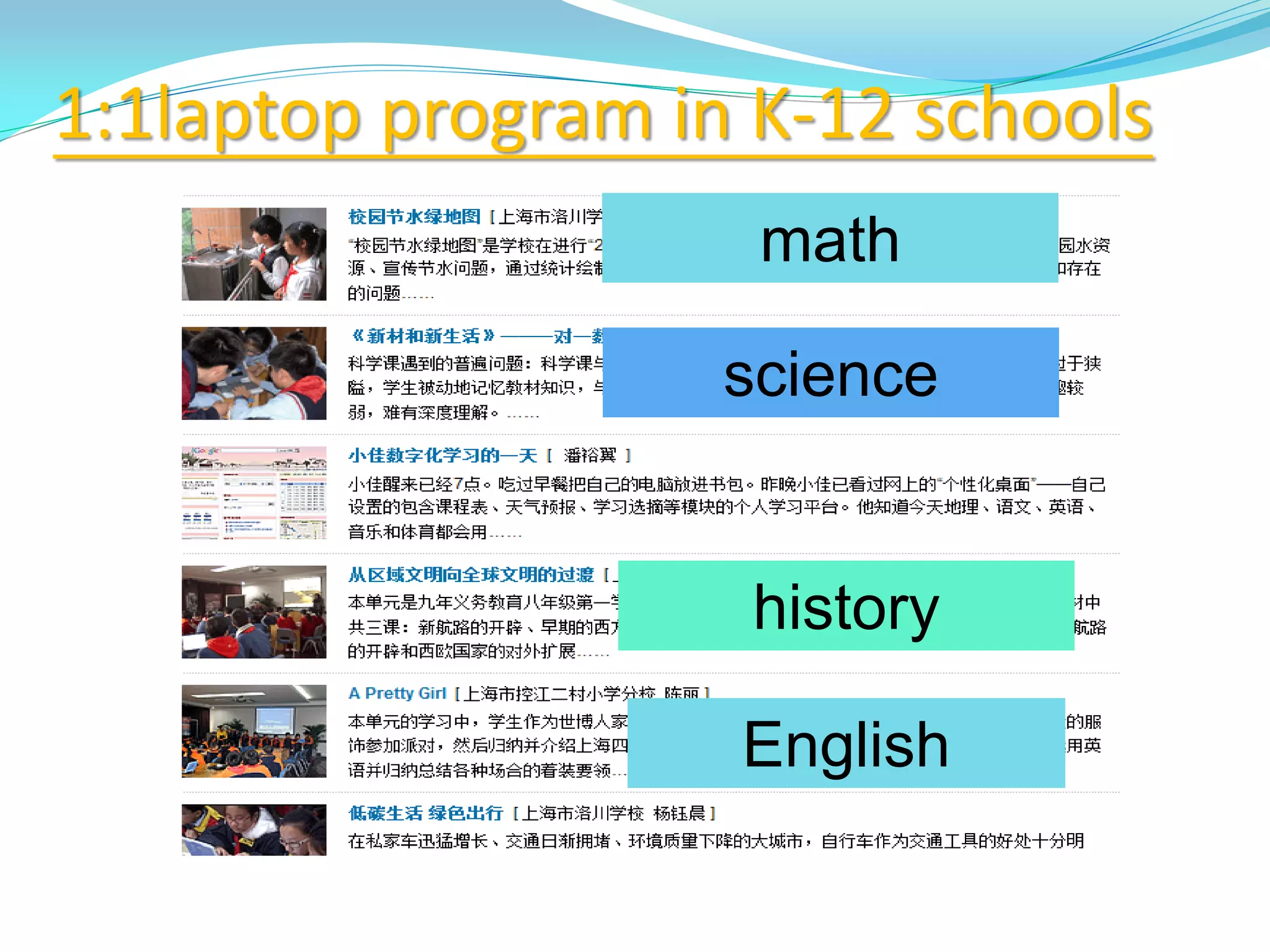
math
science
history
English
1:1laptop program in K-12 schools
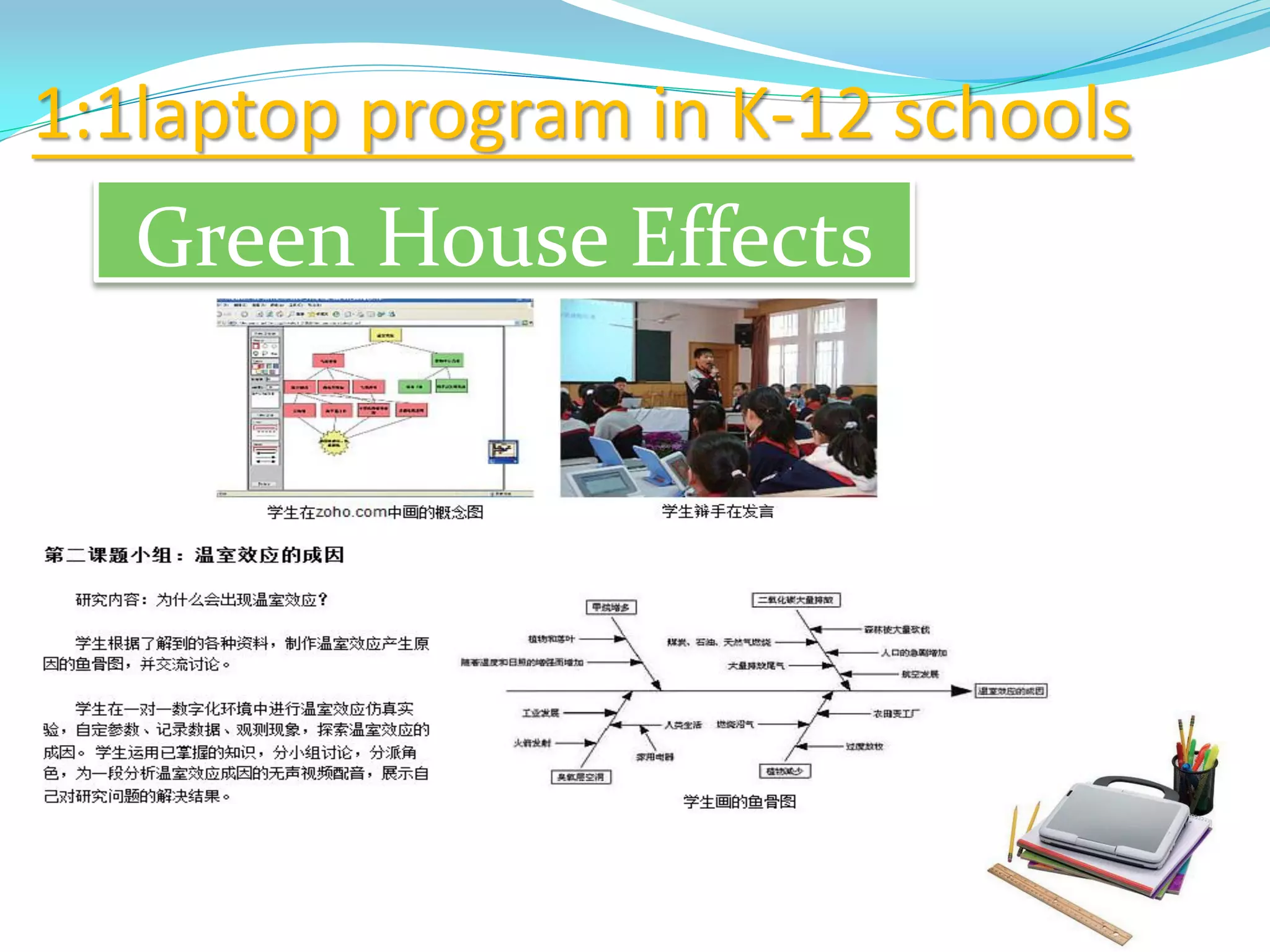
Green House Effects
1:1laptop program in K-12 schools
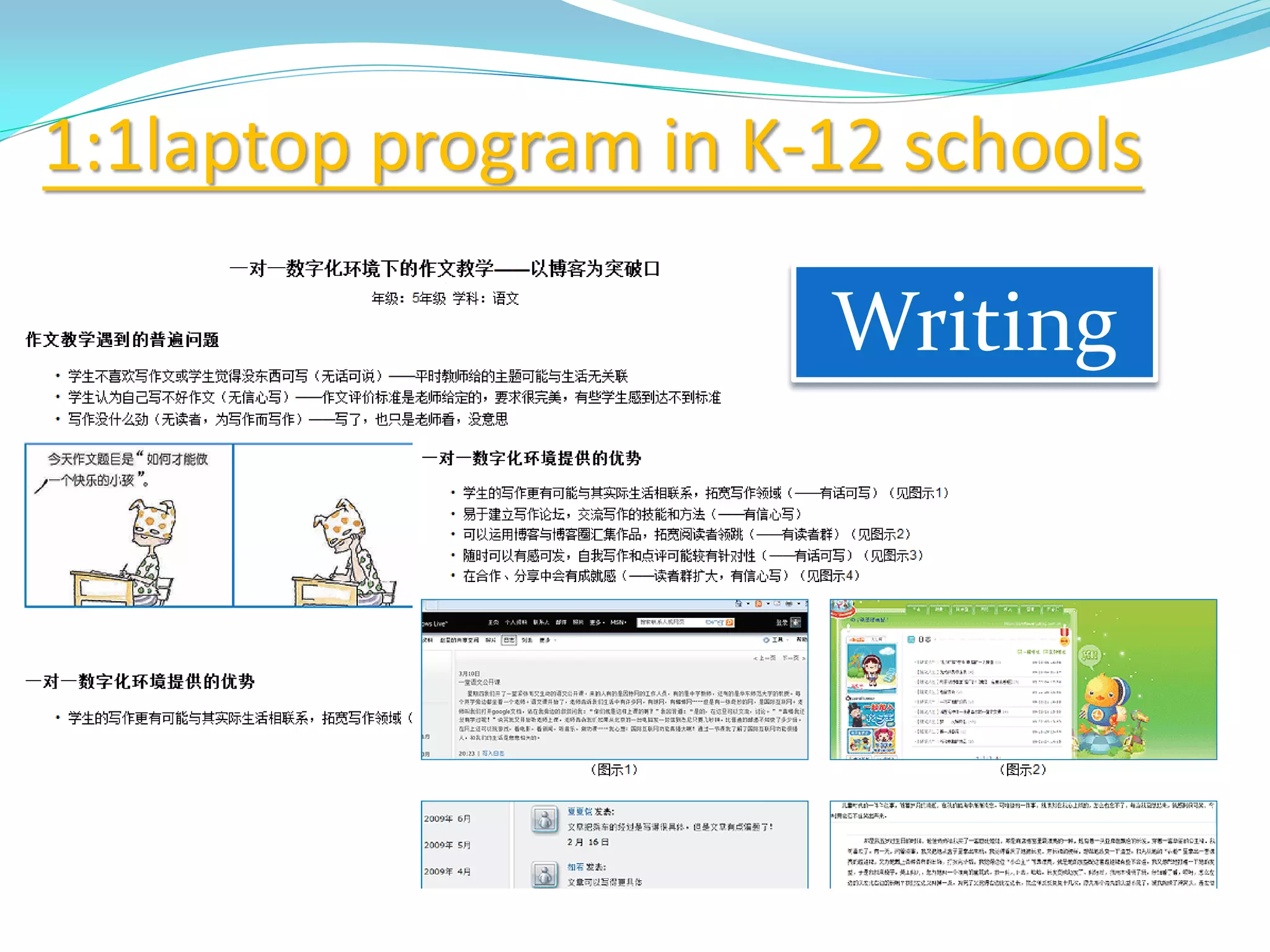
Writing
1:1laptop program in K-12 schools
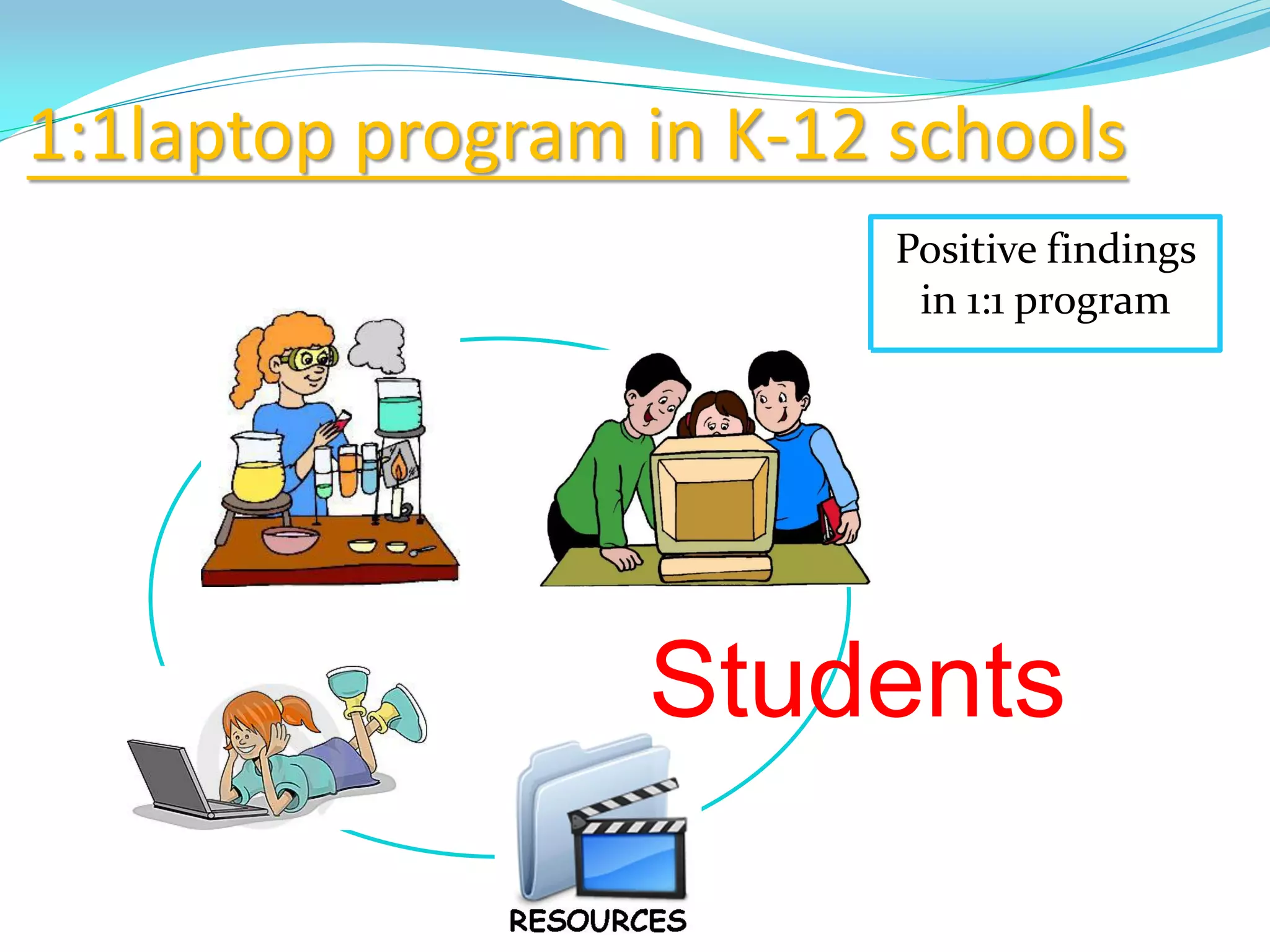
Positive findings
in 1:1 program
Students
1:1laptop program in K-12 schools
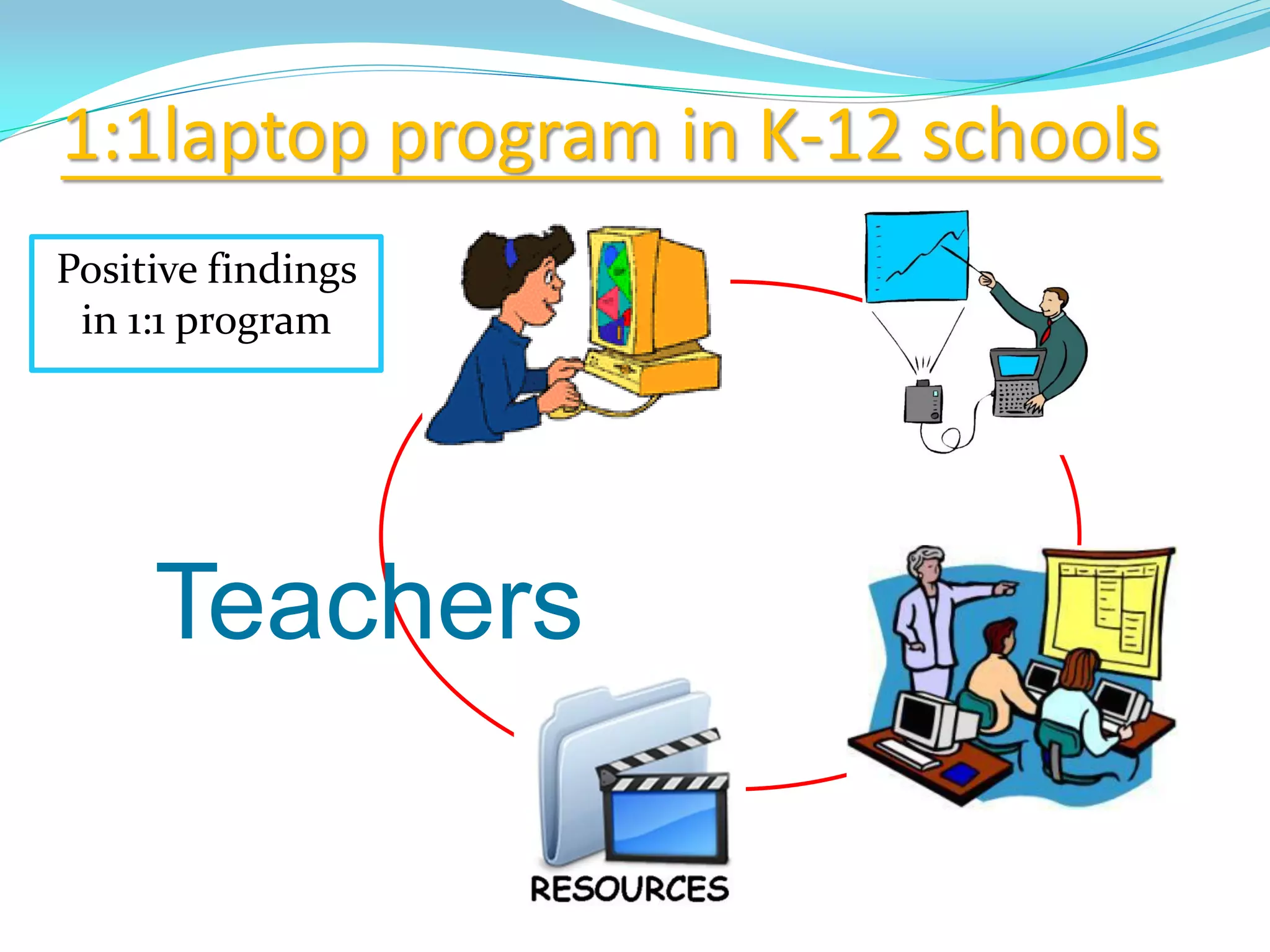
Teachers
Positive findings
in 1:1 program
1:1laptop program in K-12 schools
Positive findings
in 1:1 program
Schools & Families
1:1laptop program in K-12 schools
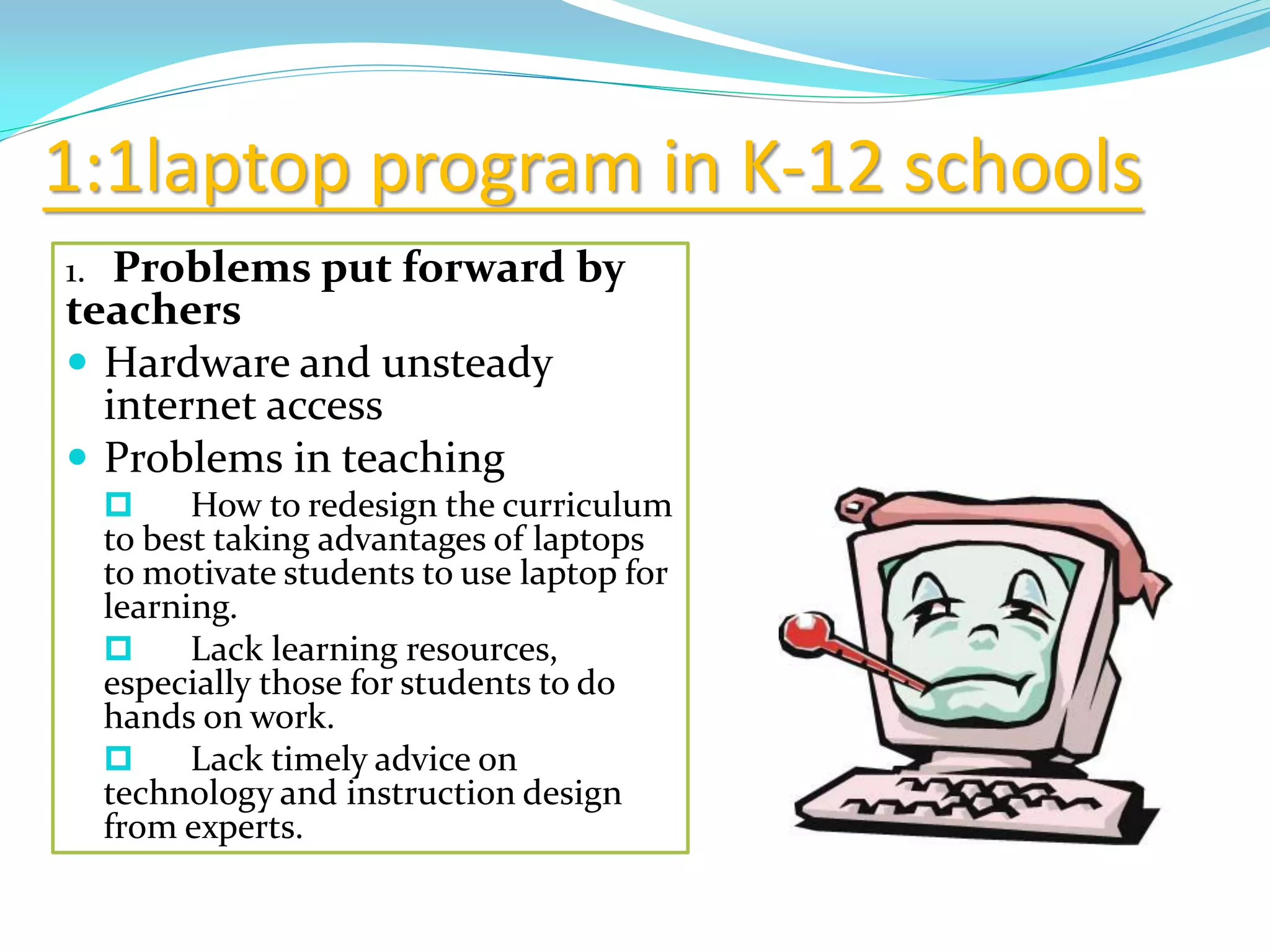
1. Problems put forward by
teachers
 Hardware and unsteady
internet access
 Problems in teaching
 How to redesign the curriculum
to best taking advantages of laptops
to motivate students to use laptop for
learning.
 Lack learning resources,
especially those for students to do
hands on work.
 Lack timely advice on
technology and instruction design
from experts.
1:1laptop program in K-12 schools
2. Problems put forward
by researchers
 No overall planning and
design for 1:1 learning
environment
 Teachers’ professional
development level is still one
of the major obstacles that
make the learning to be more
efficient.
 Not enough resources to
support 1:1 learning
1:1laptop program in K-12 schools
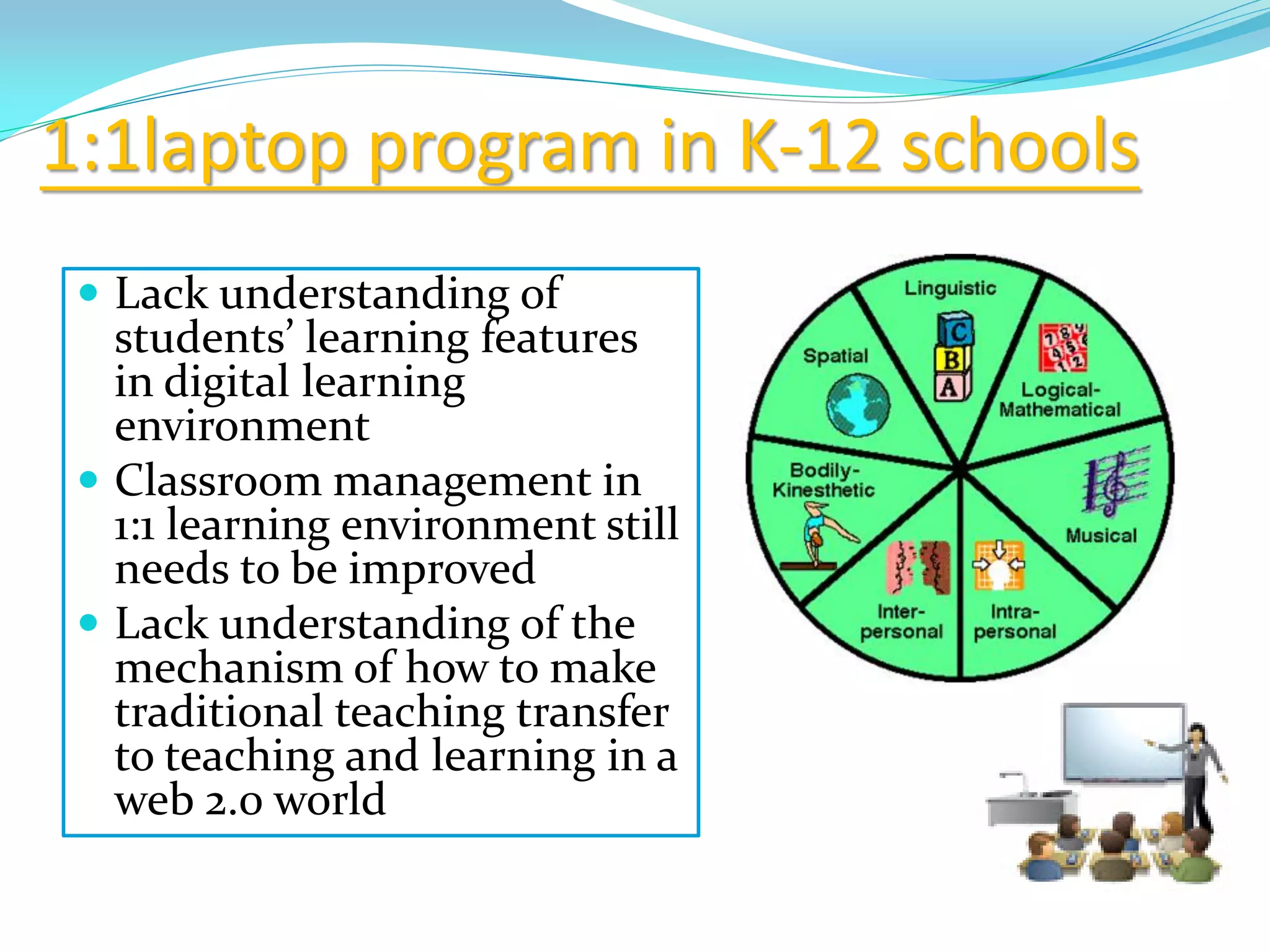
 Lack understanding of
students’ learning features
in digital learning
environment
 Classroom management in
1:1 learning environment still
needs to be improved
 Lack understanding of the
mechanism of how to make
traditional teaching transfer
to teaching and learning in a
web 2.0 world
1:1laptop program in K-12 schools
Laptops are using in an
integrated and effective way to
enhance students learning and
become students learning
companions that support them
learning anywhere, anytime.
Vision
http://kislay.co.in/about_us
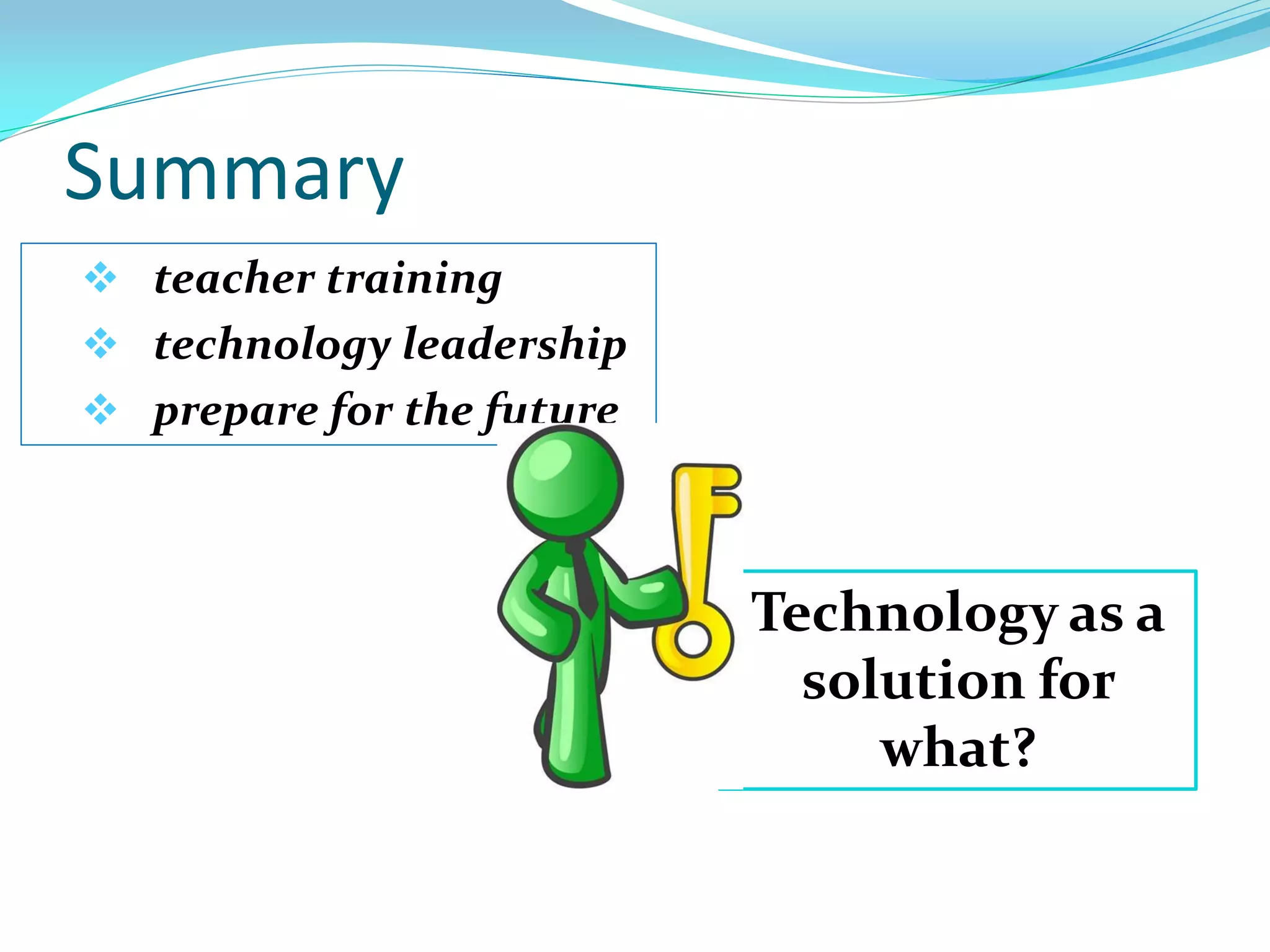
Summary
 teacher training
 technology leadership
 prepare for the future
Technology as a
solution for
what?
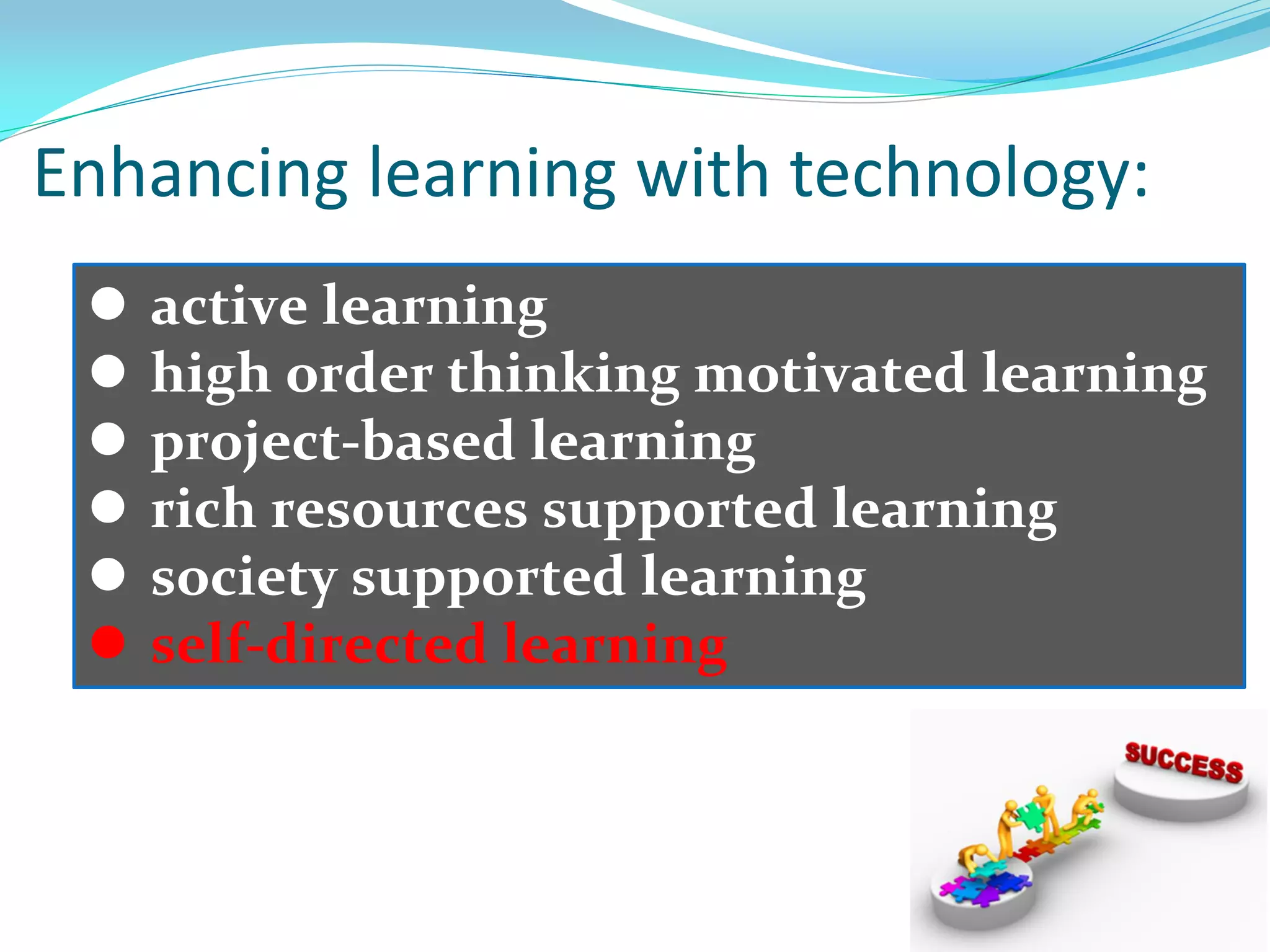
 active learning
 high order thinking motivated learning
 project-based learning
 rich resources supported learning
 society supported learning
 self-directed learning
Enhancing learning with technology:
http://www.inloughborough.com/news/000877/Loughborough%20Tops%20for%20Teachers
http://lwcorange.keyboarding.com
http://www.istockphoto.com/stock-photo-6321121-searching.php
http://adityabikram.blogspot.com/2010/01/are-online-courses-for-you.html
http://retp.eng.usf.edu/research/index_text.htm
http://www.clipartguide.com/_pages/0511-0902-0801-4559.html
http://www.guystuffcounseling.com/counseling-men-blog/bid/40529/Why-Can-t-My-Husband-
Communicate-With-Me-Marriage-Counselor
http://www.babyboomercaretaker.com/retirement/401k/How-Much-Can-I-Contribute-To-My-401k-Per-
Year.html
http://www.humbleisd.net/OFE/site/default.asp
http://themothertongue.wordpress.com/2008/03/13/is-a-good-teacher-worth-125000/
http://21centuryedtech.wikispaces.com/21+Century+Info
http://rjschool.com/
http://ggfl.asu.edu/
http://www.deltachristianschool.org/374228.ihtml
http://www.slideshare.net/eportfolios/classroom20
http://www.slideshare.net/jmedved/looking-for-learning-in-21st-century-classrooms-a-leadership-guide-to-
supporting-and-coaching-best-practice-technology-use-across-the-curriculum
Pictures I used
http://www.vrml.k12.la.us/mmcs/
http://dir.coolclips.com/Nature/Environment/Environment_Concepts/sea_life_star_fish,_cra
b,_fish,_sea_shells_vc004550.html
http://www.labourlist.org/the-big-society-is-here-where-is-the-labour-response
http://www.123rf.com/photo_5740796_3d-rendering-of-a-cool-and-funny-emoticon-with-a-
question-mark.html
http://www.cashflowguardian.com/WhyYouNeedCFG/tabid/77/Default.aspx
http://flowtv.org/2006/07/strategic-liberalism-and-media-reform/
http://automotivesalestrainers.com/automotive-sales-training/automax-trainers-apply-
differential-education-theory-in-curriculum-development/attachment/training_clipart/
http://classroomtales.com/
http://theflagshipgroupinc.com/aboutus.html
http://projectmanagement-software.info/three-reasons-that-make-windows-vps-hosting-
appealing-to-software-developers
http://www.slumberinggiants.co.uk/the-prize-2/
http://evidencesx.wordpress.com/2008/05/20/is-there-any-premium-fee-for-social-media-
leaders/
http://frankejbypoulsen.wordpress.com/2008/06/15/encouraging-words/
http://www.mypay-computers-credit.com/laptop-notebook-computers/intel-convertible-
classmate-pc-netbook-financed/3932/
http://www.todaysteacher.com/Simulations.htm
http://www.computerhardwareinc.com/education/mimio/the-interactive-classroom/
http://pursuit-of-excellence.com/5th/
http://www.kudlian.net/products/icananimate/download/index.html
http://www.againstalloddscoaching.com/Workshops/SelfPacedLearningPackage/tabid/71/Def
ault.aspx
http://www.leonline.net/leo/uk/home.nsf/Categories/C?OpenDocument
http://eduscapes.com/tap/topic80.htm
http://ic3cup.blogspot.com/2009/02/more-advice-for-instructors-and-top.html
http://www.lttechno.com/links/onecomputerclassroom.html
http://www.scjoaonline.org/mysite3/default.htm
http://effectivechildrensministry.org/2010/01/31/great-internet-resource-sites/
http://www.itsnotacon.co.uk/2010/06/25/no-security-software-no-surfing/
http://www.allfreelogo.com/rf-vector/12207949-student-girl-vector.html
http://www.saidaonline.com/en/news.php?go=fullnews&newsid=311
http://erplife.com/category/business-matters/billing/
http://blog.shoplet.com/school-supplies/inspiration-for-your-my-teacher-rocks-contest-apple/
http://www.redstartcreative.com/logo-identity/vision_large/
http://www.indg.in/primary-education/best-practices/multiple-intelligences-theory-which-one-
your-learning-style
http://smarttech.com/us/Resources/SMART+education+programs
http://scrmworld.com/who-are-they-%E2%80%93-those-%E2%80%9Canswer%E2%80%9D-
people/
http://writingworks.homestead.com/WritersComments.html
http://maitlandconnects.blogspot.com/
http://www.stockphotopro.com/photo_of/Student/298058BGA/Student_At_Desk_With
Enable
Technology
Bring Learning!
Yumin Xiao
East China Normal University
yuminxiao@gmail.com
http://www.slideshare.net/xiaoyumin/

Teaching + technology= enhancing learning