SERVICE DESIGN
What is it? Why do it?
2
Welcome!
• Design Leader, Design Thinker
• User Experience, Employee Experience
• Facilitator
Judy Cotter
Design Thinker and Consultant
SERVICE DESIGN
What is it? Why do it?
AGENDA
Definitions
Case Study
Activity
Q & A
WHAT IS IT?
“Service Design -
The practice of designing all end-user touch
points, into a seamless choreography of planned
outcomes.
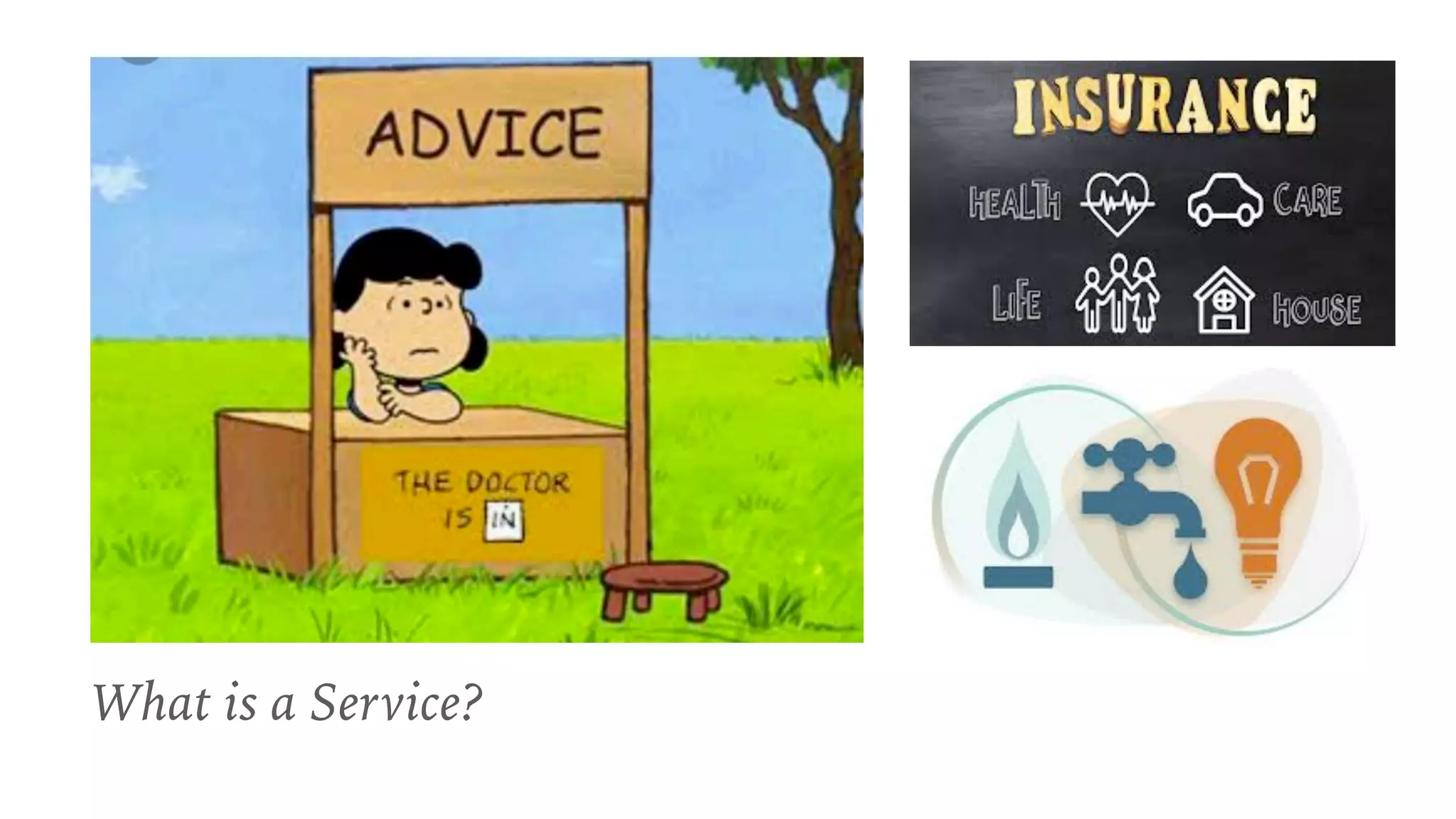
What is a Service?
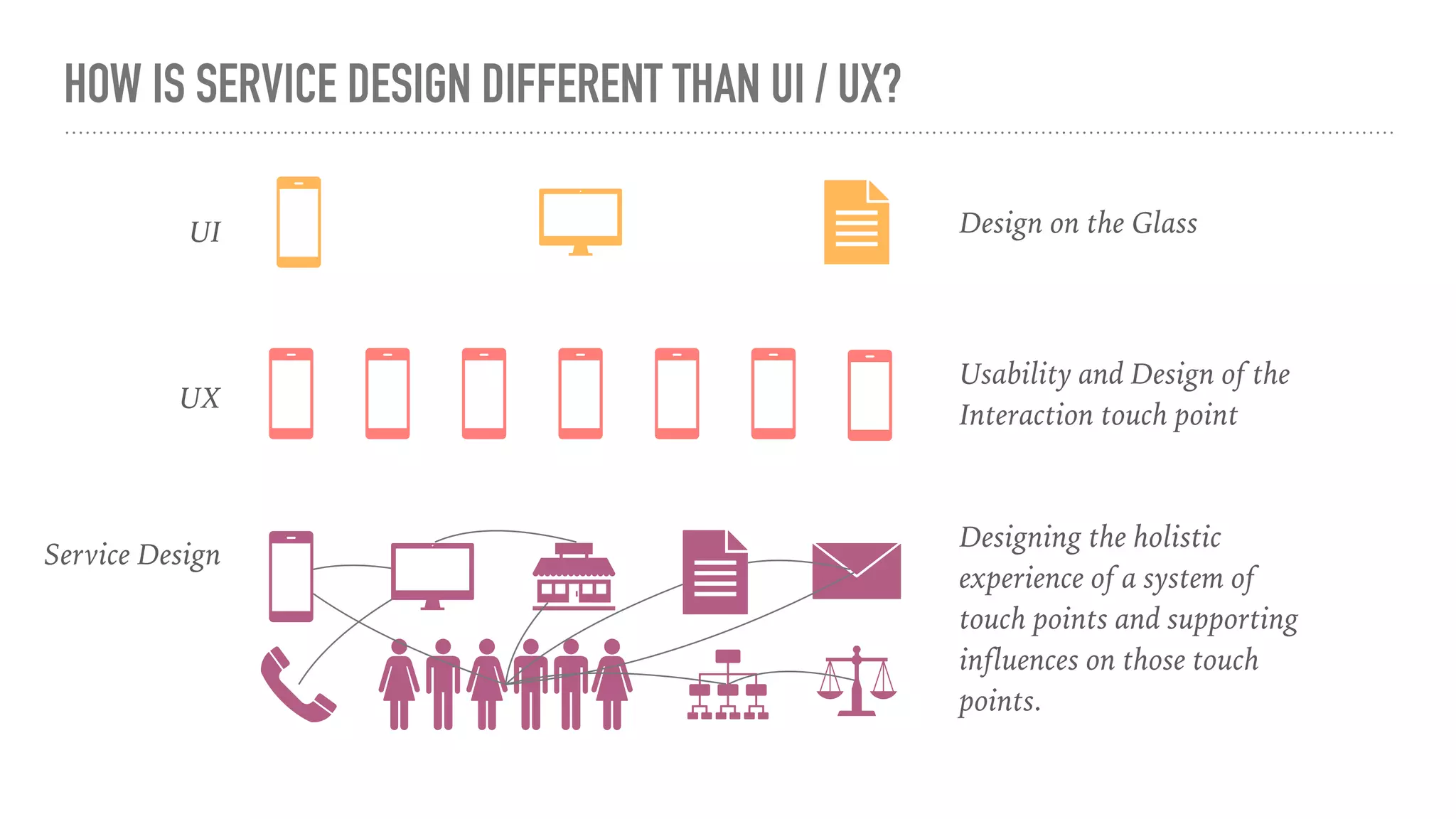
HOW IS SERVICE DESIGN DIFFERENT THAN UI / UX?
UX
Usability and Design of the
Interaction touch point
Service Design
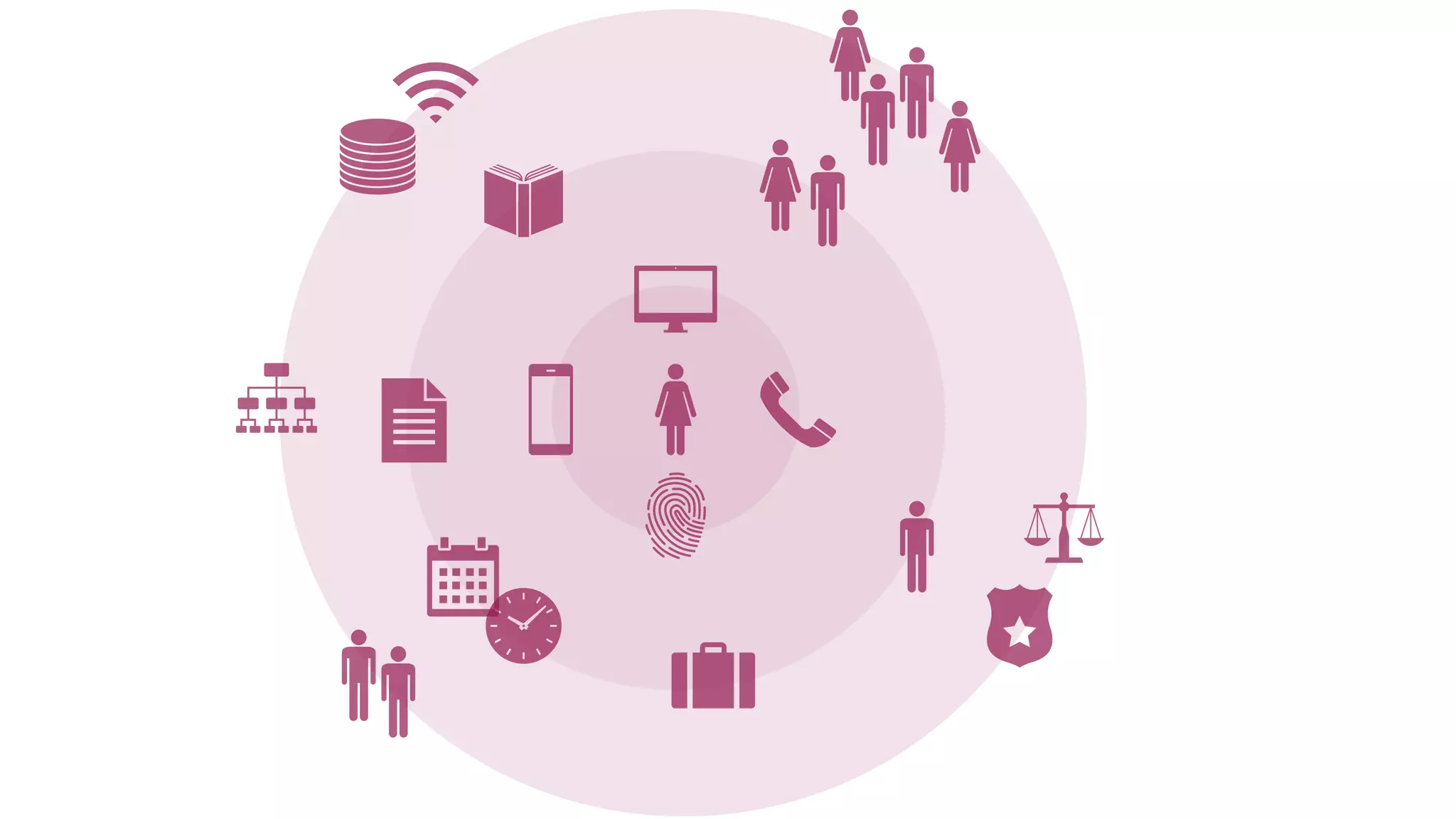
Designing the holistic
experience of a system of
touch points and supporting
influences on those touch
points.
UI Design on the Glass
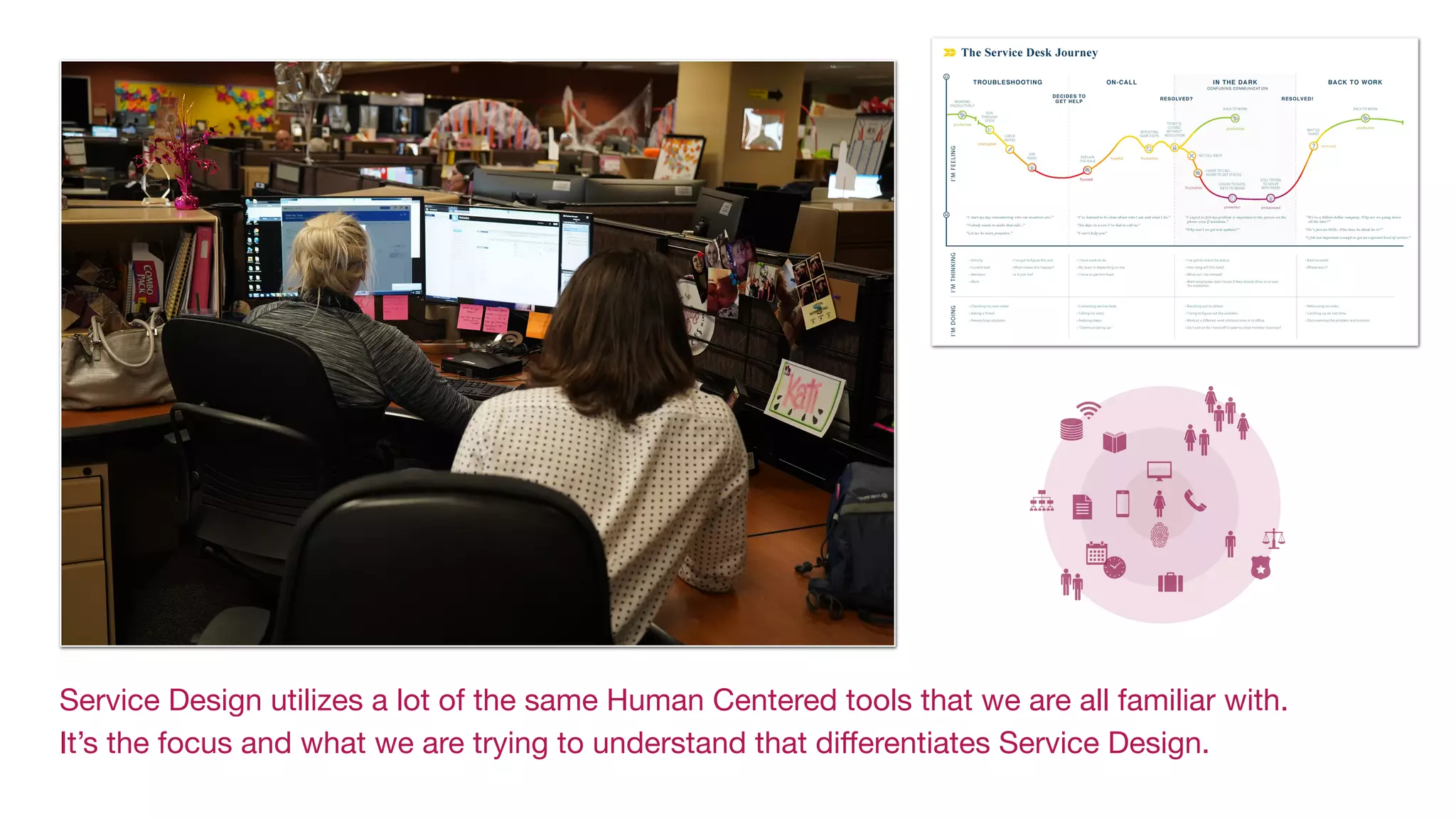
Service Design utilizes a lot of the same Human Centered tools that we are all familiar with.

It’s the focus and what we are trying to understand that differentiates Service Design.
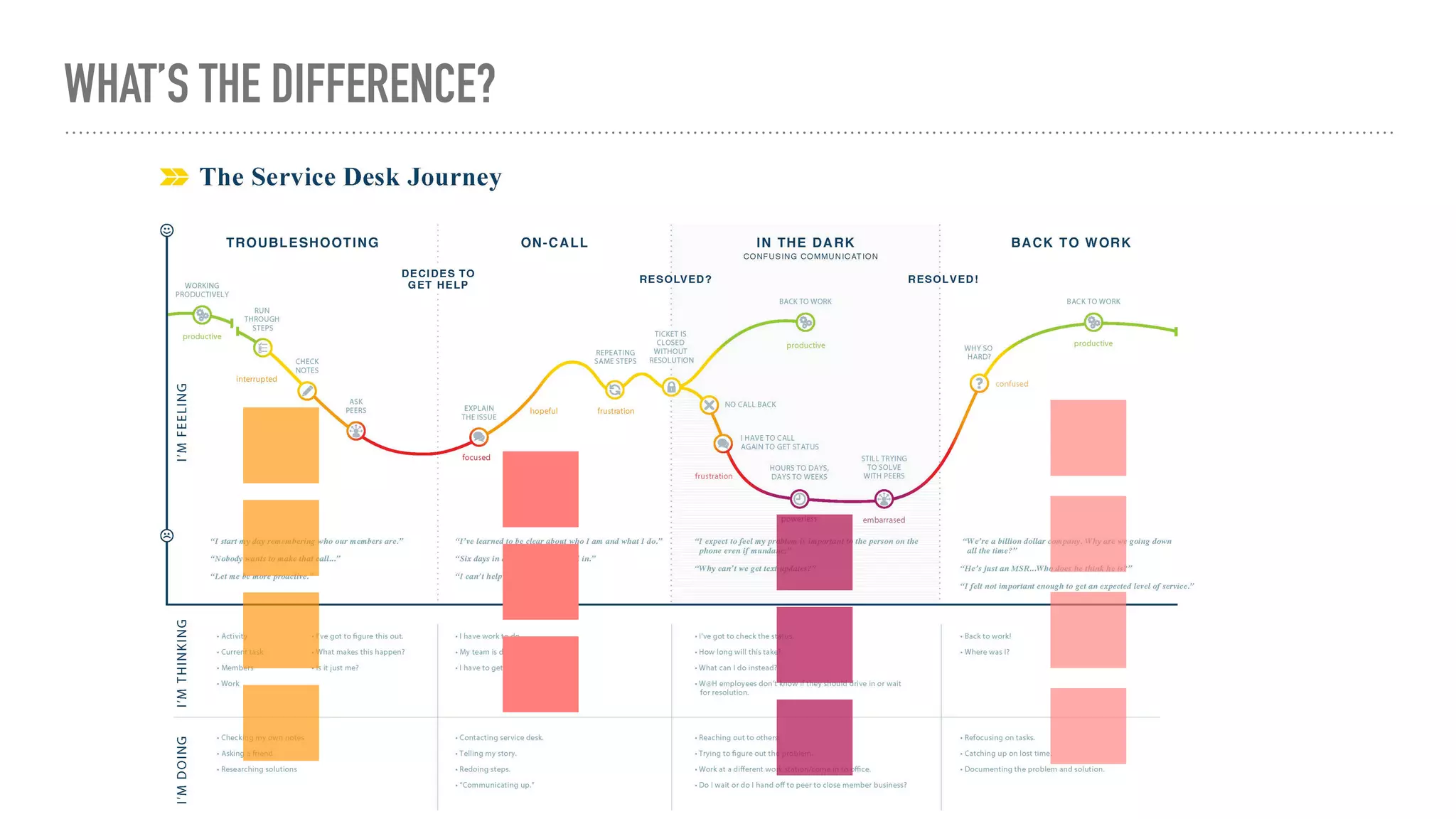
WHAT’S THE DIFFERENCE?
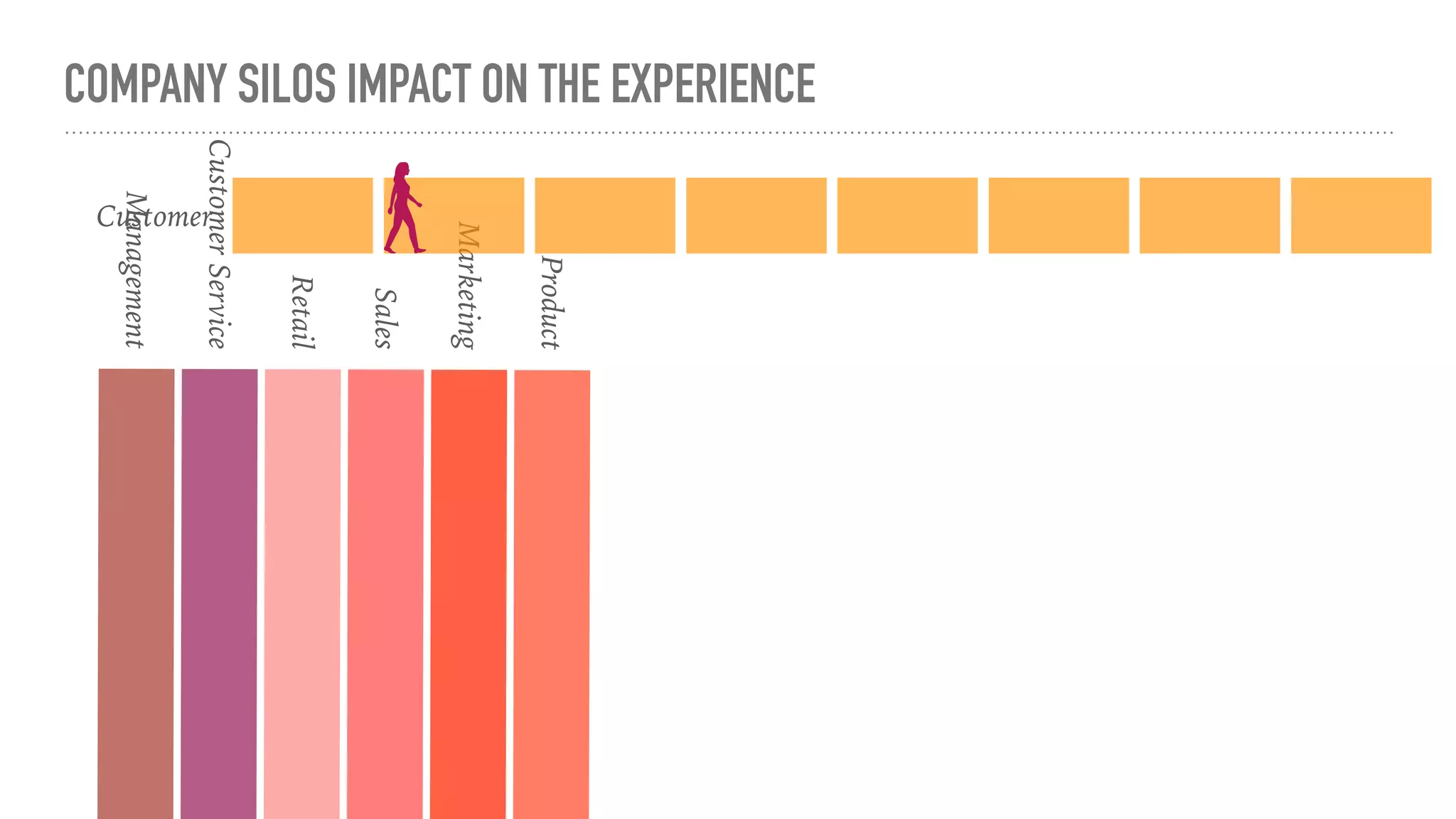
Sales
Retail
Customer
Service
Managemen
t
Product
Marketing
COMPANY SILOS IMPACT ON THE EXPERIENCE
Customer
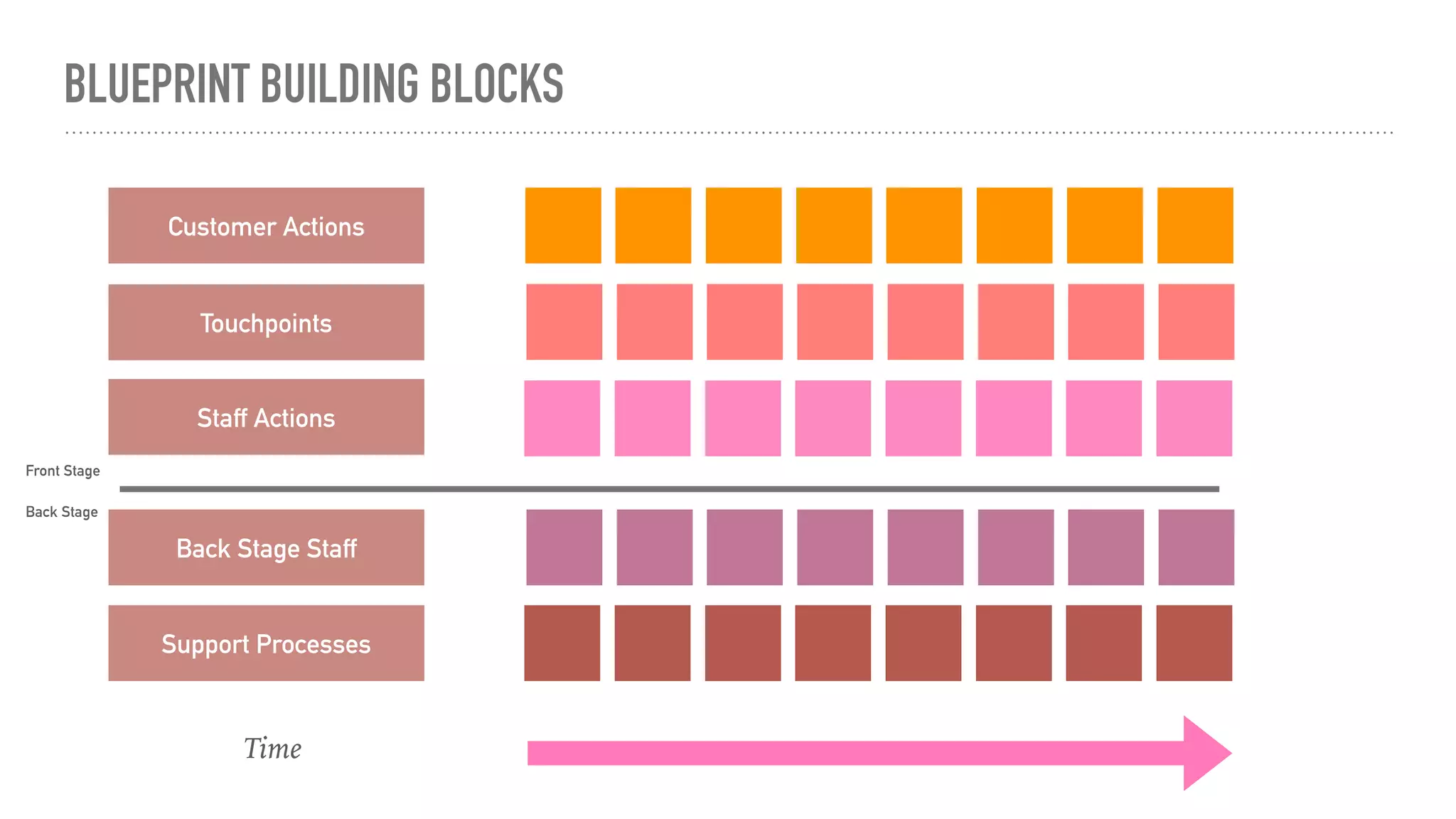
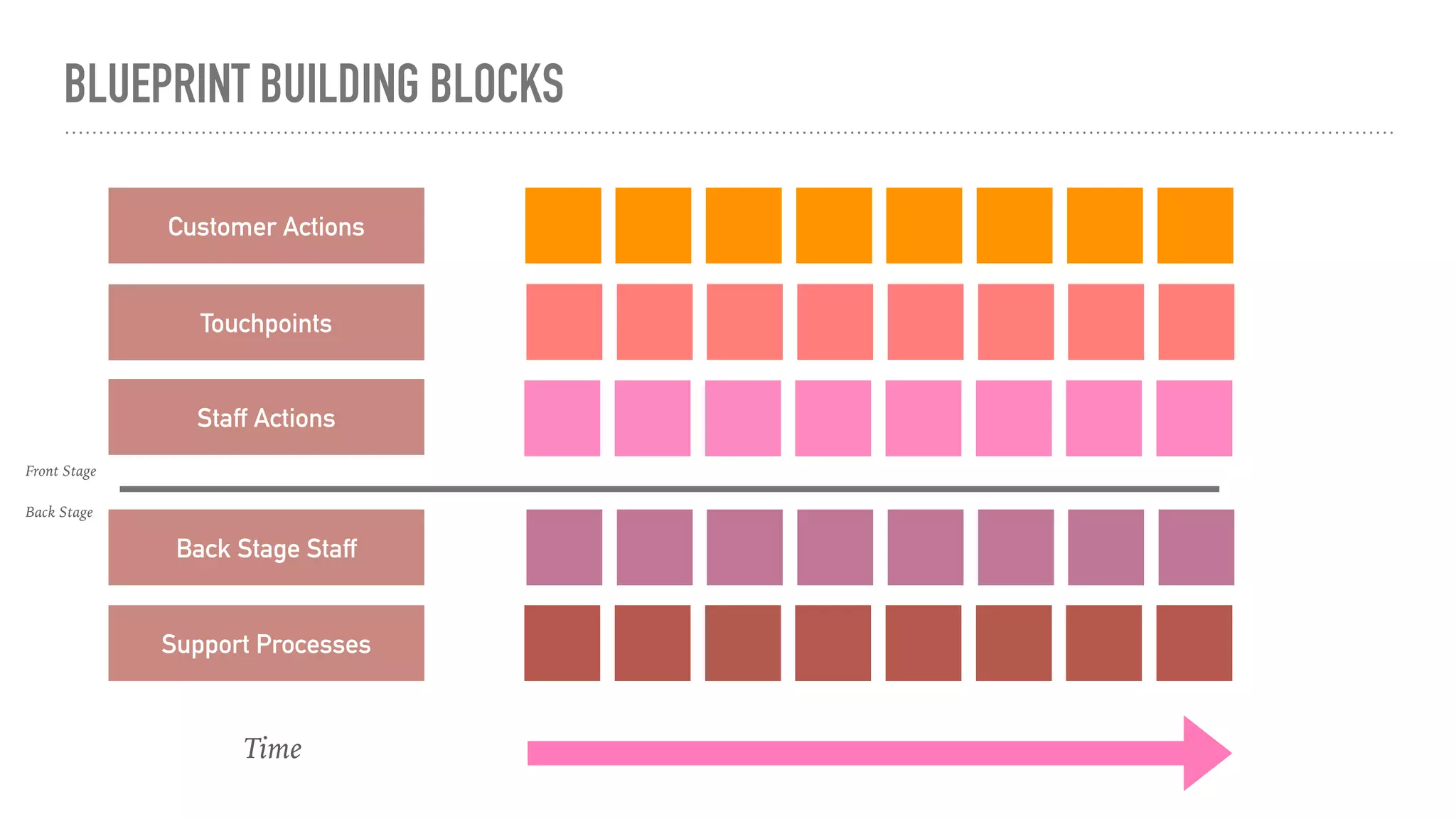
BLUEPRINT BUILDING BLOCKS
Customer Actions
Touchpoints
Staff Actions
Back Stage Staff
Support Processes
Time
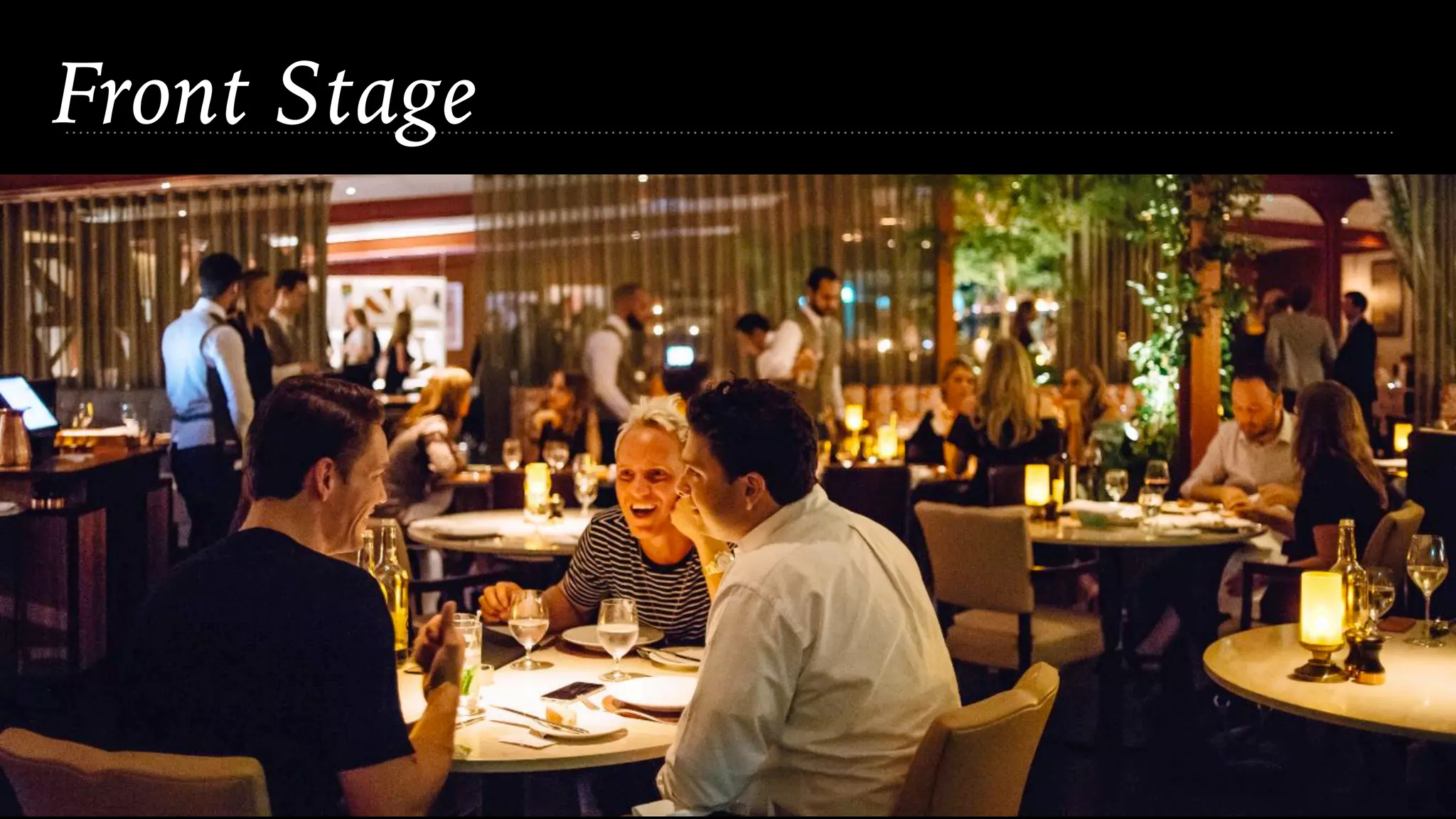
Front Stage
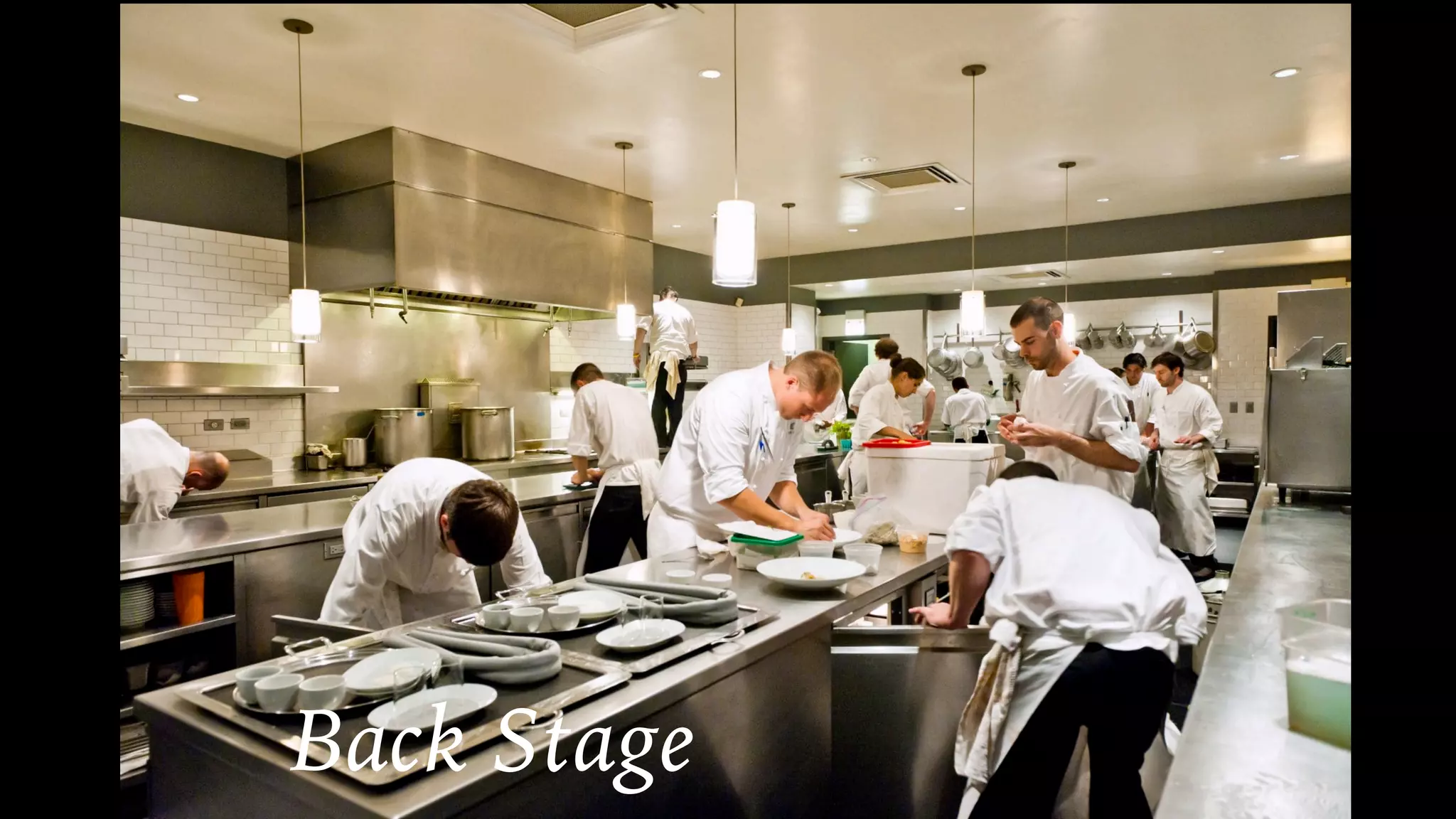
Back Stage
Front Stage
Back Stage
WHY DO IT?
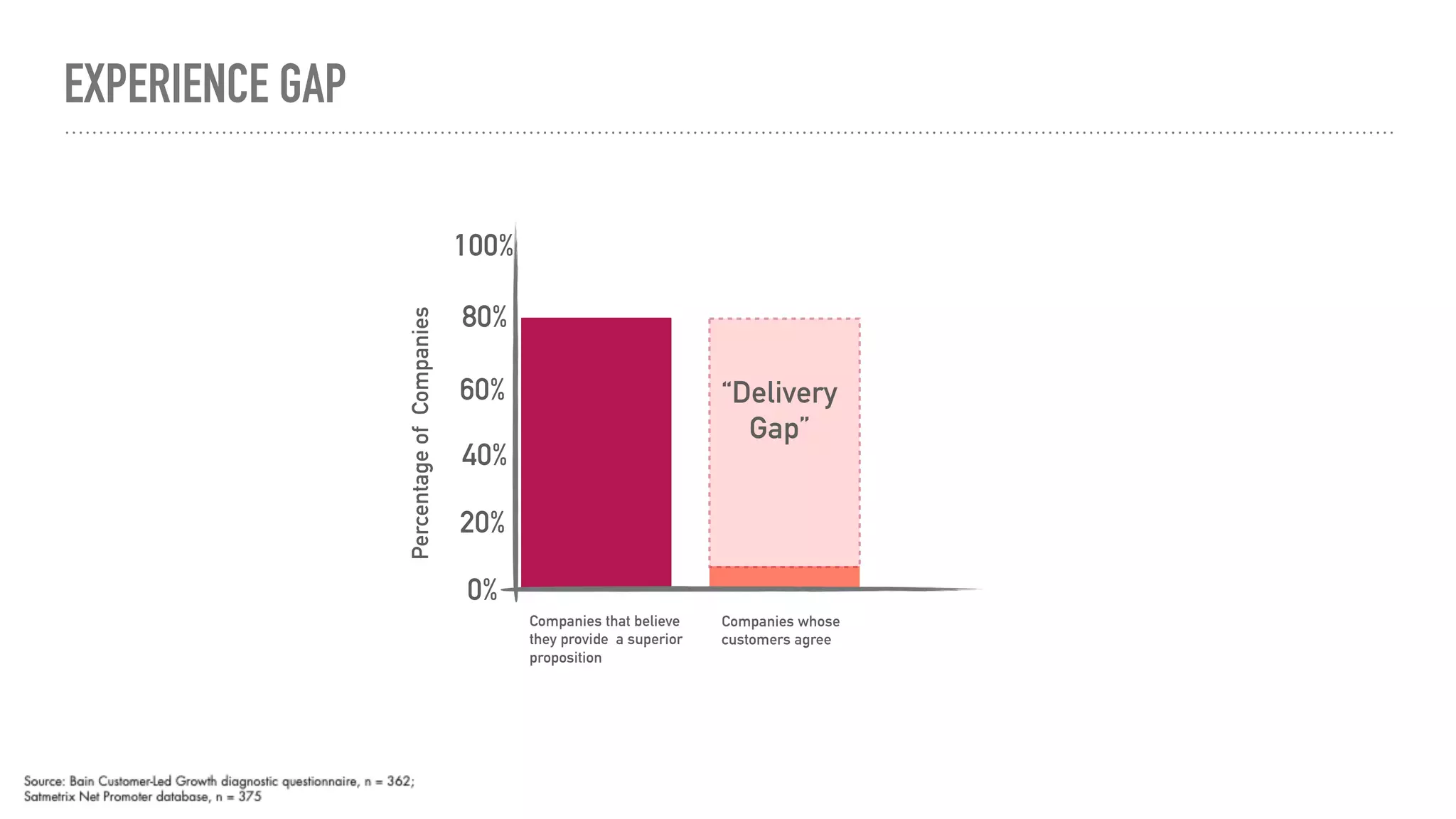
EXPERIENCE GAP
Percentage
of
Companies
60%
40%
20%
0%
80%
100%
“Delivery
Gap”
Companies whose
customers agree
Companies that believe
they provide a superior
proposition
“We make improvements all the time, why is the
mortgage experience not getting better?
- Mortgage Executive
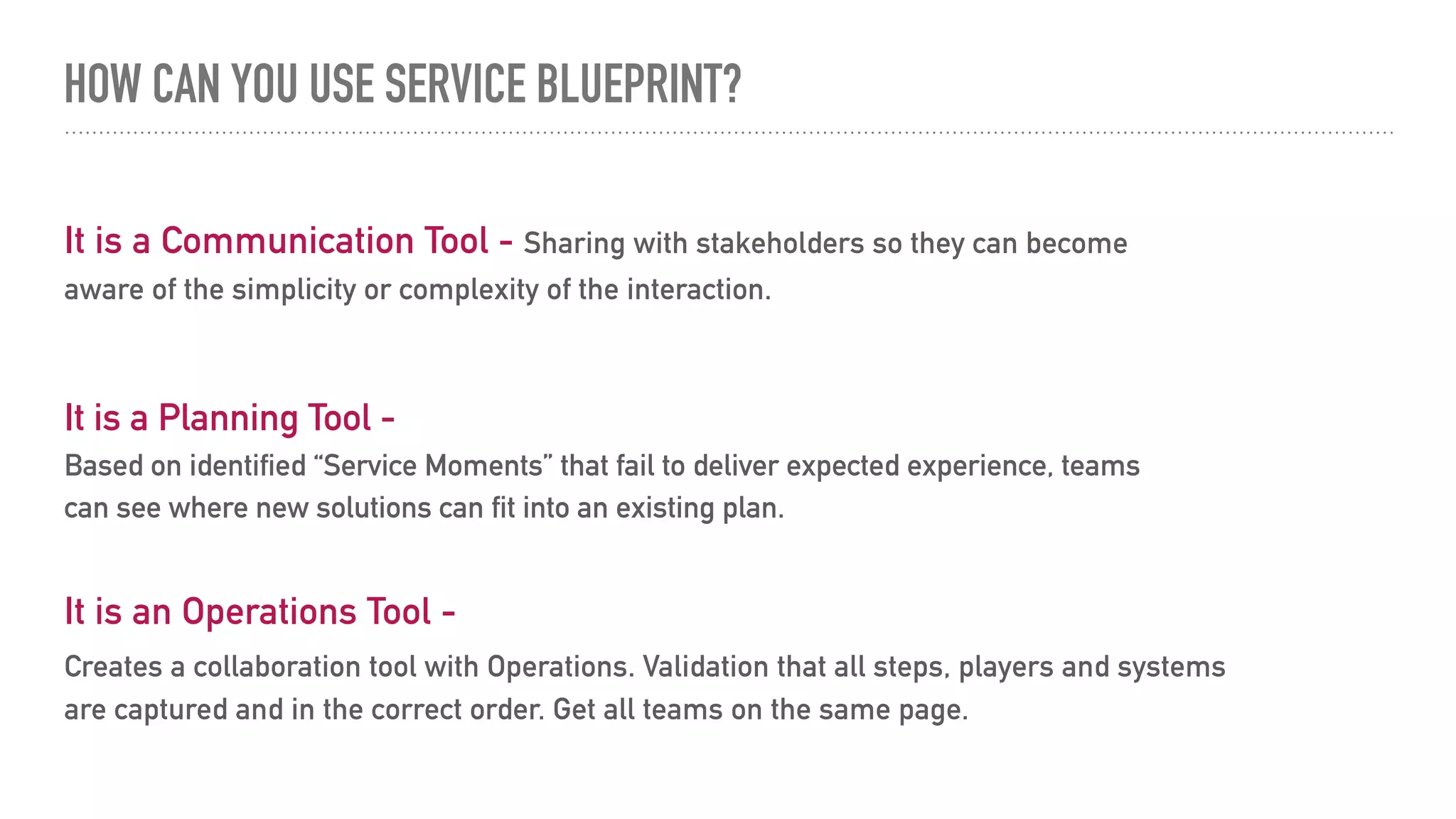
HOW CAN YOU USE SERVICE BLUEPRINT?
It is an Operations Tool -
Creates a collaboration tool with Operations. Validation that all steps, players and systems
are captured and in the correct order. Get all teams on the same page.
It is a Communication Tool - Sharing with stakeholders so they can become
aware of the simplicity or complexity of the interaction.
It is a Planning Tool -
Based on identified “Service Moments” that fail to deliver expected experience, teams
can see where new solutions can fit into an existing plan.
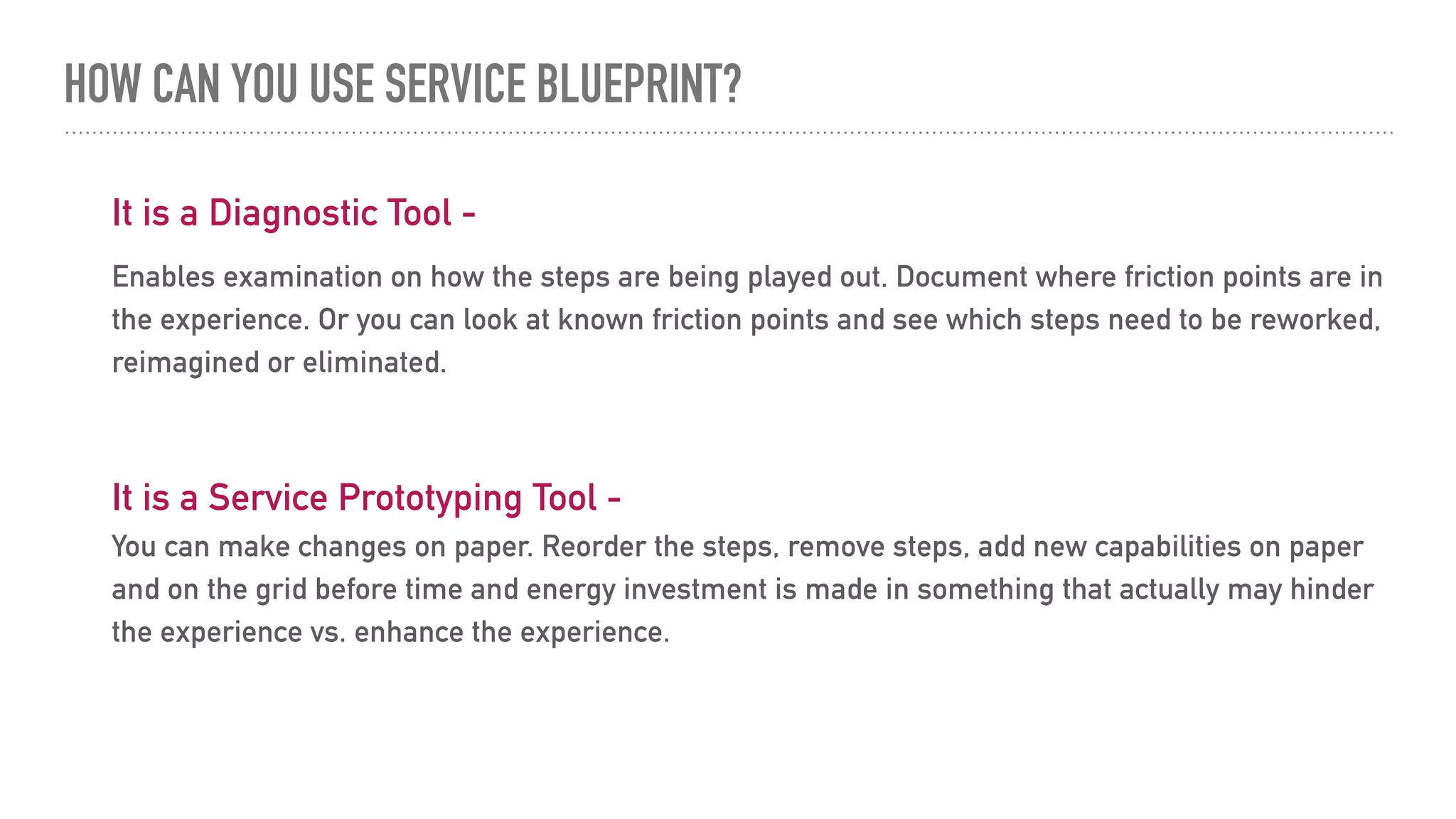
HOW CAN YOU USE SERVICE BLUEPRINT?
It is a Diagnostic Tool -
Enables examination on how the steps are being played out. Document where friction points are in
the experience. Or you can look at known friction points and see which steps need to be reworked,
reimagined or eliminated.
It is a Service Prototyping Tool -
You can make changes on paper. Reorder the steps, remove steps, add new capabilities on paper
and on the grid before time and energy investment is made in something that actually may hinder
the experience vs. enhance the experience.
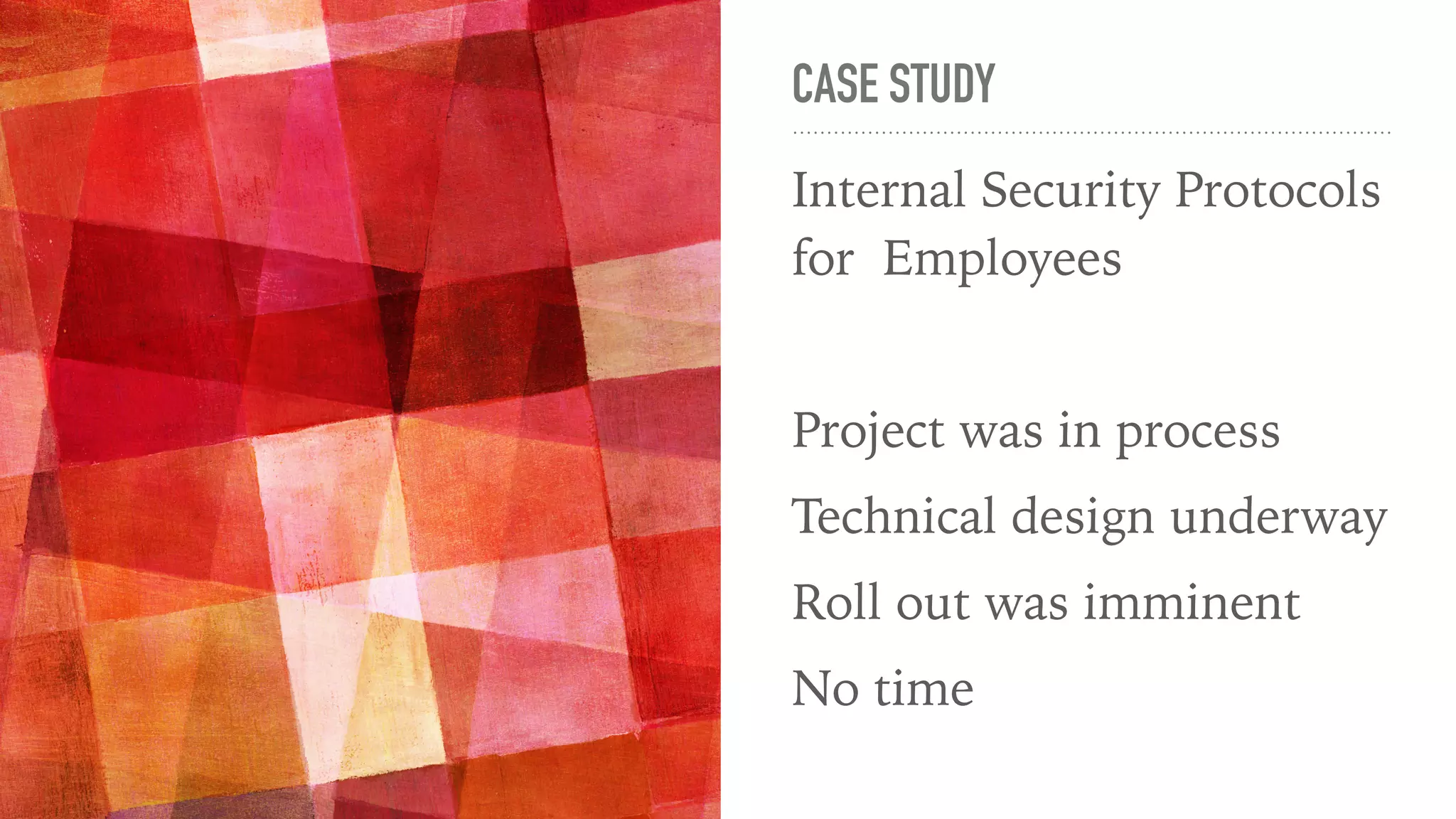
CASE STUDY
Internal Security Protocols
for Employees
Project was in process
Technical design underway
Roll out was imminent
No time
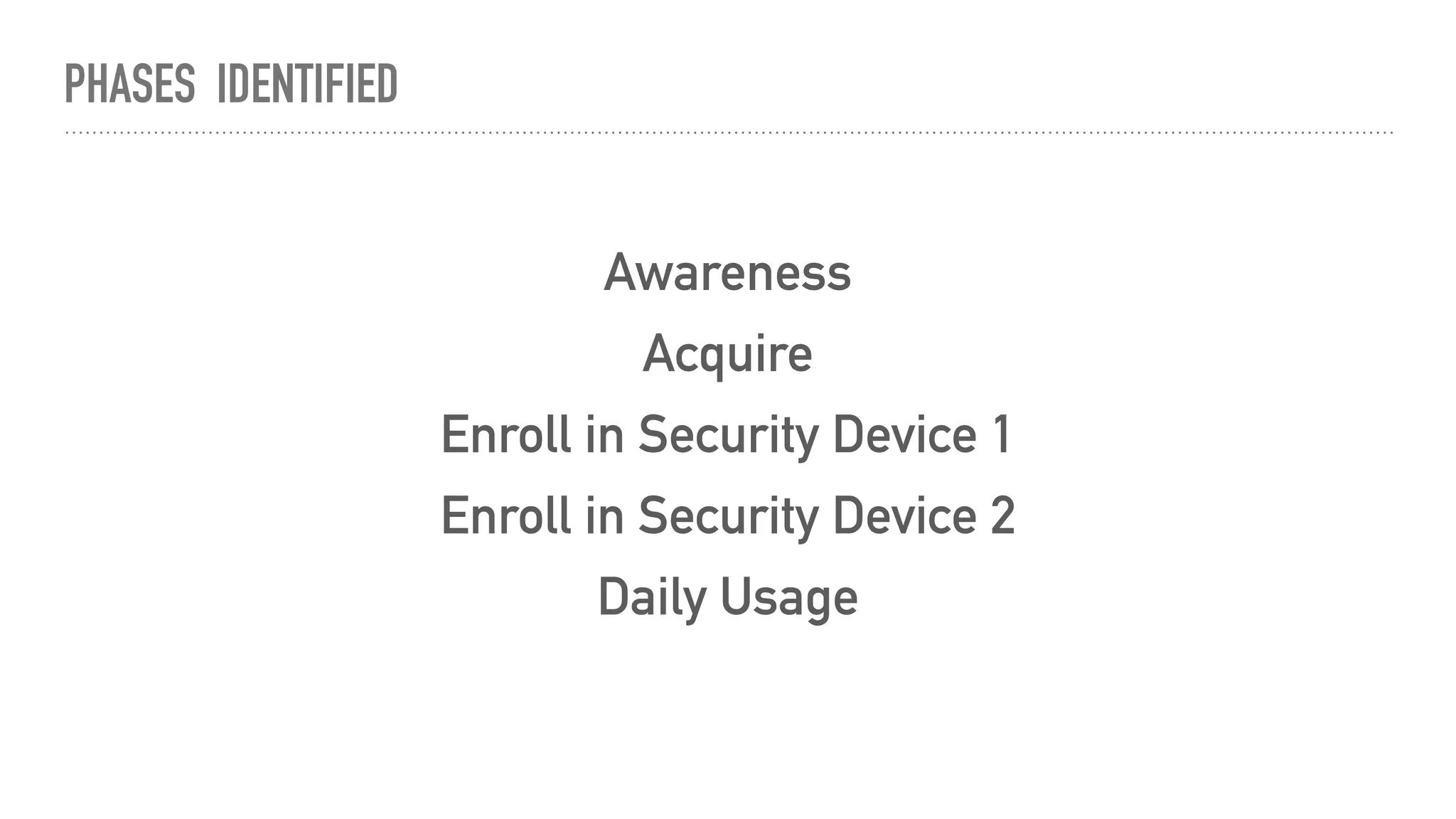
PHASES IDENTIFIED
Awareness
Acquire
Enroll in Security Device 1
Enroll in Security Device 2
Daily Usage
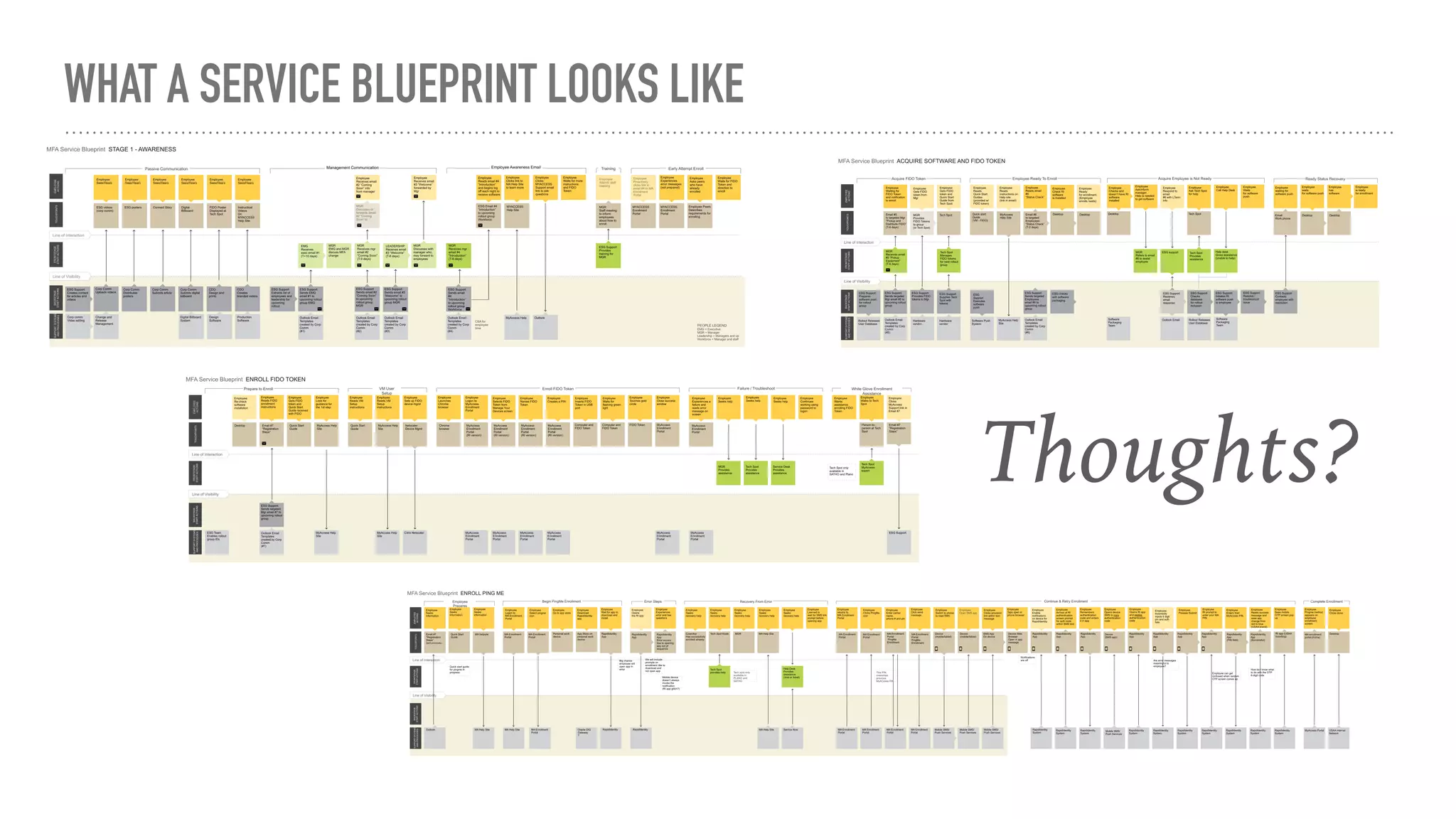
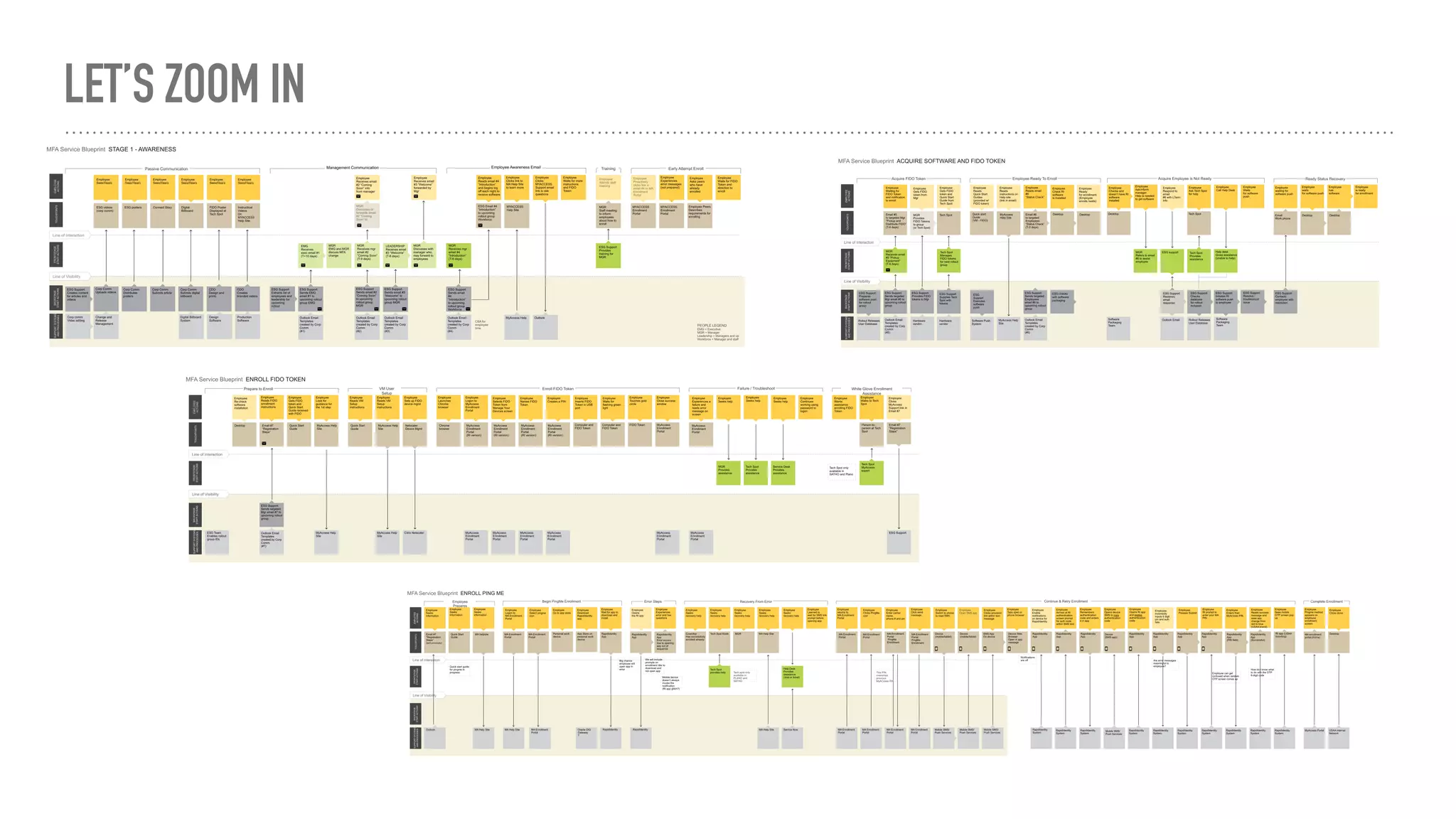
WHAT A SERVICE BLUEPRINT LOOKS LIKE
Thoughts?
WHAT WE DID
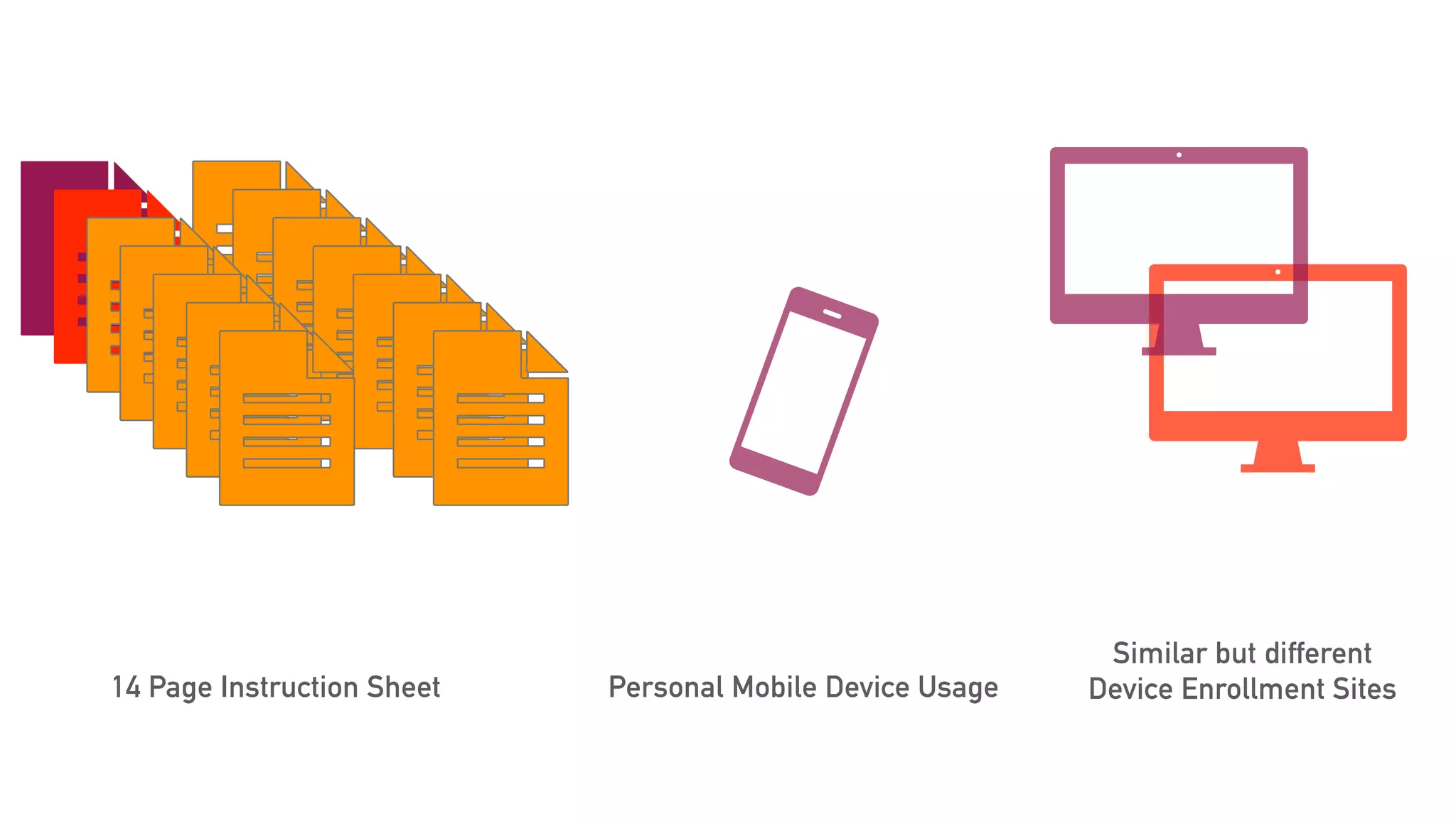
LOOK AT CURRENT ARTIFACTS
14 Page Instruction Sheet Personal Mobile Device Usage
Similar but different
Device Enrollment Sites
RESEARCH
A
A WA REN ESS
MO ME N T O F T R U T H
Don’t really remember
what was in the email…
after searching and
finding a related email,
I skimmed through it
but I was confused.
[ O N T H E M Y A C C E S S E M A I L S ]
A
A C Q U IRE
MO ME N T O F T R U T H
10 minutes is too long. I
only have a 15 minute
break to do this… And oh
yeah! False promise
about the password.
[
[ O N T H E T I M E O F E N R O L L M E N T ]
E
EN RO LL FIDO
MO ME N T O F T R U T H
The VM pre-enrollment
steps were the harder of
the two (even for a tech-
savvy guy like me).
[ O N E N R O L L M E N T C O M P L E X I T Y ]
P
PIN GME
MO ME N T O F T R U T H
No, I have a personal
phone and a desk phone.
If it’s mandatory then I
will have to get a phone
[work device].
[
[ O N A C C E P T A N C E O F P I N G M E ]
D
DA ILY U SA GE
MO ME N T O F T R U T H
The PingMe process takes much longer
and is less reliable. I don’t see this process
as an improvement over the password.
It’s too slow and unreliable. I can type a
password much faster than the PingMe
process: wait for a push notification
(which sometimes doesn’t come and
needs to be re-triggered), unlock my
phone, accept the login request on my
phone, wait for the login page to
recognize that I accepted (which
sometimes doesn’t come and the whole
process needs to be redone).
It takes less than 2 seconds to type in my
password and is 99% reliable.
[ O N U S I N G M Y A C C E S S D A I L Y ]
SERVICE BLUEPRINT
Complex steps, numerous touchpoints and actions fail to
deliver the desired employee experience and improved
security
C
C U RREN T A PPRO A C H
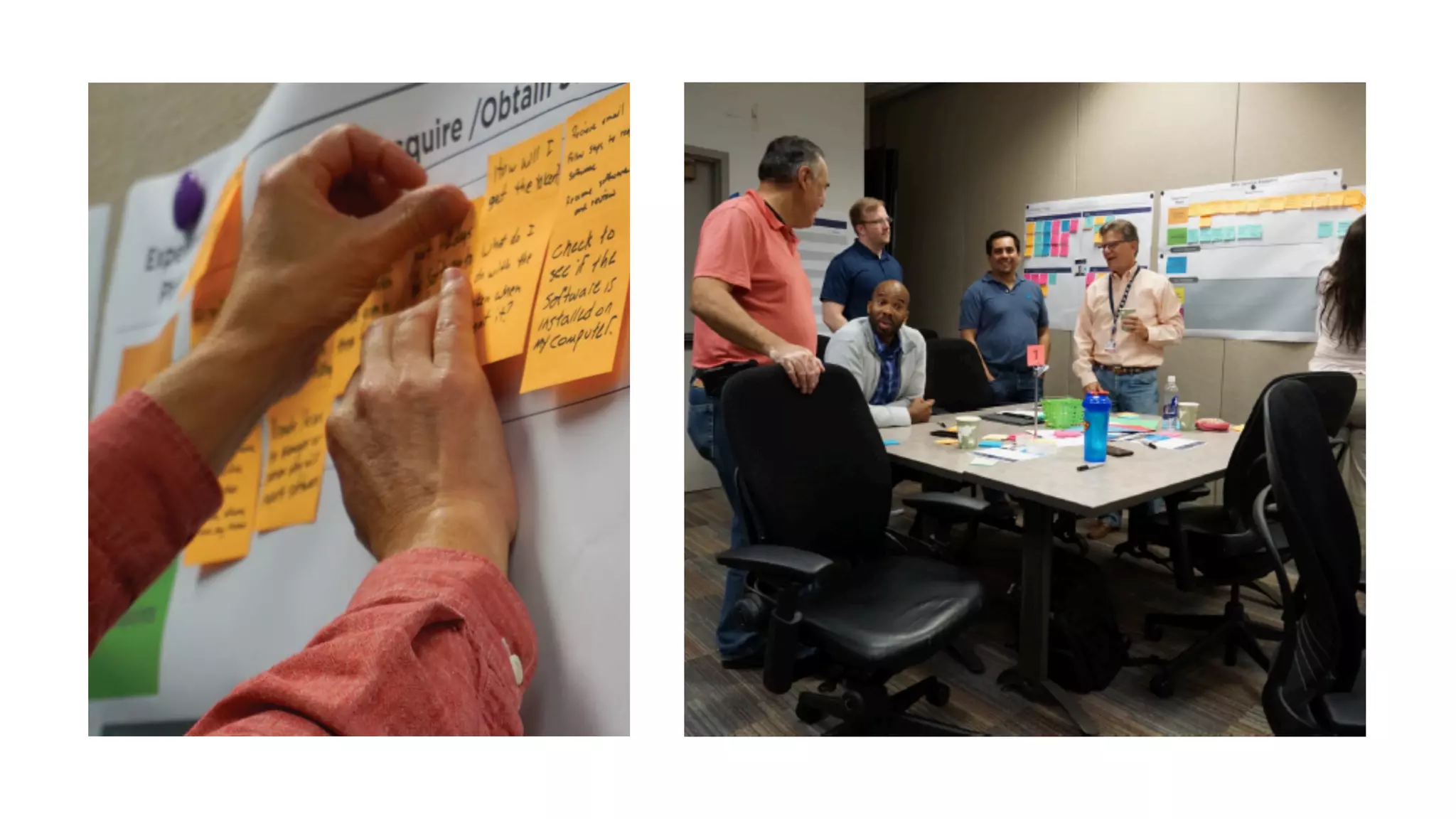
COLLABORATE WITH
STAKEHOLDERS, SME’S AND
USERS
Multifactor Authentication
Service Blueprint
I
I N S I G H T S
CHIEF DESIGN OFFICE | SEPTEMBER 20, 2018
LET’S ZOOM IN
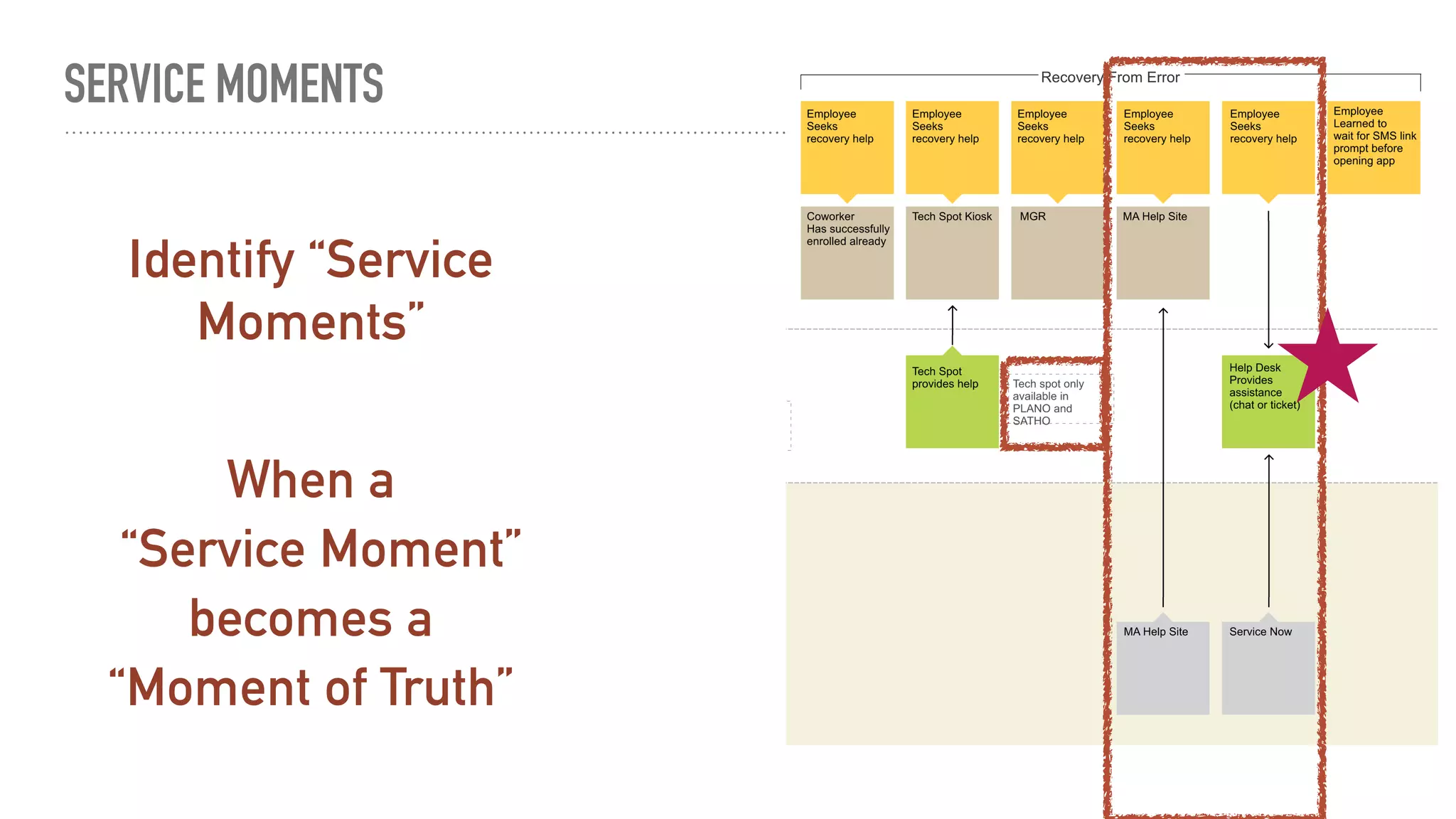
SERVICE MOMENTS
Identify “Service
Moments”
When a
becomes a
“Service Moment”
“Moment of Truth”
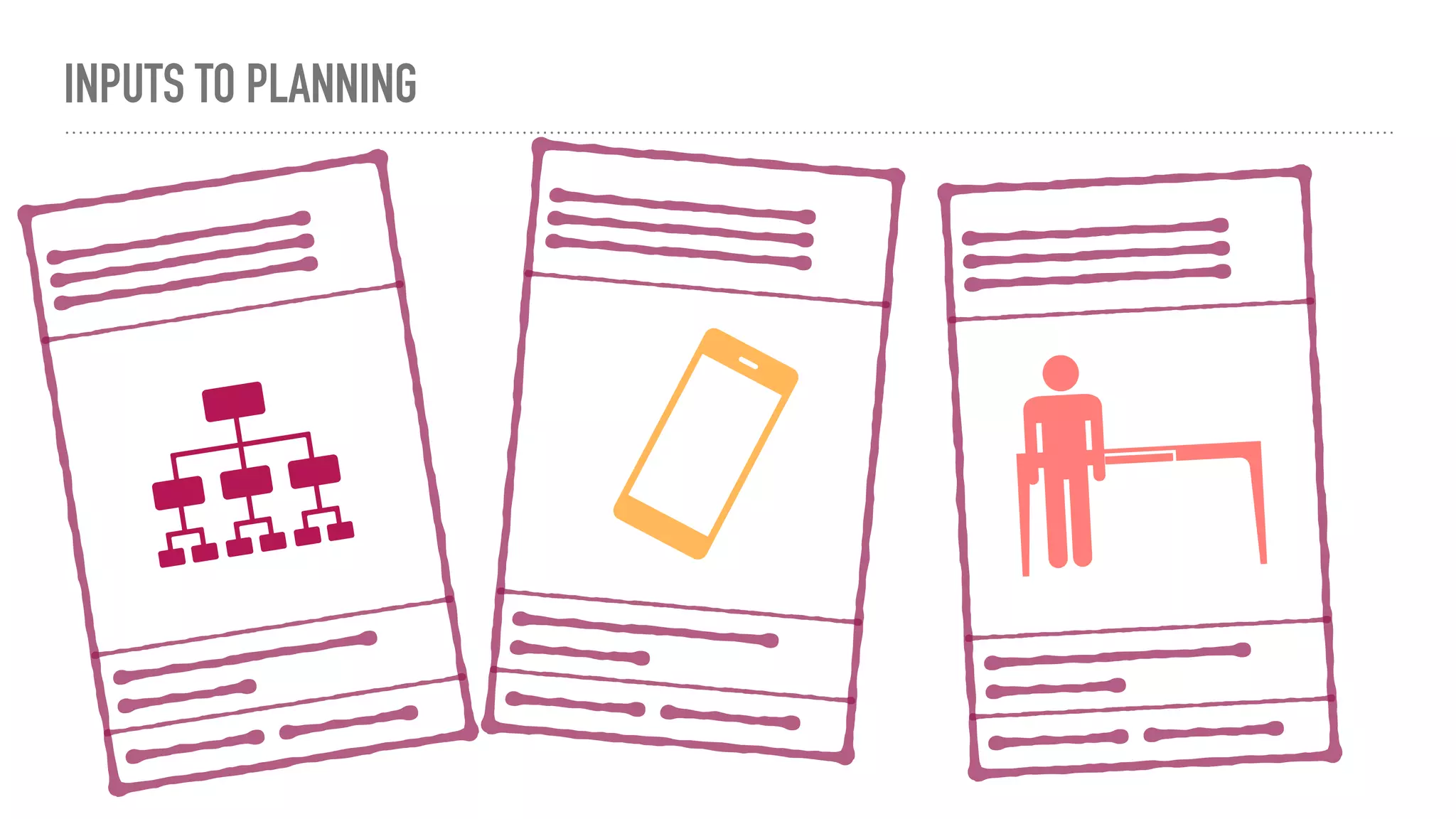
INPUTS TO PLANNING
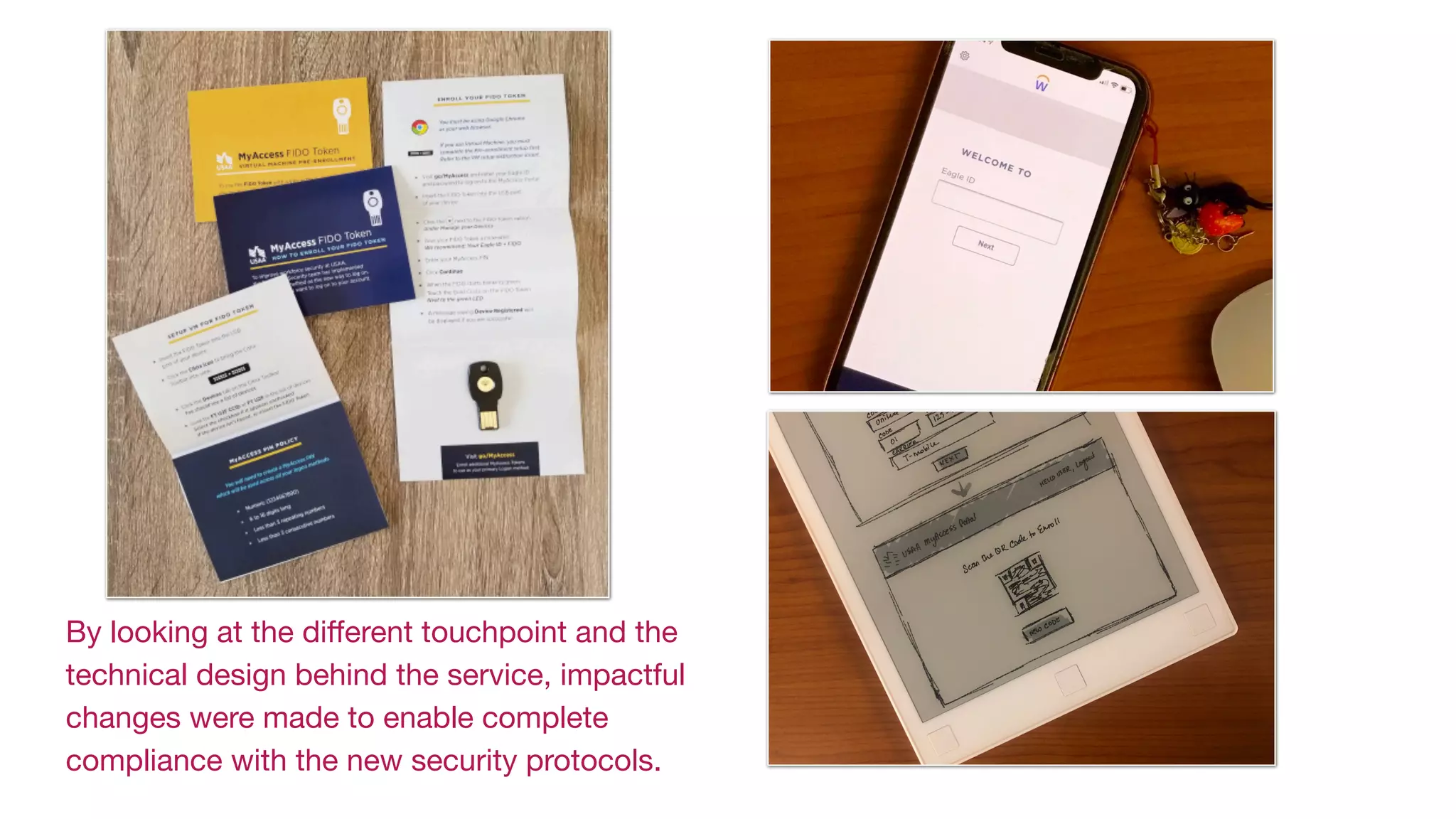
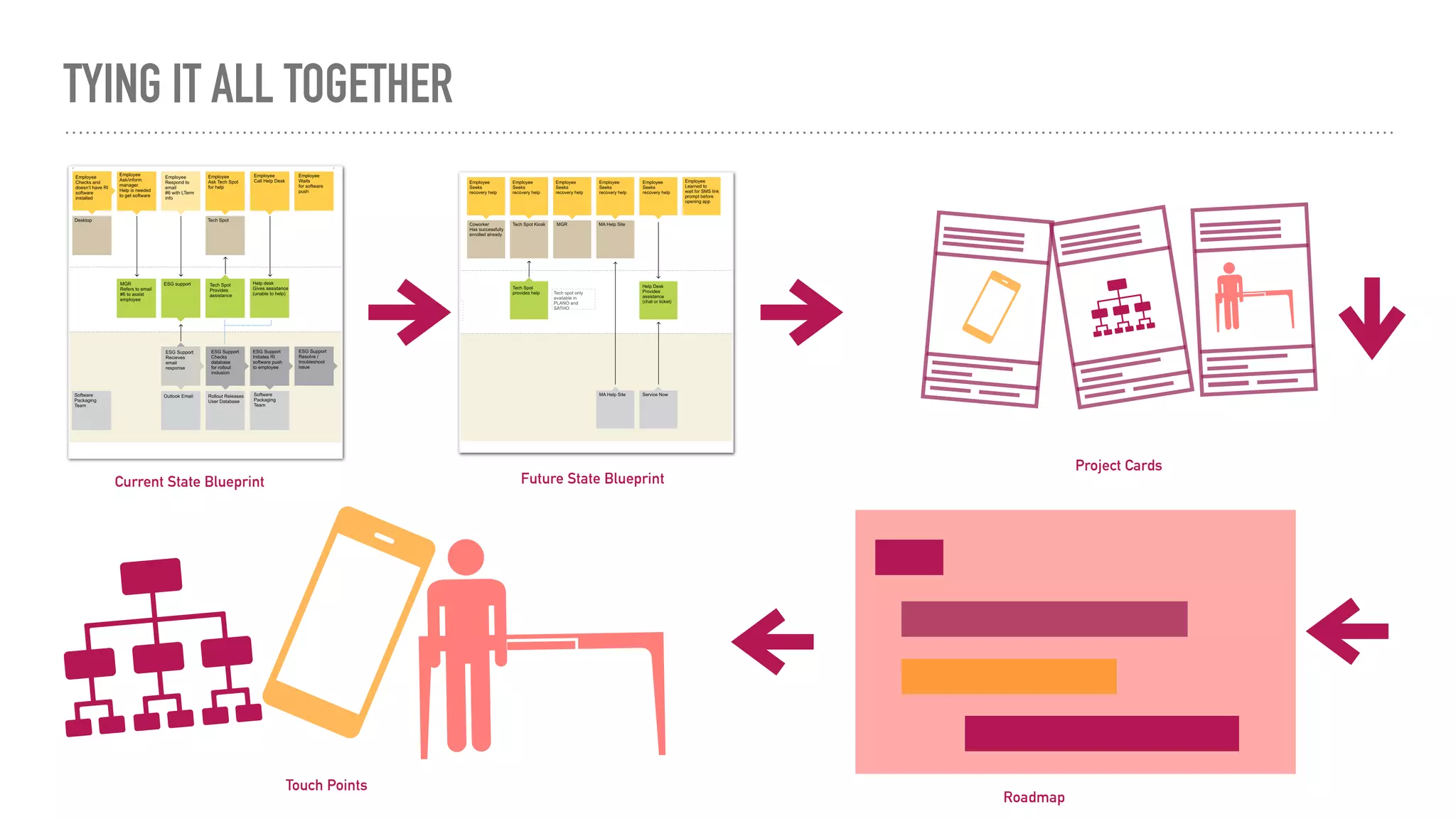
By looking at the different touchpoint and the
technical design behind the service, impactful
changes were made to enable complete
compliance with the new security protocols.
TYING IT ALL TOGETHER
Current State Blueprint Future State Blueprint
Project Cards
Touch Points
Roadmap
“Design your Service purposefully,
or your customers will feel the effects of a
Service left to its own Design.
- Judy Cotter
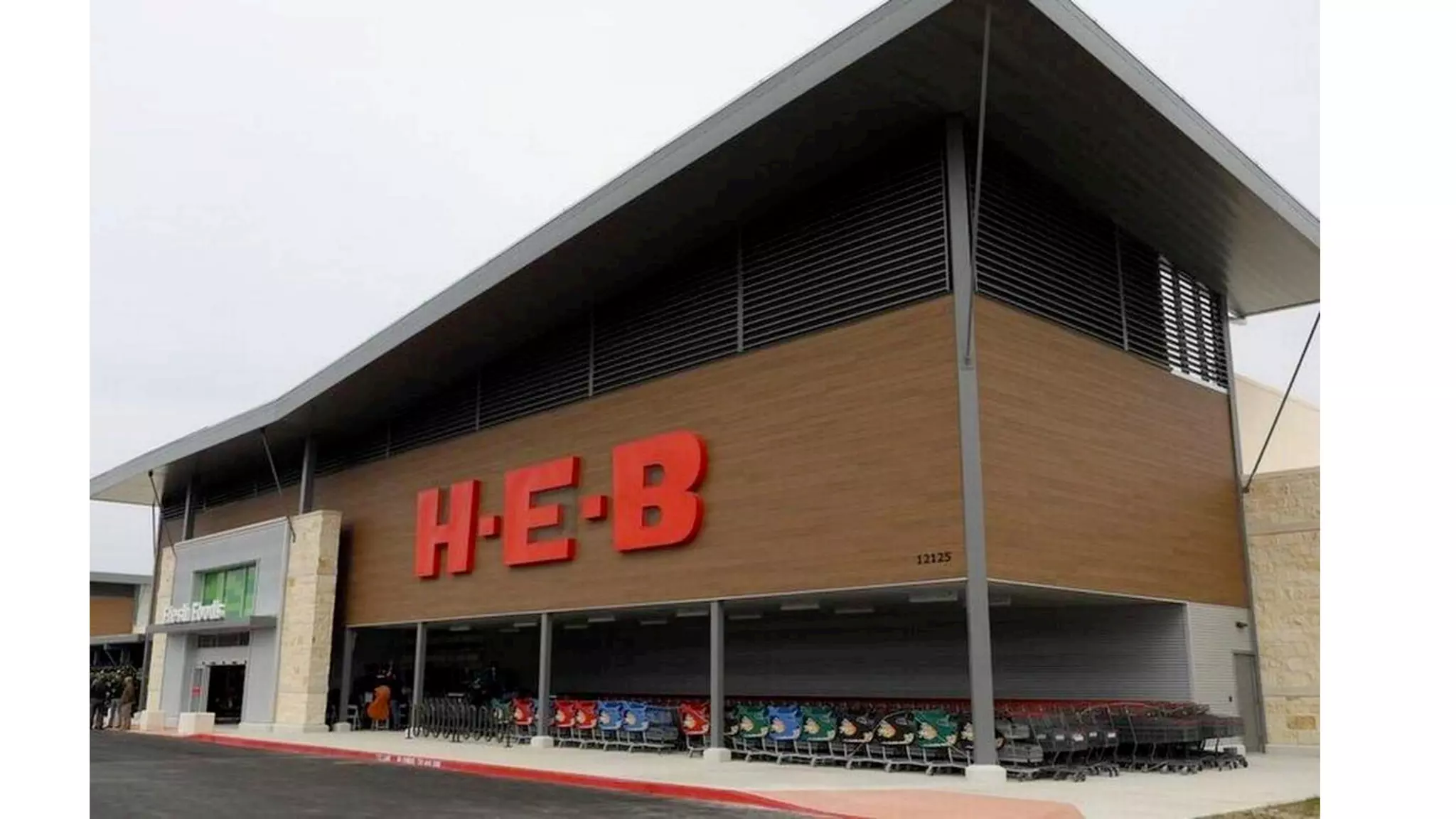
ACTIVITY
My H-E-B
BLUEPRINT BUILDING BLOCKS
Customer Actions
Touchpoints
Staff Actions
Back Stage Staff
Support Processes
Time
Front Stage
Back Stage
Q&A
Please send questions via chat
THANK YOU!!
Service Design & Service Blueprints

Service Design & Service Blueprints

  • 1.
    SERVICE DESIGN What isit? Why do it?
  • 2.
    2 Welcome! • Design Leader,Design Thinker • User Experience, Employee Experience • Facilitator Judy Cotter Design Thinker and Consultant
  • 3.
    SERVICE DESIGN What isit? Why do it?
  • 4.
  • 5.
  • 6.
    “Service Design - Thepractice of designing all end-user touch points, into a seamless choreography of planned outcomes.
  • 7.
    What is aService?
  • 8.
    HOW IS SERVICEDESIGN DIFFERENT THAN UI / UX? UX Usability and Design of the Interaction touch point Service Design Designing the holistic experience of a system of touch points and supporting influences on those touch points. UI Design on the Glass
  • 9.
    Service Design utilizesa lot of the same Human Centered tools that we are all familiar with. It’s the focus and what we are trying to understand that differentiates Service Design.
  • 10.
  • 11.
  • 12.
    BLUEPRINT BUILDING BLOCKS CustomerActions Touchpoints Staff Actions Back Stage Staff Support Processes Time Front Stage Back Stage
  • 13.
  • 14.
  • 15.
  • 16.
  • 17.
    “We make improvementsall the time, why is the mortgage experience not getting better? - Mortgage Executive
  • 18.
    HOW CAN YOUUSE SERVICE BLUEPRINT? It is an Operations Tool - Creates a collaboration tool with Operations. Validation that all steps, players and systems are captured and in the correct order. Get all teams on the same page. It is a Communication Tool - Sharing with stakeholders so they can become aware of the simplicity or complexity of the interaction. It is a Planning Tool - Based on identified “Service Moments” that fail to deliver expected experience, teams can see where new solutions can fit into an existing plan.
  • 19.
    HOW CAN YOUUSE SERVICE BLUEPRINT? It is a Diagnostic Tool - Enables examination on how the steps are being played out. Document where friction points are in the experience. Or you can look at known friction points and see which steps need to be reworked, reimagined or eliminated. It is a Service Prototyping Tool - You can make changes on paper. Reorder the steps, remove steps, add new capabilities on paper and on the grid before time and energy investment is made in something that actually may hinder the experience vs. enhance the experience.
  • 20.
    CASE STUDY Internal SecurityProtocols for Employees Project was in process Technical design underway Roll out was imminent No time
  • 21.
    PHASES IDENTIFIED Awareness Acquire Enroll inSecurity Device 1 Enroll in Security Device 2 Daily Usage
  • 22.
    WHAT A SERVICEBLUEPRINT LOOKS LIKE Thoughts?
  • 23.
  • 24.
    LOOK AT CURRENTARTIFACTS
  • 25.
    14 Page InstructionSheet Personal Mobile Device Usage Similar but different Device Enrollment Sites
  • 26.
  • 27.
    A A WA RENESS MO ME N T O F T R U T H Don’t really remember what was in the email… after searching and finding a related email, I skimmed through it but I was confused. [ O N T H E M Y A C C E S S E M A I L S ]
  • 28.
    A A C QU IRE MO ME N T O F T R U T H 10 minutes is too long. I only have a 15 minute break to do this… And oh yeah! False promise about the password. [ [ O N T H E T I M E O F E N R O L L M E N T ]
  • 29.
    E EN RO LLFIDO MO ME N T O F T R U T H The VM pre-enrollment steps were the harder of the two (even for a tech- savvy guy like me). [ O N E N R O L L M E N T C O M P L E X I T Y ]
  • 30.
    P PIN GME MO MEN T O F T R U T H No, I have a personal phone and a desk phone. If it’s mandatory then I will have to get a phone [work device]. [ [ O N A C C E P T A N C E O F P I N G M E ]
  • 31.
    D DA ILY USA GE MO ME N T O F T R U T H The PingMe process takes much longer and is less reliable. I don’t see this process as an improvement over the password. It’s too slow and unreliable. I can type a password much faster than the PingMe process: wait for a push notification (which sometimes doesn’t come and needs to be re-triggered), unlock my phone, accept the login request on my phone, wait for the login page to recognize that I accepted (which sometimes doesn’t come and the whole process needs to be redone). It takes less than 2 seconds to type in my password and is 99% reliable. [ O N U S I N G M Y A C C E S S D A I L Y ]
  • 32.
    SERVICE BLUEPRINT Complex steps,numerous touchpoints and actions fail to deliver the desired employee experience and improved security C C U RREN T A PPRO A C H
  • 33.
  • 34.
    Multifactor Authentication Service Blueprint I IN S I G H T S CHIEF DESIGN OFFICE | SEPTEMBER 20, 2018
  • 35.
  • 36.
    SERVICE MOMENTS Identify “Service Moments” Whena becomes a “Service Moment” “Moment of Truth”
  • 37.
  • 38.
    By looking atthe different touchpoint and the technical design behind the service, impactful changes were made to enable complete compliance with the new security protocols.
  • 39.
    TYING IT ALLTOGETHER Current State Blueprint Future State Blueprint Project Cards Touch Points Roadmap
  • 40.
    “Design your Servicepurposefully, or your customers will feel the effects of a Service left to its own Design. - Judy Cotter
  • 41.
  • 43.
    BLUEPRINT BUILDING BLOCKS CustomerActions Touchpoints Staff Actions Back Stage Staff Support Processes Time Front Stage Back Stage
  • 44.
  • 45.