What is your practice’s smallest problem?WHAT IS YOUR BIGGEST PROBLEM?.
Outsmarting the GeeksHow medical managers can optimize time, money, and tech!
Camille A. WilliamsAdministrator, ENT ASSOCIATES OF SOUTH ATLANTA;HEALTH & TECHNOLOGY RESEARCHER & EDITOR;CERTIFIED NEUTRAL/ MEDIATOR, USA
What is "Outsmarting a Geek?"Simple phrase for knowing enough NOT to get taken advantage ofANDTo get your best options on all transactions.
PURPOSE OF THIS PRESENTATIONPrepare the medical manager to take advantage of technology without high price tags and/or frustration.To provide thorough understanding of technology options for everyday use.To answer questions about new technologies and their value to the medical practice.
MY MOTTOCHEAP IS CHICIt doesn't matter if you're a one-doctor shop or 100 physicians strong, there are affordable, scalable solutions for almost any aspect of your practice. Fortune 5 - 500 companies use these solutions to cut their expenses.Why shouldn't you?
AREAS OF IMPROVEMENTPersonnelTelecommunicationsPatient InteractionOffice HardwareStaff TrainingAccountingAdministrative TasksPractice Income
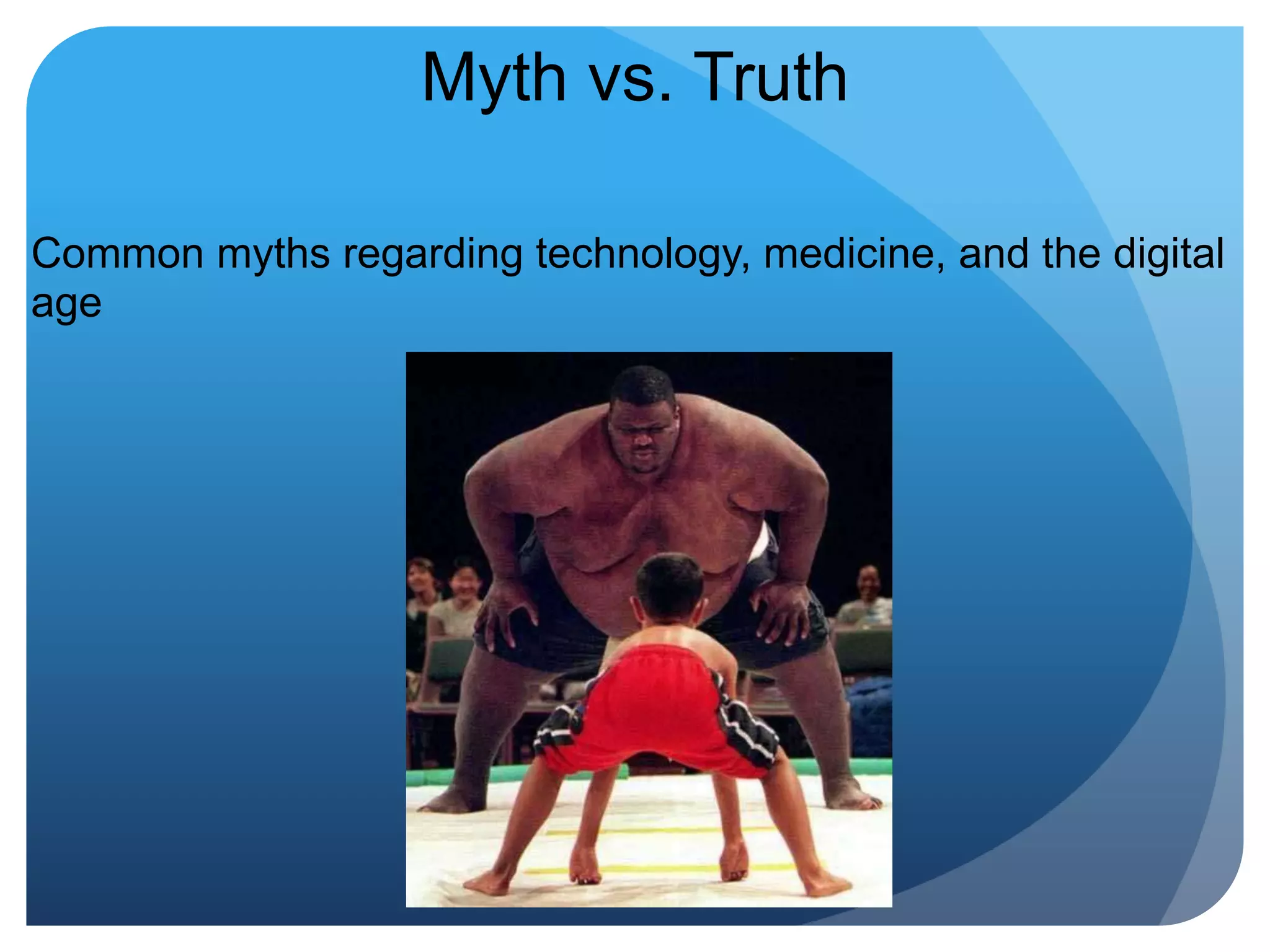
Myth vs. TruthCommon myths regarding technology, medicine, and the digital age
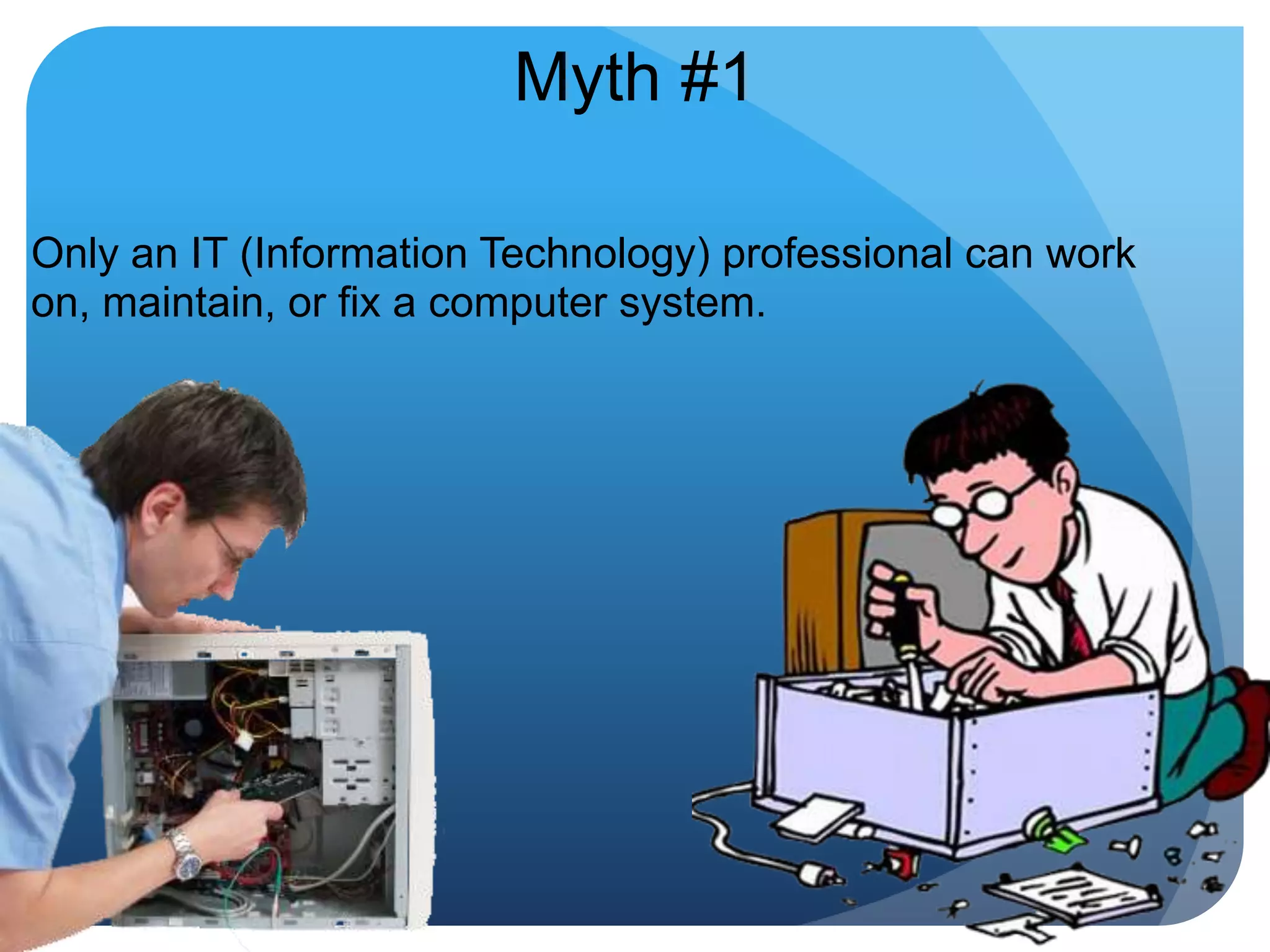
Myth #1Only an IT (Information Technology) professional can work on, maintain, or fix a computer system.
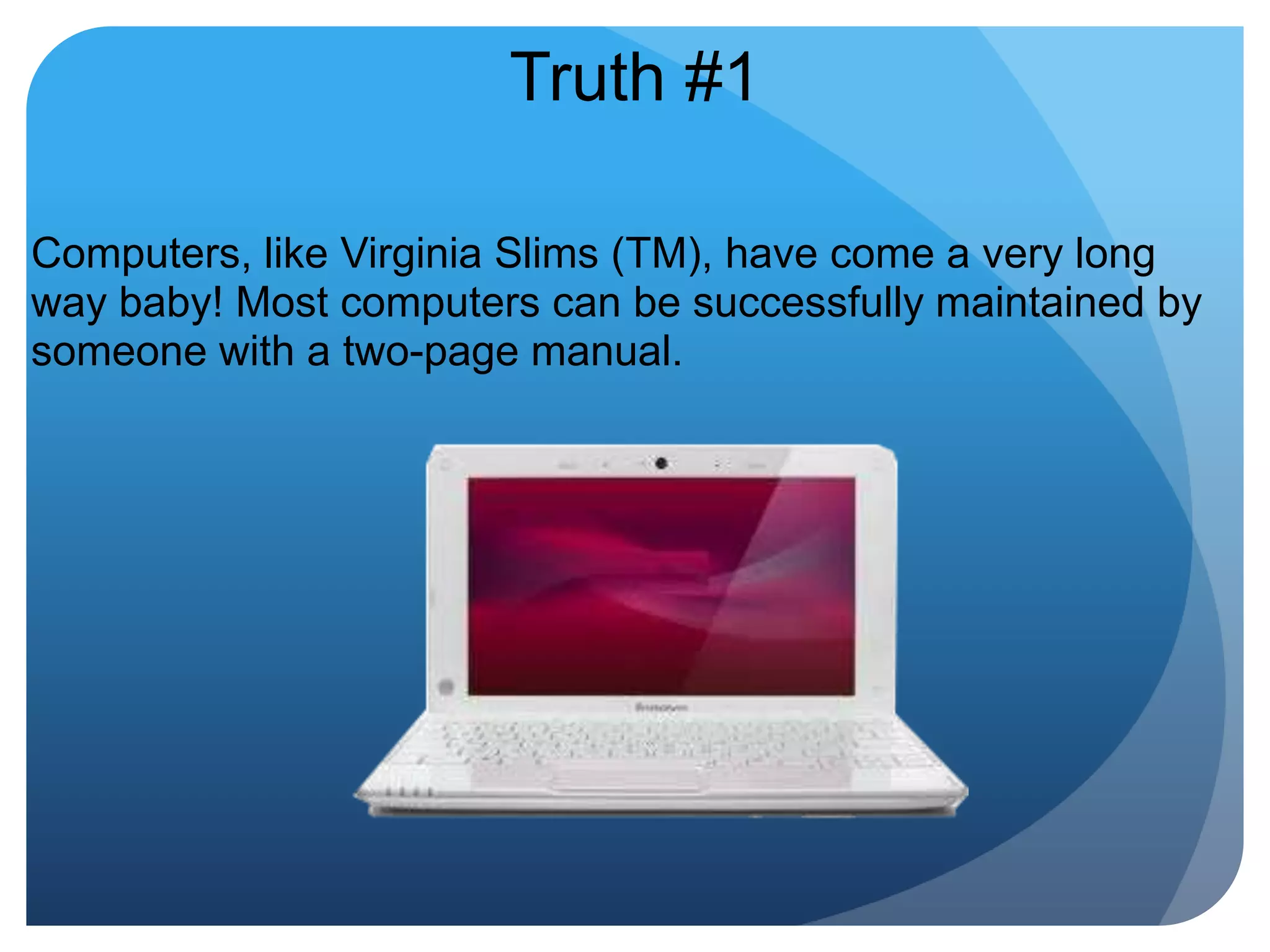
Truth #1Computers, like Virginia Slims (TM), have come a very long way baby! Most computers can be successfully maintained by someone with a two-page manual.
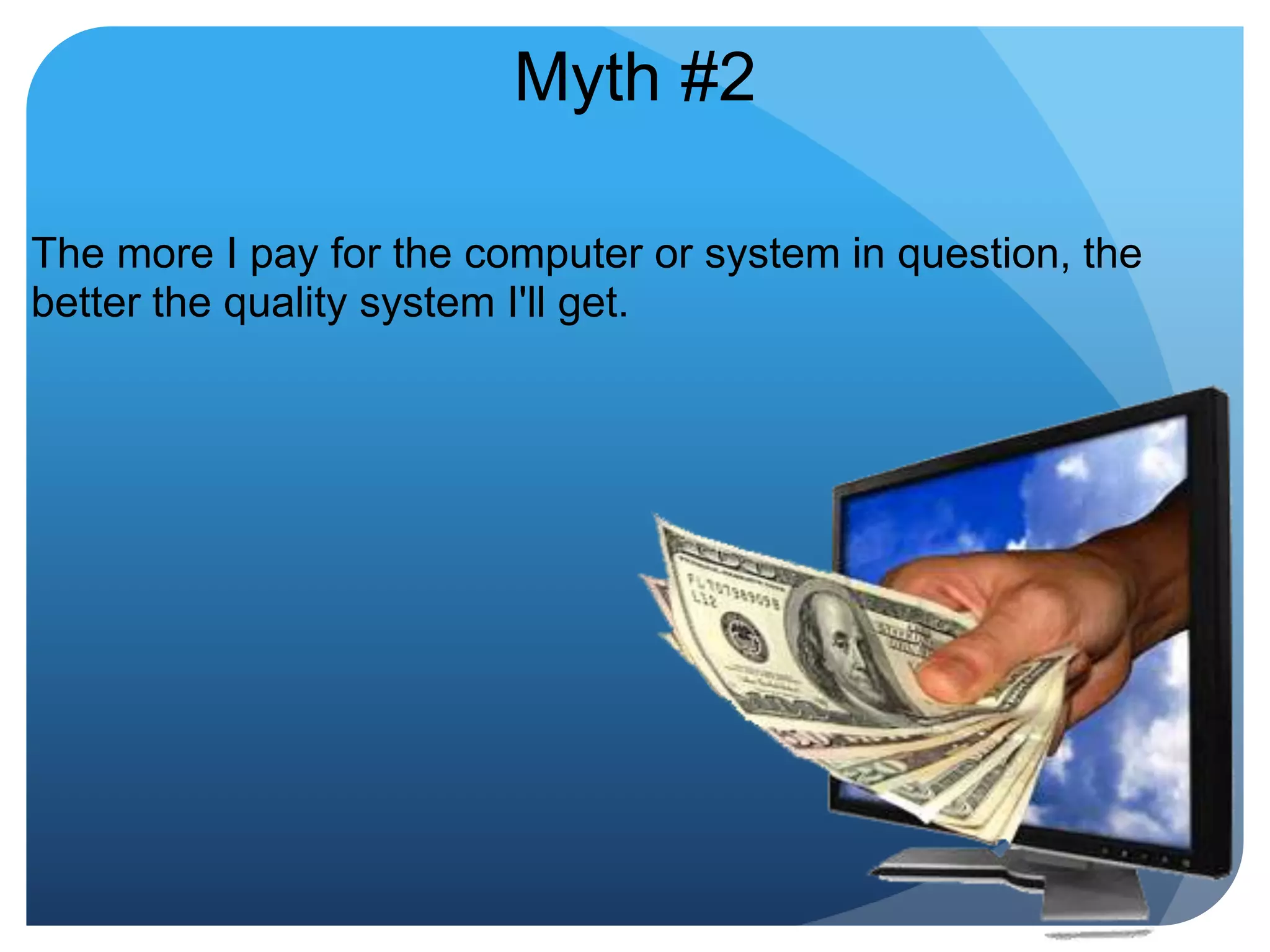
Myth #2The more I pay for the computer or system in question, the better the quality system I'll get.
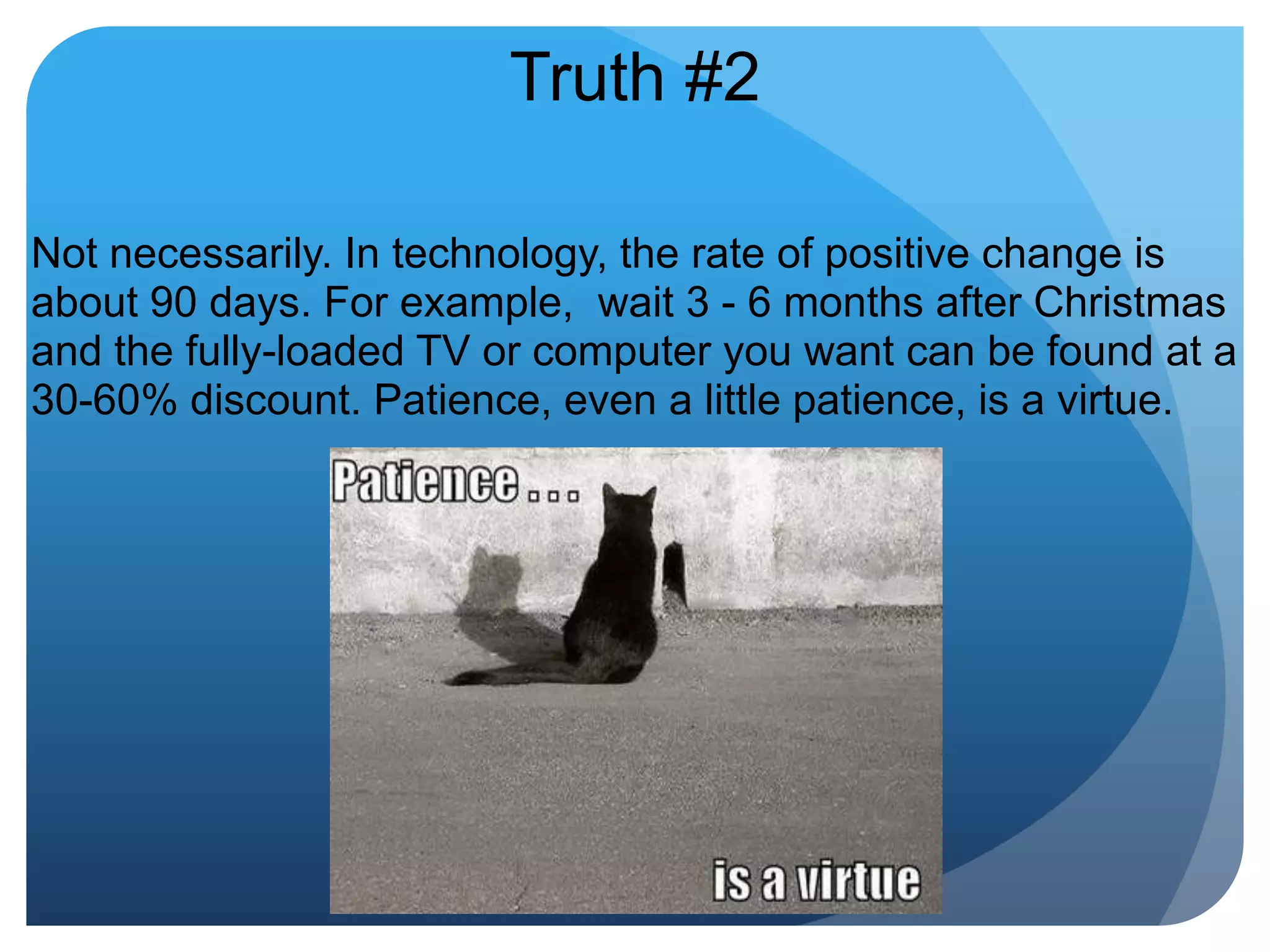
Truth #2Not necessarily. In technology, the rate of positive change is about 90 days. For example,  wait 3 - 6 months after Christmas and the fully-loaded TV or computer you want can be found at a 30-60% discount. Patience, even a little patience, is a virtue.
Myth #3All the salespeople and practice magazines say that without new technology my practice will fall behind the times, so I should buy whatever is on the market.
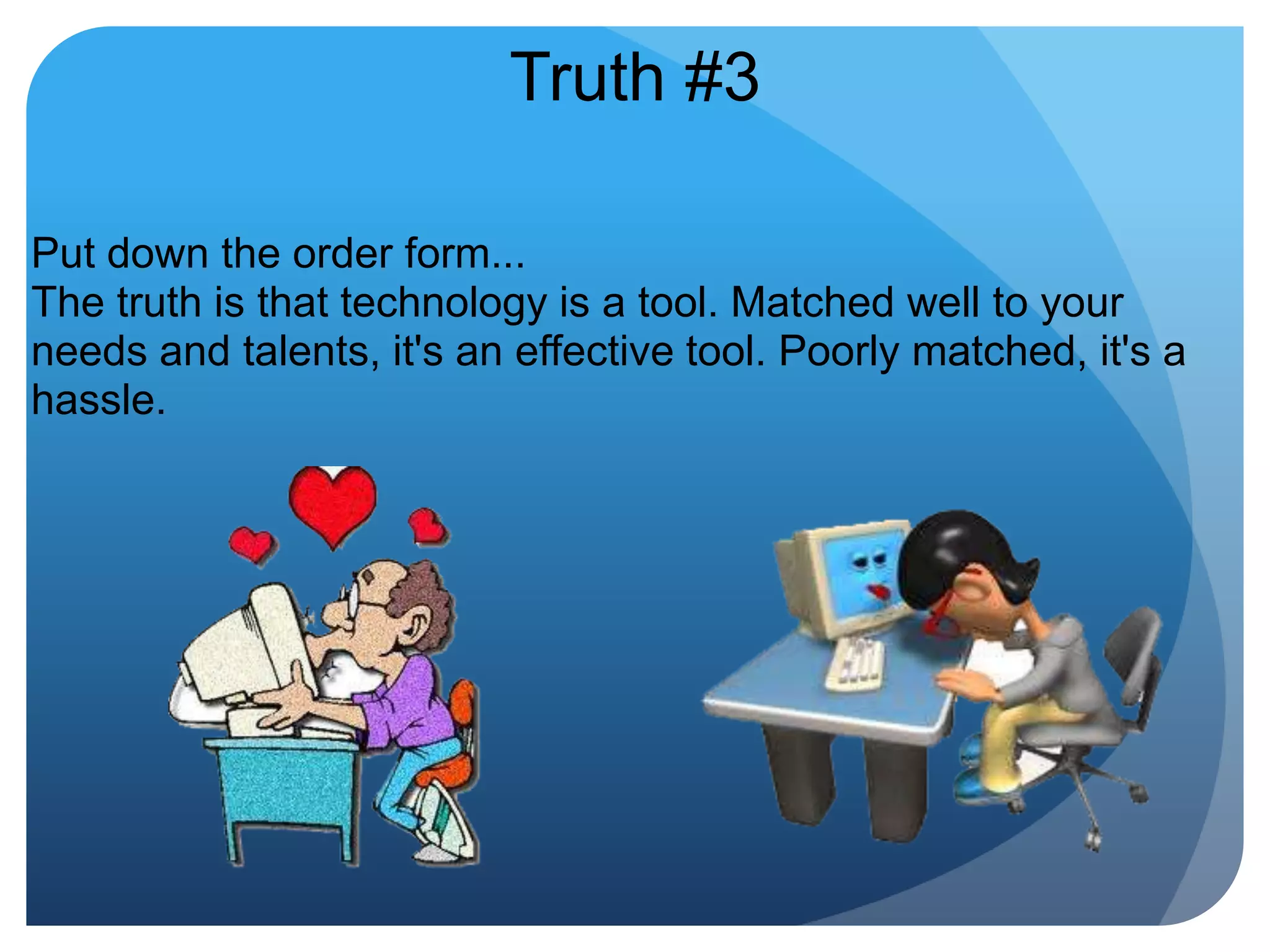
Truth #3Put down the order form...The truth is that technology is a tool. Matched well to your needs and talents, it's an effective tool. Poorly matched, it's a hassle. 
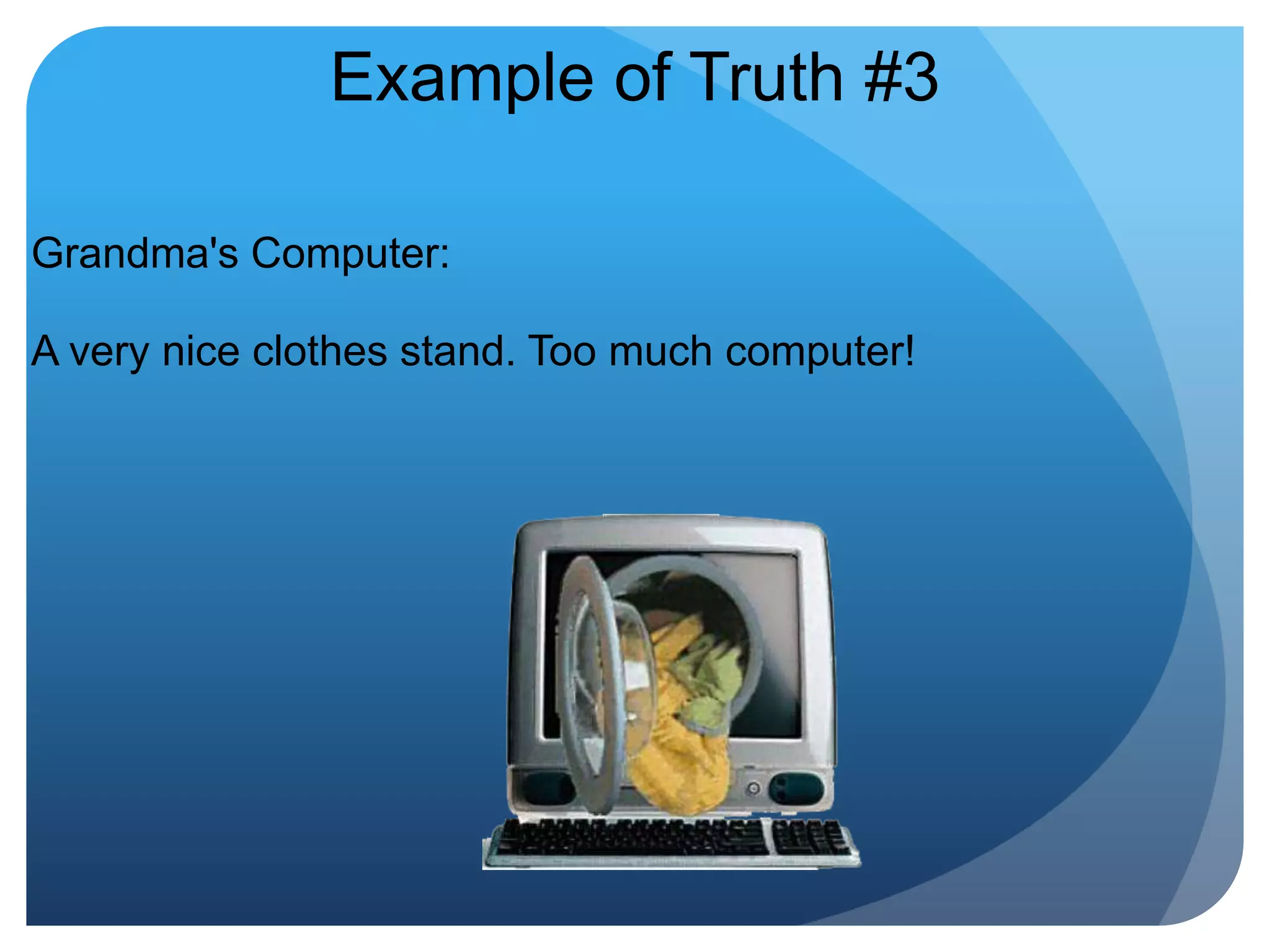
Example of Truth #3Grandma's Computer:A very nice clothes stand. Too much computer!
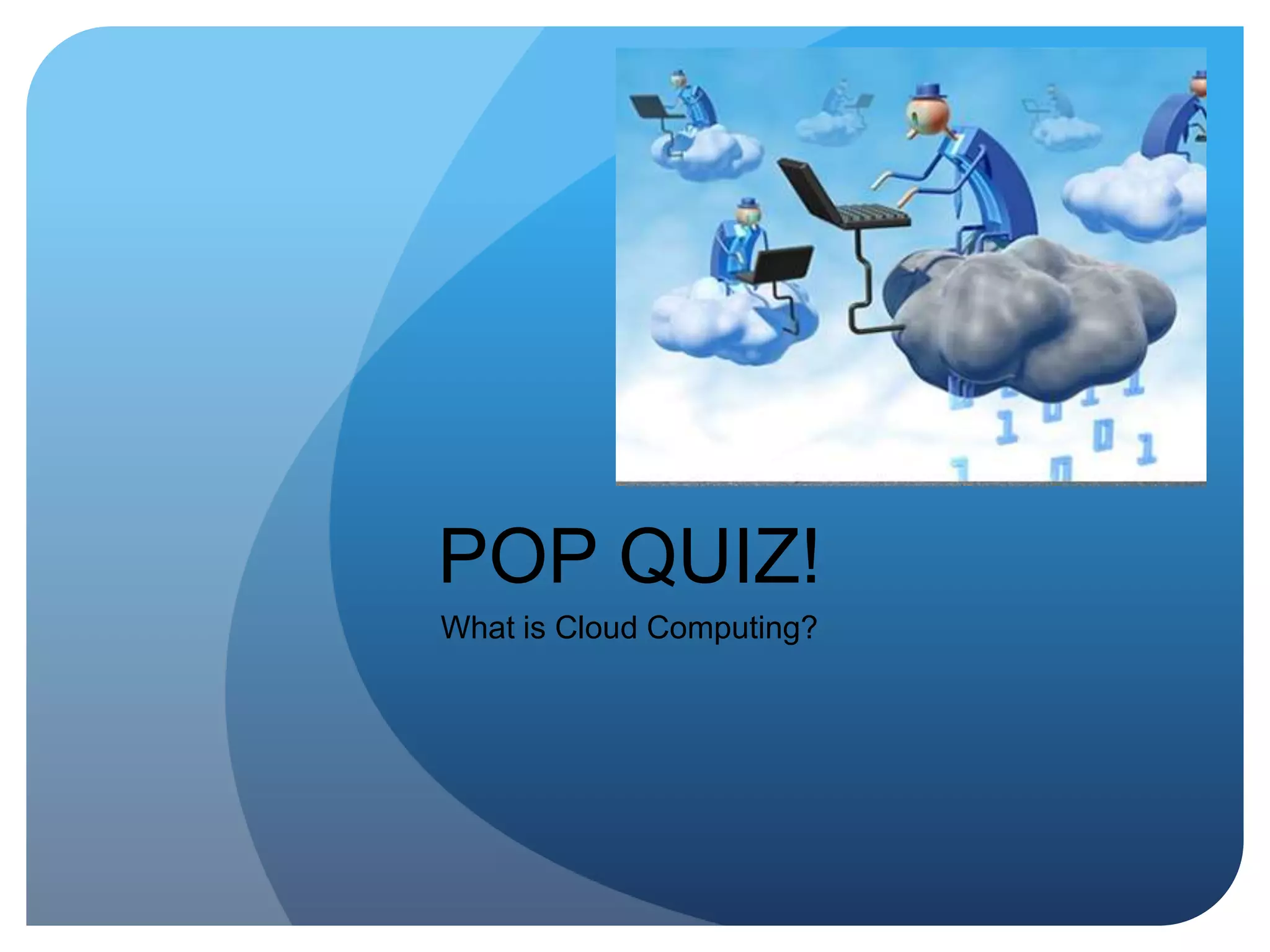
POP QUIZ!What is Cloud Computing?
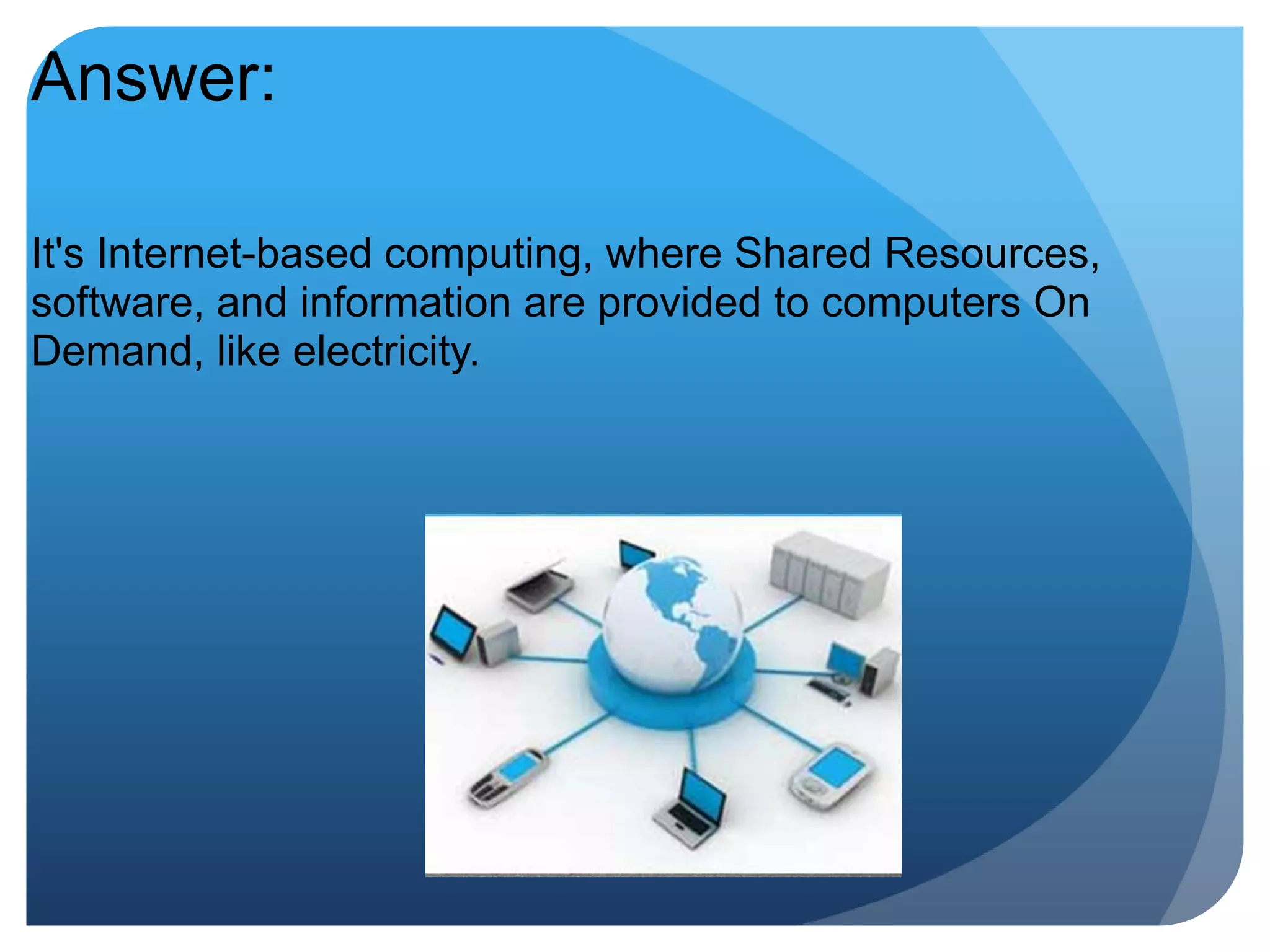
Answer:It's Internet-based computing, where Shared Resources, software, and information are provided to computers On Demand, like electricity.
Defogging Cloud ComputingYou are already using Cloud Computing in your everyday life if you do any of the following:1. Use a search engine. Google anything lately?2. Check email online.3. Buy a website name online.4. Shop on eBay, Target.com5. Enjoy a little Farmville or online Poker
How can a manager use this? 
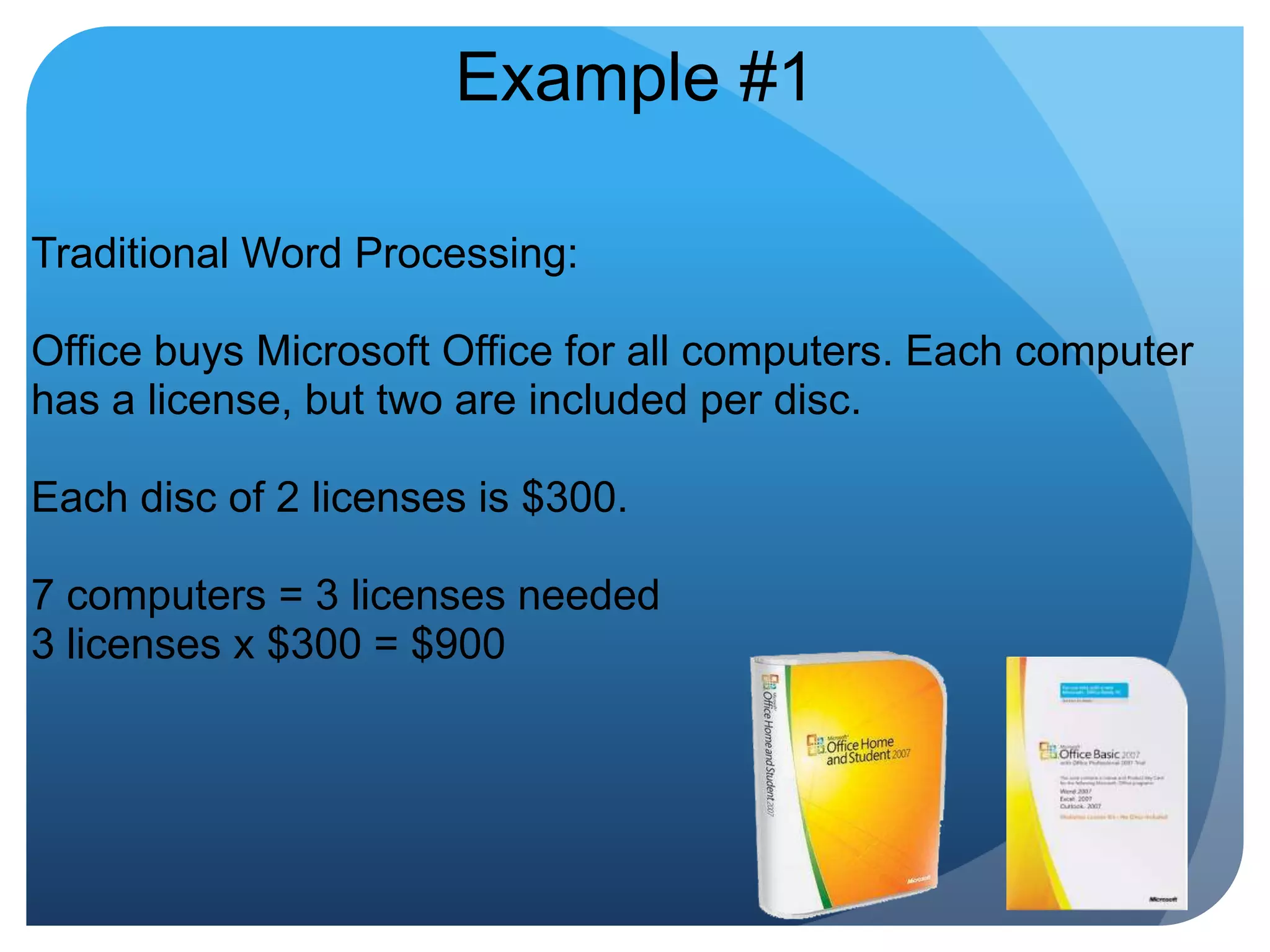
Example #1Traditional Word Processing: Office buys Microsoft Office for all computers. Each computer has a license, but two are included per disc. Each disc of 2 licenses is $300. 7 computers = 3 licenses needed3 licenses x $300 = $900
Using The Cloud Alternative:Online Document Management & Calendar from Google. Linked to email account, includes word processing, spreadsheets, presentations. Accessible anywhere with internet access. No license, no maintenance. $50 per user per year for Enterprise Solution, otherwise...FREE
How is Money Generated if it's Free?The good old-fashioned way: Advertising!Think of Cloud Computing as Free Television: ABC, NBC, CBS
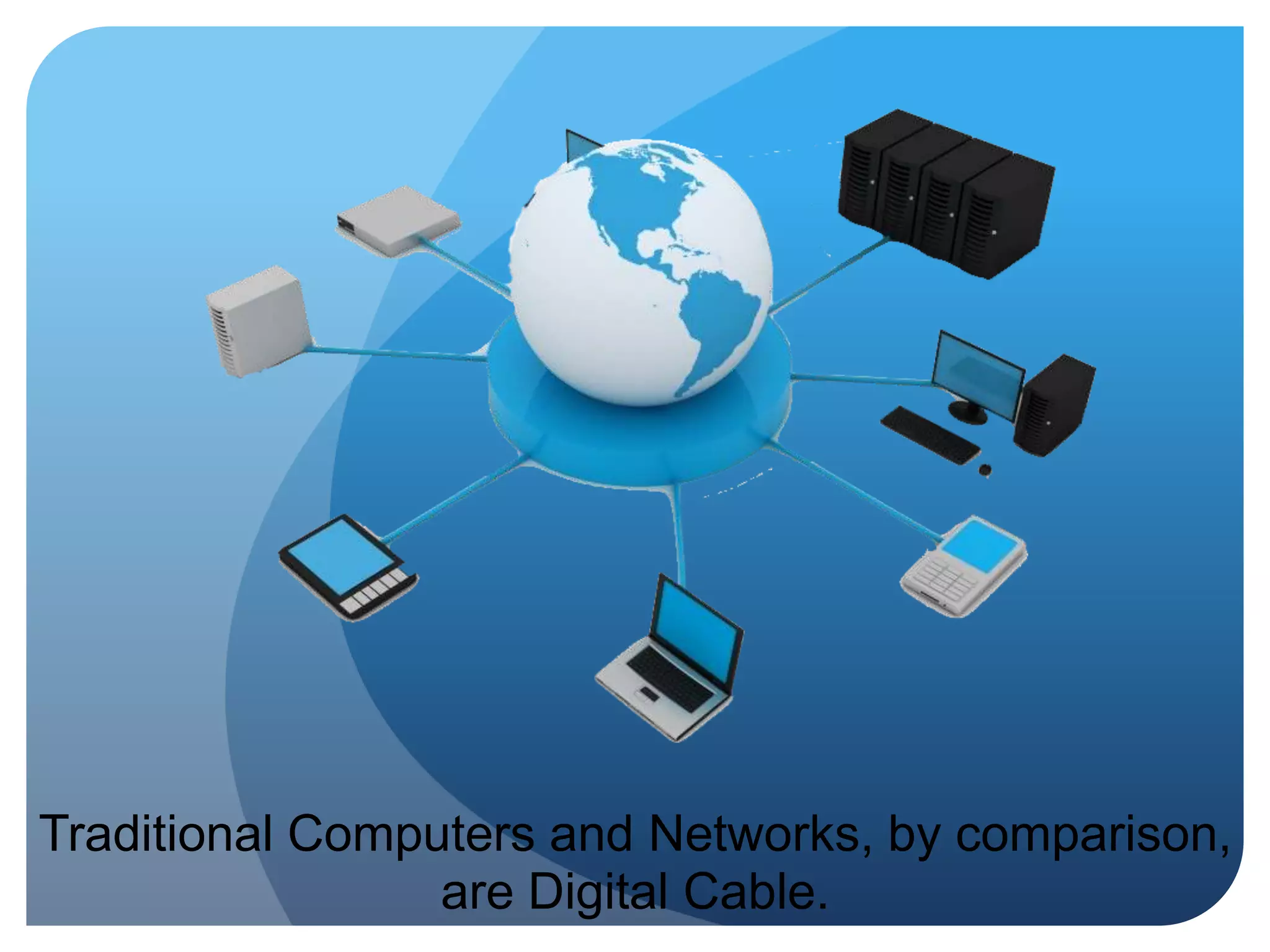
Traditional Computers and Networks, by comparison, are Digital Cable.
What about Security? 
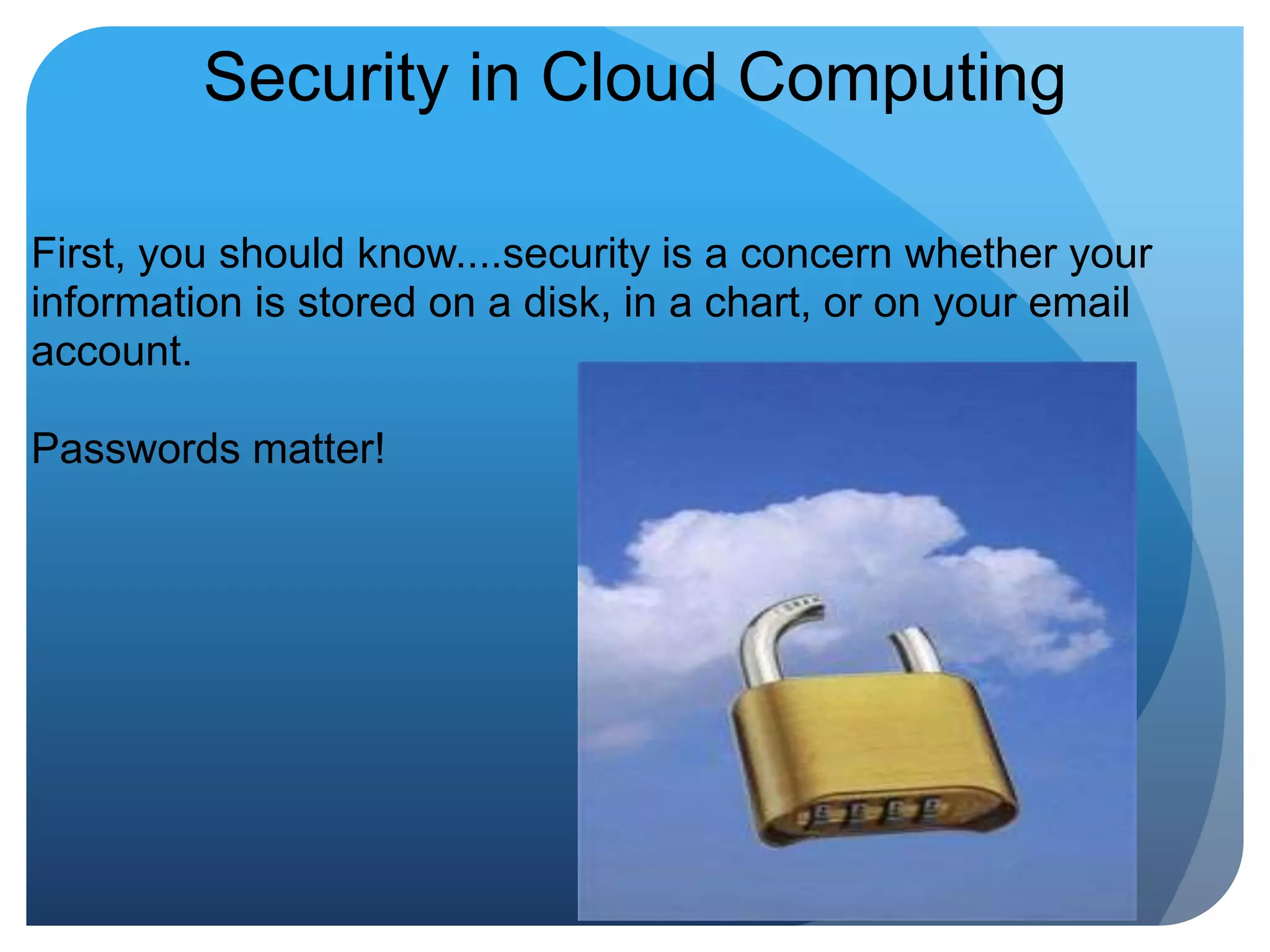
Security in Cloud ComputingFirst, you should know....security is a concern whether your information is stored on a disk, in a chart, or on your email account.Passwords matter!
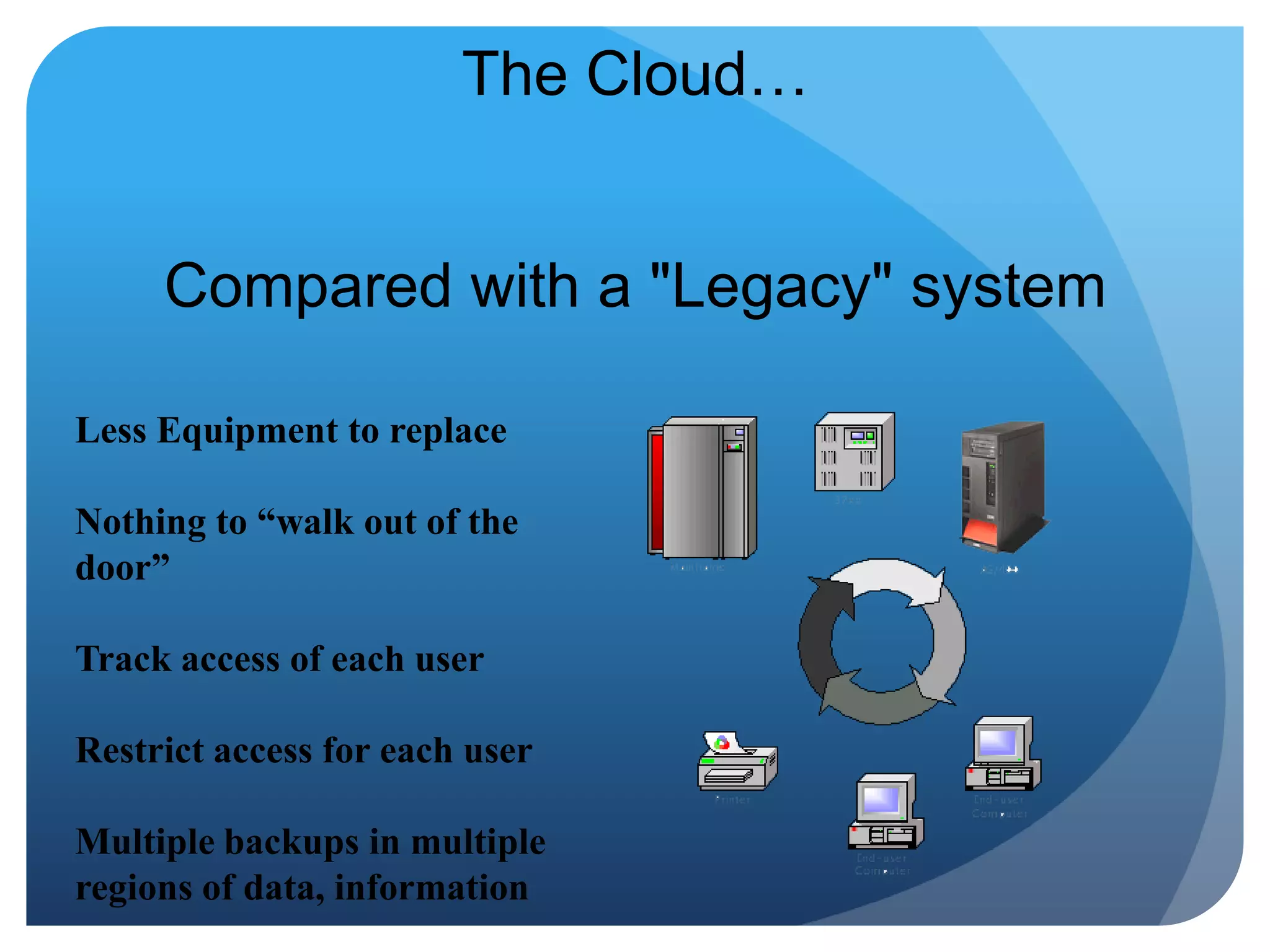
The Cloud…Compared with a "Legacy" system Less Equipment to replaceNothing to “walk out of the door”Track access of each userRestrict access for each userMultiple backups in multiple regions of data, information
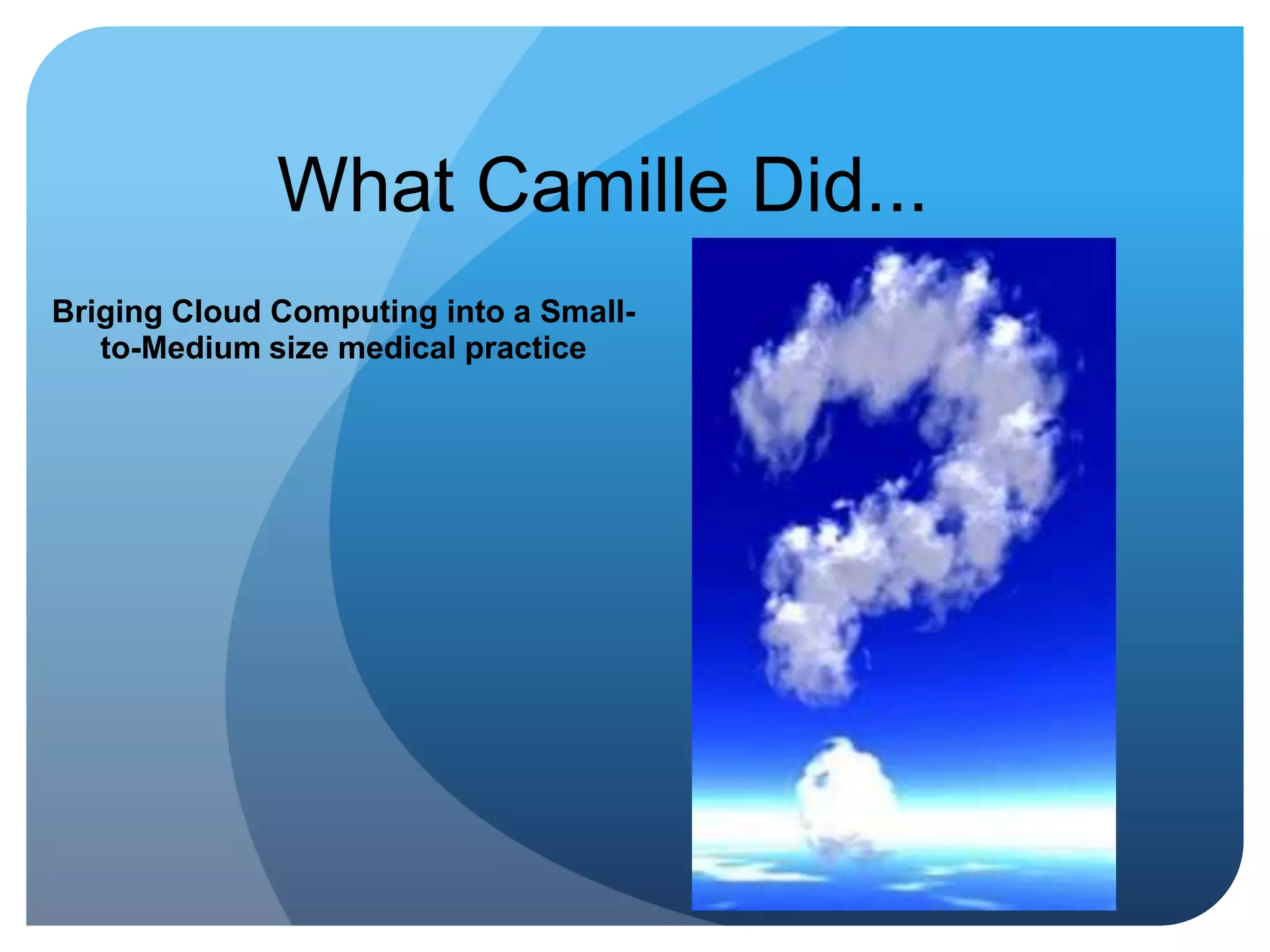
What Camille Did...Briging Cloud Computing into a Small-to-Medium size medical practice
Simplicity is the Ultimate Sophistication~LEONARDO DA VINCI
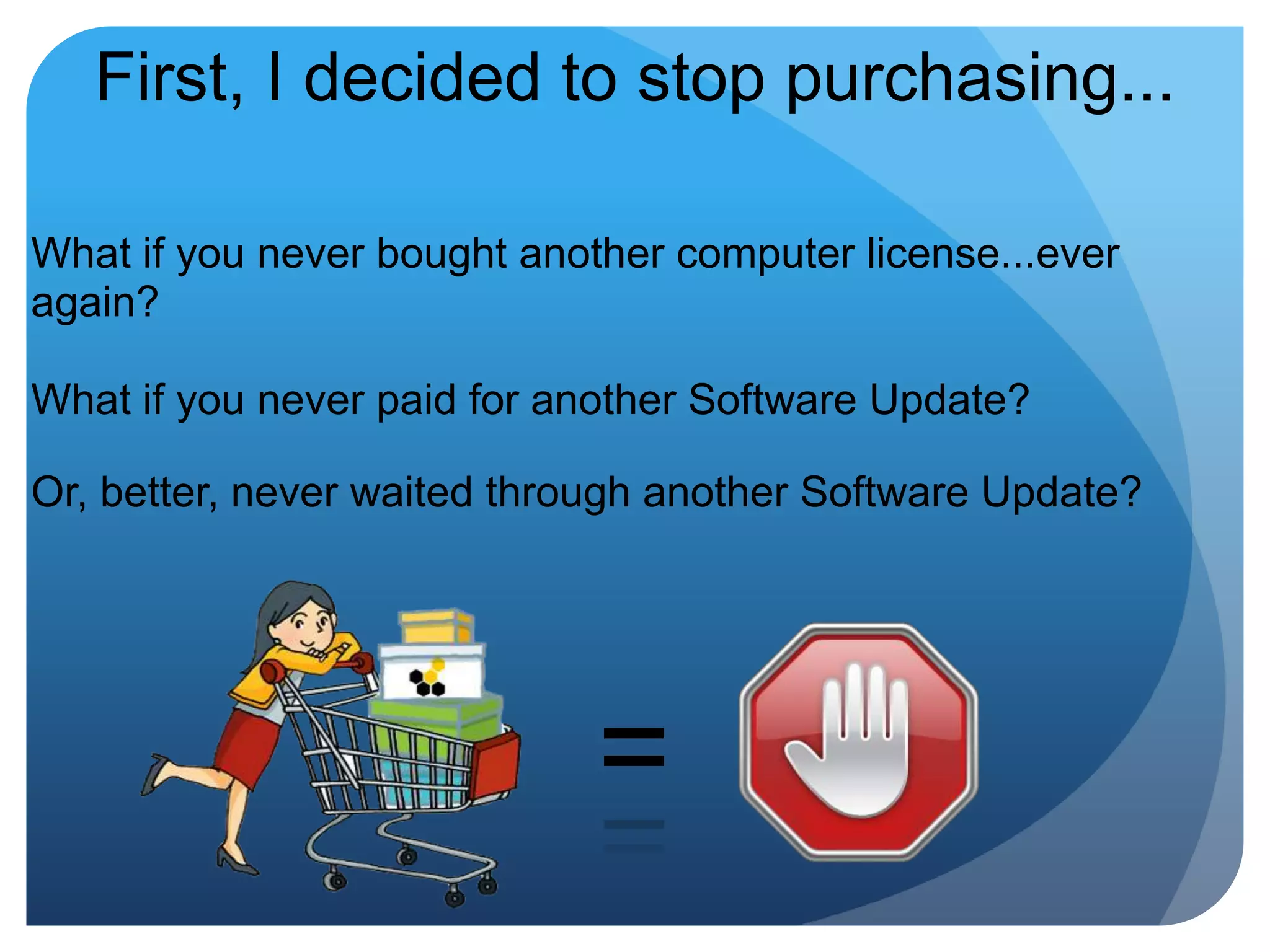
First, I decided to stop purchasing...What if you never bought another computer license...ever again?What if you never paid for another Software Update?Or, better, never waited through another Software Update?=
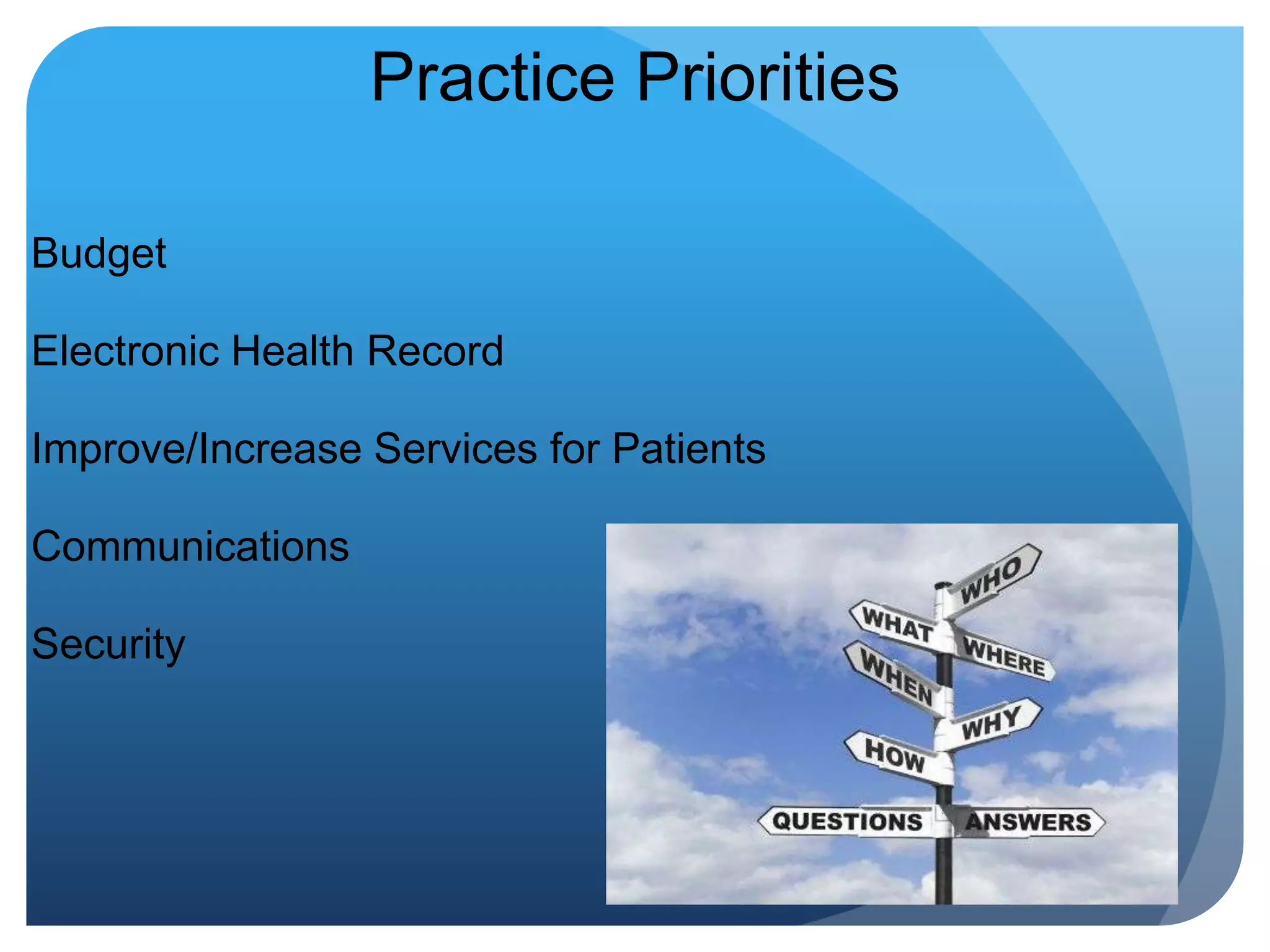
Practice PrioritiesBudgetElectronic Health RecordImprove/Increase Services for PatientsCommunicationsSecurity
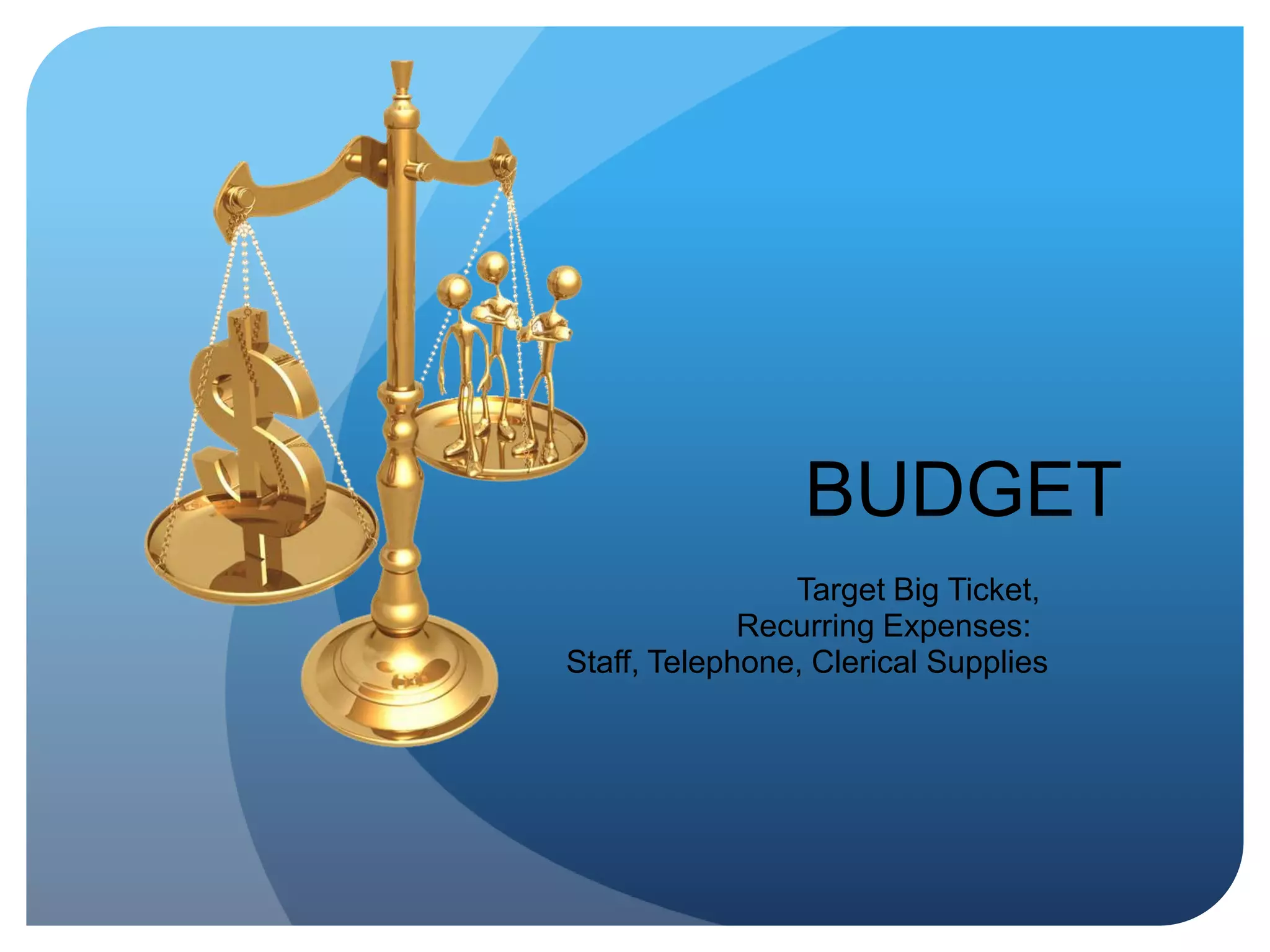
BUDGET   Target Big Ticket, Recurring Expenses:  Staff, Telephone, Clerical Supplies
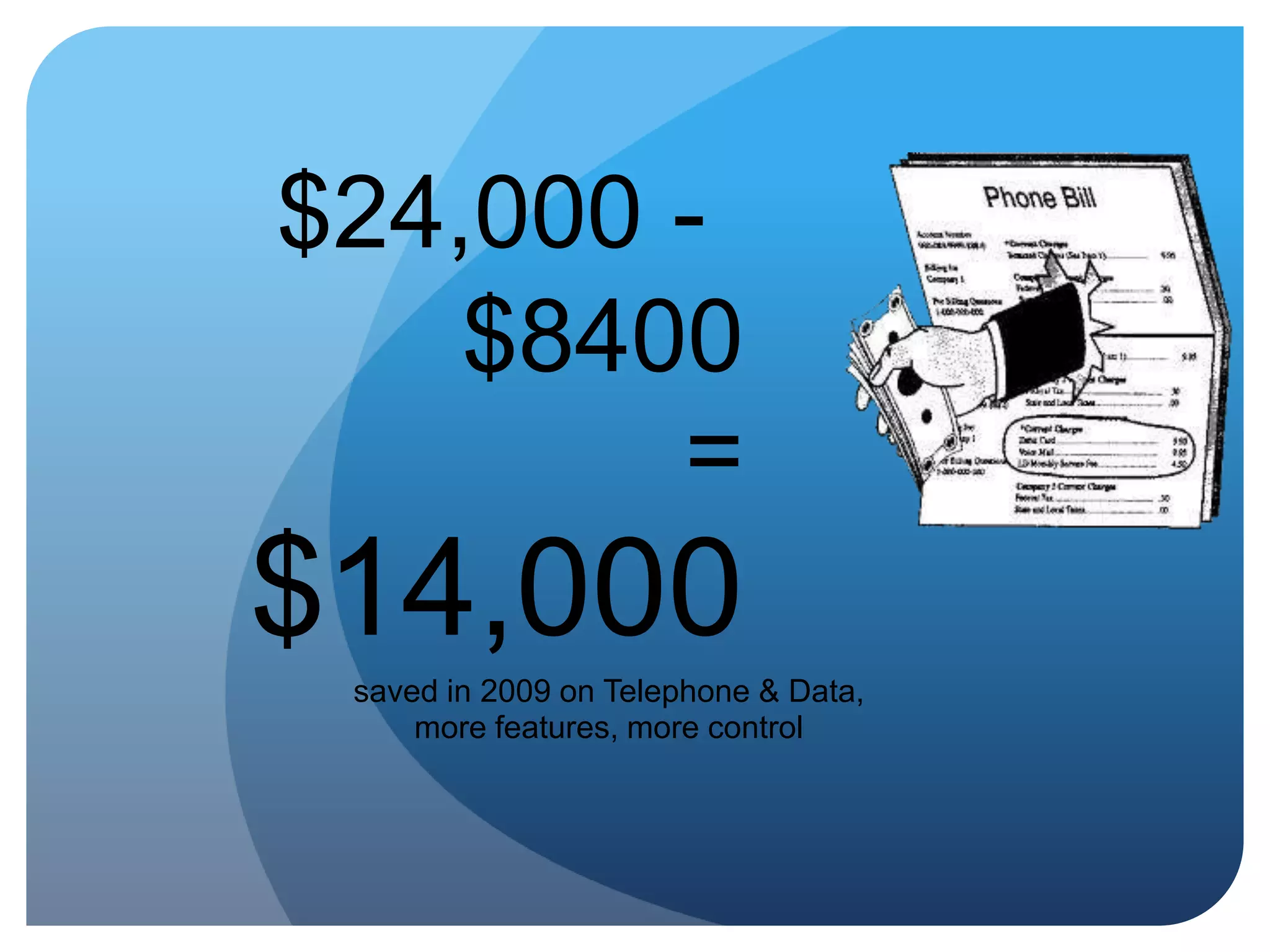
First Target: TelephoneOur average 2008 Telephone & Data bill was $2000 per month, for two offices.$24,000 per year. Downsides: Could not transfer calls between offices, no caller ID, manual forwarding to answering service, no way to track call volume (relevant to the staff expense)
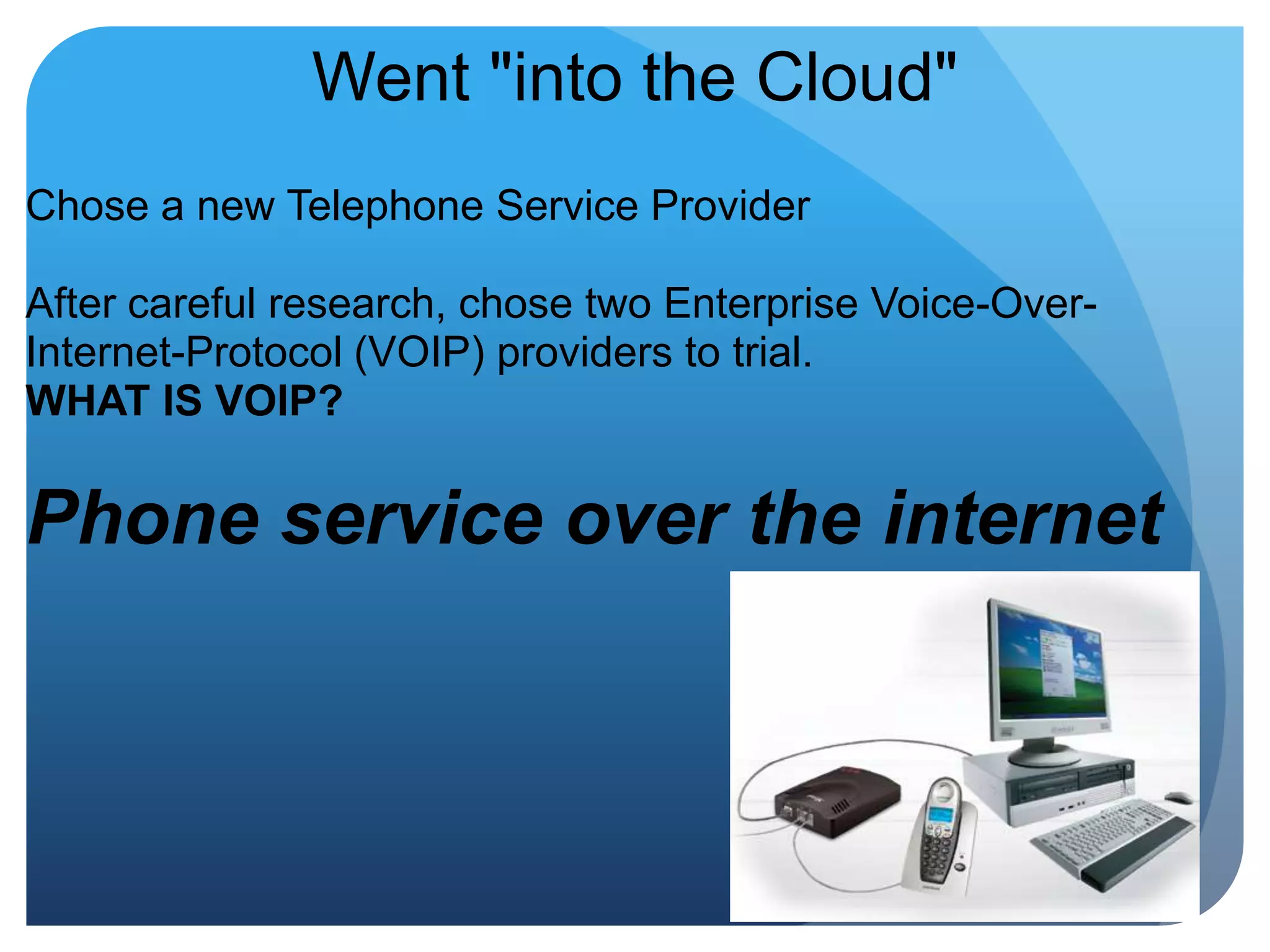
Went "into the Cloud"Chose a new Telephone Service Provider After careful research, chose two Enterprise Voice-Over-Internet-Protocol (VOIP) providers to trial.WHAT IS VOIP? Phone service over the internet
VOIP on a BudgetAuto-AttendantAdvanced VoicemailCustom MessagesOnline System ManagementFlexible RoutingCustom music on holdDetailed call reportsConferencingCaller ID Call Waiting Call Forwarding Find Me/Follow Me Call Transfer Voicemail sound files
New Monthly Telephone Bill?Telephone: $300 per month for two officesData: $400Total: $700 per month or $8400 per yearOne-time investment in telephones: $1600 New annual total for service after phone purchase:  $8400
$24,000 - $8400=$14,000saved in 2009 on Telephone & Data, more features, more control
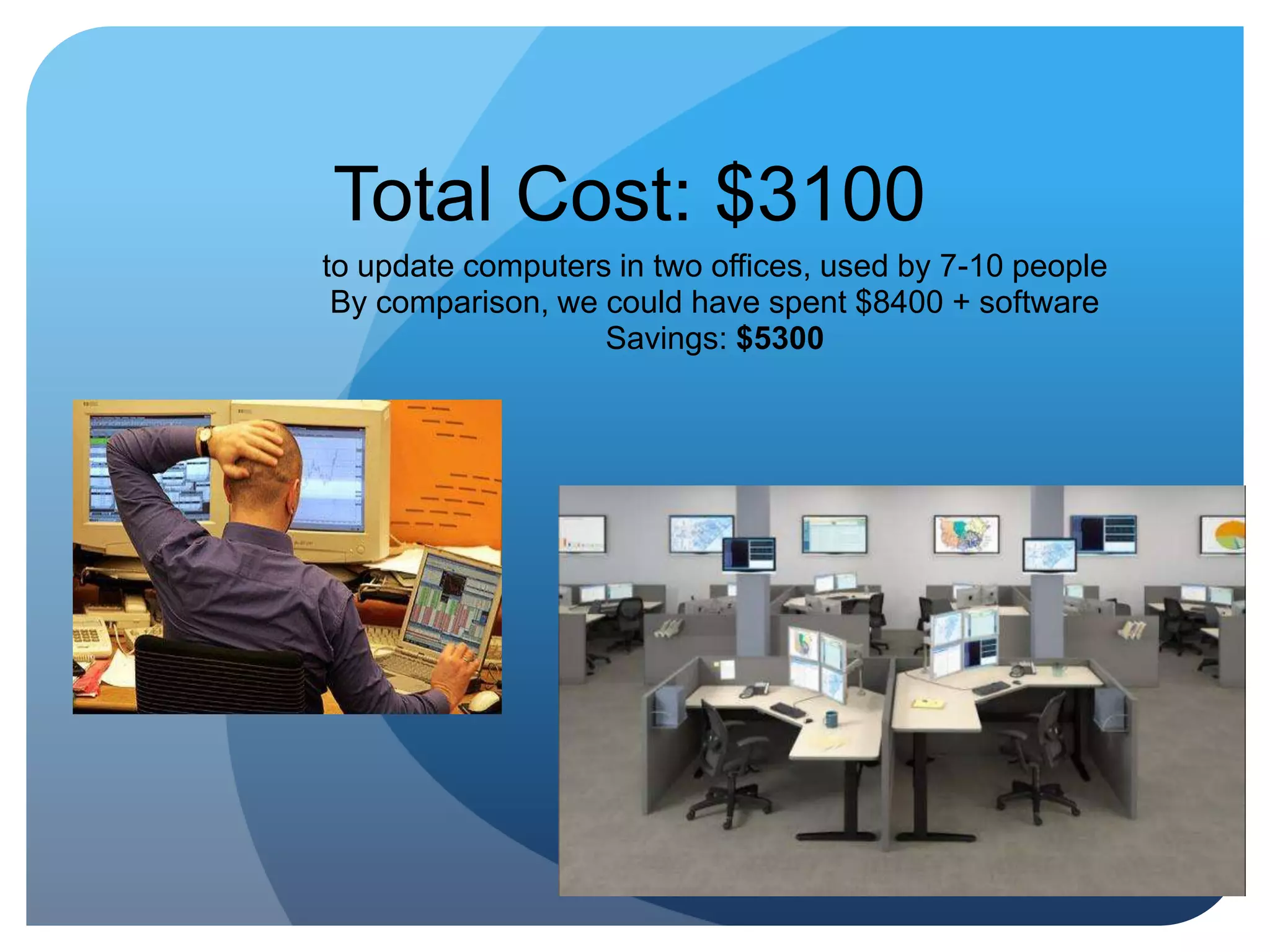
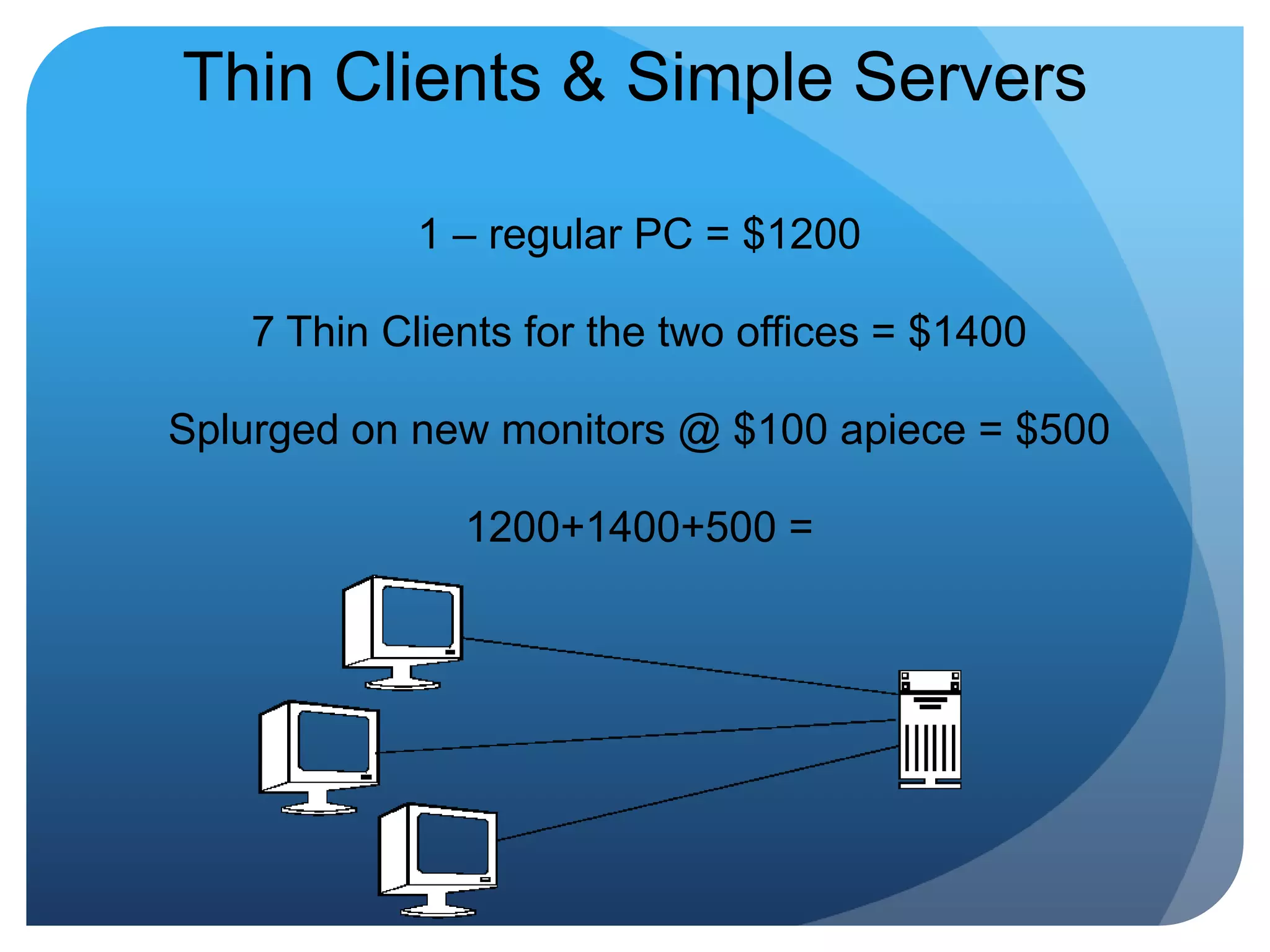
Thin Clients & Simple Servers1 – regular PC = $12007 Thin Clients for the two offices = $1400Splurged on new monitors @ $100 apiece = $5001200+1400+500 =
Total Cost: $3100 to update computers in two offices, used by 7-10 peopleBy comparison, we could have spent $8400 + softwareSavings: $5300
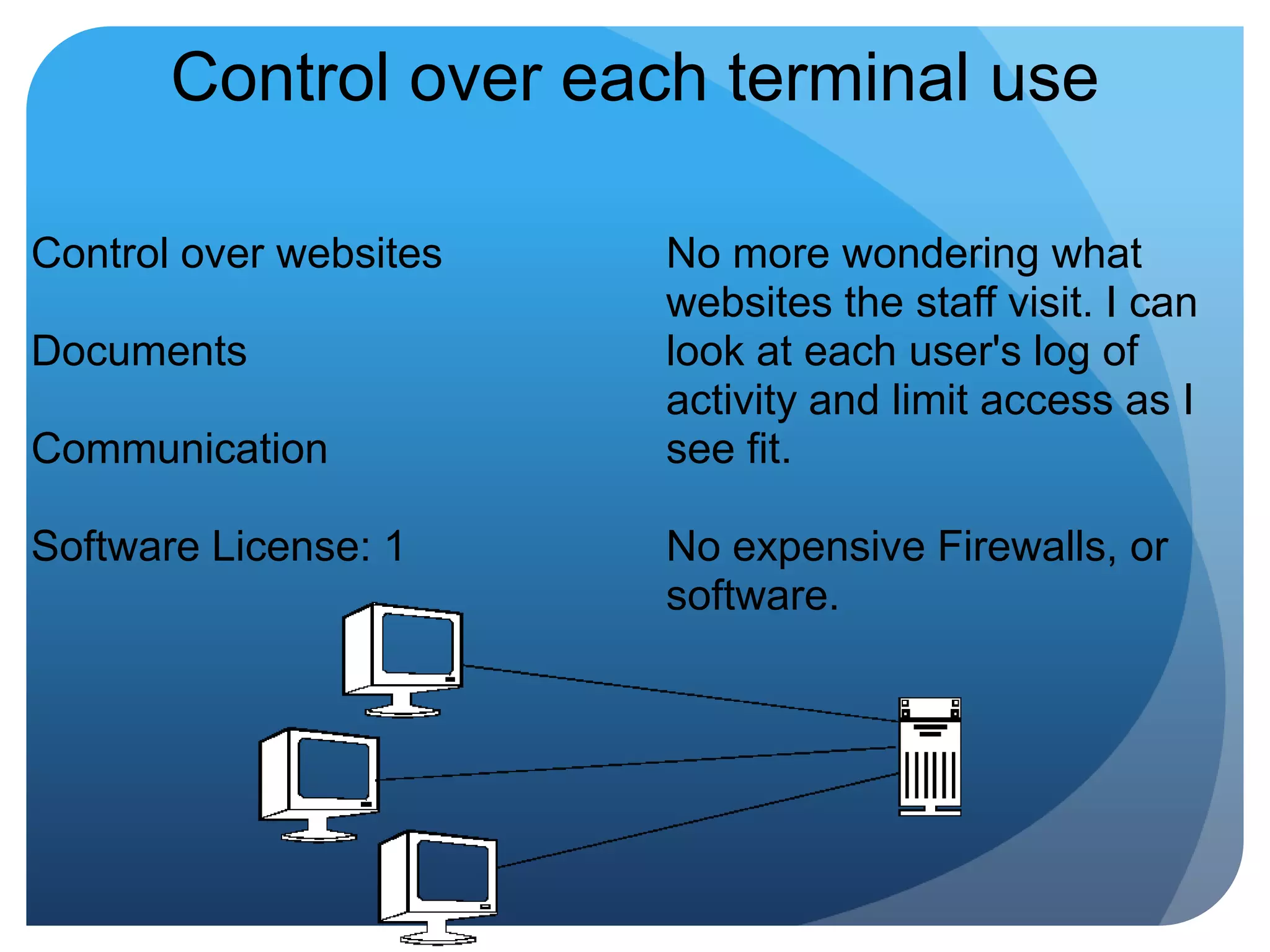
Control over each terminal useControl over websitesDocumentsCommunicationSoftware License: 1No more wondering what websites the staff visit. I can look at each user's log of activity and limit access as I see fit. No expensive Firewalls, or software.
Why is it important to control use?It’s super easy to download a virus that can – and will – infect every single computerAnyone using email can open an attachment or have one open automatically if the virus is programmed to do soBad Examples: One employee used to stream sermons from her church to listen to at work. That activity crashed our system with a Trojan Horse virus.I once overheard an employee brag that she still kept tabs on her old office by having all emails sent to her account – first! She was locked out of our system before the ink on that pink slip cooled!
 Cut the charge by 75% on our PM Software, which we paid for by license = $1500 savings in one year
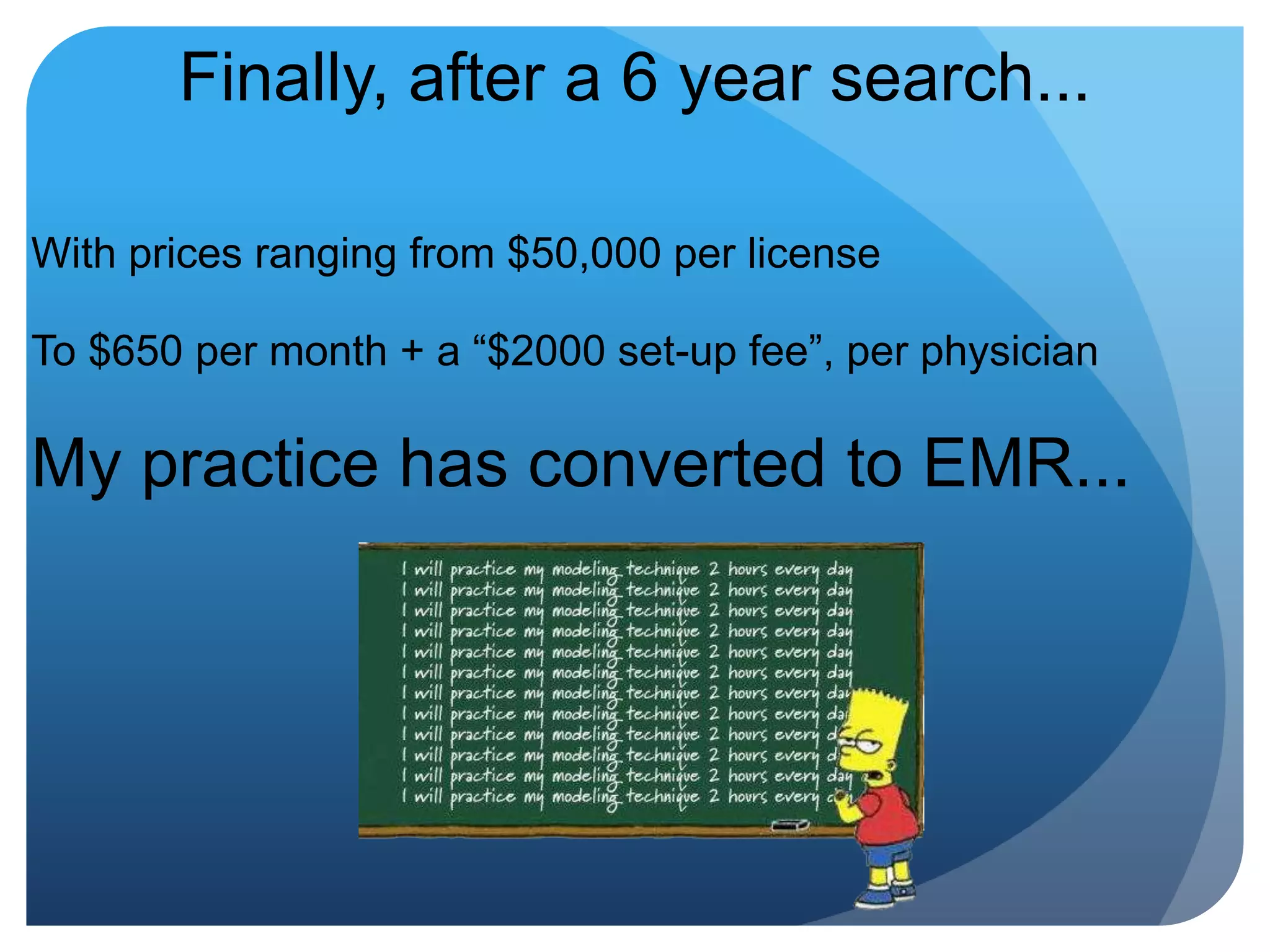
Finally, after a 6 year search...With prices ranging from $50,000 per license To $650 per month + a “$2000 set-up fee”, per physicianMy practice has converted to EMR...
FOR FREEwell, okay, I bought the doctor a tablet computer
The Beauty of the CloudNo Installation, we just log on from any computerePrescribe - with the Medicare incentiveFully Functional in Five MinutesSecureIntuitiveNo Training Expenses (all videos on YouTube!)Oh yeah, and we are eligible for Federal Funds...
CRITERIA1. Affordable - I can give an educated guess to the costs of most EMRs and they are grossly overpriced2. Easy-to-Use - If it's harder than email, it's a disaster for me and my doc. If I require 40+ hours of training, the product is not EASY or well-planned. 40 hours of training = $6000!!!3. Web-based - I am not buying and maintaining equipment.4. Customizable - I'm picky, so is my doctor. Over the years of evaluation we've gotten very specific.Added Bonus: No smarmy salesperson who knows less about EMR technology than I do and just wants to make numbers!
SecuritySecureBank-level encryptionBackups, redundancy, biometrics, disaster recovery Fortune 500 security for the small officeService Level Agreement (SLA) guarantees uptimeYou maintain ownership of your dataTraditional vendorsCannot guarantee security at any level with onsite installationsProtocols, uptime/SLA, redundancy, audits (practice’s responsibility)
About Practice Fusion EMRWho is Practice Fusion?Founded in 2005Largest and fastest growing EHR community Over 40,000 users in all 50 states	400% community growth in 2009Backed by salesforce.com and the original funders of ApplePremier EHR for offices under 20 practitioners
EHR IncentivesEconomic stimulus incentives - $44,000Practice Fusion guarantees HHS certificationProviders can qualify for $44,000+ for using an EHR systemOnly Practice Fusion enables you to pocket the stimulus fundsLearn more about the stimulus plan on PracticeFusion.com“You guys are truly an example of progress and forward thinking for the second decade of the 21st century and web 2.0 in medicine. Keep up the great work!“ – Dr. Pina
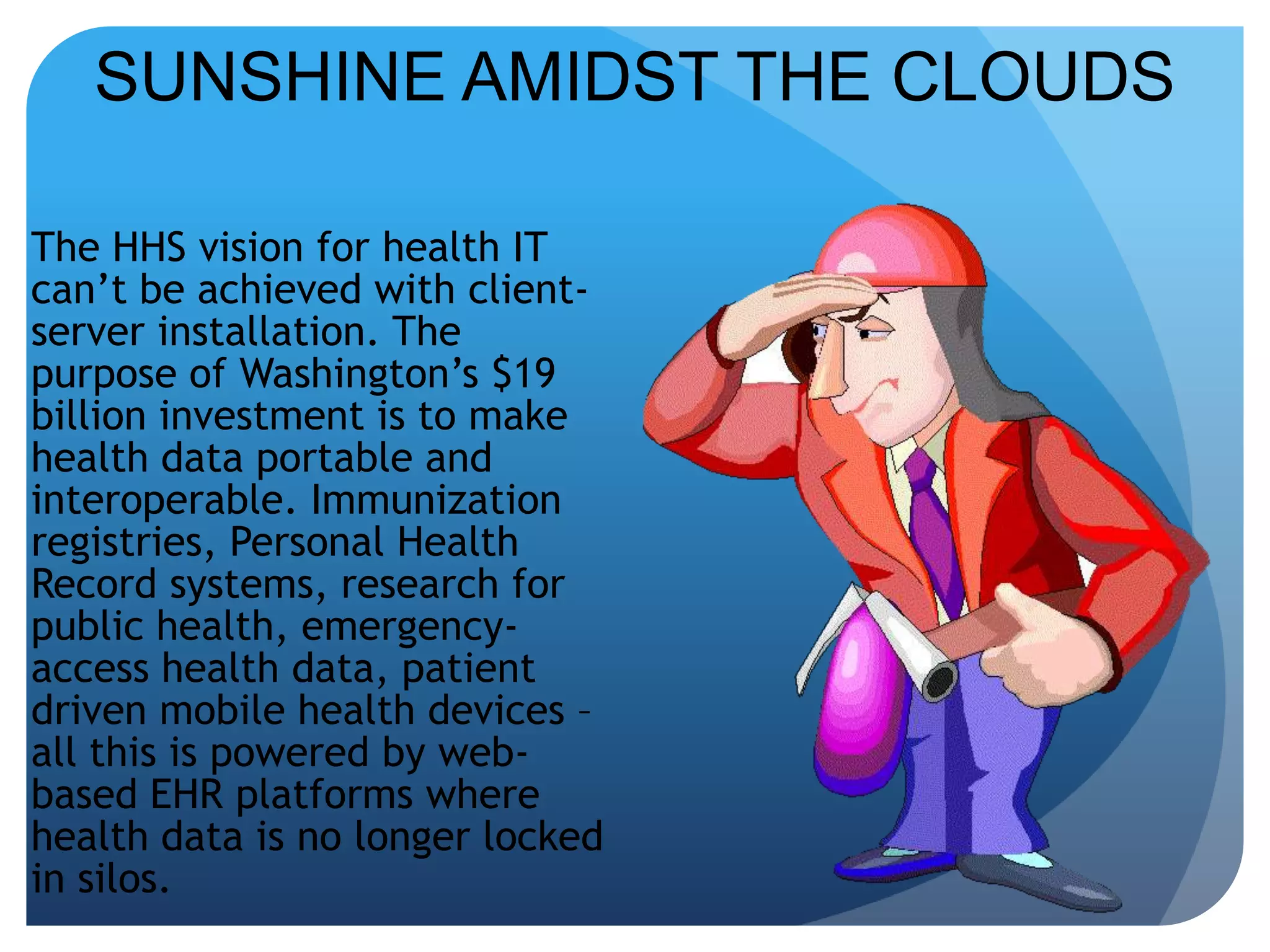
SUNSHINE AMIDST THE CLOUDSThe HHS vision for health IT can’t be achieved with client-server installation. The purpose of Washington’s $19 billion investment is to make health data portable and interoperable. Immunization registries, Personal Health Record systems, research for public health, emergency-access health data, patient driven mobile health devices – all this is powered by web-based EHR platforms where health data is no longer locked in silos.
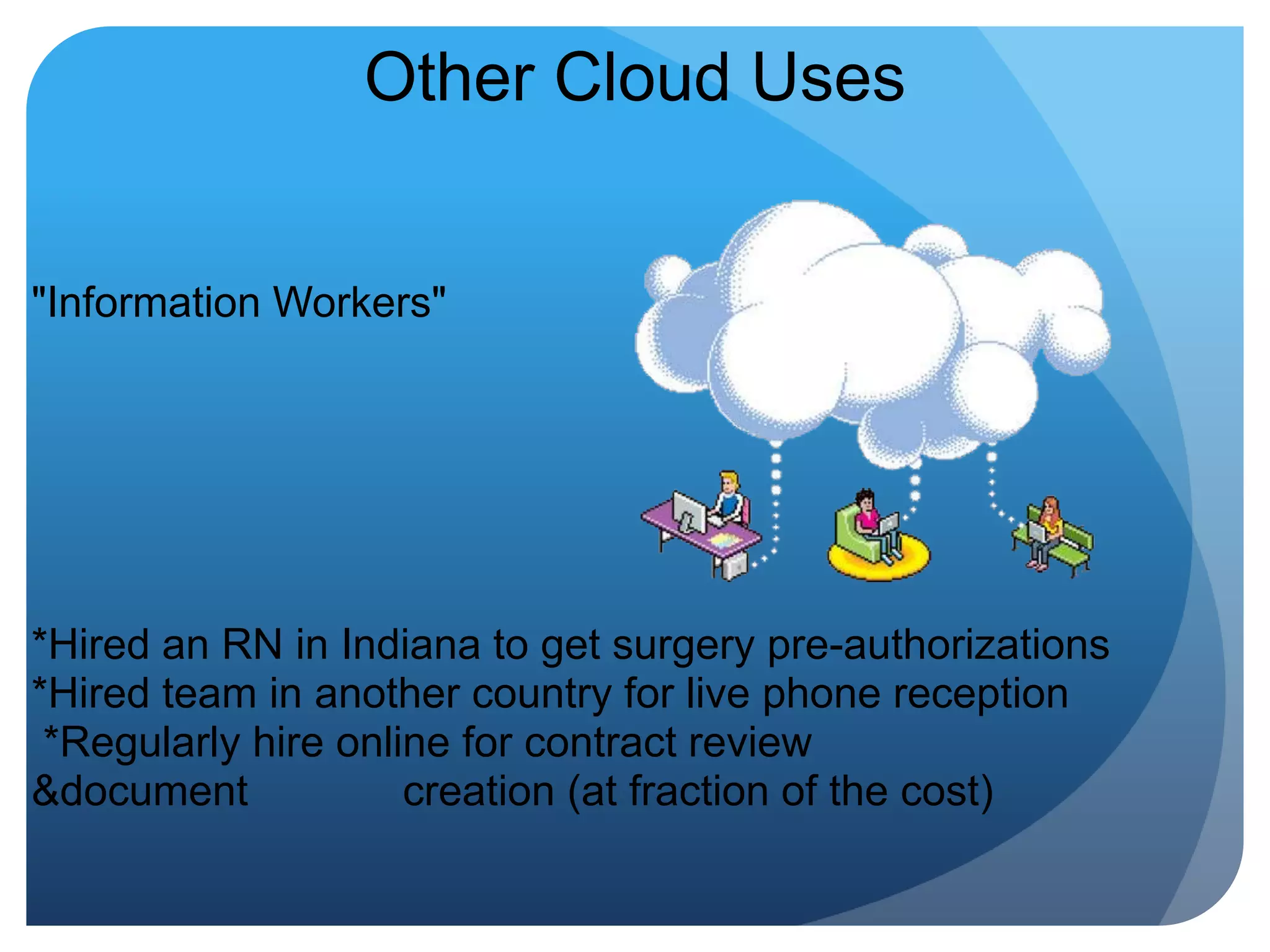
Other Cloud Uses "Information Workers" *Hired an RN in Indiana to get surgery pre-authorizations*Hired team in another country for live phone reception *Regularly hire online for contract review &document             creation (at fraction of the cost)
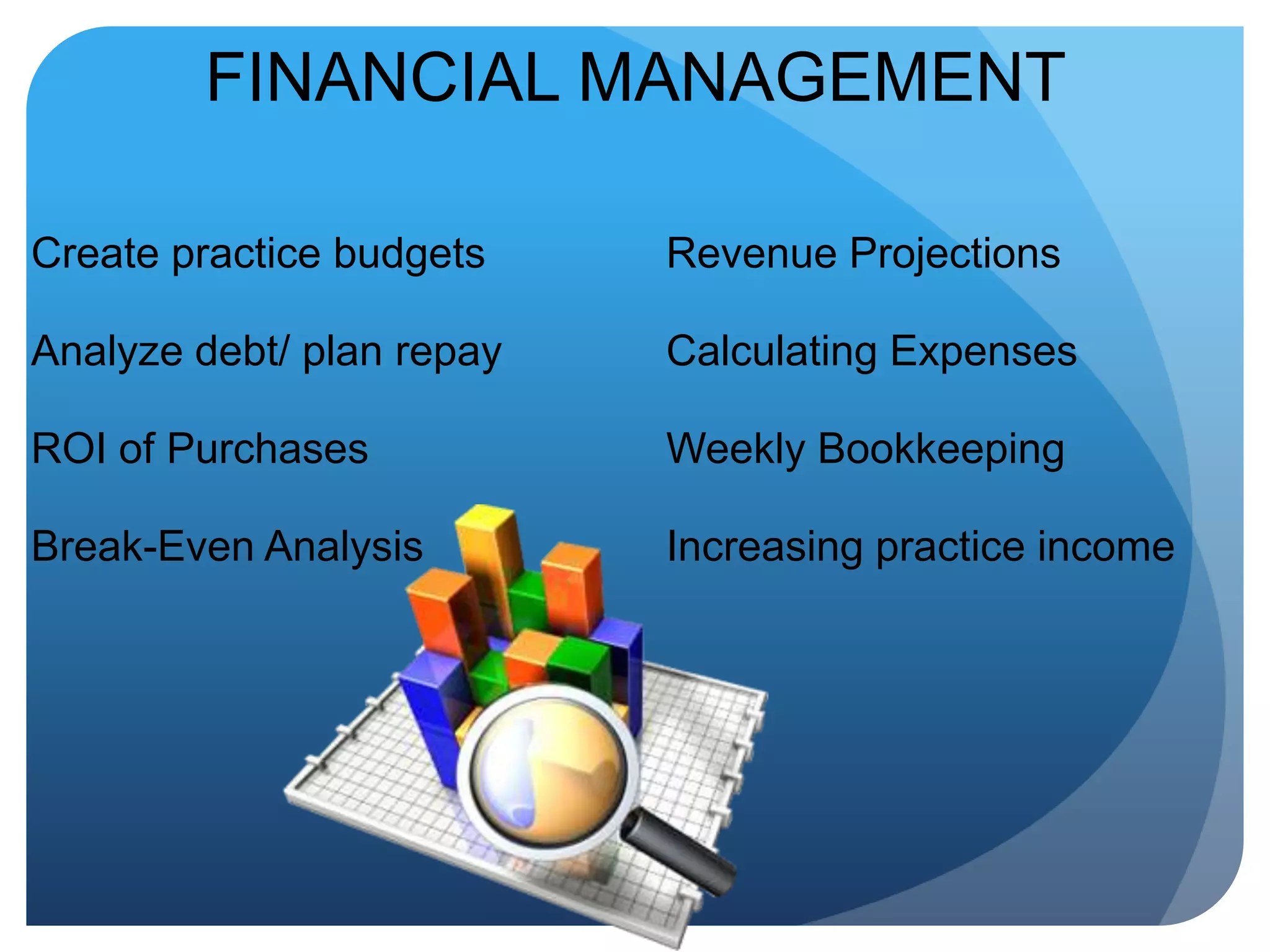
FINANCIAL MANAGEMENTCreate practice budgetsAnalyze debt/ plan repayROI of PurchasesBreak-Even AnalysisRevenue ProjectionsCalculating ExpensesWeekly BookkeepingIncreasing practice income
Payroll – Save 60% or MoreOld Payroll service charges:*Minimum $150 per month   Additional charges for filings   Additional charges for bonuses  Annual charge: $1800New payroll company? $55.00 a month, no extra feesAnnual Charge: $660 Added bonus: web-based time clock to calculate payrollSavings: Over $1100 per year, with more options & control
Resources for Research & ChangeEHRbloggers.com - EMRVOIPReview.com - TelephoneDinkytown.com - FinancePaycyle.com - PayrollWeebly.com – Fee WebsitesLifehacker.com –Useful ideaseLance.com - Freelancers
THANK YOU!I'll take questions if there are any...

Outsmart the geek slideshare

  • 1.
    What is yourpractice’s smallest problem?WHAT IS YOUR BIGGEST PROBLEM?.
  • 2.
    Outsmarting the GeeksHowmedical managers can optimize time, money, and tech!
  • 3.
    Camille A. WilliamsAdministrator,ENT ASSOCIATES OF SOUTH ATLANTA;HEALTH & TECHNOLOGY RESEARCHER & EDITOR;CERTIFIED NEUTRAL/ MEDIATOR, USA
  • 4.
    What is "Outsmartinga Geek?"Simple phrase for knowing enough NOT to get taken advantage ofANDTo get your best options on all transactions.
  • 5.
    PURPOSE OF THISPRESENTATIONPrepare the medical manager to take advantage of technology without high price tags and/or frustration.To provide thorough understanding of technology options for everyday use.To answer questions about new technologies and their value to the medical practice.
  • 6.
    MY MOTTOCHEAP ISCHICIt doesn't matter if you're a one-doctor shop or 100 physicians strong, there are affordable, scalable solutions for almost any aspect of your practice. Fortune 5 - 500 companies use these solutions to cut their expenses.Why shouldn't you?
  • 7.
    AREAS OF IMPROVEMENTPersonnelTelecommunicationsPatientInteractionOffice HardwareStaff TrainingAccountingAdministrative TasksPractice Income
  • 8.
    Myth vs. TruthCommonmyths regarding technology, medicine, and the digital age
  • 9.
    Myth #1Only anIT (Information Technology) professional can work on, maintain, or fix a computer system.
  • 10.
    Truth #1Computers, likeVirginia Slims (TM), have come a very long way baby! Most computers can be successfully maintained by someone with a two-page manual.
  • 11.
    Myth #2The moreI pay for the computer or system in question, the better the quality system I'll get.
  • 12.
    Truth #2Not necessarily.In technology, the rate of positive change is about 90 days. For example,  wait 3 - 6 months after Christmas and the fully-loaded TV or computer you want can be found at a 30-60% discount. Patience, even a little patience, is a virtue.
  • 13.
    Myth #3All thesalespeople and practice magazines say that without new technology my practice will fall behind the times, so I should buy whatever is on the market.
  • 14.
    Truth #3Put downthe order form...The truth is that technology is a tool. Matched well to your needs and talents, it's an effective tool. Poorly matched, it's a hassle. 
  • 15.
    Example of Truth#3Grandma's Computer:A very nice clothes stand. Too much computer!
  • 16.
    POP QUIZ!What isCloud Computing?
  • 17.
    Answer:It's Internet-based computing,where Shared Resources, software, and information are provided to computers On Demand, like electricity.
  • 18.
    Defogging Cloud ComputingYouare already using Cloud Computing in your everyday life if you do any of the following:1. Use a search engine. Google anything lately?2. Check email online.3. Buy a website name online.4. Shop on eBay, Target.com5. Enjoy a little Farmville or online Poker
  • 19.
    How can amanager use this? 
  • 20.
    Example #1Traditional WordProcessing: Office buys Microsoft Office for all computers. Each computer has a license, but two are included per disc. Each disc of 2 licenses is $300. 7 computers = 3 licenses needed3 licenses x $300 = $900
  • 21.
    Using The CloudAlternative:Online Document Management & Calendar from Google. Linked to email account, includes word processing, spreadsheets, presentations. Accessible anywhere with internet access. No license, no maintenance. $50 per user per year for Enterprise Solution, otherwise...FREE
  • 22.
    How is MoneyGenerated if it's Free?The good old-fashioned way: Advertising!Think of Cloud Computing as Free Television: ABC, NBC, CBS
  • 23.
    Traditional Computers andNetworks, by comparison, are Digital Cable.
  • 24.
  • 25.
    Security in CloudComputingFirst, you should know....security is a concern whether your information is stored on a disk, in a chart, or on your email account.Passwords matter!
  • 26.
    The Cloud…Compared witha "Legacy" system Less Equipment to replaceNothing to “walk out of the door”Track access of each userRestrict access for each userMultiple backups in multiple regions of data, information
  • 27.
    What Camille Did...BrigingCloud Computing into a Small-to-Medium size medical practice
  • 28.
    Simplicity is theUltimate Sophistication~LEONARDO DA VINCI
  • 29.
    First, I decidedto stop purchasing...What if you never bought another computer license...ever again?What if you never paid for another Software Update?Or, better, never waited through another Software Update?=
  • 30.
    Practice PrioritiesBudgetElectronic HealthRecordImprove/Increase Services for PatientsCommunicationsSecurity
  • 31.
    BUDGET   Target BigTicket, Recurring Expenses:  Staff, Telephone, Clerical Supplies
  • 32.
    First Target: TelephoneOuraverage 2008 Telephone & Data bill was $2000 per month, for two offices.$24,000 per year. Downsides: Could not transfer calls between offices, no caller ID, manual forwarding to answering service, no way to track call volume (relevant to the staff expense)
  • 33.
    Went "into theCloud"Chose a new Telephone Service Provider After careful research, chose two Enterprise Voice-Over-Internet-Protocol (VOIP) providers to trial.WHAT IS VOIP? Phone service over the internet
  • 34.
    VOIP on aBudgetAuto-AttendantAdvanced VoicemailCustom MessagesOnline System ManagementFlexible RoutingCustom music on holdDetailed call reportsConferencingCaller ID Call Waiting Call Forwarding Find Me/Follow Me Call Transfer Voicemail sound files
  • 35.
    New Monthly TelephoneBill?Telephone: $300 per month for two officesData: $400Total: $700 per month or $8400 per yearOne-time investment in telephones: $1600 New annual total for service after phone purchase:  $8400
  • 36.
    $24,000 - $8400=$14,000saved in2009 on Telephone & Data, more features, more control
  • 37.
    Thin Clients &Simple Servers1 – regular PC = $12007 Thin Clients for the two offices = $1400Splurged on new monitors @ $100 apiece = $5001200+1400+500 =
  • 38.
    Total Cost: $3100to update computers in two offices, used by 7-10 peopleBy comparison, we could have spent $8400 + softwareSavings: $5300
  • 39.
    Control over eachterminal useControl over websitesDocumentsCommunicationSoftware License: 1No more wondering what websites the staff visit. I can look at each user's log of activity and limit access as I see fit. No expensive Firewalls, or software.
  • 40.
    Why is itimportant to control use?It’s super easy to download a virus that can – and will – infect every single computerAnyone using email can open an attachment or have one open automatically if the virus is programmed to do soBad Examples: One employee used to stream sermons from her church to listen to at work. That activity crashed our system with a Trojan Horse virus.I once overheard an employee brag that she still kept tabs on her old office by having all emails sent to her account – first! She was locked out of our system before the ink on that pink slip cooled!
  • 41.
     Cut the chargeby 75% on our PM Software, which we paid for by license = $1500 savings in one year
  • 42.
    Finally, after a6 year search...With prices ranging from $50,000 per license To $650 per month + a “$2000 set-up fee”, per physicianMy practice has converted to EMR...
  • 43.
    FOR FREEwell, okay,I bought the doctor a tablet computer
  • 44.
    The Beauty ofthe CloudNo Installation, we just log on from any computerePrescribe - with the Medicare incentiveFully Functional in Five MinutesSecureIntuitiveNo Training Expenses (all videos on YouTube!)Oh yeah, and we are eligible for Federal Funds...
  • 45.
    CRITERIA1. Affordable -I can give an educated guess to the costs of most EMRs and they are grossly overpriced2. Easy-to-Use - If it's harder than email, it's a disaster for me and my doc. If I require 40+ hours of training, the product is not EASY or well-planned. 40 hours of training = $6000!!!3. Web-based - I am not buying and maintaining equipment.4. Customizable - I'm picky, so is my doctor. Over the years of evaluation we've gotten very specific.Added Bonus: No smarmy salesperson who knows less about EMR technology than I do and just wants to make numbers!
  • 46.
    SecuritySecureBank-level encryptionBackups, redundancy,biometrics, disaster recovery Fortune 500 security for the small officeService Level Agreement (SLA) guarantees uptimeYou maintain ownership of your dataTraditional vendorsCannot guarantee security at any level with onsite installationsProtocols, uptime/SLA, redundancy, audits (practice’s responsibility)
  • 47.
    About Practice FusionEMRWho is Practice Fusion?Founded in 2005Largest and fastest growing EHR community Over 40,000 users in all 50 states 400% community growth in 2009Backed by salesforce.com and the original funders of ApplePremier EHR for offices under 20 practitioners
  • 48.
    EHR IncentivesEconomic stimulusincentives - $44,000Practice Fusion guarantees HHS certificationProviders can qualify for $44,000+ for using an EHR systemOnly Practice Fusion enables you to pocket the stimulus fundsLearn more about the stimulus plan on PracticeFusion.com“You guys are truly an example of progress and forward thinking for the second decade of the 21st century and web 2.0 in medicine. Keep up the great work!“ – Dr. Pina
  • 49.
    SUNSHINE AMIDST THECLOUDSThe HHS vision for health IT can’t be achieved with client-server installation. The purpose of Washington’s $19 billion investment is to make health data portable and interoperable. Immunization registries, Personal Health Record systems, research for public health, emergency-access health data, patient driven mobile health devices – all this is powered by web-based EHR platforms where health data is no longer locked in silos.
  • 50.
    Other Cloud Uses "InformationWorkers" *Hired an RN in Indiana to get surgery pre-authorizations*Hired team in another country for live phone reception *Regularly hire online for contract review &document             creation (at fraction of the cost)
  • 51.
    FINANCIAL MANAGEMENTCreate practicebudgetsAnalyze debt/ plan repayROI of PurchasesBreak-Even AnalysisRevenue ProjectionsCalculating ExpensesWeekly BookkeepingIncreasing practice income
  • 52.
    Payroll – Save60% or MoreOld Payroll service charges:*Minimum $150 per month  Additional charges for filings Additional charges for bonuses  Annual charge: $1800New payroll company? $55.00 a month, no extra feesAnnual Charge: $660 Added bonus: web-based time clock to calculate payrollSavings: Over $1100 per year, with more options & control
  • 53.
    Resources for Research& ChangeEHRbloggers.com - EMRVOIPReview.com - TelephoneDinkytown.com - FinancePaycyle.com - PayrollWeebly.com – Fee WebsitesLifehacker.com –Useful ideaseLance.com - Freelancers
  • 54.
    THANK YOU!I'll takequestions if there are any...

Editor's Notes

  • #4 Also a Conflict Resolution mediator or “Certified Neutral” for the State of of Georgia and the United States.
  • #27 Also, less expertise needed.
  • #47 Practice Fusion is the most secure EHR on the market. -We use bank-level encryption and all your data is encrypted-This would cost you hundreds of thousands to do in your office-Your data is always yours – we never charge you to export your dataWith other vendors, they cannot guarantee security and uptime because the hardware is as good as what is installed in your office. What if your hardware fails? What if someone breaks in and steals your server – we hear about date breaches every day What if your office catches on fire? We have a customer on the east coast that had a fire and was able to login the next day and retrieve all of his data
  • #48 Press is needed on bottom of slide, along with a quote about how badass we are.
  • #49 Only Practice Fusion enables you to pocket the stimulus fundsIF you would like to learn more about the stimulus plan, we have the best online resource on the web – you can learn more at PracticeFusion.com
  • #52 I’M A BIT OF A DUMB BUNNY, CAN’T ADD TO SAVE MY LIFE, ACTUALLY, SO I NEED LOTS OF HELP WITH THE FINANCIAL MANAGEMENT OF THE COMPANY AND I FIND EVERY RESOURCE I CAN EVER NEED ONLINE. WHETHER ITS CREATING THE PRACTICE BUDGET, ANALYZING DEBT REPAYMENT, OR RETURN ON INVESTMENT (THE HALLOWED ROI) FOR PURCHASES – THERE IS SOMEONE OUT THERE IN THE WORLD WHO HAS BUILT A SPREADSHEET OR PROGRAM I CAN USE TO APPEAR REALLY, REALLY SMART.