Optimizing 
WordPress 
Brian LaFrance 
Marketing Director – AuthorityLabs 
brian.lafrance@authoritylabs.com 
Twitter - @blafrance
Getting Set up Right is 
Critical
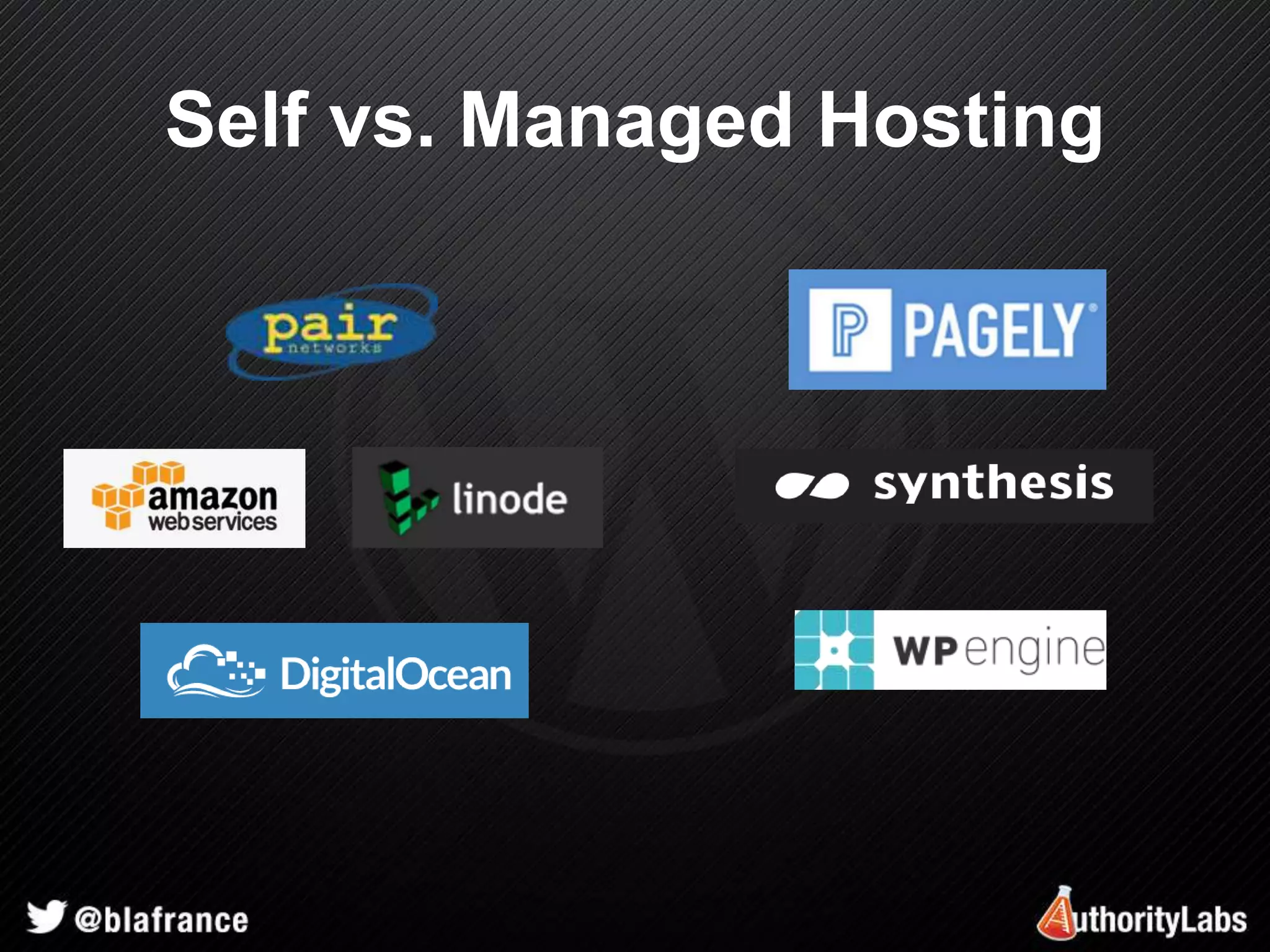
Self vs. Managed Hosting
Choosing a Server
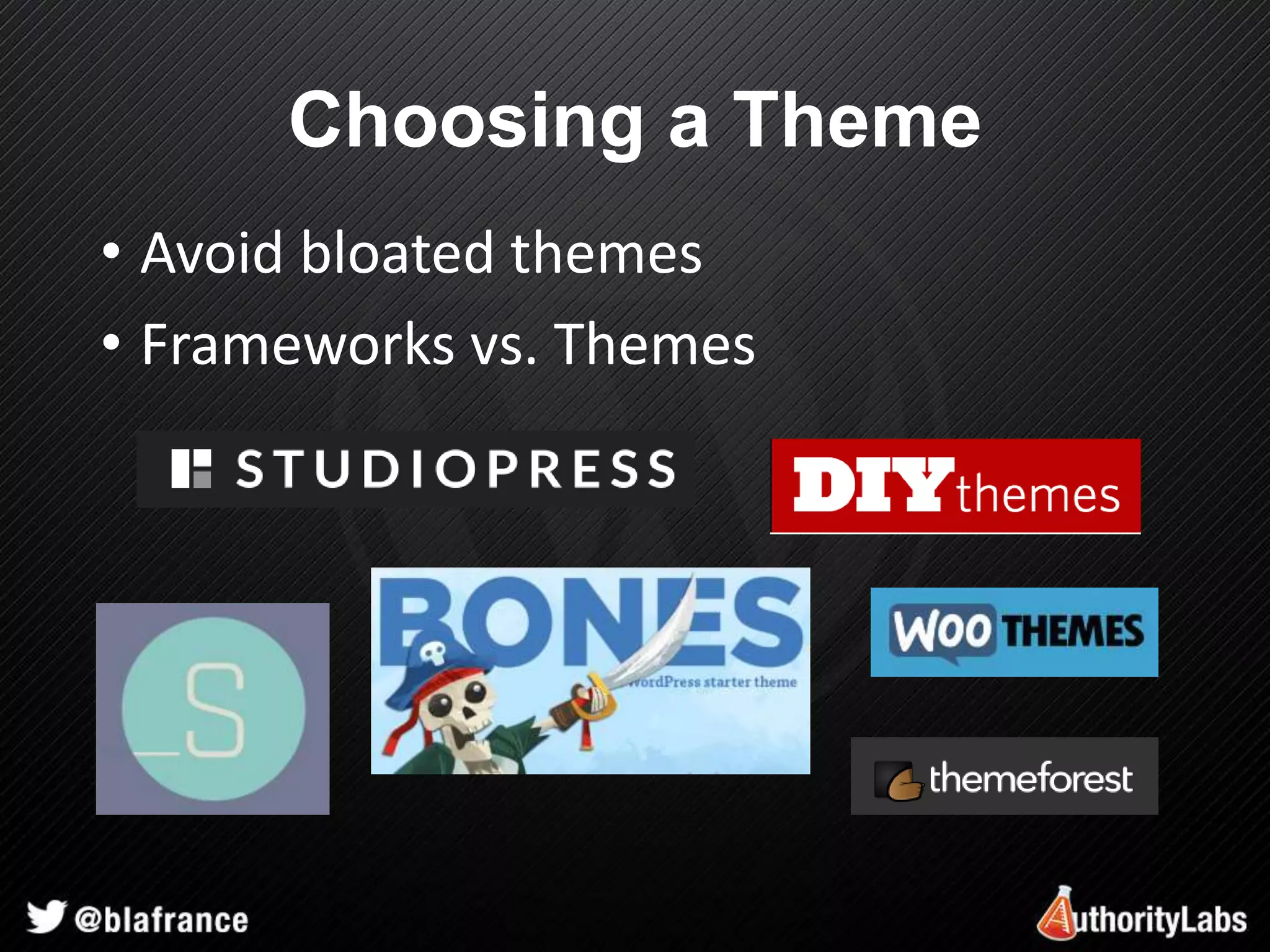
Choosing a Theme 
• Avoid bloated themes 
• Frameworks vs. Themes
Mobile Considerations 
• Responsive design – mobile first 
• Don’t go overboard – Logical breakpoints 
• Prioritize for better user experience 
• Minimize resources sent to devices
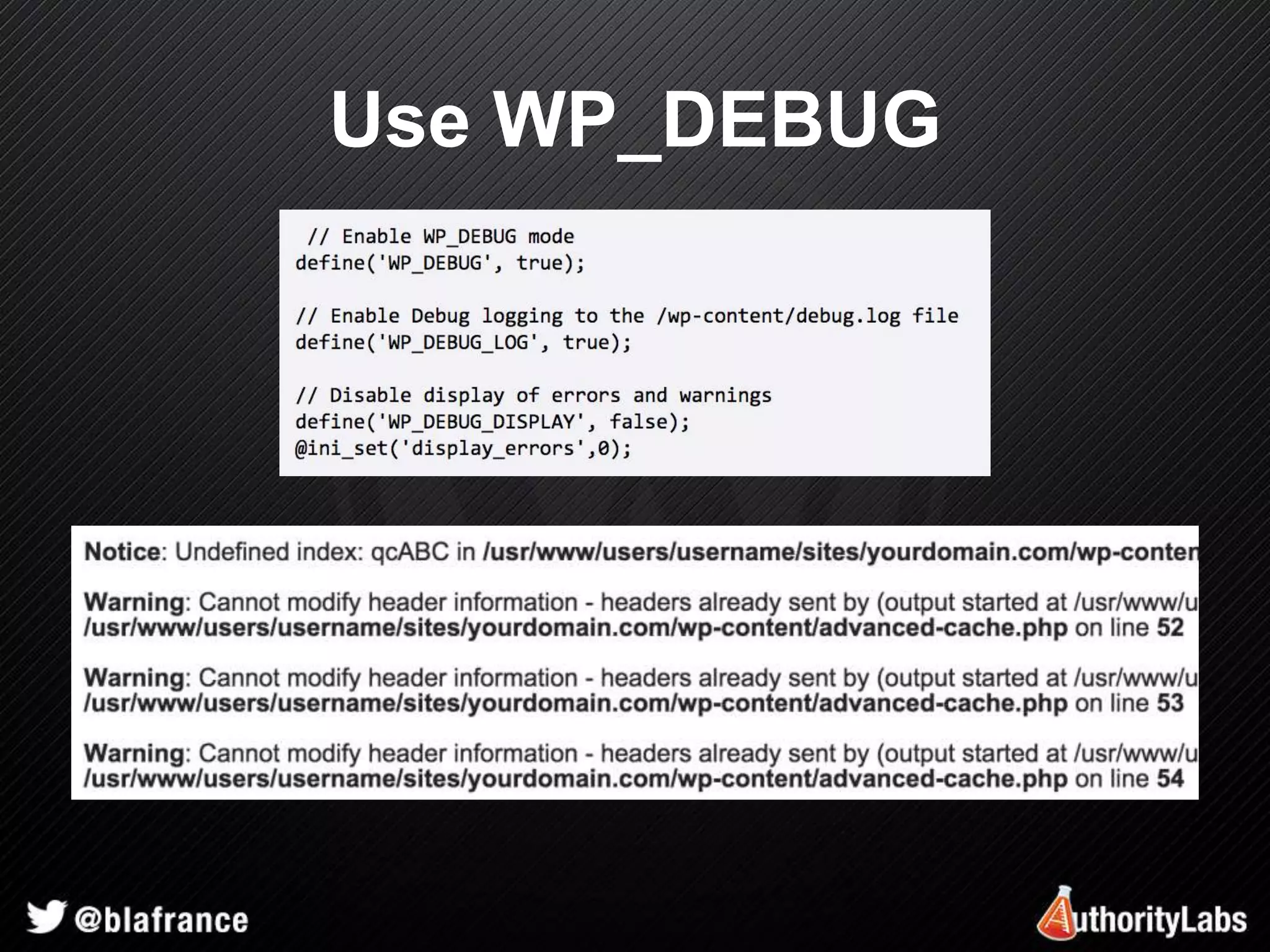
Use WP_DEBUG
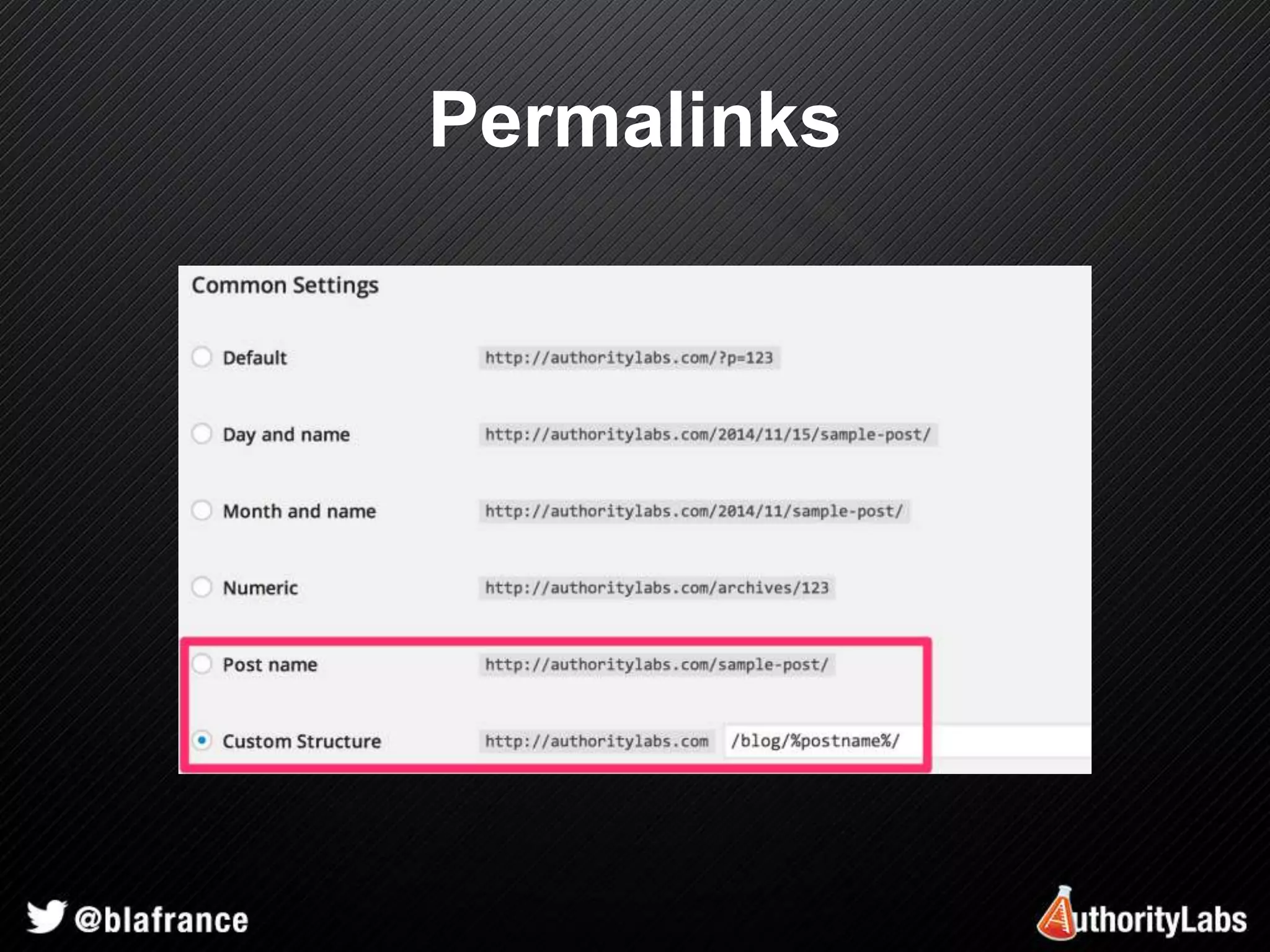
Permalinks
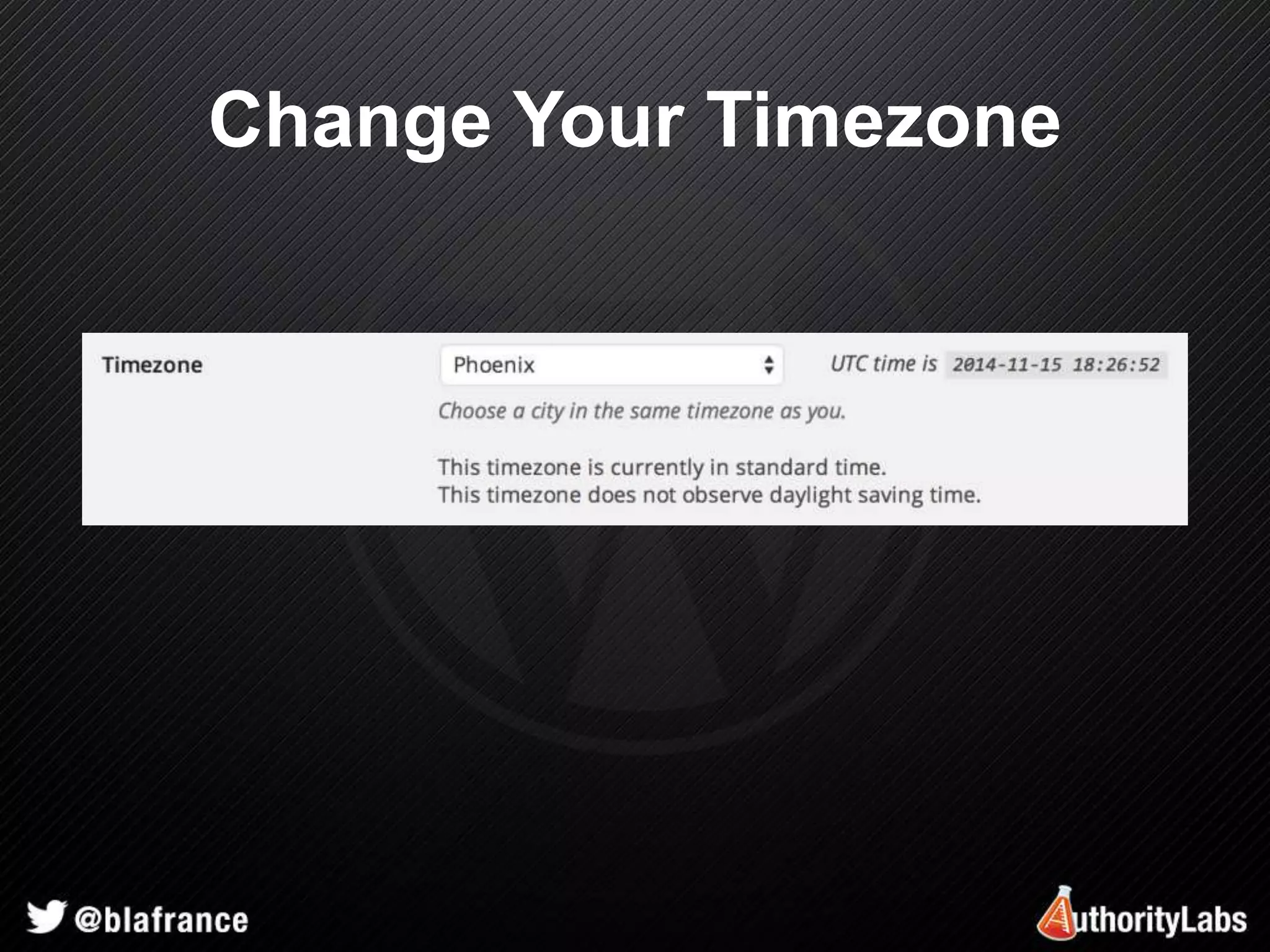
Change Your Timezone
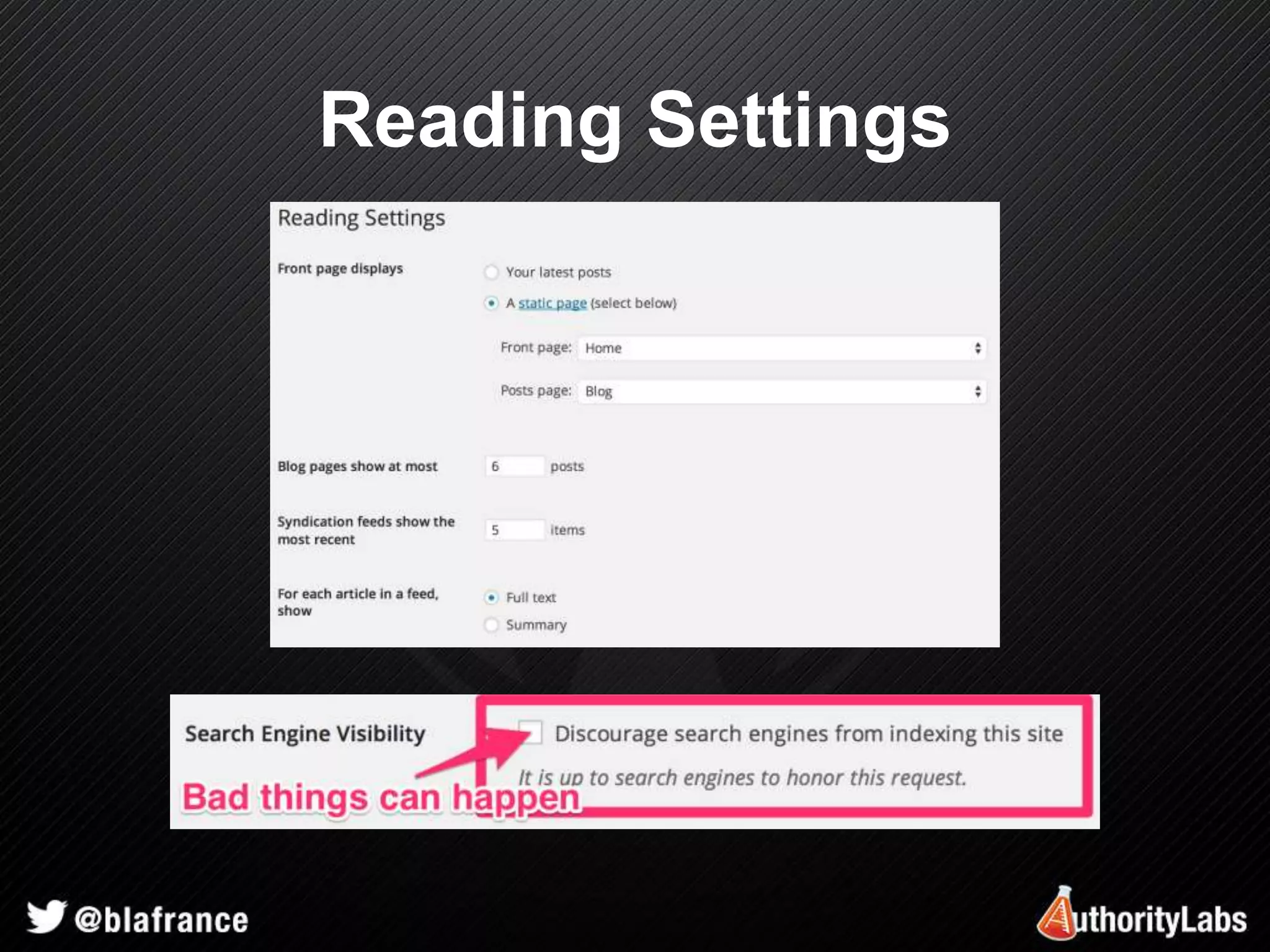
Reading Settings
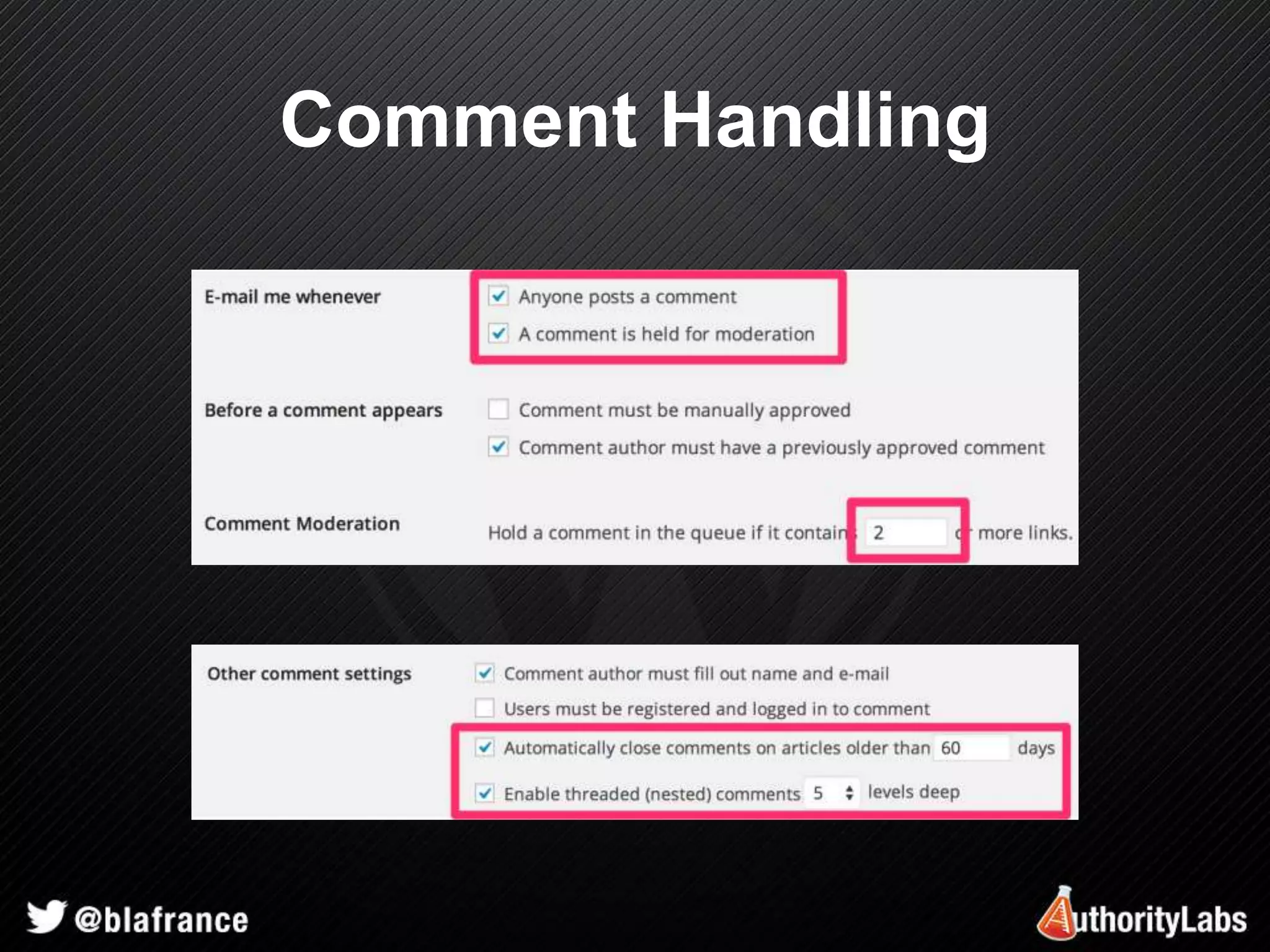
Comment Handling
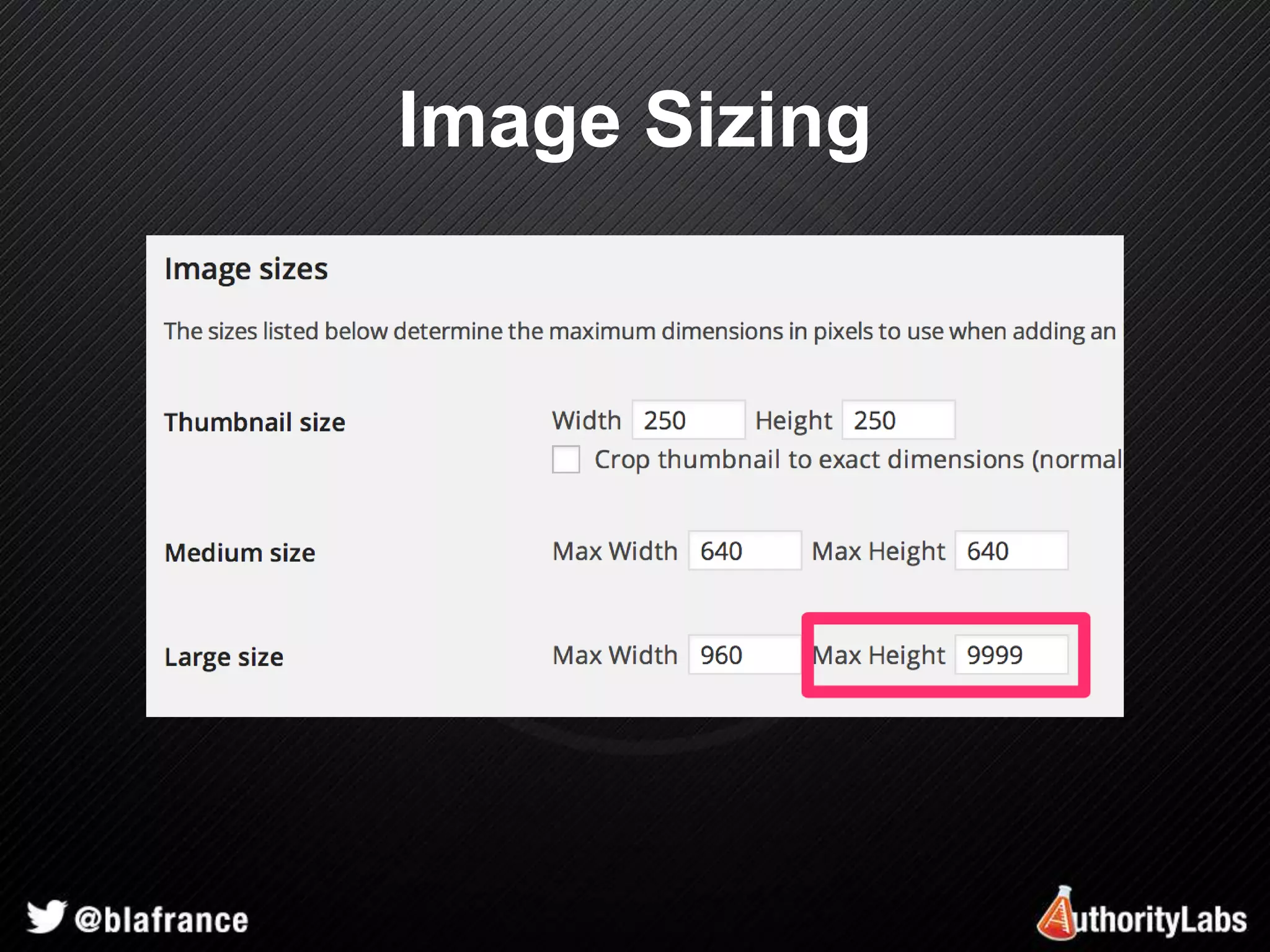
Image Sizing
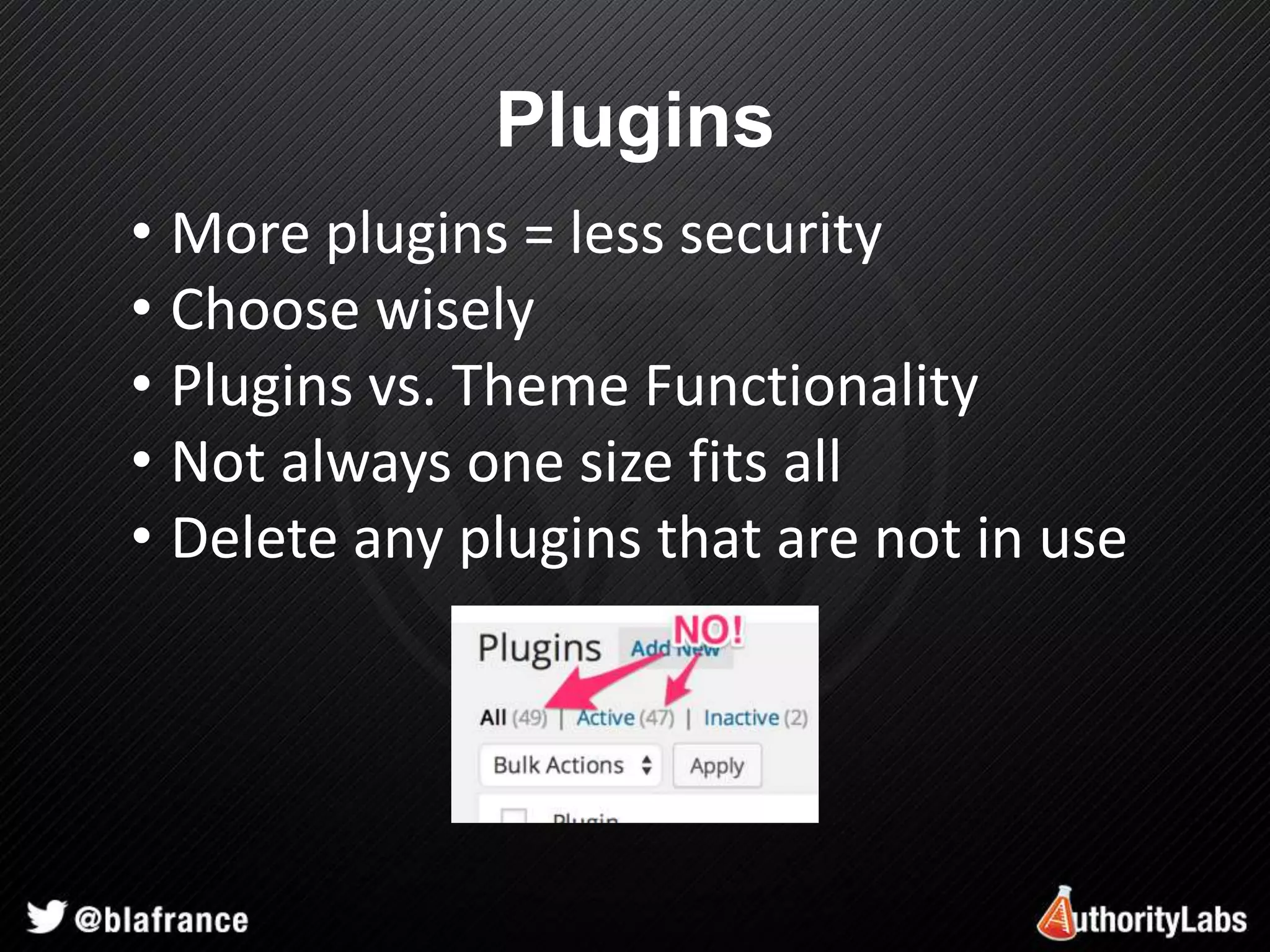
Plugins 
• More plugins = less security 
• Choose wisely 
• Plugins vs. Theme Functionality 
• Not always one size fits all 
• Delete any plugins that are not in use
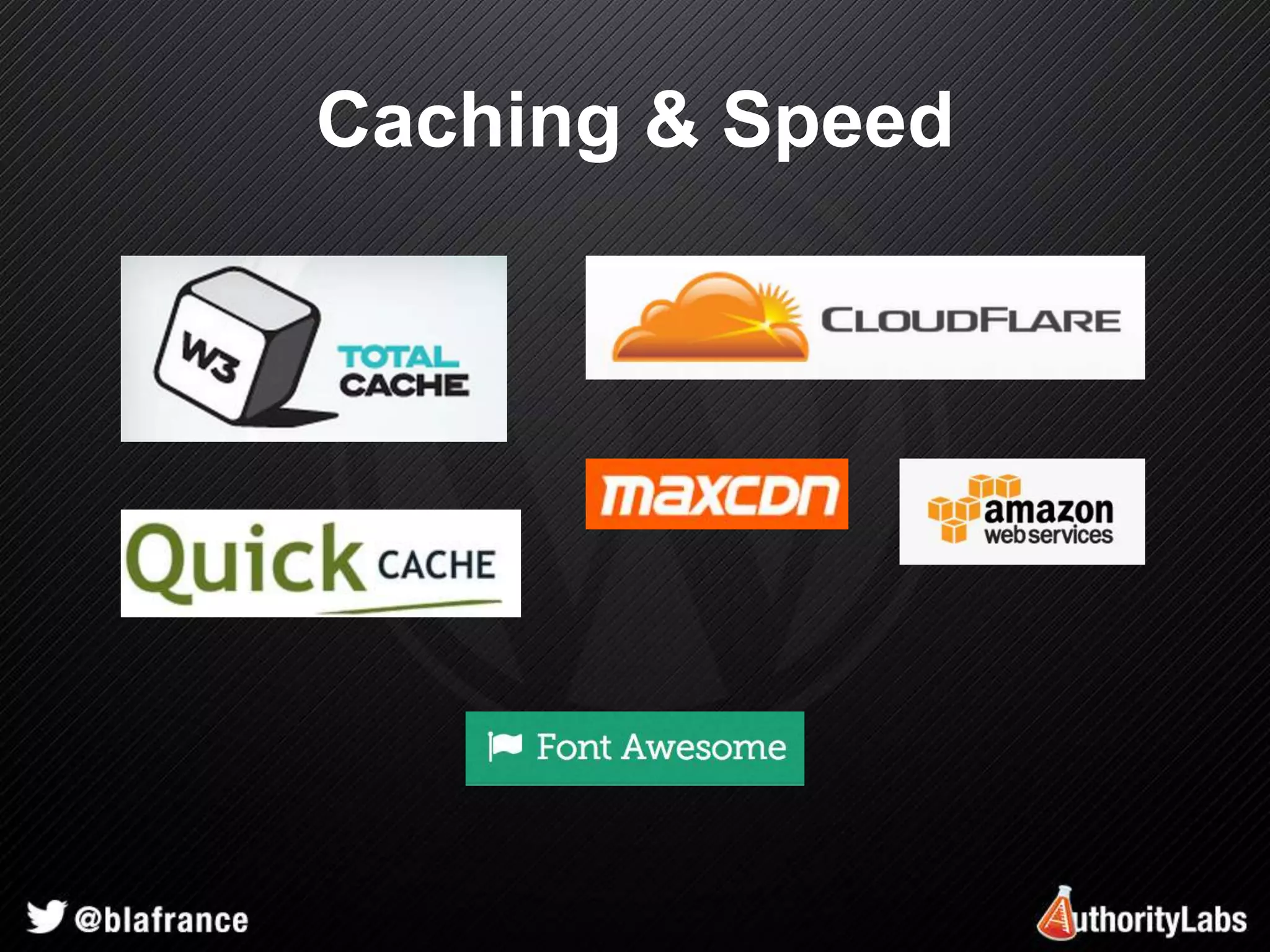
Caching & Speed
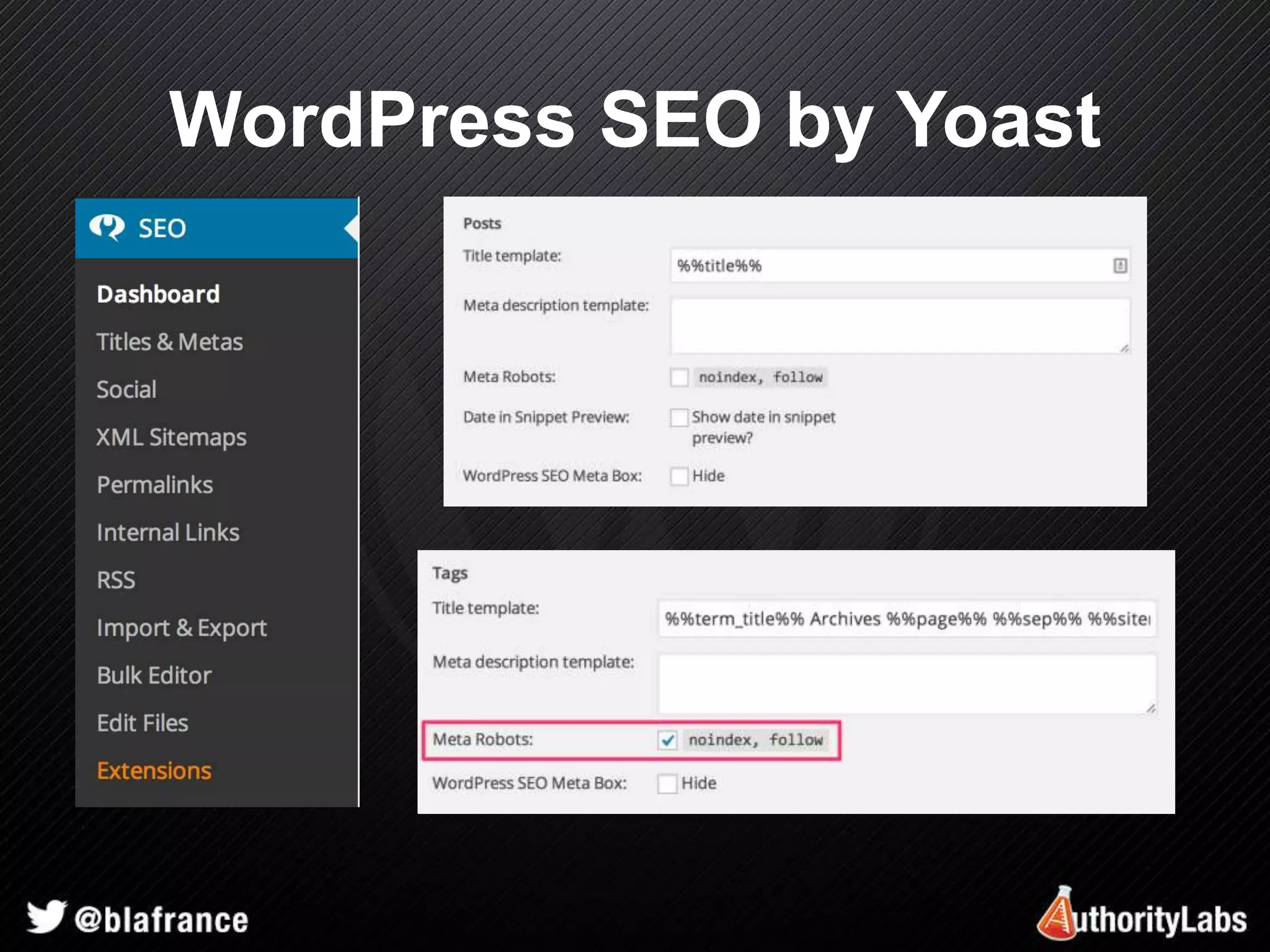
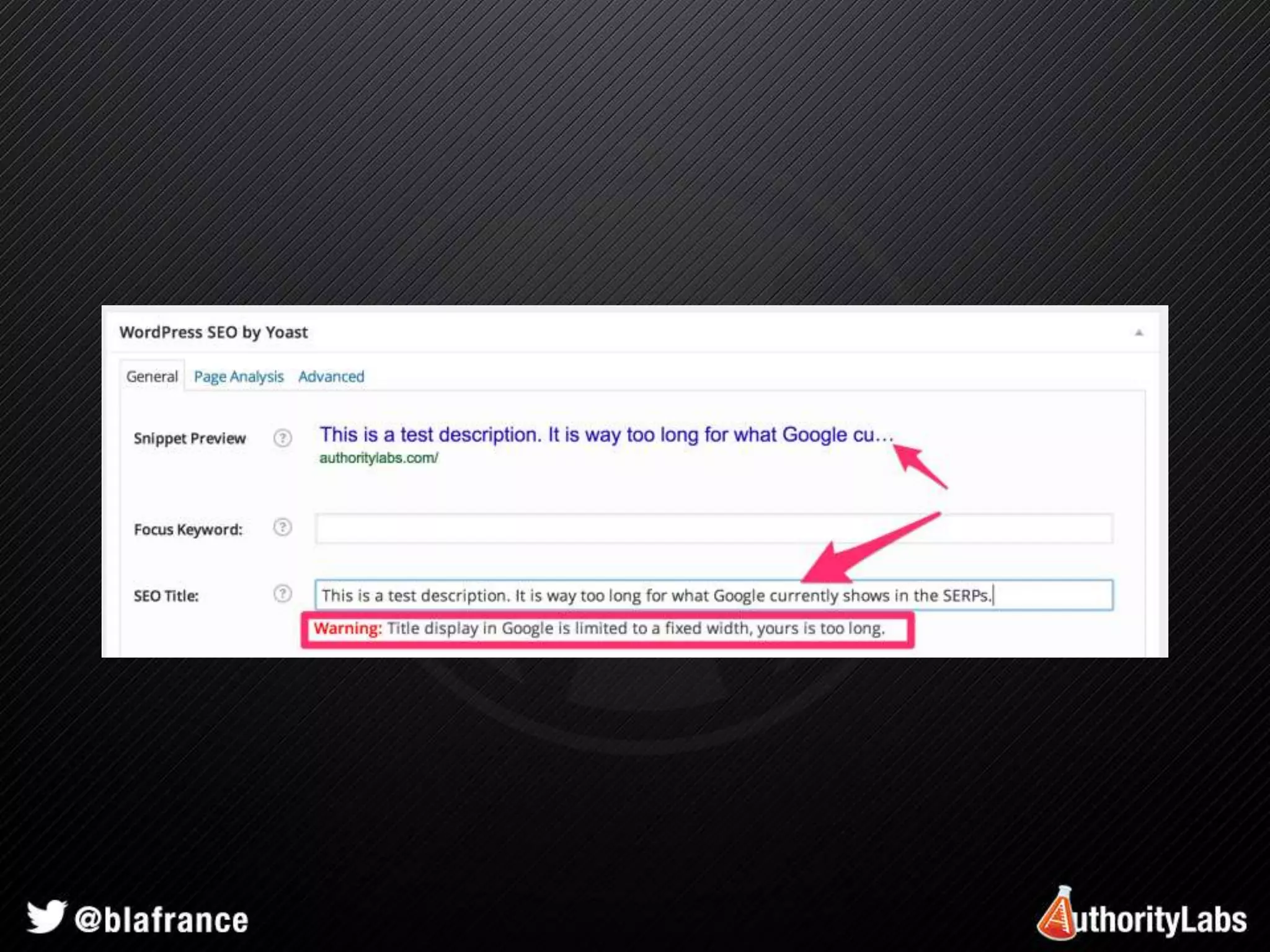
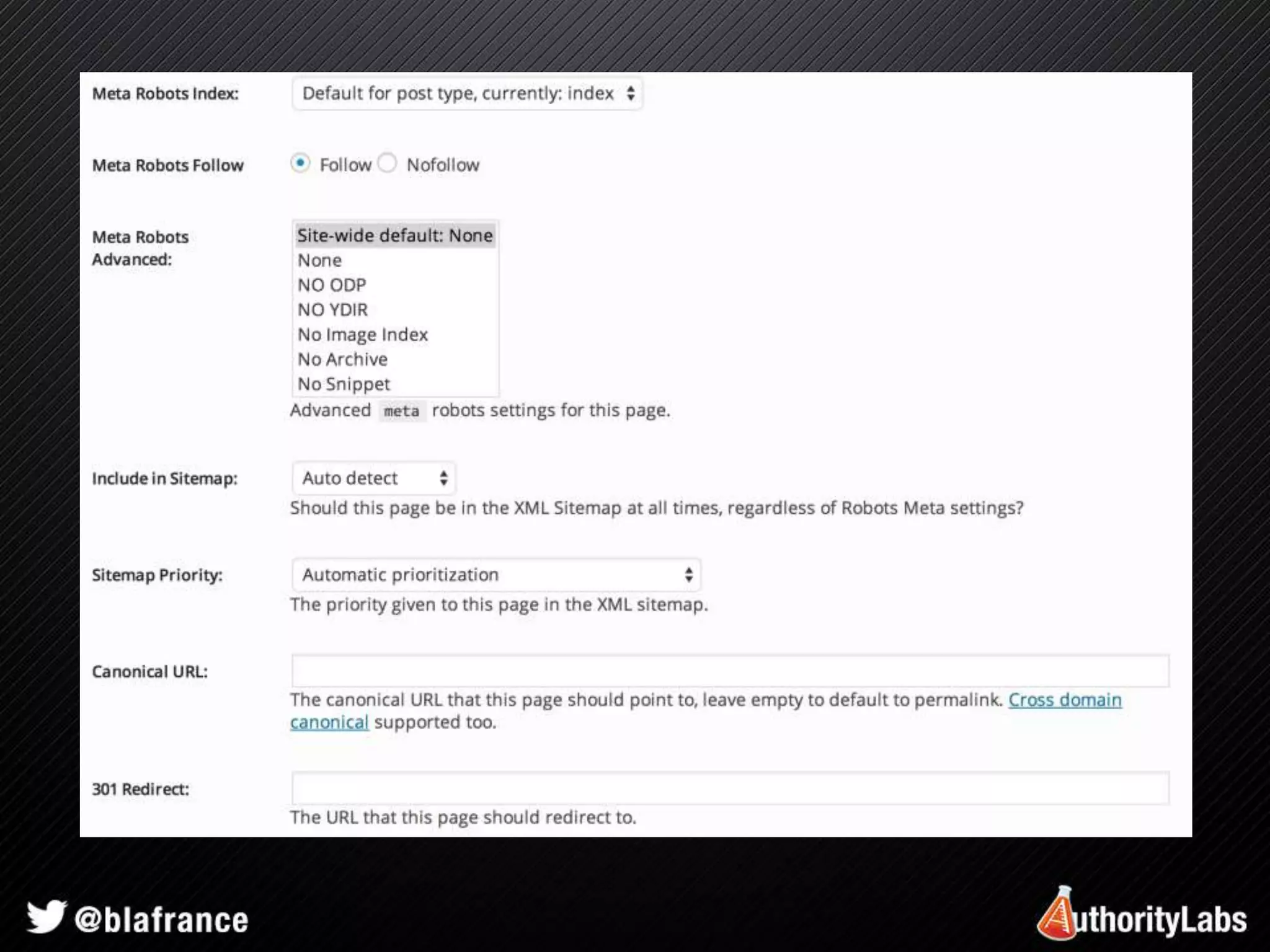
WordPress SEO by Yoast
Managing Javascripts 
• Plugin developers are lazy 
• Use Google Hosted Libraries 
• Use wp_enqueue_script() 
• Monitor for errors (Errorception) 
• Combine when possible (Segment.io)
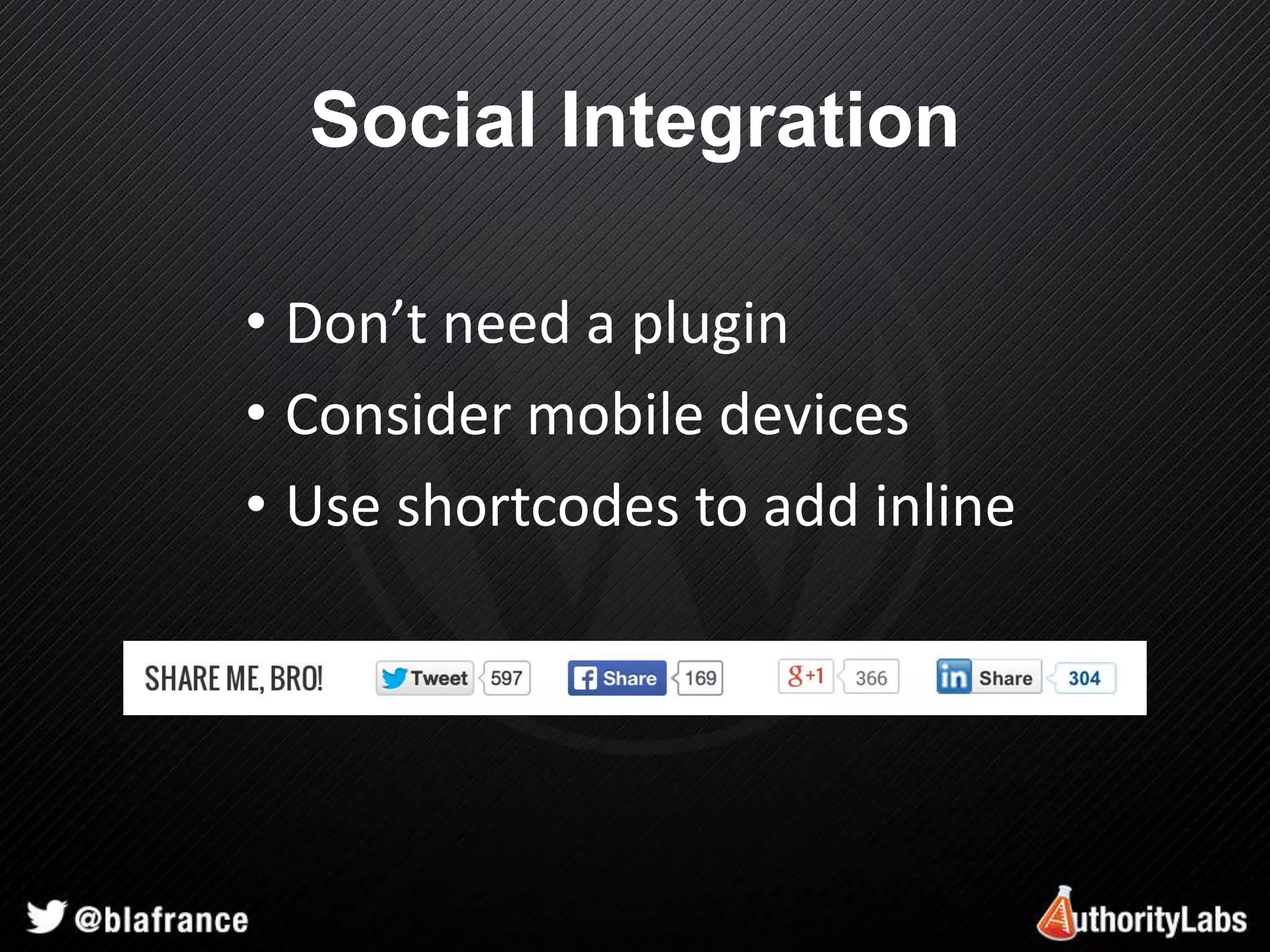
Social Integration 
• Don’t need a plugin 
• Consider mobile devices 
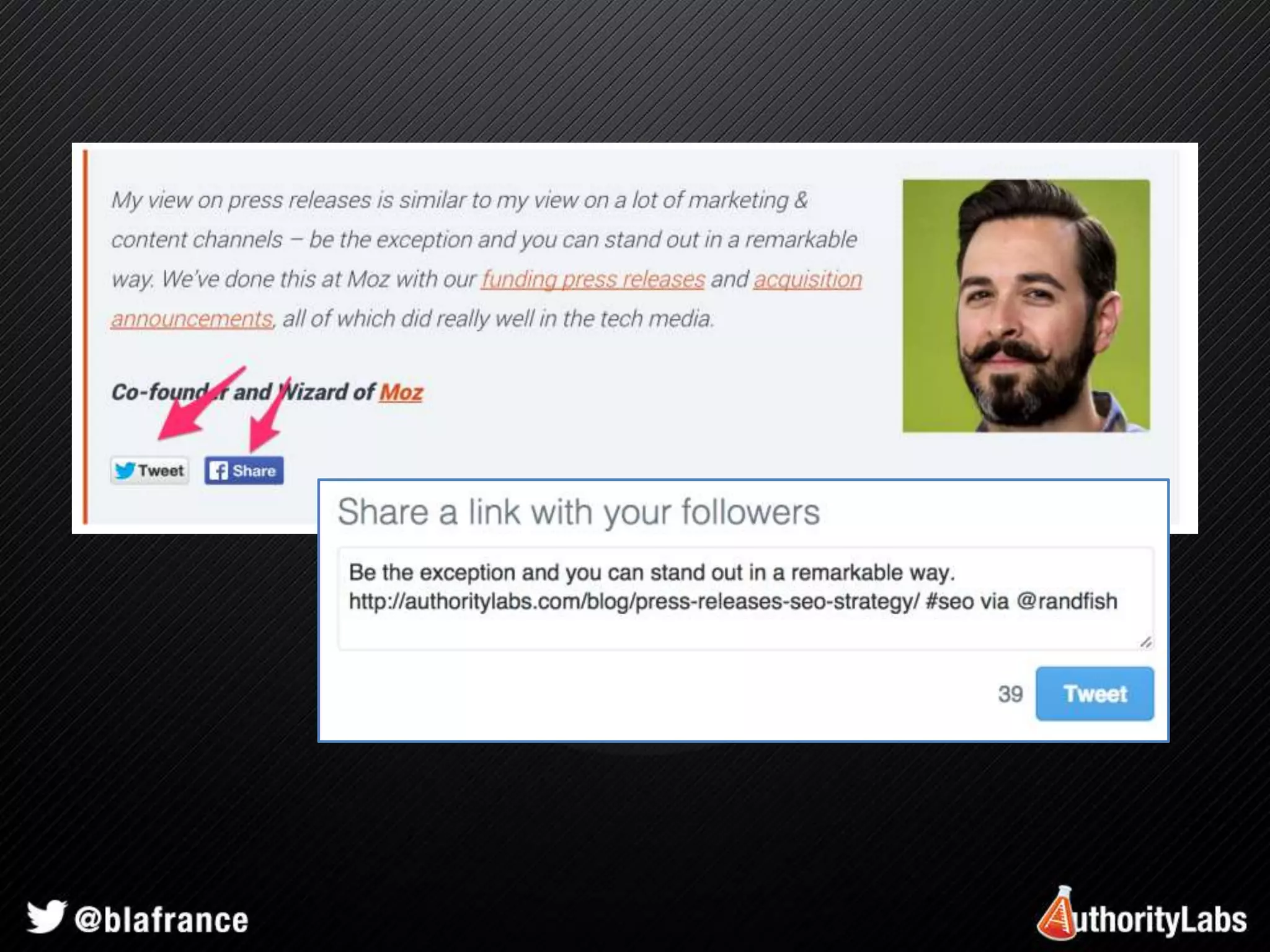
• Use shortcodes to add inline
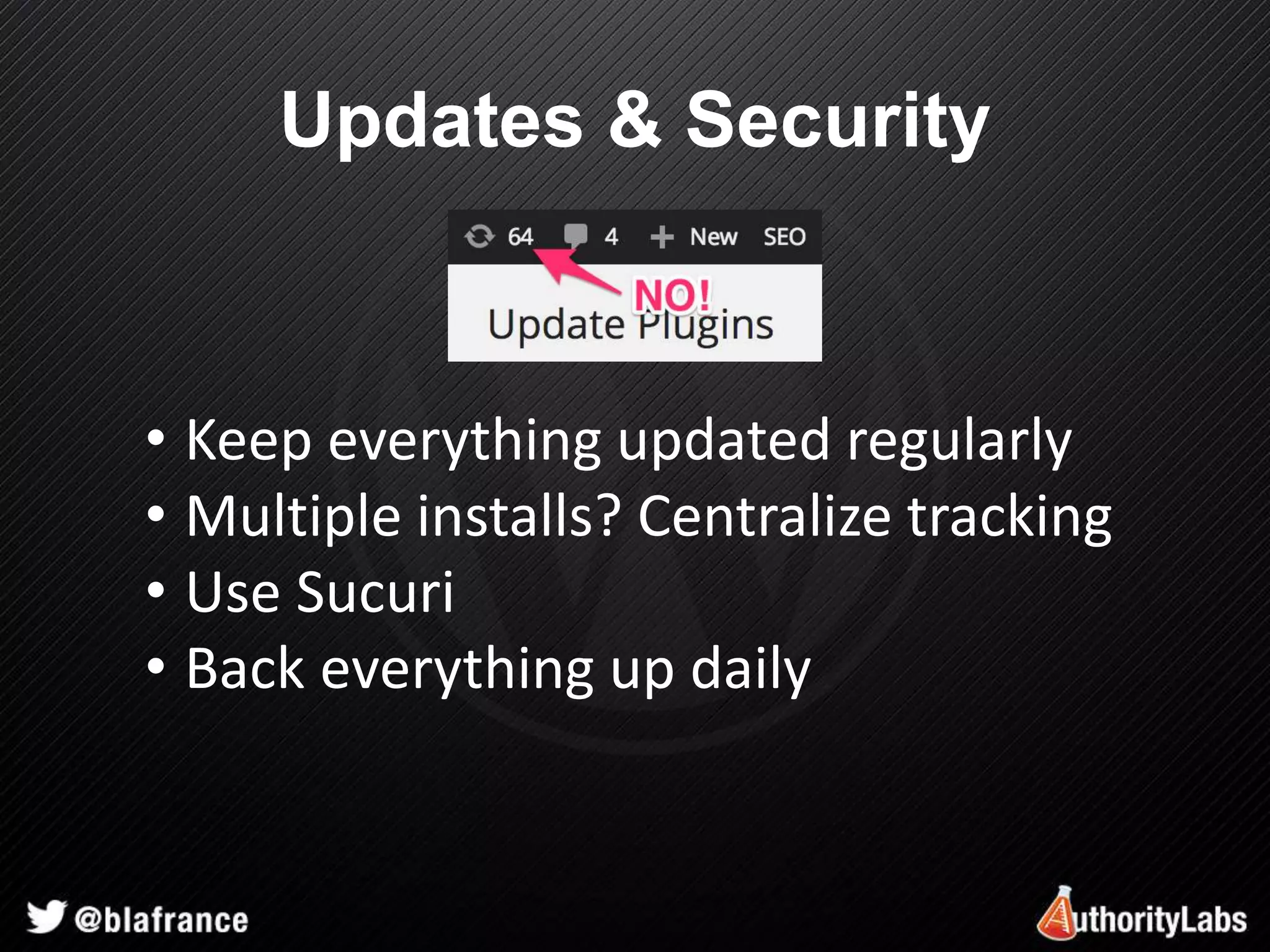
Updates & Security 
• Keep everything updated regularly 
• Multiple installs? Centralize tracking 
• Use Sucuri 
• Back everything up daily
Launching a New Site or Design 
• Check rendering in all browsers 
• Check titles & descriptions 
• Don’t rely on WP for www vs. non-www 
• Test all forms 
• Test redirects of old pages
Quick Tips 
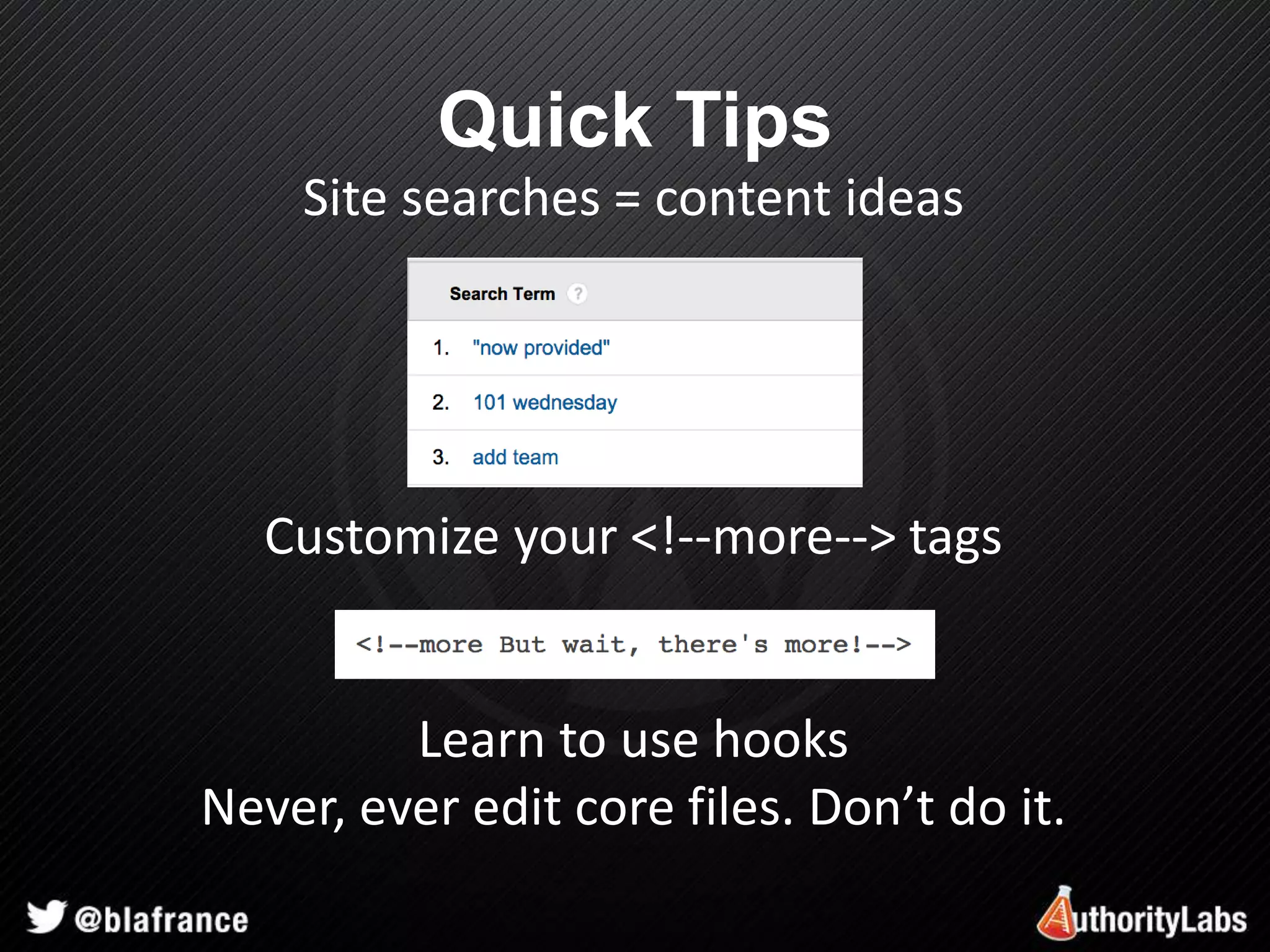
Site searches = content ideas 
Customize your <!--more--> tags 
Learn to use hooks 
Never, ever edit core files. Don’t do it.
Optimizing 
WordPress 
Brian LaFrance 
Marketing Director – AuthorityLabs 
brian.lafrance@authoritylabs.com 
Twitter - @blafrance

Optimizing WordPress - State of Search 2014