Introduction
        The first time I encountered a problem rendering workload for servers and storage, at a
time when I worked as a System Administrator at Motorola.
        In the process of scientific development, I worked on these cluster architectures:
Moscow State University: Blue Gene / P - 23.8 TFlops Linpack (378 place in the world Top500)
- Multiplication of large matrices, working with graphics. Hardware-software complex T-Forge
Mini on the basis of eight dual-core AMD Opteron processor and operating system Microsoft
Windows Compute Cluster Server 2003 at Lobachevsky State University of Nizhni Novgorod.
Also - a 16-nuclear cluster running Windows HPC Server at Saint-Petersburg State Polytechnical
University.
        To develop this product was chosen among MS Visual Studio 2008. Work underway on
the basis of 16-core cluster running Windows HPC Server 2008 (provided to Polytechnic
University by Intel), using the provided by Microsoft tools and libraries and the HPC Pack HPC
SDK.
        The system can operate in two modes: the general analysis of the system and a detailed
analysis of the selected task.


General analysis of the system
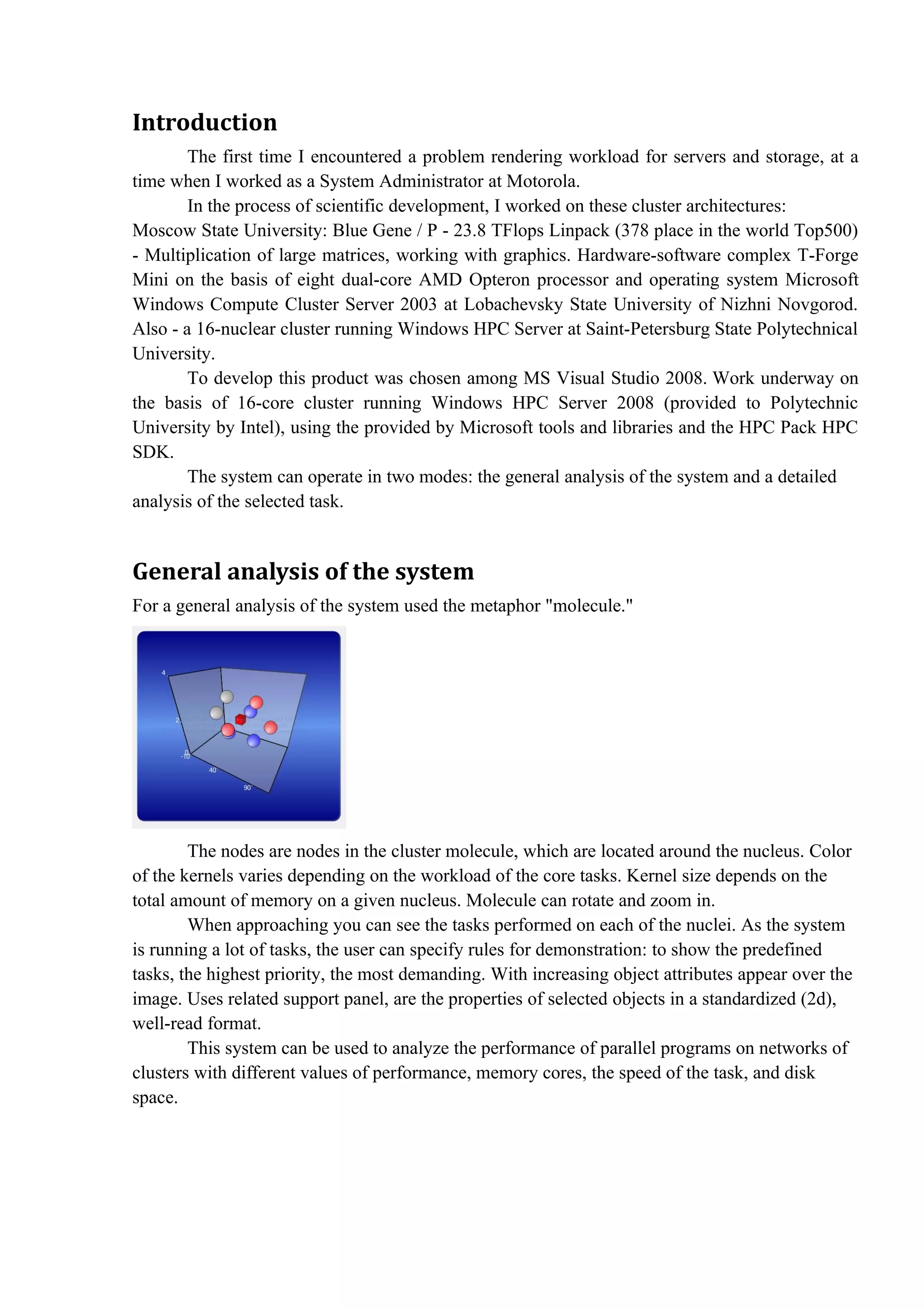
For a general analysis of the system used the metaphor "molecule."


        The nodes are nodes in the cluster molecule, which are located around the nucleus. Color
of the kernels varies depending on the workload of the core tasks. Kernel size depends on the
total amount of memory on a given nucleus. Molecule can rotate and zoom in.
        When approaching you can see the tasks performed on each of the nuclei. As the system
is running a lot of tasks, the user can specify rules for demonstration: to show the predefined
tasks, the highest priority, the most demanding. With increasing object attributes appear over the
image. Uses related support panel, are the properties of selected objects in a standardized (2d),
well-read format.
        This system can be used to analyze the performance of parallel programs on networks of
clusters with different values of performance, memory cores, the speed of the task, and disk
space.
Detailed analysis of the selected task
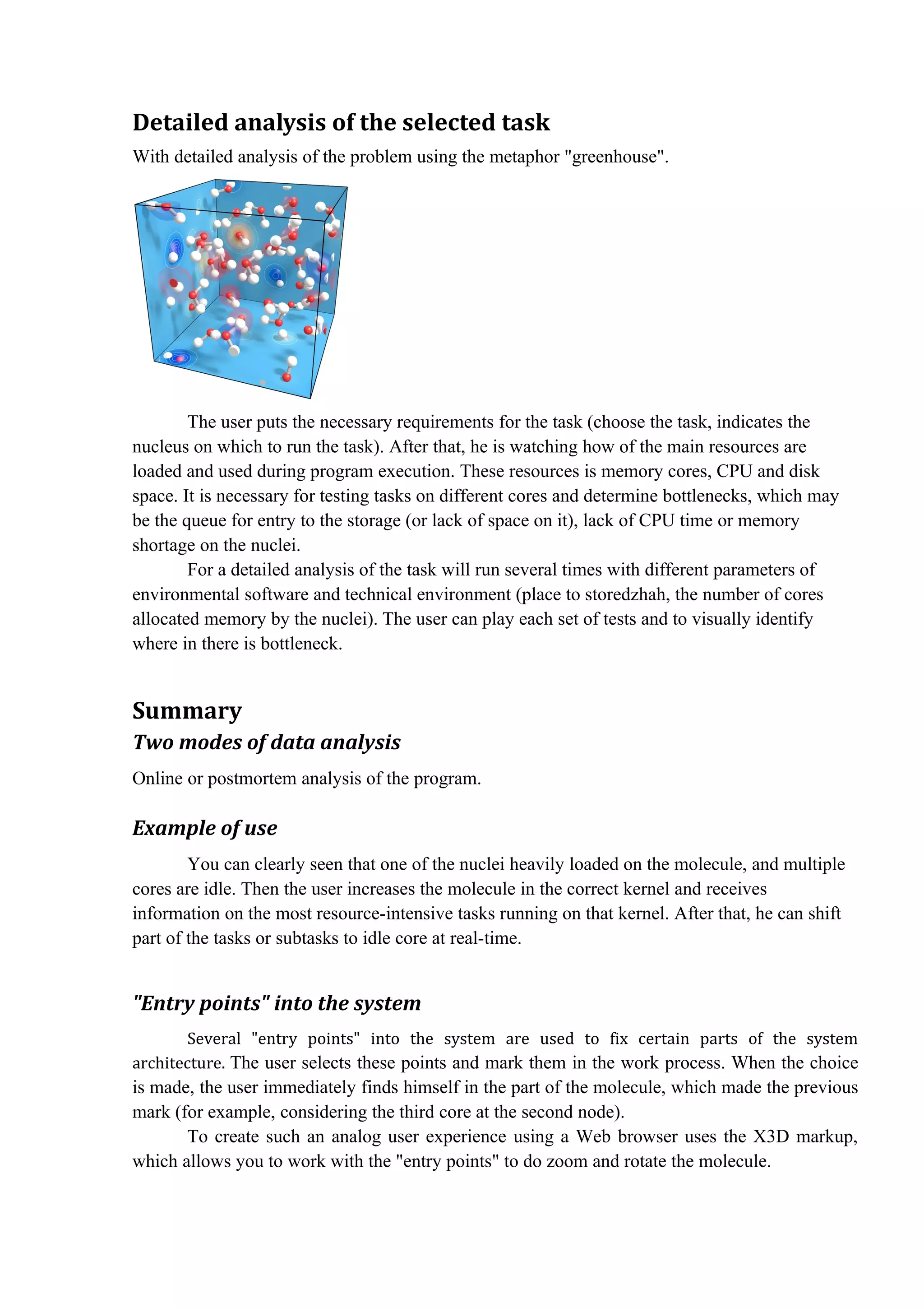
With detailed analysis of the problem using the metaphor "greenhouse".


        The user puts the necessary requirements for the task (choose the task, indicates the
nucleus on which to run the task). After that, he is watching how of the main resources are
loaded and used during program execution. These resources is memory cores, CPU and disk
space. It is necessary for testing tasks on different cores and determine bottlenecks, which may
be the queue for entry to the storage (or lack of space on it), lack of CPU time or memory
shortage on the nuclei.
        For a detailed analysis of the task will run several times with different parameters of
environmental software and technical environment (place to storedzhah, the number of cores
allocated memory by the nuclei). The user can play each set of tests and to visually identify
where in there is bottleneck.


Summary
Two modes of data analysis
Online or postmortem analysis of the program.

Example of use
        You can clearly seen that one of the nuclei heavily loaded on the molecule, and multiple
cores are idle. Then the user increases the molecule in the correct kernel and receives
information on the most resource-intensive tasks running on that kernel. After that, he can shift
part of the tasks or subtasks to idle core at real-time.


"Entry points" into the system
        Several "entry points" into the system are used to fix certain parts of the system
architecture. The user selects these points and mark them in the work process. When the choice
is made, the user immediately finds himself in the part of the molecule, which made the previous
mark (for example, considering the third core at the second node).
       To create such an analog user experience using a Web browser uses the X3D markup,
which allows you to work with the "entry points" to do zoom and rotate the molecule.

Hpc Visualization with X3D (Michail Karpov)

  • 1.
    Introduction The first time I encountered a problem rendering workload for servers and storage, at a time when I worked as a System Administrator at Motorola. In the process of scientific development, I worked on these cluster architectures: Moscow State University: Blue Gene / P - 23.8 TFlops Linpack (378 place in the world Top500) - Multiplication of large matrices, working with graphics. Hardware-software complex T-Forge Mini on the basis of eight dual-core AMD Opteron processor and operating system Microsoft Windows Compute Cluster Server 2003 at Lobachevsky State University of Nizhni Novgorod. Also - a 16-nuclear cluster running Windows HPC Server at Saint-Petersburg State Polytechnical University. To develop this product was chosen among MS Visual Studio 2008. Work underway on the basis of 16-core cluster running Windows HPC Server 2008 (provided to Polytechnic University by Intel), using the provided by Microsoft tools and libraries and the HPC Pack HPC SDK. The system can operate in two modes: the general analysis of the system and a detailed analysis of the selected task. General analysis of the system For a general analysis of the system used the metaphor "molecule." The nodes are nodes in the cluster molecule, which are located around the nucleus. Color of the kernels varies depending on the workload of the core tasks. Kernel size depends on the total amount of memory on a given nucleus. Molecule can rotate and zoom in. When approaching you can see the tasks performed on each of the nuclei. As the system is running a lot of tasks, the user can specify rules for demonstration: to show the predefined tasks, the highest priority, the most demanding. With increasing object attributes appear over the image. Uses related support panel, are the properties of selected objects in a standardized (2d), well-read format. This system can be used to analyze the performance of parallel programs on networks of clusters with different values of performance, memory cores, the speed of the task, and disk space.
  • 2.
    Detailed analysis ofthe selected task With detailed analysis of the problem using the metaphor "greenhouse". The user puts the necessary requirements for the task (choose the task, indicates the nucleus on which to run the task). After that, he is watching how of the main resources are loaded and used during program execution. These resources is memory cores, CPU and disk space. It is necessary for testing tasks on different cores and determine bottlenecks, which may be the queue for entry to the storage (or lack of space on it), lack of CPU time or memory shortage on the nuclei. For a detailed analysis of the task will run several times with different parameters of environmental software and technical environment (place to storedzhah, the number of cores allocated memory by the nuclei). The user can play each set of tests and to visually identify where in there is bottleneck. Summary Two modes of data analysis Online or postmortem analysis of the program. Example of use You can clearly seen that one of the nuclei heavily loaded on the molecule, and multiple cores are idle. Then the user increases the molecule in the correct kernel and receives information on the most resource-intensive tasks running on that kernel. After that, he can shift part of the tasks or subtasks to idle core at real-time. "Entry points" into the system Several "entry points" into the system are used to fix certain parts of the system architecture. The user selects these points and mark them in the work process. When the choice is made, the user immediately finds himself in the part of the molecule, which made the previous mark (for example, considering the third core at the second node). To create such an analog user experience using a Web browser uses the X3D markup, which allows you to work with the "entry points" to do zoom and rotate the molecule.