
“Picture where you want to be and let LinkedIn help
you get there!”
It takes work to make dreams become a reality.
– Donna Gilliland
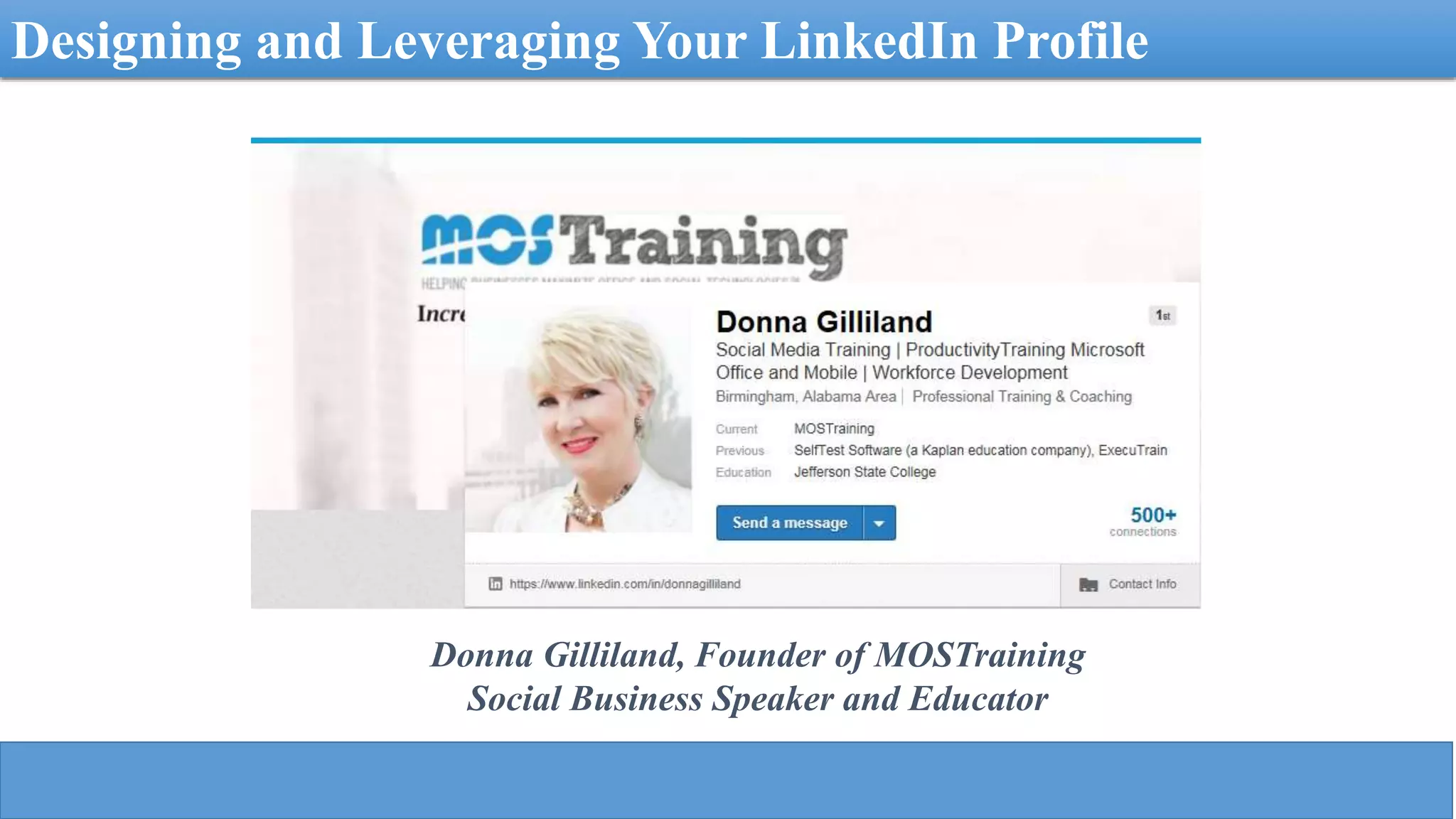
Designing and Leveraging Your LinkedIn Profile
Donna Gilliland, Founder of MOSTraining
Social Business Speaker and Educator
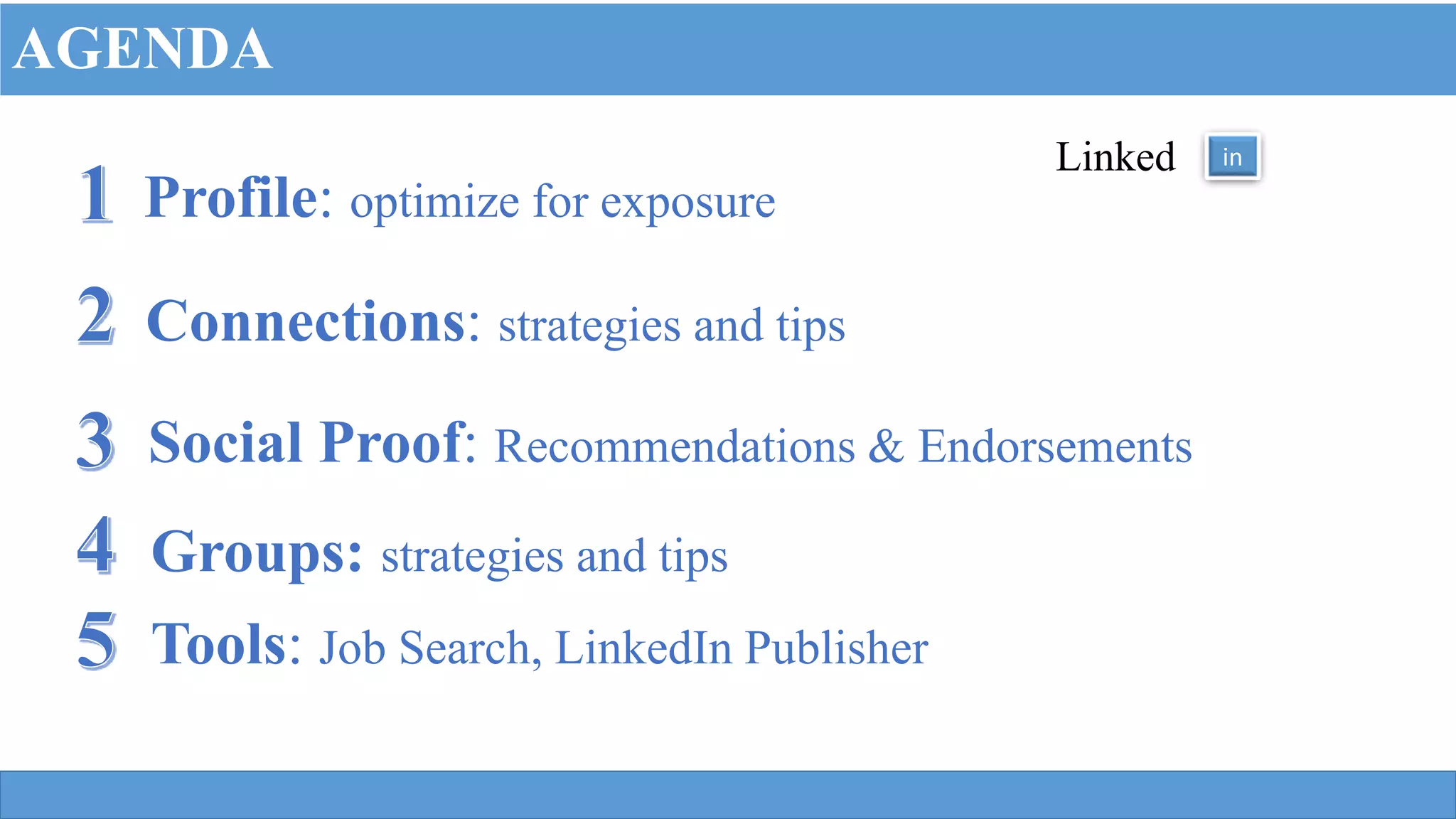
Profile: optimize for exposure
Connections: strategies and tips
Social Proof: Recommendations & Endorsements
Linked in
AGENDA
Tools: Job Search, LinkedIn Publisher
Groups: strategies and tips
“Picture where you want to be and let LinkedIn help
you get there!”
It takes work to make dreams become a reality.
– Donna Gilliland
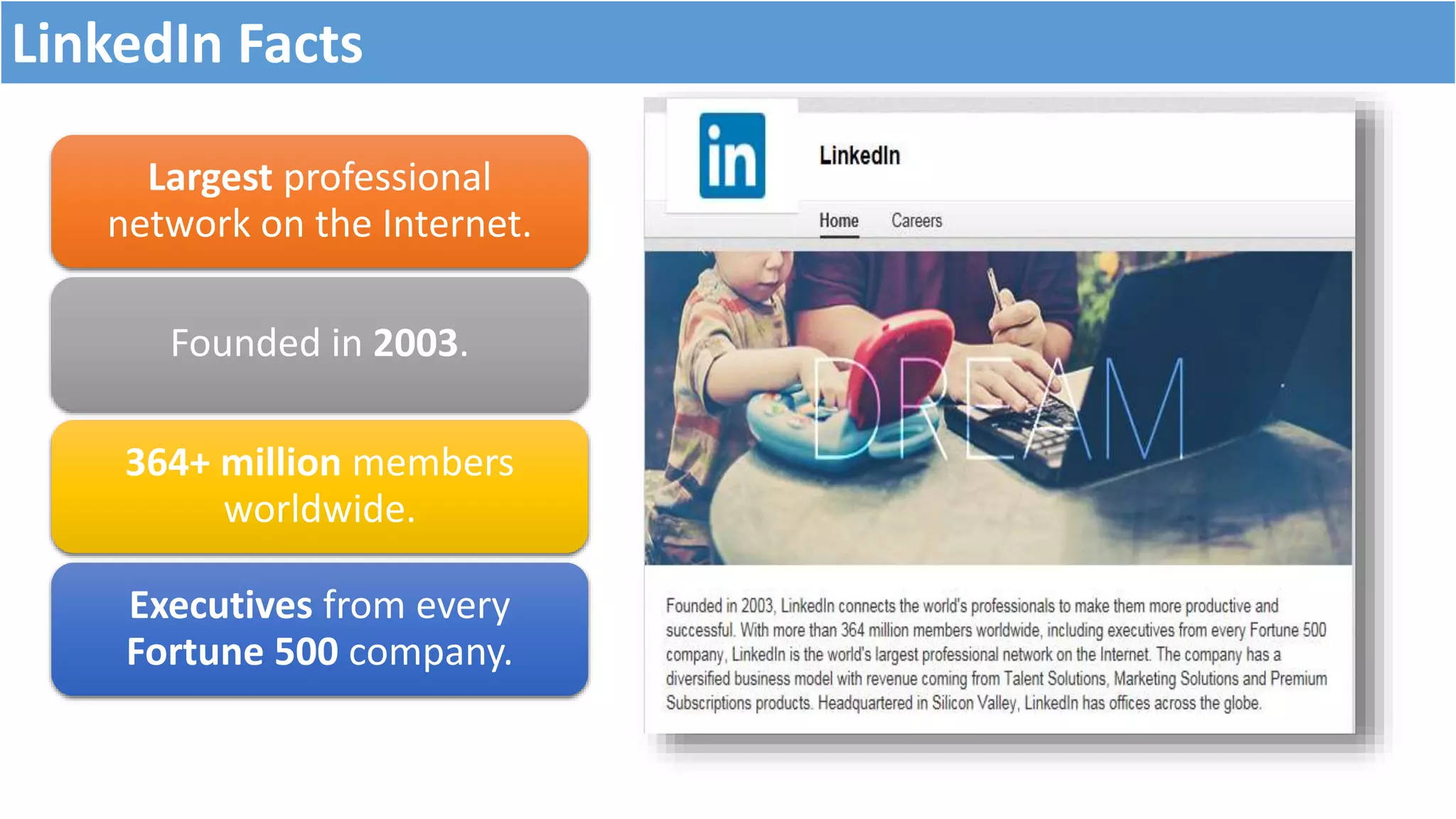
Largest professional
network on the Internet.
Founded in 2003.
364+ million members
worldwide.
Executives from every
Fortune 500 company.
LinkedIn Facts
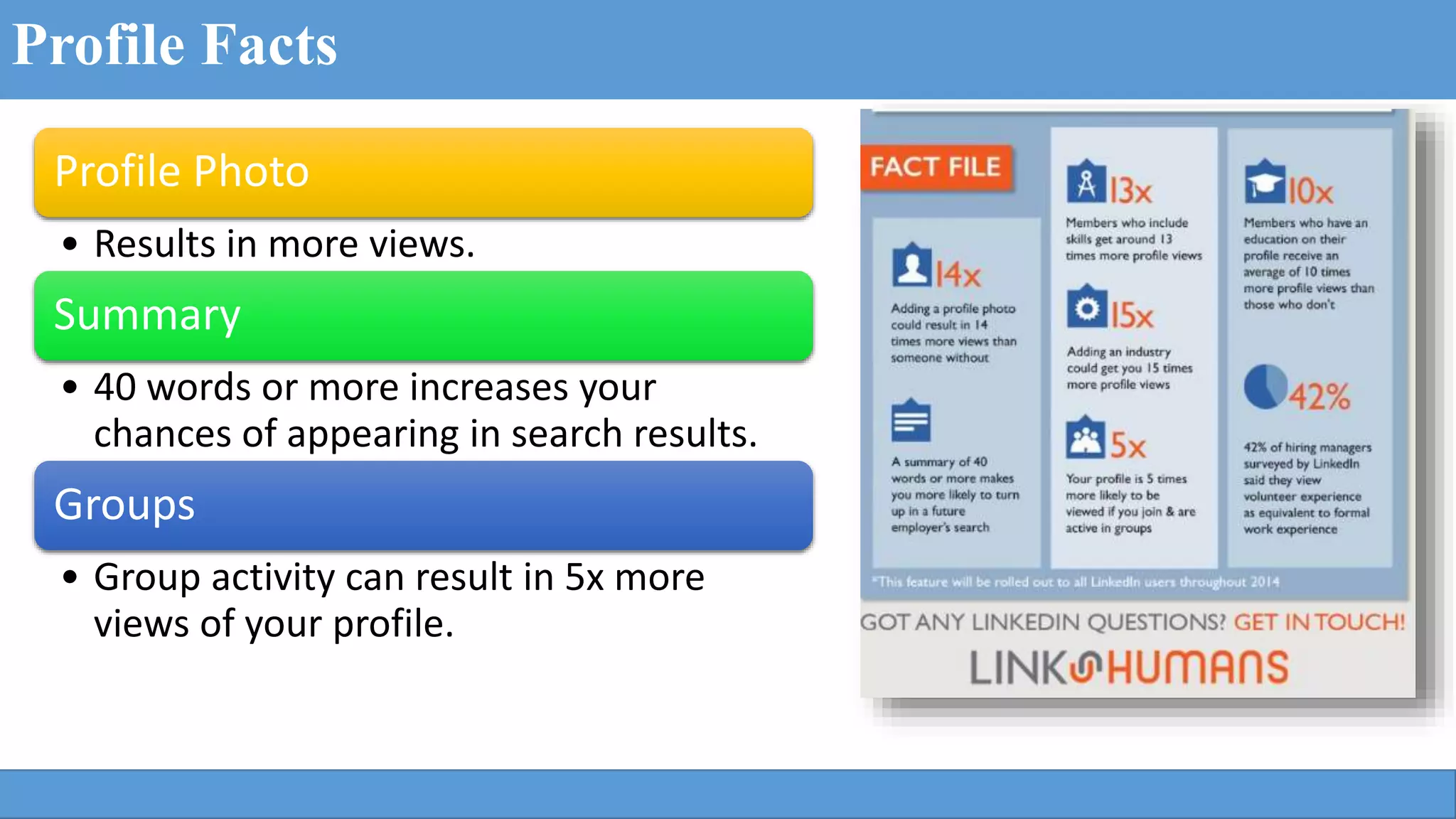
Profile Facts
Profile Photo
• Results in more views.
Summary
• 40 words or more increases your
chances of appearing in search results.
Groups
• Group activity can result in 5x more
views of your profile.
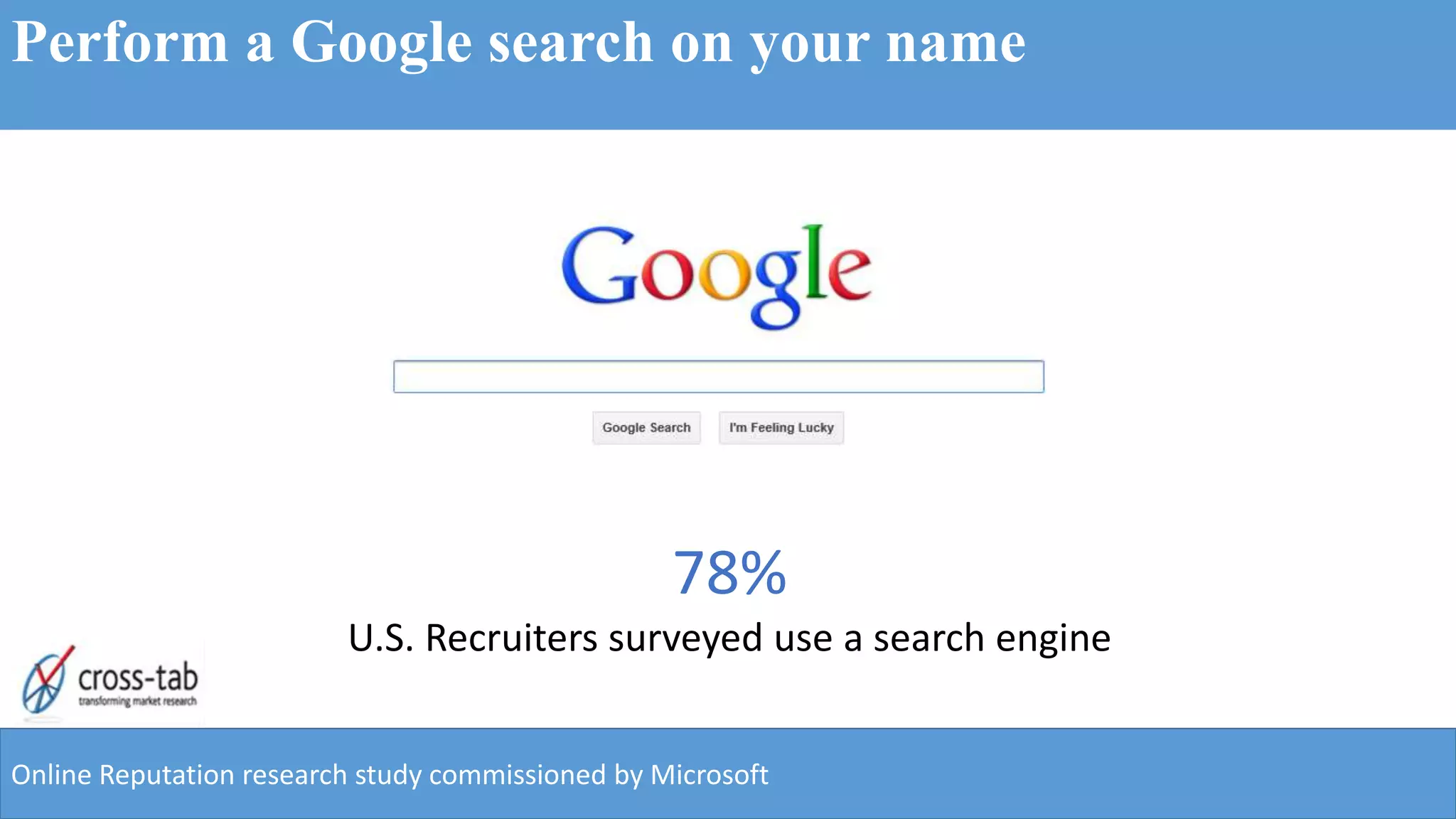
78%
U.S. Recruiters surveyed use a search engine
Online Reputation research study commissioned by Microsoft
Perform a Google search on your name
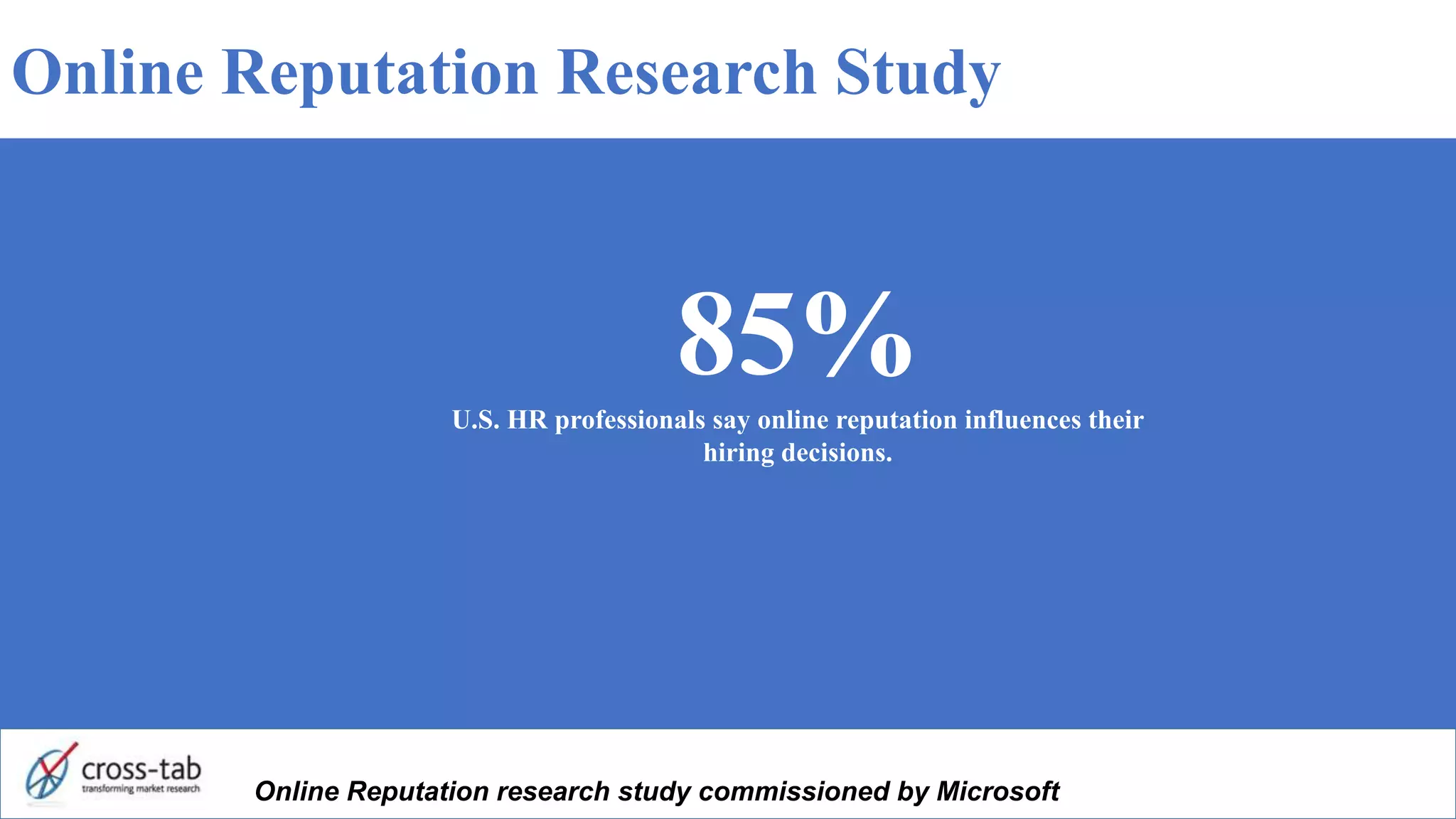
85%U.S. HR professionals say online reputation influences their
hiring decisions.
Online Reputation research study commissioned by Microsoft
Online Reputation Research Study
Connect to opportunity
Do you know why
you want to be on
LinkedIn?
Linked
Write down your goals for being on LinkedIn
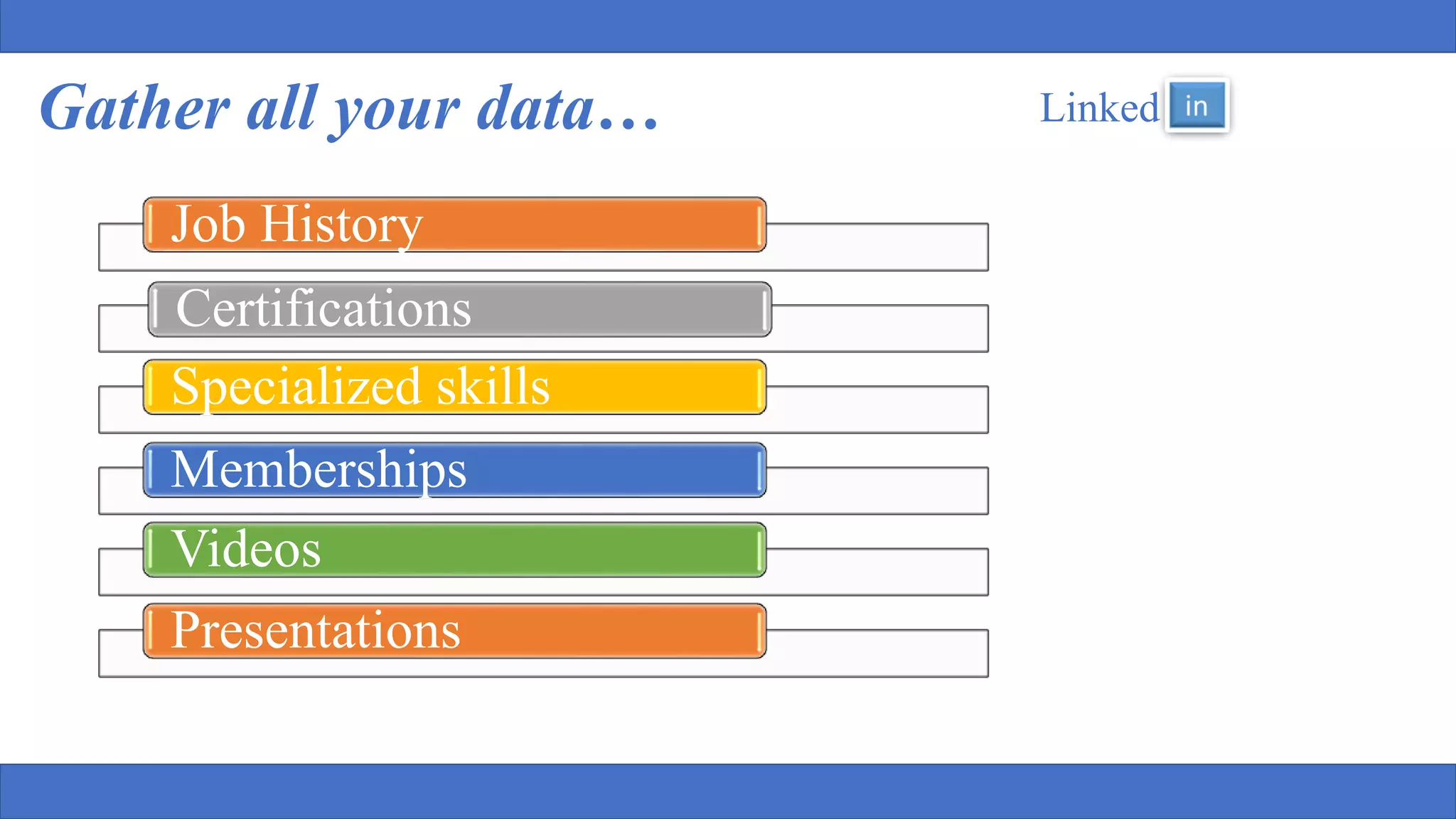
Gather all your data… Linked
Job History
Certifications
Specialized skills
Memberships
Videos
Presentations
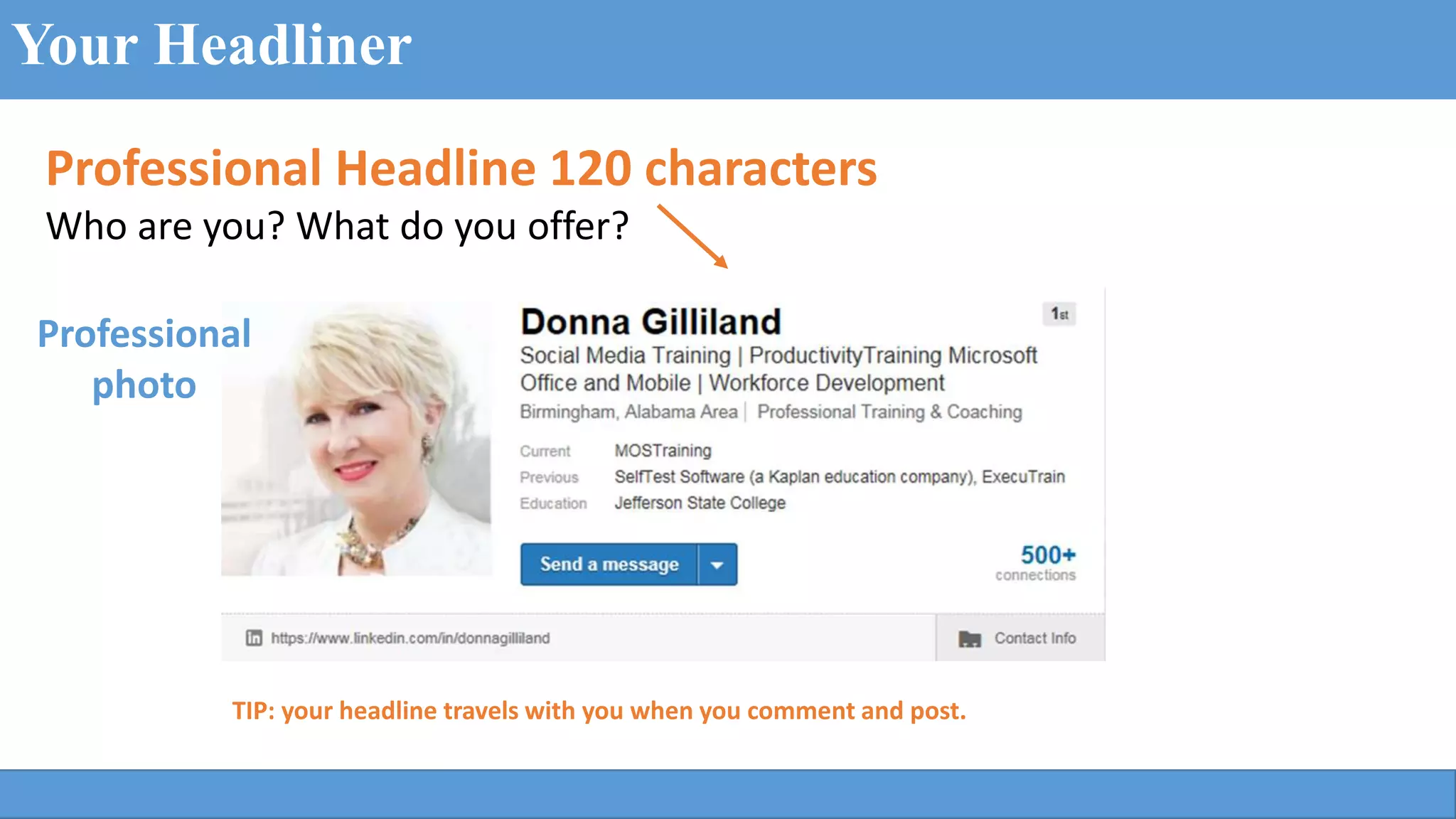
Professional Headline 120 characters
Who are you? What do you offer?
Your Headliner
TIP: your headline travels with you when you comment and post.
Professional
photo
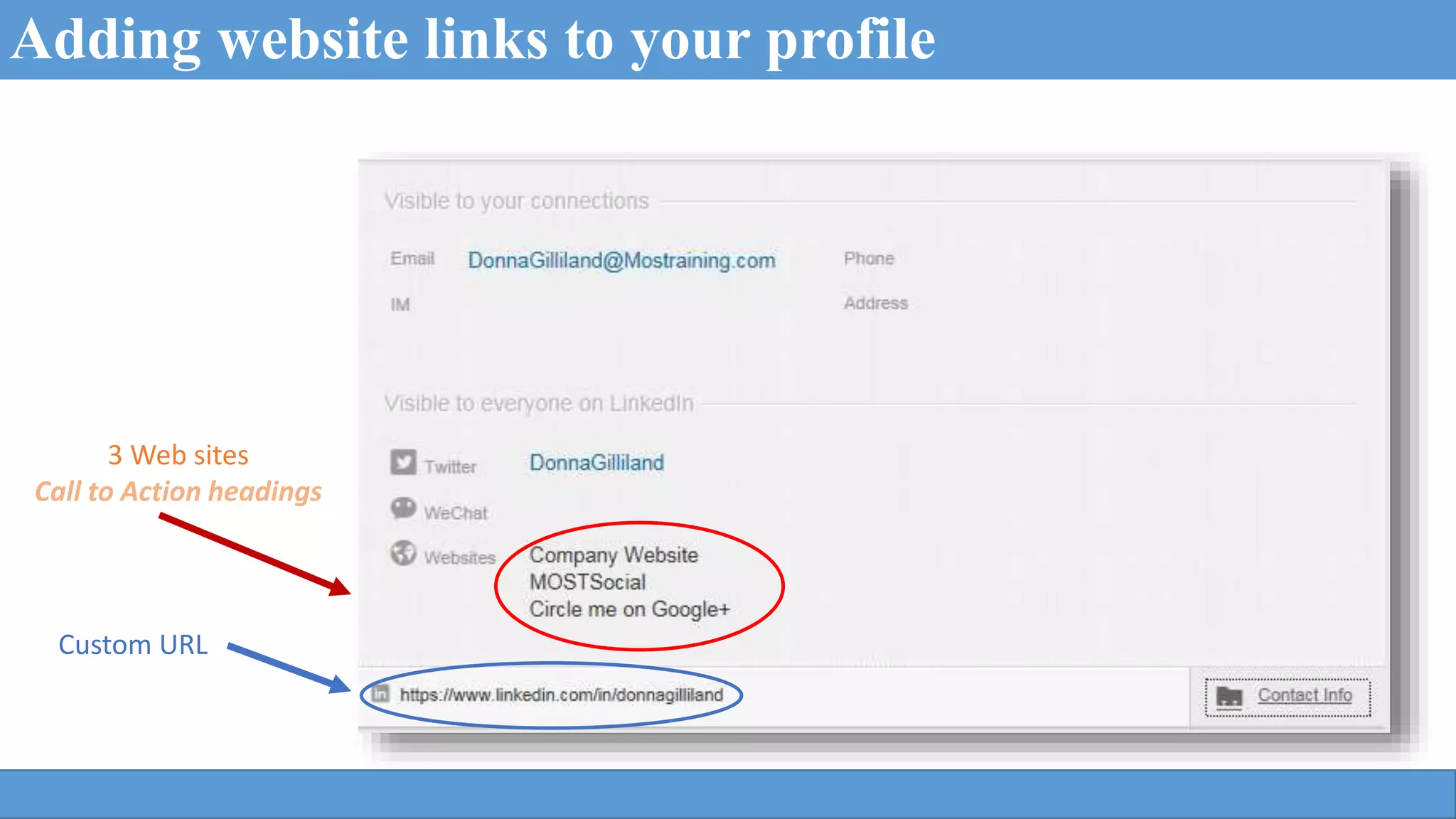
3 Web sites
Call to Action headings
Custom URL
Adding website links to your profile
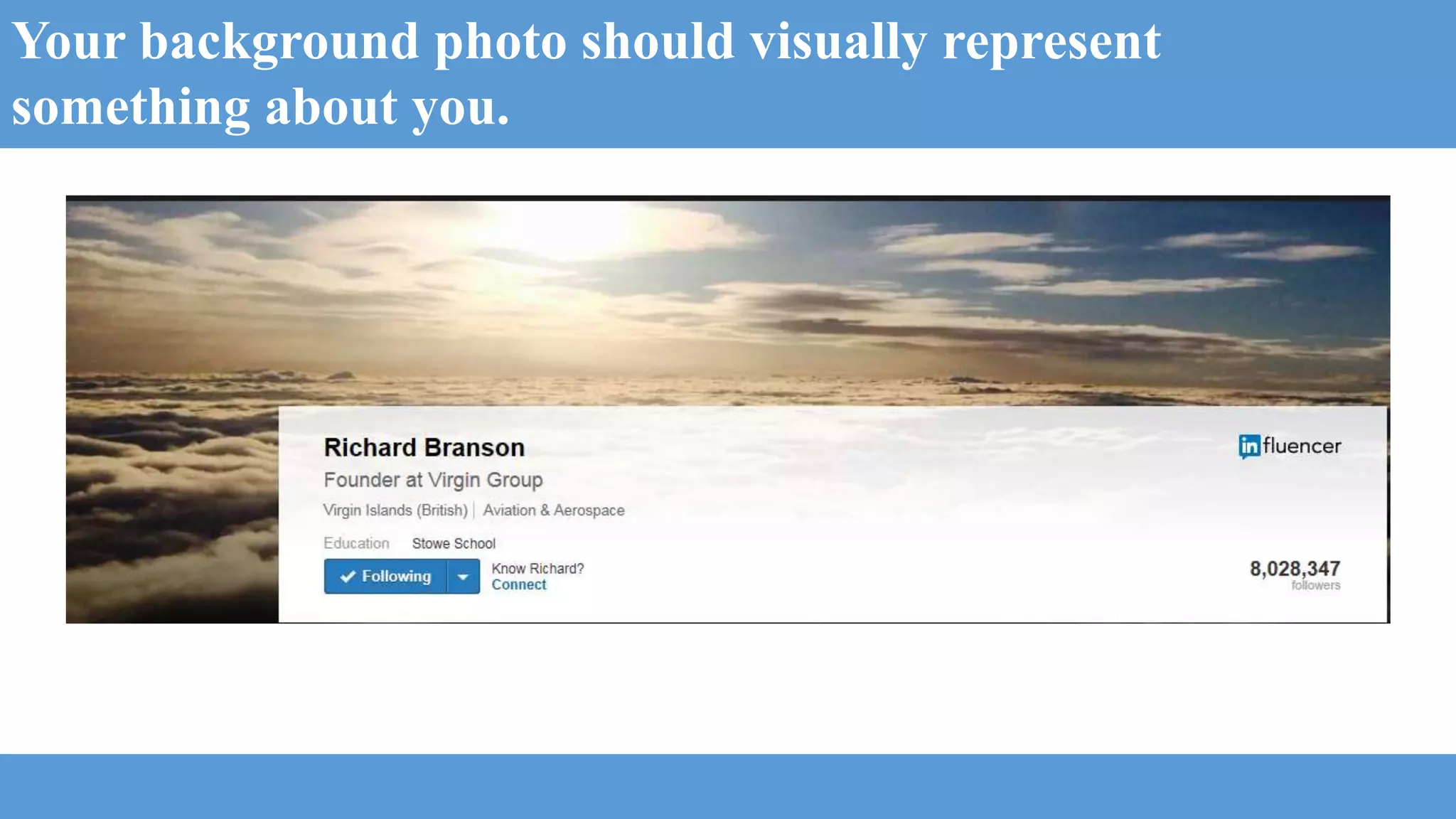
Your background photo should visually represent
something about you.
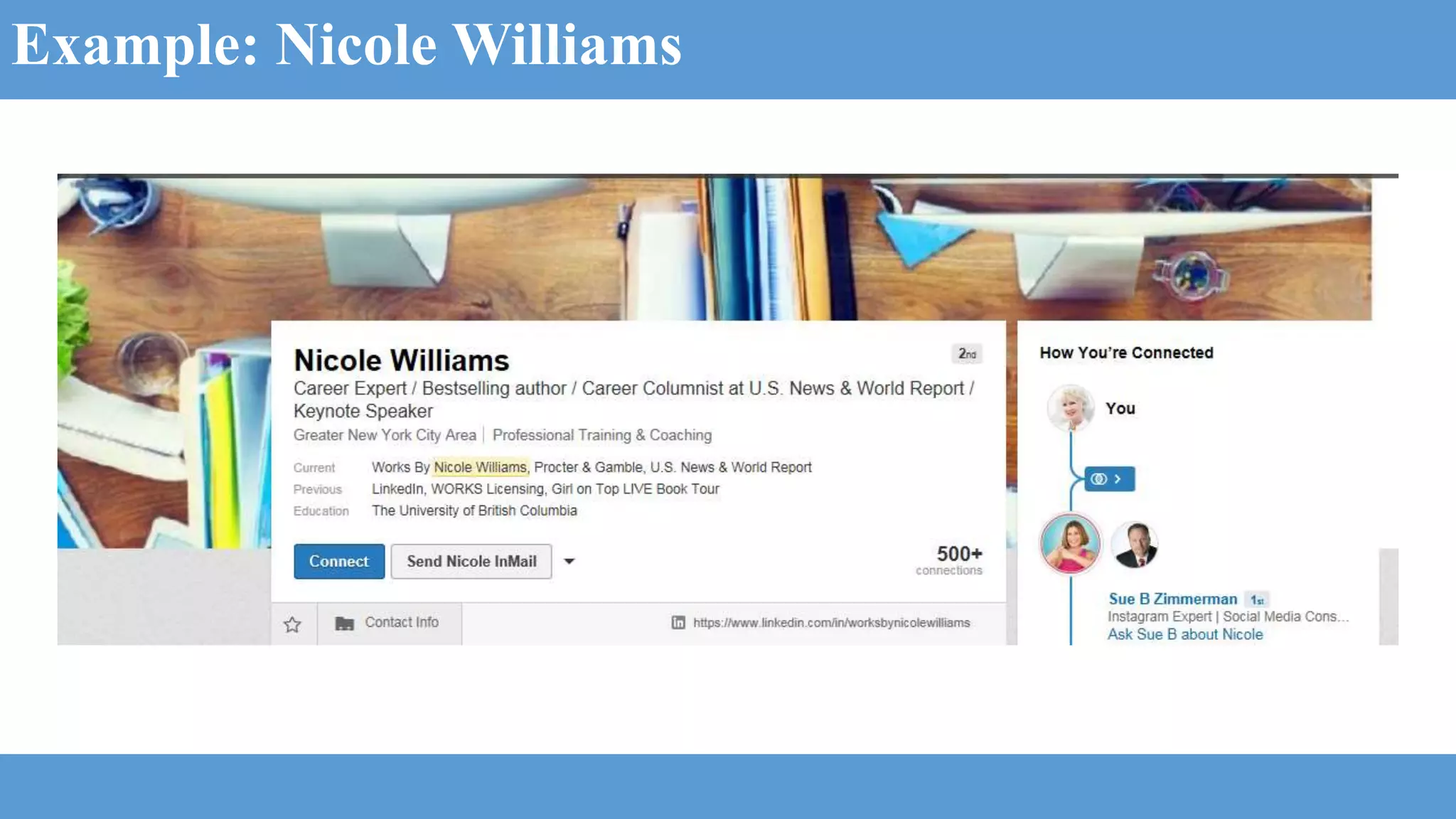
Example: Nicole Williams
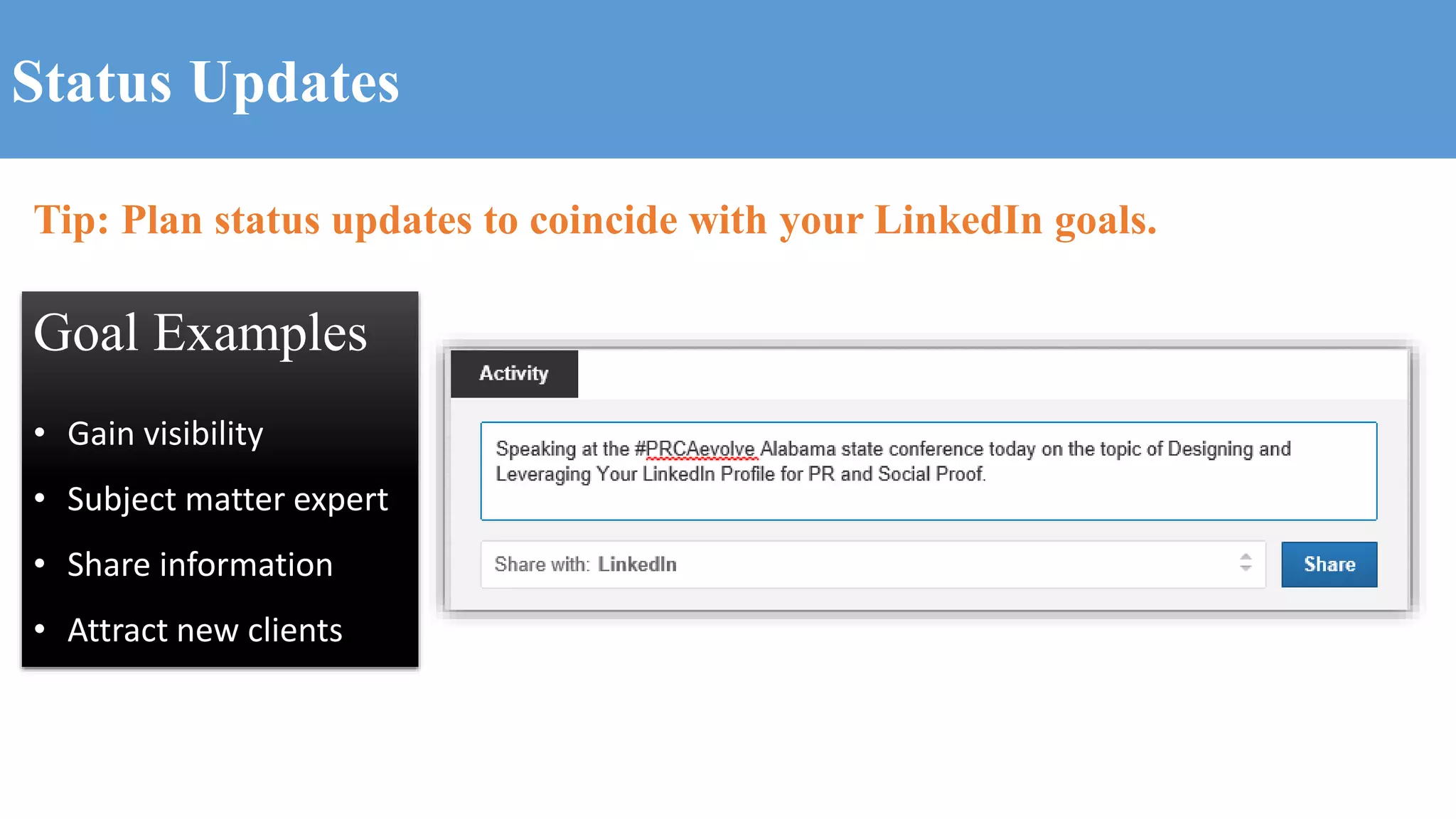
Status Updates
Tip: Plan status updates to coincide with your LinkedIn goals.
Goal Examples
• Gain visibility
• Subject matter expert
• Share information
• Attract new clients
SUMMARY – 2000 characters of space
Write your Summary section in a Word
document so you can spell check.
Where applicable include a link to a video,
document or presentation.
Think keyword strategic as you craft your
Summary section.
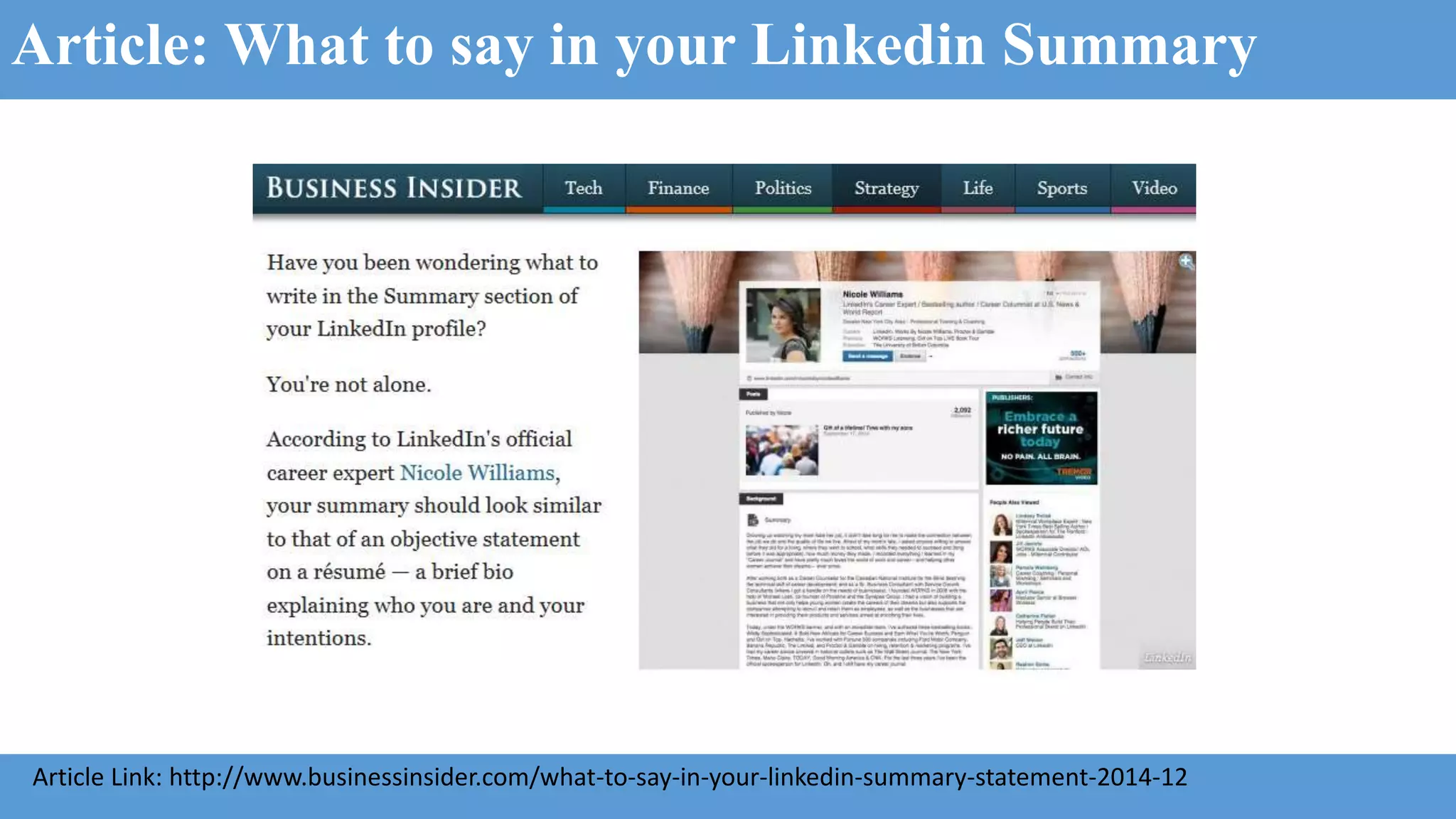
Article: What to say in your Linkedin Summary
Article Link: http://www.businessinsider.com/what-to-say-in-your-linkedin-summary-statement-2014-12
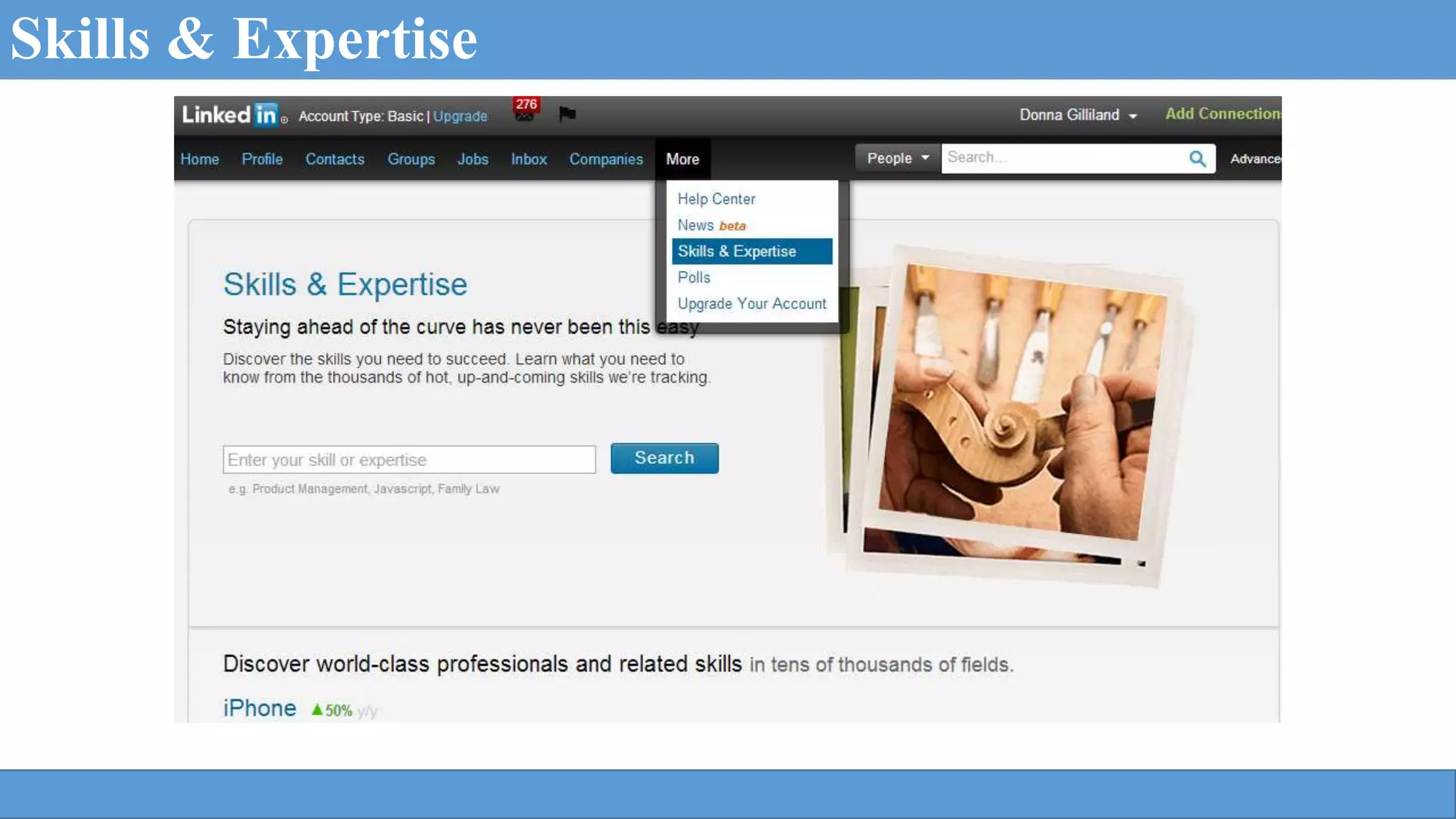
Skills & Expertise
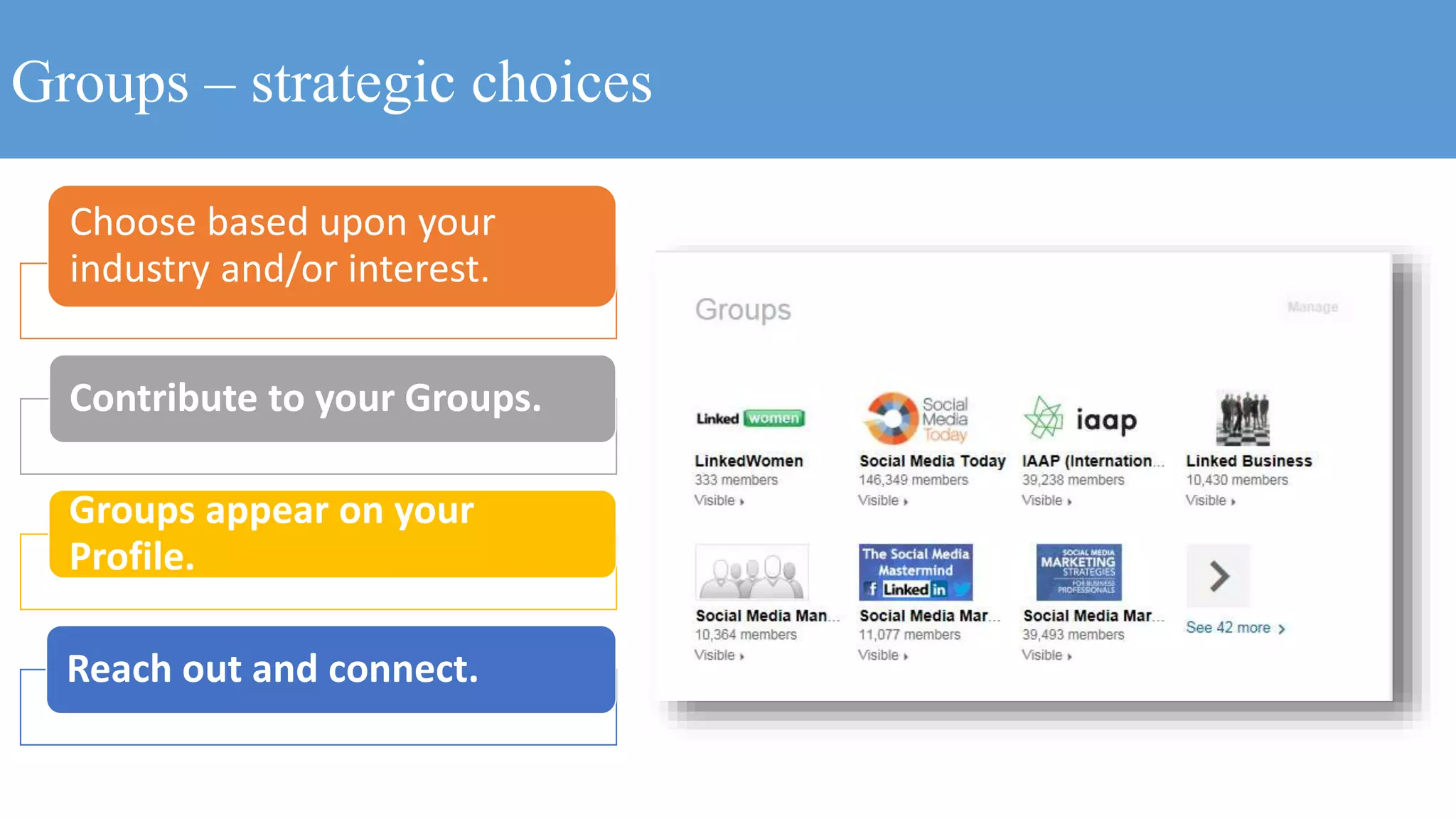
Groups – strategic choices
Choose based upon your
industry and/or interest.
Contribute to your Groups.
Groups appear on your
Profile.
Reach out and connect.
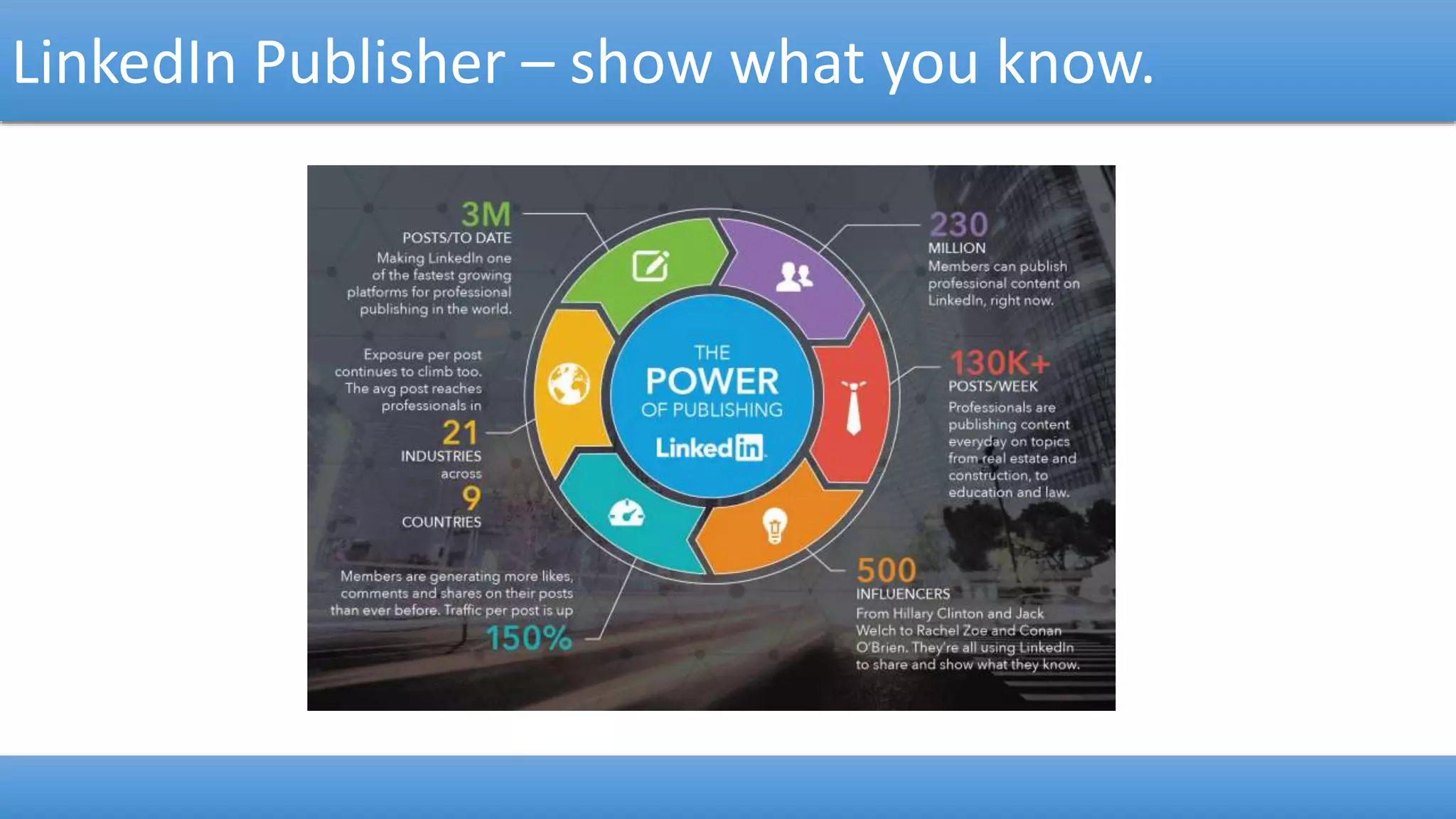
LinkedIn Publisher – show what you know.
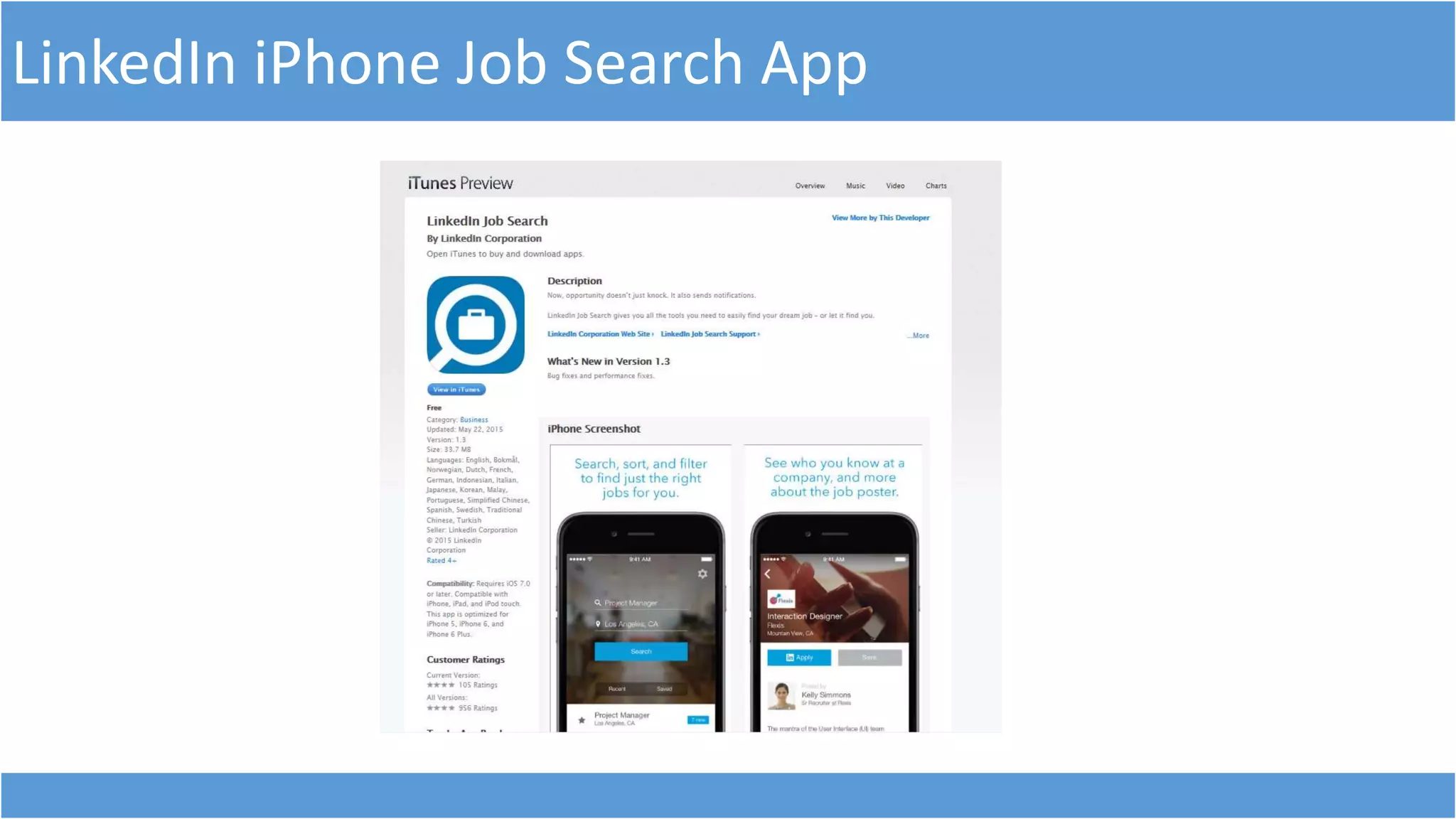
LinkedIn iPhone Job Search App
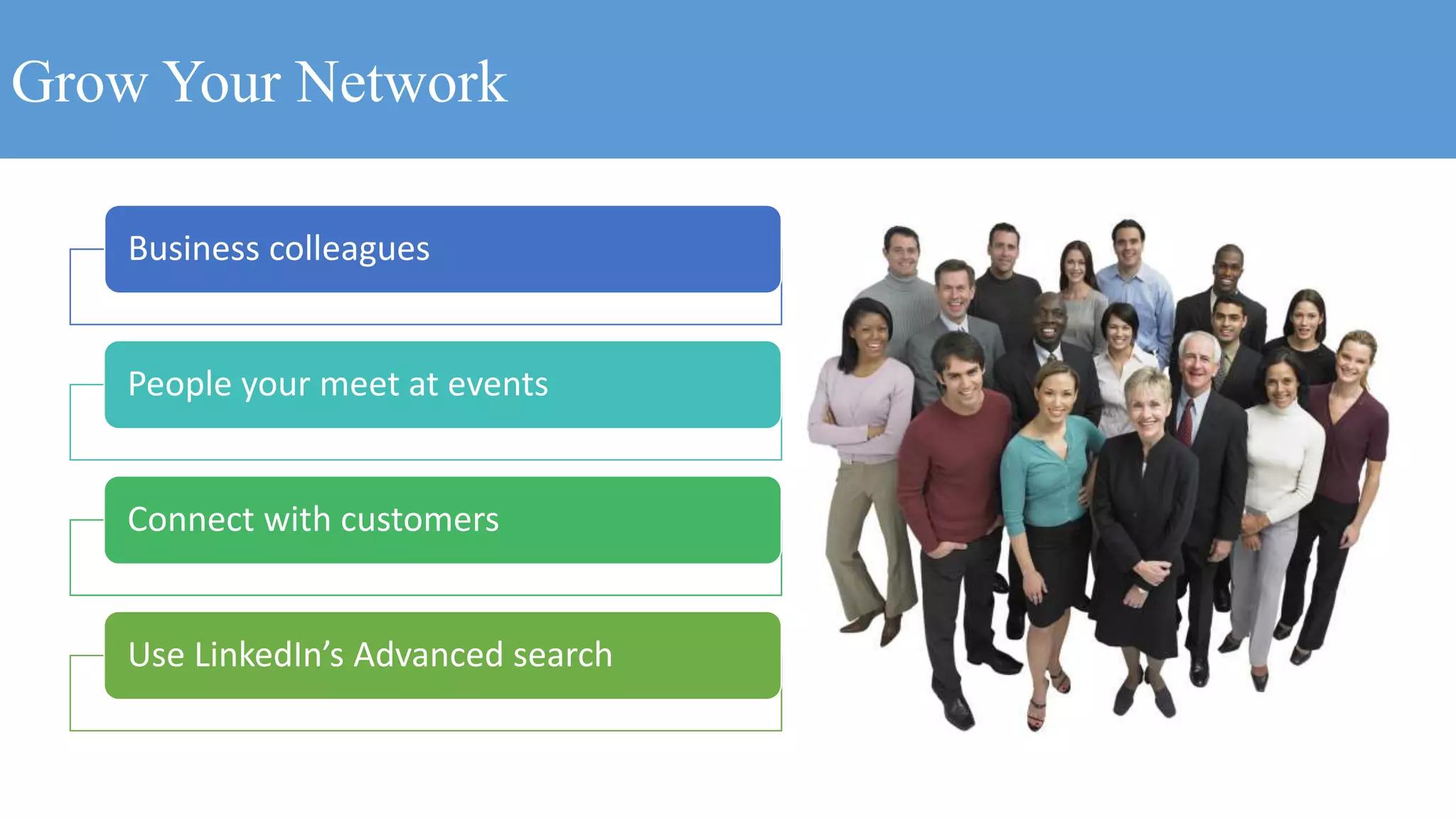
Grow Your Network
Business colleagues
People your meet at events
Connect with customers
Use LinkedIn’s Advanced search
Social Proof
Recommendations & Endorsements
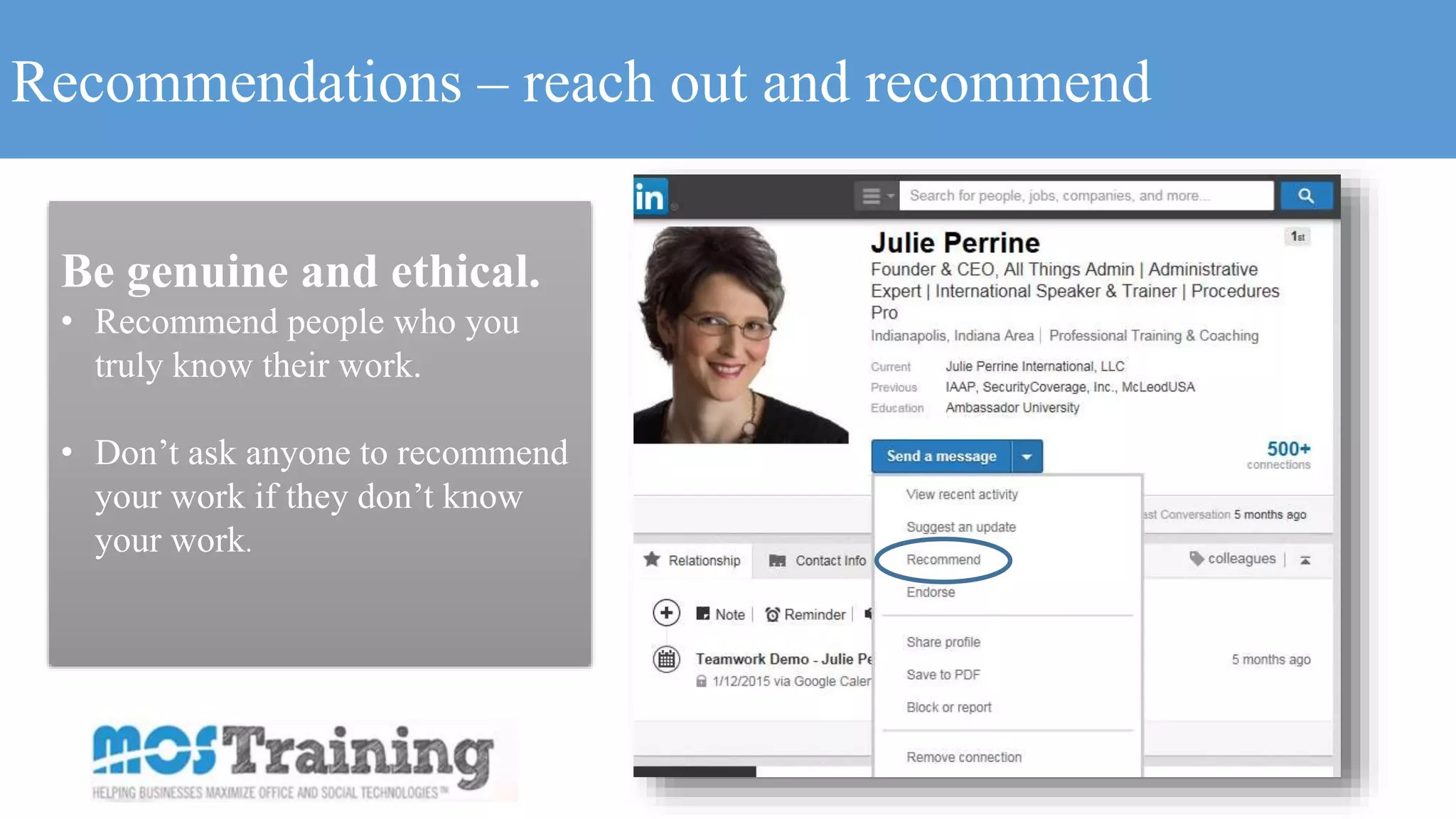
Recommendations – reach out and recommend
Be genuine and ethical.
• Recommend people who you
truly know their work.
• Don’t ask anyone to recommend
your work if they don’t know
your work.
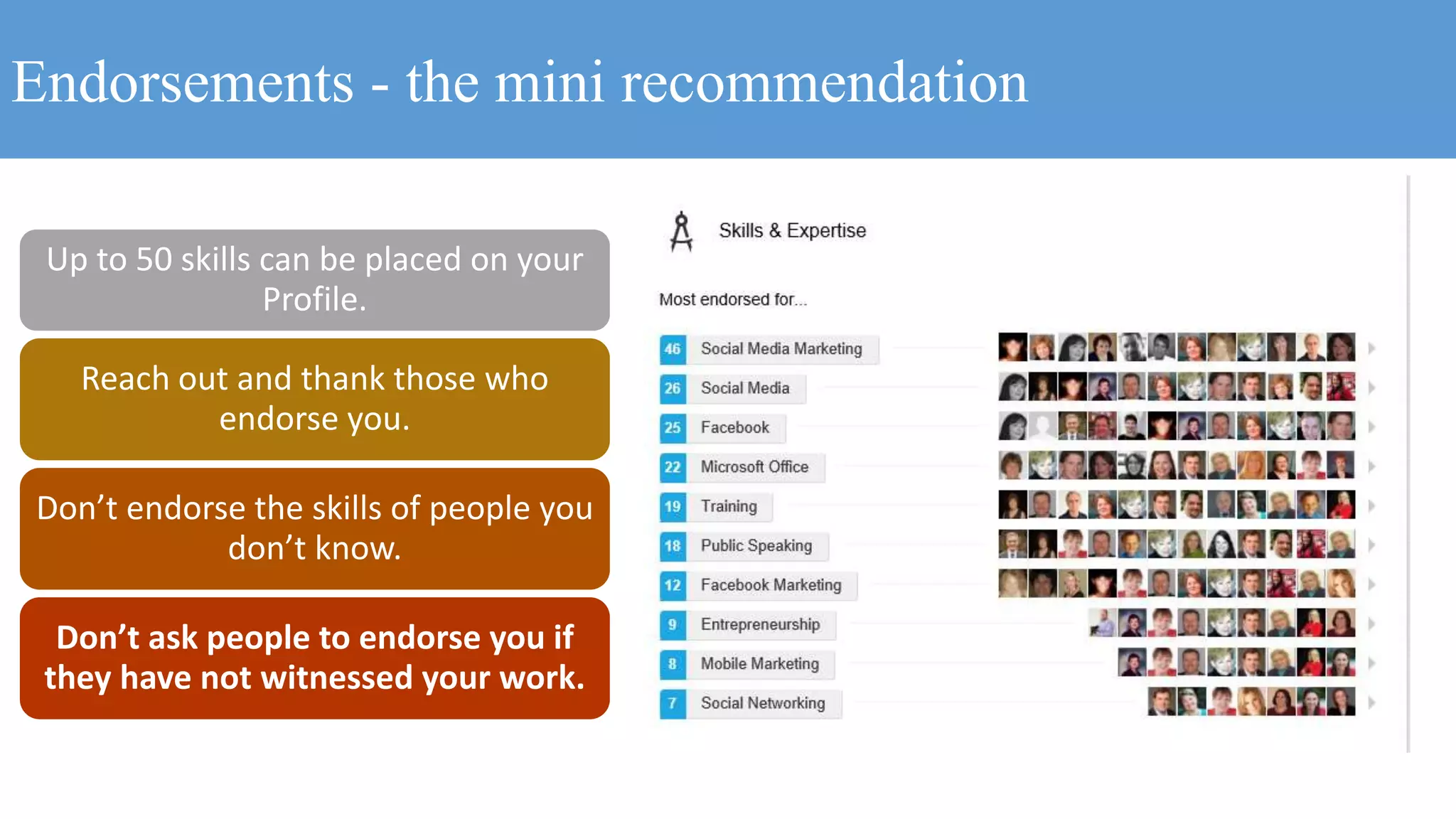
Endorsements - the mini recommendation
Up to 50 skills can be placed on your
Profile.
Reach out and thank those who
endorse you.
Don’t endorse the skills of people you
don’t know.
Don’t ask people to endorse you if
they have not witnessed your work.
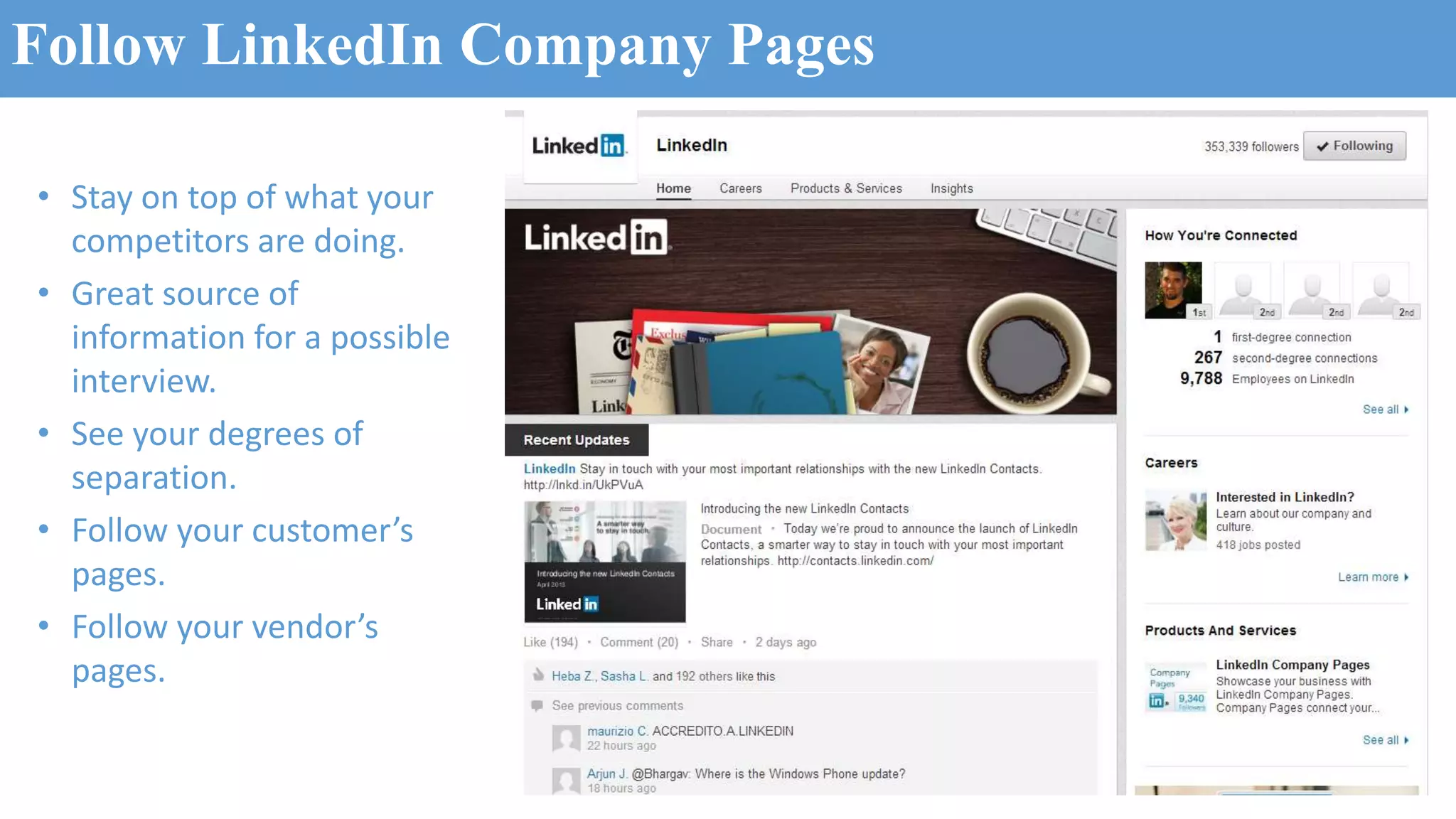
Follow LinkedIn Company Pages
• Stay on top of what your
competitors are doing.
• Great source of
information for a possible
interview.
• See your degrees of
separation.
• Follow your customer’s
pages.
• Follow your vendor’s
pages.
Let’s stay connected…
LinkedIn: www.LinkedIn.com/in/DonnaGilliland
Follow on Twitter: www.Twitter.com/DonnaGilliland
Facebook: www.Facebook.com/MOSTraining
Subscribe to my YouTube channel:
www.YouTube.com/MOSTraining

How to design a powerful Linkedin Profile and leverage Linkedin to advanced your career

  • 1.
    “Picture where youwant to be and let LinkedIn help you get there!” It takes work to make dreams become a reality. – Donna Gilliland
  • 2.
    Designing and LeveragingYour LinkedIn Profile Donna Gilliland, Founder of MOSTraining Social Business Speaker and Educator
  • 3.
    Profile: optimize forexposure Connections: strategies and tips Social Proof: Recommendations & Endorsements Linked in AGENDA Tools: Job Search, LinkedIn Publisher Groups: strategies and tips
  • 4.
    “Picture where youwant to be and let LinkedIn help you get there!” It takes work to make dreams become a reality. – Donna Gilliland
  • 5.
    Largest professional network onthe Internet. Founded in 2003. 364+ million members worldwide. Executives from every Fortune 500 company. LinkedIn Facts
  • 6.
    Profile Facts Profile Photo •Results in more views. Summary • 40 words or more increases your chances of appearing in search results. Groups • Group activity can result in 5x more views of your profile.
  • 7.
    78% U.S. Recruiters surveyeduse a search engine Online Reputation research study commissioned by Microsoft Perform a Google search on your name
  • 8.
    85%U.S. HR professionalssay online reputation influences their hiring decisions. Online Reputation research study commissioned by Microsoft Online Reputation Research Study
  • 9.
  • 10.
    Do you knowwhy you want to be on LinkedIn?
  • 12.
    Linked Write down yourgoals for being on LinkedIn
  • 13.
    Gather all yourdata… Linked Job History Certifications Specialized skills Memberships Videos Presentations
  • 14.
    Professional Headline 120characters Who are you? What do you offer? Your Headliner TIP: your headline travels with you when you comment and post. Professional photo
  • 15.
    3 Web sites Callto Action headings Custom URL Adding website links to your profile
  • 16.
    Your background photoshould visually represent something about you.
  • 17.
  • 18.
    Status Updates Tip: Planstatus updates to coincide with your LinkedIn goals. Goal Examples • Gain visibility • Subject matter expert • Share information • Attract new clients
  • 19.
    SUMMARY – 2000characters of space Write your Summary section in a Word document so you can spell check. Where applicable include a link to a video, document or presentation. Think keyword strategic as you craft your Summary section.
  • 20.
    Article: What tosay in your Linkedin Summary Article Link: http://www.businessinsider.com/what-to-say-in-your-linkedin-summary-statement-2014-12
  • 21.
  • 22.
    Groups – strategicchoices Choose based upon your industry and/or interest. Contribute to your Groups. Groups appear on your Profile. Reach out and connect.
  • 23.
    LinkedIn Publisher –show what you know.
  • 24.
  • 25.
    Grow Your Network Businesscolleagues People your meet at events Connect with customers Use LinkedIn’s Advanced search
  • 26.
  • 27.
    Recommendations – reachout and recommend Be genuine and ethical. • Recommend people who you truly know their work. • Don’t ask anyone to recommend your work if they don’t know your work.
  • 28.
    Endorsements - themini recommendation Up to 50 skills can be placed on your Profile. Reach out and thank those who endorse you. Don’t endorse the skills of people you don’t know. Don’t ask people to endorse you if they have not witnessed your work.
  • 29.
    Follow LinkedIn CompanyPages • Stay on top of what your competitors are doing. • Great source of information for a possible interview. • See your degrees of separation. • Follow your customer’s pages. • Follow your vendor’s pages.
  • 30.
    Let’s stay connected… LinkedIn:www.LinkedIn.com/in/DonnaGilliland Follow on Twitter: www.Twitter.com/DonnaGilliland Facebook: www.Facebook.com/MOSTraining Subscribe to my YouTube channel: www.YouTube.com/MOSTraining

Editor's Notes

  • #9 Microsoft commissioned Cross-Tab to perform a Online Reputation research study on Positive online reputations matter. Among U.S. recruiters and HR professionals surveyed, 85% say that positive online reputation influences their hiring decisions at least to some extent. Nearly half say that a strong online reputation influences their decisions to a great extent.
  • #11 place to get business intelligence, to research problems, to establish an online presence where other people in the network can find
  • #13 Brand you Open doors to new opportunities Social marketing campaign Position a new product or service
  • #15 TIP: the headliner what people see first when they perform a Google search. Thinking keywords when writing your headline. NOTE: LinkedIn will not show your Profile as 100% complete unless you have at least 3 recommendations.
  • #16 Use the Web sites section to link to your Company web site, blog and/or social channels. Use the Other category classification in order to create a customized label for the website. I use it as a CTA (call to action). Customize your LinkedIn URL from the numeric link that LinkedIn defaults to. Include your LinkedIn URL in your email signatures.
  • #22 Skills & Expertise is a great way to find the exact keyword terms related to your field. You can include of to 50 skills. It’s an opportunity for endorsements. Skills that have been endorsed cannot be rearranged. TIP: when people endorse you, reach out and thank them.
  • #23 Groups appear on you profile. It provides people with a pulse for what you are interested in and how serious you are about keeping up within your own area of expertise.
  • #26 Default for search results are for1st degree connections. One of many reasons to build your network.
  • #29 Giving endorsements gains visibility. Thank people for endorsing you.