How to Create A
Small Business
Website
Agenda
What to Do Before You Build Your Website
Hiring Freelancers or Agencies
Hiring Platforms
Create a Website Step by Step
Maintenance Tips
Pre-Website Building
Checklist
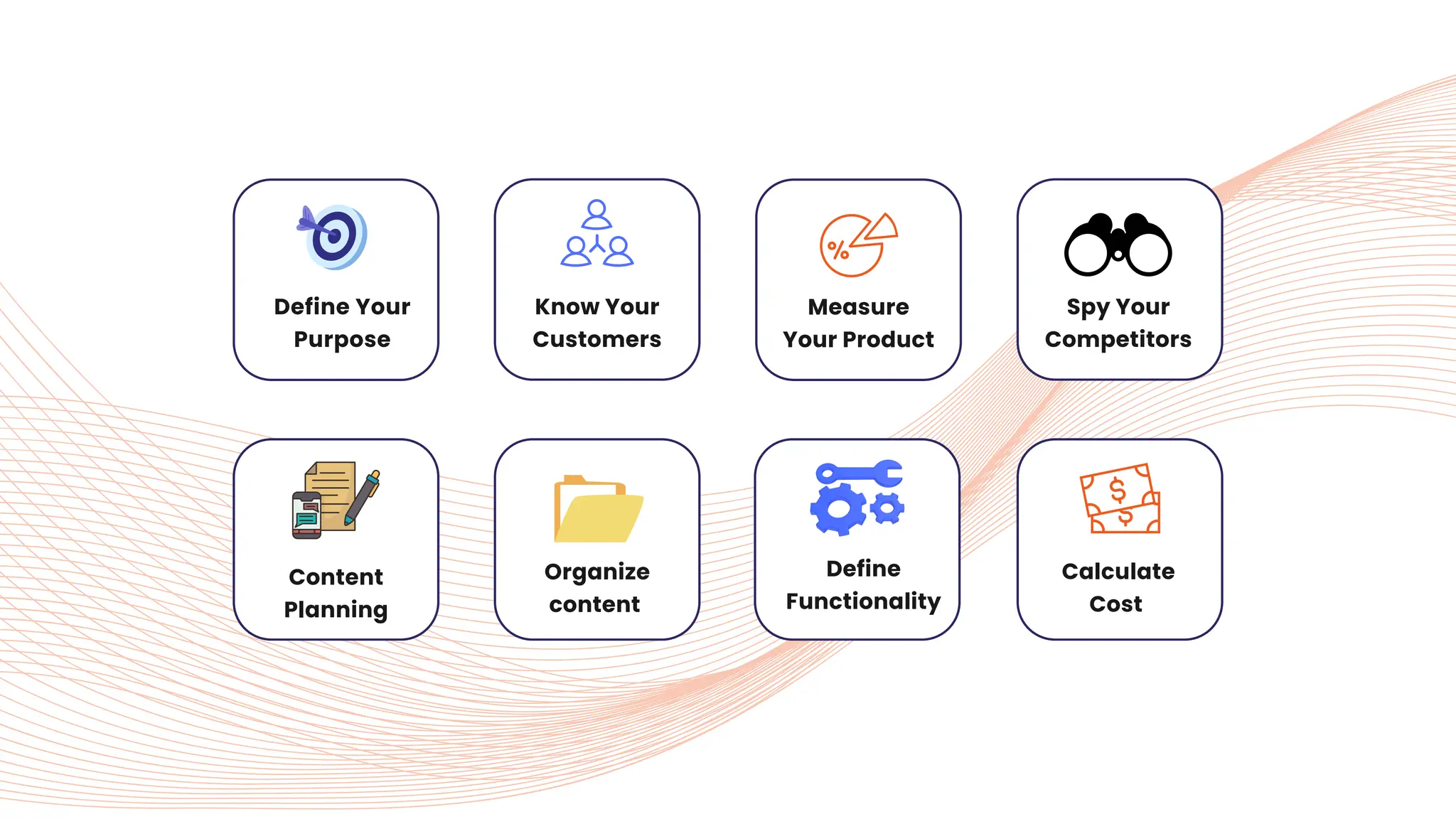
Define Your
Purpose
Know Your
Customers
Content
Planning
Define
Functionality
Measure
Your Product
Spy Your
Competitors
Organize
content
Calculate
Cost
01 Go deeper and define who your
audience is and what they want,
think, and need. Try to understand
the main goal or intention behind
creating your site.
DEFINE YOUR PURPOSE
02 Your purpose will guide the design,
content, and functionality of your
website.
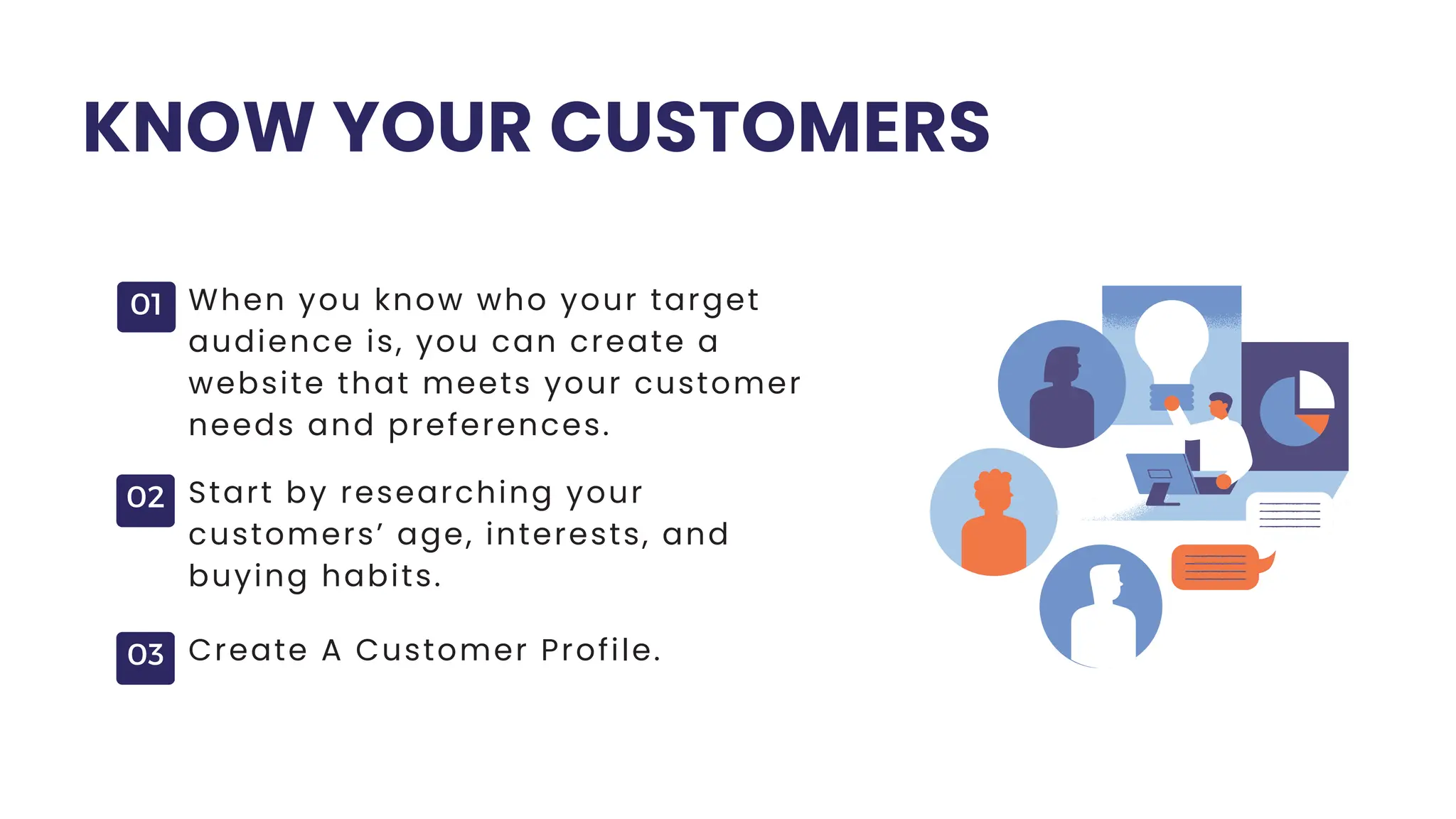
KNOW YOUR CUSTOMERS
01 When you know who your target
audience is, you can create a
website that meets your customer
needs and preferences.
02 Start by researching your
customers’ age, interests, and
buying habits.
03 Create A Customer Profile.
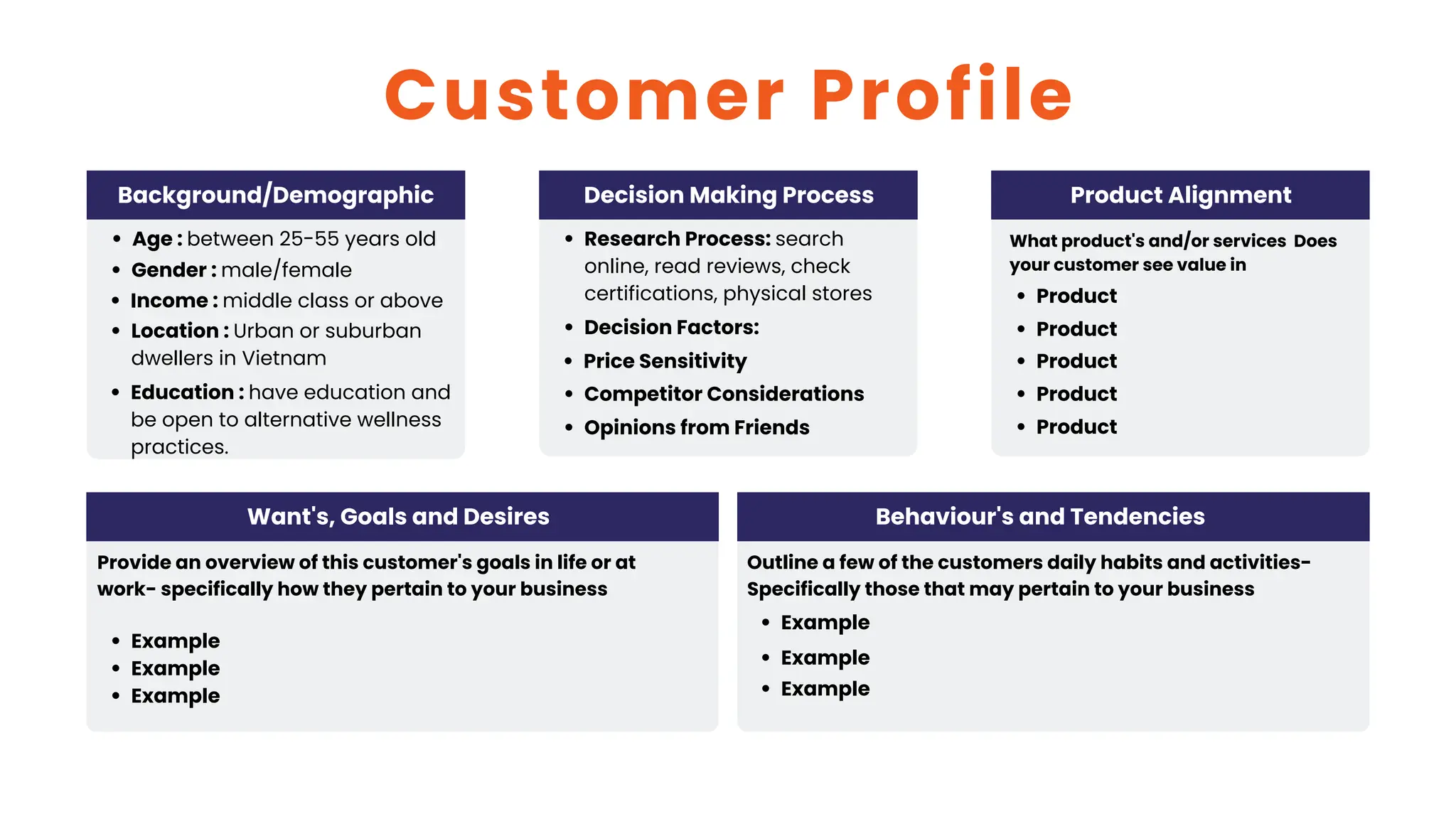
Background/Demographic
Age : between 25-55 years old
Income : middle class or above
Location : Urban or suburban
dwellers in Vietnam
Education : have education and
be open to alternative wellness
practices.
Gender : male/female
Customer Profile
Decision Making Process
Research Process: search
online, read reviews, check
certifications, physical stores
Decision Factors:
Price Sensitivity
Competitor Considerations
Opinions from Friends
Product Alignment
What product's and/or services Does
your customer see value in
Product
Product
Product
Product
Product
Want's, Goals and Desires
Provide an overview of this customer's goals in life or at
work- specifically how they pertain to your business
Example
Example
Example
Behaviour's and Tendencies
Outline a few of the customers daily habits and activities-
Specifically those that may pertain to your business
Example
Example
Example
01
02
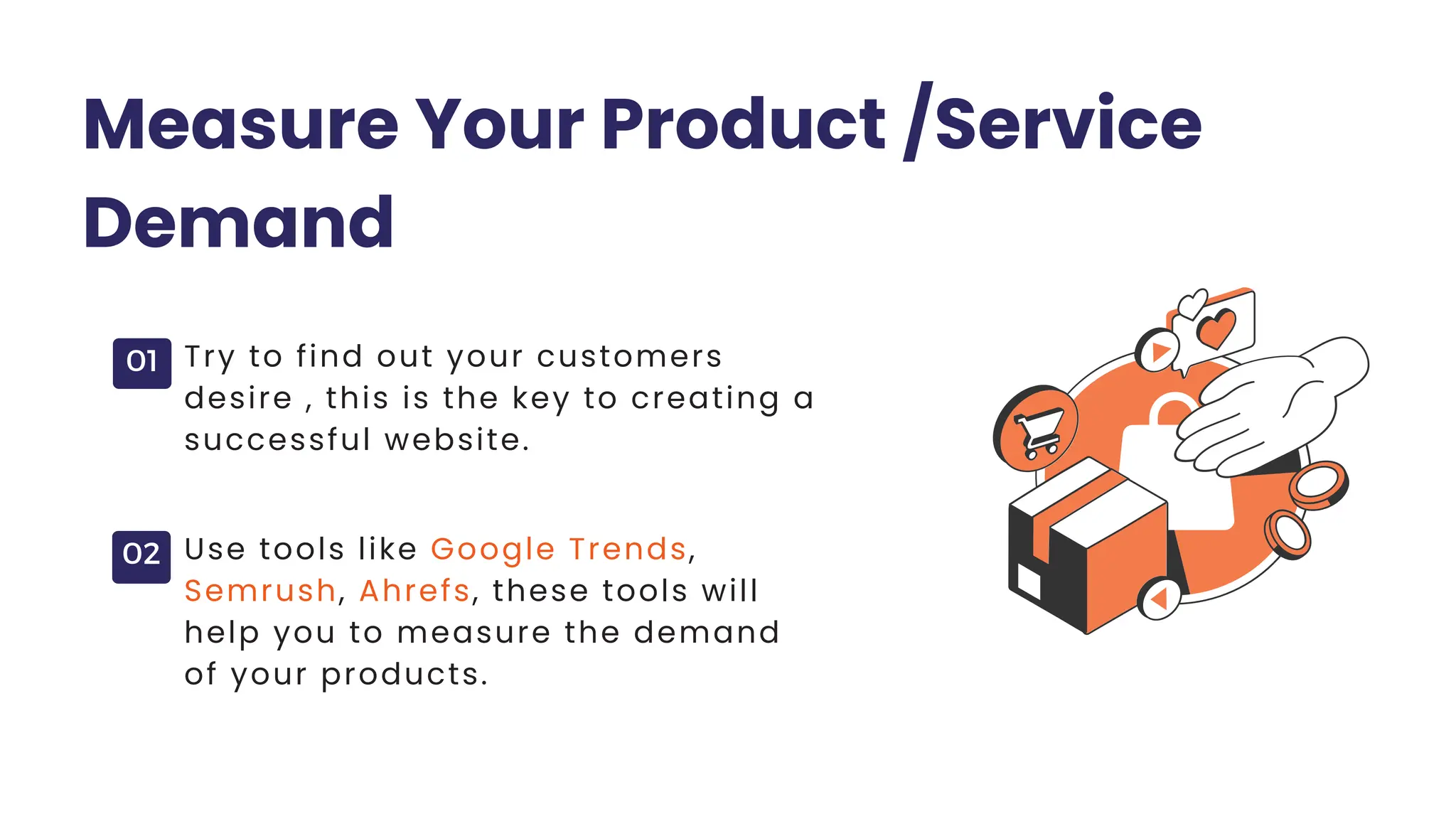
Measure Your Product /Service
Demand
Try to find out your customers
desire , this is the key to creating a
successful website.
Use tools like Google Trends,
Semrush, Ahrefs, these tools will
help you to measure the demand
of your products.
01
02
03
Spy Your Competitors
Once you have identified the demand for
your products or services focus on
competitor research.
Try to gain valuable insights into their
strategies, offerings, and customer
engagement to refine your own approach.
Look at their website design, content,
and features to understand what
works well and what doesn’t.
01
02
Content Planning
Consider planning your content based on
your intentions. For example, if you aim to
reach a wider audience, create informative
and problem-solving content
On the other hand, if your goal is to
increase sales, you can offer
discounts on your products
01
02
03
Organize Your Content and Images
Organize your content and images folder-
wise with consistent naming, like project
name, file type, and date.
Create subfolders within main folders
for better organization, such as
separating documents, spreadsheets,
and presentations.
Organize images by page name, so
"about-us.jpg" goes into the "About
Us" folder for easy access later.
Define Functional and Non-
Functional Requirements
Example of Functional
Requirements:
Non-Functional Requirements:
User Signup/Login feature
All links should be clickable
Capability to edit and update
website content
Features like search, add to cart,
and checkout.
Loading speed
Security
Technical SEO
Accessibility and compatibility
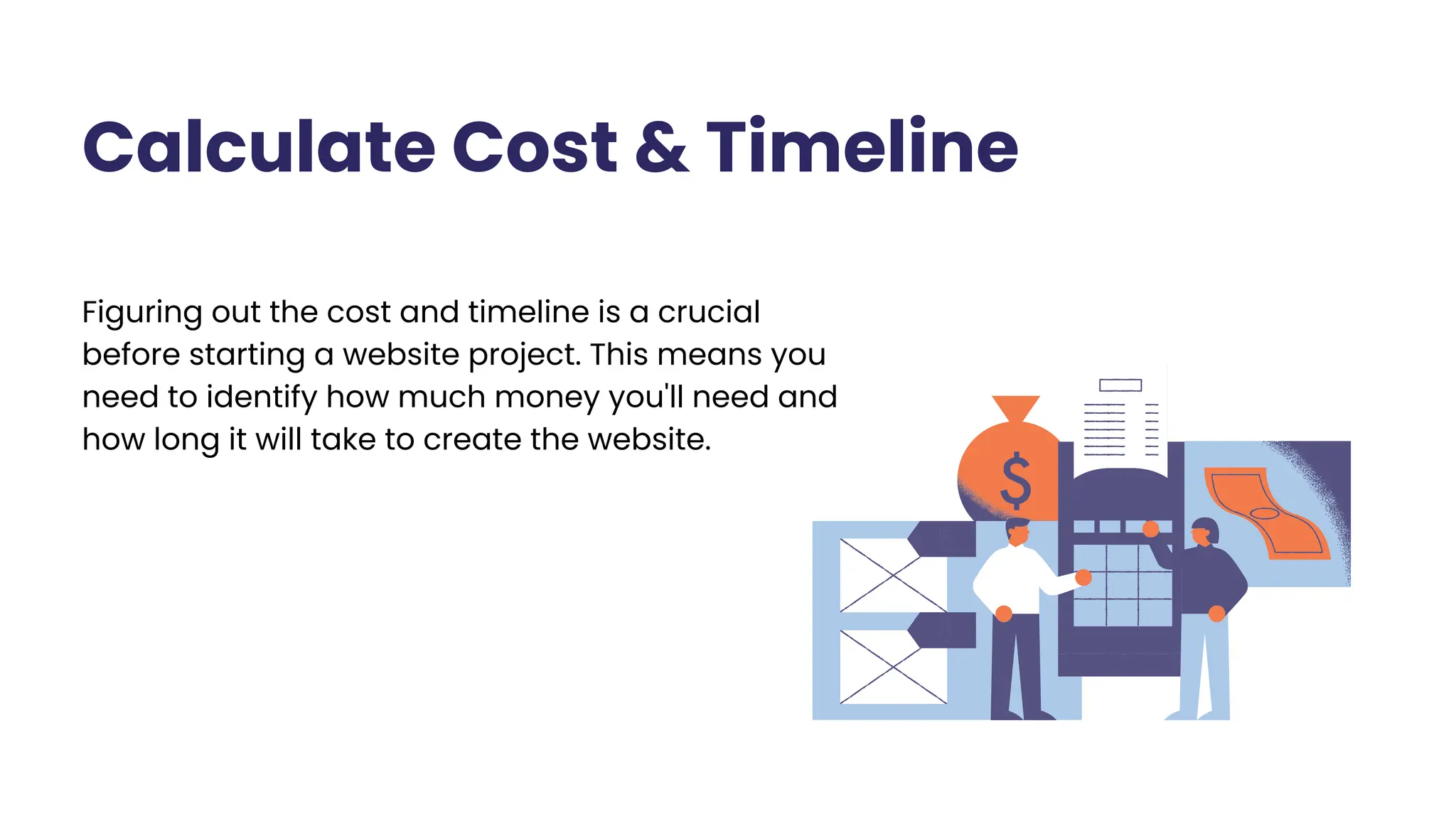
Calculate Cost & Timeline
Figuring out the cost and timeline is a crucial
before starting a website project. This means you
need to identify how much money you'll need and
how long it will take to create the website.
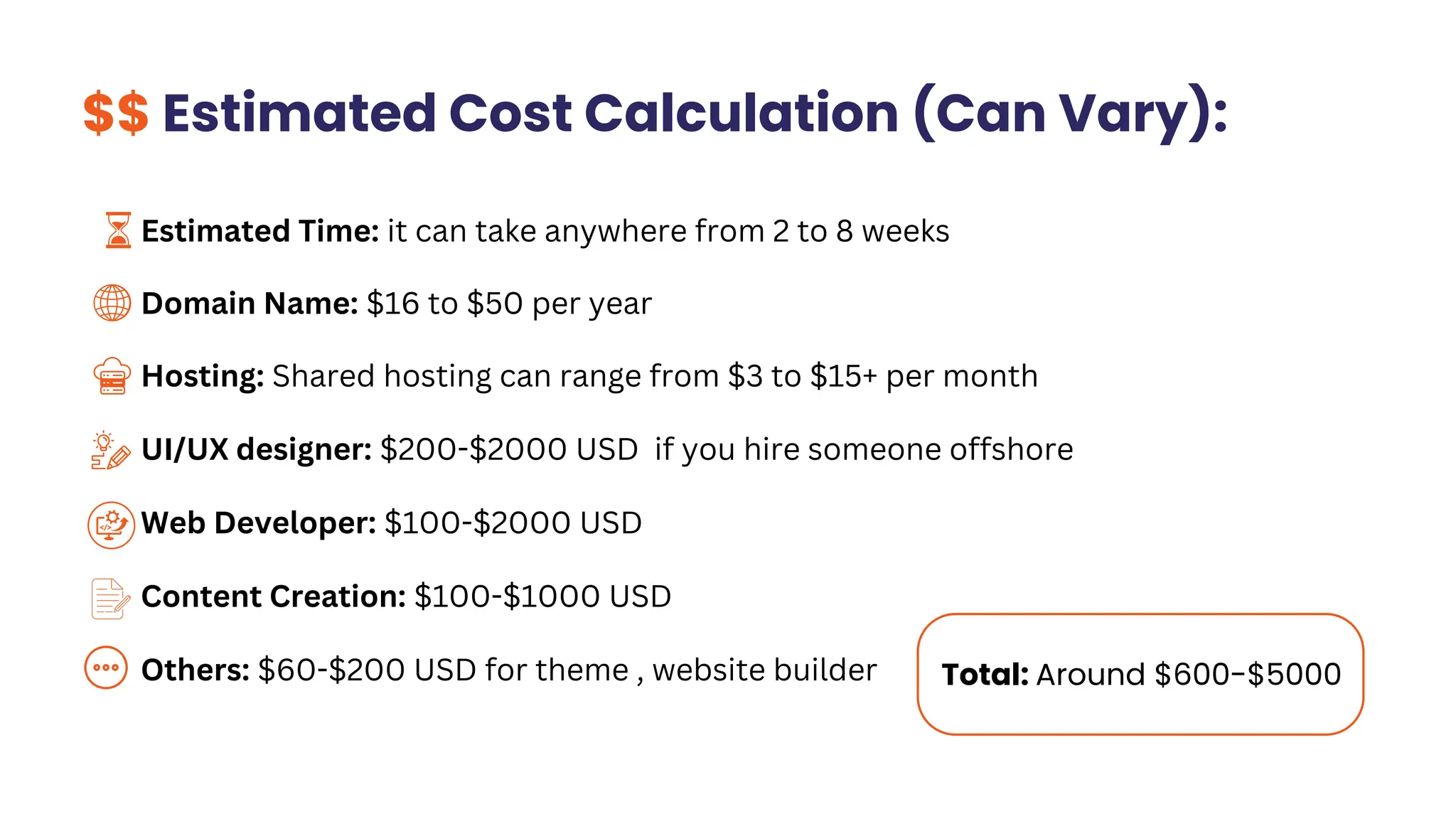
Total: Around $600-$5000
$$ Estimated Cost Calculation (Can Vary):
Estimated Time: it can take anywhere from 2 to 8 weeks
Domain Name: $16 to $50 per year
Hosting: Shared hosting can range from $3 to $15+ per month
UI/UX designer: $200-$2000 USD if you hire someone offshore
Web Developer: $100-$2000 USD
Content Creation: $100-$1000 USD
Others: $60-$200 USD for theme , website builder
Hiring Freelancers or
Agencies
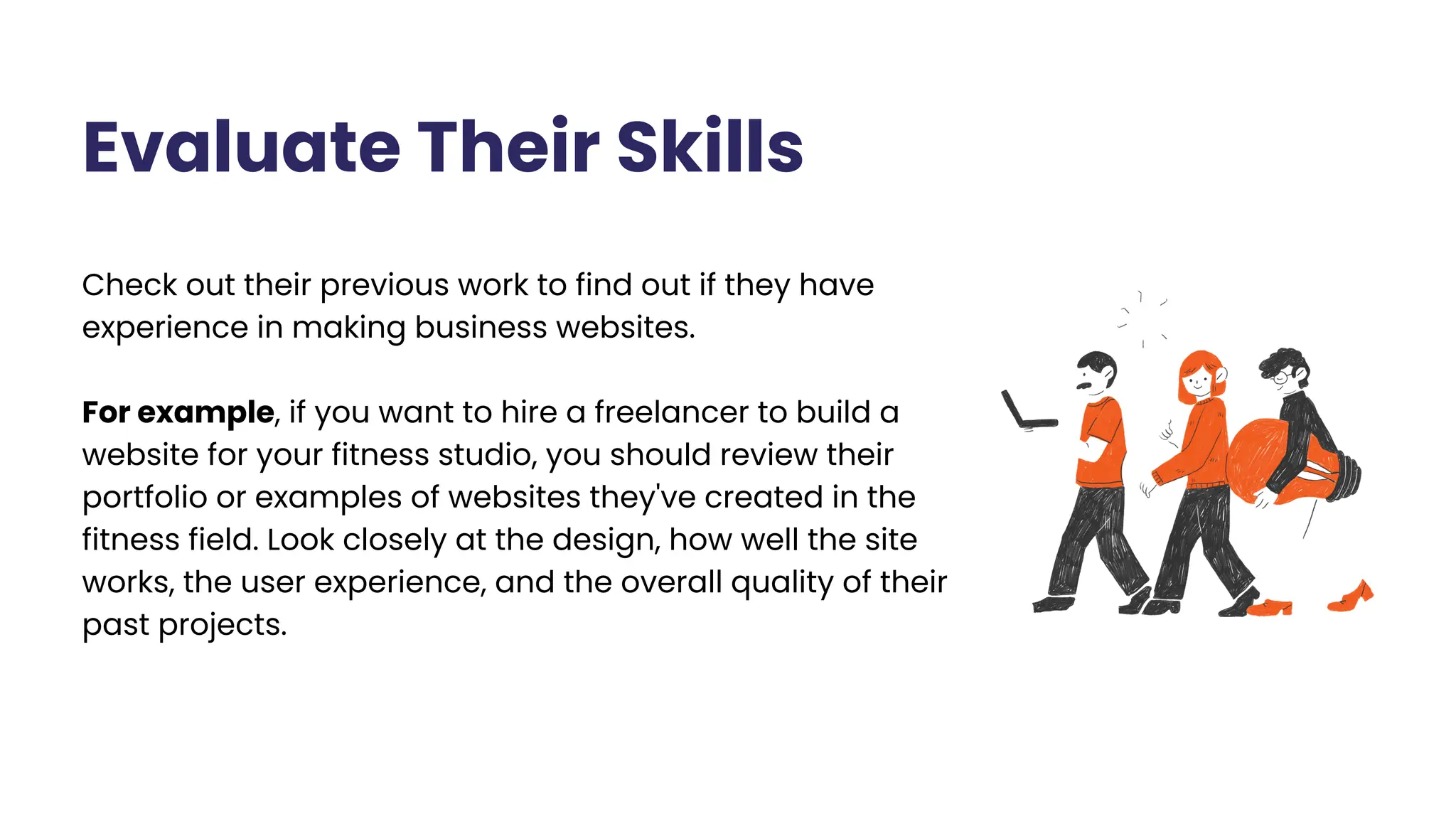
Check out their previous work to find out if they have
experience in making business websites.
For example, if you want to hire a freelancer to build a
website for your fitness studio, you should review their
portfolio or examples of websites they've created in the
fitness field. Look closely at the design, how well the site
works, the user experience, and the overall quality of their
past projects.
Evaluate Their Skills
Check Client Reviews
Look at what past clients say about their work to understand
how professional and skilled they are. It’s important to read
several reviews and think about the overall feelings expressed
to get a clearer idea of their reputation and history.
Request Proposals or Quotes
Request project proposals and pricing from the candidates
you find interesting. Their proposals will give you a better idea
of how well they understand your project, the services they
can provide, estimated timelines, and costs.
This information allows you to compare different options and
helps you figure out which freelancer or agency is the best fit
for your needs and budget.
Hold meetings to talk about your project and check if
everyone understands your goals. In these discussions,
share your objectives, ask key questions, and assess how
well they grasp and express your vision.
This will help you judge their communication skills, how
fast they respond, and whether their ideas match what
you want for your website.
Conduct Interviews
Create a written agreement that covers project details, timelines, payment terms,
and other important aspects.
Sign A Contract
Hiring Platforms
For Freelancers
Upwork (You can Hire us Debuggers Studio from Upwork as well)
Freelancer
Fiverr
For Agencies
Clutch
Goodfirm
Build A Website Step
by Step
Choose the Best Hosting Plan
A hosting plan is a service offered by a hosting provider that lets
your website be seen on the internet.
Think about things like:
Storage space
Bandwidth, server reliability
Security features, and customer support
Recommended Hosting Companies:
Namecheap Bluehost Hostinger Godaddy
Step 1 >
Choose A Domain Name
A domain name is the website address that people will use to visit
your website, like (www.yourbusiness.com)
Select a domain name that reflects your business or brand
name.
Choose a domain name that is short and concise and
memorable.
Avoid using numbers or hyphens in your domain name.
Recommended Domain Providers:
Namecheap Godaddy
Step 2 >
Hire UI/UX Designer
UI/UX Designer will use your plan as a guide to
create wireframes, prototypes, and mockups of
your website. These visual representations will
help you to see how your website will look and
function.
Step 3 >
Once the designer has finalized the design, the
developer will be able to start working on the
website without having to ask for too much
feedback.
Hire Web Developers
Step 4 >
When it comes to hiring a web developer to bring
your UI/UX design to life, it’s important to make sure
you’re hiring senior/someone who has the
experience and skills necessary to do the job right.
CMS Website Vs Custom
Bespoke Website
Step 5 >
A CMS website allows you to update content easily using pre-designed templates
and plugins. It’s perfect for small business websites, and it doesn't require
advanced technical skills. CMS websites are budget-friendly and time-efficient.
On the other hand, a custom bespoke website is built specifically for your needs. It
offers complete control over the design and functionality. While it requires more
time and money to develop.
Measure the Quality of Your
Website
Step 6 >
Measuring the quality of your website after it has been built is important to ensure
its effectiveness and success.
Here are some ways to evaluate its quality:
UX Testing
1.
Performance Analysis
2.
Mobile Responsiveness
3.
Conversion Rate Tracking
4.
Feedback and Survey
5.
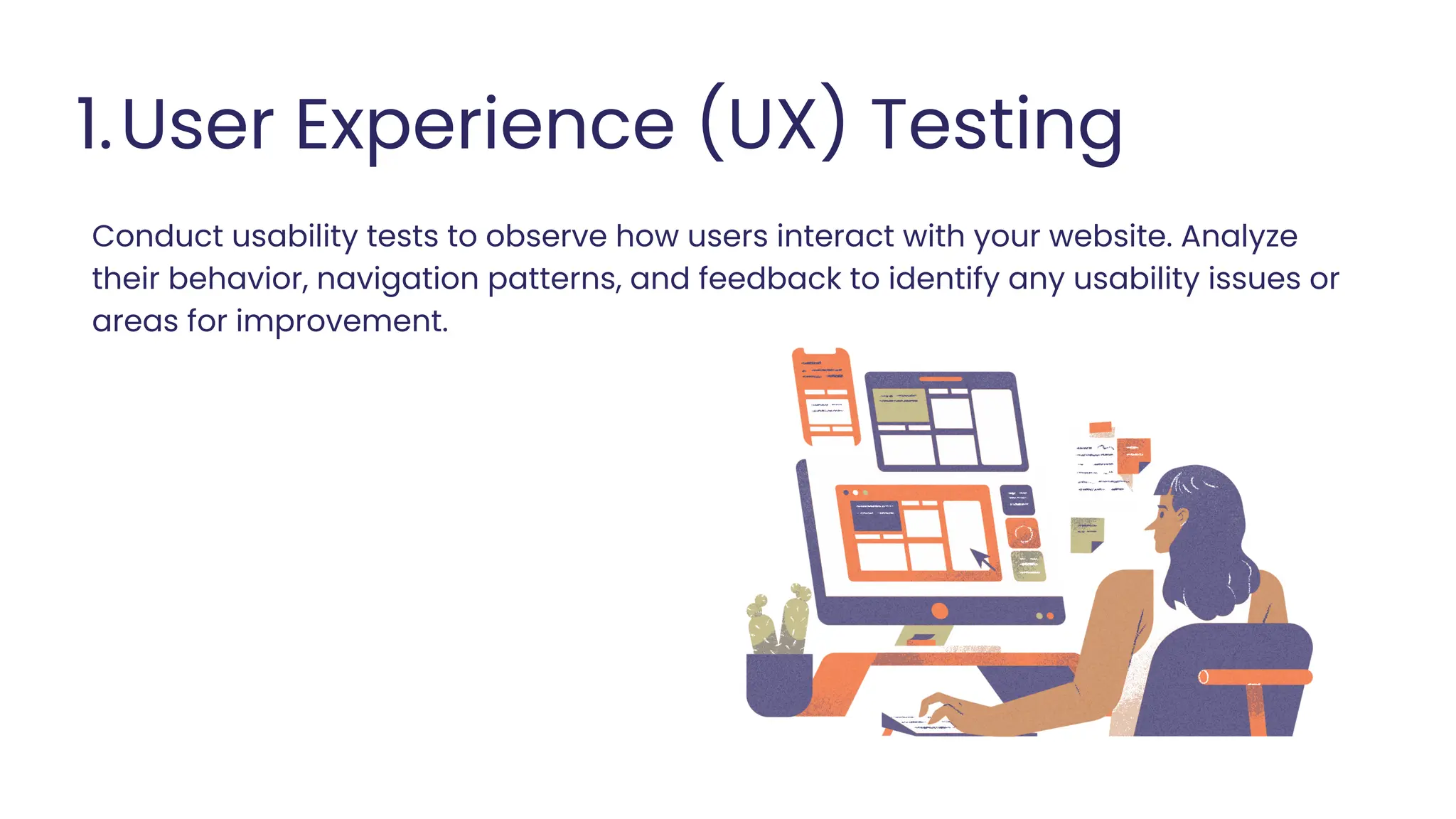
User Experience (UX) Testing
1.
Conduct usability tests to observe how users interact with your website. Analyze
their behavior, navigation patterns, and feedback to identify any usability issues or
areas for improvement.
2. Performance Analysis
Measure the website’s loading speed using tools like Google PageSpeed Insights or
GTmetrix. Optimize elements like image sizes, code, and caching to enhance overall
performance and user experience.
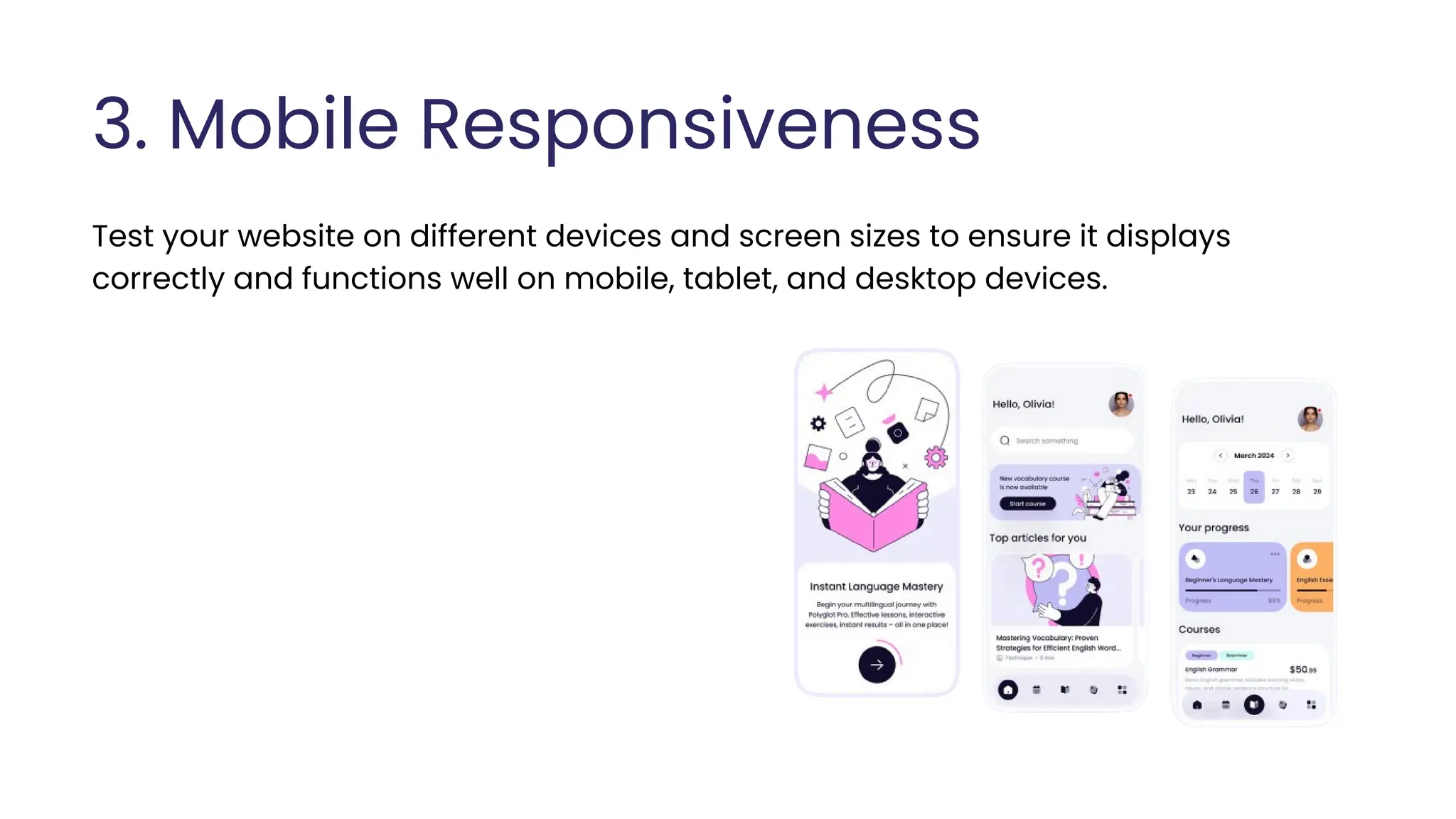
3. Mobile Responsiveness
Test your website on different devices and screen sizes to ensure it displays
correctly and functions well on mobile, tablet, and desktop devices.
4. Conversion Rate Tracking
Set up conversion tracking to measure how well your website is converting visitors
into customers or achieving desired actions. Monitor metrics like click-through
rates, form submissions, or sales to evaluate the effectiveness of your calls-to-
action and conversion optimization efforts.
Here is a list of Conversion Rate Tracking tools:
Google Analytics
Hotjar
Microsoft Clarity
Google Search console
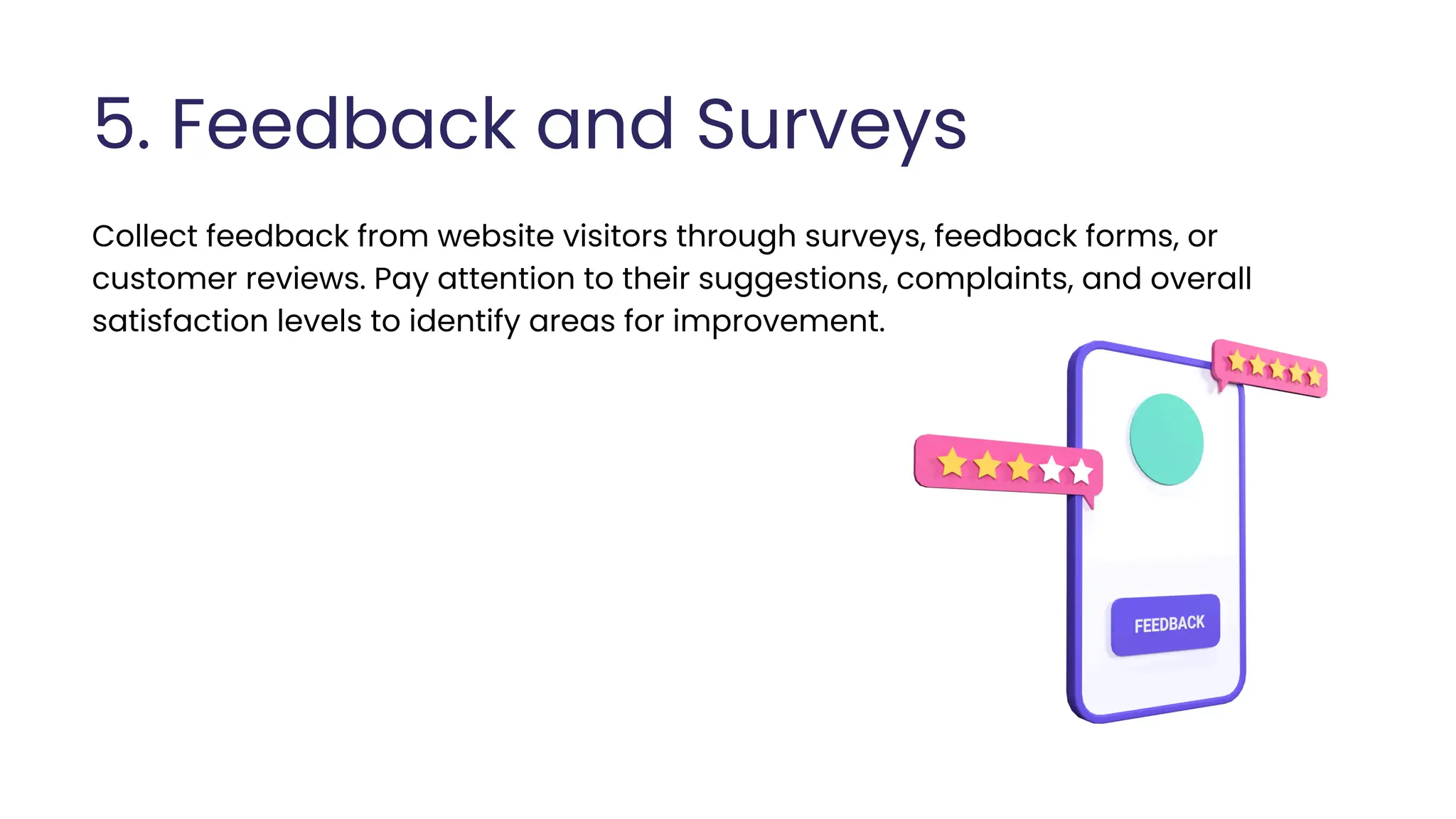
5. Feedback and Surveys
Collect feedback from website visitors through surveys, feedback forms, or
customer reviews. Pay attention to their suggestions, complaints, and overall
satisfaction levels to identify areas for improvement.
Launching Plan
If you’ve finished the other steps I mentioned earlier,
it’s time to plan your website launch. Before going
live, make sure to test your website on different
devices and browsers to ensure it works well. Once
everything is ready, you can officially launch your
website and use social media, email, and online ads
to attract visitors.
Step 7 >
1. Monitor Website Visitors
Keep an eye on the people who visit your website. This helps you understand how
popular your site is and how well it’s doing. To monitor your website visitors you can
use tools like Google Analytics.
2. Perform Monthly Maintenance
In order to ensure your small business website remains in good shape, it’s
important to perform regular maintenance. Maintenance activities may include
updating software, checking for broken links or errors, optimizing images and files,
and reviewing content for accuracy and relevance.
3. Monitor Website Security
Keep an eye on your website’s security to protect it from potential problems.
Implement security measures like firewalls and SSL certificates to keep sensitive
information safe.
4. Improve Speed & Performance
Compress the images to reduce file size and use formats like JPEG or WebP.
Use browser caching and server-side caching technology to reduce the load
time for returning visitors.
Remove unnecessary scripts to make your website faster.
5. Optimize On Page & Off-Page SEO
On-page SEO involves optimizing your website’s content, titles, headings, and meta
tags with relevant keywords.
6. Regularly Backup Your Website
Make sure to regularly back up your website to keep your data safe. By taking
backups, you can protect your website’s information and quickly recover it if
anything goes wrong.
Off-page SEO focuses on building backlinks and promoting your website on other
reputable sites.
Need a Website? Contact Us Today
Debuggersstudio.com
Our Services
Web Design SEO E-Commerce
Software
Development
Thank
You.
Get In Touch With Us
contact@dstudio.asia www.debuggersstudio.com

How to Create and Maintain A Small Business Website

  • 1.
    How to CreateA Small Business Website
  • 2.
    Agenda What to DoBefore You Build Your Website Hiring Freelancers or Agencies Hiring Platforms Create a Website Step by Step Maintenance Tips
  • 3.
  • 4.
    Define Your Purpose Know Your Customers Content Planning Define Functionality Measure YourProduct Spy Your Competitors Organize content Calculate Cost
  • 5.
    01 Go deeperand define who your audience is and what they want, think, and need. Try to understand the main goal or intention behind creating your site. DEFINE YOUR PURPOSE 02 Your purpose will guide the design, content, and functionality of your website.
  • 6.
    KNOW YOUR CUSTOMERS 01When you know who your target audience is, you can create a website that meets your customer needs and preferences. 02 Start by researching your customers’ age, interests, and buying habits. 03 Create A Customer Profile.
  • 7.
    Background/Demographic Age : between25-55 years old Income : middle class or above Location : Urban or suburban dwellers in Vietnam Education : have education and be open to alternative wellness practices. Gender : male/female Customer Profile Decision Making Process Research Process: search online, read reviews, check certifications, physical stores Decision Factors: Price Sensitivity Competitor Considerations Opinions from Friends Product Alignment What product's and/or services Does your customer see value in Product Product Product Product Product Want's, Goals and Desires Provide an overview of this customer's goals in life or at work- specifically how they pertain to your business Example Example Example Behaviour's and Tendencies Outline a few of the customers daily habits and activities- Specifically those that may pertain to your business Example Example Example
  • 8.
    01 02 Measure Your Product/Service Demand Try to find out your customers desire , this is the key to creating a successful website. Use tools like Google Trends, Semrush, Ahrefs, these tools will help you to measure the demand of your products.
  • 9.
    01 02 03 Spy Your Competitors Onceyou have identified the demand for your products or services focus on competitor research. Try to gain valuable insights into their strategies, offerings, and customer engagement to refine your own approach. Look at their website design, content, and features to understand what works well and what doesn’t.
  • 10.
    01 02 Content Planning Consider planningyour content based on your intentions. For example, if you aim to reach a wider audience, create informative and problem-solving content On the other hand, if your goal is to increase sales, you can offer discounts on your products
  • 11.
    01 02 03 Organize Your Contentand Images Organize your content and images folder- wise with consistent naming, like project name, file type, and date. Create subfolders within main folders for better organization, such as separating documents, spreadsheets, and presentations. Organize images by page name, so "about-us.jpg" goes into the "About Us" folder for easy access later.
  • 12.
    Define Functional andNon- Functional Requirements Example of Functional Requirements: Non-Functional Requirements: User Signup/Login feature All links should be clickable Capability to edit and update website content Features like search, add to cart, and checkout. Loading speed Security Technical SEO Accessibility and compatibility
  • 13.
    Calculate Cost &Timeline Figuring out the cost and timeline is a crucial before starting a website project. This means you need to identify how much money you'll need and how long it will take to create the website.
  • 14.
    Total: Around $600-$5000 $$Estimated Cost Calculation (Can Vary): Estimated Time: it can take anywhere from 2 to 8 weeks Domain Name: $16 to $50 per year Hosting: Shared hosting can range from $3 to $15+ per month UI/UX designer: $200-$2000 USD if you hire someone offshore Web Developer: $100-$2000 USD Content Creation: $100-$1000 USD Others: $60-$200 USD for theme , website builder
  • 15.
  • 16.
    Check out theirprevious work to find out if they have experience in making business websites. For example, if you want to hire a freelancer to build a website for your fitness studio, you should review their portfolio or examples of websites they've created in the fitness field. Look closely at the design, how well the site works, the user experience, and the overall quality of their past projects. Evaluate Their Skills
  • 17.
    Check Client Reviews Lookat what past clients say about their work to understand how professional and skilled they are. It’s important to read several reviews and think about the overall feelings expressed to get a clearer idea of their reputation and history.
  • 18.
    Request Proposals orQuotes Request project proposals and pricing from the candidates you find interesting. Their proposals will give you a better idea of how well they understand your project, the services they can provide, estimated timelines, and costs. This information allows you to compare different options and helps you figure out which freelancer or agency is the best fit for your needs and budget.
  • 19.
    Hold meetings totalk about your project and check if everyone understands your goals. In these discussions, share your objectives, ask key questions, and assess how well they grasp and express your vision. This will help you judge their communication skills, how fast they respond, and whether their ideas match what you want for your website. Conduct Interviews
  • 20.
    Create a writtenagreement that covers project details, timelines, payment terms, and other important aspects. Sign A Contract
  • 21.
    Hiring Platforms For Freelancers Upwork(You can Hire us Debuggers Studio from Upwork as well) Freelancer Fiverr For Agencies Clutch Goodfirm
  • 22.
    Build A WebsiteStep by Step
  • 23.
    Choose the BestHosting Plan A hosting plan is a service offered by a hosting provider that lets your website be seen on the internet. Think about things like: Storage space Bandwidth, server reliability Security features, and customer support Recommended Hosting Companies: Namecheap Bluehost Hostinger Godaddy Step 1 >
  • 24.
    Choose A DomainName A domain name is the website address that people will use to visit your website, like (www.yourbusiness.com) Select a domain name that reflects your business or brand name. Choose a domain name that is short and concise and memorable. Avoid using numbers or hyphens in your domain name. Recommended Domain Providers: Namecheap Godaddy Step 2 >
  • 25.
    Hire UI/UX Designer UI/UXDesigner will use your plan as a guide to create wireframes, prototypes, and mockups of your website. These visual representations will help you to see how your website will look and function. Step 3 > Once the designer has finalized the design, the developer will be able to start working on the website without having to ask for too much feedback.
  • 26.
    Hire Web Developers Step4 > When it comes to hiring a web developer to bring your UI/UX design to life, it’s important to make sure you’re hiring senior/someone who has the experience and skills necessary to do the job right.
  • 27.
    CMS Website VsCustom Bespoke Website Step 5 > A CMS website allows you to update content easily using pre-designed templates and plugins. It’s perfect for small business websites, and it doesn't require advanced technical skills. CMS websites are budget-friendly and time-efficient. On the other hand, a custom bespoke website is built specifically for your needs. It offers complete control over the design and functionality. While it requires more time and money to develop.
  • 28.
    Measure the Qualityof Your Website Step 6 > Measuring the quality of your website after it has been built is important to ensure its effectiveness and success. Here are some ways to evaluate its quality: UX Testing 1. Performance Analysis 2. Mobile Responsiveness 3. Conversion Rate Tracking 4. Feedback and Survey 5.
  • 29.
    User Experience (UX)Testing 1. Conduct usability tests to observe how users interact with your website. Analyze their behavior, navigation patterns, and feedback to identify any usability issues or areas for improvement.
  • 30.
    2. Performance Analysis Measurethe website’s loading speed using tools like Google PageSpeed Insights or GTmetrix. Optimize elements like image sizes, code, and caching to enhance overall performance and user experience.
  • 31.
    3. Mobile Responsiveness Testyour website on different devices and screen sizes to ensure it displays correctly and functions well on mobile, tablet, and desktop devices.
  • 32.
    4. Conversion RateTracking Set up conversion tracking to measure how well your website is converting visitors into customers or achieving desired actions. Monitor metrics like click-through rates, form submissions, or sales to evaluate the effectiveness of your calls-to- action and conversion optimization efforts. Here is a list of Conversion Rate Tracking tools: Google Analytics Hotjar Microsoft Clarity Google Search console
  • 33.
    5. Feedback andSurveys Collect feedback from website visitors through surveys, feedback forms, or customer reviews. Pay attention to their suggestions, complaints, and overall satisfaction levels to identify areas for improvement.
  • 34.
    Launching Plan If you’vefinished the other steps I mentioned earlier, it’s time to plan your website launch. Before going live, make sure to test your website on different devices and browsers to ensure it works well. Once everything is ready, you can officially launch your website and use social media, email, and online ads to attract visitors. Step 7 >
  • 36.
    1. Monitor WebsiteVisitors Keep an eye on the people who visit your website. This helps you understand how popular your site is and how well it’s doing. To monitor your website visitors you can use tools like Google Analytics. 2. Perform Monthly Maintenance In order to ensure your small business website remains in good shape, it’s important to perform regular maintenance. Maintenance activities may include updating software, checking for broken links or errors, optimizing images and files, and reviewing content for accuracy and relevance.
  • 37.
    3. Monitor WebsiteSecurity Keep an eye on your website’s security to protect it from potential problems. Implement security measures like firewalls and SSL certificates to keep sensitive information safe. 4. Improve Speed & Performance Compress the images to reduce file size and use formats like JPEG or WebP. Use browser caching and server-side caching technology to reduce the load time for returning visitors. Remove unnecessary scripts to make your website faster.
  • 38.
    5. Optimize OnPage & Off-Page SEO On-page SEO involves optimizing your website’s content, titles, headings, and meta tags with relevant keywords. 6. Regularly Backup Your Website Make sure to regularly back up your website to keep your data safe. By taking backups, you can protect your website’s information and quickly recover it if anything goes wrong. Off-page SEO focuses on building backlinks and promoting your website on other reputable sites.
  • 39.
    Need a Website?Contact Us Today Debuggersstudio.com Our Services Web Design SEO E-Commerce Software Development
  • 40.
    Thank You. Get In TouchWith Us contact@dstudio.asia www.debuggersstudio.com