Google Docs, Forms, and Labs


     Mimi       Beth             Amy
    Smith-      Filar            Harris
   DeCoster    Williams


              January 24, 2012
TECHNICAL STUFF
                                     Sometime
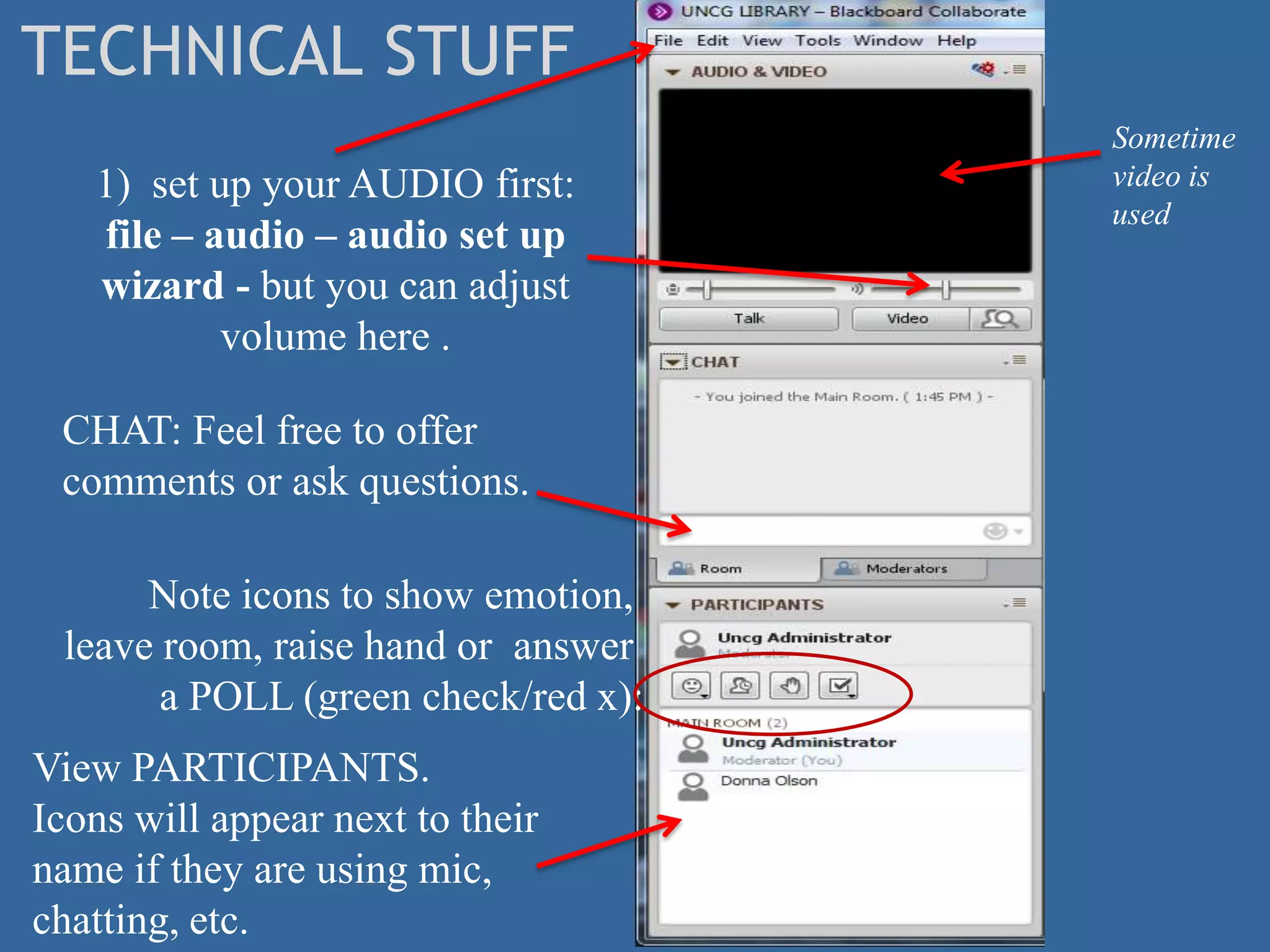
   1) set up your AUDIO first:       video is
                                     used
   file – audio – audio set up
   wizard - but you can adjust
           volume here .

 CHAT: Feel free to offer
 comments or ask questions.

      Note icons to show emotion,
 leave room, raise hand or answer
       a POLL (green check/red x):
View PARTICIPANTS.
Icons will appear next to their
name if they are using mic,
chatting, etc.
Google Docs
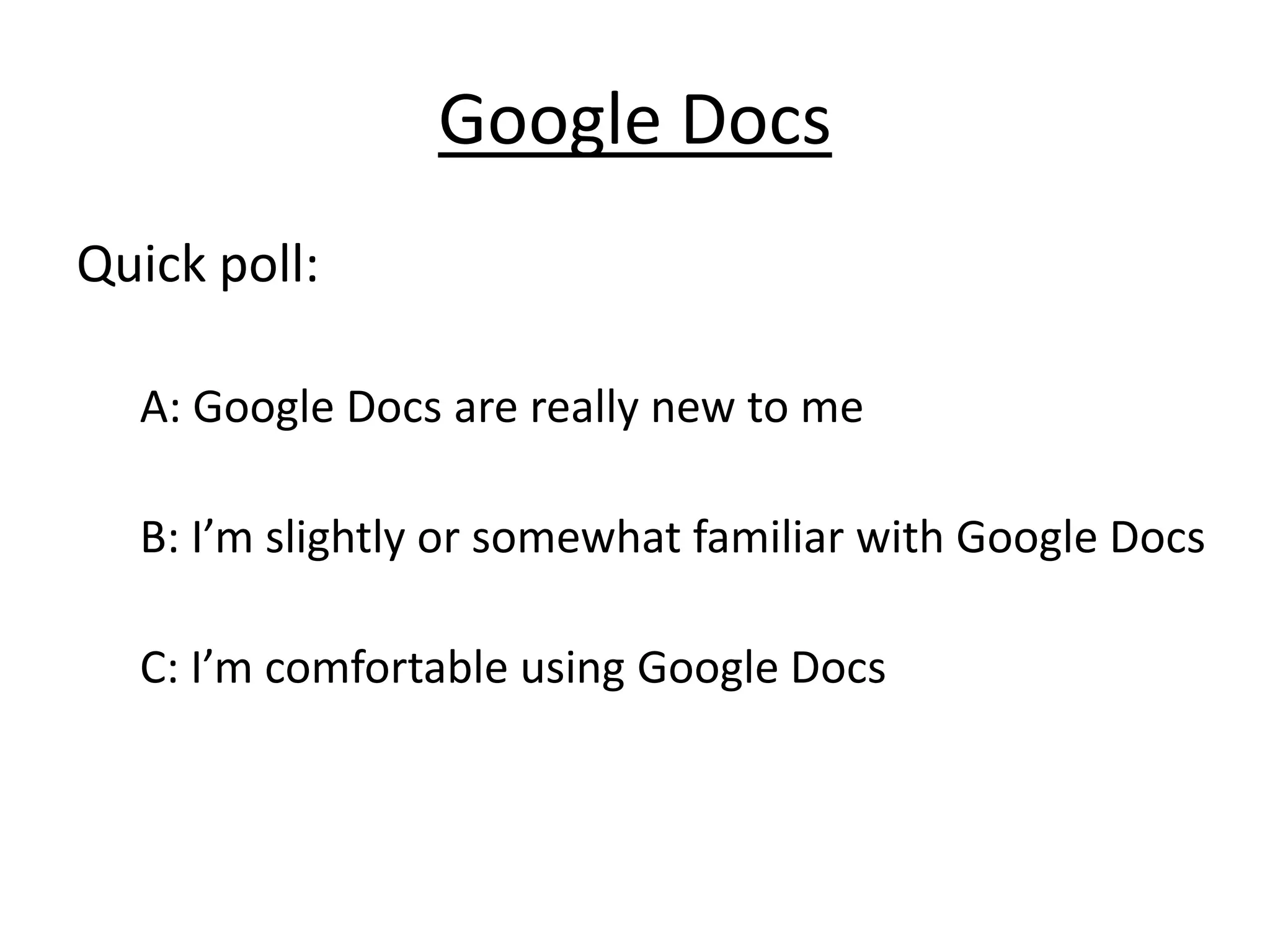
Quick poll:

  A: Google Docs are really new to me

  B: I’m slightly or somewhat familiar with Google Docs

  C: I’m comfortable using Google Docs
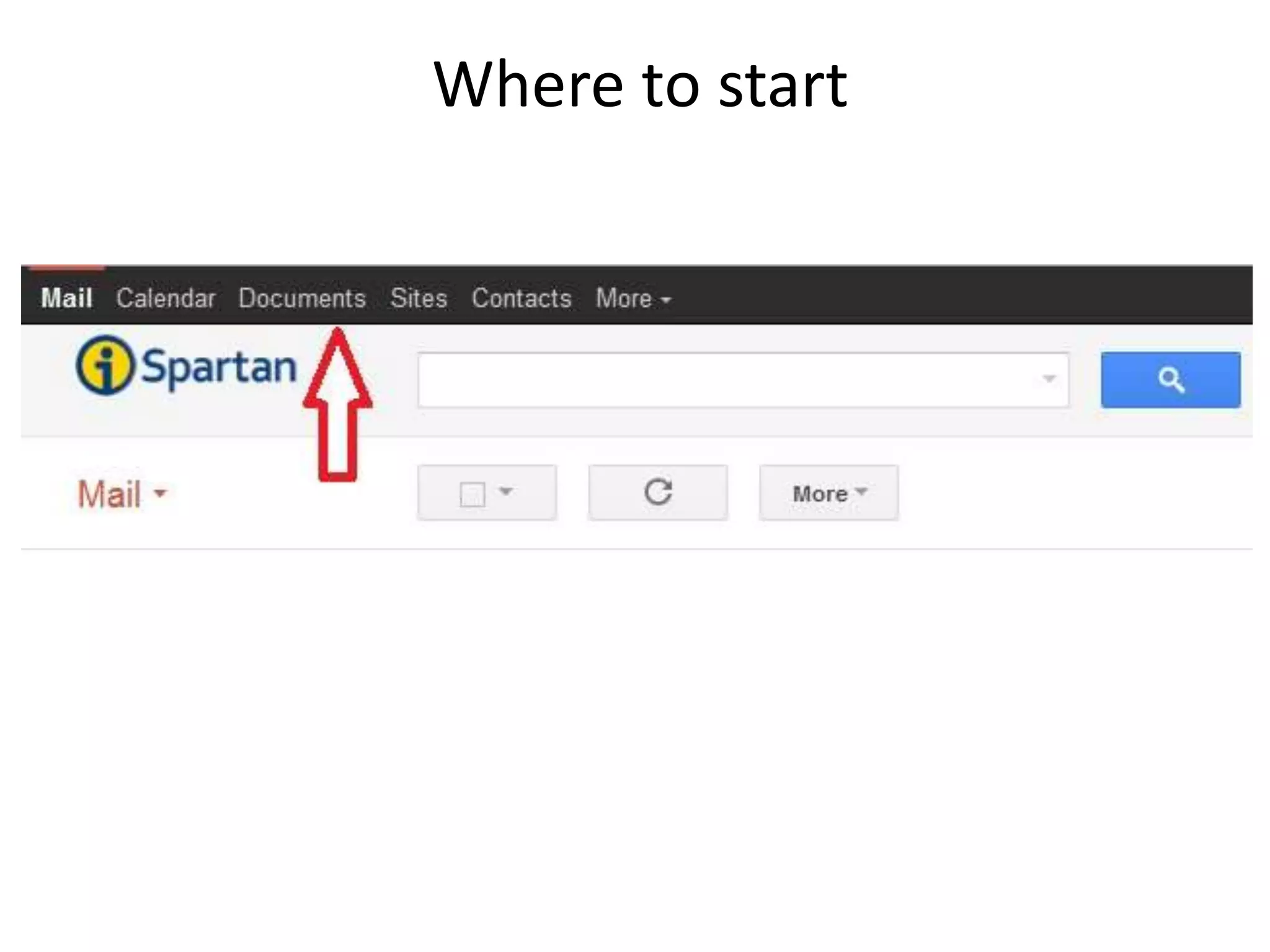
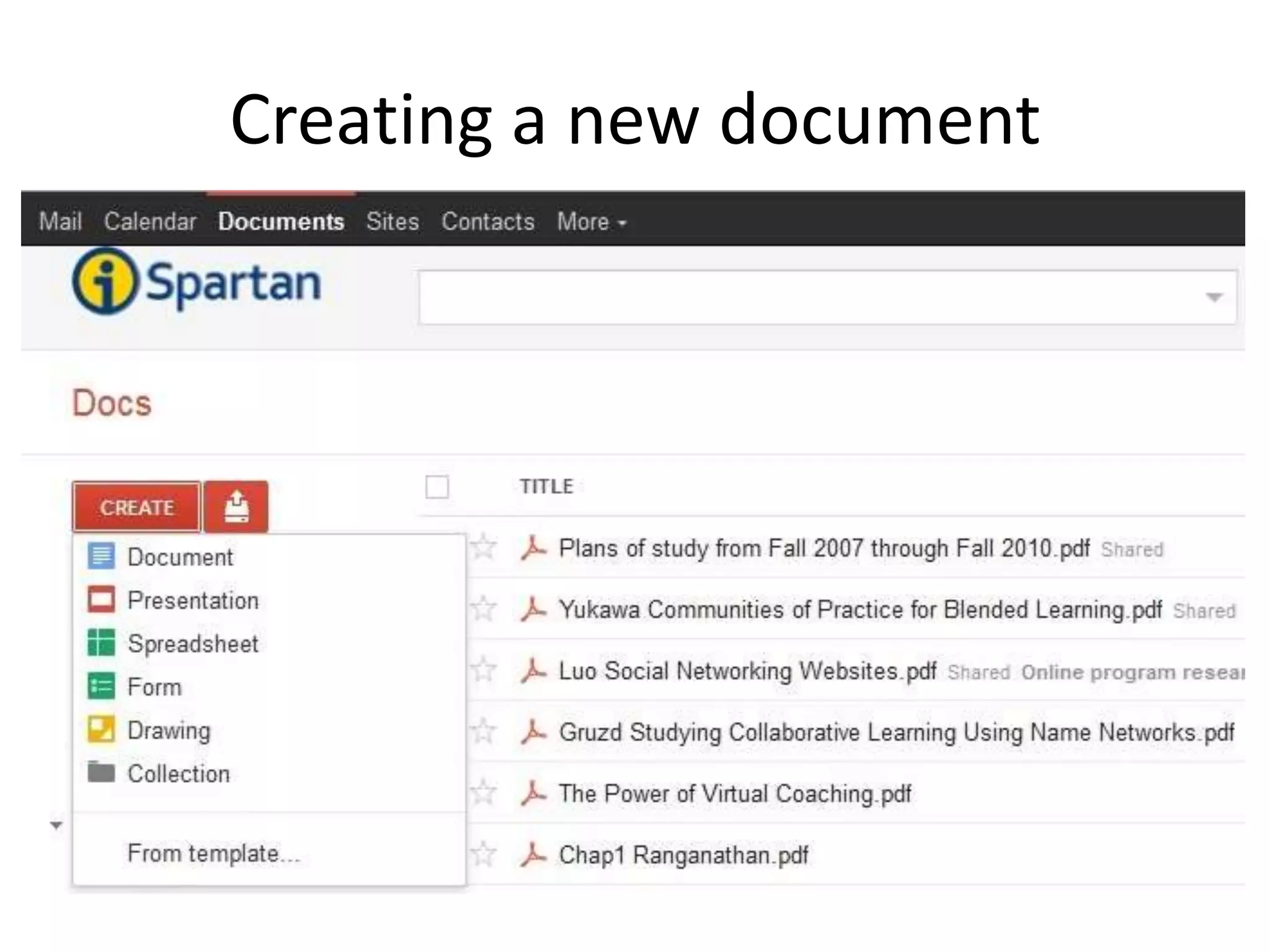
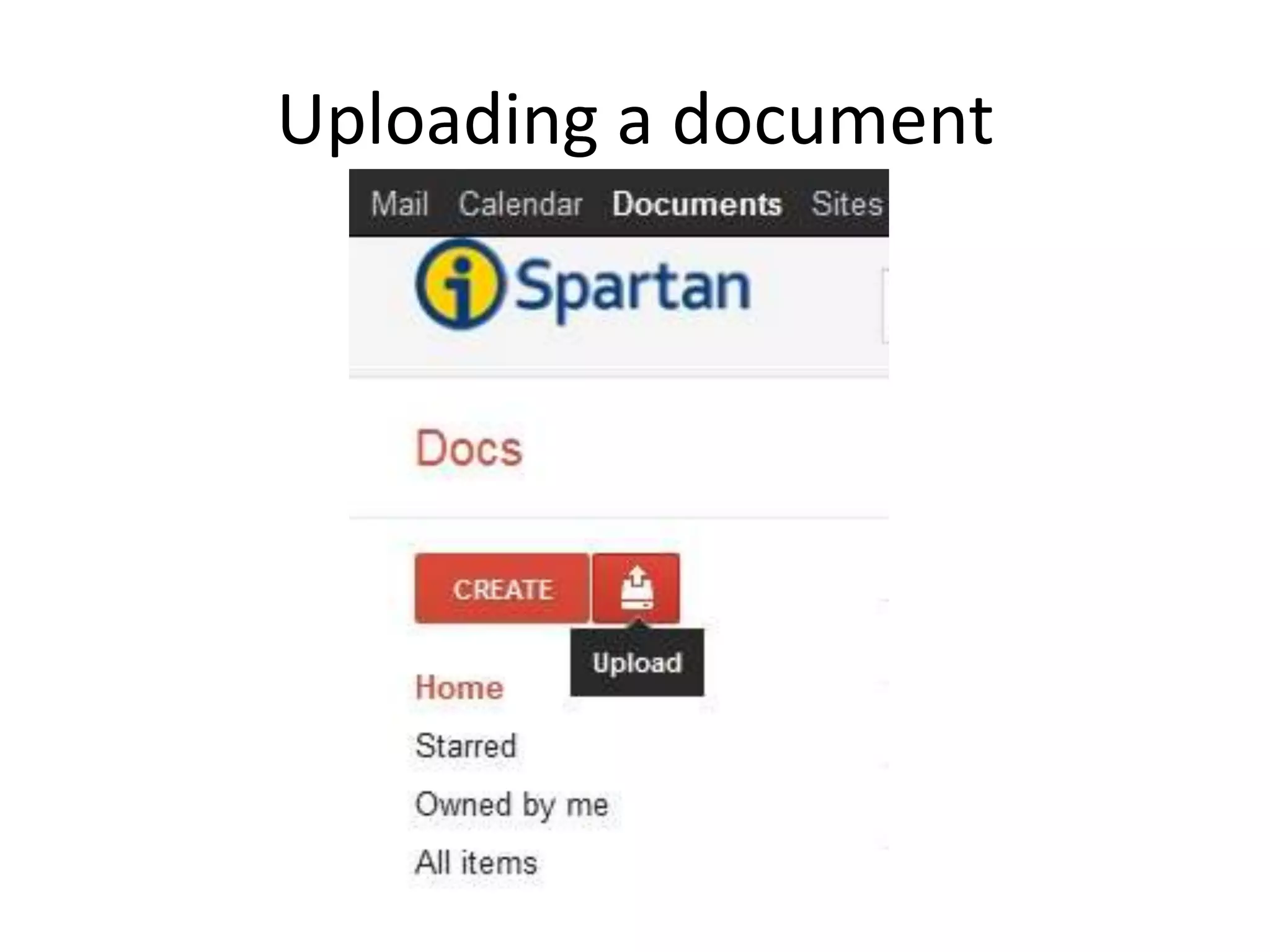
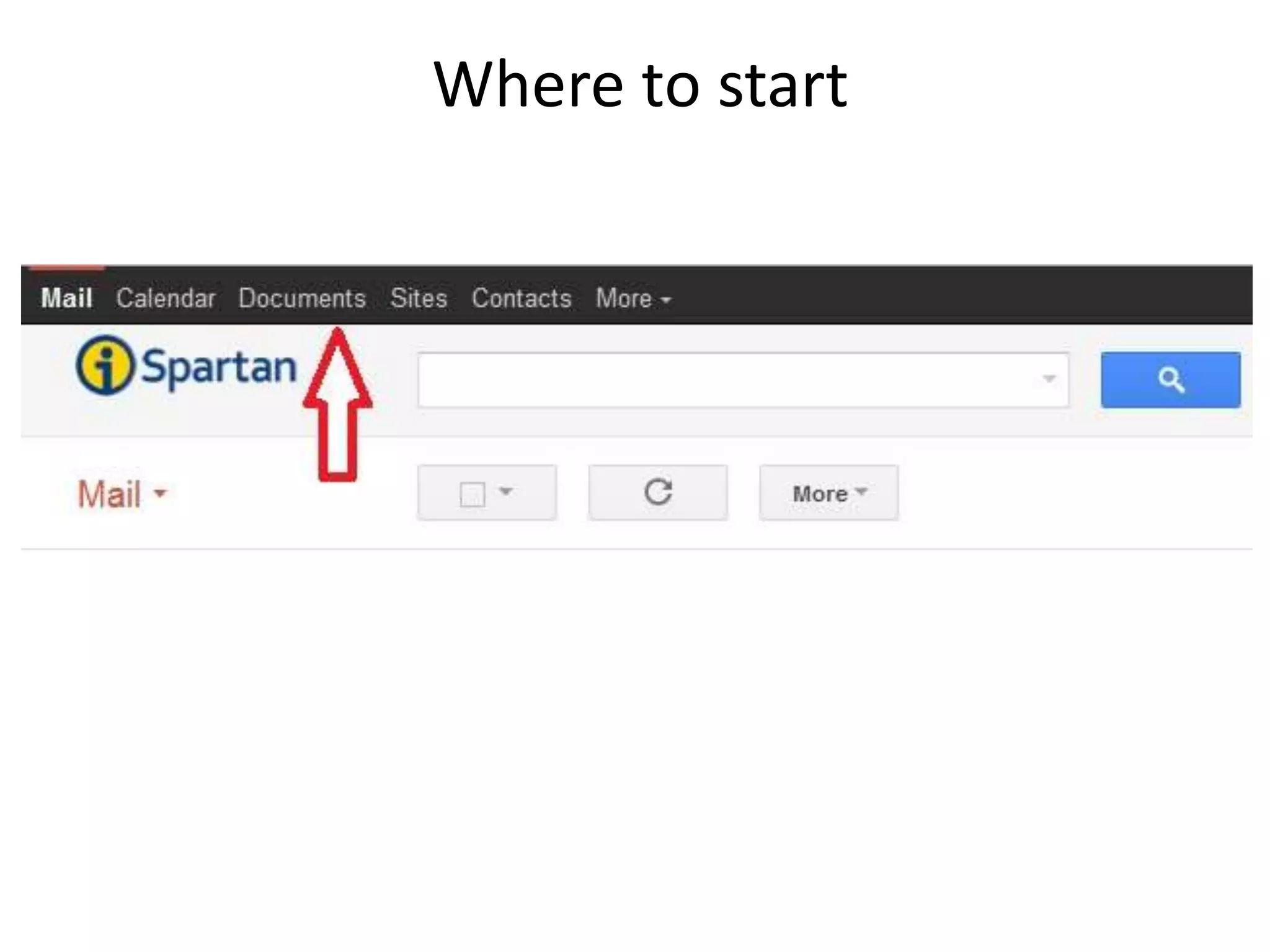
Where to start
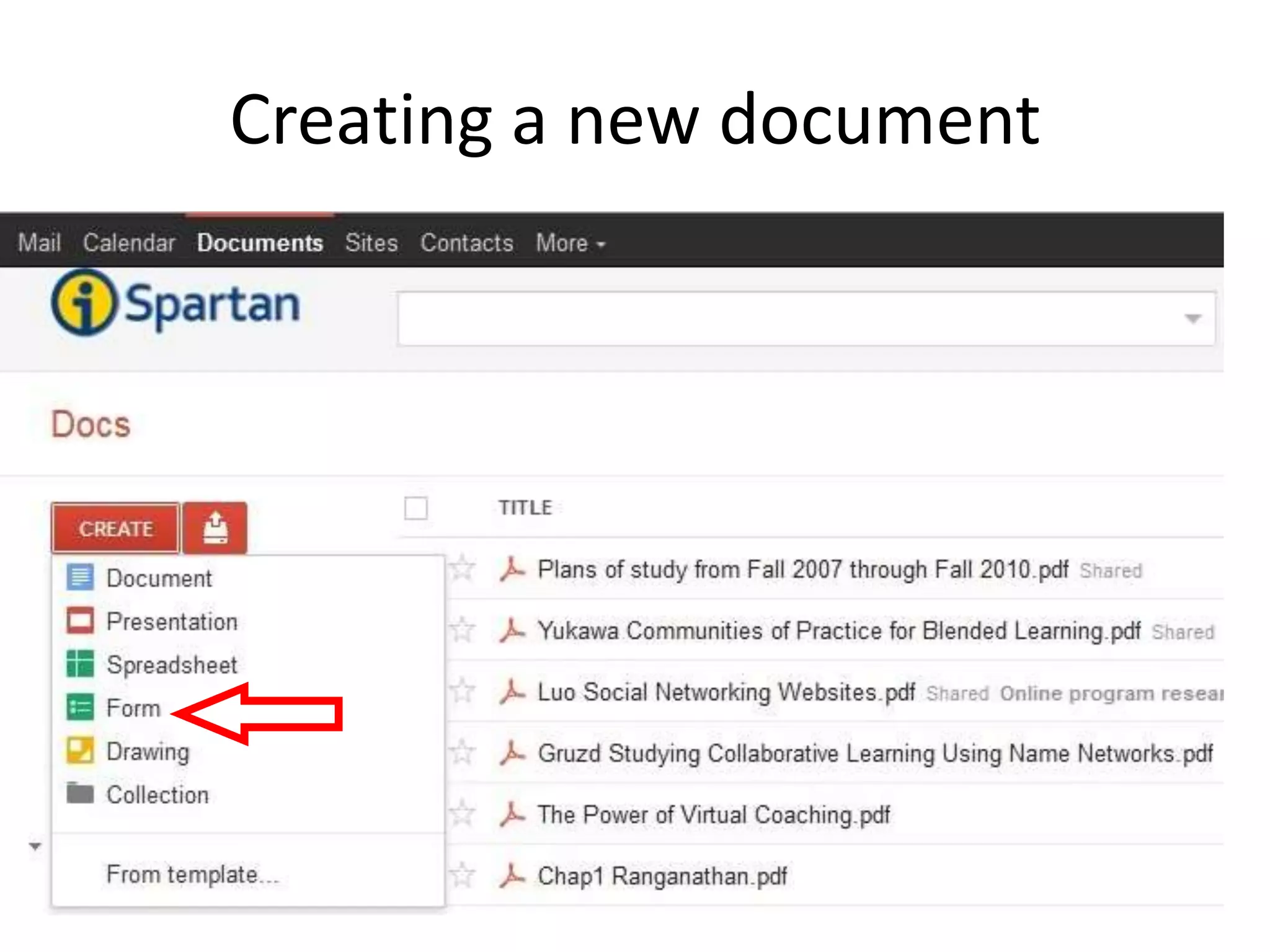
Creating a new document
Uploading a document
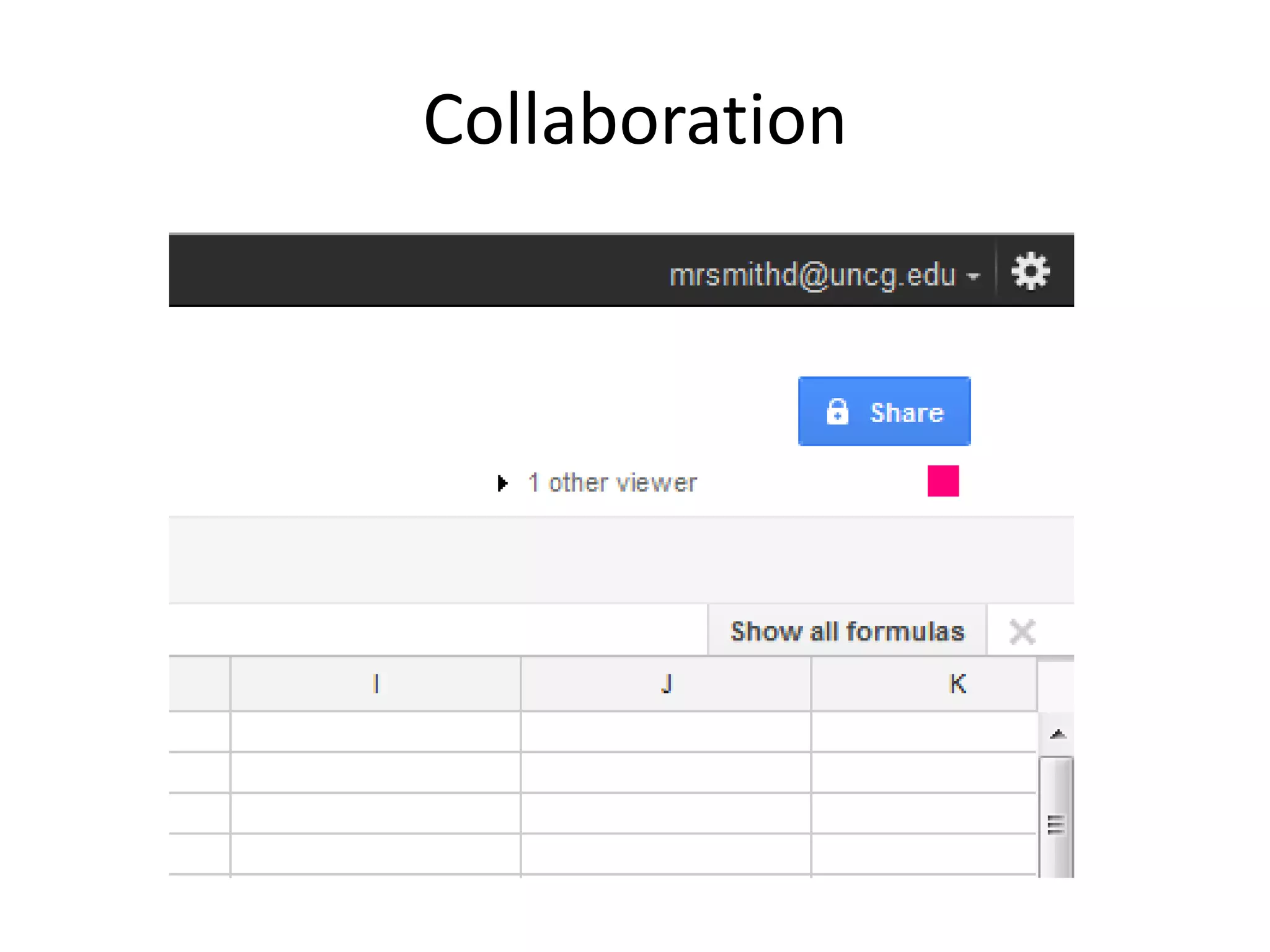
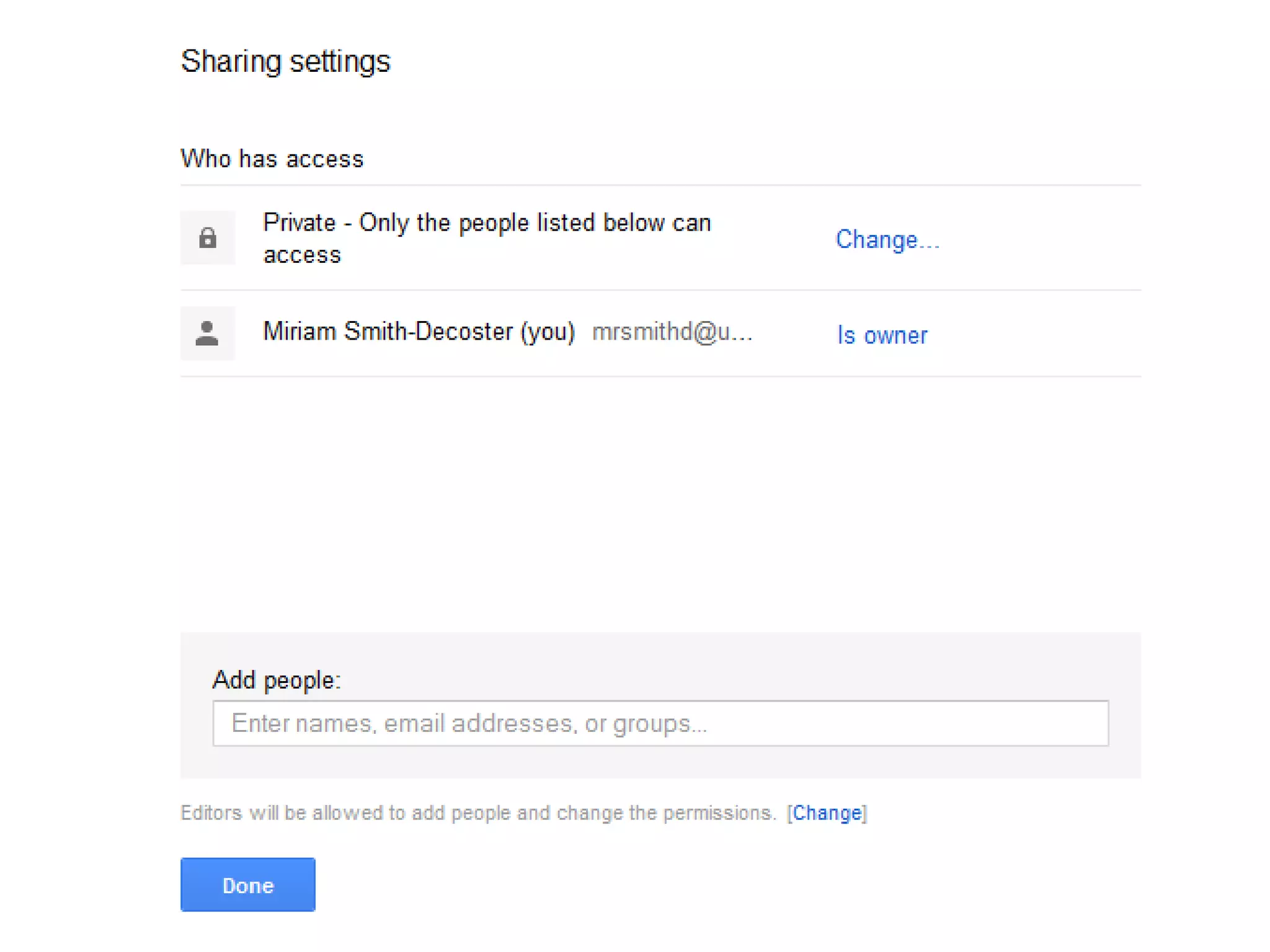
Collaboration
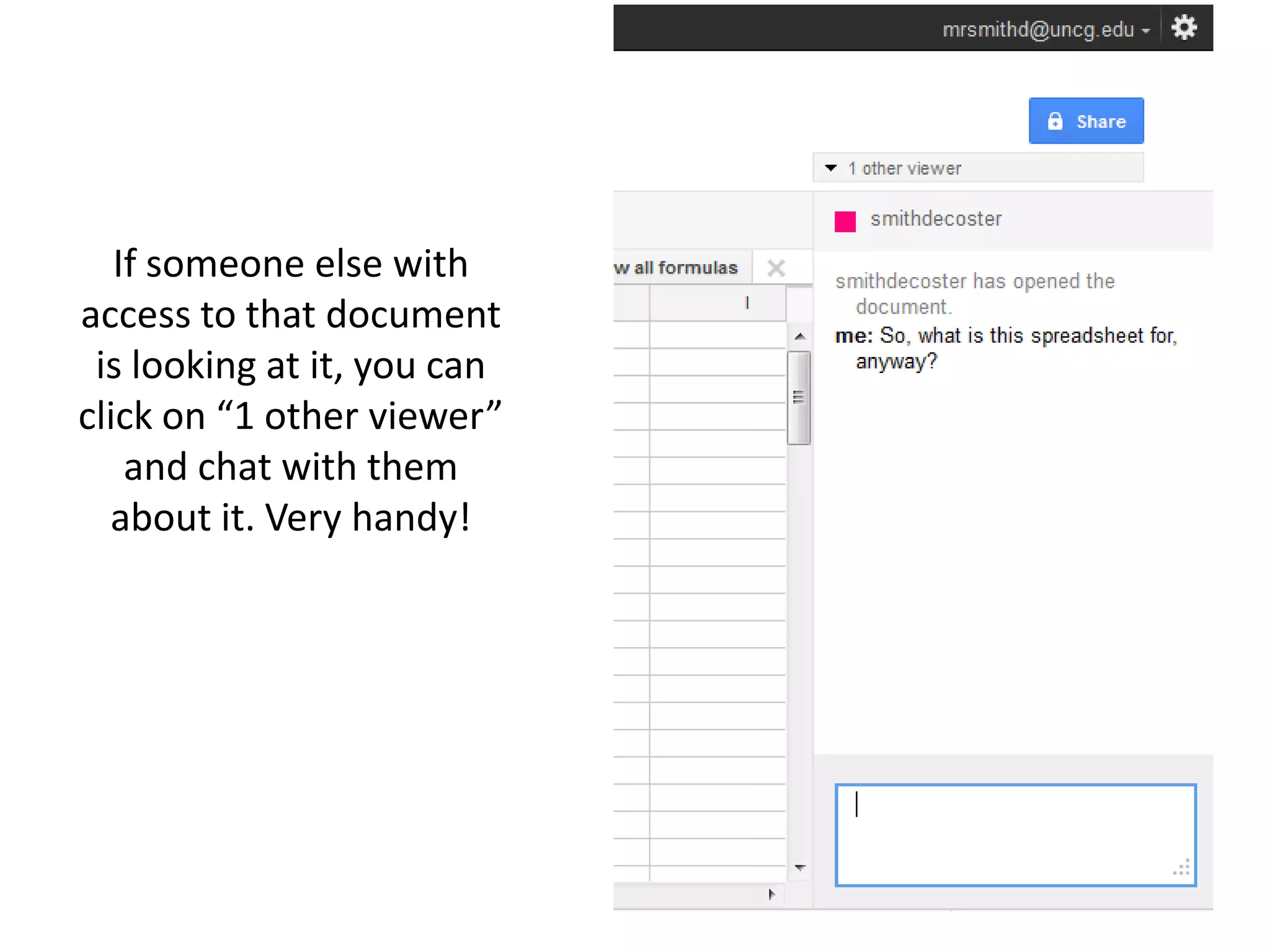
If someone else with
access to that document
 is looking at it, you can
click on “1 other viewer”
    and chat with them
  about it. Very handy!
What it’s good for
• Google Docs is great for:

  – Documents you want to access via your email,
    from anywhere with internet

  – Sharing documents and collaborating with
    classmates and coworkers
What it’s not so good for
• Not so great for:
  – Complicated formatting (Recommendation: draft a
    collaborative paper in GDocs, then do final edit for
    format in Word)
• Dealing with large numbers of documents (for
  that, come to Dropbox workshop on February
  21st at 3 p.m.)
Google Forms
Quick poll:

  A: Google Forms are new to me

  B: I’m slightly or somewhat familiar with Google
  Forms

  C: I’m comfortable using Google Forms
Where to start
Creating a new document
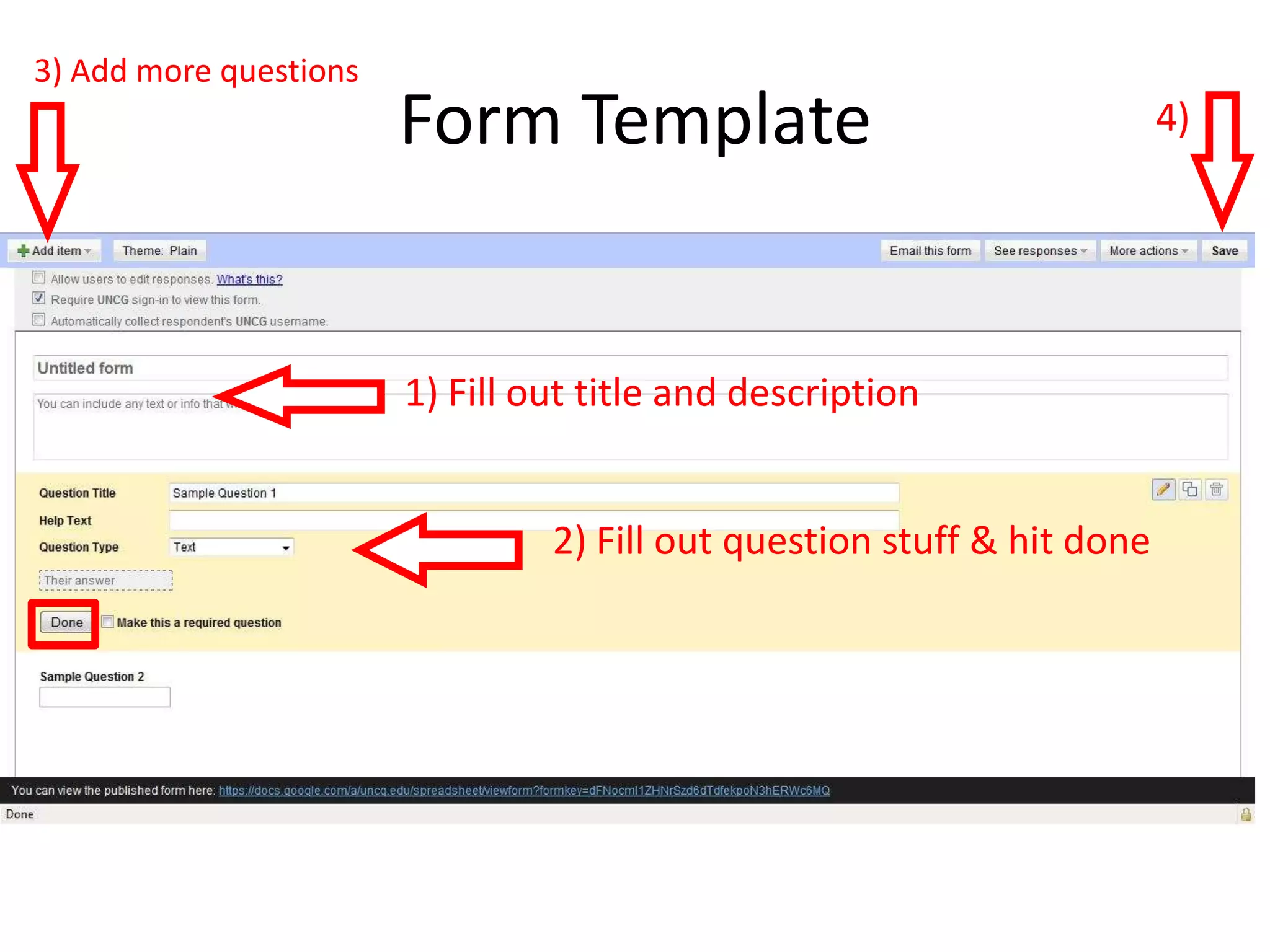
3) Add more questions
                        Form Template                                    4)


                        1) Fill out title and description


                                 2) Fill out question stuff & hit done
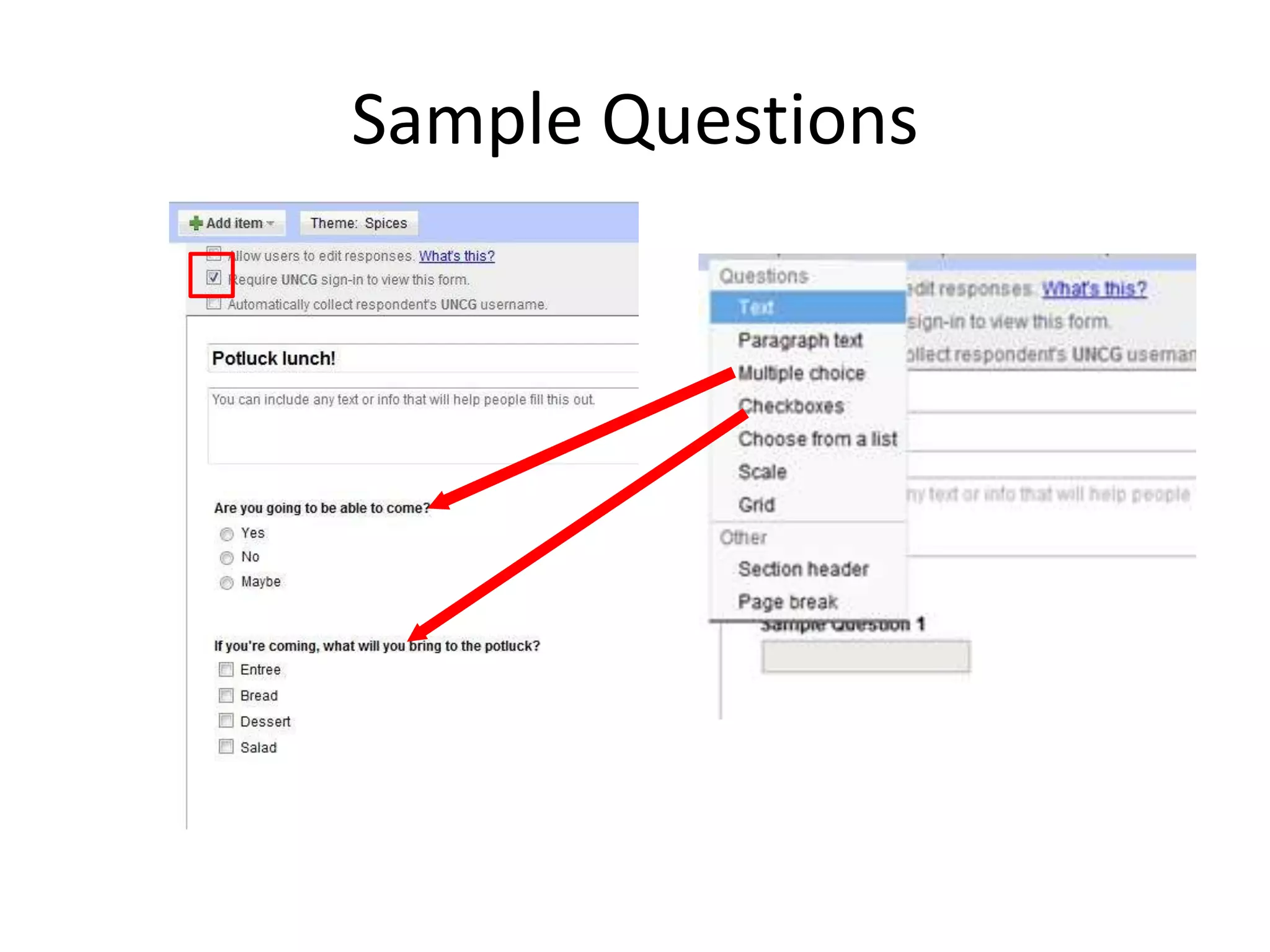
Sample Questions
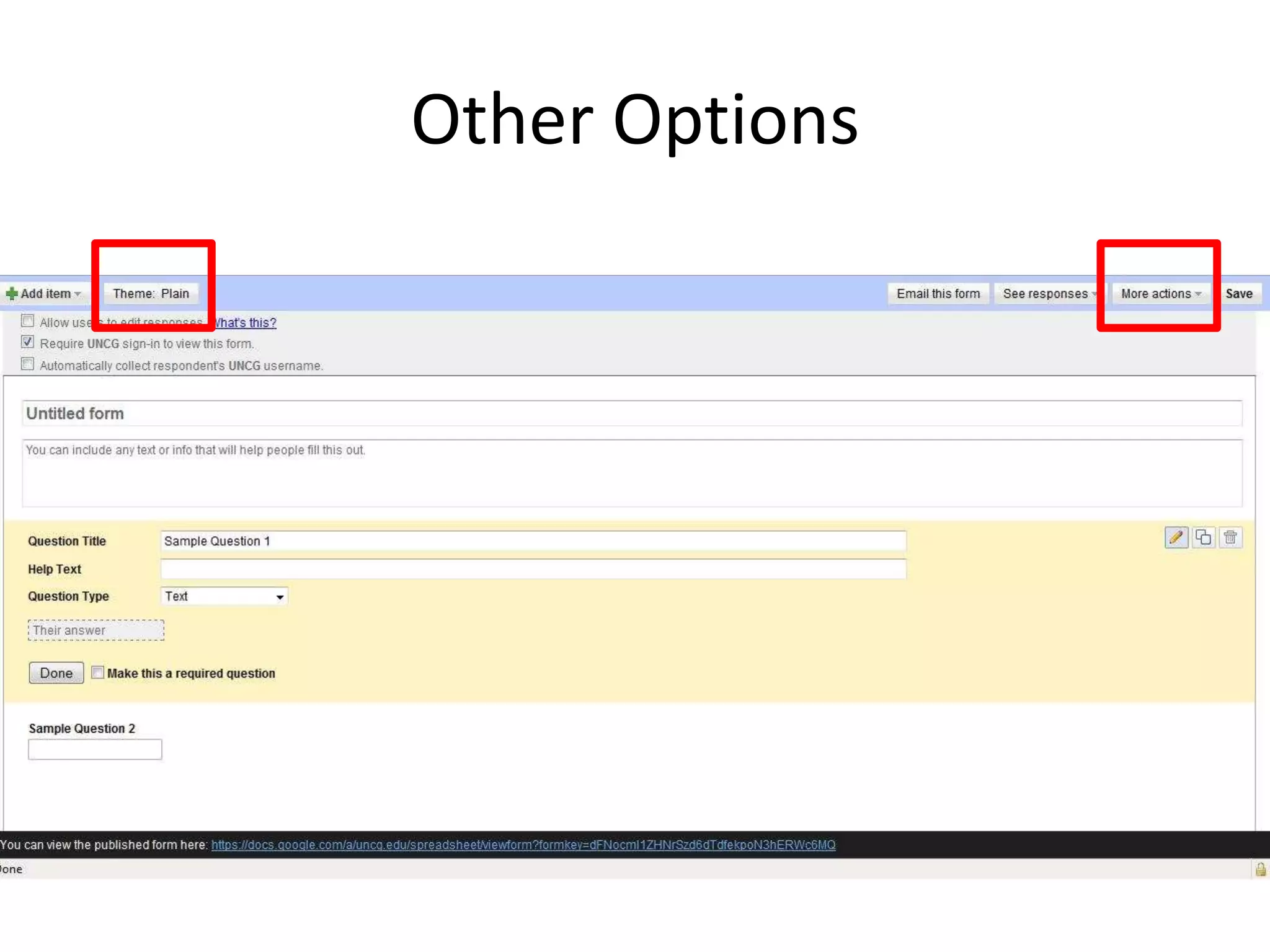
Other Options
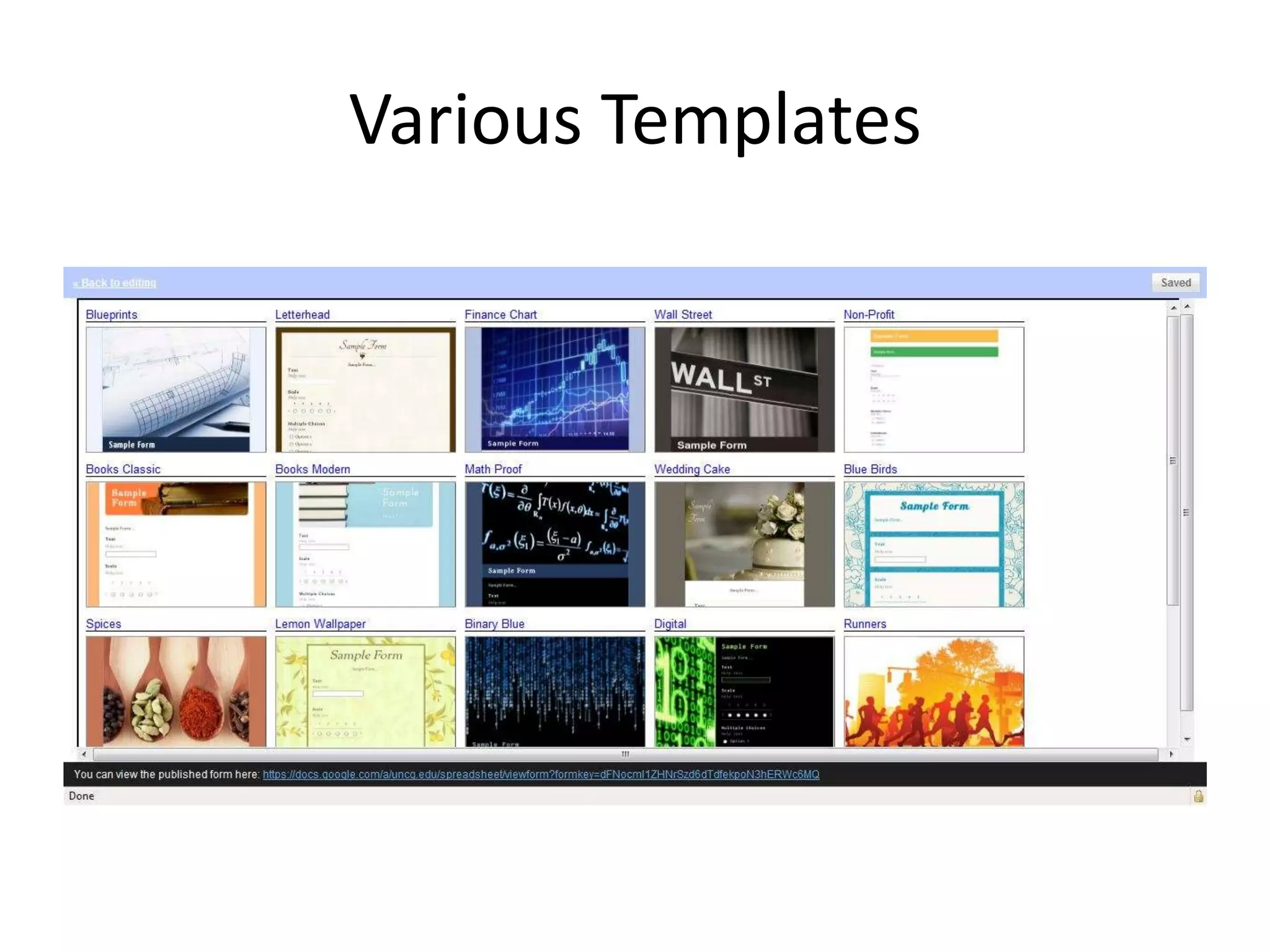
Various Templates
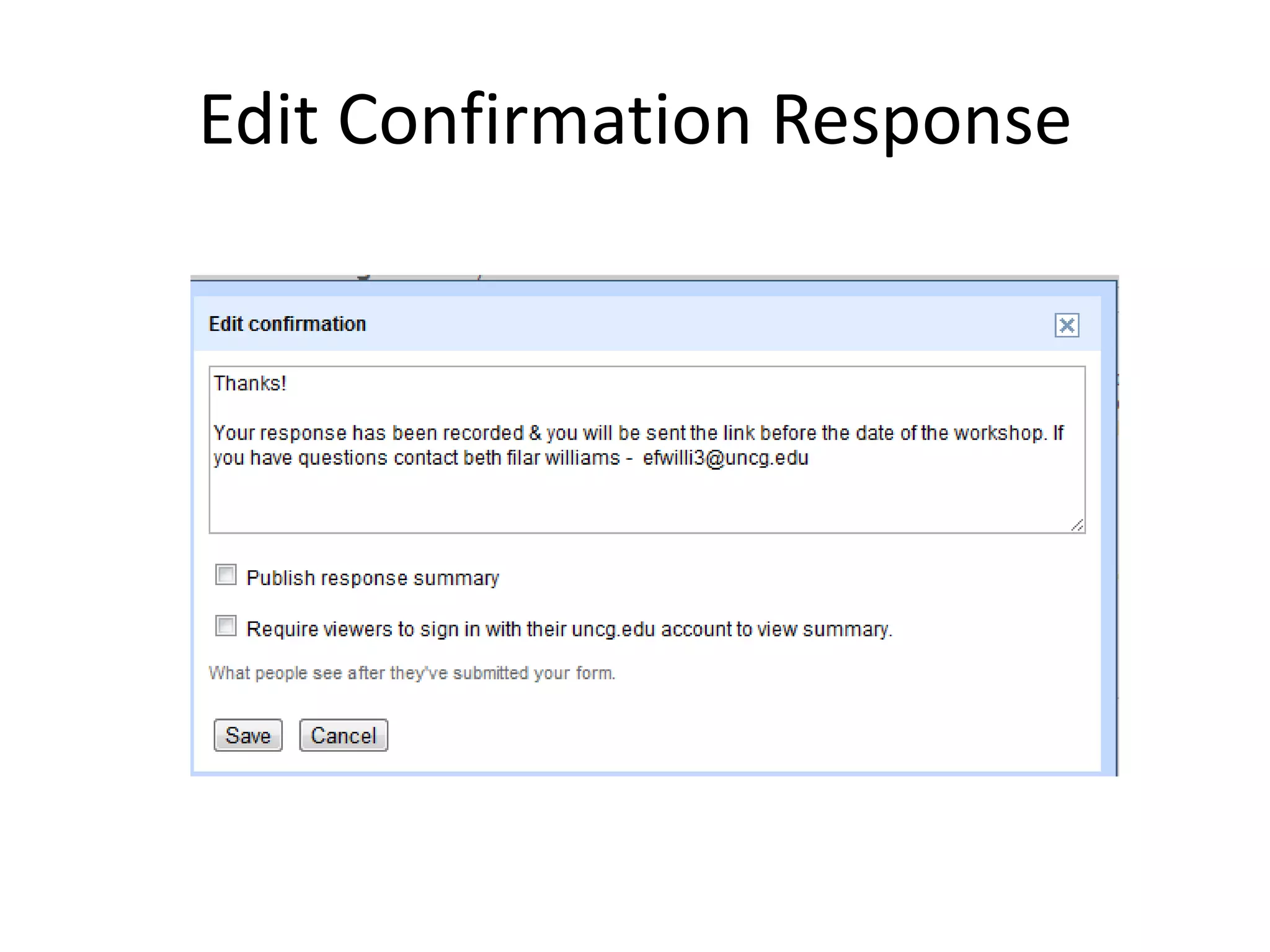
Edit Confirmation Response
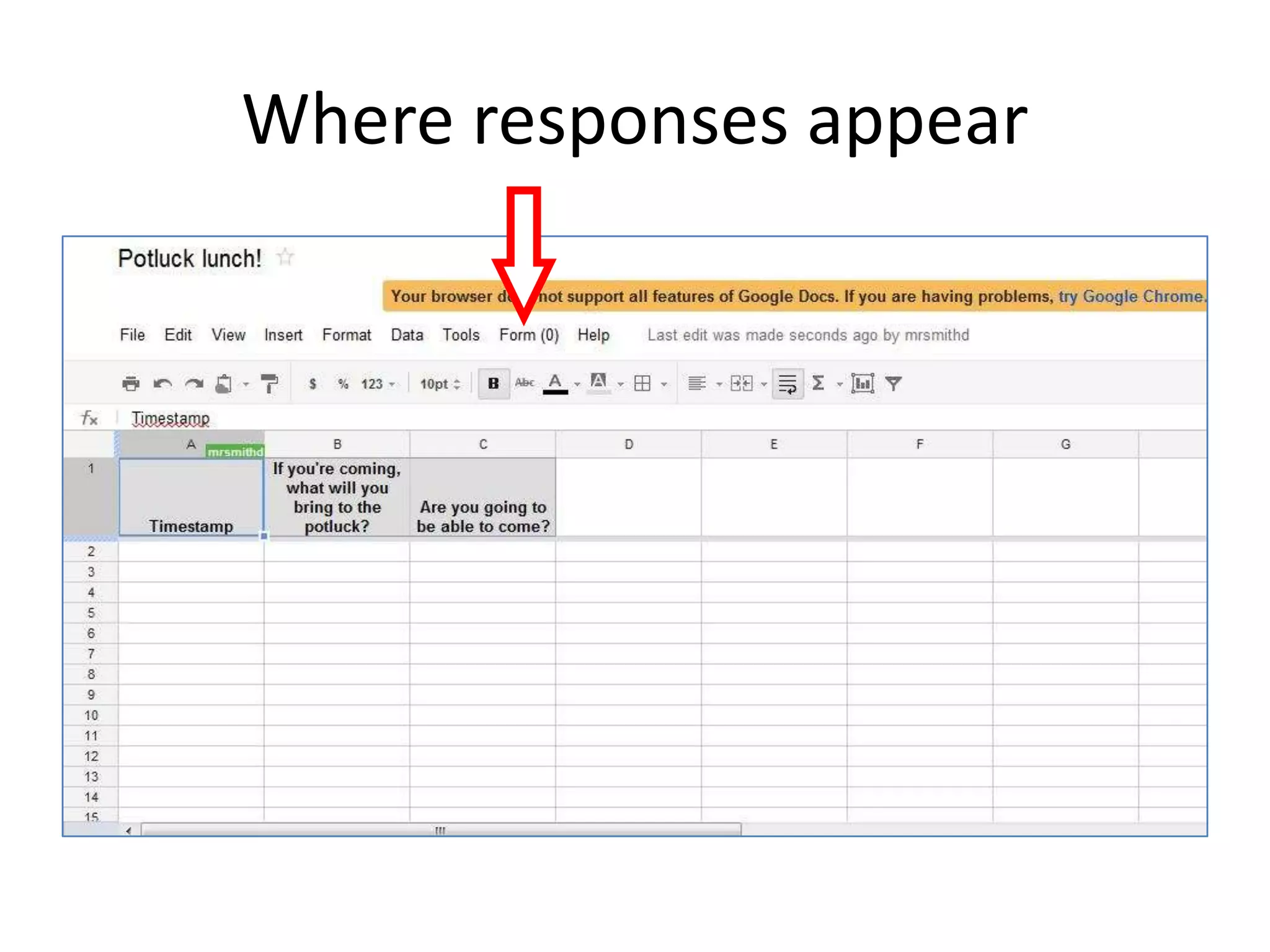
Where responses appear
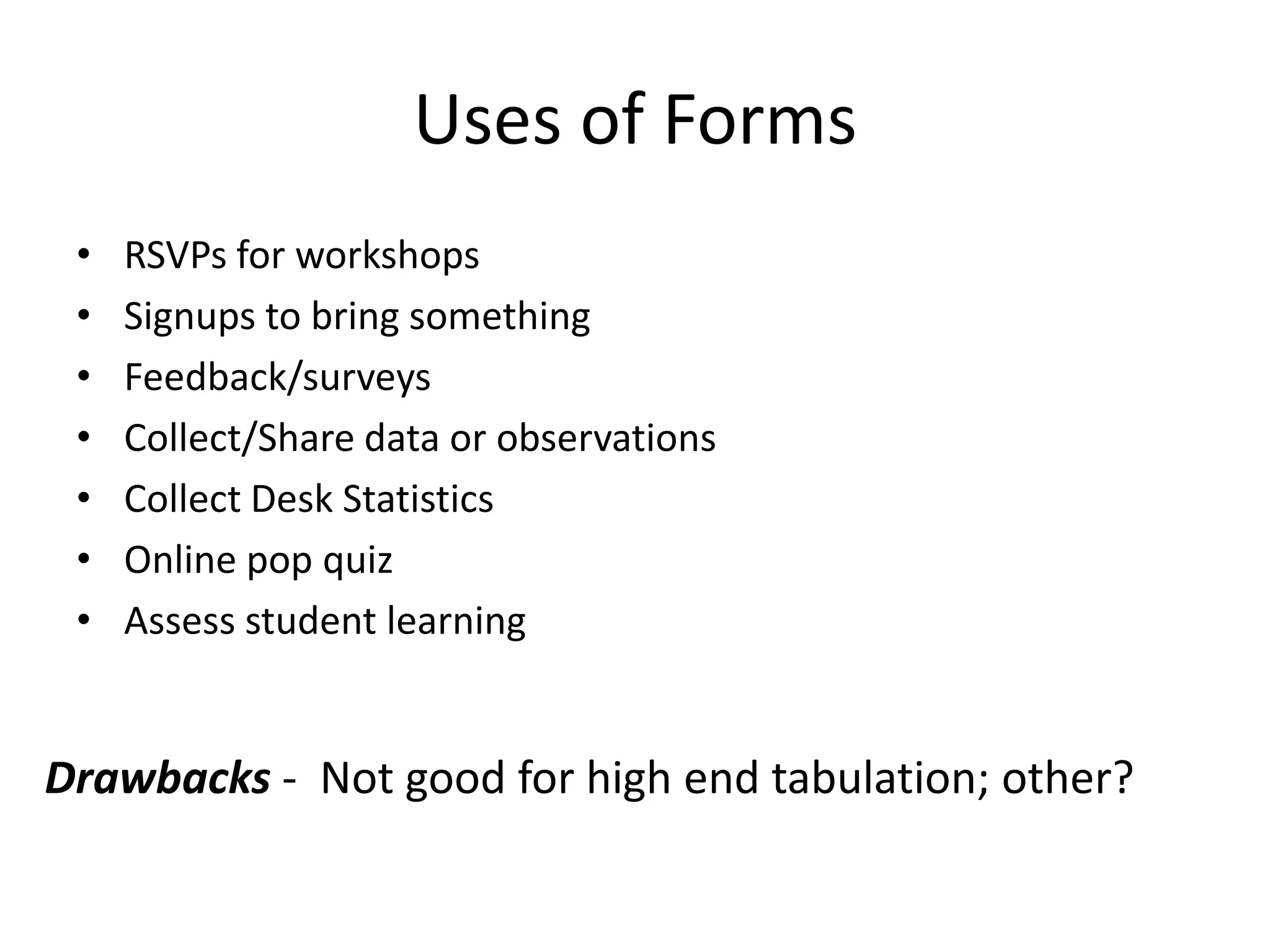
Uses of Forms
 •   RSVPs for workshops
 •   Signups to bring something
 •   Feedback/surveys
 •   Collect/Share data or observations
 •   Collect Desk Statistics
 •   Online pop quiz
 •   Assess student learning


Drawbacks - Not good for high end tabulation; other?
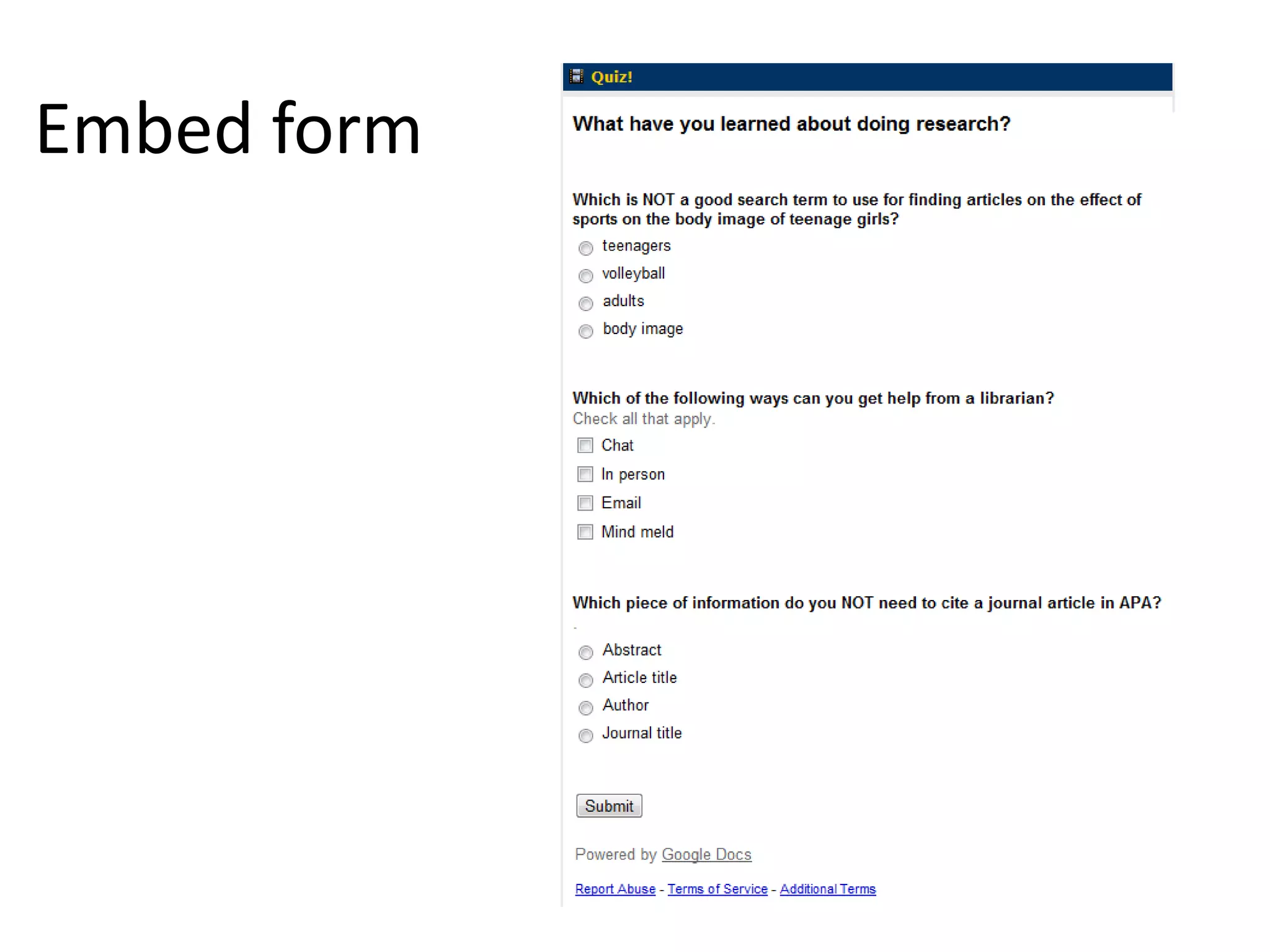
Embed form
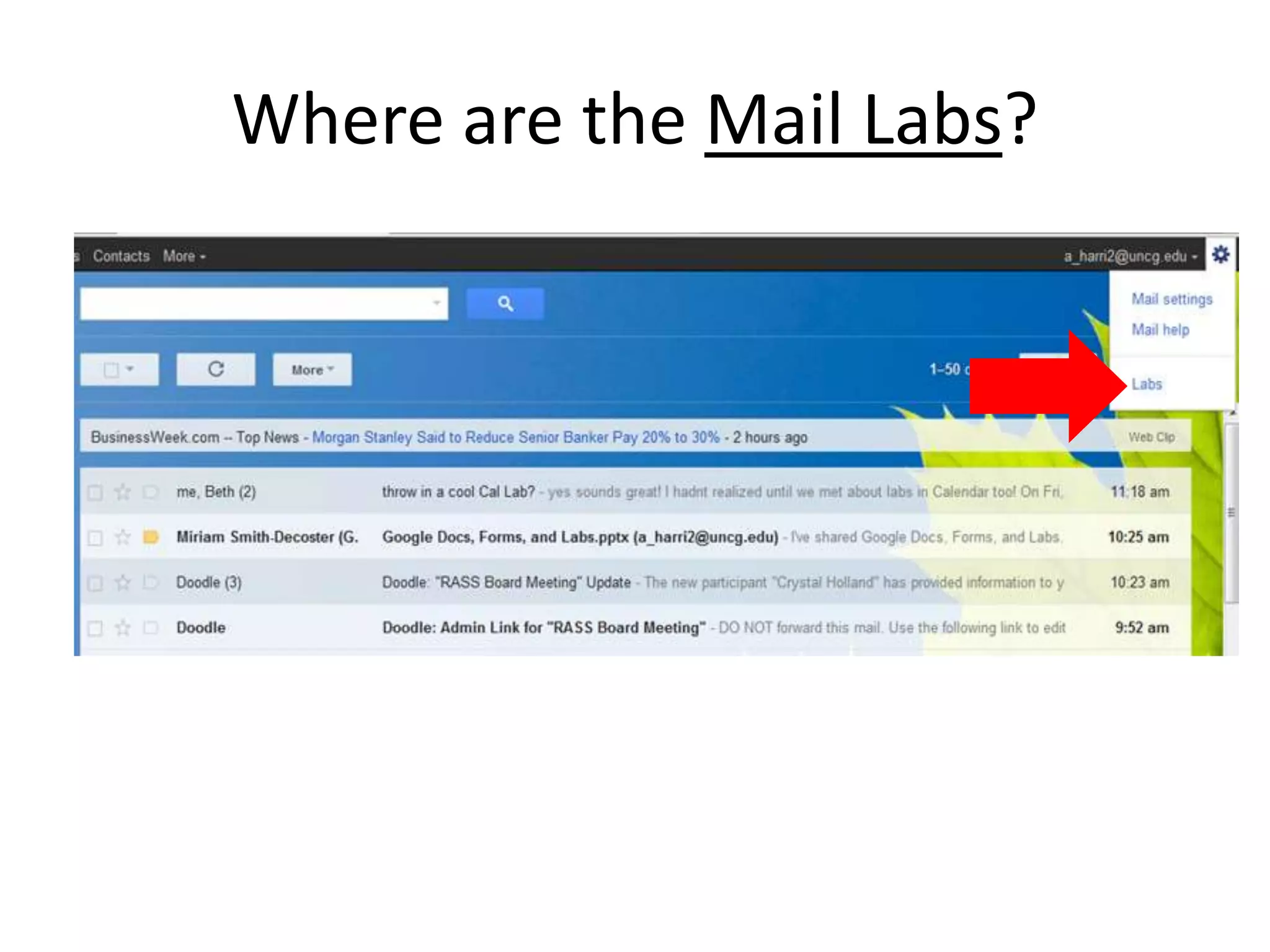
Google Labs
Quick poll:

  A: Google Labs are new to me

  B: I’m slightly or somewhat familiar with Google Labs

  C: I’m comfortable using Google Labs
About Labs
• Different labs for different areas (mail,
  calendar, etc.)
• Some help with efficiency
• Some are just fun!
• Be aware: they might just go away
Where are the Mail Labs?
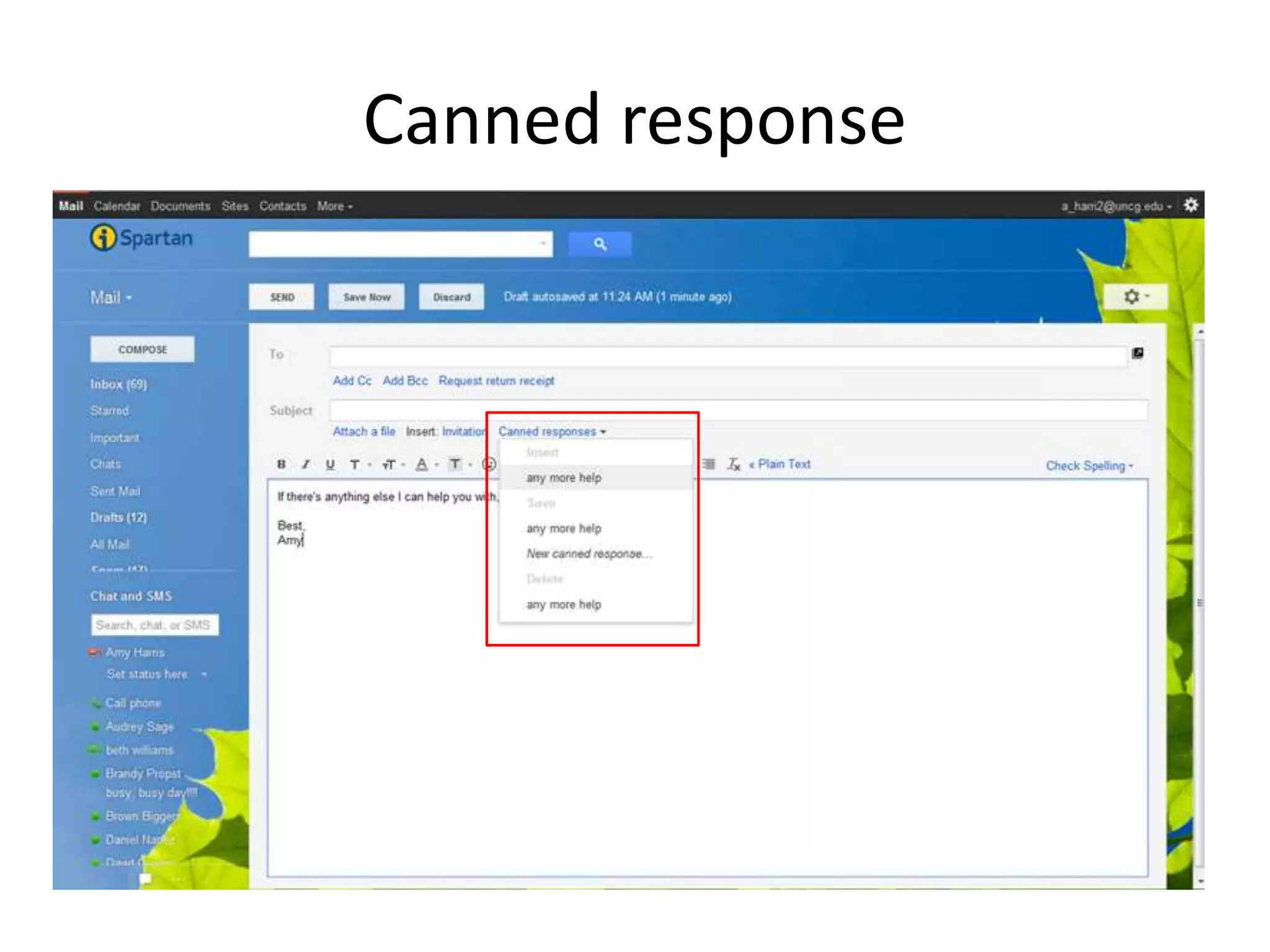
Canned response
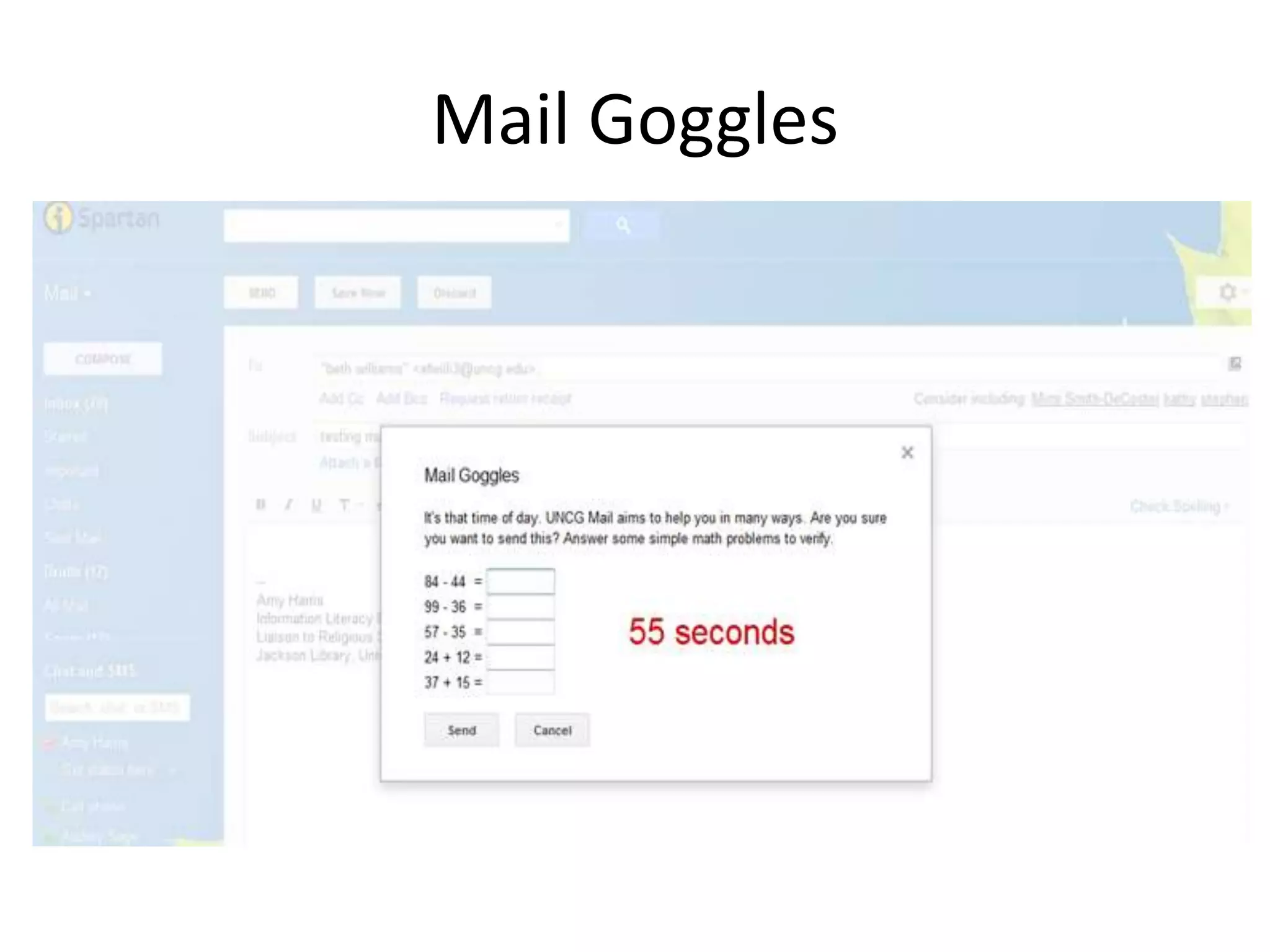
Mail Goggles
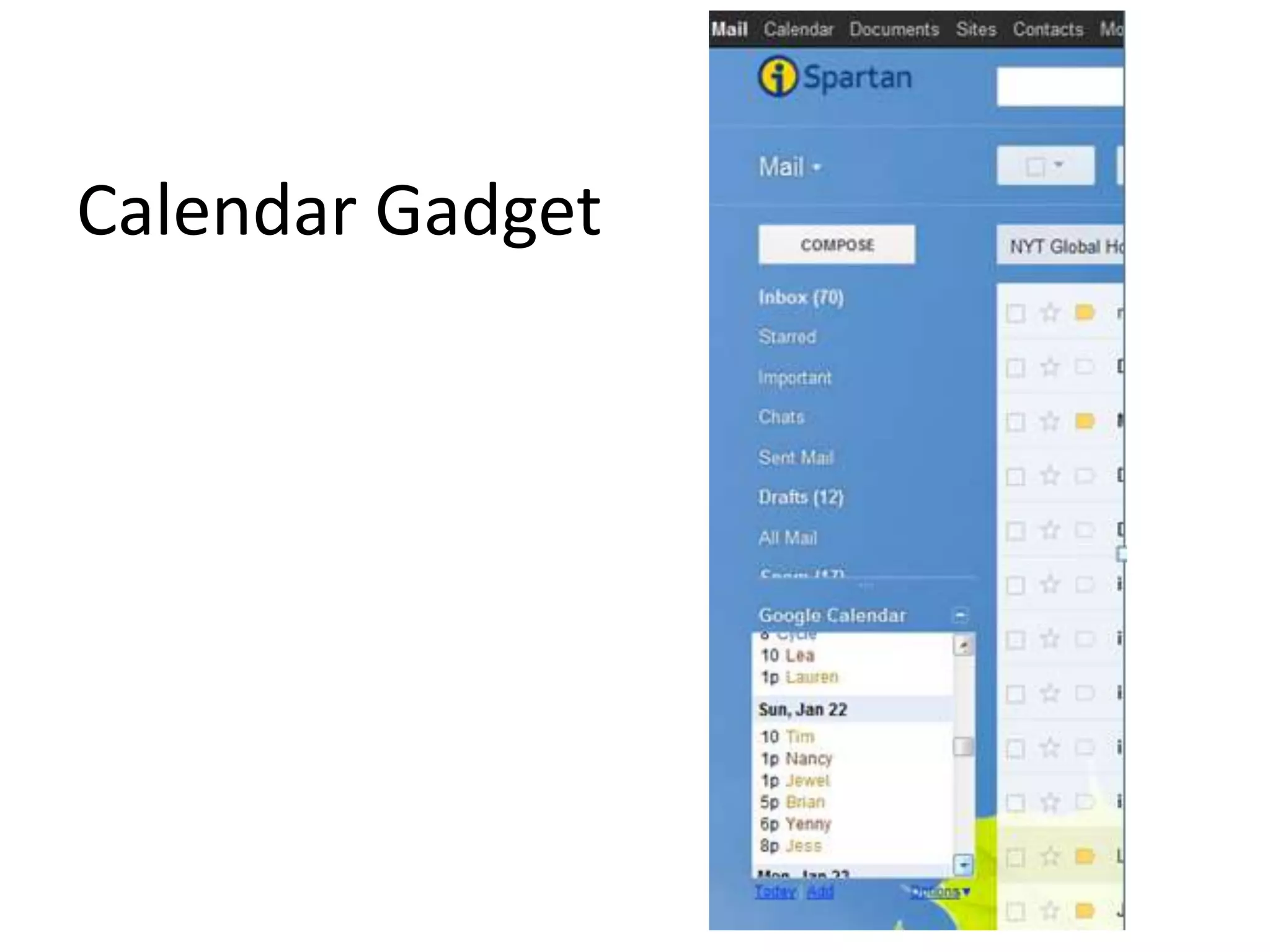
Calendar Gadget
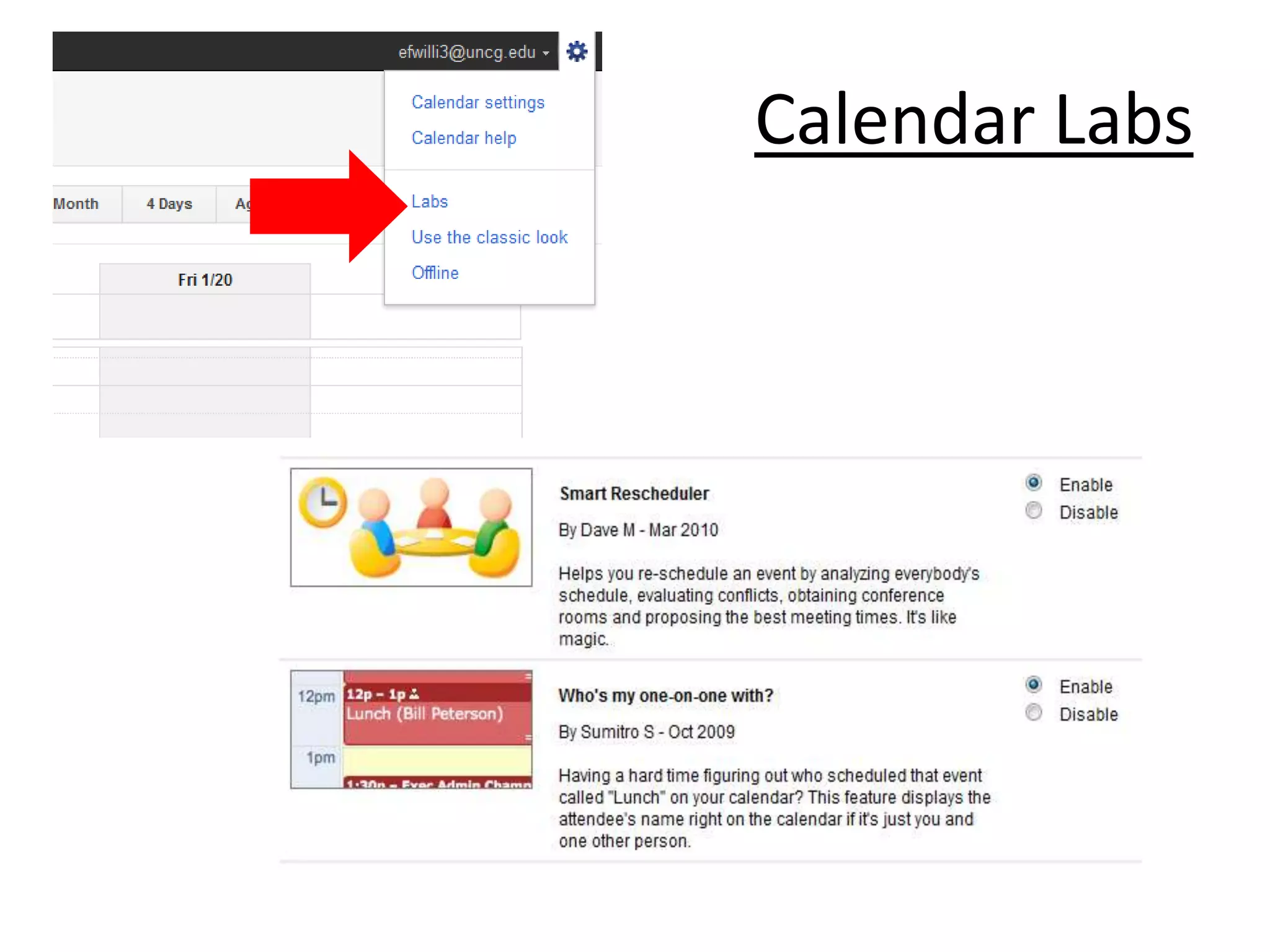
Calendar Labs
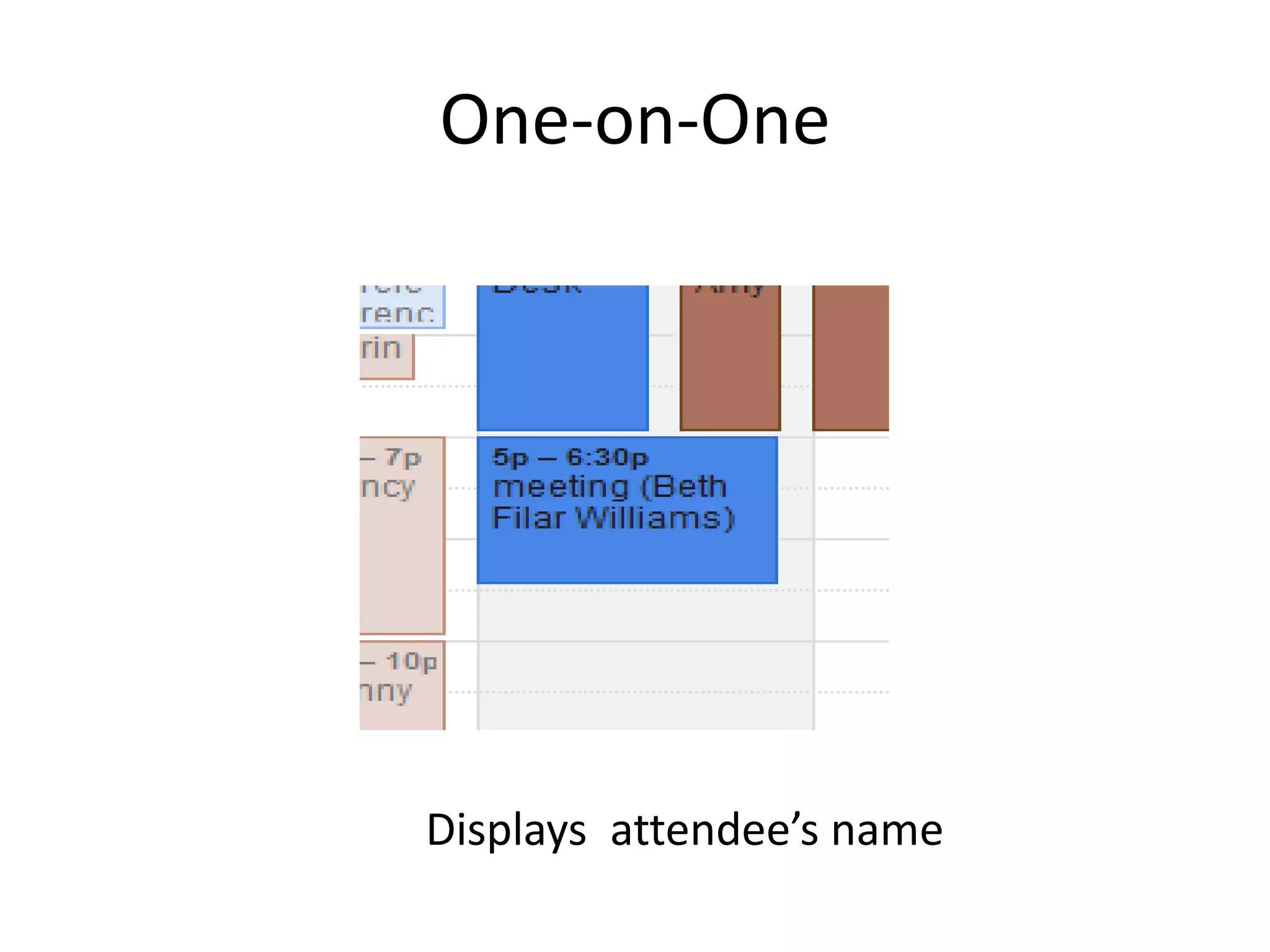
One-on-One


Displays attendee’s name
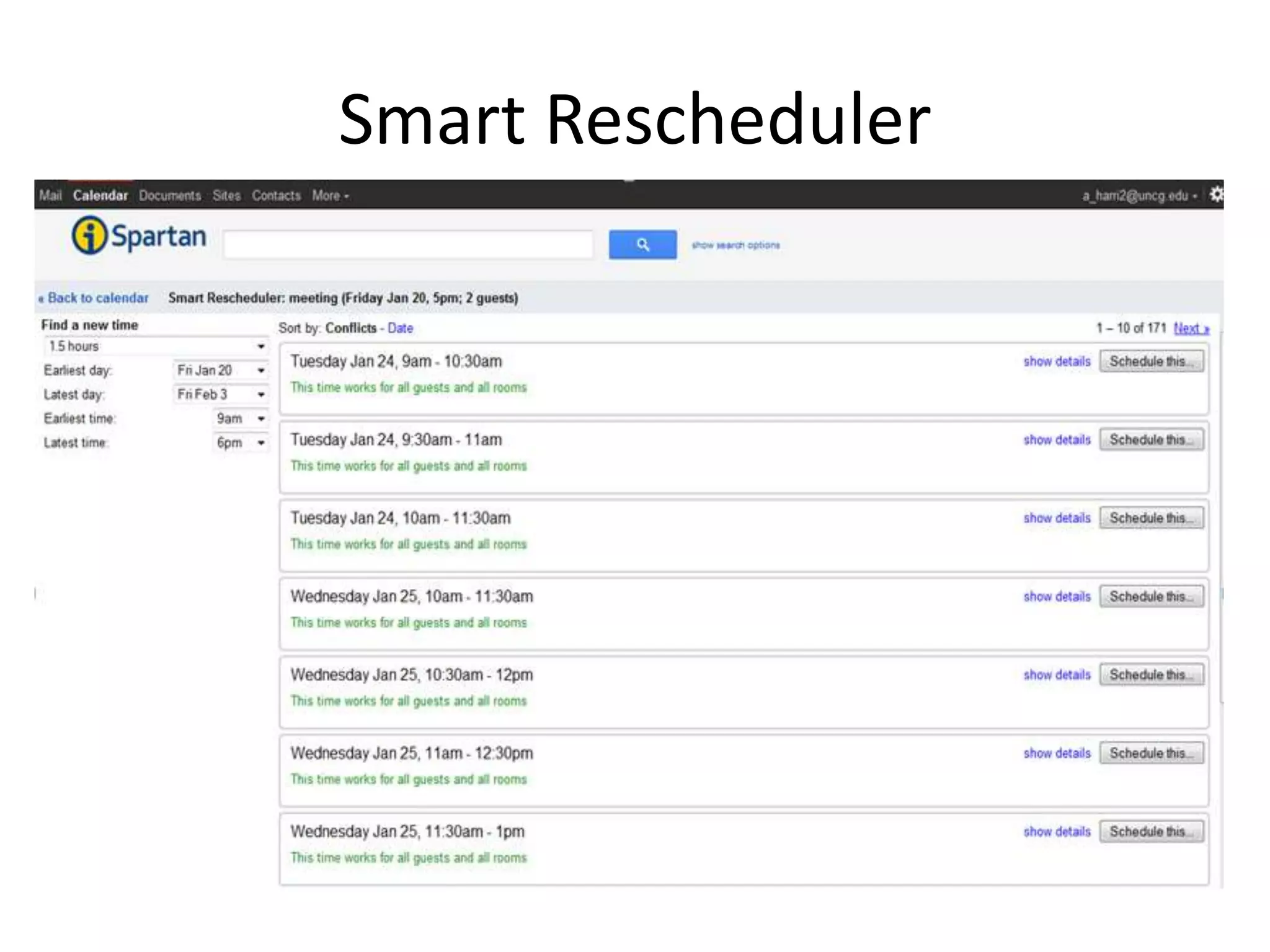
Smart Rescheduler
Q & A?
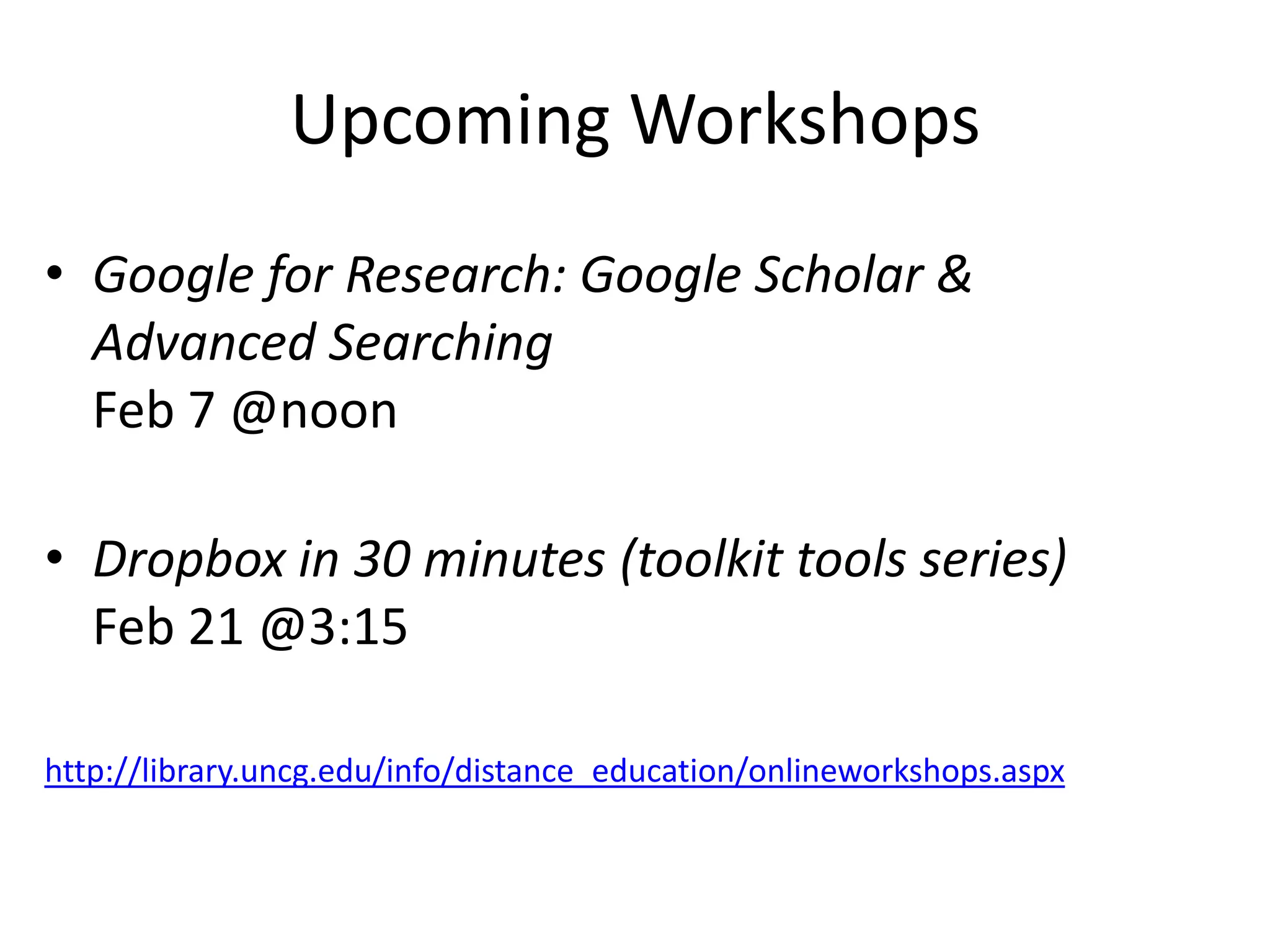
Upcoming Workshops
• Google for Research: Google Scholar &
  Advanced Searching
  Feb 7 @noon

• Dropbox in 30 minutes (toolkit tools series)
  Feb 21 @3:15

http://library.uncg.edu/info/distance_education/onlineworkshops.aspx

Google docs, forms, and labs