Curate, Filter & Sketch
    Sketching App Interfaces

         @mmudassir
    http://www.qurtaba.net
   mmudassir@qurtaba.net
              ht


       Mudassir Azeemi
Blank Sheet
You have an idea, time is short, now where to
                start from?

A kid gave his teacher a blank piece of paper. Teacher:
 What is this? Kid: It's a drawing of a cow eating grass.
Teacher: (looked at the paper) Where's the grass? Kid:
 The cow ate all of it. ...Teacher: (looked at the paper
again)Then, where's the cow? Kid: It left because there
                   was no more grass.
Draw Grass & Cow
● Let's draw by following the Universal Rule of
  Design - "Good artists copy, great artists
  steal"


                  Curate
                   Filter
                  Sketch
Creativity is just connecting things. When you ask creative
people how they did something, they feel a little guilty
because they didn't really do it, they just saw something. It
seemed obvious to them after a while. That's because they
were able to connect experiences they've had and
synthesize new things. And the reason they were able to do
that was that they've had more experiences or they have
thought more about their experiences than other people.

Unfortunately, that's too rare a commodity. A lot of people
in our industry haven't had very diverse experiences. So
they don't have enough dots to connect, and they end up
with very linear solutions without a broad perspective on
the problem. The broader one's understanding of the
human experience, the better design we will have.
                                            -Steve Jobs
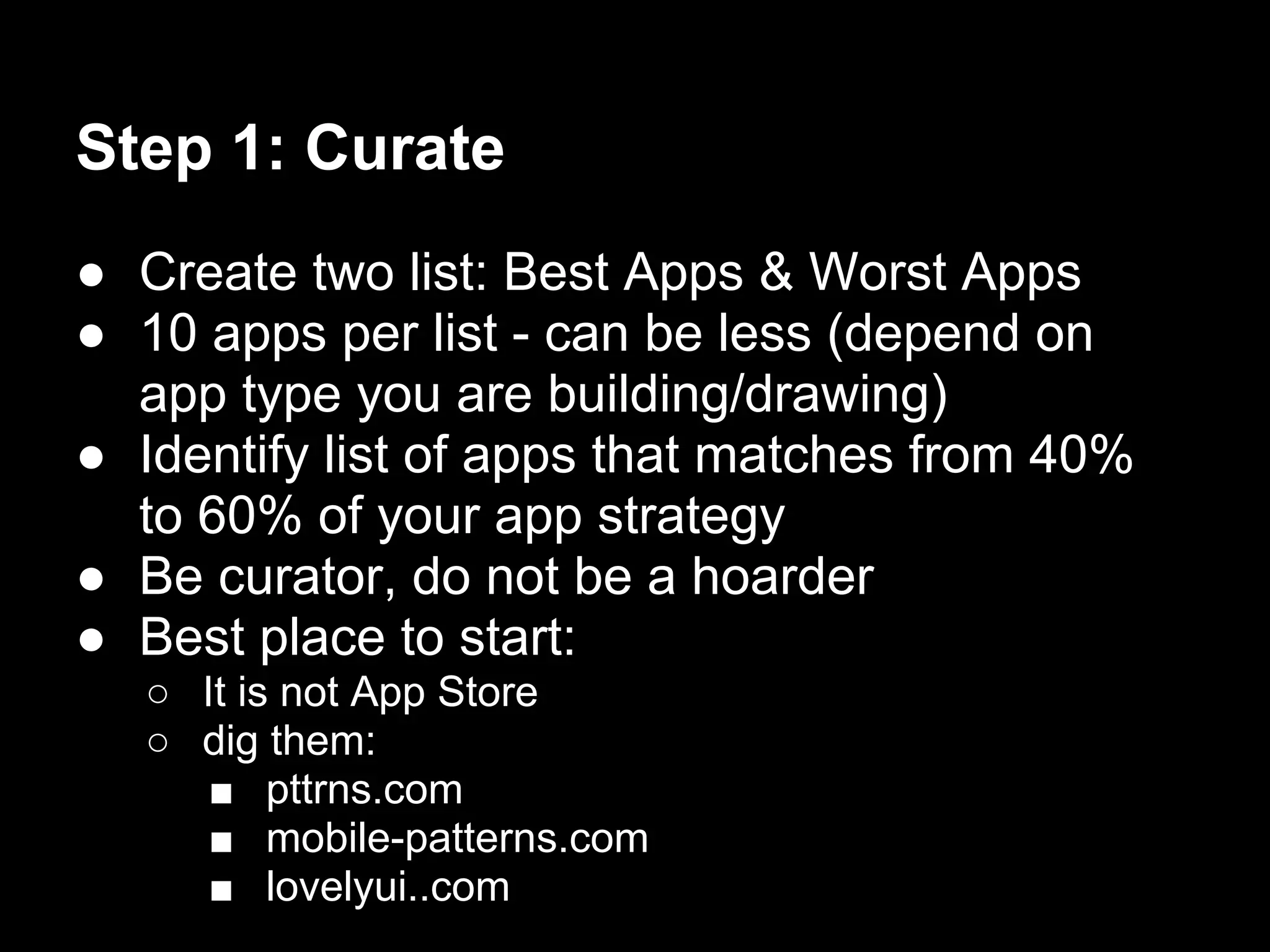
Step 1: Curate
● Create two list: Best Apps & Worst Apps
● 10 apps per list - can be less (depend on
  app type you are building/drawing)
● Identify list of apps that matches from 40%
  to 60% of your app strategy
● Be curator, do not be a hoarder
● Best place to start:
  ○ It is not App Store
  ○ dig them:
     ■ pttrns.com
     ■ mobile-patterns.com
     ■ lovelyui..com
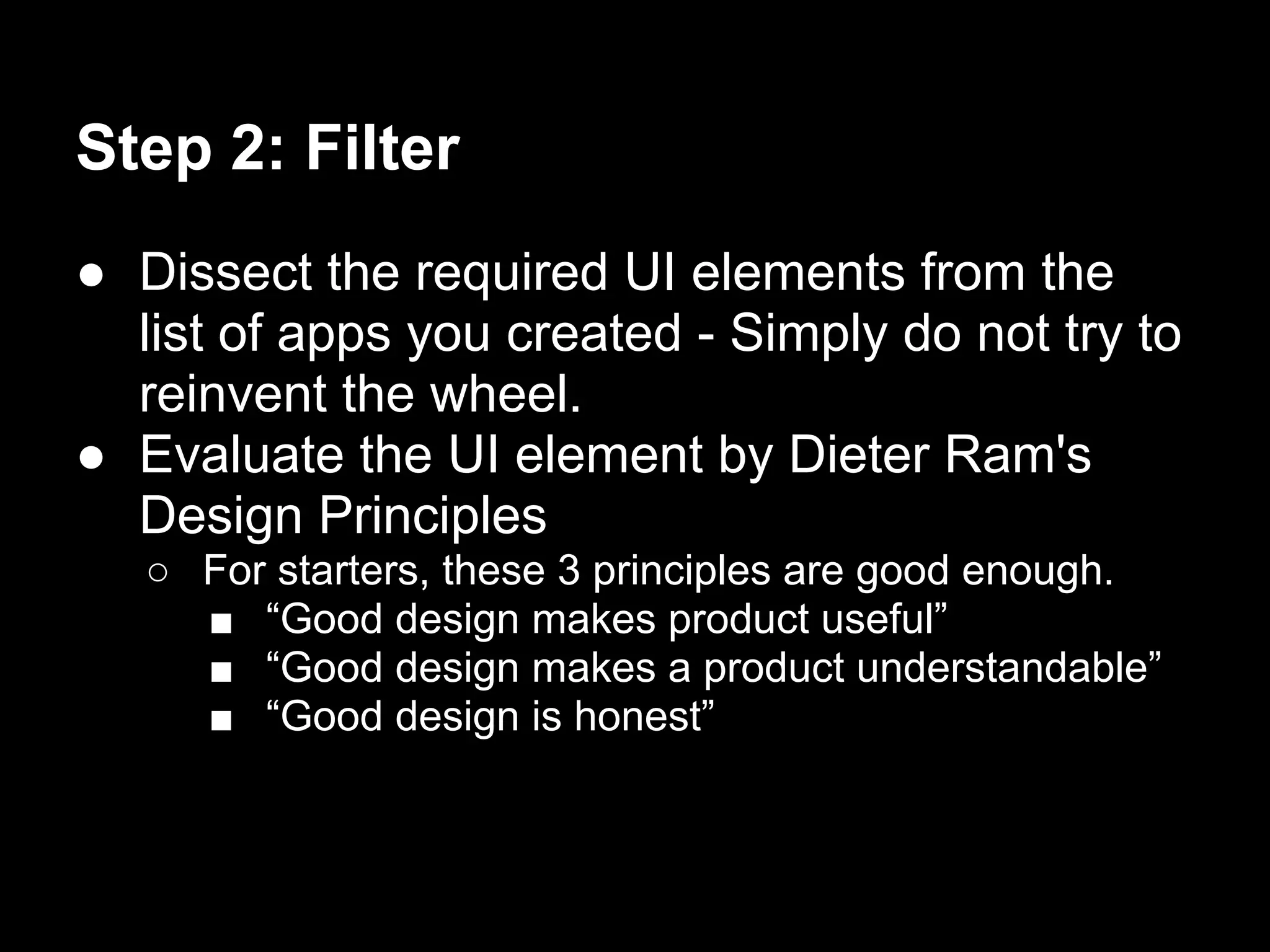
Step 2: Filter
● Dissect the required UI elements from the
  list of apps you created - Simply do not try to
  reinvent the wheel.
● Evaluate the UI element by Dieter Ram's
  Design Principles
   ○ For starters, these 3 principles are good enough.
     ■ “Good design makes product useful”
     ■ “Good design makes a product understandable”
     ■ “Good design is honest”
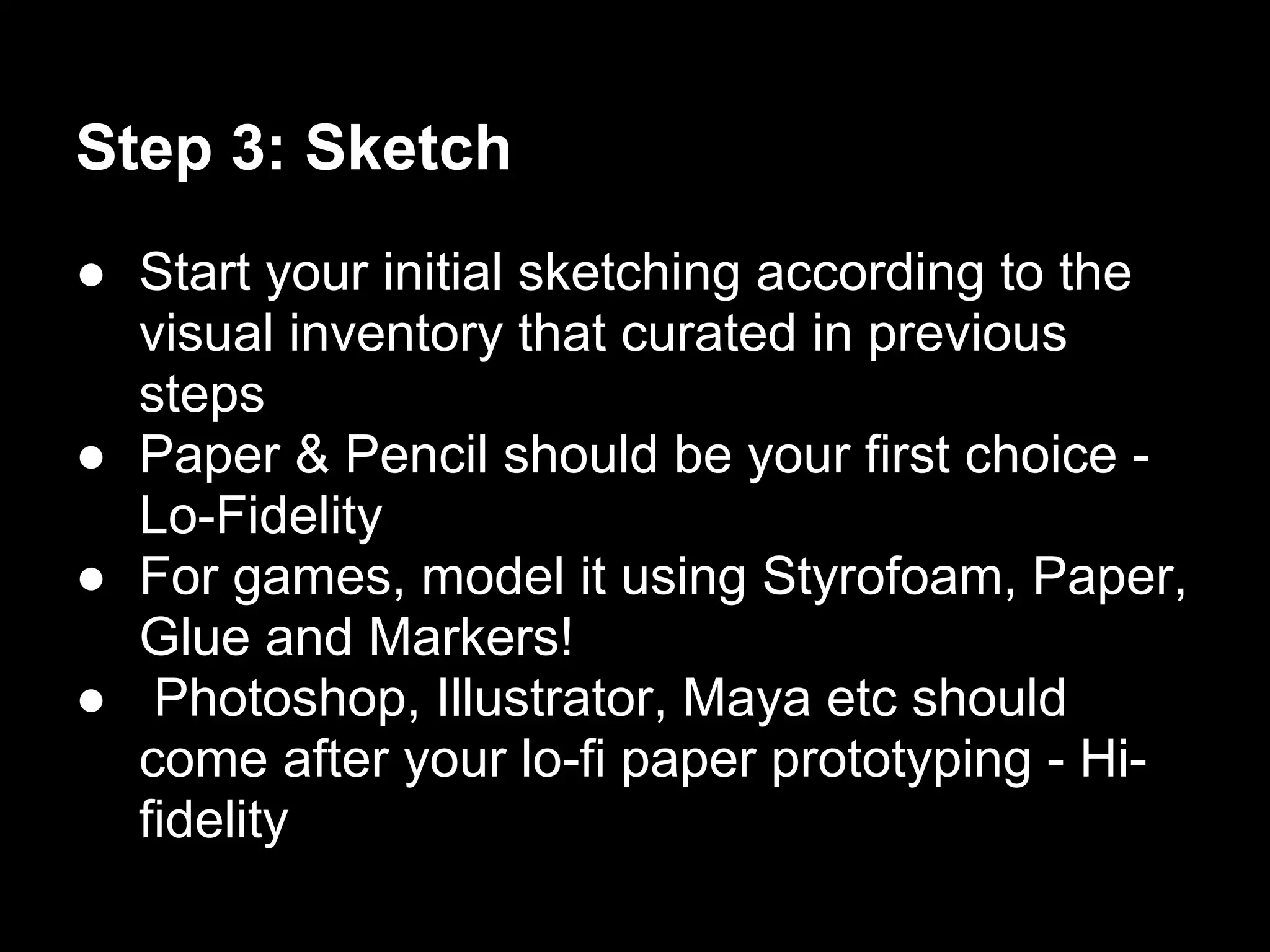
Step 3: Sketch
● Start your initial sketching according to the
  visual inventory that curated in previous
  steps
● Paper & Pencil should be your first choice -
  Lo-Fidelity
● For games, model it using Styrofoam, Paper,
  Glue and Markers!
● Photoshop, Illustrator, Maya etc should
  come after your lo-fi paper prototyping - Hi-
  fidelity
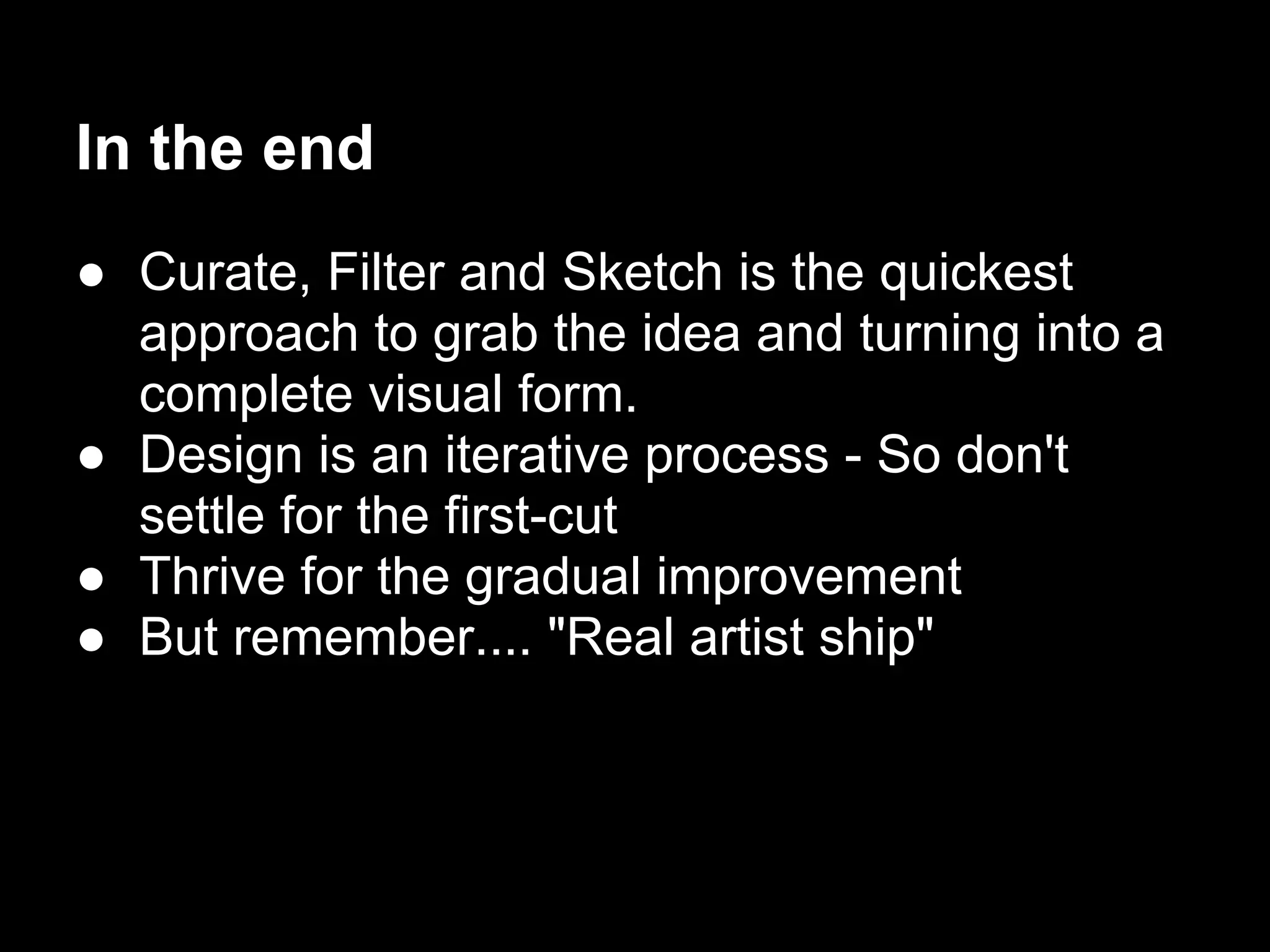
In the end
● Curate, Filter and Sketch is the quickest
  approach to grab the idea and turning into a
  complete visual form.
● Design is an iterative process - So don't
  settle for the first-cut
● Thrive for the gradual improvement
● But remember.... "Real artist ship"
Thank You

  Mudassir Azeemi

      @mmudassir
 http://www.qurtaba.net
mmudassir@qurtaba.net
Resources
● (read) Curate-Filter-Sketch: The Way I Design App
    Interfaces - http://oobly.com/2011/08/23/curate-filter-sketch-the-way-i-
    design-app-interfaces_409/
●   (read) Steal Like an Artist - http://www.austinkleon.com/2011/03/30/how-to-
    steal-like-an-artist-and-9-other-things-nobody-told-me/
●   (read) First Principles of Interaction Design - http://www.asktog.
    com/basics/firstPrinciples.html
●   (read) Dieter Ram's 10 Design Principles - http://www.bongeek.com/wp-
    content/uploads/2011/08/Dieter-Rams.pdf
●   (watch) Everything is a remix - http://www.everythingisaremix.info/watch-
    the-series/
●   (watch) Cupcakes: the secret to product planning - http://adaptivepath.
    com/ideas/cupcakes-the-secret-to-product-planning

Curate, filter & sketch

  • 1.
    Curate, Filter &Sketch Sketching App Interfaces @mmudassir http://www.qurtaba.net mmudassir@qurtaba.net ht Mudassir Azeemi
  • 2.
    Blank Sheet You havean idea, time is short, now where to start from? A kid gave his teacher a blank piece of paper. Teacher: What is this? Kid: It's a drawing of a cow eating grass. Teacher: (looked at the paper) Where's the grass? Kid: The cow ate all of it. ...Teacher: (looked at the paper again)Then, where's the cow? Kid: It left because there was no more grass.
  • 3.
    Draw Grass &Cow ● Let's draw by following the Universal Rule of Design - "Good artists copy, great artists steal" Curate Filter Sketch
  • 4.
    Creativity is justconnecting things. When you ask creative people how they did something, they feel a little guilty because they didn't really do it, they just saw something. It seemed obvious to them after a while. That's because they were able to connect experiences they've had and synthesize new things. And the reason they were able to do that was that they've had more experiences or they have thought more about their experiences than other people. Unfortunately, that's too rare a commodity. A lot of people in our industry haven't had very diverse experiences. So they don't have enough dots to connect, and they end up with very linear solutions without a broad perspective on the problem. The broader one's understanding of the human experience, the better design we will have. -Steve Jobs
  • 5.
    Step 1: Curate ●Create two list: Best Apps & Worst Apps ● 10 apps per list - can be less (depend on app type you are building/drawing) ● Identify list of apps that matches from 40% to 60% of your app strategy ● Be curator, do not be a hoarder ● Best place to start: ○ It is not App Store ○ dig them: ■ pttrns.com ■ mobile-patterns.com ■ lovelyui..com
  • 6.
    Step 2: Filter ●Dissect the required UI elements from the list of apps you created - Simply do not try to reinvent the wheel. ● Evaluate the UI element by Dieter Ram's Design Principles ○ For starters, these 3 principles are good enough. ■ “Good design makes product useful” ■ “Good design makes a product understandable” ■ “Good design is honest”
  • 7.
    Step 3: Sketch ●Start your initial sketching according to the visual inventory that curated in previous steps ● Paper & Pencil should be your first choice - Lo-Fidelity ● For games, model it using Styrofoam, Paper, Glue and Markers! ● Photoshop, Illustrator, Maya etc should come after your lo-fi paper prototyping - Hi- fidelity
  • 8.
    In the end ●Curate, Filter and Sketch is the quickest approach to grab the idea and turning into a complete visual form. ● Design is an iterative process - So don't settle for the first-cut ● Thrive for the gradual improvement ● But remember.... "Real artist ship"
  • 9.
    Thank You Mudassir Azeemi @mmudassir http://www.qurtaba.net mmudassir@qurtaba.net
  • 10.
    Resources ● (read) Curate-Filter-Sketch:The Way I Design App Interfaces - http://oobly.com/2011/08/23/curate-filter-sketch-the-way-i- design-app-interfaces_409/ ● (read) Steal Like an Artist - http://www.austinkleon.com/2011/03/30/how-to- steal-like-an-artist-and-9-other-things-nobody-told-me/ ● (read) First Principles of Interaction Design - http://www.asktog. com/basics/firstPrinciples.html ● (read) Dieter Ram's 10 Design Principles - http://www.bongeek.com/wp- content/uploads/2011/08/Dieter-Rams.pdf ● (watch) Everything is a remix - http://www.everythingisaremix.info/watch- the-series/ ● (watch) Cupcakes: the secret to product planning - http://adaptivepath. com/ideas/cupcakes-the-secret-to-product-planning