Basics of Operating Systems
              : Concept of Spooling and Buffering


                                                    1
Recap


In the last class, you have learnt about
• Various Operating Systems

• Single User Operating Systems

• Multi-User Operating Systems


                                           2
Objectives

On completion of this period, you would be able to
 know
• Spooling

• Buffering


                                                     3
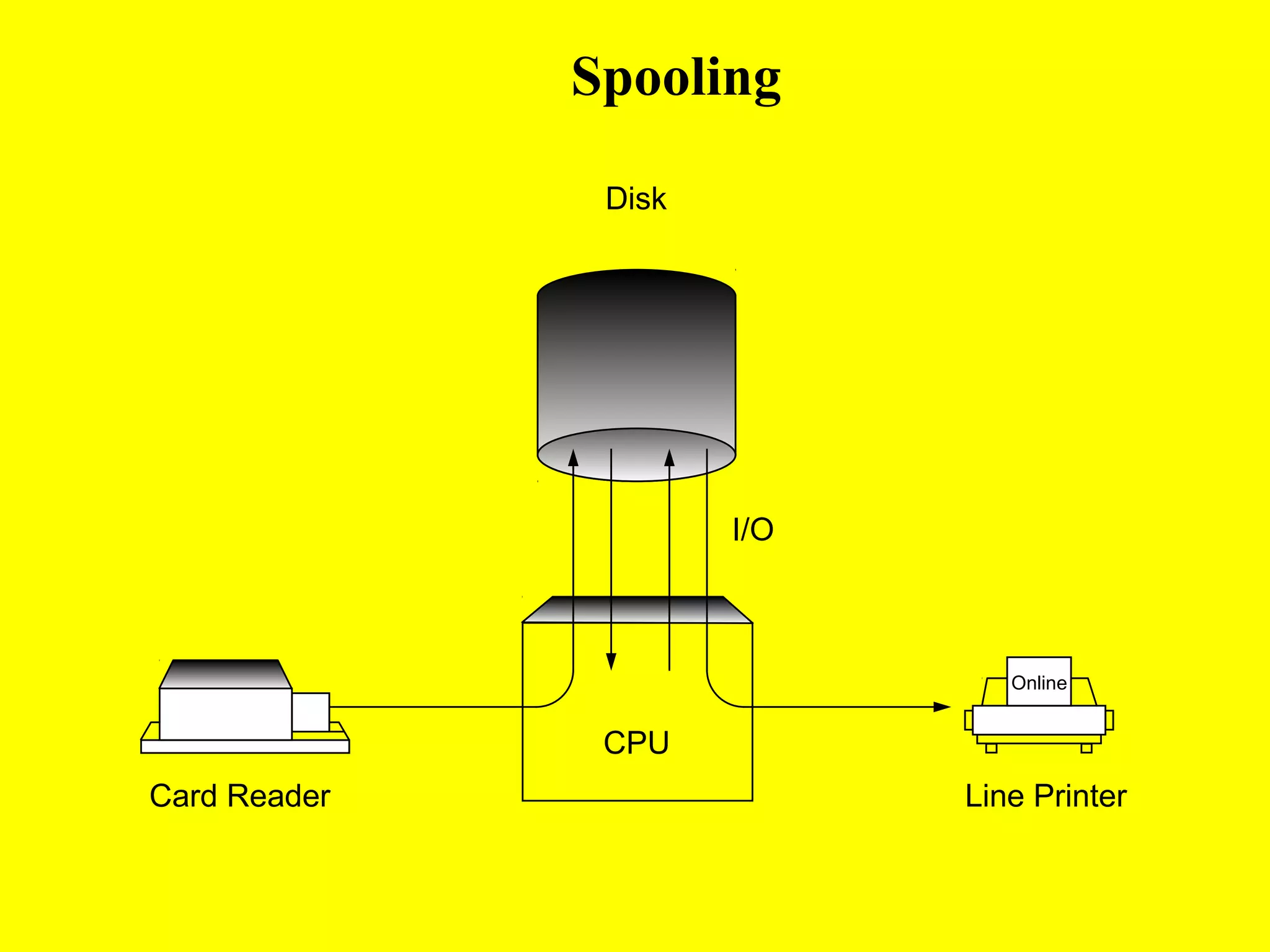
Spooling
• SPOOL : Simultaneous Peripheral Operation On-Line

• A spool is a buffer that holds output for a device, such
  as a printer, that cannot accept interleaved data streams
• Spooling overlaps input of one job with the
  computation of other jobs
• The spooler may be reading the input of one job while
  printing the output of a different job as shown in next
  slide
                                                       4
Spooling

               Disk


                      I/O


                               Online


               CPU
Card Reader                 Line Printer
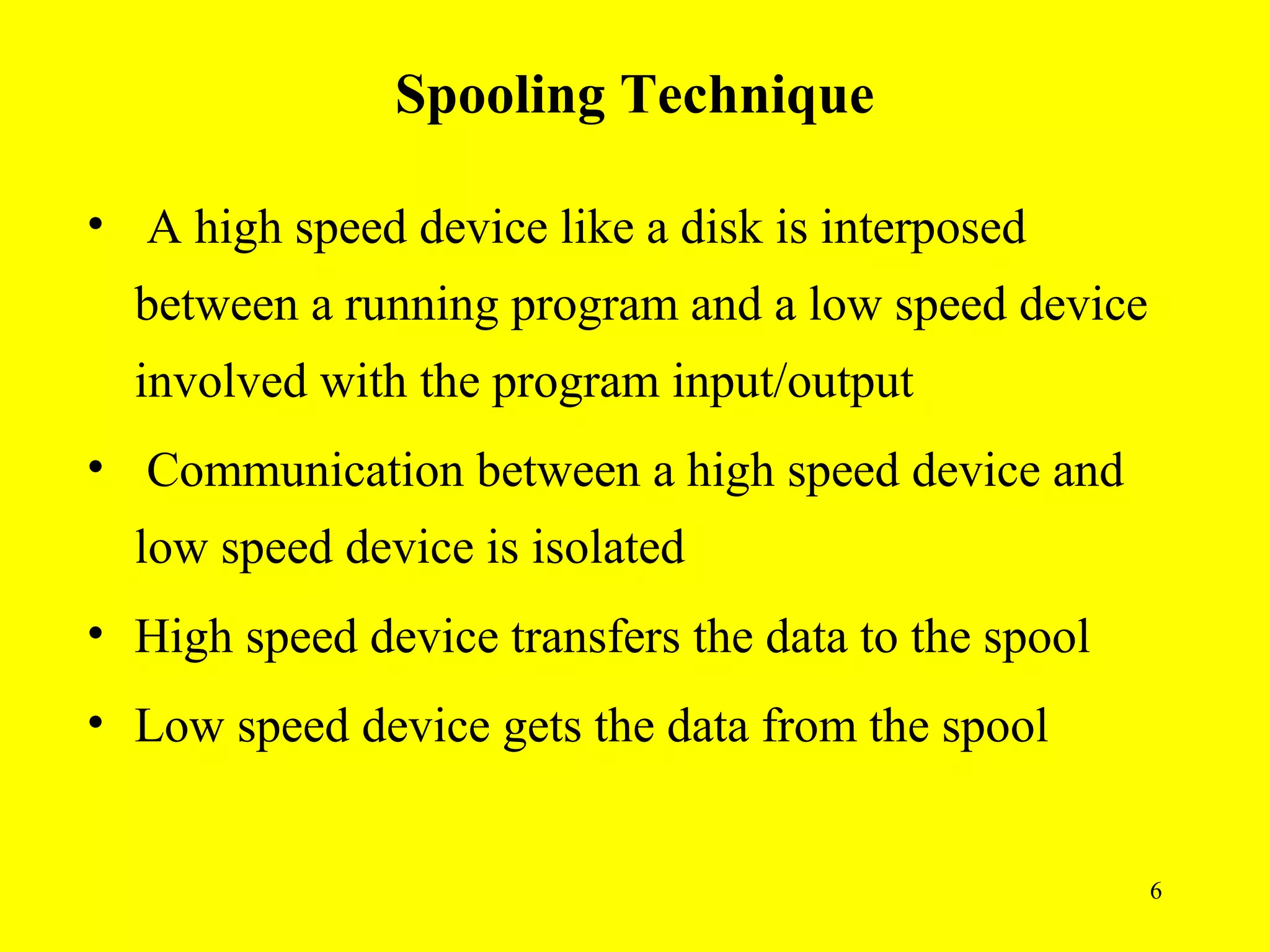
Spooling Technique

• A high speed device like a disk is interposed
  between a running program and a low speed device
  involved with the program input/output
• Communication between a high speed device and
  low speed device is isolated
• High speed device transfers the data to the spool
• Low speed device gets the data from the spool


                                                      6
Advantages


• Performance of the system is increased
• CPU and I/O devices work more efficiently
• Leads naturally to multiprogramming
• Also used for processing data at remote sites


                                                  7
What is a Buffer ?


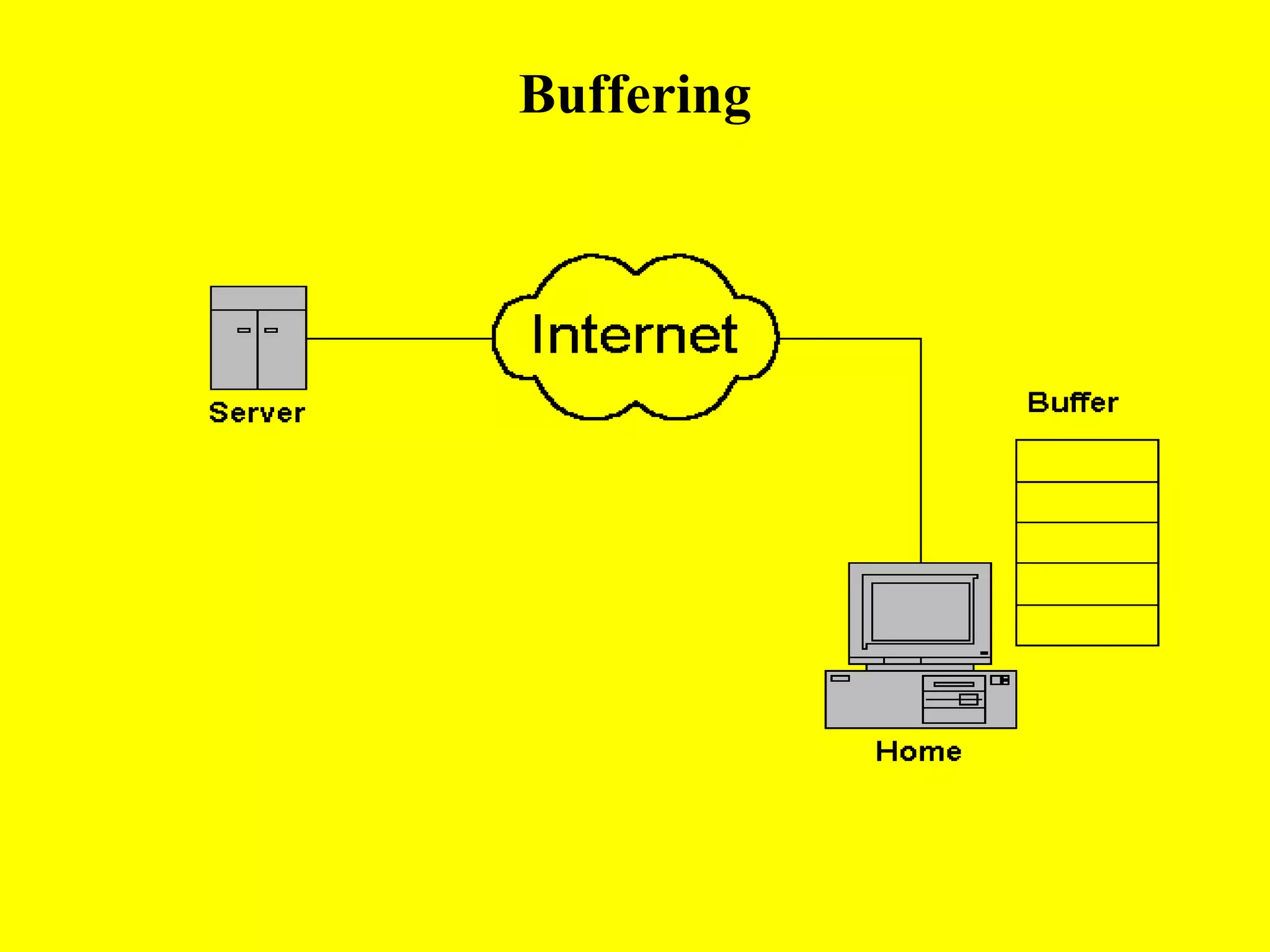
A buffer is an area of main memory for holding

 data during input and output data transfers


                                                 8
Buffering

• Overlaps the I/O of job with that of its own
  computation
• After the data have been read and the CPU is
  about to start the operation, the input device is
  instructed to begin the next input operation
• Both the CPU and I/O device are busy


                                                      9
Buffering
Buffering

• By the time CPU is ready for next operation, the
  input device would have finished reading it

• CPU creates data and puts into a buffer until an
  output device can accept it


                                                     11
Output Buffering

• Processor stores the data in a buffer

• Output device takes the data from the buffer


                                                 12
Input Buffering

• Data transferred by an input channel is stored in
  the buffer

• After the data transfer, the processor access the
  data from the buffer


                                                      13
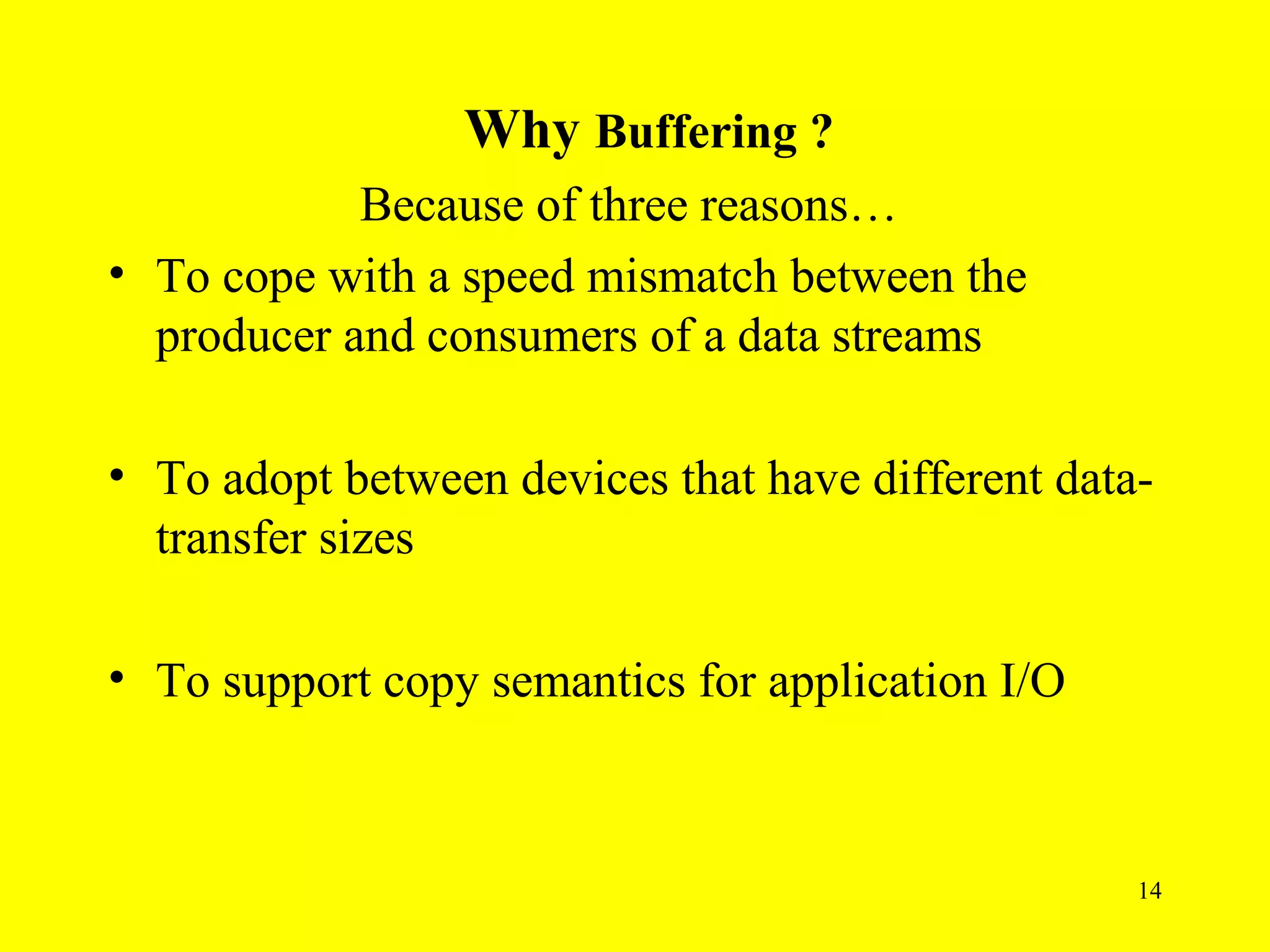
Why Buffering ?
            Because of three reasons…
• To cope with a speed mismatch between the
  producer and consumers of a data streams

• To adopt between devices that have different data-
  transfer sizes

• To support copy semantics for application I/O


                                                   14
Summary
• Spool: Simultaneous Peripheral Operation On-Line
• Spooling overlaps the I/O of one job with the computation
  of another job
• A high speed device like a disk is interposed between a
  running program and a low speed device
• Buffer is an area of main memory, which is used to store
  data temporarily during input and output data transfers
• Spooling and buffering increases the system performance


                                                             15
Frequently Asked Questions

1. Define the terms Spooling and Buffering

2. Explain in detail Spooling and Buffering


                                              16
Quiz

1. Buffering overlaps the I/O of a job with its own
   computation
    • True
    • False

2. SPOOL stands for simultaneous peripheral
   operation off line
    • True
    • False

                                                      17
Click here to see
•Operating Systems
•Basics of Operating Systems
•Definition of Operating Systems

•Other subject materials
  •   Web designing
  •   Micro processors
  •   C++ tutorials
  •   java

  home                             18

5. spooling and buffering

  • 1.
    Basics of OperatingSystems : Concept of Spooling and Buffering 1
  • 2.
    Recap In the lastclass, you have learnt about • Various Operating Systems • Single User Operating Systems • Multi-User Operating Systems 2
  • 3.
    Objectives On completion ofthis period, you would be able to know • Spooling • Buffering 3
  • 4.
    Spooling • SPOOL :Simultaneous Peripheral Operation On-Line • A spool is a buffer that holds output for a device, such as a printer, that cannot accept interleaved data streams • Spooling overlaps input of one job with the computation of other jobs • The spooler may be reading the input of one job while printing the output of a different job as shown in next slide 4
  • 5.
    Spooling Disk I/O Online CPU Card Reader Line Printer
  • 6.
    Spooling Technique • Ahigh speed device like a disk is interposed between a running program and a low speed device involved with the program input/output • Communication between a high speed device and low speed device is isolated • High speed device transfers the data to the spool • Low speed device gets the data from the spool 6
  • 7.
    Advantages • Performance ofthe system is increased • CPU and I/O devices work more efficiently • Leads naturally to multiprogramming • Also used for processing data at remote sites 7
  • 8.
    What is aBuffer ? A buffer is an area of main memory for holding data during input and output data transfers 8
  • 9.
    Buffering • Overlaps theI/O of job with that of its own computation • After the data have been read and the CPU is about to start the operation, the input device is instructed to begin the next input operation • Both the CPU and I/O device are busy 9
  • 10.
  • 11.
    Buffering • By thetime CPU is ready for next operation, the input device would have finished reading it • CPU creates data and puts into a buffer until an output device can accept it 11
  • 12.
    Output Buffering • Processorstores the data in a buffer • Output device takes the data from the buffer 12
  • 13.
    Input Buffering • Datatransferred by an input channel is stored in the buffer • After the data transfer, the processor access the data from the buffer 13
  • 14.
    Why Buffering ? Because of three reasons… • To cope with a speed mismatch between the producer and consumers of a data streams • To adopt between devices that have different data- transfer sizes • To support copy semantics for application I/O 14
  • 15.
    Summary • Spool: SimultaneousPeripheral Operation On-Line • Spooling overlaps the I/O of one job with the computation of another job • A high speed device like a disk is interposed between a running program and a low speed device • Buffer is an area of main memory, which is used to store data temporarily during input and output data transfers • Spooling and buffering increases the system performance 15
  • 16.
    Frequently Asked Questions 1.Define the terms Spooling and Buffering 2. Explain in detail Spooling and Buffering 16
  • 17.
    Quiz 1. Buffering overlapsthe I/O of a job with its own computation • True • False 2. SPOOL stands for simultaneous peripheral operation off line • True • False 17
  • 18.
    Click here tosee •Operating Systems •Basics of Operating Systems •Definition of Operating Systems •Other subject materials • Web designing • Micro processors • C++ tutorials • java home 18